
7 Housing Services Specialist II Resume Templates with Example
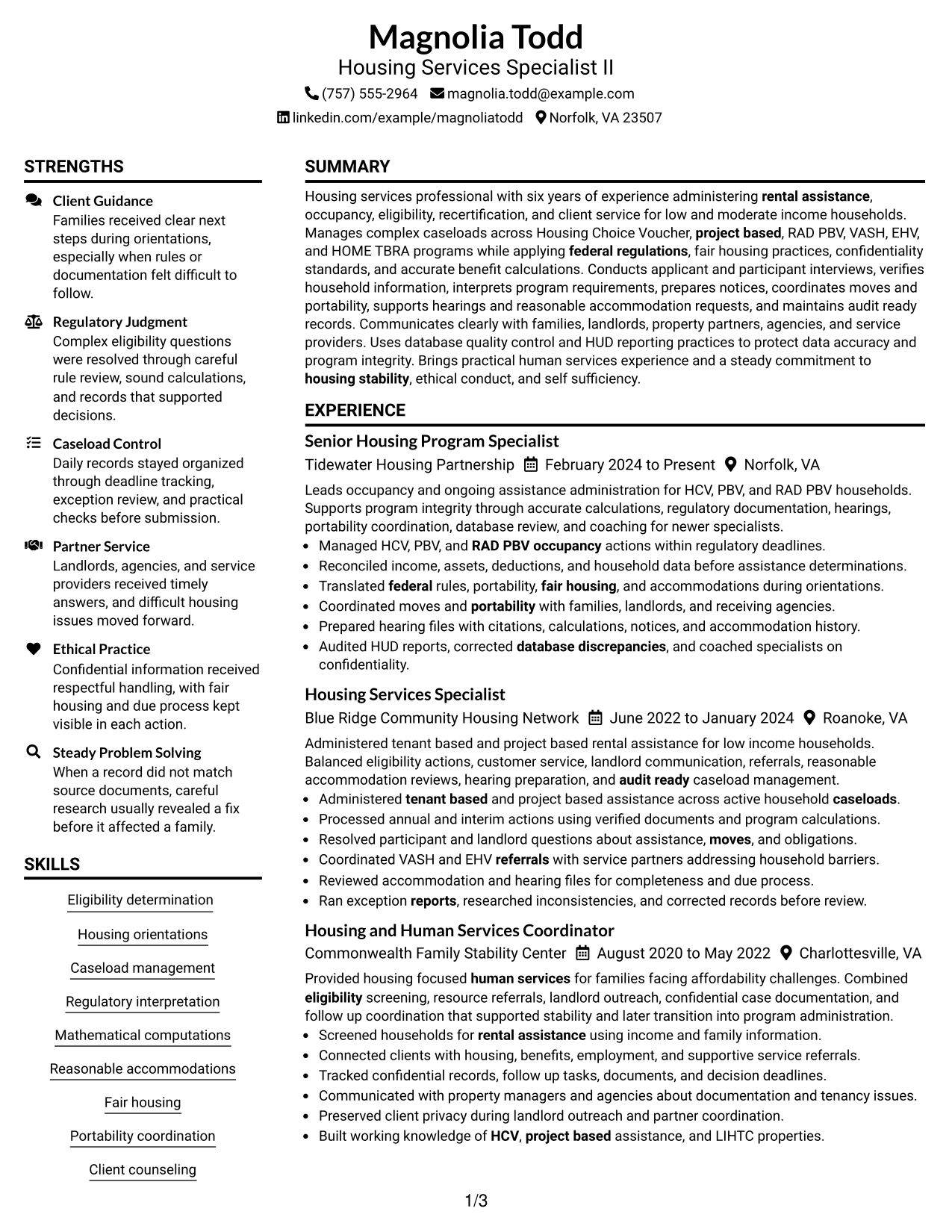
This guide shows you how to create a Housing Services Specialist II resume that is clear, focused, and easy to review. You will learn how to organize strong evidence and compare professional resume layouts.
A strong resume for this role should make housing program knowledge, eligibility work, occupancy actions, client service, fair housing, portability, hearings, data accuracy, and regulatory judgment easy to find. Use concise bullets and clear sections so recruiters can connect your experience to the work quickly.
The same complete resume is presented in 7 ATS-friendly layouts so you can compare structure, section balance, and visual organization. Each example also includes practical guidance to help you choose a format that fits your content.
What Makes a Great Housing Services Specialist II Resume in 2026
A strong Housing Services Specialist II resume is clear, accurate, and easy to scan. It should show relevant housing administration experience, client service, compliance work, and dependable caseload control.
Match the resume to role language such as HCV, PBV, RAD PBV, eligibility, portability, fair housing, reasonable accommodations, HUD reporting, and database quality control.
The examples shown below are intentionally detailed to demonstrate a range of experiences, skills, accomplishments and relevant keywords. We prefer detailed resumes as they provide more context to the hiring managers and also help the ATS systems identify relevant qualifications and score your resume better for a match. But the length of a resume is an individual choice. If you want a one page resume, just keep the most relevant experience and information for the job. Note: Resume examples are for educational purposes only. Use only information that accurately reflects your experience and qualifications. References to real organizations do not imply affiliation or endorsement.
#1 Plain Two Column Format Resume Example
The Plain Two Column Format separates supporting details from core resume content, helping recruiters scan key sections without losing the main reading order.
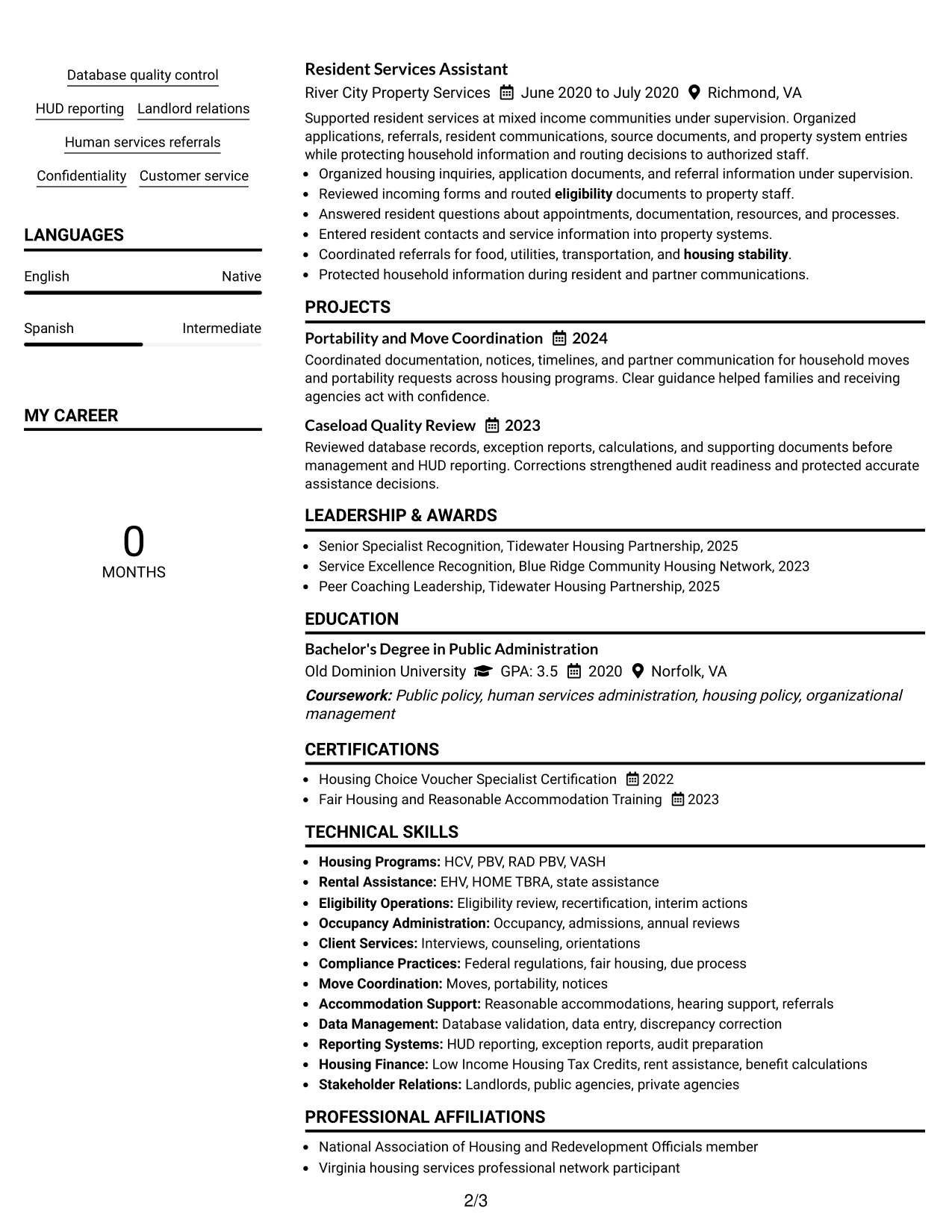
Resume Snapshot
- Six years of housing services and rental assistance experience
- Experience with HCV, PBV, RAD PBV, VASH, EHV, and HOME TBRA
- Bachelor's Degree in Public Administration
- Housing Choice Voucher Specialist Certification
Why This Format Works
- Two columns separate skills and credentials from the main experience story.
- Clear section boundaries make career progression easier to follow quickly.
- Compact side content preserves room for detailed experience and achievements.
Best For
- Resumes with several skill groups
- Strong experience plus supporting credentials
- Recruiters comparing sections side by side
- Content needing compact organization
- Housing Services Specialist II applications
Resume Keywords
- HCV
- PBV
- RAD PBV
- eligibility determination
- housing orientations
- portability coordination
- reasonable accommodations
- fair housing
- HUD reporting
- database quality control
- landlord relations
- caseload management
#2 Simple One Column Format Resume Example
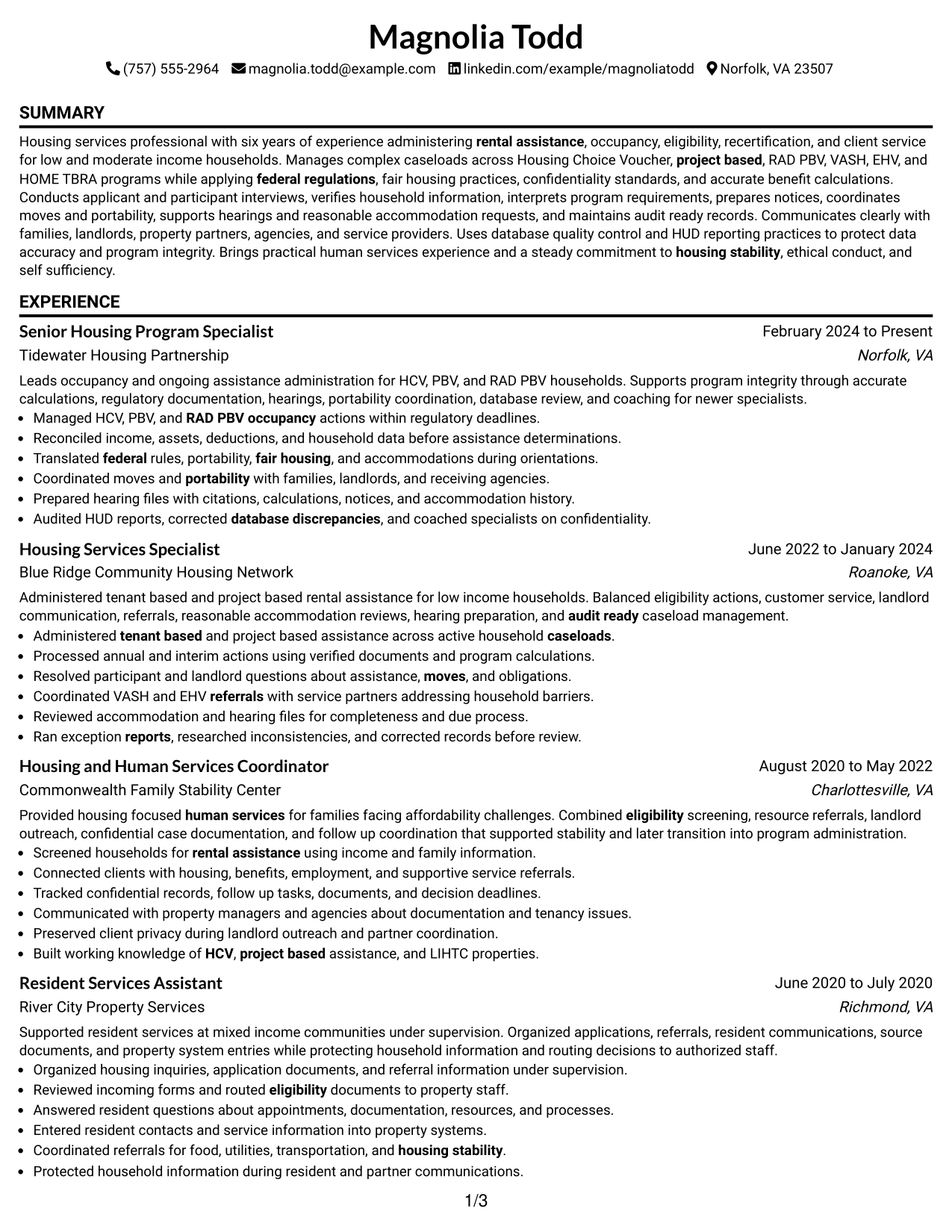
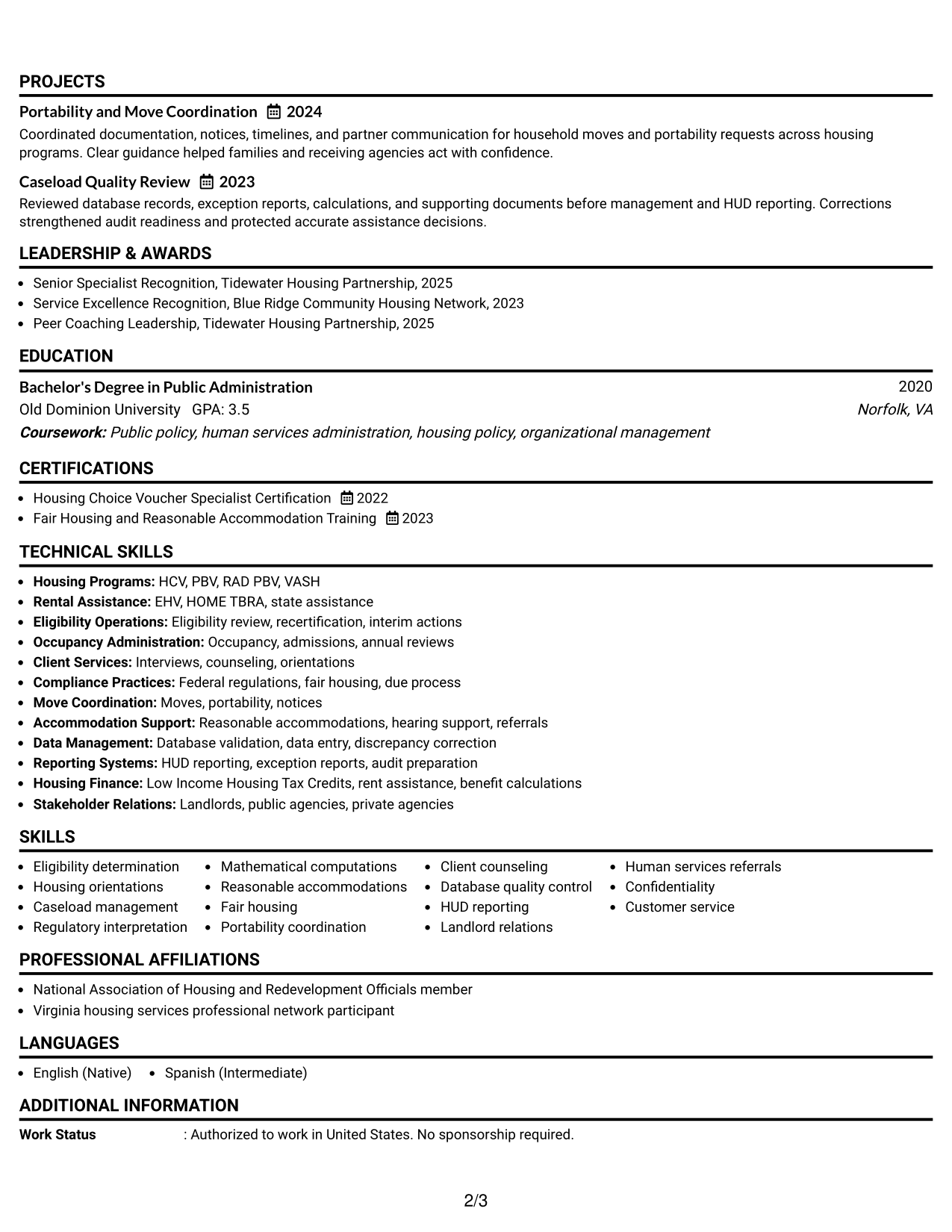
The Simple One Column Format keeps every section in one direct sequence, so recruiters can review the resume from top to bottom with little visual interruption.
Why This Format Works
- One reading path keeps experience and career progression easy to follow.
- Full-width sections give detailed achievements room without side-by-side competition.
- Simple section order helps education, skills, and credentials stay easy to locate.
Best For
- Detailed work histories
- Straightforward ATS-focused applications
- Readers who prefer linear scanning
- Longer experience descriptions
- Simple professional presentation
#3 Clean Two Column Sidebar Format Resume Example
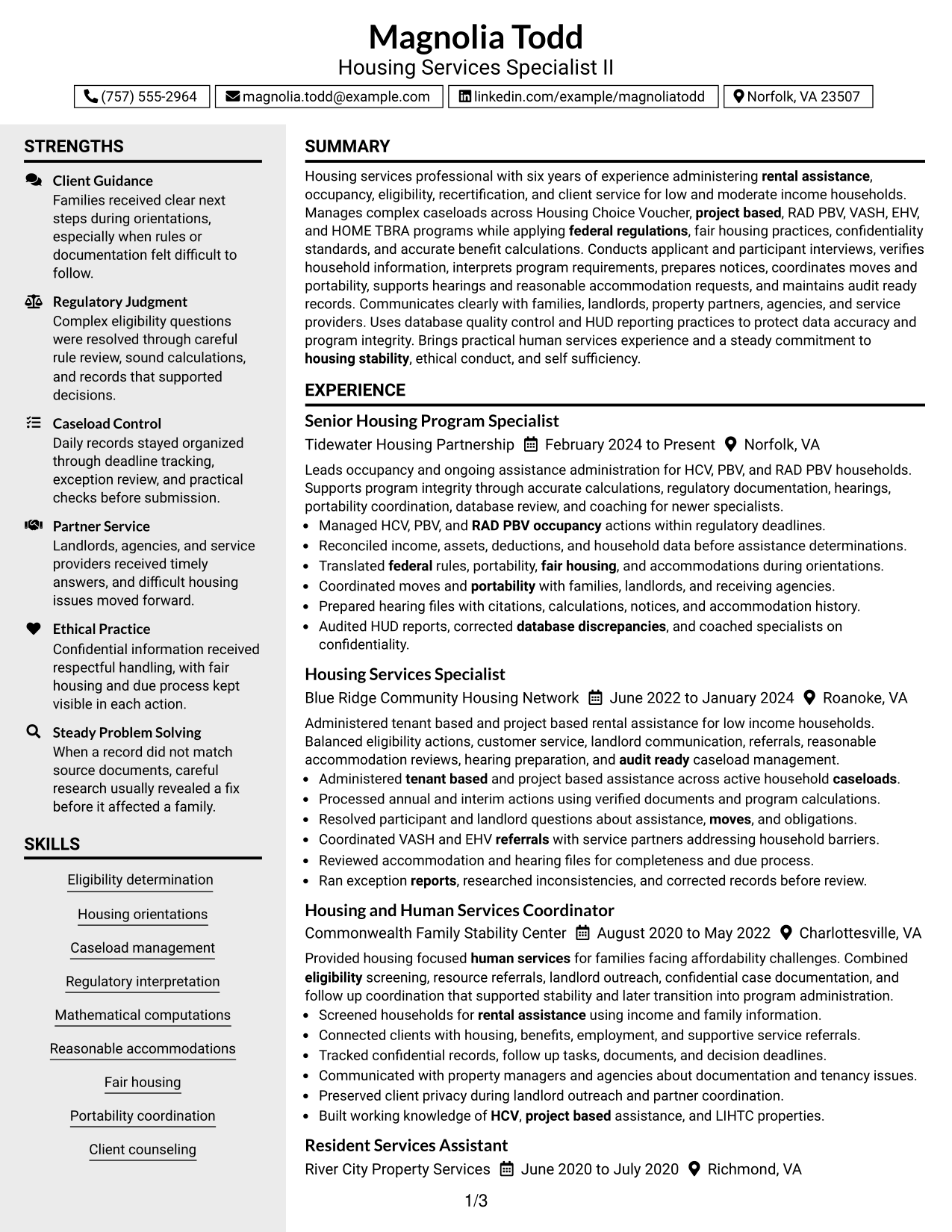
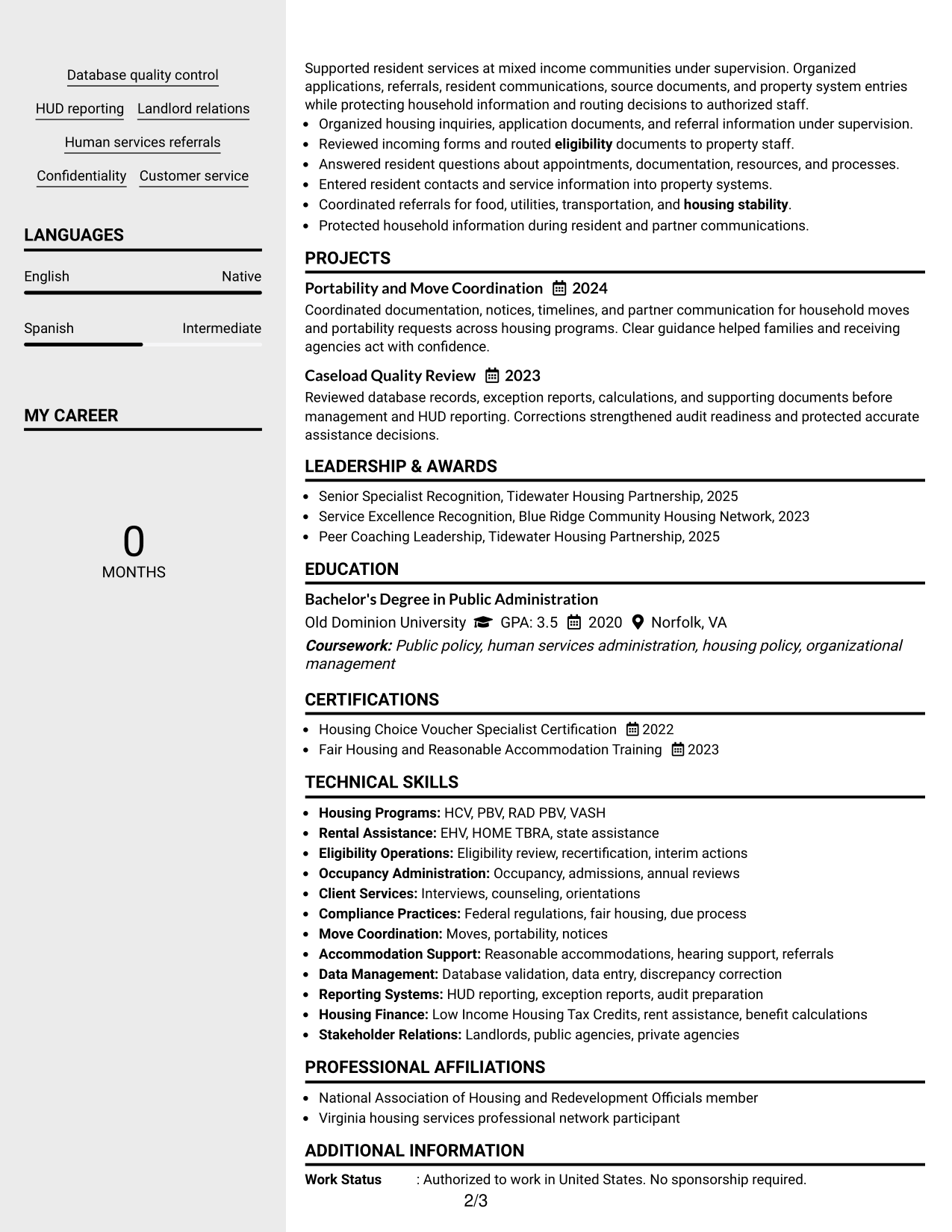
The Clean Two Column Sidebar Format creates a defined side area for supporting information while keeping the main experience section easy for recruiters to track.
Why This Format Works
- A sidebar groups supporting skills and credentials away from experience details.
- The main column gives career history a clear, uninterrupted visual path.
- Separated content zones help reviewers find education and strengths faster.
Best For
- Resumes with many supporting qualifications
- Clear separation of experience and skills
- Fast review of secondary details
- Balanced two-column organization
- Applications with several credentials
#4 Two Column Format Resume Example
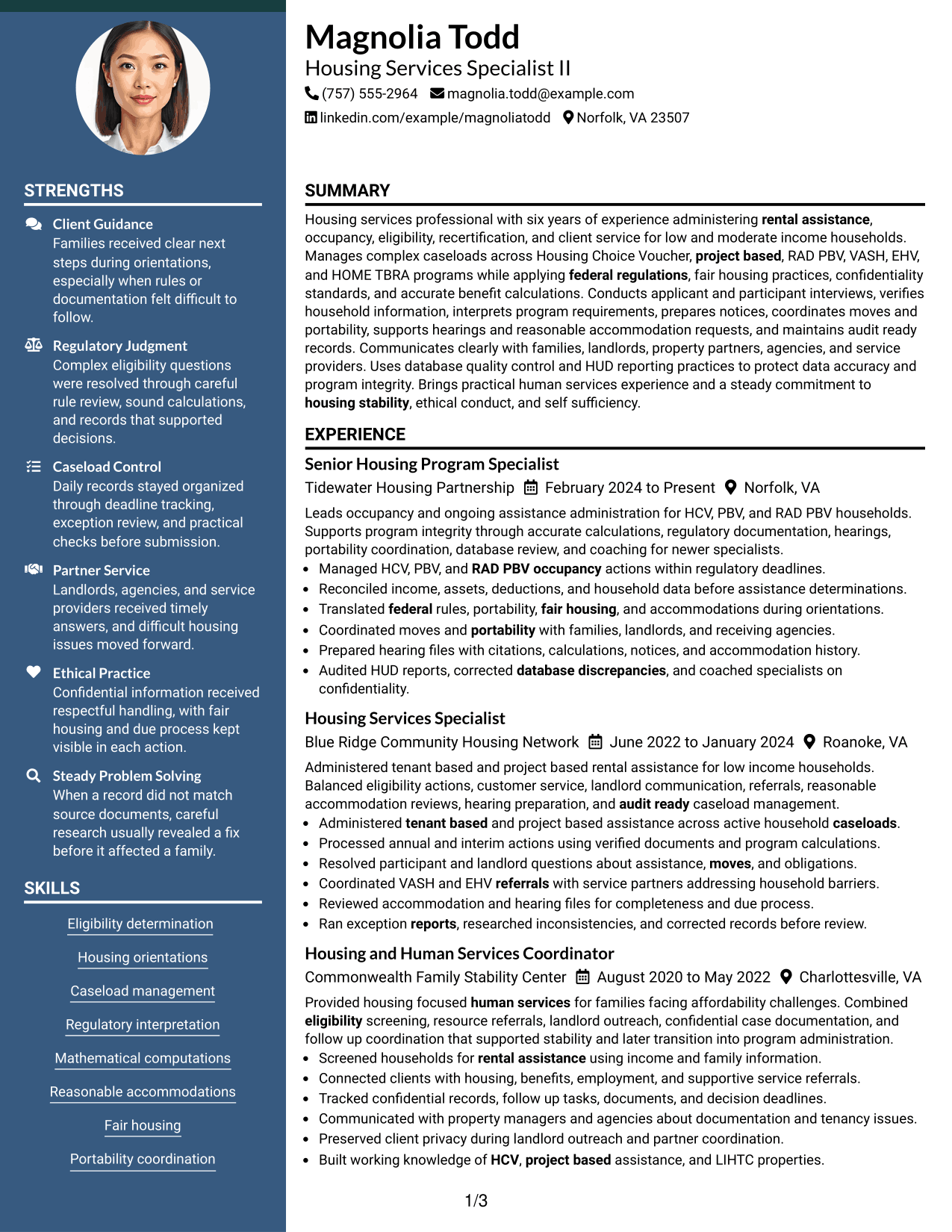
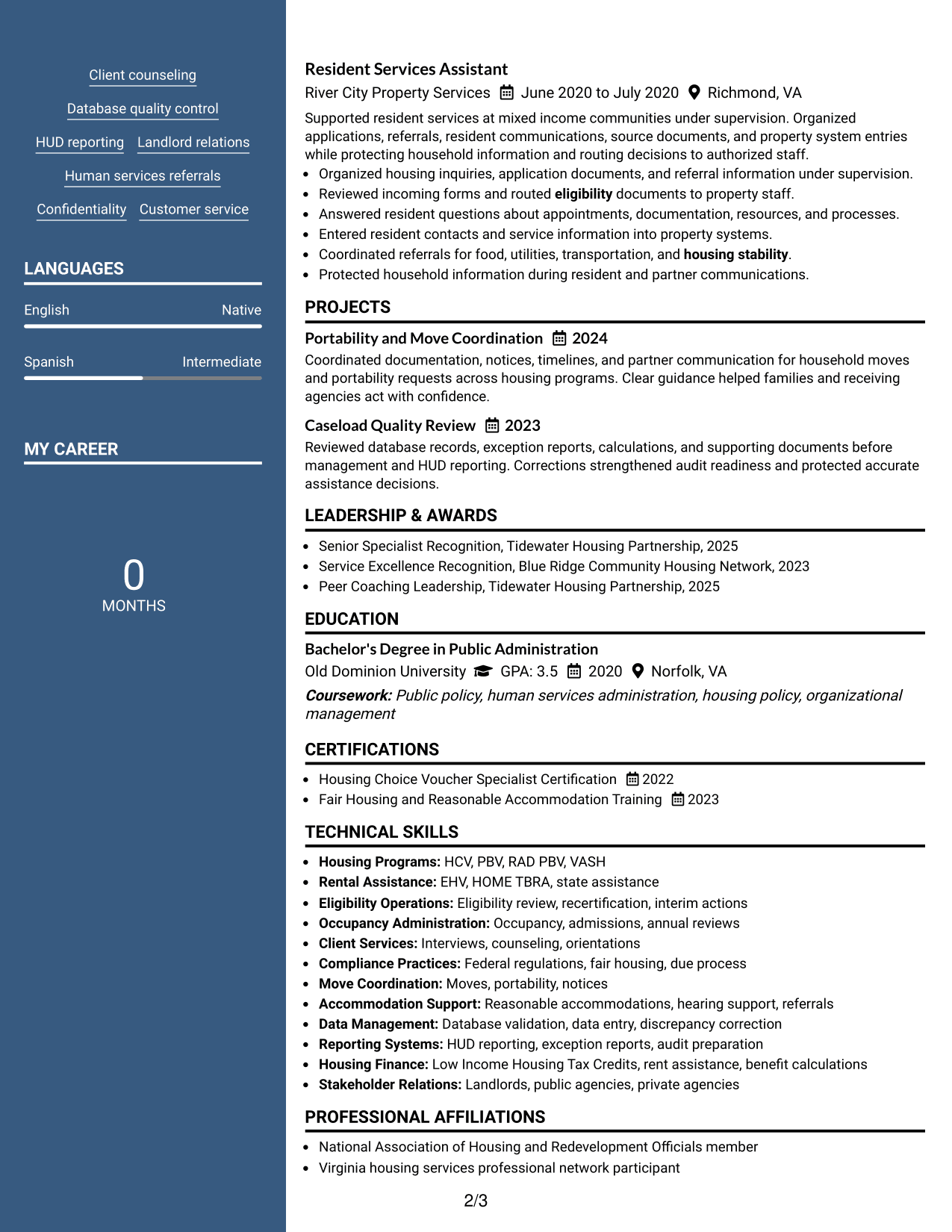
The Two Column Format divides the resume into parallel sections, helping recruiters compare core experience with supporting qualifications in a compact view.
Why This Format Works
- Parallel columns let experience and supporting sections share space efficiently.
- Visible section separation helps reviewers compare skills with career evidence.
- Compact organization keeps education and credentials close without crowding experience.
Best For
- Dense but organized resume content
- Equal focus on experience and skills
- Quick comparison across section groups
- Professionals with broad supporting information
- Space-conscious resume organization
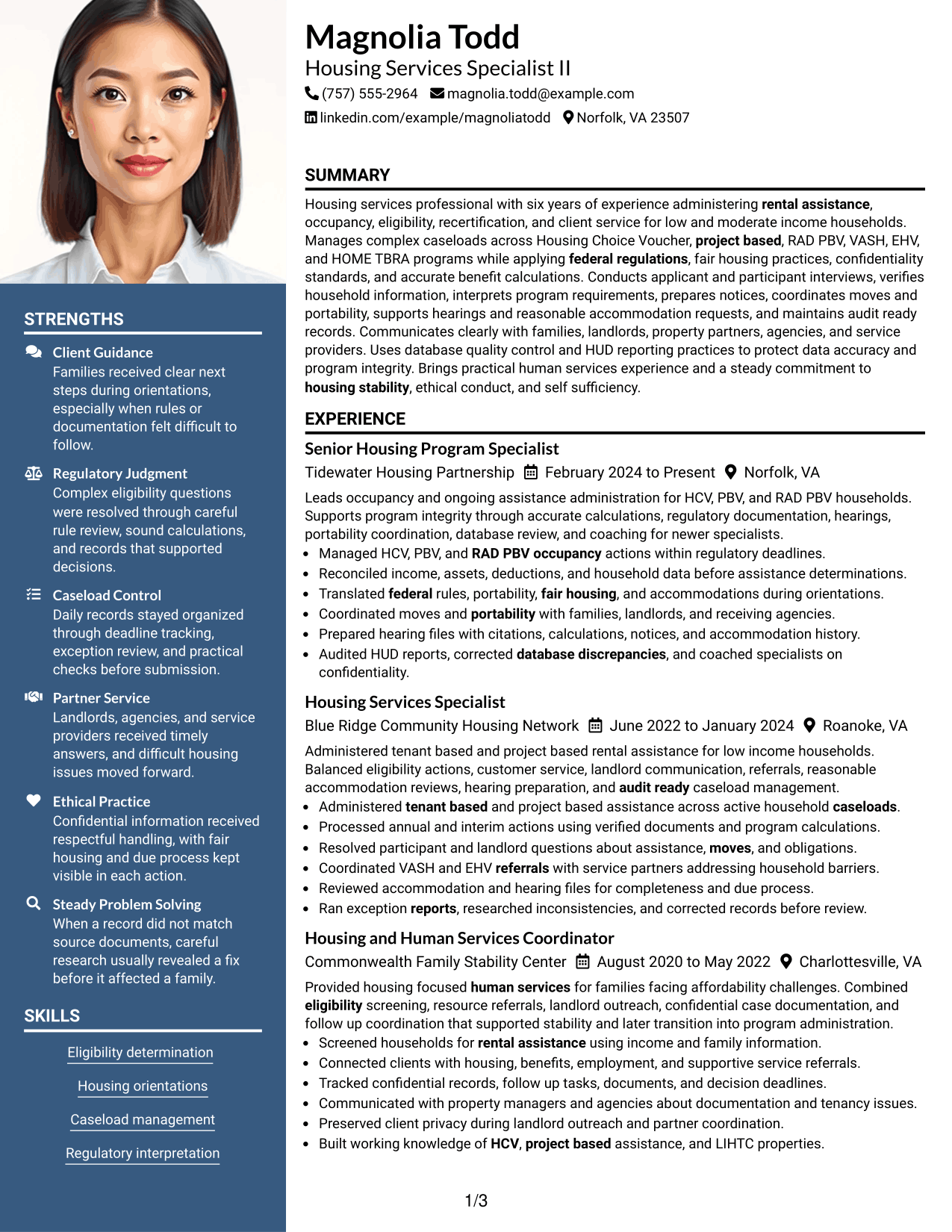
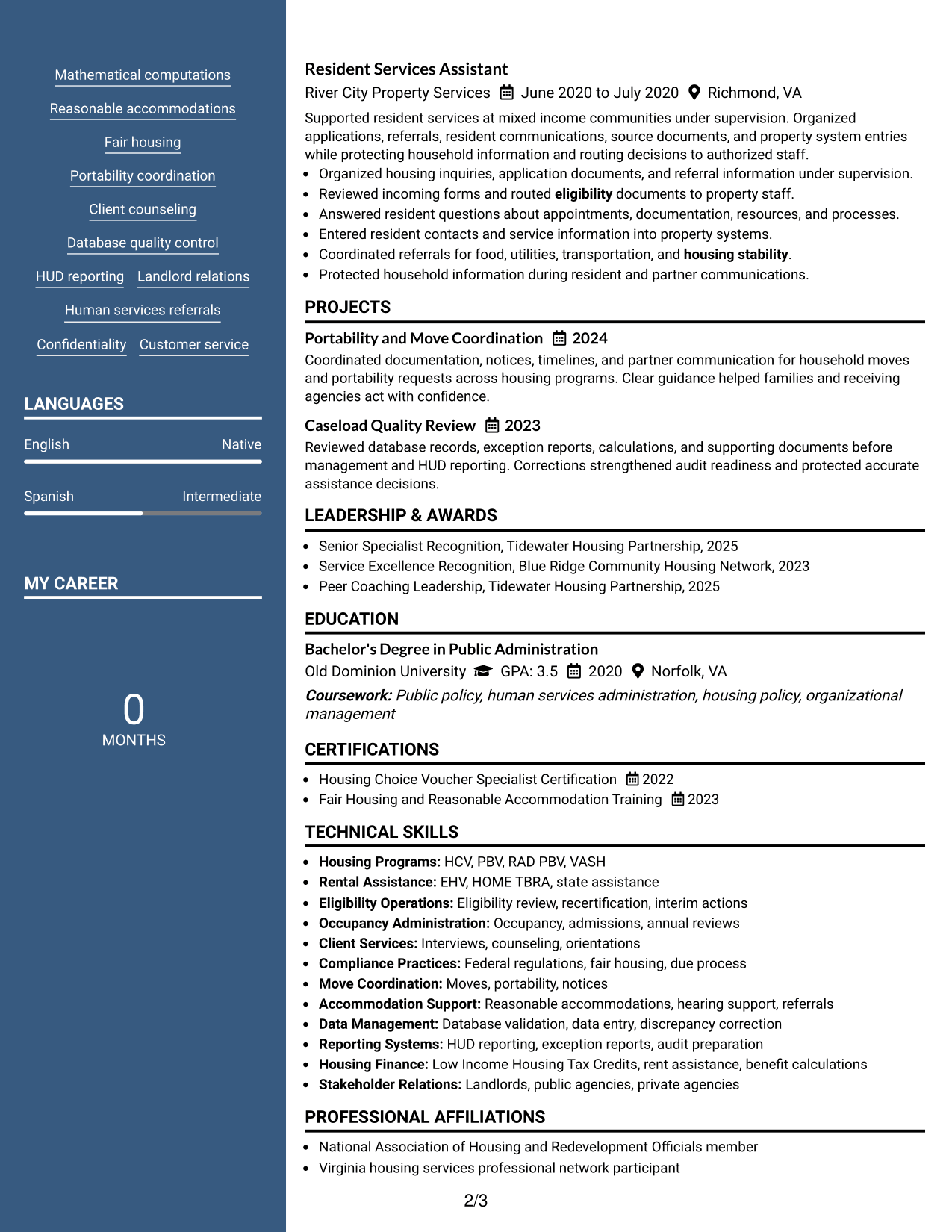
#5 Photo Header Two Column Format Resume Example
The Photo Header Two Column Format pairs a photo-led header with two body columns, giving recruiters a distinct identity area and a structured way to scan sections below.
Why This Format Works
- Two body columns keep experience and supporting content clearly separated.
- A distinct header makes contact information easy to identify before scanning.
- Section grouping gives skills, education, and credentials clear visual boundaries.
Best For
- Regions where resume photos are customary
- Two-column content with clear grouping
- Distinct contact and identity presentation
- Resumes mixing detailed and compact sections
- Readers who value visual section boundaries
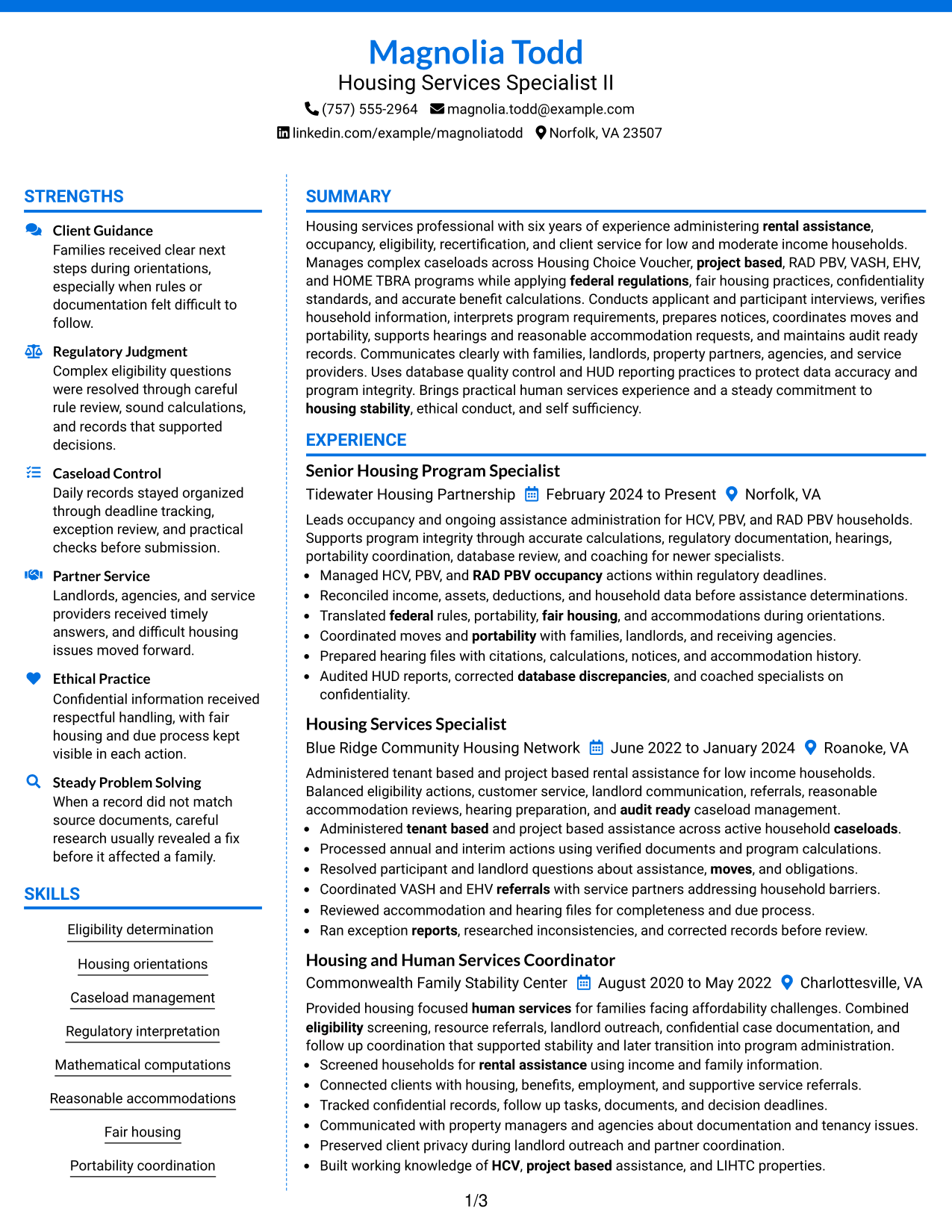
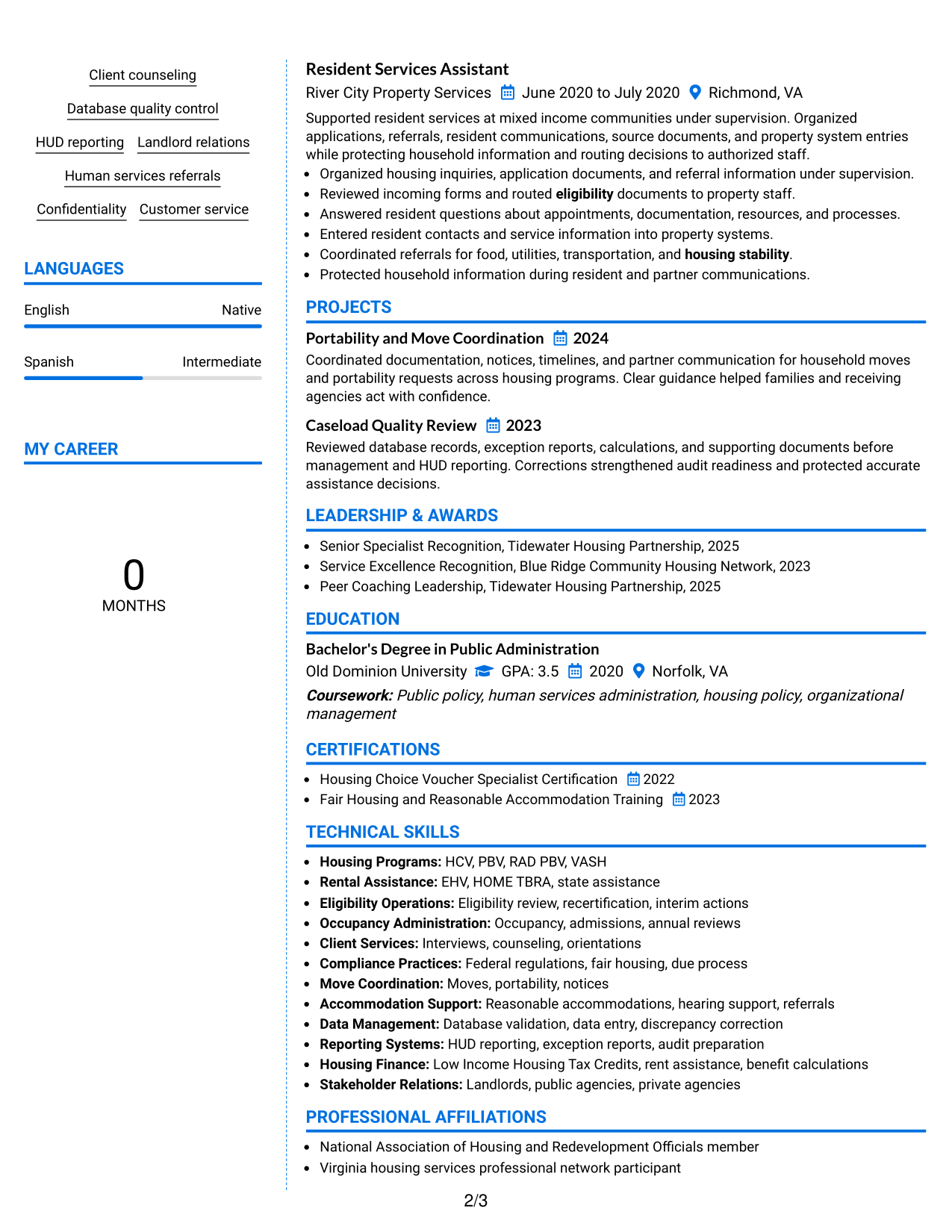
#6 Colored Two Column Format Resume Example
The Colored Two Column Format uses color to strengthen section separation across a two-column body, helping recruiters move between major resume areas with less effort.
Why This Format Works
- Color contrast marks section boundaries without changing the resume's core content.
- Two-column structure keeps experience separate from skills and supporting credentials.
- Defined visual zones help achievements and education remain easy to find.
Best For
- Applications allowing restrained color
- Content needing stronger section separation
- Resumes with distinct supporting sections
- Readers scanning several content areas
- Professional layouts with visual contrast
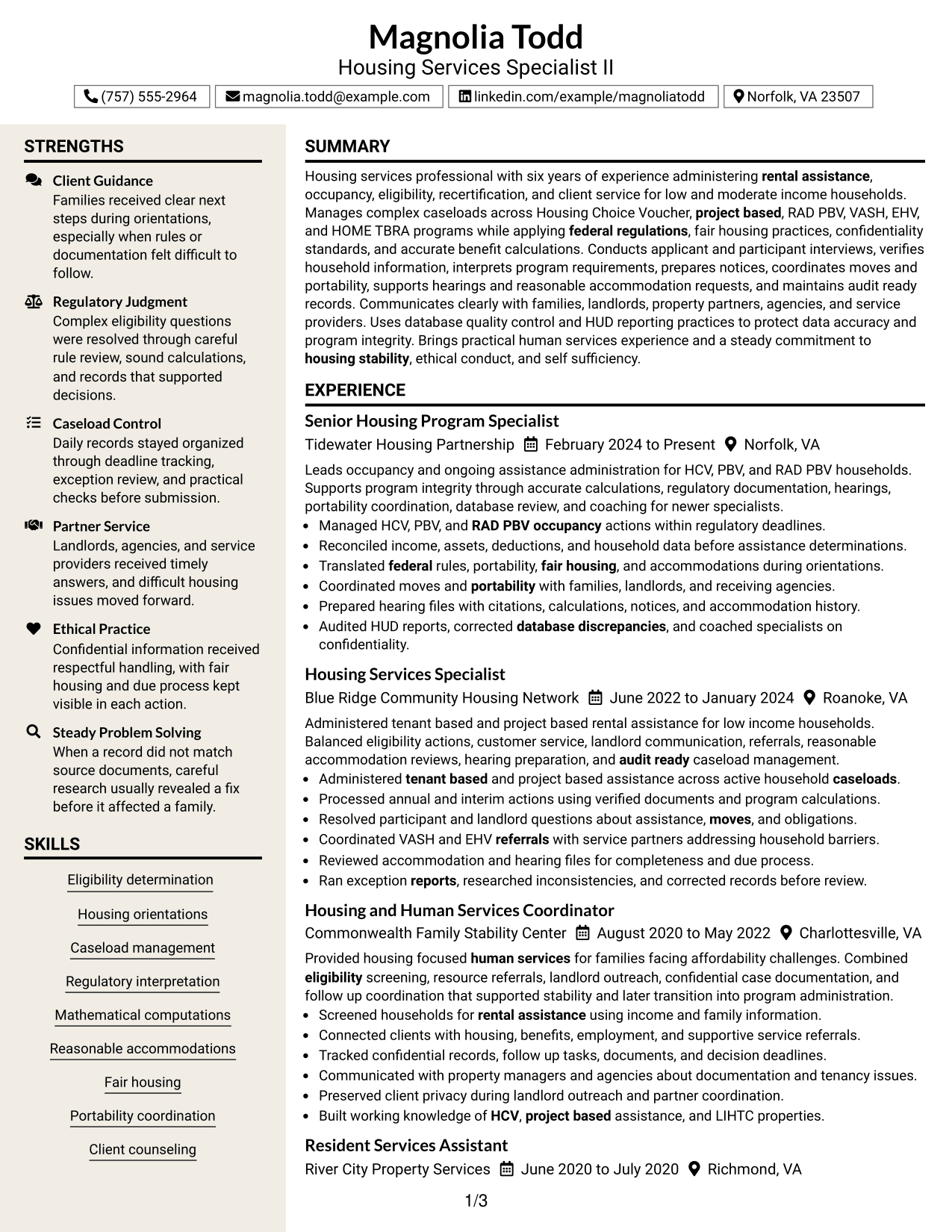
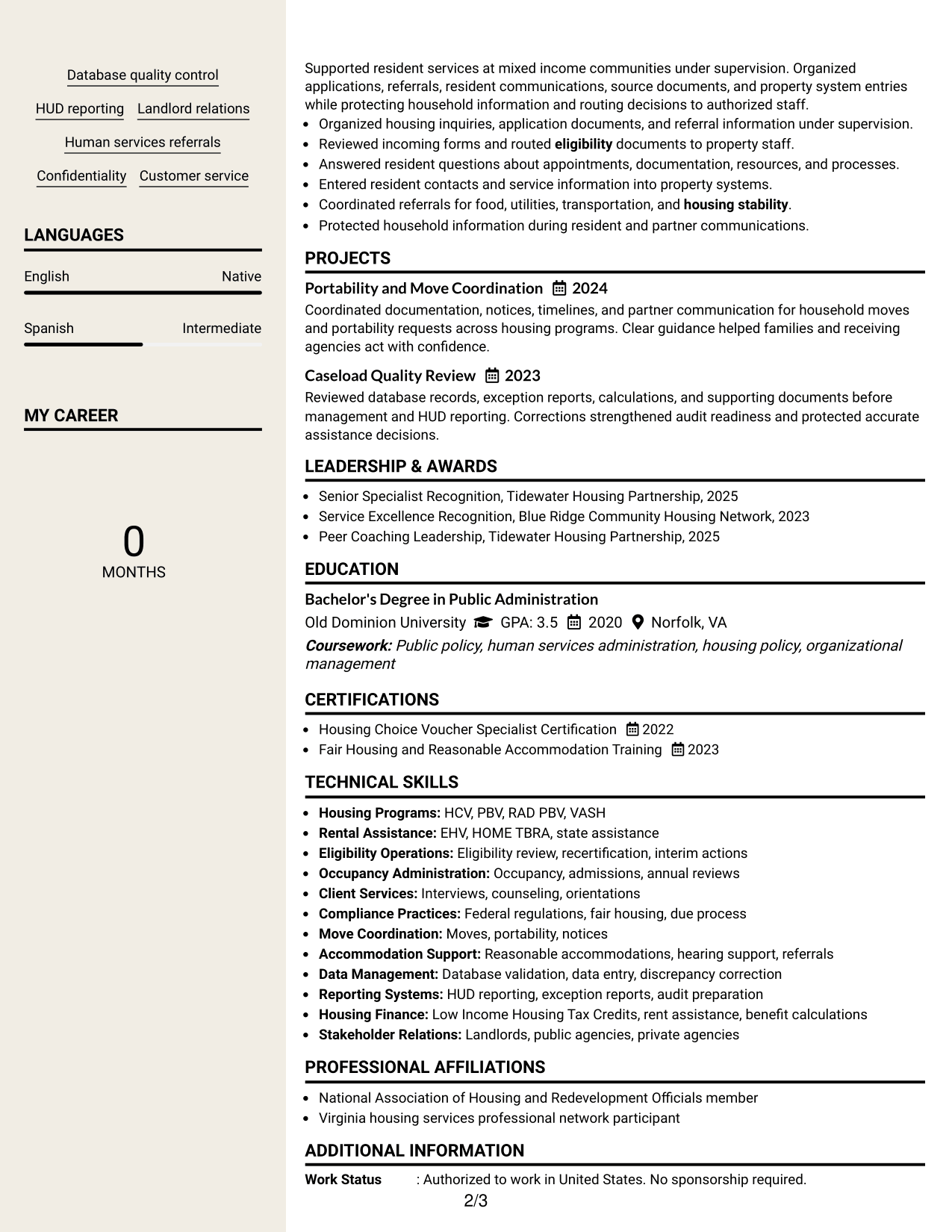
#7 Stylish Two Column Designer Format Resume Example
The Stylish Two Column Designer Format adds stronger visual styling to a two-column structure, helping recruiters distinguish content groups while keeping the resume readable.
Why This Format Works
- Two columns organize career evidence and supporting details into separate areas.
- Stronger visual cues make major sections easier to distinguish during review.
- Structured spacing keeps skills, education, and credentials from blending together.
Best For
- Applications welcoming more visual styling
- Resumes with clearly grouped content
- Readers who scan by section blocks
- Balanced experience and supporting details
- Professional content needing stronger visual identity
Why Build Your Housing Services Specialist II Resume with ResumeInMinutes
ResumeInMinutes helps housing services professionals organize program knowledge, client service, compliance work, and administrative experience into a clear resume that is easy to tailor.
- Flexible resume formats
- ATS-friendly section structure
- Role-focused keyword support
- Clear skills and experience organization
- Free PDF resume previews
- Easy resume customization
You can adapt the resume to emphasize eligibility work, occupancy administration, housing orientations, moves, portability, hearings, fair housing, landlord relations, and accurate reporting.
See Also
- 33 Program Manager II - Housing Services Programs Resume Templates with Example 2026 (ATS-Optimized)
- 7 Administrative Assistant II - Math, Science, and Health Services Resume Templates with Example
- 33 Client Service Representative II Resume Templates with Example 2026 (ATS-Optimized)
- 7 Court Services Specialist Trainee/I/II Resume Templates with Example
- 33 Customer Service Representative II Resume Templates with Example 2026 (ATS-Optimized)
- 7 Assistant County Attorney V - Affordable Housing Development and Finance Resume Templates with Example
- 7 Housing Operations Assistant Resume Templates with Example
- 7 Accounting Specialist II, Accounts Payable Resume Templates with Example
- 30+ Client Service Representative II Cover Letter Templates with Example 2026
- 30+ Customer Service Representative II Cover Letter Templates with Example 2026
Frequently Asked Questions
Are these Housing Services Specialist II resume templates ATS-friendly?
Yes. The templates use clear headings, standard resume sections, and readable structure. You should still match your wording to the job description and keep keywords natural.
Are these different resumes?
No. This guide shows one complete Housing Services Specialist II resume in different visual formats so you can compare organization and presentation.
What should a Housing Services Specialist II resume include?
Include a focused summary, relevant housing and human services experience, skills, education, certifications, and clear bullets covering eligibility, occupancy, client service, compliance, and data accuracy.
Can I download the resume templates as PDFs?
Yes. Each design includes a free PDF preview so you can compare formats before choosing the layout that works best for your resume.
Which resume style works best for a Housing Services Specialist II position?
A clear one-column or two-column layout can work well. Choose a format that keeps experience, housing program knowledge, skills, education, and certifications easy to scan.
How can I make housing program experience stand out?
Use specific bullets that show the actions you handled, such as interviews, eligibility reviews, recertifications, portability, hearings, accommodations, database checks, and HUD reporting.
Should I include a photo on my resume?
For U.S. applications, a no-photo resume is usually the safer choice unless a specific local practice clearly supports including one.
Can I customize these resume templates?
Yes. You can adjust the resume text, section order, design, and PDF layout while keeping the content focused on the Housing Services Specialist II role.




