
7 HR Customer Support Representative - Workday HRIS Cover Letter Templates with Example
This guide helps you shape an HR Customer Support Representative - Workday HRIS cover letter and compare seven layouts for presenting your message clearly.
What Makes a Great HR Customer Support Representative - Workday HRIS Cover Letter in 2026
A strong letter shows how you would guide employees through Workday and HR service questions with clear, empathetic support. It should connect your interest in the role to the needs of a healthcare support team.
Use specific evidence, such as helping people with Workday tasks, documenting cases, and coordinating with partner teams. Explain how that approach can support accurate, timely answers for the employer’s employees and leaders.
The featured example follows a focused progression from role interest to Workday support evidence, broader healthcare service, and a clear close. Adapt that flow while choosing a presentation that suits the employer and the communication context.
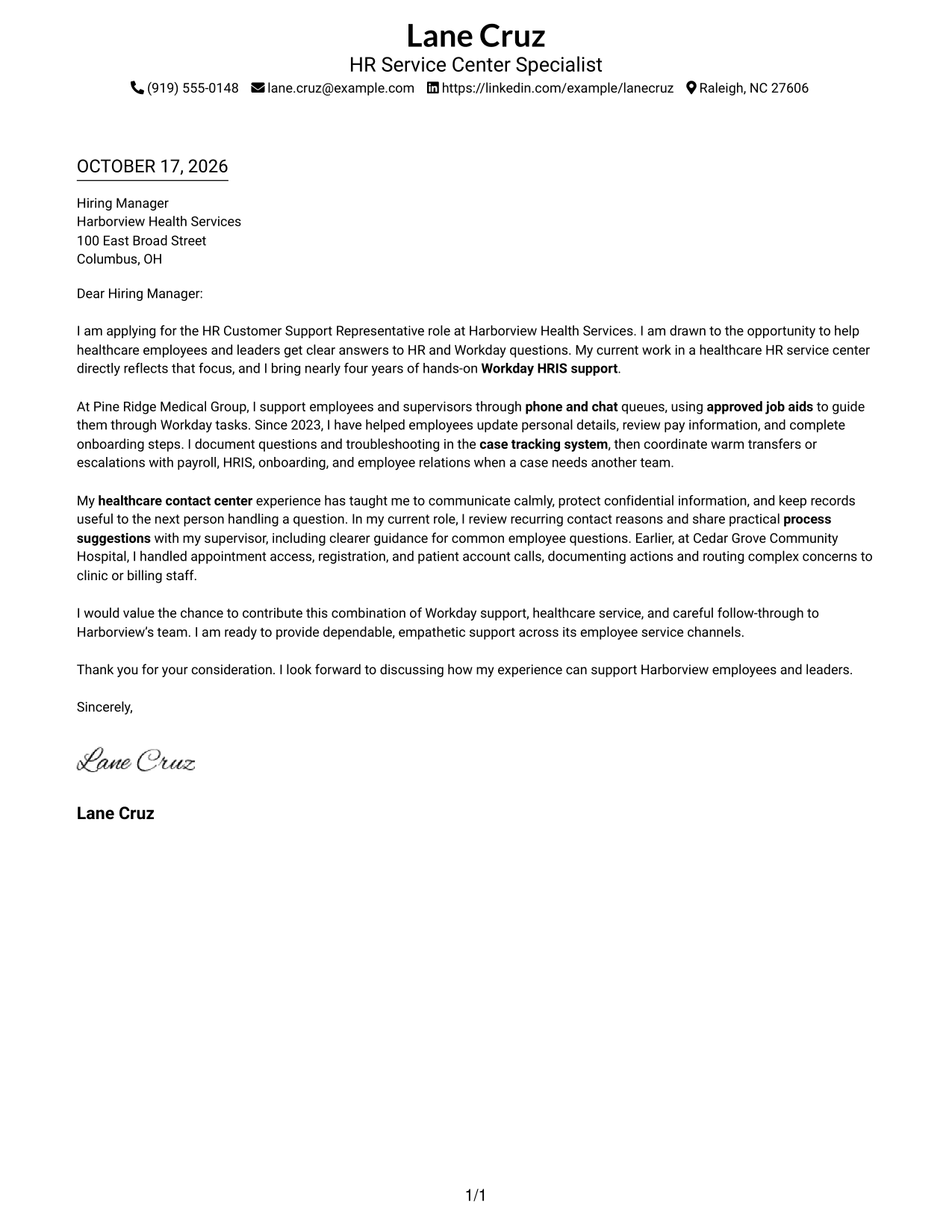
#1 Simple One Column Format Cover Letter Example
The Simple One Column Format keeps sender details and the full letter body in one reading path, making the message easy to follow.
Why This Format Works
- Sender details in the header make contact information easy to locate.
- The single-column order keeps the opening, support, and closing in sequence.
- Paragraphs stay together as one message, without labels dividing the argument.
Best For
- Single-column letter layouts
- Header-based contact details
- Continuous paragraph arguments
- Traditional application letters
- Letters with a clear opening and close
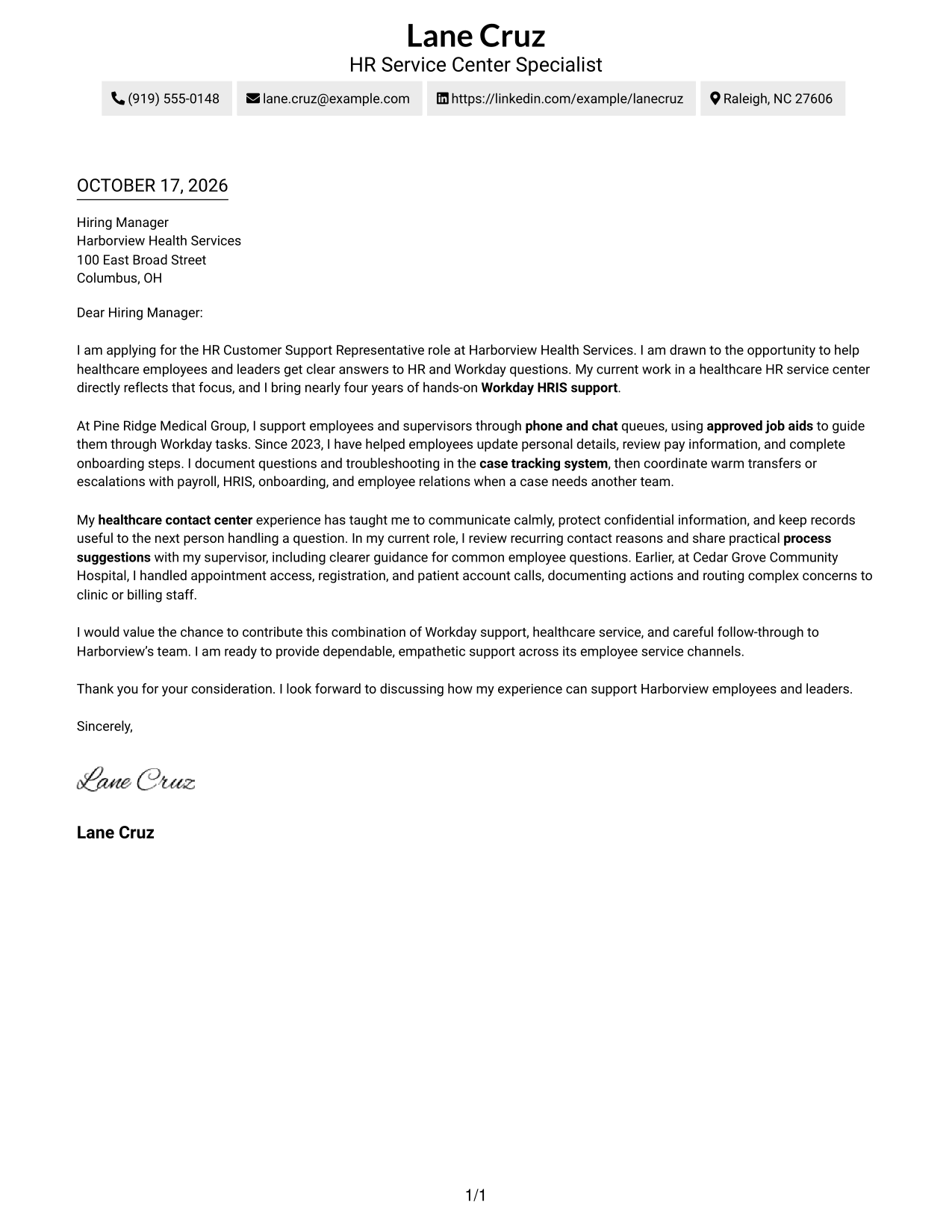
#2 Two Column Format Cover Letter Example
The Two Column Format places contact details beside the continuous letter body, keeping those details easy to find without splitting the message.
Why This Format Works
- Contact details remain apart from the letter, so reviewers can find them quickly.
- The letter body keeps its own continuous route from opening through closing.
- A clear division separates sender information from the persuasive message.
Best For
- Sidebar-based contact access
- Letters with several supporting paragraphs
- Quick reference to sender details
- A continuous persuasive message
- Distinct contact and message areas
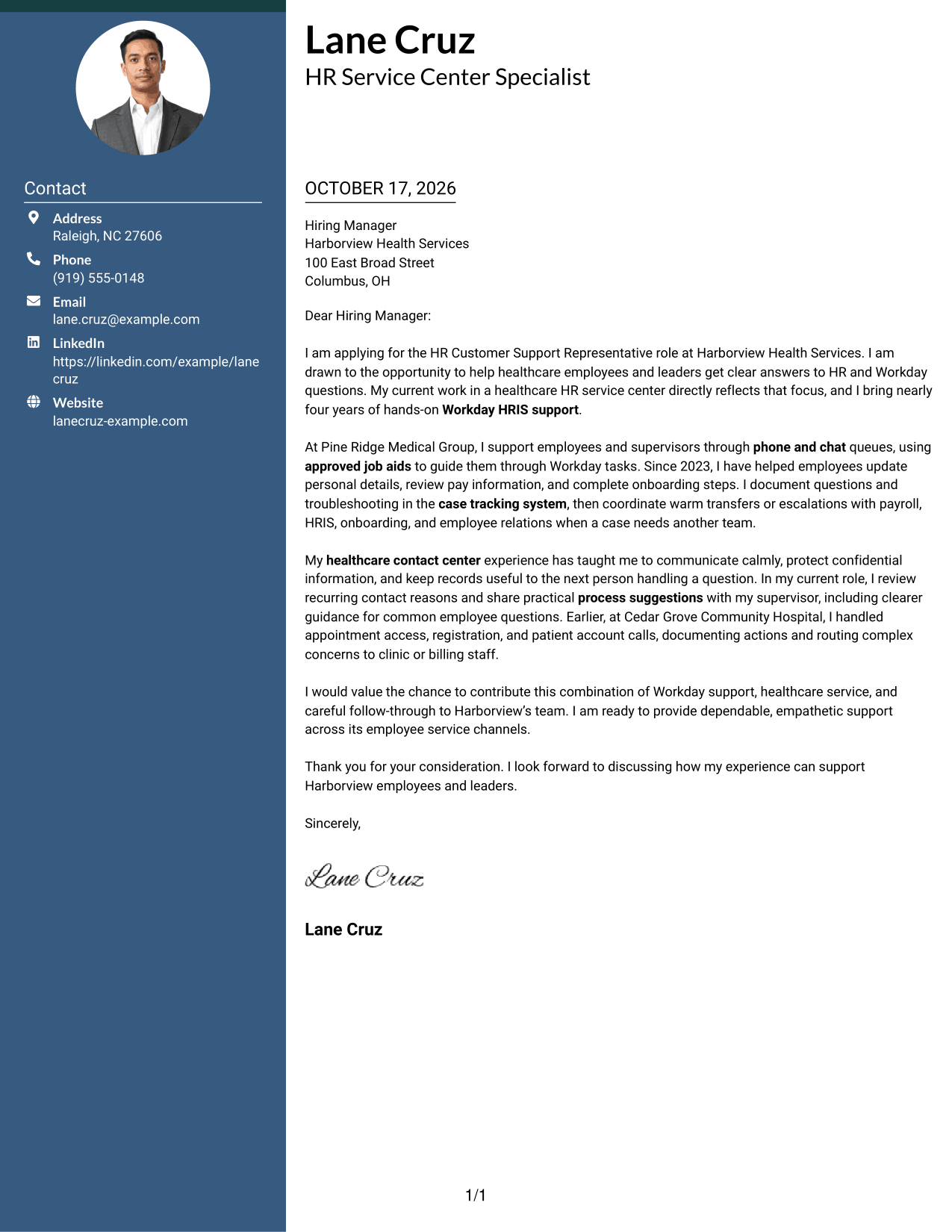
#3 Photo Header Two Column Format Cover Letter Example
The Photo Header Two Column Format combines a photo and contact sidebar with one continuous letter body, for readers who prefer a personal visual element alongside the message.
Why This Format Works
- The contact sidebar keeps sender details separate from the letter's argument.
- One continuous body lets reviewers follow the message from opening to close.
- The photo offers a personal visual choice without changing the letter's content.
Best For
- Photo-inclusive letter layouts
- Sidebar contact details
- Continuous letter arguments
- Personal visual presentation
- Letters with several connected paragraphs
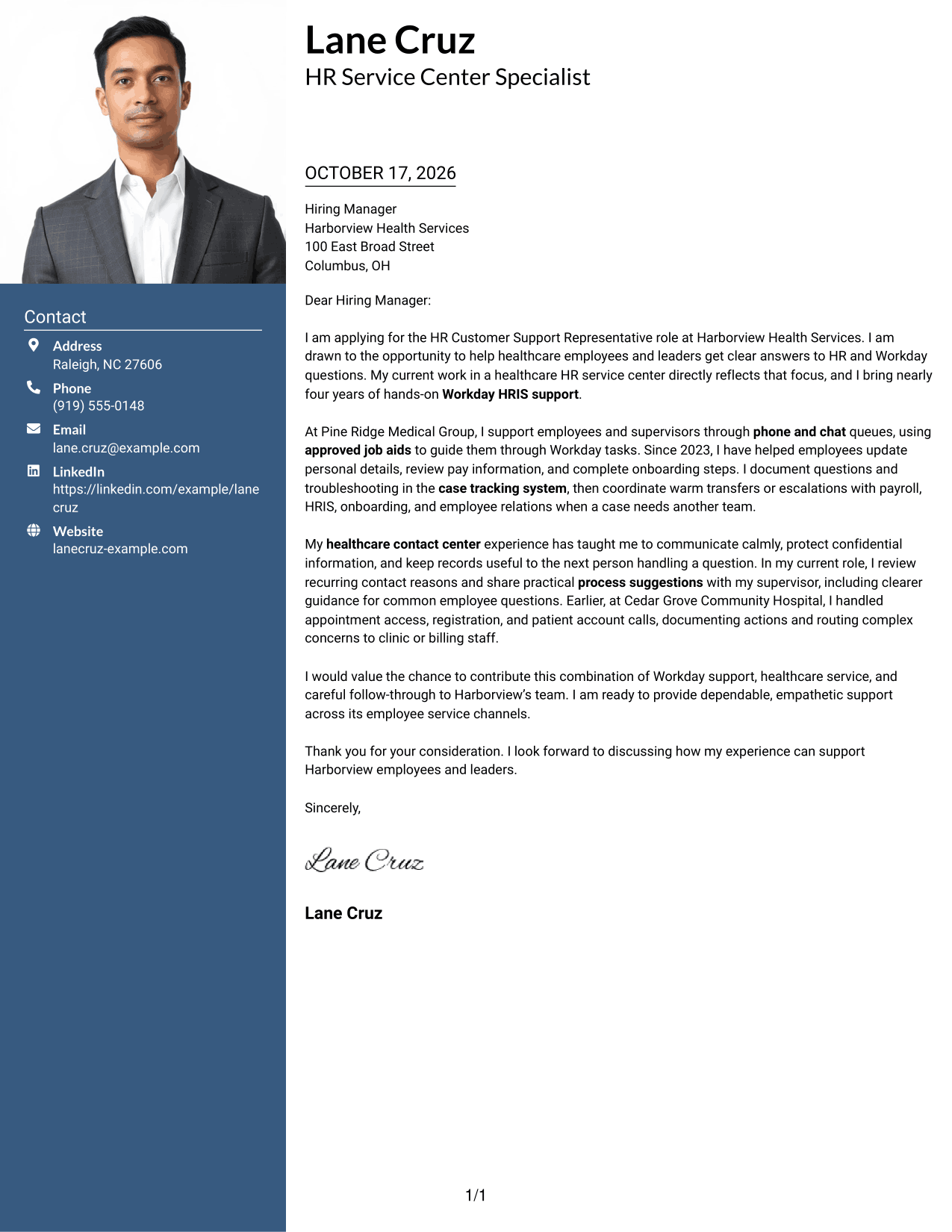
#4 One Column Format with Photo Cover Letter Example
The One Column Format with Photo pairs a photo with a single-column letter, keeping the message in one reading path for readers who prefer this visual choice.
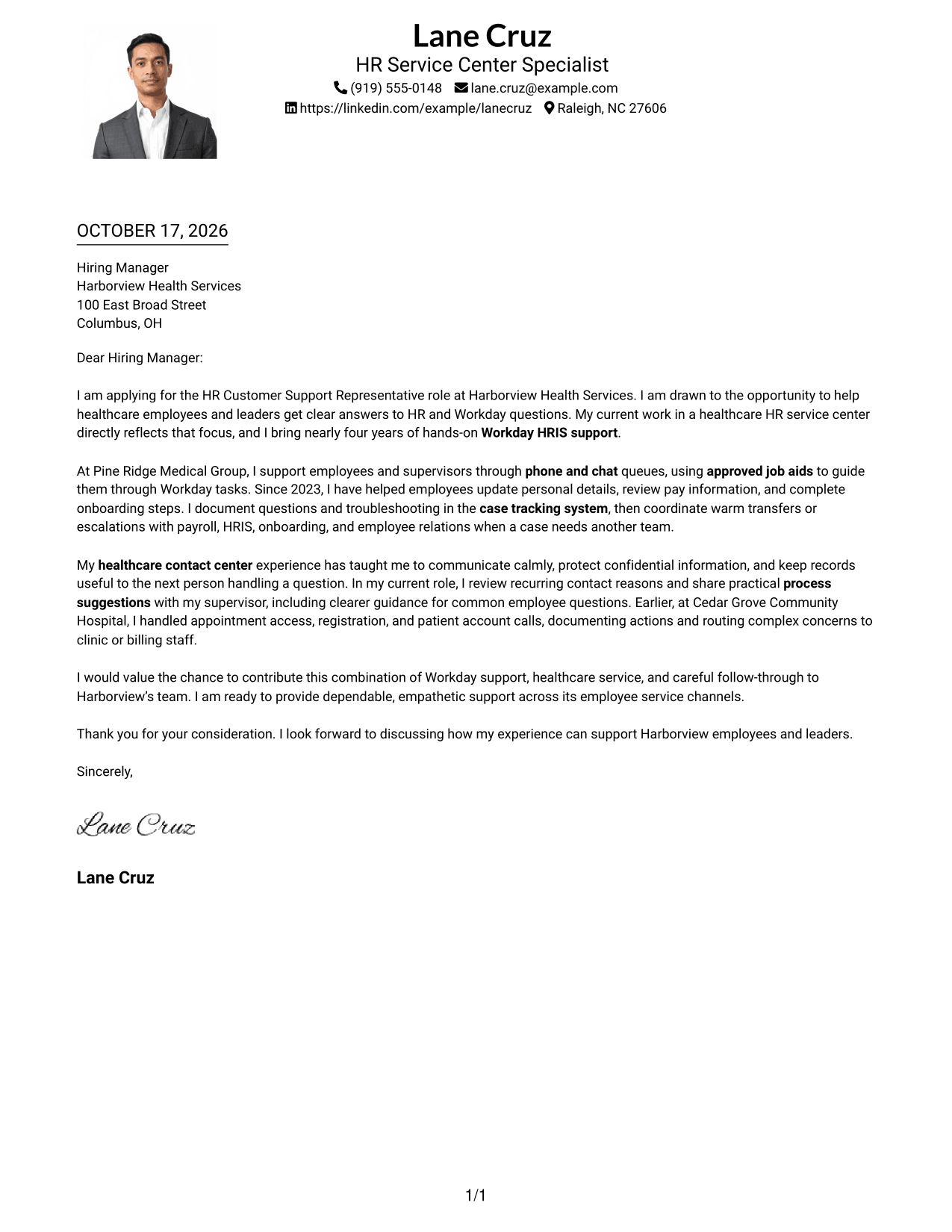
Why This Format Works
- The single-column order keeps the letter's paragraphs in a clear sequence.
- The photo adds a personal visual element without dividing the message.
- Sender details and letter paragraphs share one overall reading path.
Best For
- Photo-inclusive one-column letters
- A single reading path
- Paragraph-led application messages
- Personal visual presentation
- Letters with a direct opening and close
#5 Simple Two Column Format Cover Letter Example
The Simple Two Column Format sets contact details in a sidebar beside the continuous letter body, giving the page a clear division between contact and message.
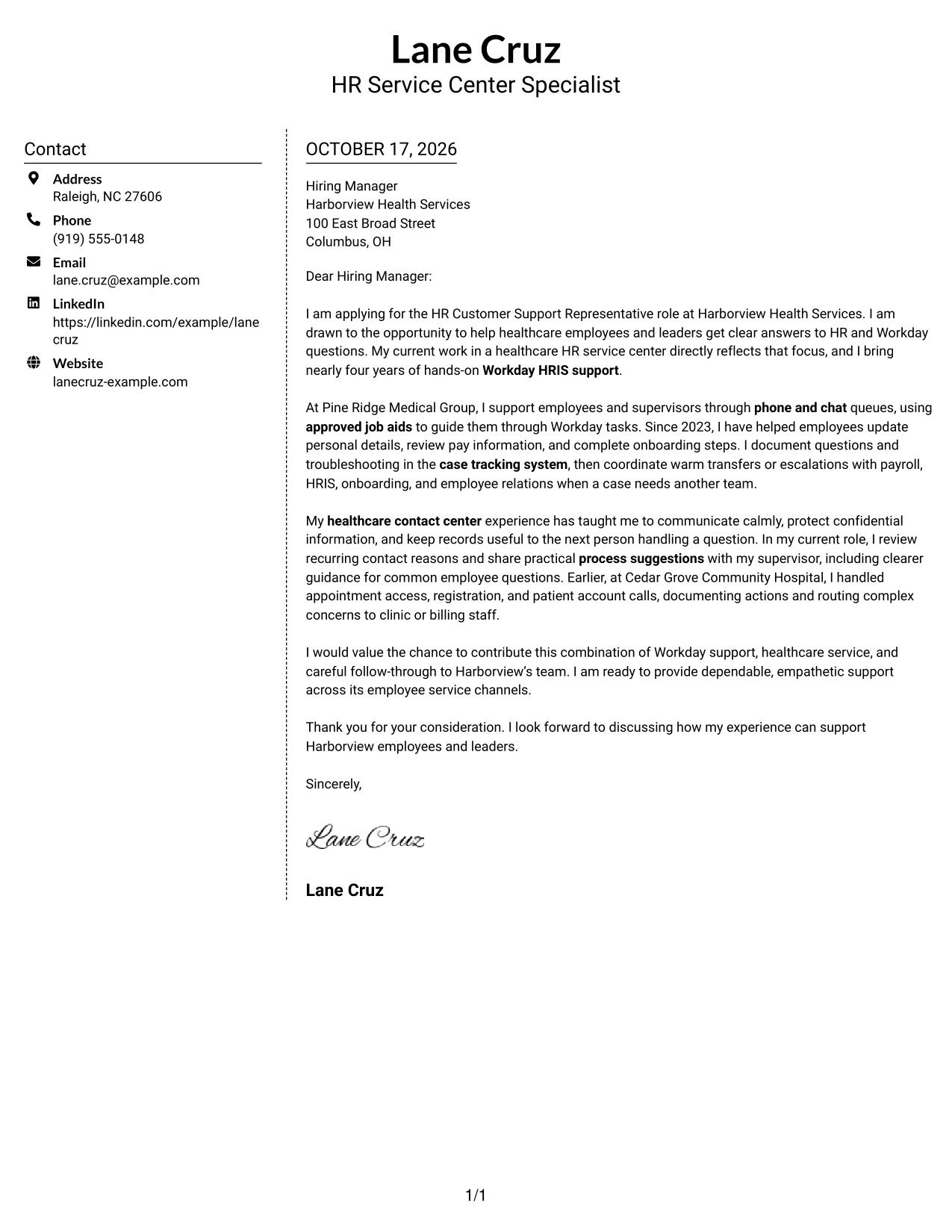
Why This Format Works
- The sidebar gives reviewers a separate place to find sender contact details.
- The letter's paragraphs remain together as a single connected message.
- The division between contact information and letter text clarifies reading order.
Best For
- Sidebar contact access
- Connected letter paragraphs
- A clear contact reference
- Letters with several points of evidence
- Separate sender and message areas
#6 Modern Icon Format Cover Letter Example
The Modern Icon Format uses two columns for contact details and the continuous letter body, with icons serving as contact cues rather than labels for the message.
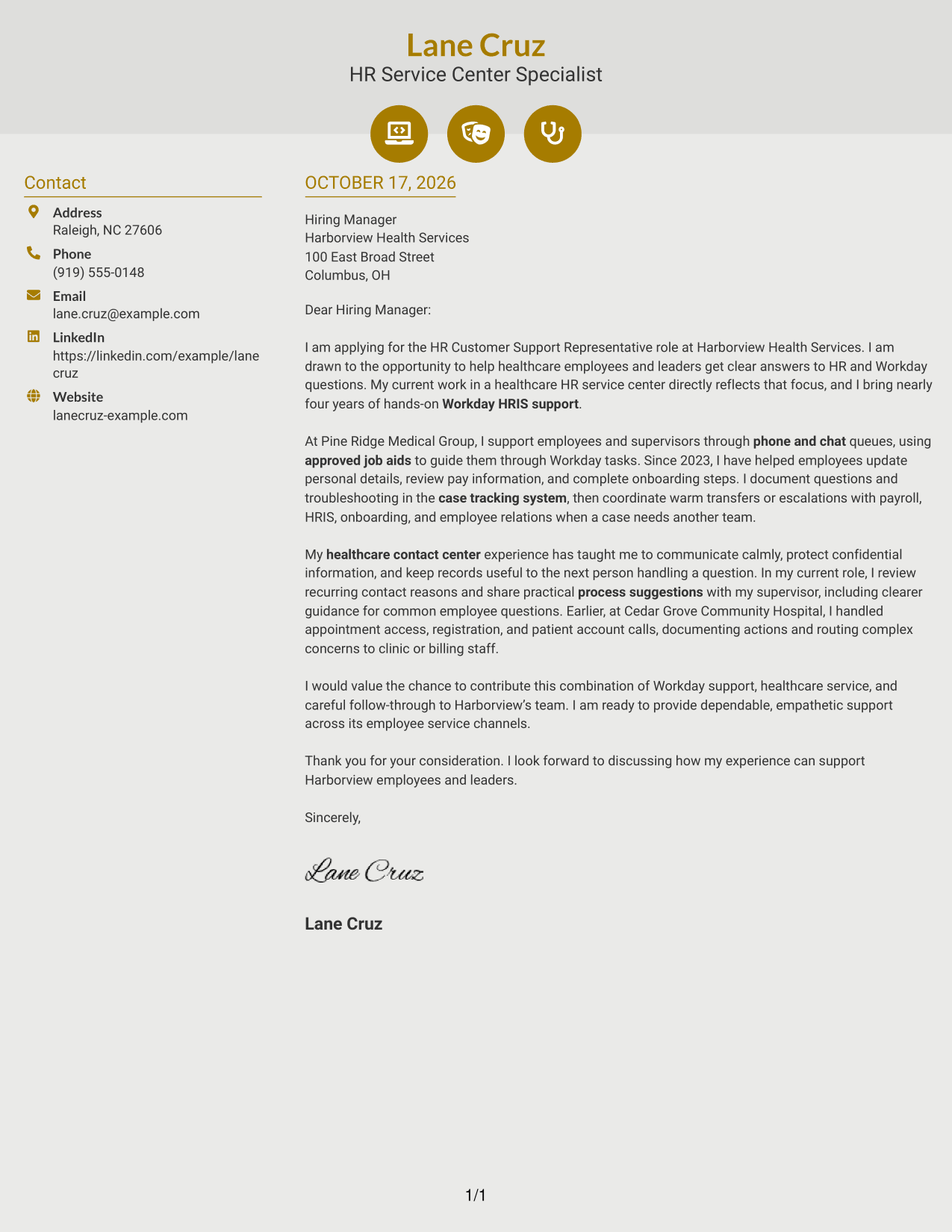
Why This Format Works
- Contact icons help distinguish sender details from the letter's main text.
- The sidebar keeps contact information apart from the continuous argument.
- One letter body lets the opening, supporting points, and close read together.
Best For
- Icon-assisted contact details
- Two-column letter layouts
- Continuous argument paragraphs
- Quick contact detail searches
- Letters with a connected message
#7 Creative Two Tone Format Cover Letter Example
The Creative Two Tone Format places a contact sidebar beside one continuous letter body, separating sender details from the message while keeping the argument intact.
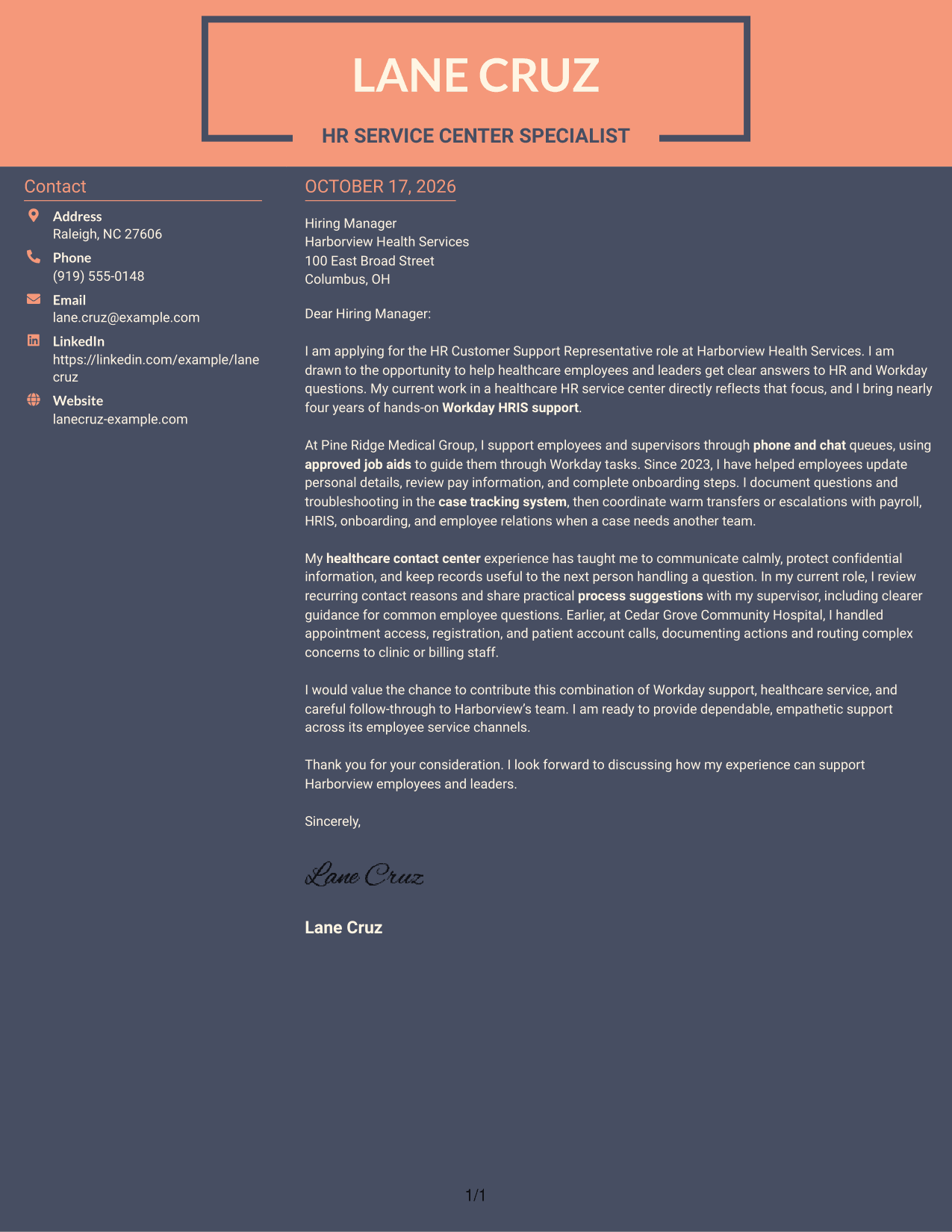
Why This Format Works
- The sidebar gives sender details a separate place beside the letter.
- The continuous body keeps motivation and supporting points within one message.
- Reviewers can move from contact information to the letter without divided argument columns.
Best For
- Separate contact reference
- A continuous letter argument
- Two-column page organization
- Letters with connected supporting points
- Clear distinction between sender details and message
See Also
- 7 HR Customer Support Representative - Workday HRIS Resume Templates with Example
- 33 Bi-Lingual Medical Billing Customer Service Support Representative Resume Templates with Example 2026
- 7 Customer Service/Information Services Support Representative Resume Templates with Example
- 7 Customer Service Representative - Public Service Support Resume Templates with Example
- 33 BDC Customer Service Representative Resume Templates with Example 2026 (ATS-Optimized)
- 33 Call Center Customer Service Representative Resume Templates with Example 2026 (ATS-Optimized)
- 33 Cashier / Customer Service Representative Resume Templates with Example 2026 (ATS-Optimized)
- 33 CDHP and COBRA Customer Service Representative Resume Templates with Example 2026
- 30+ Bi-Lingual Medical Billing Customer Service Support Representative Cover Letter Templates with Example 2026
- 30+ BDC Customer Service Representative Cover Letter Templates with Example 2026
Frequently Asked Questions
What should an HR Customer Support Representative - Workday HRIS cover letter emphasize?
Show how you communicate with employees, guide them through common Workday tasks, and keep clear case notes. You can also explain how you coordinate with teams such as payroll, HRIS, onboarding, and employee relations.
How can I show that I am a good fit for this role?
Choose examples that match the work, such as answering phone or chat questions, using approved job aids, troubleshooting routine issues, and following up when another team needs to help. Connect those examples to the support the employer needs.
Which cover letter style works well for this position?
Choose a clear, easy-to-read layout that makes your opening, relevant evidence, and closing easy to follow. The tone should feel calm and helpful, since the role involves answering employee questions.
Can I open an example and adapt it for my application?
Yes. Compare the PNG image previews, then open an example in the editor to view or customize its presentation. Make sure your letter reflects your own experience and the employer’s needs.




