
7 Human Services Coordinator I - Bilingual English/Spanish Cover Letter Templates with Example
This practical guide helps you create a Human Services Coordinator I - Bilingual English/Spanish cover letter and compare its seven layouts.
What Makes a Great Human Services Coordinator I - Bilingual English/Spanish Cover Letter in 2026
A strong letter connects person-centered service coordination to the needs of people with intellectual and developmental disabilities. Its opening should show clear interest in the role, while the body explains relevant experience with ISP planning, provider coordination, and bilingual communication.
Use specific examples to show how you monitor services, respond to safety concerns, and follow up with the person’s team. Then connect your approach to the employer’s focus on respectful partnership, advocacy, and coordinated community support.
The featured example follows a focused progression from interest and role fit to relevant service coordination evidence and a clear close, which you can adapt while choosing a presentation suited to the employer and communication context.
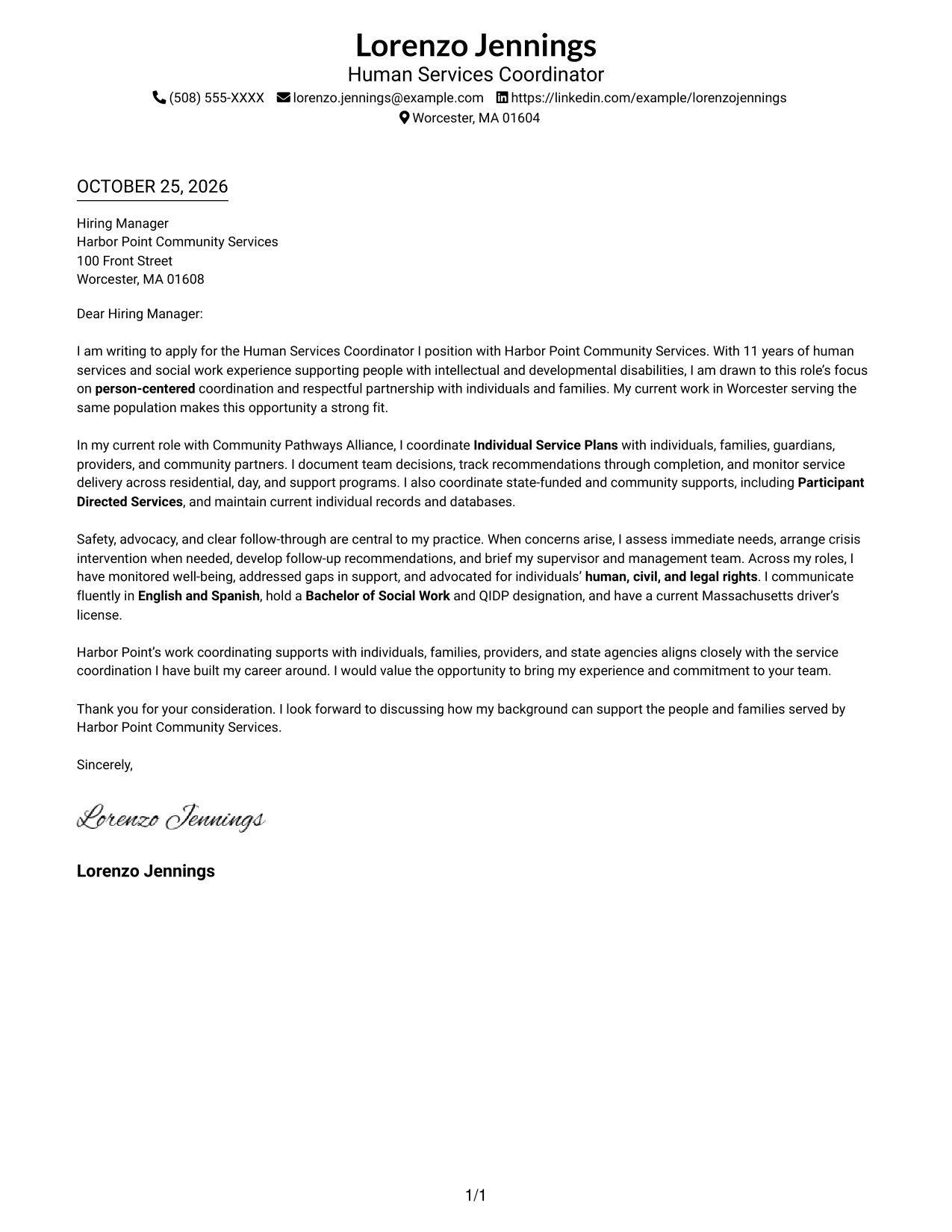
#1 Simple One Column Format Cover Letter Example
A single-column presentation keeps sender details in the header and the letter body together, making the message easy to follow from greeting to closing.
Why This Format Works
- Sender details stay in the header, separate from the letter's central message.
- The continuous body lets reviewers follow motivation, evidence, and closing in sequence.
- Without a sidebar, the letter avoids splitting attention between parallel content areas.
Best For
- Single-column reading preference
- Header-based contact lookup
- Connected motivation and evidence
- Several related body paragraphs
- Letters without a contact sidebar
#2 Two Column Format Cover Letter Example
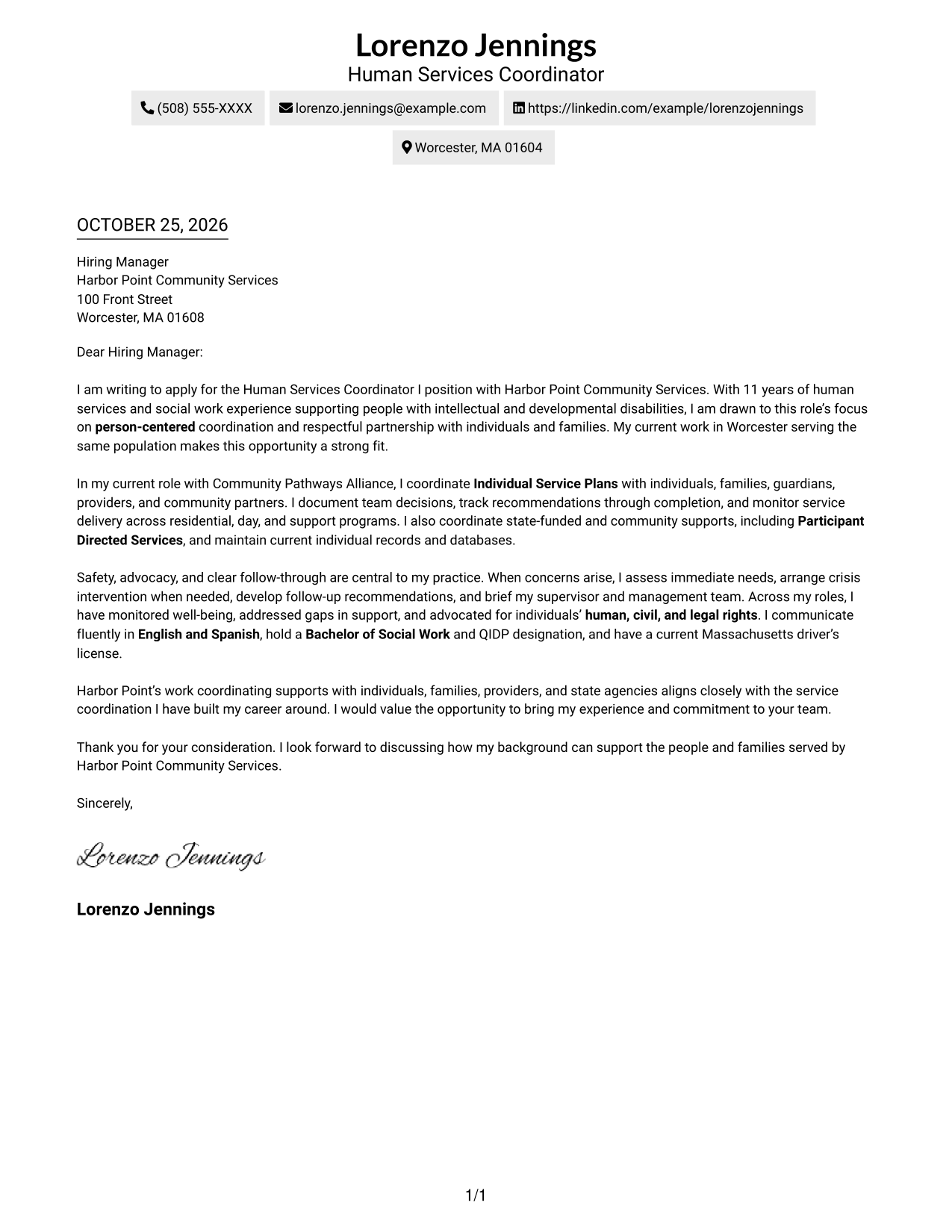
A contact sidebar sits beside one continuous letter body, giving contact information its own space while the message remains in a single reading path.
Why This Format Works
- Contact details sit in a sidebar, giving reviewers a separate place to find them.
- One uninterrupted letter body keeps motivation, evidence, and closing in natural order.
- A clear boundary between contact information and the message makes the reading order easy to recognize.
Best For
- Contact details beside the message
- Continuous letter arguments
- Frequent contact-information reference
- Multi-paragraph applications
- Applications with detailed sender information
#3 Photo Header Two Column Format Cover Letter Example
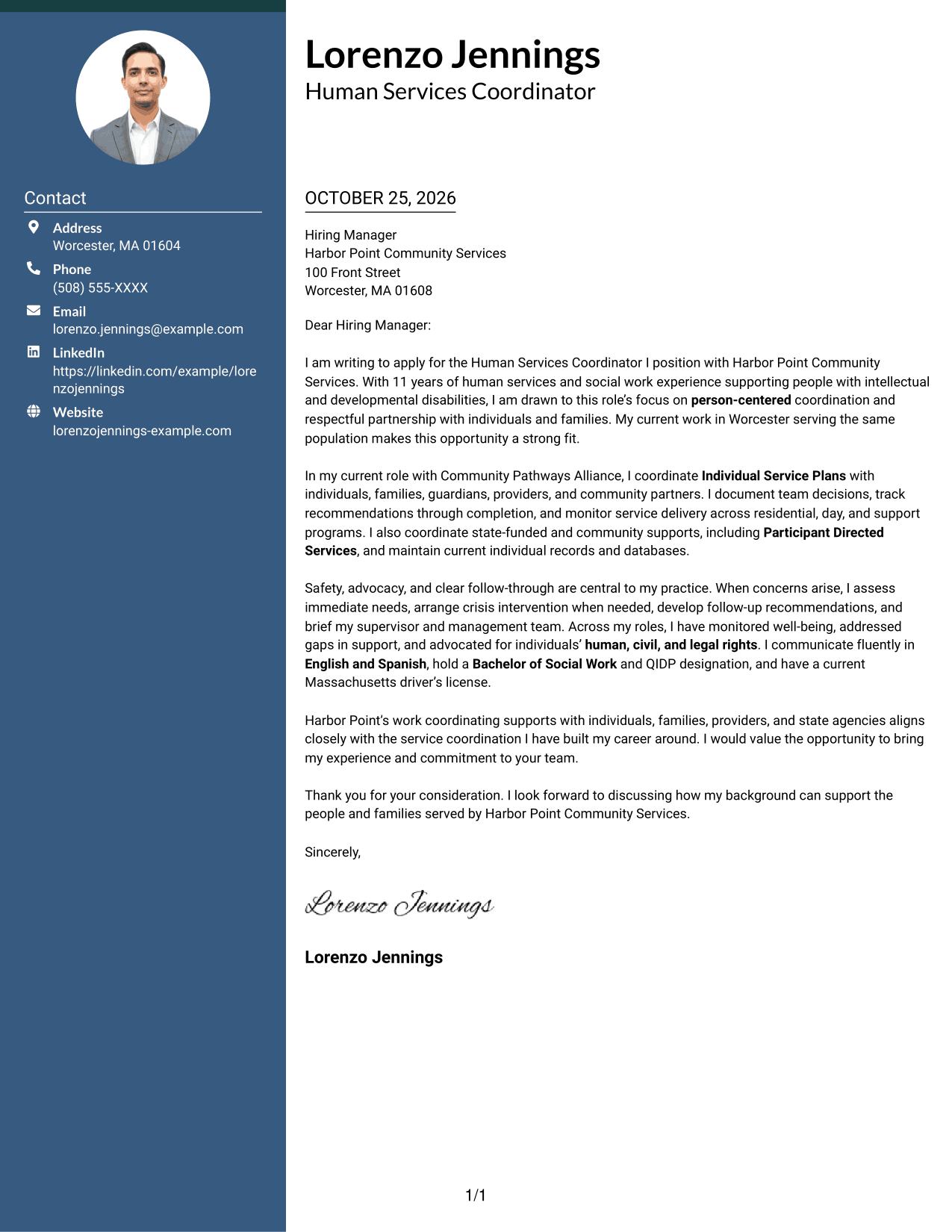
A photo in the header adds a personal visual element to this two-column format, while contact details sit beside one continuous letter body.
Why This Format Works
- The header photo offers a personal visual choice without dividing the letter's argument.
- The contact sidebar keeps sender information apart from the message paragraphs.
- A single letter body carries the opening, supporting points, and closing in sequence.
Best For
- Photo-inclusive header
- Contact details beside the message
- One continuous letter argument
- Personal visual presentation
- Applications with connected body paragraphs
#4 One Column Format with Photo Cover Letter Example
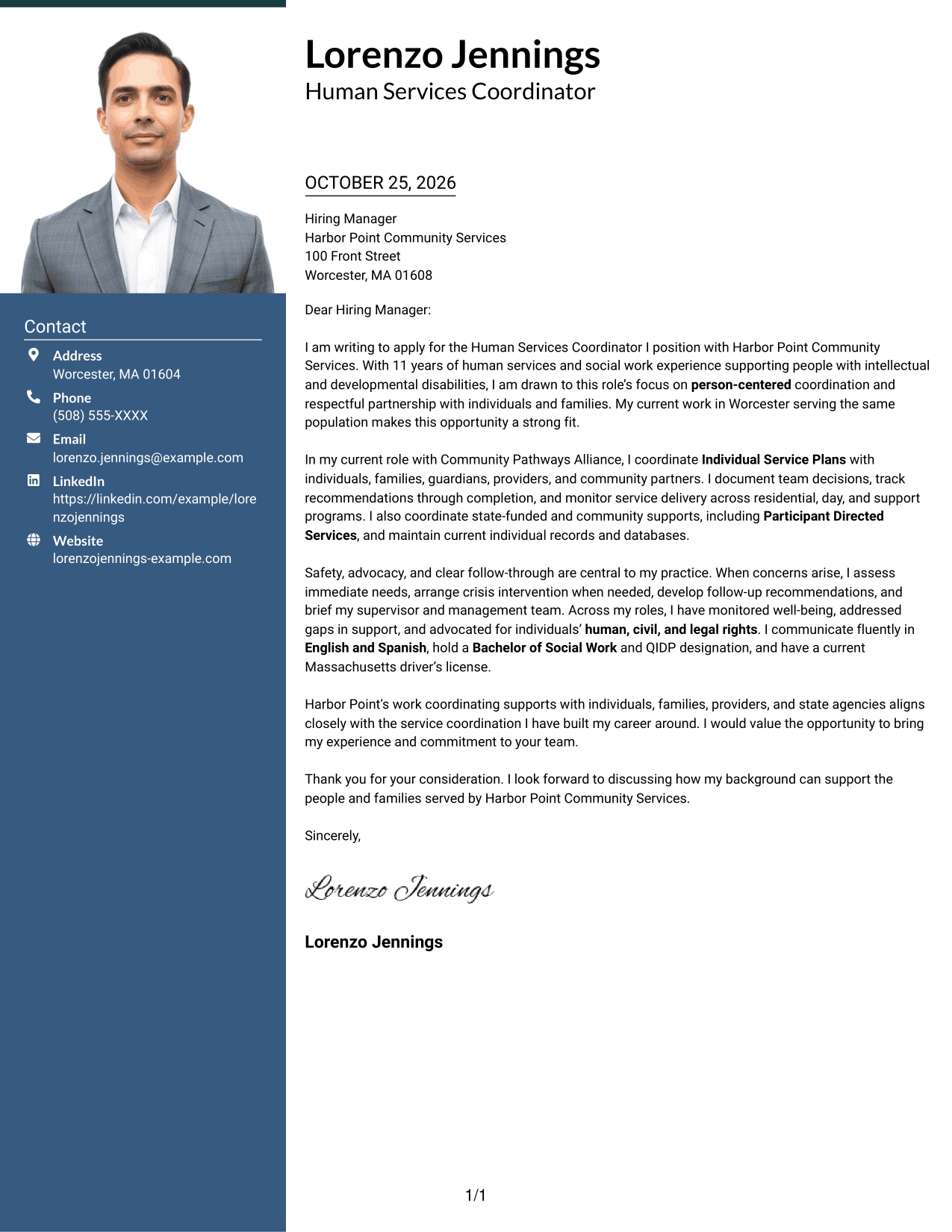
The photo adds a personal visual element to this single-column presentation, while the letter itself stays in one continuous reading path.
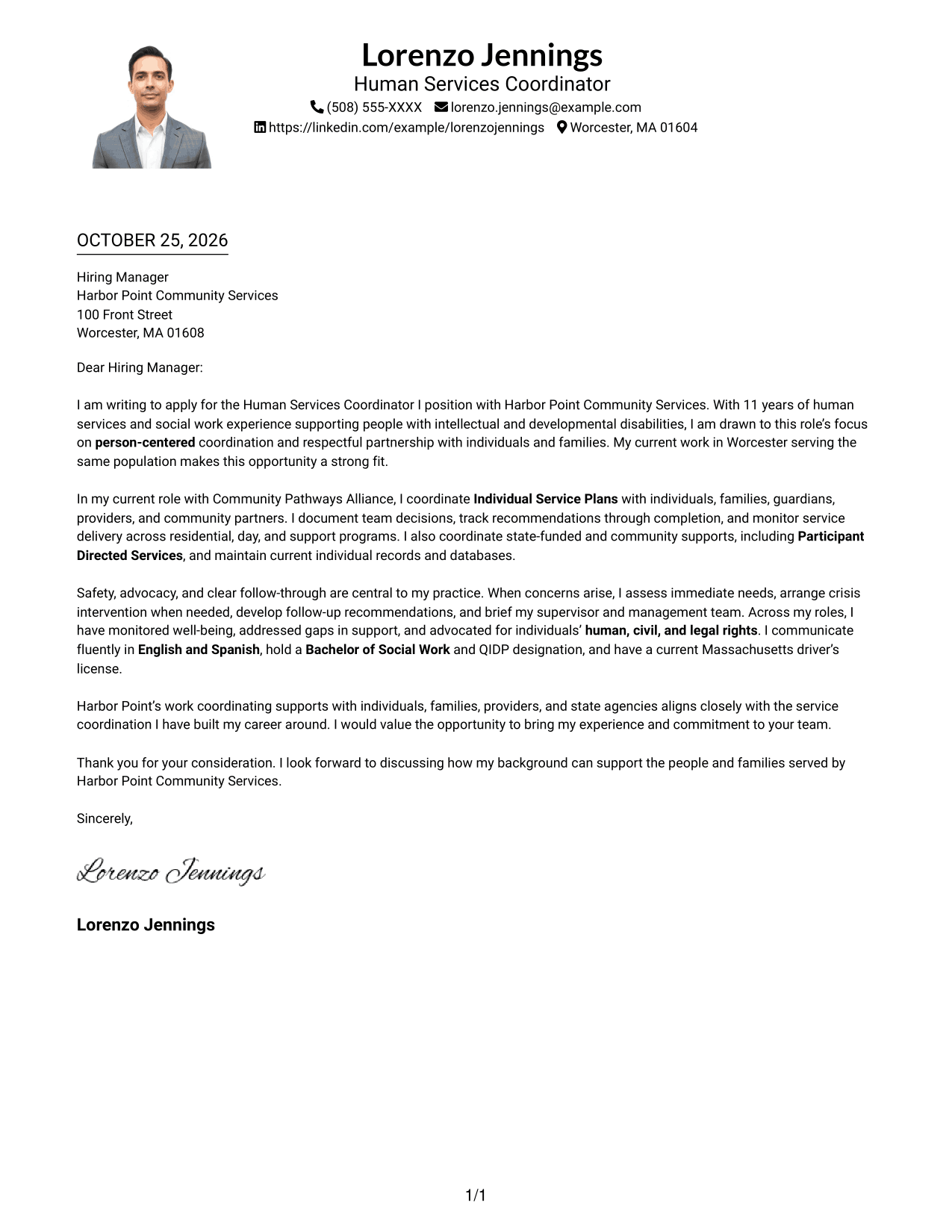
Why This Format Works
- A single-column body keeps each paragraph in the same reading order.
- The photo provides a visible personal touch without acting as a label for the letter's argument.
- Sender details in the header remain apart from the message itself.
Best For
- Photo-inclusive single-column letters
- One-path reading preference
- Personal visual element
- Header-based contact access
- Letters with connected paragraphs
#5 Simple Two Column Format Cover Letter Example
A contact sidebar gives this two-column format a clear split between sender information and the single, continuous letter body.
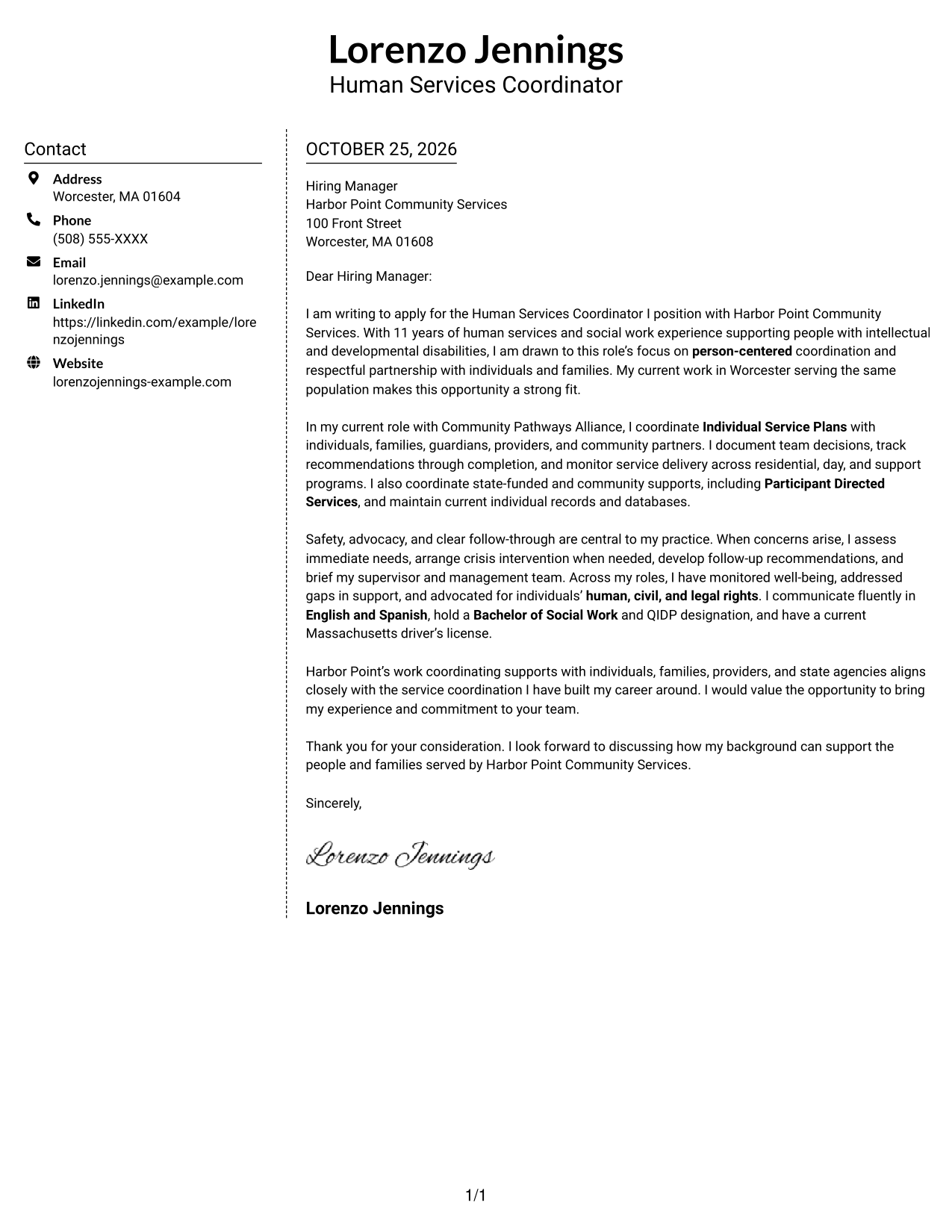
Why This Format Works
- The sidebar keeps contact details distinct from the paragraphs that make the case.
- The continuous body lets the message develop from opening to closing without section breaks.
- Separate contact and letter areas give each part a clear place on the page.
Best For
- Sidebar contact reference
- Uninterrupted letter argument
- Photo-free correspondence
- Applications with several body paragraphs
- Clear contact and message separation
#6 Modern Icon Format Cover Letter Example
Contact icons provide visual cues in the sidebar of this two-column format, while the letter's opening, main points, and closing stay together in one body.
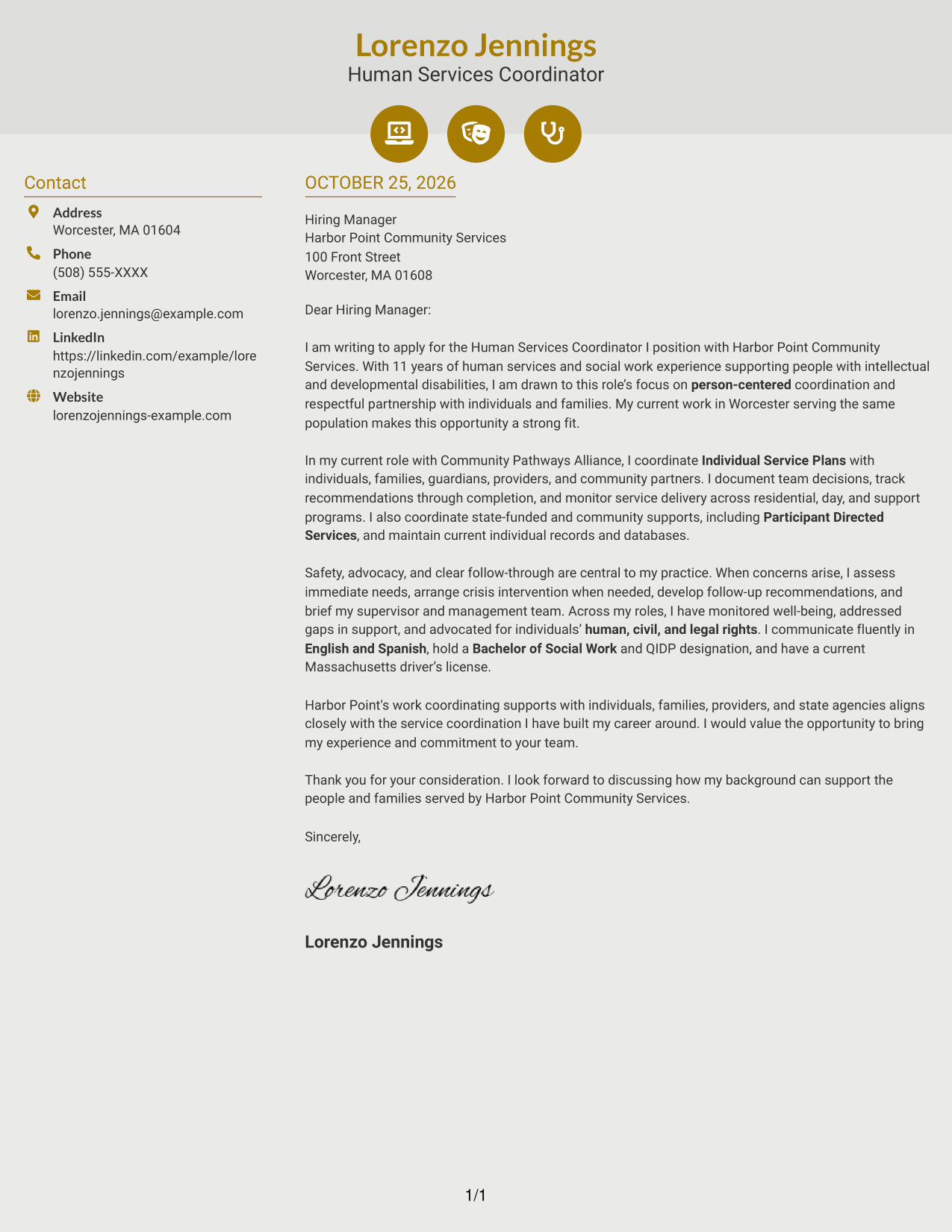
Why This Format Works
- Icons cue contact details, helping reviewers locate sender information in the sidebar.
- The separate letter body keeps the persuasive message clear of contact cues.
- Opening, supporting points, and closing remain part of one continuous letter.
Best For
- Icon-marked contact details
- Sidebar contact lookup
- Continuous persuasive message
- Contact-focused visual cues
- Applications with connected paragraphs
#7 Creative Two Tone Format Cover Letter Example
A contact sidebar sits beside the continuous letter body, keeping the sender information distinct from the message without interrupting its flow.
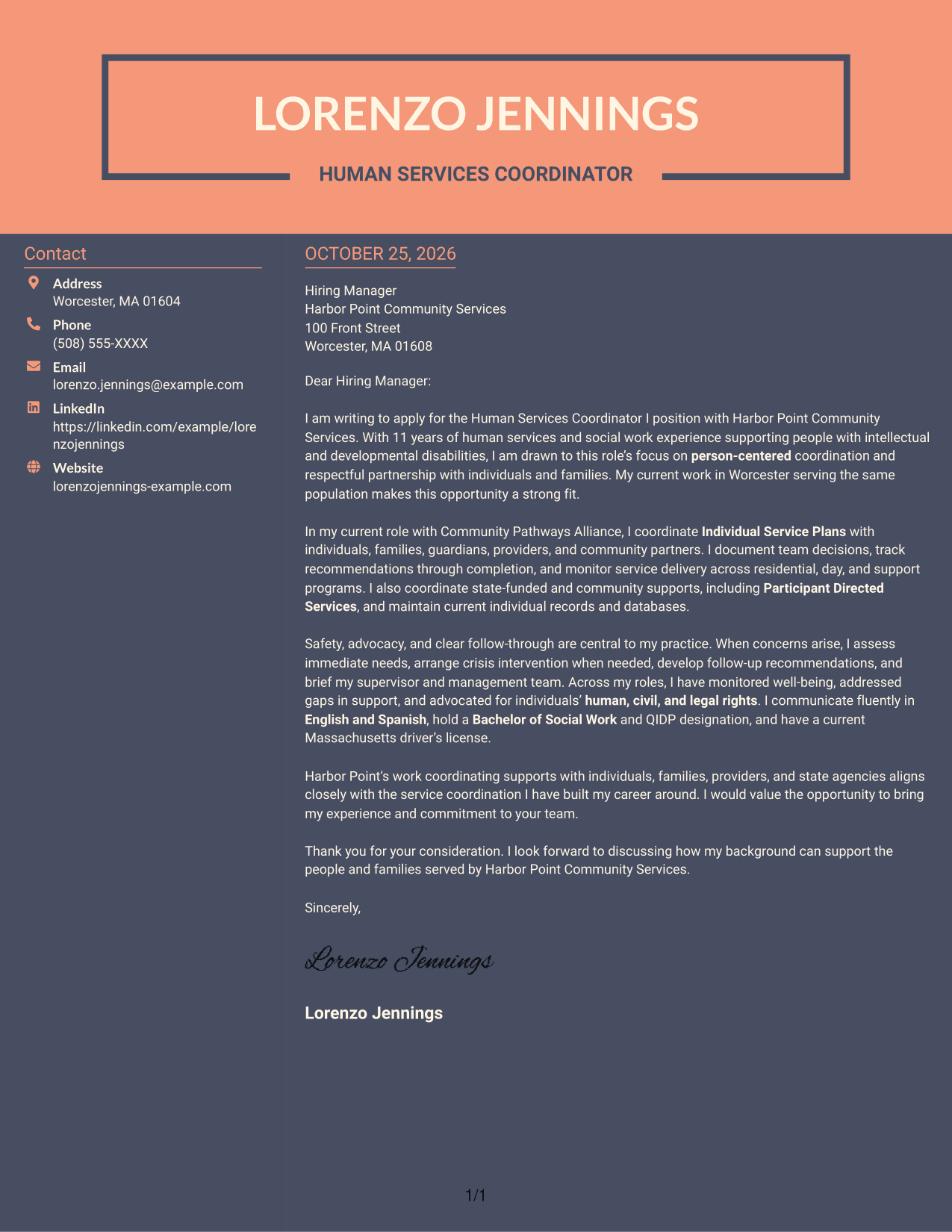
Why This Format Works
- The sidebar gives contact information a separate place beside the letter.
- The continuous body supports a clear progression from opening through closing.
- With no photo, the written message remains the main visual content.
Best For
- Side-by-side contact and message
- Continuous persuasive correspondence
- Photo-free letter presentation
- Multi-paragraph application messages
- Bilingual service role applications
See Also
- 7 Human Services Coordinator I - Bilingual English/Spanish Resume Templates with Example
- 7 Human Resources Coordinator - Organizational Development Resume Templates with Example
- 7 Catering Event Coordinator - Dining Services Resume Templates with Example
- 7 Grants Coordinator & Constituent Services Representative Resume Templates with Example
- 33 LTSS Service Care Coordinator Resume Templates with Example 2026 (ATS-Optimized)
- 7 Patient Services Coordinator - Radiation Oncology Resume Templates with Example
- 7 Youth Services Coordinator - Youth Employment Programs Resume Templates with Example
- 7 Accounts Payable Coordinator I - Claims Payments Resume Templates with Example
- 7 Grants Coordinator & Constituent Services Representative Cover Letter Templates with Example
- 30+ LTSS Service Care Coordinator Cover Letter Templates with Example 2026
Frequently Asked Questions
What should the opening paragraph say for this role?
State your interest in the Human Services Coordinator I - Bilingual English/Spanish position and connect it to person-centered support for people with intellectual and developmental disabilities. Keep the opening focused on why the work and role fit your background.
What experience should the body paragraphs highlight?
Choose relevant examples of coordinating Individual Service Plans, working with families and providers, monitoring services, and tracking follow-up. Include crisis response or rights advocacy when those examples reflect your own experience.
How can I show that I meet the bilingual communication needs?
State your English and Spanish communication ability clearly, then explain how you use it to support respectful communication with individuals and families. Include only details that are true for you.
How should I connect my letter to the employer?
Refer to the employer’s work with individuals, families, providers, and community services. Link that focus to your own approach to person-centered planning, service coordination, and follow-through.
How can I compare the cover letter styles?
Review the PNG image previews to compare each presentation. Use the editor link to open an example and customize its content for this position.




