
7 IAM PAM & SSO Senior Analyst Cover Letter Templates with Example
This practical guide to an IAM PAM & SSO Senior Analyst cover letter presents 7 layouts to help you make a clear case for secure, reliable identity services.
What Makes a Great IAM PAM & SSO Senior Analyst Cover Letter in 2026
A strong letter connects your IAM work to the role’s needs, showing how you support PAM, SSO, MFA, and reliable identity services. It also explains why this work interests you.
Use specific evidence, such as improving directory integrations, resolving access issues, or creating useful runbooks. Then link that evidence to the employer’s needs and explain how you communicate with technical teams and business stakeholders.
The featured IAM PAM & SSO Senior Analyst example follows a focused progression from role interest to relevant evidence and a clear close. Adapt that structure while choosing a presentation that suits the employer and the communication context.
#1 Simple One Column Format Cover Letter Example
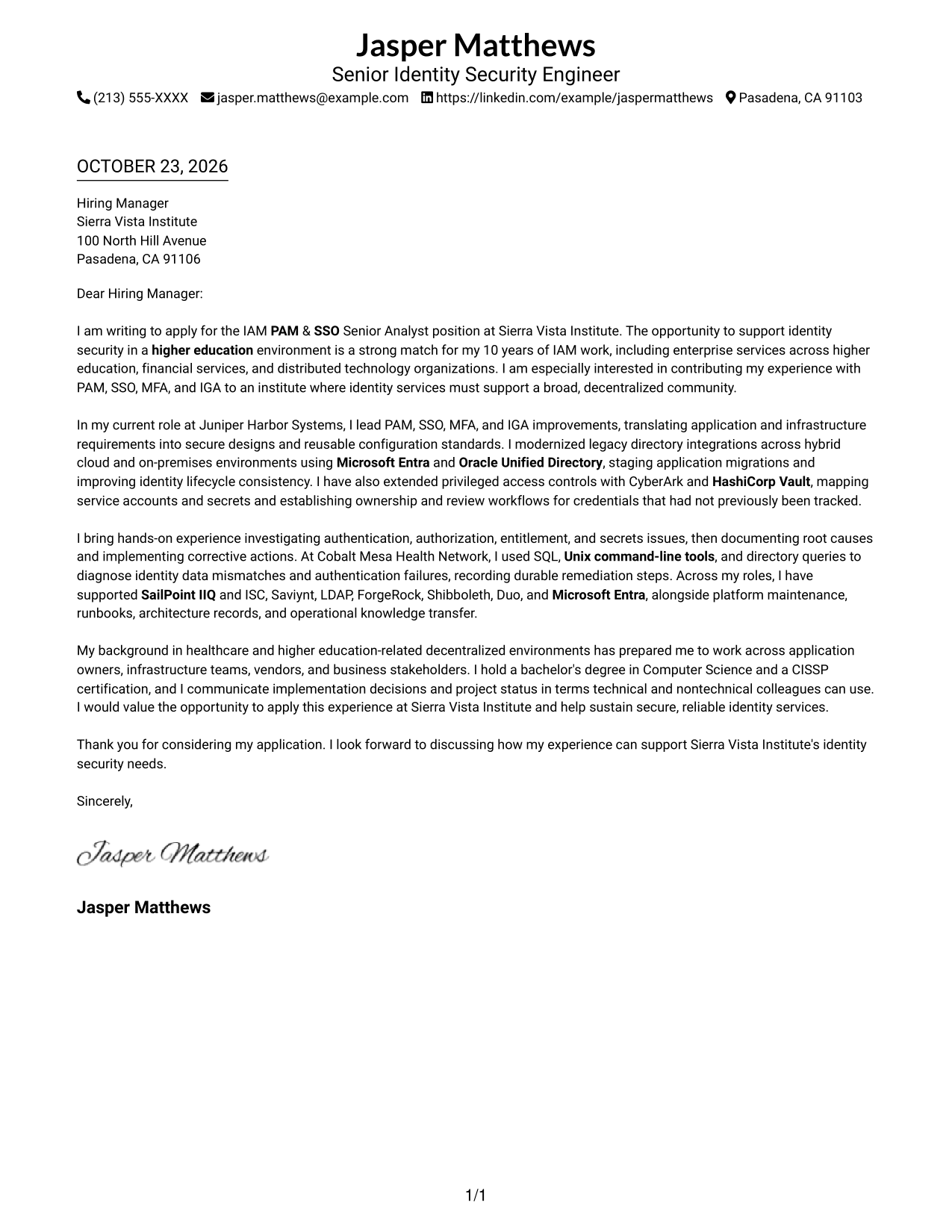
A single-column page keeps sender details in the header and gives the letter a direct top-to-bottom reading path.
Why This Format Works
- Sender details stay in the header, separate from the letter's main message.
- One body column gives the opening, supporting points, and close a clear reading order.
- A photo-free header suits readers who prefer a text-based contact presentation.
Best For
- Single-column letter reading
- Text-based header preferences
- Letters with several evidence paragraphs
- Clear role motivation
- Contact details above the message
#2 Two Column Format Cover Letter Example
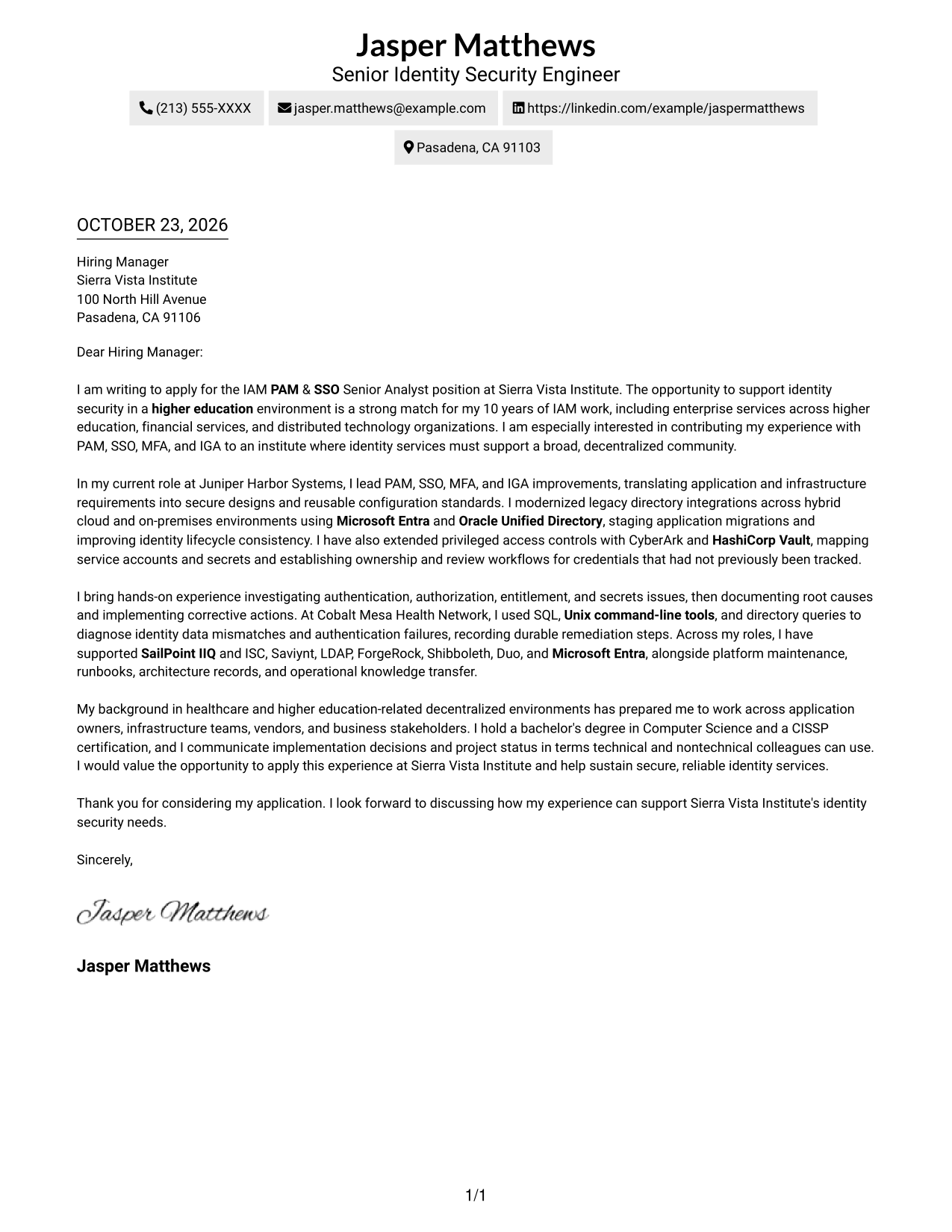
A contact sidebar sits beside one continuous letter body, keeping sender information distinct from the message.
Why This Format Works
- The sidebar gives reviewers a separate place to find sender contact details.
- The continuous body keeps the opening, supporting evidence, and close in sequence.
- A photo-free presentation suits readers who prefer text-focused contact details.
Best For
- Separate contact and message areas
- Continuous letter arguments
- Side-by-side contact access
- Photo-free layouts
- Letters with several supporting paragraphs
#3 Photo Header Two Column Format Cover Letter Example
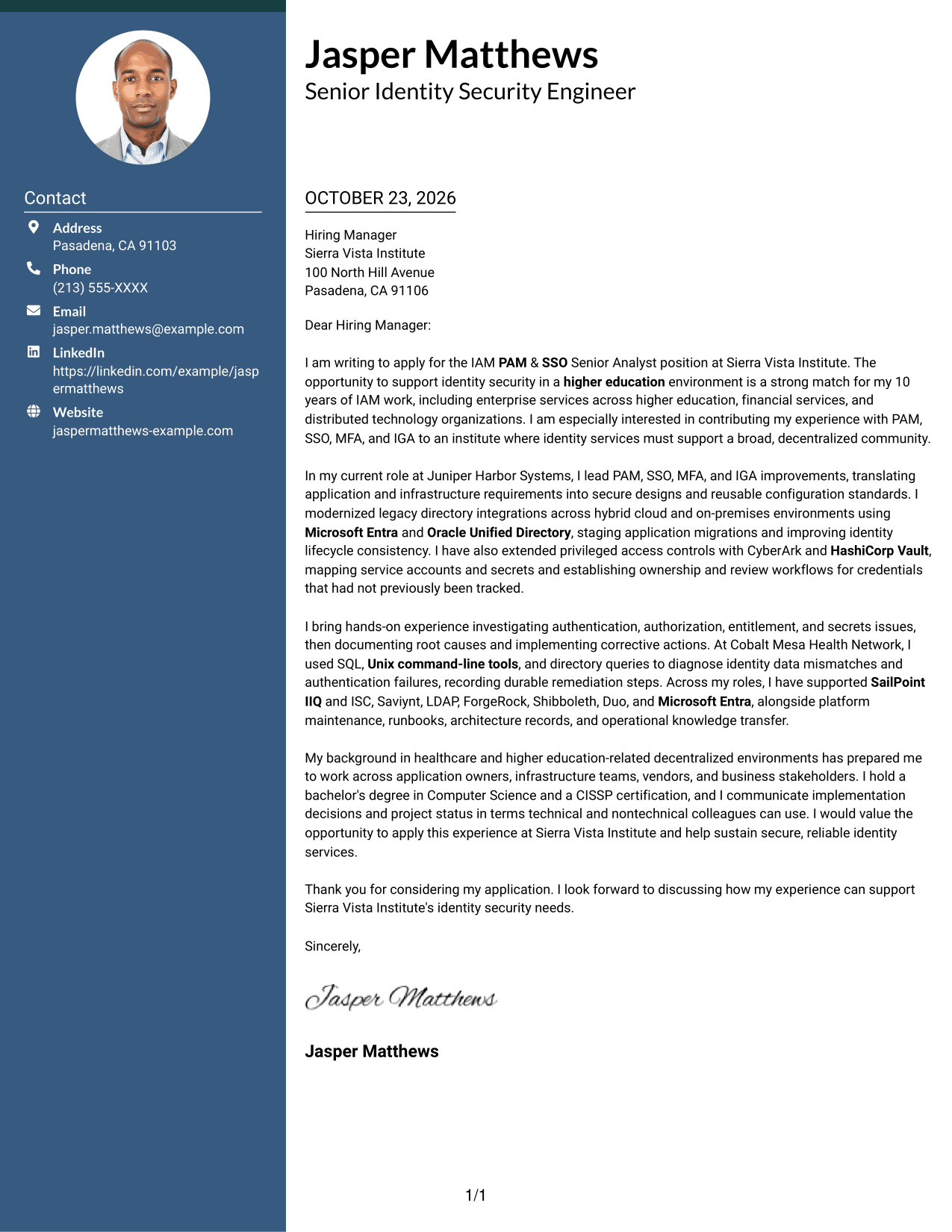
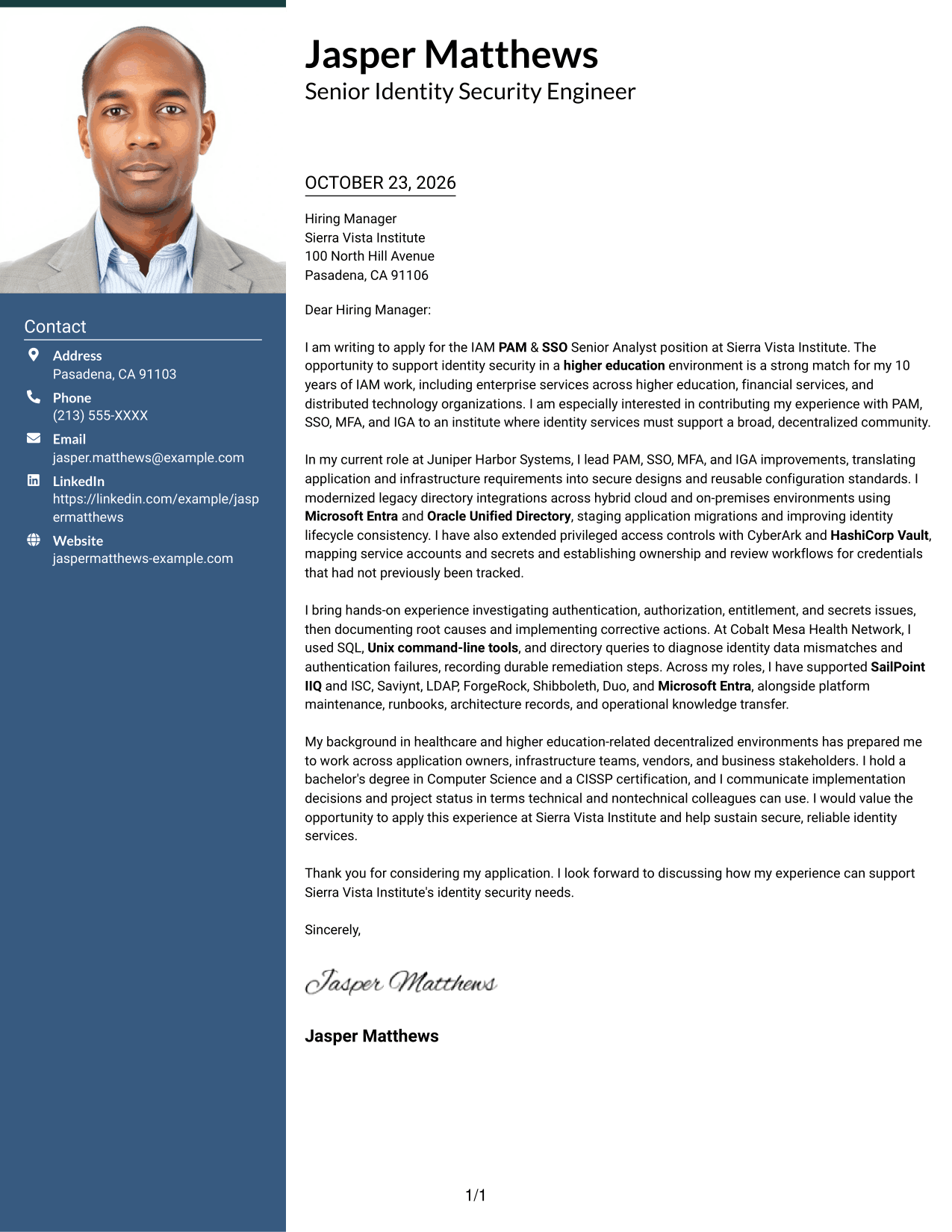
A header portrait accompanies the contact sidebar and continuous letter body, adding a visible photo without splitting the message.
Why This Format Works
- The header portrait adds a personal visual element above the letter's main message.
- Contact details remain in a sidebar, apart from the continuous argument.
- One connected body lets reviewers follow motivation, evidence, and closing in order.
Best For
- Portrait-led header preferences
- Contact details beside the message
- Continuous letter arguments
- Applications using a sender photo
- Letters with several evidence paragraphs
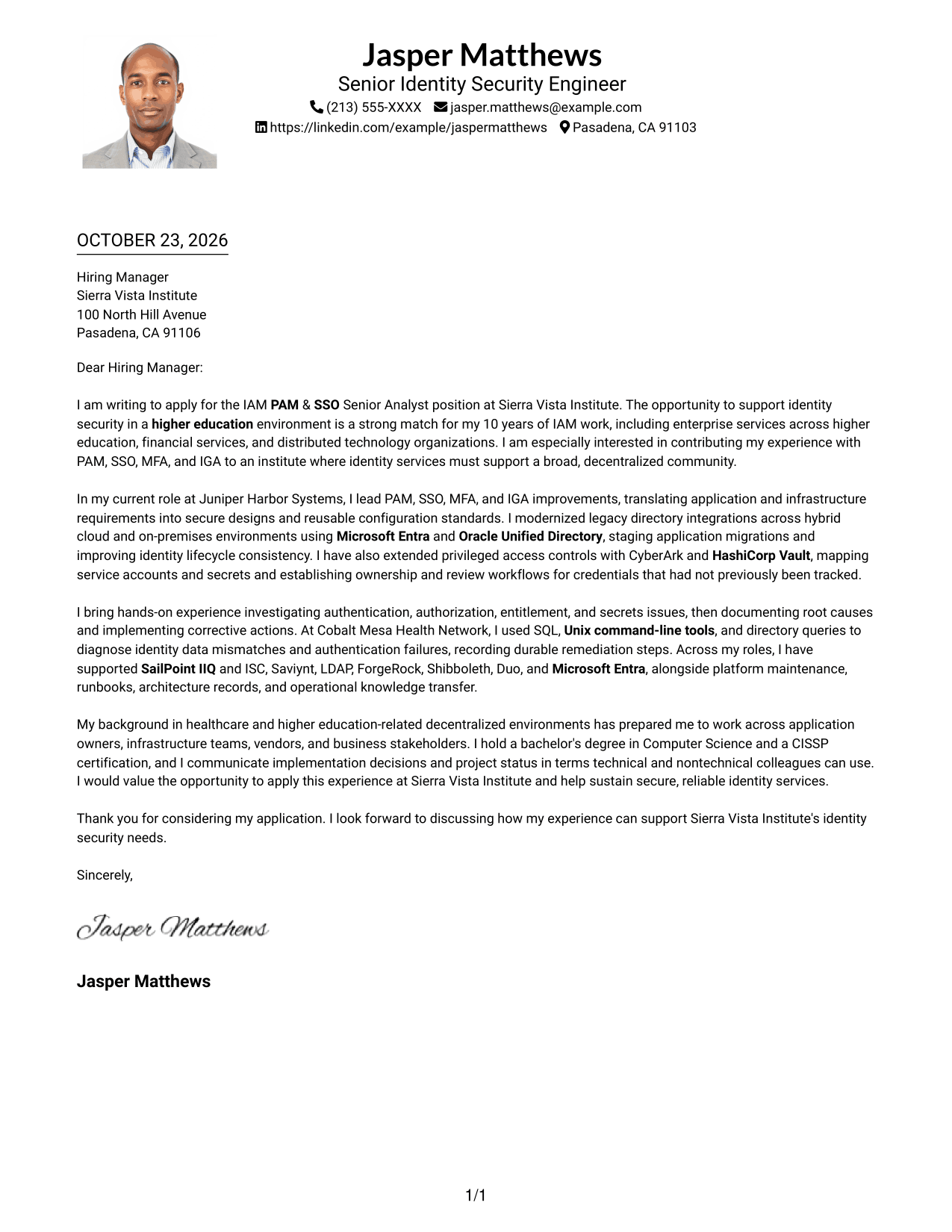
#4 One Column Format with Photo Cover Letter Example
The header photo adds a portrait while the letter remains in one body column for a direct reading path.
Why This Format Works
- The single body column keeps the opening, evidence, and closing in reading order.
- Sender details remain in the header, outside the letter body.
- The header photo adds a portrait without dividing the letter into columns.
Best For
- One-column reading preference
- Portrait-led contact presentation
- Continuous argument paragraphs
- Header-based sender information
- Letters with several points of role alignment
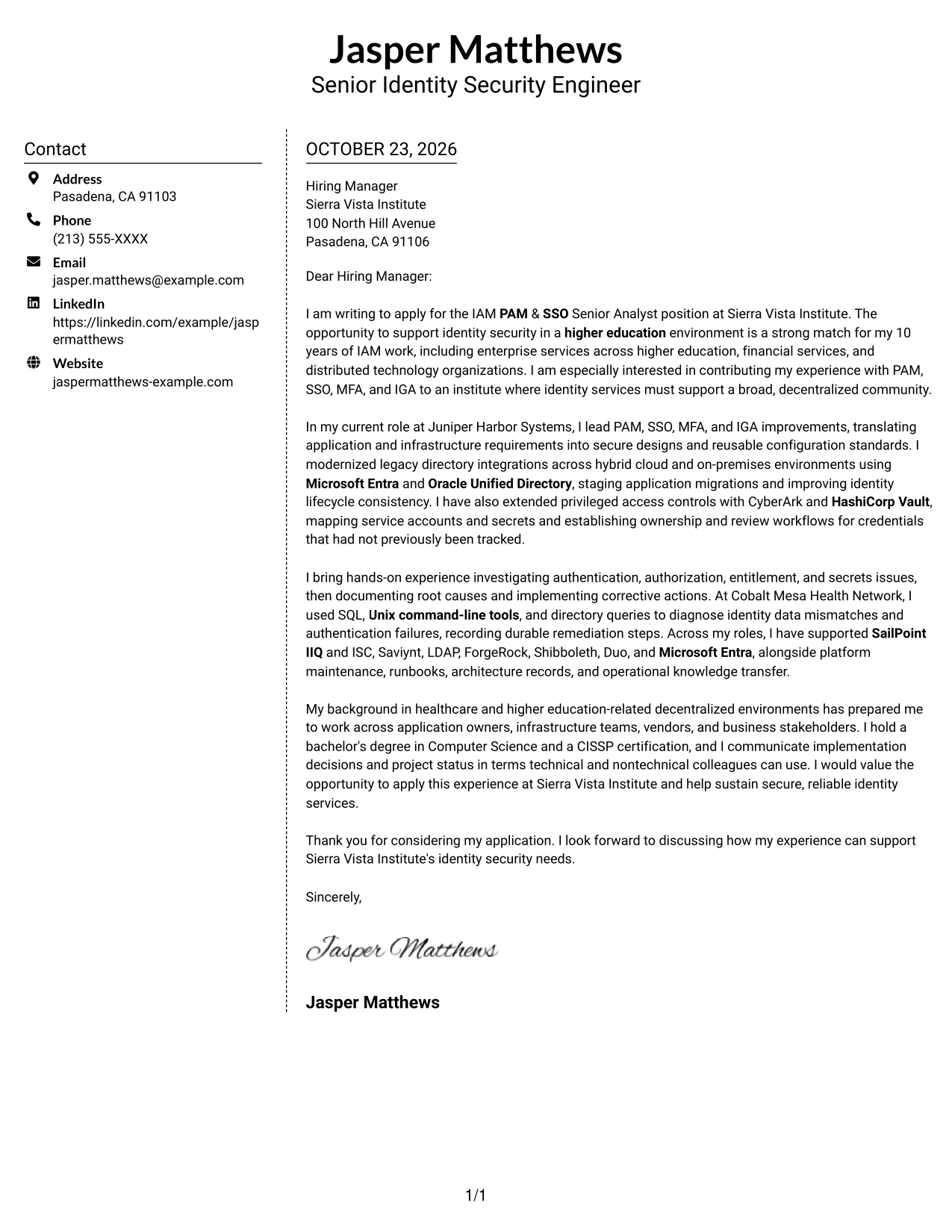
#5 Simple Two Column Format Cover Letter Example
A contact sidebar sits beside the continuous letter body, while the photo-free layout keeps the page text-focused.
Why This Format Works
- The sidebar separates sender details from the letter's persuasive message.
- A continuous body keeps each paragraph within the same reading sequence.
- Without a photo, the presentation keeps attention on written communication.
Best For
- Contact details outside the body
- One connected letter argument
- Photo-free application materials
- Letters with supporting detail
- Text-focused contact presentation
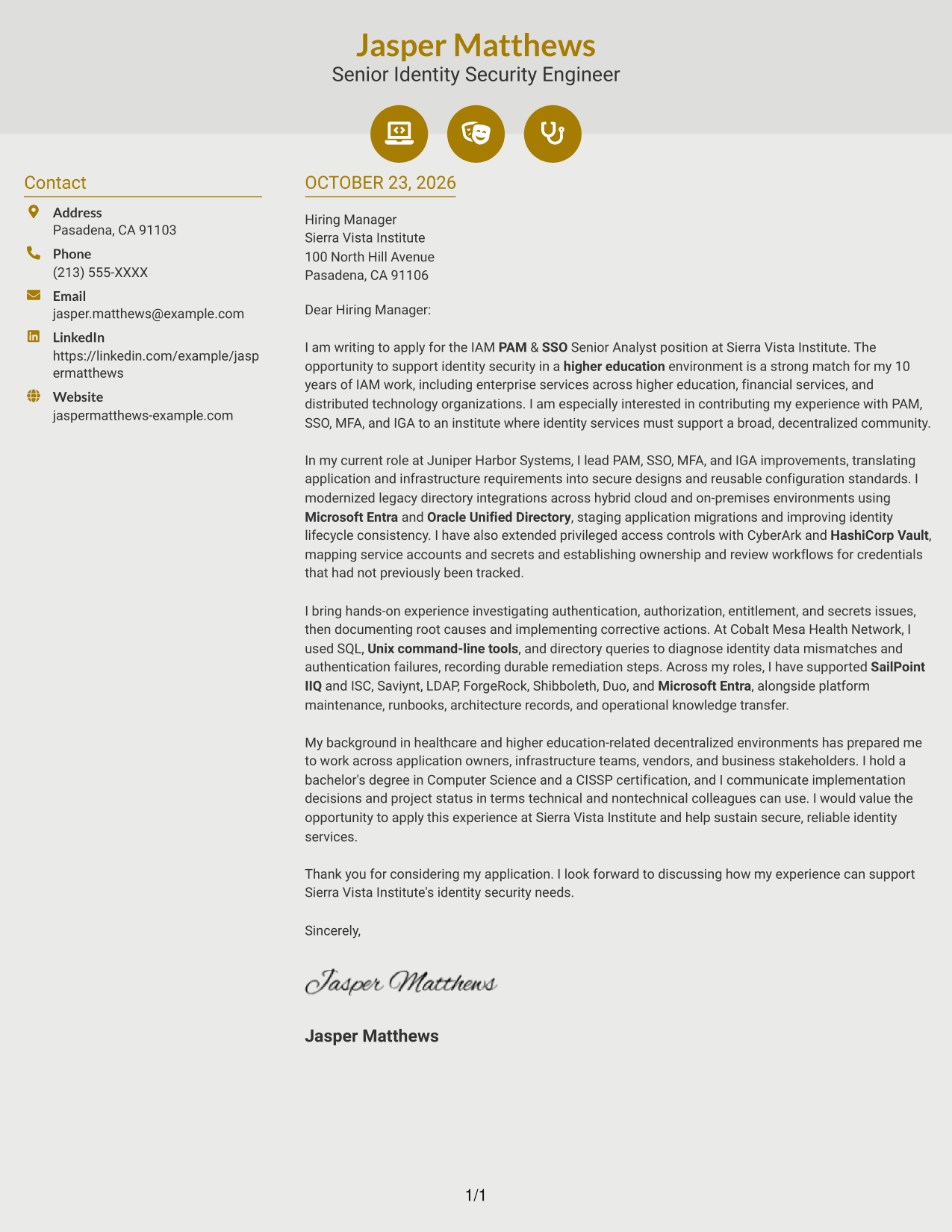
#6 Modern Icon Format Cover Letter Example
Contact icons appear with the sidebar details, while the letter remains one continuous body for the full message.
Why This Format Works
- Contact icons help identify sender details without labeling parts of the letter argument.
- The sidebar keeps contact information apart from the main body.
- Continuous paragraphs let reviewers follow the message from opening through closing.
Best For
- Icon-marked contact details
- Contact information beside the letter
- Continuous body paragraphs
- Photo-free page preferences
- Letters with detailed role motivation
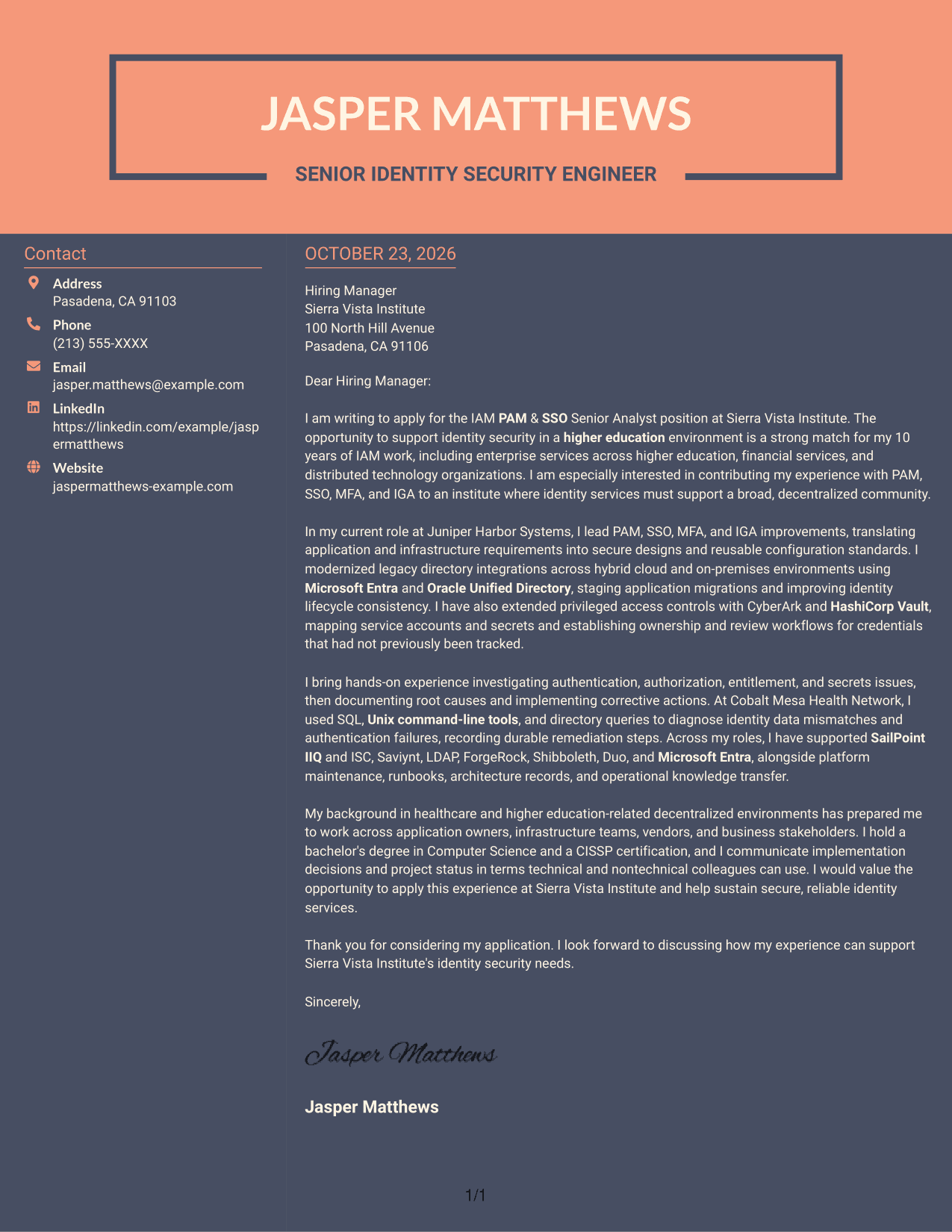
#7 Creative Two Tone Format Cover Letter Example
The contact sidebar stands beside one continuous letter body, keeping sender information distinct from the written case.
Why This Format Works
- A separate contact area lets reviewers locate sender information apart from the message.
- The continuous body keeps motivation and evidence within one connected argument.
- The photo-free format suits readers who prefer a text-led page.
Best For
- Contact details outside the body
- One uninterrupted letter argument
- Text-led contact presentation
- Applications with several supporting paragraphs
- Clear motivation and role fit
Why Use ResumeInMinutes for an IAM PAM & SSO Senior Analyst Cover Letter
ResumeInMinutes lets you compare PNG previews and open an example in the editor to shape a letter around the role and your evidence.
- Clear letter formats
- Role-focused writing guidance
- Editor access for customization
- Support for a focused opening
- Space for specific work examples
- Guidance for a clear closing
Use the examples to explain how your PAM, SSO, MFA, and IAM experience can support secure and reliable identity services. Keep the message direct, connect your evidence to the employer’s needs, and close with a clear expression of interest.
See Also
- 7 IAM PAM & SSO Senior Analyst Resume Templates with Example
- 33 Accounts Payable Analyst - Invoice Processing Resume Templates with Example 2026 (ATS-Optimized)
- 33 Accounts Payable Analyst Resume Templates with Example 2026 (ATS-Optimized)
- 7 AI Operations Adoption and Enablement Analyst Resume Templates with Example
- 33 All Source Intelligence Analyst - Intelligence Analysis Resume Templates with Example
- 7 Analyst/Associate: Equity Research - Telecommunication, Data Center and Tower Resume Templates with Example
- 33 Analyst - Cybersecurity Operations Resume Templates with Example 2026 (ATS-Optimized)
- 33 Analyst, Data Analytics Resume Templates with Example 2026 (ATS-Optimized)
- 30+ Accounts Payable Analyst Cover Letter Templates with Example 2026
- 7 AI Operations Adoption and Enablement Analyst Cover Letter Templates with Example
Frequently Asked Questions
How can I make an IAM PAM & SSO Senior Analyst cover letter relevant to the role?
Show how your experience relates to the role’s work, such as supporting PAM, SSO, and MFA services, connecting applications, investigating access problems, or improving operational guidance. Use only examples that reflect your own background.
Does this guide show different cover letter presentations?
Yes. It uses one IAM PAM & SSO Senior Analyst cover letter example to show different visual presentations, so you can compare the options and choose one suited to the employer and communication context.
What should the opening paragraph say?
Name the IAM PAM & SSO Senior Analyst role and give a clear reason for your interest. Briefly connect that interest to the identity security work you can discuss in the letter.
What evidence is useful in the body of this cover letter?
Choose relevant examples of IAM implementation, troubleshooting, directory work, platform operations, or communication with application and infrastructure teams. Explain the action you took and why it mattered to service security or reliability.
Should I use a photo on my cover letter?
For most U.S. applications, a photo is not needed. A simple, readable presentation keeps attention on your role fit, evidence, and interest in the position.




