
7 Immigration Staff Attorney Cover Letter Templates with Example
This practical guide to an Immigration Staff Attorney cover letter presents seven layouts to help you make a clear, persuasive case for your fit.
What Makes a Great Immigration Staff Attorney Cover Letter in 2026
A strong Immigration Staff Attorney cover letter links your motivation to client-centered legal service and shows how your advocacy fits the role. A clear opening, focused body, and direct closing help the reader follow your case.
Use specific evidence from relevant legal work, such as removal defense, EOIR hearings, BIA appeals, USCIS matters, or trauma-informed advocacy. Connect that evidence to the employer’s work with immigrant communities and its commitment to equitable outcomes.
The featured Immigration Staff Attorney example follows a focused progression from interest in the role to relevant advocacy experience and a clear close; adapt that flow while choosing a presentation suited to the employer and communication context.
#1 Simple One Column Format Cover Letter Example
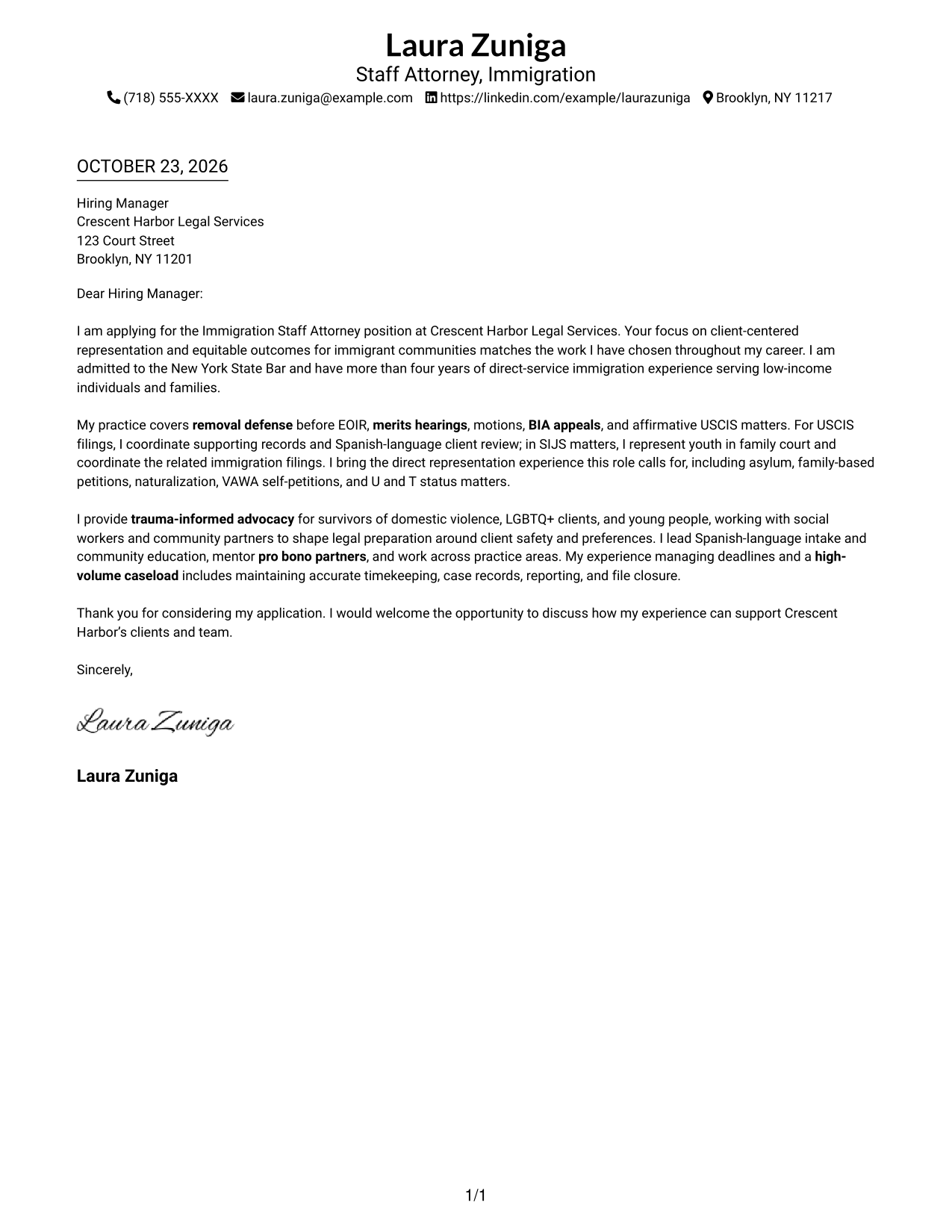
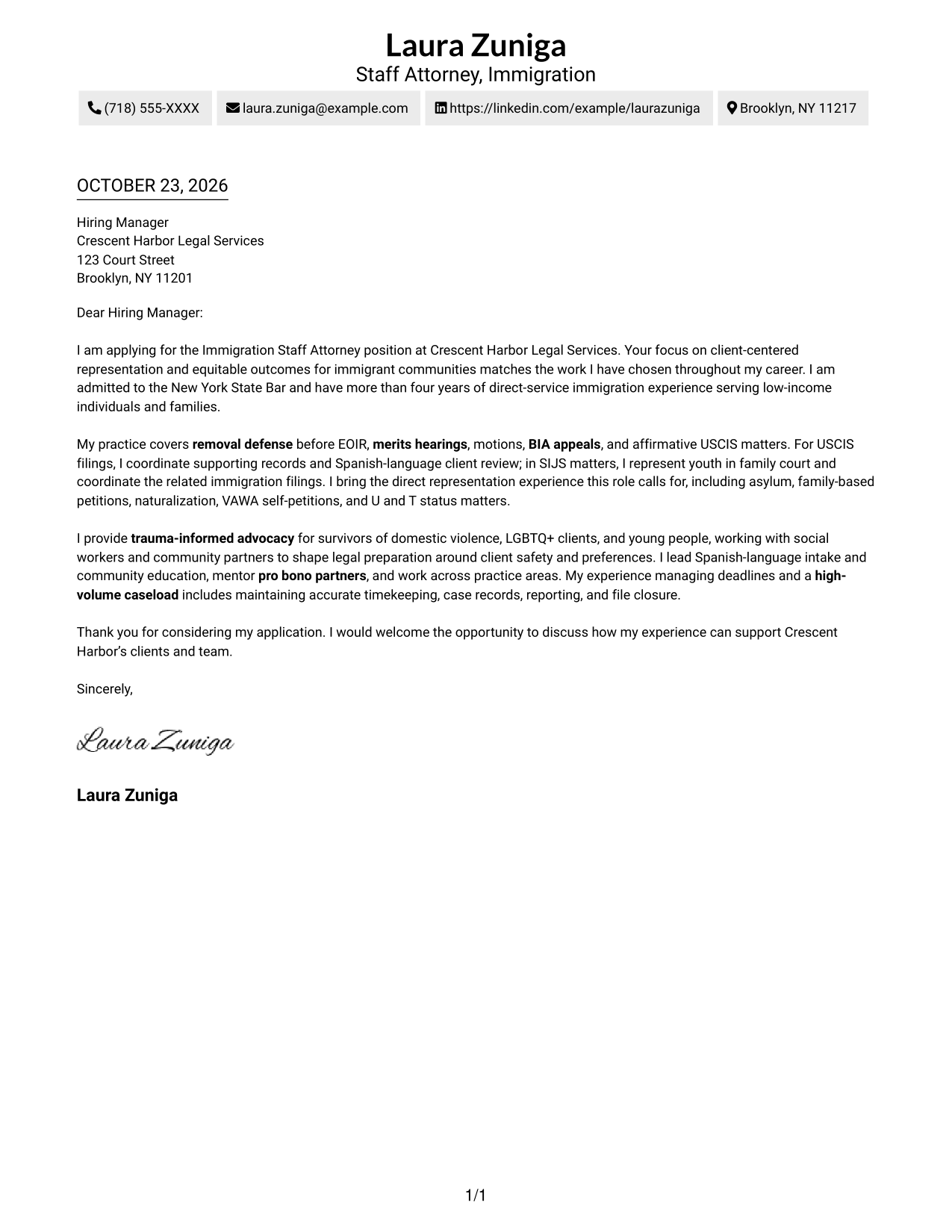
The Simple One Column Format keeps sender details in the header and the letter in one reading column, giving the message a direct path.
Why This Format Works
- One body column keeps every paragraph in a clear reading order.
- Sender details in the header remain distinct from the letter's argument.
- With no portrait, the written message remains the page's only visual focus.
Best For
- Single-column letter reading
- Header-based sender details
- Continuous persuasive prose
- Unheaded letter paragraphs
- Traditional correspondence style
#2 Two Column Format Cover Letter Example
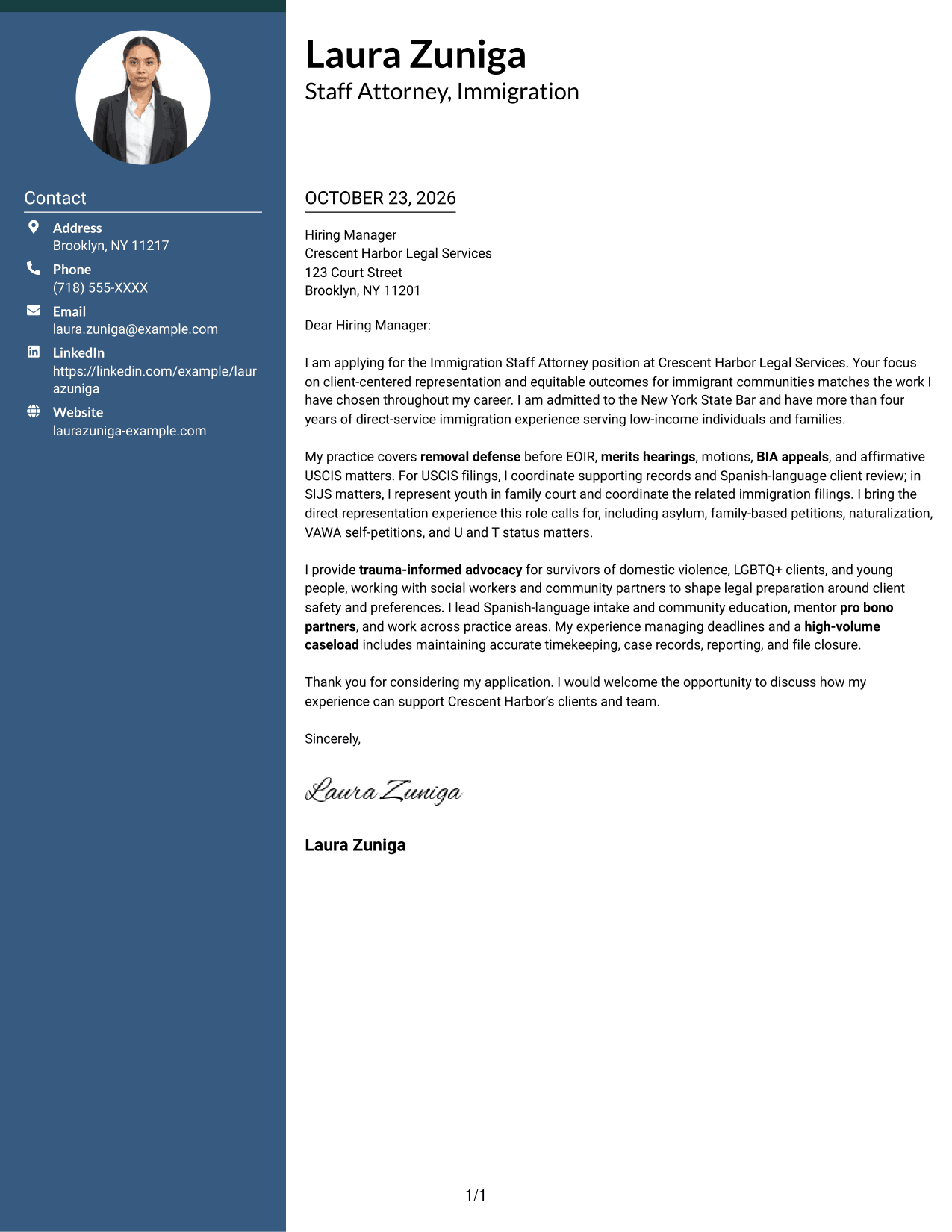
The Two Column Format places a contact sidebar beside one continuous letter body, offering a clear separation between sender information and the message.
Why This Format Works
- Contact details sit apart from the body, offering a separate reference point.
- The opening, supporting points, and close remain in one continuous sequence.
- Without argument headings, motivation and evidence stay in familiar letter prose.
Best For
- Separate contact reference
- Continuous persuasive prose
- Two-column reading preference
- Unheaded letter paragraphs
- Text-centered application materials
#3 Photo Header Two Column Format Cover Letter Example
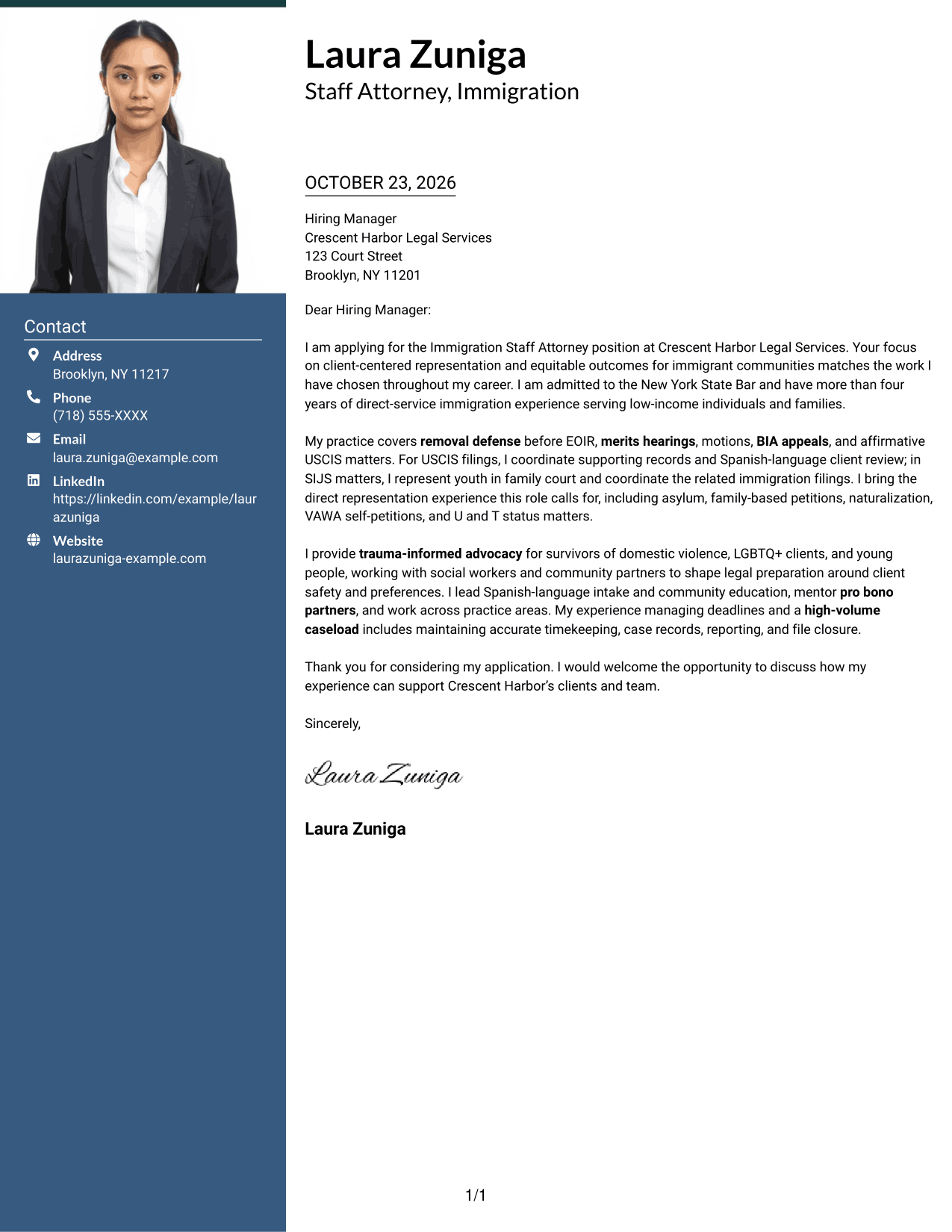
The Photo Header Two Column Format pairs a portrait and contact sidebar with one continuous letter body, for readers who prefer a visual element alongside clear contact details.
Why This Format Works
- Contact details sit apart, while the body presents the full case in sequence.
- The portrait is a visual choice, not a marker for the letter's evidence.
- Unheaded paragraphs keep motivation and supporting points in familiar letter prose.
Best For
- Portrait-forward presentation
- Sidebar contact details
- Continuous persuasive prose
- Unheaded letter paragraphs
- Two-column page preference
#4 One Column Format with Photo Cover Letter Example
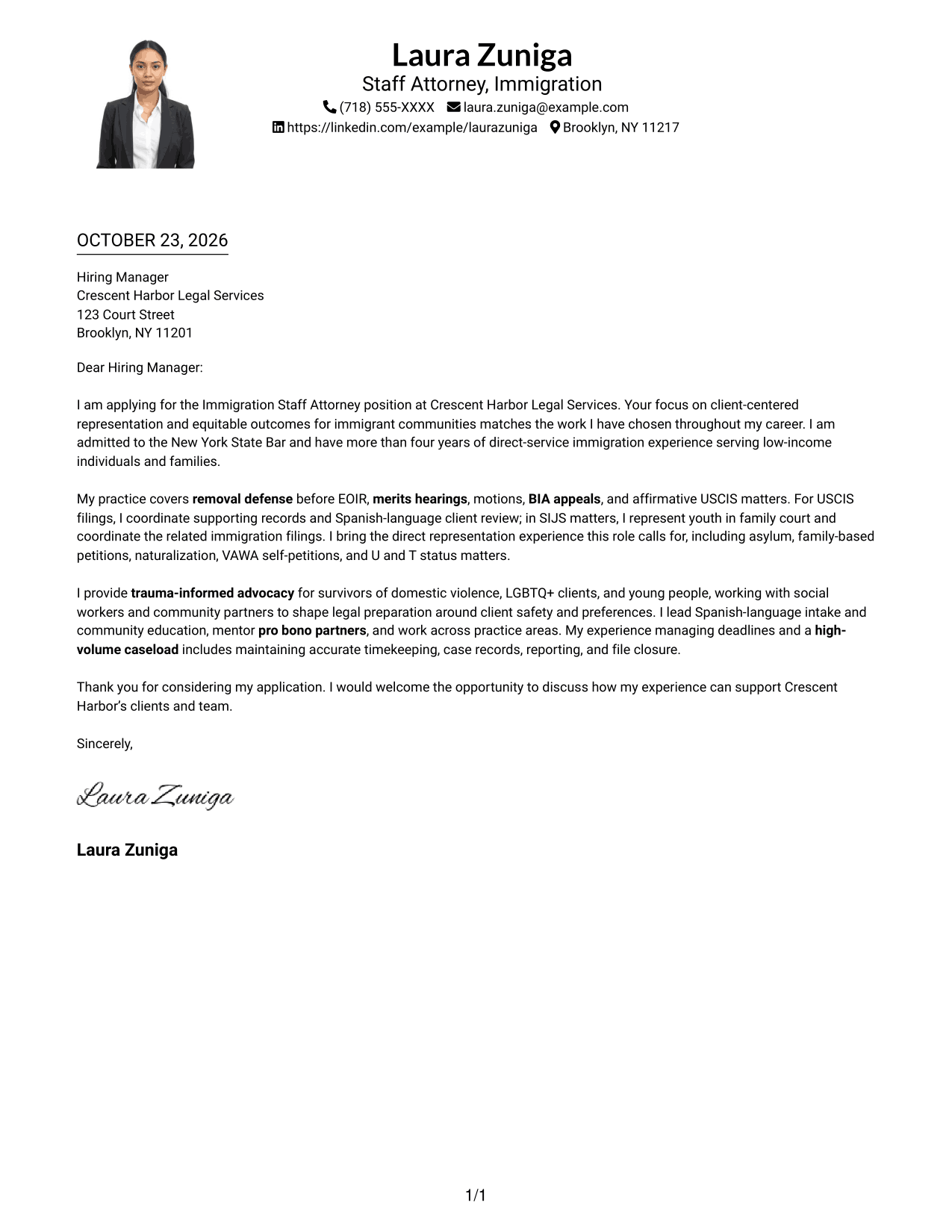
The One Column Format with Photo combines a portrait with a single letter column, adding a visual element while keeping the message in one reading path.
Why This Format Works
- One body column keeps each paragraph on a direct reading path.
- Sender details stay in the header, not beside the letter paragraphs.
- The portrait adds visual presence without changing the letter's argument.
Best For
- Single-column letter reading
- Photo-inclusive letter design
- Header-based sender details
- Unheaded letter paragraphs
- Text-led argument
#5 Simple Two Column Format Cover Letter Example
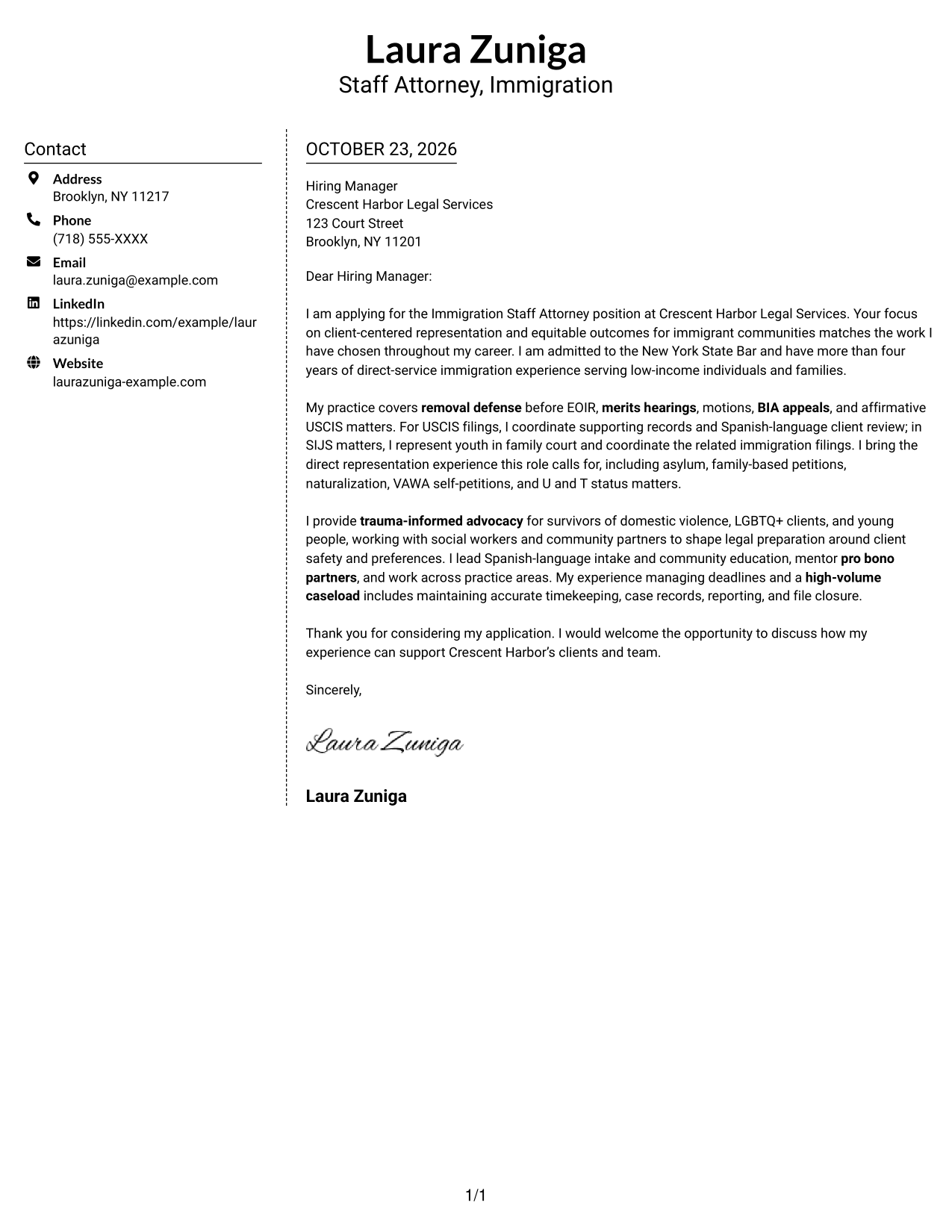
The Simple Two Column Format sets a contact sidebar beside one continuous letter body, giving sender details their own place without dividing the argument.
Why This Format Works
- Readers can consult the contact sidebar without searching through the letter body.
- The message stays in one continuous column, preserving its opening-to-close order.
- Unheaded paragraphs let the letter make its case in a familiar form.
Best For
- Contact sidebar preference
- Opening-to-close letter flow
- Separate sender information
- Unheaded persuasive paragraphs
- Two-column page layouts
#6 Modern Icon Format Cover Letter Example
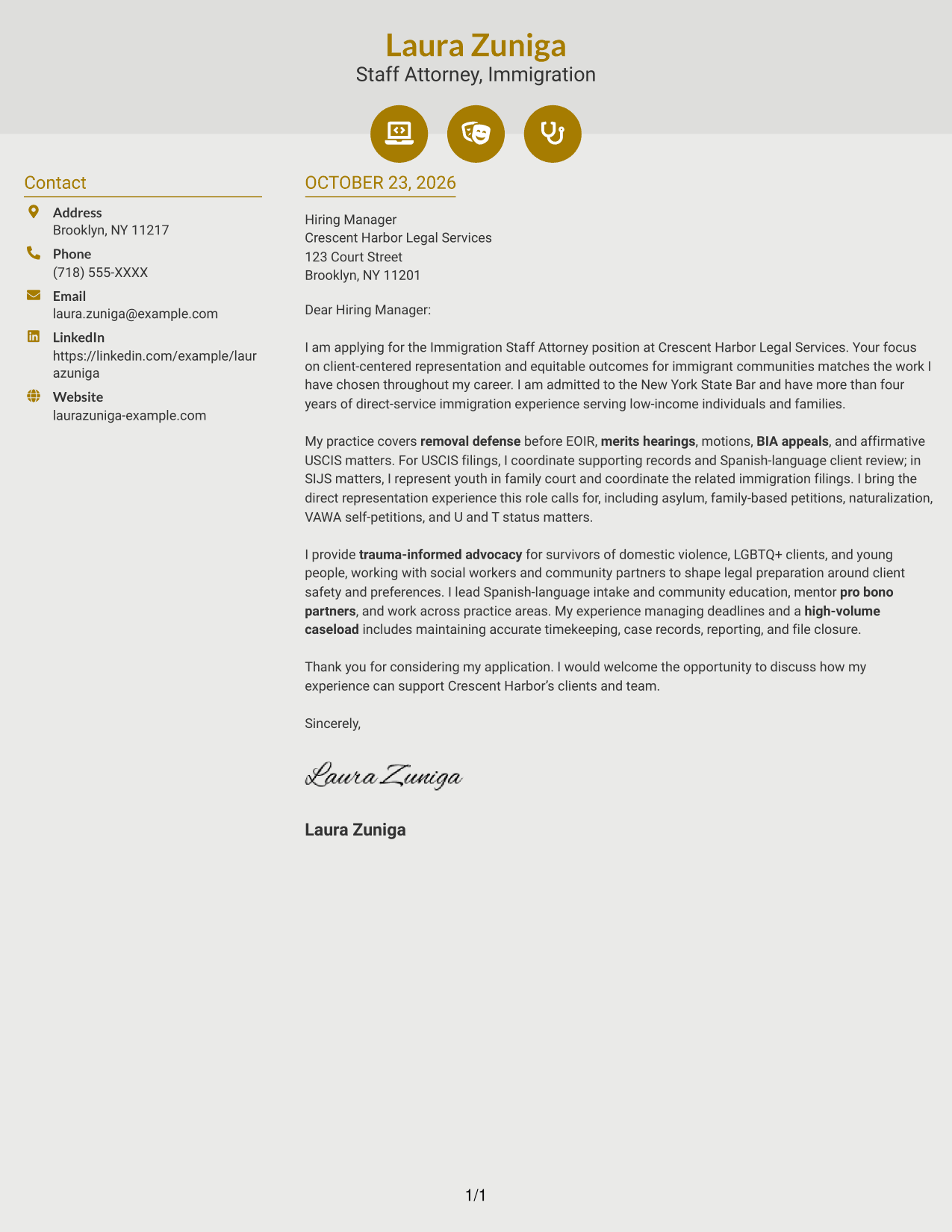
The Modern Icon Format uses a contact sidebar beside one continuous letter body, with icons serving as contact cues rather than labels for the message.
Why This Format Works
- Contact icons help readers identify sender details in the sidebar.
- The icons do not label motivation, evidence, or the closing paragraphs.
- One continuous body keeps the argument's paragraphs in their intended order.
Best For
- Icon-led contact details
- Sidebar contact organization
- Unheaded letter prose
- One-path body reading
- Decorative header accents
#7 Creative Two Tone Format Cover Letter Example
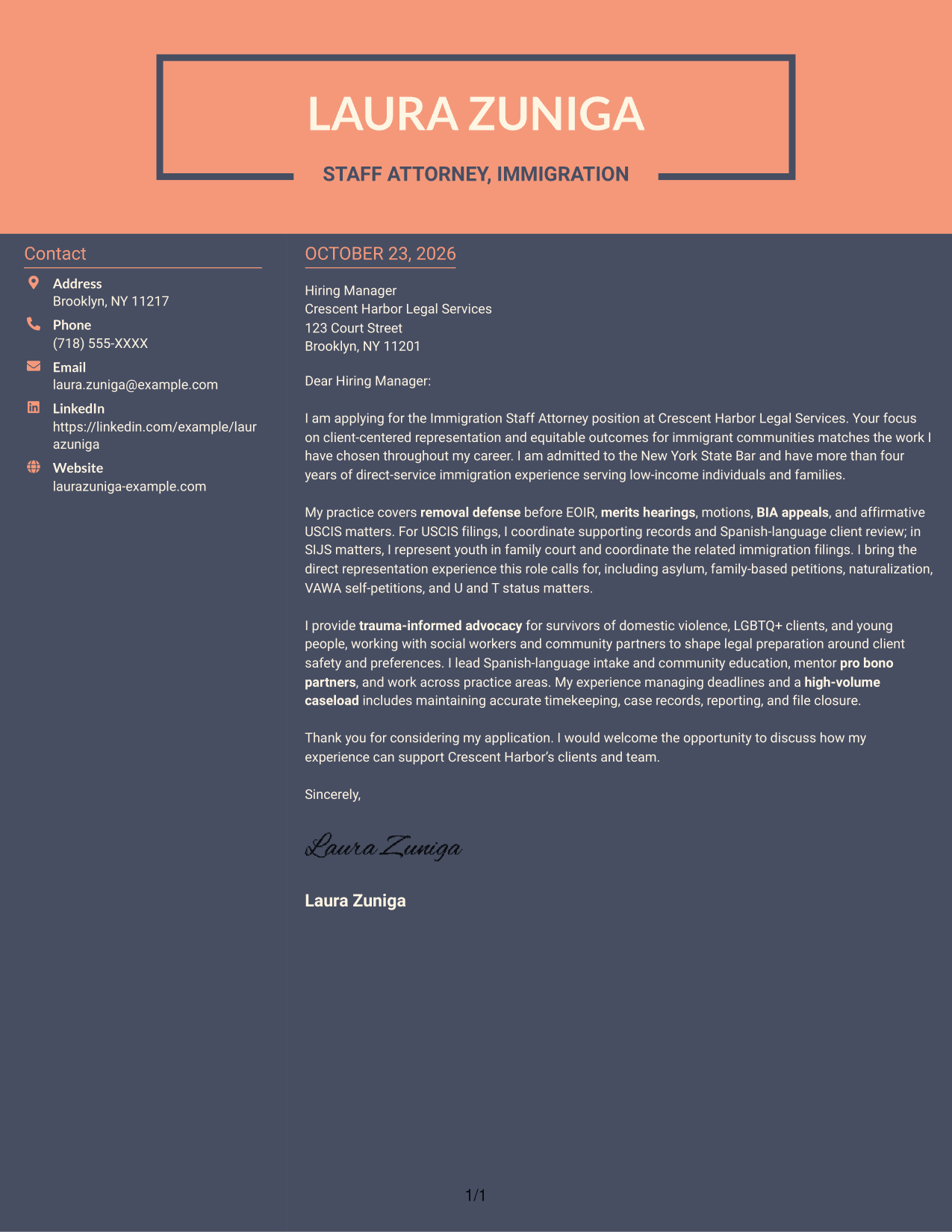
The Creative Two Tone Format places a contact sidebar beside one continuous letter body, giving readers separate areas for contact details and the message.
Why This Format Works
- Contact details occupy a sidebar, apart from the continuous letter body.
- Readers follow the argument in one body column rather than parallel text.
- Unheaded prose keeps the message in a familiar letter form.
Best For
- Sidebar contact details
- Continuous letter argument
- Two-column reading preference
- Unheaded letter paragraphs
- Distinct sender and message areas
Why Use ResumeInMinutes for an Immigration Staff Attorney Cover Letter
Compare the cover letter image previews to see how different presentations shape the same kind of professional message, then open an example in the editor to customize it.
- Clear, professional layouts
- Cover letter examples
- Editor customization
- Role-focused letter guidance
- Readable presentation choices
- Preview images for comparison
For an Immigration Staff Attorney application, use the letter to explain your interest in client-centered representation and connect relevant advocacy experience to the organization’s work with immigrant communities.
See Also
- 7 Immigration Staff Attorney Resume Templates with Example
- 7 Staff Attorney - Community Justice and Movement Lawyering Resume Templates with Example
- 7 Staff Attorney - Labor Division (Unemployment Section) Resume Templates with Example
- 7 Assistant Attorney General - Special Prosecutions Resume Templates with Example
- 7 Assistant Attorney General - Tax & Public Finance Resume Templates with Example
- 7 Assistant County Attorney V - Affordable Housing Development and Finance Resume Templates with Example
- 7 Claims Adjuster - Attorney Represented Injury Resume Templates with Example
- 7 Deputy Attorney General II/III - Civil Litigation Resume Templates with Example
- 7 Deputy City Attorney - Health and Human Services Cover Letter Templates with Example
- 7 Insurance Defense Attorney - Bodily Injury Cover Letter Templates with Example
Frequently Asked Questions
What should an Immigration Staff Attorney cover letter emphasize?
Explain your interest in the role and give focused examples of relevant work, such as EOIR representation, motions, BIA appeals, USCIS applications, or family court advocacy. Connect those examples to the employer’s approach to serving clients.
Are these seven different cover letters?
No. This guide presents one Immigration Staff Attorney cover letter example in seven different layouts. Compare the image previews, then open an example in the editor if you want to customize it.
How can I show fit for a client-centered immigration practice?
Describe how you communicate with clients, prepare legal arguments, and work with colleagues or community partners. Use accurate examples that show care for client safety, needs, and choices.
How should I discuss Spanish-language work in my letter?
If you have Spanish-language legal communication experience, give a brief example, such as explaining a filing or reviewing supporting records with a client. Keep the description specific to work you have done.
What cover letter style is suitable for an Immigration Staff Attorney application?
Choose a clear, easy-to-read presentation that fits the employer and the way you will communicate. A simple layout can keep attention on your opening, role-specific evidence, and closing.




