
7 Industrial Mechanic/Millwright - Wood Products Manufacturing Cover Letter Templates with Example
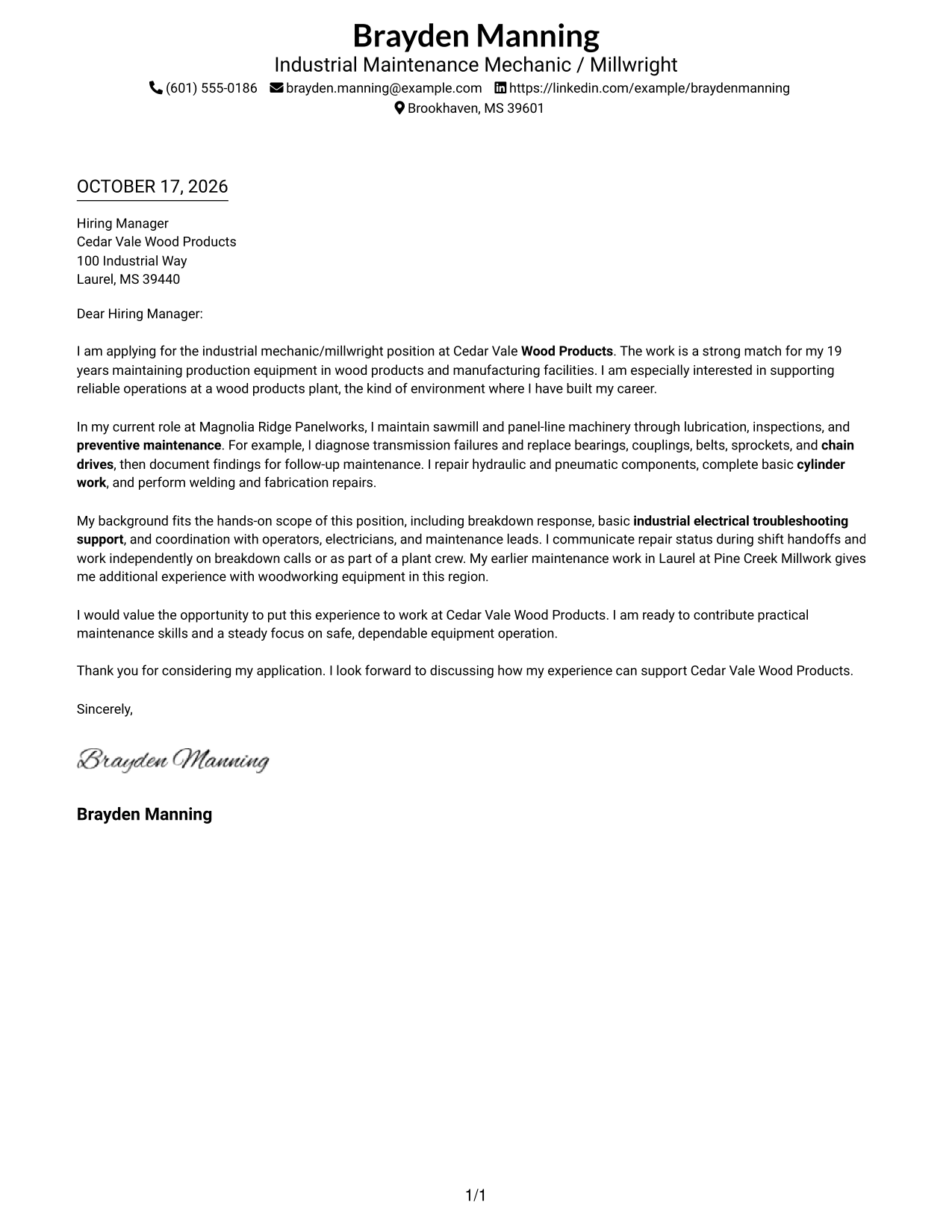
This practical guide to an Industrial Mechanic/Millwright - Wood Products Manufacturing cover letter presents seven layouts to help you choose a clear way to show your role fit.
What Makes a Great Industrial Mechanic/Millwright - Wood Products Manufacturing Cover Letter in 2026
A strong letter links the job’s maintenance needs to clear examples of preventive work, mechanical repairs, and safe equipment troubleshooting.
Use specific evidence, such as repairing power transmission parts or servicing hydraulic and pneumatic systems. Show how your work habits and communication can support reliable plant operations.
The featured Industrial Mechanic/Millwright - Wood Products Manufacturing letter moves from role interest to relevant maintenance evidence and a direct close, giving you a focused progression to adapt while choosing a presentation that suits the employer and communication context.
#1 Simple One Column Format Cover Letter Example
The Simple One Column Format places sender details in the header above one continuous letter body, giving readers a direct route through the message.
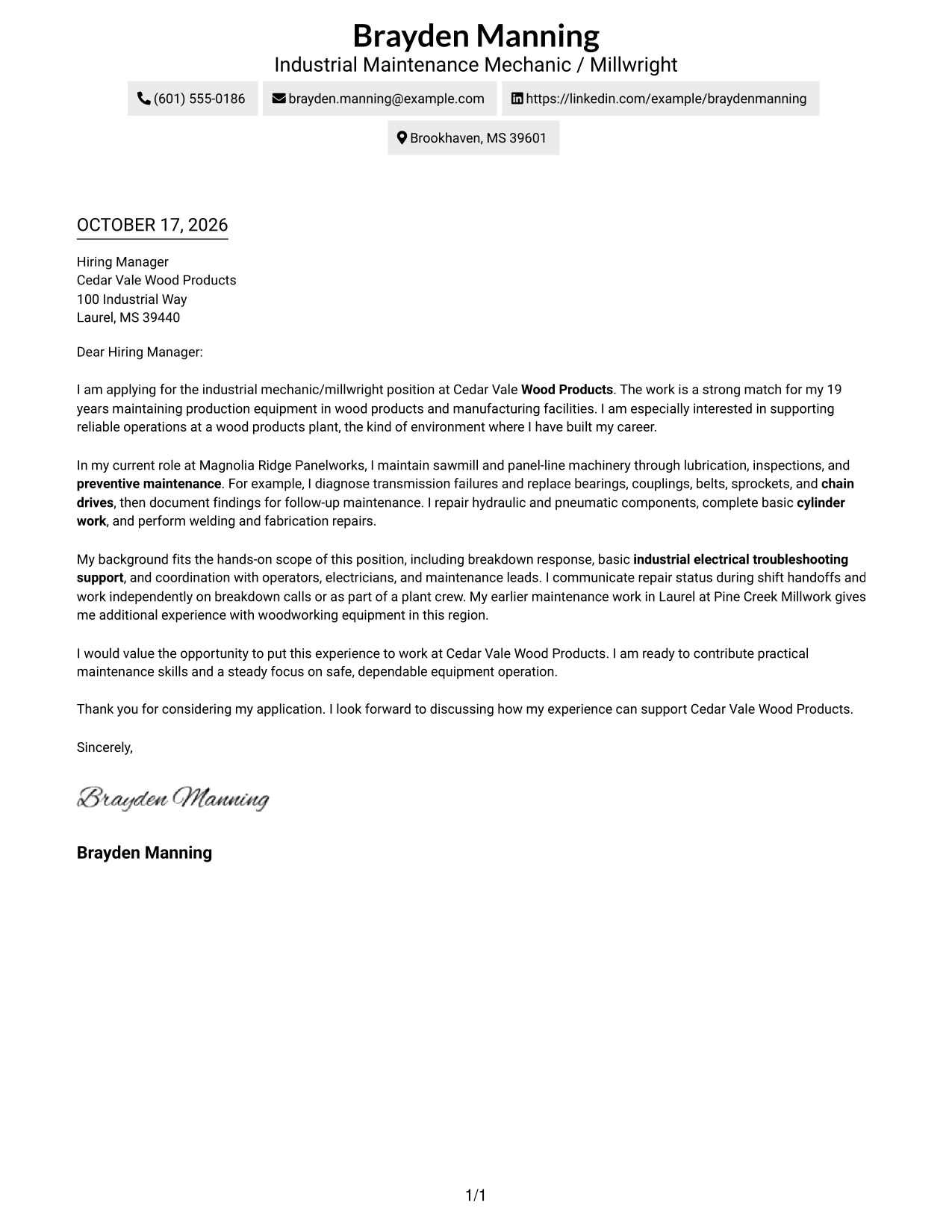
Why This Format Works
- One text column lets reviewers follow the opening, evidence, and closing in order.
- Header-based contact details stay easy to find without interrupting the message.
- Leaving out a portrait keeps the page focused on written communication.
Best For
- Single-column letter reading
- Contact details above the message
- Text-focused applications
- Photo-free document preference
- Company-specific applications
#2 Two Column Format Cover Letter Example
The Two Column Format places contact details in a sidebar beside one continuous letter body, keeping contact lookup separate from the message.
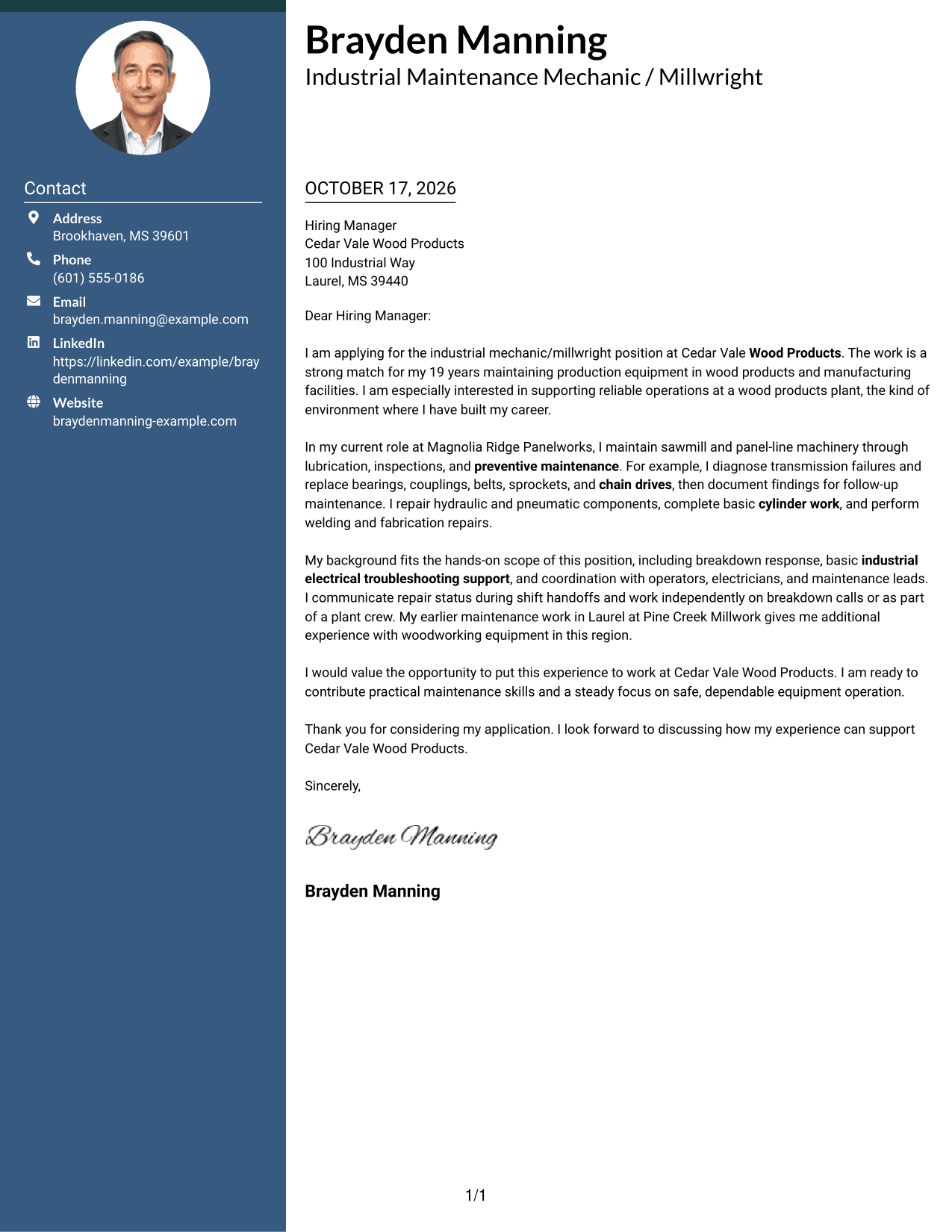
Why This Format Works
- Contact details remain available without taking space inside the letter paragraphs.
- The continuous body carries motivation, work evidence, and the closing in sequence.
- A photo-free page suits readers who prefer the written message to lead.
Best For
- Quick contact lookup
- Unbroken letter paragraphs
- Two-column page preference
- Photo-free visual style
- Company-specific outreach
#3 Photo Header Two Column Format Cover Letter Example
The Photo Header Two Column Format pairs a portrait-led header and contact sidebar with one letter body, adding a personal visual element without dividing the message.
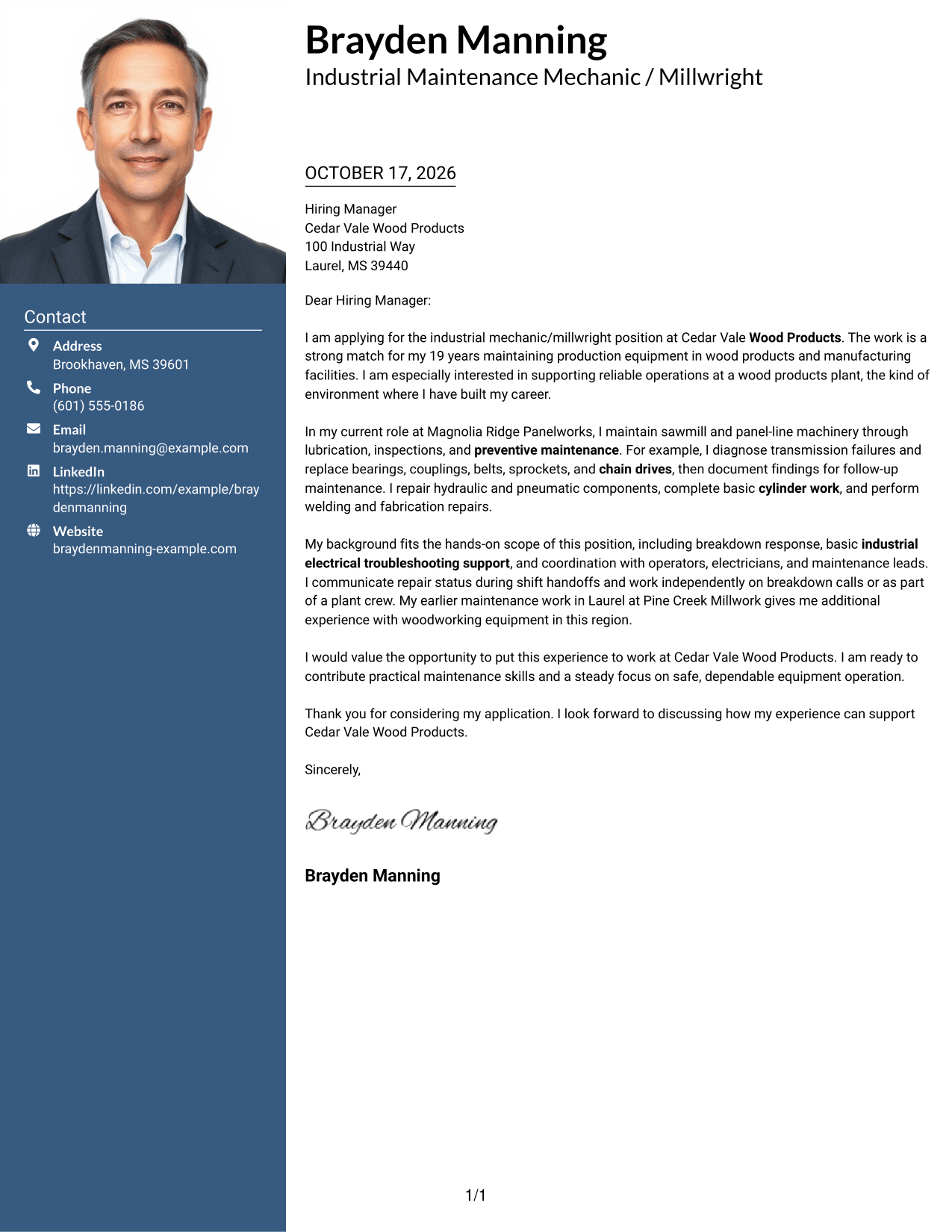
Why This Format Works
- Portrait placement adds a personal visual element without signaling qualifications.
- Contact details stay apart from the body, so the message remains easy to follow.
- One body column keeps motivation and evidence in their intended sequence.
Best For
- Portrait-led contact presentation
- Contact details beside the letter
- Continuous paragraph reading
- Company-specific applications
- Wood products plant roles
#4 One Column Format with Photo Cover Letter Example
The One Column Format with Photo combines a portrait with a continuous letter column, offering a personal visual choice and a direct reading order.
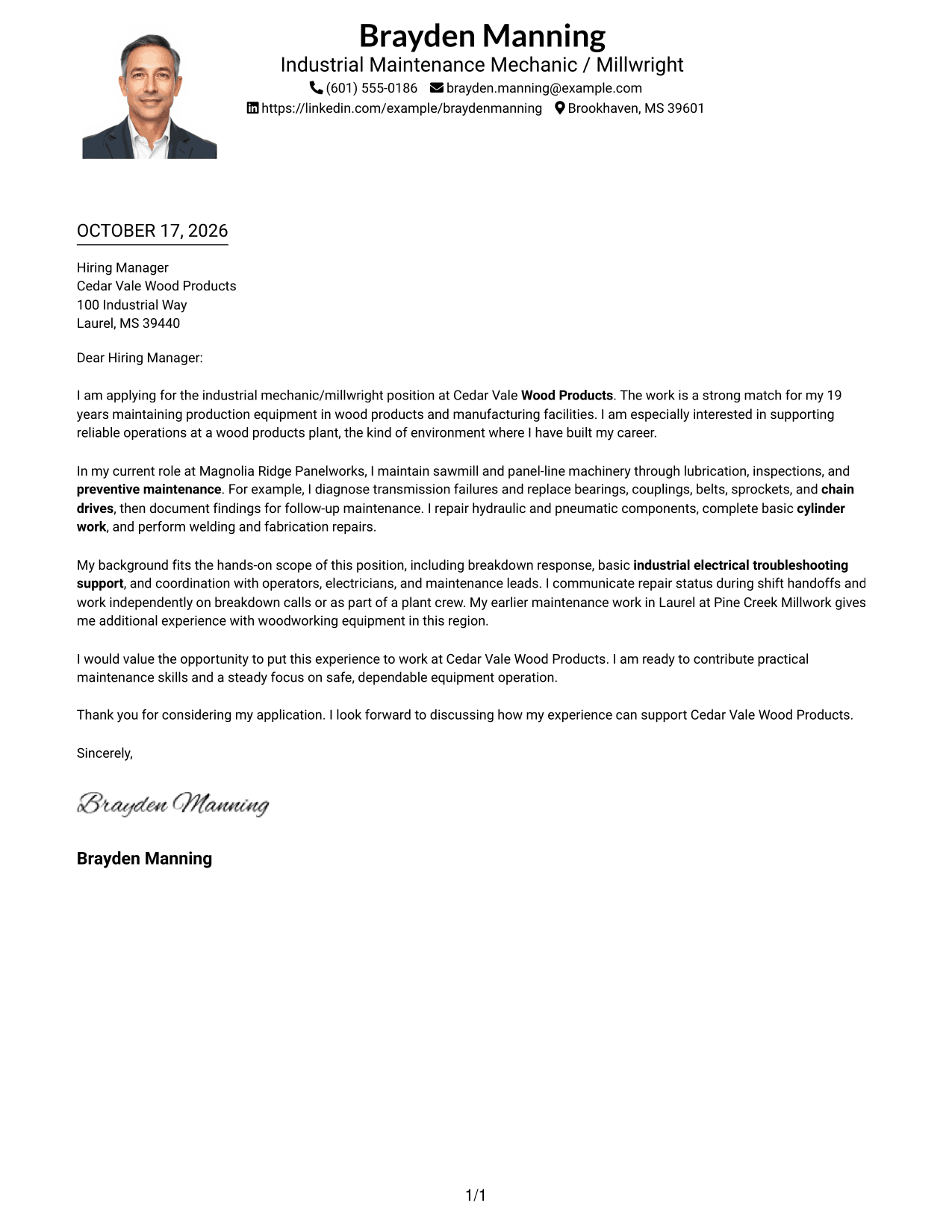
Why This Format Works
- One text column lets reviewers follow the message from greeting to closing.
- The portrait adds a personal visual choice without changing the letter's reading order.
- Header contact details remain apart from the letter's persuasive paragraphs.
Best For
- Single-column letter layout
- Portrait in the sender header
- Top-to-bottom message reading
- Photo-inclusive applications
- Personalized employer outreach
#5 Simple Two Column Format Cover Letter Example
The Simple Two Column Format sets contact details in a sidebar beside one continuous letter body, keeping the message intact while making contact information easy to locate.
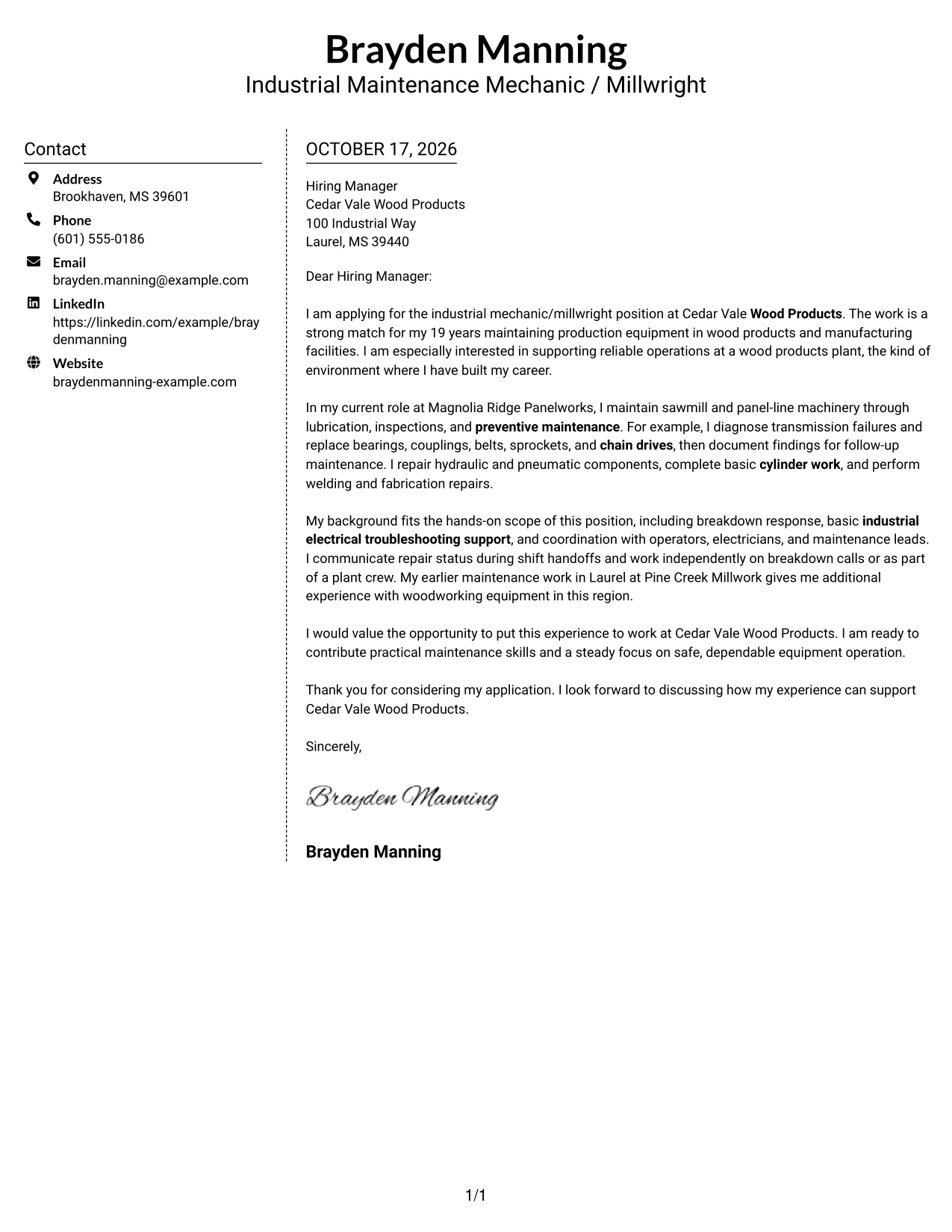
Why This Format Works
- Contact information has a separate place, apart from the letter's main text.
- One continuous body keeps motivation, evidence, and closing in a clear sequence.
- Without a portrait, the page suits a text-focused visual preference.
Best For
- Sidebar contact placement
- Continuous letter paragraphs
- Easy contact lookup
- Photo-free visual preference
- Company-specific applications
#6 Modern Icon Format Cover Letter Example
The Modern Icon Format uses icons as contact cues in a two-column layout, helping separate sender details from the continuous message.
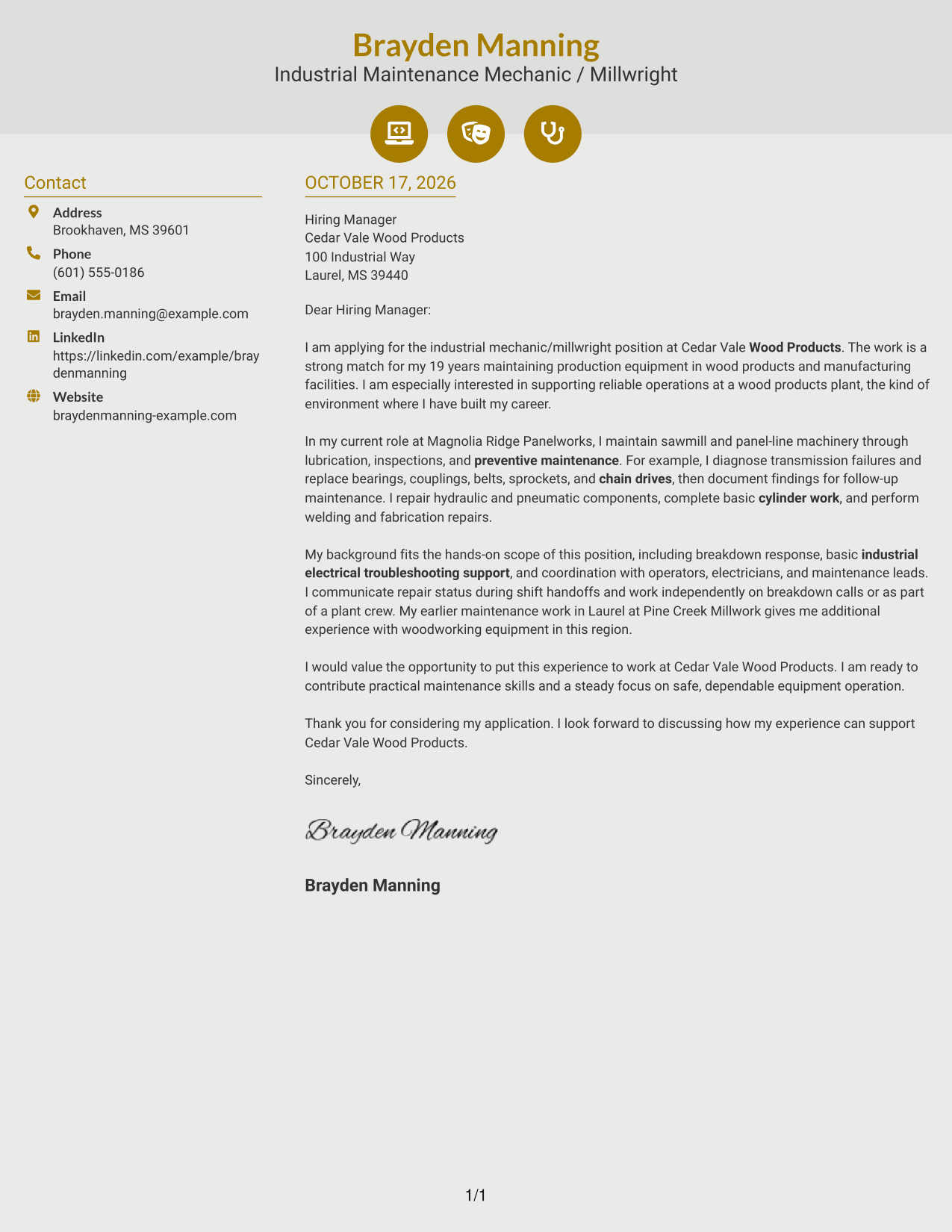
Why This Format Works
- Icons act as contact cues, not labels for the letter's argument.
- Contact details sit apart from the single-column message body.
- The continuous paragraphs preserve the natural order of motivation, evidence, and closing.
Best For
- Icon-marked contact details
- Sidebar contact placement
- Continuous letter paragraphs
- Photo-free document style
- Company-specific outreach
#7 Creative Two Tone Format Cover Letter Example
The Creative Two Tone Format places contact information in a sidebar beside one continuous letter body, keeping the message intact while setting contact details apart.
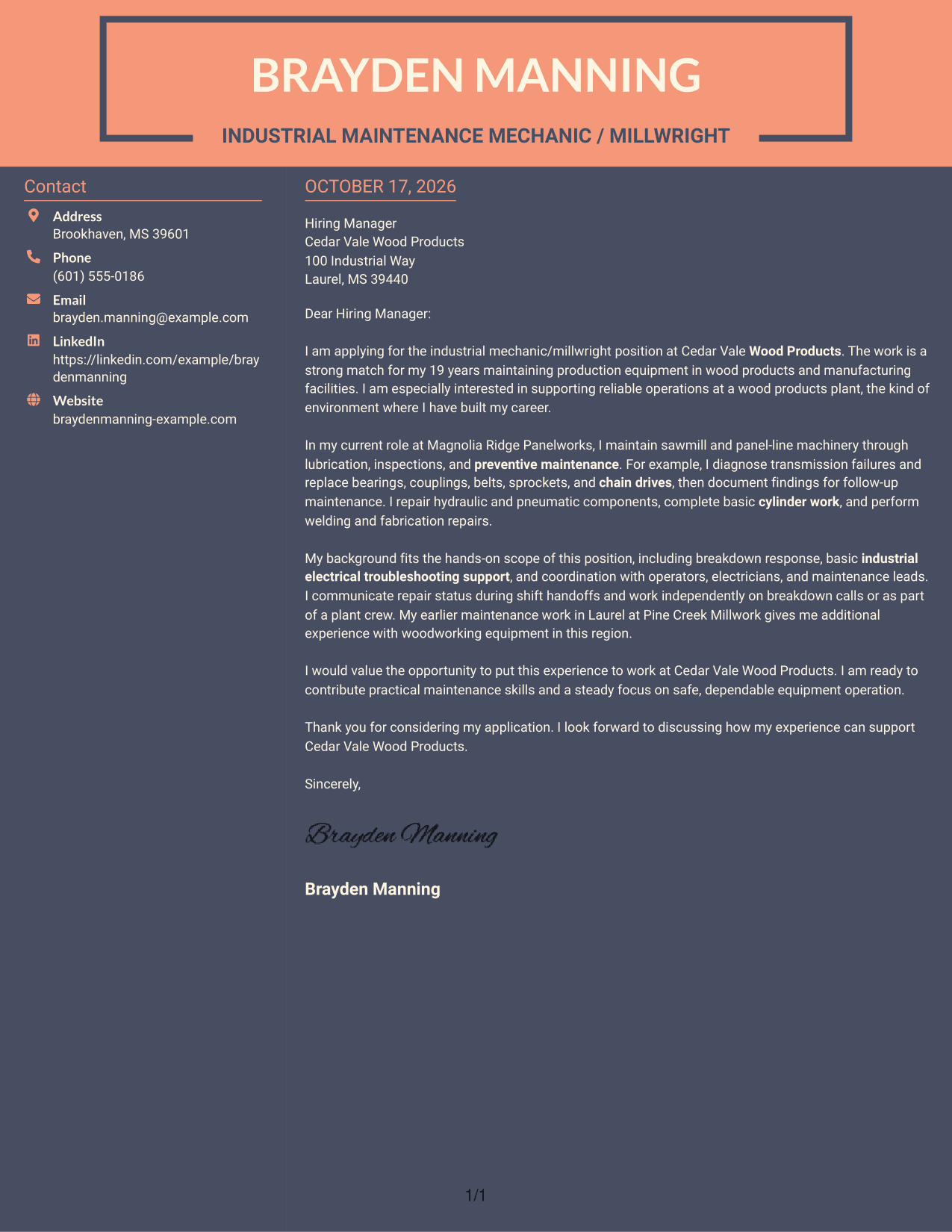
Why This Format Works
- Contact information stays separate, while the message remains one continuous letter.
- Readers can follow the argument without switching between body columns.
- Photo-free presentation suits applications where written communication should take visual priority.
Best For
- Separate contact sidebar
- Uninterrupted letter body
- Two-column page preference
- Text-first applications
- Employer-specific letters
Explore Industrial Mechanic/Millwright - Wood Products Manufacturing Cover Letter Examples
Compare the image previews to see how each presentation handles the same cover letter. Open an example in the editor to review or customize its wording and layout for your application.
See Also
- 7 Industrial Mechanic/Millwright - Wood Products Manufacturing Resume Templates with Example
- 33 Auto Body Mechanic Resume Templates with Example 2026 (ATS-Optimized)
- 7 Auto Mechanic - Fire Apparatus Resume Templates with Example
- 33 Automotive Mechanic - Car & Trucks Resume Templates with Example 2026 (ATS-Optimized)
- 7 Automotive Mechanic I Resume Templates with Example
- 7 Automotive Mechanic - Medium / Heavy Trucks Resume Templates with Example
- 7 Automotive Mechanic Resume Templates with Example
- 33 Automotive Mechanic Trainee Resume Templates with Example 2026 (ATS-Optimized)
- 30+ Auto Body Mechanic Cover Letter Templates with Example 2026
- 30+ Automotive Mechanic - Car & Trucks Cover Letter Templates with Example 2026
Frequently Asked Questions
What should an Industrial Mechanic/Millwright - Wood Products Manufacturing cover letter include?
Connect your experience to preventive maintenance, lubrication, mechanical power transmission, and repair of hydraulic or pneumatic equipment. Add a specific example and explain how you work safely and coordinate with plant staff.
How can I show my fit for a wood products manufacturing role?
Describe relevant work with production machinery and explain the repairs or maintenance you performed. Mention wood products experience only when it reflects your own background.
How should I organize the letter?
Open by naming the position and giving a clear reason for your interest. Use the body to show relevant repair and maintenance evidence, then close by stating your interest in discussing the role.
Are these separate cover letters or different visual layouts?
The page shows one featured cover letter in different visual layouts. Compare the previews, then open an example in the editor to review or customize it.
How can I make the letter specific to an employer?
Refer to the employer and position by name, then connect your experience to the facility’s work. Include only details you can support with your own experience.




