
7 Industrial Project Architect Cover Letter Templates with Example
This practical guide helps you shape an Industrial Project Architect cover letter and compare seven layouts for a clear, persuasive presentation.
What Makes a Great Industrial Project Architect Cover Letter in 2026
A strong Industrial Project Architect cover letter links your interest in the role to clear examples of facility planning, technical coordination, and project delivery. A focused opening, specific body, and direct closing make your case easy to follow.
Use evidence such as coordinating design teams, preparing construction documents, or supporting work through construction. Connect that experience to the employer’s facility needs and its goals for resilient, sustainable design.
The featured Industrial Project Architect example moves from role motivation to relevant facility work, technical contribution, employer alignment, and a concise closing. Adapt this focused progression while choosing a presentation that suits the employer and the way you will communicate.
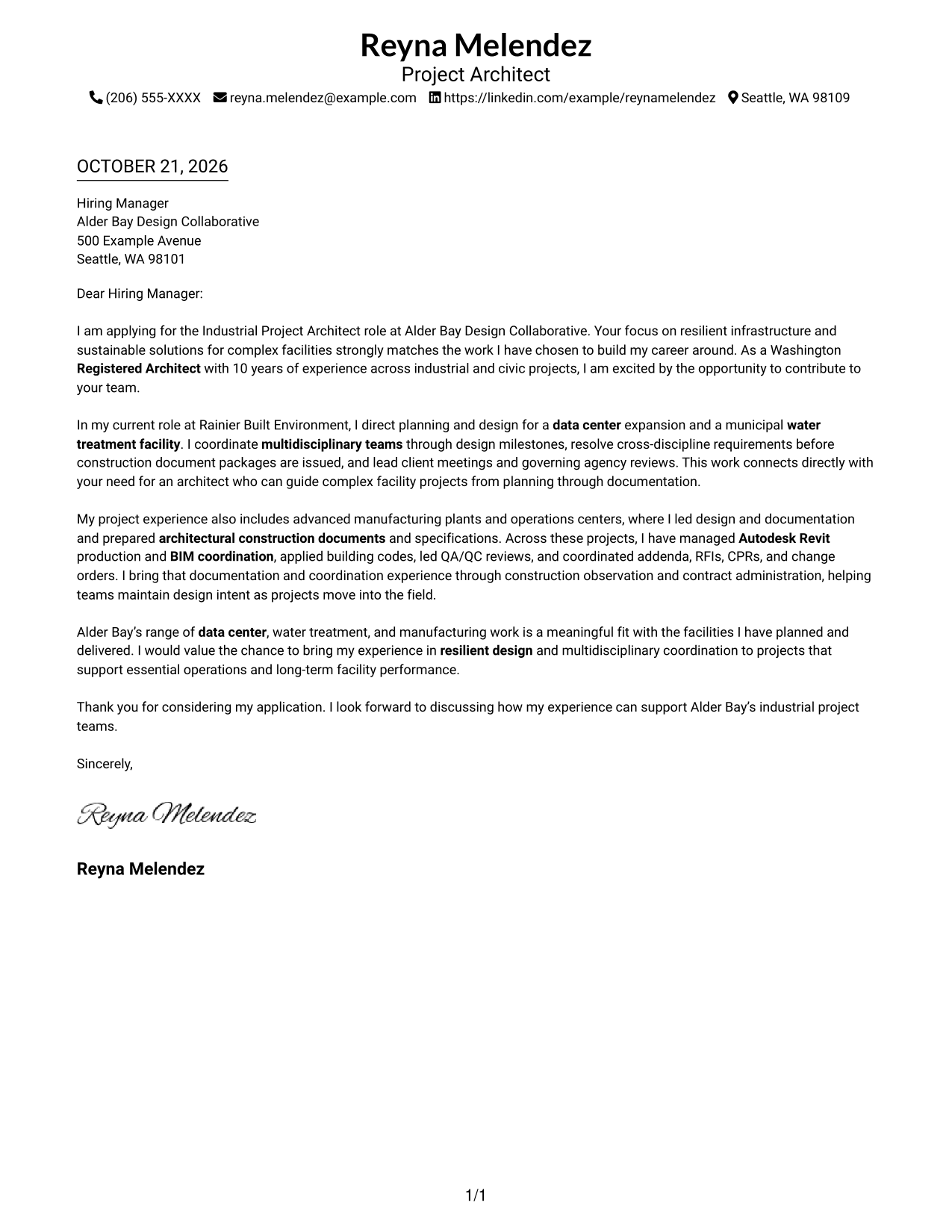
#1 Simple One Column Format Cover Letter Example
The Simple One Column Format places sender details in the header and keeps the letter in one text column for a direct reading path.
Why This Format Works
- Header-based contact details stay apart from the letter's persuasive paragraphs.
- One reading path helps the opening, supporting evidence, and closing feel connected.
- Without section headings, the message can make its case in natural paragraphs.
Best For
- Single-column reading preference
- Text-led correspondence
- Header-based sender details
- Employer-specific motivation letters
- Photo-free applications
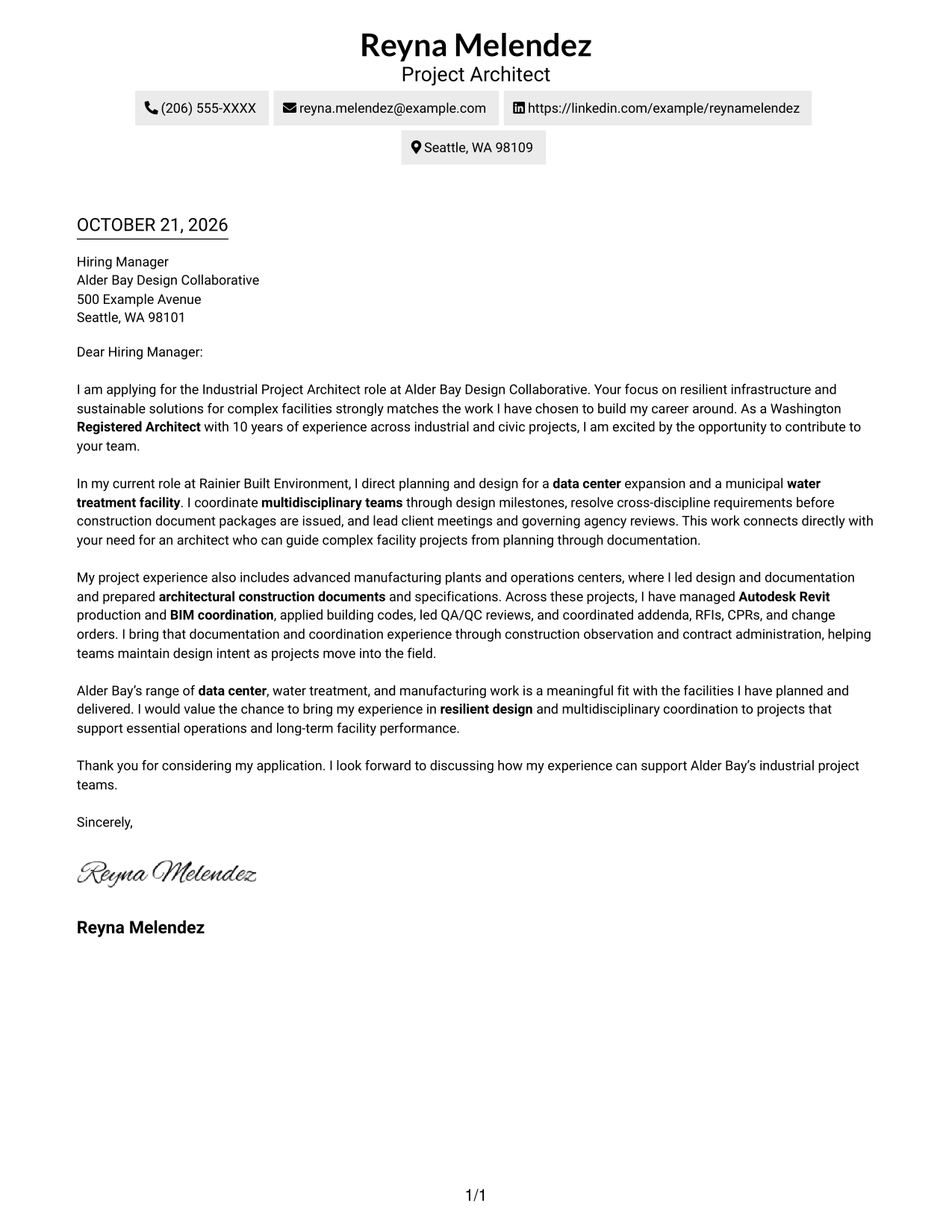
#2 Two Column Format Cover Letter Example
The Two Column Format sets a contact sidebar beside one continuous letter body, giving sender information a separate place from the message.
Why This Format Works
- The contact sidebar keeps sender information separate from the letter's central message.
- Opening, evidence, and closing paragraphs remain part of one continuous argument.
- Unheaded body paragraphs let employer interest emerge in the letter's own voice.
Best For
- Two-column page preference
- Letters with extensive sender details
- Employer-specific application letters
- Photo-free business correspondence
- Side-by-side contact and message areas
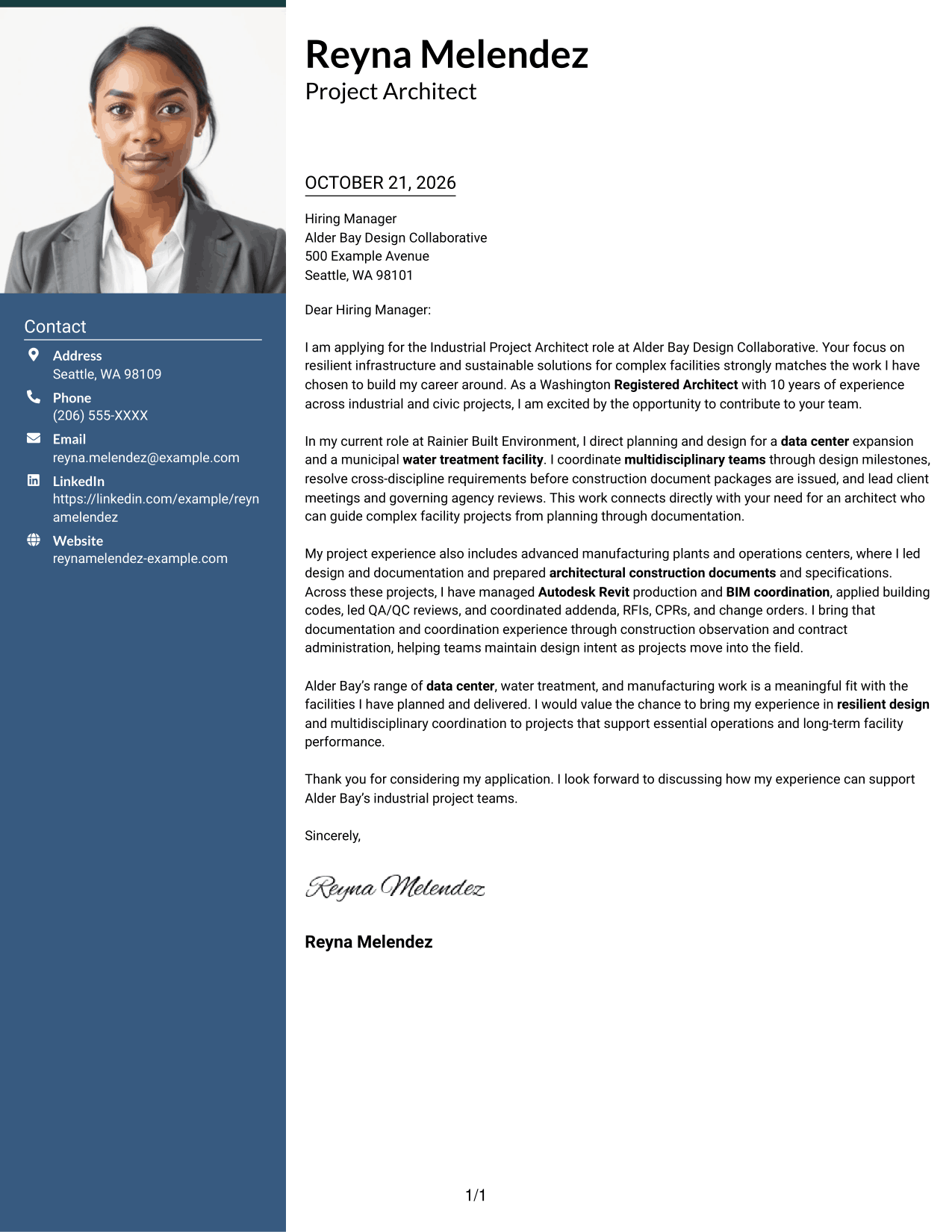
#3 Photo Header Two Column Format Cover Letter Example
The Photo Header Two Column Format pairs a photo header with a contact sidebar, adding a personal visual element while keeping the letter body together.
Why This Format Works
- The photo header adds a personal visual element while contact details stay in the sidebar.
- The sidebar separates sender information from the paragraphs making the case for fit.
- One continuous body keeps motivation and supporting evidence together without section labels.
Best For
- Photo-inclusive correspondence
- Two-column page preference
- Letters with detailed employer context
- Applications with extensive contact details
- Personal visual introductions
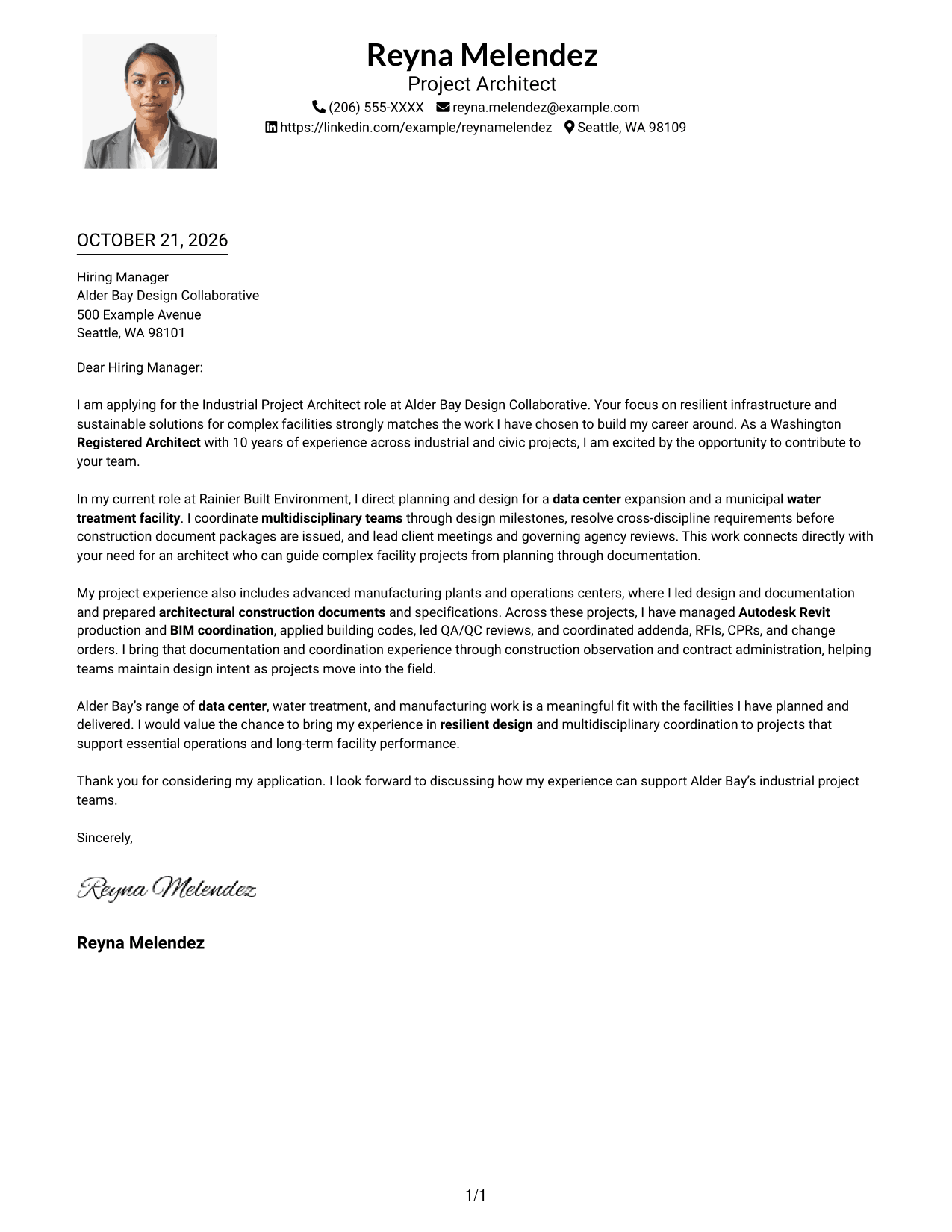
#4 One Column Format with Photo Cover Letter Example
The One Column Format with Photo keeps the letter in one text column and includes a photo, pairing a direct reading path with a personal visual element.
Why This Format Works
- A photo joins the one-column layout without dividing the letter body.
- Header contact details remain distinct from the message in the text column.
- Unheaded paragraphs let motivation, evidence, and closing read as one letter.
Best For
- Single-column reading preference
- Photo-inclusive application materials
- Letters with detailed employer fit
- Central letter-body placement
- Personal introductions with a portrait
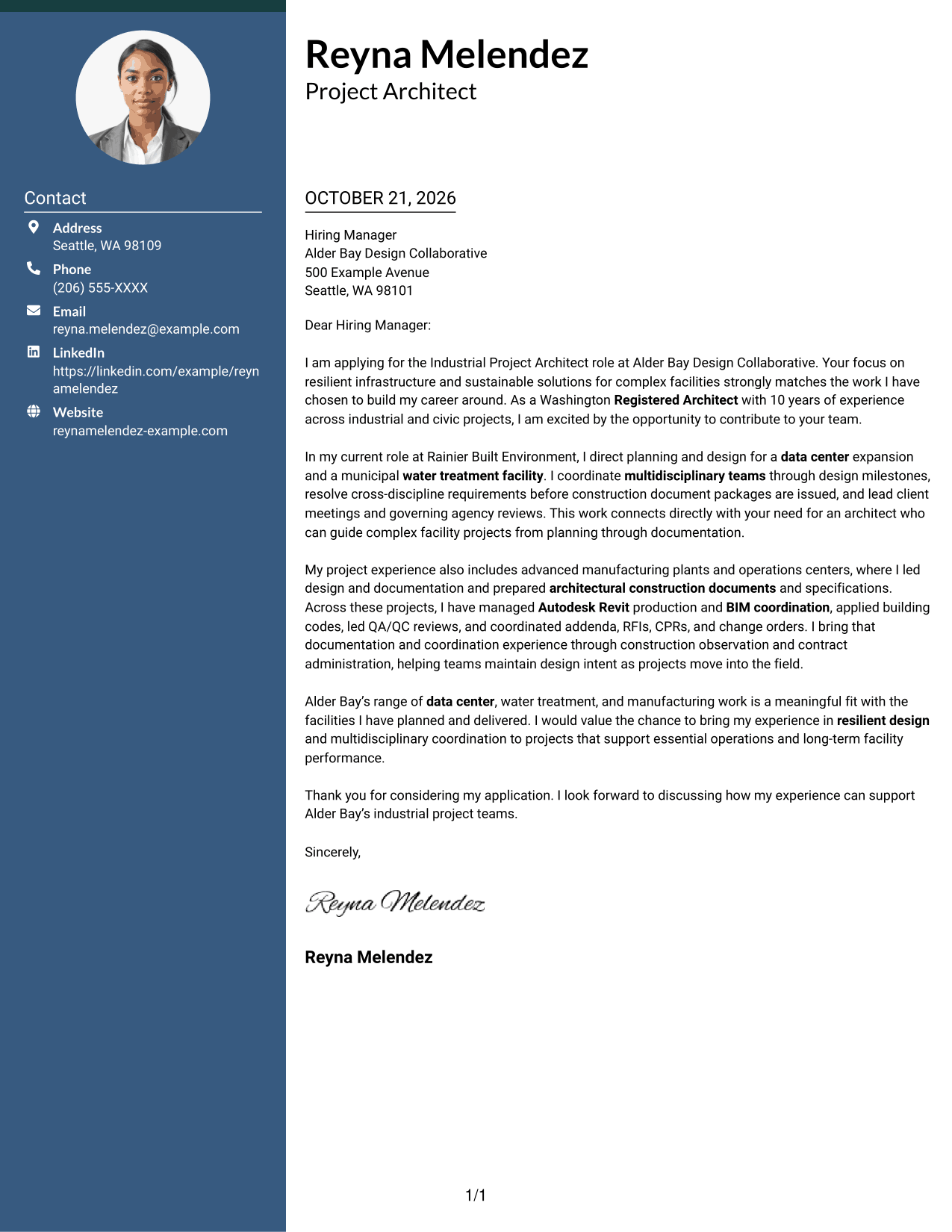
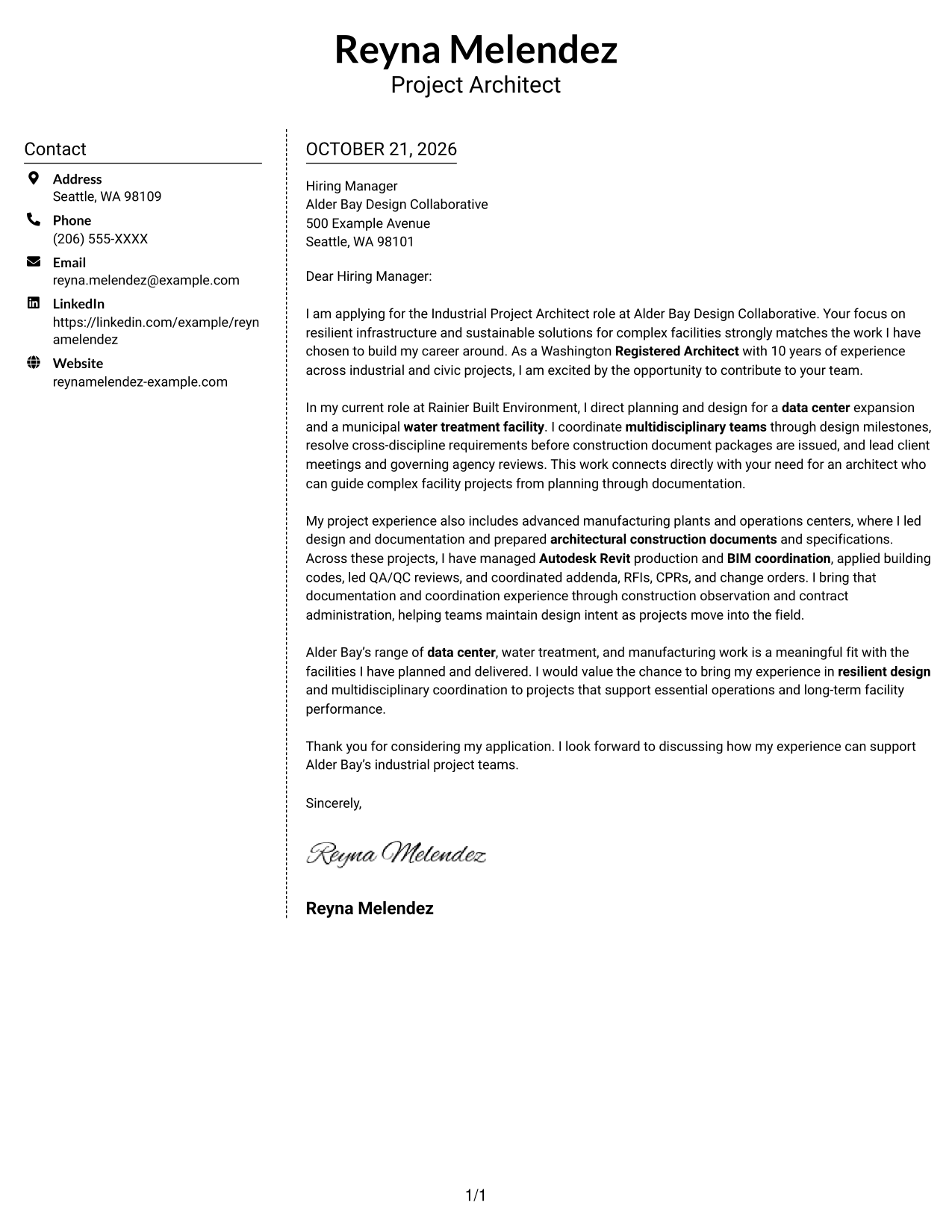
#5 Simple Two Column Format Cover Letter Example
The Simple Two Column Format places contact details in a sidebar beside the continuous letter body, clearly separating the sender's information from the message.
Why This Format Works
- A dedicated sidebar gives the sender's contact information a distinct location.
- The uninterrupted letter body keeps its opening and closing in the same reading path.
- Paragraphs without headings preserve a natural tone for the persuasive message.
Best For
- Two-column page preference
- Letters with detailed role alignment
- Sidebar contact organization
- Photo-free applications
- Continuous persuasive correspondence
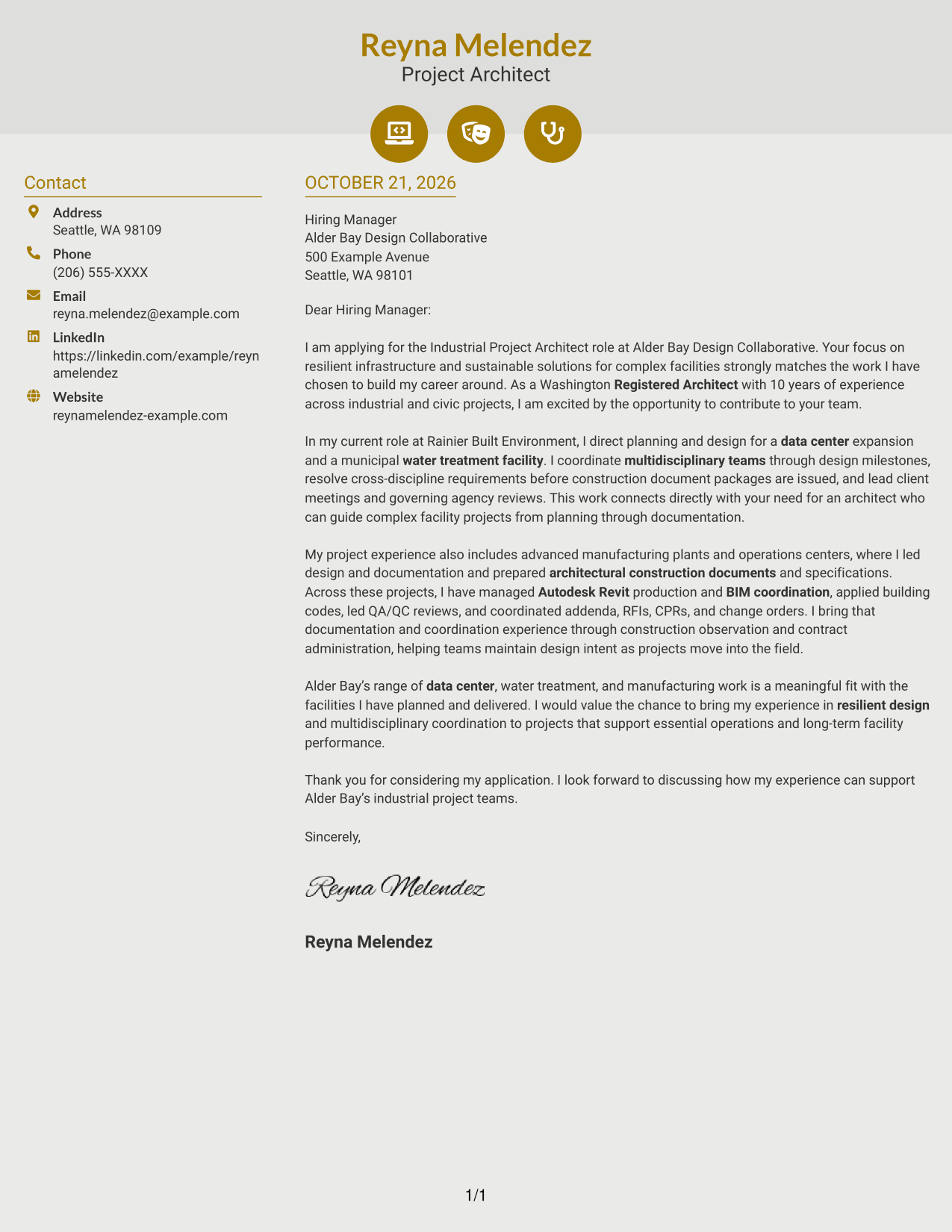
#6 Modern Icon Format Cover Letter Example
The Modern Icon Format uses a contact sidebar beside the letter body, with icons serving as cues for contact details rather than letter sections.
Why This Format Works
- Contact icons help distinguish sender details from the continuous letter body.
- The sidebar keeps contact information apart from the full persuasive message.
- A single body carries motivation and evidence forward without section labels.
Best For
- Icon-supported contact details
- Two-column page preference
- Letters with a sustained employer-fit discussion
- Photo-free correspondence
- Clear separation of sender and message
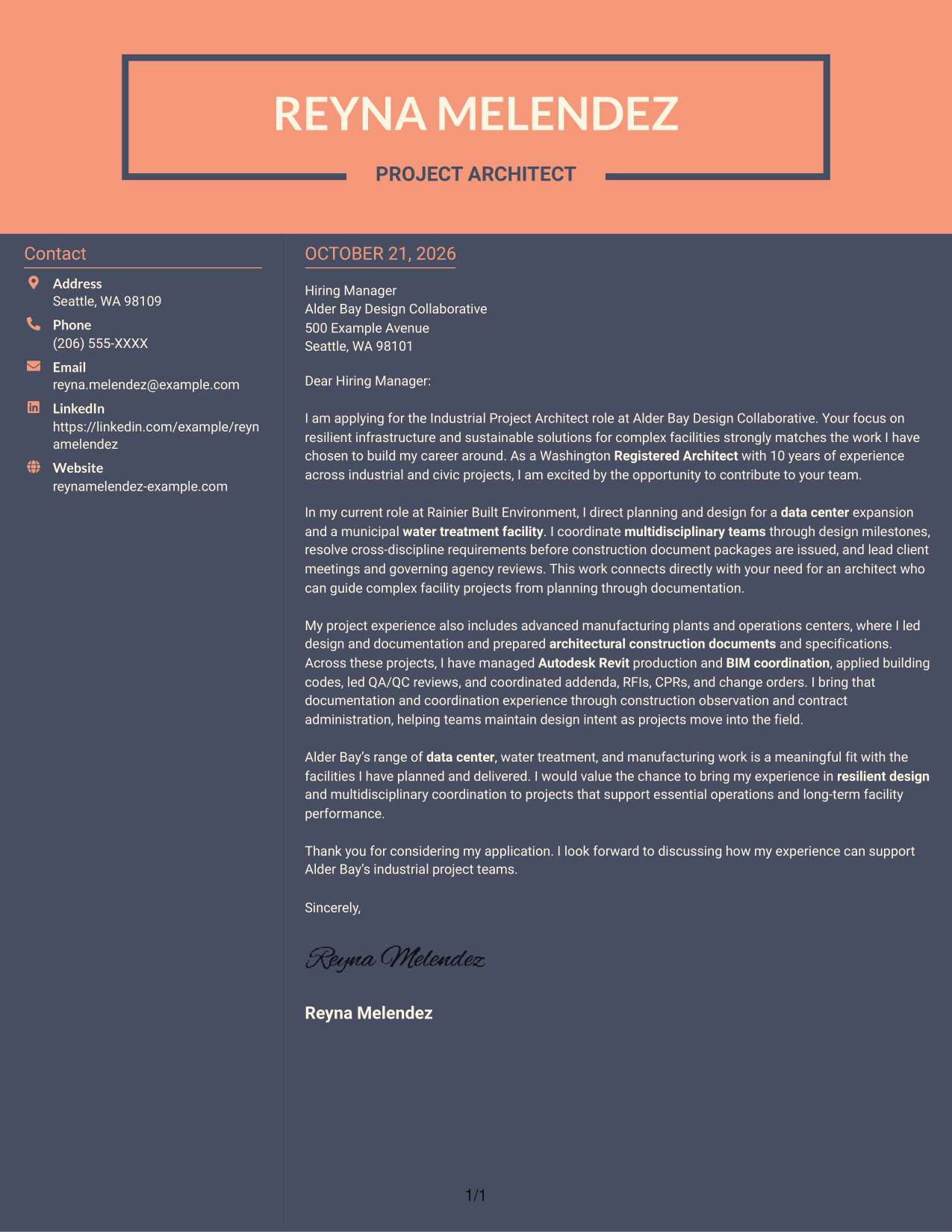
#7 Creative Two Tone Format Cover Letter Example
The Creative Two Tone Format places a contact sidebar beside one continuous letter body, giving contact details and the message separate areas.
Why This Format Works
- The separate contact area keeps sender information distinct from the letter's message.
- One continuous body lets motivation and evidence build across the paragraphs.
- No argument headings leave the opening and closing in a natural letter flow.
Best For
- Two-column page preference
- Letters with a connected argument
- Separate contact and message areas
- Photo-free application materials
- Employer-specific cover letters
See Also
- 7 Industrial Project Architect Resume Templates with Example
- 7 Architect - Architectural Project Delivery Resume Templates with Example
- 7 Architectural Designer / Project Architect - Commercial and Institutional Resume Templates with Example
- 7 Project Architect - Cultural Architecture & Historic Preservation Resume Templates with Example
- 7 Project Architect - Technical Project Delivery Resume Templates with Example
- 7 Senior Project Architect - Data Centers Resume Templates with Example
- 33 Advisory Data Architect-Senior Manager Resume Templates with Example 2026 (ATS-Optimized)
- 7 Agentic Solution Architect Resume Templates with Example
- 7 Architect - Architectural Project Delivery Cover Letter Templates with Example
- 7 Architectural Designer / Project Architect - Commercial and Institutional Cover Letter Templates with Example
Frequently Asked Questions
What should an Industrial Project Architect cover letter emphasize?
Show why the role interests you, then support your fit with specific examples of facility planning, multidisciplinary coordination, construction documents, code applications, or construction administration. Close by connecting your strengths to the employer’s work.
How can I show relevant experience in the body of the letter?
Choose a project example that shows your contribution. For instance, describe how you coordinated teams on a data center or water treatment facility, resolved design requirements, or carried documentation and coordination into construction.
How should I connect my cover letter to Alder Bay Design Collaborative?
Refer to the employer’s work in complex facilities and its focus on resilient infrastructure and sustainable solutions. Then explain how your own facility and project delivery experience relates to those priorities.
Which cover letter presentation should I choose?
Choose a clear layout with an easy-to-follow reading order. Consider the employer’s communication style and the setting in which you will share the letter, then use image previews to compare options.
Can I preview and customize a cover letter example?
Yes. Compare the PNG image previews, then open an example in the editor to view or customize its presentation.




