
7 Information Technology Programmer/Analyst - Security Incident Response Cover Letter Templates with Example
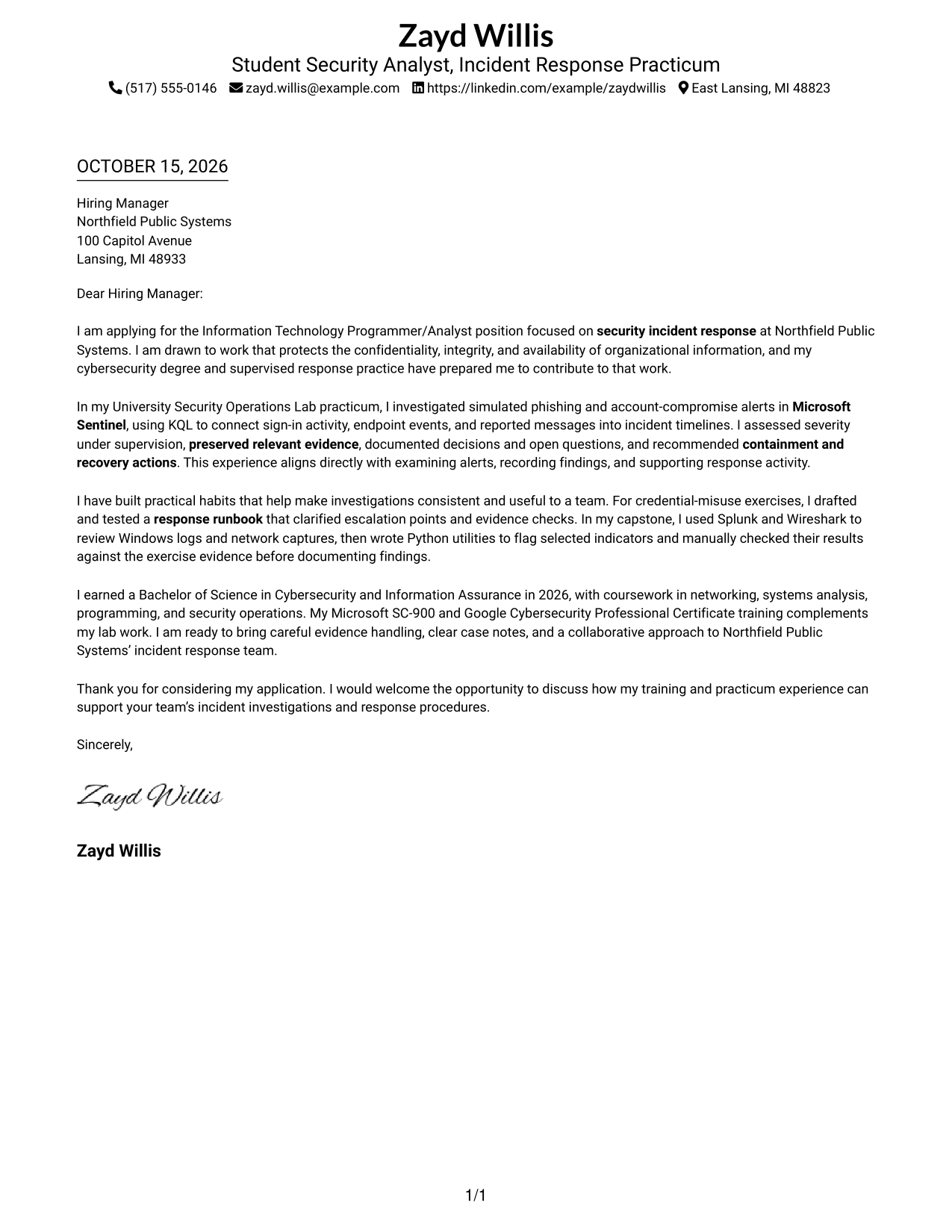
This practical guide helps you shape an Information Technology Programmer/Analyst - Security Incident Response cover letter that presents your fit clearly across seven layouts.
What Makes a Great Information Technology Programmer/Analyst - Security Incident Response Cover Letter in 2026
A strong letter links your interest in protecting information to the role’s work, then shows how you can examine alerts, document findings, and support response actions. Keep the opening direct and make each body paragraph support your fit.
Use relevant evidence, such as supervised alert triage, Microsoft Sentinel and KQL investigations, careful evidence handling, or a tested response runbook. Connect that experience to the employer’s incident response work without overstating what you have done.
The featured Information Technology Programmer/Analyst - Security Incident Response example moves from motivation to relevant response experience, team practices, and a clear closing. Adapt this focused progression while choosing a presentation that suits the employer and the communication context.
#1 Simple One Column Format Cover Letter Example
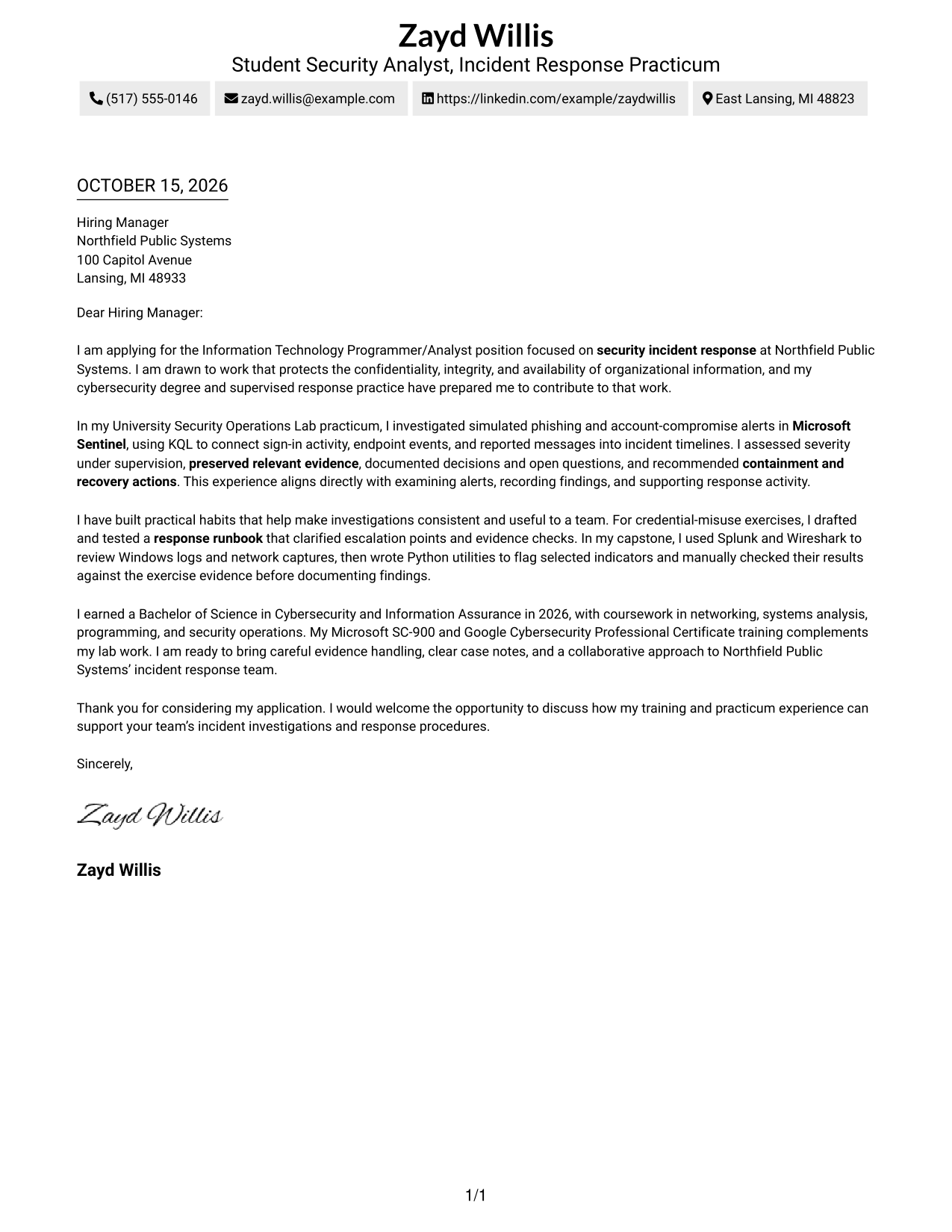
The Simple One Column Format keeps sender details in the header and the letter in one column, making the message easy to follow.
Why This Format Works
- Sender details stay in the header, leaving the message easy to follow.
- The single reading column carries the opening, evidence, and closing in sequence.
- Photo-free styling suits readers who prefer a text-led letter.
Best For
- Single-column letter reading
- Header-based sender details
- Continuous persuasive paragraphs
- Photo-free correspondence
- Letters without internal headings
#2 Two Column Format Cover Letter Example
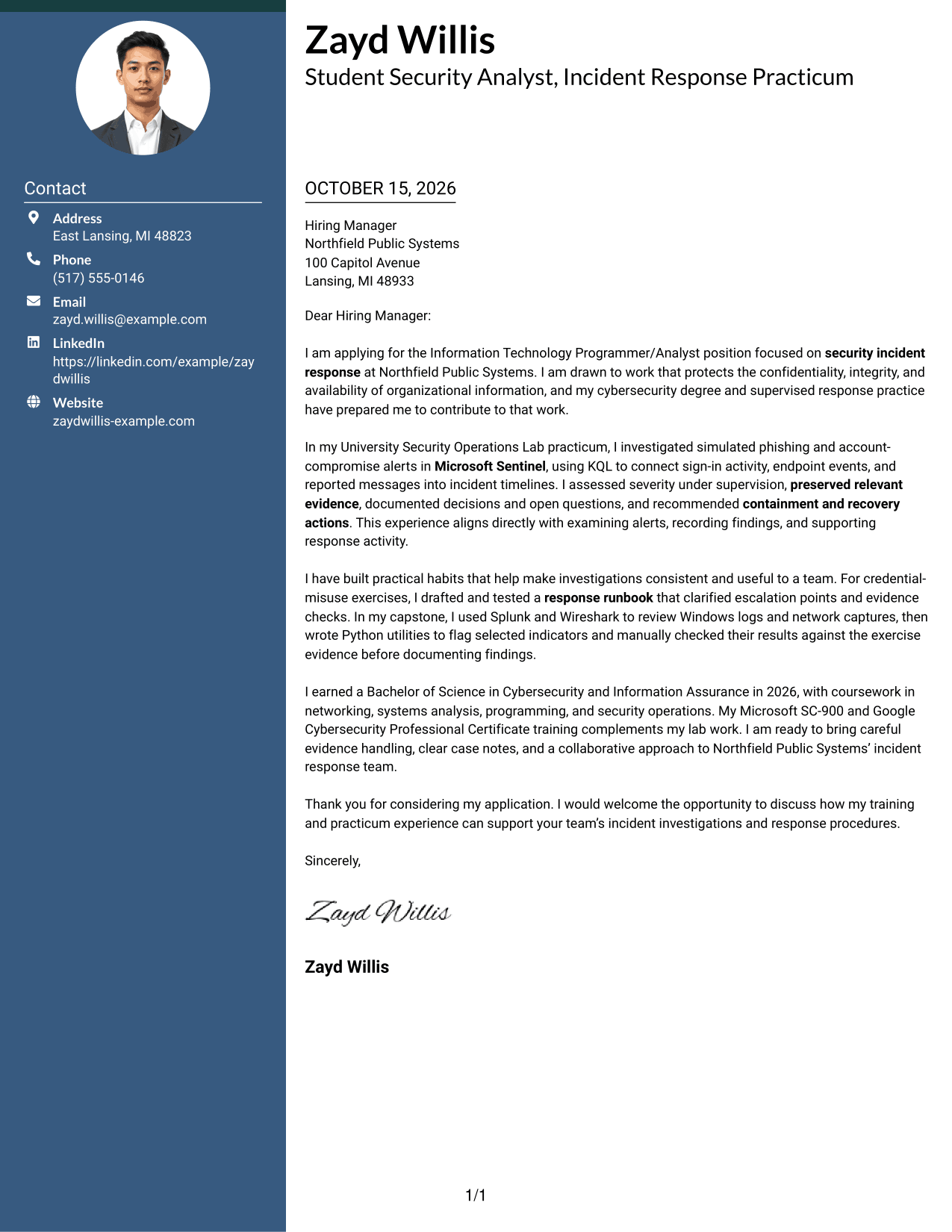
The Two Column Format places a contact sidebar beside one continuous letter body, keeping sender information separate from the message.
Why This Format Works
- Contact information remains separate, so readers can locate it without leaving the letter.
- One continuous body keeps motivation, supporting evidence, and the close in order.
- Without a photo, the page keeps attention on written correspondence.
Best For
- Contact sidebar beside the message
- Several sender contact details
- Continuous body paragraphs
- Photo-free correspondence
- Letters without internal headings
#3 Photo Header Two Column Format Cover Letter Example
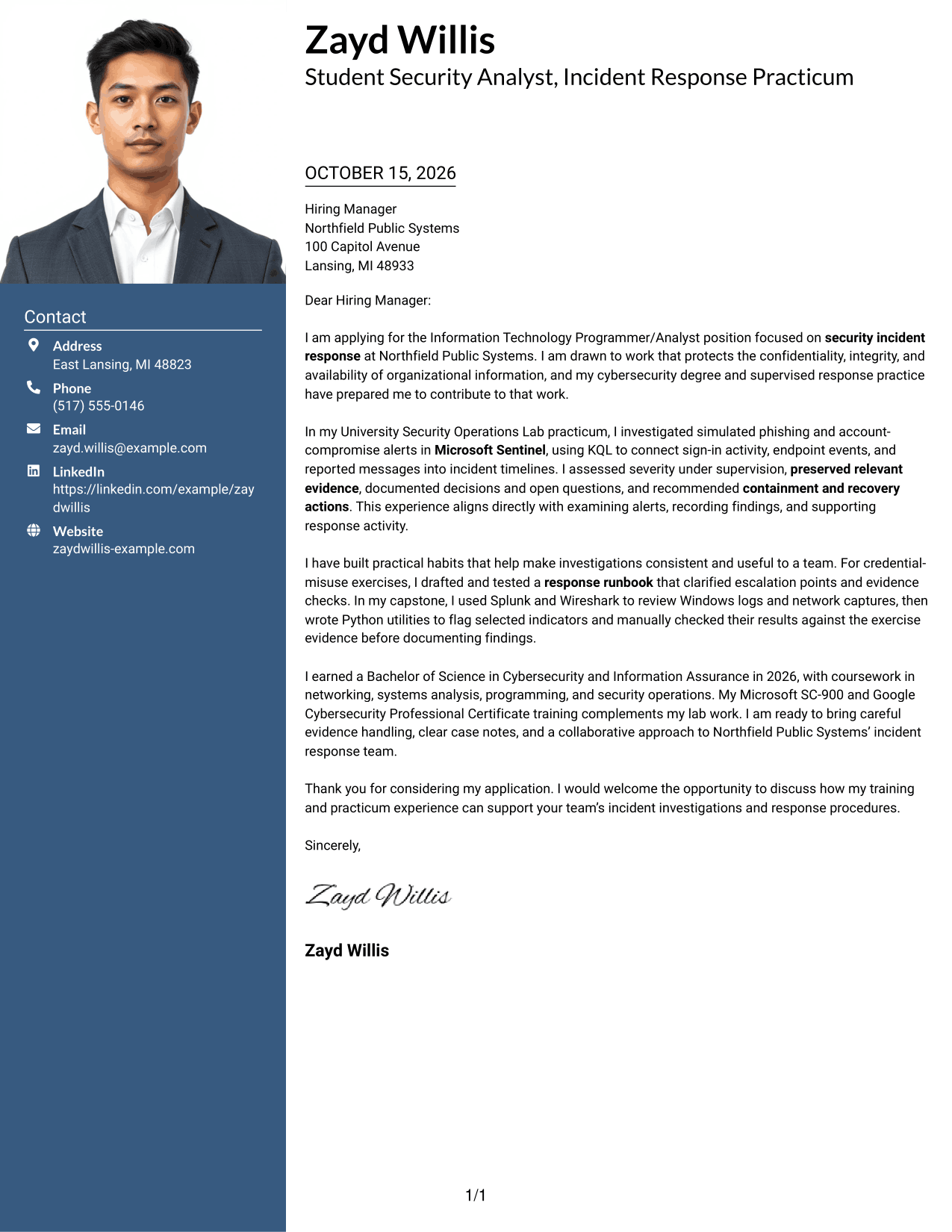
The Photo Header Two Column Format combines a photo and contact sidebar with one continuous letter body for a portrait-inclusive layout.
Why This Format Works
- Contact details remain apart from the message in the sidebar.
- One continuous letter body lets the argument develop from opening through close.
- The included photo adds a personal visual element for readers who prefer one.
Best For
- Sidebar contact details
- Several sender contact channels
- Continuous letter paragraphs
- Portrait-inclusive correspondence
- Letters without internal headings
#4 One Column Format with Photo Cover Letter Example
The One Column Format with Photo includes a photo and keeps sender details in the header above one continuous letter body.
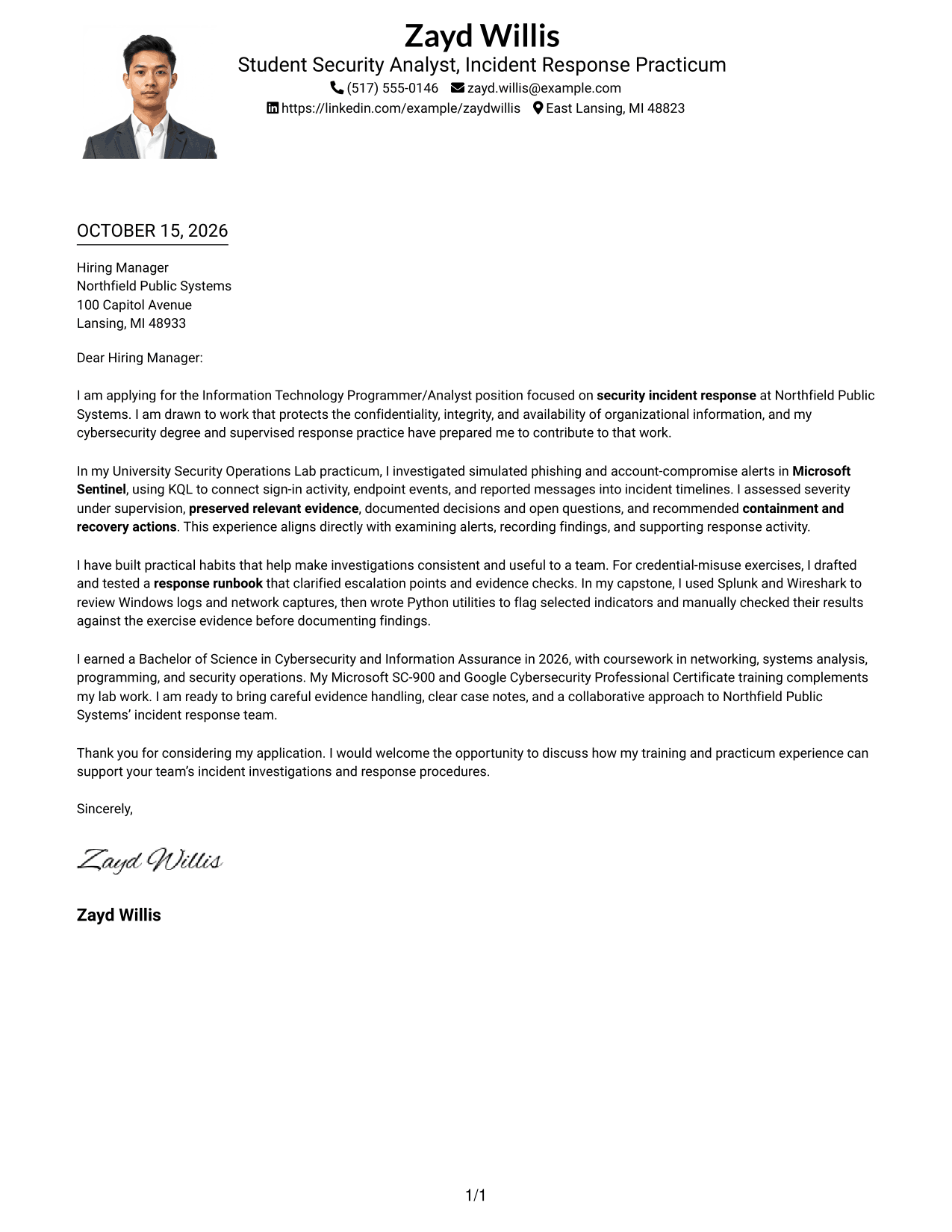
Why This Format Works
- Sender information stays in the header while the letter follows one column.
- Paragraphs can move from motivation to evidence and closing in one reading flow.
- The included photo offers a visual option alongside the single-column letter.
Best For
- Single-column letter reading
- Header-based contact details
- Portrait-inclusive correspondence
- Continuous persuasive paragraphs
- Letters without internal headings
#5 Simple Two Column Format Cover Letter Example
The Simple Two Column Format sets a contact sidebar beside the continuous letter body, giving sender details their own place.
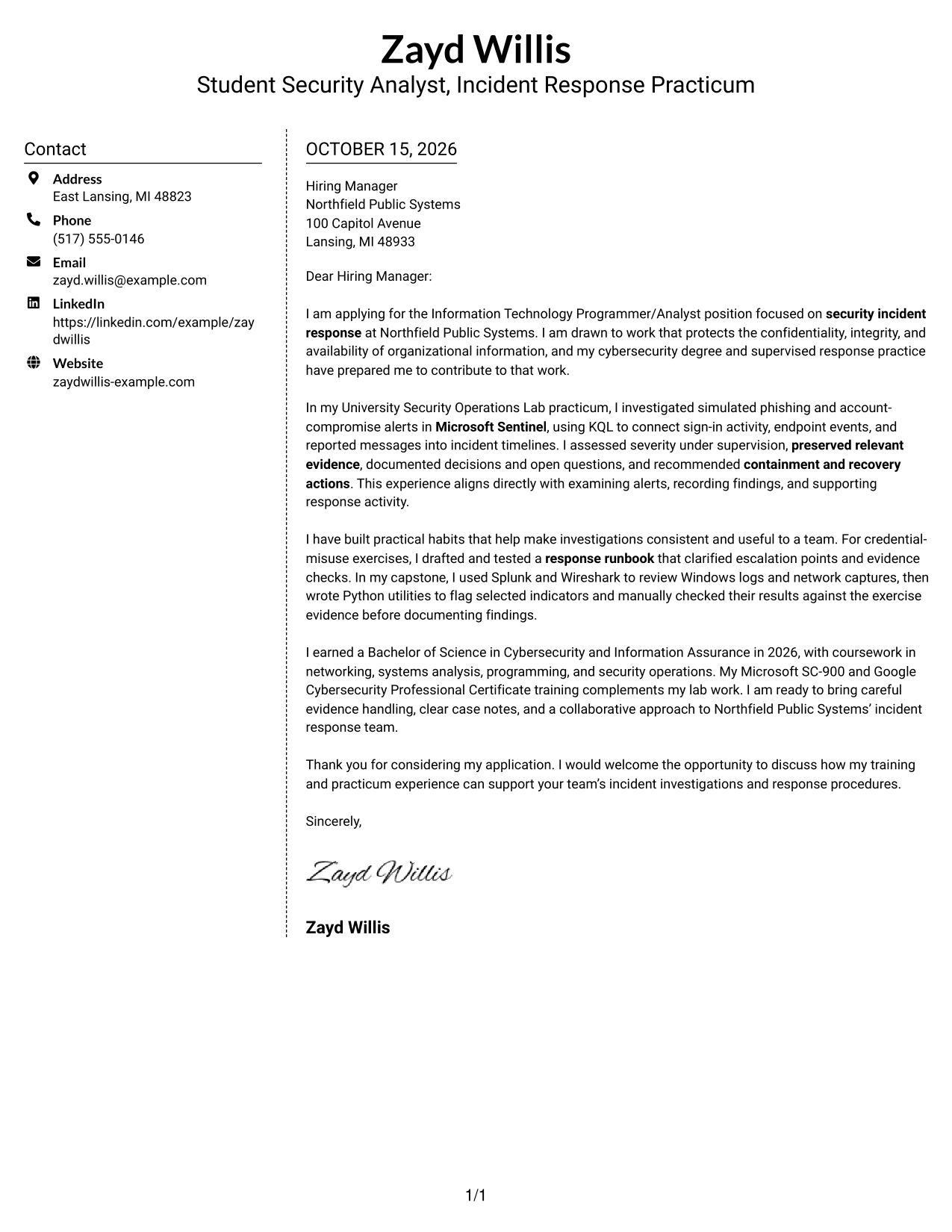
Why This Format Works
- Sidebar contact details stay apart from the message for direct reference.
- Continuous paragraphs keep the letter's reasoning in a single reading sequence.
- Photo-free presentation suits readers who prefer a straightforward, text-centered application.
Best For
- Contact sidebar for sender details
- Multiple contact methods
- One uninterrupted letter body
- No-photo correspondence
- Letters without internal headings
#6 Modern Icon Format Cover Letter Example
The Modern Icon Format uses two columns, with contact icons in the sidebar and one continuous letter body alongside it.
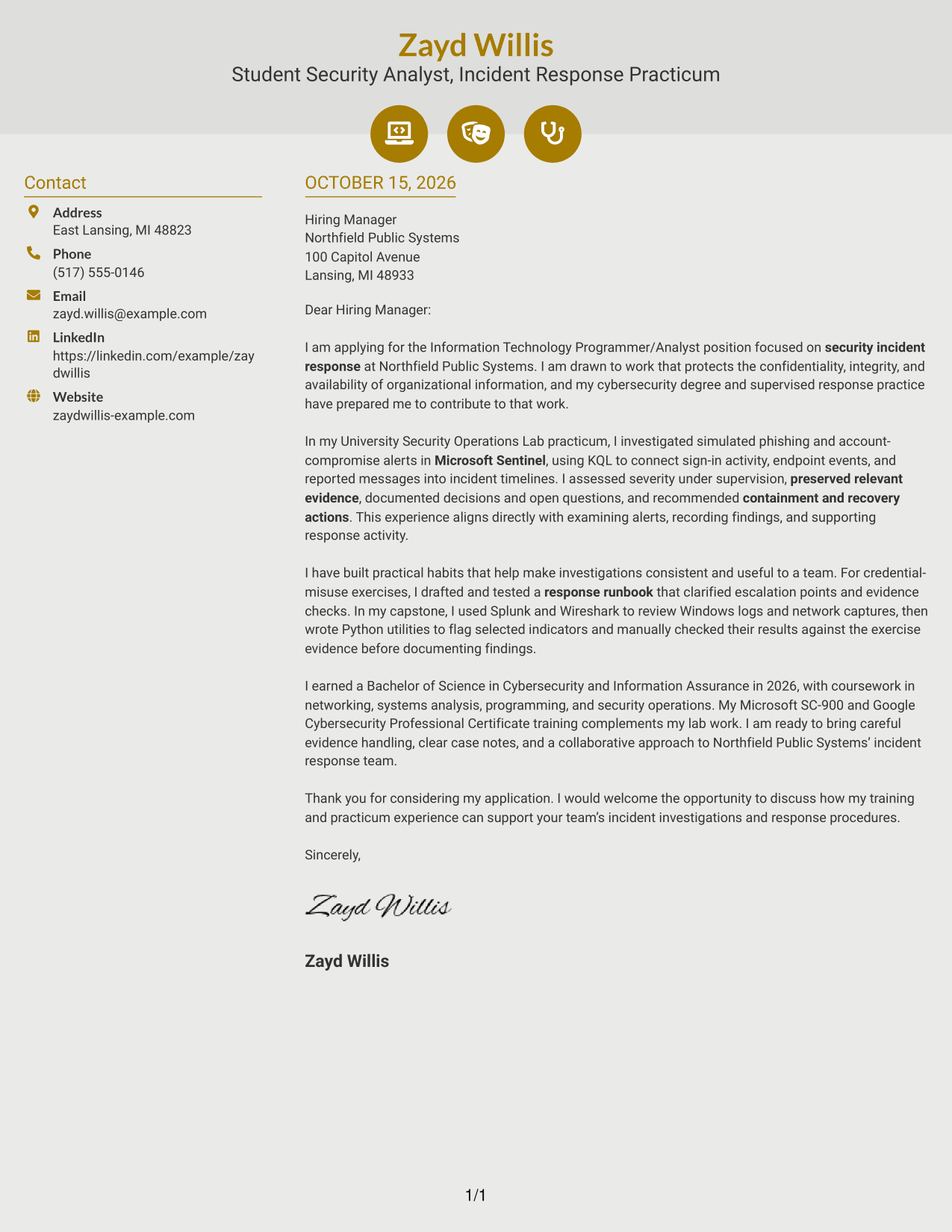
Why This Format Works
- Contact icons help distinguish details in the sidebar without labeling letter arguments.
- One body column keeps motivation, evidence, and closing paragraphs in sequence.
- Contact cues give readers a clear visual way to find sender information.
Best For
- Icon-cued contact information
- Sidebar and message in separate columns
- Continuous persuasive paragraphs
- Photo-free letter layouts
- Several sender contact channels
#7 Creative Two Tone Format Cover Letter Example
The Creative Two Tone Format places a contact sidebar beside one continuous letter body, keeping the message in a single column.
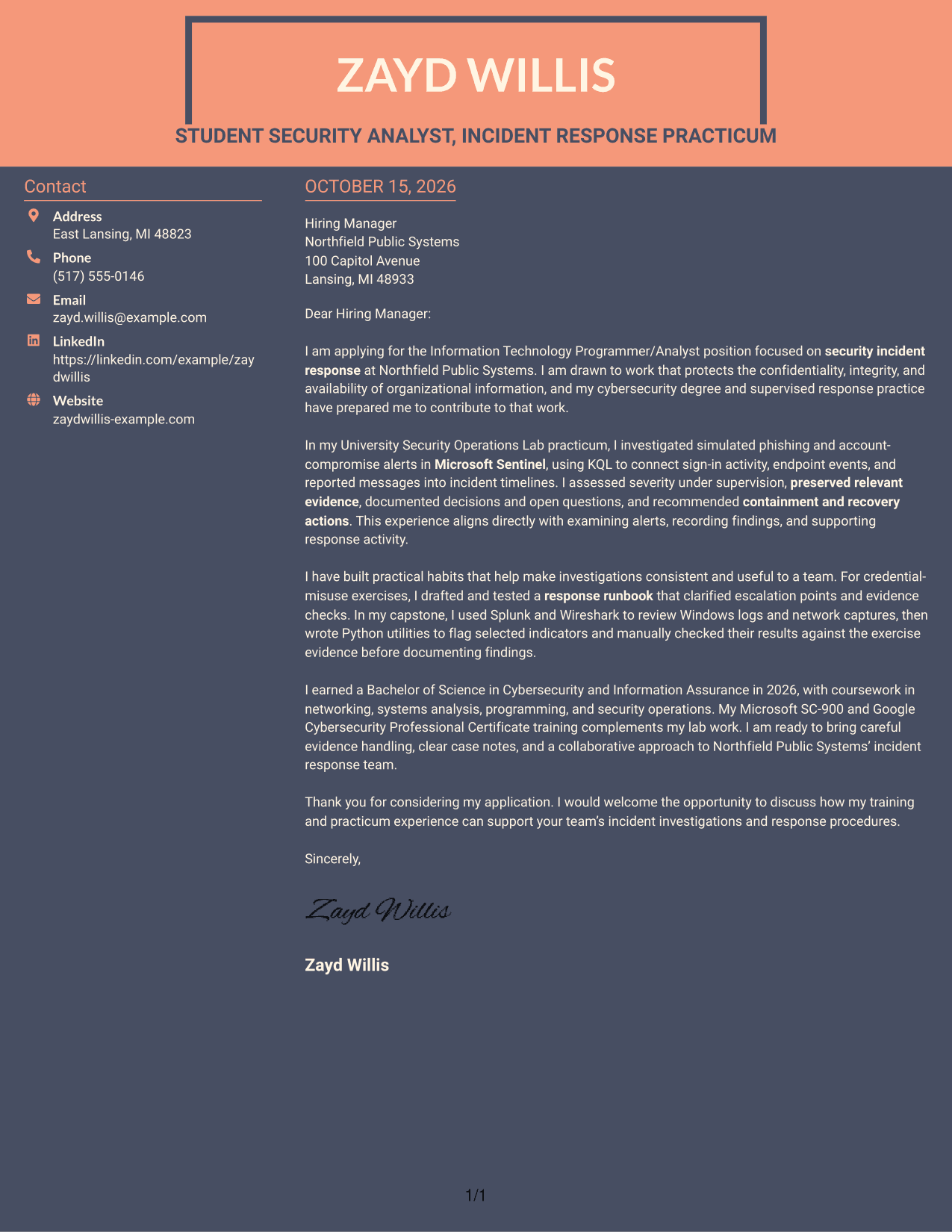
Why This Format Works
- The sidebar keeps contact details distinct from the letter's main message.
- A single body column carries the full argument without splitting its paragraphs.
- Without a photo, the design keeps its visual focus on written communication.
Best For
- Sidebar contact reference
- Single body for the full message
- Several sender contact details
- Text-focused letter style
- Letters without internal headings
See Also
- 7 Information Technology Programmer/Analyst - Security Incident Response Resume Templates with Example
- 7 Information Technology Programmer Analyst - Endpoint & User Management Resume Templates with Example
- 7 Information Technology Programmer Analyst - IT Business Analyst Resume Templates with Example
- 33 Incident Response Analyst Resume Templates with Example 2026 (ATS-Optimized)
- 33 Senior Incident Response Analyst Resume Templates with Example 2026 (ATS-Optimized)
- 7 Budget Analyst - Technology Modernization Resume Templates with Example
- 7 Departmental Analyst - Technology and Data Systems Resume Templates with Example
- 7 IT Analyst - Technology Support Resume Templates with Example
- 30+ Incident Response Analyst Cover Letter Templates with Example 2026
- 30+ Senior Incident Response Analyst Cover Letter Templates with Example 2026
Frequently Asked Questions
What should an Information Technology Programmer/Analyst - Security Incident Response cover letter emphasize?
Focus on how you examine alerts, preserve and document evidence, and support containment or remediation. Give a clear example of your role and explain how it relates to the position.
How can I describe incident response experience clearly?
State the situation, the steps you took, and what you recorded or recommended. For example, supervised practice with Microsoft Sentinel and KQL can show how you connected alert evidence and prepared incident timelines.
How can I show fit for this role without overstating my experience?
Be clear about the setting and level of responsibility. Describe supervised exercises as supervised practice, and connect supported evidence, such as careful case notes or response procedures, to the team’s needs.
How do I choose a cover letter style?
Choose a clear, readable layout that fits the employer and the way you want to communicate. The page includes PNG previews for comparing presentation styles, and you can open an example in the editor to view or customize it.




