
7 Insurance Defense Attorney - Bodily Injury Cover Letter Templates with Example
This practical guide to an Insurance Defense Attorney - Bodily Injury cover letter presents 7 layouts to help you show how your case work supports client goals.
What Makes a Great Insurance Defense Attorney - Bodily Injury Cover Letter in 2026
A strong letter connects your approach to bodily injury litigation with the role’s needs, from evaluating claims to guiding cases toward resolution. Its opening should make your interest and role fit clear.
Use specific evidence, such as assessing liability and damages from medical records or keeping claims partners informed. Connect that work to the employer’s goals without claiming experience or results you cannot support.
The featured example moves from role-specific motivation to current case work, a concrete example of evidence-based assessment, and a direct closing. Adapt that focused progression while choosing a presentation that suits the employer and the communication context.
#1 Simple One Column Format Cover Letter Example
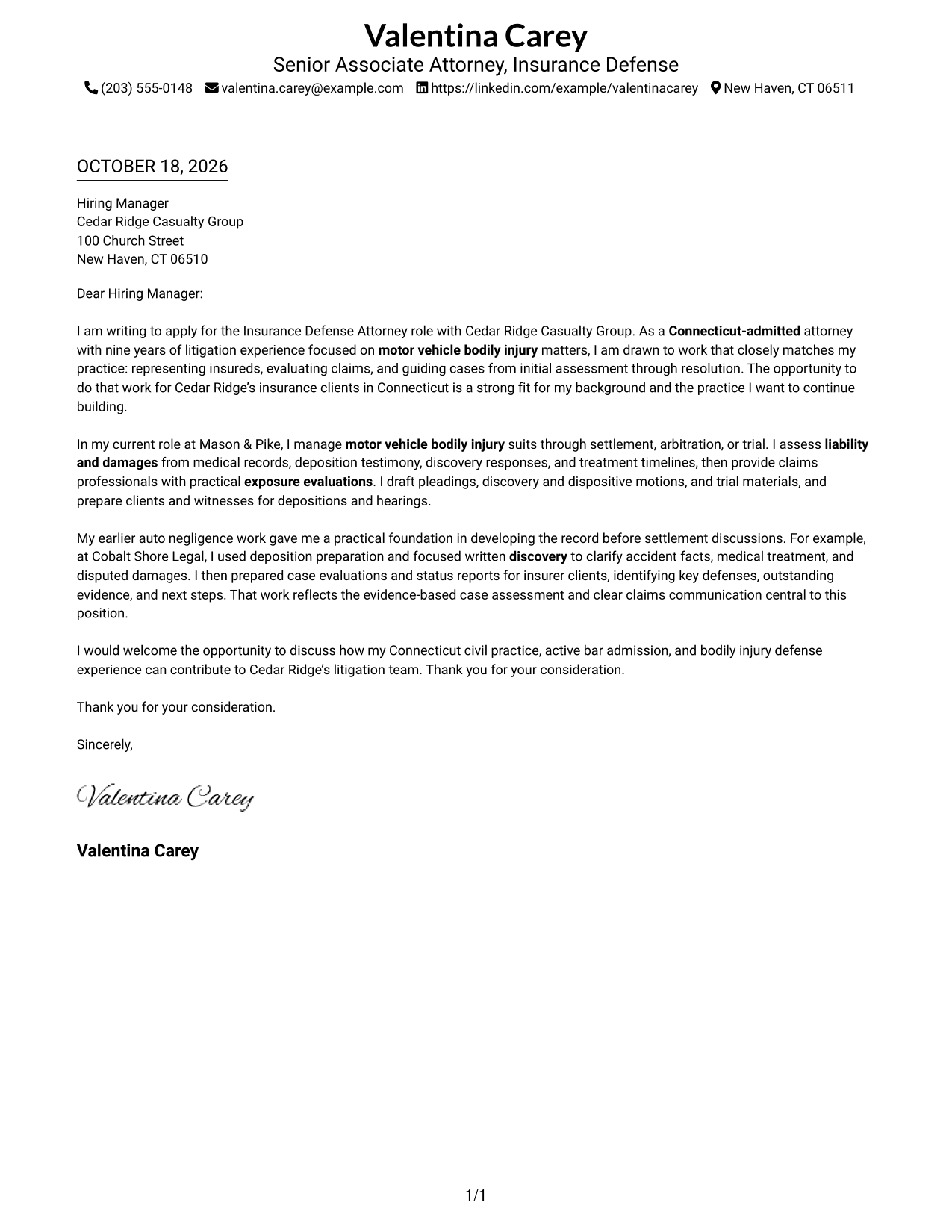
The Simple One Column Format places sender details in the header above a continuous letter body, keeping the message in one clear reading path.
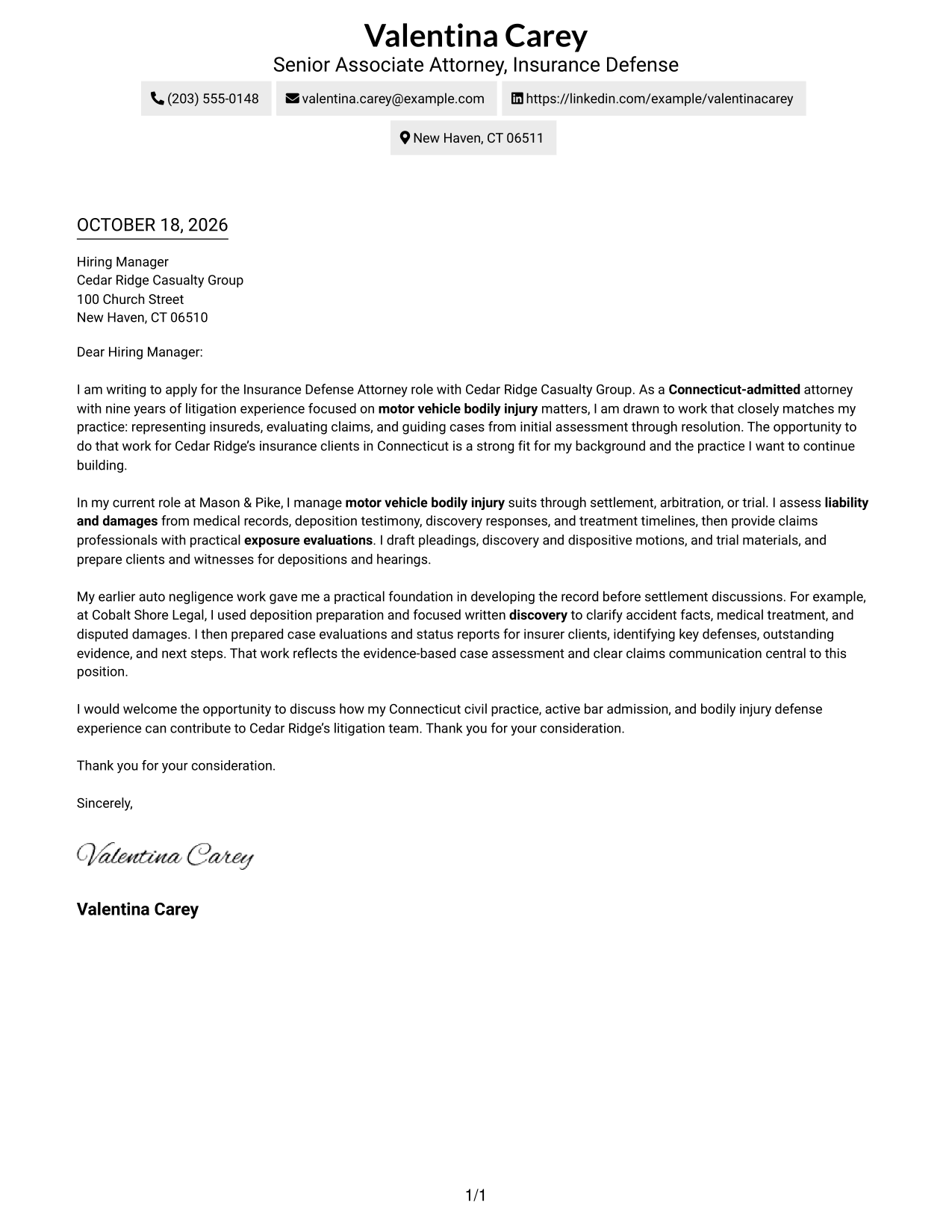
Why This Format Works
- Sender details stay in the header, apart from the paragraphs that make the case.
- The opening, supporting evidence, and close appear in their intended order.
- One column keeps the letter argument from competing with a parallel text area.
Best For
- One-column document preference
- Continuous letter-body reading
- Header-based sender details
- Photo-free application materials
- Paragraph-based case for fit
#2 Two Column Format Cover Letter Example
The Two Column Format places a contact sidebar beside one continuous letter body, giving contact information a separate place without dividing the argument.
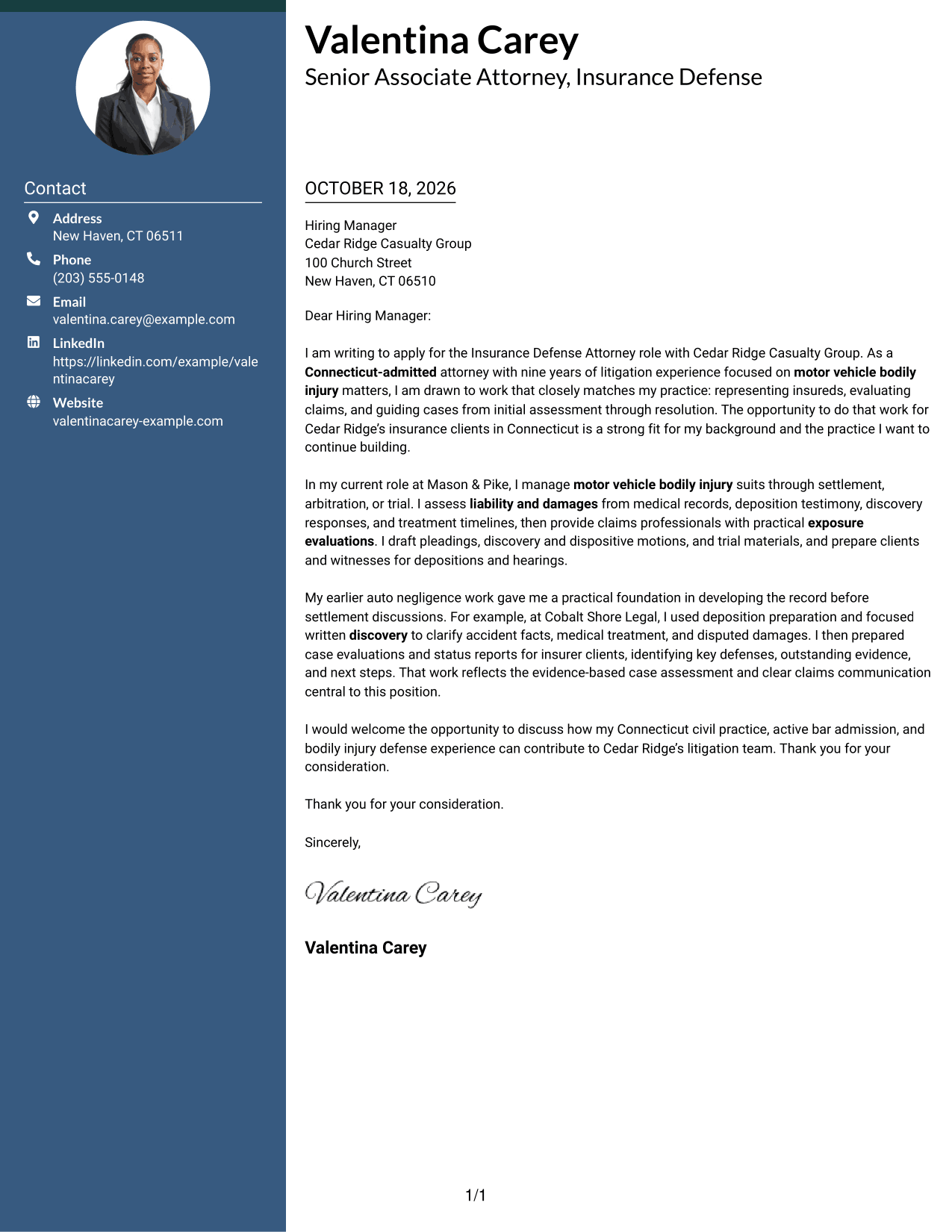
Why This Format Works
- Contact details sit apart from the letter body, reducing competition with its message.
- One continuous body carries the opening, supporting evidence, and close in reading order.
- The sidebar keeps practical contact information easy to locate during review.
Best For
- Side-by-side contact and letter layout
- Continuous argument in one body
- Quick access to sender details
- Photo-free application materials
- Separate space for contact information
#3 Photo Header Two Column Format Cover Letter Example
The Photo Header Two Column Format pairs a portrait and contact sidebar with one continuous letter body, for readers who prefer a photo without a divided argument.
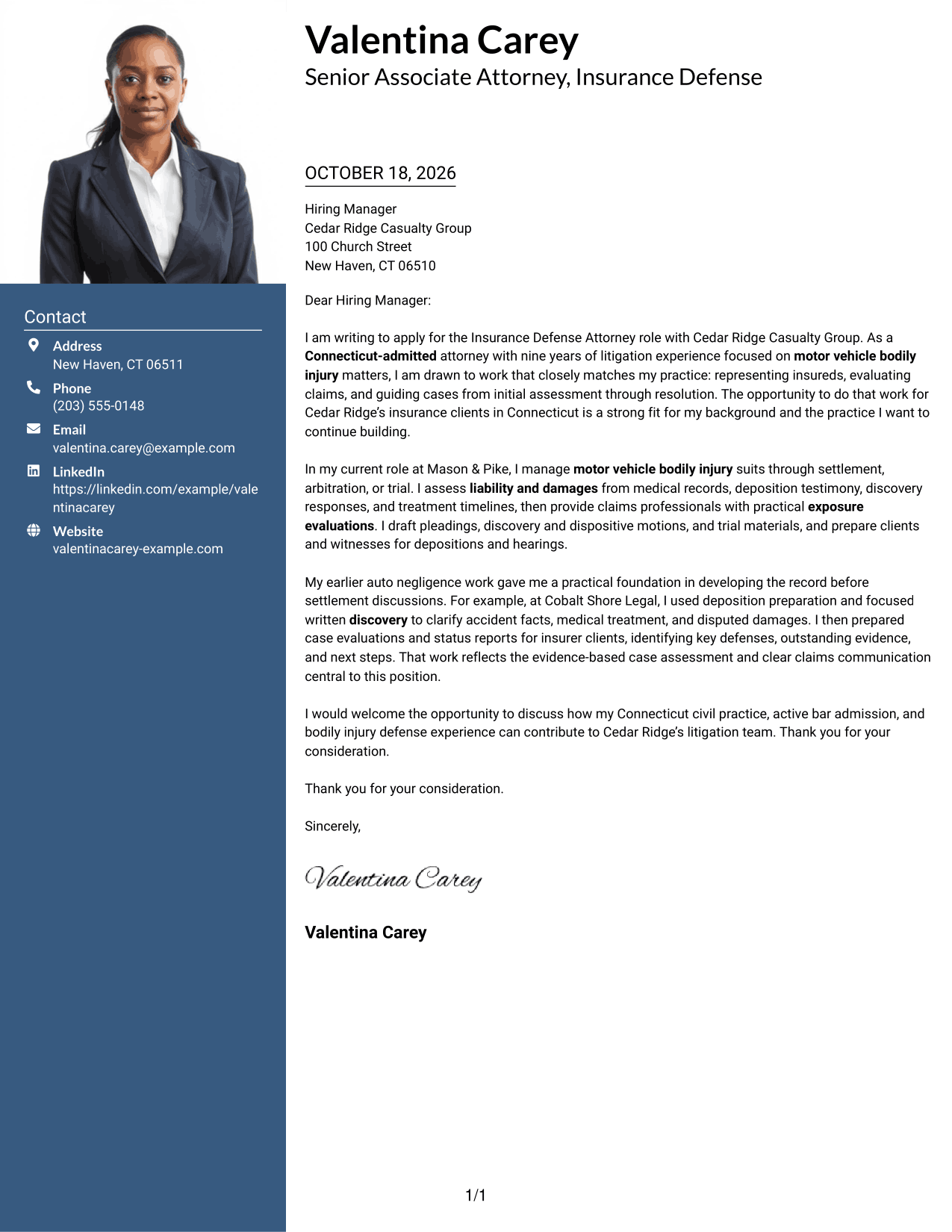
Why This Format Works
- The portrait adds a personal visual element without changing the letter's paragraph structure.
- Contact information has its own sidebar beside the uninterrupted letter body.
- Opening, evidence, and closing remain together in a single reading sequence.
Best For
- Applications that include a portrait
- Side-by-side contact and letter layout
- Continuous paragraphs from opening to close
- Visible sender details beside the letter
- Photo-forward document preferences
#4 One Column Format with Photo Cover Letter Example
The One Column Format with Photo includes a portrait while keeping sender details in the header and the letter body in one column.
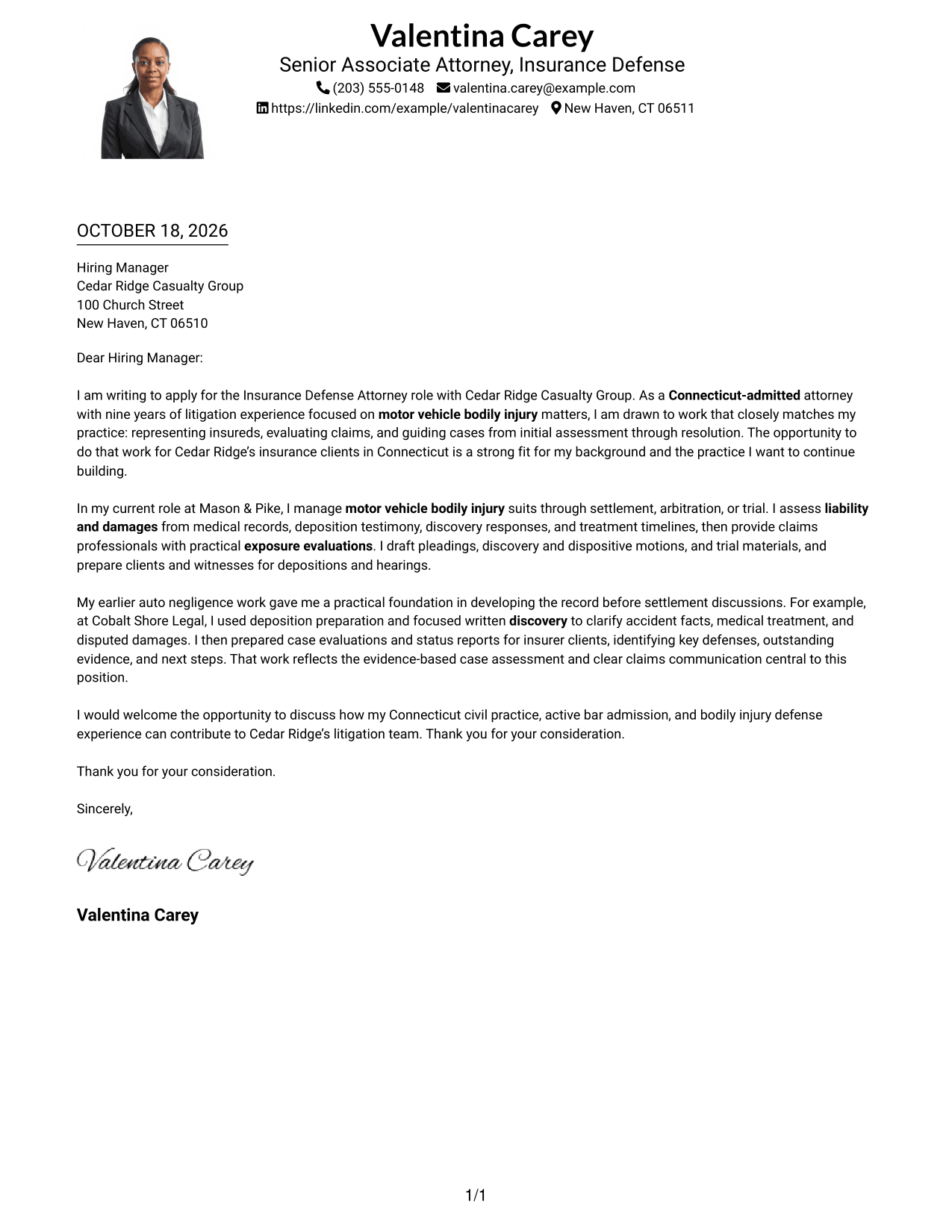
Why This Format Works
- The portrait adds a visual element while the letter stays in one column.
- Header-based sender details remain separate from the letter's persuasive paragraphs.
- The continuous body keeps the opening, evidence, and close in sequence.
Best For
- One-column letter preference
- Applications that include a portrait
- Header-based sender details
- Continuous paragraph flow
- Photo and letter in one layout
#5 Simple Two Column Format Cover Letter Example
The Simple Two Column Format sets contact details beside one continuous letter body, making the sender information distinct while the argument remains together.
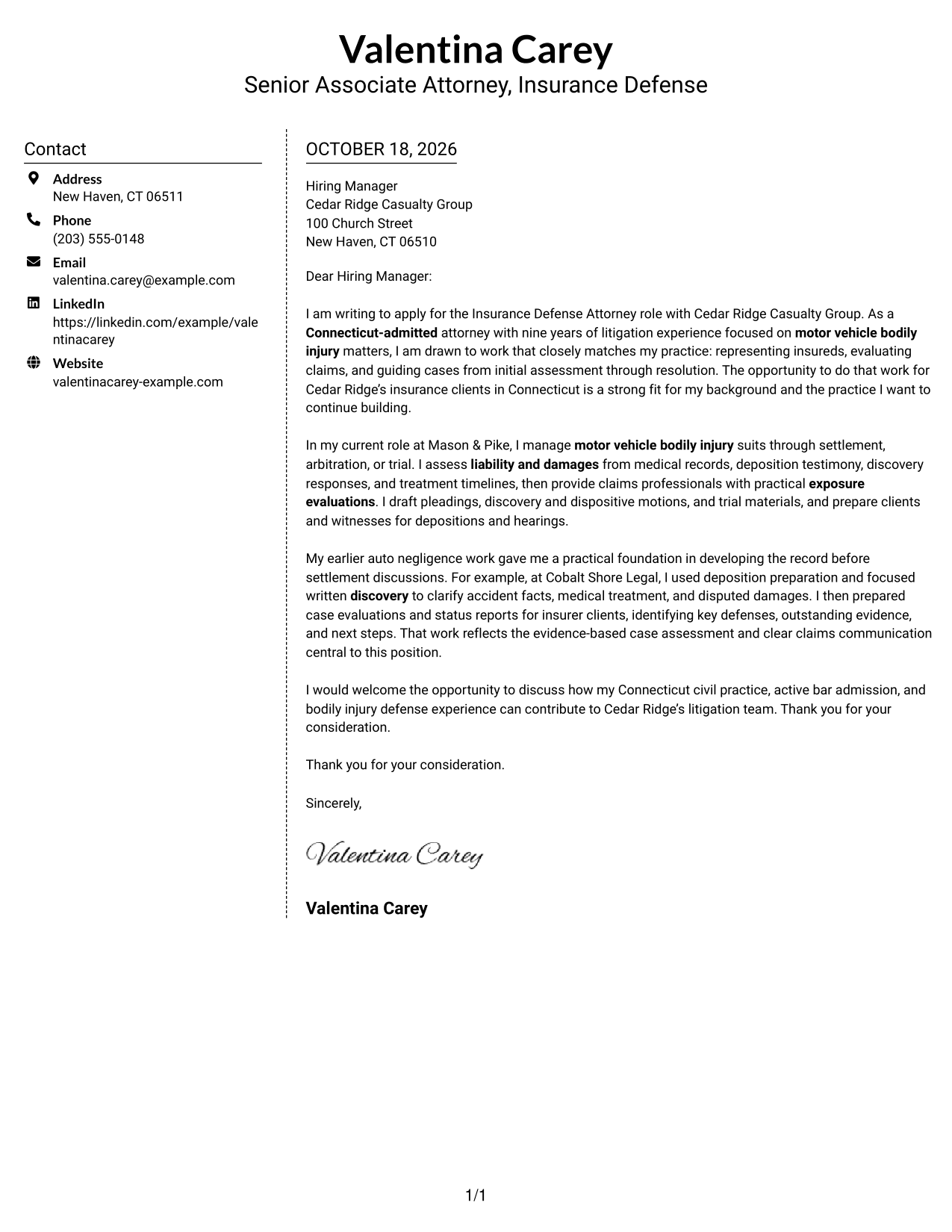
Why This Format Works
- A separate contact area keeps sender information easy to find.
- The letter's paragraphs stay together instead of splitting across columns.
- The opening, supporting points, and closing retain a clear sequence.
Best For
- Contact sidebar beside the letter
- One continuous body of paragraphs
- Separate space for sender details
- Photo-free application materials
- Clear opening-to-close letter structure
#6 Modern Icon Format Cover Letter Example
The Modern Icon Format uses a contact sidebar beside one continuous letter body, with icons serving as cues for contact details rather than argument sections.
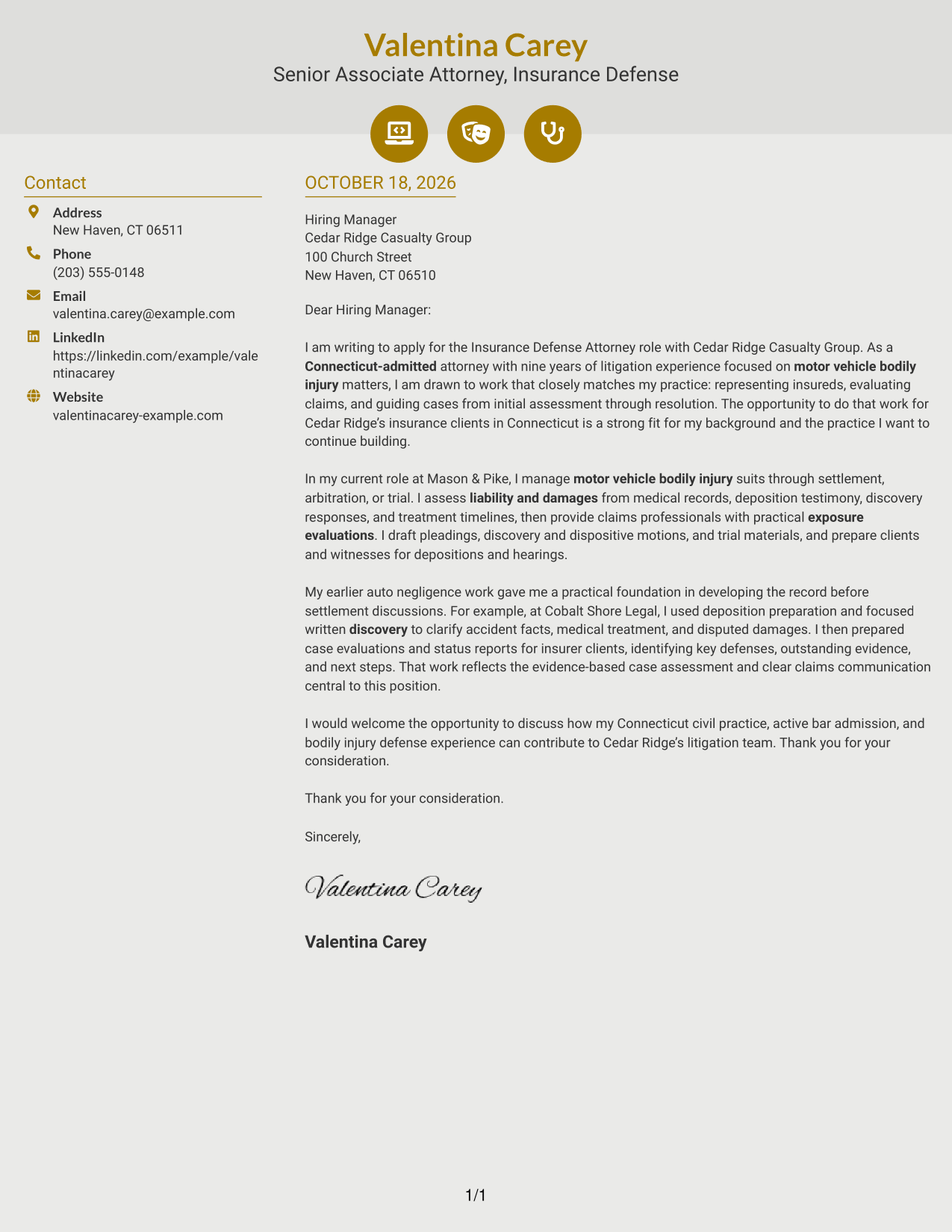
Why This Format Works
- Contact icons give the sidebar details visual cues without labeling the letter's argument.
- Two columns keep sender information beside, but separate from, the letter body.
- Decorative header accents add visual detail while the argument remains in paragraphs.
Best For
- Icon cues for contact details
- Sidebar beside a continuous letter
- Paragraph-based letter arguments
- Photo-free application materials
- Decorative header details
#7 Creative Two Tone Format Cover Letter Example
The Creative Two Tone Format places contact information in a sidebar beside one continuous letter body, keeping the argument together while contact details remain separate.
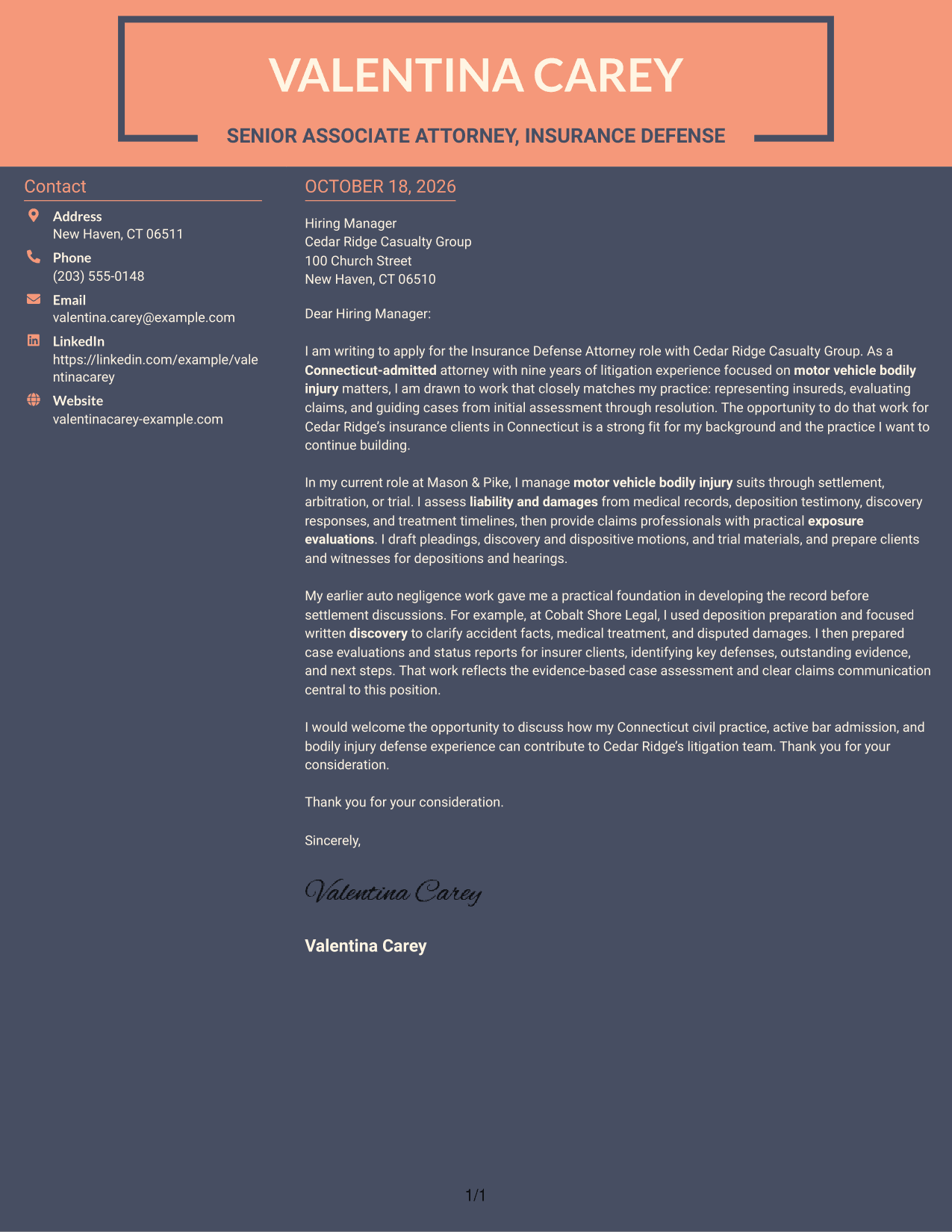
Why This Format Works
- The contact sidebar gives sender details a distinct place beside the letter.
- The continuous body lets the reader follow the message in paragraph order.
- Keeping the argument together avoids splitting its points between columns.
Best For
- Contact details beside the letter
- A continuous paragraph-based argument
- Distinct space for sender information
- Photo-free application materials
- Two-column document preference
See Also
- 7 Insurance Defense Attorney - Bodily Injury Resume Templates with Example
- 7 Claims Adjuster - Attorney Represented Injury Resume Templates with Example
- 7 Assistant Attorney General - Special Prosecutions Resume Templates with Example
- 7 Assistant Attorney General - Tax & Public Finance Resume Templates with Example
- 7 Assistant County Attorney V - Affordable Housing Development and Finance Resume Templates with Example
- 7 Deputy Attorney General II/III - Civil Litigation Resume Templates with Example
- 7 Deputy City Attorney - Health and Human Services Resume Templates with Example
- 7 Deputy City Attorney II/III - Employment/Labor Relations Resume Templates with Example
- 7 Deputy City Attorney II/III - Transactional Resume Templates with Example
- 7 Deputy City Attorney - Health and Human Services Cover Letter Templates with Example
Frequently Asked Questions
What should an Insurance Defense Attorney - Bodily Injury cover letter emphasize?
Show how you evaluate liability, damages, and claim exposure, then explain how you communicate practical next steps. Connect those skills to case strategy, settlement discussions, arbitration, or trial preparation as relevant to your background.
How can I make the opening paragraph relevant to this role?
Name the Insurance Defense Attorney - Bodily Injury position and briefly connect your interest to its work. For a role like Cedar Ridge Casualty Group’s, that can include representing insureds, evaluating motor vehicle injury claims, and managing litigation through resolution.
What is a useful example to include in the body of the letter?
Choose a case task that shows how you used evidence to guide a decision. The featured letter describes using deposition preparation and focused written discovery to clarify accident facts, medical treatment, and disputed damages before preparing an insurer case evaluation.
How should I describe communication with claims professionals?
Explain what information you assess and how your updates help clients or claims partners decide what to do next. Clear examples can include reporting key defenses, missing evidence, exposure concerns, and practical next steps.
Which cover letter style works well for a bodily injury defense role?
Choose a clear, professional layout that makes your opening, supporting example, and closing easy to follow. Keep the tone direct and measured, and make sure the presentation fits the employer and the way you will communicate with its team.




