
7 Insurance Product Development Associate Cover Letter Templates with Example
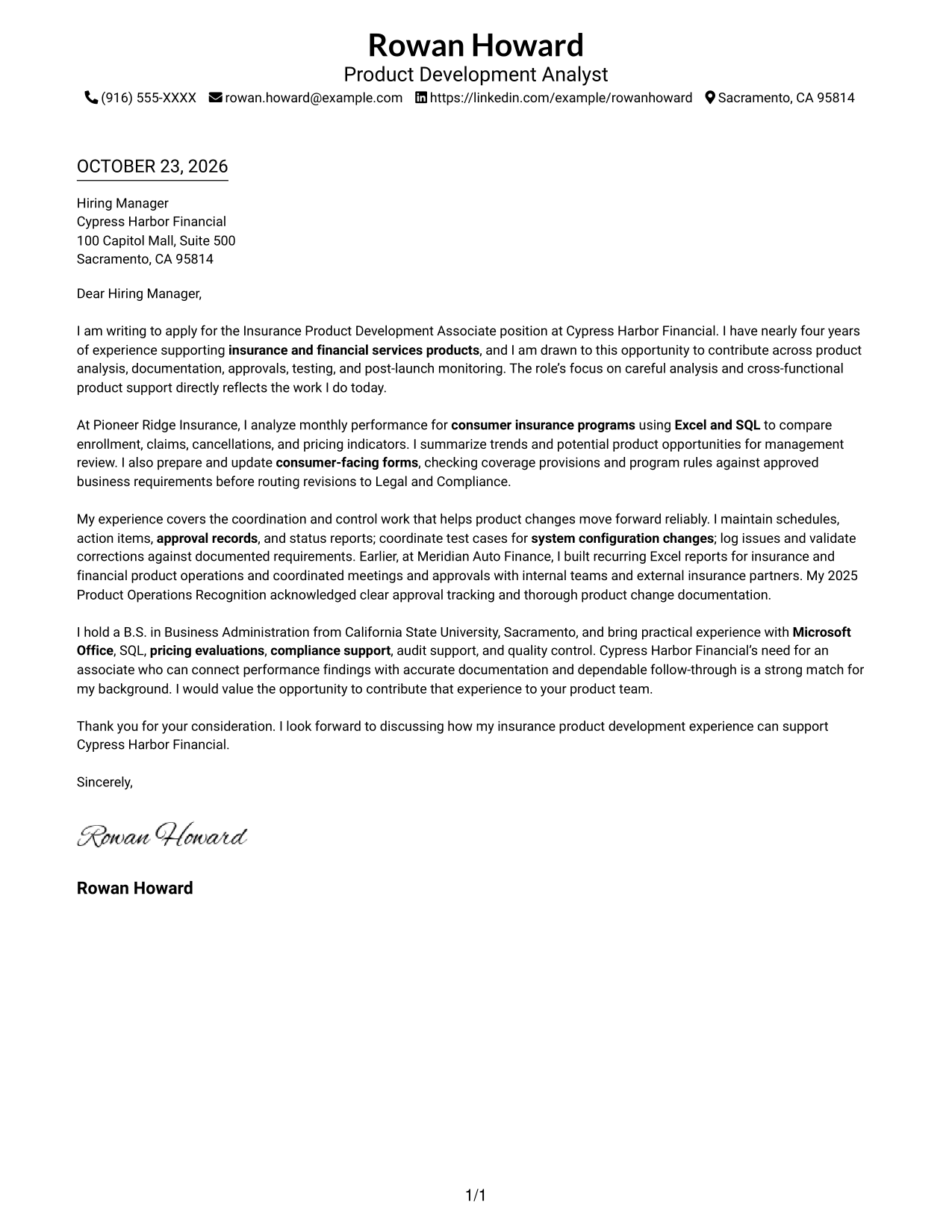
This practical guide presents an Insurance Product Development Associate cover letter in seven layouts, helping you choose a clear way to communicate your fit.
What Makes a Great Insurance Product Development Associate Cover Letter in 2026
A strong letter links interest in the role to the careful analysis, documentation, and coordination it requires. A focused opening, relevant body, and direct closing help the reader follow your case.
Use specific evidence, such as reviewing product performance, preparing forms, or coordinating approvals and testing. Connect that experience to the employer’s needs without claiming skills or results you cannot support.
The featured example follows a focused progression from interest, to relevant evidence, to a clear close. Adapt that flow to your own experience, choosing a presentation that suits the employer and the communication context.
#1 Simple One Column Format Cover Letter Example
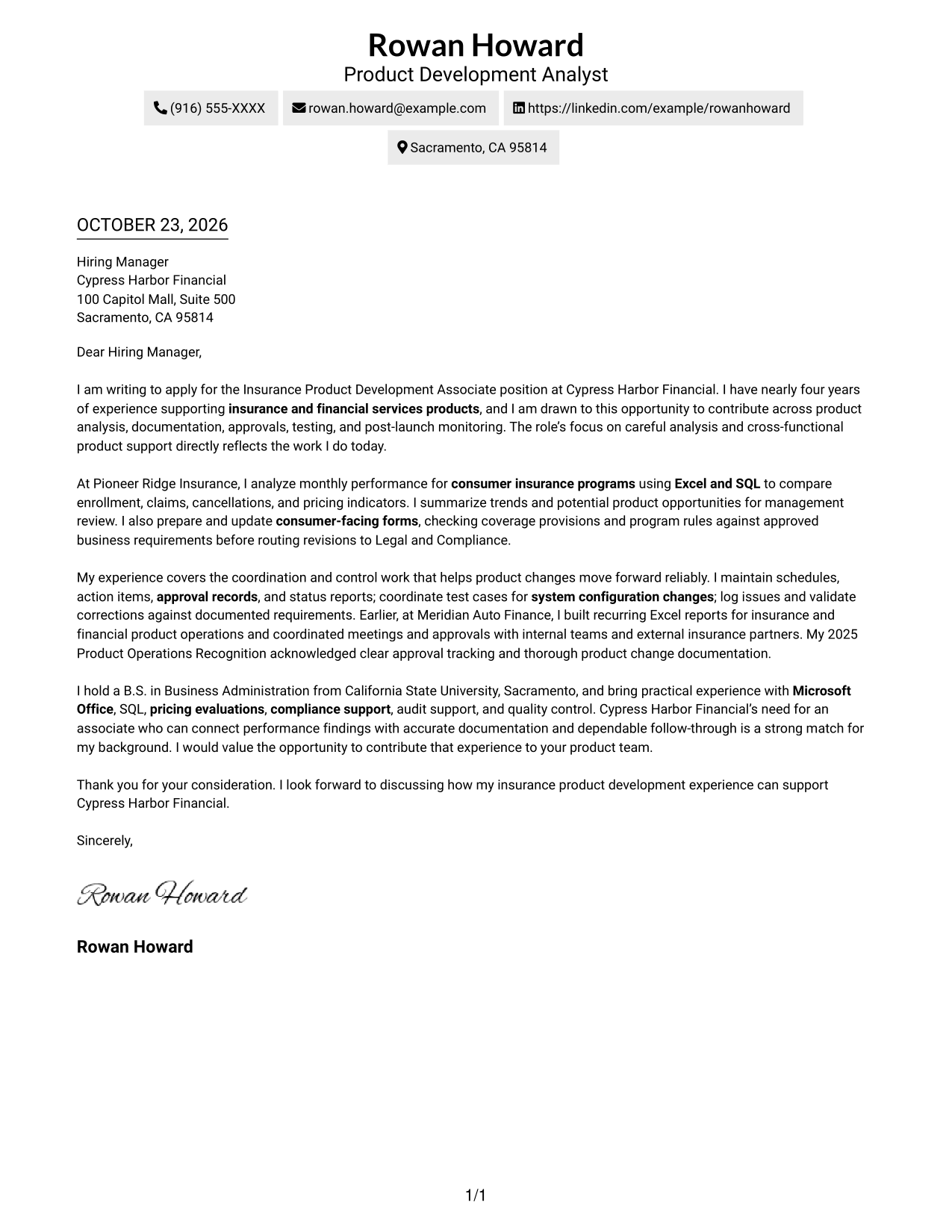
The Simple One Column Format presents sender details in the header and keeps the letter in one reading path, a practical choice for a direct, paragraph-led message.
Why This Format Works
- A single text path keeps the opening, supporting points, and close in order.
- Sender details stay in the header, apart from the letter's continuous paragraphs.
- The straightforward layout keeps attention on the written case for fit.
Best For
- Single-column letter reading
- Connected persuasive paragraphs
- Direct written introductions
- Applications centered on written fit
- Simple contact and message organization
#2 Two Column Format Cover Letter Example
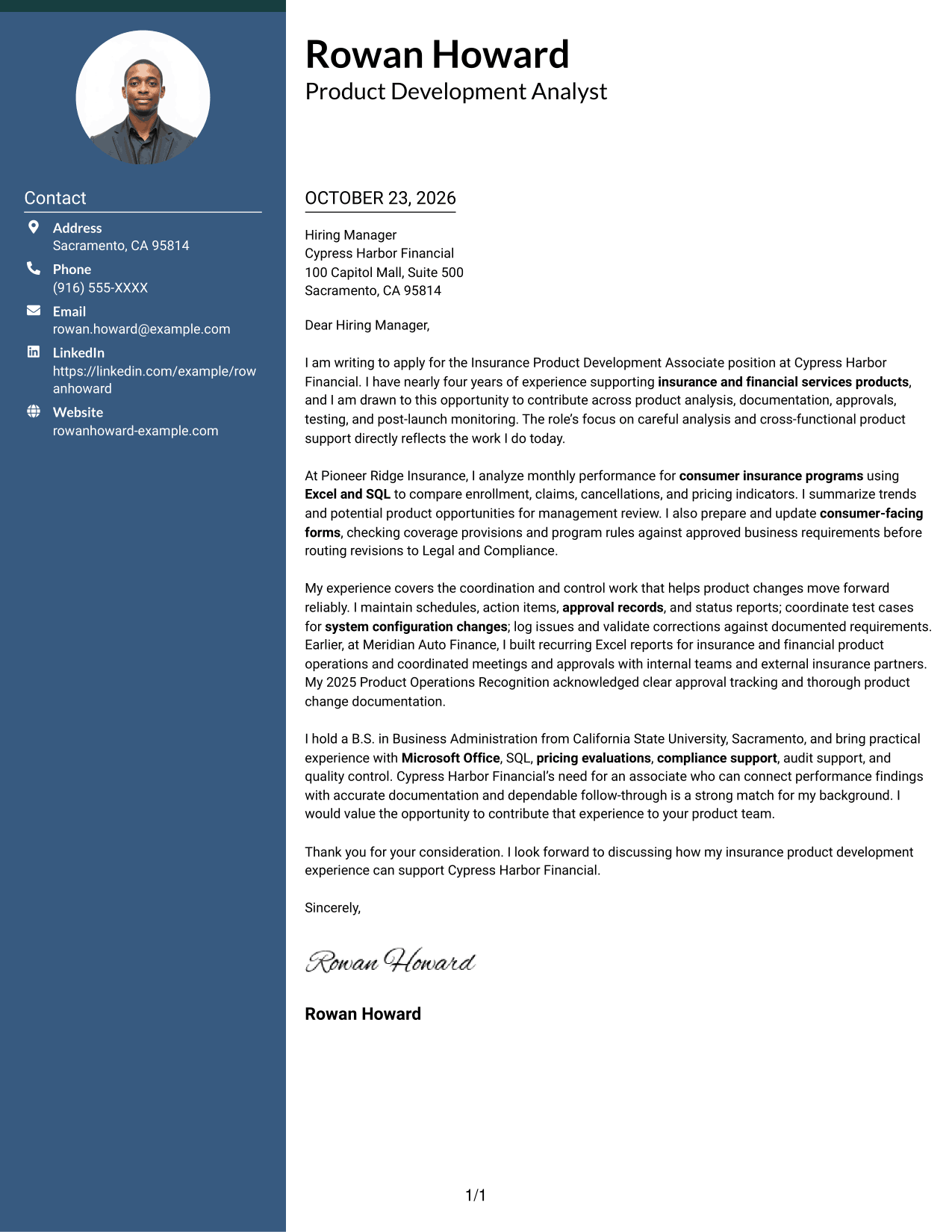
The Two Column Format places a contact sidebar beside one continuous letter body, making sender details easy to consult without dividing the message.
Why This Format Works
- The contact sidebar keeps sender details distinct from the letter's persuasive message.
- One continuous body lets the opening, supporting points, and close read in sequence.
- The side-by-side arrangement gives the contact information and message separate visual areas.
Best For
- Separate contact reference
- Continuous letter arguments
- Several supporting paragraphs
- Easy sender-detail lookup
- Applications with a defined written case
#3 Photo Header Two Column Format Cover Letter Example
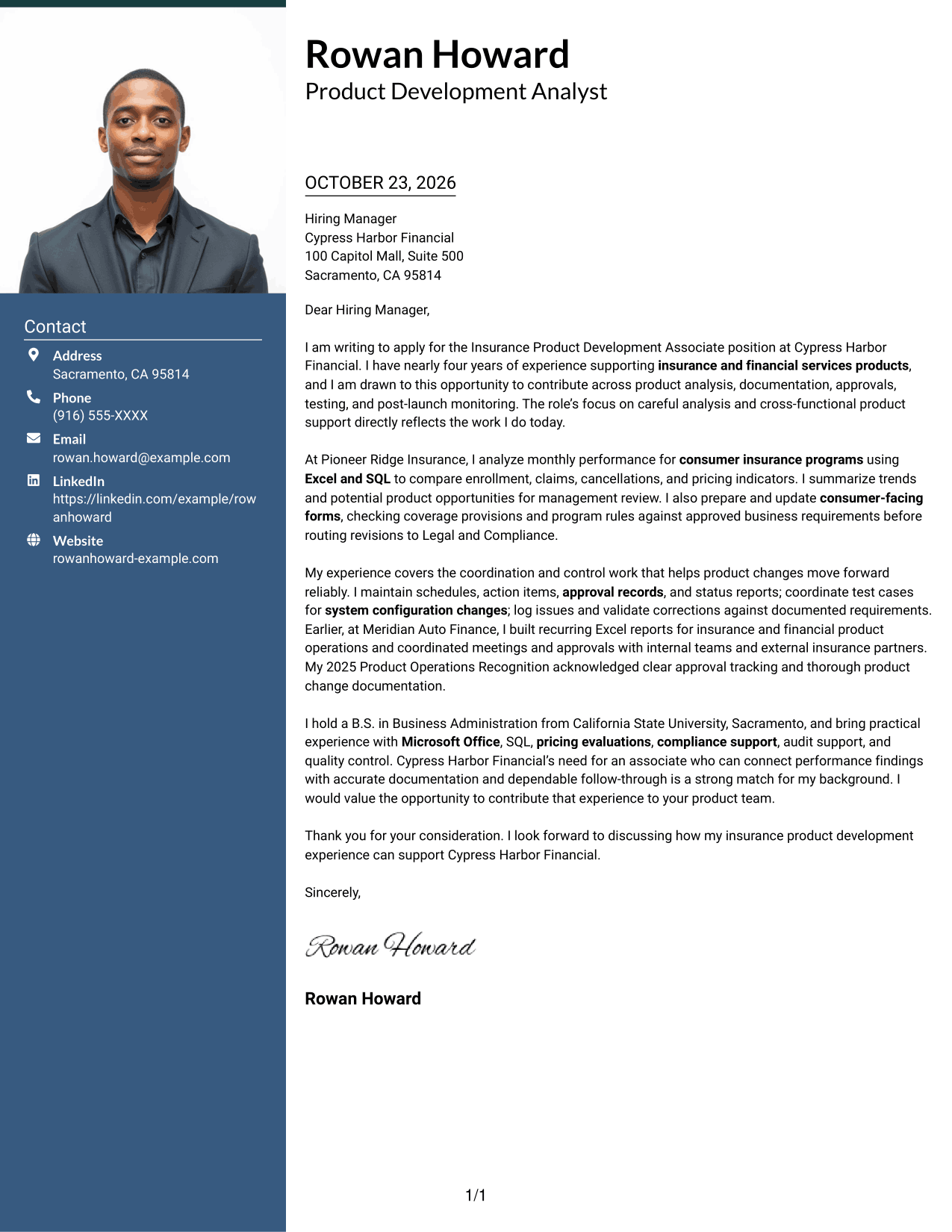
The Photo Header Two Column Format combines a photo with a contact sidebar beside the continuous letter body, for readers who prefer a portrait and separate contact area.
Why This Format Works
- The contact sidebar provides a distinct place to find sender details.
- A continuous body keeps the letter's opening, evidence, and closing together.
- The photo offers a visual option without changing the letter's argument.
Best For
- Portrait-inclusive correspondence
- Distinct contact and message areas
- Letters with several evidence paragraphs
- Independent access to contact details
- Applications focused on written role fit
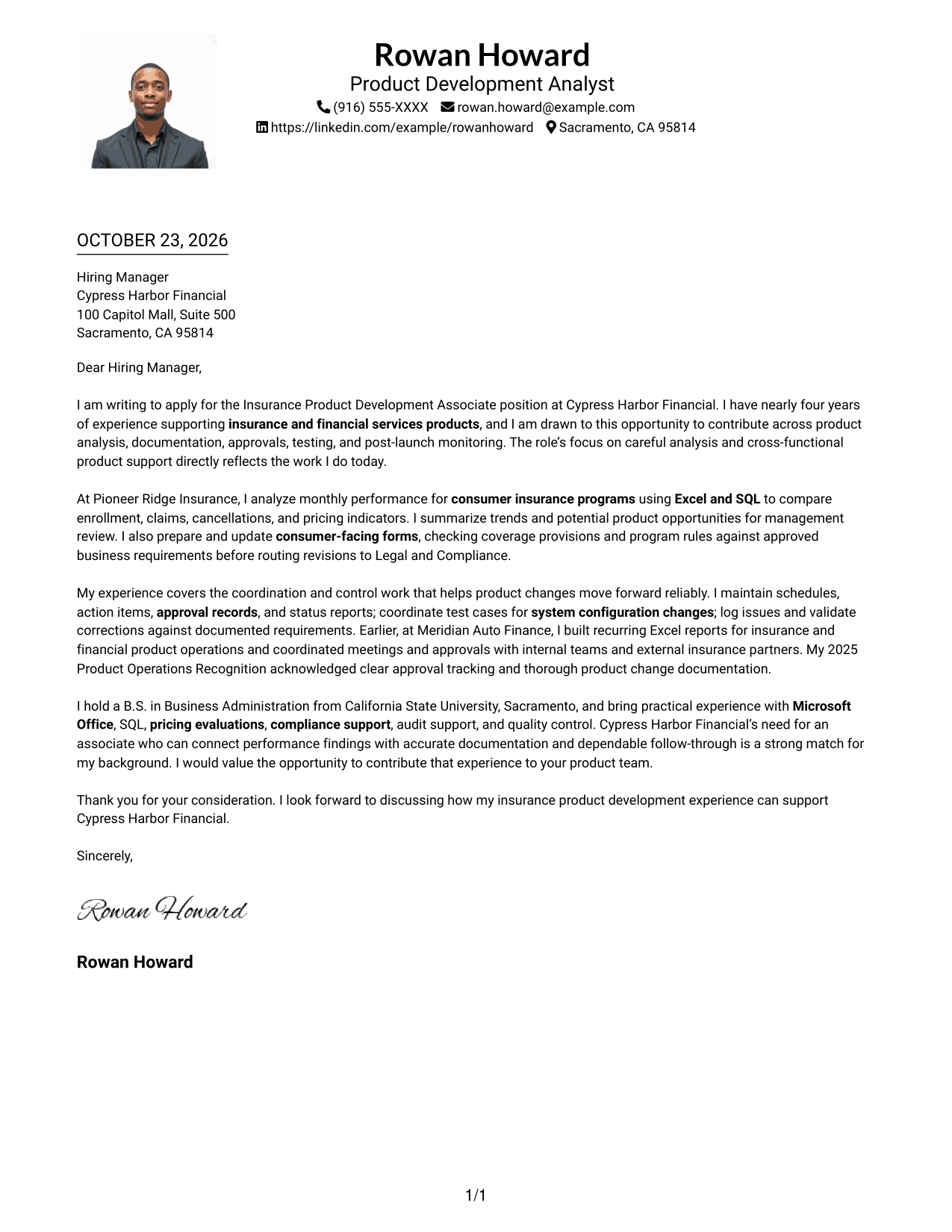
#4 One Column Format with Photo Cover Letter Example
The One Column Format with Photo keeps the message in one reading path and includes a photo, suited to a letter that pairs direct prose with a portrait.
Why This Format Works
- The single text path keeps the opening, supporting case, and closing in sequence.
- Sender details and the letter share one column rather than separate body areas.
- The photo adds a visual element without dividing the written argument.
Best For
- Portrait-inclusive single-column letters
- One-path paragraph reading
- Direct business correspondence
- Letters led by written evidence
- Applications favoring a photo
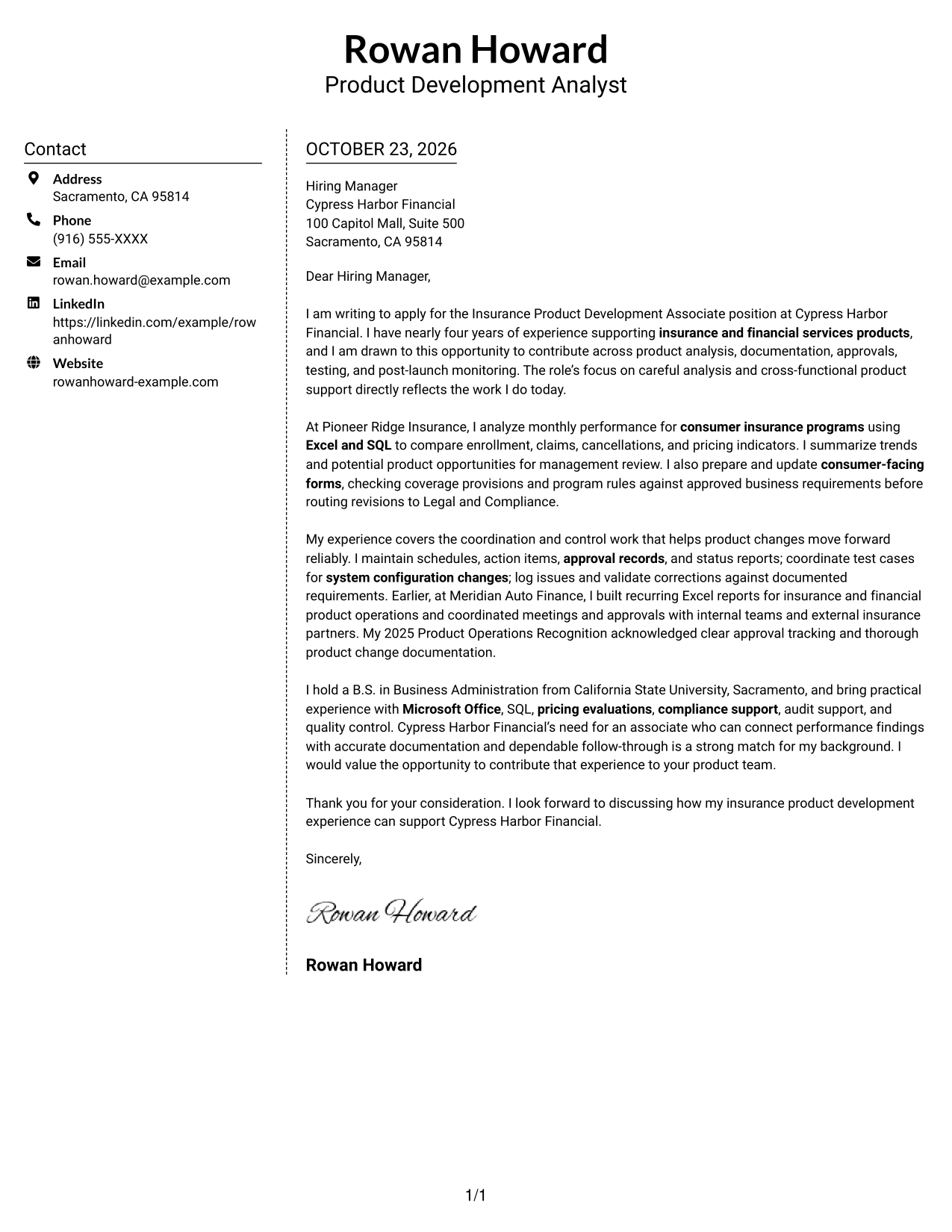
#5 Simple Two Column Format Cover Letter Example
The Simple Two Column Format sets contact details apart from the continuous letter body, giving the page a clear distinction between correspondence information and the message.
Why This Format Works
- Separate contact details are easy to find without breaking the letter's flow.
- The continuous body keeps the opening and supporting points connected.
- The two areas distinguish correspondence information from the persuasive message.
Best For
- Contact details beside the message
- Continuous paragraph-based letters
- A clear written case for fit
- Quick access to sender information
- Applications with several supporting points
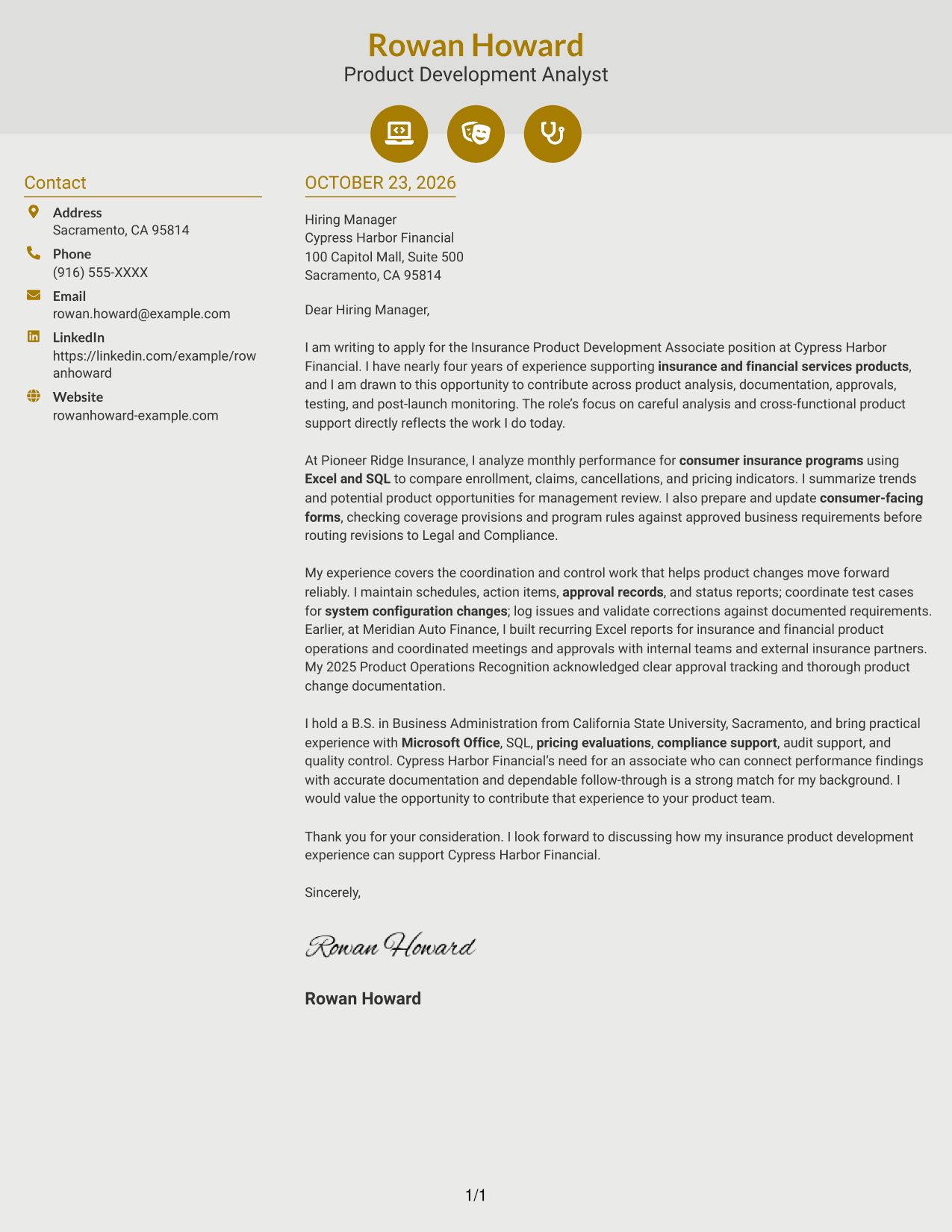
#6 Modern Icon Format Cover Letter Example
The Modern Icon Format uses contact cues and decorative header accents alongside a contact sidebar and continuous letter body, helping distinguish contact details from the message.
Why This Format Works
- Contact icons act as cues for sender details, not for letter content.
- The sidebar separates correspondence information from the continuous message.
- A unified body lets readers follow the letter's case from opening to close.
Best For
- Contact details with visual cues
- Continuous paragraph-based letters
- Quick sender-detail lookup
- Compact contact-and-message layouts
- Applications preferring visual header accents
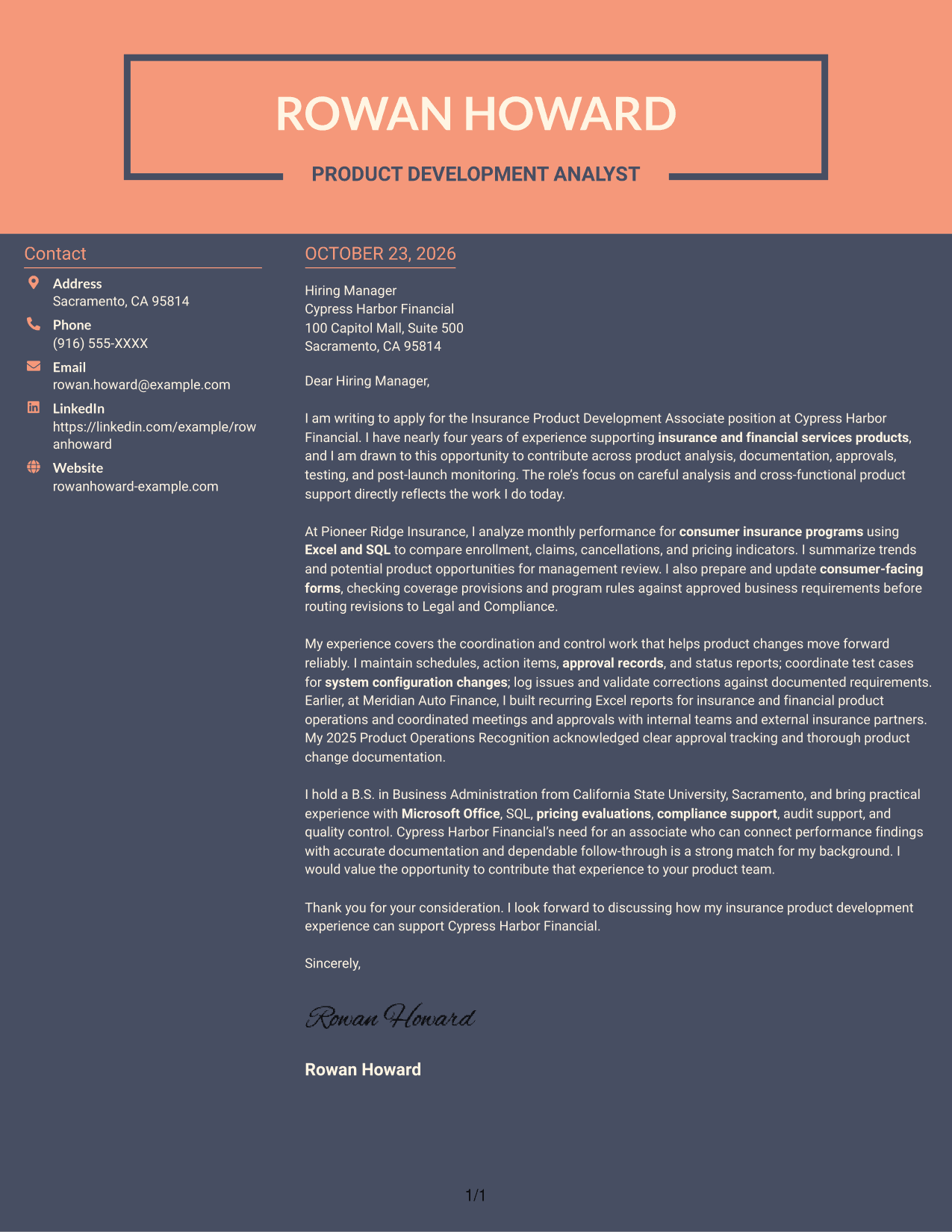
#7 Creative Two Tone Format Cover Letter Example
The Creative Two Tone Format places a contact sidebar next to one continuous letter body, offering a distinct division between contact information and the written case.
Why This Format Works
- The sidebar makes sender details available without splitting the letter body.
- Opening, supporting paragraphs, and closing remain within one continuous message.
- Separate contact and message areas create a clear visual distinction.
Best For
- Organized contact information
- Connected letter paragraphs
- Several points supporting role fit
- Separate message and contact areas
- Applications with a paragraph-led case
See Also
- 7 Insurance Product Development Associate Resume Templates with Example
- 33 Homeowners Insurance Product Manager Resume Templates with Example 2026 (ATS-Optimized)
- 7 Agile Delivery Owner Lead - New Product Development Resume Templates with Example
- 7 Engineering Intern - Hydraulic Product Development Resume Templates with Example
- 7 Engineering Product Development Manager - Advanced Machine Technology Resume Templates with Example
- 7 Intern Engineering Product Development Resume Templates with Example
- 33 Manufacturing Engineer Co-op - Manufacturing Product Development Resume Templates with Example 2026 (ATS-Optimized)
- 7 Product Partnerships Development Manager - In Car Experience, Media Integrations Resume Templates with Example
- 30+ Homeowners Insurance Product Manager Cover Letter Templates with Example 2026
- 7 Agile Delivery Owner Lead - New Product Development Cover Letter Templates with Example
Frequently Asked Questions
How can I show my fit for an Insurance Product Development Associate role?
Connect your experience to the role’s work, such as analyzing product performance, reviewing forms and requirements, coordinating approvals, or supporting testing. Give a specific example and explain your contribution clearly.
What should the opening paragraph say?
Name the Insurance Product Development Associate position and explain why its responsibilities interest you. Briefly connect that interest to relevant product or operational experience.
How should I describe analysis and reporting experience?
Explain what information you reviewed, how you found useful trends or discrepancies, and how you shared the results. Mention tools such as Excel or SQL only if you have used them.
How can I make the letter relevant to the employer?
Use details from the job description to show how your experience relates to the role’s needs. Refer to the employer or its products only when you can add a genuine, specific reason for your interest.
What cover letter presentation should I choose?
Choose a clear, professional layout that makes your opening, evidence, and closing easy to follow. Consider the employer and the communication context, and keep the focus on your message.




