
7 Intermediate Traffic Services Technician - Signs and Pavement Markings Cover Letter Templates with Example
This practical guide helps you create an Intermediate Traffic Services Technician - Signs and Pavement Markings cover letter and compare its 7 layouts for clear, role-focused communication.
What Makes a Great Intermediate Traffic Services Technician - Signs and Pavement Markings Cover Letter in 2026
A strong cover letter for this role connects your interest in public roadway work with the needs of sign fabrication, pavement marking, and safe field operations. A clear opening explains why the position and its duties suit your goals.
Use specific evidence, such as checking sign layouts against standards, inspecting traffic control devices, or coordinating utility locates. Link that experience to the employer’s road network and show how your communication and planning support safe, reliable work.
For this Intermediate Traffic Services Technician - Signs and Pavement Markings application, the featured example follows a focused progression from motivation to sign-work evidence, broader field duties, and a courteous close. Adapt that progression while choosing a presentation that suits the employer and communication context.
#1 Simple One Column Format Cover Letter Example
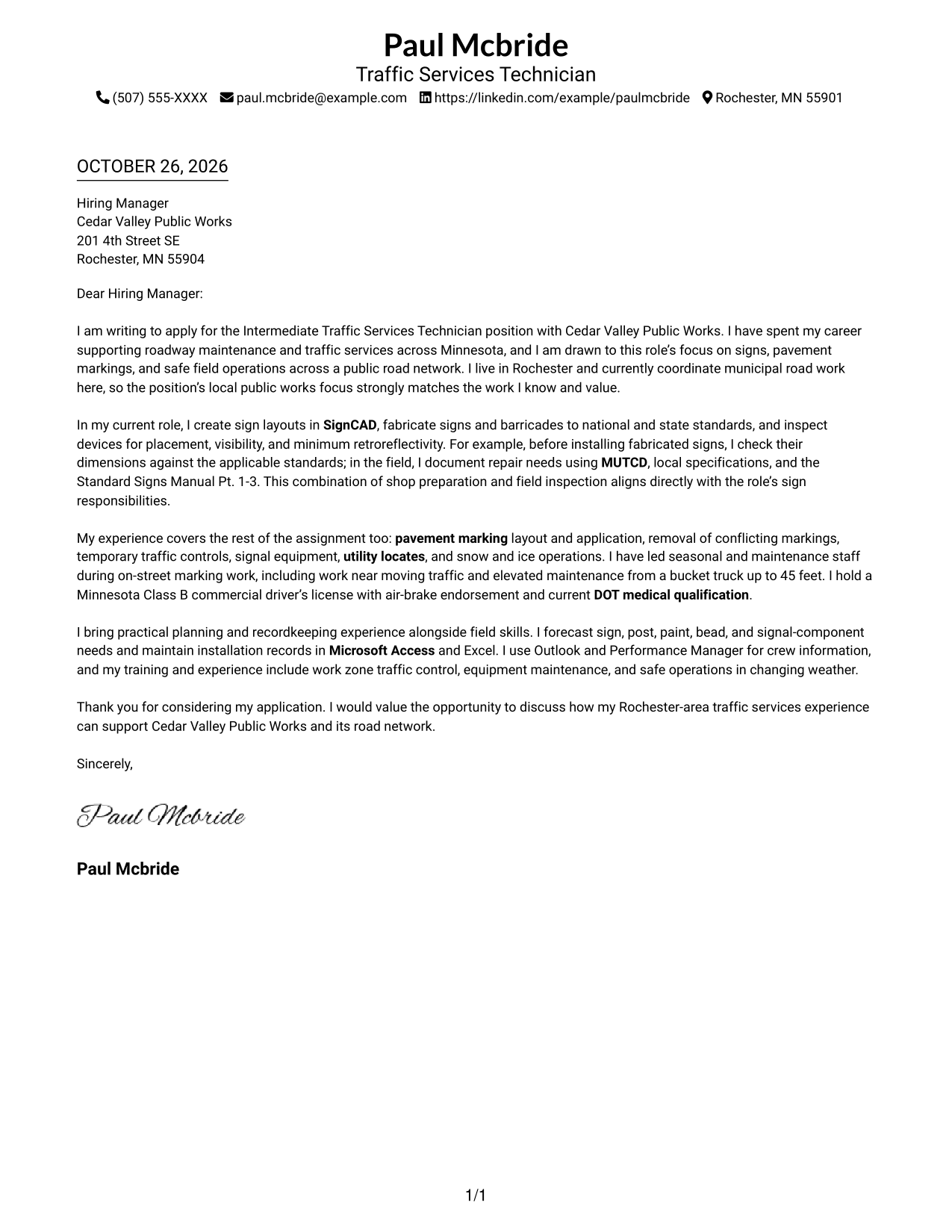
The Simple One Column Format places sender details in the header above one continuous letter body, giving the correspondence a direct reading path.
Why This Format Works
- One column gives the reviewer a direct route through the correspondence.
- Header contact details remain distinct from the message itself.
- The portrait-free page suits a text-centered application style.
Best For
- Single-column correspondence
- Text-led application packets
- Brief persuasive letters
- Formal employer introductions
- Traffic services applications
#2 Two Column Format Cover Letter Example
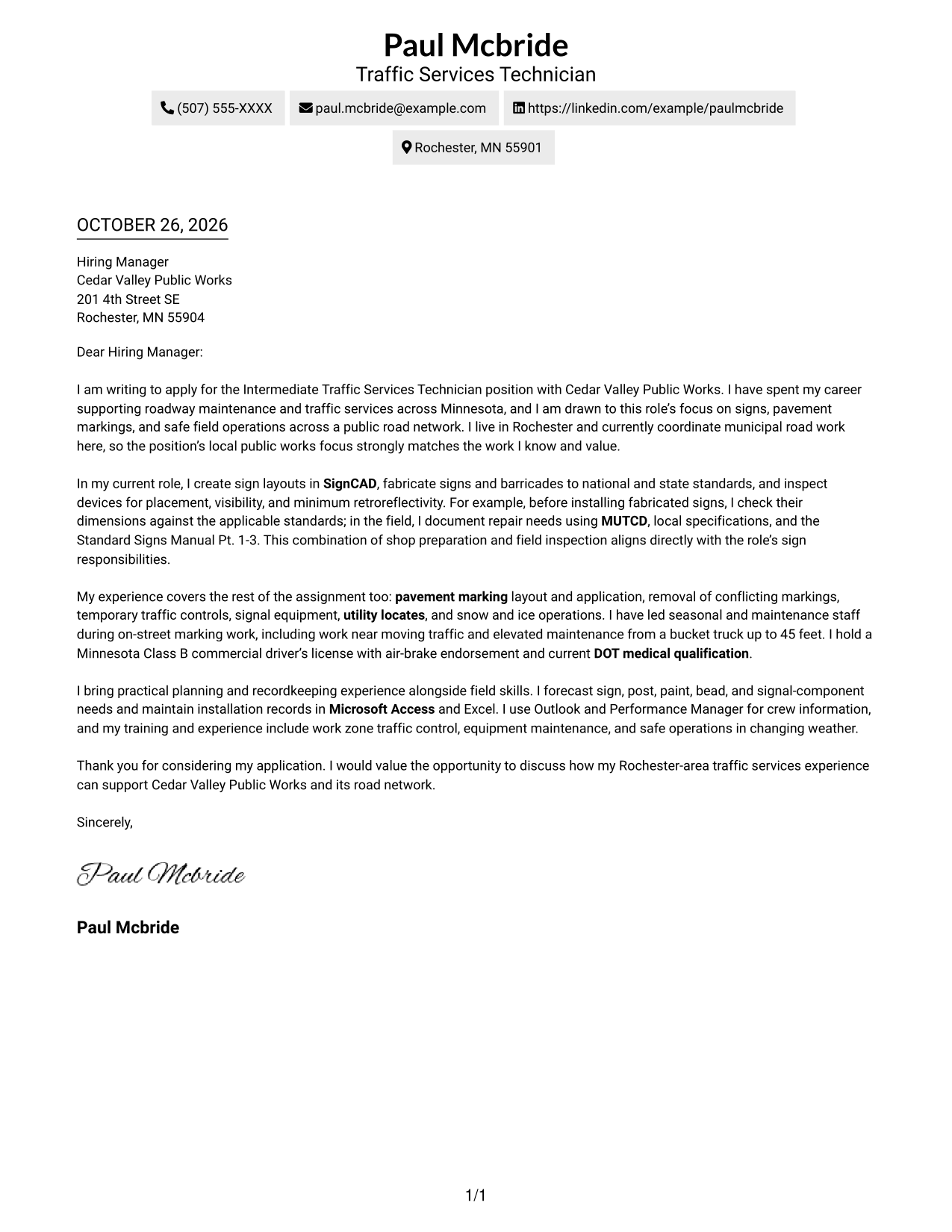
The Two Column Format places a contact sidebar beside one continuous letter body, keeping contact information apart from the message.
Why This Format Works
- The sidebar groups sender details in a separate, easy-to-find area.
- The main letter stays together, rather than splitting its argument across columns.
- Its portrait-free presentation suits readers who prefer text without a photo.
Best For
- Letters with several supporting paragraphs
- Formal employer correspondence
- Text-only application materials
- Clear contact and message separation
- Traffic services applications
#3 Photo Header Two Column Format Cover Letter Example
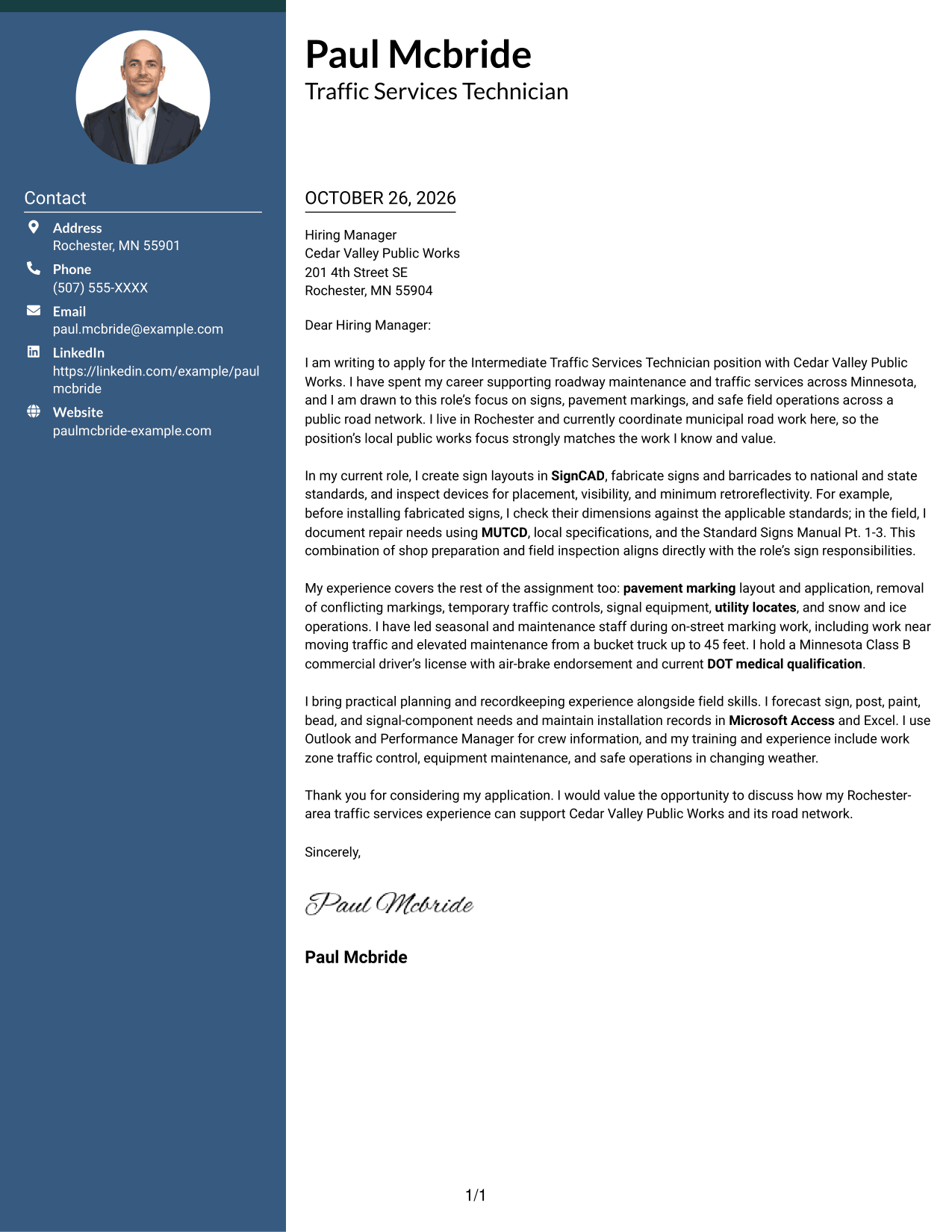
The Photo Header Two Column Format pairs a portrait with a contact sidebar beside one continuous letter body, distinguishing the sender details from the correspondence.
Why This Format Works
- The header portrait offers a visual identifier apart from the written message.
- The contact sidebar keeps sender information outside the letter's main text.
- One continuous body keeps the opening and closing in sequence.
Best For
- Portrait-inclusive applications
- Letters with several supporting paragraphs
- Full contact details beside the message
- Formal employer correspondence
- Traffic services applications
#4 One Column Format with Photo Cover Letter Example
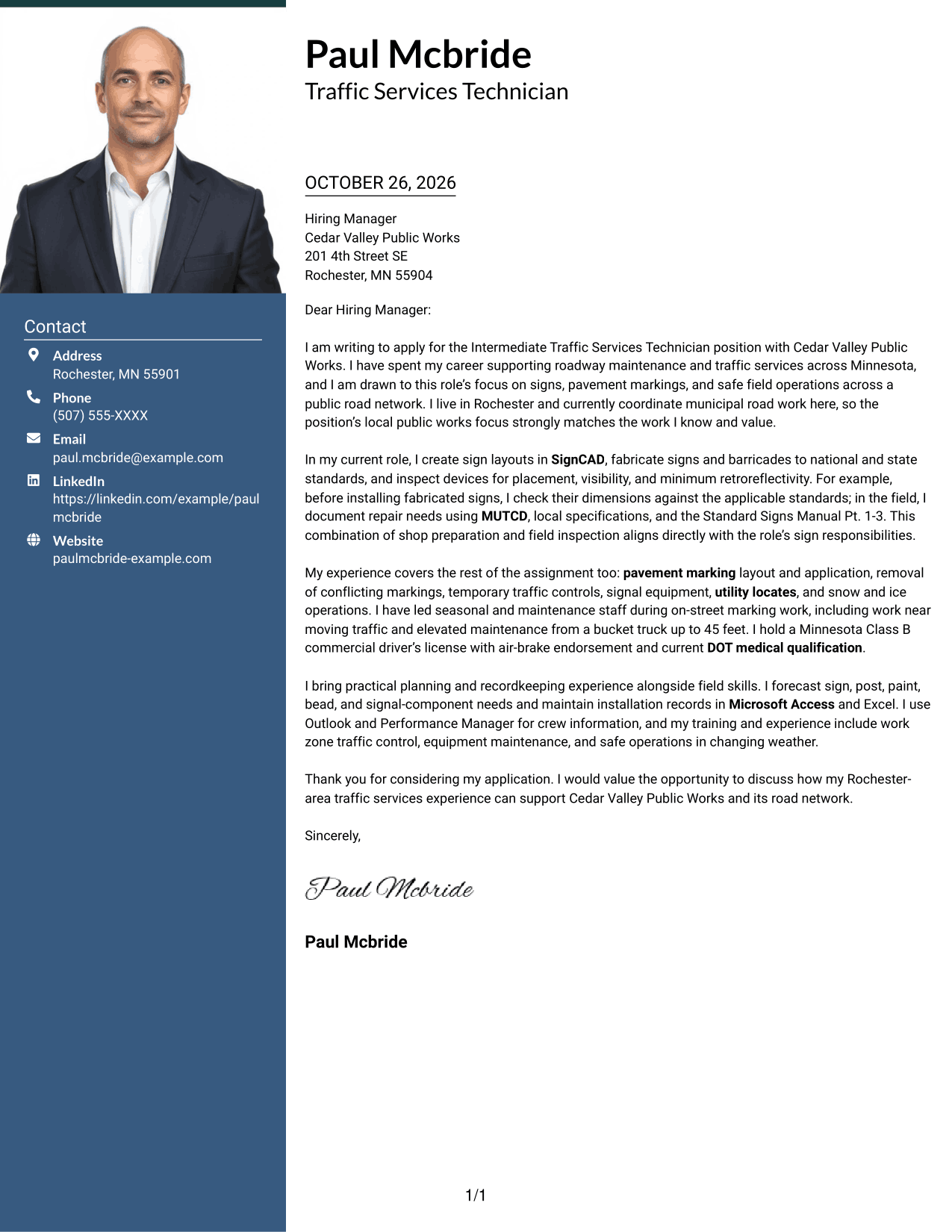
The One Column Format with Photo includes a portrait while keeping the letter in one column, giving the page a personal visual element without dividing the message.
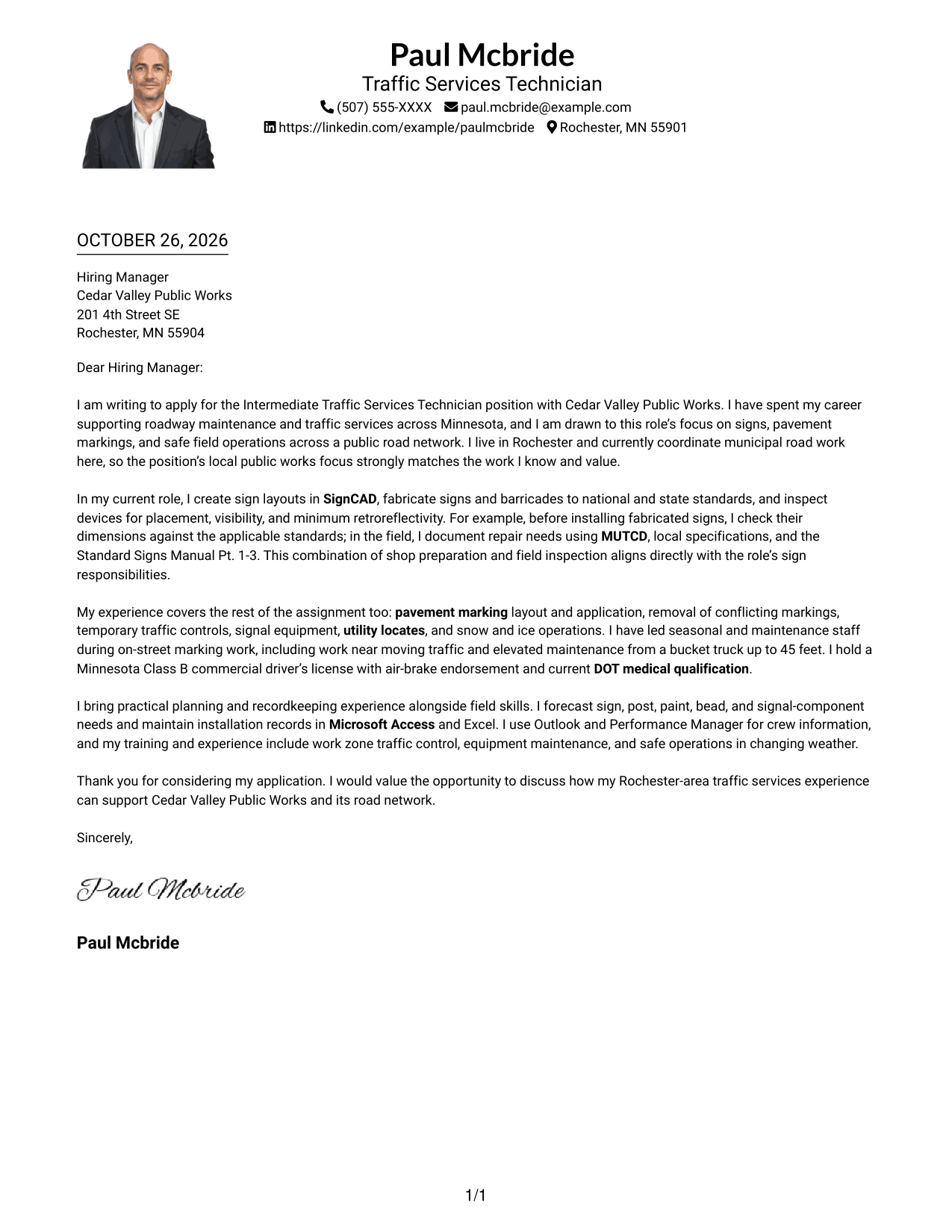
Why This Format Works
- A single text column gives the reviewer one clear route through the letter.
- The portrait adds a visual identifier alongside the written message.
- Header contact details remain separate from the letter body.
Best For
- Portrait-inclusive applications
- Uninterrupted paragraph correspondence
- Formal employer introductions
- Text-centered letter content
- Traffic services applications
#5 Simple Two Column Format Cover Letter Example
The Simple Two Column Format keeps contact information in a sidebar and the letter in one continuous column, making the distinction between sender details and message clear.
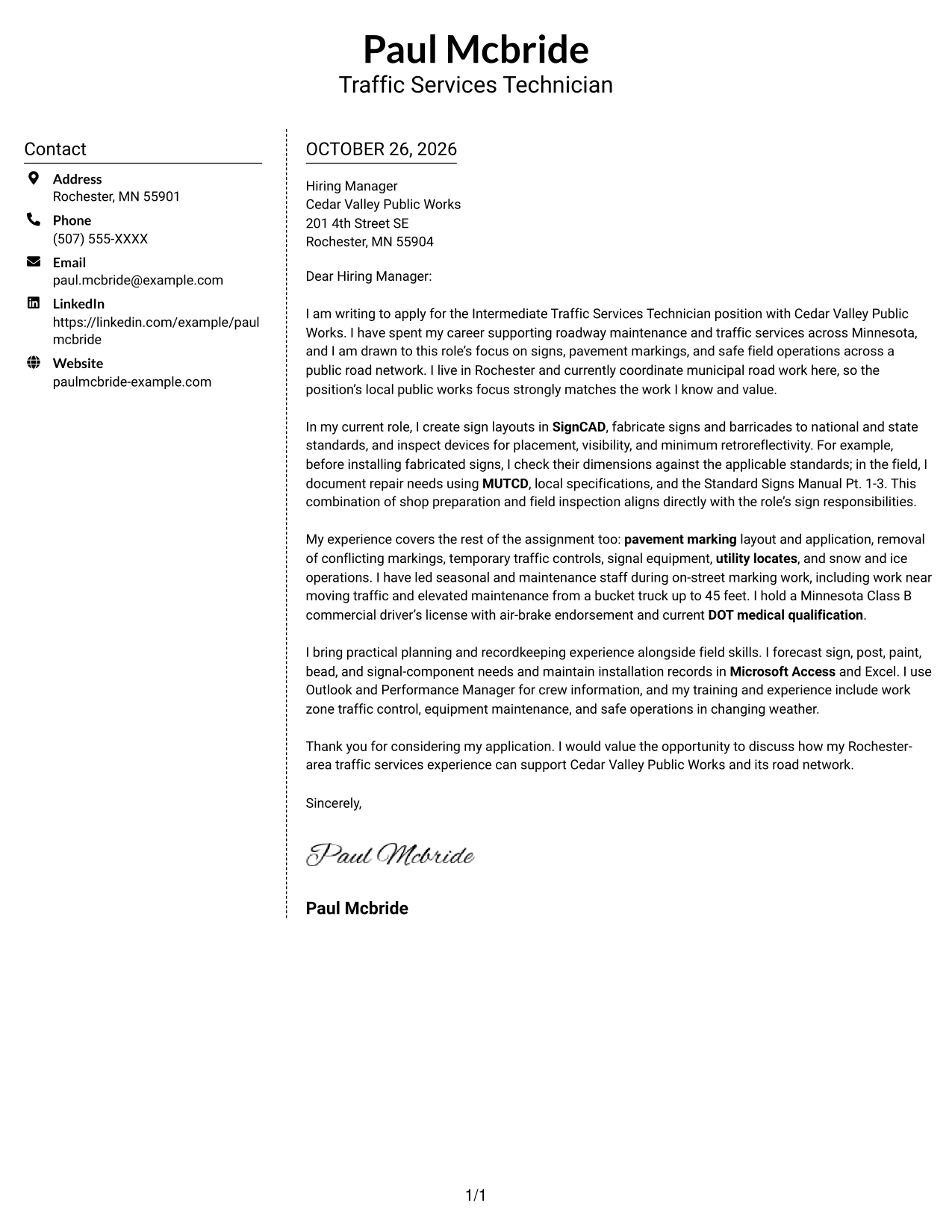
Why This Format Works
- The sidebar keeps contact information grouped apart from the letter.
- The uninterrupted body presents the message in a familiar reading order.
- A photo-free page keeps the presentation focused on written correspondence.
Best For
- Sidebar contact details
- Letters with multiple supporting paragraphs
- Text-led application materials
- Formal employer-facing letters
- Traffic services applications
#6 Modern Icon Format Cover Letter Example
The Modern Icon Format uses contact cues in a sidebar beside one continuous letter column, helping readers distinguish contact details from the message.
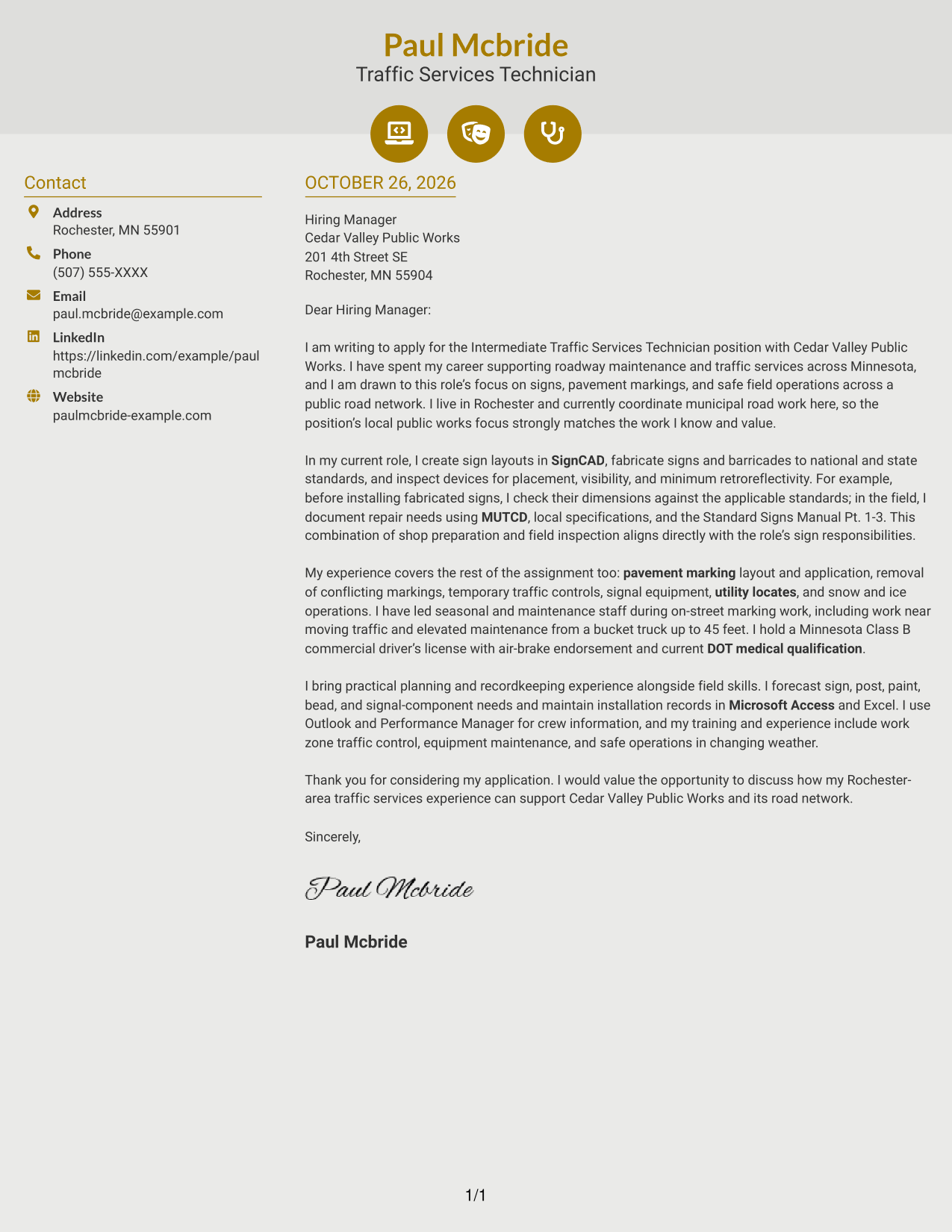
Why This Format Works
- Contact icons make key sender details easier to identify at a glance.
- The sidebar keeps contact information apart from the letter's message.
- The continuous body lets the letter's points unfold in order.
Best For
- Icon-marked contact details
- Letters with continuous persuasive paragraphs
- Quick access to sender information
- Text-led application materials
- Traffic services applications
#7 Creative Two Tone Format Cover Letter Example
The Creative Two Tone Format sets a contact sidebar beside one continuous letter column, separating sender information from the message while keeping the argument together.
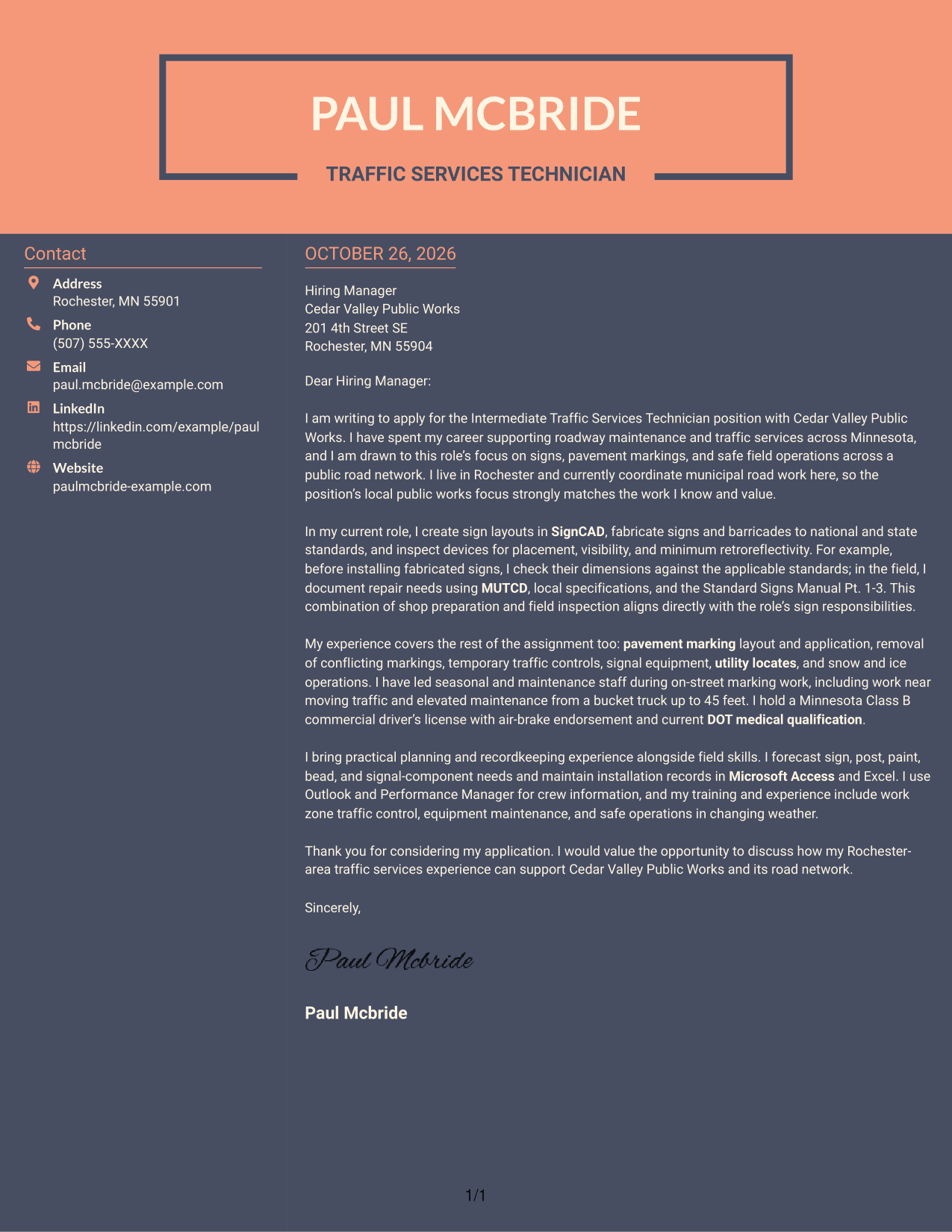
Why This Format Works
- Contact details stay together in a sidebar beside the letter.
- The letter body remains continuous, so its message is not split into parallel sections.
- The absence of a portrait suits photo-free correspondence.
Best For
- Letters with a continuous message
- Contact details outside the main text
- Photo-free correspondence
- Side-by-side contact and letter layout
- Traffic services applications
Why Use ResumeInMinutes for an Intermediate Traffic Services Technician - Signs and Pavement Markings Cover Letter
ResumeInMinutes offers examples to help you plan a clear, role-focused cover letter without starting from a blank page.
- Clear letter layouts
- Role-focused wording
- Job-specific examples
- Professional presentation
- Examples you can view in the editor
- Cover letter support
Compare the PNG previews, then open an example in the editor to review its presentation and customize the letter for the employer and role.
See Also
- 7 Intermediate Traffic Services Technician - Signs and Pavement Markings Resume Templates with Example
- 7 Electronic Technician - Traffic Signal Systems Resume Templates with Example
- 7 Traffic Control Maintenance Technician I Resume Templates with Example
- 33 Automotive Service Technician Resume Templates with Example 2026 (ATS-Optimized)
- 33 Chemical Service Technician at Data Centers Resume Templates with Example 2026 (ATS-Optimized)
- 7 Copier Field Service Technician Resume Templates with Example
- 7 Field Service Technician Class B - Transformer Service Resume Templates with Example
- 7 Field Service Technician I - Medical Equipment Resume Templates with Example
- 30+ Automotive Service Technician Cover Letter Templates with Example 2026
- 30+ Chemical Service Technician at Data Centers Cover Letter Templates with Example 2026
Frequently Asked Questions
What should an Intermediate Traffic Services Technician - Signs and Pavement Markings cover letter include?
Explain your interest in the role, then connect relevant experience to sign fabrication, device inspection, pavement marking, temporary traffic control, and safe field work. Use clear examples that show how you plan tasks and communicate with crews or utility partners.
What do the cover letter examples show?
The examples show one featured application presented in different visual styles. PNG previews let you compare the appearance, and the editor link opens an example for review and customization.
Which cover letter style works well for this position?
Choose a clean, easy-to-read style that gives your opening, supporting evidence, and closing a clear order. Consider the employer and the communication context, and keep the focus on your fit for the field responsibilities.
What experience can I use to show role fit?
Use supported examples such as creating sign layouts in SignCAD, checking signs against applicable standards, documenting inspection needs, or leading seasonal staff during pavement marking work. Explain what you did and why it matters to safe roadway operations.
Should I include a photo on my cover letter?
Use a photo only when it is common or expected in your country, region, or industry. For U.S. applications, a no-photo format is usually the safer choice.




