
7 Inventory Cycle Counter - Manufacturing Inventory Control Cover Letter Templates with Example
This guide helps you create an Inventory Cycle Counter - Manufacturing Inventory Control cover letter and compare seven layouts for presenting your fit clearly.
What Makes a Great Inventory Cycle Counter - Manufacturing Inventory Control Cover Letter in 2026
A strong letter connects careful counts and discrepancy research to accurate records and steady production. It should show how your communication supports reliable inventory work.
Use specific evidence, such as checking units of measure, tracing transactions, or coordinating count corrections. Link that experience to the employer’s needs, such as accurate locations and production continuity.
The featured example moves from interest in the role to current counting and discrepancy work, relevant manufacturing experience, and a clear close. Adapt this focused progression while choosing a presentation that suits the employer and communication context.
#1 Simple One Column Format Cover Letter Example
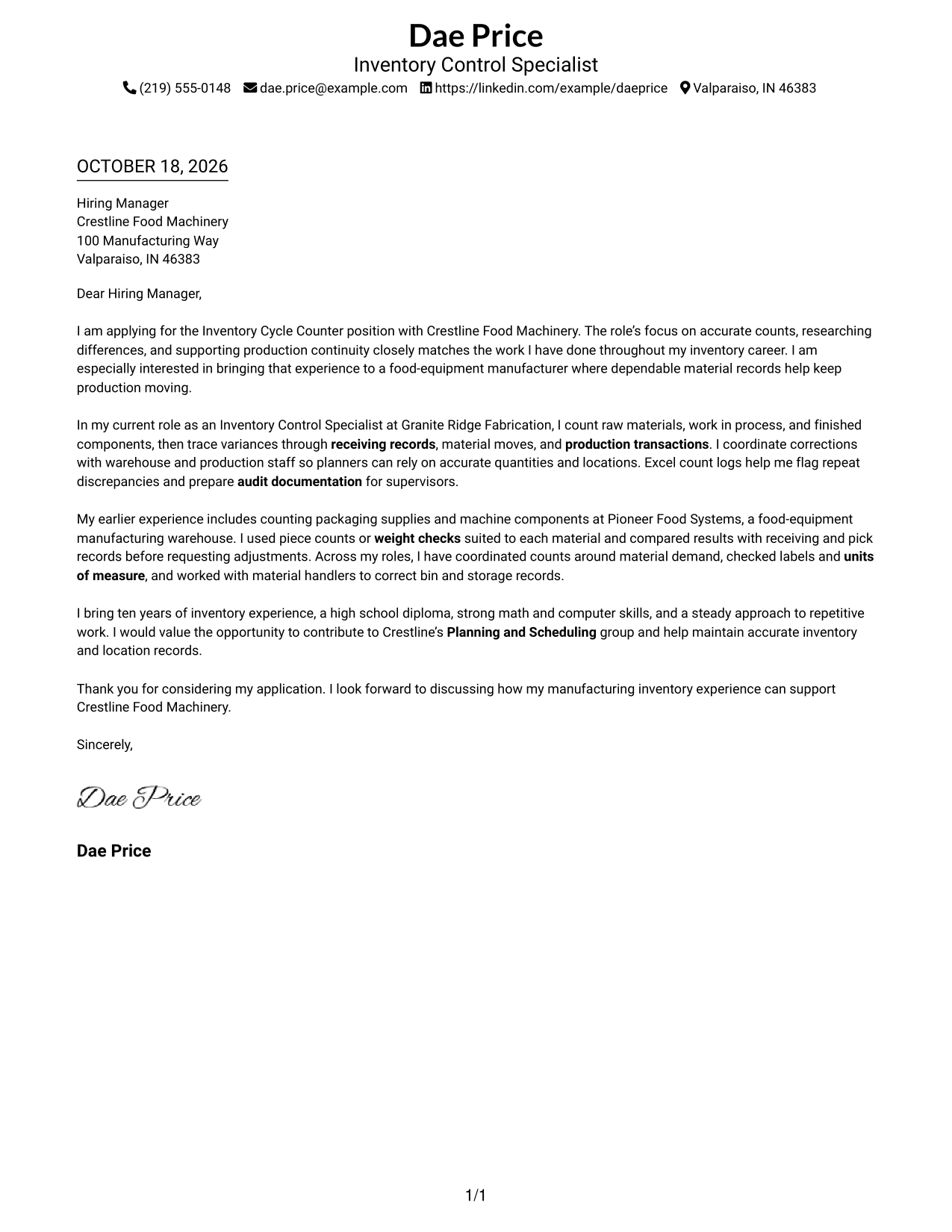
The Simple One Column Format places sender details in the header and keeps the letter in one column, giving the message a direct reading path.
Why This Format Works
- Sender details stay in the header, making contact information easy to locate.
- The single column keeps the opening, evidence, and closing in reading order.
- A page without a photo suits readers who prefer a text-led letter.
Best For
- Single-column letter reading
- Simple contact headers
- Text-led applications
- Letters with a clear paragraph sequence
- No-photo document preferences
#2 Two Column Format Cover Letter Example
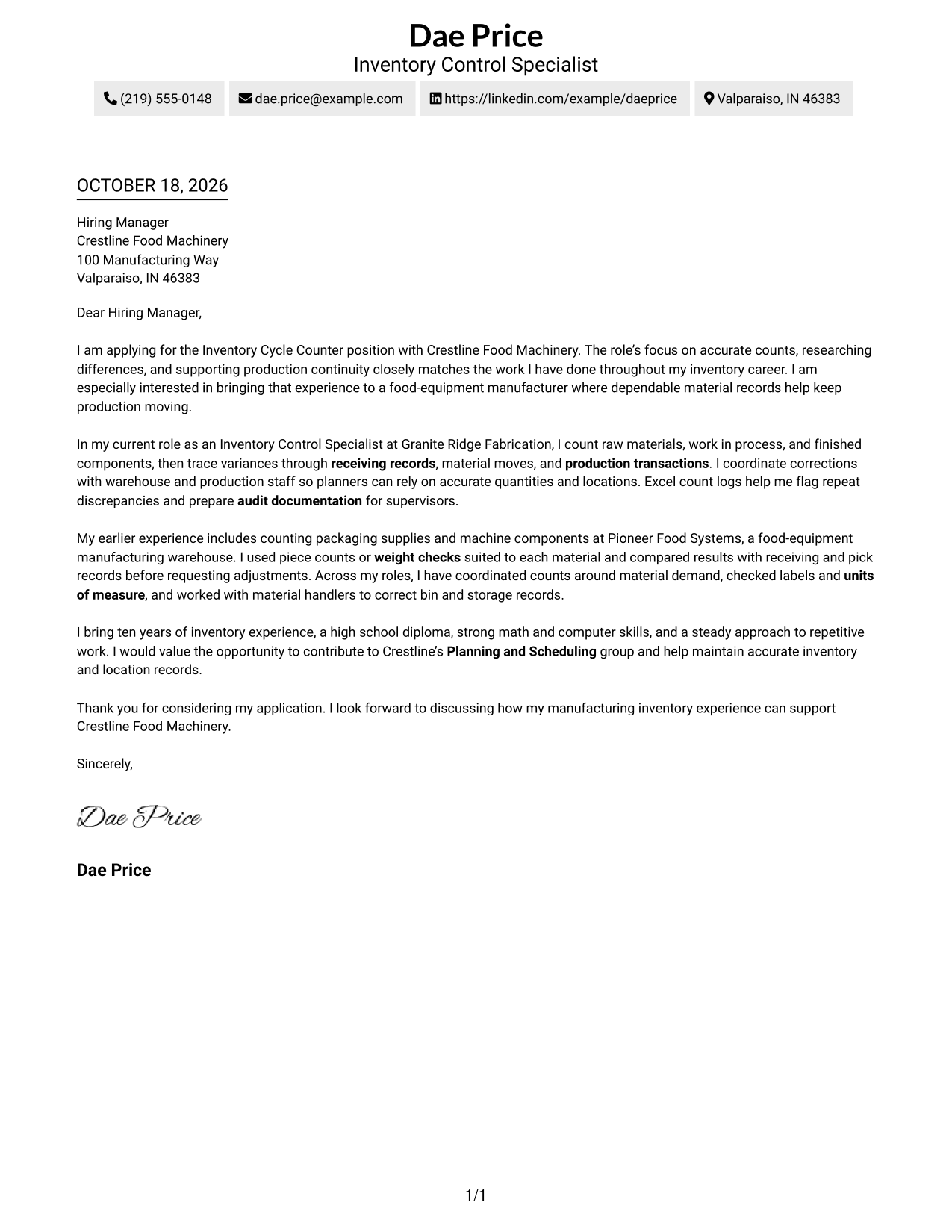
The Two Column Format places a contact sidebar beside the continuous letter body, so readers can find contact details apart from the message.
Why This Format Works
- The contact sidebar separates phone and email details from the letter's message.
- The letter stays in one column, keeping its opening and closing in sequence.
- A no-photo layout suits readers who prefer a restrained page.
Best For
- Separate contact details
- One-column letter body
- Compact contact information
- No-photo preferences
- Letters with a steady paragraph flow
#3 Photo Header Two Column Format Cover Letter Example
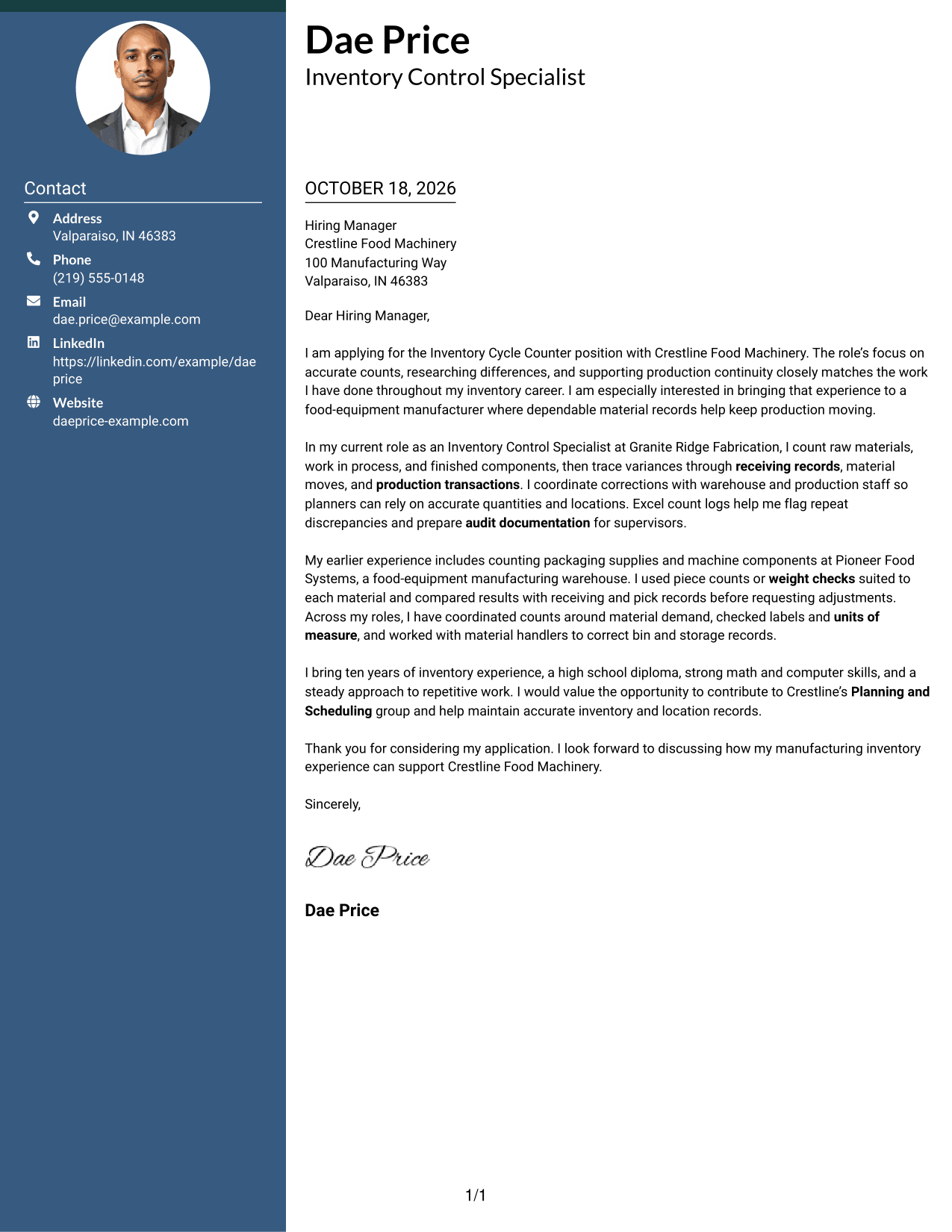
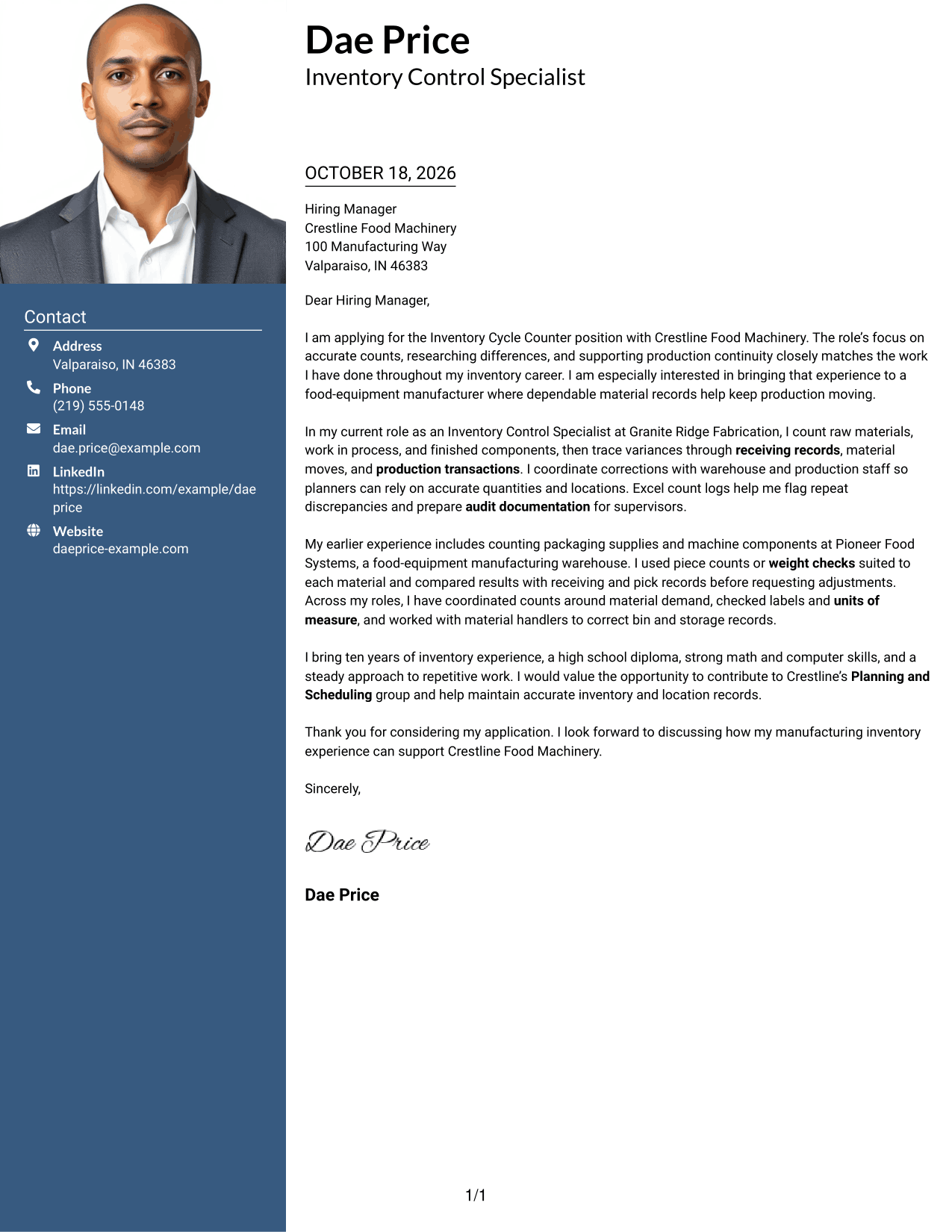
The Photo Header Two Column Format combines a photo and contact sidebar with a continuous letter body, offering a personal visual element alongside the message.
Why This Format Works
- The sidebar keeps contact information apart from the letter's argument.
- A single-column body lets the opening, evidence, and closing read in order.
- The photo adds a personal visual element without changing the letter's flow.
Best For
- Photo-inclusive letters
- Separate contact information
- Single-column letter bodies
- A personal visual touch
- Continuous paragraph arguments
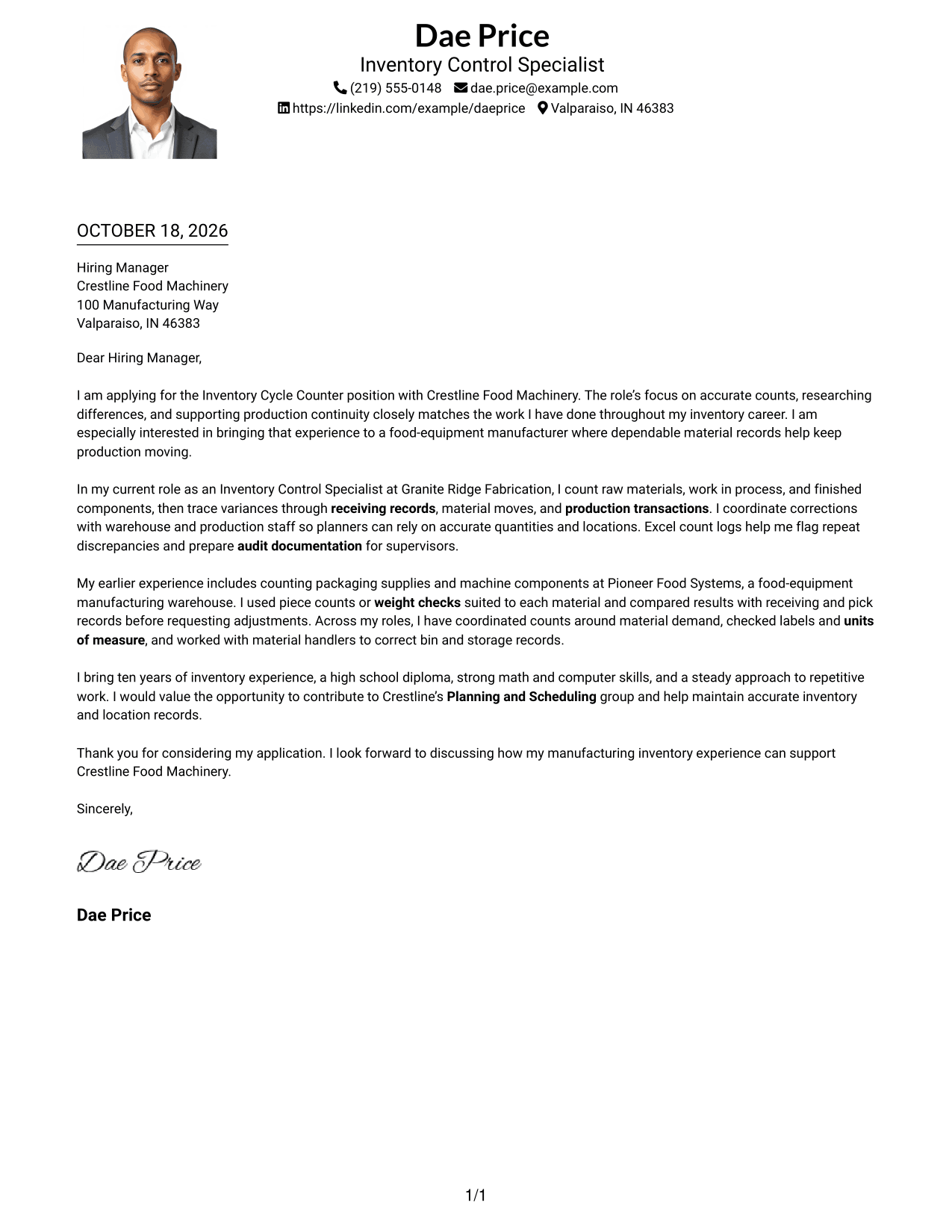
#4 One Column Format with Photo Cover Letter Example
The One Column Format with Photo pairs a photo with a single-column letter, keeping the message in one direct reading path.
Why This Format Works
- The single column keeps the letter's paragraphs in a clear sequence.
- Sender details in the header remain separate from the greeting and message.
- A photo offers a personal visual choice without dividing the letter body.
Best For
- Single-column letter flow
- Photo-inclusive applications
- Clear paragraph sequence
- Contact details in the header
- A personal visual element
#5 Simple Two Column Format Cover Letter Example
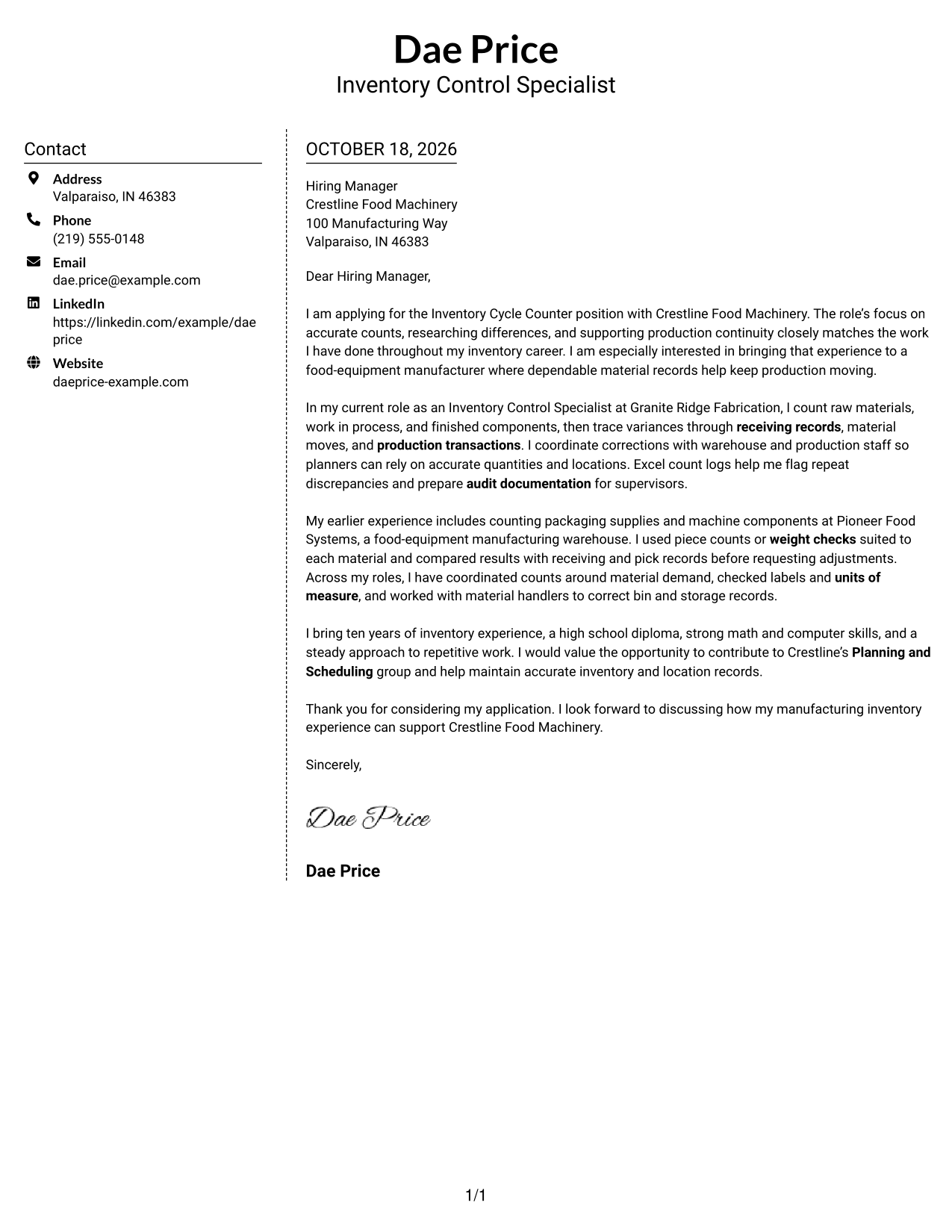
The Simple Two Column Format sets contact details in a sidebar beside one continuous letter body, separating contact information from the argument.
Why This Format Works
- A dedicated sidebar gives sender contact details a separate place.
- The letter body remains in one column from greeting through sign-off.
- The simple presentation keeps attention on the written message.
Best For
- Separate contact and letter areas
- One-column message flow
- Simple page styling
- Letters with a concise header
- No-photo format preferences
#6 Modern Icon Format Cover Letter Example
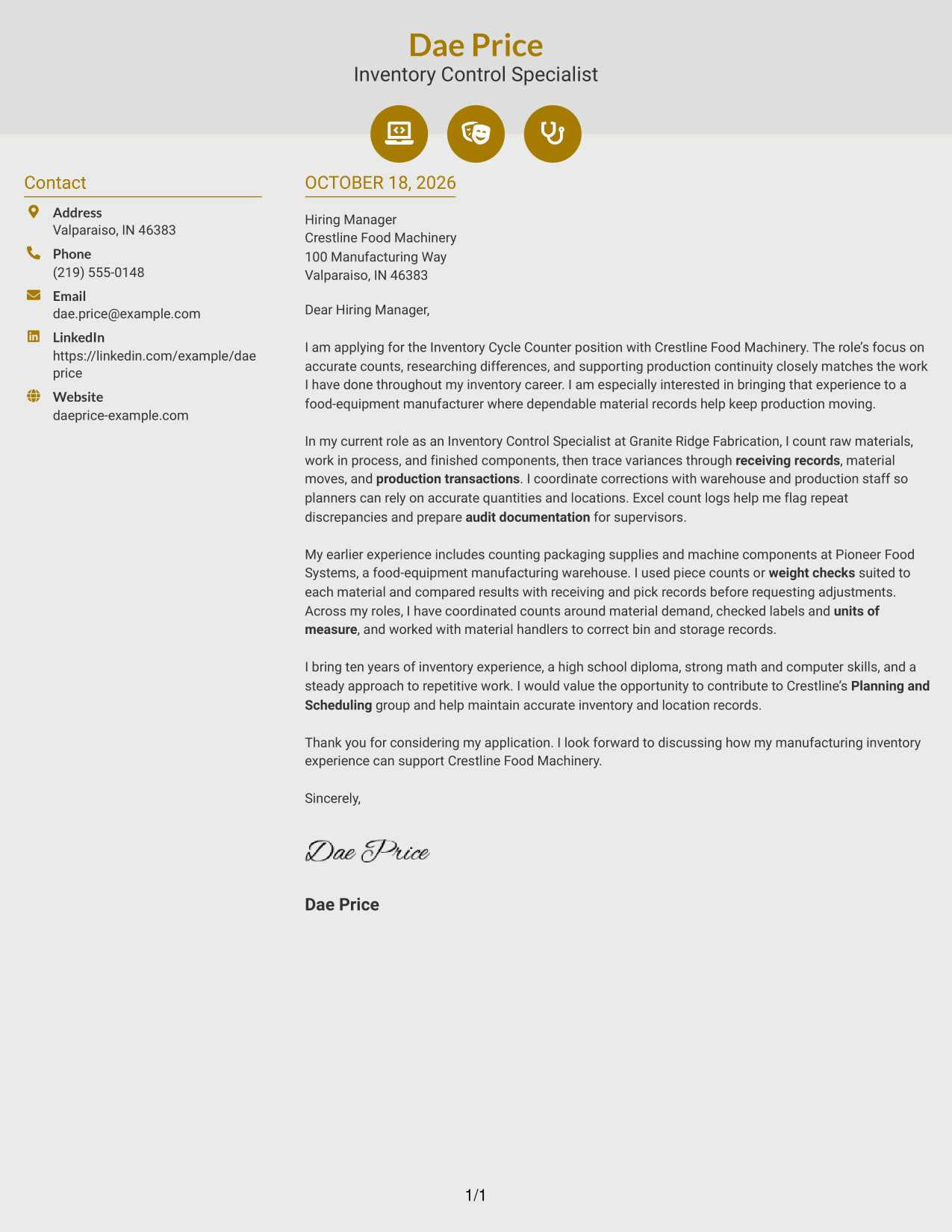
The Modern Icon Format uses a contact sidebar beside the continuous letter body, with icons serving as contact cues rather than argument labels.
Why This Format Works
- Contact icons help distinguish contact details without labeling letter paragraphs.
- The sidebar keeps sender information apart from the message itself.
- The continuous body preserves the order of the opening, evidence, and close.
Best For
- Icon-marked contact details
- Separate contact information
- Continuous letter paragraphs
- One-column message flow
- No-photo document preferences
#7 Creative Two Tone Format Cover Letter Example
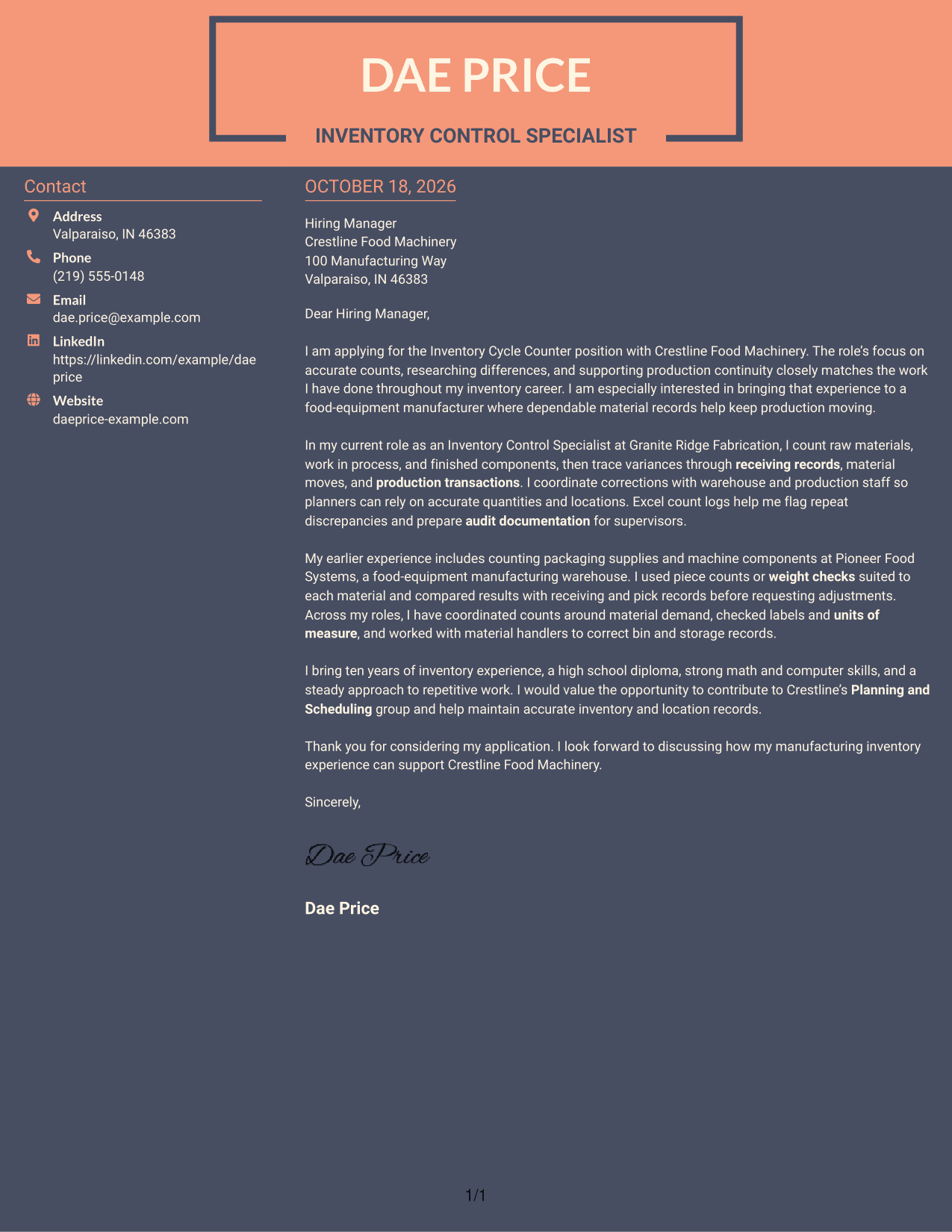
The Creative Two Tone Format places a contact sidebar beside one continuous letter body, giving contact details a separate area while the message reads as a whole.
Why This Format Works
- The sidebar makes sender contact details distinct from the letter's paragraphs.
- A single-column body keeps the opening, supporting points, and close together.
- The continuous message lets readers follow the application from greeting to sign-off.
Best For
- Separate contact details
- A continuous letter message
- Single-column body text
- Letters with a clear beginning and close
- No-photo layout preferences
See Also
- 7 Inventory Cycle Counter - Manufacturing Inventory Control Resume Templates with Example
- 7 Cycle Counter - Inventory Control Resume Templates with Example
- 7 Mid-Level Manufacturing Operations Analyst - Inventory and Tool Control Resume Templates with Example
- 33 Senior Plant Controls Engineer - Combined Cycle Controls Resume Templates with Example 2026 (ATS-Optimized)
- 7 Inventory Control Associate Resume Templates with Example
- 7 Inventory Control Resume Templates with Example
- 7 Stores Warehouse Technician - Inventory Control Resume Templates with Example
- 7 Warehouse Inventory Control Resume Templates with Example
- 7 Cycle Counter - Inventory Control Cover Letter Templates with Example
- 7 Mid-Level Manufacturing Operations Analyst - Inventory and Tool Control Cover Letter Templates with Example
Frequently Asked Questions
What should an Inventory Cycle Counter cover letter include?
Explain your interest in the role, then give clear examples of physical counts, discrepancy research, and accurate inventory records. Close by connecting your work to dependable materials and production support.
How can I describe discrepancy research?
Briefly explain how you checked records such as receipts, material moves, labels, or units of measure. If accurate for your experience, describe how you worked with warehouse or production staff to correct the issue.
How can I show that I can count different types of materials?
Give a specific example of the count method you used. This may include piece counts, measurements, or weight checks, as appropriate for the material.
How do I choose a cover letter layout?
Choose a layout that makes your opening, evidence, and closing easy to follow. Compare the image previews, then open an example in the editor to view or customize its presentation.
How can I connect my experience to a manufacturing employer?
Show how accurate counts and clear records help planning, warehouse, and production teams. Mention employer details only when they reflect your genuine interest and fit.




