
7 Inventory Management Specialist - Healthcare Supply Chain Cover Letter Templates with Example
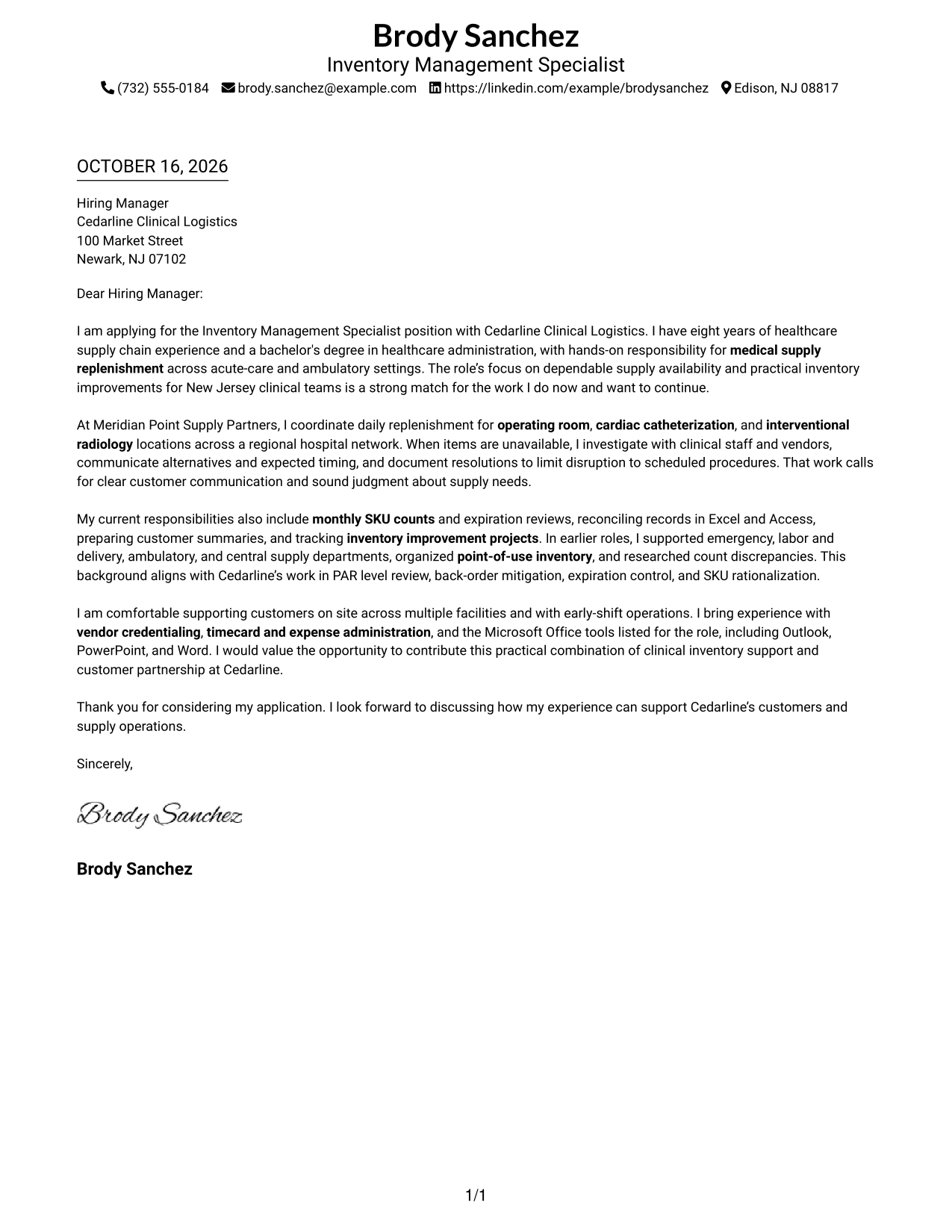
This practical guide to an Inventory Management Specialist - Healthcare Supply Chain cover letter shows how to present role fit across seven layouts.
What Makes a Great Inventory Management Specialist - Healthcare Supply Chain Cover Letter in 2026
A strong letter links your interest in the role to dependable medical supply availability and effective support for clinical teams. Its opening should make that fit clear.
Use specific evidence, such as replenishment, inventory review, or resolving supply issues, to show how you work. Connect that evidence to the employer’s needs, and keep the tone direct and customer-focused.
The featured Inventory Management Specialist - Healthcare Supply Chain example follows a focused progression from role interest to relevant evidence and a clear close. Adapt that flow while choosing a presentation that suits the employer and the communication context.
#1 Simple One Column Format Cover Letter Example
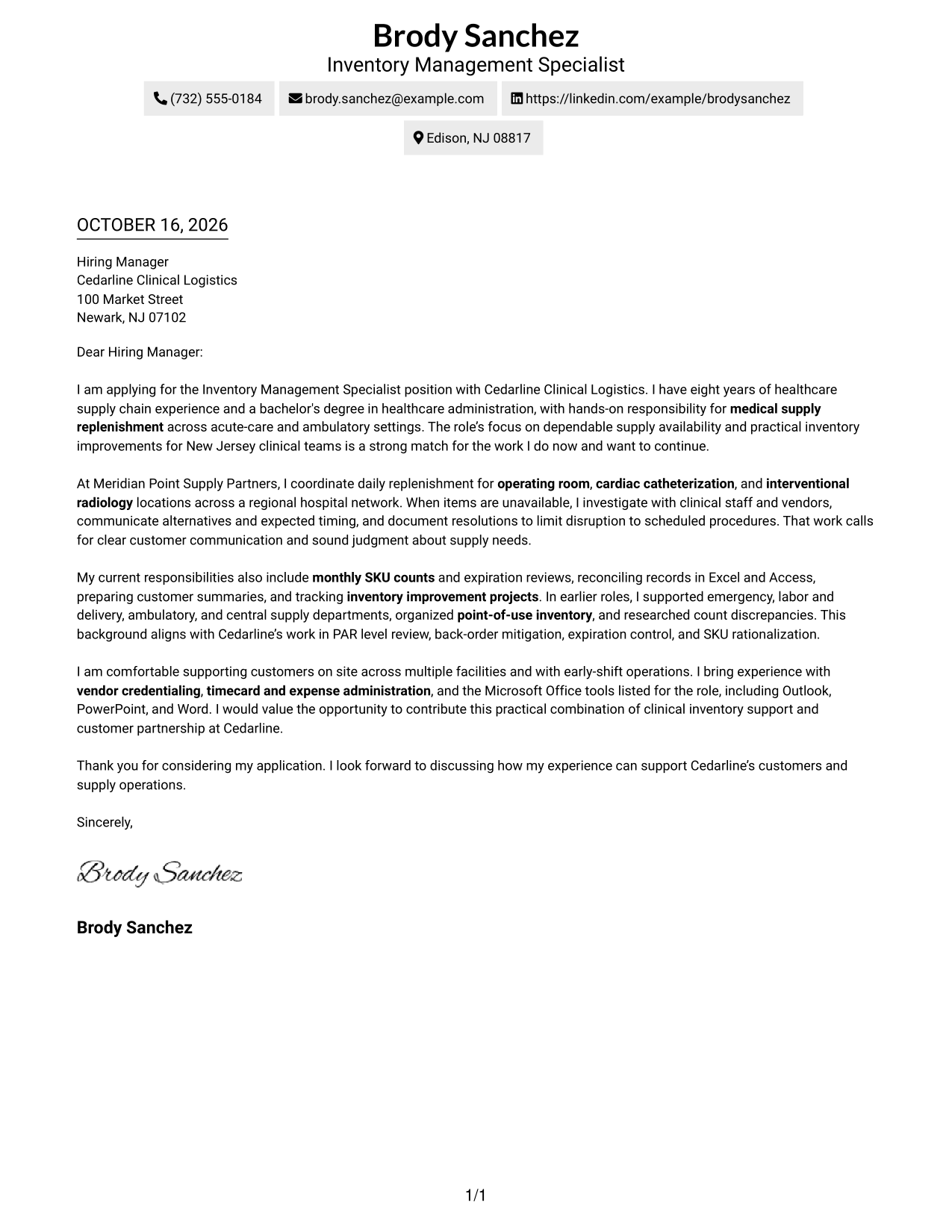
The Simple One Column Format keeps the letter in one body column, giving the opening, supporting points, and close a direct reading path.
Why This Format Works
- Sender details sit in the header, keeping contact information easy to find.
- The single body column lets the opening, supporting points, and close read in sequence.
- Uninterrupted paragraphs keep the letter’s case together without body section labels.
Best For
- Single-column reading preference
- Header-based contact details
- Paragraph-led employer fit
- Letters without body headings
- Direct opening-to-close flow
#2 Two Column Format Cover Letter Example
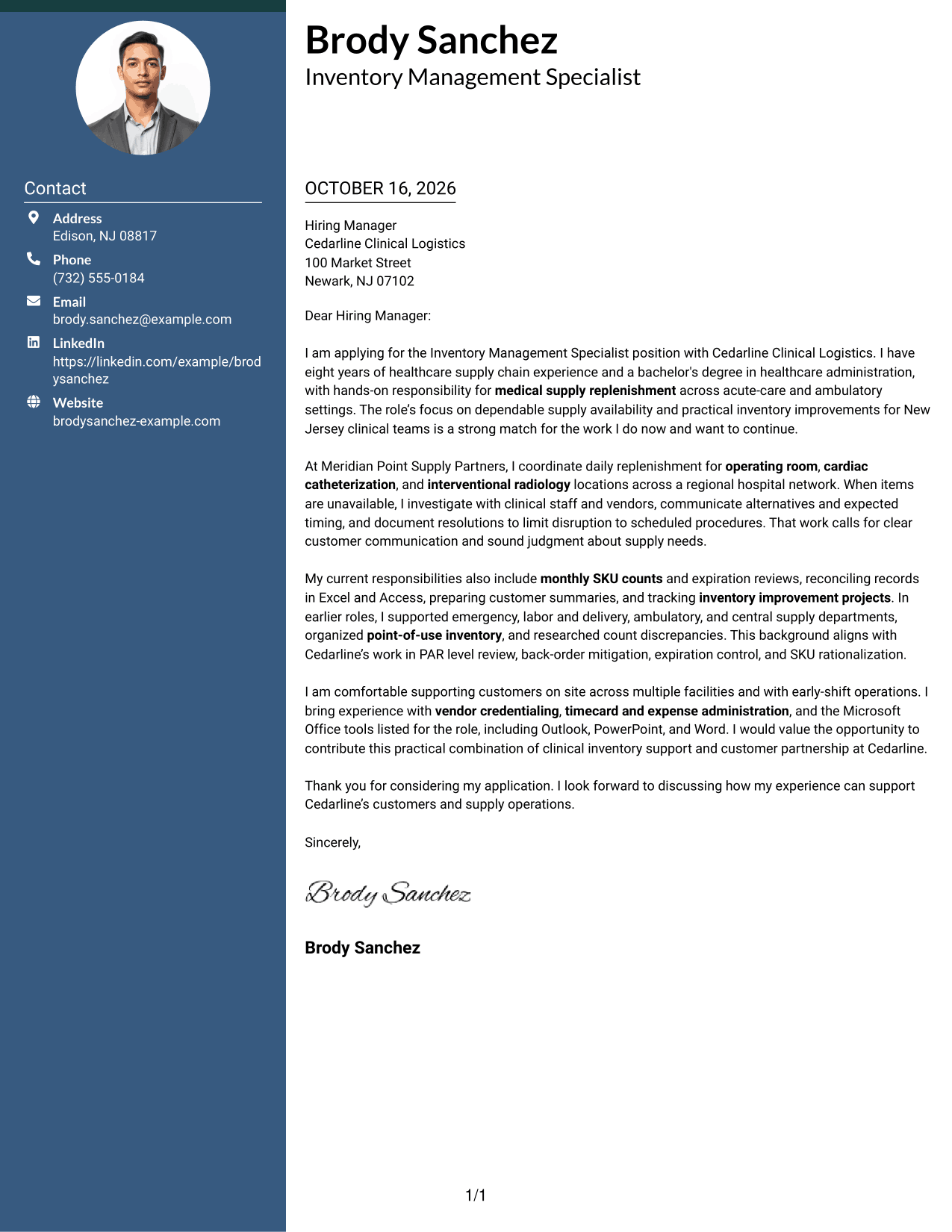
The Two Column Format places a contact sidebar beside one continuous letter body, keeping contact details distinct from the letter’s argument.
Why This Format Works
- The sidebar gives the sender’s contact details a separate, easy-to-find place.
- The continuous body carries the opening, supporting points, and close in order.
- Side-by-side areas distinguish contact information from the employer-focused letter.
Best For
- Contact details beside the letter
- Two-area page organization
- Paragraph-based applications
- Frequent contact reference
- A continuous letter argument
#3 Photo Header Two Column Format Cover Letter Example
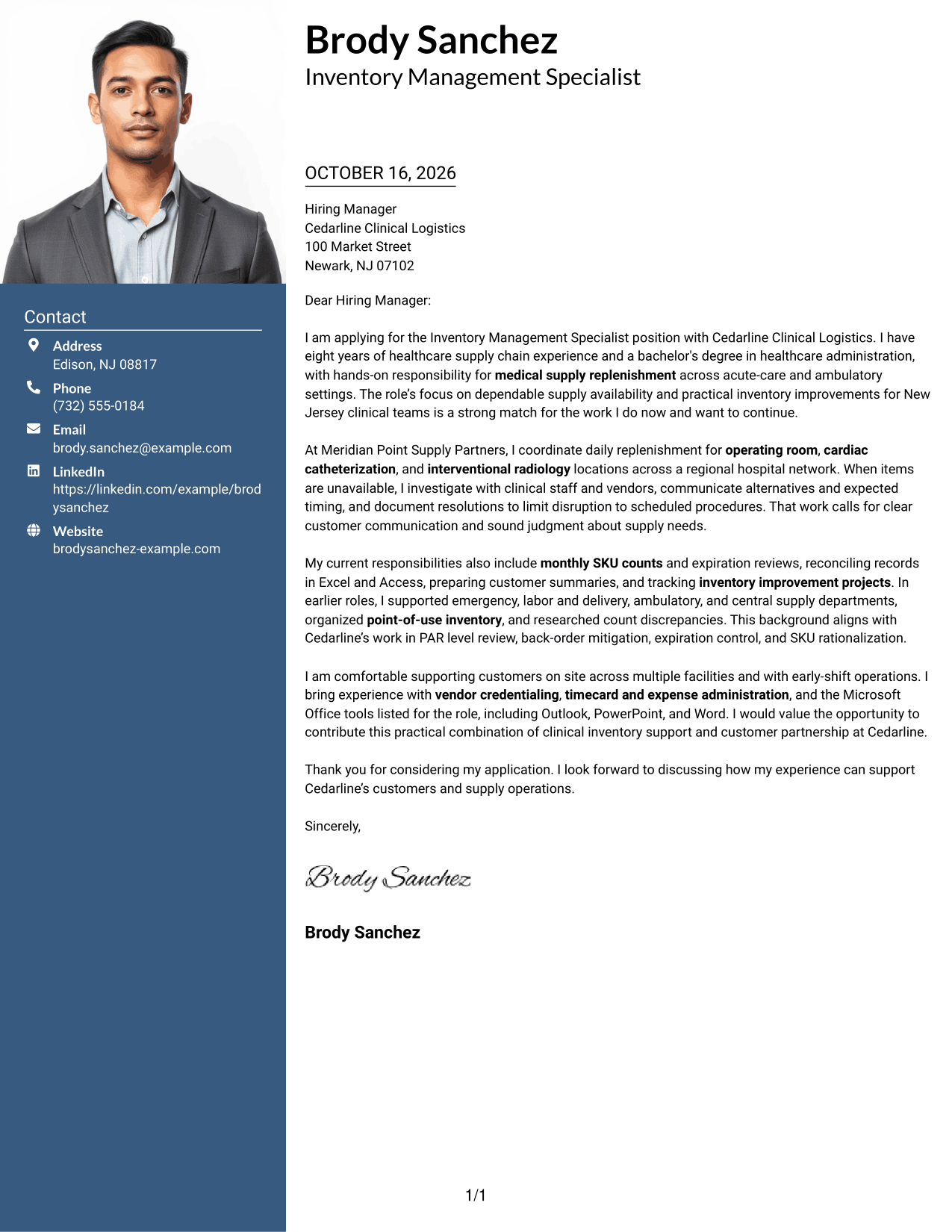
The Photo Header Two Column Format combines a photo in the header with a contact sidebar, while keeping the letter itself in one continuous body column.
Why This Format Works
- The header photo provides a visible portrait for readers who prefer one.
- Contact details stay apart from the paragraphs that make the case for fit.
- One continuous body keeps the opening, supporting points, and close connected.
Best For
- Visible portrait preference
- Contact details beside the letter
- Two-area page organization
- Paragraph-led case for fit
- Employer-specific motivation in prose
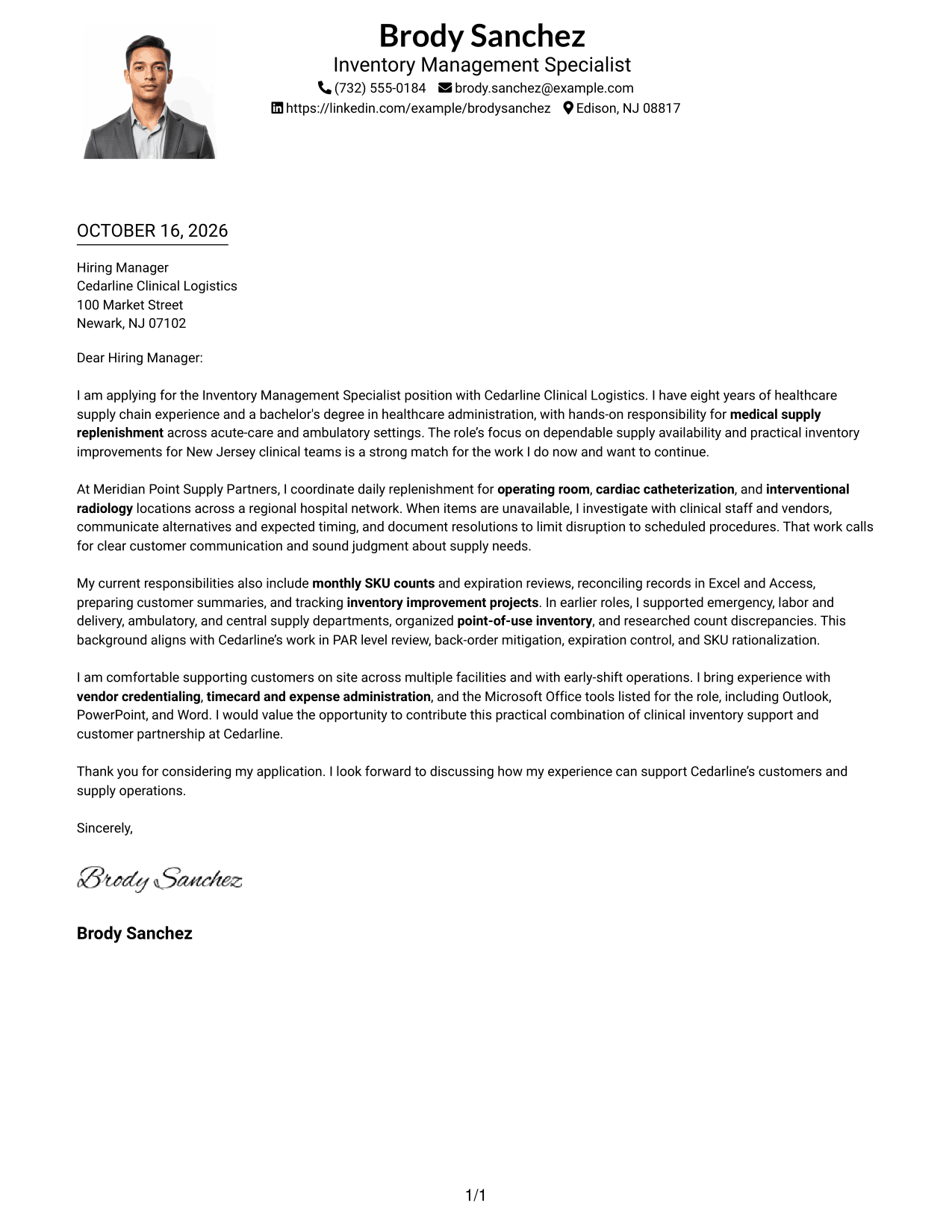
#4 One Column Format with Photo Cover Letter Example
The One Column Format with Photo places a photo with the sender details in the header, while the letter follows one clear body column.
Why This Format Works
- A single body column keeps the letter’s paragraphs in a clear reading order.
- The header groups sender details above the continuous letter text.
- The photo offers a visible portrait without dividing the letter’s argument.
Best For
- One-column letter reading
- Header-based contact details
- Visible portrait preference
- Paragraph-led applications
- Direct letter progression
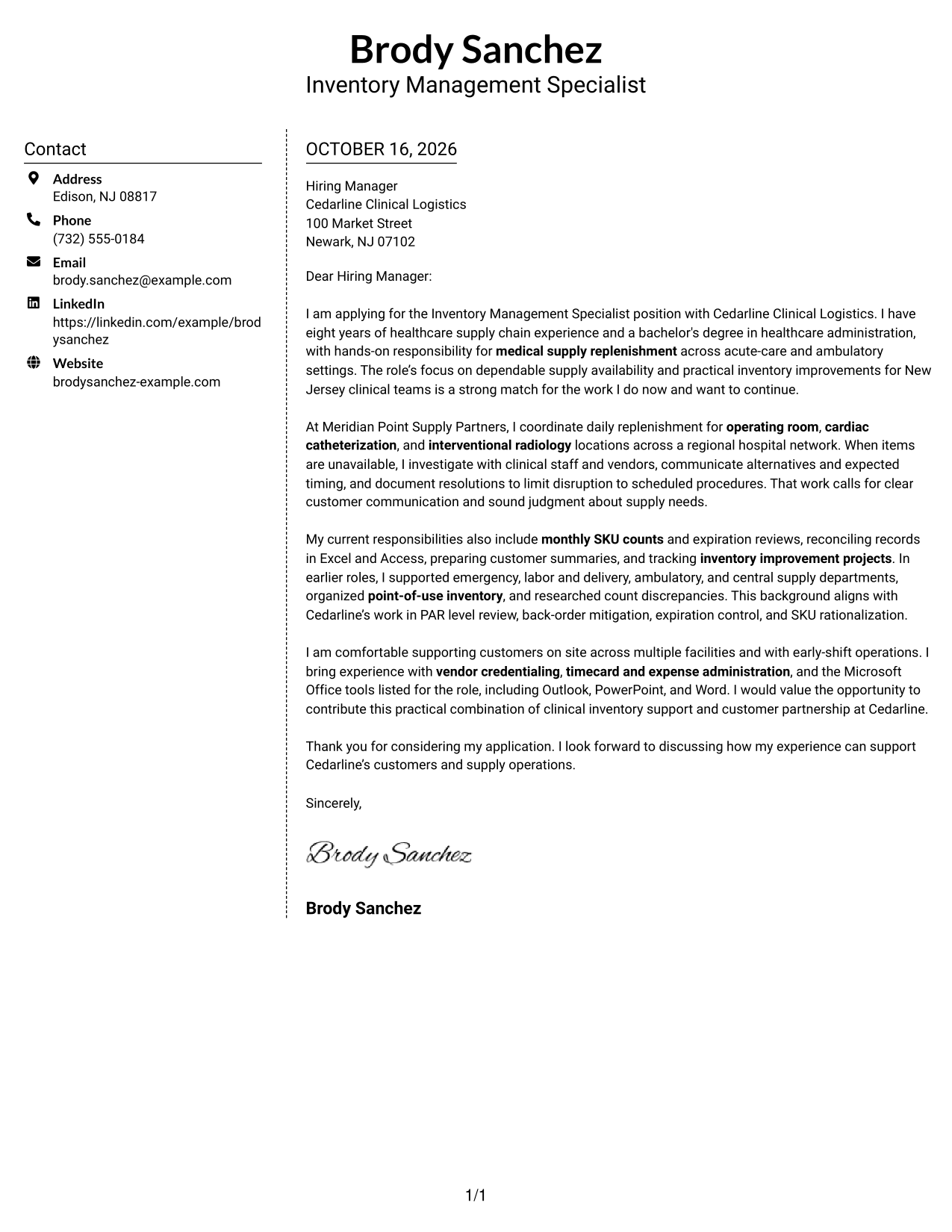
#5 Simple Two Column Format Cover Letter Example
The Simple Two Column Format sets contact details in a sidebar beside a single letter body, keeping the page organized without splitting the argument.
Why This Format Works
- The contact sidebar keeps sender information distinct from the letter paragraphs.
- A single body column carries the motivation and supporting points in sequence.
- Separate areas help readers move between contact details and the letter text.
Best For
- Sidebar contact reference
- Separate contact and letter areas
- Sequential letter reading
- Paragraph-based employer fit
- Two-column page preference
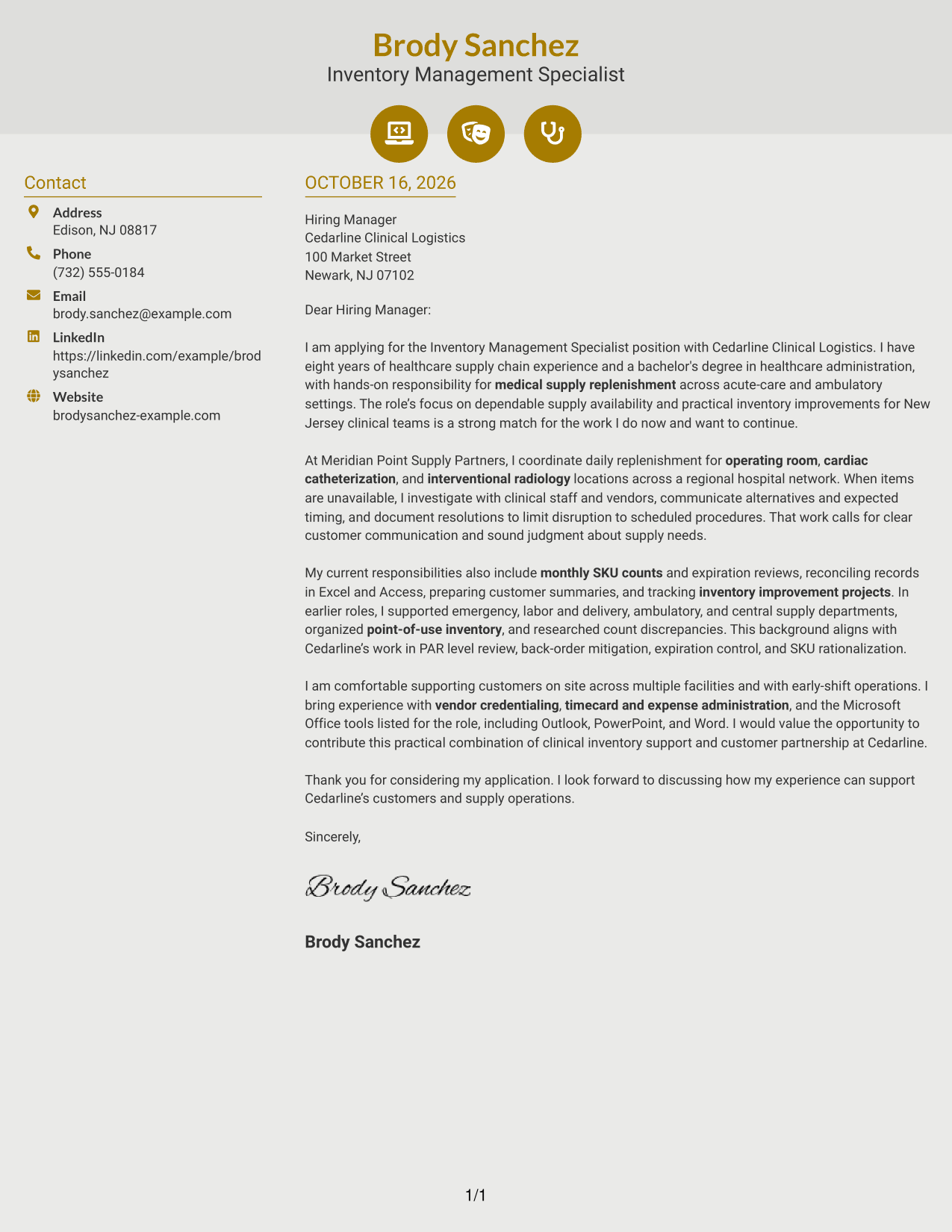
#6 Modern Icon Format Cover Letter Example
The Modern Icon Format uses two columns, with contact details in a sidebar beside one continuous letter body; icons serve as contact cues, not argument labels.
Why This Format Works
- Contact icons help readers spot sender details without labeling letter paragraphs.
- The sidebar keeps contact information separate from the continuous letter body.
- The body presents the opening, supporting points, and close in sequence.
Best For
- Icon-marked contact details
- Two-column page organization
- Paragraph-led letter argument
- Quick access to sender information
- Continuous employer-focused prose
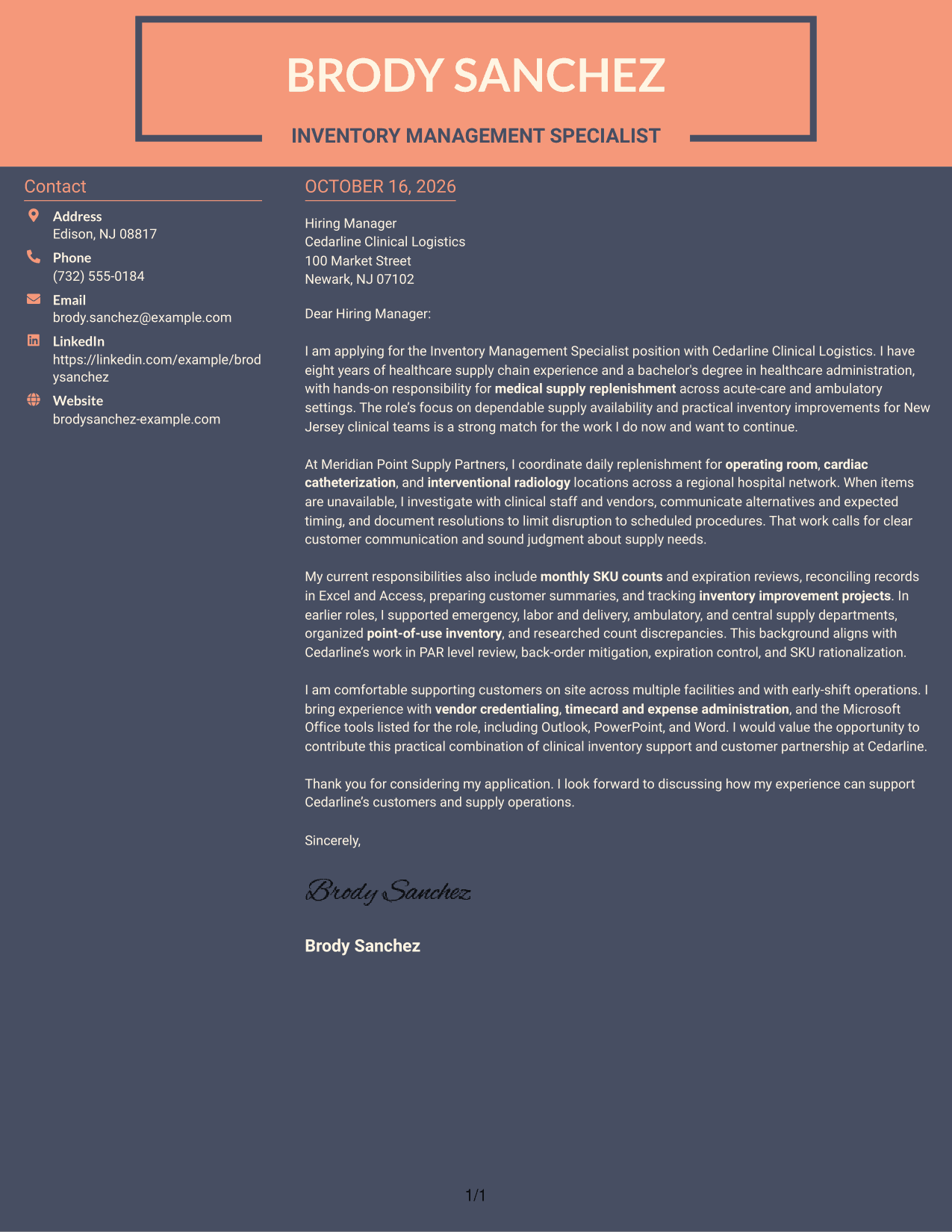
#7 Creative Two Tone Format Cover Letter Example
The Creative Two Tone Format places a contact sidebar beside one continuous letter body, making the page’s two areas easy to distinguish.
Why This Format Works
- The sidebar gives sender details a distinct place beside the letter.
- The continuous body keeps the opening, evidence, and closing in one sequence.
- Two adjacent areas let readers distinguish contact information from the letter text.
Best For
- Side-by-side page reading
- Contact details outside the body
- Continuous letter paragraphs
- Clear contact-to-letter separation
- Applications with prose-led motivation
Why Use ResumeInMinutes for an Inventory Management Specialist - Healthcare Supply Chain Cover Letter
ResumeInMinutes lets you review a cover letter example, compare its visual presentation, and open it in the editor to make it your own.
- Professional letter styles
- Clear, readable layouts
- Role-focused writing guidance
- Editable example in the editor
- PNG image previews
- Cover letter customization
Shape your opening, body, and closing around the work of medical supply replenishment, clinical customer support, and practical inventory improvement. Keep your claims accurate and connect your experience to the employer’s stated needs.
See Also
- 7 Inventory Management Specialist - Healthcare Supply Chain Resume Templates with Example
- 7 Senior Supply Chain Coordinator - Clinical Inventory Resume Templates with Example
- 7 Cycle Counter - Inventory Control Resume Templates with Example
- 33 Field Inventory Specialist Resume Templates with Example 2026 (ATS-Optimized)
- 33 Inventory Analyst Resume Templates with Example 2026 (ATS-Optimized)
- 33 Inventory Associate Resume Templates with Example 2026 (ATS-Optimized)
- 33 Inventory Clerk Resume Templates with Example 2026 (ATS-Optimized)
- 7 Inventory Control Associate Resume Templates with Example
- 7 Senior Supply Chain Coordinator - Clinical Inventory Cover Letter Templates with Example
- 7 Cycle Counter - Inventory Control Cover Letter Templates with Example
Frequently Asked Questions
What should the opening paragraph say for this cover letter?
State your interest in the Inventory Management Specialist - Healthcare Supply Chain role and make the connection to dependable supply support clear. Keep the opening focused on the value you can bring to clinical teams.
What evidence should the body paragraph include?
Choose relevant examples of medical supply replenishment, clinical communication, inventory counts, or resolving back orders. Explain your actions and how they supported supply availability or improved inventory practices.
How can I show interest in the employer?
Refer to verified details in the job posting, such as its customer support needs or focus on practical inventory improvements. Explain why that work fits your professional interests without adding claims about the employer that you cannot confirm.
Do the examples show different cover letters?
The guide features one cover letter example presented in different visual styles. Compare the PNG previews, then open an example in the editor to customize its presentation.
How should I close the letter?
Thank the reader for considering your application and express interest in discussing how your experience can support the employer’s customers and supply operations. Keep the closing confident and concise.




