
7 IT Operations Support Administrator III - Department Onboarding Resume Templates with Example
This guide shows you how to create an IT Operations Support Administrator III - Department Onboarding resume that presents operational support work clearly. It explains how to organize relevant experience and choose a format that helps reviewers find key details.
For this role, focus on department onboarding, endpoint security, system upgrades, incident response, and service continuity. Use concise bullets to explain the work, the tools involved, and the result, with keywords such as Intune, SCCM, Active Directory, ServiceNow, CrowdStrike, and backup and recovery where they match your background.
The example is presented in 7 resume layouts. Compare the PNG image previews to see how each format handles experience, skills, education, and certifications, then open a version in the editor to customize it.
What Makes a Great IT Operations Support Administrator III - Department Onboarding Resume in 2026
A strong resume makes onboarding plans, technical support, and service continuity easy to verify. Use clear section headings and focused bullets that show what you handled and how you worked with users and technical teams.
Add relevant terms such as endpoint management, account access, incident escalation, compatibility testing, asset records, and backup recovery. Include tools like Intune, SCCM, JAMF, Active Directory, and ServiceNow when they reflect your experience.
Note: Resume examples are for educational purposes only. Use only information that accurately reflects your experience and qualifications. References to real organizations do not imply affiliation or endorsement.
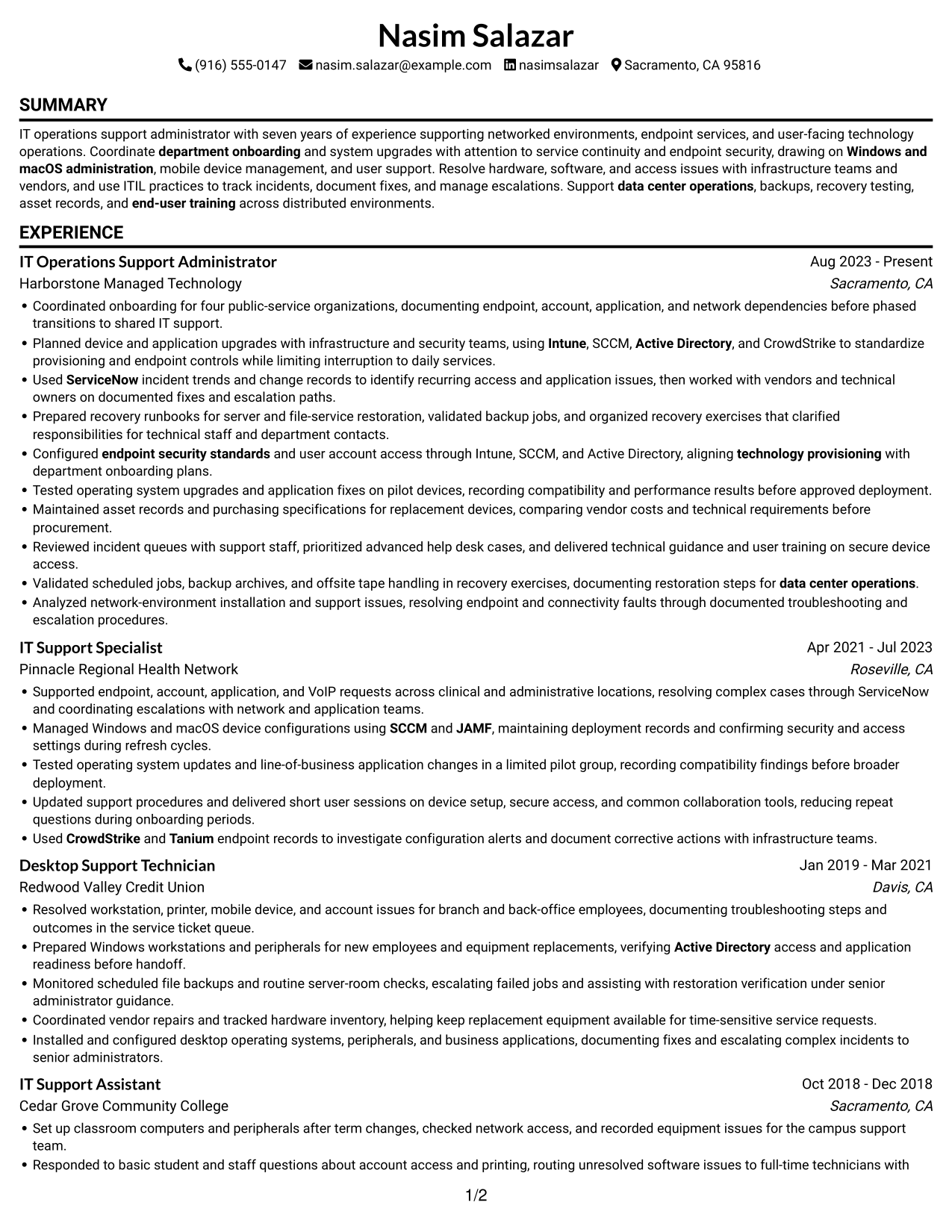
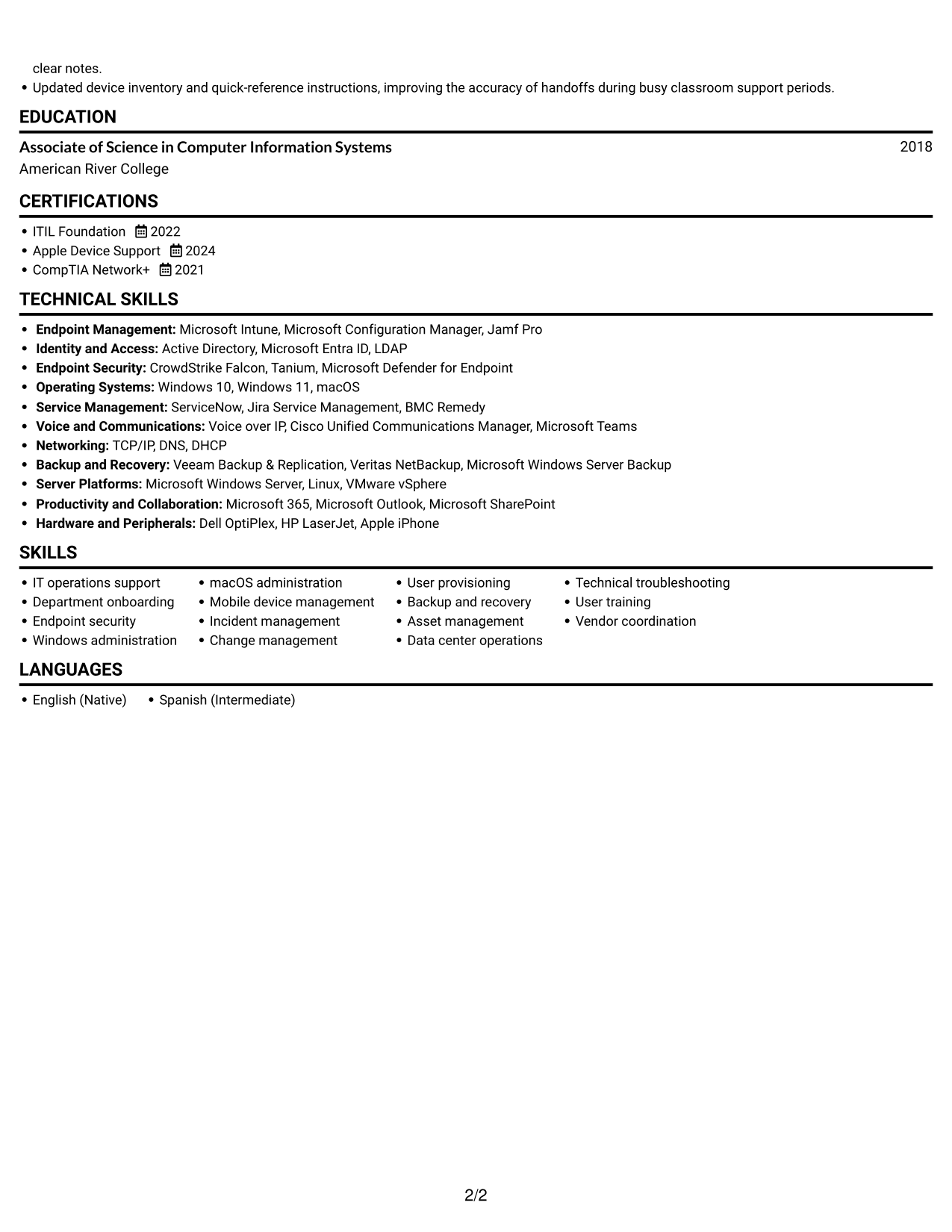
#1 Simple One Column Format Resume Example
The Simple One Column Format keeps the resume in one vertical path, a practical choice for tracing work history in order.
Why This Format Works
- One reading path lets reviewers follow experience from recent roles to earlier work.
- The vertical sequence keeps education and certifications easy to locate after work history.
- A shared width gives skills and technical tools room for clear section labels.
Best For
- Sequential role review
- Several work-history entries
- Education and credential sections
- Technical skills beside experience
- Single-column reading preference
Resume Keywords
- department onboarding
- IT operations support
- endpoint security standards
- technology provisioning
- Intune
- SCCM
- Active Directory
- ServiceNow
- CrowdStrike
- Tanium
- JAMF
- Windows and macOS administration
- data center operations
- ITIL
- Technical troubleshooting
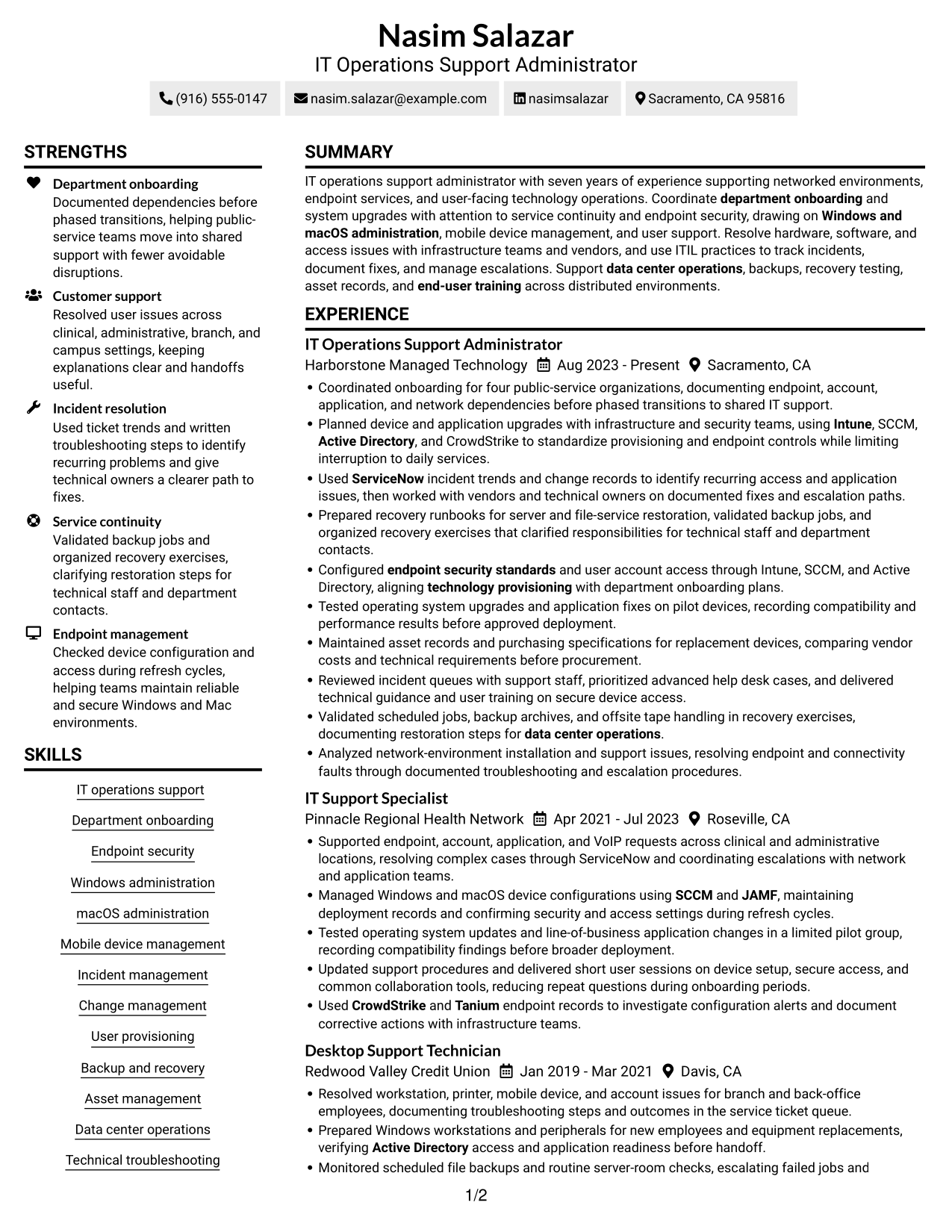
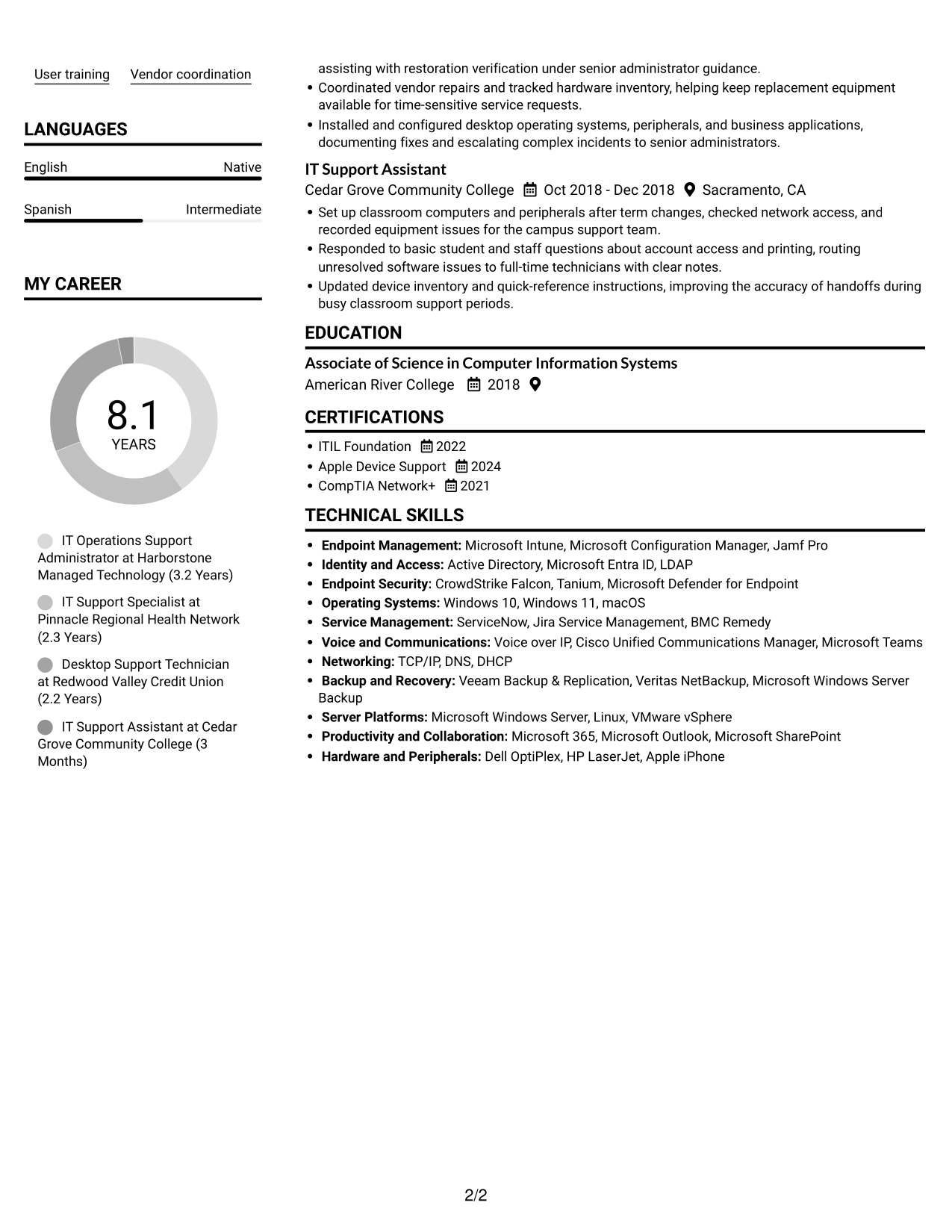
#2 Simple Two Column Format Resume Example
The Simple Two Column Format groups resume sections across two columns, a useful choice for compact review of several information areas.
Why This Format Works
- Two columns keep experience and supporting sections visually distinct for quick review.
- Reviewers can move between work history and skills while keeping the section order clear.
- Education and certifications remain easy to identify as separate resume categories.
Best For
- Compact section-by-section review
- Work history with supporting details
- Skills and education visibility
- Cross-category recruiter scans
- Department onboarding resumes
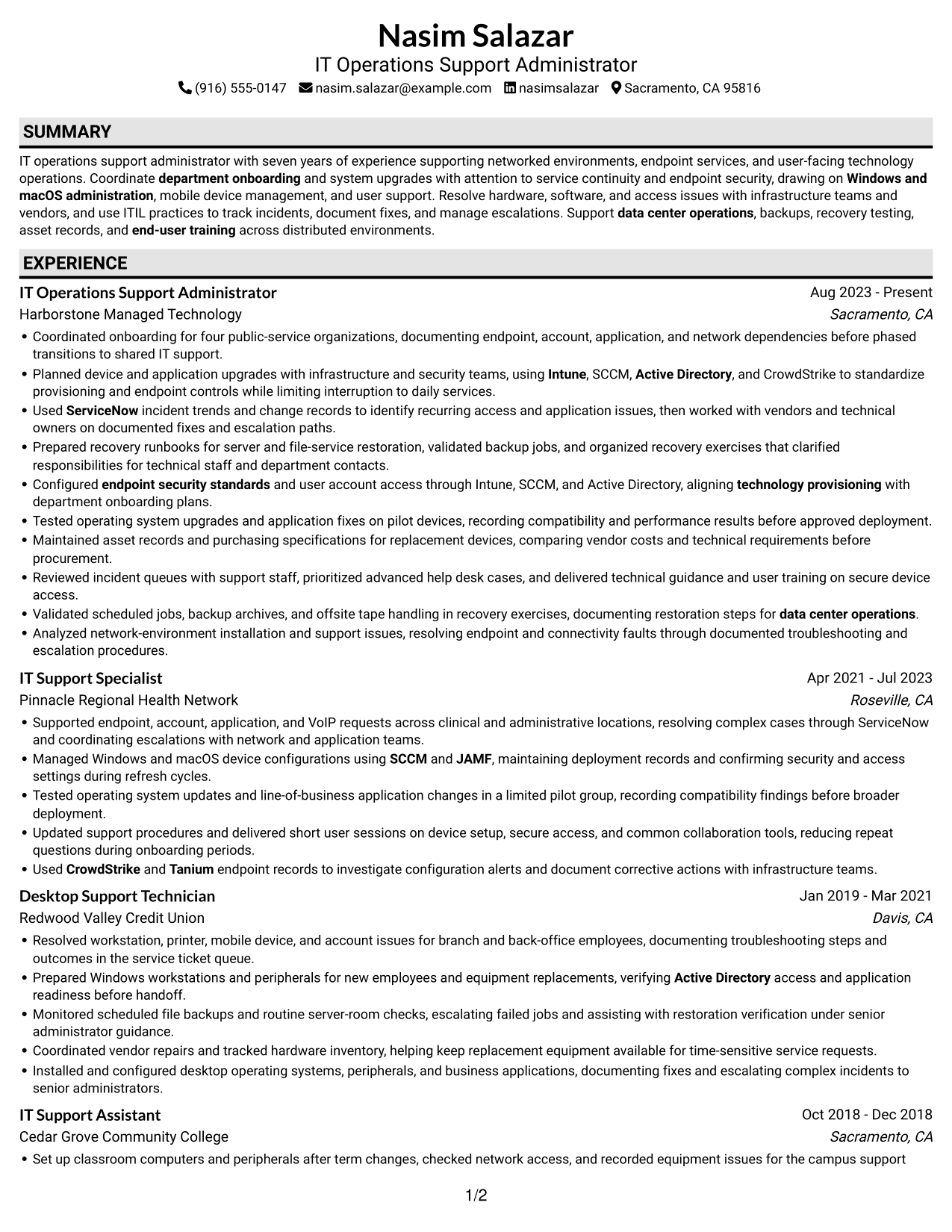
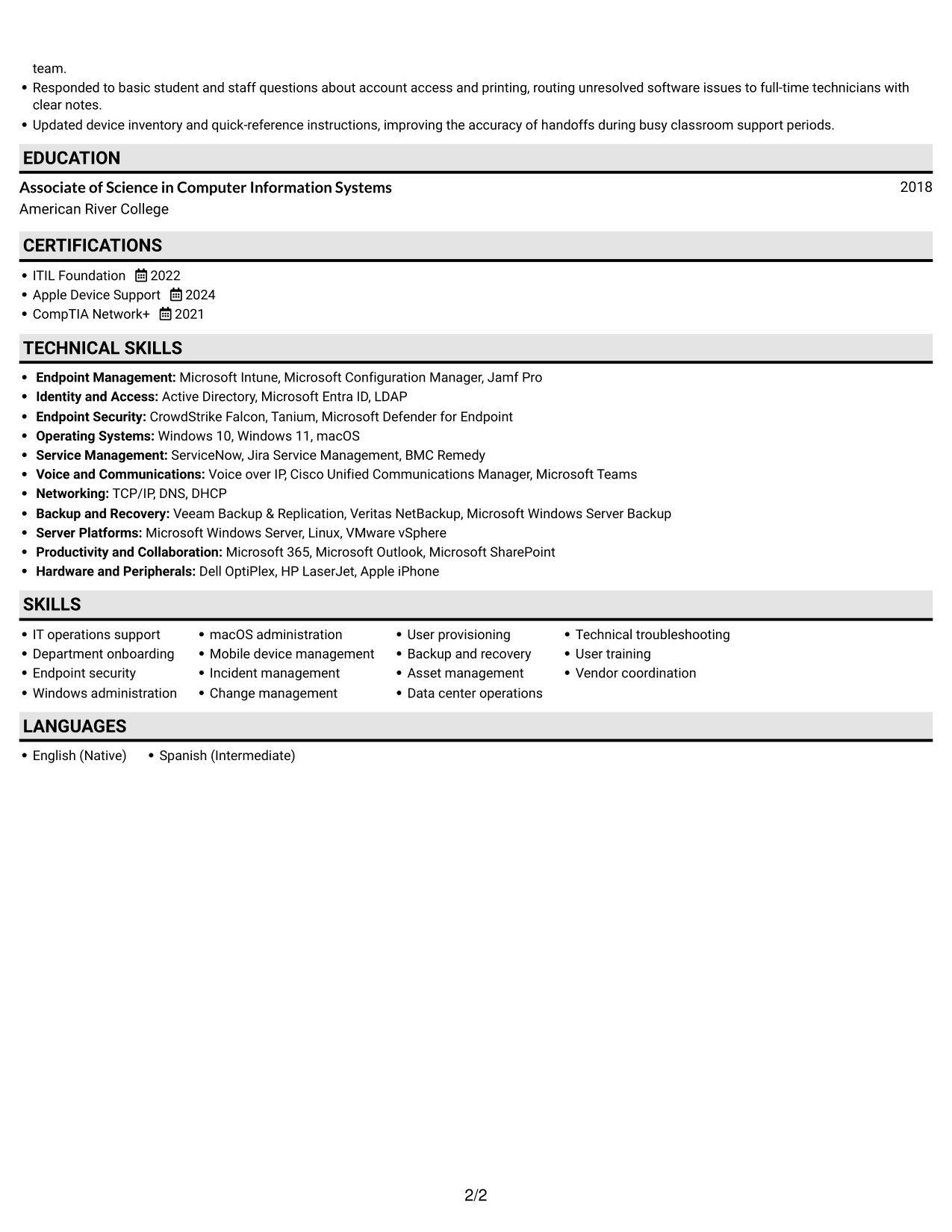
#3 Plain One Column with Shaded Labels Resume Example
The Plain One Column with Shaded Labels format keeps sections in one vertical sequence, which suits a direct, section-by-section review.
Why This Format Works
- Current and earlier roles follow one path, making career progression easier to trace.
- Separate section labels keep skills, education, and credentials distinct in the vertical flow.
- Reviewers can scan each resume section in order without shifting between columns.
Best For
- Role-by-role career review
- Several distinct resume sections
- Training and credentials beside experience
- Single-column document preference
- Sequential recruiter review
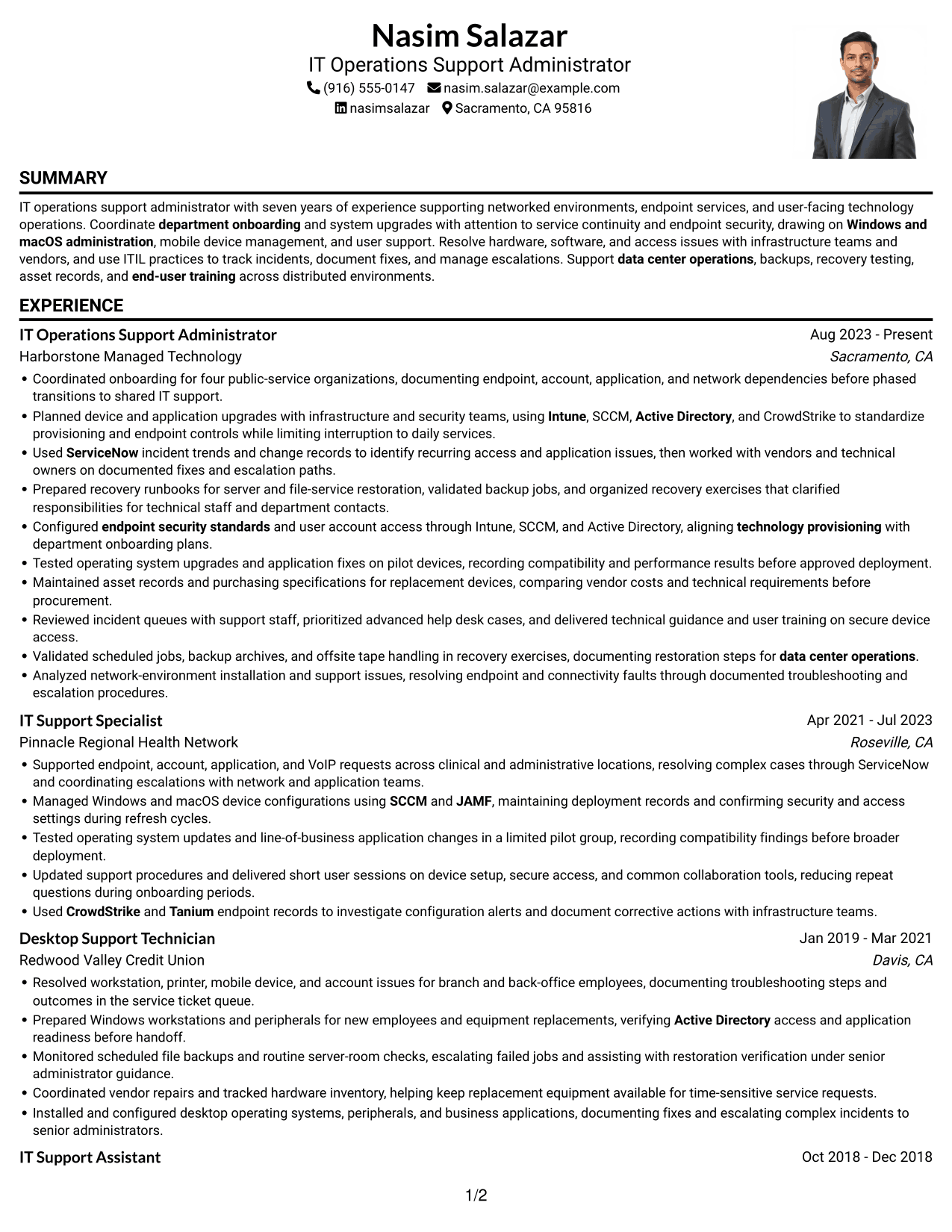
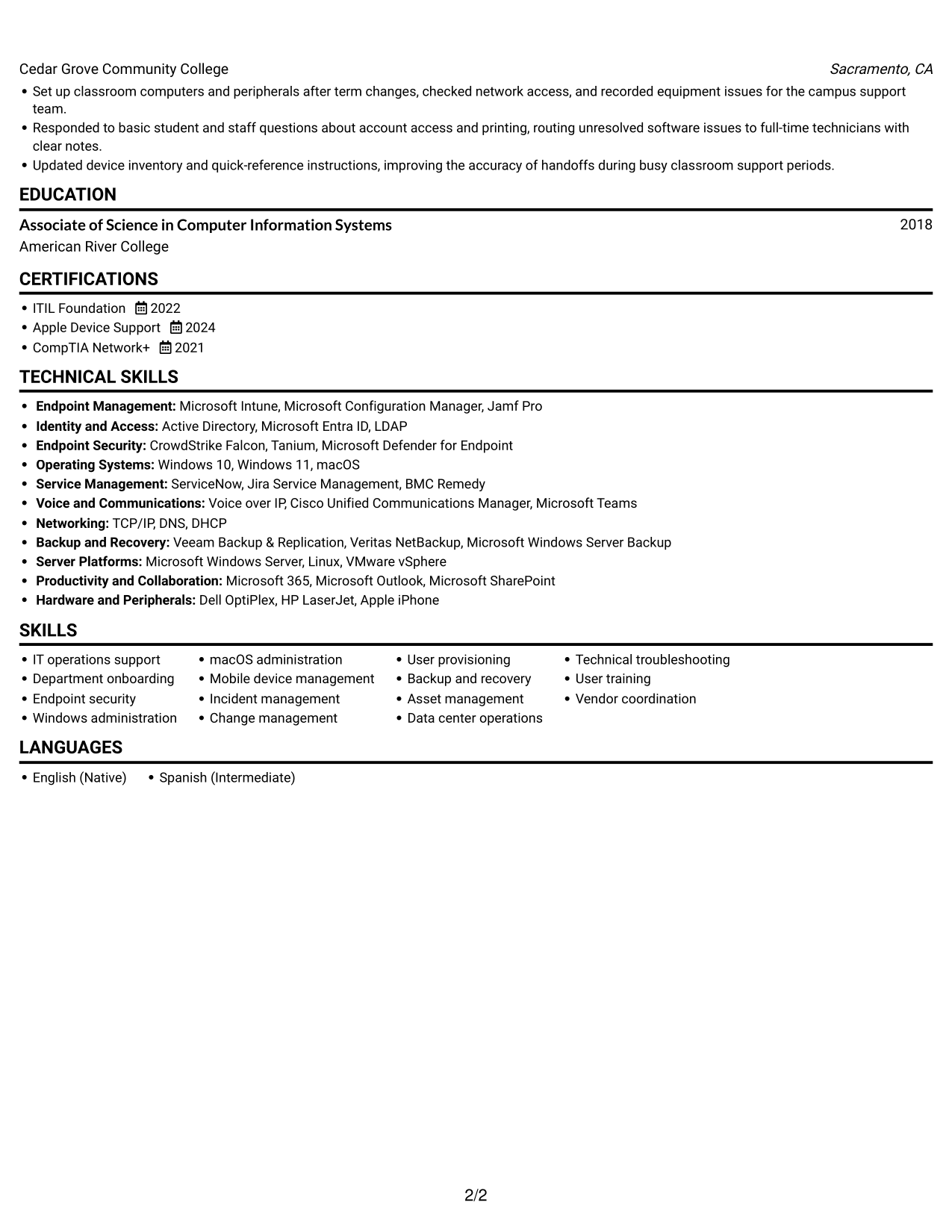
#4 One Column Format with Photo Right Resume Example
The One Column Format with Photo Right pairs a vertical resume body with a right-side photo, for readers who prefer a portrait alongside a clear reading path.
Why This Format Works
- One vertical body keeps roles in order for a clear career-history review.
- Education and certifications remain distinct sections within the continuous body.
- Skills stay in the same reading path as experience and training sections.
Best For
- Right-side portrait preference
- One-column experience review
- Role-by-role work histories
- Skills with education and credentials
- Training alongside technical experience
#5 Clean Two Column Sidebar Format Resume Example
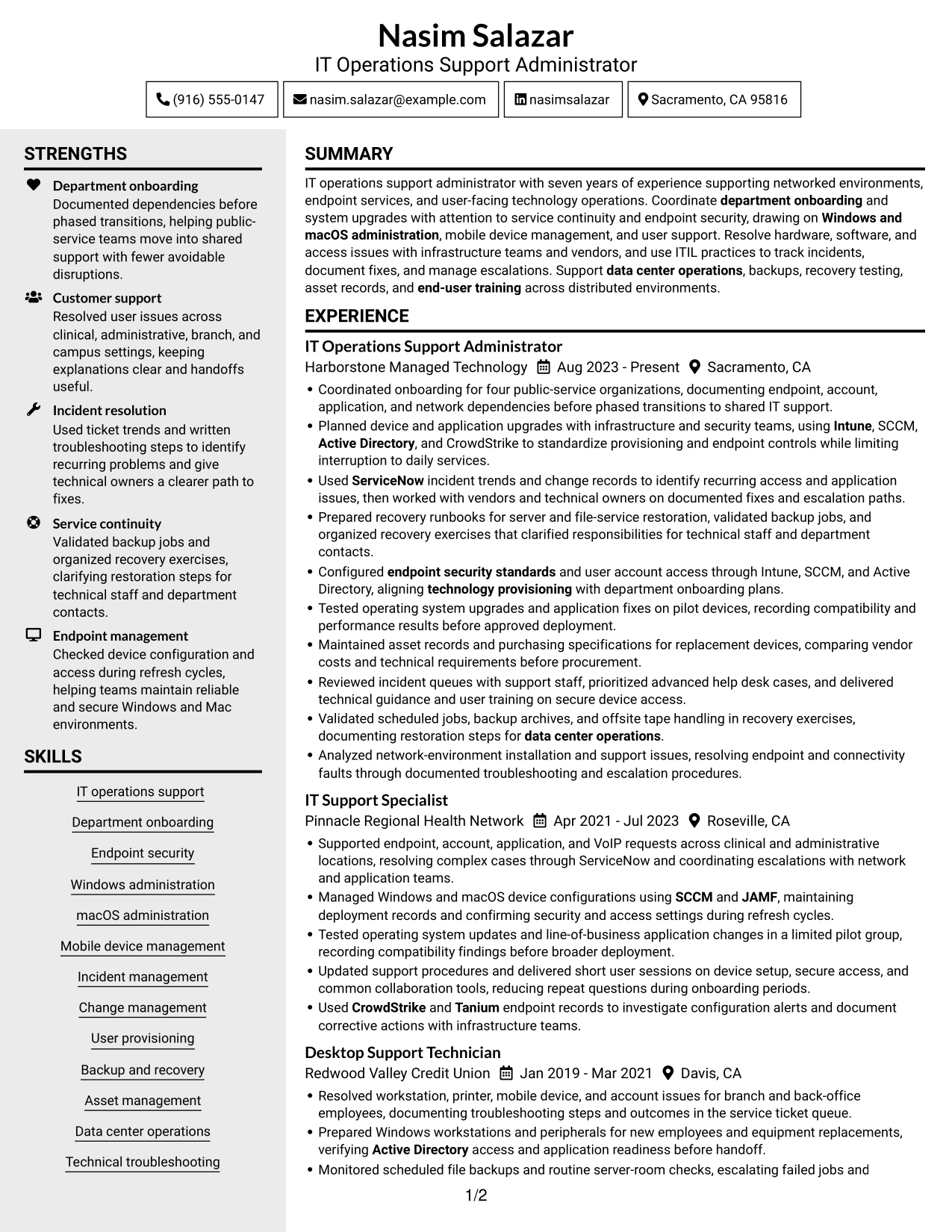
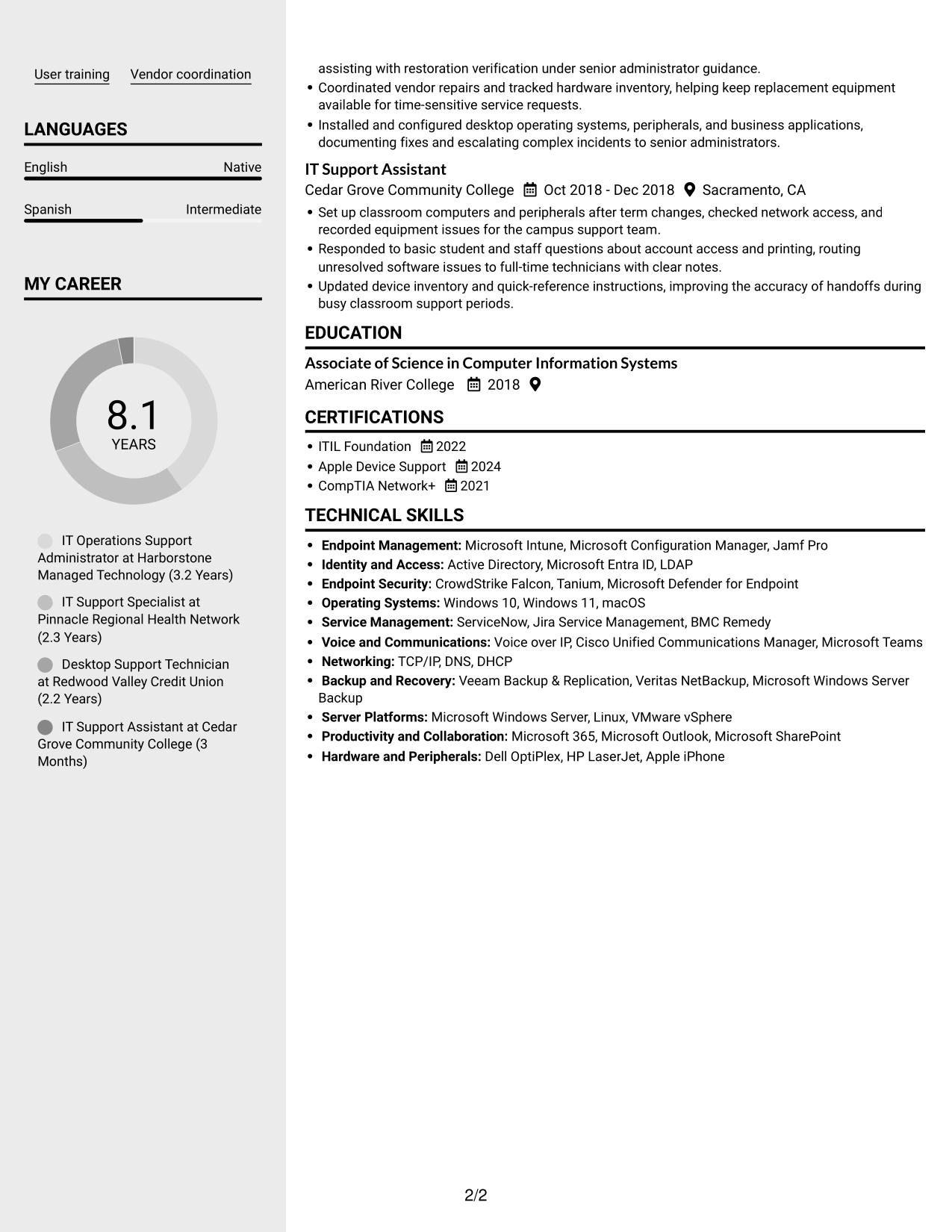
The Clean Two Column Sidebar Format pairs a sidebar with the main resume area, a practical choice for compact access to separate sections.
Why This Format Works
- Separate columns give skills a visible place apart from work history.
- Reviewers can scan experience and supporting sections without treating them as one block.
- Education and certifications remain recognizable categories within the compact body.
Best For
- Compact two-column reading
- Sidebar and main-body organization
- Resumes with several section types
- Distinct skills and experience sections
- Education and credentials in a compact body
#6 Two Column Format Resume Example
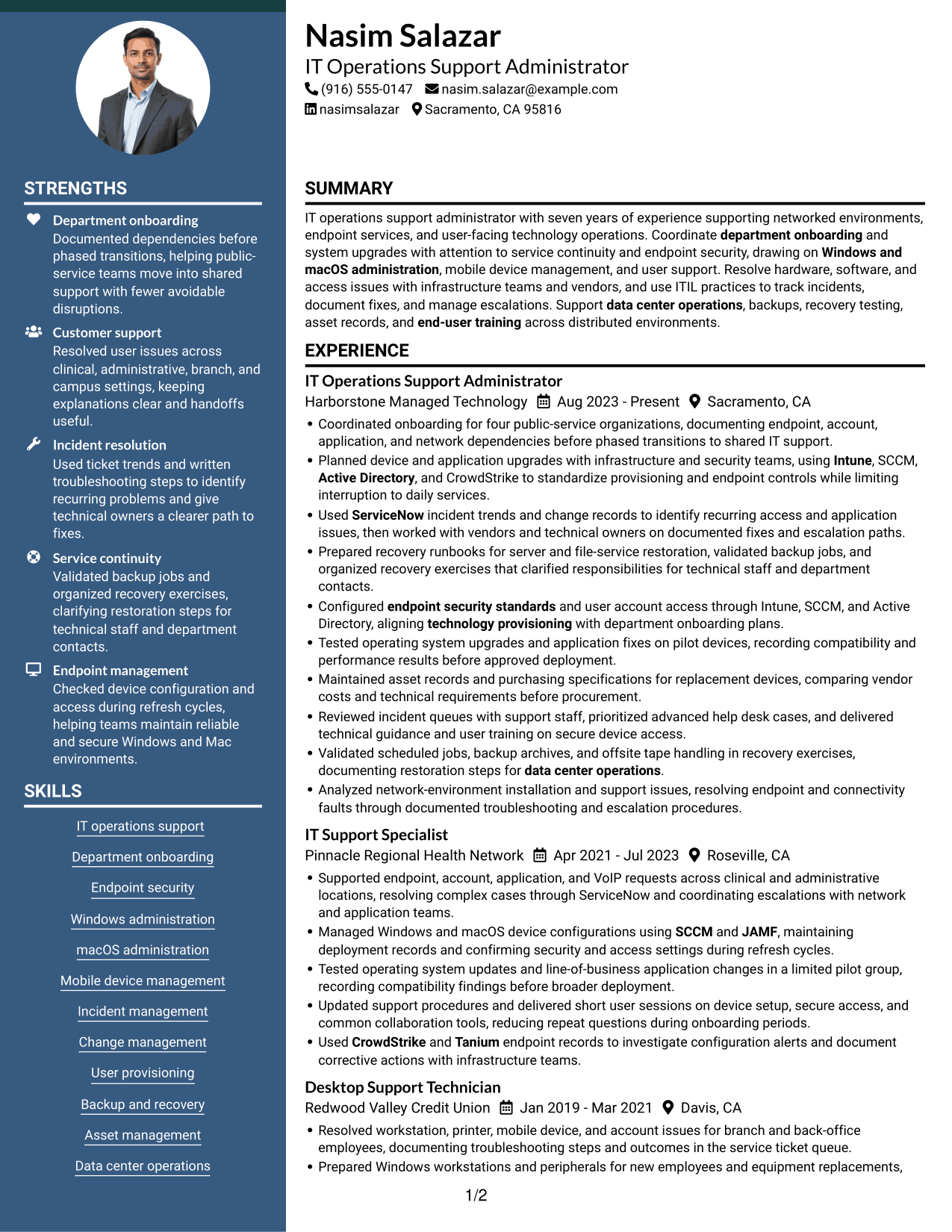
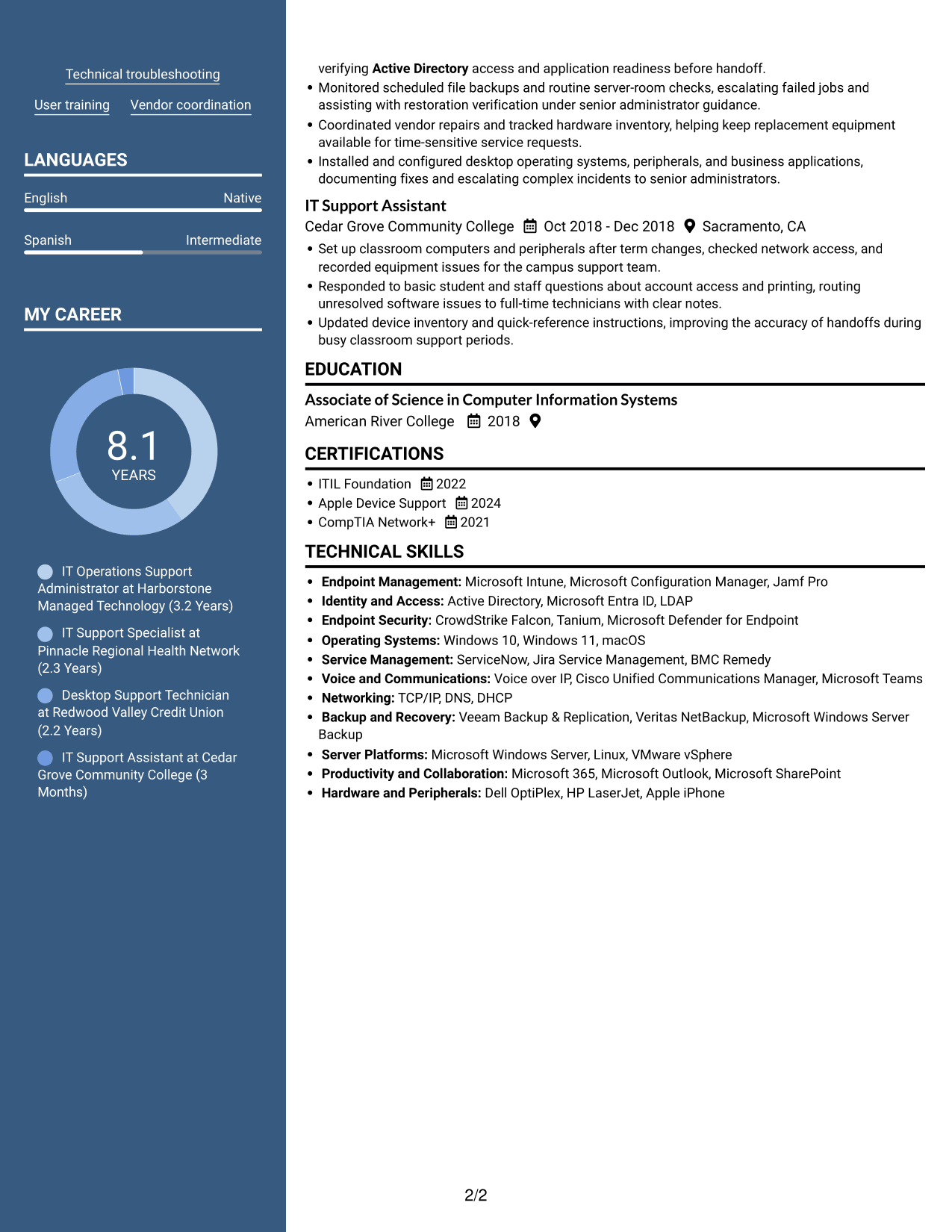
The Two Column Format places resume sections in a compact, side-by-side body, helping reviewers scan several categories without a long vertical run.
Why This Format Works
- Two-column grouping lets reviewers locate experience and supporting sections with less vertical scanning.
- Skills and technical tools can be reviewed as a separate category from role history.
- Education and credentials retain clear labels within the same resume body.
Best For
- Side-by-side section scanning
- Work history with technical skills
- Several resume categories
- Compact resume organization
- Experience plus education and credentials
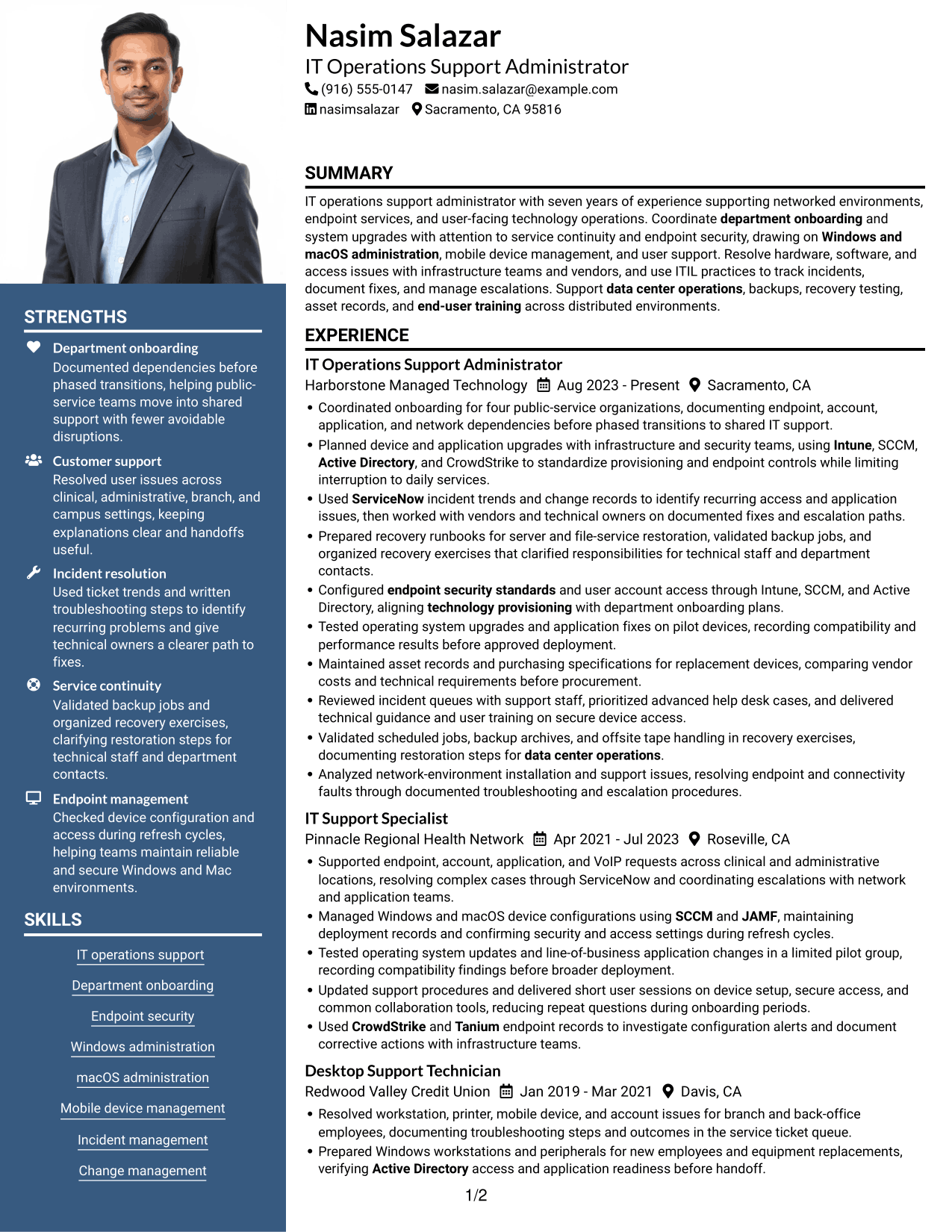
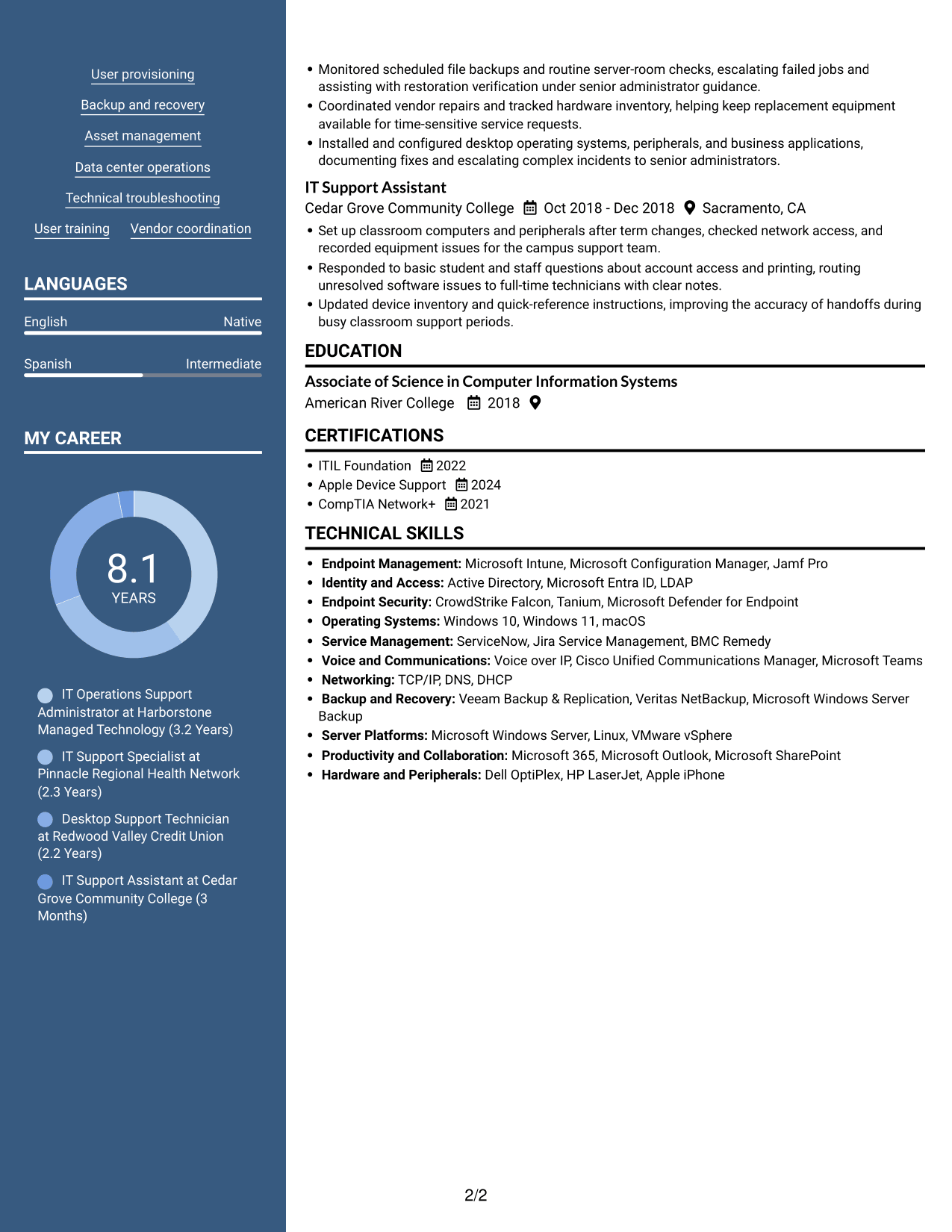
#7 Photo Header Two Column Format Resume Example
The Photo Header Two Column Format places a photo in the header above a two-column body, for resumes that use a portrait and grouped sections.
Why This Format Works
- Experience can be followed in sequence while other sections remain easy to find.
- The two-column body gives skills and credentials distinct places in the resume hierarchy.
- Education stays legible as a separate part of the document's section structure.
Best For
- Header portrait preference
- Two-column section grouping
- Work history with supporting sections
- Resumes with several section types
- Distinct education and credential sections
Why Build Your IT Operations Support Administrator III - Department Onboarding Resume with ResumeInMinutes
ResumeInMinutes lets you compare image previews and open an example in the editor. Use the format that makes your support experience, technical skills, and work history clear to a reviewer.
- ATS-friendly section structure
- Clear experience and skills sections
- Space for relevant technical keywords
- Easy-to-review work history
- Image previews for layout comparison
- Resume customization in the editor
Choose a layout that supports quick review, then tailor your summary and bullets to show department onboarding, endpoint support, incident handling, and recovery work that you have actually performed.
See Also
- 7 Clerk III - Research Support Services Clerical Administrator Resume Templates with Example
- 7 Field IT Support Technician - Distribution Operations Resume Templates with Example
- 7 Shop Administrative Technician III - Maintenance Operations Support Resume Templates with Example
- 7 Journey IT System Administrator - Microsoft 365 and Server Infrastructure Resume Templates with Example
- 7 Human Services Administrator III - Capital Access Resume Templates with Example
- 7 IT Analyst - Technology Support Resume Templates with Example
- 7 IT Specialist I - Technical Support Resume Templates with Example
- 7 IT Support Specialist Resume Templates with Example
- 7 IT Operations Support Administrator III - Department Onboarding Cover Letter Templates with Example
- 7 Journey IT System Administrator - Microsoft 365 and Server Infrastructure Cover Letter Templates with Example
Frequently Asked Questions
Are these IT Operations Support Administrator III - Department Onboarding resume templates ATS-friendly?
Use a layout with readable headings and a simple section order. Include relevant terms such as department onboarding, endpoint security, Intune, SCCM, Active Directory, ServiceNow, and incident management when they accurately describe your experience.
Are these different resumes or layouts for one example?
This guide shows one IT Operations Support Administrator III - Department Onboarding resume example in several layouts. The content stays focused on the role while the visual organization changes.
What should an IT Operations Support Administrator III - Department Onboarding resume include?
Include a focused summary, relevant work experience, technical skills, education, and certifications. Use specific bullets to describe onboarding, device and account support, upgrades, incident resolution, asset records, and backup or recovery tasks.
Which resume format works well for this role?
A clear format with standard section headings helps reviewers scan your experience and skills. Choose a layout that gives enough space for technical work and keeps dates, employers, and job titles easy to find.
How can I show department onboarding experience?
Describe the transition work you handled, such as documenting endpoint, account, application, and network needs. Explain how you coordinated teams, planned changes, and helped limit disruption, using measurable results when you can support them.
Should I include a photo on my resume?
For U.S. applications, a resume without a photo is generally the safer choice. Use the space for relevant skills, experience, certifications, and measurable work results instead.




