
7 Janitor - Warehouse Facilities Cover Letter Templates with Example
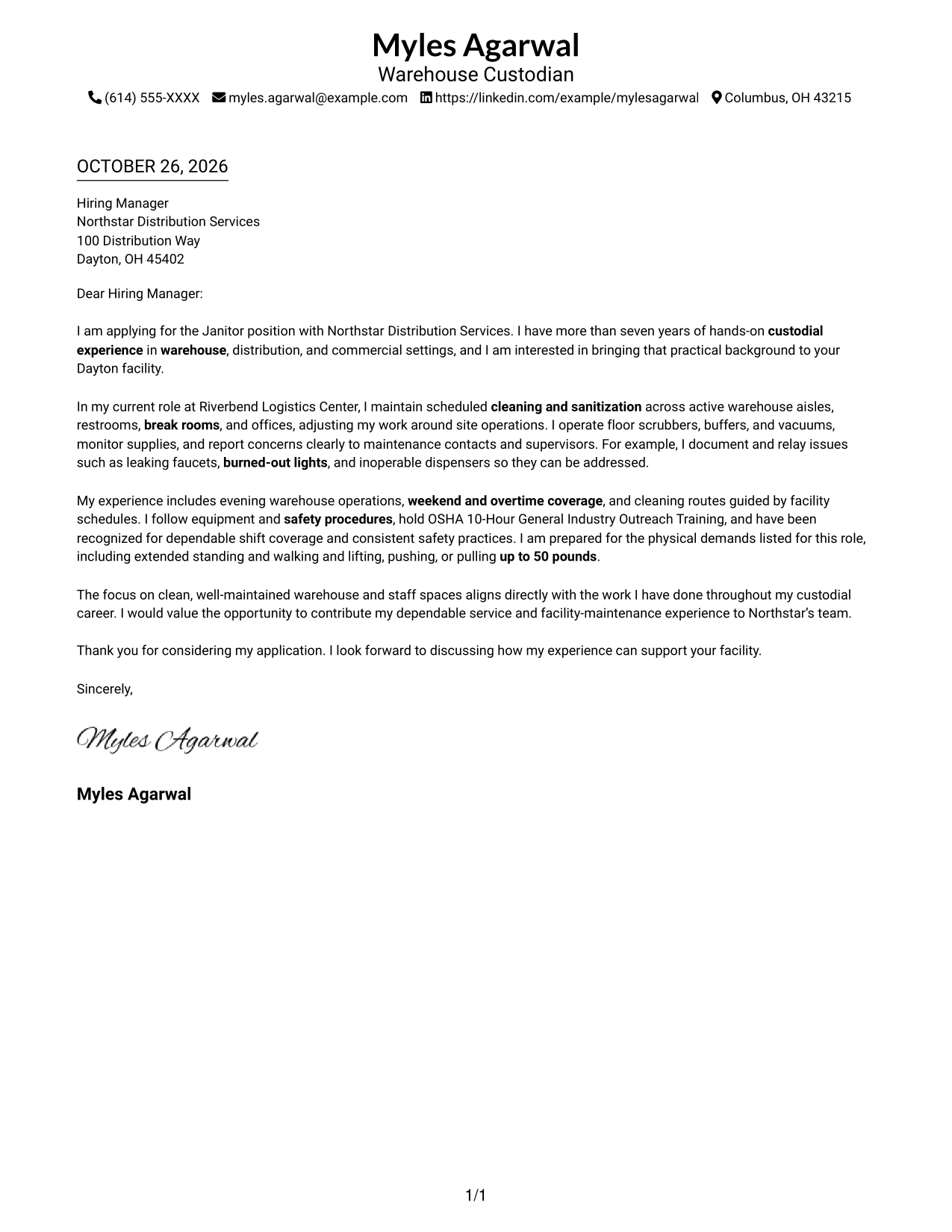
This practical guide to a Janitor - Warehouse Facilities cover letter shows how to connect custodial experience to warehouse needs across seven layouts.
What Makes a Great Janitor - Warehouse Facilities Cover Letter in 2026
A strong letter makes a clear case for your fit by connecting practical custodial work with clean, safe warehouse and staff areas. It should show interest in the role and communicate your value in a direct, professional way.
Use specific evidence, such as following cleaning schedules, operating janitorial equipment, monitoring supplies, or reporting maintenance concerns. Link that experience to the employer’s facility needs and explain why the work matters to you.
The featured Janitor - Warehouse Facilities example follows a focused progression from role interest to relevant evidence and a clear close, which you can adapt while choosing a presentation that suits the employer and communication context.
#1 Simple One Column Format Cover Letter Example
The Simple One Column Format keeps the letter body in one text column, a direct choice for straightforward written correspondence.
Why This Format Works
- Sender details in the header are easy to locate before reading.
- Paragraphs remain part of one message from greeting through closing.
- Leaving out a photo keeps attention on the written correspondence.
Best For
- Single-column correspondence
- Header-based sender details
- Photo-free application materials
- Direct employer outreach
- Paragraph-led cover letters
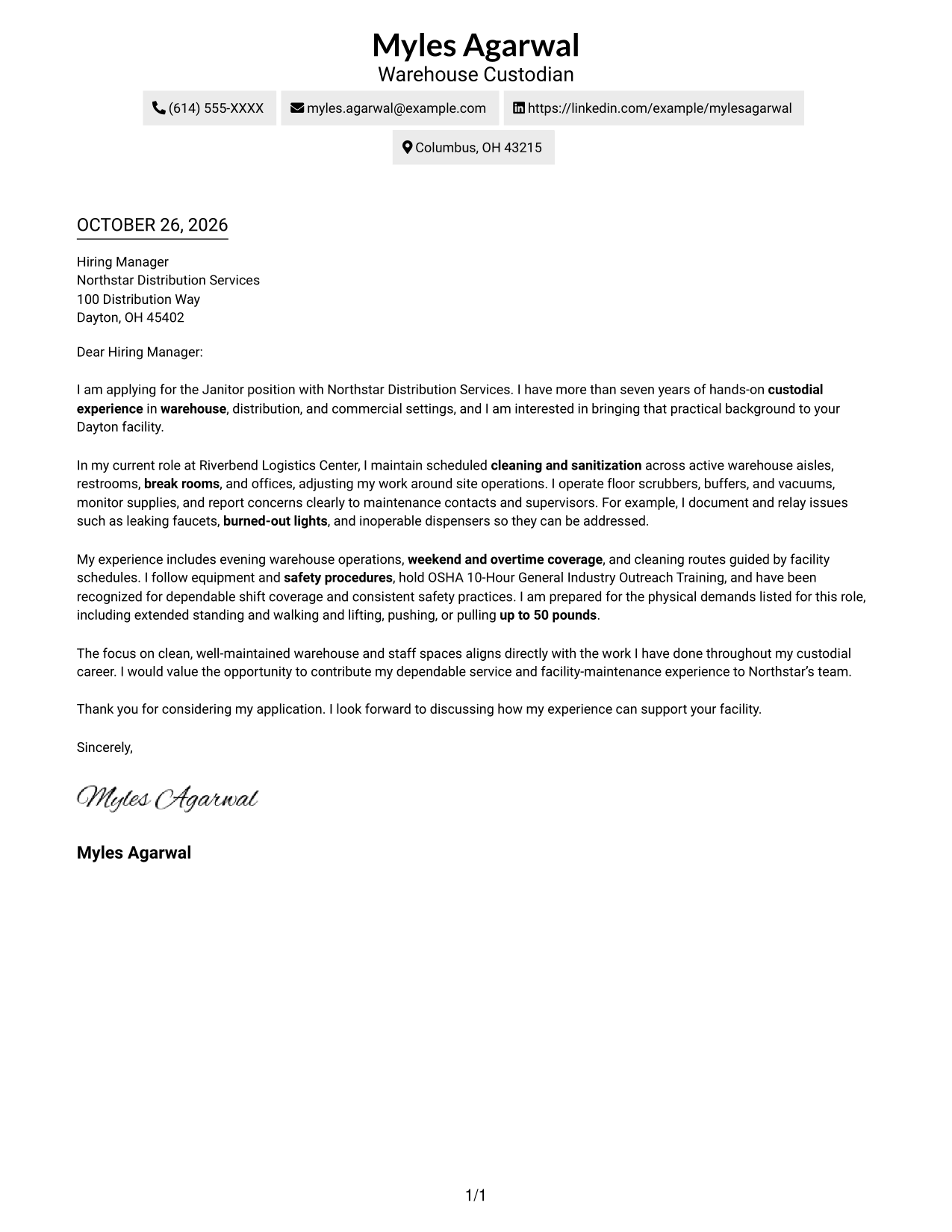
#2 Two Column Format Cover Letter Example
The Two Column Format places a contact sidebar beside one continuous letter body, keeping sender information apart from the main message.
Why This Format Works
- A dedicated sidebar gives contact details a clear, consistent place.
- The single body column preserves the letter’s opening-to-closing sequence.
- Readers can locate sender information without searching through the paragraphs.
Best For
- Sidebar contact lookup
- Two-area page organization
- Photo-free letter presentation
- Employer-addressed correspondence
- Written application materials
#3 Photo Header Two Column Format Cover Letter Example
The Photo Header Two Column Format combines a photo and contact sidebar with one continuous letter body for a portrait-inclusive presentation.
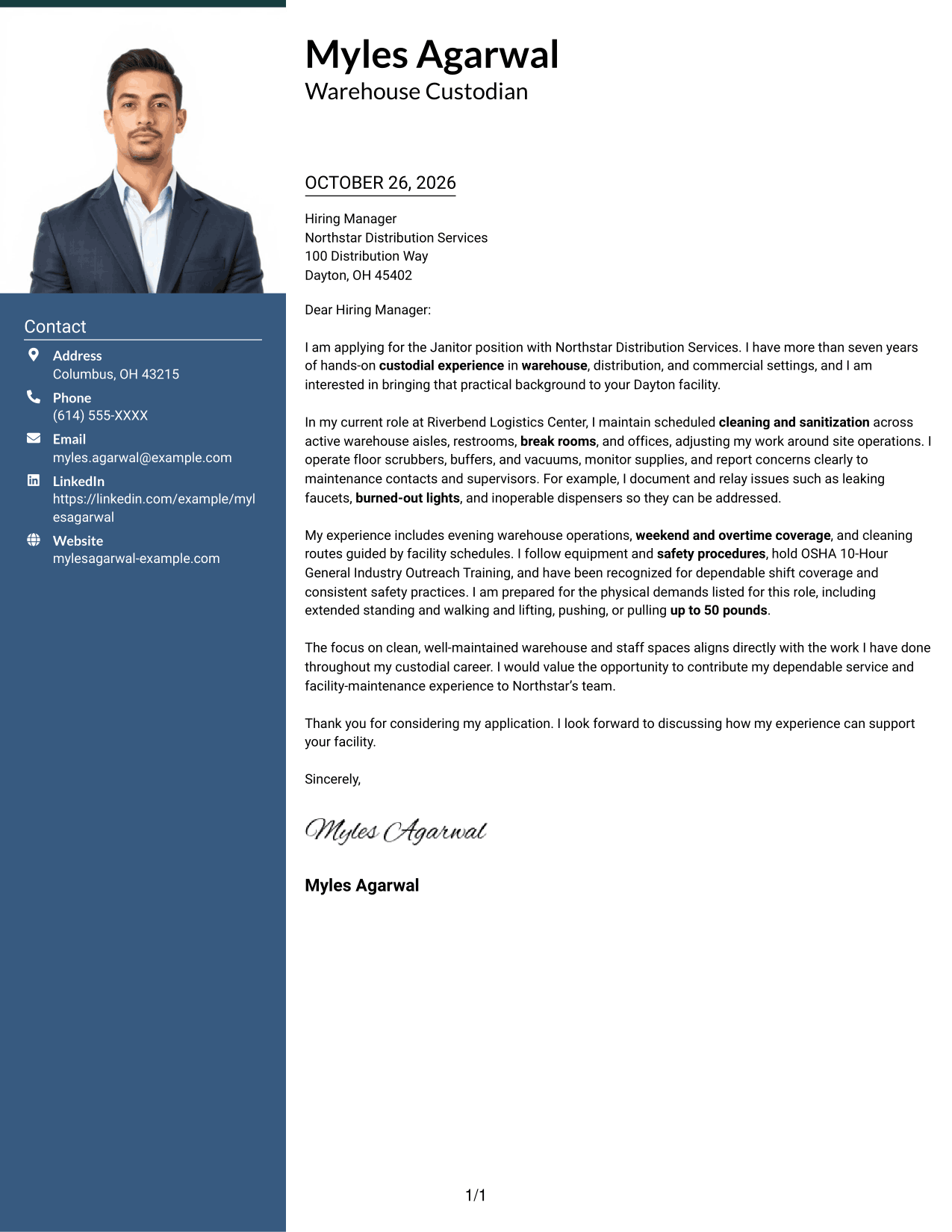
Why This Format Works
- The photo adds a visible personal element to the page’s presentation.
- Contact details stay apart from the letter’s persuasive paragraphs.
- One body column carries the message from its opening to its close.
Best For
- Portrait-inclusive correspondence
- Contact sidebar preference
- Two-area page layouts
- Employer-specific applications
- Paragraph-based letters
#4 One Column Format with Photo Cover Letter Example
The One Column Format with Photo presents the letter body in one column and includes a photo for a personal visual touch.
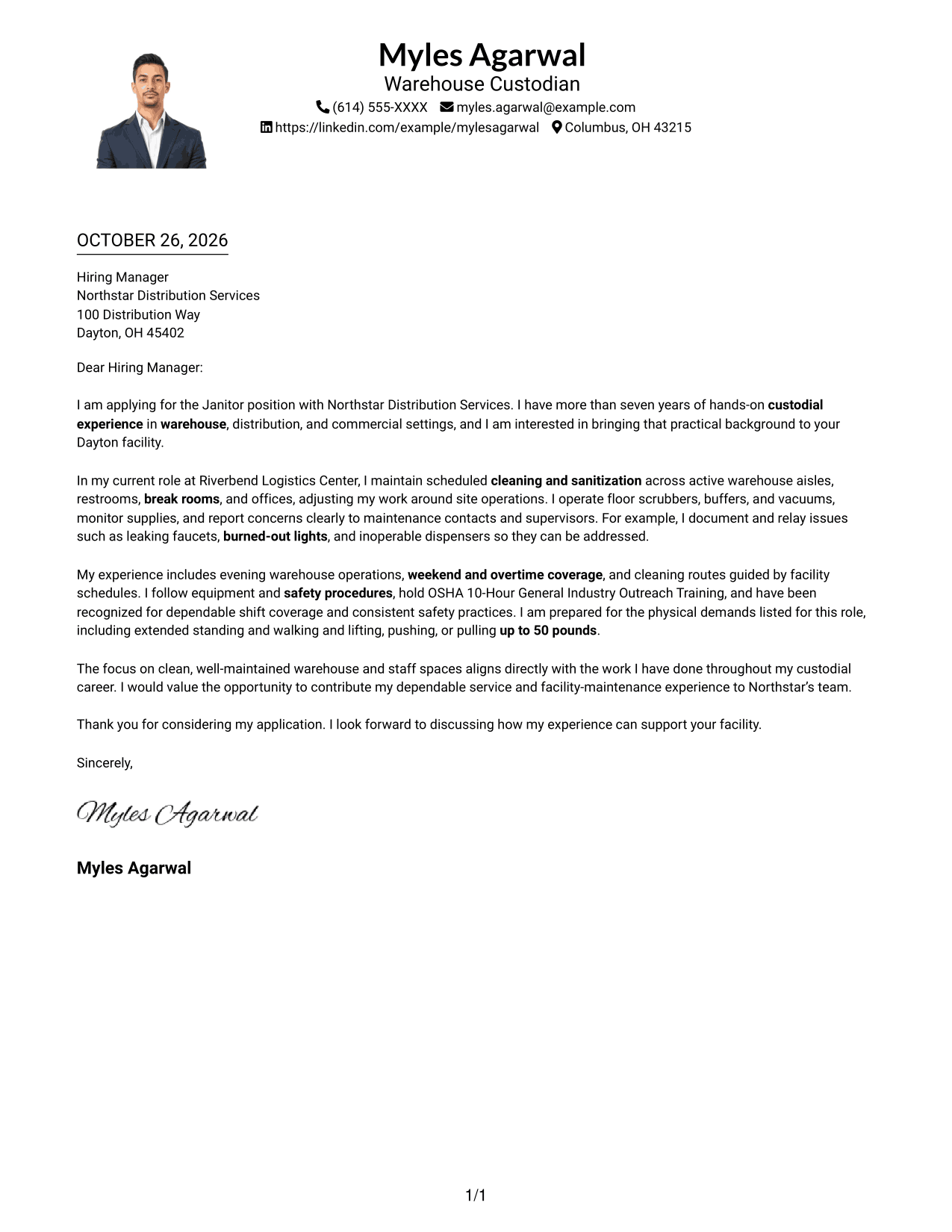
Why This Format Works
- Sender details in the header remain distinct from the letter paragraphs.
- A single body column keeps the message in a familiar reading order.
- The photo offers a visual choice without dividing the written argument.
Best For
- Portrait-inclusive application materials
- Single-column correspondence
- Direct written outreach
- Personal visual presentation
- Employer-specific cover letters
#5 Simple Two Column Format Cover Letter Example
The Simple Two Column Format sets contact information in a sidebar beside the letter, making the separation between correspondence and contact details clear.
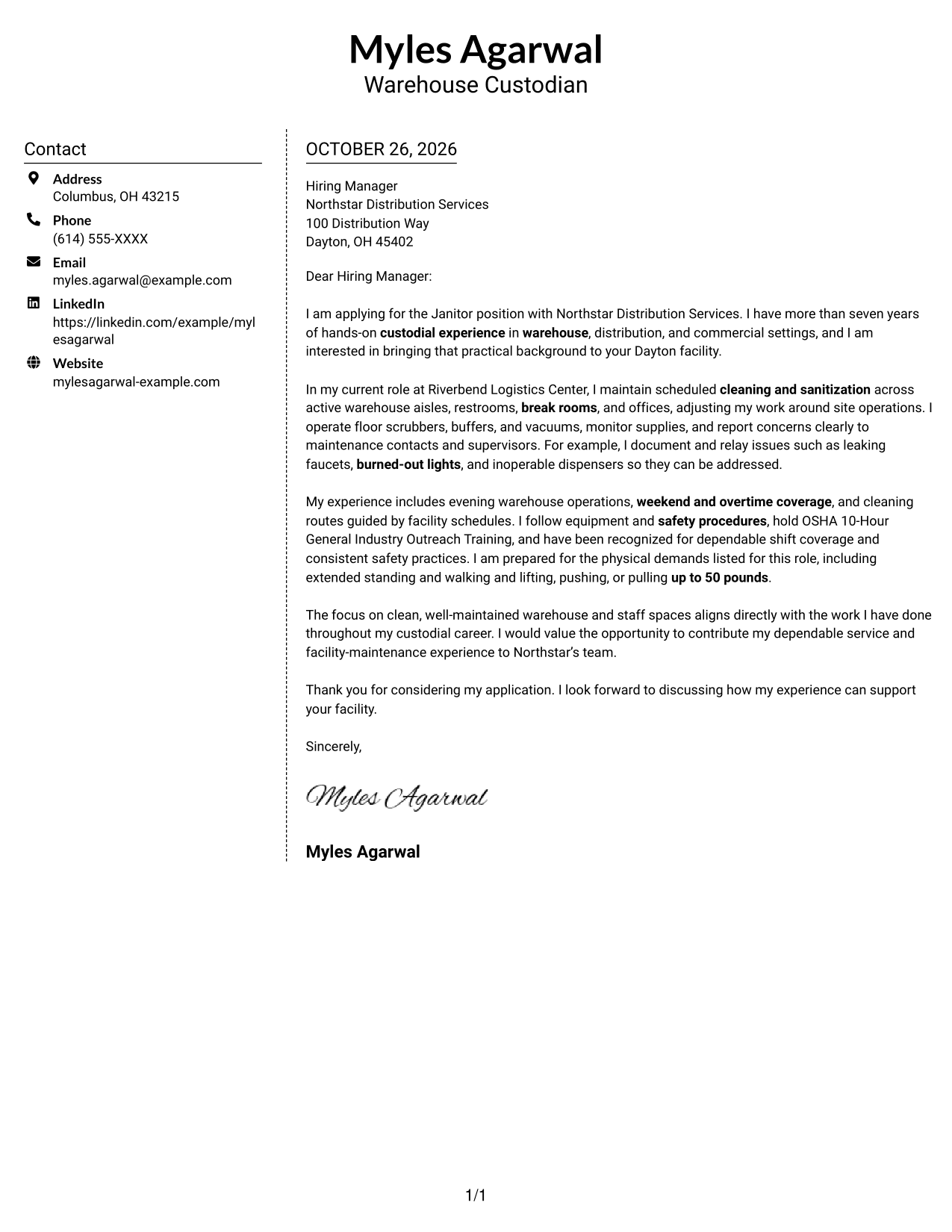
Why This Format Works
- The sidebar gives address and contact information a separate location.
- The letter itself remains one continuous body, not parallel text columns.
- A photo-free presentation keeps the page focused on the written message.
Best For
- Separate contact presentation
- One-body-column letters
- Photo-free correspondence
- Direct employer communication
- Paragraph-focused applications
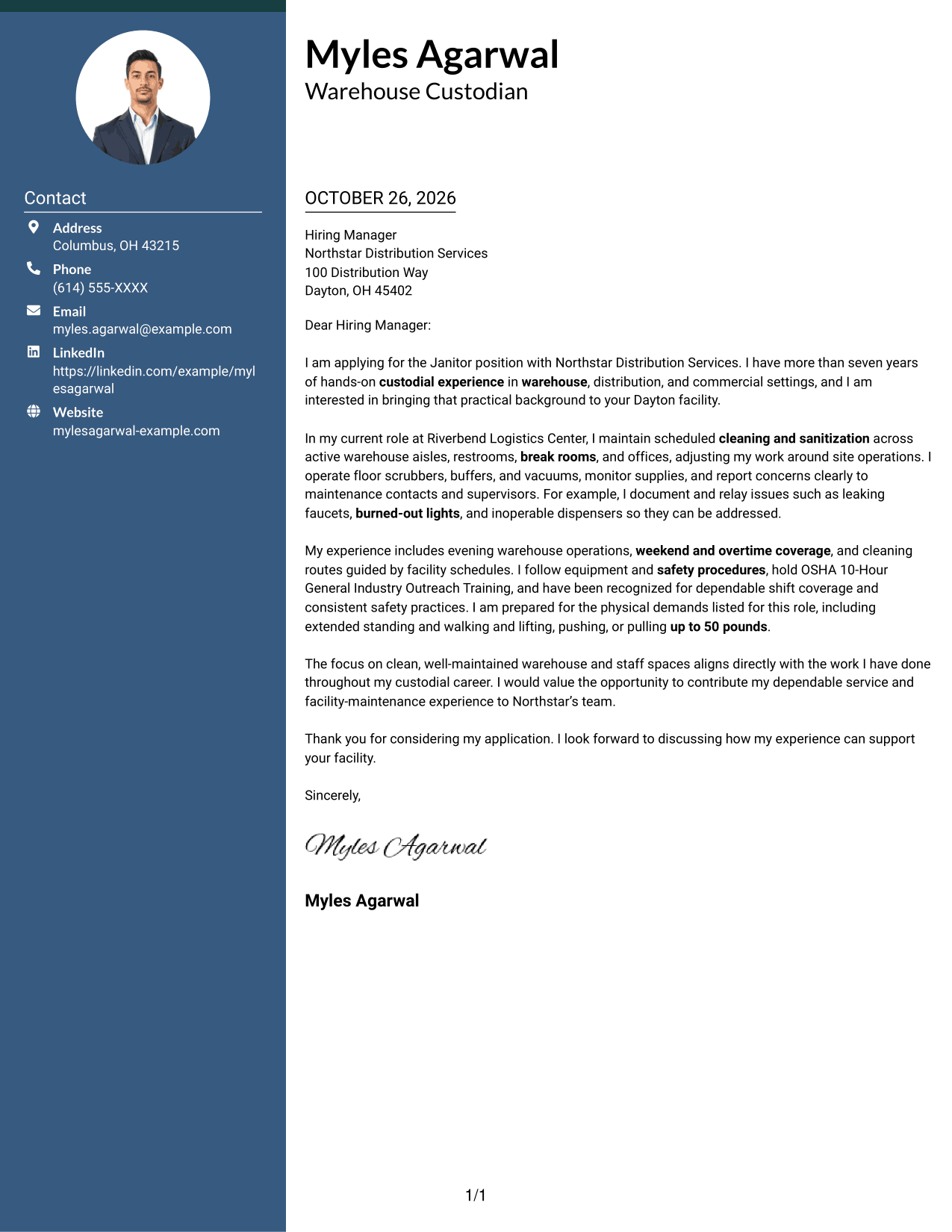
#6 Modern Icon Format Cover Letter Example
The Modern Icon Format uses two columns, with icons for contact cues and header accents beside one continuous letter body.
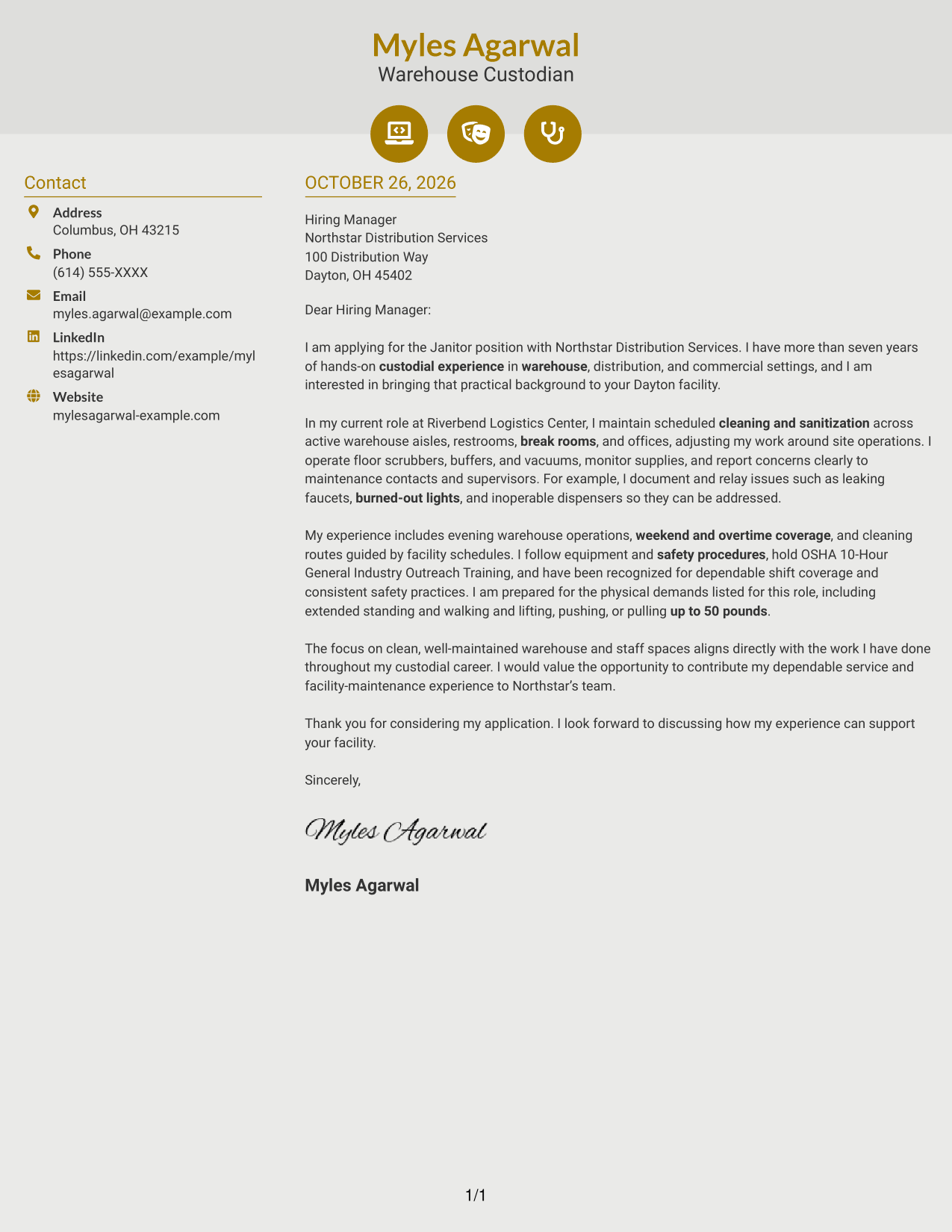
Why This Format Works
- Contact icons make key sender details easier to recognize at a glance.
- The continuous letter body keeps the persuasive message in one sequence.
- Header accents add visual cues without labeling argument stages.
Best For
- Icon-guided contact details
- Two-column page organization
- Photo-free applications
- Direct written persuasion
- Employer-specific correspondence
#7 Creative Two Tone Format Cover Letter Example
The Creative Two Tone Format pairs a contact sidebar with one continuous letter body, keeping sender information separate from the main message.
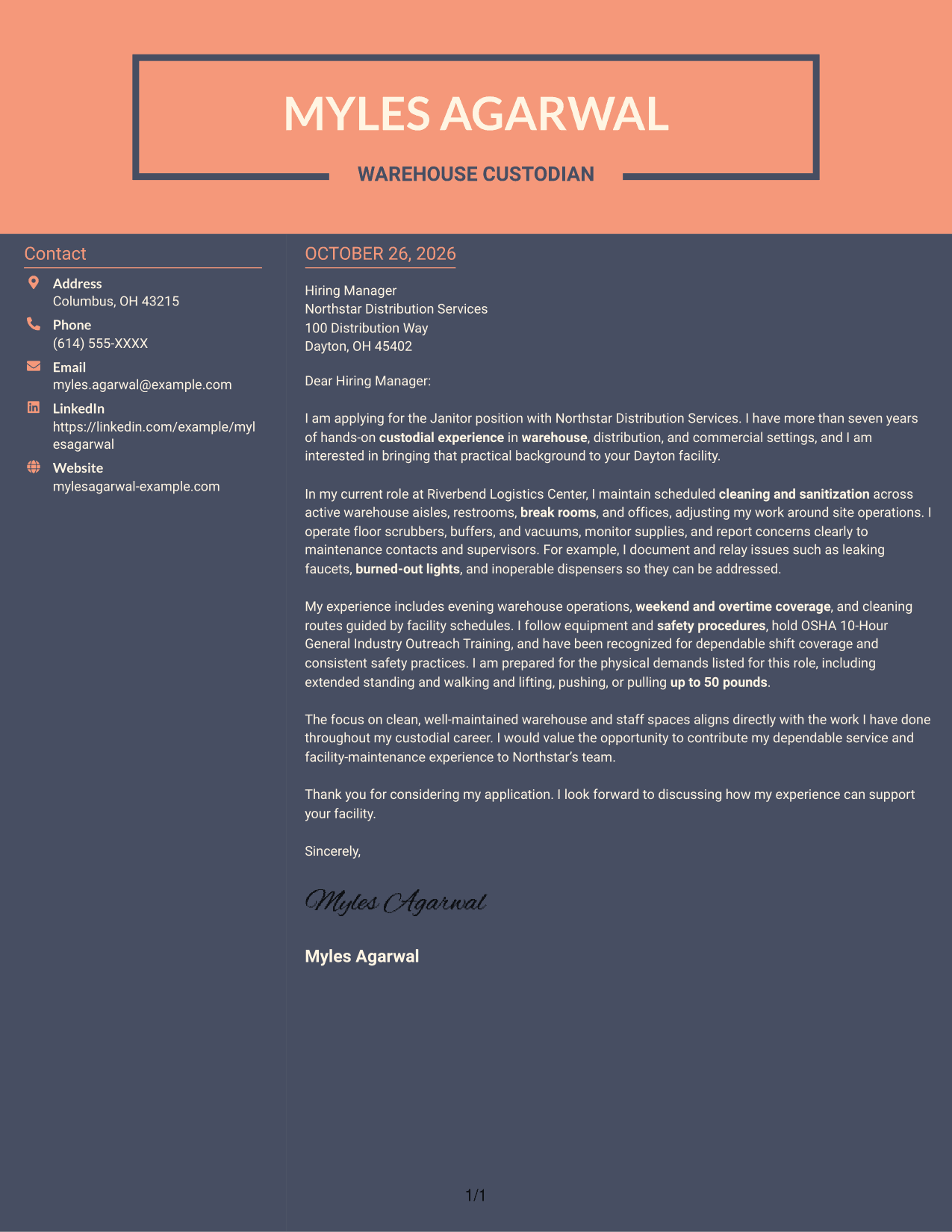
Why This Format Works
- The sidebar keeps contact information distinct from the letter’s main text.
- One body column lets the opening and closing read as a connected message.
- With no photo, the written content remains the page’s visual focus.
Best For
- Sidebar-based contact presentation
- Connected letter paragraphs
- Photo-free application materials
- Focused employer outreach
- Two-area correspondence
Why Use ResumeInMinutes for a Janitor - Warehouse Facilities Cover Letter
ResumeInMinutes gives you a clear example to help shape a focused letter for warehouse facilities work. Compare preview images, then open an example in the editor to view or customize it.
- Cover letter examples in different layouts
- Role-focused writing guidance
- Clear, professional structure
- Preview images to compare
- Examples you can open in the editor
- Guidance for communicating your fit
For this role, focus your message on scheduled cleaning, safe equipment use, supply care, and clear reporting of facility concerns. Choose a presentation that supports a direct, professional message.
See Also
- 7 Janitor - Warehouse Facilities Resume Templates with Example
- 7 Supervising Janitor Resume Templates with Example
- 7 Senior Solutions Architect - RFID and Vision Resume Templates with Example
- 7 Attorney - Constitutional and Government Litigation Resume Templates with Example
- 7 Law Clerk - Legislative Research and Hearings Resume Templates with Example
- 7 Senior Research Assistant II - Behavioral Health Research and Evaluation Resume Templates with Example
- 7 Process & Utility Piping Foreman Resume Templates with Example
- 7 Enforcement Sergeant - Training and Compliance Resume Templates with Example
- 7 Intermediate Traffic Services Technician - Signs and Pavement Markings Resume Templates with Example
- 7 Senior Solutions Architect - RFID and AIDC Resume Templates with Example
Frequently Asked Questions
What should a Janitor - Warehouse Facilities cover letter include?
Connect your custodial experience to the role’s daily needs. Explain how you handle scheduled cleaning and sanitization, use janitorial equipment safely, monitor supplies, and report facility concerns clearly.
Does this page show one letter or several examples?
The page presents one featured cover letter in different visual layouts. Compare the preview images to choose a presentation that fits your communication style.
Which cover letter style works well for warehouse facilities?
A clear, easy-to-read layout works well for explaining role fit. Choose a style that gives your opening, supporting details, and closing room to stand out without distracting from your message.
How can I show that I am prepared for the work?
Describe relevant tasks you have handled, such as cleaning active warehouse areas, following safety procedures, covering different shifts, and reporting maintenance issues. Mention physical work requirements only when they match your own abilities.
Can I view or customize an example in the editor?
Yes. Use the page actions to view an example in the editor or open it to customize the letter for your experience and the employer’s needs.




