
7 Java Developer Intern - Web Services Cover Letter Templates with Example
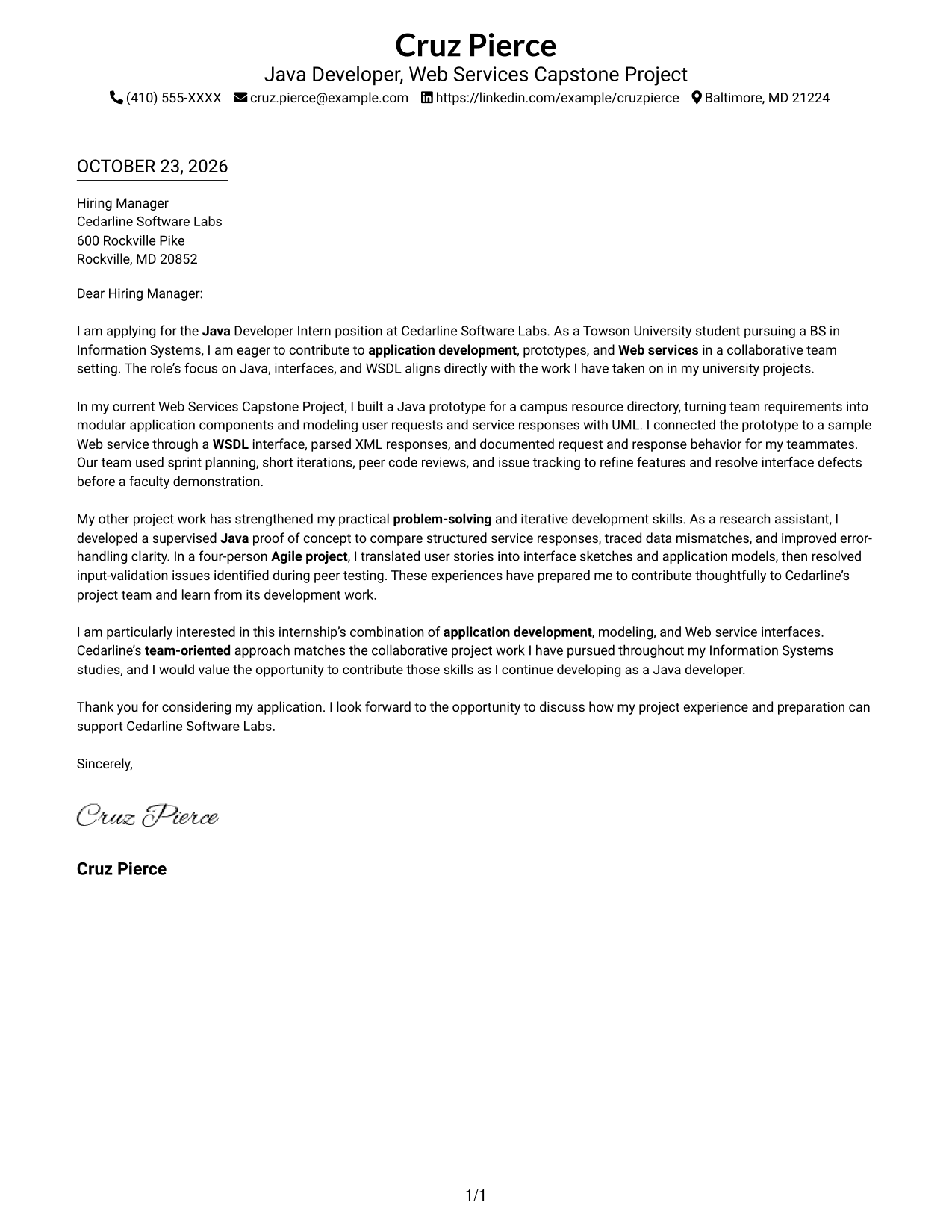
This practical guide helps you shape a Java Developer Intern - Web Services cover letter and compare seven layouts for clear, role-focused communication.
What Makes a Great Java Developer Intern - Web Services Cover Letter in 2026
A strong Java Developer Intern - Web Services cover letter opens with clear interest, then links Java application work and Web services experience to the role’s focus on prototypes, interfaces, and WSDL.
Choose specific evidence, such as modeling request and response flows or contributing through Agile teamwork, and explain how it connects to the employer’s needs.
The featured example moves from interest and role fit to specific Java, WSDL, and team-based evidence, then closes with motivation. Adapt that progression while choosing a presentation suited to the employer and communication context.
#1 Simple One Column Format Cover Letter Example
For a direct, easy-to-follow presentation, the Simple One Column Format places sender details in the header and keeps the letter body in one continuous column.
Why This Format Works
- Sender details sit in the header, apart from the persuasive letter paragraphs.
- The single body column gives the message a steady top-to-bottom reading order.
- Without a sidebar, the letter uses the page width for its message.
Best For
- Single-column letter preference
- Header-based contact details
- Continuous persuasive messages
- Several supporting paragraphs
- Text-first applications
#2 Two Column Format Cover Letter Example
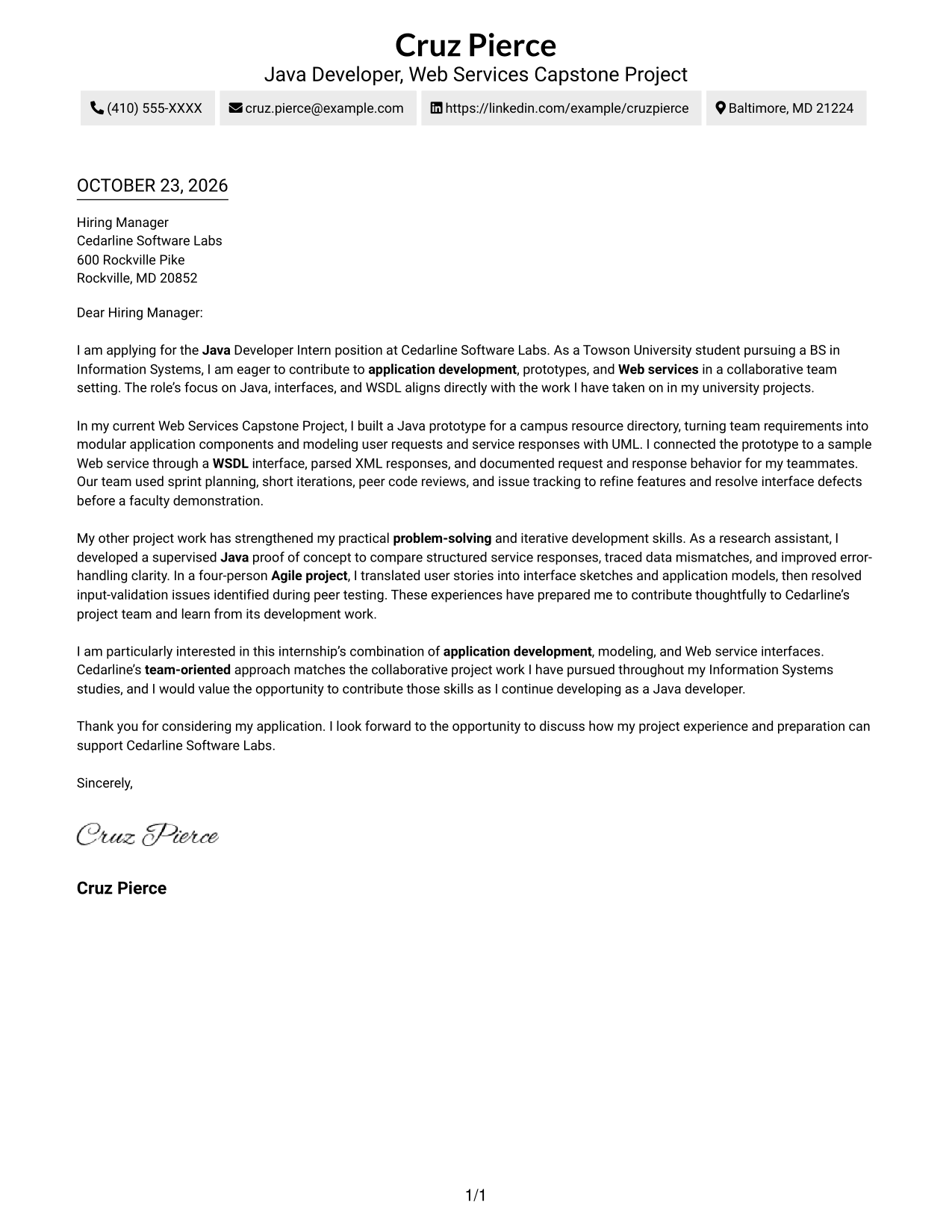
The Two Column Format sets contact details in a sidebar beside one continuous letter body, keeping personal information distinct while the message reads from opening to close.
Why This Format Works
- Contact details stay apart, easy to find without interrupting the letter's message.
- One continuous body lets motivation and supporting points read in sequence.
- Keeping argument paragraphs together avoids parallel columns competing for attention.
Best For
- Letters with detailed role interest
- Messages balancing motivation and evidence
- Applications with concise contact references
- Continuous paragraph-based correspondence
- Readers who scan sender information first
#3 Photo Header Two Column Format Cover Letter Example
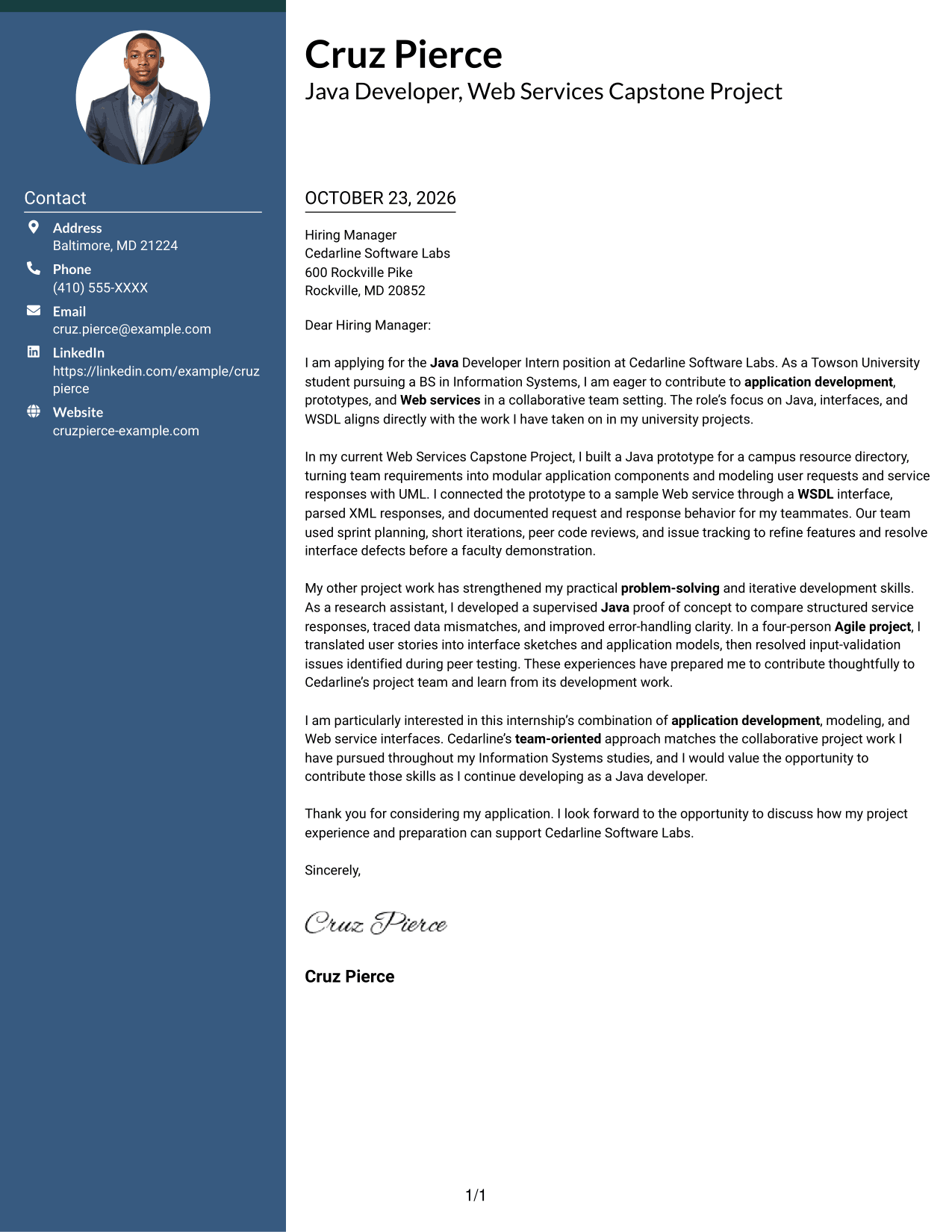
The Photo Header Two Column Format pairs a portrait header with a contact sidebar, while keeping the letter itself in one continuous body column.
Why This Format Works
- The header portrait adds a personal visual element without changing the letter's argument.
- Contact details sit apart from one continuous body of persuasive paragraphs.
- Opening, supporting points, and closing stay in one uninterrupted reading sequence.
Best For
- Portrait-inclusive correspondence
- Contact details beside the message
- Single-column letter body
- Letters with detailed role alignment
- Applications with several supporting paragraphs
#4 One Column Format with Photo Cover Letter Example
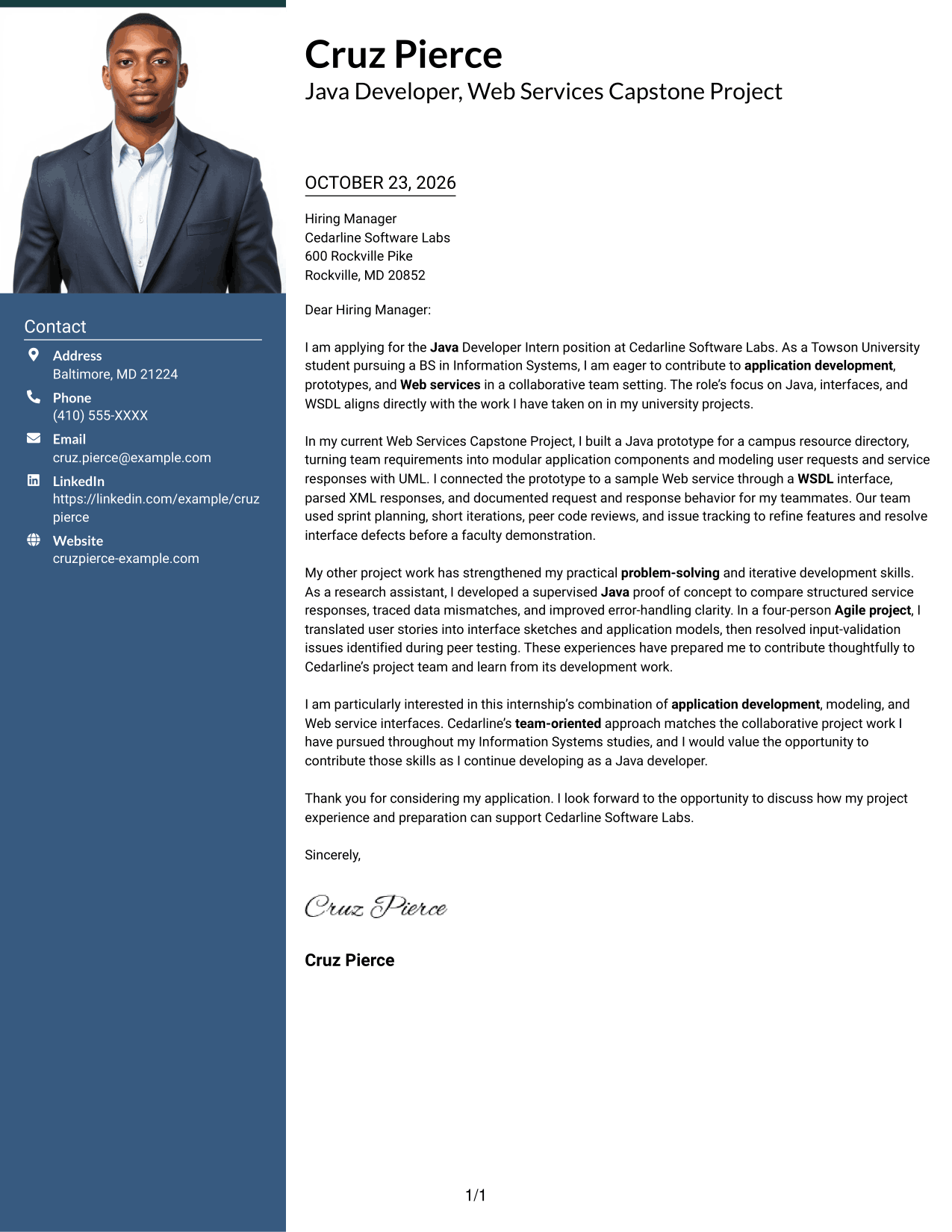
The One Column Format with Photo places a portrait above a single, continuous letter body, giving the page one clear reading path.
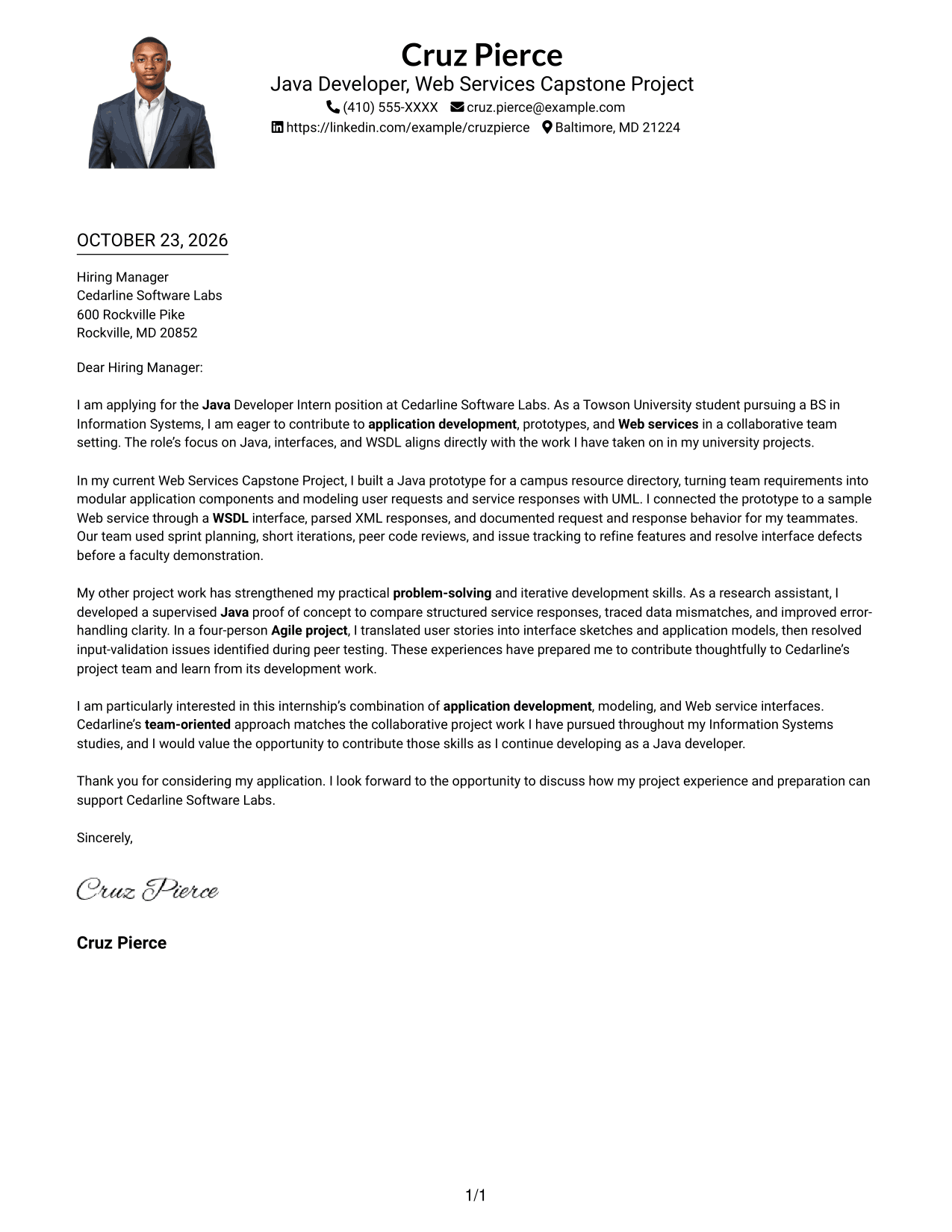
Why This Format Works
- A photo in the header adds a personal visual touch to the page.
- Sender details remain in the header, separate from the letter's main message.
- One body column keeps each paragraph in a consistent reading order.
Best For
- Portrait-inclusive applications
- Single-column correspondence
- Header-based sender information
- Letters with several evidence paragraphs
- A personal visual touch
#5 Simple Two Column Format Cover Letter Example
The Simple Two Column Format places contact details in a sidebar and gives the letter one uninterrupted body column, separating the contact area from the message.
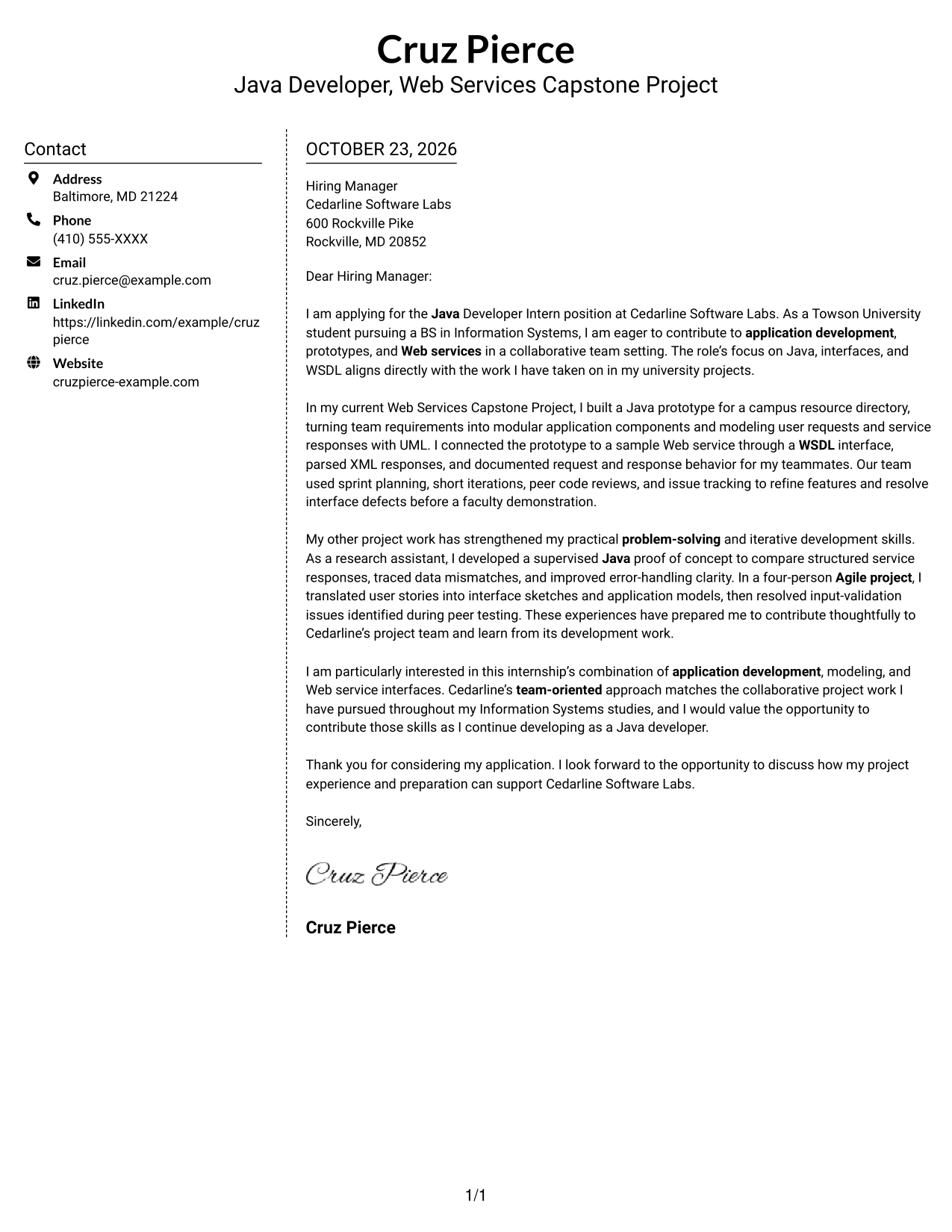
Why This Format Works
- Contact details have a dedicated sidebar, separate from the persuasive paragraphs.
- The letter body stays together, so its message reads from opening to close.
- Two clear areas keep sender information distinct from the main correspondence.
Best For
- Separate contact and message areas
- Letters with a clear persuasive case
- Contact details easy to reference
- One continuous body of correspondence
- Simple two-column organization
#6 Modern Icon Format Cover Letter Example
The Modern Icon Format uses icons as contact cues and header accents, with contact details in a sidebar beside one continuous letter body.
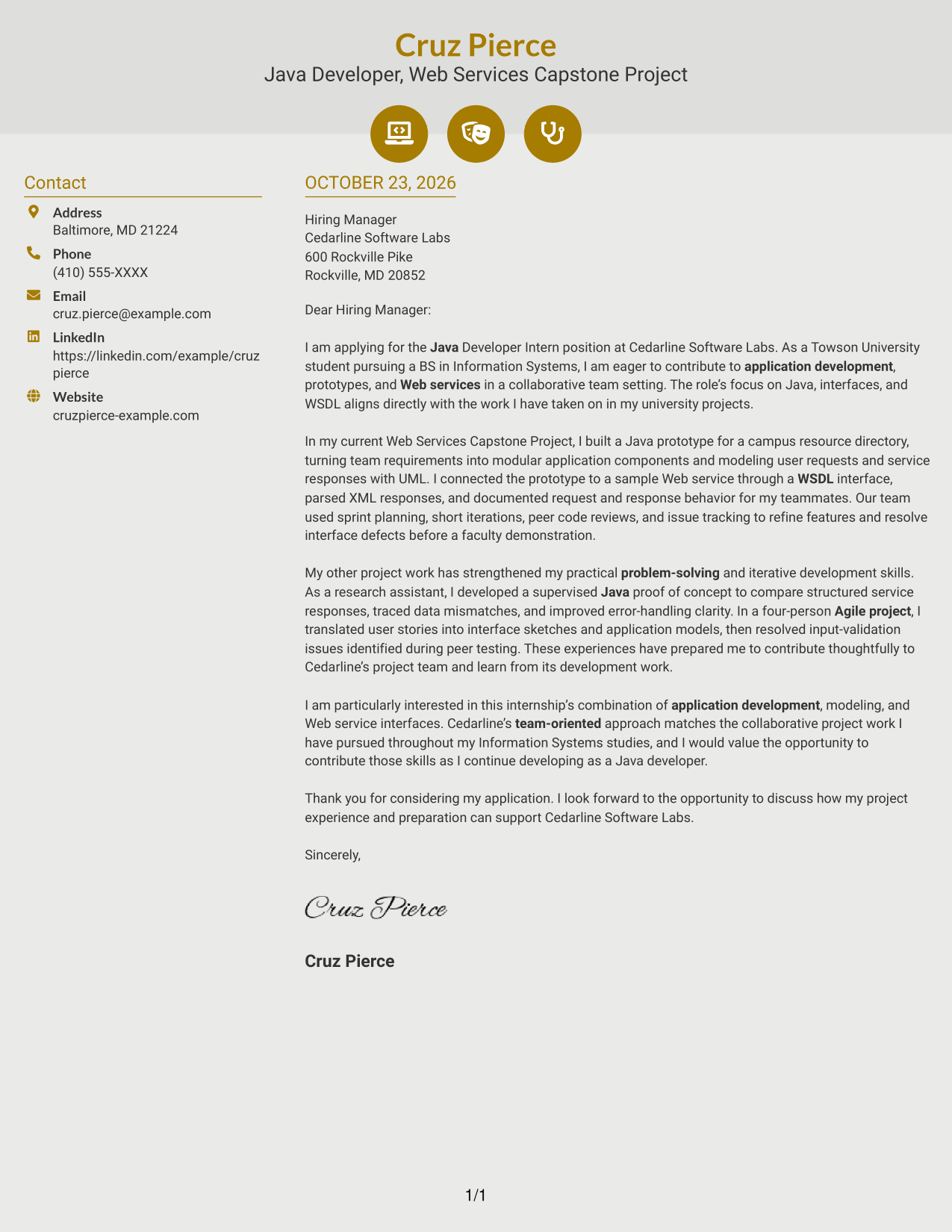
Why This Format Works
- Small icons act as contact cues rather than labels for argument stages.
- Contact details occupy a sidebar, apart from the letter's continuous paragraphs.
- The letter's single body column keeps its message in a familiar sequence.
Best For
- Icon-based contact details
- A separate contact sidebar
- Continuous letter paragraphs
- Letters with several supporting points
- A familiar reading sequence
#7 Creative Two Tone Format Cover Letter Example
The Creative Two Tone Format places contact details in a sidebar beside one continuous letter body, keeping the message together in a single reading column.
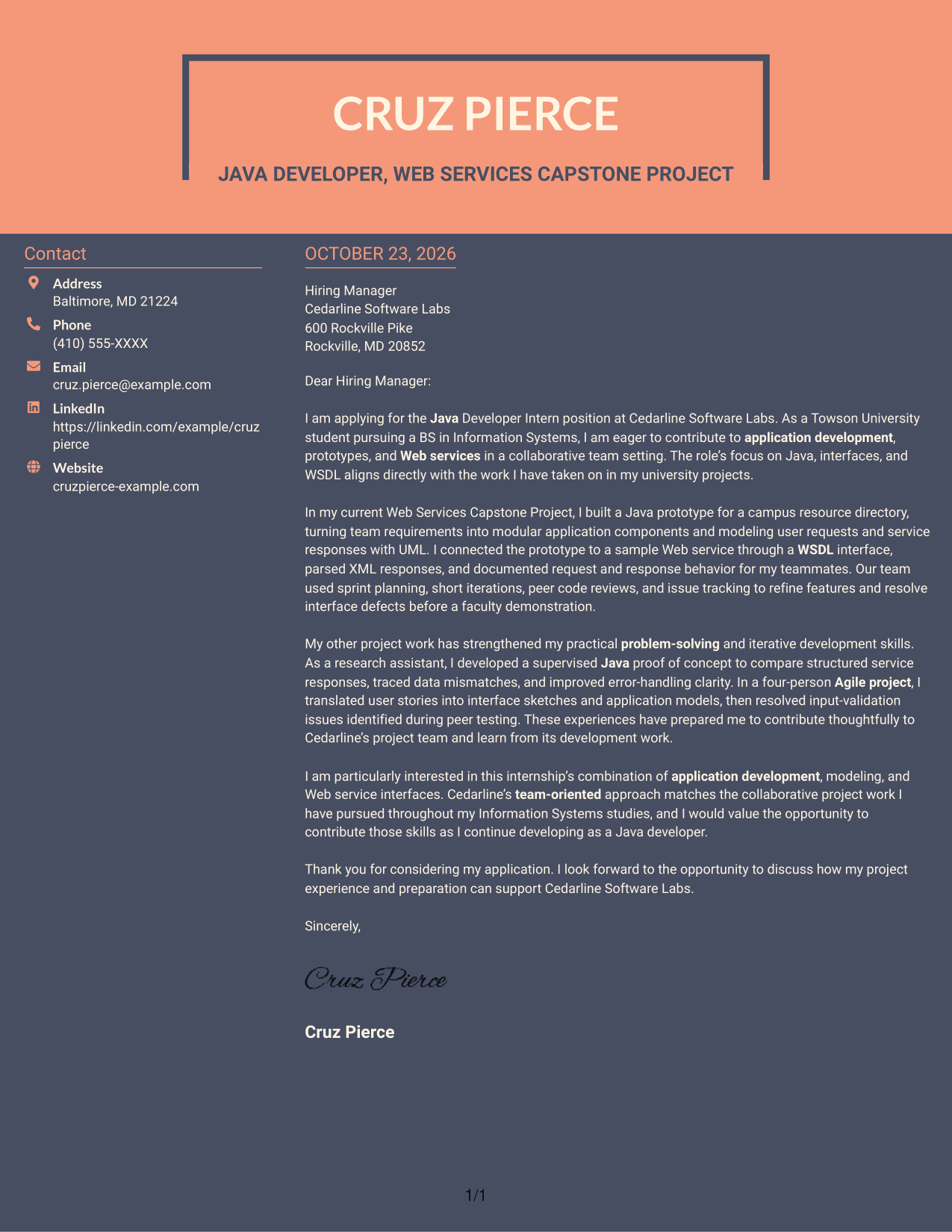
Why This Format Works
- Contact information sits beside, not within, the letter's continuous body.
- One body column keeps the opening, supporting points, and closing together.
- The sidebar gives sender details a separate place beside the correspondence.
Best For
- Contact sidebar organization
- A single-column letter message
- Opening-to-closing correspondence
- Letters with supporting detail
- Separate sender information
See Also
- 7 Java Developer Intern - Web Services Resume Templates with Example
- 7 Entry-Level Java Developer - Web Application Development Resume Templates with Example
- 33 Associate - Java Developer Resume Templates with Example 2026 (ATS-Optimized)
- 7 Entry-Level Java/C++ Developer Resume Templates with Example
- 33 Entry Level Java Developer Resume Templates with Example
- 7 Java Developer Intern - API Integration Resume Templates with Example
- Java Developer Intern Resume Guide (Example + Free PDF Download)
- Java Software Developer Resume Guide (Examples + Free PDF Downloads)
- 7 Entry-Level Java Developer - Web Application Development Cover Letter Templates with Example
- 30+ Associate - Java Developer Cover Letter Templates with Example 2026
Frequently Asked Questions
What should a Java Developer Intern - Web Services cover letter emphasize?
Show why you are interested in the role, then connect relevant Java application work to Web services, interfaces, and WSDL. Use clear examples that show how you approach problems and work with a team.
How can I explain WSDL experience in my cover letter?
Describe the task in plain language. For example, explain how you used a WSDL interface to connect a Java prototype to a Web service, handled responses, or documented how requests worked.
How should I organize this cover letter?
Begin with your interest in the internship and the role’s focus. Use the body to share specific evidence of relevant work and teamwork. Close by connecting your motivation to the opportunity and thanking the reader.
What do the cover letter previews show?
The previews show the letter’s visual layout as an image. Compare the presentation, then open an example in the editor to view or customize it.
Should I include a photo on my cover letter?
Use a photo only when it is common or expected in your country, region, or field. For U.S. applications, a no-photo presentation is usually a safe choice.




