
7 Judicial Processing Archivist - Court Records Cover Letter Templates with Example
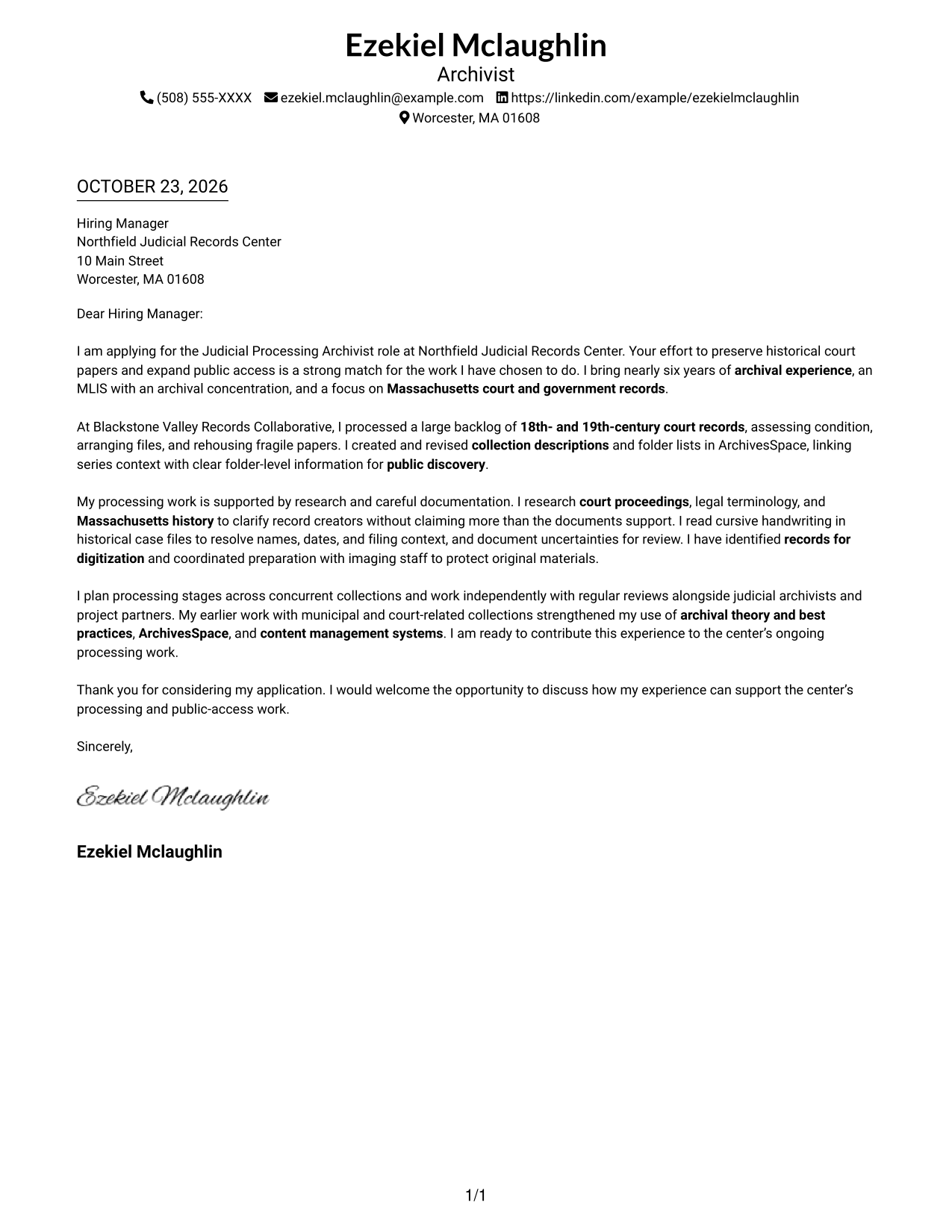
This practical guide helps you write a Judicial Processing Archivist - Court Records cover letter and compare seven layouts for presenting your fit clearly.
What Makes a Great Judicial Processing Archivist - Court Records Cover Letter in 2026
A strong letter connects careful processing of historical court records with the employer’s goal of preserving them and improving public access. A clear opening, focused body, and courteous close help the reader follow your case.
Use specific evidence, such as arranging and rehousing records, writing descriptions and folder lists in ArchivesSpace, or preparing material for digitization. Link that experience to the employer’s work while keeping each claim accurate and easy to understand.
The featured Judicial Processing Archivist - Court Records example follows a focused progression from interest in preserving court papers, to relevant processing evidence, to a clear close; adapt that flow while choosing a presentation that suits the employer and communication context.
#1 Simple One Column Format Cover Letter Example
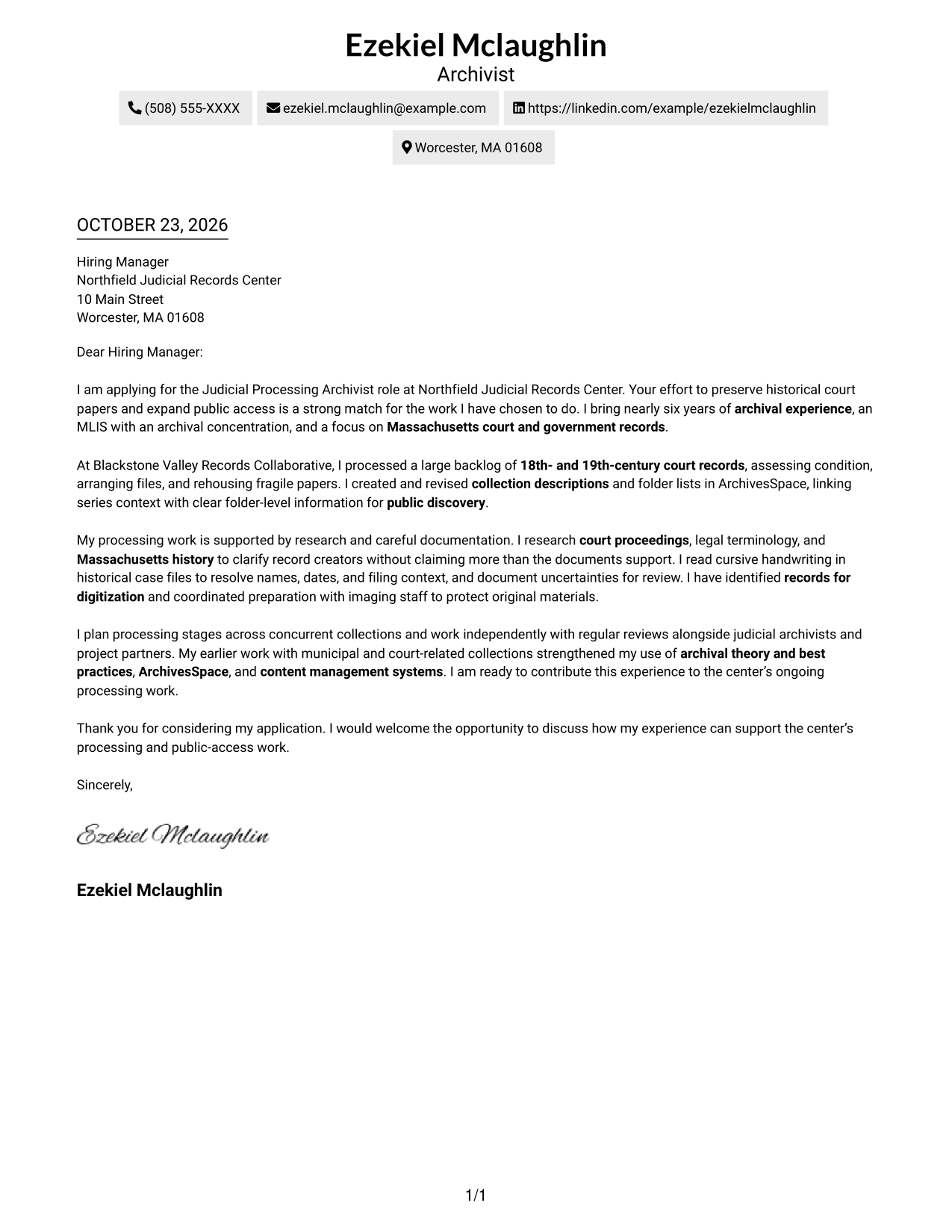
A single-column layout keeps sender details and the letter body on one direct reading path, suited to a straightforward presentation.
Why This Format Works
- The greeting, supporting case, and closing remain in one continuous letter body.
- Sender details sit in the header rather than a separate contact sidebar.
- The no-photo presentation suits readers who prefer the focus to stay on text.
Best For
- Direct application letters
- Letters with concise supporting evidence
- Court-record position applications
- Text-focused correspondence
- Straightforward contact-and-letter reading
#2 Two Column Format Cover Letter Example
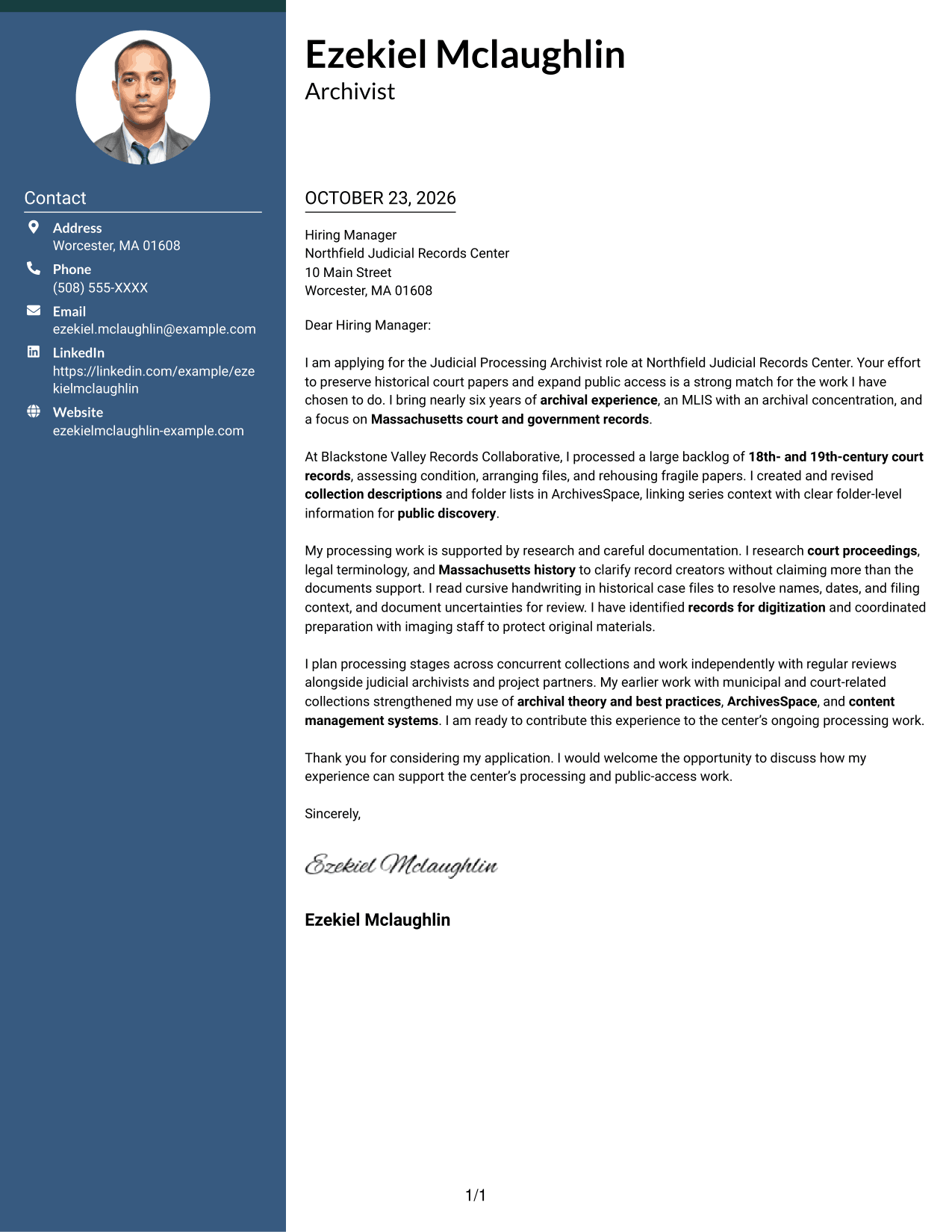
A contact sidebar sits beside the continuous letter body in this two-column layout, a useful choice when contact details should be easy to locate.
Why This Format Works
- Contact details remain apart from the persuasive paragraphs in their own sidebar.
- The opening, supporting case, and close stay together in one letter body.
- A defined contact area gives the page a familiar, easy-to-read structure.
Best For
- Letters needing visible sender details
- Court-record applications with a clear case
- Applications with several supporting points
- Readers who prefer a distinct contact area
- Familiar paragraph-based correspondence
#3 Photo Header Two Column Format Cover Letter Example
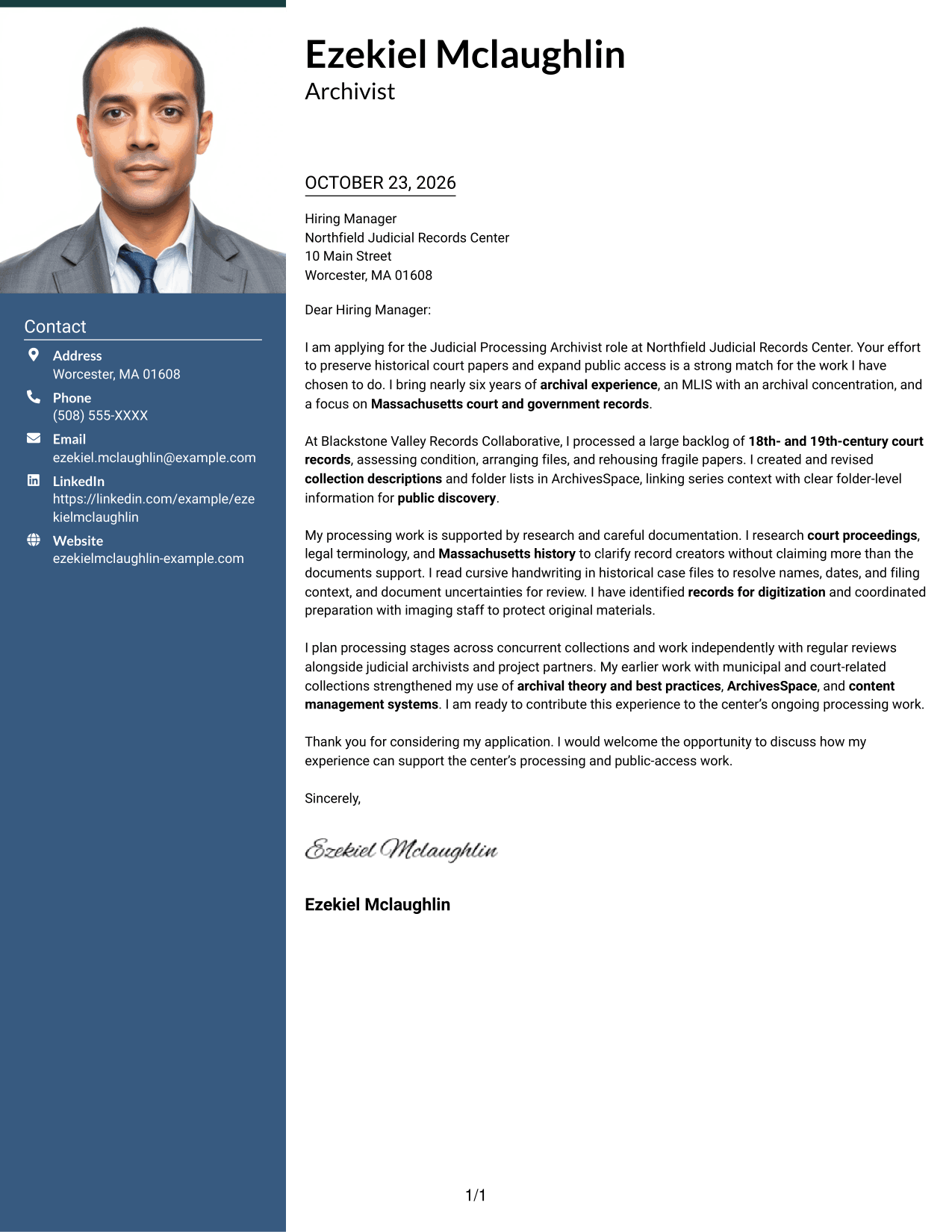
A photo in the header accompanies a contact sidebar and continuous letter body, giving this two-column format a portrait-led presentation.
Why This Format Works
- The header photo suits a portrait-led visual preference.
- Contact details remain apart from the letter body in a dedicated sidebar.
- The opening, evidence, and closing stay connected in continuous paragraphs.
Best For
- Portrait-inclusive application letters
- Court-record applications with detailed fit
- Letters pairing contact details with a main message
- Applications with several persuasive points
- Correspondence where a portrait is part of the intended presentation
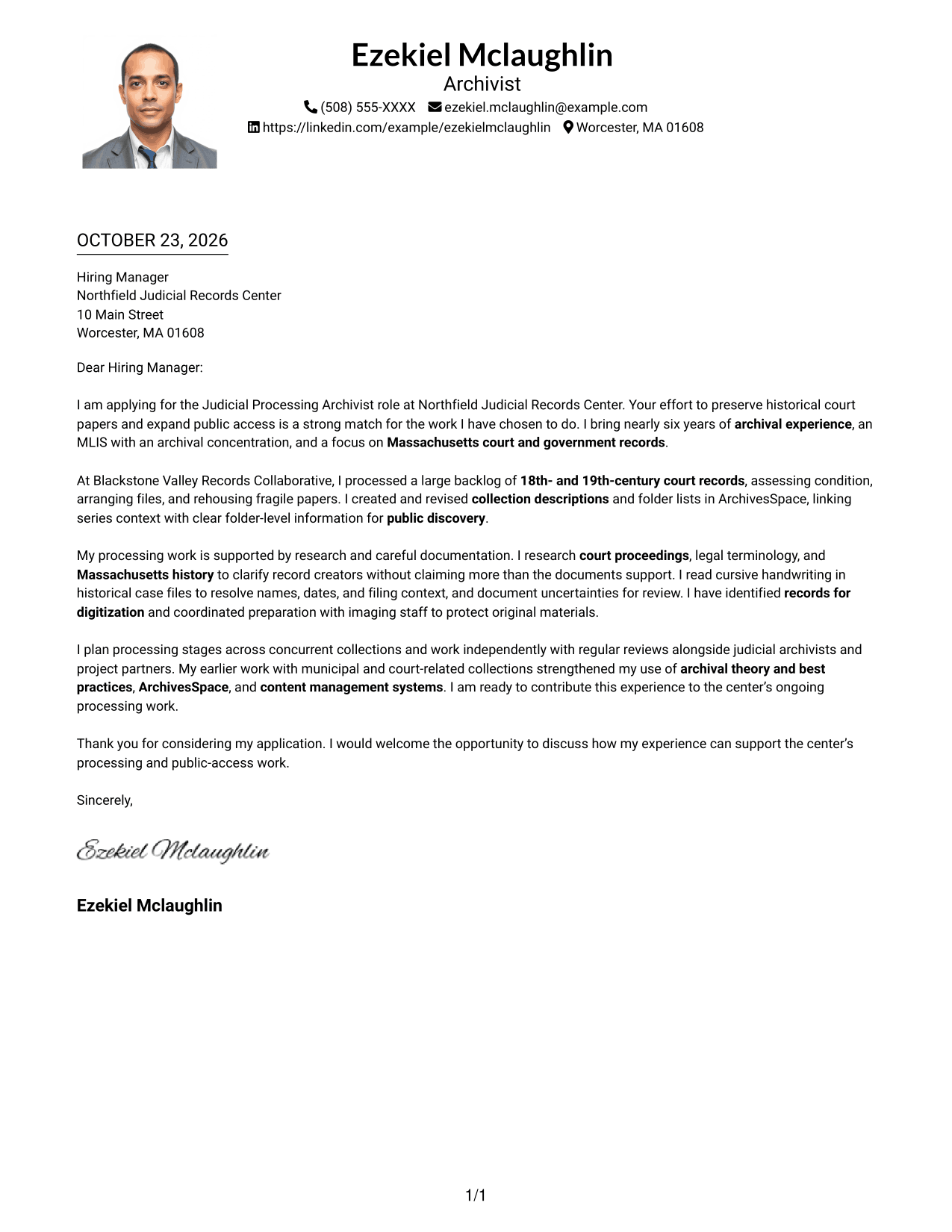
#4 One Column Format with Photo Cover Letter Example
A photo appears with the sender details above a single-column letter body, a fitting choice for a portrait-led header and direct reading path.
Why This Format Works
- The photo gives the header a portrait-led look for readers who want one.
- Sender details and the letter body share one column, without a contact sidebar.
- The main message keeps its opening, supporting points, and close in paragraph form.
Best For
- Portrait-led letter headers
- Direct applications that include a photo
- Court and government records correspondence
- Letters with a clear opening and close
- Single-column reading preferences
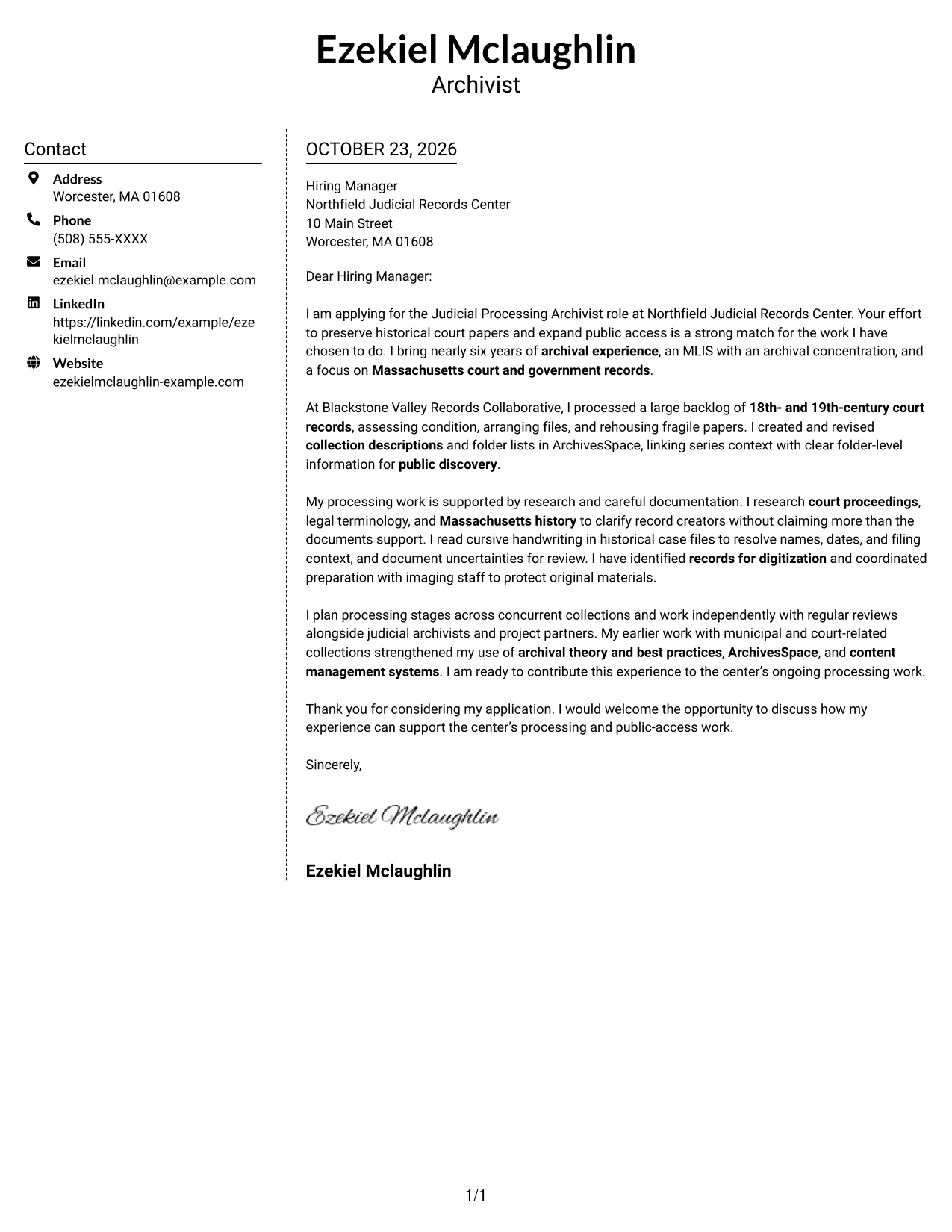
#5 Simple Two Column Format Cover Letter Example
A contact sidebar sits alongside one continuous letter body, giving this simple two-column format a clear separation between contact details and message.
Why This Format Works
- The sidebar gives sender details a distinct place beside the letter.
- The application’s opening, evidence, and closing remain in one continuous body.
- The no-photo design keeps visual emphasis on the written message.
Best For
- Letters with contact details set apart
- Court-record applications with a focused case
- Text-first application correspondence
- Readers who prefer a separate contact area
- Letters with connected supporting paragraphs
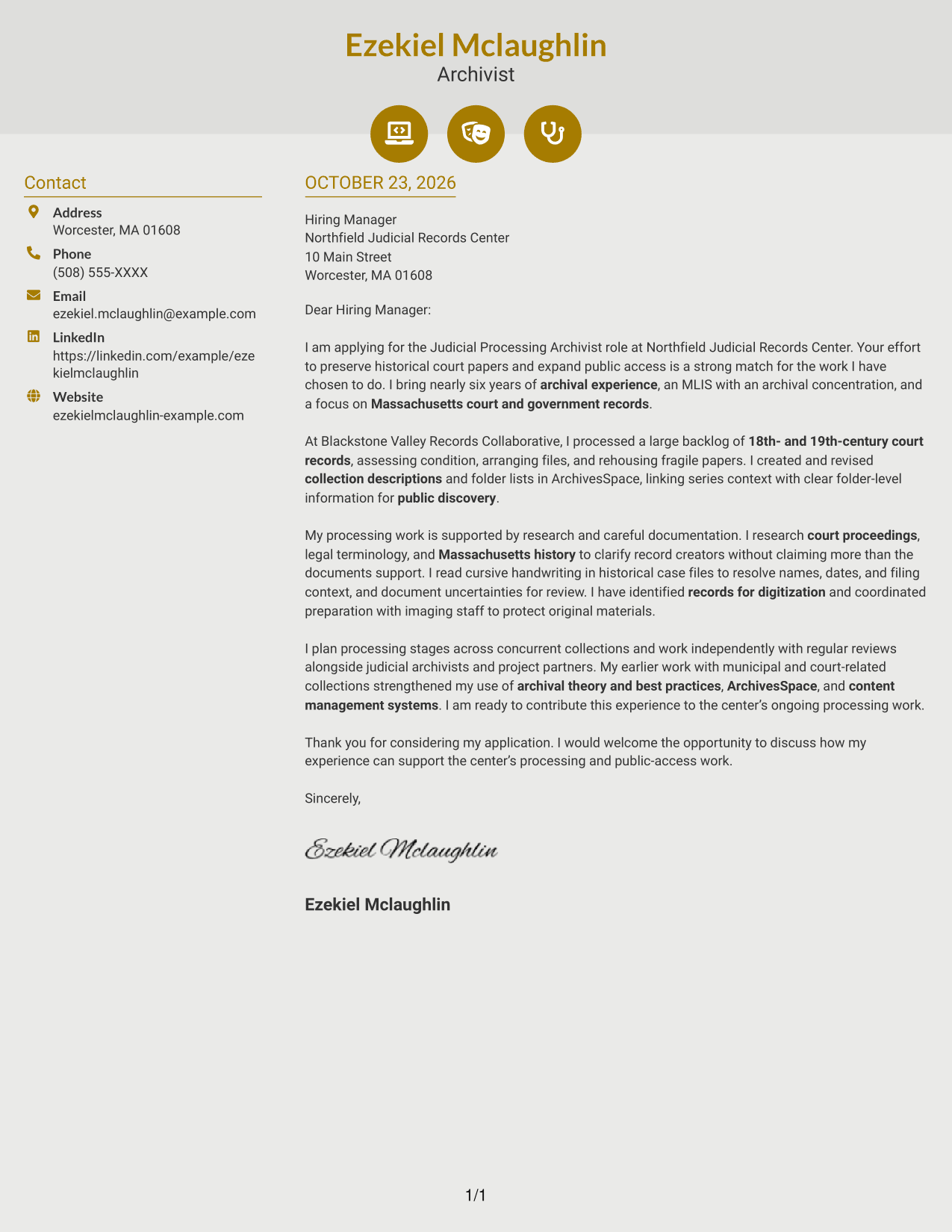
#6 Modern Icon Format Cover Letter Example
Contact icons and a sidebar sit beside the continuous letter body in this two-column layout, making contact information visually distinct from the message.
Why This Format Works
- Contact icons cue contact details without labeling stages of the letter argument.
- A separate sidebar keeps sender information apart from the main message.
- The opening, supporting case, and close remain in one continuous letter body.
Best For
- Letters with icon-marked contact details
- Court-record applications with clear role alignment
- Correspondence with a continuous central message
- Readers who like visual cues for contact information
- Applications with a distinct contact sidebar
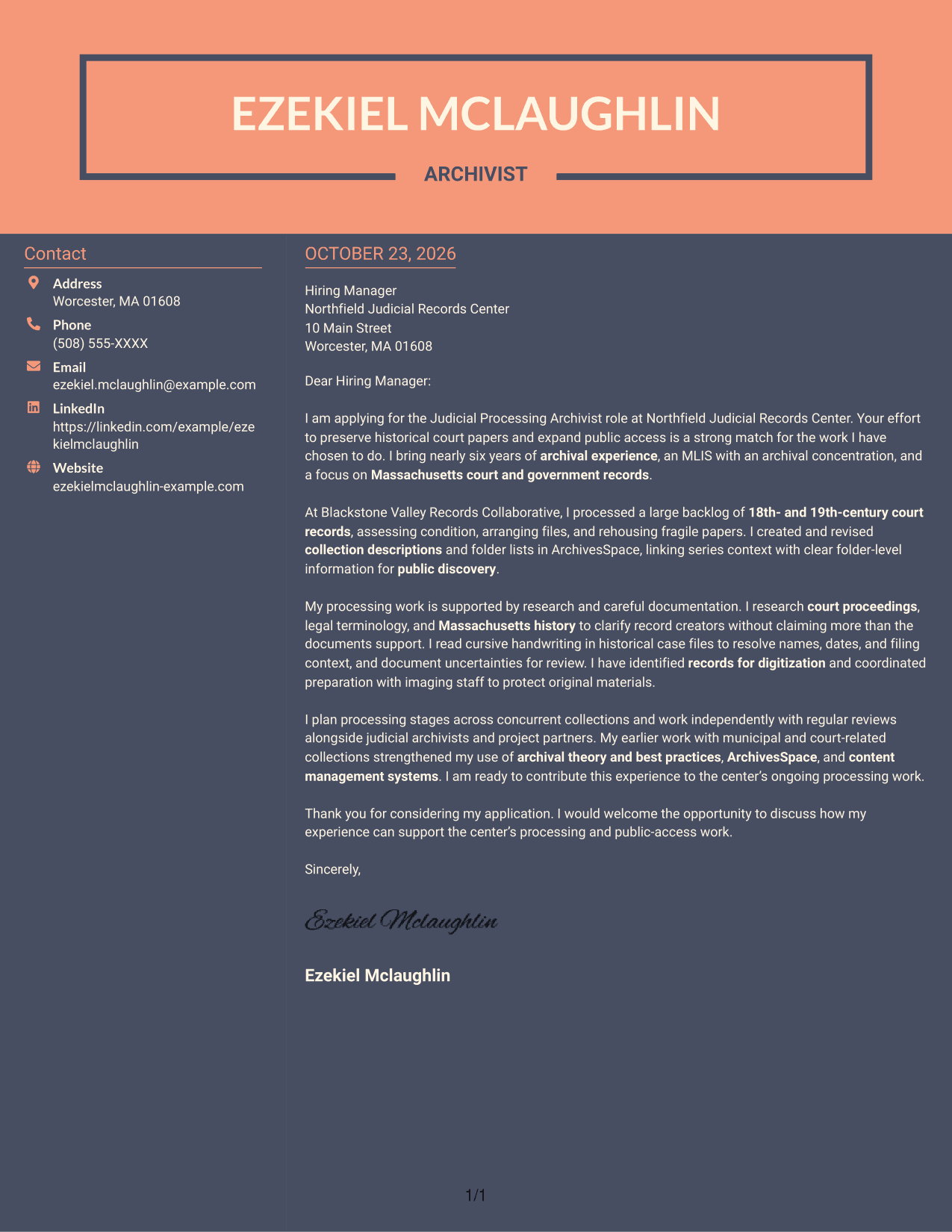
#7 Creative Two Tone Format Cover Letter Example
A contact sidebar beside the continuous letter body defines this two-column layout, giving sender information and the letter separate places.
Why This Format Works
- The contact sidebar gives sender information a clear place beside the full letter.
- The letter’s opening, supporting points, and closing stay together in one body.
- Separate areas help distinguish contact details from the persuasive message.
Best For
- Letters with contact information beside the message
- Judicial processing applications
- Applications with a connected persuasive case
- Readers who prefer distinct contact and letter areas
- Cover letters with several supporting paragraphs
Why Use ResumeInMinutes for a Judicial Processing Archivist - Court Records Cover Letter
Compare image previews to see how each letter presents its opening, evidence, and closing, then open an example in the editor to customize its content and presentation.
- Cover letter presentation choices
- Clear, readable layouts
- Role-focused example content
- Opening, body, and closing guidance
- Image previews for comparison
- Examples you can open in the editor
For this role, make your letter specific by connecting court-record processing, accurate description, historical research, and digitization preparation to the center’s public-access work.
See Also
- 7 Judicial Processing Archivist - Court Records Resume Templates with Example
- 7 Judicial Operations Clerk - Court Operations Resume Templates with Example
- 7 Supervisor - Court Processing Resume Templates with Example
- 7 Release Records Specialist - Correctional Release Processing Resume Templates with Example
- 7 Judicial Clerk IV Resume Templates with Example
- 33 Accounts Payable Analyst - Invoice Processing Resume Templates with Example 2026 (ATS-Optimized)
- 7 Certified Sterile Processing Technician II - Surgical Instrument Reprocessing Resume Templates with Example
- 7 Crime Scene Investigator - Forensic Evidence Processing Resume Templates with Example
- 7 Certified Sterile Processing Technician II - Surgical Instrument Reprocessing Cover Letter Templates with Example
- 7 Evidence/Supply Technician - Crime Scene Processing Cover Letter Templates with Example
Frequently Asked Questions
What should a Judicial Processing Archivist - Court Records cover letter include?
Explain your interest in preserving court records and improving public access. Give relevant examples of arranging and rehousing materials, creating descriptions and folder lists, researching legal history, or preparing records for digitization.
Does this guide show one letter in different layouts?
Yes. The guide presents one Judicial Processing Archivist - Court Records cover letter example in seven layouts, so you can compare how its message appears in each presentation.
How can I connect archival experience to this position?
Choose details that match the work described in the job posting. For example, explain how accurate descriptions, careful handling, ArchivesSpace, court history research, or digitization preparation can support preservation and researcher access.
How should I describe research with historical court records?
Give a brief example of how court proceedings, legal terms, Massachusetts history, or cursive handwriting helped you understand a record. Be clear about what the documents support, and note uncertainty when needed.
What is a useful tone for this cover letter?
Use a direct, respectful tone. Show care for the records and their users, support your claims with specific examples, and close by expressing interest in contributing to the center’s processing and public-access work.




