
7 Junior Data Analyst - Reporting and Data Visualization Cover Letter Templates with Example
This practical guide helps you write a focused Junior Data Analyst - Reporting and Data Visualization cover letter and compare its presentation across seven layouts.
What Makes a Great Junior Data Analyst - Reporting and Data Visualization Cover Letter in 2026
A strong letter connects your interest in reporting and data visualization to the needs of the role. Its opening should make that fit clear, and its body should show how you communicate useful findings.
Use evidence you can support, such as careful data preparation, analysis with SQL or Python, dashboard reporting, and clear explanations of results. Link that evidence to the employer’s goal of making business information easier to understand and use.
The featured Junior Data Analyst - Reporting and Data Visualization example moves from role interest to relevant evidence and a clear closing; adapt that focused progression while choosing a presentation that suits the employer and communication context.
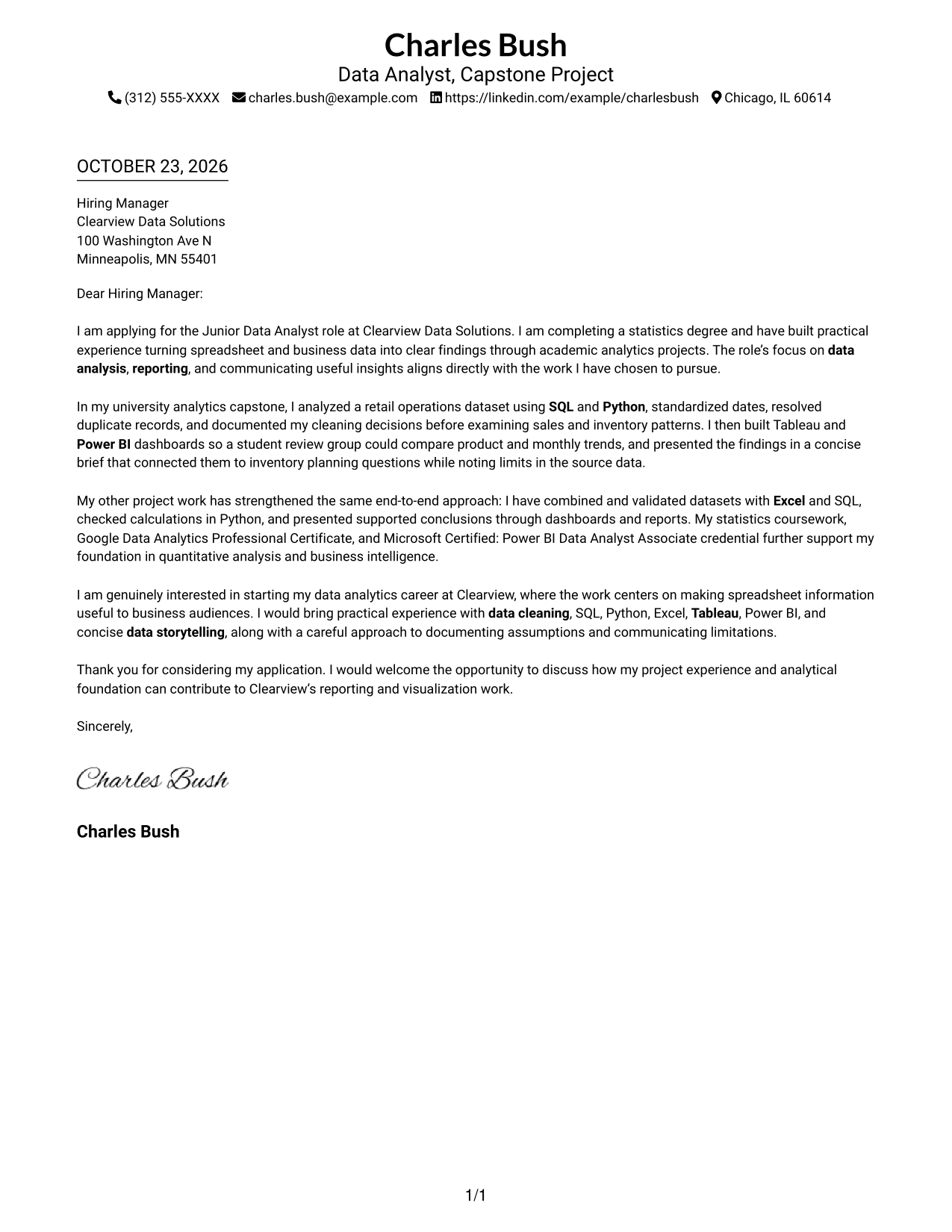
#1 Simple One Column Format Cover Letter Example
A single-column page gives the letter a direct path from the sender details in the header through the message, making it a natural choice for a straightforward, paragraph-led appeal.
Why This Format Works
- Sender details stay in the header, while the letter body follows one column.
- Continuous paragraphs let motivation and evidence develop without artificial section labels.
- The reader can follow the opening, project examples, and closing in sequence.
Best For
- Single-column letter reading
- Header-based contact details
- Paragraph-led persuasion
- Letters without section headings
- Photo-free presentation
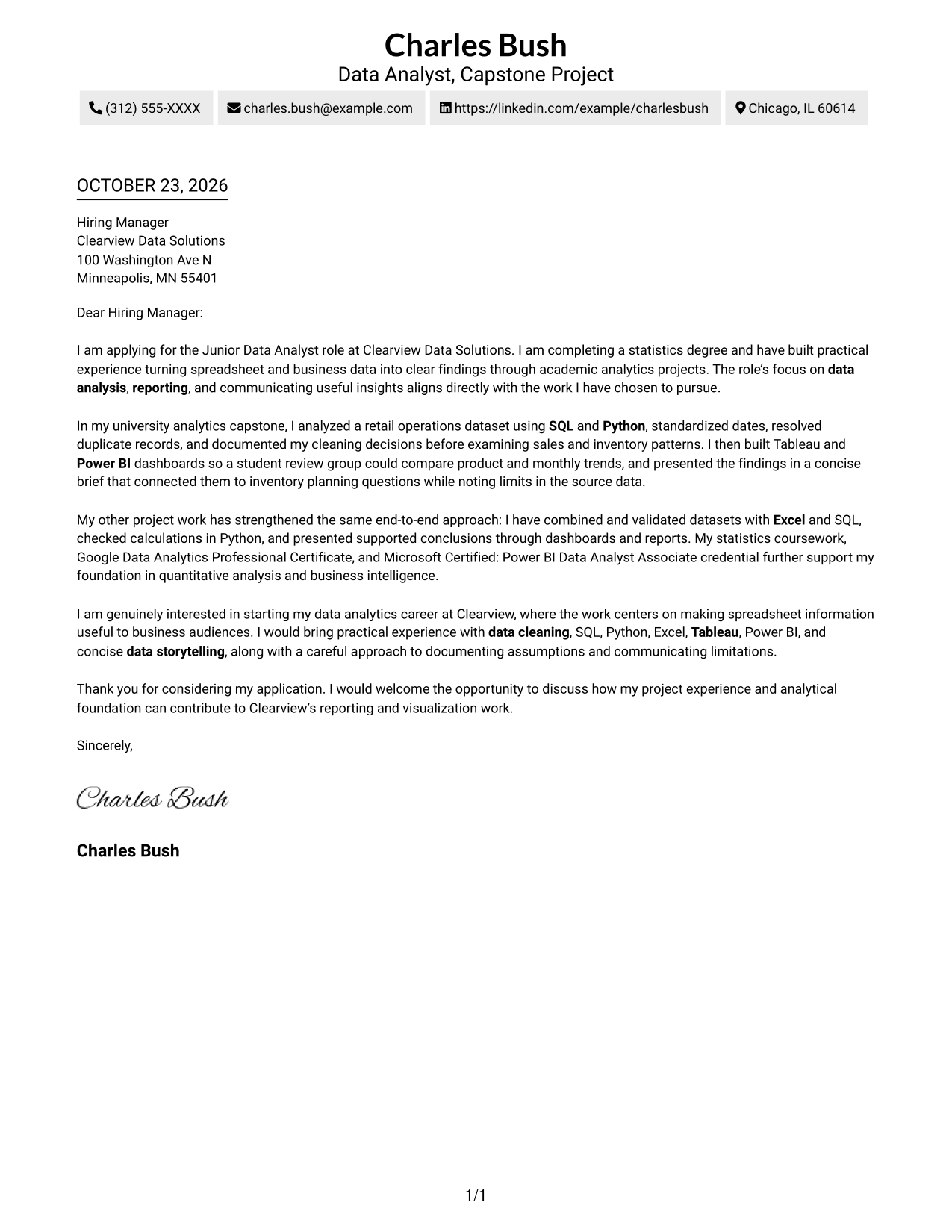
#2 Two Column Format Cover Letter Example
A contact sidebar sits beside the letter body, giving the contact details their own space while the message remains a continuous sequence of paragraphs.
Why This Format Works
- The sidebar separates sender details from the letter's central message.
- Motivation, supporting examples, and closing stay together in one continuous body.
- A dedicated contact area gives readers a consistent place to find key details.
Best For
- Sidebar contact lookup
- Single-body arguments
- Photo-free preference
- Multi-paragraph messages
- Employer-specific motivation
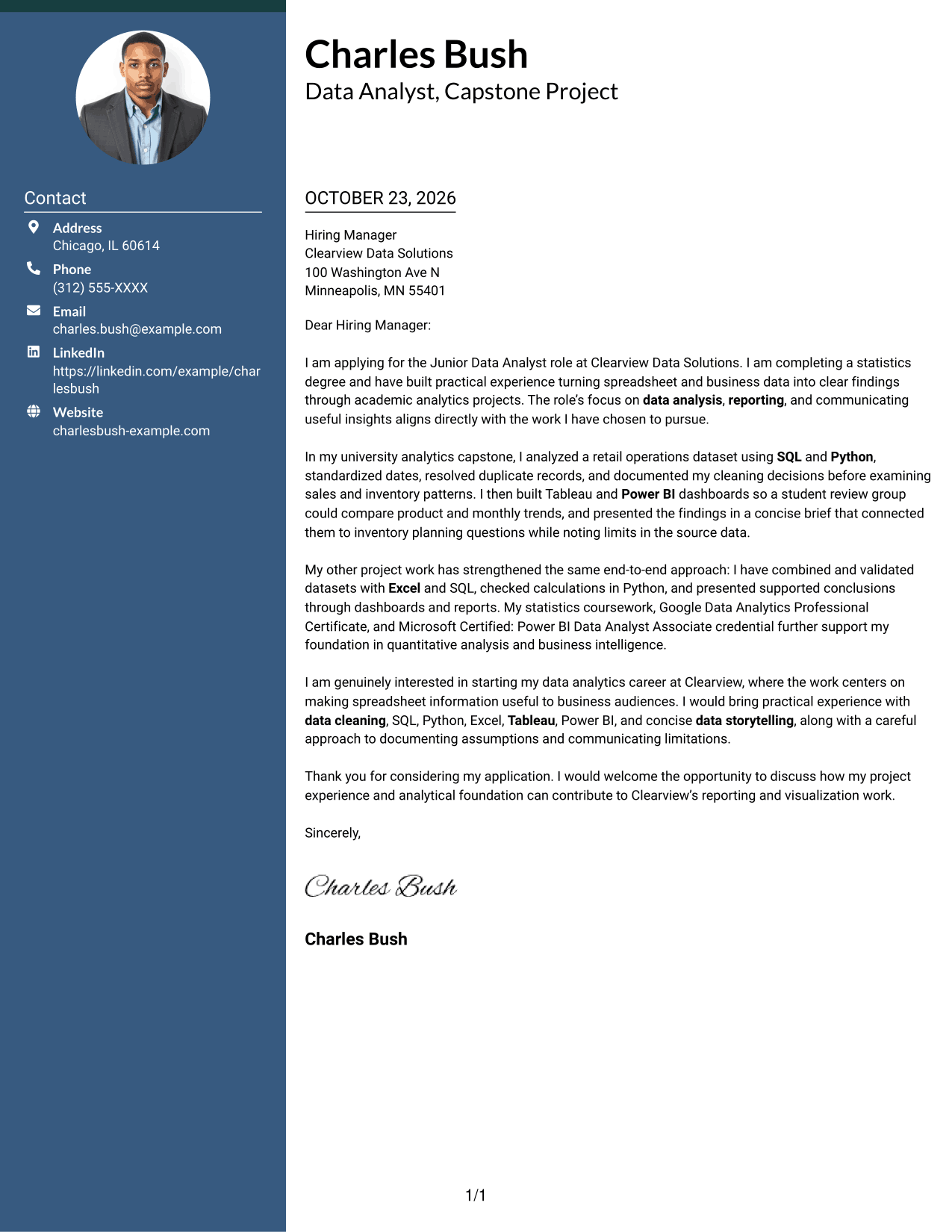
#3 Photo Header Two Column Format Cover Letter Example
A photo joins the two-column presentation, where a contact sidebar sits beside one continuous letter body, suiting readers who prefer a personal visual element.
Why This Format Works
- Contact details sit apart from the letter body in a sidebar.
- The photo adds a personal visual element for readers who prefer one.
- Opening, project evidence, and closing remain together in continuous paragraphs.
Best For
- Photo-inclusive letter layouts
- Separate contact sidebar
- Multi-paragraph arguments
- Employer-specific openings
- Single-body messages
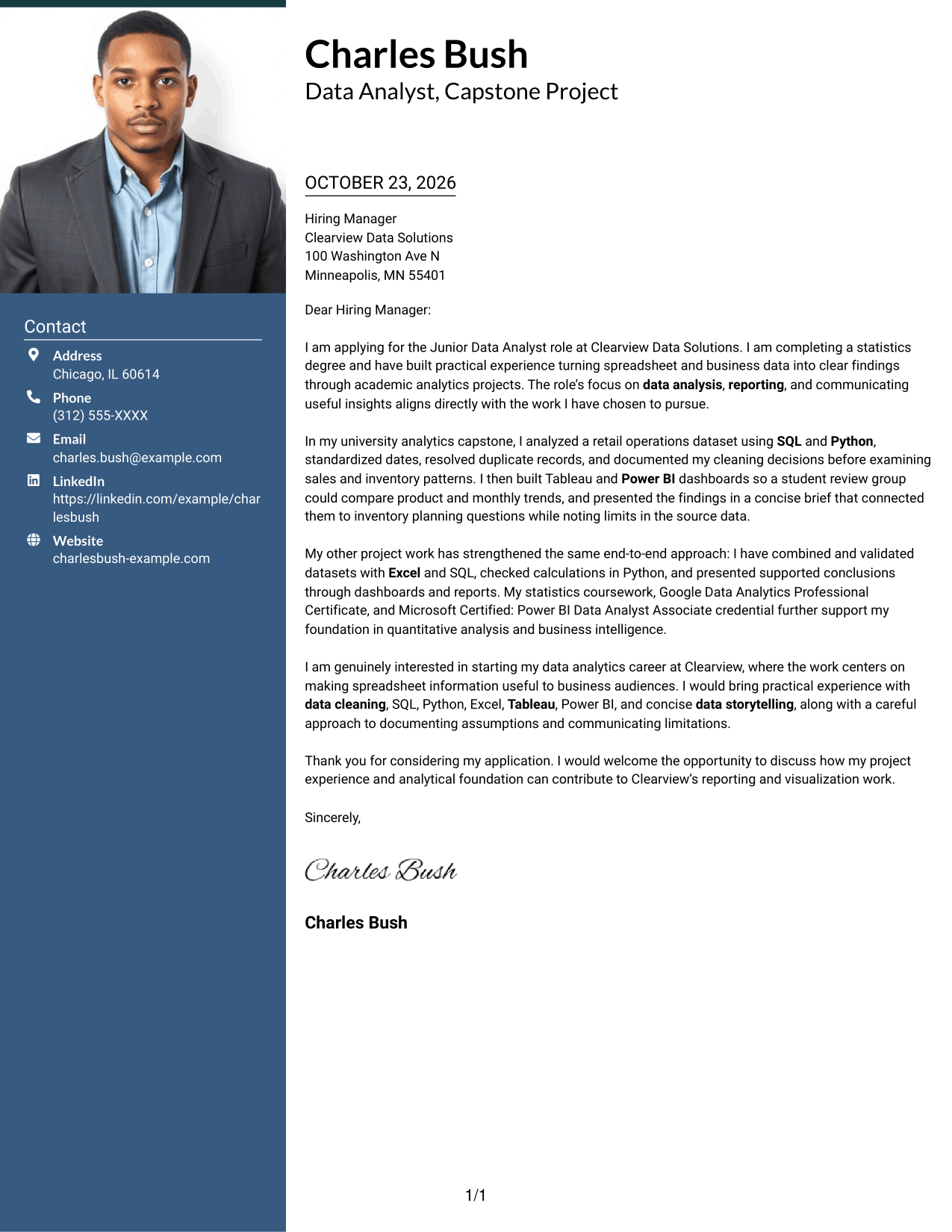
#4 One Column Format with Photo Cover Letter Example
This one-column layout includes a photo while keeping the sender details in the header and the letter body in one uninterrupted reading path.
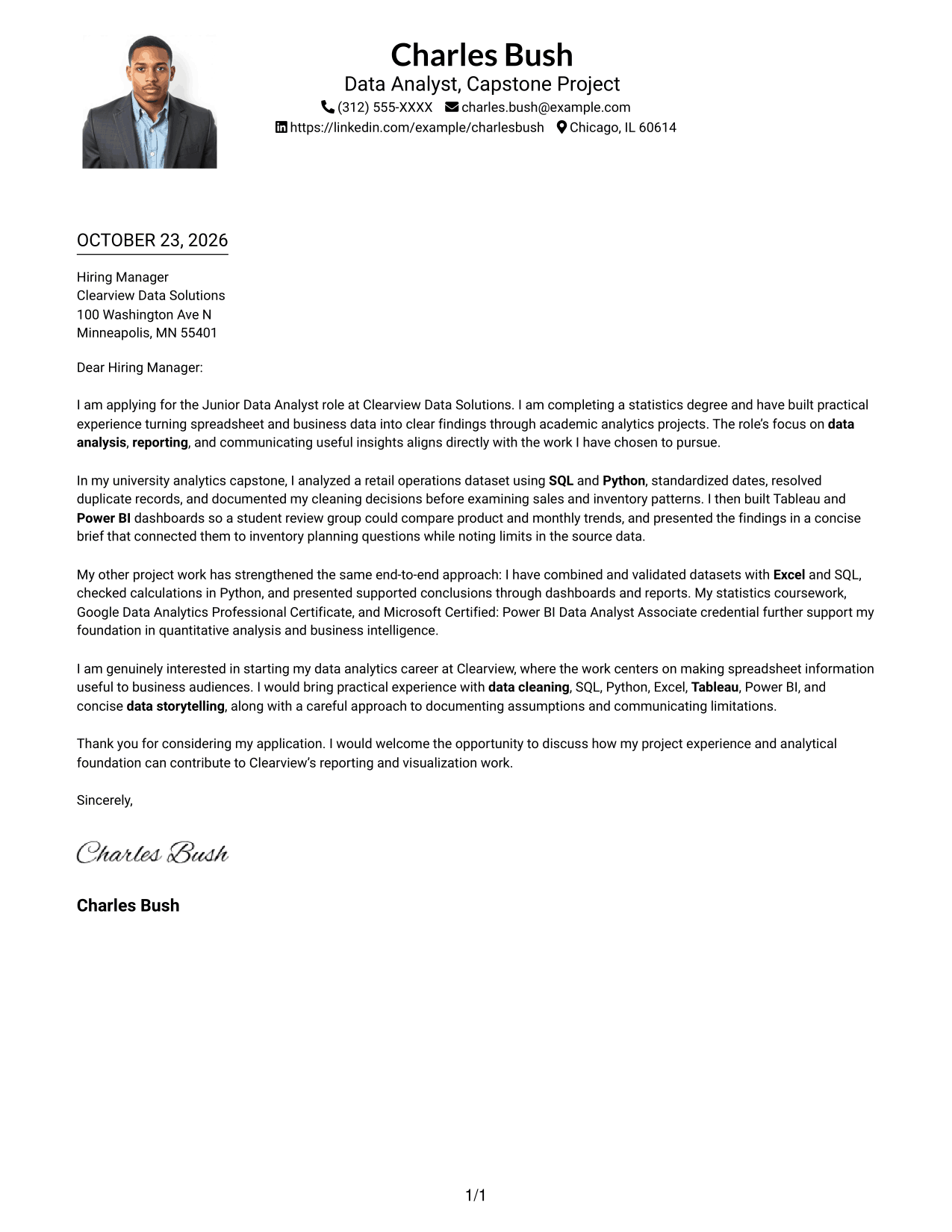
Why This Format Works
- One-column reading keeps the opening, evidence, and closing in sequence.
- Sender details stay with the header rather than occupying a separate sidebar.
- The photo offers a personal visual touch without dividing the letter body.
Best For
- Single-column letter reading
- Photo-inclusive presentation
- Header-based contact details
- Paragraph-led applications
- Letters with several supporting points
#5 Simple Two Column Format Cover Letter Example
A contact sidebar and a separate letter body make this two-column format a clear option when the message needs room to develop in paragraphs.
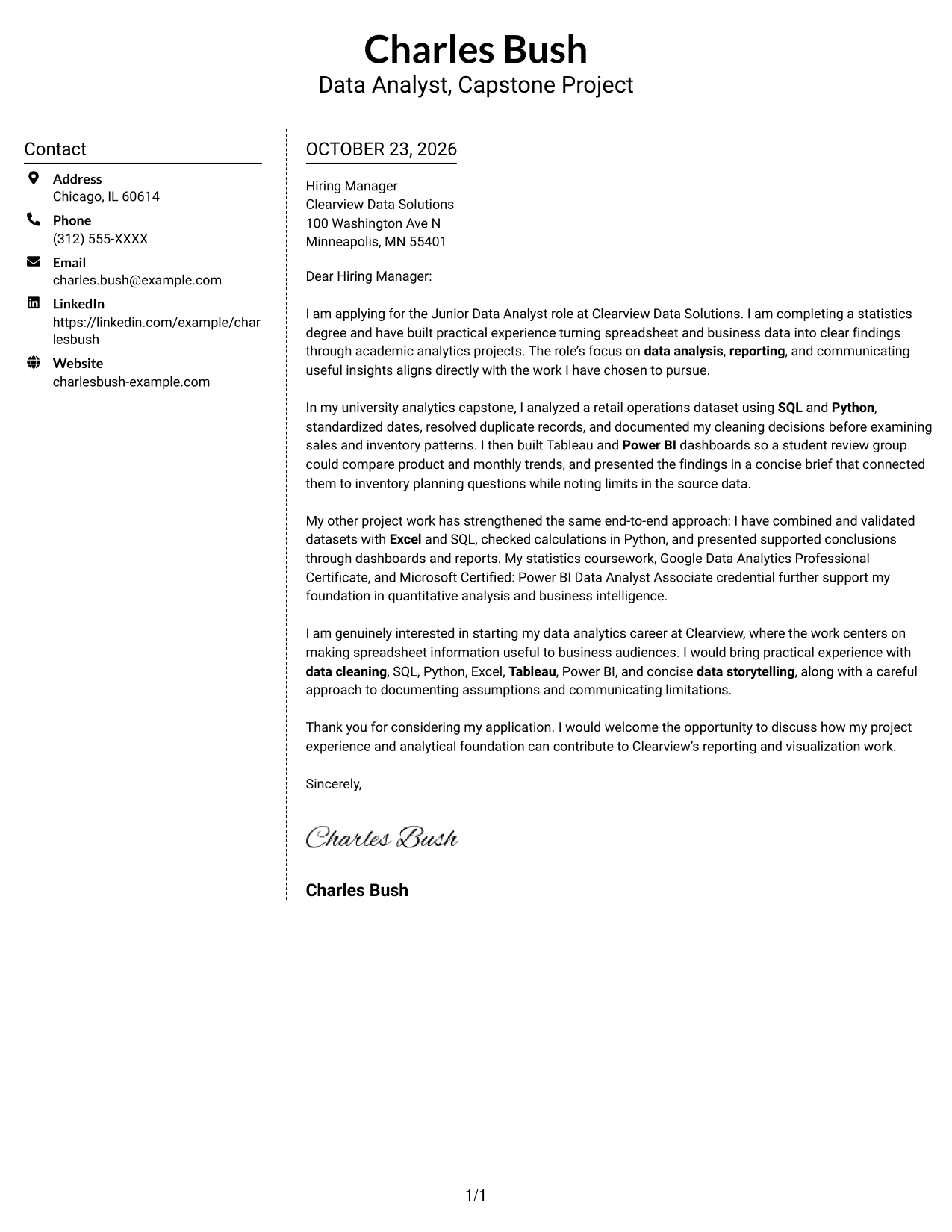
Why This Format Works
- The sidebar gives sender details a distinct place beside the letter.
- Motivation and project evidence stay in one body, not parallel columns.
- Paragraph spacing preserves a natural progression from opening through thanks.
Best For
- Contact details kept separate
- Opening-to-close letter flow
- Photo-free presentation
- Several supporting paragraphs
- Employer-specific motivation
#6 Modern Icon Format Cover Letter Example
Contact icons add visual cues to the sidebar in this two-column format, while the letter's opening, supporting message, and close remain continuous paragraphs.
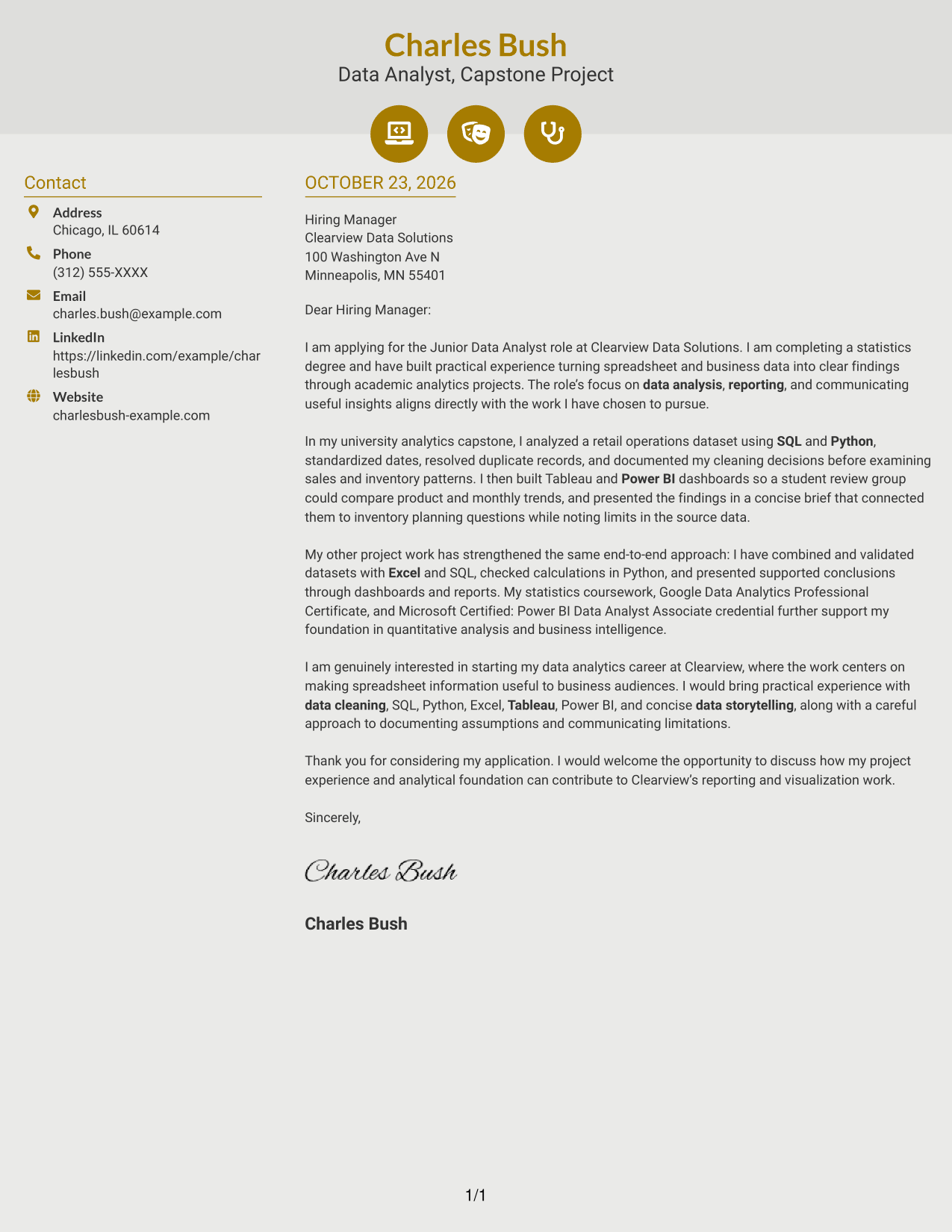
Why This Format Works
- Icons identify contact details without labeling parts of the letter's argument.
- The sidebar keeps sender information distinct from the continuous message.
- Opening, supporting examples, and closing remain together in one letter body.
Best For
- Contact details with visual cues
- Two-column contact organization
- Photo-free presentation
- Continuous letter paragraphs
- Letters with a clear closing
#7 Creative Two Tone Format Cover Letter Example
The two-column arrangement places contact details in a sidebar beside the continuous letter body, offering a distinct contact area without splitting the message.
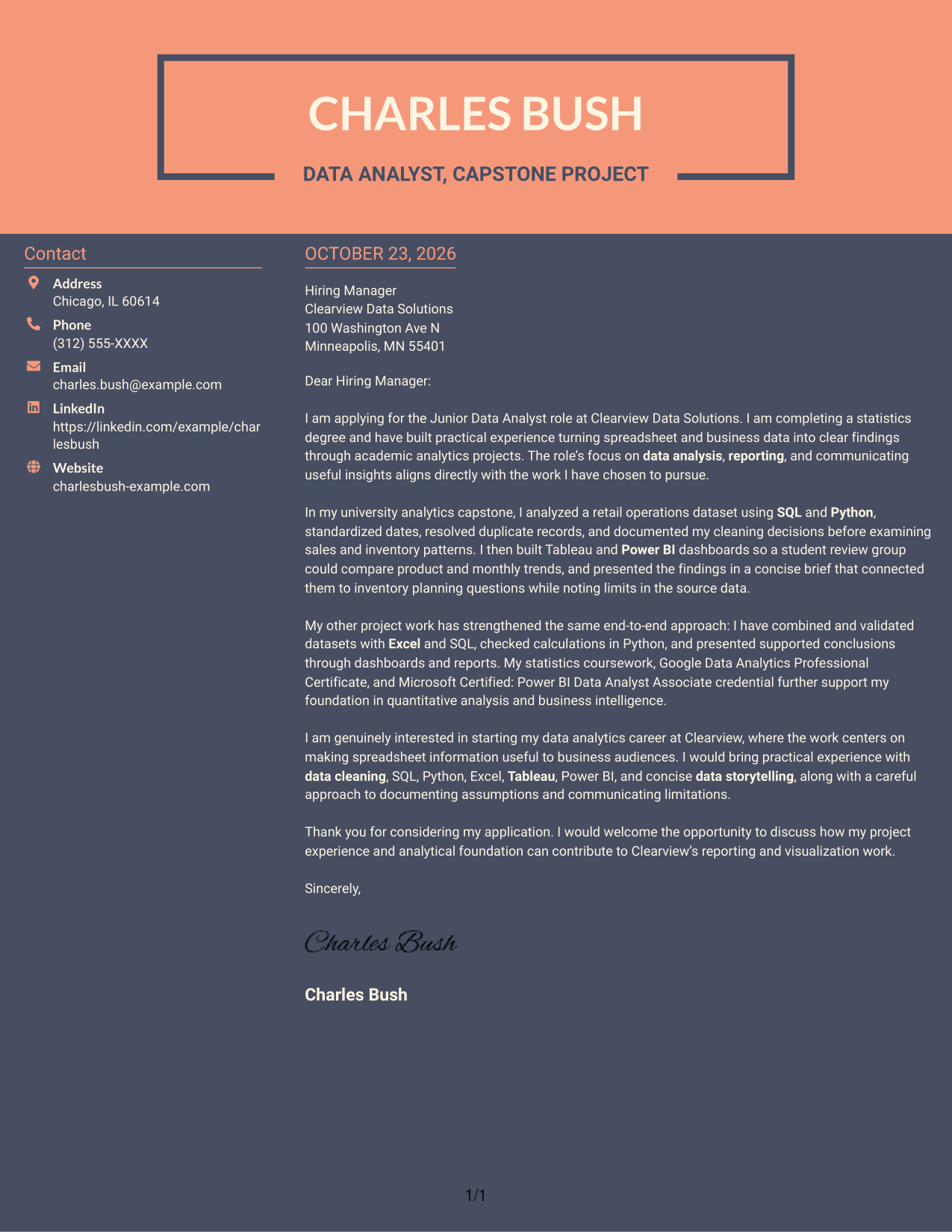
Why This Format Works
- A sidebar gives contact details a defined place beside the letter.
- The message stays in one body, so its paragraphs read as a connected appeal.
- Readers can distinguish the contact area from the letter's opening and close.
Best For
- Separate contact and message areas
- Connected paragraph-based appeals
- Photo-free document preference
- Letters with project evidence
- Visible sender information
Why Use ResumeInMinutes for a Junior Data Analyst - Reporting and Data Visualization Cover Letter
ResumeInMinutes gives you a clear example to review and an editor where you can customize your cover letter for the role.
- Clear cover letter layouts
- Focused role-specific guidance
- Example customization in the editor
- Readable presentation
- Support for tailored writing
- PNG image previews
Compare the preview images, then open an example in the editor to shape your letter around the employer’s needs and the evidence you can share.
See Also
- 7 Junior Data Analyst - Reporting and Data Visualization Resume Templates with Example
- 7 Data Analyst Intern - Human Services Reporting Resume Templates with Example
- 7 Analyst/Associate: Equity Research - Telecommunication, Data Center and Tower Resume Templates with Example
- 33 Analyst, Data Analytics Resume Templates with Example 2026 (ATS-Optimized)
- 33 Associate Actuarial Data Analyst, Reserving Resume Templates with Example 2026 (ATS-Optimized)
- 33 Associate Data Analyst Resume Templates with Example 2026 (ATS-Optimized)
- 33 Associate eCommerce Data Analyst Resume Templates with Example 2026 (ATS-Optimized)
- 33 Associate Master Data Analyst - Data Governance Resume Templates with Example
- 7 Data Analyst Intern - Human Services Reporting Cover Letter Templates with Example
- 30+ Analyst, Data Analytics Cover Letter Templates with Example 2026
Frequently Asked Questions
What should the opening paragraph say for a Junior Data Analyst - Reporting and Data Visualization cover letter?
State your interest in the role and connect it to reporting, data analysis, or clear visual communication. Keep the opening direct so the reader can see why the work matters to you.
How can I show that I fit this role in my cover letter?
Choose relevant evidence, such as preparing data, exploring patterns with SQL or Python, building a Tableau or Power BI dashboard, or explaining findings in a report. Describe what you did and how it helped answer a business question.
Which skills are relevant to a reporting and data visualization cover letter?
Depending on your background, you can discuss data cleaning, SQL, Python, Excel, Tableau, Power BI, reporting, and data storytelling. Include only skills and examples that reflect your own experience.
How should I close a cover letter for this role?
Thank the reader and briefly restate your interest in the role. End with a clear invitation to discuss how your relevant skills and experience could support reporting and visualization work.
Should I use a photo on my cover letter?
Use a photo only if it is common or expected in your country, region, or field. For U.S. applications, a cover letter without a photo is usually the safer choice.




