
7 Junior Facilities and Project Analyst - Defense Facilities Cover Letter Templates with Example
This guide helps you write a focused Junior Facilities and Project Analyst - Defense Facilities cover letter and compare seven layouts.
What Makes a Great Junior Facilities and Project Analyst - Defense Facilities Cover Letter in 2026
A strong letter connects facilities coordination and project analysis to the needs of the role. It should show clear interest in supporting defense facilities and senior-leader communications.
Use specific evidence, such as tracking assets, recording walkthrough findings, coordinating service visits, or reporting project progress. Explain how your approach supports safe operations, clear communication, and reliable follow-through.
The featured example moves from interest and role fit to facilities experience, project planning evidence, and a direct closing. Adapt this focused progression while choosing a presentation that suits the employer and communication context.
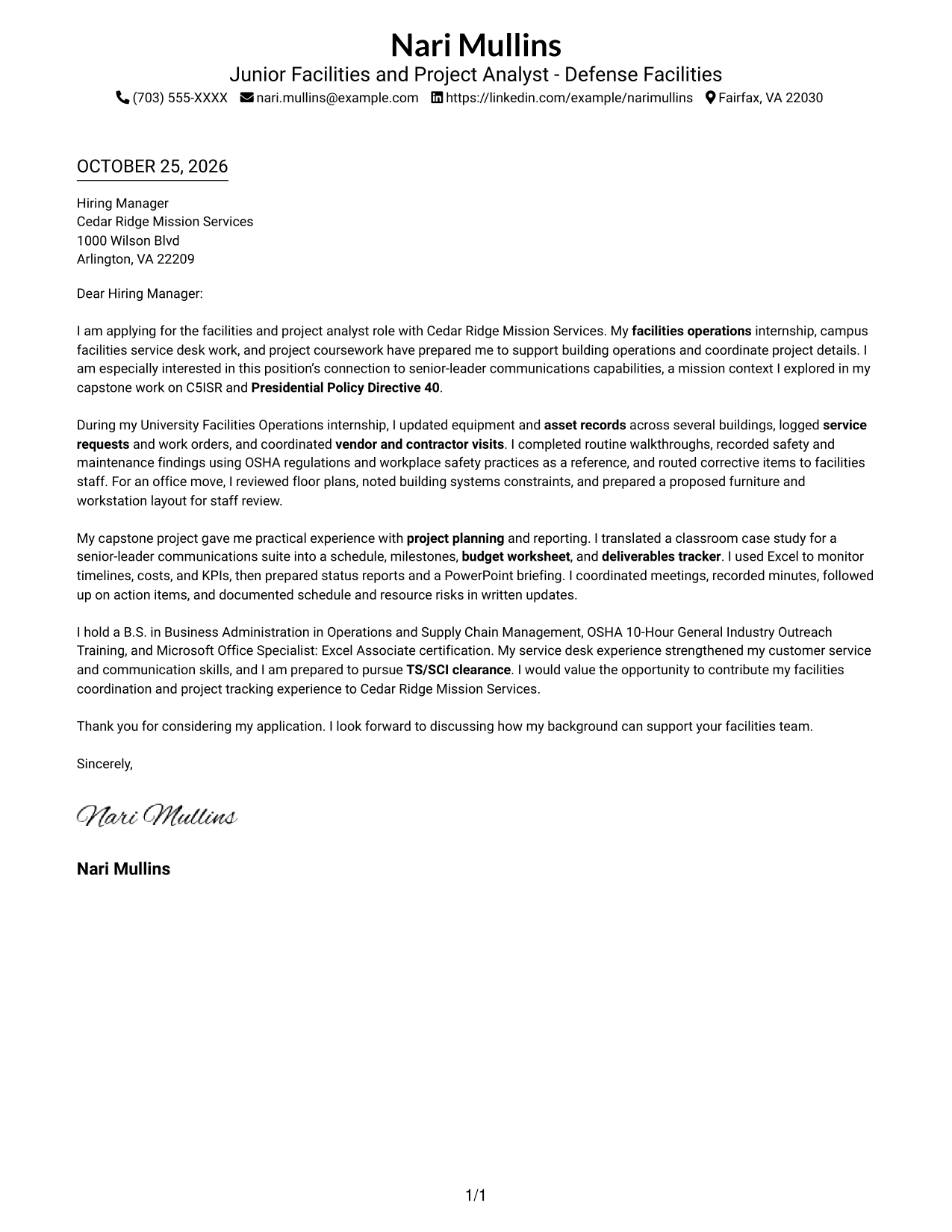
#1 Simple One Column Format Cover Letter Example
The single-column layout keeps sender details and the letter in one reading lane, a good choice for readers who prefer a straightforward page.
Why This Format Works
- One reading lane keeps the opening, evidence, and closing easy to follow.
- Sender details in the header are easy to locate before reading the message.
- Without a photo, the presentation stays focused on the written correspondence.
Best For
- Single-column letter reading
- Header contact details
- Paragraph-led application messages
- Applications without a portrait
- Direct opening-to-close correspondence
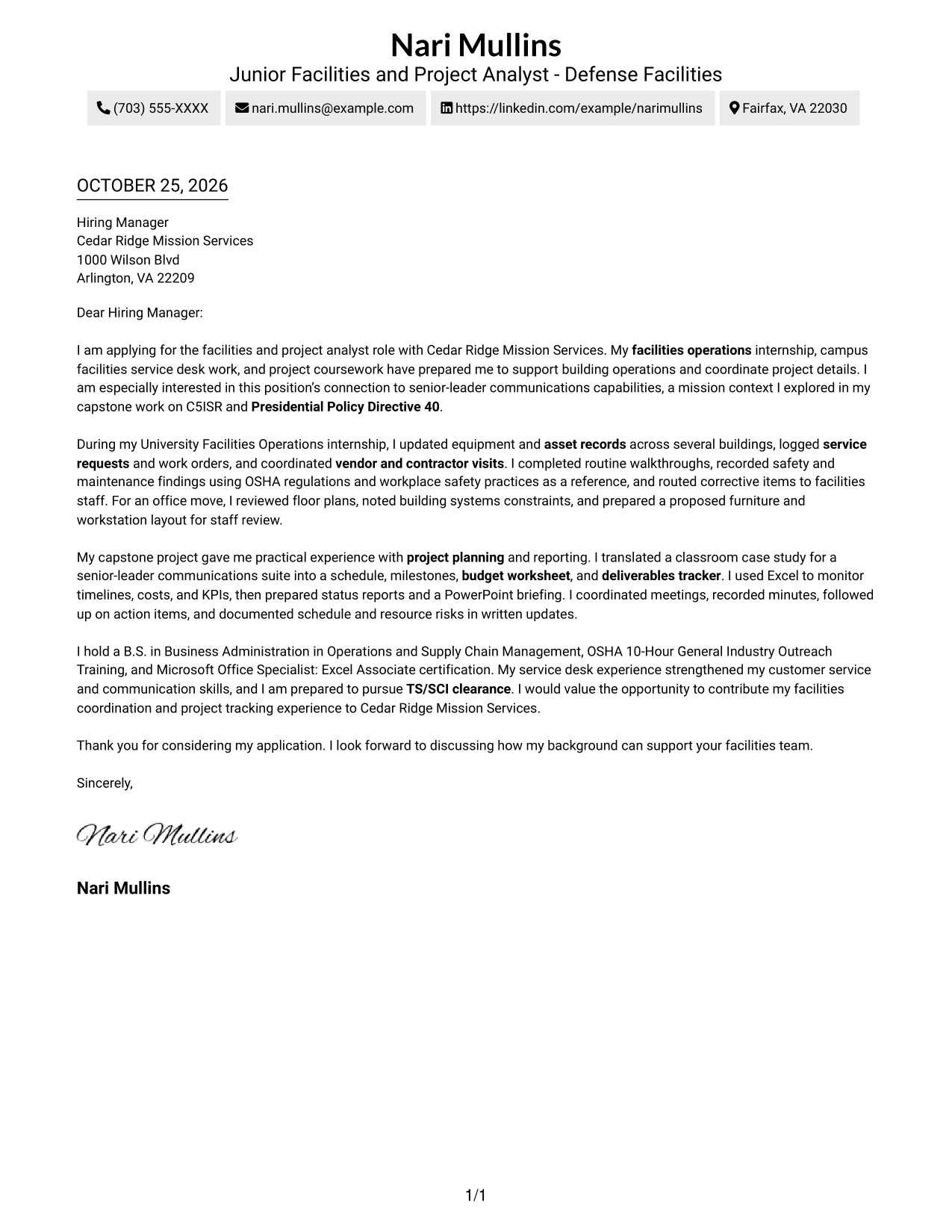
#2 Two Column Format Cover Letter Example
A contact sidebar sits beside the continuous letter body, a practical choice when readers need sender details separate from the message.
Why This Format Works
- Contact information stays separate from the message, making sender details easy to find.
- The letter body remains continuous, preserving the flow from interest through closing.
- No photo suits readers who prefer text-centered correspondence.
Best For
- Readers who prefer sidebar contacts
- A single persuasive message
- No-photo application materials
- Two-column document preference
- Continuous paragraph-based letters
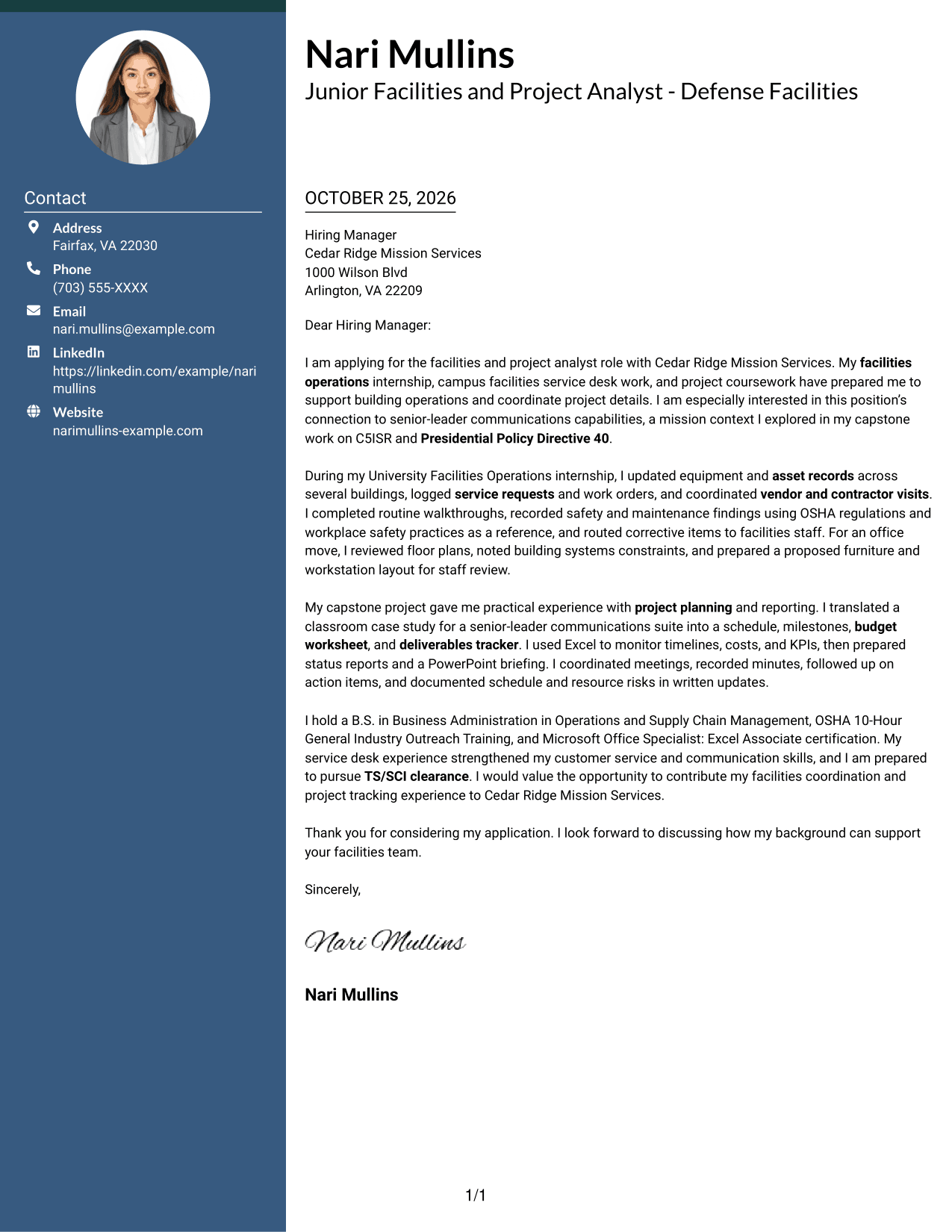
#3 Photo Header Two Column Format Cover Letter Example
A header portrait adds a personal visual element, while the contact sidebar keeps details apart from the continuous letter body.
Why This Format Works
- Contact details have their own area, leaving the letter to read as one message.
- Paragraphs carry the opening, supporting evidence, and close in a clear sequence.
- The portrait offers a visible personal touch without labeling letter content.
Best For
- Portrait-inclusive correspondence
- Contact details set apart
- Single-message persuasive letters
- Visible sender identity
- Two-column page preference
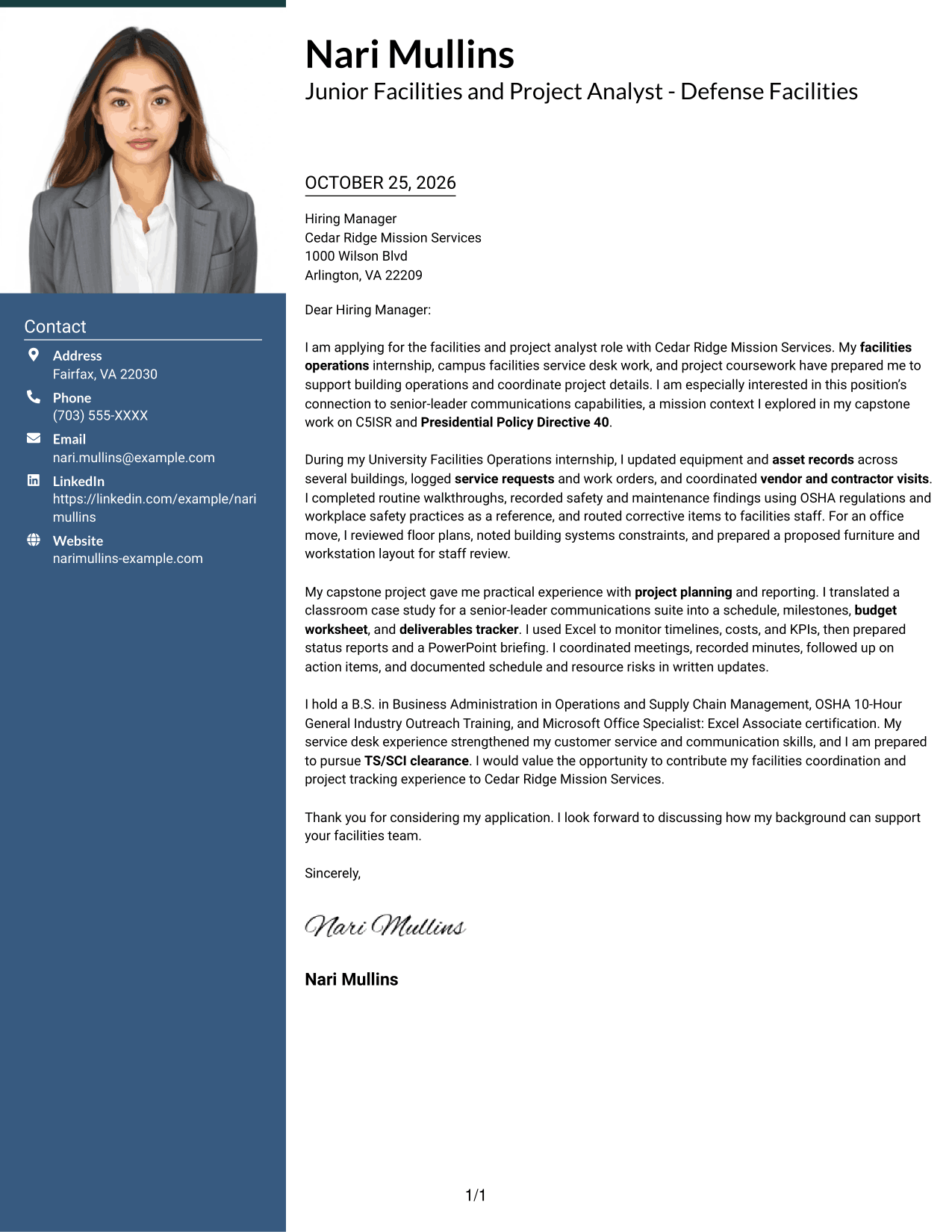
#4 One Column Format with Photo Cover Letter Example
A portrait accompanies the one-column letter, suited to readers who want a visible personal element without a contact sidebar.
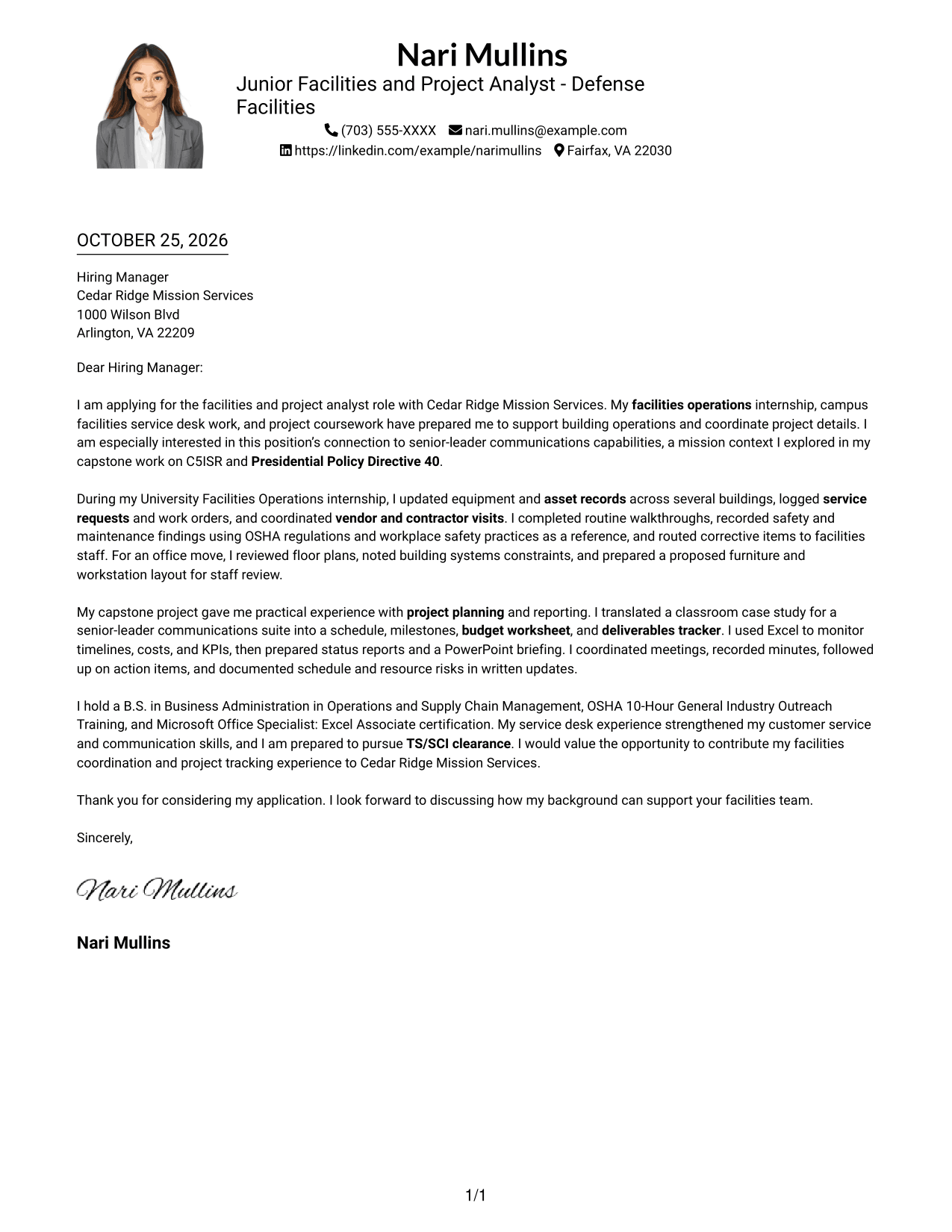
Why This Format Works
- One reading lane lets reviewers follow the message from opening to closing.
- The header portrait adds a personal visual element without organizing the argument.
- Sender details stay with the letter rather than in a separate contact column.
Best For
- Photo-inclusive application letters
- One-column document preference
- Header portrait presentation
- Contact details in the header
- A continuous written appeal
#5 Simple Two Column Format Cover Letter Example
A contact sidebar stands beside the continuous letter body, giving sender details a separate place without splitting the message.
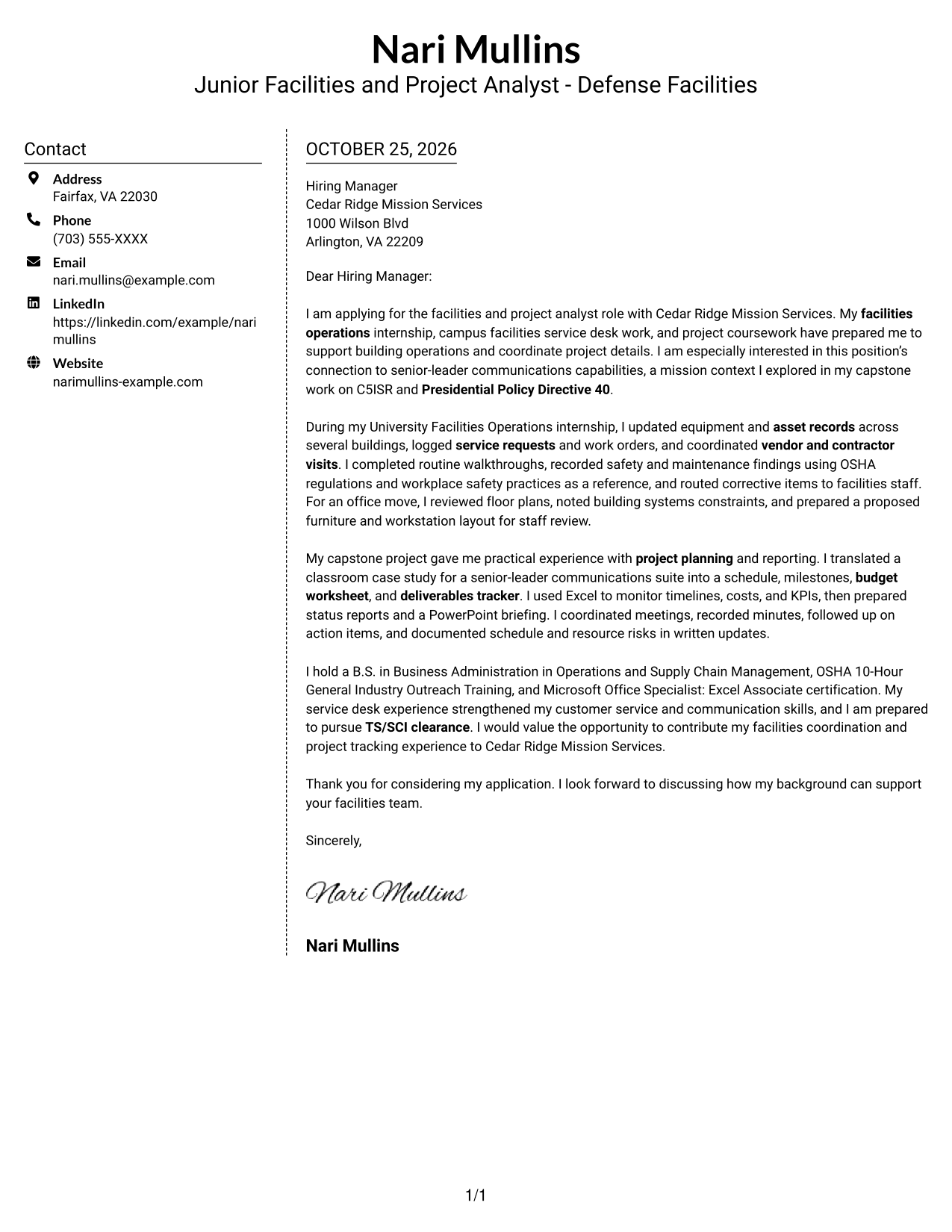
Why This Format Works
- Sidebar contact details remain distinct from the letter's full persuasive message.
- One uninterrupted body keeps motivation, supporting details, and closing together.
- Without a photo, the layout suits text-first correspondence preferences.
Best For
- Readers preferring contact separation
- One continuous written appeal
- Applications without a portrait
- Two-column document preference
- Letters emphasizing written communication
#6 Modern Icon Format Cover Letter Example
Contact icons add visual cues in the sidebar while the letter stays in one continuous body, useful when sender details need quick recognition.
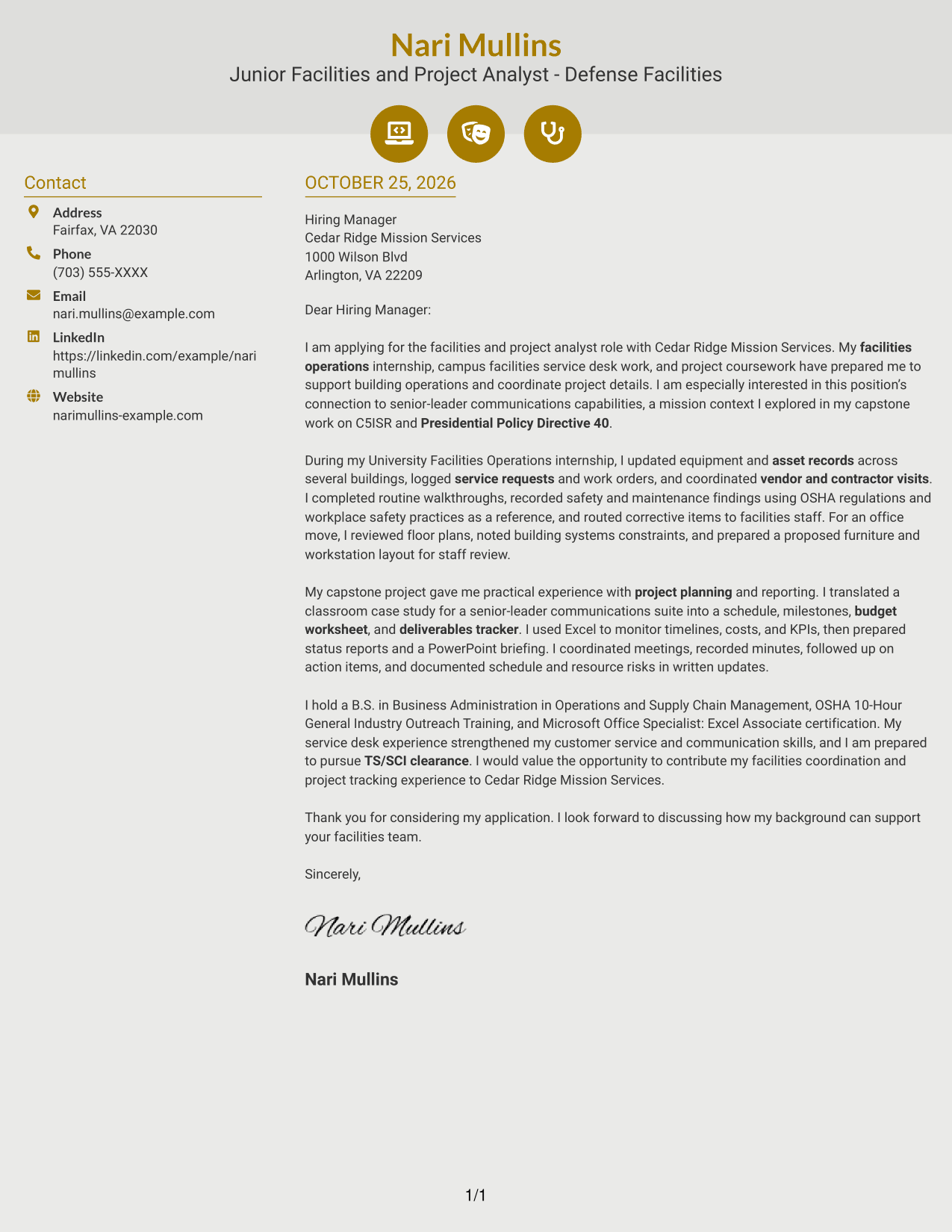
Why This Format Works
- Contact icons help readers spot sender details without labeling parts of the argument.
- The sidebar separates contact information while the message remains a continuous body.
- Opening, evidence, and closing stay together without icon-labeled sections.
Best For
- Contact icons for quick lookup
- A continuous letter narrative
- No-photo correspondence
- Two-column layout preference
- Decorative header detail
#7 Creative Two Tone Format Cover Letter Example
The contact sidebar and single letter body create two clear page areas, useful for readers who want sender details apart from the message.
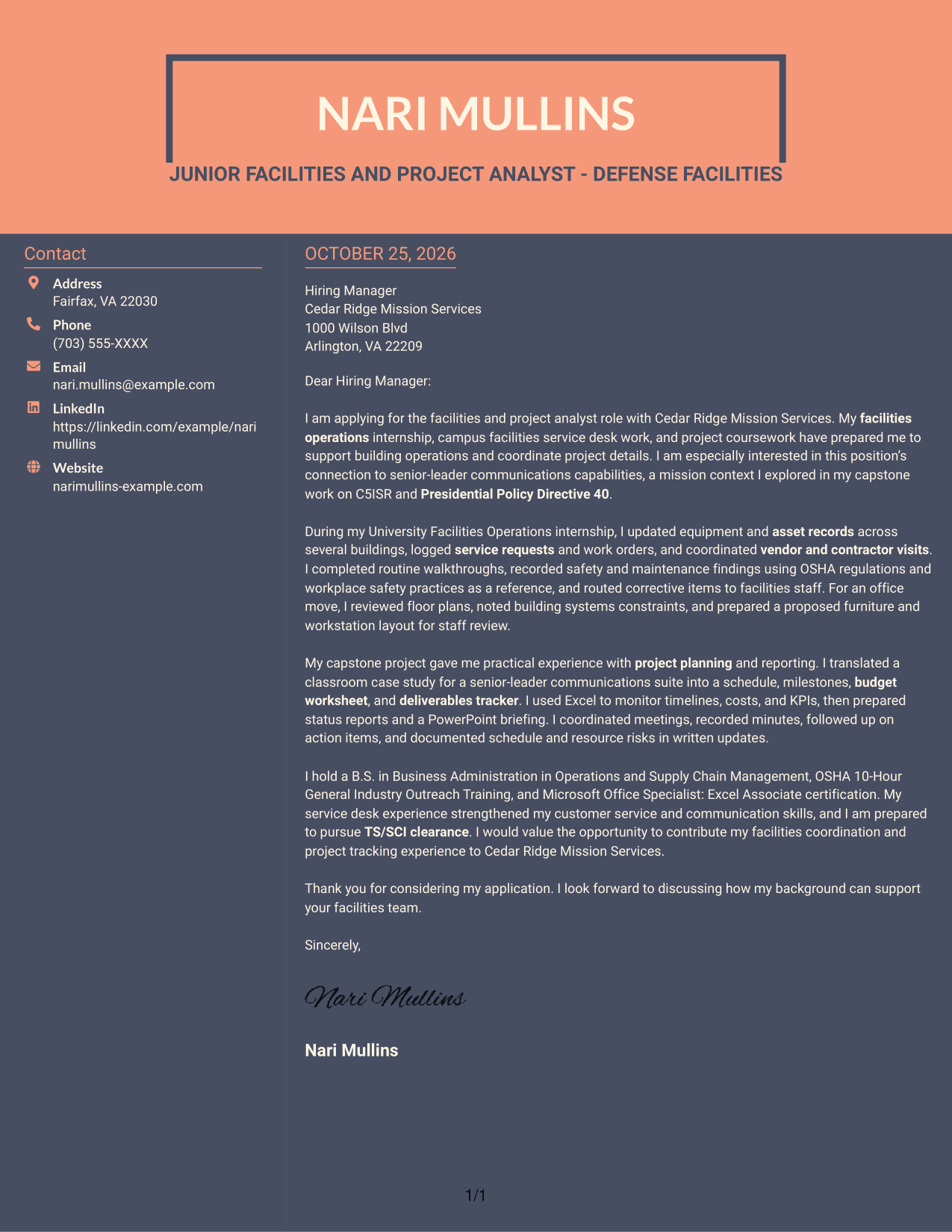
Why This Format Works
- The sidebar places sender details beside, not inside, the written appeal.
- Opening, evidence, and closing remain in the same continuous letter body.
- No portrait suits readers who prefer text-led correspondence.
Best For
- Separated sender and letter areas
- No-photo application letters
- Continuous argument structure
- Two-column page preference
- Text-led correspondence
Why Use ResumeInMinutes for a Junior Facilities and Project Analyst - Defense Facilities Cover Letter
ResumeInMinutes lets you compare cover letter image previews and open an example in the editor. Use the example as a starting point, then shape your message around the role and the evidence you can support.
- Cover letter styles to compare
- Clear, readable layouts
- Role-focused writing guidance
- Focused opening and closing
- Professional presentation options
- Examples available in the editor
Choose a layout that supports a direct, professional message. Make your interest clear, connect your facilities and project experience to the role, and close with confidence.
See Also
- 7 Junior Facilities and Project Analyst - Defense Facilities Resume Templates with Example
- 7 Facilities Operations Analyst - Data Center Operations Resume Templates with Example
- 7 Sr. Analyst, Facilities Management (FM) Center of Excellence (COE) Resume Templates with Example
- 7 Internet Developer & Project Analyst Resume Templates with Example
- 33 Accounts Payable Analyst - Invoice Processing Resume Templates with Example 2026 (ATS-Optimized)
- 33 Accounts Payable Analyst Resume Templates with Example 2026 (ATS-Optimized)
- 7 AI Operations Adoption and Enablement Analyst Resume Templates with Example
- 33 All Source Intelligence Analyst - Intelligence Analysis Resume Templates with Example
- 30+ Accounts Payable Analyst Cover Letter Templates with Example 2026
- 7 AI Operations Adoption and Enablement Analyst Cover Letter Templates with Example
Frequently Asked Questions
What should a Junior Facilities and Project Analyst - Defense Facilities cover letter emphasize?
Focus on facilities operations, accurate asset and service records, safety-focused walkthroughs, and clear coordination with staff and vendors. Also show how you track project schedules, milestones, budgets, and follow-up items when those examples match your experience.
How can I show fit for the defense facilities mission?
Connect your interest in the role to its support for senior-leader communications capabilities. If you have relevant coursework or other supported experience with C5ISR or Presidential Policy Directive 40, describe it accurately and do not suggest that you handled classified information unless that is true.
What is a useful structure for this cover letter?
Open by naming the role and explaining your interest. Use the body to give specific examples of facilities coordination and project work, then close by stating how you hope to contribute and inviting a conversation.
How can I write about limited direct experience?
Use relevant internship, campus, academic, or service experience that you can describe honestly. Explain what you did, how you communicated or tracked the work, and why that experience matters to this facilities and project analyst role.
Should I use a photo on my cover letter?
For most U.S. job applications, a cover letter without a photo is a clear, professional choice. Use a photo only when the employer or local hiring practice specifically expects one.




