
30+ Junior Penetration Tester Cover Letter Templates with Example 2026
This practical guide helps you create a focused Junior Penetration Tester cover letter that connects your technical preparation with the needs of the role. You will learn how to present your fit clearly and give the hiring team a useful reason to continue reading.
An effective cover letter for this role should do more than name security tools. It should show how you approach approved testing, evaluate vulnerabilities, protect sensitive information, explain risk, and work with senior professionals and customers. The examples below demonstrate how to make those points in a clear and professional voice.
You will see how to write a direct opening, choose evidence for the body paragraphs, explain your interest in penetration testing and cyber risk work, connect your abilities to the employer's needs, and close with confidence. The featured cover letter is presented in 33 different layouts so you can compare formats while keeping the message focused on the exact target role.
What Makes a Great Junior Penetration Tester Cover Letter in 2026
A strong cover letter for a Junior Penetration Tester is specific, careful, and connected to the employer's work. It should help the reader understand three things:
- How you have practiced reconnaissance, vulnerability review, and evidence collection within approved boundaries
- How you understand TCP/IP, DNS, firewalls, Windows, Linux, access control, and basic security risk
- How you communicate findings, accept guidance, support customers, and work responsibly with sensitive information
Rather than repeating every qualification, an effective letter explains:
- Why you are interested in supervised penetration testing and cyber risk analysis
- How your lab, practicum, and assessment experience relates to the employer's missions
- How your reports, briefings, threat research, and escalation judgment can support senior advisors, analysts, and engineers
Useful role-specific details may include Nmap, Nessus, Wireshark, Burp Suite, technical reporting, vulnerability assessment, TCP/IP, DNS, firewalls, Windows, Linux, access control, threat research, and customer support. Include only the tools and skills you can discuss honestly and connect them to a clear example of responsible work.
The templates below show how one effective Junior Penetration Tester cover letter can use different professional presentation styles while keeping the opening, evidence, motivation, employer alignment, and closing easy to follow.
The featured example follows a focused progression from interest in the role to relevant evidence, employer alignment, and a professional close, which readers can adapt while choosing a presentation suited to the employer and communication context.
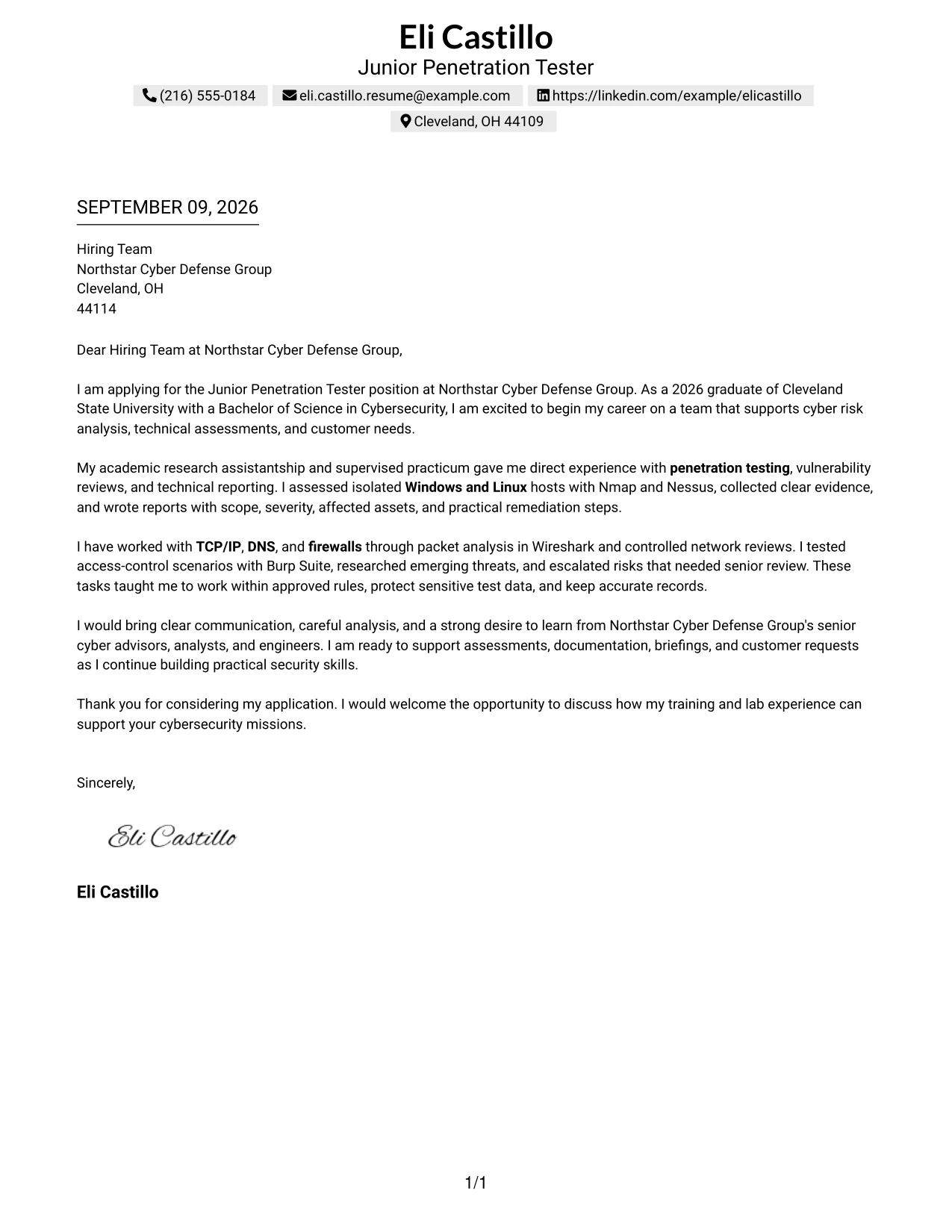
#1 Cover Letter Example: Text/Fang Style
The Text/Fang Style presents a direct, centered cover letter with a clear reading path. It gives the opening, supporting evidence, employer fit, and closing enough space to speak for themselves without visual distractions.
For a Junior Penetration Tester application, the letter can connect supervised assessments, vulnerability reviews, network analysis, and technical reporting to Northstar Cyber Defense Group's needs. Its plain structure supports a professional tone and makes the candidate's motivation easy to follow.
Cover Letter Snapshot
- Opening: States interest in the Junior Penetration Tester role and Northstar Cyber Defense Group's cyber missions.
- Evidence: Connects supervised lab work with Nmap, Nessus, vulnerability reviews, and technical reports.
- Alignment: Links TCP/IP, DNS, firewalls, Windows, Linux, and access-control testing to the role.
- Closing: Shows readiness to support senior advisors, assessments, briefings, and customer requests.
Why This Cover Letter Works
- The centered opening gives the employer an immediate reason to continue reading.
- The first body section presents relevant experience before moving to broader technical preparation.
- Specific tools such as Nmap, Nessus, Wireshark, and Burp Suite make the claims concrete.
- The letter explains how findings were documented and escalated, not only which tools were used.
- References to approved rules and sensitive test data show professional judgment.
- The final paragraph connects communication and analysis to Northstar's customer-facing work.
- The simple structure keeps motivation, evidence, and employer fit separate and easy to scan.
Relevant Keywords
- Junior Penetration Tester
- penetration testing
- vulnerability reviews
- Nmap
- Nessus
- TCP/IP
- DNS
- technical reporting
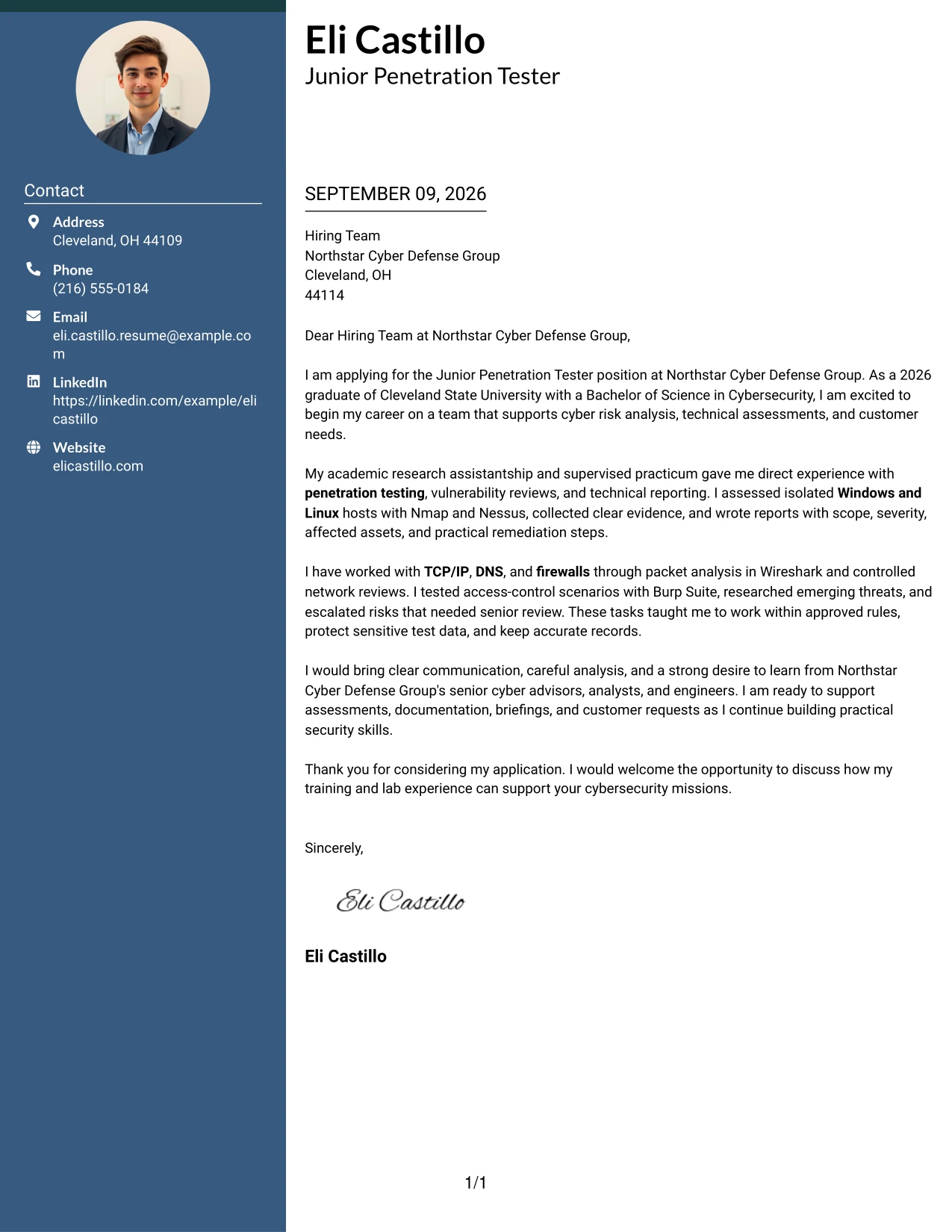
#2 Cover Letter Example: Two Column Format
A recruiter can move from the main letter to a supporting side column, then return to the closing message without losing the central argument. The Two Column Format works well when a cover letter must present motivation and evidence while keeping contact or role details nearby. For this application, the main column can explain supervised penetration testing and the reason for applying. The secondary column can reinforce tools, network knowledge, and communication strengths that match Northstar Cyber Defense Group's entry-level support work.
Why This Cover Letter Works
- The main column gives the application story the strongest visual priority.
- A secondary column keeps supporting details close without interrupting the letter's paragraphs.
- The opening can name both the target role and the employer's cyber mission.
- Evidence from Windows and Linux assessments gives the motivation a credible foundation.
- Technical terms remain useful because they are grouped beside, not buried inside, the main message.
- The layout supports a short closing that clearly invites further discussion.
- Two-column navigation helps readers compare role alignment with supporting preparation.
Best For
- Applicants who need to pair a persuasive letter with a compact set of supporting details.
- Cover letters where the main message and technical preparation should remain visibly separate.
- Readers who prefer to review employer fit first and evidence second.
- Applications with several relevant tools but limited room for long explanations.
- Letters that must show both independent preparation and readiness to work with senior staff.
- A structured presentation of assessment experience, communication ability, and customer support readiness.
- Documents that benefit from a quick side reference while the main letter carries the argument.
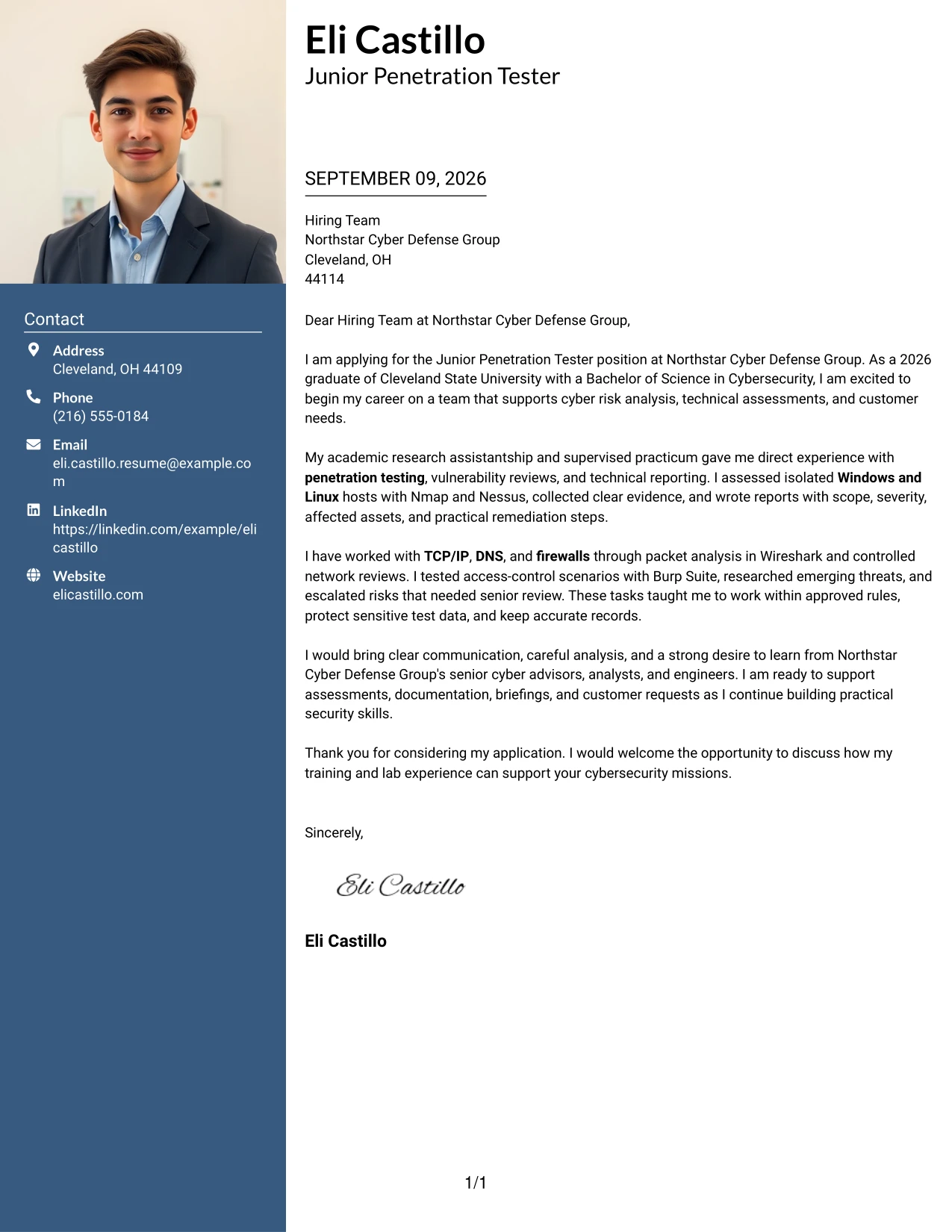
#3 Cover Letter Example: Photo Header Two Column Format
The strongest evidence should appear early: supervised penetration testing, clear assessment reports, and careful handling of sensitive information. A photo header can introduce the applicant while the two-column structure separates the persuasive letter from supporting details. That arrangement helps this application show both technical preparation and professional presence. The main message can connect Nmap, Nessus, Wireshark, and Burp Suite work to Northstar's need for careful assessment support, while the supporting area reinforces communication and discretion.
Why This Cover Letter Works
- The opening leads with evidence that directly supports the requested cybersecurity work.
- The photo header can provide a personal introduction without replacing the written case for fit.
- Two columns distinguish the employer-focused argument from supporting preparation.
- Tool references are tied to supervised tasks rather than presented as unsupported claims.
- The letter shows that technical findings were converted into practical remediation steps.
- Mentioning discretion and approved test boundaries supports the employer's expectation of professionalism.
- The format gives the reader both a human introduction and a focused evidence path.
Best For
- Applicants whose written evidence should remain the main reason to consider the application.
- Situations where a professional visual introduction supports, but does not replace, the letter's argument.
- Cover letters that need to separate assessment examples from communication strengths.
- Applications with several forms of evidence, such as lab work, practicum work, and reporting.
- Readers who want a quick view of technical preparation beside a fuller motivation statement.
- Roles that combine controlled testing with briefings, documentation, and customer communication.
- A polished presentation of evidence when the applicant is comfortable including a professional photograph.
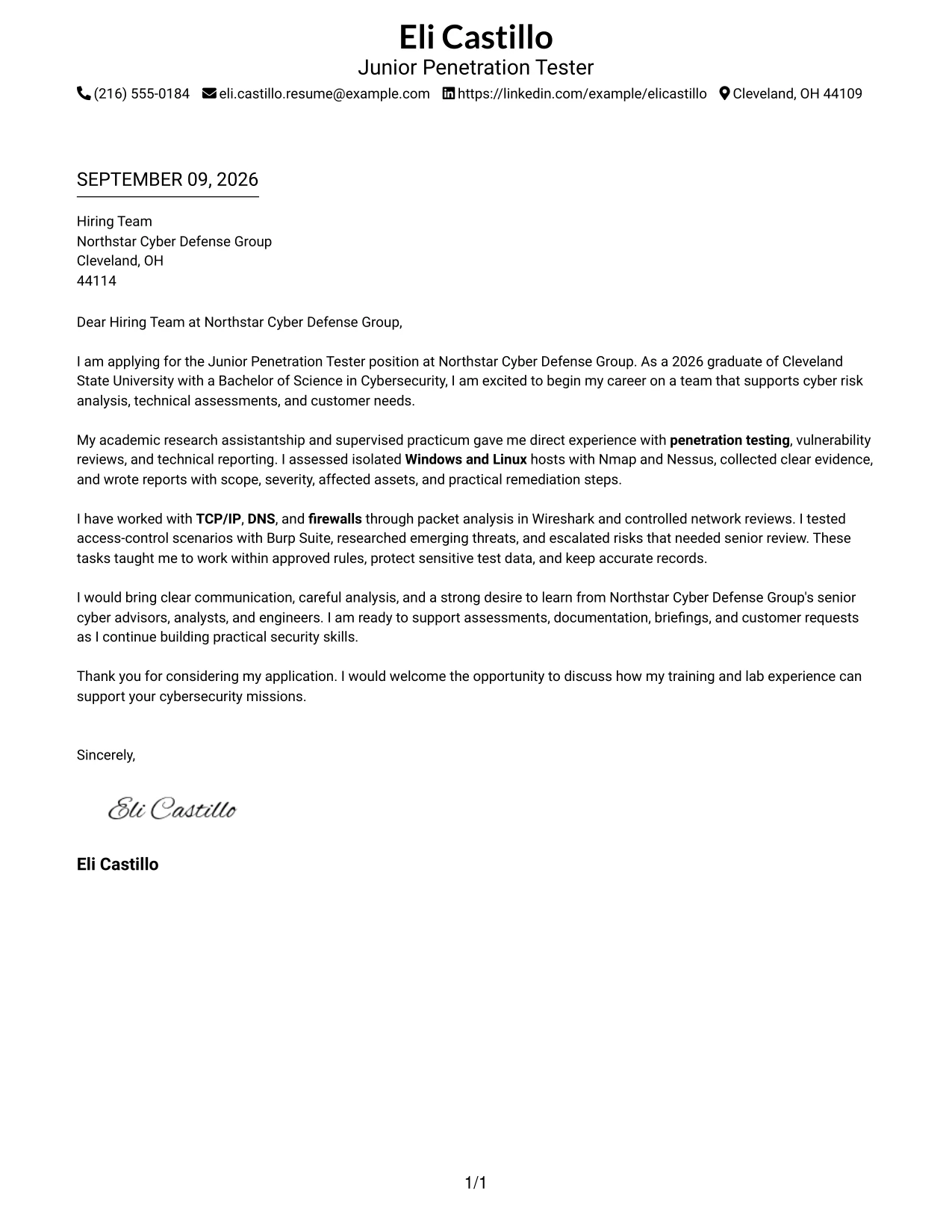
#4 Cover Letter Example: Simple One Column Format
Balanced spacing gives each part of the application a clear purpose: the opening establishes interest, the body proves preparation, and the closing invites a conversation. The Simple One Column Format keeps these parts in one steady sequence. That sequence suits a letter that must explain a 2026 Cybersecurity degree, supervised testing experience, and readiness to support senior cyber advisors. It leaves room for a calm explanation of how technical skills can serve Northstar's assessments, reporting, and customer requests.
Why This Cover Letter Works
- One-column reading keeps the opening and closing connected to the supporting evidence.
- Balanced spacing prevents technical details from crowding out motivation.
- The letter can present education as preparation while giving practical work equal attention.
- A single sequence makes the move from lab experience to employer fit easy to understand.
- Plain wording supports customer-facing communication, not only technical review.
- The closing can show readiness to learn without overstating experience.
- The restrained structure suits an application that values judgment, accuracy, and professionalism.
Best For
- Applicants who want a direct letter with no competing reading paths.
- Early-career applications where education and supervised practice should be explained together.
- Cover letters that need a calm progression from interest to evidence to next steps.
- Readers who value familiar business-letter organization and generous spacing.
- Applications with a few strong examples that deserve complete explanation.
- Letters for roles requiring clear communication with both technical and nontechnical readers.
- Documents that must remain easy to review on screen or in print.
#5 Cover Letter Example: One Column Format with Photo
When an application needs to introduce the person and the purpose of the letter at the same time, a one-column presentation keeps both elements in view. The photo can support a personal introduction, while the written content remains responsible for showing preparation and fit. For this Junior Penetration Tester application, the letter can move from interest in Northstar Cyber Defense Group to evidence from lab hosts, controlled web testing, and technical reporting. The single column keeps those examples connected to the closing request for a conversation.
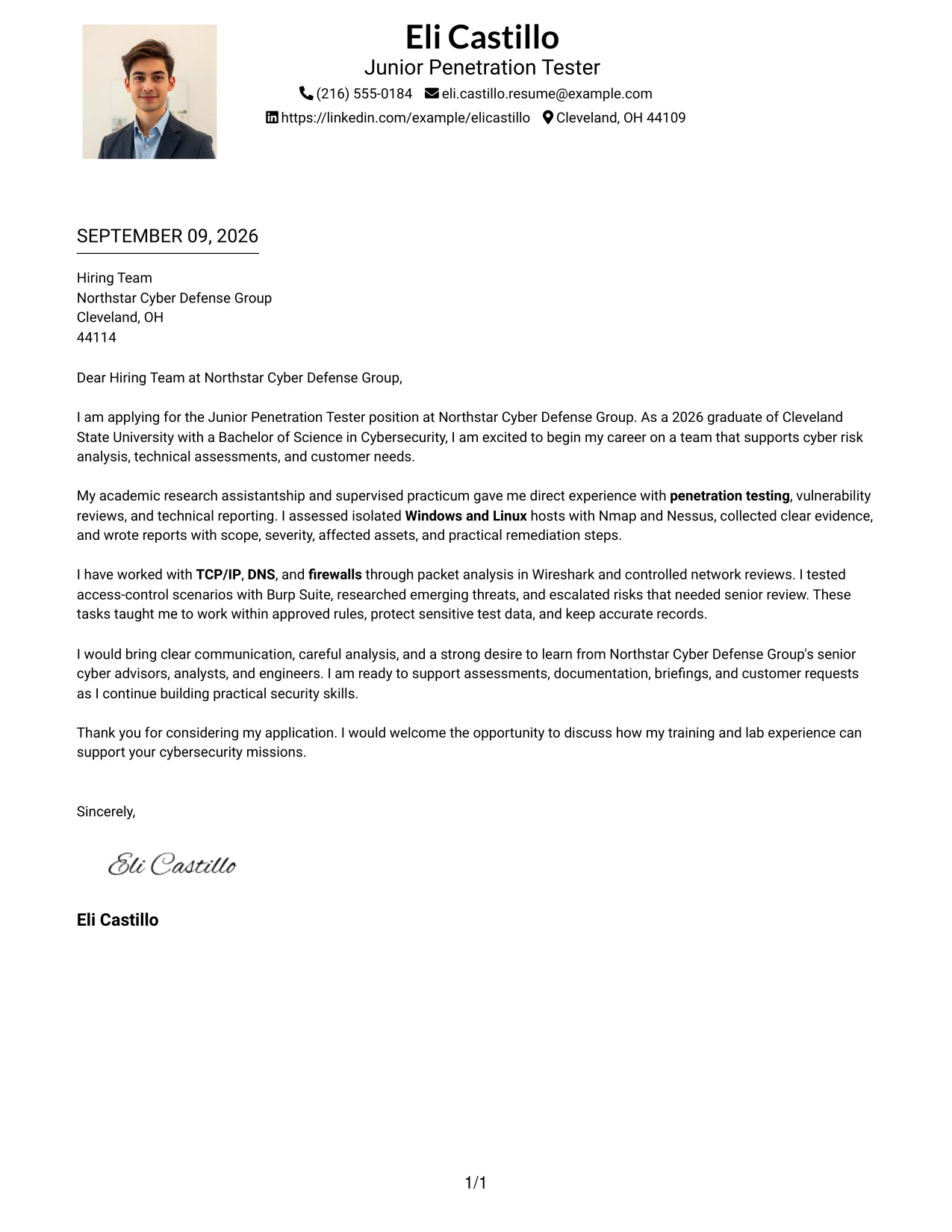
Why This Cover Letter Works
- The one-column path makes the letter's argument easy to follow from start to finish.
- A professional photo can make the introduction feel more personal when the application context supports it.
- The written body still carries the important proof of technical readiness.
- Assessment examples can be explained in enough detail to show method and judgment.
- The format gives the closing a clear place to restate interest in Northstar's work.
- A consistent presentation supports a confident but measured communication style.
- The letter can connect practical security work with customer support and team collaboration.
Best For
- Applicants who want a personal introduction alongside a focused written message.
- Cover letters where one continuous reading path is more useful than side-by-side content.
- Applications that combine technical evidence with a strong interest in the employer's mission.
- Readers who prefer a compact presentation with clear beginning, middle, and end.
- Situations where a professional photograph is appropriate to the applicant's presentation choice.
- Letters that need to explain controlled testing without breaking the flow of the argument.
- Early-career candidates presenting training, supervised work, and willingness to grow together.
#6 Cover Letter Example: One Column Format with Photo Right
A restrained visual hierarchy lets the reader notice the professional introduction while keeping the written case for fit in the main path. With the photo placed to the right, the left side can carry the opening, evidence, and closing in a natural order. This arrangement supports a letter that aligns supervised vulnerability reviews, packet analysis, and access-control testing with Northstar's need for careful junior support. The balance keeps personal presentation secondary to the candidate's communication and technical evidence.
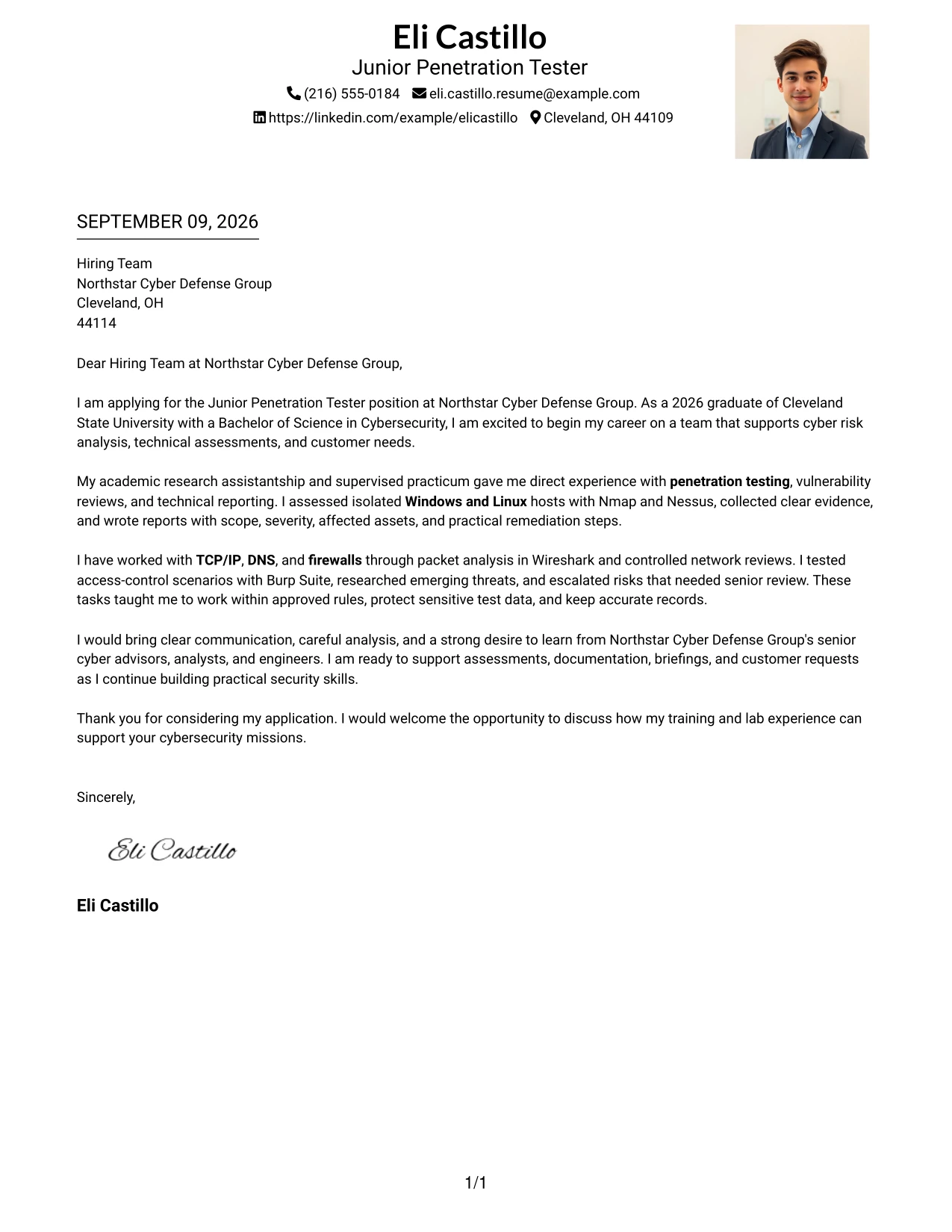
Why This Cover Letter Works
- The main text remains the primary route through the application.
- Right-side placement gives the visual introduction presence without interrupting the letter.
- The opening can connect career goals to Northstar's assessment and advisory work.
- Technical examples are placed where they can support the central claim of readiness.
- The body can explain escalation and evidence handling as signs of sound judgment.
- A short closing can reinforce interest without competing with the main message.
- The arrangement suits a professional tone that is confident, careful, and easy to review.
Best For
- Applicants who want a personal visual element while keeping the written argument dominant.
- Cover letters where role alignment should appear in one uninterrupted main column.
- Applications that need to connect technical preparation with a clear interest in the employer.
- Readers who scan the main message first and supporting presentation second.
- Documents balancing detailed evidence with a clean, controlled impression.
- Roles where discretion and professional judgment should be visible in the writing.
- A personal presentation choice that works best when the photograph stays secondary.
#7 Cover Letter Example: Simple Two Column Format
The Simple Two Column Format can organize the letter's central message on one side and brief supporting points on the other. This creates a useful distinction between why the applicant wants the role and what preparation supports that interest. For this application, the main text can explain readiness to assist senior cyber advisors, while the second column highlights network fundamentals, operating systems, and reporting practice. The format supports quick review without turning the letter into a list of disconnected claims.
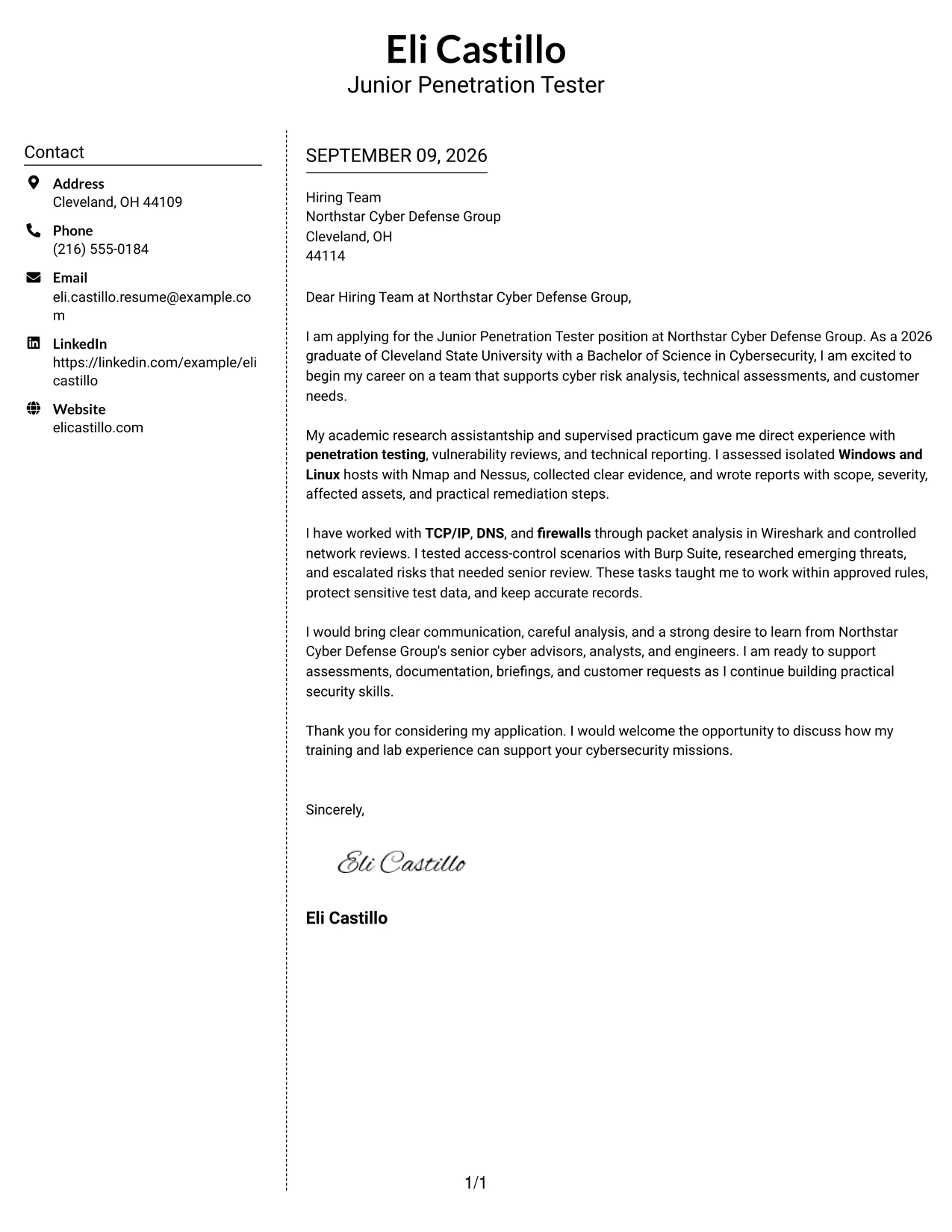
Why This Cover Letter Works
- The two-column structure separates motivation from supporting evidence.
- Simple visual cues help the reader return to the main argument after checking a detail.
- The letter can show interest in Northstar before describing tools and lab methods.
- A side area can hold concise reminders of Windows, Linux, TCP/IP, DNS, and firewalls.
- The main paragraphs have room to explain how findings were communicated.
- The closing can bring both columns back to one request for an interview.
- A restrained design keeps the focus on judgment, learning, and practical contribution.
Best For
- Applicants who need a clear division between their reason for applying and their preparation.
- Letters that benefit from short supporting points beside fuller persuasive paragraphs.
- Readers who scan for technical foundations before reviewing the complete message.
- Applications with distinct evidence groups, such as testing, reporting, and communication.
- Documents that need structure without a strongly decorative presentation.
- Cover letters where a concise side area can prevent the main paragraphs from becoming crowded.
- Candidates who want to show organization as part of their professional communication.
#8 Cover Letter Example: Stylish Two Column Designer Format
Readers can begin with the main application message, glance at the designed side panel for context, and return to the evidence without losing the thread. The Stylish Two Column Designer Format gives a longer cover letter a defined rhythm while keeping its purpose professional. The main text can describe supervised assessments, risk escalation, and customer-style reporting. A side panel can hold concise supporting details, helping the application show technical breadth without forcing every point into the body paragraphs.
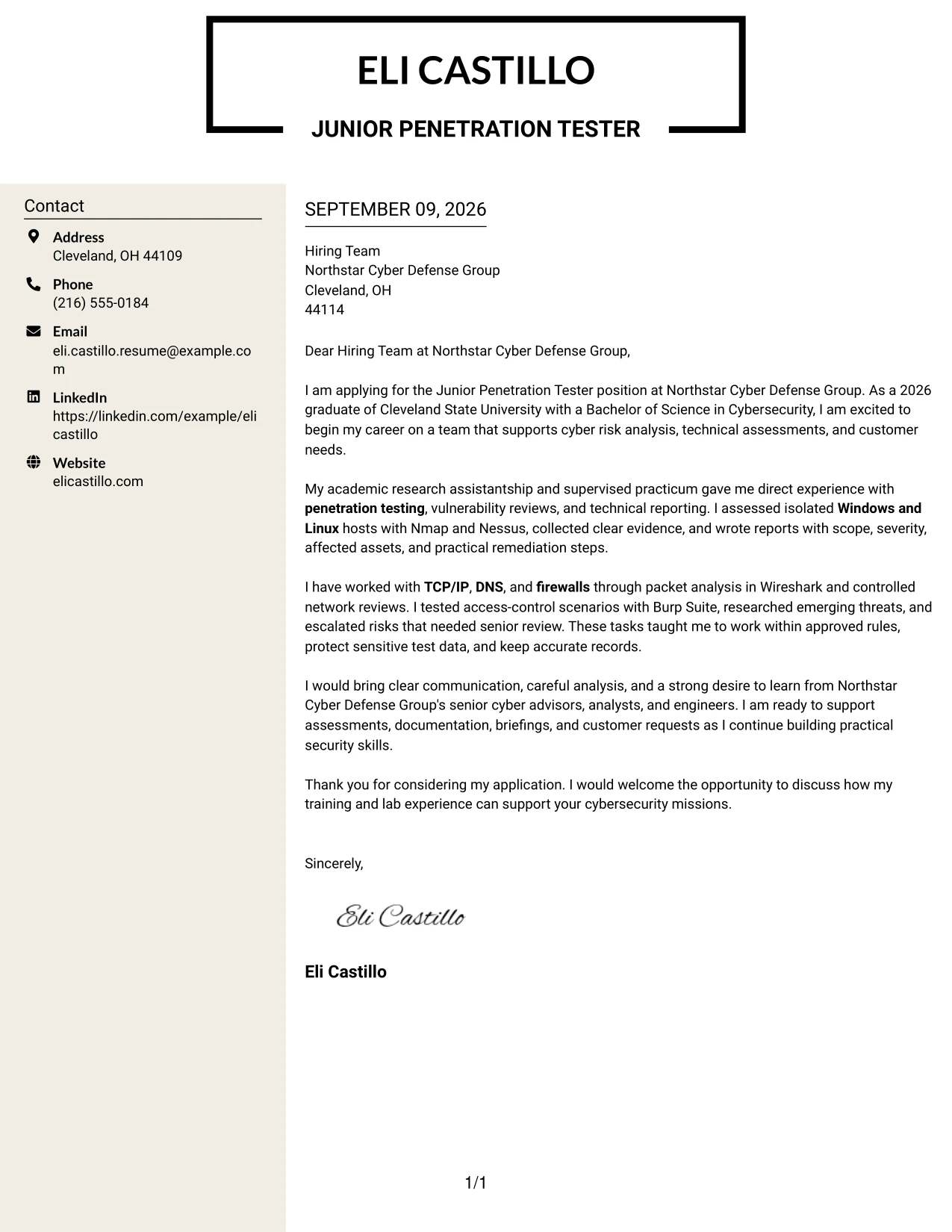
Why This Cover Letter Works
- The primary column carries the persuasive story from interest to closing.
- A designed side panel gives secondary information a clear home.
- The letter can explain risk analysis while the side area summarizes related preparation.
- Visual separation helps prevent several tools and technical concepts from becoming one dense paragraph.
- The format supports a polished communication style for internal and customer-facing work.
- The closing can focus on contribution and learning instead of repeating technical details.
- A clear content hierarchy makes a fuller application easier to navigate.
Best For
- Applicants with several relevant evidence groups that need visible organization.
- Cover letters where a supporting panel can hold concise preparation details.
- Readers who move between a central message and quick-reference information.
- Applications combining technical assessment work with reporting and briefing experience.
- Documents that need more content capacity than a plain single-column letter.
- Professional communication that benefits from a designed but still readable structure.
- Applicants who want visual organization without separating the letter from its central argument.
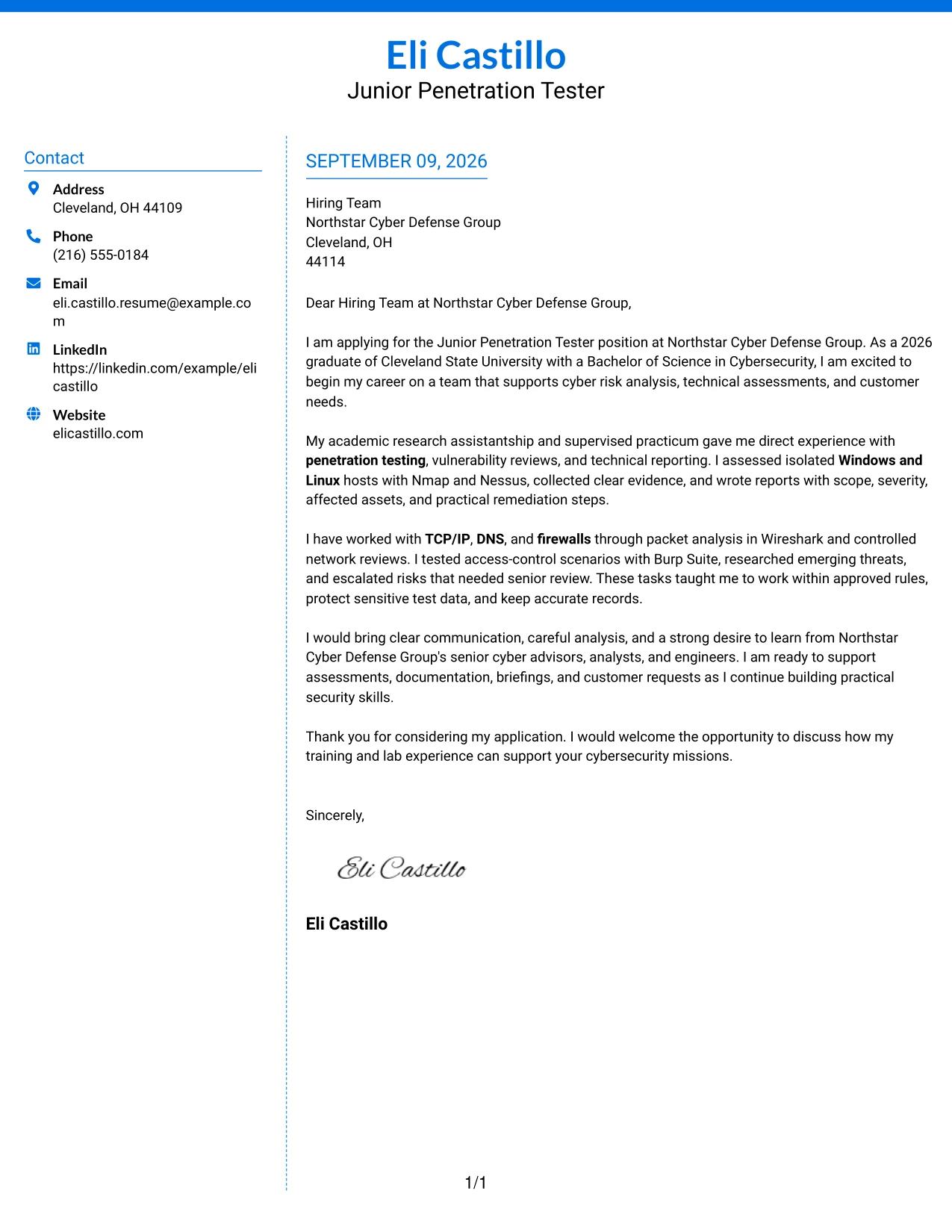
#9 Cover Letter Example: Colored Two Column Format
Evidence should answer the employer's main question quickly: can this applicant support careful assessments and communicate the results? The Colored Two Column Format uses visual separation to place that evidence beside a focused statement of motivation and fit. The letter can describe Nmap and Nessus assessment work in the main section while using the secondary area for reporting, threat research, and escalation. Color should guide attention, not overpower the explanation of why the candidate is prepared for Northstar's supervised environment.
Why This Cover Letter Works
- The evidence-first opening addresses the employer's practical review needs.
- Two columns let technical examples and motivation remain visible together.
- Color can mark supporting information while leaving the main argument easy to identify.
- The body can show how vulnerabilities were analyzed, documented, and escalated.
- The format gives customer support and communication evidence a distinct place.
- The closing can connect careful testing with readiness to learn from senior staff.
- A clear hierarchy helps the reader distinguish proof, context, and next steps.
Best For
- Applicants who want relevant evidence to stand out at the start of review.
- Cover letters that need to show technical preparation beside employer motivation.
- Readers who use visual cues to separate proof from supporting context.
- Applications with distinct evidence about assessment work, reporting, and threat research.
- Documents where color can guide navigation while the writing remains professional.
- Roles requiring both technical analysis and clear communication of risk.
- Applicants who need to present several forms of evidence without long uninterrupted paragraphs.
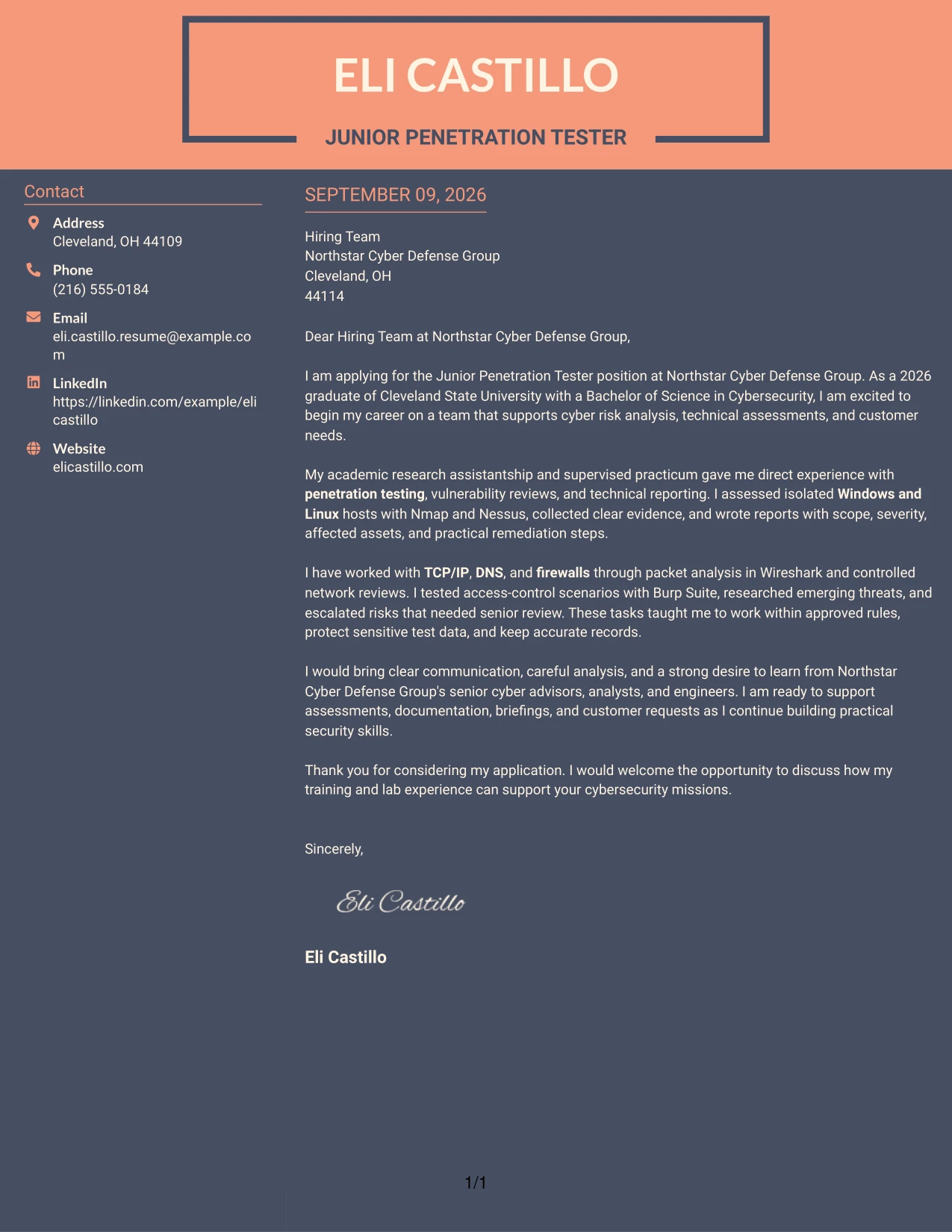
#10 Cover Letter Example: Creative Two Tone Format
Good application context requires both energy and control: the letter should show interest in the employer while making its evidence easy to trust. The Creative Two Tone Format can use contrasting areas to separate the personal opening from the professional case for fit. The written message should remain grounded in supervised penetration testing, technical reporting, and disciplined evidence handling. This approach lets the application express enthusiasm for Northstar Cyber Defense Group without allowing visual creativity to weaken its professional tone.
Why This Cover Letter Works
- The two-tone treatment can distinguish personal motivation from professional evidence.
- The opening has room to express interest in Northstar's mission in a focused way.
- Technical examples keep the creative presentation anchored in verified preparation.
- The letter can show careful handling of sensitive information as part of its fit argument.
- A distinct closing area gives the application a confident and memorable finish.
- The design supports warmth while preserving clear business communication.
- The result presents curiosity and growth potential without overstating experience.
Best For
- Applicants who want to show enthusiasm while keeping evidence central to the letter.
- Applications where a clear contrast can separate motivation from technical preparation.
- Readers who appreciate a distinctive presentation but still need familiar letter structure.
- Cover letters that connect supervised work with a strong desire to grow.
- Documents needing a visible transition from personal interest to employer contribution.
- Professional communication with enough space for a focused opening and confident close.
- Applicants who want a memorable format without relying on complex wording.
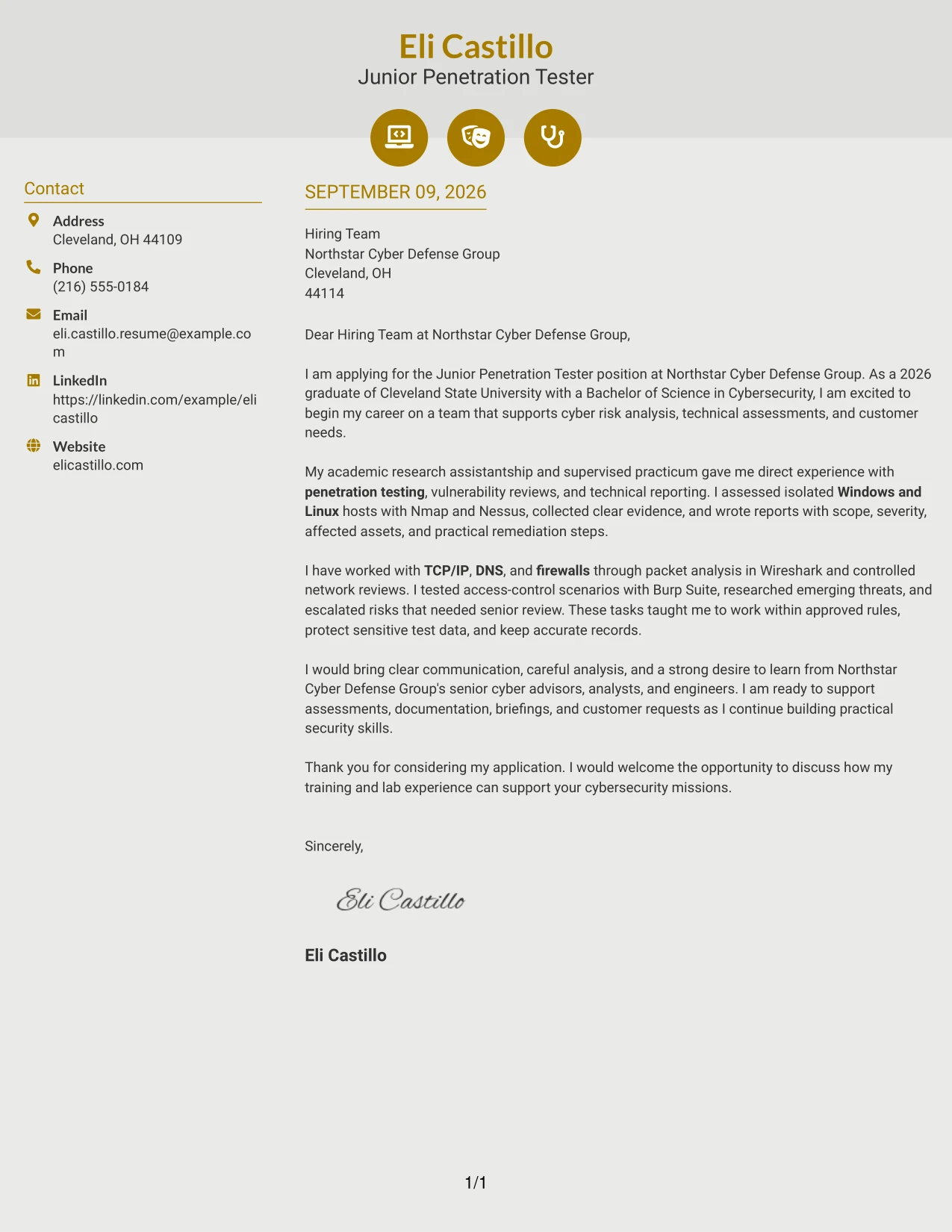
#11 Cover Letter Example: Modern Icon Format
Practical application needs often call for a letter that is easy to follow at a glance. The Modern Icon Format can use small visual markers to guide the reader through interest, evidence, employer fit, and the next step while keeping the written message central. For a Junior Penetration Tester application, those markers can support a clear story about controlled assessments, network analysis, reporting, and customer support. The icons should guide attention to the letter's purpose, not replace the specific examples that make the application credible.
Why This Cover Letter Works
- Visual markers give each communication stage a clear place.
- The opening can quickly identify the role and the reason for applying.
- The body remains responsible for explaining supervised testing and technical reporting.
- Icons can help separate evidence about tools, communication, and professional conduct.
- The layout supports a concise closing that points toward an interview.
- A modern hierarchy makes the letter approachable while preserving a serious tone.
- The format works when visual guidance improves navigation without adding unsupported claims.
Best For
- Applicants who want clear visual signposts for each part of the letter.
- Cover letters reviewed quickly on screen where section cues improve navigation.
- Applications that need to present technical evidence in short, readable blocks.
- Readers who value modern organization but still expect complete written explanations.
- Documents connecting motivation, assessment preparation, and customer communication.
- Roles where clarity and attention to detail should appear in the presentation itself.
- Applicants seeking a current, organized look without a separate side column.
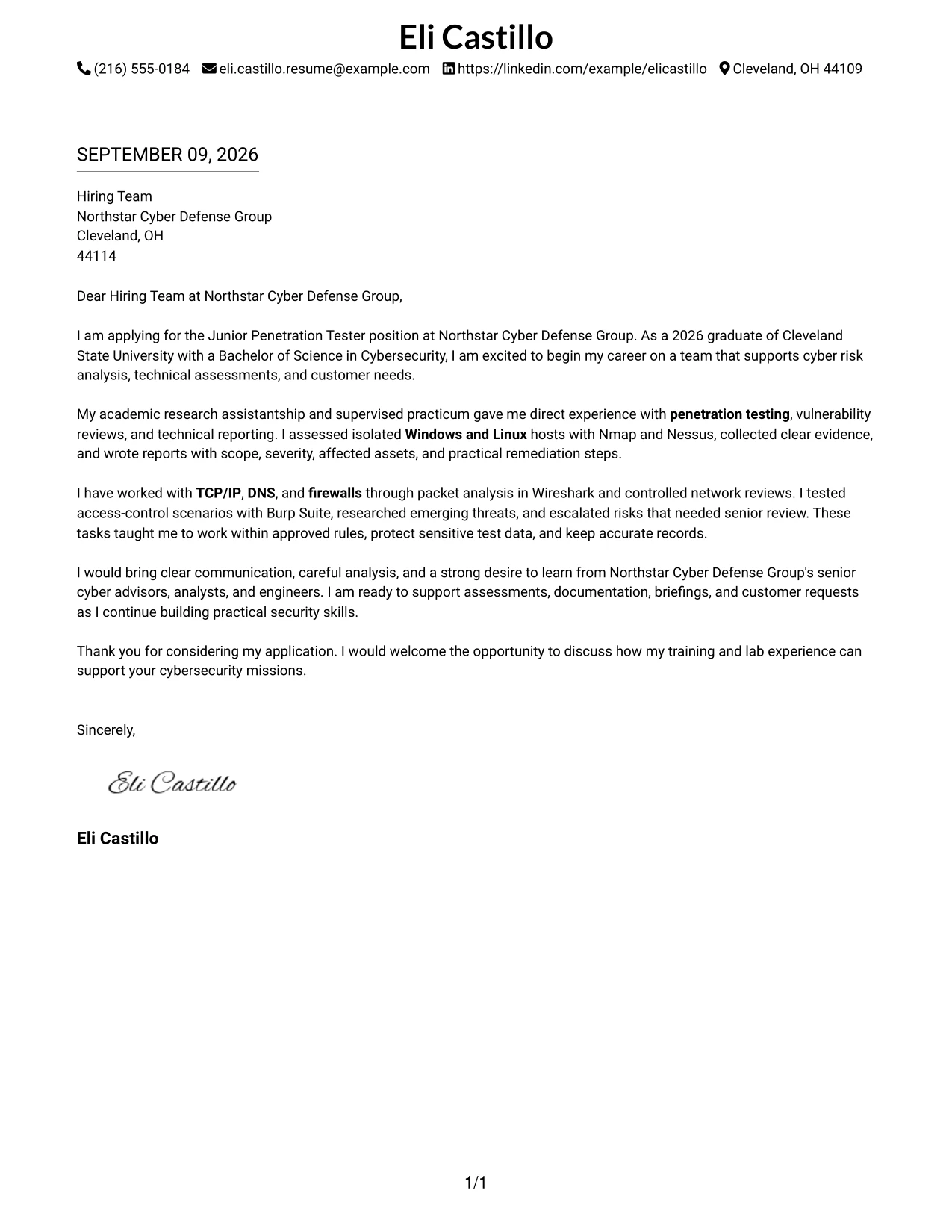
#12 Minimal Header Format Cover Letter Example
A restrained visual hierarchy keeps attention on the letter's purpose: interest in the Junior Penetration Tester role, evidence from supervised security assessments, and a clear connection to Northstar Cyber Defense Group's work. The simple header gives the opening, supporting evidence, and closing room to speak plainly without distracting design elements.
Why This Cover Letter Works
- The opening names the target role and shows clear interest in Northstar Cyber Defense Group.
- The body connects supervised penetration testing to the employer's assessment and reporting needs.
- Nmap and Nessus provide concrete evidence of relevant technical preparation.
- The letter explains work with Windows, Linux, TCP/IP, DNS, and firewalls in a clear way.
- Risk escalation and careful handling of sensitive test data support the employer's need for judgment.
- The tone is professional, direct, and suitable for communication with senior cyber advisors.
- The closing invites further discussion without making claims beyond the documented experience.
Best For
- Applicants who want a calm, direct opening that puts role alignment first.
- Cover letters where a short introduction should lead quickly into relevant evidence.
- Readers who prefer one-column progress from motivation to qualifications to closing.
- Applications that need a professional tone without decorative distractions.
- Candidates who must explain supervised or academic experience in a credible way.
- Roles that value careful documentation and clear written communication.
- Letters that connect technical preparation with customer and team support.
- Applicants sending a focused letter for an early-career technical position.
#13 Clean Two Column Sidebar Format Cover Letter Example
The sidebar separates contact and supporting details from the main message, while the central column carries the persuasive sequence. This Clean Two Column Sidebar Format can guide a reader from motivation to assessment experience, technical evidence, and interest in supporting Northstar Cyber Defense Group's customers.
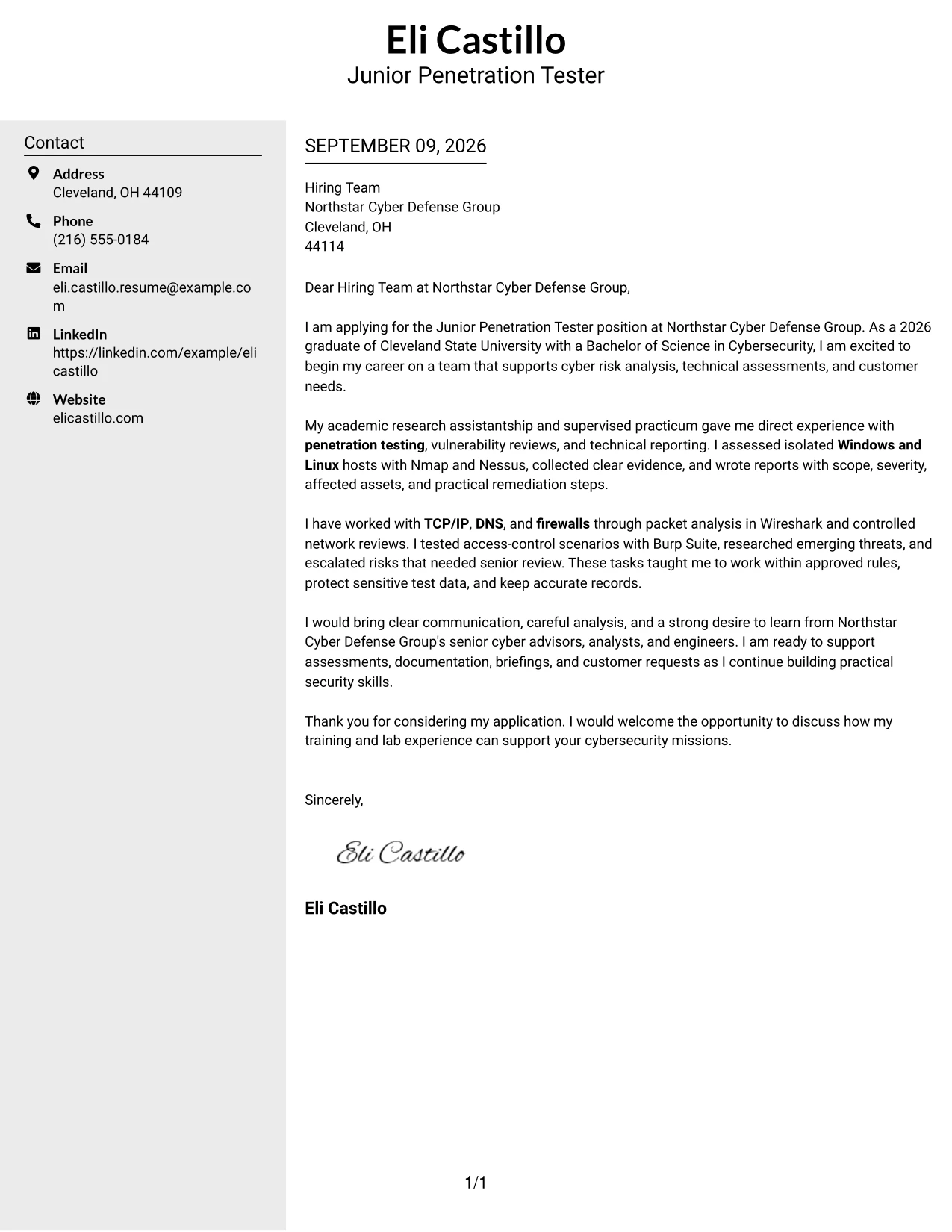
Why This Cover Letter Works
- The main column preserves a natural letter sequence from opening interest to closing request.
- The sidebar gives supporting contact information a defined place without interrupting the argument.
- The body shows how lab and practicum work relate to cyber risk analysis.
- Technical tools are included as evidence, not as an unexplained list.
- The letter links reporting experience to the employer's need for organized documentation.
- The communication style is confident while recognizing the value of senior guidance.
- The final paragraph brings together analysis, customer support, and continued learning.
Best For
- Applications that benefit from a clear separation between contact details and the message.
- Readers who scan quickly but still need a complete explanation of role fit.
- Letters with several supporting facts that should not crowd the opening paragraph.
- Applicants presenting technical preparation alongside customer-facing strengths.
- Situations where a sidebar can hold context while the main column carries persuasion.
- Early-career applications that need orderly movement between evidence and motivation.
- Cover letters for teams that combine assessment work, reporting, and advisory support.
- Documents that need structure without using a dense block of text.
#14 Plain Two Column Format Cover Letter Example
A reader can move through the main message while using the second column to locate supporting context. The Plain Two Column Format is useful here because the letter must explain motivation, supervised penetration-testing work, communication habits, and readiness to support customer requests without making the message feel crowded.
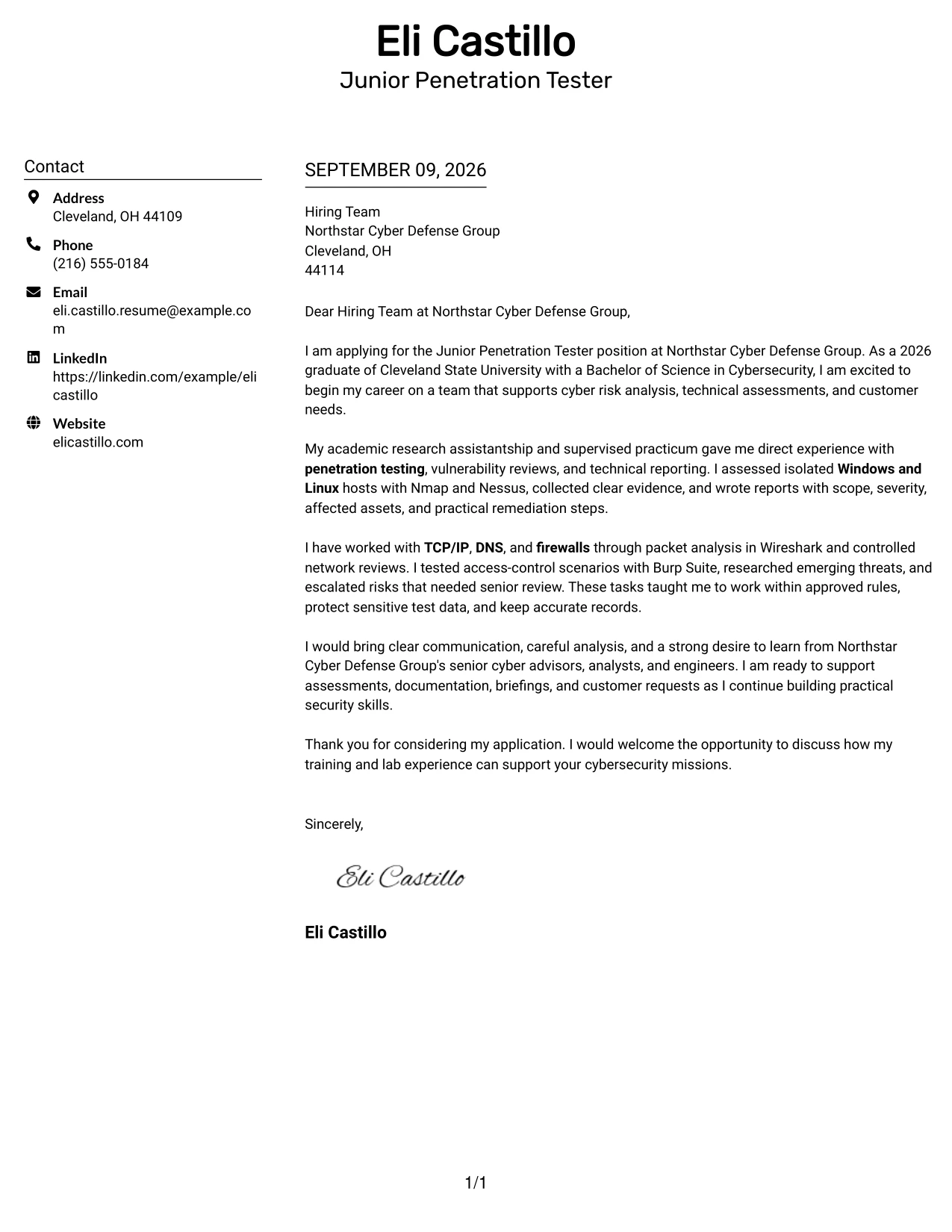
Why This Cover Letter Works
- The first section establishes the application and the reason for interest.
- The two-column structure lets supporting information remain visible during review.
- The letter gives both technical preparation and communication ability meaningful space.
- Examples from isolated lab hosts make the penetration-testing claims specific.
- The body explains how findings became reports with severity and remediation guidance.
- References to peer and instructor feedback show a willingness to improve.
- The closing connects current training with the employer's supervised work environment.
Best For
- Letters that need to present several related points without becoming a long block.
- Applicants balancing technical evidence with communication and teamwork examples.
- Readers who want quick access to supporting context during a first review.
- Applications that combine lab work, practicum work, and customer-style deliverables.
- Candidates explaining a broad foundation across systems, networks, and security principles.
- Messages where parallel content helps compare preparation with employer needs.
- Professional letters that favor clarity over strong visual decoration.
- Early-career candidates with enough relevant evidence to require careful organization.
#15 Modern Full Background Two Column Format Cover Letter Example
The strongest evidence comes first: supervised assessment work, vulnerability reviews, technical reporting, and controlled testing. The Modern Full Background Two Column Format then gives that evidence a balanced setting, helping the reader see both the candidate's practical preparation and the motivation to contribute under experienced guidance.
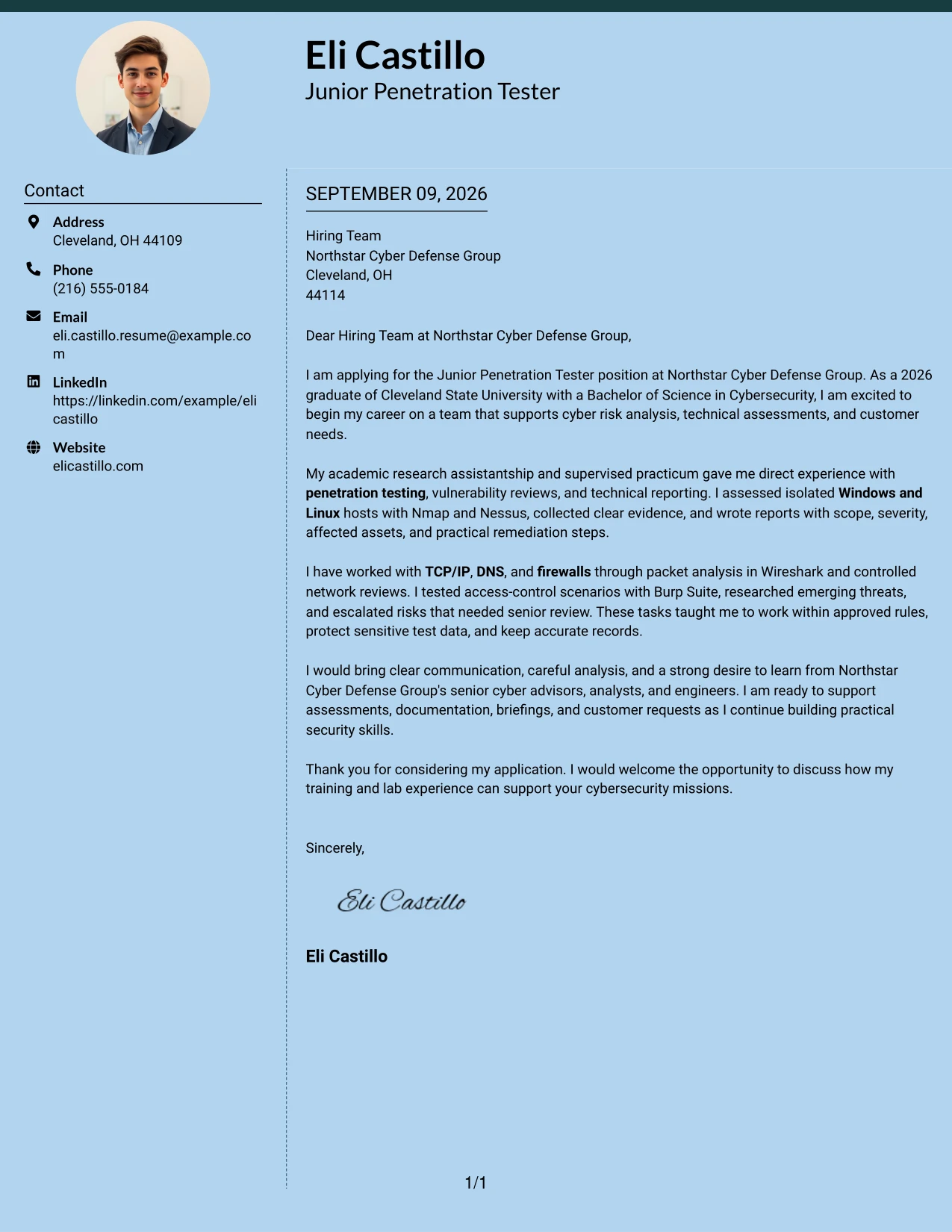
Why This Cover Letter Works
- The opening leads with evidence that directly matches the employer's assessment work.
- Nmap and Nessus experience is tied to evidence collection and prioritized findings.
- Wireshark work supports the explanation of network analysis and careful escalation.
- Burp Suite experience shows controlled access-control testing within approved limits.
- The letter presents reporting as a bridge between technical findings and customer needs.
- The tone shows curiosity and growth without overstating independent responsibility.
- The closing reinforces readiness to support senior advisors, analysts, and engineers.
Best For
- Applications where practical evidence should appear before broad personal claims.
- Letters that need to show how technical observations become useful recommendations.
- Candidates with controlled testing examples that require a clear explanation of boundaries.
- Roles involving assessments, risk analysis, and documentation in the same assignment.
- Readers who value a balanced presentation of technical and communication evidence.
- Applicants showing readiness to learn within a supervised technical team.
- Cover letters where several forms of evidence must remain easy to compare.
- Professional submissions that need a strong evidence-led first impression.
#16 Dark Mode Two Column Format Cover Letter Example
Careful spacing gives each part of the application a defined role: motivation, technical evidence, communication, and closing interest. In the Dark Mode Two Column Format, that balance can make a detailed early-career letter easier to review while keeping attention on supervised testing, risk analysis, and customer support.
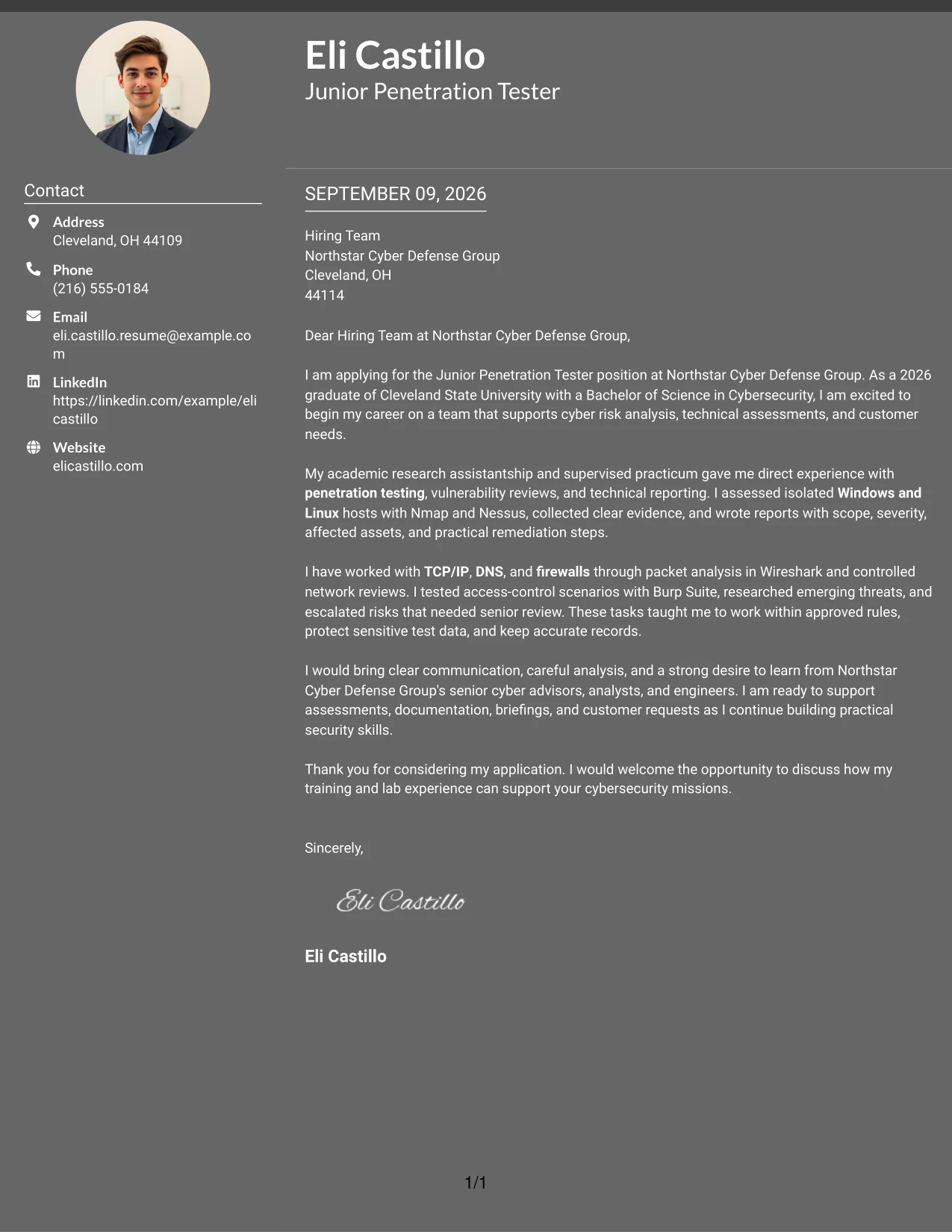
Why This Cover Letter Works
- The opening states the desired role and the type of work the applicant hopes to support.
- The body connects academic research with practical assessment responsibilities.
- Network and operating-system knowledge is explained through actual lab activities.
- The letter shows that findings were documented with scope, severity, and remediation steps.
- It addresses discretion by describing protected test data and approved rules.
- The message includes both independent preparation and collaboration with review teams.
- The closing expresses readiness to learn from experienced professionals.
Best For
- Applications that need a balanced presentation of motivation and supporting evidence.
- Letters for roles combining technical work with customer or internal team support.
- Applicants with multiple practical examples that should receive similar visual weight.
- Readers reviewing detailed preparation across systems, networks, and security testing.
- Cover letters where careful spacing can separate evidence from the closing request.
- Candidates who need to show judgment, discretion, and willingness to learn together.
- Professional submissions for structured teams with senior technical oversight.
- Messages that should feel organized while still explaining a varied foundation.
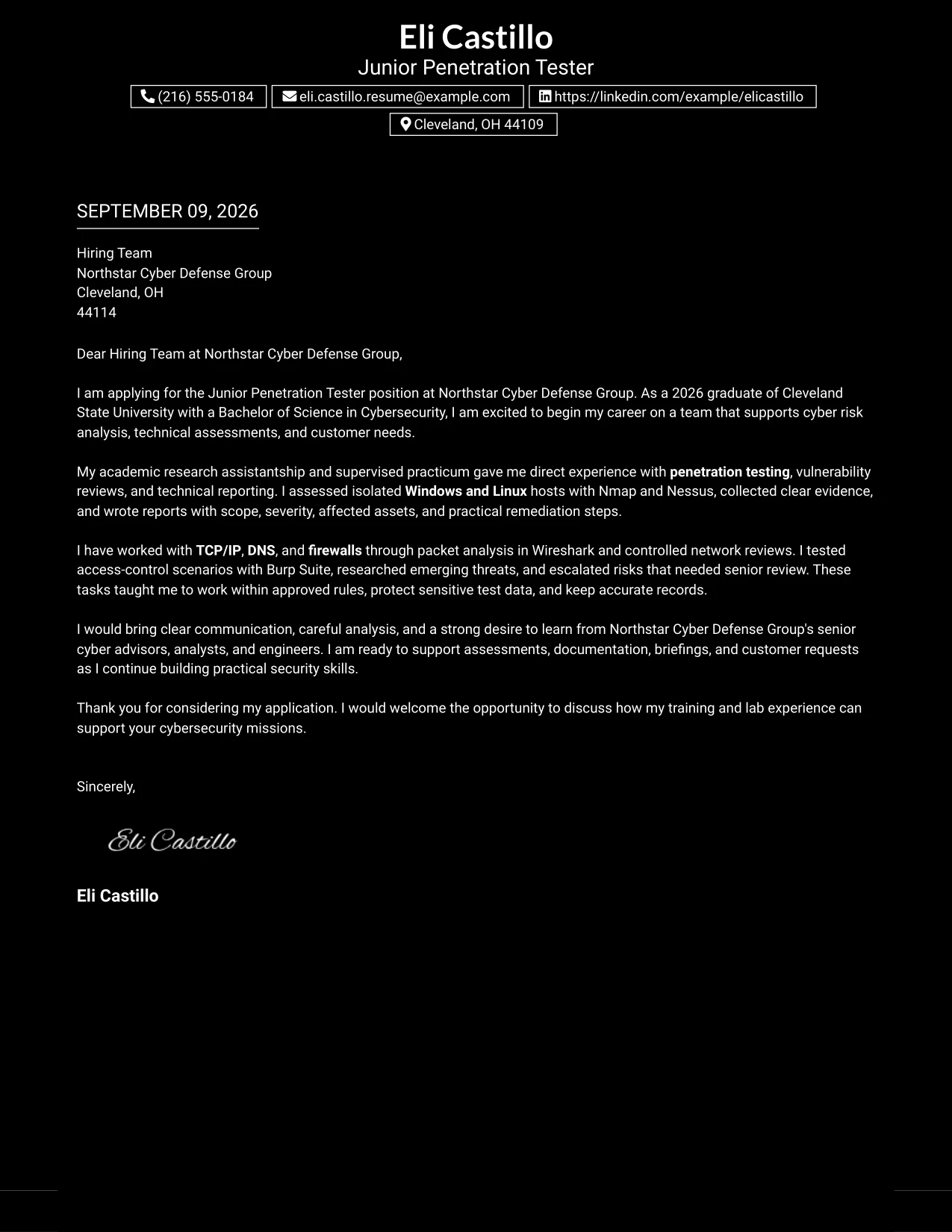
#17 Dark Mode Box Header Format Cover Letter Example
For an application that must make its purpose clear at once, a boxed header can establish the role, recipient, and professional tone before the message begins. The Dark Mode Box Header Format then supports a focused letter about supervised penetration testing, practical reporting, and readiness to assist Northstar Cyber Defense Group.
Why This Cover Letter Works
- The header creates an immediate point of orientation for the hiring team.
- The introduction identifies the role and connects it to the employer's mission.
- The body uses supervised assessment work as the central proof of preparation.
- Technical details are explained in relation to vulnerability review and reporting.
- The letter shows respect for rules of engagement and sensitive information.
- The message addresses both written reporting and spoken briefings.
- The closing is courteous and gives the employer a clear reason to continue the conversation.
Best For
- Applications where the role and recipient should be easy to identify immediately.
- Letters that need a strong opening point before presenting detailed evidence.
- Applicants who want a single-column message with a firm visual starting point.
- Professional submissions for technical teams that value clear documentation.
- Cover letters that must connect practical preparation with ethical boundaries.
- Readers who prefer a direct path from application purpose to supporting examples.
- Early-career applicants presenting a focused case rather than a broad career story.
- Messages where a confident header should be balanced by a measured closing.
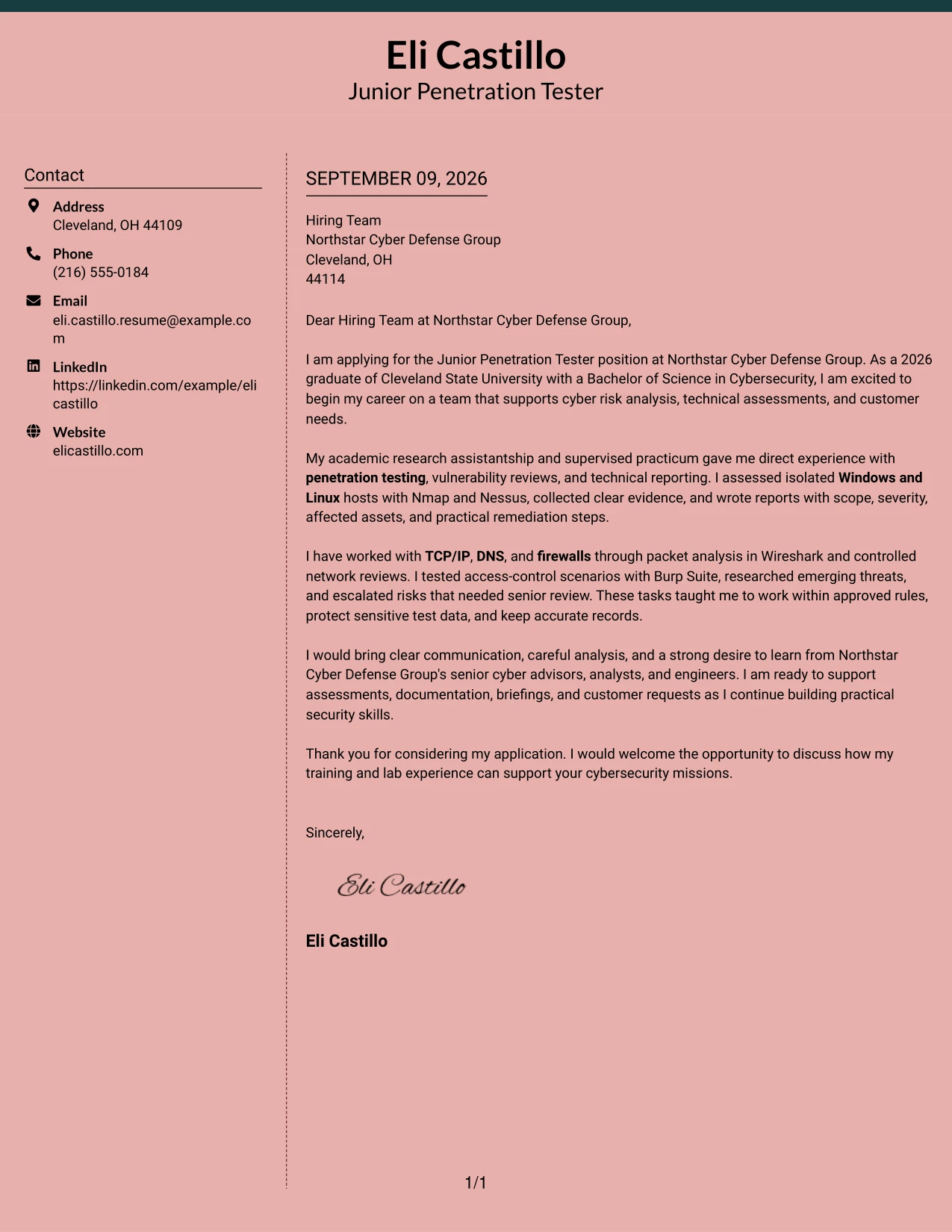
#18 Elegant Full Background Two Column Format Cover Letter Example
A polished application begins with a restrained impression and then earns attention through relevant evidence. The Elegant Full Background Two Column Format supports that progression by pairing a composed presentation with specific examples of assessment work, clear reporting, and interest in serving customers under senior guidance.
Why This Cover Letter Works
- The introduction gives the employer a clear reason to consider the application.
- The letter moves from academic preparation to direct supervised practice.
- Specific tools support the account of reconnaissance, vulnerability review, and packet analysis.
- The body explains how technical findings were translated into practical remediation steps.
- The message shows professionalism through accurate records and careful data handling.
- Communication is presented through reports, briefings, and responses to review questions.
- The closing keeps the focus on contributing while continuing to build practical skills.
Best For
- Applications that need a polished tone without losing concrete technical evidence.
- Applicants combining academic achievement with supervised practical work.
- Letters where the visual presentation should support a calm, credible first impression.
- Roles requiring both careful analysis and clear explanations for other people.
- Candidates who need to show progression from learning to supported application.
- Readers who value evidence presented in a measured and easy-to-follow sequence.
- Professional correspondence for teams serving internal or external customers.
- Cover letters that should feel composed while remaining specific and practical.
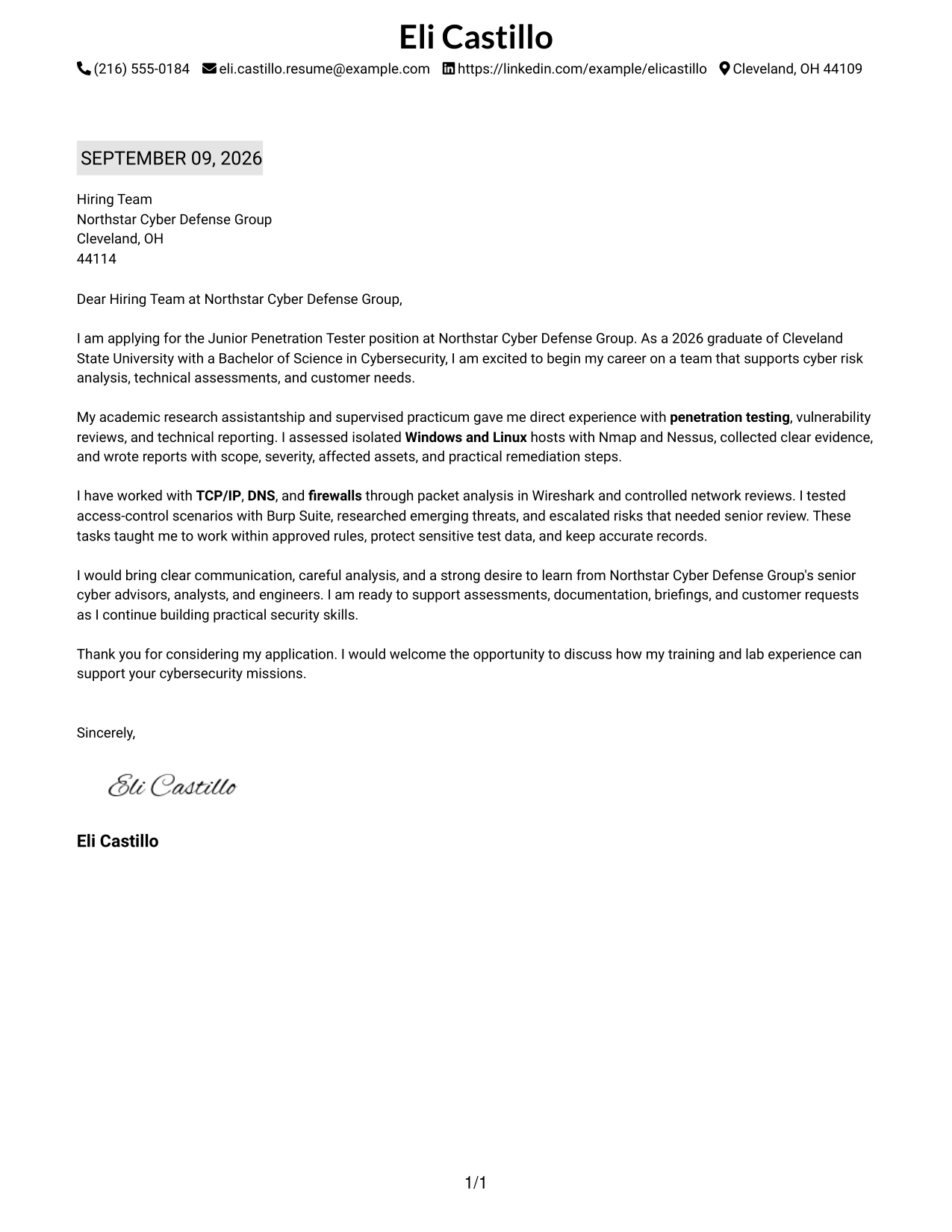
#19 Plain One Column with Highlighted Date Cover Letter Example
A clear date and a straightforward one-column sequence make the letter easy to place in its application context. The Plain One Column with Highlighted Date Format supports a direct argument: the applicant is motivated to join Northstar Cyber Defense Group, has relevant supervised experience, and can communicate findings with care.
Why This Cover Letter Works
- The highlighted date helps establish a formal and current application record.
- The opening names the employer and explains the reason for applying.
- The one-column flow keeps motivation, evidence, and closing in a predictable order.
- The body gives measurable substance to training through tools and assessment tasks.
- The letter connects network knowledge to packet review and firewall analysis.
- It explains how technical work supported plain-language recommendations.
- The final paragraph presents learning readiness as a strength for an entry-level role.
Best For
- Formal applications where date and correspondence details need clear emphasis.
- Readers who prefer a familiar top-to-bottom letter structure.
- Applicants presenting a focused set of qualifications in a compact message.
- Letters that need to connect technical evidence with business-facing explanations.
- Candidates whose strongest proof comes from supervised labs and practicums.
- Applications where chronological document cues support a professional review process.
- Cover letters for employers that value accurate records and reliable follow-through.
- Messages that should remain easy to print, read, and discuss.
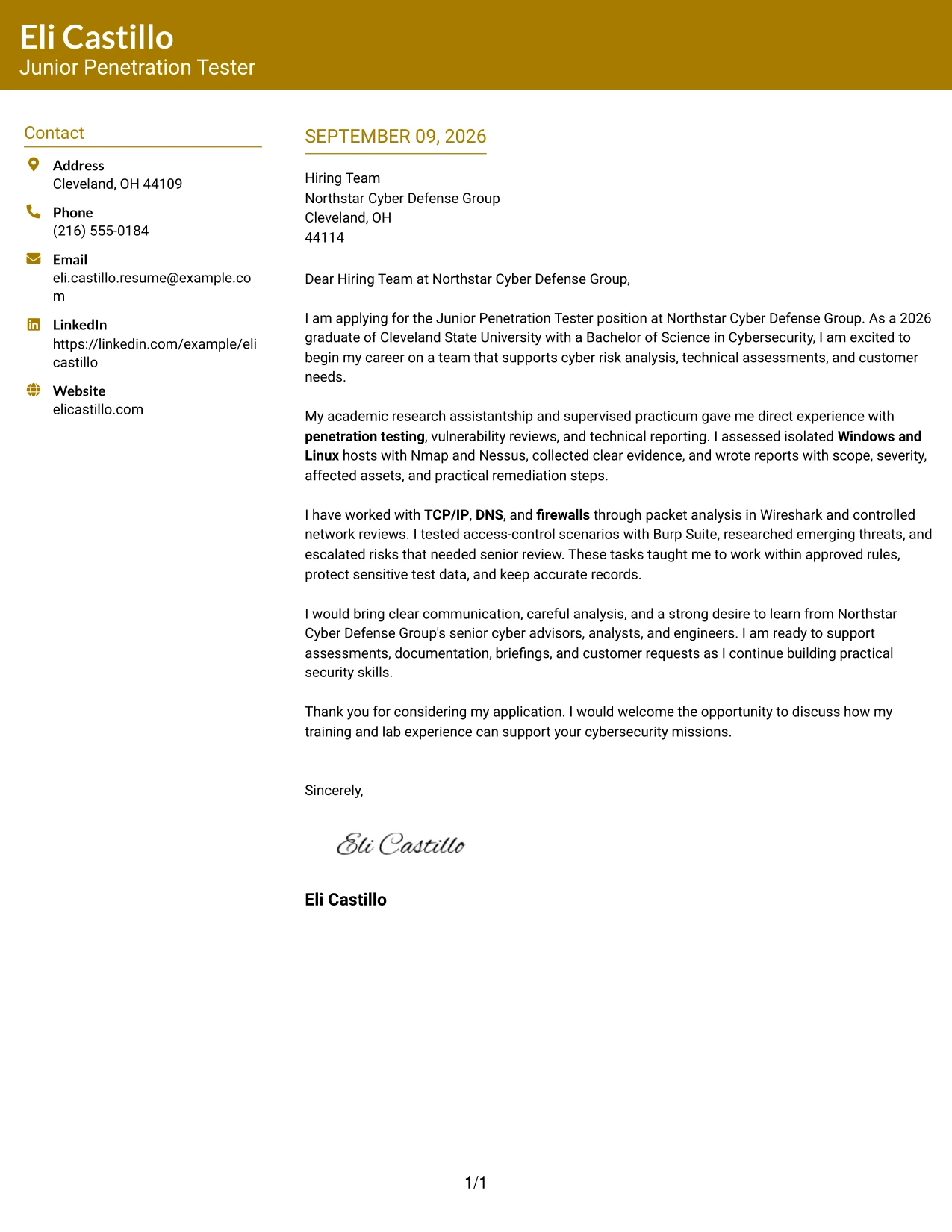
#20 Bold Color Header Professional Format Cover Letter Example
The reader reaches the central message quickly: why the applicant is applying, what evidence supports the match, and how the applicant can help the team. A bold color header gives the letter a clear starting point, while the main content explains Eli Castillo's supervised testing, reporting, and customer-support preparation in a professional voice.
Why This Cover Letter Works
- The prominent header makes the application purpose easy to identify.
- The opening links the cybersecurity degree to Northstar Cyber Defense Group's mission.
- The body presents research assistantship and practicum work as relevant preparation.
- Technical examples show experience with assessment tools and network review.
- The letter explains how risks were escalated rather than overstating authority.
- Customer-style deliverables demonstrate an ability to make technical issues understandable.
- The closing combines confidence, professionalism, and a willingness to keep learning.
Best For
- Applications that need a strong visual entry point before a detailed message.
- Letters with enough supporting content to benefit from a clear main reading path.
- Applicants connecting formal education with supervised technical experience.
- Professional submissions that must balance confidence with respect for senior review.
- Readers who want to locate role fit and evidence without searching the page.
- Cover letters that include both assessment work and customer-facing communication.
- Candidates presenting several related examples in a compact, organized format.
- Applications where a distinct header can improve first-pass recognition.
#21 Photo Header Color Sidebar Format Cover Letter Example
The most persuasive content remains the evidence: supervised assessments, technical reporting, careful escalation, and clear communication. A color sidebar and photo header can add personal context, while the letter itself explains how that preparation fits Northstar Cyber Defense Group's work in assessments, cyber risk analysis, and customer support.
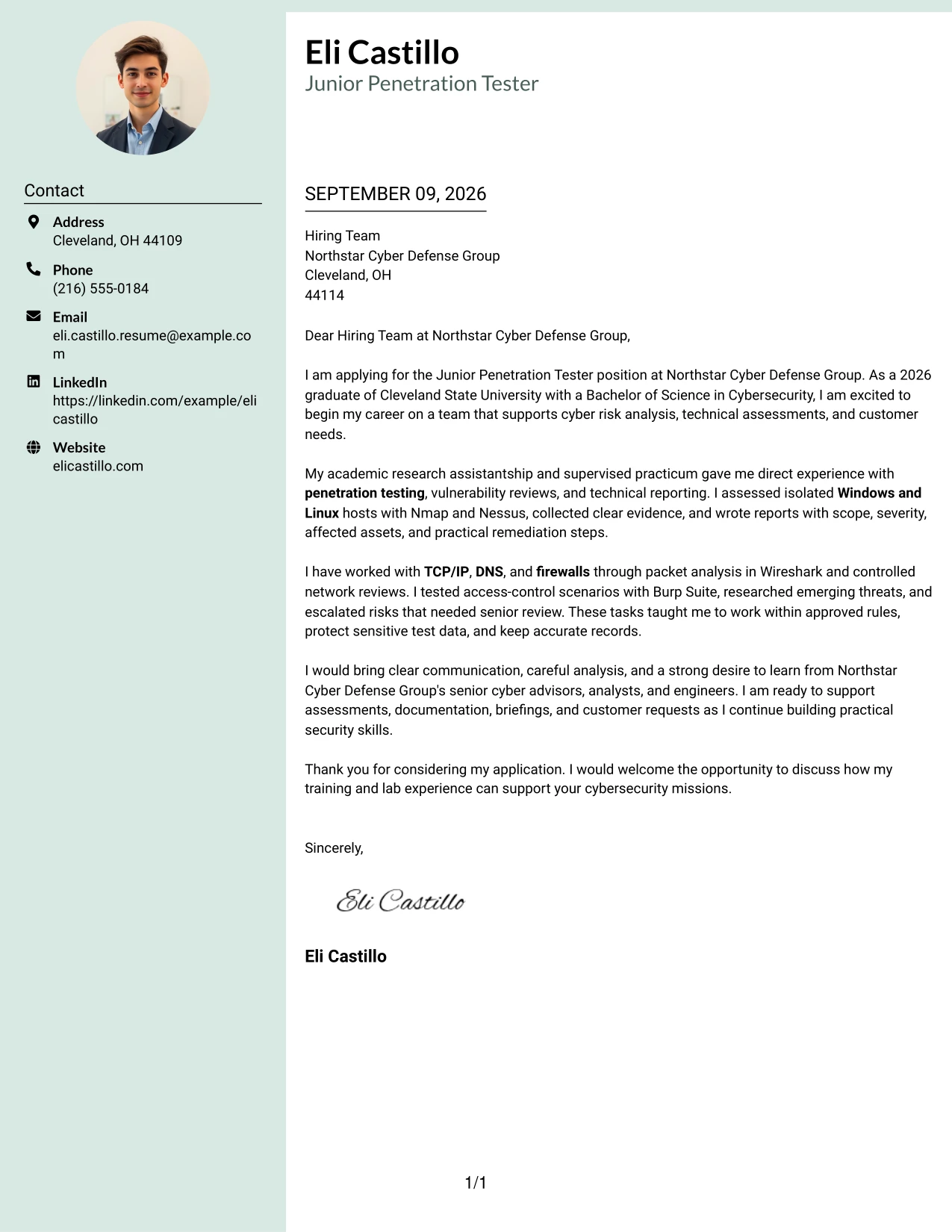
Why This Cover Letter Works
- The opening states the target role and the candidate's reason for seeking it.
- The photo header can add a personal point of recognition when the application context supports it.
- The body gives specific examples from research, practicum, and capstone work.
- Nmap, Nessus, Wireshark, and Burp Suite are tied to controlled testing tasks.
- The letter shows care through evidence handling, approved scope, and accurate records.
- Reporting and briefings demonstrate communication with both technical and nontechnical audiences.
- The closing presents the candidate as prepared to contribute under experienced direction.
Best For
- Applications where a personal visual introduction is appropriate for the employer and context.
- Letters that need to combine a recognizable header with substantial technical evidence.
- Applicants whose communication style and professional presence matter alongside testing preparation.
- Customer-facing cybersecurity roles requiring trust, clarity, and careful presentation.
- Cover letters with several evidence types that need a visible organizing column.
- Candidates showing both practical assessment work and briefing experience.
- Submissions where a photo can support recognition without replacing the written case.
- Professional applications that benefit from a warmer presentation of technical readiness.
#22 Top Left Header Color Accent Format Cover Letter Example
Balanced spacing keeps the application approachable: the header identifies the purpose, the body develops the evidence, and the closing makes the next step easy. The Top Left Header Color Accent Format suits a letter that must explain supervised penetration testing, practical communication, and readiness to support Northstar Cyber Defense Group without visual excess.
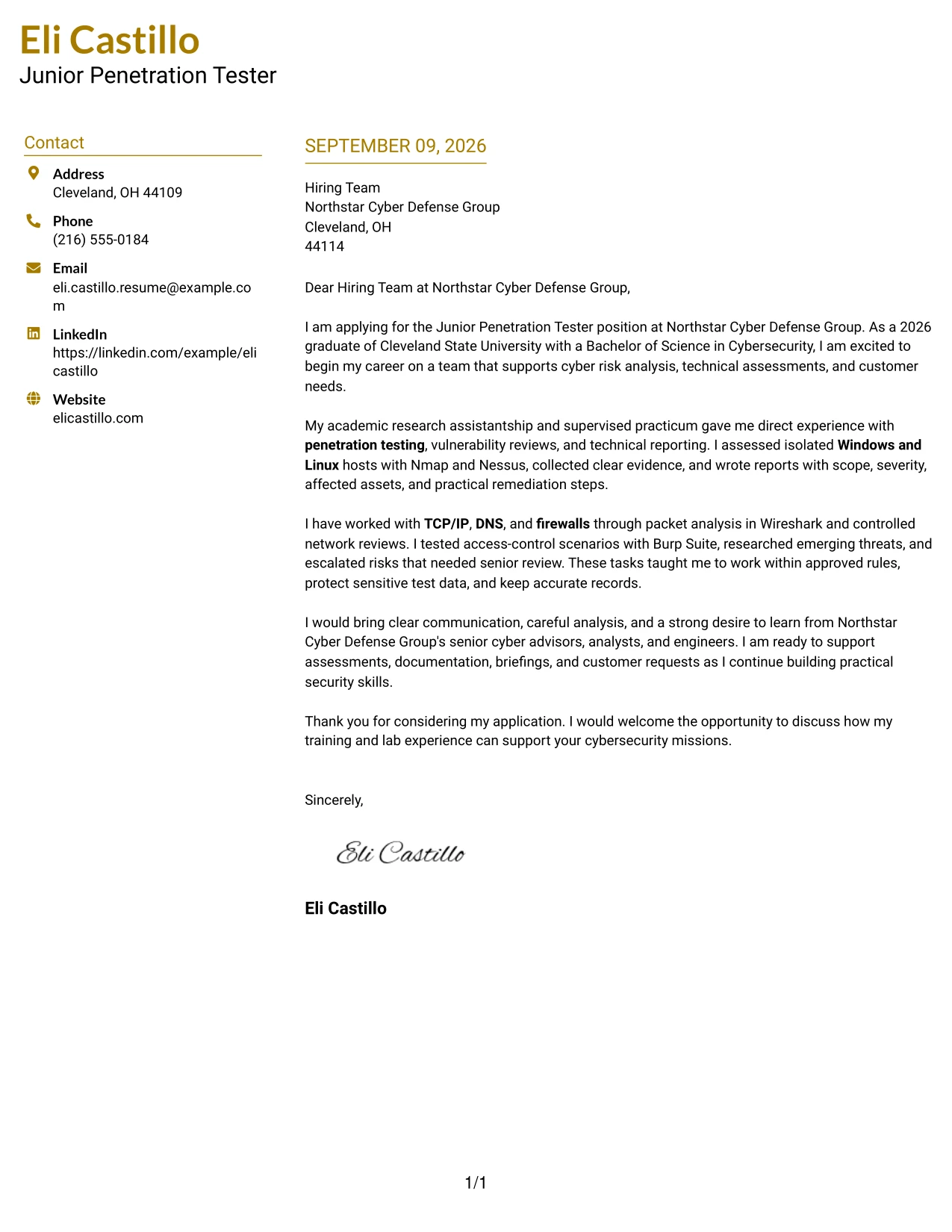
Why This Cover Letter Works
- The top-left header gives the hiring team an immediate reference point.
- The opening connects the applicant's cybersecurity degree with the advertised work.
- The body moves from motivation to evidence without unnecessary repetition.
- Examples of vulnerability reviews and network analysis make the preparation credible.
- The letter explains how findings became concise reports and remediation recommendations.
- References to customer requests and briefings address the communication needs of the role.
- The closing asks for a conversation and keeps the focus on useful contribution.
Best For
- Applications that need a clear starting point and generous reading space.
- Letters presenting a moderate amount of evidence in a calm sequence.
- Applicants who want role alignment to remain visible throughout the message.
- Technical applications where written clarity should carry more weight than decoration.
- Candidates connecting lab preparation with customer and team responsibilities.
- Readers who value balanced spacing between opening, evidence, and closing.
- Cover letters for roles involving assessment support and professional correspondence.
- Submissions that should feel organized, accessible, and ready for review.
#23 Centered Header Classic Two Column Format
When an employer needs to review a cover letter quickly, the centered contact header and two-column structure create a clear starting point. The letter can state interest in the Junior Penetration Tester role, connect supervised penetration testing and vulnerability reviews to Northstar Cyber Defense Group's needs, and close with a direct invitation to discuss fit. The balanced design keeps motivation, evidence, and communication style easy to follow.
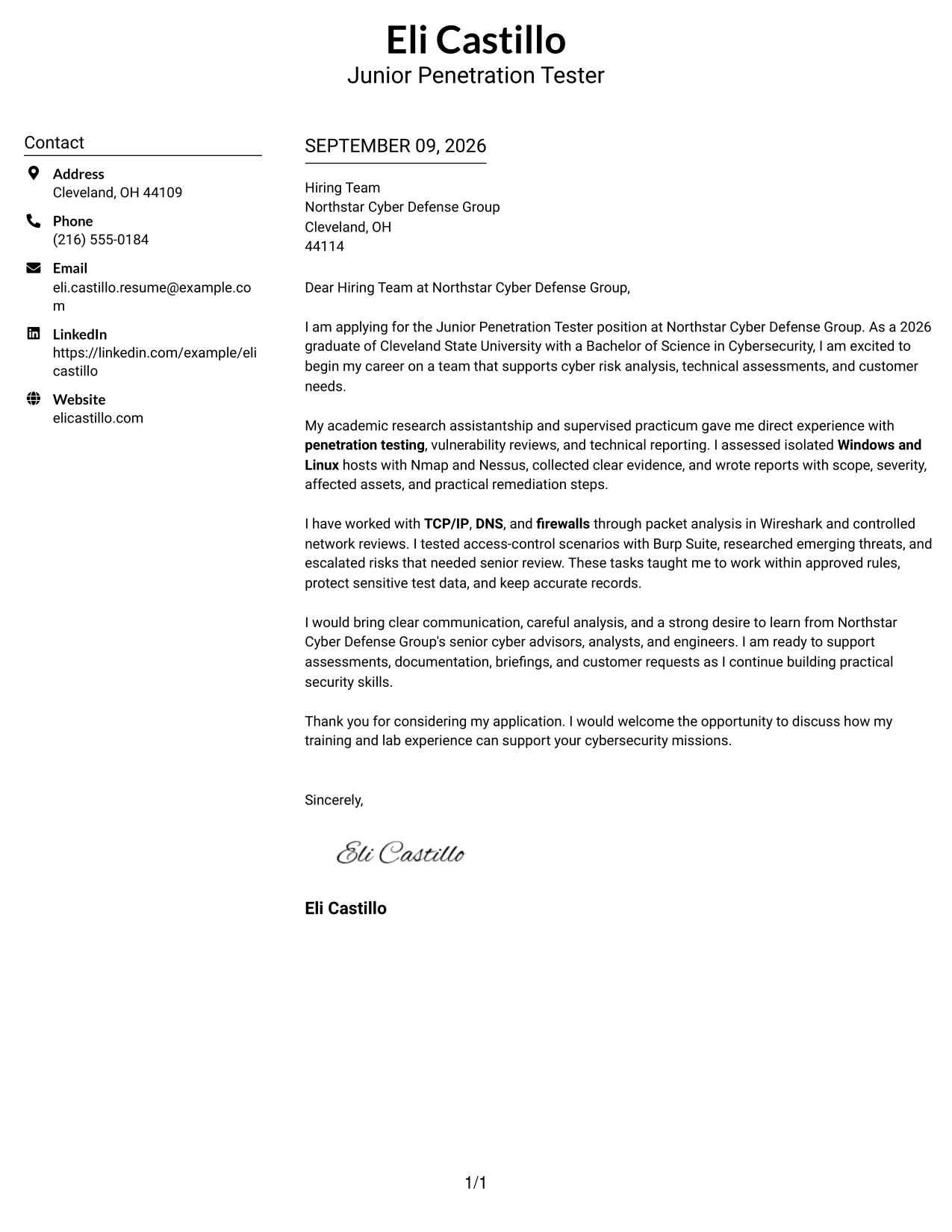
Why This Cover Letter Works
- The centered header makes contact details easy to locate before the letter begins.
- Two columns create a balanced presentation without making the message feel crowded.
- The opening can connect the 2026 cybersecurity degree to the target role.
- The body can present Nmap, Nessus, Wireshark, and Burp Suite as evidence of supervised practice.
- The structure supports a clear explanation of careful evidence handling and approved testing rules.
- The letter can show both technical ability and customer-focused communication.
- A direct closing gives the hiring team a clear next step.
Best For
- Applicants who want a balanced page with a strong contact area and readable message body.
- Cover letters that need to connect technical evidence with employer needs.
- Applications where motivation, relevant training, and practical judgment should receive similar attention.
- Readers who prefer a two-column presentation for quick movement between contact details and letter content.
- Candidates presenting several related examples without using a dense page.
- Roles that require both careful documentation and clear communication.
- Applicants who want a polished format while keeping the letter focused on persuasion.
#24 Left Aligned Header Clean Two Column Format
A restrained visual hierarchy helps the reader focus on why the application fits the work. Left-aligned contact details, a clean two-column arrangement, and direct paragraphs can connect supervised assessments, technical reporting, and threat research with Northstar Cyber Defense Group's support for senior cyber advisors and customers. The result is professional, focused, and easy to read.
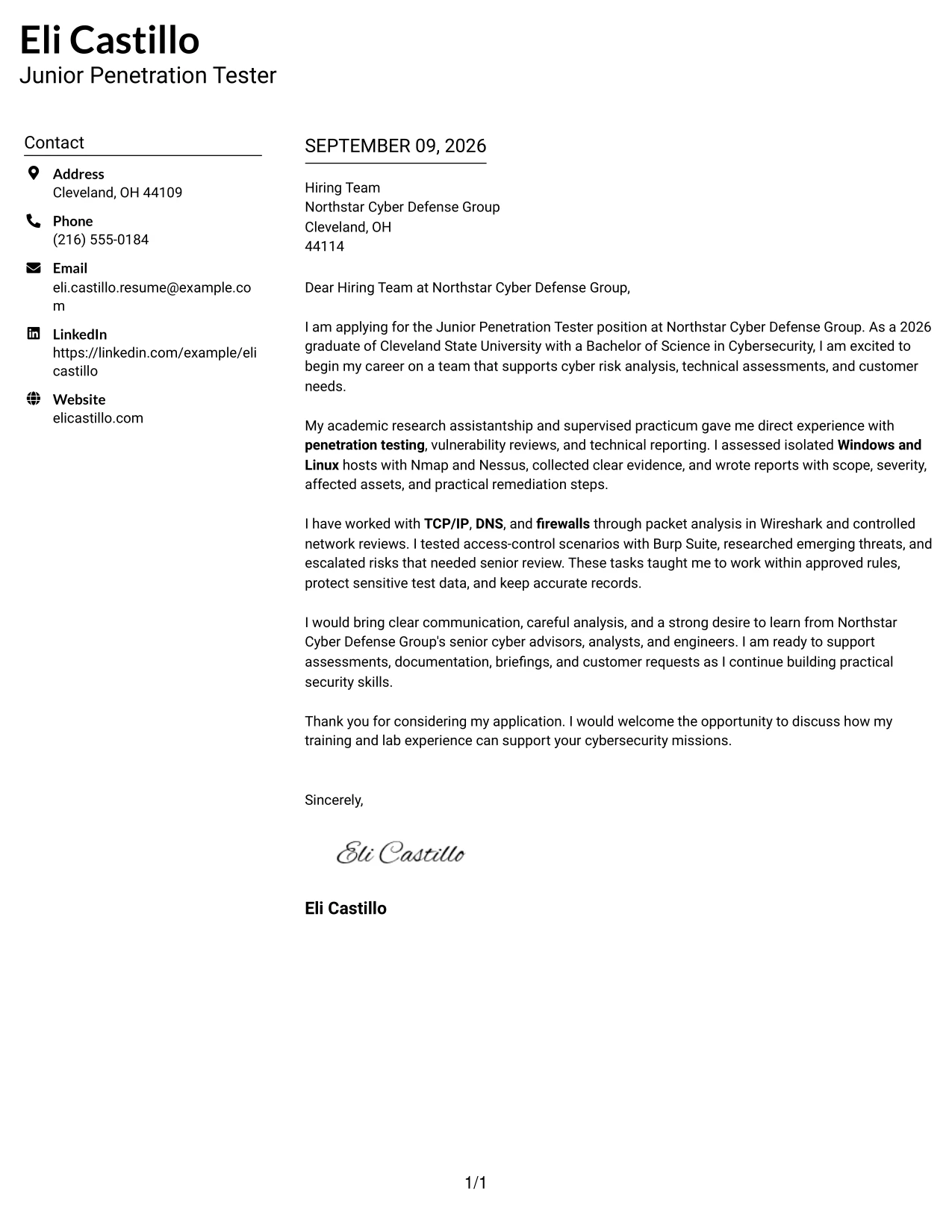
Why This Cover Letter Works
- Left alignment gives the letter a familiar reading path from contact details to closing.
- The clean design keeps the employer's needs more visible than decoration.
- The opening can show specific interest in cyber risk analysis and technical assessments.
- The middle of the letter can link lab work with documentation and reporting duties.
- Technical tools can be named only where they support a clear claim of preparation.
- The tone can remain confident while honestly presenting supervised and academic experience.
- The closing can reinforce readiness to learn from senior advisors, analysts, and engineers.
Best For
- Applicants who want the reader to see role alignment immediately.
- Letters that must connect academic preparation to an entry-level cybersecurity position.
- Applications where a calm visual style supports a serious and careful tone.
- Candidates with several relevant examples that need orderly grouping.
- Readers who value familiar left-to-right navigation.
- Cover letters that combine technical preparation with customer support interest.
- Applicants who want visual structure without a strong decorative effect.
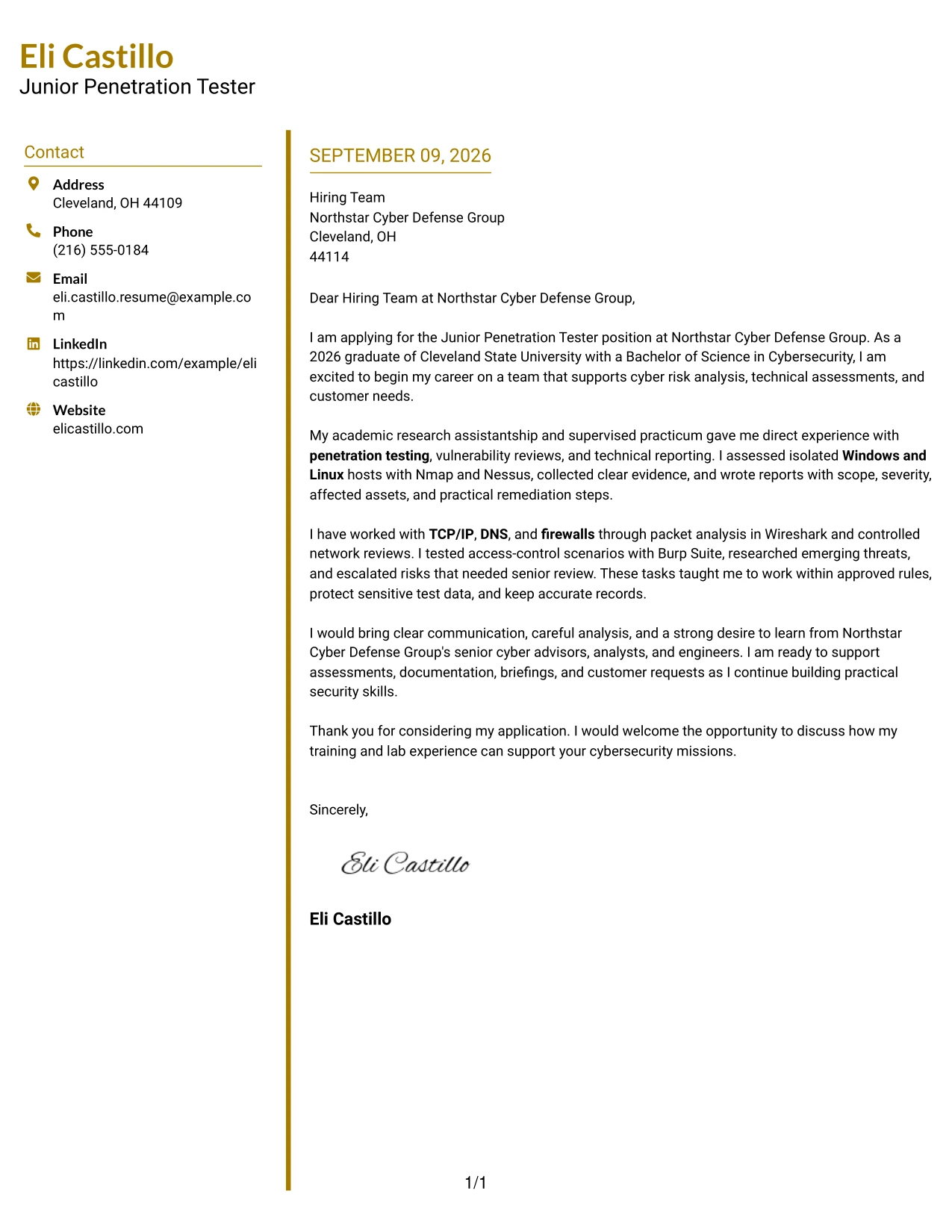
#25 Accent Divider Modern Two Column Format
Accent dividers separate the letter's main ideas: interest in the role, evidence of preparation, and the value the applicant can bring. In this cover letter, those sections can move from a cybersecurity degree to supervised work with Nmap and Nessus, then to communication, discretion, and customer support. The structure gives each point a defined place without turning the letter into a list.
Why This Cover Letter Works
- Dividers help the reader distinguish motivation from supporting evidence.
- The opening can identify Northstar Cyber Defense Group and the work it supports.
- A focused middle section can explain supervised vulnerability reviews and assessment reports.
- A second idea can show practical knowledge of TCP/IP, DNS, firewalls, Windows, and Linux.
- The letter can explain how findings were escalated when senior review was needed.
- The structure supports a clear transition from technical preparation to employer fit.
- A concise closing can leave the reader with one memorable reason to continue the conversation.
Best For
- Letters with three or four clear ideas that benefit from visual separation.
- Applicants who need to guide attention from motivation to evidence and then to fit.
- Applications where technical details should be grouped instead of scattered through the message.
- Readers who scan for a clear opening, supporting proof, and direct closing.
- Candidates combining lab experience, communication ability, and professional judgment.
- Cover letters that need structure but should still feel modern and personal.
- Situations where distinct sections can make a short letter easier to remember.
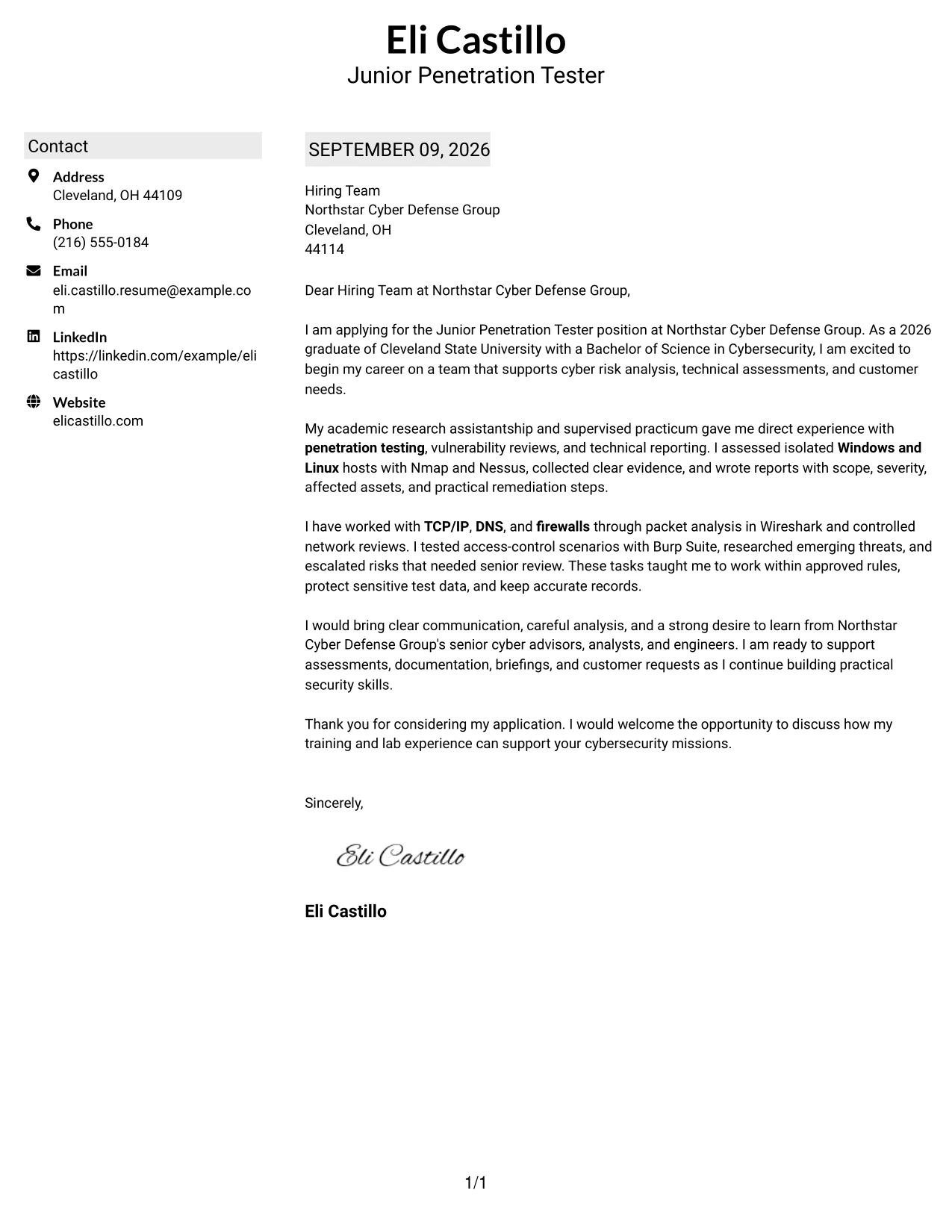
#26 Shaded Labels Clean Two Column Format
A recruiter can move through the letter by using the shaded labels as quiet signposts. The message can begin with interest in the Junior Penetration Tester position, then explain supervised testing, network analysis, technical reporting, and a careful approach to sensitive data. This organization gives a developing cybersecurity professional enough room to show preparation without overstating experience.
Why This Cover Letter Works
- Shaded labels make each part of the argument easy to find.
- The opening can state the role and the reason the employer is appealing.
- A preparation section can connect the cybersecurity degree with supervised lab work.
- An evidence section can describe Nmap, Nessus, Wireshark, and Burp Suite in context.
- A judgment section can explain approved scope, data protection, and escalation.
- The two-column balance allows several supporting points without long visual blocks.
- The closing can summarize readiness to support assessments, briefings, and customer requests.
Best For
- Applicants with several related qualifications that need clear grouping.
- Cover letters where the reader may review content in a short first pass.
- Candidates who want to show technical breadth without writing a long narrative.
- Applications that require a visible link between preparation, evidence, and professional judgment.
- Readers who benefit from labeled stages in a persuasive message.
- Letters combining practical lab work with communication and customer support.
- Applicants who want a structured page that still leaves the letter as the main focus.
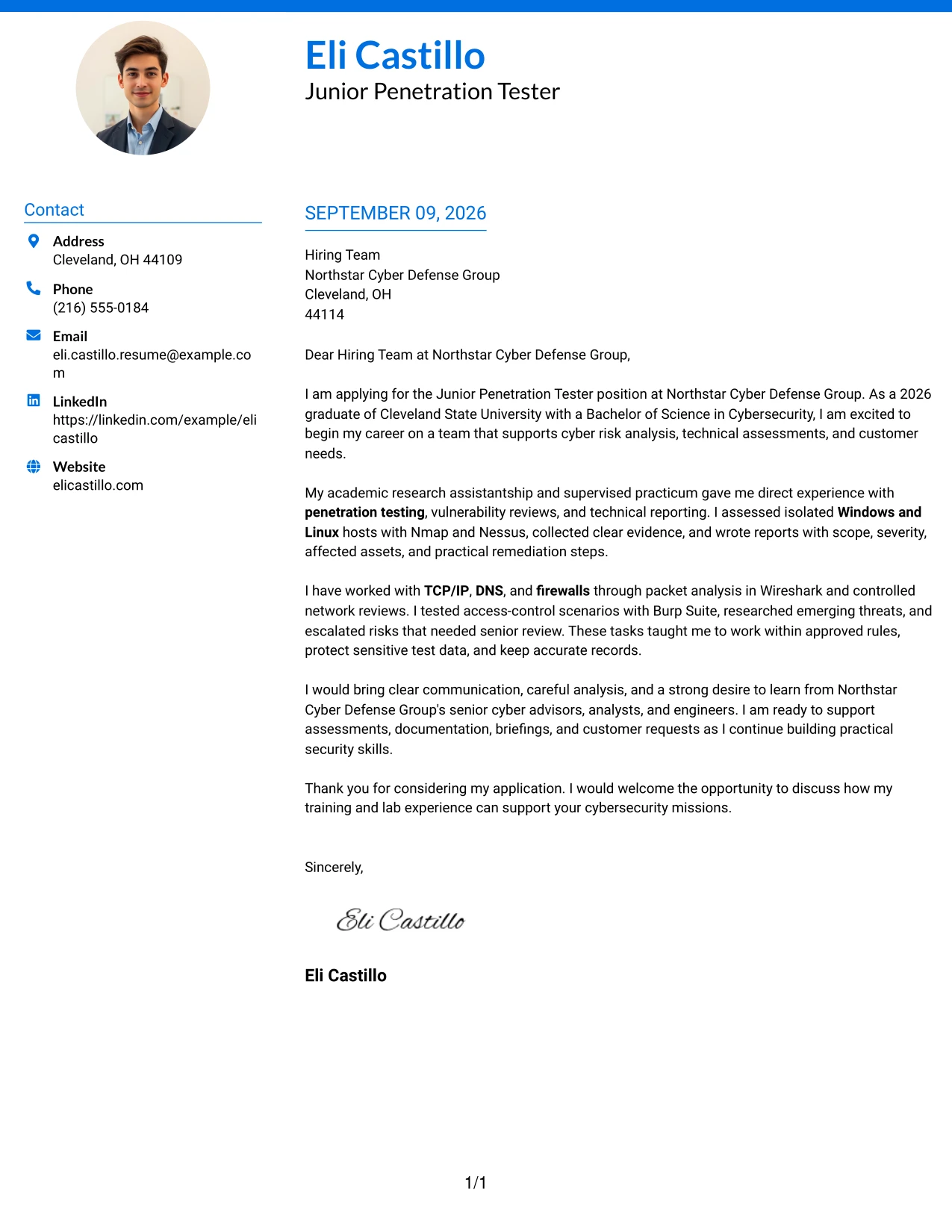
#27 Photo Header Color Accent International Format
The strongest evidence should lead the letter: supervised penetration testing, vulnerability assessment, and clear reporting. A color-accent header with a professional profile image adds a personal introduction, while the single-column letter keeps the argument unified. The message can then connect technical preparation with discretion, customer support, and a willingness to learn from senior cybersecurity professionals.
Why This Cover Letter Works
- The opening can lead with relevant evidence instead of a broad career statement.
- A single column keeps the persuasion sequence easy to follow.
- The profile image can support recognition when a personal introduction is useful.
- Color accents can distinguish contact information without competing with the message.
- The body can explain how supervised assessments produced documented findings.
- The letter can show that technical work was paired with careful handling of sensitive data.
- The closing can connect the applicant's growth goals with Northstar Cyber Defense Group's mission.
Best For
- Applicants who want a personal introduction alongside a focused letter.
- Applications where relevant evidence should appear early and clearly.
- Candidates presenting supervised technical work that needs brief explanation.
- Readers who prefer one continuous message rather than divided columns.
- Cover letters that combine professional identity with a restrained visual accent.
- Applicants who want to connect technical preparation with customer-facing judgment.
- Situations where a polished profile presentation supports a direct conversation.
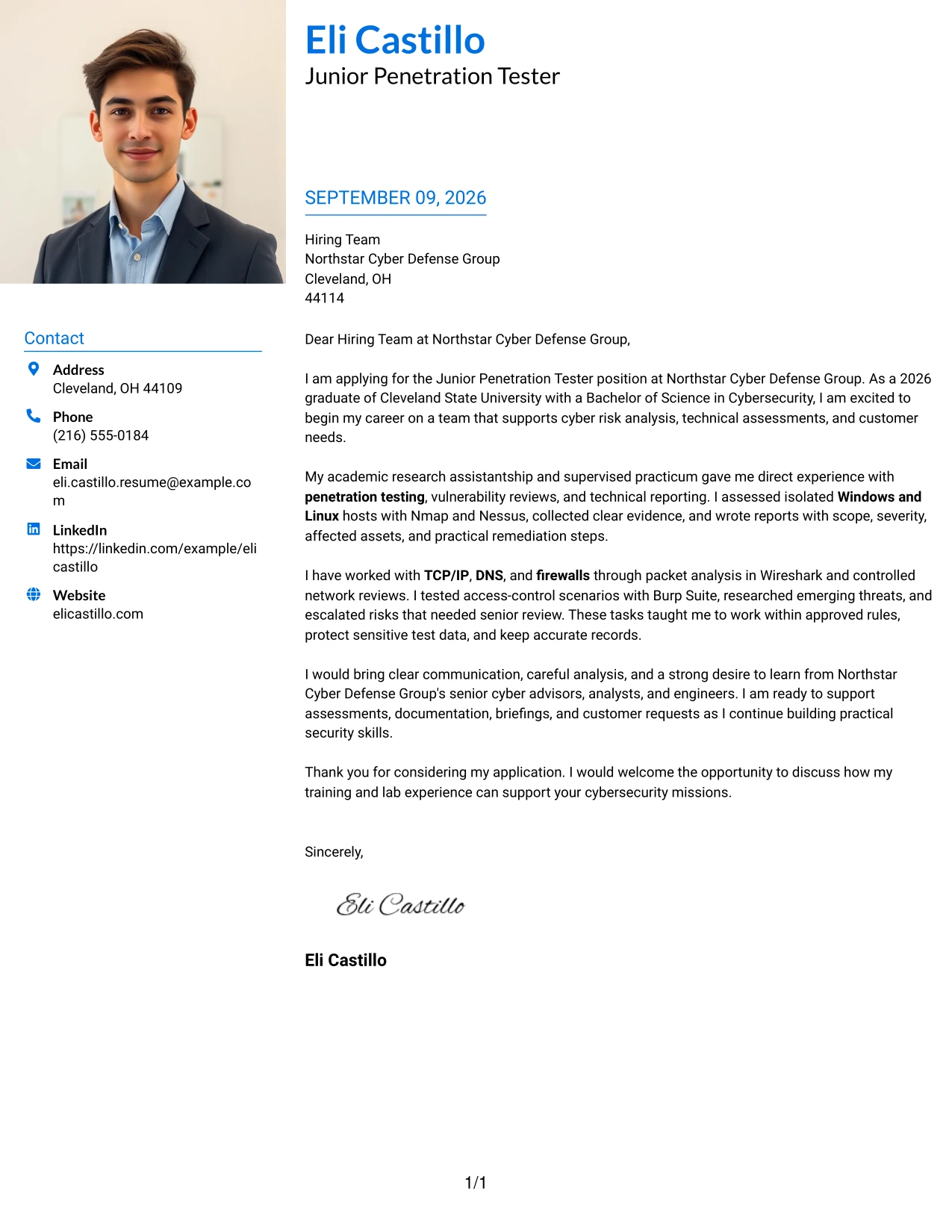
#28 Large Profile Photo International Two Column Format
Content balance matters when a cover letter includes a large professional profile image. The two-column arrangement reserves a clear visual area for identity while giving the letter room to explain penetration-testing labs, network analysis, reporting, and interest in customer support. The written argument remains direct: preparation is shown through evidence, and fit is shown through judgment and communication.
Why This Cover Letter Works
- The larger profile image creates a distinct personal introduction.
- The two-column balance protects the main letter from becoming visually crowded.
- The opening can state interest in Northstar Cyber Defense Group and its cyber missions.
- The evidence can focus on supervised assessments, lab hosts, and documented remediation steps.
- The letter can explain how technical findings were translated for nontechnical readers.
- The design leaves space for a thoughtful closing without compressing the message.
- The format supports a professional, international-style presentation while keeping the content specific.
Best For
- Applicants who want personal presentation to share space with a substantial written message.
- Letters that need room for several evidence-based examples.
- Applications where visual identity and clear professional communication both matter.
- Candidates explaining technical preparation to readers with different levels of cybersecurity knowledge.
- Readers who prefer a divided page with a strong personal area and a focused letter area.
- Cover letters linking assessment work with customer-facing explanations.
- Situations where a memorable presentation should still support careful role alignment.
#29 One Column Boxed Contact Header Format
For an application that should feel direct and formal, a boxed contact header establishes the sender and recipient before the reader reaches the argument. The one-column flow then presents motivation, supervised cybersecurity experience, and employer fit in a natural order. This format works well for a letter that must explain technical preparation without making the reader search across the page.
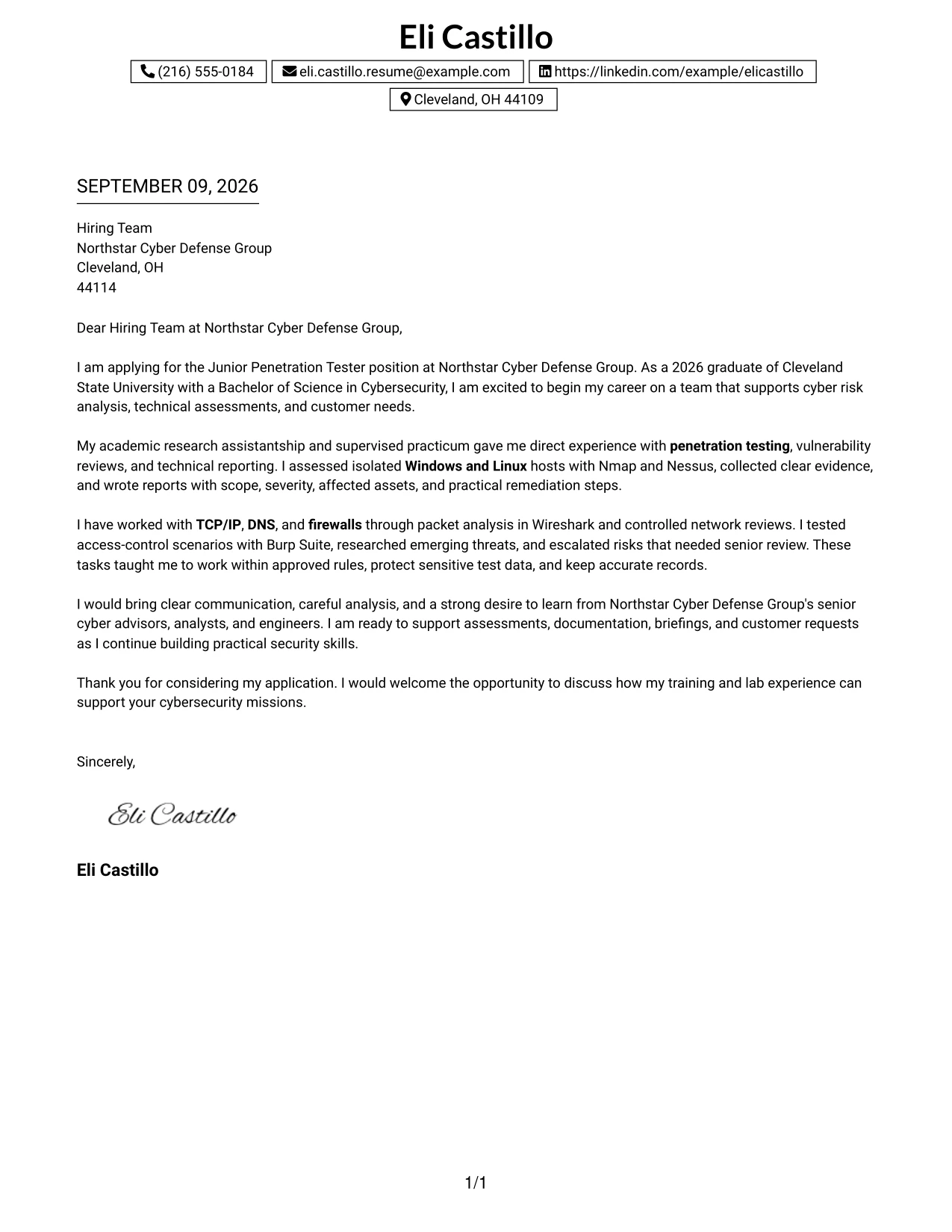
Why This Cover Letter Works
- The boxed header clearly separates contact information from the persuasive message.
- One-column reading keeps the greeting, body, and closing in a natural sequence.
- The introduction can connect the 2026 degree to the entry-level role.
- The body can explain practical work with Nmap, Nessus, Wireshark, and Burp Suite.
- A later paragraph can show discretion, documentation, and escalation under supervision.
- The format gives communication style as much importance as technical preparation.
- The closing can invite discussion without adding unnecessary detail.
Best For
- Applicants who want a traditional page with a strong, organized contact area.
- Cover letters that need a smooth beginning-to-end reading path.
- Candidates explaining several connected experiences in a short narrative.
- Applications where the recipient and sender details should be highly visible.
- Readers who prefer familiar business-letter organization.
- Letters balancing motivation, technical evidence, and professional conduct.
- Applicants who want a formal presentation with minimal visual distraction.
#30 One Column Shaded Contact Header Format
A shaded contact header gives the letter a composed first impression, while the one-column body keeps the role connection easy to follow. The message can introduce the applicant's cybersecurity degree, explain supervised penetration-testing work, and show how reporting, threat research, and careful escalation match Northstar Cyber Defense Group's needs. The visual restraint supports a confident but respectful tone.
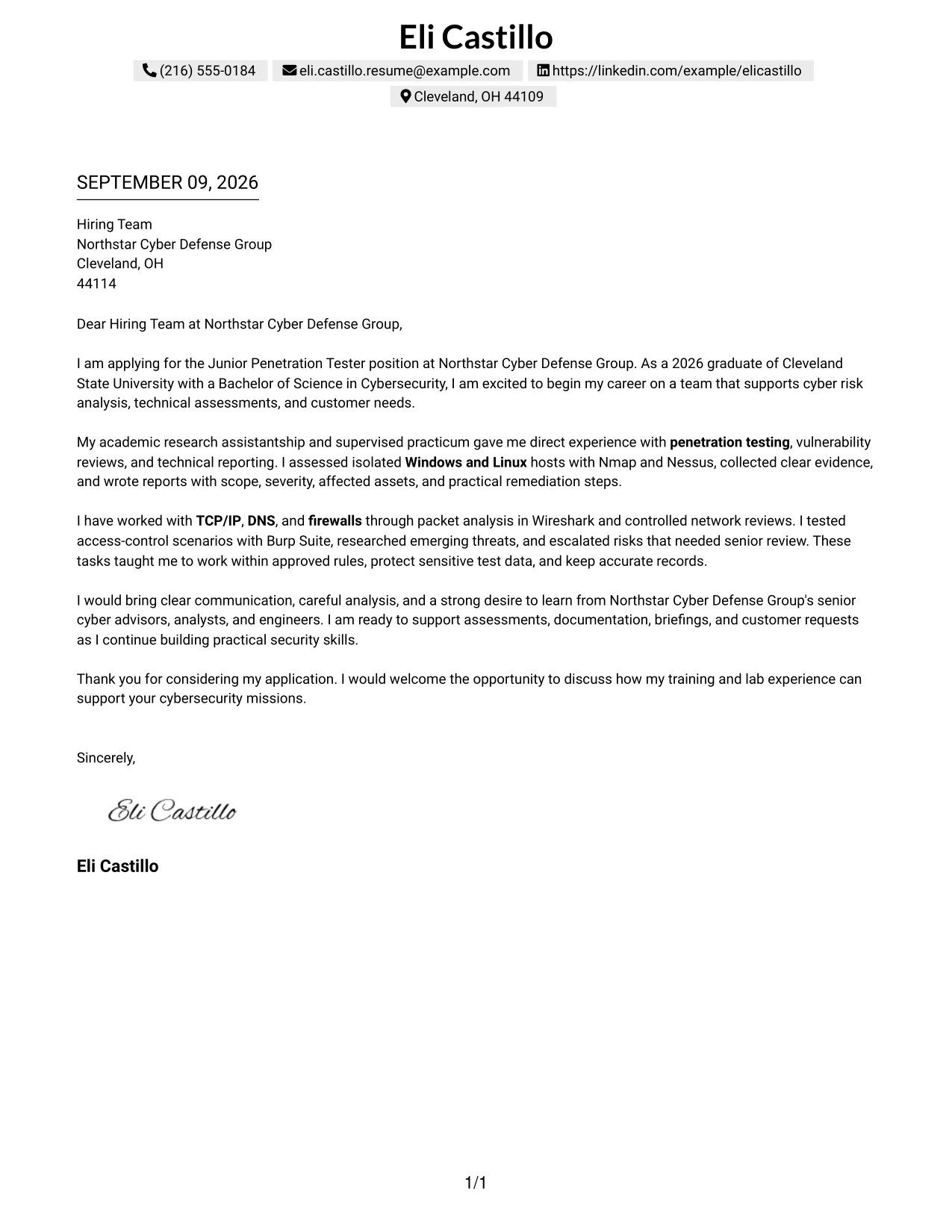
Why This Cover Letter Works
- The shaded header creates a clear boundary between contact details and the letter.
- A single reading path helps the recruiter follow the argument without interruption.
- The opening can show direct interest in Northstar Cyber Defense Group's cyber missions.
- The body can connect academic research with assessment and documentation duties.
- The letter can explain how technical observations became practical remediation recommendations.
- The tone supports honest presentation of early-career preparation and growth potential.
- The closing can reinforce professionalism, curiosity, and readiness to contribute.
Best For
- Applicants who want a calm, businesslike introduction before the letter begins.
- Cover letters that need strong alignment with a stated role and employer mission.
- Candidates presenting early-career preparation with confidence and accuracy.
- Readers who prefer a single continuous narrative with subtle visual organization.
- Applications where professionalism and growth potential should appear together.
- Letters connecting technical evidence to remediation and customer needs.
- Applicants who want a polished format without heavy visual effects.
#31 Boxed Contact Header with Job Title Format
The job title becomes an immediate point of reference in this format, while the boxed header organizes the contact details around it. A focused letter can then show why the candidate is prepared for a Junior Penetration Tester role: a cybersecurity degree, supervised assessments, technical reporting, and practice with approved testing boundaries. The clear sequence helps the reader connect evidence to the position.
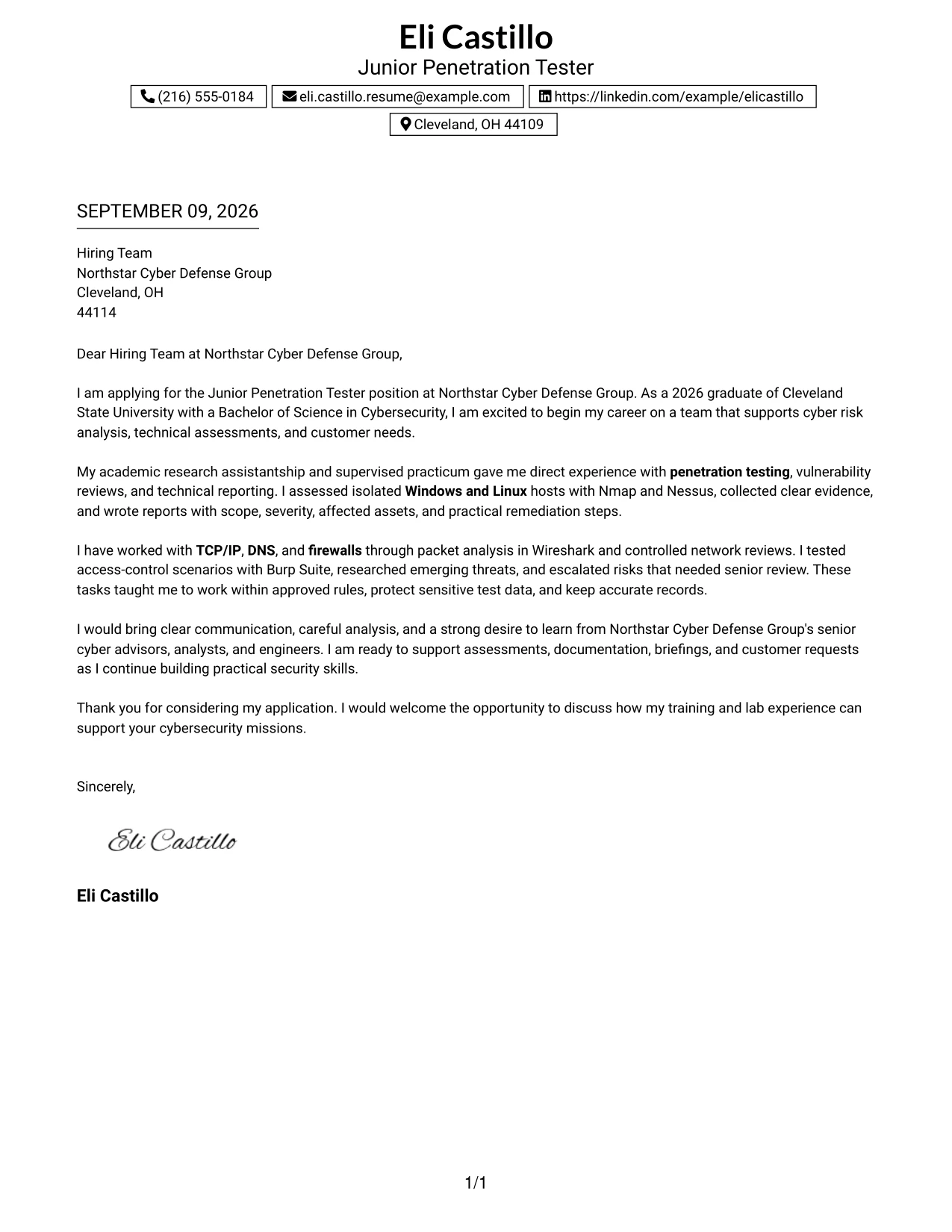
Why This Cover Letter Works
- The visible job title confirms the purpose of the application at once.
- The boxed header makes sender and recipient information easy to verify.
- The opening can move quickly from motivation to relevant preparation.
- The body can connect supervised assessments with the employer's reporting responsibilities.
- Technical examples can support claims about networking, operating systems, and access control.
- The letter can explain readiness to assist senior staff rather than imply independent authority.
- The closing can return to the role and invite a useful discussion.
Best For
- Applicants who want the target position to remain visible throughout the presentation.
- Letters where the reader needs immediate context before reviewing supporting evidence.
- Candidates connecting a degree, practical labs, and supervised responsibilities.
- Applications with a clear role-specific argument rather than a general introduction.
- Readers who value labeled purpose and orderly contact information.
- Cover letters showing readiness to assist experienced team members.
- Applicants who want a formal one-column page with strong role focus.
#32 Plain Professional Layout with Job Title & Shaded Date Format
The reader can move from the shaded date and job title to the greeting, evidence, and closing without visual detours. That straightforward path suits a letter that must explain motivation, supervised penetration testing, and communication ability in a professional tone. It also gives the writer room to connect technical preparation with Northstar Cyber Defense Group's customer and assessment work.
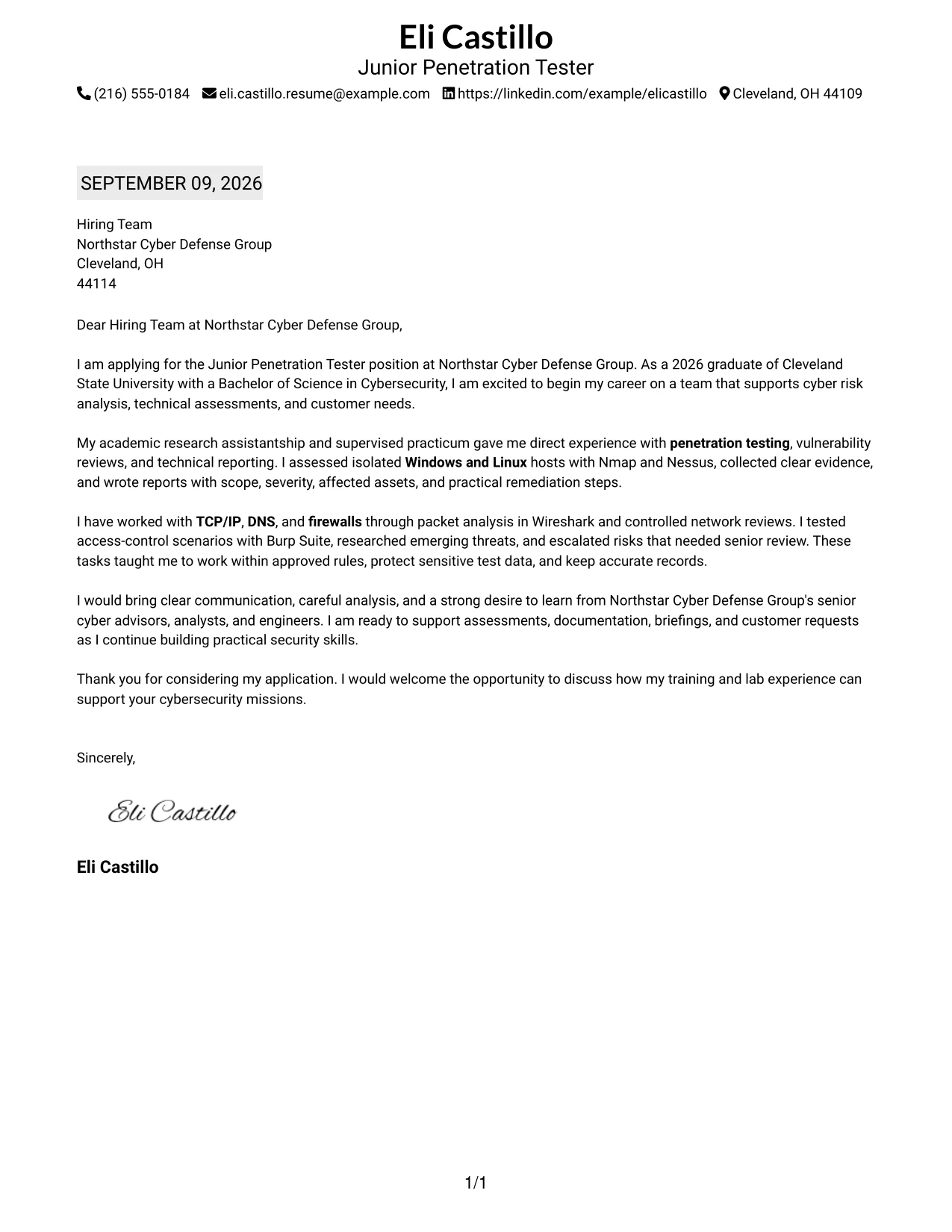
Why This Cover Letter Works
- The date and job title establish context before the main message begins.
- The plain layout keeps attention on the letter's reasoning and evidence.
- The opening can state why the role and Northstar Cyber Defense Group are a strong match.
- The body can describe vulnerability reviews, network analysis, and technical reporting.
- The letter can show how findings were explained through customer-style deliverables.
- The simple structure supports a measured tone for an early-career application.
- The closing can summarize readiness to learn, support senior staff, and serve customers.
Best For
- Applicants who prefer a familiar business-letter sequence.
- Cover letters with enough content to need a steady, uninterrupted reading path.
- Candidates explaining both technical preparation and customer communication.
- Applications where the date and target position should be easy to confirm.
- Readers who value clarity over decorative design.
- Letters that need to connect evidence, learning goals, and employer service.
- Applicants seeking a professional format for a formal hiring process.
#33 Two-Line Contact Header with Underlined Date Format
Relevant evidence receives priority after a compact two-line contact header and underlined date. The letter can quickly establish preparation through a cybersecurity degree, supervised testing, vulnerability analysis, and technical reporting, then explain how communication and discretion support the employer's work. The simple presentation keeps the argument precise from opening to signature.
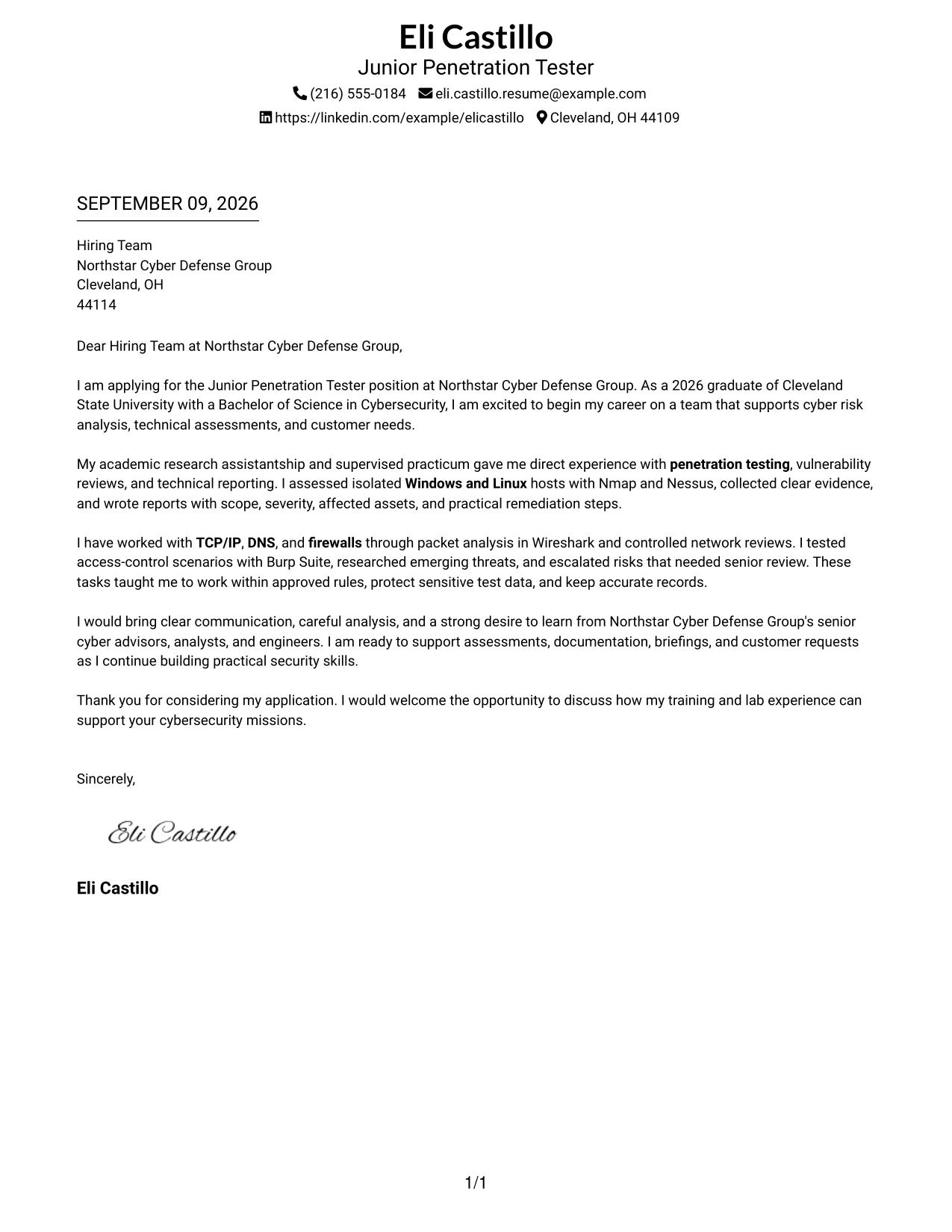
Why This Cover Letter Works
- The compact header leaves more room for the persuasive message.
- The underlined date gives the page a clear formal reference point.
- The opening can identify the role and connect it to the cybersecurity degree.
- The evidence can focus on supervised use of Nmap, Nessus, Wireshark, and Burp Suite.
- The letter can show careful documentation, approved scope, and responsible escalation.
- Communication examples can demonstrate readiness for briefings and customer requests.
- The closing can restate interest without repeating every technical detail.
Best For
- Applicants who want the written evidence to receive most of the page.
- Cover letters with several specific examples that must remain concise.
- Candidates presenting technical preparation through a short, focused argument.
- Applications where a formal date marker supports business correspondence.
- Readers who prefer compact contact information and a clean narrative.
- Letters connecting testing practice with documentation, briefings, and discretion.
- Applicants who want a precise presentation with little visual interruption.
Why Use ResumeInMinutes for a Junior Penetration Tester Cover Letter
ResumeInMinutes helps applicants shape a targeted cover letter without starting with a blank page. You can organize the message around the role, the employer's needs, and the evidence that best supports your interest.
- Professional writing styles
- Clear, readable formatting
- Job-description-based customization
- Fast cover letter generation
- Downloadable professional templates
- Cover letter guidance for technical roles
You can use the editor to refine your opening, explain your penetration-testing preparation, connect your technical judgment to customer needs, and prepare a polished PDF for a Junior Penetration Tester application.
See Also
- 33 Associate Penetration Tester Resume Templates with Example 2026 (ATS-Optimized)
- 33 Entry-Level Penetration Tester Resume Templates with Example 2026 (ATS-Optimized)
- 33 Junior Penetration Tester Resume Templates with Example 2026 (ATS-Optimized)
- 33 Lead Penetration Tester Resume Templates with Example 2026 (ATS-Optimized)
- 33 Penetration Tester Intern Resume Templates with Example 2026 (ATS-Optimized)
- 33 Penetration Tester Resume Templates with Example 2026 (ATS-Optimized)
- 33 Penetration Tester, VP Resume Templates with Example 2026 (ATS-Optimized)
- 33 Senior IT Penetration Tester Resume Templates with Example 2026 (ATS-Optimized)
- 30+ Associate Penetration Tester Cover Letter Templates with Example 2026
- 30+ Entry-Level Penetration Tester Cover Letter Templates with Example 2026
Frequently Asked Questions
What should a Junior Penetration Tester cover letter include?
Include a direct opening, relevant evidence from supervised assessments or labs, familiarity with networking and operating systems, careful handling of sensitive information, clear communication, and a closing that shows interest in the employer's work.
How can I discuss penetration-testing tools in my cover letter?
Name tools such as Nmap, Nessus, Wireshark, or Burp Suite only when you have used them. Explain the task briefly, such as reconnaissance, packet analysis, vulnerability review, or access-control testing, and connect it to responsible documentation.
Can I write a strong cover letter with limited professional experience?
Yes. Supervised assessments, academic research, practicums, and controlled lab work can show how you follow rules of engagement, collect evidence, analyze risk, write findings, and learn from review.
How should I show that I understand the employer's needs?
Refer to the work described in the posting, such as supporting senior cyber professionals, preparing documentation, researching threats, assisting with customer requests, and escalating issues under supervision. Then connect those needs to your own preparation.
Should a Junior Penetration Tester cover letter mention TCP/IP, DNS, and firewalls?
Yes, when those subjects are relevant to your background. Use a short example to show how you reviewed network behavior, investigated configuration issues, or explained a finding instead of presenting a disconnected list of terms.
Should I use a photo on my cover letter?
For most U.S. applications, a no-photo cover letter is the safer choice. Use a professional, readable layout that gives attention to your message and role-specific evidence.
Can I customize these Junior Penetration Tester cover letter templates?
Yes. Customize the opening, evidence, motivation, employer connection, closing, layout, and PDF format for the specific Junior Penetration Tester opportunity.




