
33 Junior QA Automation Engineer Resume Templates with Example 2026 (ATS-Optimized)
This guide shows you how to build a Junior QA Automation Engineer resume that is clear, focused, and easy to adapt. You will learn how to present your testing, scripting, deployment, and troubleshooting evidence in a format that supports quick resume review.
A strong resume for this role connects quality assurance work to dependable results. Use a focused summary, clear experience bullets, and relevant sections for PowerShell, Python, C#, object-oriented programming, software packaging, endpoint remote management, test planning, release validation, and reporting automation.
The example document is presented in 33 ATS-friendly resume layouts, with format notes and free PDF downloads to help you compare options. The guide also explains how to use measurable evidence, job-specific keywords, education, certifications, projects, and technical skills without making the resume difficult to scan.
What Makes a Great Junior QA Automation Engineer Resume in 2026
Effective resumes are keyword-focused, evidence-based, and easy to scan. They connect scripting, testing, deployment, endpoint support, and troubleshooting work to reliable service improvements.
Useful keywords include PowerShell, Python, C#, QA testing, test planning, software packaging, endpoint remote management, PowerShell Remoting, WinRM, release validation, virtual machines, logging, error handling, Git, and Jira when they match your background.
The examples shown below are intentionally detailed to demonstrate a range of experiences, skills, accomplishments and relevant keywords. We prefer detailed resumes as they provide more context to the hiring managers and also help the ATS systems identify relevant qualifications and score your resume better for a match. But the length of a resume is an individual choice. If you want a one page resume, just keep the most relevant experience and information for the job.
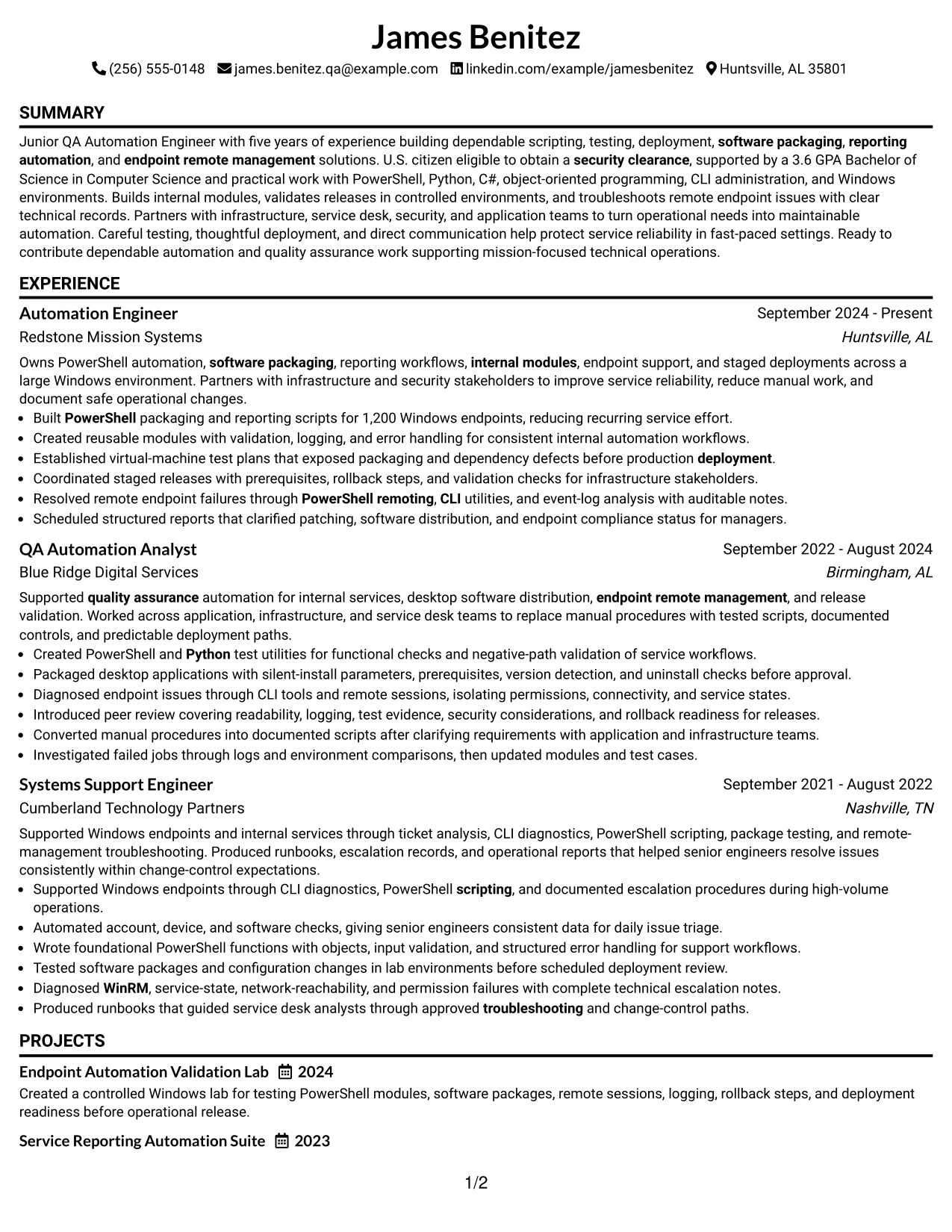
#1 Simple One Column Format Resume Example
The Simple One Column Format places the resume content in one clear path: contact details, a targeted summary, experience, education, certifications, and skills. That order gives the Junior QA Automation Engineer profile a strong opening while keeping PowerShell, Python, testing, deployment, and endpoint management easy to find.
A single column also supports reliable ATS parsing and fast recruiter scanning. Short achievement bullets show work across 1,200 Windows endpoints, reusable internal modules, virtual-machine testing, staged releases, and remote troubleshooting without crowding the page.
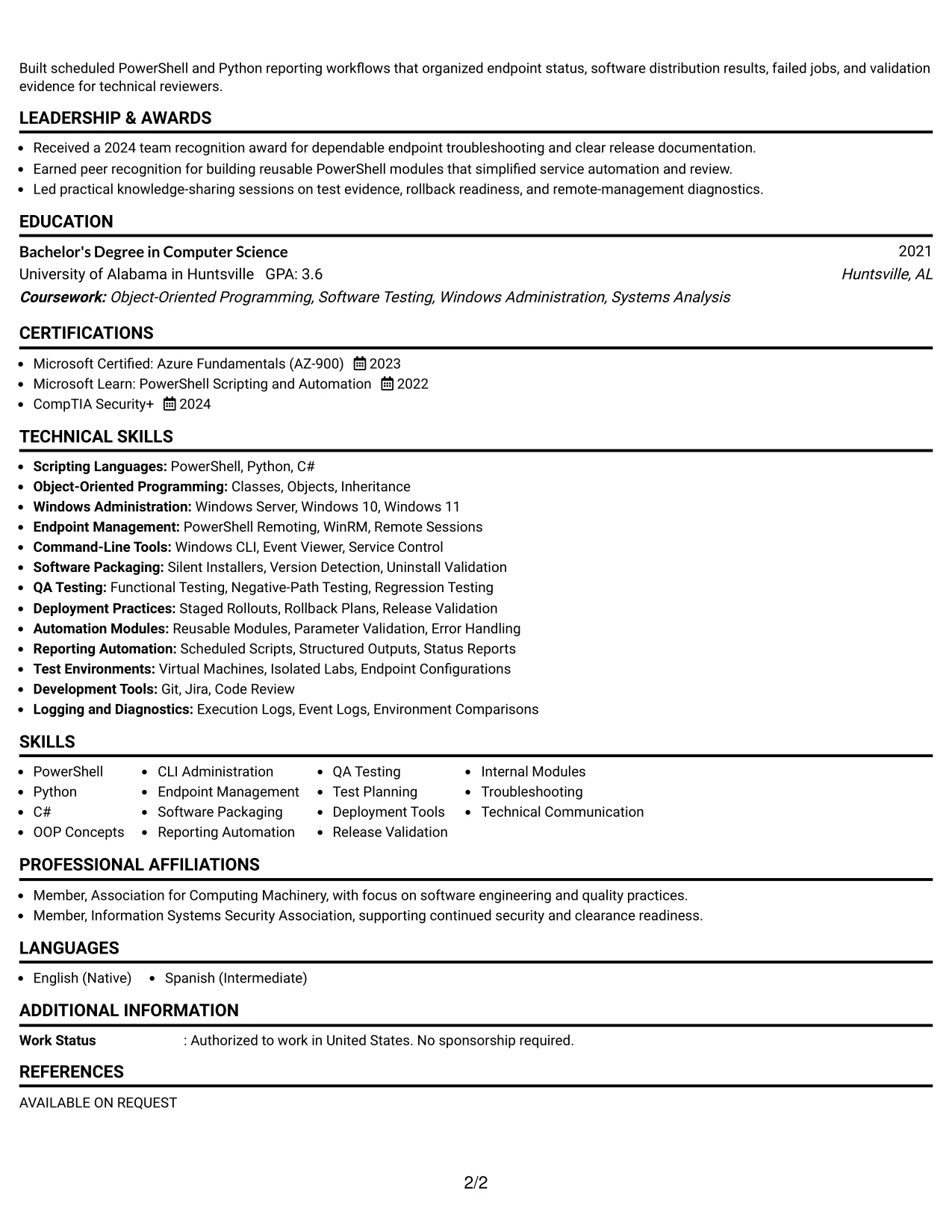
#1 Why the Simple One Column Format Works for a Resume
- One reading path makes the professional summary and core qualifications easy to locate.
- Standard section headings help ATS tools identify experience, education, certifications, and skills.
- A focused summary connects scripting, QA testing, deployment, and endpoint management to the target role.
- Separate experience entries preserve the progression from systems support to QA automation and automation engineering.
- Bullets provide room for measurable scope, including work across more than 1,200 endpoints.
- Project and certification details can appear in a logical order without competing sidebars.
- The uncluttered structure keeps technical keywords visible during a quick resume review.
#1 Best For
- Resumes that need the clearest possible top-to-bottom reading order
- Candidates with several technical roles that should remain easy to compare
- Applications where ATS parsing is a primary concern
- Detailed experience sections with multiple achievement bullets
- Profiles that combine scripting, testing, deployment, and support evidence
- Resumes that need room for projects, certifications, and technical skills
- Job searches that benefit from a direct, traditional presentation
Resume Keywords
- Junior QA Automation Engineer
- scripting
- reporting automation
- software packaging
- endpoint remote management
- security clearance
- OOP Concepts
- troubleshooting
- testing
- quality assurance
- Bachelor's Degree
- Computer Science
- engineering
- PowerShell
- deployment
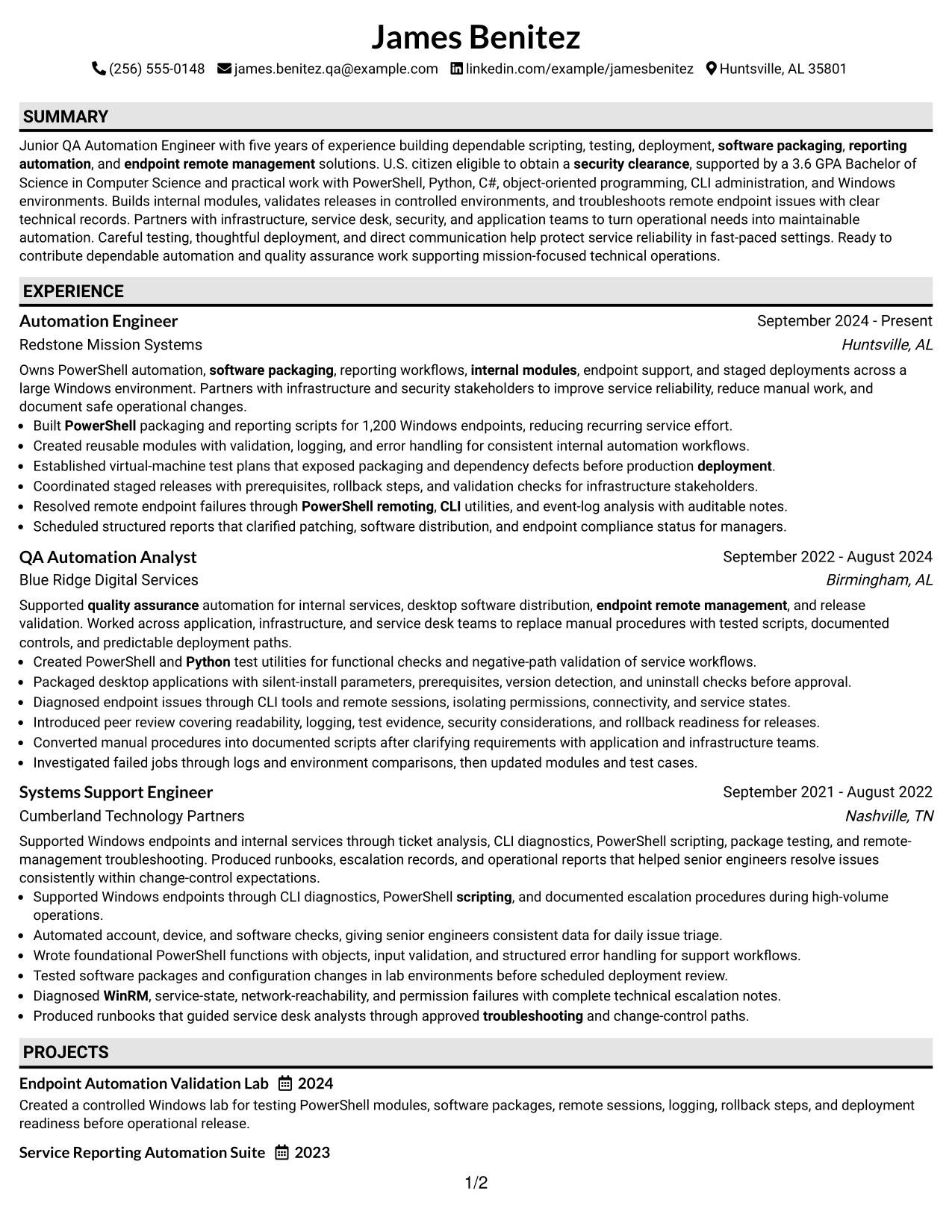
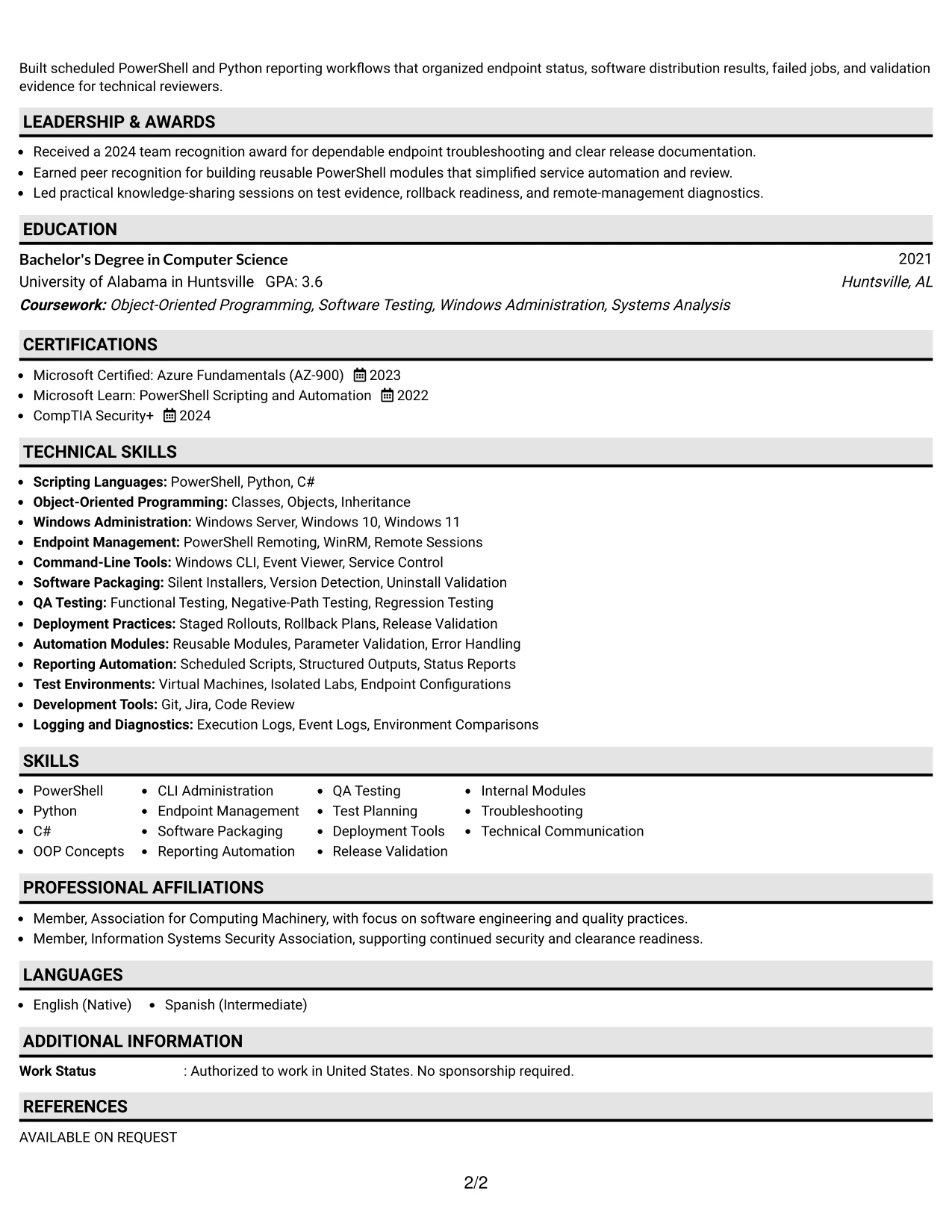
#2 Plain One Column with Shaded Labels Resume Example
Readers move from the contact header to the summary and then through clearly labeled resume sections. The shaded labels make each transition visible while the one-column body gives detailed experience bullets enough space for PowerShell, Python, software packaging, and QA testing.
This structure suits a document with substantial evidence. It can show test plans, release validation, internal module development, reporting automation, certifications, and endpoint troubleshooting without forcing important details into narrow columns.
#2 Why the Plain One Column with Shaded Labels Works for a Resume
- Shaded labels help readers identify section changes during a quick review.
- A full-width body supports detailed bullets with clear actions and results.
- The format gives technical keywords enough surrounding context to remain meaningful.
- Experience entries can include testing, deployment, troubleshooting, and documentation evidence.
- Education and certifications remain visible without competing with the work history.
- A consistent label treatment supports predictable ATS and human navigation.
- The layout accommodates a broad skills list while keeping the page orderly.
#2 Best For
- Resumes with a high volume of technical experience details
- Candidates who need clear visual signposts between major sections
- Applications that require both keyword coverage and supporting context
- Work histories with several bullets under each position
- Profiles that include certifications, projects, and detailed tools
- Readers who scan headings before deciding which bullets to review
- Documents that need a structured look without a complex design
#3 One Column Format with Photo Right Resume Example
Evidence receives priority in the main column, beginning with the summary and continuing through experience, education, certifications, and skills. The resume can present PowerShell automation, functional and negative-path testing, deployment controls, and endpoint diagnostics as the main proof of readiness.
A right-side photo area adds a visual contact point, while the one-column content keeps technical achievements readable. The strongest bullets can show 1,200 managed endpoints, reusable modules, controlled testing, and staged rollouts without dividing the evidence across separate text columns.
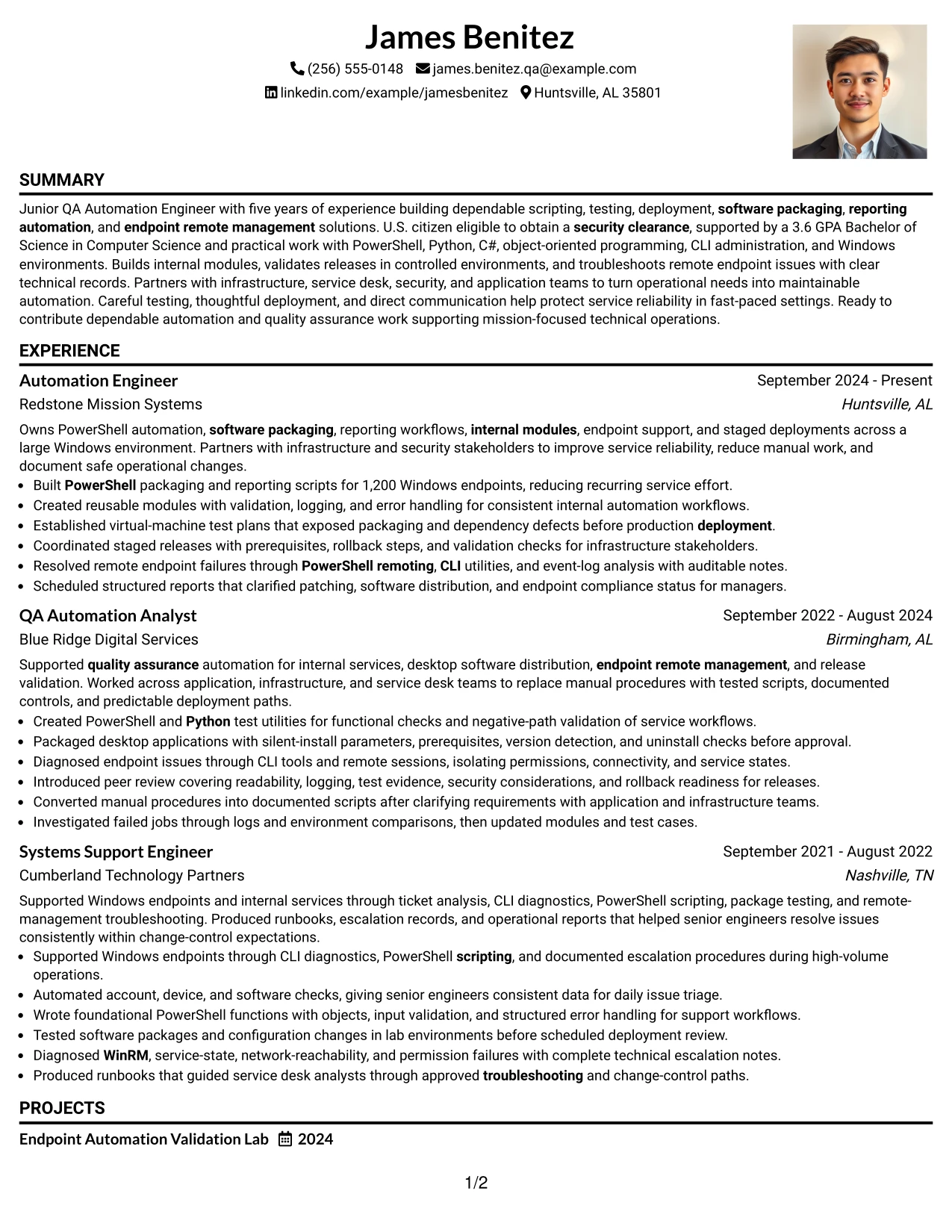
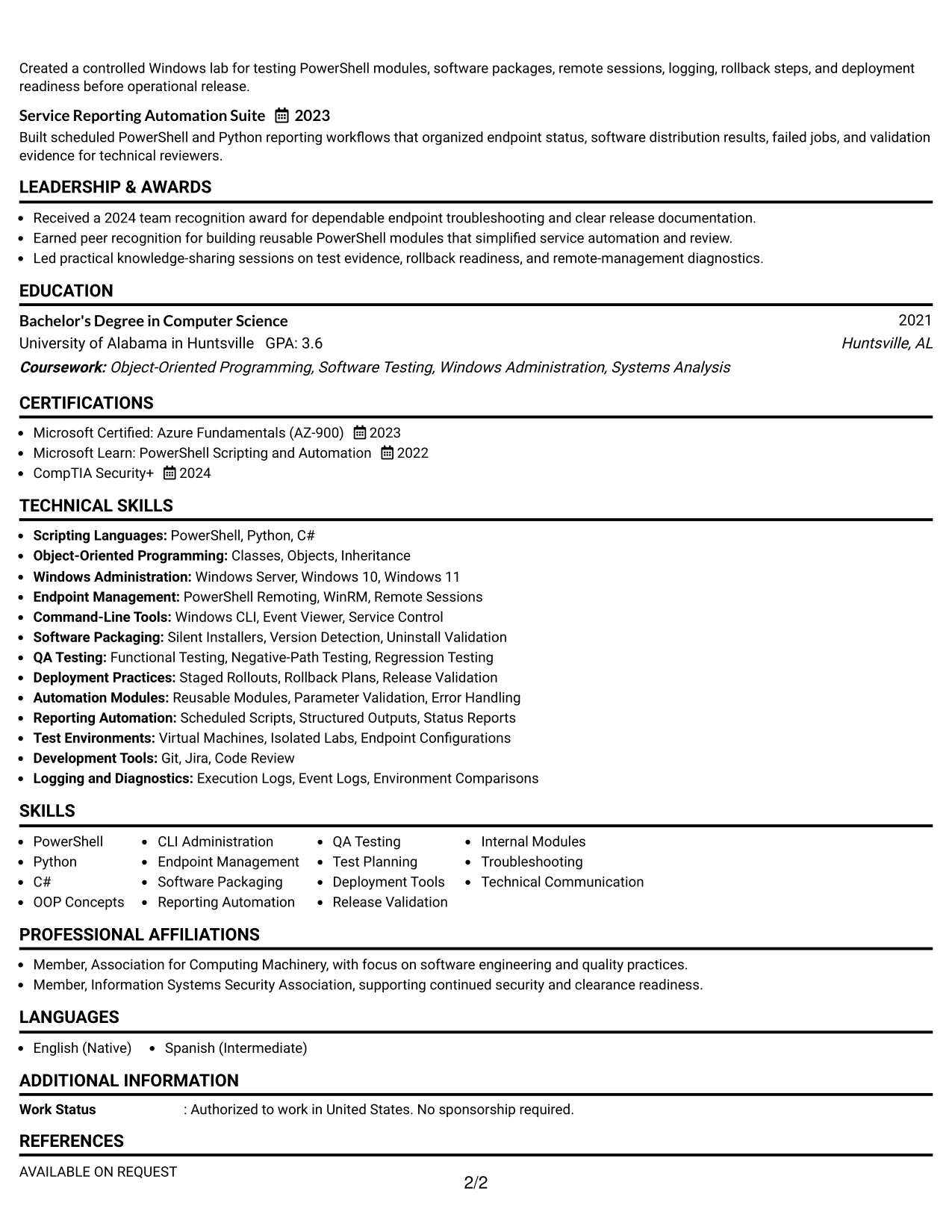
#3 Why the One Column Format with Photo Right Works for a Resume
- The main text column gives professional evidence more space than decorative elements.
- A clear summary introduces the technical focus before the detailed work history.
- Achievement bullets can explain both the action taken and the operational result.
- The format supports visible evidence for scripting, QA testing, packaging, and deployment.
- A dedicated right-side photo area keeps the contact presentation separate from work details.
- Education, certifications, and clearance eligibility can follow the evidence in a logical sequence.
- The one-column flow remains easy to review when technical experience is the main decision factor.
#3 Best For
- Resumes where measurable technical evidence should dominate the page
- Candidates who want a single-column experience narrative with a defined visual contact area
- Applications that benefit from prominent project and testing details
- Profiles with strong deployment, packaging, and troubleshooting examples
- Documents that need room for longer accomplishment bullets
- Readers who prefer evidence before a dense skills inventory
- Presentations where a professional photo is appropriate for the application context
#4 Clean Two Column Sidebar Format Resume Example
Content is balanced between a focused sidebar and a wider experience area. The sidebar can hold contact details, skills, certifications, and education, while the main column gives PowerShell automation, QA testing, software packaging, and endpoint troubleshooting the space needed for context.
This arrangement fits an application that must communicate technical breadth and practical evidence quickly. A compact skills area surfaces keywords such as Python, C#, OOP concepts, WinRM, deployment tools, and release validation while the main column carries measurable results and project detail.
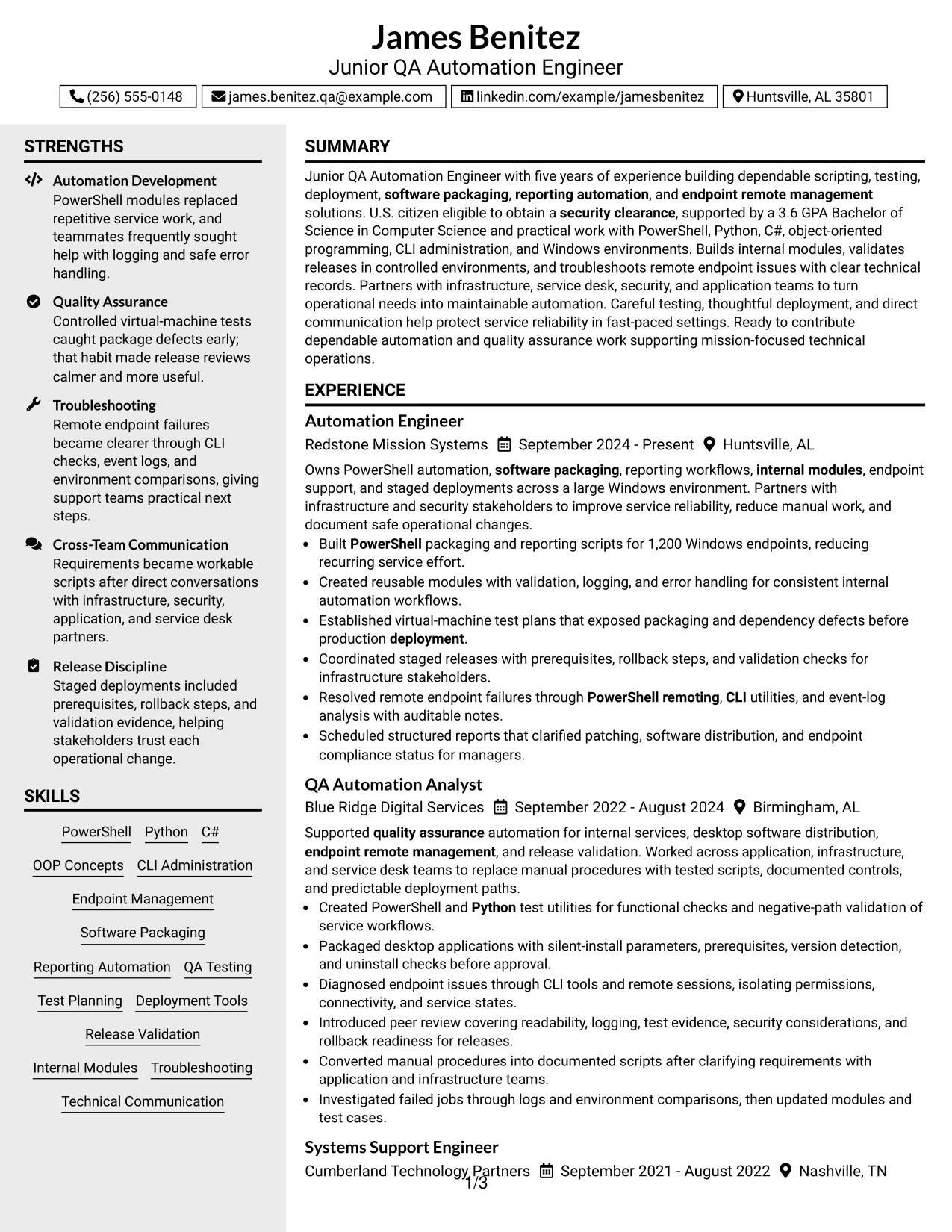
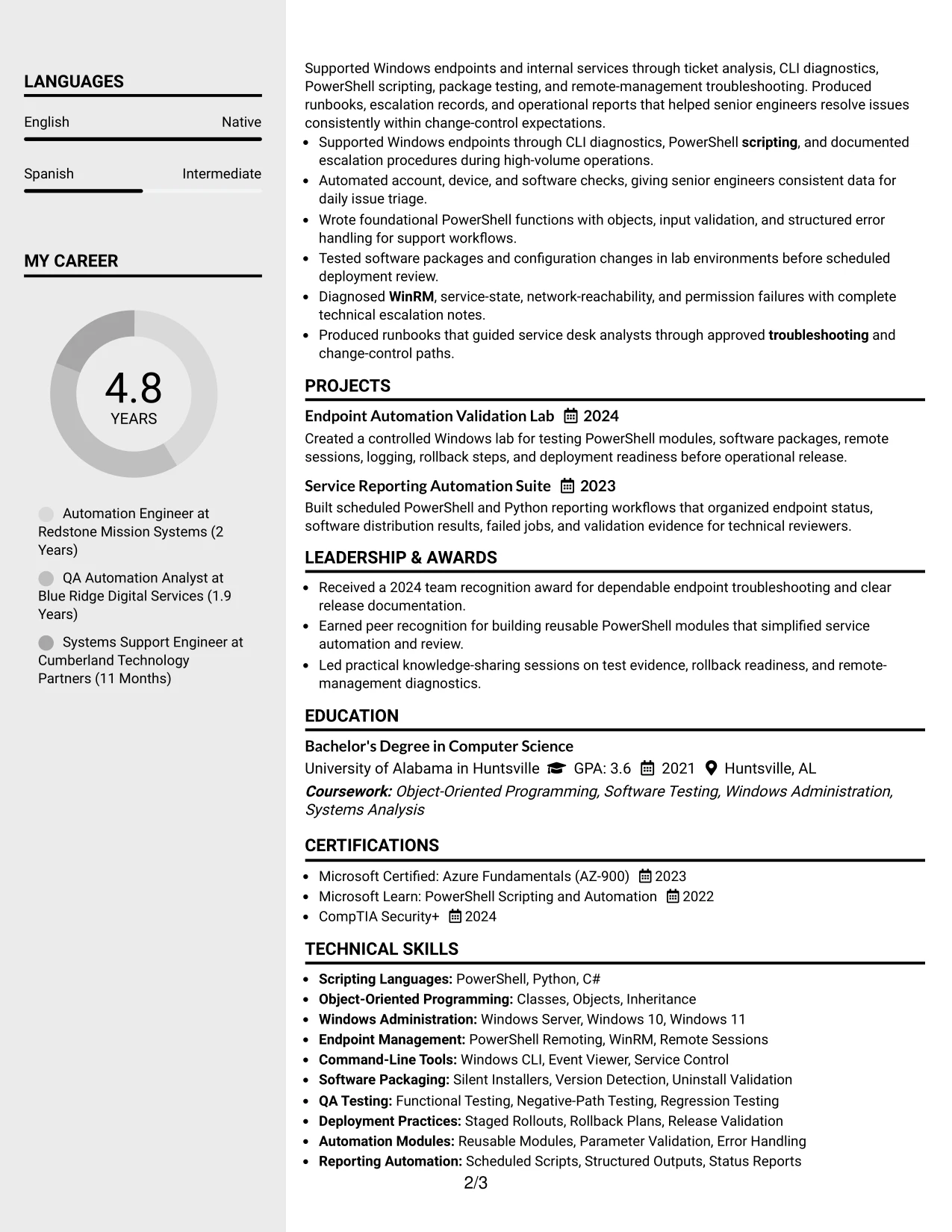
#4 Why the Clean Two Column Sidebar Format Works for a Resume
- The sidebar separates quick-reference information from detailed career evidence.
- The main column provides room for complete achievement bullets and project descriptions.
- Skills and certifications remain visible without interrupting the experience narrative.
- The structure supports fast review of PowerShell, Python, C#, and OOP concepts.
- Testing and deployment evidence can be grouped in the wider column for better context.
- A compact education area keeps the 3.6 GPA and Computer Science degree easy to locate.
- The format balances keyword visibility with readable accomplishment detail.
#4 Best For
- Applications that need quick access to skills and certifications
- Candidates who want technical tools separated from accomplishment evidence
- Resumes with a substantial work history and a concise supporting profile
- Readers who scan a sidebar before reviewing detailed experience
- Profiles that combine endpoint management with software development practices
- Documents that need projects and education without a long single-column page
- Technical applications where compact navigation improves review speed
#5 Two Column Format Resume Example
For a practical application, the Two Column Format helps present a wide technical profile without making the page feel dense. One area can summarize skills, education, certifications, and projects, while the other explains experience in scripting, testing, deployment, and endpoint management.
The split supports visual comparison between capabilities and proof. Readers can connect PowerShell, Python, C#, Git, Jira, and Windows administration to bullets about internal modules, software packages, reporting workflows, and remote endpoint resolution.
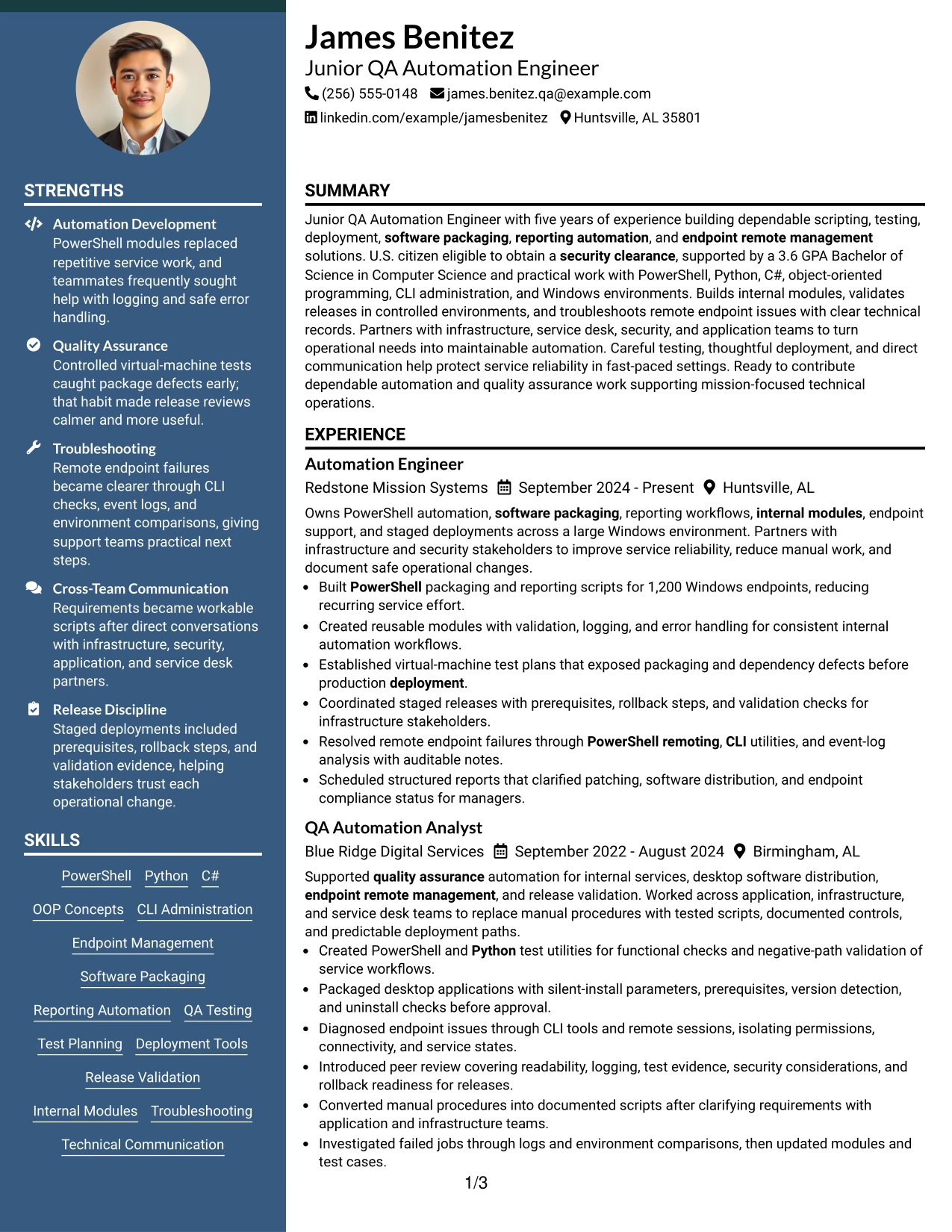
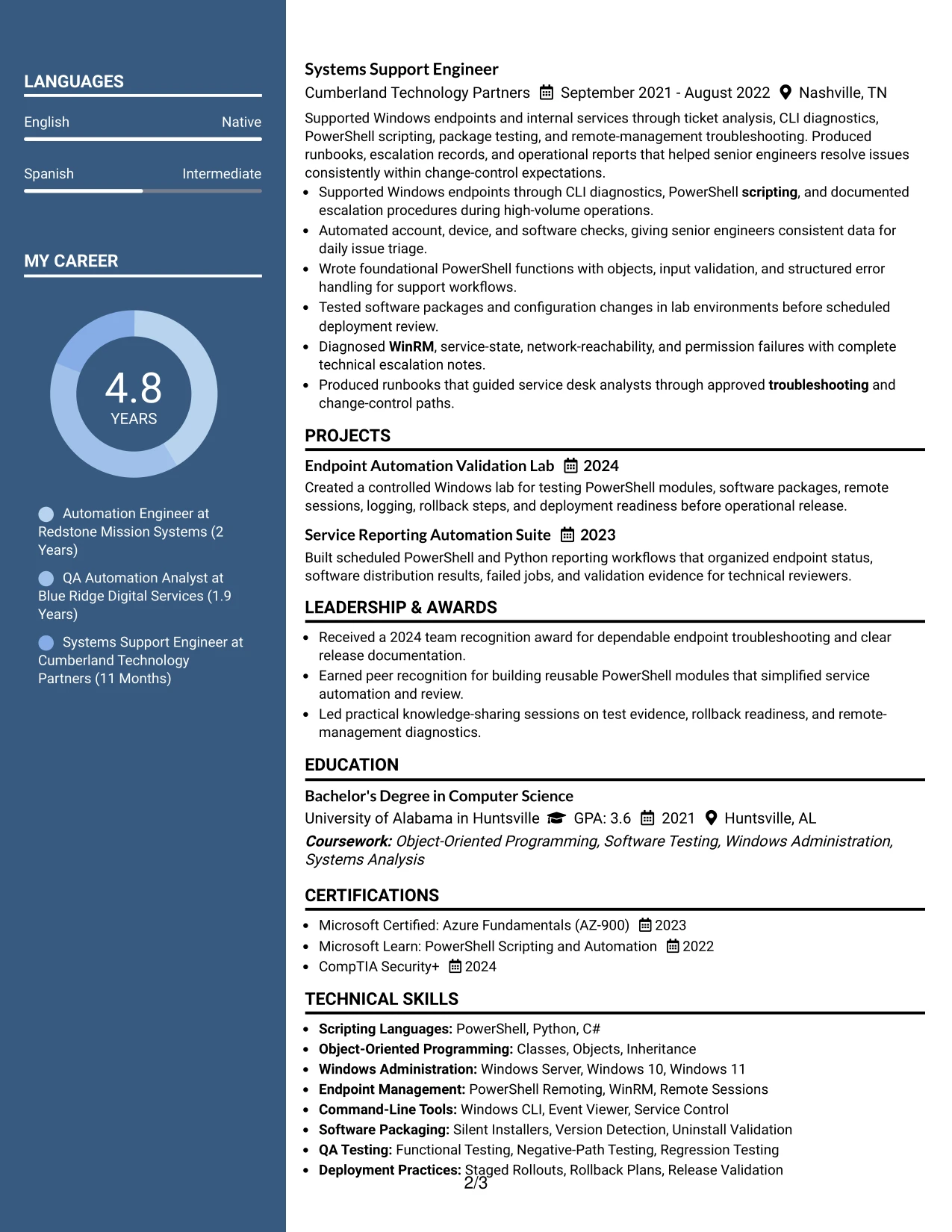
#5 Why the Two Column Format Works for a Resume
- Separate columns let readers compare capabilities with supporting experience.
- A compact skills area improves access to important technical keywords.
- The experience area can retain enough width for precise accomplishment bullets.
- Projects can sit near related tools without interrupting the employment timeline.
- Certifications and education remain visible while the work history stays central.
- The format supports a broad technical profile without repeating the same information.
- Clear alignment helps readers understand how tools were applied in real workflows.
#5 Best For
- Resumes that must show both technical breadth and applied results
- Candidates with projects, certifications, and skills to place beside experience
- Applications where visual comparison helps connect tools to work examples
- Profiles that need a compact area for education and credentials
- Documents with several related technical categories to organize
- Readers who want a quick skills view before reviewing employment details
- Presentations that require more visual balance than a standard one-column page
#6 Photo Header Two Column Format Resume Example
A restrained visual header establishes the document hierarchy, then two columns divide quick-reference details from supporting evidence. The resume can place contact information and core skills near the top while giving experience bullets room to show scripting, QA testing, software packaging, and deployment work.
The photo header can provide a distinct identity area, while the two-column body keeps the technical profile organized. Evidence such as 1,200 Windows endpoints, controlled virtual-machine tests, rollback planning, and endpoint diagnostics remains easy to connect to the relevant role.
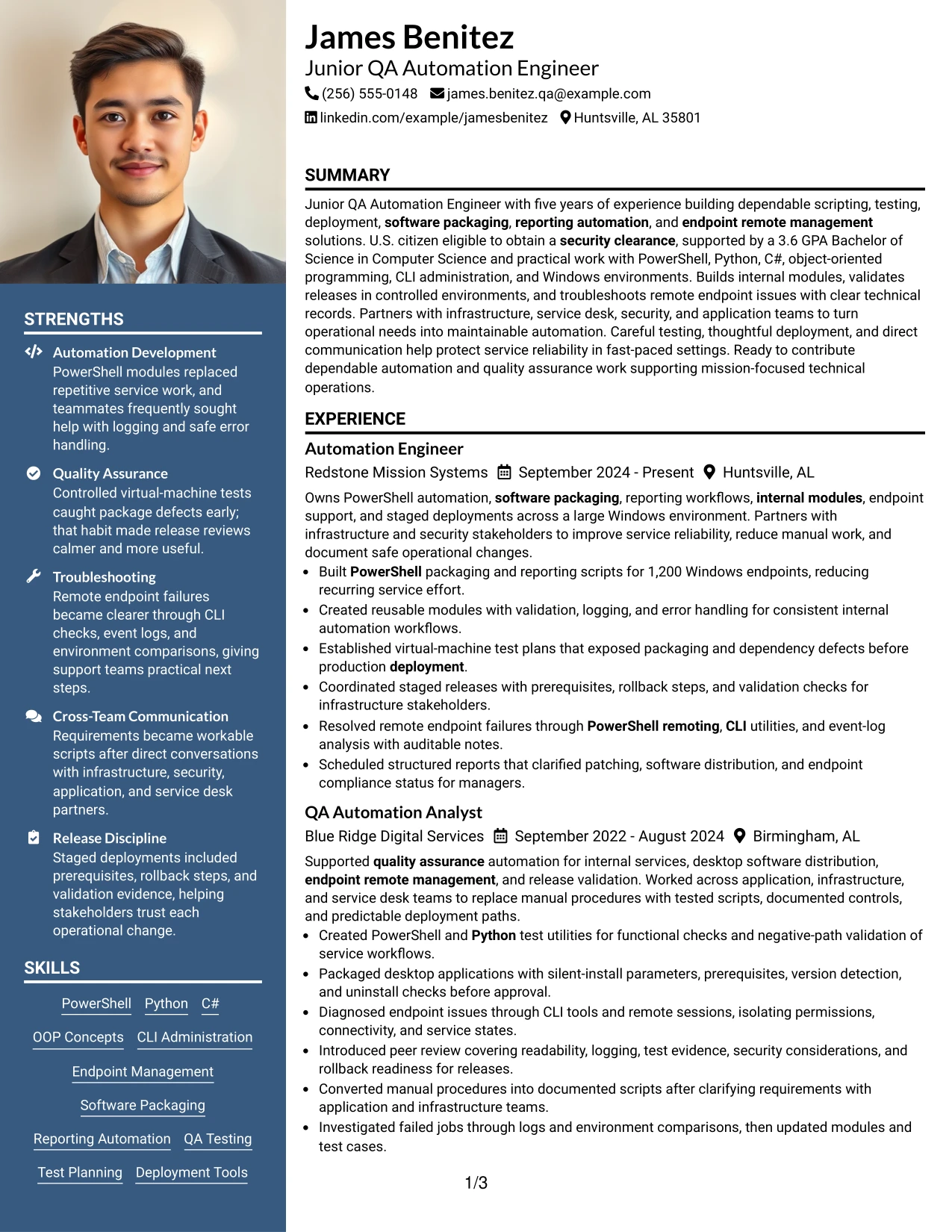
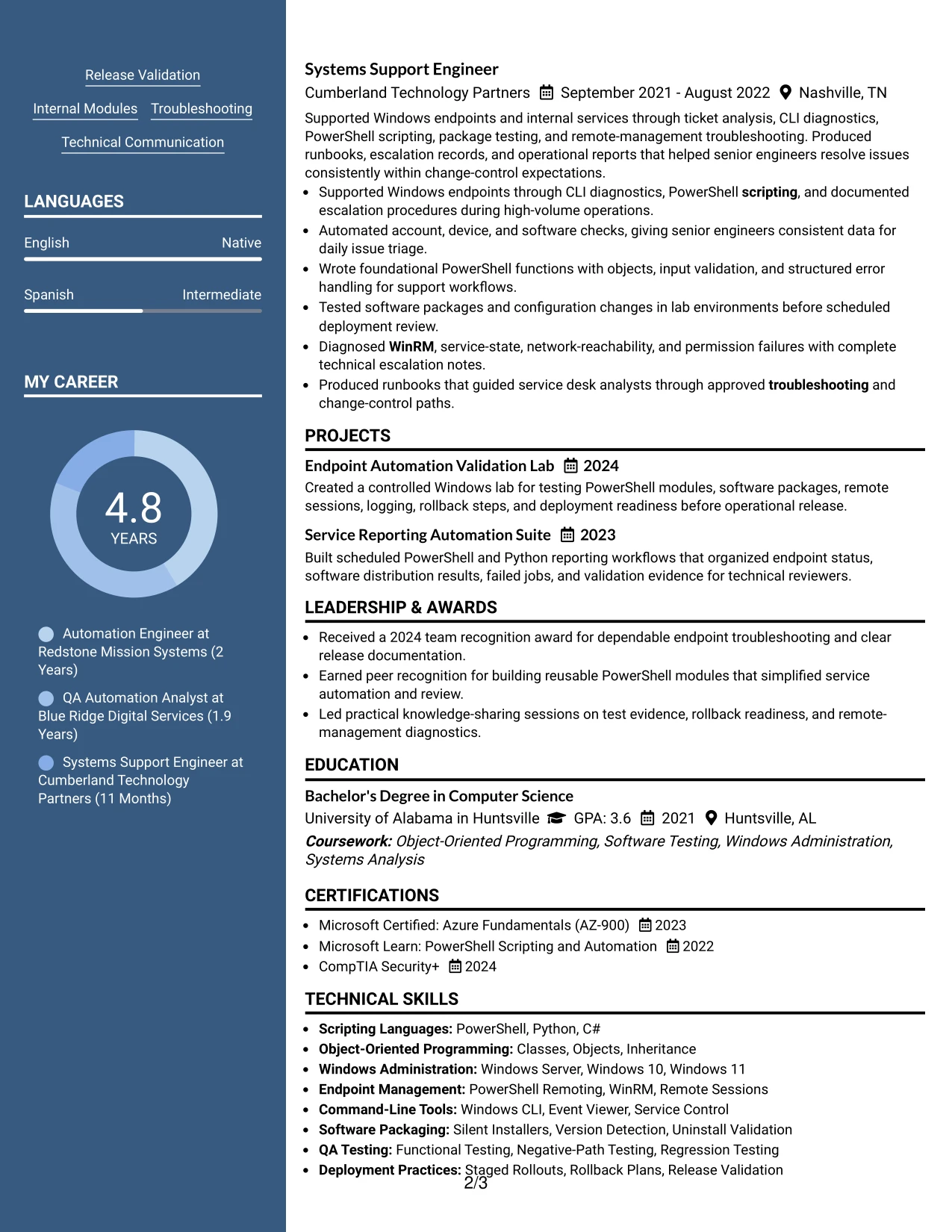
#6 Why the Photo Header Two Column Format Works for a Resume
- A clear header makes contact information and professional focus easy to identify.
- Two columns separate quick-reference skills from detailed career evidence.
- The experience area can show technical actions, controls, and operational outcomes.
- The format supports visible alignment between QA testing and release validation.
- A photo header creates a defined visual starting point without replacing resume content.
- Projects and certifications can fit into the supporting column for efficient review.
- The layout helps present a broad technical profile in a controlled hierarchy.
#6 Best For
- Applications where a defined header should establish identity and document hierarchy
- Candidates who need two areas for skills, credentials, and detailed experience
- Profiles with strong testing and deployment evidence to organize by priority
- Resumes that connect technical tools to operational results
- Readers who value a quick-reference column beside a fuller work history
- Documents that include projects and certifications alongside employment details
- Presentations where a professional photo is suitable and the header needs emphasis
#7 Simple Two Column Format Resume Example
The Simple Two Column Format divides the resume into a practical reference area and a detailed evidence area. It can place skills, certifications, and education in one column while using the other for experience, projects, and measurable results from automation and QA work.
Simple alignment keeps the information easy to scan. The document can feature PowerShell, Python, C#, software packaging, test planning, and endpoint remote management while preserving enough room to explain logging, error handling, staged rollouts, and release checks.
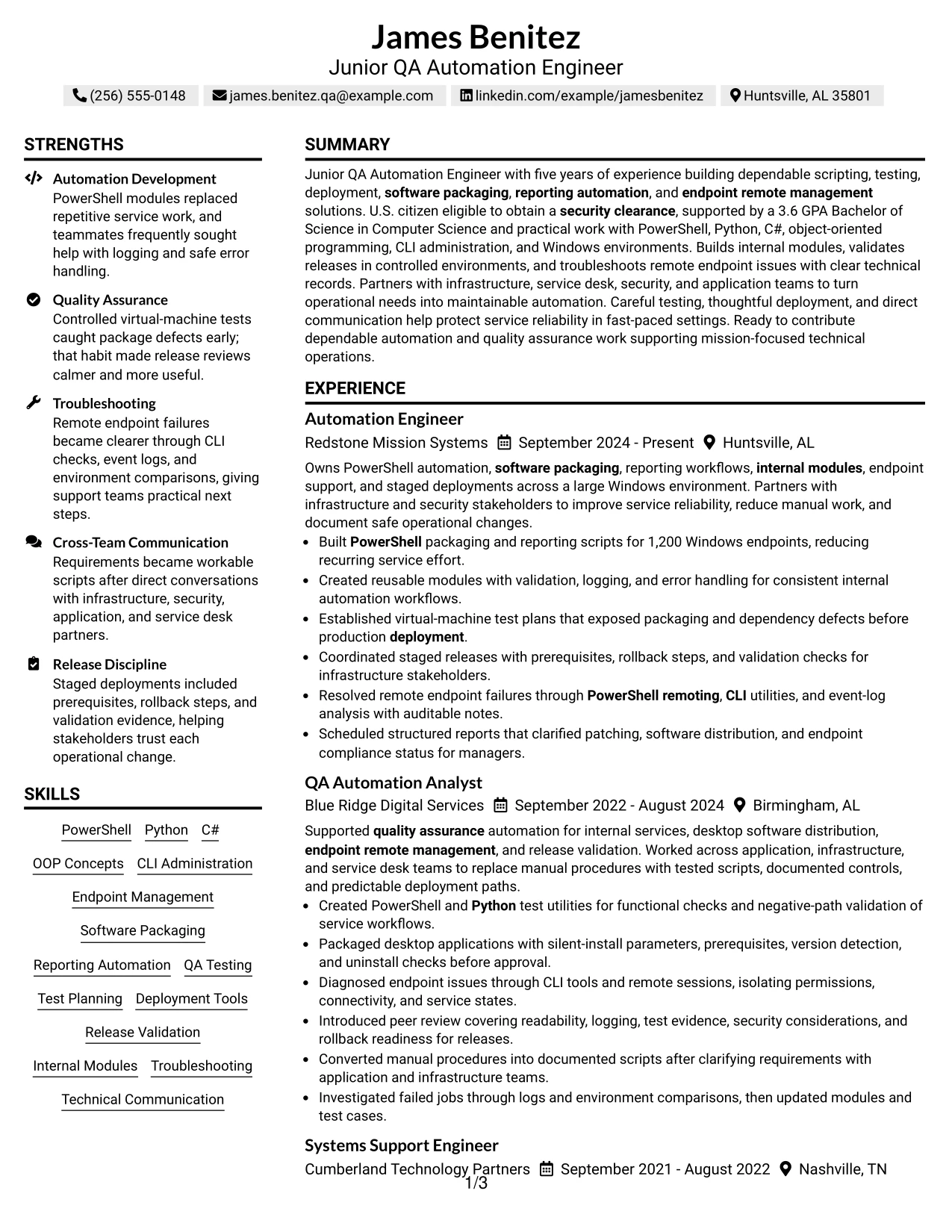
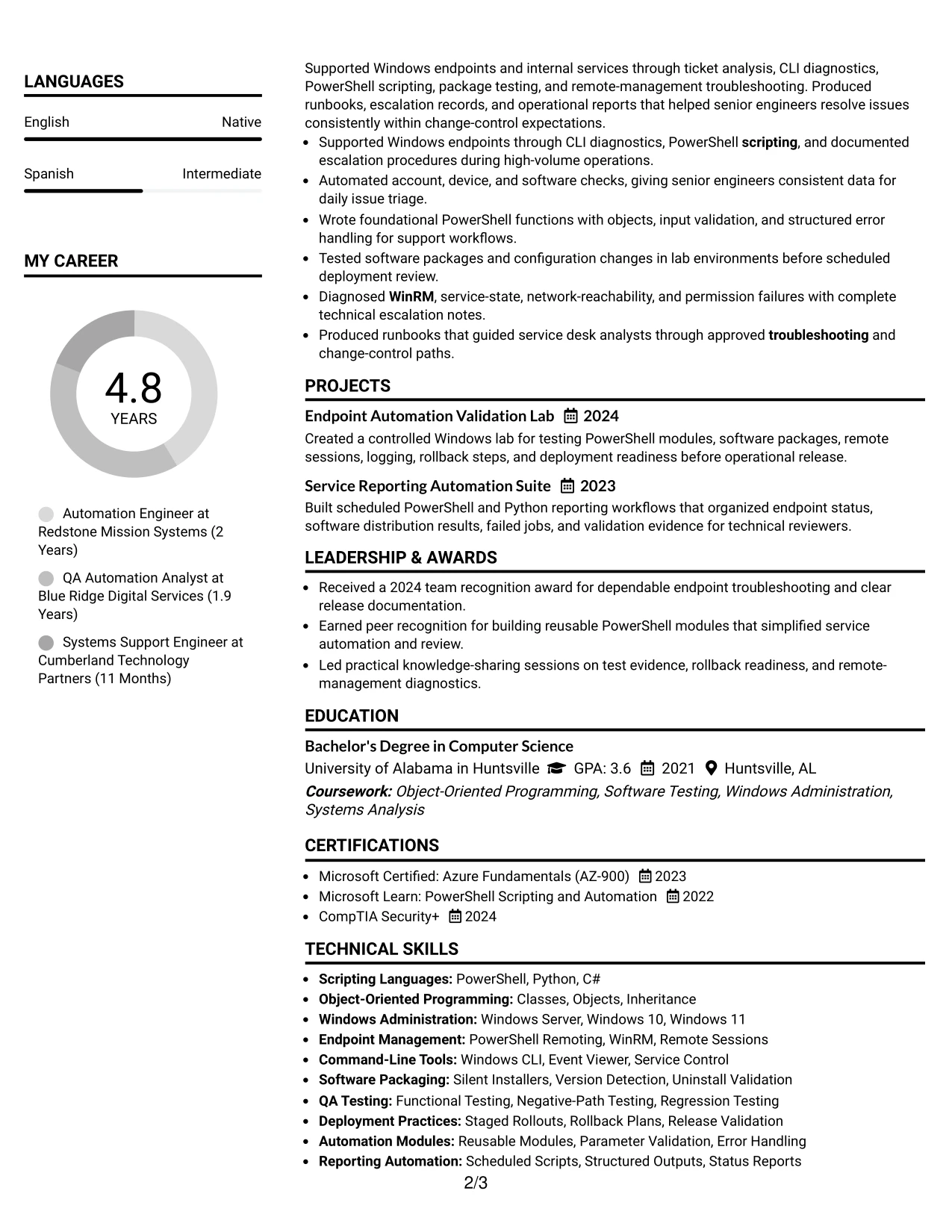
#7 Why the Simple Two Column Format Works for a Resume
- Two clearly defined areas reduce the effort needed to find core qualifications.
- A reference column keeps skills and certifications available throughout the review.
- The main area gives achievement bullets enough space for technical context.
- The format supports strong keyword coverage without creating a long skills block.
- Projects can reinforce experience with testing, reporting, and deployment evidence.
- Education and clearance eligibility can remain visible without interrupting work history.
- The straightforward structure is easy to adapt for ATS-focused applications.
#7 Best For
- Resumes that need a compact reference column and a fuller evidence column
- Candidates with related skills that should remain visible beside work history
- Applications requiring clear keywords and readable accomplishment bullets
- Profiles that combine employment, projects, education, and certifications
- Readers who prefer a simple visual division instead of multiple design elements
- Documents where troubleshooting and release evidence need supporting context
- Technical resumes that must stay organized while covering many tools
#8 Text/Fang Style Resume Example
Readers move through a centered, text-led sequence of summary, experience, education, certifications, projects, and skills. The structure gives the work history a strong role while allowing detailed bullets to describe PowerShell modules, Python test utilities, packaging checks, and deployment validation.
The text-forward presentation is useful when the resume contains substantial supporting detail. It can include test evidence, reporting automation, remote-management troubleshooting, and technical documentation while keeping the information in a consistent reading flow.
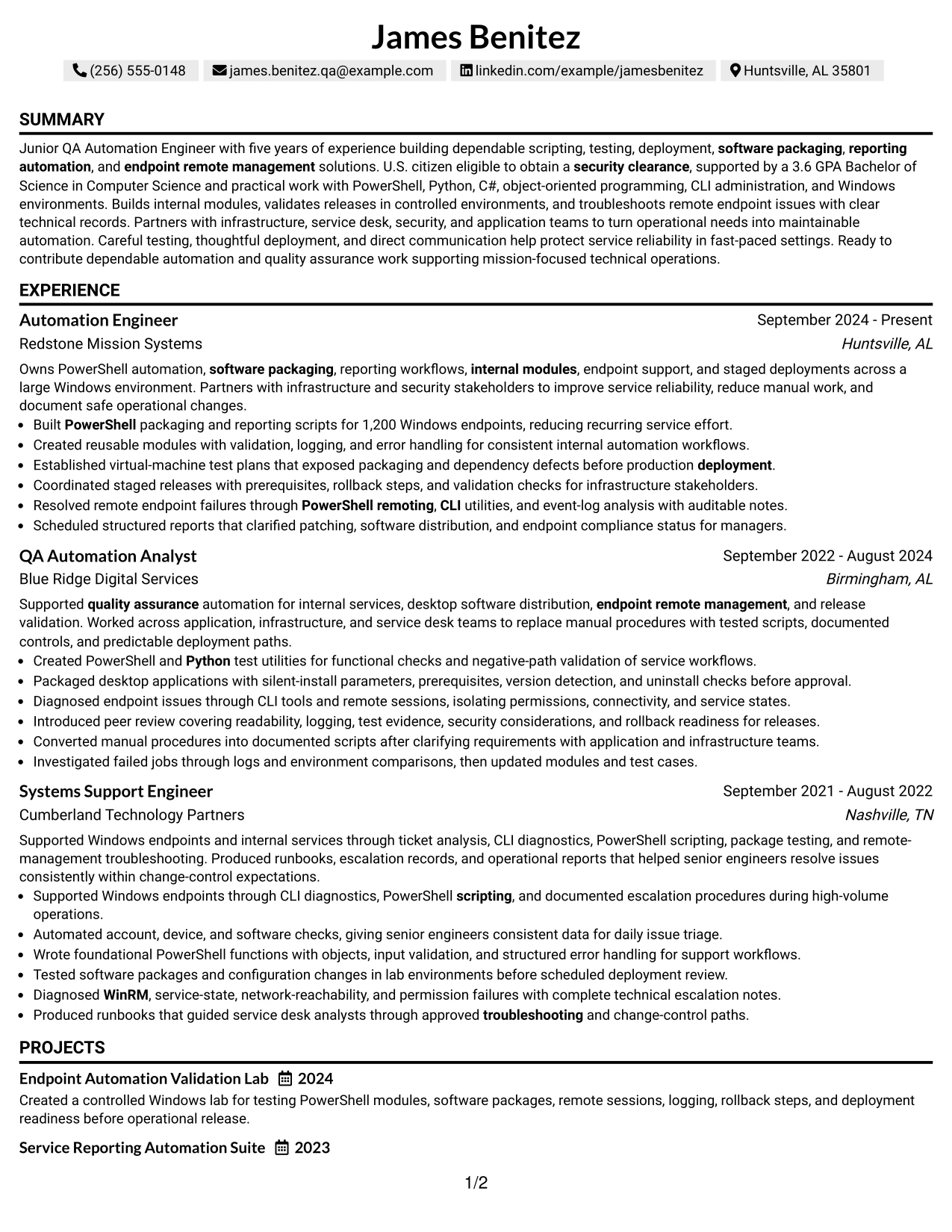
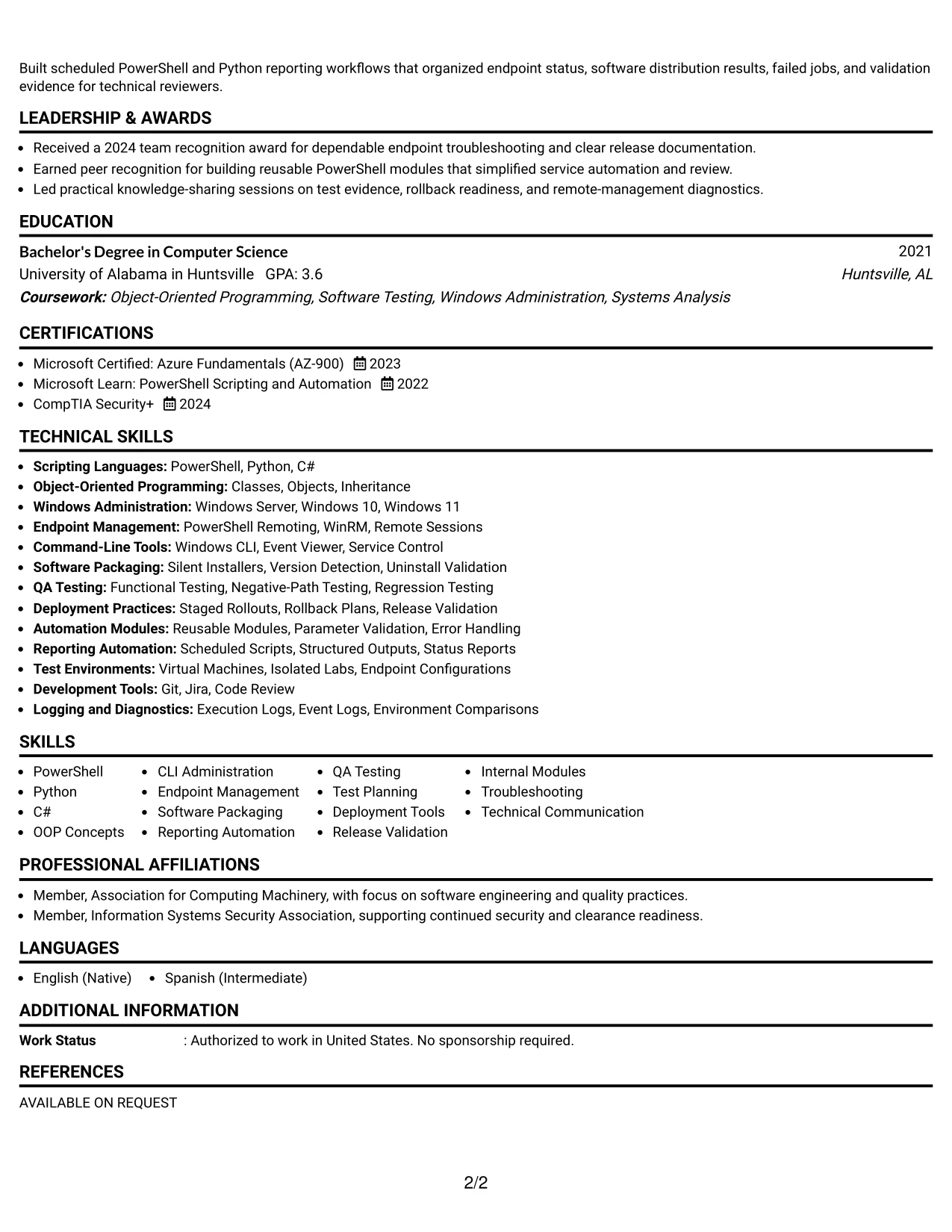
#8 Why the Text/Fang Style Works for a Resume
- A text-led sequence supports careful review of detailed experience.
- Consistent section treatment helps readers locate education, projects, and certifications.
- Full-width bullets can explain testing steps and deployment controls clearly.
- The format gives technical keywords room to appear with relevant evidence.
- Reporting automation and endpoint management can be described without sidebar compression.
- A steady reading flow supports both ATS extraction and human review.
- The structure works well when documentation and troubleshooting are important parts of the profile.
#8 Best For
- Resumes with extensive written evidence under each position
- Candidates who need full-width space for testing and deployment details
- Applications where documentation and troubleshooting deserve clear explanation
- Profiles with several projects that support the main work history
- Readers who prefer a continuous text path through the resume
- Documents that need broad keyword coverage with supporting context
- Technical applications where content depth matters more than visual complexity
#9 One Column Boxed Contact Header Format Resume Example
The strongest evidence begins below a boxed contact header, allowing the resume to establish professional details before moving into the summary and experience. The main column can then highlight scripting, internal modules, controlled testing, software packaging, and staged deployment results.
A defined contact block improves orientation without taking space from the achievement sections. The resume can show 1,200 managed endpoints, functional and negative-path testing, logging and error handling, and WinRM troubleshooting in a focused sequence.
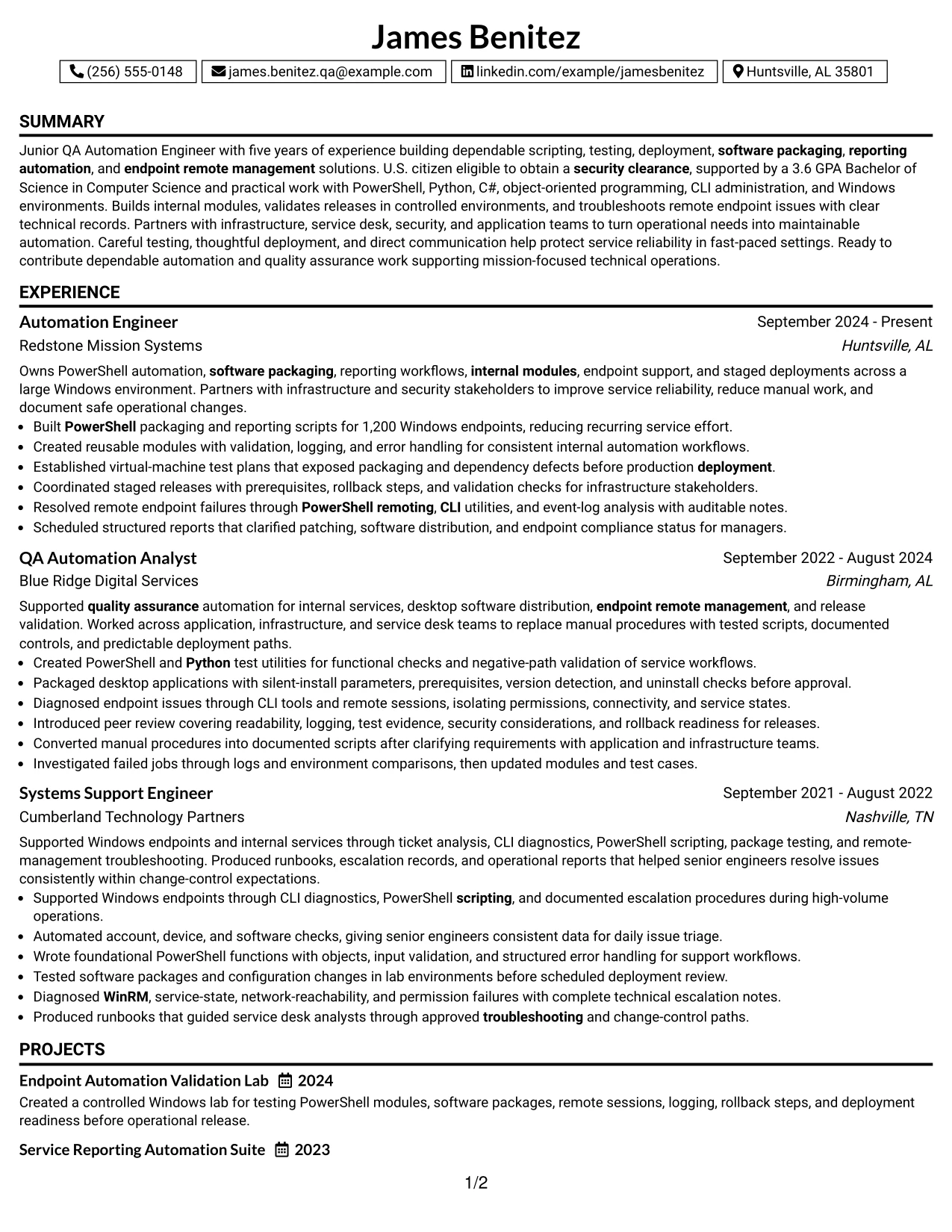
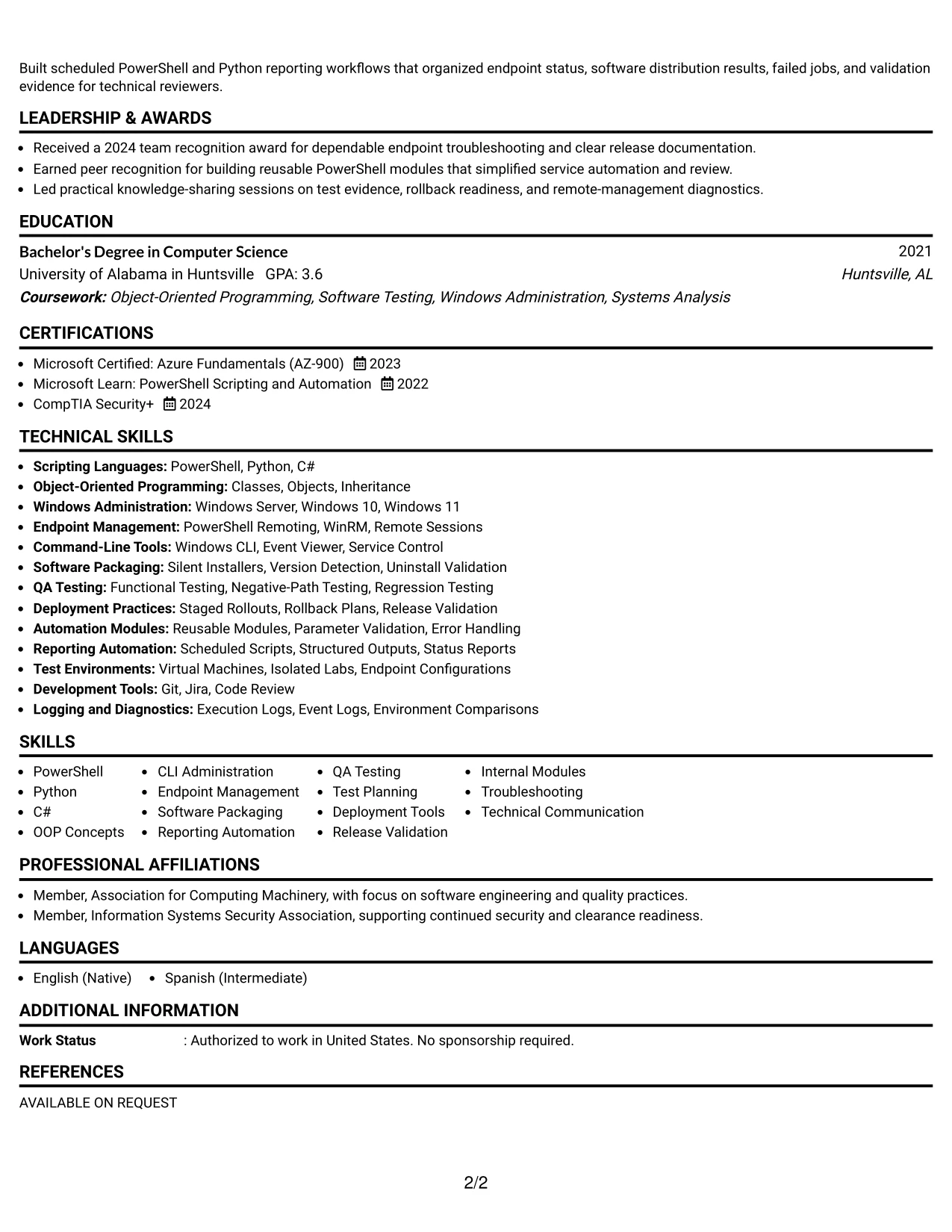
#9 Why the One Column Boxed Contact Header Format Works for a Resume
- The boxed header makes contact details immediately identifiable.
- A single content column keeps the professional evidence in one predictable sequence.
- The summary can connect the target role to scripting, testing, and deployment strengths.
- Achievement bullets can present scope, controls, and operational outcomes clearly.
- The format supports detailed experience without splitting related evidence across columns.
- Certifications, education, and projects can follow the work history in a natural order.
- A defined header adds structure while preserving ATS-readable resume content.
#9 Best For
- Applications that need a strong contact and identity block at the top
- Candidates who want experience evidence to remain in one continuous column
- Resumes with measurable scope and technical controls to emphasize
- Profiles that require a clear transition from summary to detailed work history
- Readers who need contact information separated from the main evidence
- Documents that include several supporting sections after experience
- ATS-focused presentations with modest visual organization
#10 Plain Two Column Format Resume Example
A practical application benefits from two balanced areas: one for core qualifications and one for the detailed work record. James Benitez's resume can use this structure to keep PowerShell, Python, software packaging, QA testing, and endpoint management visible while preserving context for each achievement.
The format also supports a compact resume snapshot before readers review the full history. A short keyword group can reinforce the target role, clearance eligibility, Computer Science degree, testing background, and deployment experience without replacing the evidence in the experience section.
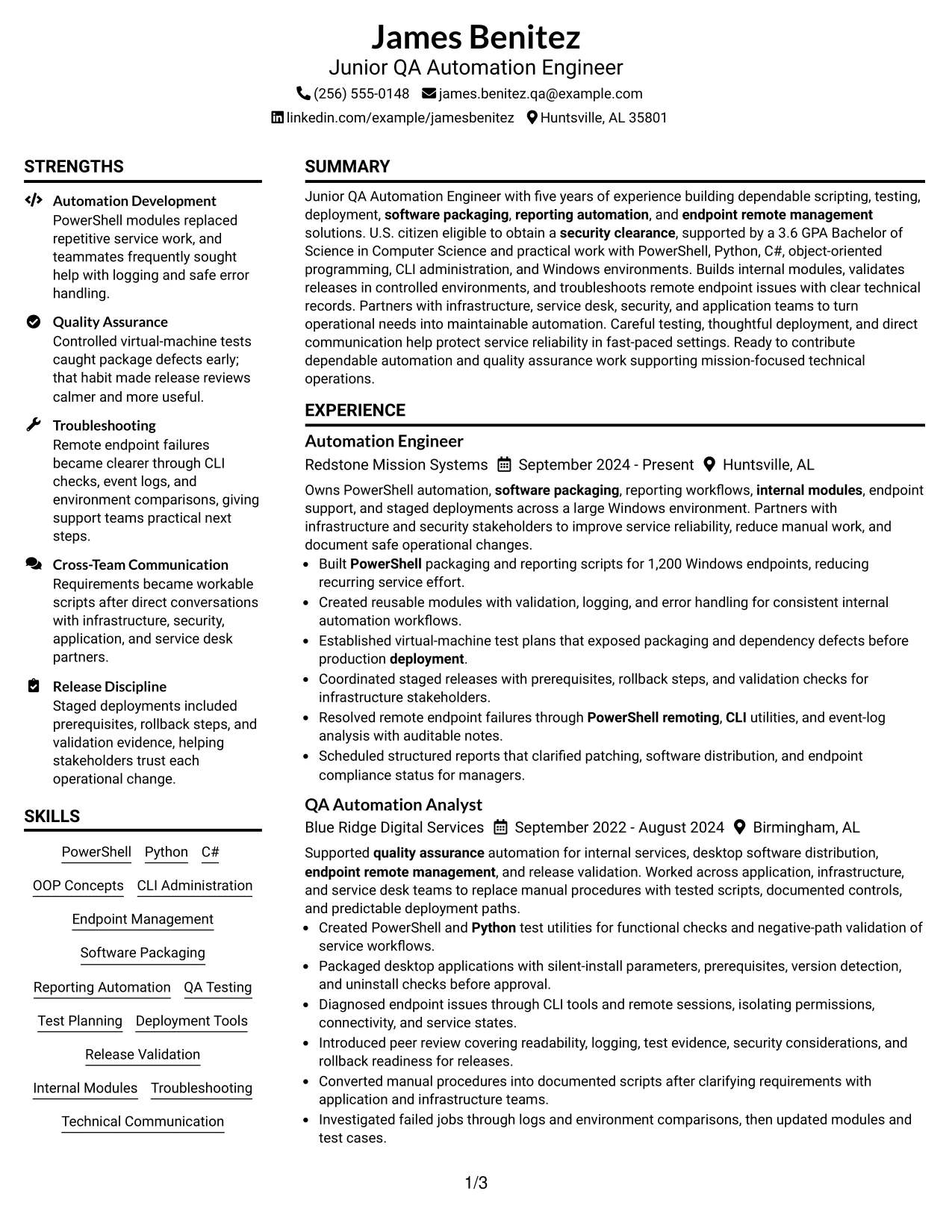
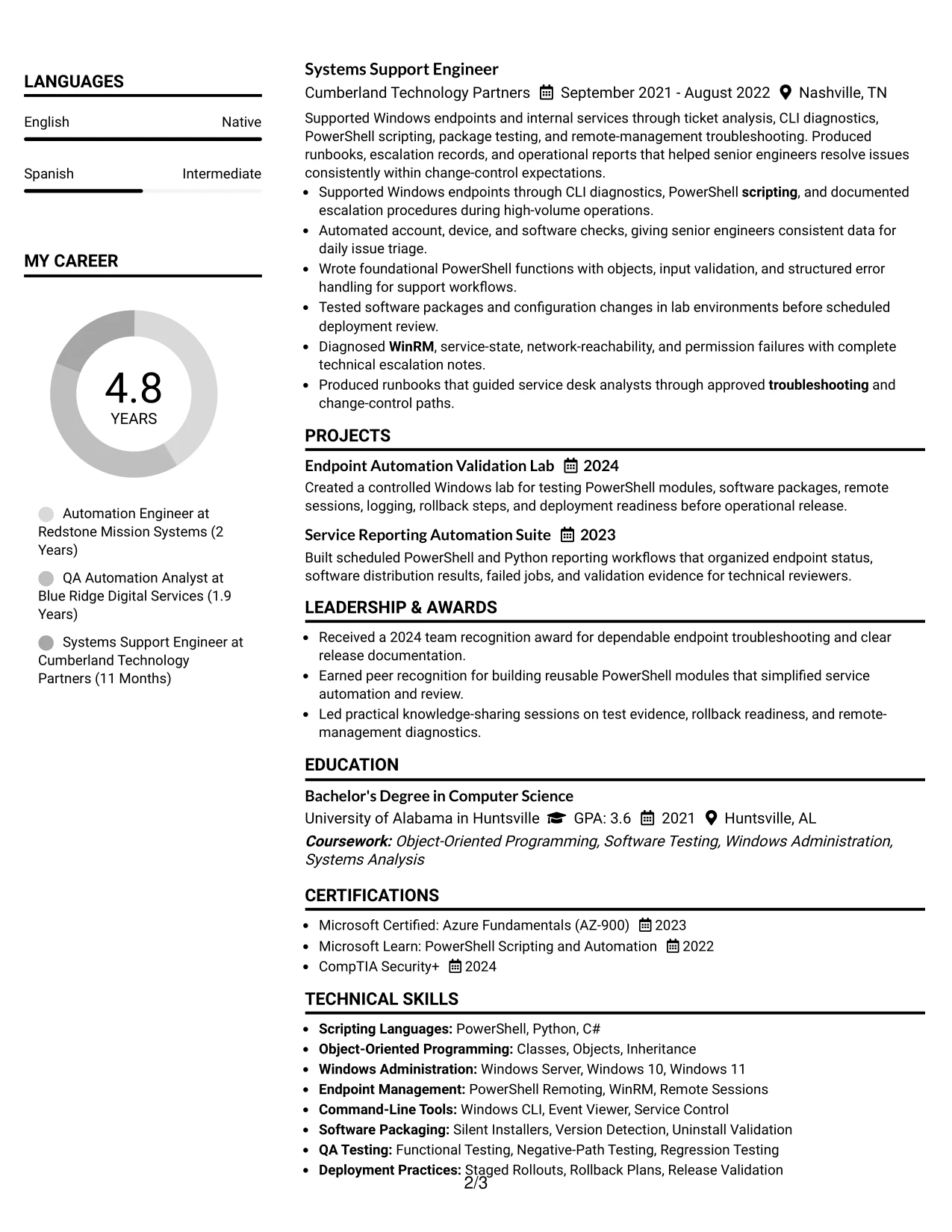
#10 Resume Snapshot
- Five years of experience across automation engineering, QA automation, and systems support
- PowerShell, Python, C#, OOP concepts, and Windows CLI administration
- Software packaging, test planning, release validation, and endpoint remote management
- Bachelor of Science in Computer Science with a 3.6 GPA; U.S. citizen eligible to obtain a security clearance
#10 Why the Plain Two Column Format Works for a Resume
- Balanced columns let readers see qualifications and experience in the same view.
- A snapshot gives the most relevant facts a fast review point.
- The keyword area supports ATS matching for scripting, testing, deployment, and endpoint management.
- The experience column can retain detailed bullets and measurable scope.
- Education and certifications can sit near the skills without crowding the work history.
- The plain treatment keeps technical content more prominent than decorative styling.
- The structure works well when the resume must be both concise and evidence-rich.
#11 Colored Two Column Format Resume Example
For an application that needs visual separation, the Colored Two Column Format can distinguish quick-reference qualifications from the detailed work record. The resume can use one area for skills, certifications, education, and projects, while the other presents automation, QA, deployment, and endpoint-management achievements.
Color should support hierarchy rather than compete with the evidence. Used with clear headings and concise bullets, the format keeps PowerShell, Python, test planning, release validation, and reporting automation easy to connect to measurable work and documented operational controls.
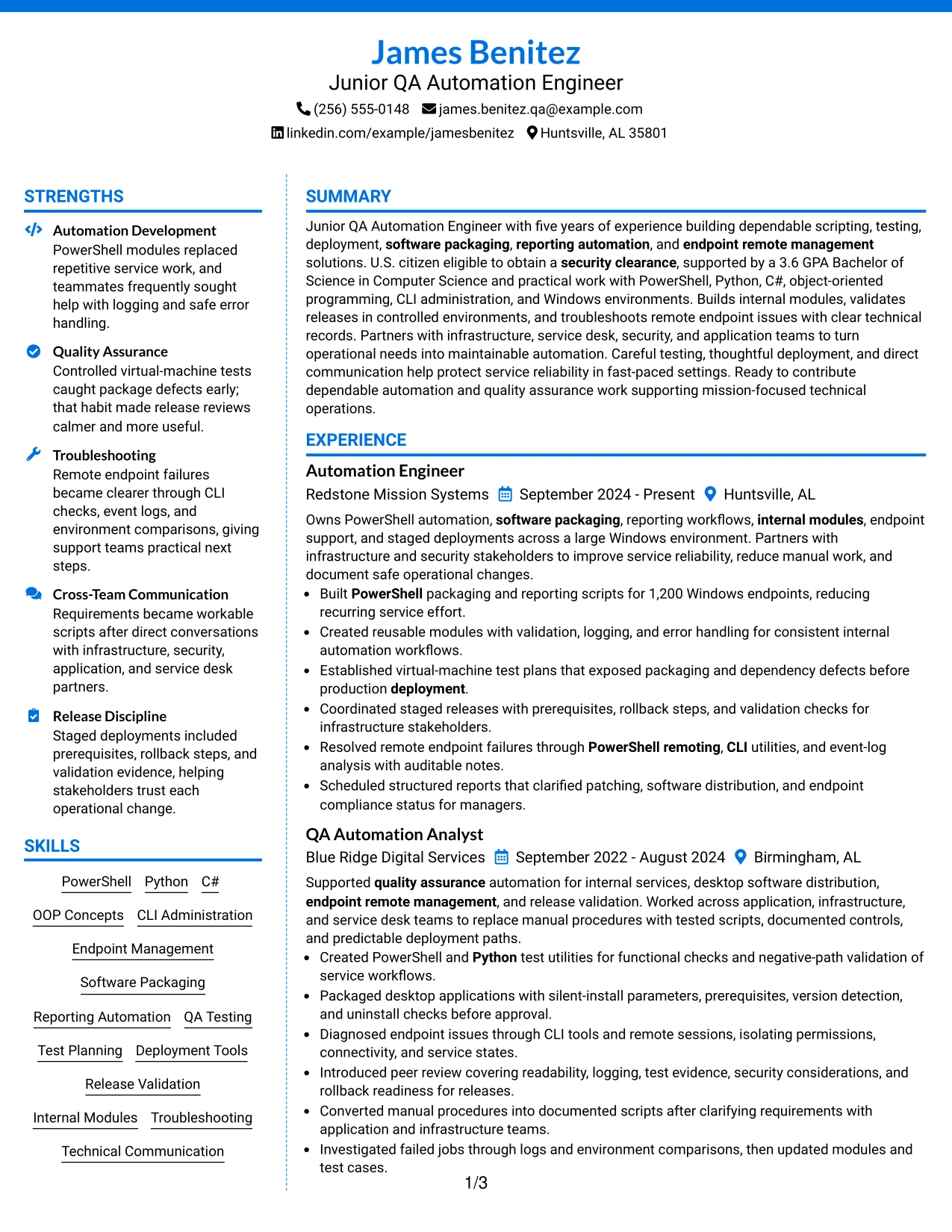
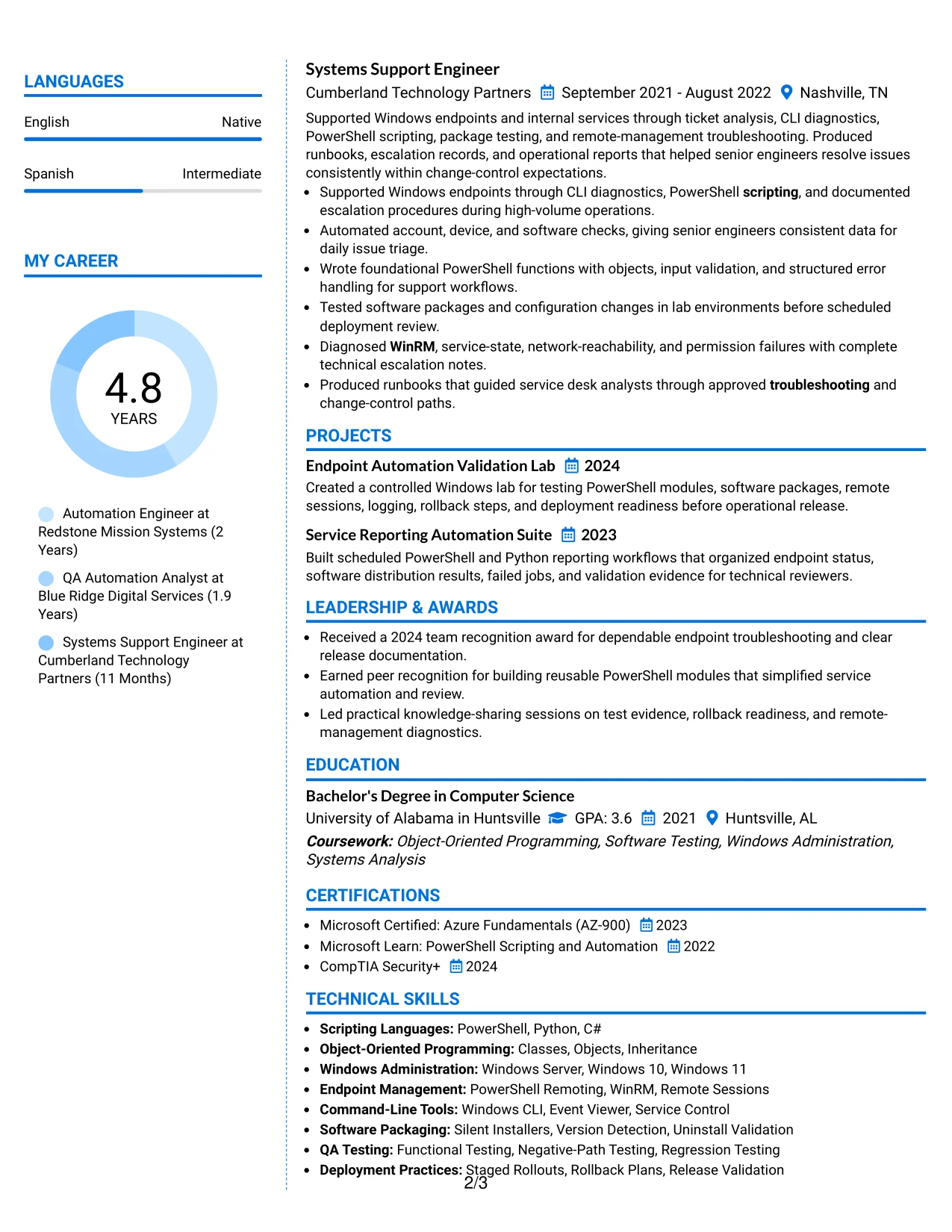
#11 Why the Colored Two Column Format Works for a Resume
- Color can make the two information areas easier to distinguish during review.
- The main column preserves space for detailed technical achievement bullets.
- A supporting column keeps skills, education, certifications, and projects easy to find.
- Clear hierarchy helps readers connect tools with the work that used them.
- The format can present QA testing and deployment evidence without a long skills block.
- Concise sections keep the design readable while retaining important ATS terms.
- Measured use of color adds structure without replacing standard resume headings.
#11 Best For
- Resumes that need stronger visual separation between qualifications and experience
- Candidates who want a polished presentation while keeping evidence central
- Applications with several supporting sections to organize beside work history
- Profiles that connect tools, certifications, projects, and measurable results
- Readers who benefit from color-assisted navigation between resume areas
- Documents that need technical breadth without a crowded single column
- Presentations where restrained color can improve hierarchy and page balance
#12 One Column Shaded Contact Header Format Resume Example
A restrained visual hierarchy gives the contact details and target role a clear starting point, while the shaded header separates identity from the resume content. The single-column structure supports a natural review path from the professional summary to experience, skills, education, certifications, and projects.
For a Junior QA Automation Engineer resume, the format keeps important evidence easy to find. PowerShell, Python, software packaging, endpoint remote management, test planning, and release validation can appear in focused sections, while results such as support for 1,200 Windows endpoints remain visible in the experience bullets.
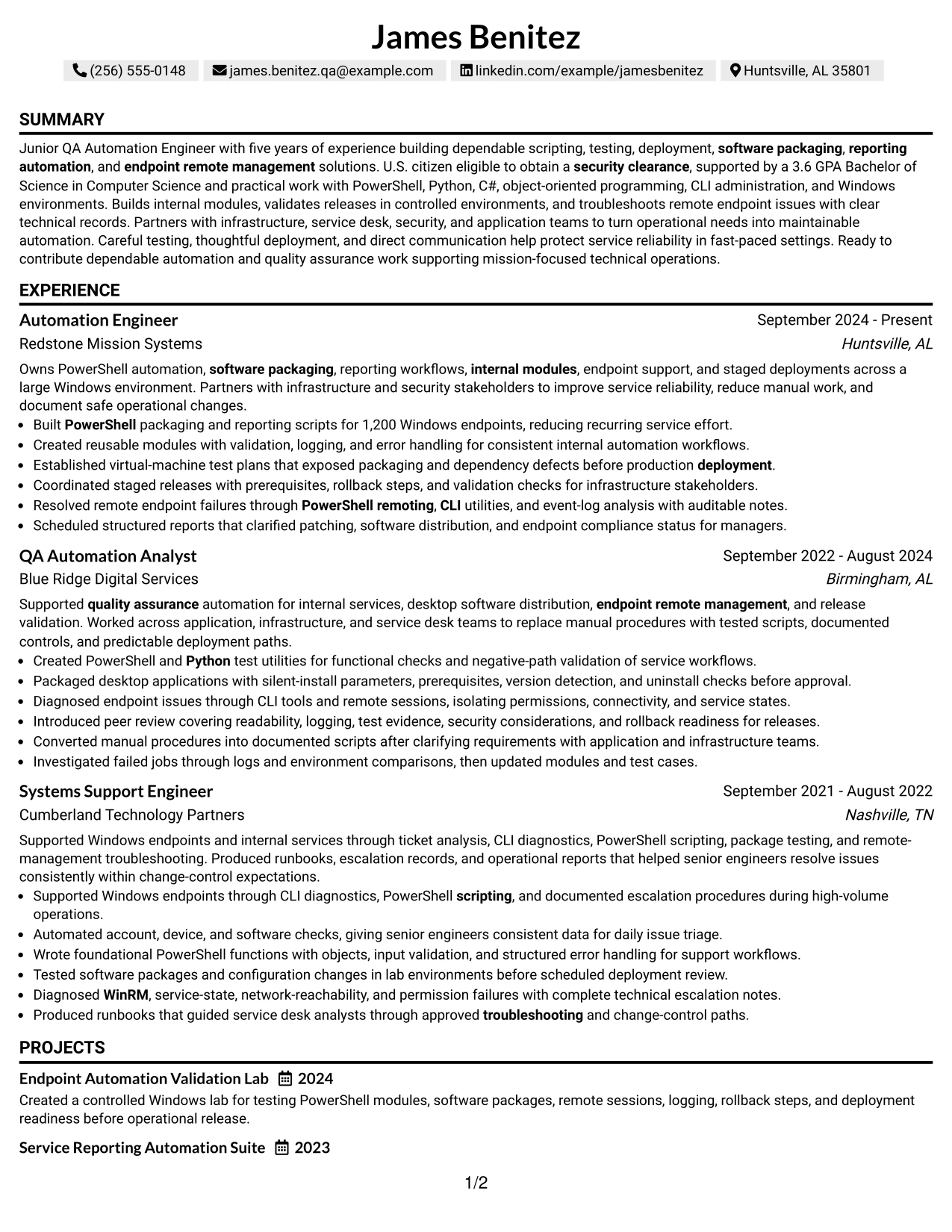
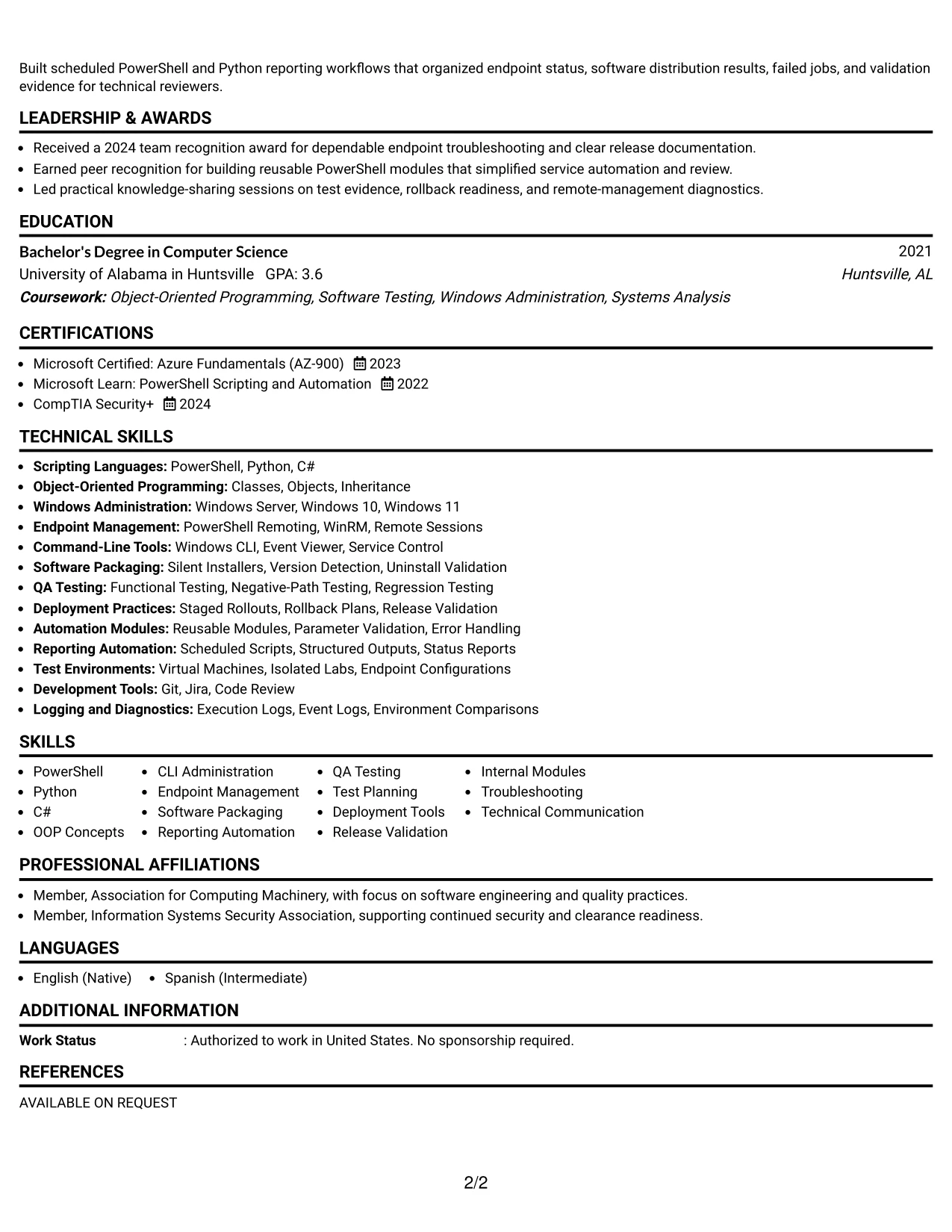
Why the One Column Shaded Contact Header Format Works for a Resume
- A centered contact area makes the resume owner’s phone, email, location, and LinkedIn details easy to identify.
- One-column reading order helps ATS tools parse the summary, work history, skills, and education in sequence.
- Shaded labels create clear section breaks without taking space away from achievement bullets.
- The format gives technical keywords such as PowerShell, Python, QA testing, and software packaging a consistent place in the document.
- Experience bullets can show testing, deployment, troubleshooting, and reporting work without competing with a side panel.
- Education, a 3.6 GPA, certifications, and security-clearance eligibility can be placed in a straightforward supporting section.
- The restrained design keeps measurable evidence, including work across 1,200 endpoints, prominent during a quick review.
Best For
- Resumes that need a direct match between the target role and the opening summary.
- Candidates who want technical skills and employment history reviewed in one clear vertical path.
- Applications that rely on ATS parsing and standard section headings.
- Documents with several technical keywords that need consistent placement without visual clutter.
- Candidates presenting both automation work and earlier support experience.
- Applications where measurable results should remain close to the related job bullets.
- Readers who prefer a polished design with minimal visual distraction.
#13 Boxed Contact Header with Job Title Format Resume Example
The boxed contact header places the name, contact details, and target job title in a defined opening block. Below it, the one-column structure gives each resume section a predictable position, so a reader can move from the summary to technical skills, experience, projects, education, and certifications without searching across the page.
This structure suits a resume that must connect job requirements to proof. PowerShell and Python scripting, object-oriented programming, reporting automation, software packaging, endpoint troubleshooting, and controlled testing can be matched with specific experience bullets and project details.
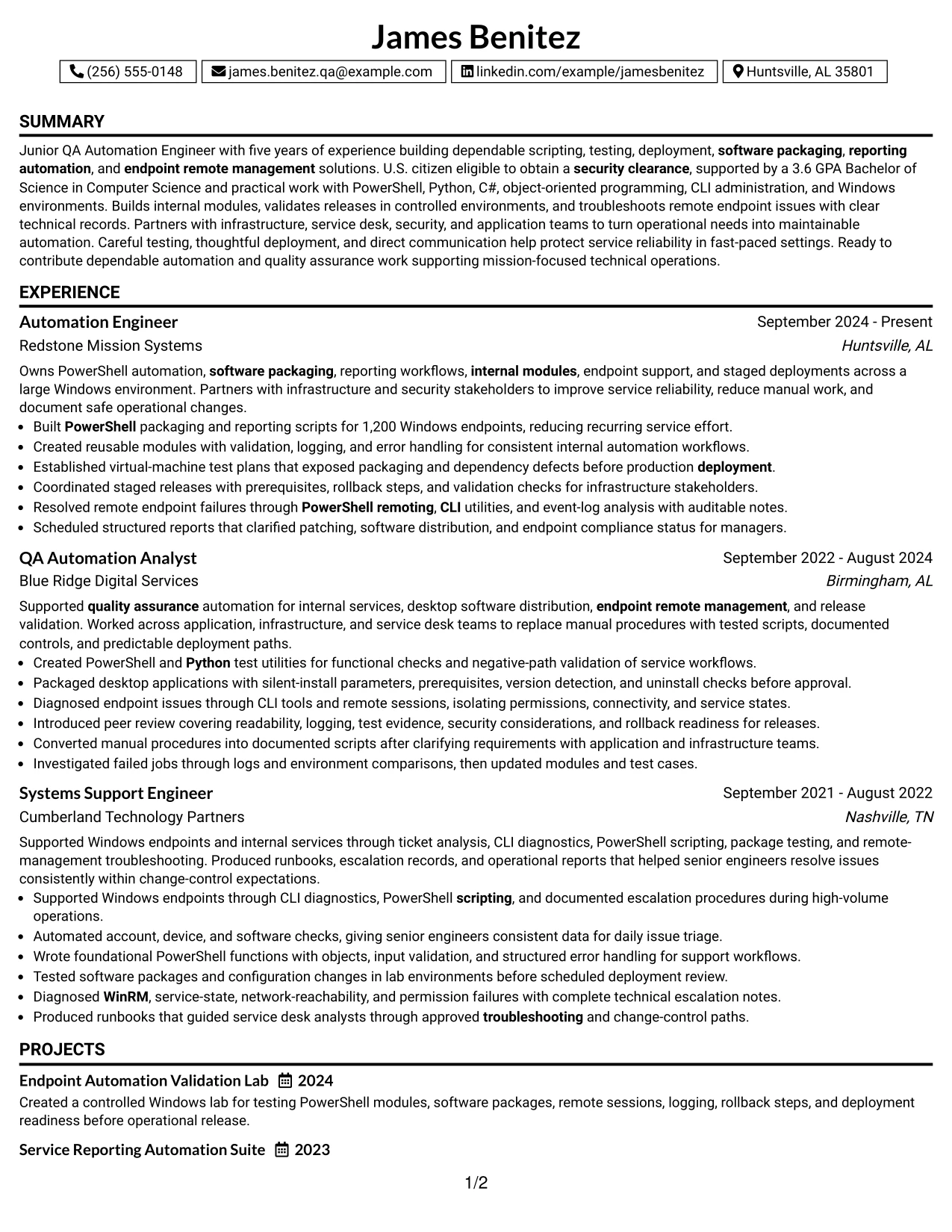
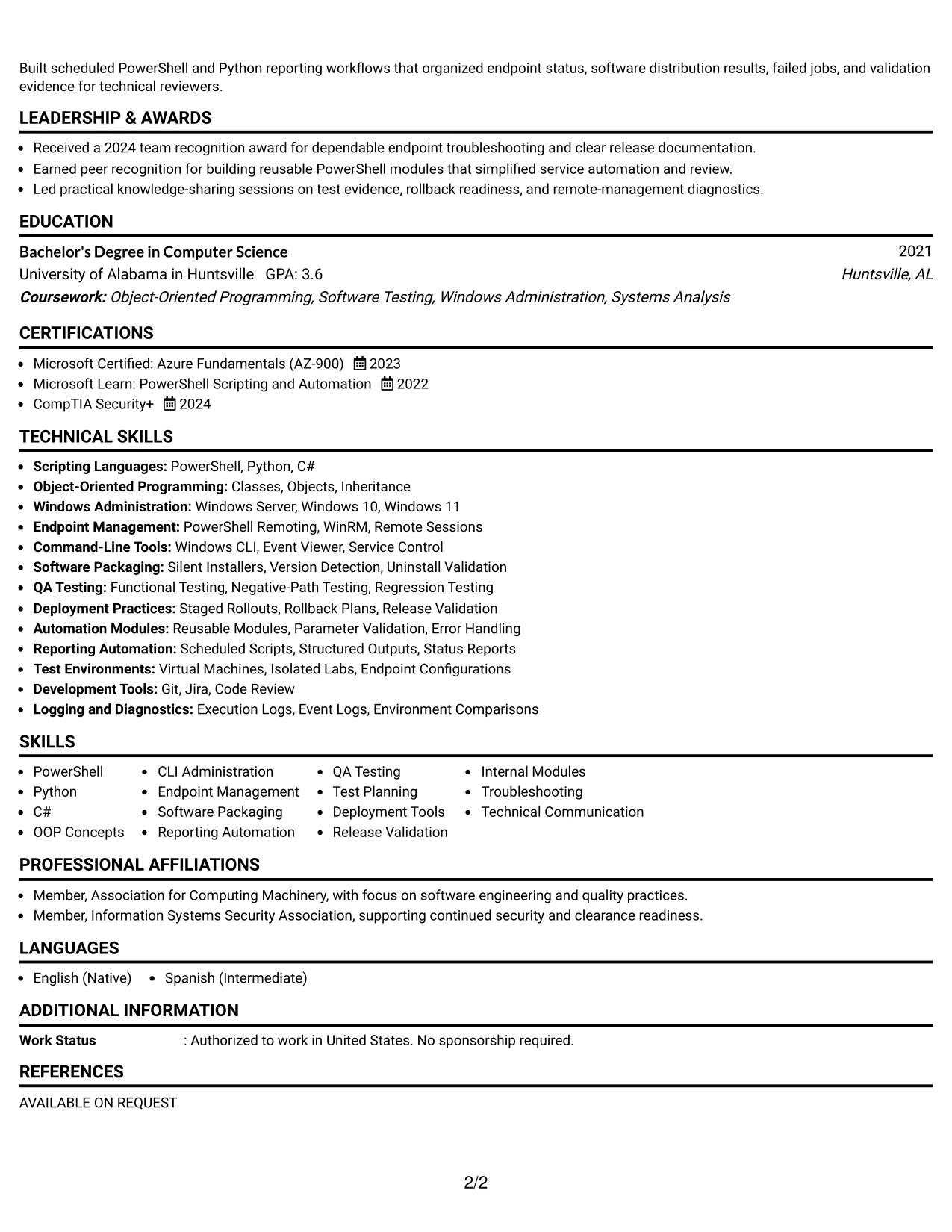
Why the Boxed Contact Header with Job Title Format Works for a Resume
- The boxed header confirms the target role before the reader reaches the detailed content.
- A single content column supports reliable ATS parsing and consistent section recognition.
- Clear labels help separate the professional summary from skills, experience, projects, and education.
- The format leaves enough width for complete achievement bullets and technical context.
- Job-specific terms can be placed in the summary, skills list, and experience without forced repetition.
- Projects such as an endpoint validation lab and reporting automation suite can sit naturally below employment history.
- Certifications including Security+ and Azure Fundamentals remain easy to locate in a standard section.
Best For
- Applications that need the target role stated prominently at the top of the page.
- Resumes where a structured header should guide both human and ATS review.
- Candidates combining technical experience, projects, certifications, and a computer science degree.
- Documents that require room for detailed bullets about testing and deployment controls.
- Applications with a broad keyword set spanning scripting, QA, endpoint management, and reporting.
- Candidates who want a formal presentation without a complex sidebar.
- Resume versions tailored to a specific job description through a visible job title.
#14 Stylish Two Column Designer Format Resume Example
A recruiter can scan the sidebar for contact details, core skills, certifications, and education, then move to the wider column for the summary, experience, projects, and results. This two-column path separates quick-reference information from the detailed evidence that supports the target role.
The format can hold substantial technical content when the sidebar remains selective. A focused skills group can feature PowerShell, Python, C#, QA testing, deployment tools, and WinRM, while the main column explains modules, test plans, staged rollouts, endpoint diagnostics, and reporting automation.
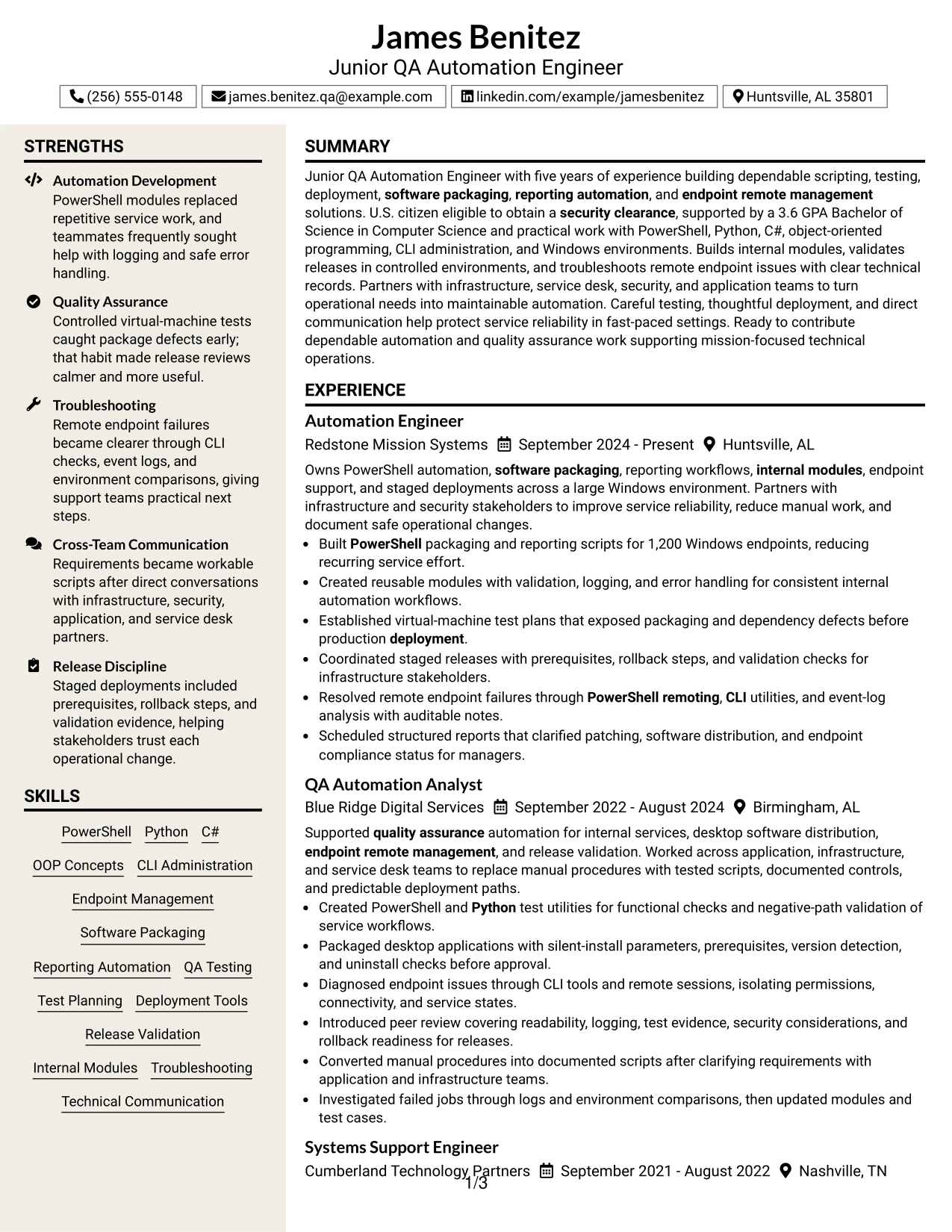
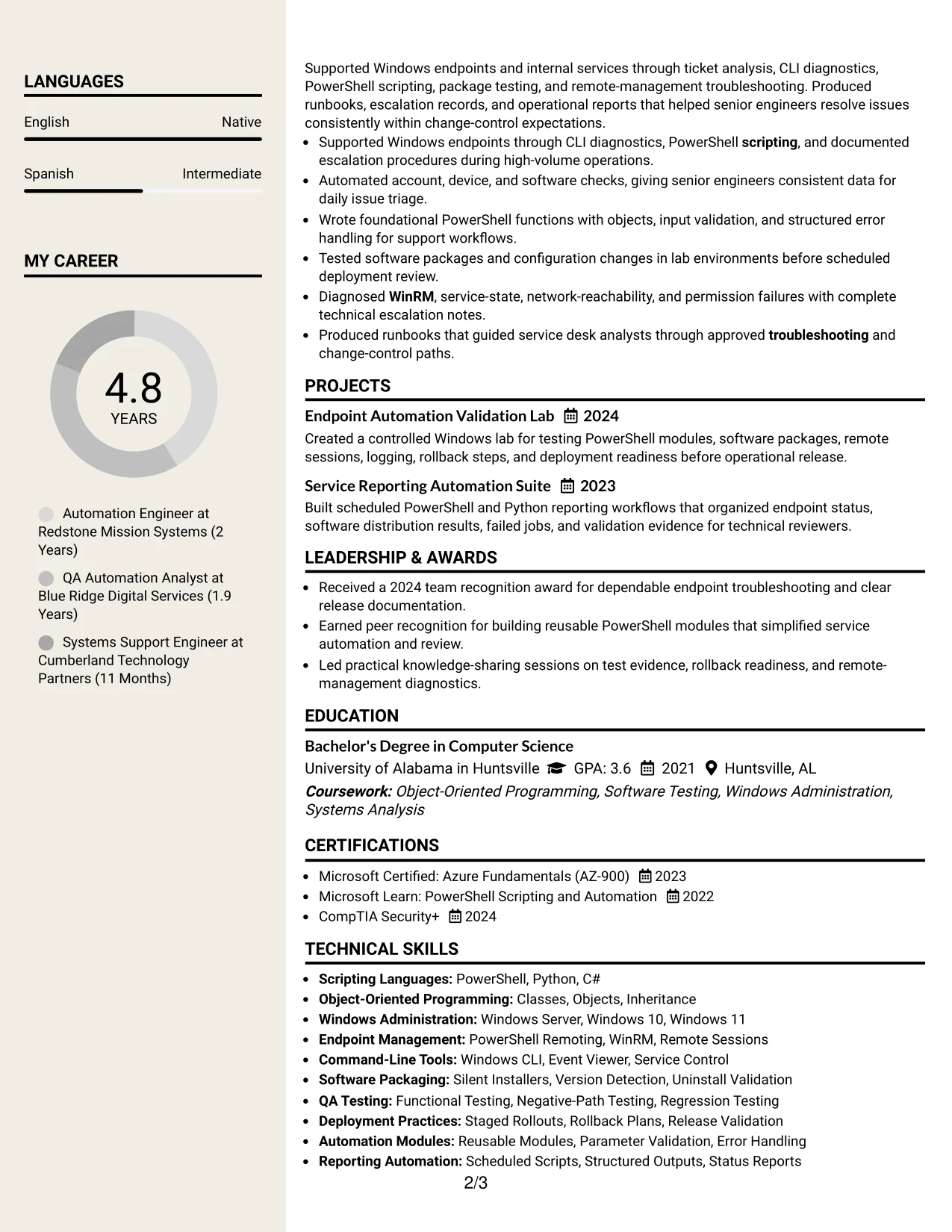
Why the Stylish Two Column Designer Format Works for a Resume
- The sidebar gives fast access to skills, certifications, education, and contact information.
- The wider main column provides space for complete experience bullets and project descriptions.
- Two-column grouping prevents a long technical skills list from interrupting the work history.
- The layout supports a clear distinction between tools and the results achieved with those tools.
- A compact sidebar can surface PowerShell, Python, WinRM, Git, Jira, and QA testing for keyword review.
- The main area can document staged deployments, rollback steps, test evidence, and endpoint troubleshooting.
- Selective use of visual accents adds personality while keeping the resume sections recognizable.
Best For
- Resumes with enough technical content to benefit from separate quick-reference and evidence areas.
- Candidates who need to show a broad skills inventory without pushing experience too far down the page.
- Applications where certifications and education should stay visible beside employment history.
- Documents that combine detailed project work with a concise tools and technologies sidebar.
- Readers who scan first for keywords and then review supporting achievements.
- Candidates presenting multiple testing, packaging, deployment, and troubleshooting examples.
- Portfolio-oriented resume versions that need space for projects while preserving work history.
#15 Modern Icon Format Resume Example
The strongest evidence receives priority in the main content flow: tested automation, reliable deployments, reusable modules, and measurable endpoint support. Small icons can guide the eye to sections, but the written bullets carry the substance needed for ATS review and technical evaluation.
For this resume, concise visual markers can organize scripting, QA, troubleshooting, and communication themes. The experience section should still state what was built, how it was tested, and what operational result followed, such as clearer compliance reporting across more than 1,200 endpoints.
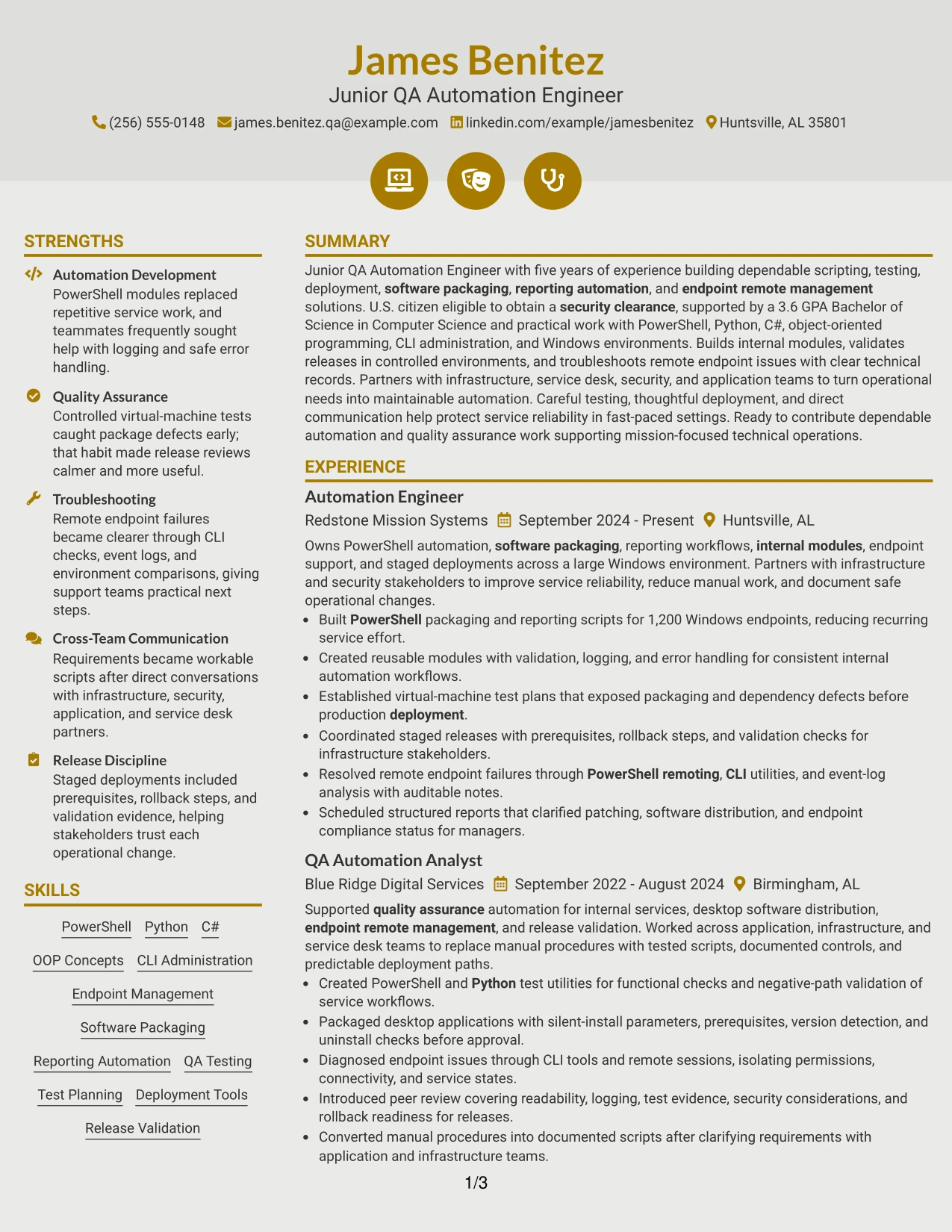
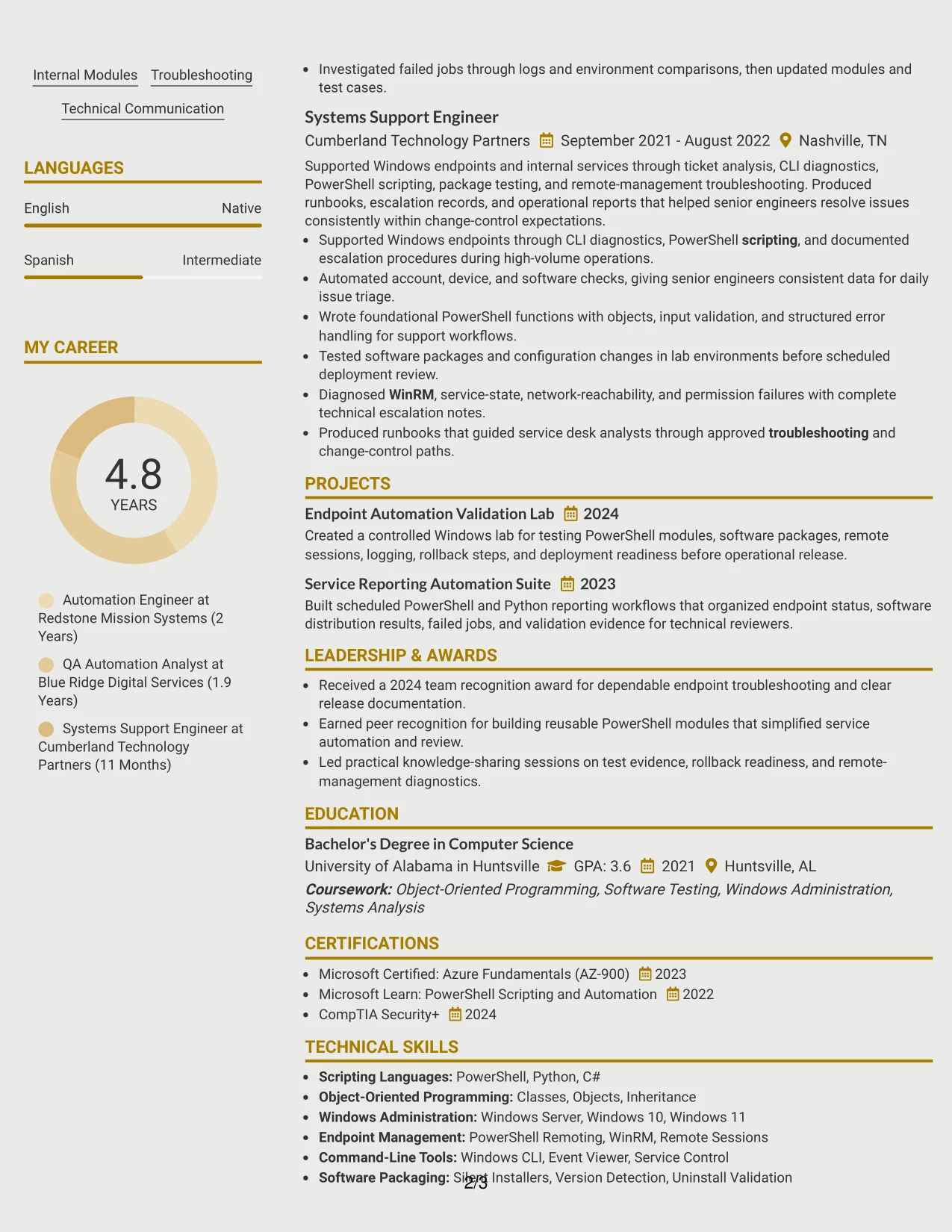
Why the Modern Icon Format Works for a Resume
- Icons help readers distinguish sections quickly when the labels remain plain and text-based.
- Achievement bullets stay central, allowing testing, deployment, and troubleshooting evidence to lead the review.
- The format can highlight reusable PowerShell modules, Python test utilities, and reporting workflows without long paragraphs.
- Visual markers can group skills by function, such as QA testing, endpoint management, and software packaging.
- The resume can show both technical actions and operational outcomes in a compact structure.
- Projects and certifications can receive clear section treatment without competing with recent experience.
- A modern appearance supports a technical profile while keeping the content readable and keyword-rich.
Best For
- Candidates whose strongest proof comes from practical automation and quality assurance results.
- Resumes that need to group related technical evidence without adding lengthy explanations.
- Applications where functional categories can clarify a wide range of tools and methods.
- Readers who want to identify testing, deployment, and troubleshooting themes quickly.
- Documents that include both work achievements and focused technical projects.
- Candidates balancing a modern visual style with standard resume text and headings.
- Applications where operational outcomes should remain more prominent than decorative design.
#16 Plain Professional Layout with Job Title & Shaded Labels Resume Example
Content is balanced through a wide single column, modest shaded labels, and enough space for readable bullets. The job title appears near the top, while the summary, skills, experience, projects, education, and certifications follow a familiar order that supports both human review and ATS processing.
This practical presentation fits a targeted application for a Junior QA Automation Engineer role. It gives room to explain PowerShell scripting, object-oriented programming, package validation, remote endpoint troubleshooting, and deployment controls while keeping the 3.6 GPA, certifications, and U.S. citizenship easy to confirm.
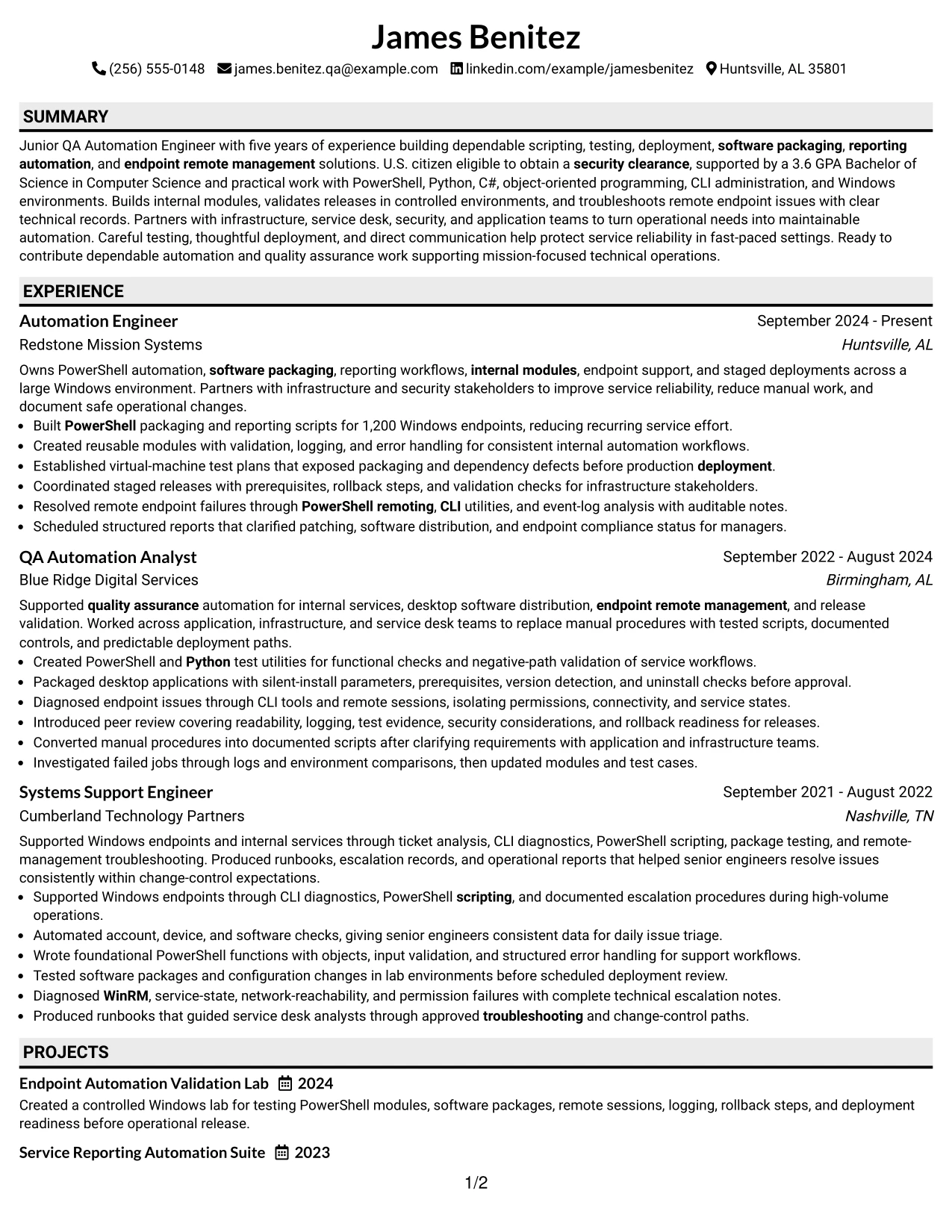
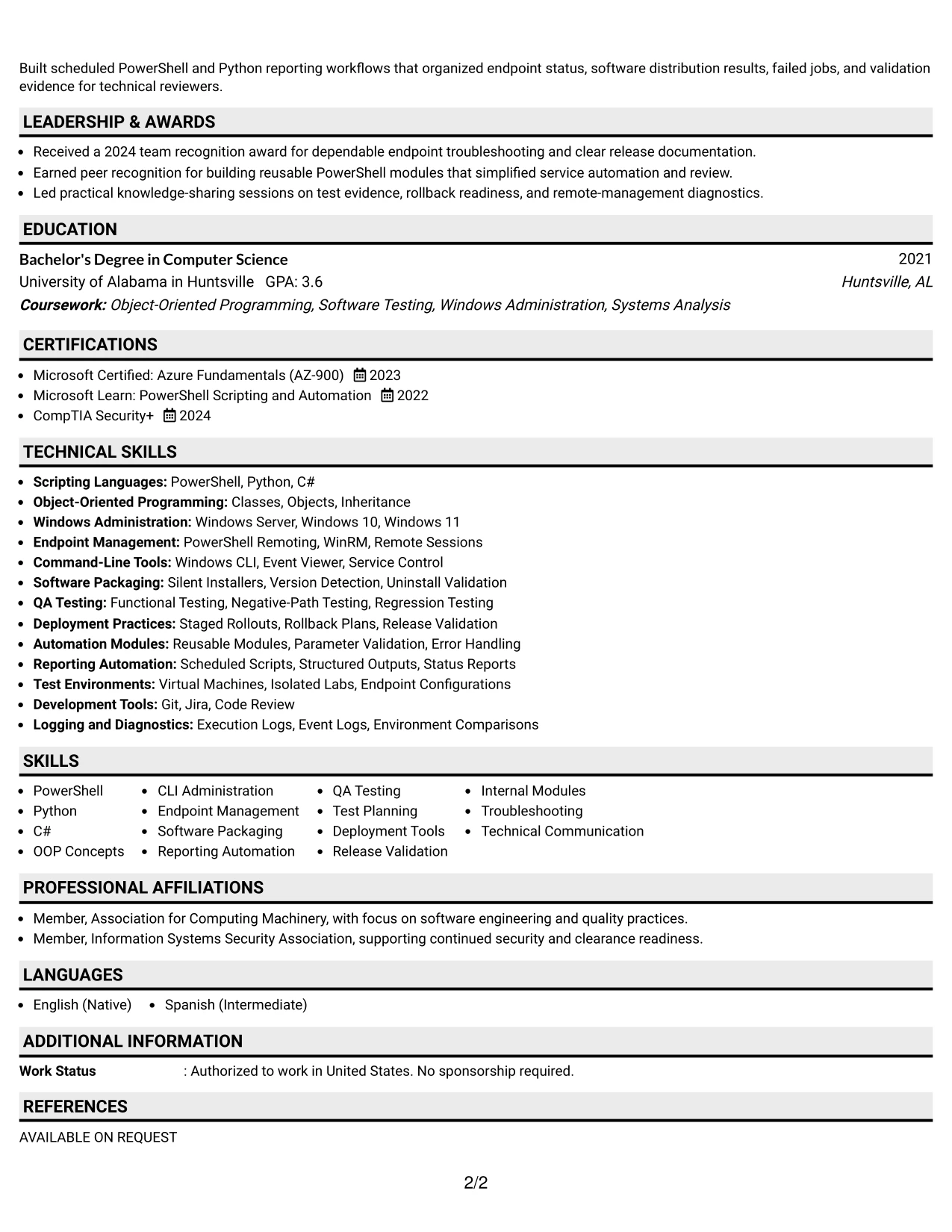
Why the Plain Professional Layout with Job Title & Shaded Labels Works for a Resume
- The visible job title gives the document an immediate connection to the target opening.
- Shaded labels separate sections without introducing complex graphics that may affect parsing.
- The single-column design provides room for detailed bullets with clear action and result statements.
- Technical skills can be grouped near the top for quick comparison with the job requirements.
- Experience entries can explain test plans, packaging checks, release validation, and remote diagnostics.
- Projects, certifications, and education add supporting evidence without taking attention from employment history.
- The plain presentation works well when clarity and application readiness matter more than visual novelty.
Best For
- Applications that require a clear job title and conventional section hierarchy.
- Candidates who want detailed technical bullets to remain easy to read on screen and in print.
- Resumes tailored to roles with specific scripting, testing, and deployment requirements.
- Documents that need to present citizenship, clearance eligibility, education, and certifications clearly.
- Applications where ATS compatibility is a higher priority than decorative layout.
- Candidates combining recent automation work with earlier systems support experience.
- Resume submissions that may be reviewed by technical and nontechnical readers.
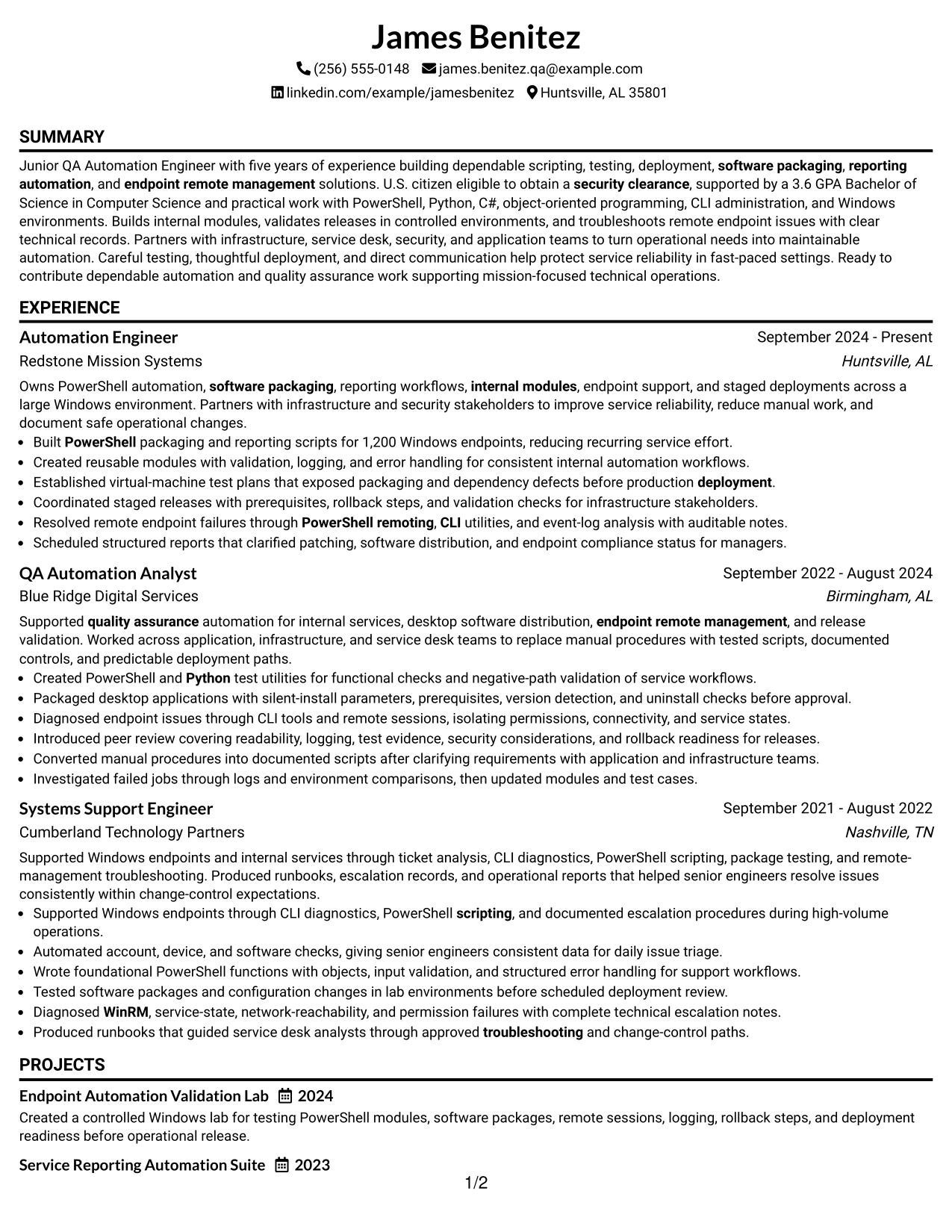
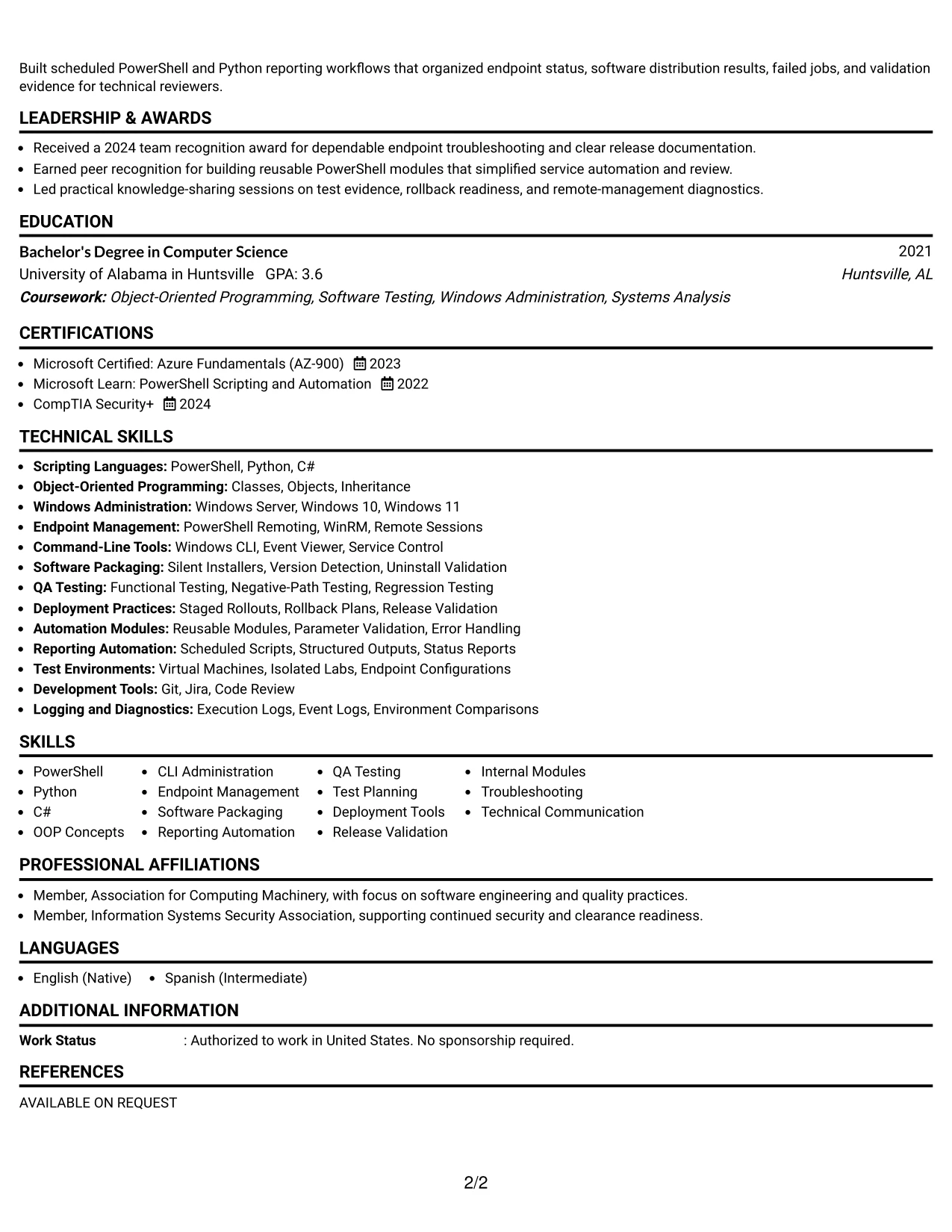
#17 Classic One Column Resume Format Resume Example
For a conventional application review, the resume presents contact details, summary, skills, experience, education, projects, and certifications in a familiar vertical order. That predictable structure lets readers focus on the substance of each section rather than learning a new navigation pattern.
The classic format supports a strong evidence sequence for this target role. Recent automation achievements can lead, followed by QA testing, software packaging, endpoint management, and earlier systems support. Standard headings also make keywords such as PowerShell, Python, C#, WinRM, and deployment tools easy to identify.
Why the Classic One Column Resume Format Works for a Resume
- A familiar order helps recruiters and ATS tools find standard resume sections quickly.
- One column keeps dates, employers, titles, and bullets aligned for easy work-history review.
- The format supports a detailed professional summary without crowding the page with side content.
- Skills can be listed in a direct keyword-friendly section near the top.
- Employment bullets have enough width for technical detail, validation steps, and operational results.
- Education and certifications remain easy to verify after the experience section.
- The classic structure suits organizations that value clear documentation and straightforward presentation.
Best For
- Applications that favor a familiar resume structure over a highly designed presentation.
- Candidates who want chronological experience to be the main focus of the document.
- Documents reviewed through standard ATS workflows and conventional recruiting screens.
- Resumes with detailed bullets that need full line width for technical explanations.
- Candidates showing progression from systems support to QA automation and automation engineering.
- Applications that require clear placement of degree, GPA, certifications, and security details.
- Readers who prefer direct section labels and minimal visual interruption.
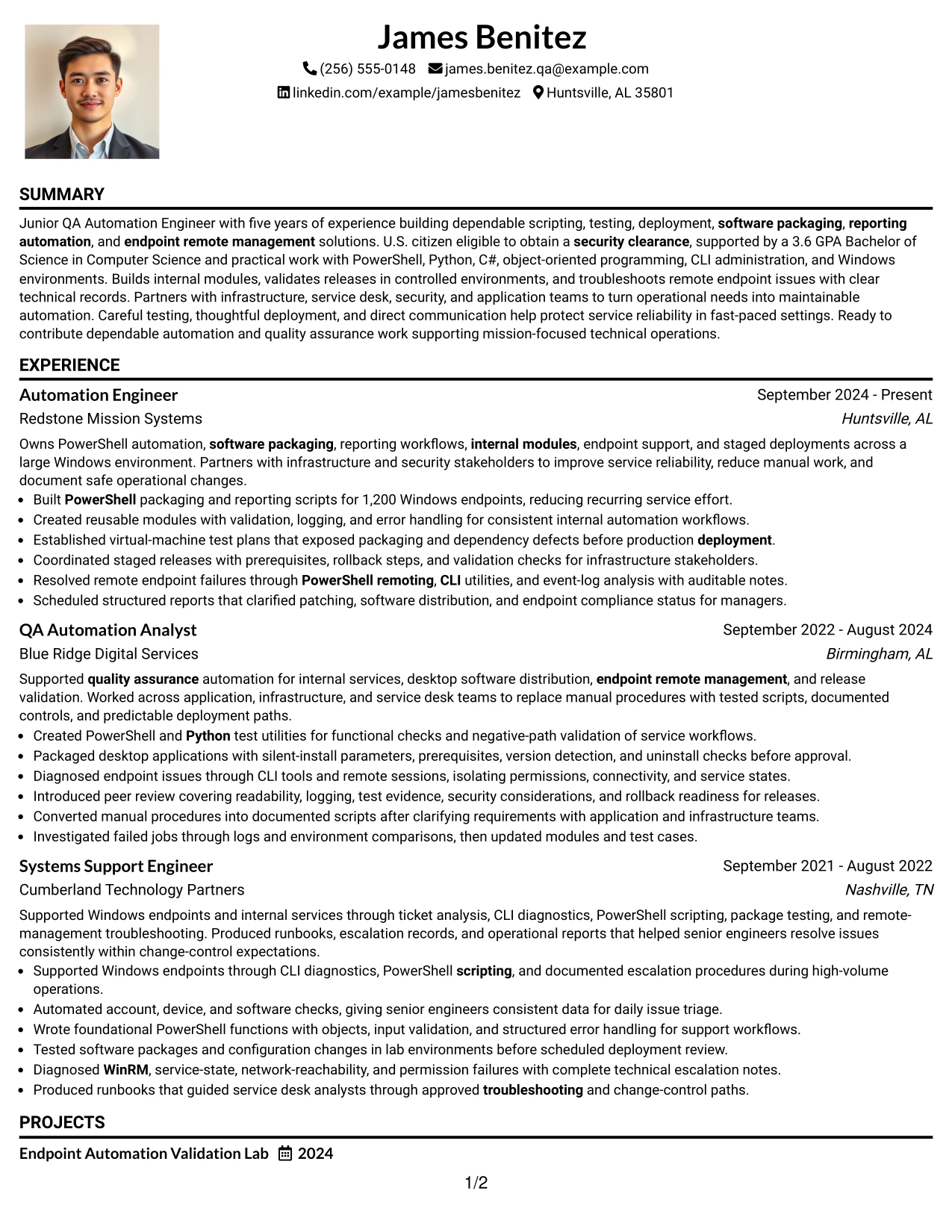
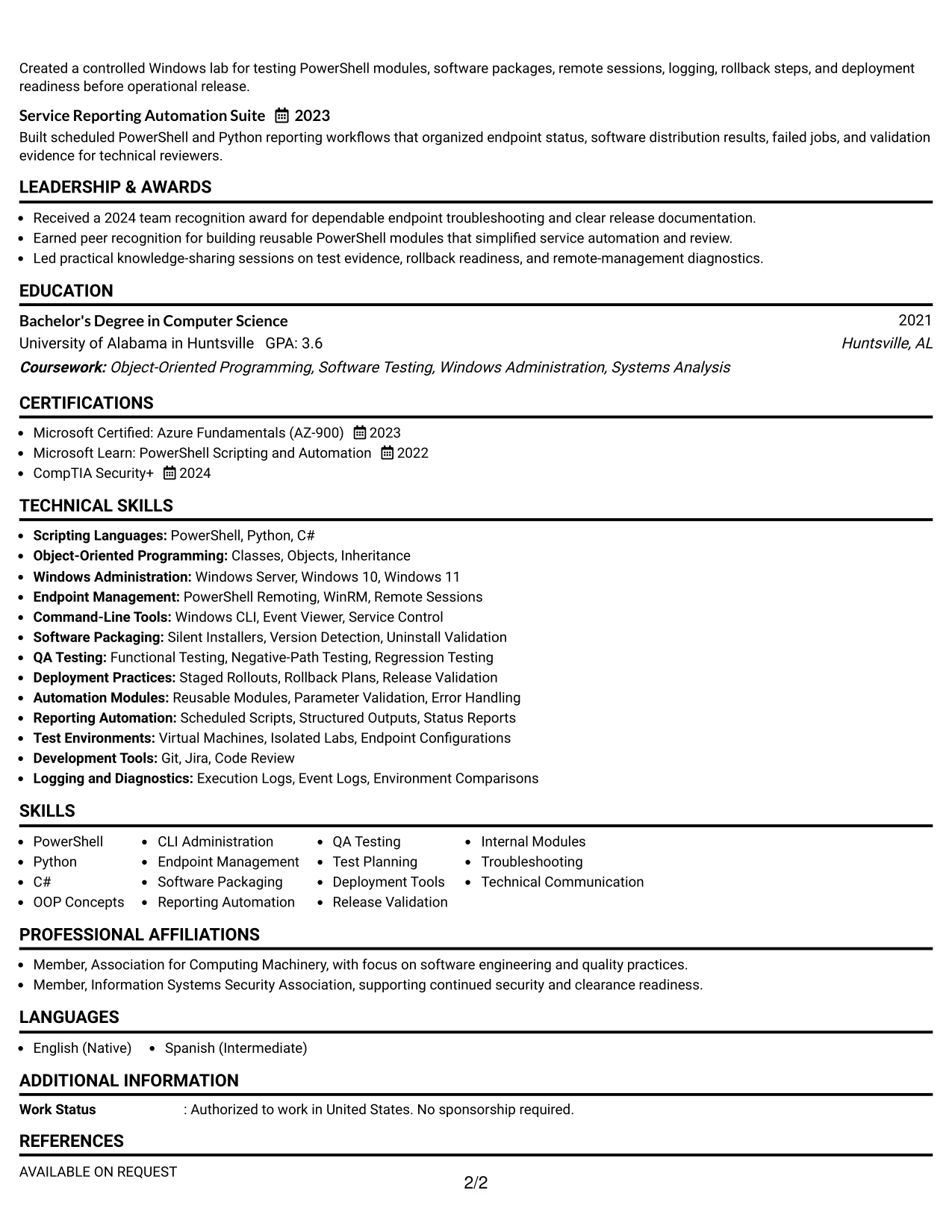
#18 One Column Format with Photo Resume Example
A clean visual hierarchy combines a one-column resume structure with a prominent photo area, contact details, and the target job title. The page can then guide the reader through the summary, skills, experience, projects, education, and certifications in one consistent direction.
The photo is optional in practice and should be used only when it fits the application, employer expectations, and local hiring norms. The resume content remains the main qualification record, with PowerShell automation, controlled testing, software packaging, endpoint management, and release validation supported by specific experience bullets.
Why the One Column Format with Photo Works for a Resume
- The one-column order keeps technical experience and keywords easy to scan from top to bottom.
- A dedicated photo area creates a defined visual entry point when a photo is appropriate for the application.
- The summary can connect the target role to PowerShell, Python, QA testing, and deployment experience.
- Full-width bullets provide room for test plans, rollback steps, packaging checks, and troubleshooting detail.
- Skills, projects, education, and certifications can be presented without a crowded sidebar.
- The format can show measurable evidence, including support for more than 1,200 Windows endpoints.
- Clear section labels help preserve resume usability even when the header has a strong visual element.
Best For
- Applications and markets where including a professional photo is accepted and useful.
- Candidates who want a strong visual identity while keeping the resume content in one column.
- Documents that need a clear top-to-bottom path through technical experience and projects.
- Applications where a target role, summary, and core skills should appear together near the top.
- Candidates with detailed automation and QA bullets that need full page width.
- Resume versions that combine a personal presentation choice with ATS-conscious text sections.
- Readers who value a defined header before reviewing qualifications and measurable results.
#19 Minimal Header Format Resume Example
The minimal header keeps contact details and the target title compact, allowing the resume body to begin quickly. From there, a simple one-column sequence supports fast movement through the summary, skills, experience, projects, education, and certifications.
This approach gives the available page space to evidence rather than decoration. It can foreground PowerShell and Python automation, test utilities, software packaging, endpoint diagnostics, reporting workflows, and the controlled deployment practices described in the experience section.
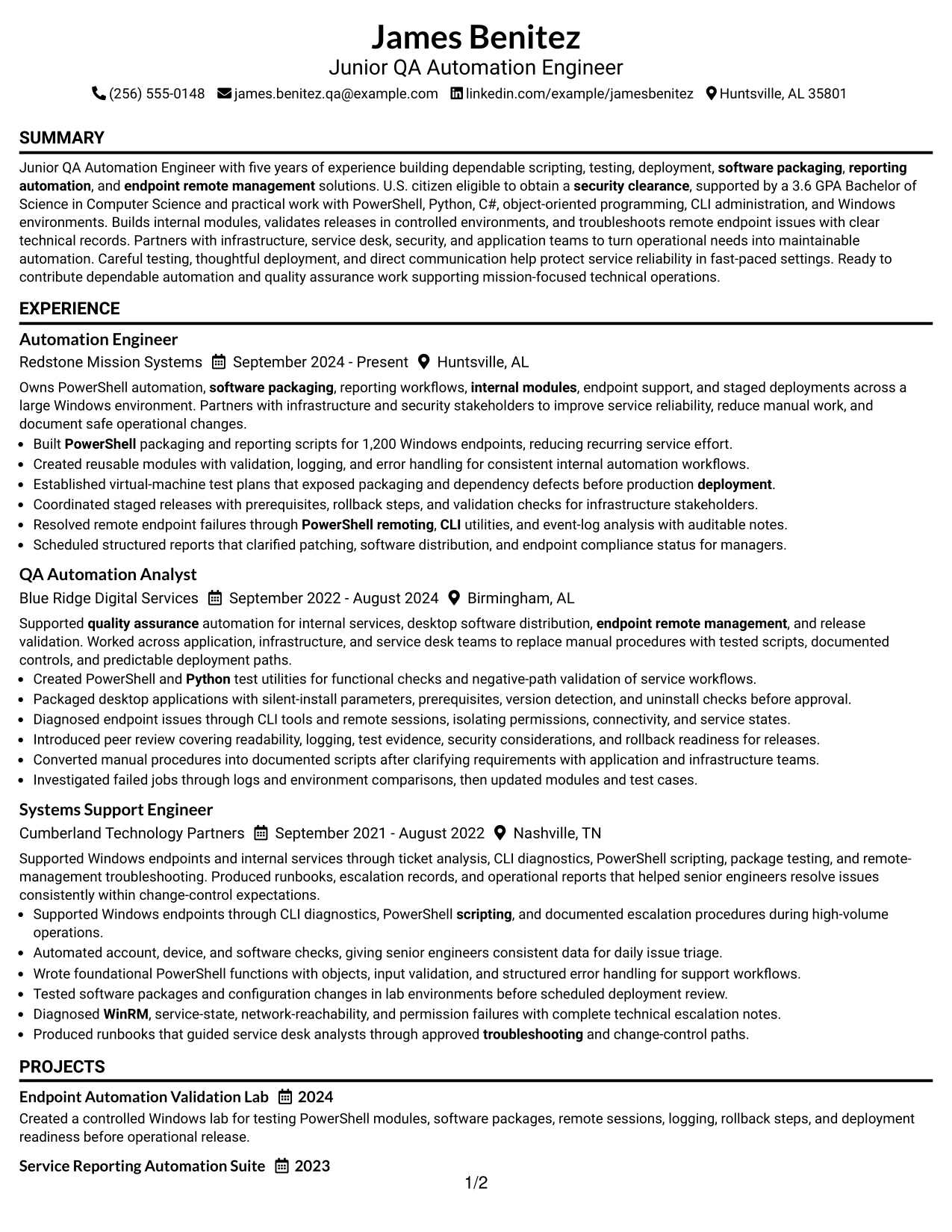
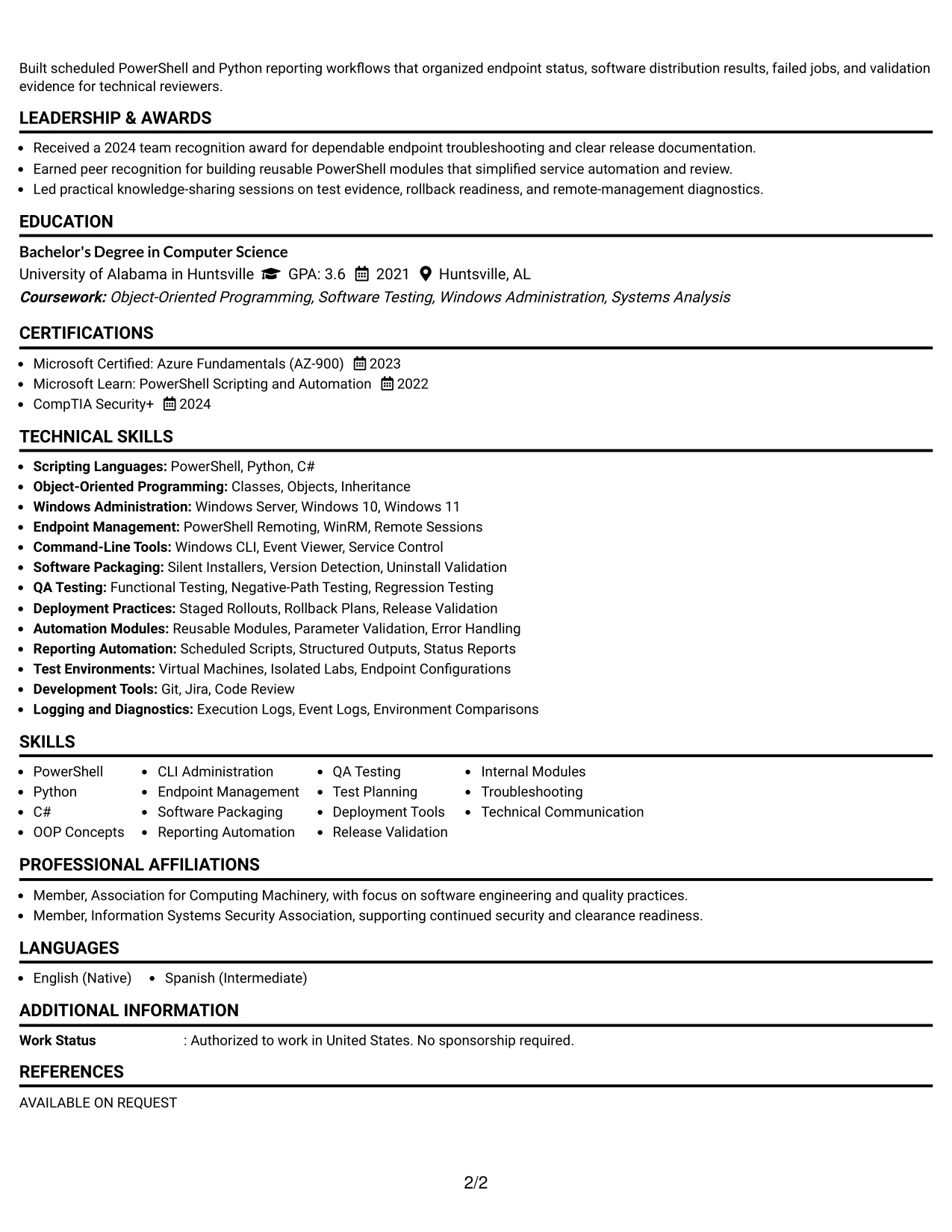
Why the Minimal Header Format Works for a Resume
- A compact header gives more page space to experience bullets and technical achievements.
- The simple structure is easy for ATS tools to read and easy for reviewers to navigate.
- The target title can appear clearly without dominating the rest of the document.
- A focused skills section can surface PowerShell, Python, C#, QA testing, and endpoint management.
- Full-width work-history bullets support precise descriptions of testing and deployment actions.
- Projects can reinforce practical capability without requiring a separate visual panel.
- The minimal design keeps attention on evidence, keywords, and measurable operational scope.
Best For
- Applications where technical evidence should begin near the top of the page.
- Candidates who prefer a clean document with limited header space and no sidebar.
- ATS-focused submissions using standard headings and straightforward text flow.
- Resumes that need room for several detailed experience bullets per position.
- Candidates presenting scripting, QA, packaging, reporting, and endpoint work together.
- Documents where projects and certifications should support, not interrupt, the employment story.
- Readers who want contact details confirmed quickly before reviewing qualifications.
#20 Modern Full Background Two Column Format Resume Example
A recruiter can use the side column for a quick view of contact details, core skills, certifications, and education, then shift to the main column for the summary, experience, projects, and supporting results. The full-background treatment creates a unified visual field while the two-column structure keeps different content types organized.
The resume can carry substantial evidence when the sidebar stays focused and the main column receives the detailed bullets. PowerShell modules, Python test utilities, endpoint remote management, software packaging, staged deployments, and reporting automation can be connected to specific outcomes and validation practices.
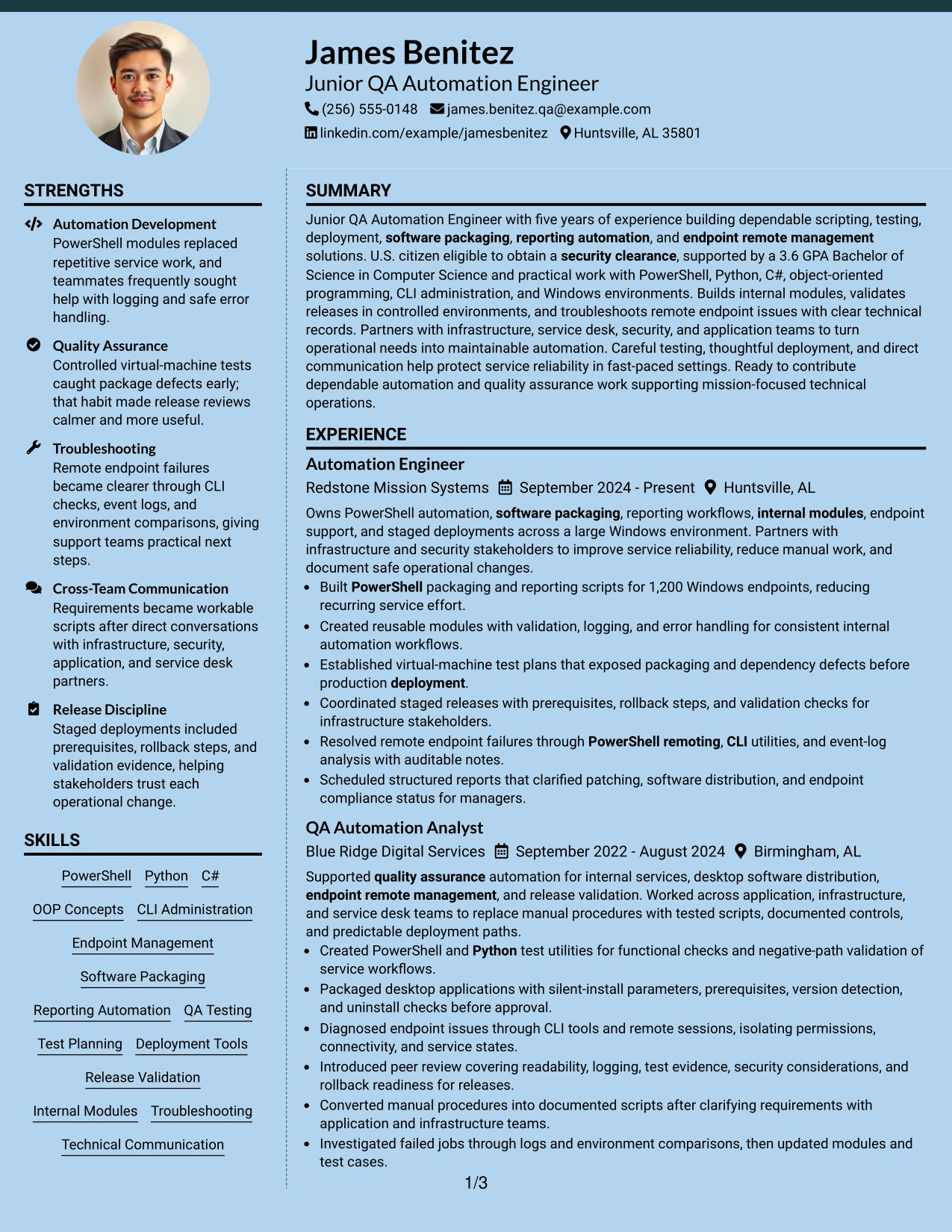
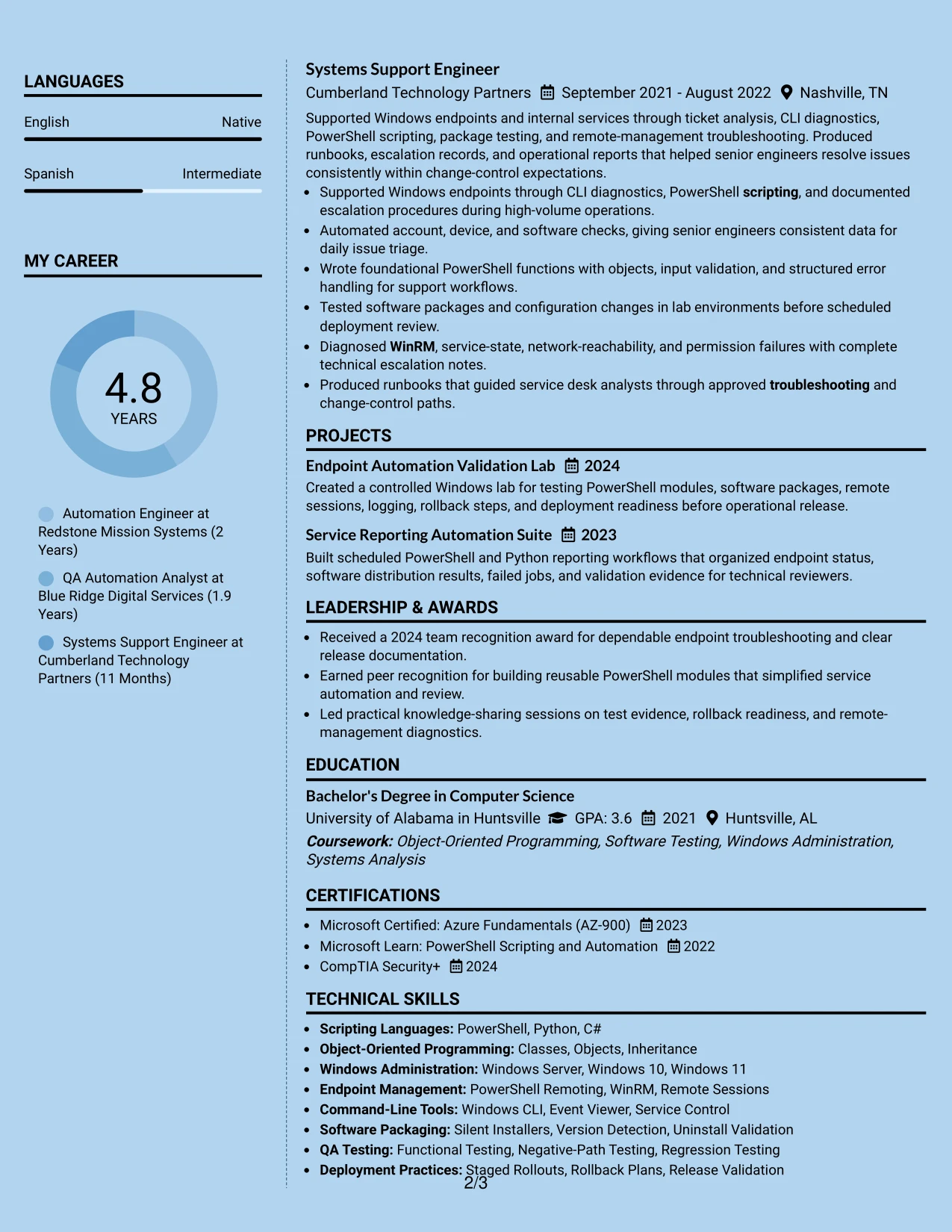
Why the Modern Full Background Two Column Format Works for a Resume
- Two columns separate quick-reference credentials from detailed career evidence.
- The main column can hold complete bullets about automation, testing, packaging, and deployment.
- The side column keeps skills, certifications, education, and contact information visible during review.
- A unified background creates a modern presentation while consistent text hierarchy supports readability.
- The format can show a broad technical toolkit without placing every keyword in the main narrative.
- Projects and operational results can receive enough space to demonstrate practical capability.
- Clear contrast between regions helps readers return to important sections during a second scan.
Best For
- Resumes with a high volume of technical content that benefits from two information zones.
- Candidates who want certifications and skills visible while detailed experience remains central.
- Applications requiring both keyword access and substantial proof of testing or deployment work.
- Documents that include projects, tools, education, and work history without a long single column.
- Readers who scan a sidebar first and then assess achievement bullets in the main area.
- Candidates seeking a modern presentation that still preserves recognizable resume sections.
- Applications where evidence volume is strong enough to justify a carefully managed two-column page.
#21 Dark Mode Two Column Format Resume Example
The main evidence should lead the review: automation modules, controlled testing, software packaging, endpoint troubleshooting, and deployment results. A two-column dark-mode design can place skills, certifications, and education in a supporting area while the wider column carries the detailed experience and project record.
Strong contrast and consistent text labels keep the visual treatment from obscuring ATS-relevant content. The resume should retain readable terms such as PowerShell, Python, C#, QA testing, WinRM, reporting automation, and release validation, along with the evidence behind each skill.
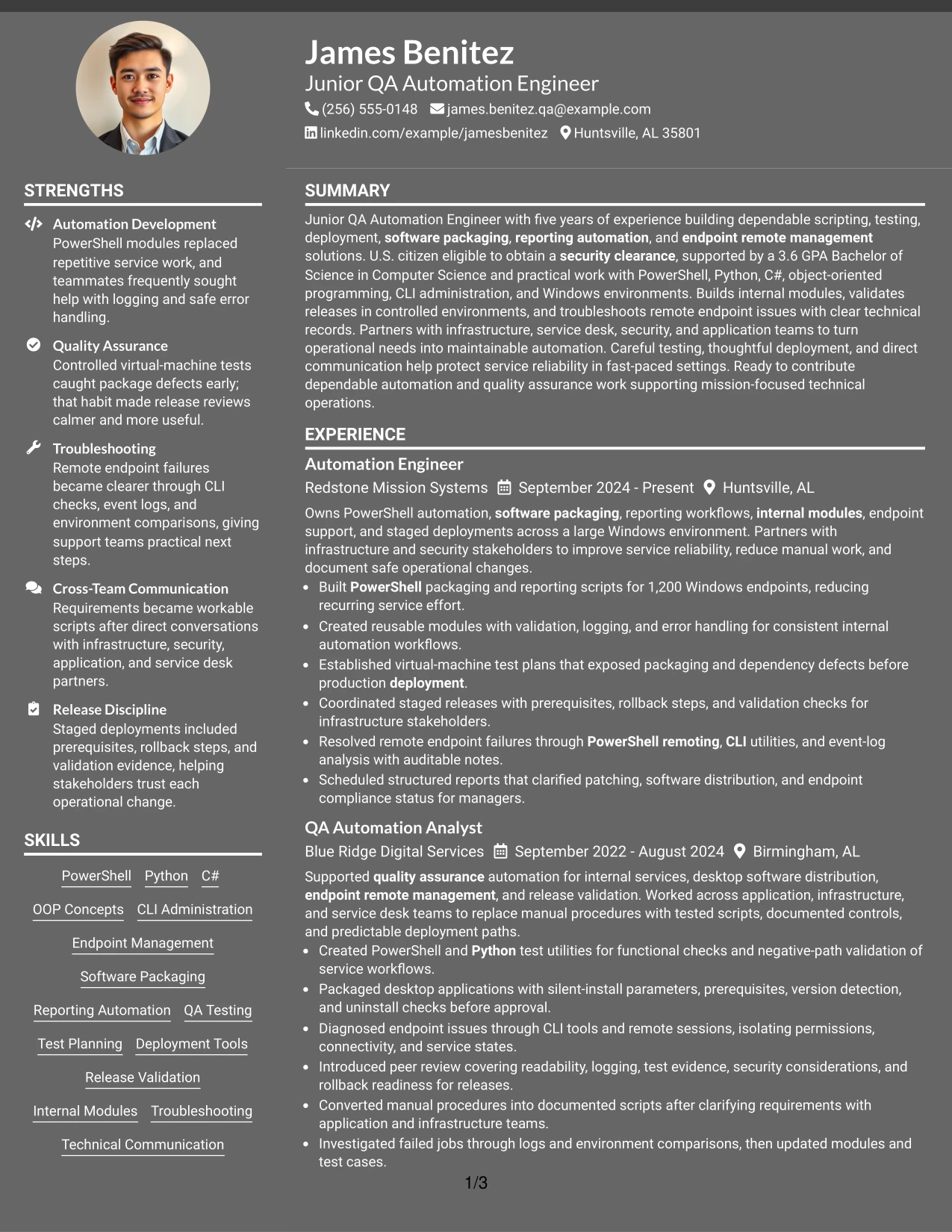
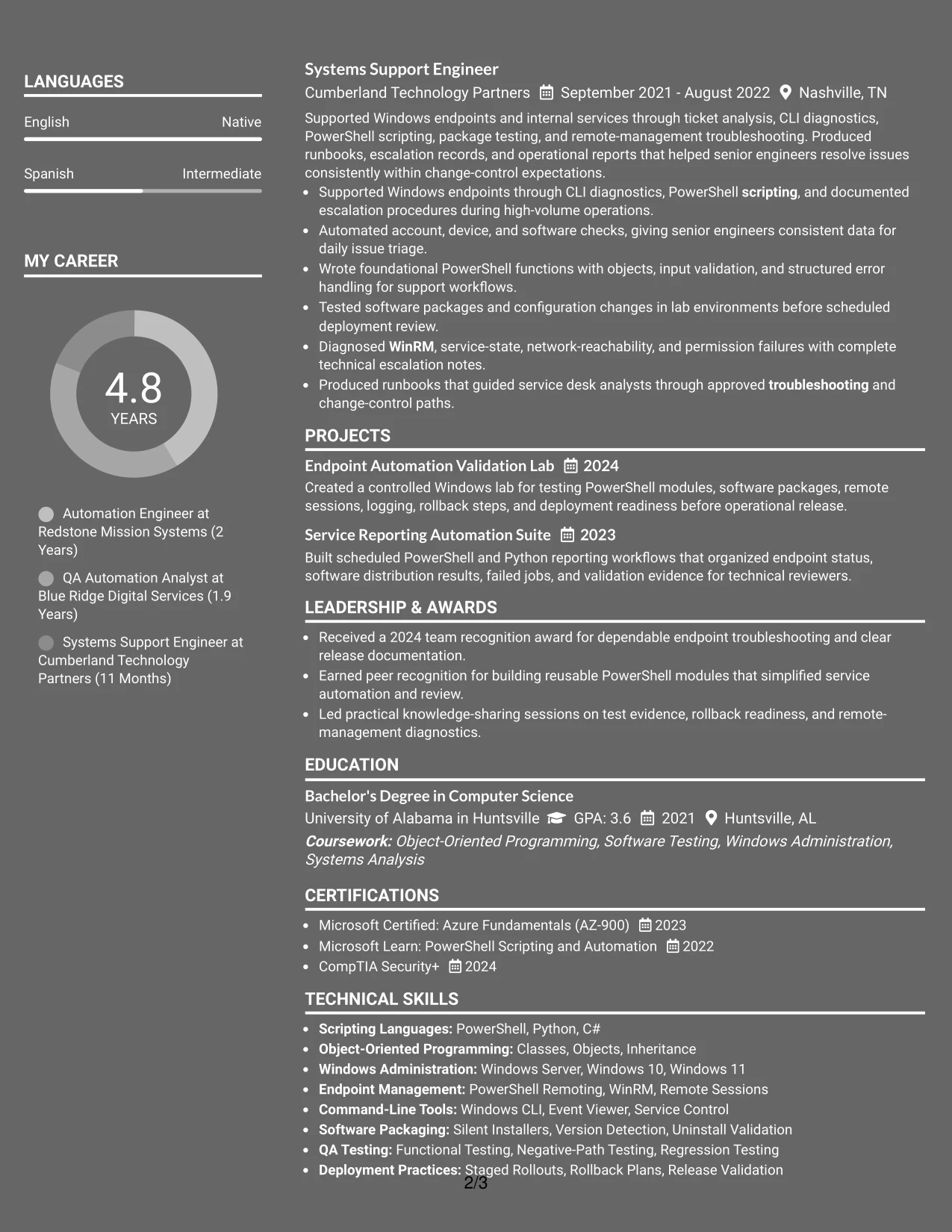
Why the Dark Mode Two Column Format Works for a Resume
- The wider column gives priority to experience bullets and project evidence.
- A supporting column can display technical skills, certifications, education, and contact information efficiently.
- Consistent labels help preserve section recognition despite the dark visual treatment.
- The format can group evidence by function, including scripting, QA, packaging, and endpoint management.
- Detailed bullets can explain validation methods, logging, rollback planning, and troubleshooting results.
- Projects add proof of hands-on capability without displacing the main employment record.
- Readable contrast and restrained accents allow a distinctive style while keeping content reviewable.
Best For
- Candidates whose resume evidence is strongest in detailed technical achievements.
- Applications where a distinctive visual style is appropriate but text clarity remains essential.
- Documents that need a separate area for tools, certifications, education, and concise keywords.
- Resumes with multiple project examples that support employment-based automation experience.
- Readers who review evidence first and use a skills column for quick confirmation.
- Candidates presenting QA, deployment, packaging, and endpoint troubleshooting as connected capabilities.
- Applications that can support a modern design while maintaining clear ATS-readable text.
#22 Dark Mode Box Header Format Resume Example
Balanced spacing, a boxed header, and a single content column give this resume a defined beginning without crowding the qualification sections. The design can move cleanly from the target title and summary to skills, experience, projects, education, certifications, and additional security information.
For this application, the dark treatment should remain secondary to the evidence. Clear bullets can show PowerShell scripting, object-oriented programming, QA testing, package validation, remote endpoint support, scheduled reporting, and staged deployment work, while standard section labels protect scanning and parsing.
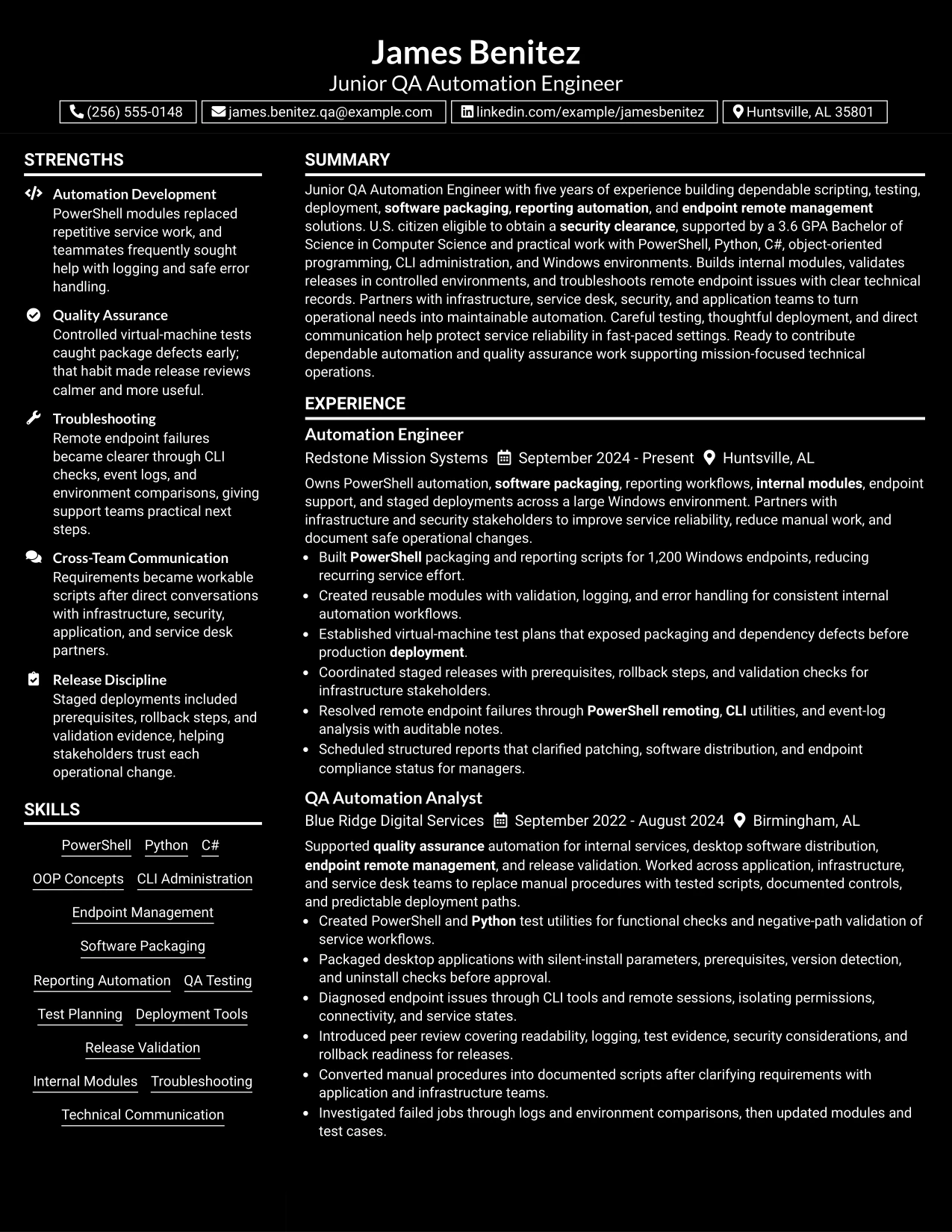
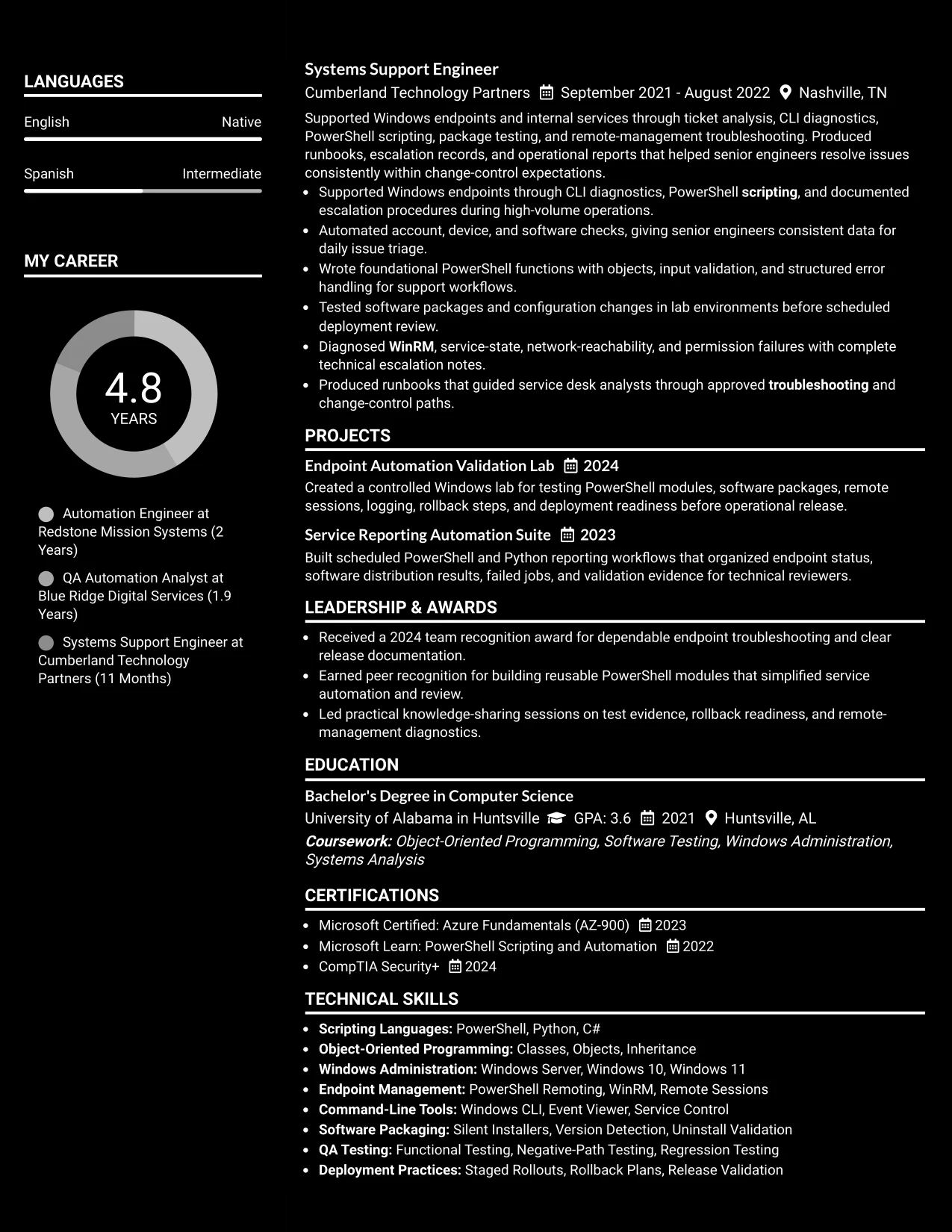
Why the Dark Mode Box Header Format Works for a Resume
- The boxed header makes the target title and contact details easy to confirm at the start.
- Balanced spacing keeps the single-column sections readable despite the darker visual theme.
- Standard labels support ATS parsing for summary, skills, experience, education, and certifications.
- The format provides full-width space for technical bullets with clear actions and outcomes.
- A focused skills section can match PowerShell, Python, C#, QA testing, and endpoint management to the role.
- Projects and certifications can strengthen the record without creating a crowded page.
- The design offers a modern presentation while keeping application-ready information prominent.
Best For
- Applications that need a polished header but a conventional single-column information path.
- Candidates who want a modern visual treatment without sacrificing readable technical bullets.
- Resumes tailored to roles with clear scripting, testing, deployment, and troubleshooting needs.
- Documents where the target title, clearance eligibility, degree, and certifications must be easy to verify.
- Candidates whose experience requires full-width space for detailed quality and release evidence.
- ATS-conscious applications using standard labels within a more distinctive design.
- Readers who value balanced spacing and a strong header before reviewing the resume details.
#23 Elegant Full Background Two Column Format Resume Example
For a Junior QA Automation Engineer application, this two-column resume format gives technical evidence a clear place without creating a crowded page. The main column can carry the professional summary and experience, while the supporting column groups PowerShell, Python, testing, certifications, and education for quick review.
The structure supports ATS-friendly section labels and readable bullet points. It also gives measurable evidence, such as automation across 1,200 Windows endpoints, enough space to stand out while keeping deployment, packaging, reporting, and endpoint-management keywords easy to find.
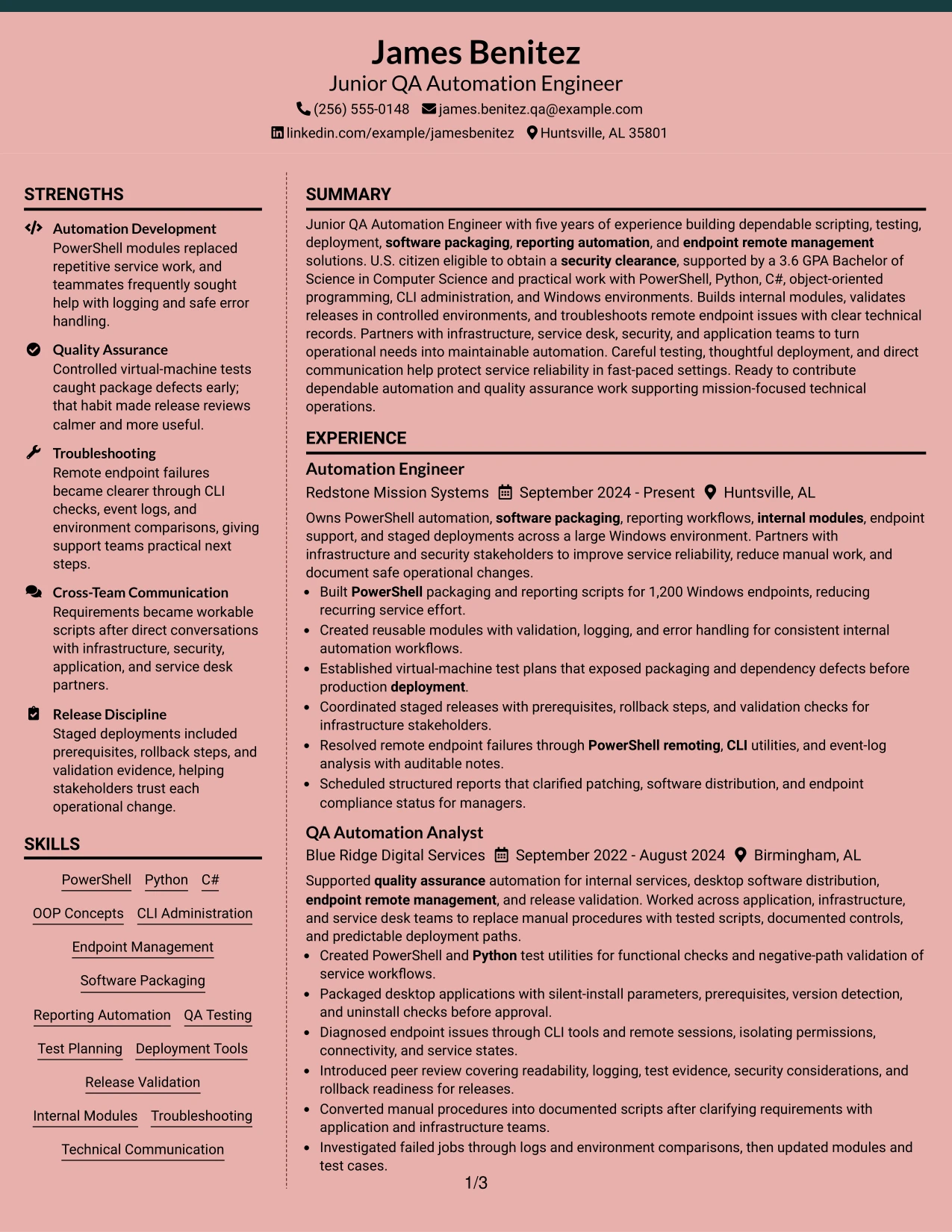
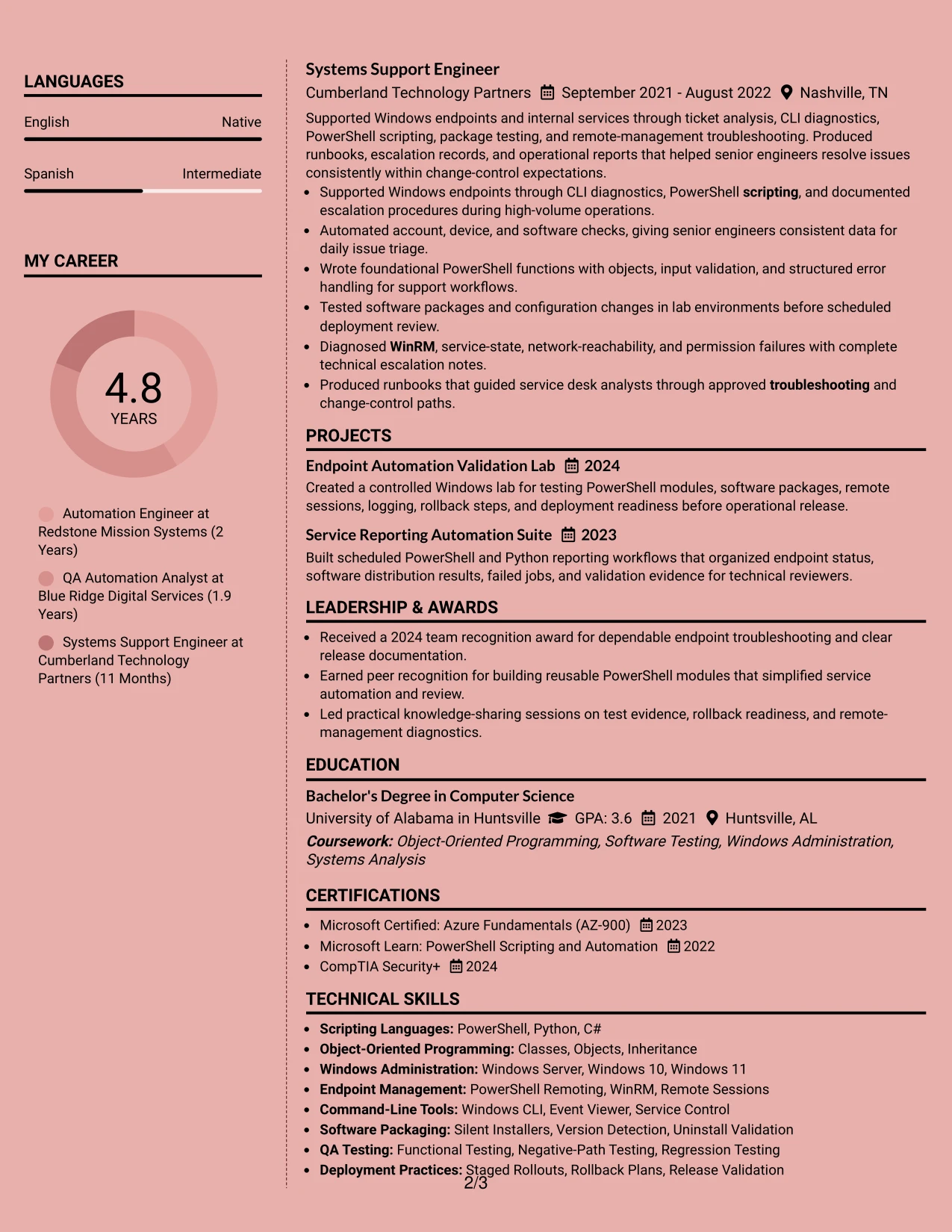
Why the Elegant Full Background Two Column Format Works for a Resume
- Two columns separate detailed experience from supporting qualifications.
- A clear summary can introduce scripting, testing, and endpoint-management strengths.
- Bullets leave room for measurable results, including work across 1,200 endpoints.
- A dedicated skills area helps surface PowerShell, Python, C#, and OOP concepts.
- Education and certifications remain visible without interrupting the experience section.
- Project entries can show virtual-machine testing and reporting automation beyond paid roles.
- Consistent headings and standard text sections support recruiter scanning and ATS parsing.
Best For
- Resumes that need to balance detailed experience with a compact skills area.
- Candidates presenting both technical projects and formal work history.
- Applications where ATS-readable headings must remain easy to locate.
- Professionals who want measurable results beside supporting credentials.
- Documents that benefit from a strong primary column and a focused secondary column.
- Technical applications requiring visible testing, deployment, and troubleshooting evidence.
- Resumes that need organized space for certifications, education, and tools.
- Readers who prefer a structured view of evidence before reviewing every bullet.
#24 Creative Two Tone Format Resume Example
A restrained visual hierarchy helps a technical resume feel polished while keeping the content easy to scan. The Creative Two Tone Format can distinguish the summary, experience, skills, and education sections without relying on decorative elements that may distract from evidence.
For this Junior QA Automation Engineer resume, the strongest content remains in standard text blocks: tested scripts, software packaging, staged deployments, internal modules, and remote troubleshooting. The two-tone treatment adds separation while preserving recognizable headings and keyword visibility.
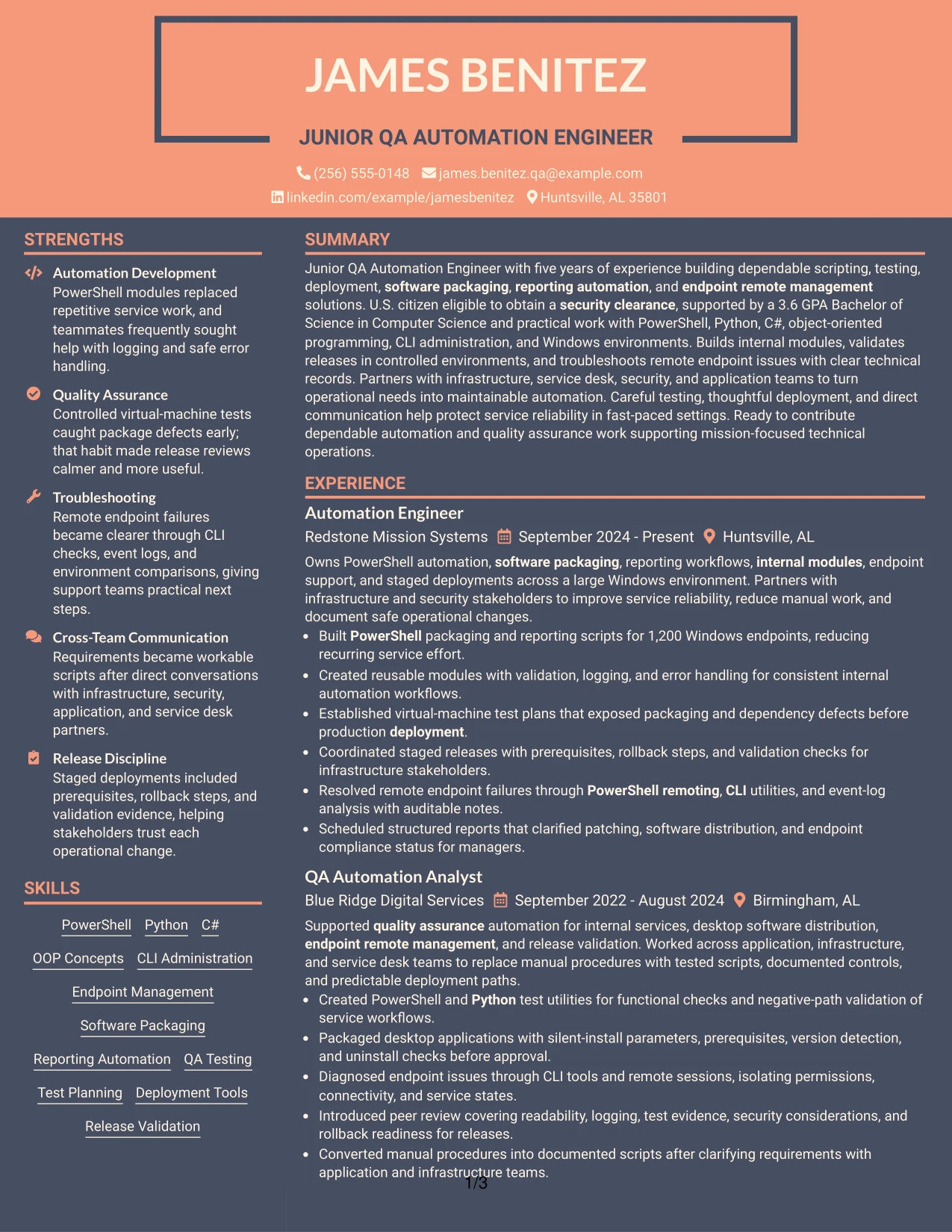
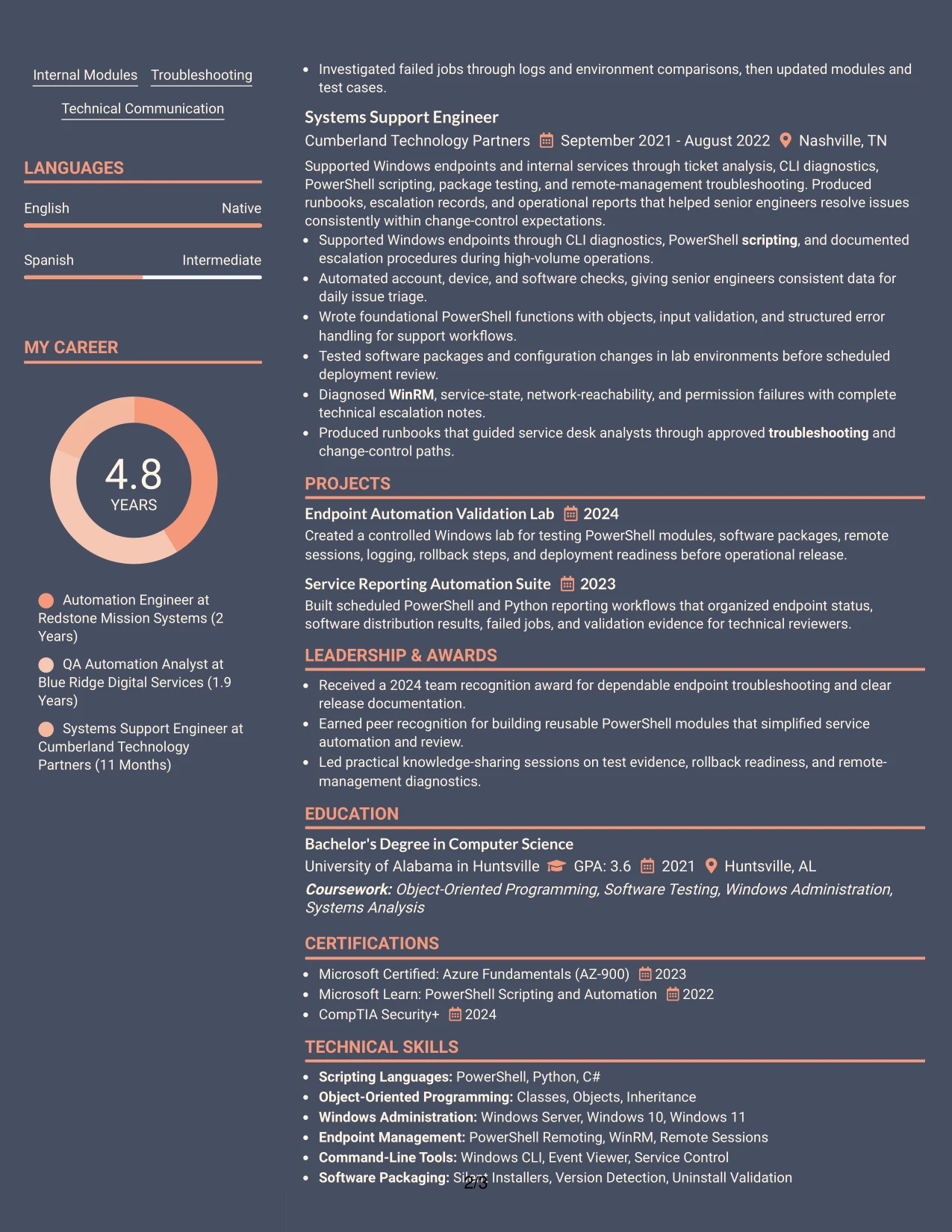
Why the Creative Two Tone Format Works for a Resume
- Two visual tones create section separation without replacing standard resume structure.
- The summary can connect five years of automation and testing work to the target role.
- Experience bullets can lead with action verbs and follow with clear technical results.
- Skills such as PowerShell, Python, QA testing, and release validation stay easy to locate.
- The format supports a balanced presentation of technical depth and communication strengths.
- Project and certification details can add evidence without competing with recent experience.
- Simple section hierarchy helps maintain readability when visual styling is present.
Best For
- Technical resumes that need visual distinction without a dense design.
- Candidates matching several required terms across scripting, testing, and deployment.
- Applications where clean separation helps readers compare experience and skills.
- Professionals who want a polished look while keeping evidence in conventional sections.
- Documents that combine automation work, support experience, projects, and certifications.
- Readers who scan for role alignment before reviewing supporting details.
- Resumes needing a modest visual accent rather than a highly elaborate layout.
#25 Bold Color Header Professional Format Resume Example
The Bold Color Header Professional Format places the resume identity and target role at the top, then moves directly into structured content. This makes the professional summary, experience, skills, education, and certifications easy to find in a predictable order.
That structure suits a Junior QA Automation Engineer resume with several related technical themes. PowerShell scripting, Python test utilities, software packaging, endpoint management, and deployment validation can appear as separate, keyword-rich sections supported by concise achievement bullets.
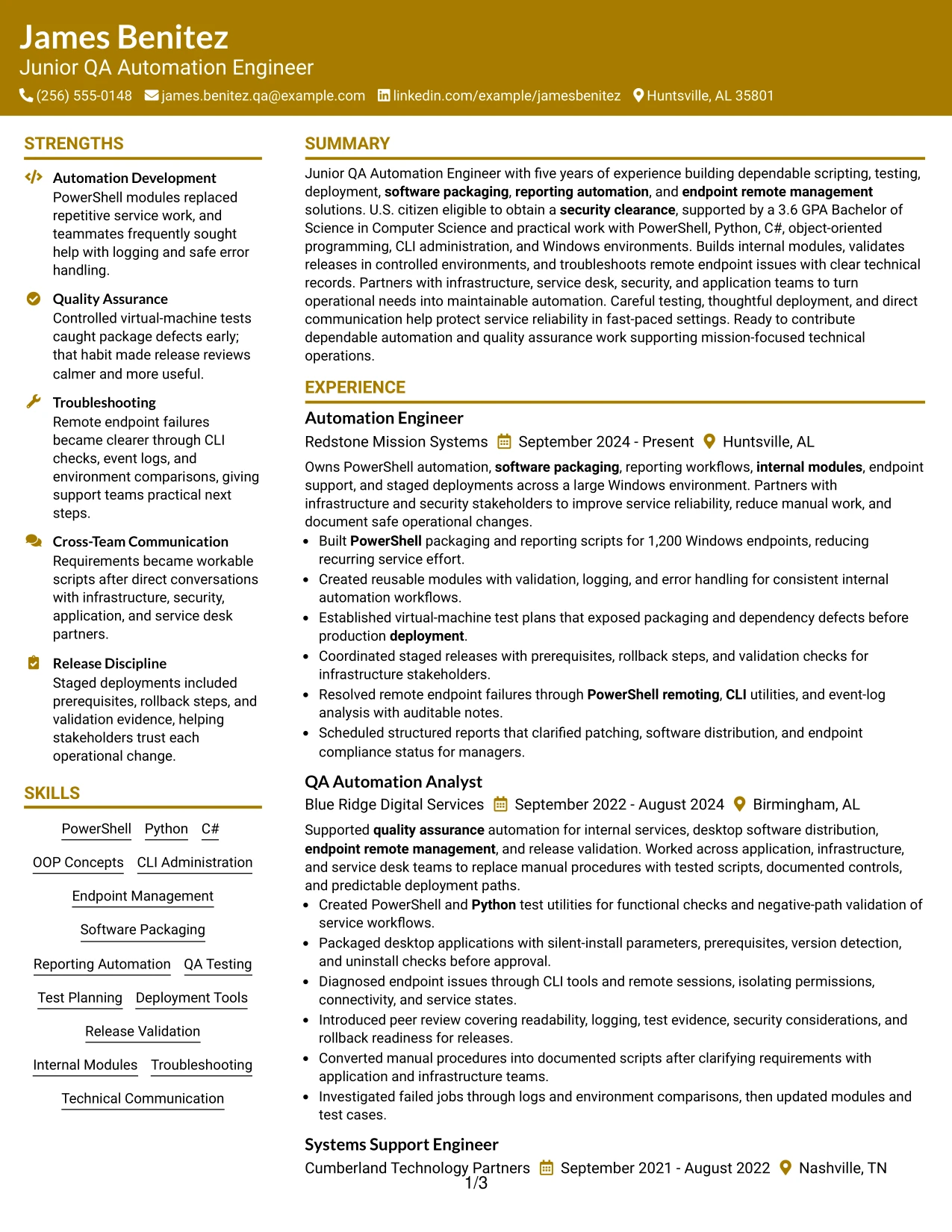
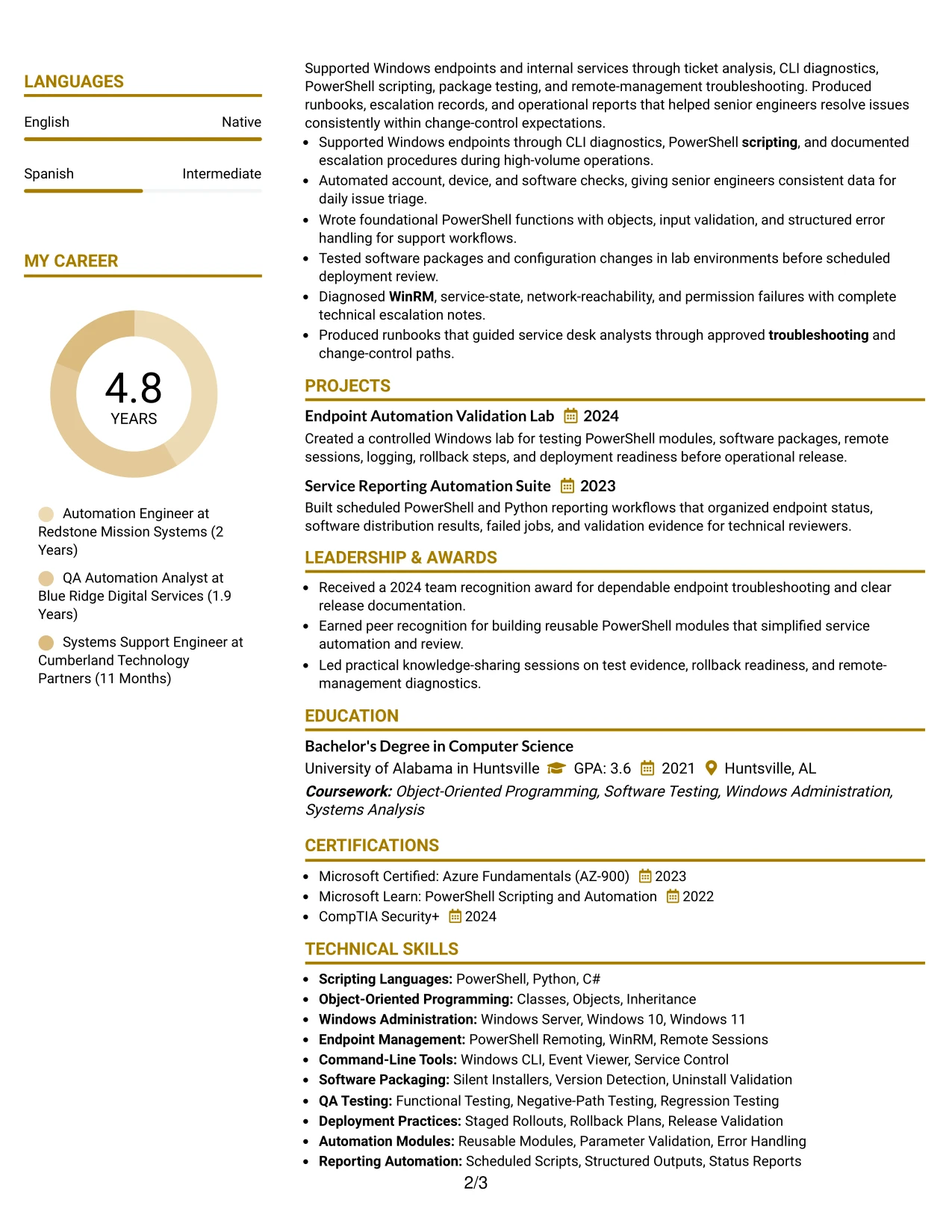
Why the Bold Color Header Professional Format Works for a Resume
- A strong header establishes the target role before the reader reaches the details.
- Standard section order supports fast review and reliable ATS parsing.
- Bold section labels make skills, experience, education, and certifications easy to scan.
- Bullets can connect technical actions to results such as reduced manual effort and earlier defect detection.
- The format gives internal modules and release validation a clear place in the experience section.
- A focused skills block can include PowerShell, Python, C#, Git, Jira, and WinRM.
- The design remains professional while giving the top of the page clear visual priority.
Best For
- Resumes that need immediate role identification at the top of the page.
- Candidates with several technical keywords to organize under clear headings.
- Applications where recruiters scan the header before reviewing work history.
- Professionals who want achievement bullets to follow a predictable information path.
- Documents that must present tools, certifications, and education without hidden sections.
- Technical roles requiring both ATS-compatible structure and a polished first impression.
- Resumes where a prominent header can anchor a detailed but focused content set.
#26 Photo Header Color Sidebar Format Resume Example
Readers can move from the header and contact details into the summary, experience, and supporting qualifications in a clear sequence. The Photo Header Color Sidebar Format adds a visual profile area while keeping the resume content organized for a technical review.
For this resume, the main content should carry the strongest evidence: PowerShell automation, controlled testing, software packaging, staged rollouts, and endpoint troubleshooting. The sidebar can hold compact skills, certifications, or contact details, while the primary column preserves readable accomplishment bullets.
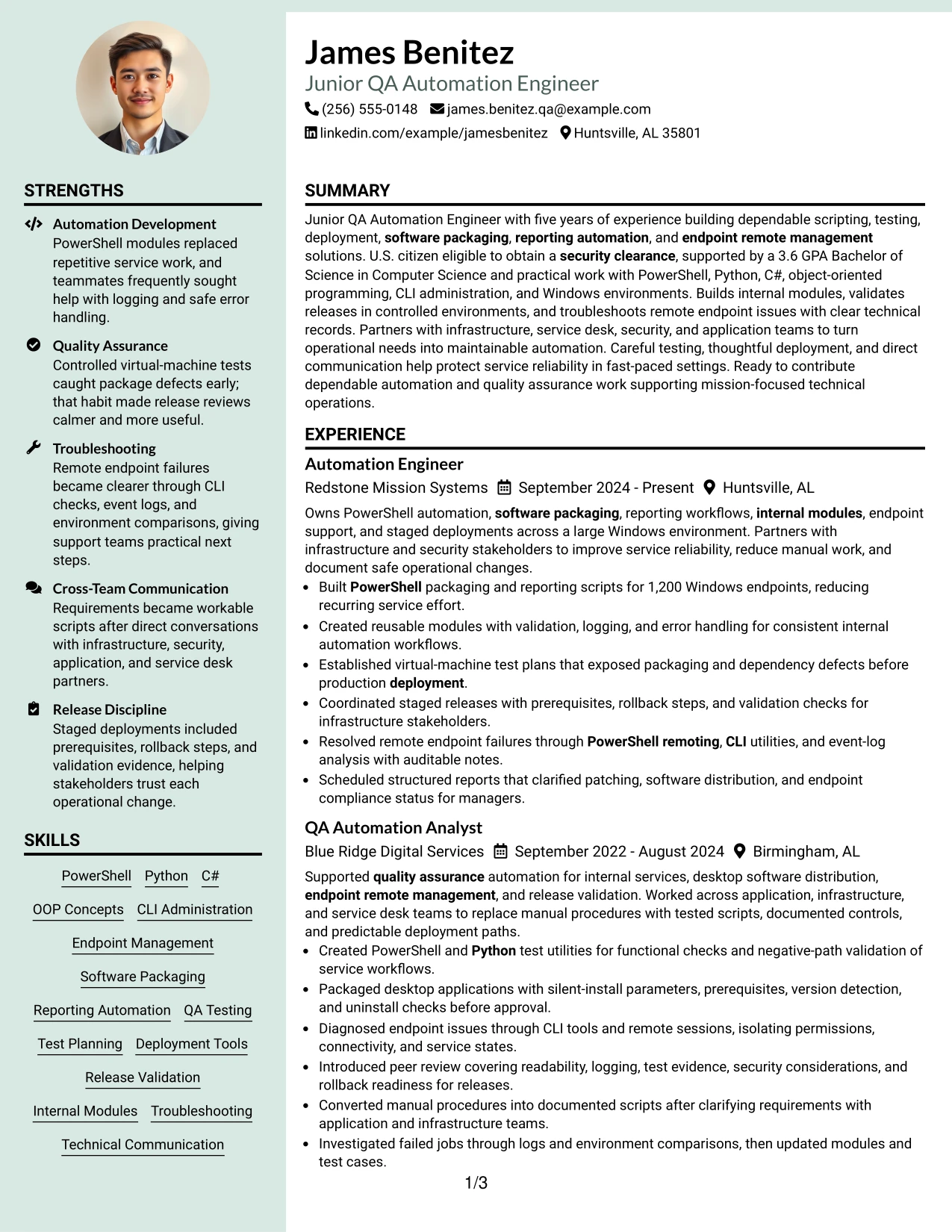
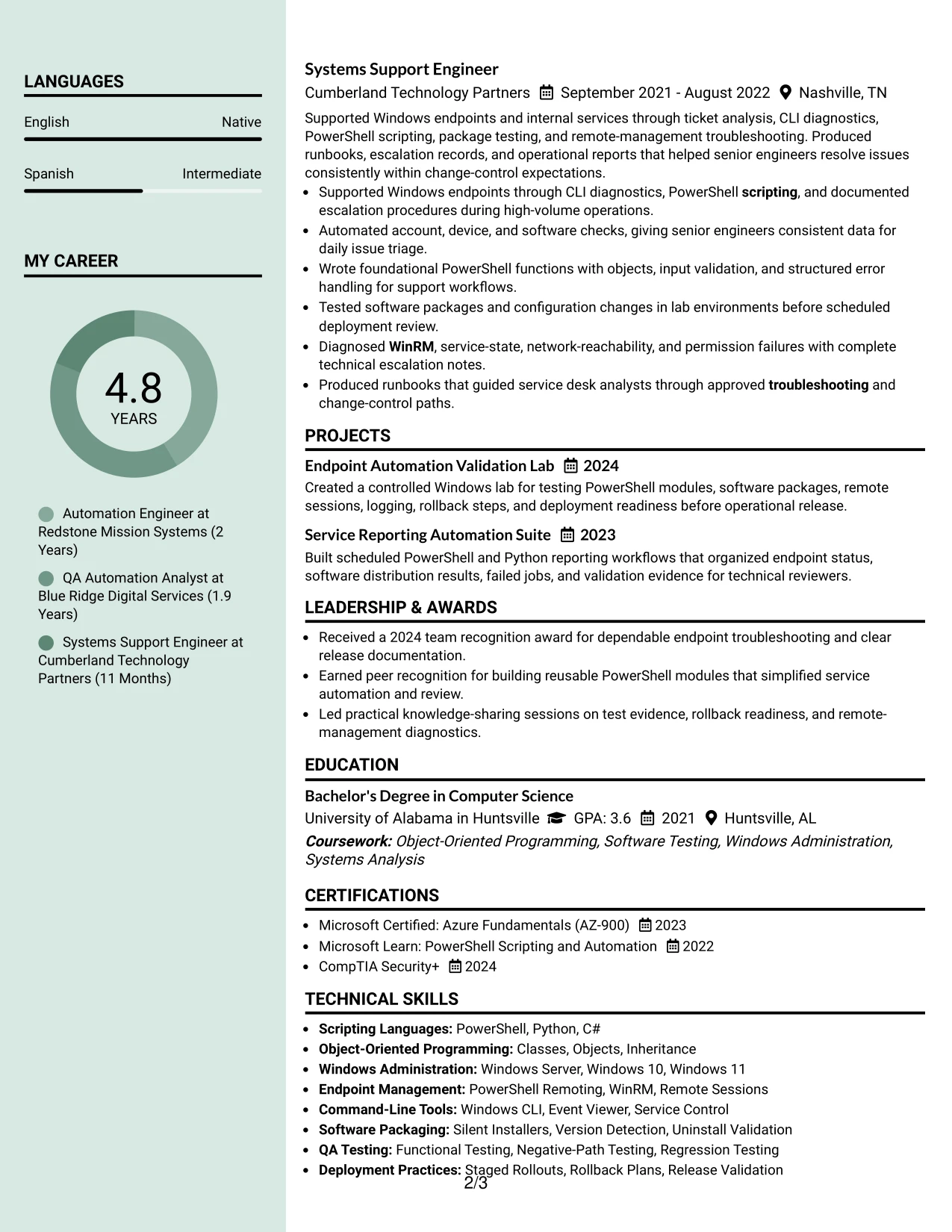
Why the Photo Header Color Sidebar Format Works for a Resume
- The header gives the target role and contact details an immediate starting point.
- A sidebar can group certifications, skills, and clearance eligibility without interrupting experience.
- The main column protects space for detailed achievement bullets and project descriptions.
- A photo area can support a personal presentation when appropriate for the application context.
- The format can show both technical depth and concise supporting information.
- Keywords remain visible when the sidebar uses standard labels such as Skills and Certifications.
- Clear separation helps readers review recent automation work before earlier support experience.
Best For
- Applications where a personal visual presentation is appropriate and professionally supported.
- Resumes with substantial experience that needs a wide primary content area.
- Candidates balancing detailed work history with compact credentials and skills.
- Documents that benefit from a distinct sidebar for contact and qualification details.
- Readers who prefer a clear route from profile information to technical evidence.
- Applications combining automation projects, certifications, and multiple roles.
- Resumes that need room for longer bullets without losing supporting information.
- Professionals seeking a polished layout with a defined primary and secondary content zone.
#27 Top Left Header Color Accent Format Resume Example
The strongest evidence appears early: five years of scripting, testing, deployment, and endpoint-management work, supported by a 3.6 GPA computer science degree. The Top Left Header Color Accent Format gives that evidence a clear starting point before moving into detailed employment bullets.
A compact accent can guide attention to the summary and target role without taking space from measurable results. The resume can then show PowerShell modules, Python test utilities, packaging checks, virtual-machine validation, and documented release controls in a direct sequence.
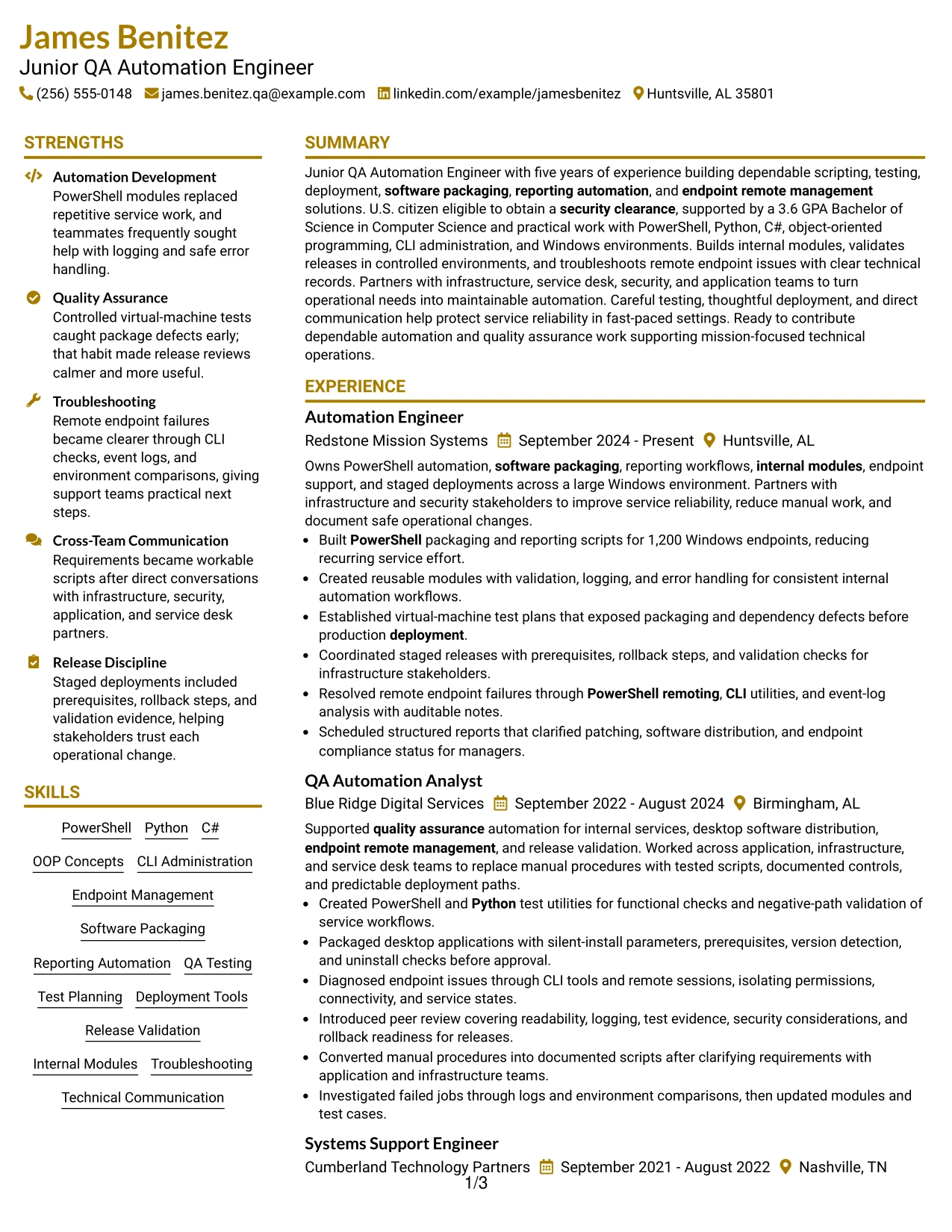
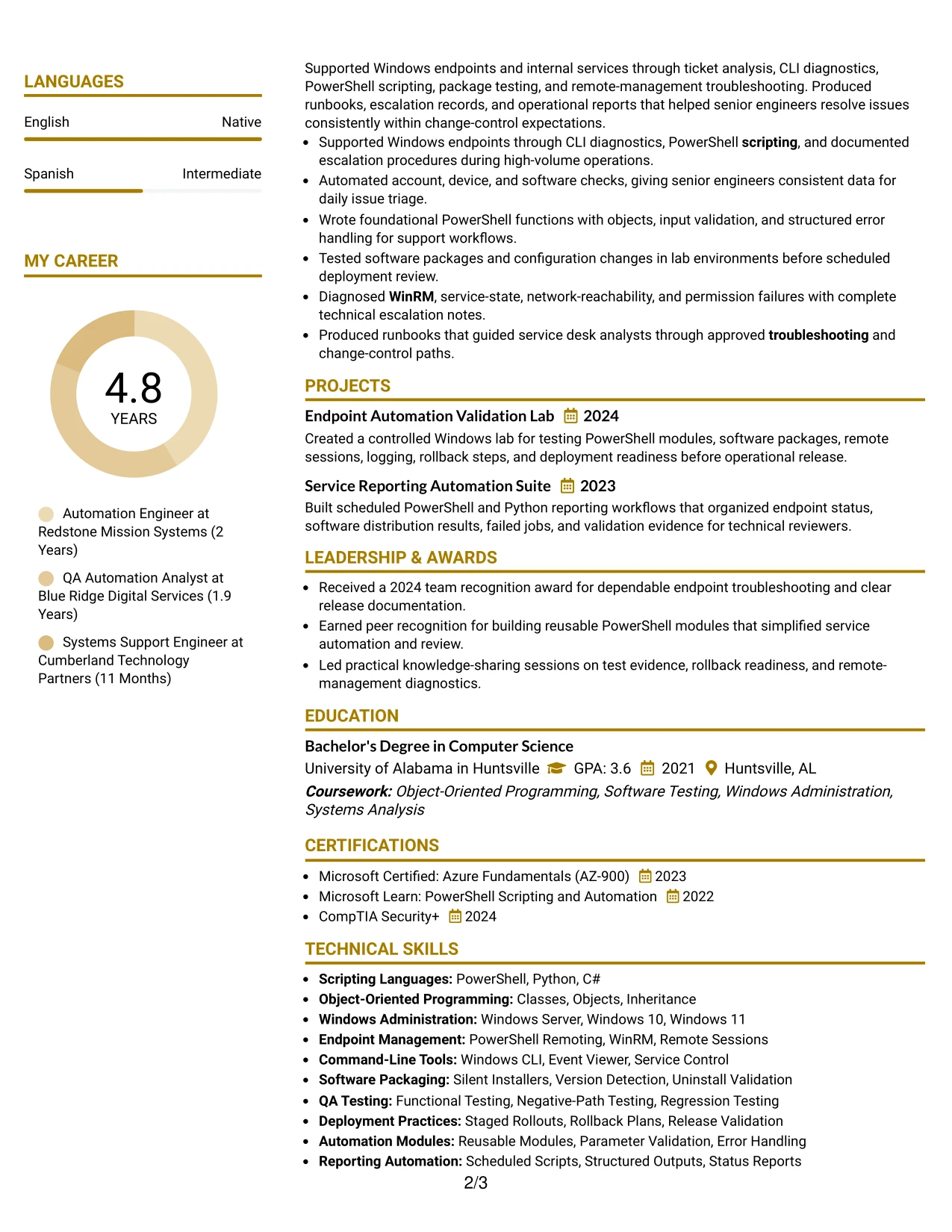
Why the Top Left Header Color Accent Format Works for a Resume
- The top-left position gives the target role and summary immediate visibility.
- The opening content can feature five years of relevant automation and testing experience.
- Experience bullets can show both technical actions and operational outcomes.
- A focused skills section supports keywords such as PowerShell, Python, C#, and QA testing.
- Education and the 3.6 GPA provide clear academic evidence for the application.
- Projects can reinforce controlled testing, reporting automation, and deployment readiness.
- The accent adds hierarchy without displacing standard ATS-readable text.
Best For
- Resumes that need to lead with evidence rather than visual decoration.
- Candidates whose strongest qualification is a combination of experience and technical education.
- Applications requiring quick access to role title, summary, and core keywords.
- Professionals presenting detailed testing and deployment results in concise bullets.
- Documents where project evidence should reinforce, not compete with, work history.
- Technical applications that benefit from a clear top-to-bottom review path.
- Resumes that need a small visual accent while preserving a conventional content hierarchy.
#28 Centered Header Classic Two Column Format Resume Example
Balanced space helps this resume present detailed experience on one side while keeping skills, education, and certifications accessible on the other. The centered header establishes the target role and contact information before the reader compares both columns.
This arrangement works well when the application requires many related terms but still needs a calm reading experience. Experience bullets can cover packaging, reporting, test planning, remote management, and staged deployment, while the second column keeps supporting qualifications visible.
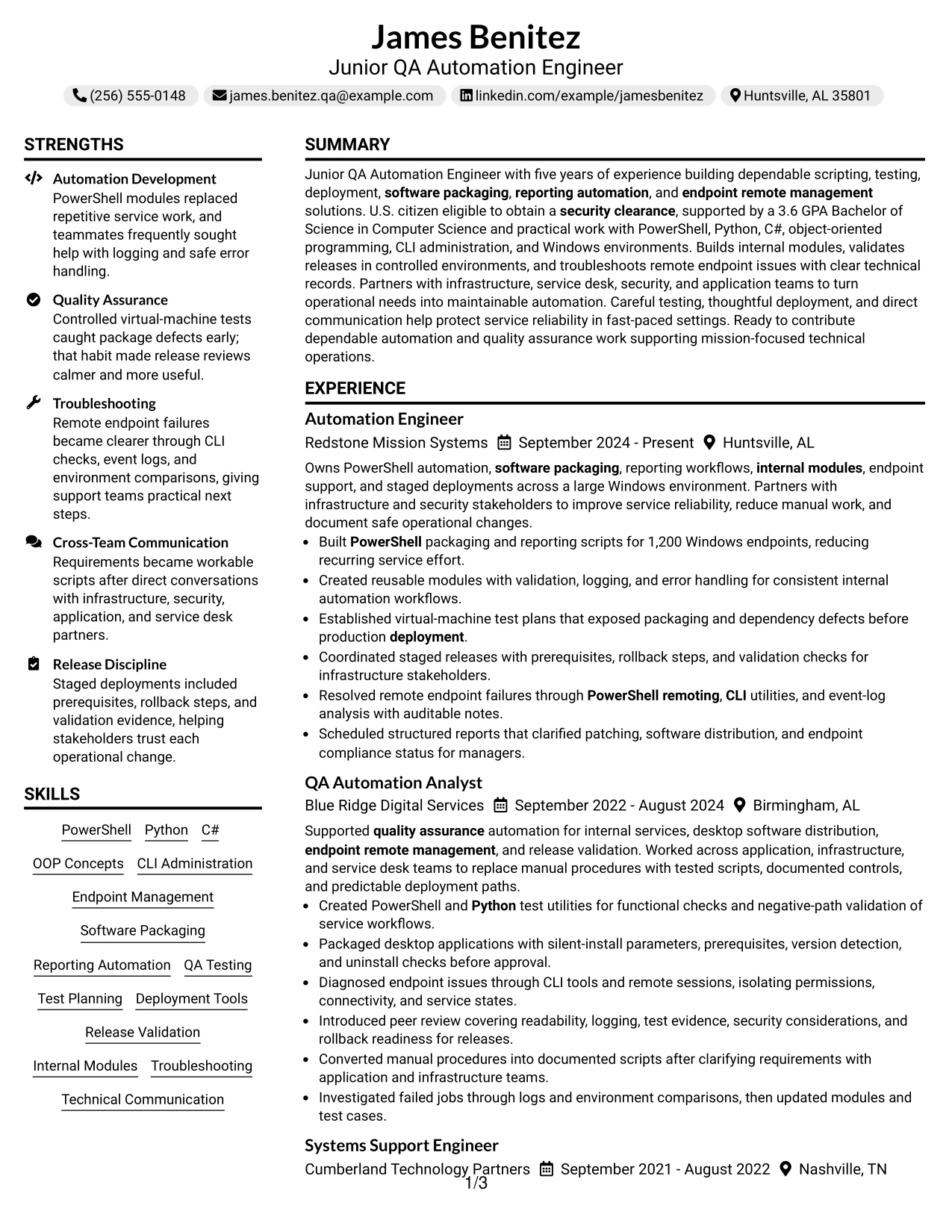
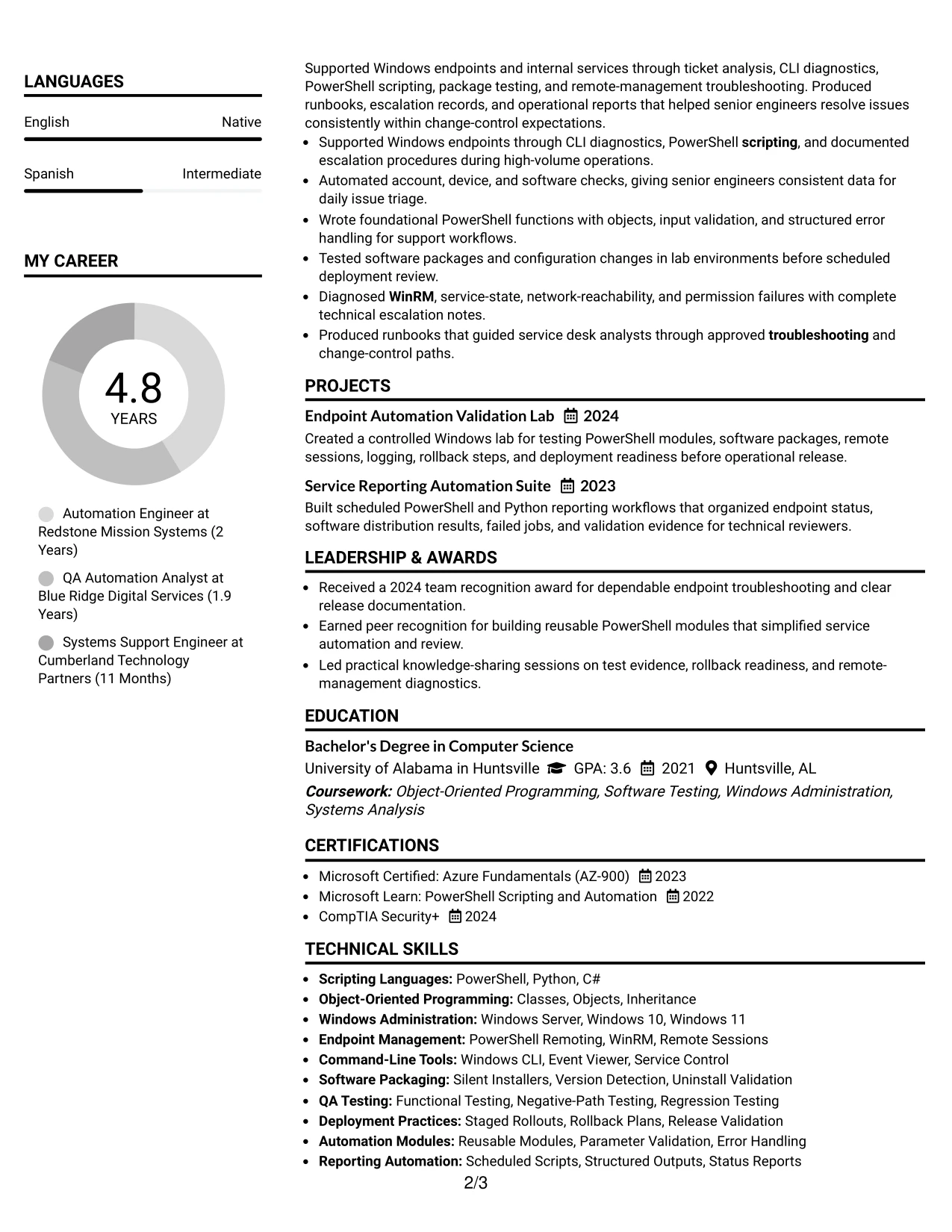
Why the Centered Header Classic Two Column Format Works for a Resume
- A centered header creates a clear entry point for the role and contact information.
- Two columns distribute technical evidence without forcing every section into one long block.
- The primary column can carry detailed work history and measurable outcomes.
- The secondary column can group skills, education, certifications, and project titles.
- Classic bullet treatment makes troubleshooting and testing contributions easy to compare.
- The structure supports keywords while keeping the page visually balanced.
- A clear separation between evidence and credentials helps readers review efficiently.
Best For
- Applications that need detailed experience alongside a compact qualifications column.
- Candidates with several certifications, projects, and technical skill groups.
- Readers who compare work history with education and credentials during one review.
- Resumes where balanced columns can reduce unused space around concise content.
- Technical applications requiring visible evidence for testing, packaging, and deployment.
- Professionals who want a traditional presentation with a centered identity block.
- Documents that need a clear distinction between achievements and supporting details.
#29 Left Aligned Header Clean Two Column Format Resume Example
For a technical application reviewed quickly, the left-aligned header creates a practical starting point for the role, summary, and contact details. The Clean Two Column Format then separates detailed experience from supporting skills and education without adding visual complexity.
The resume can use the larger content area for achievement-focused bullets, including automation across 1,200 endpoints, reusable modules, pre-release testing, and remote troubleshooting. A supporting column can keep certifications, tools, projects, and clearance information easy to locate.
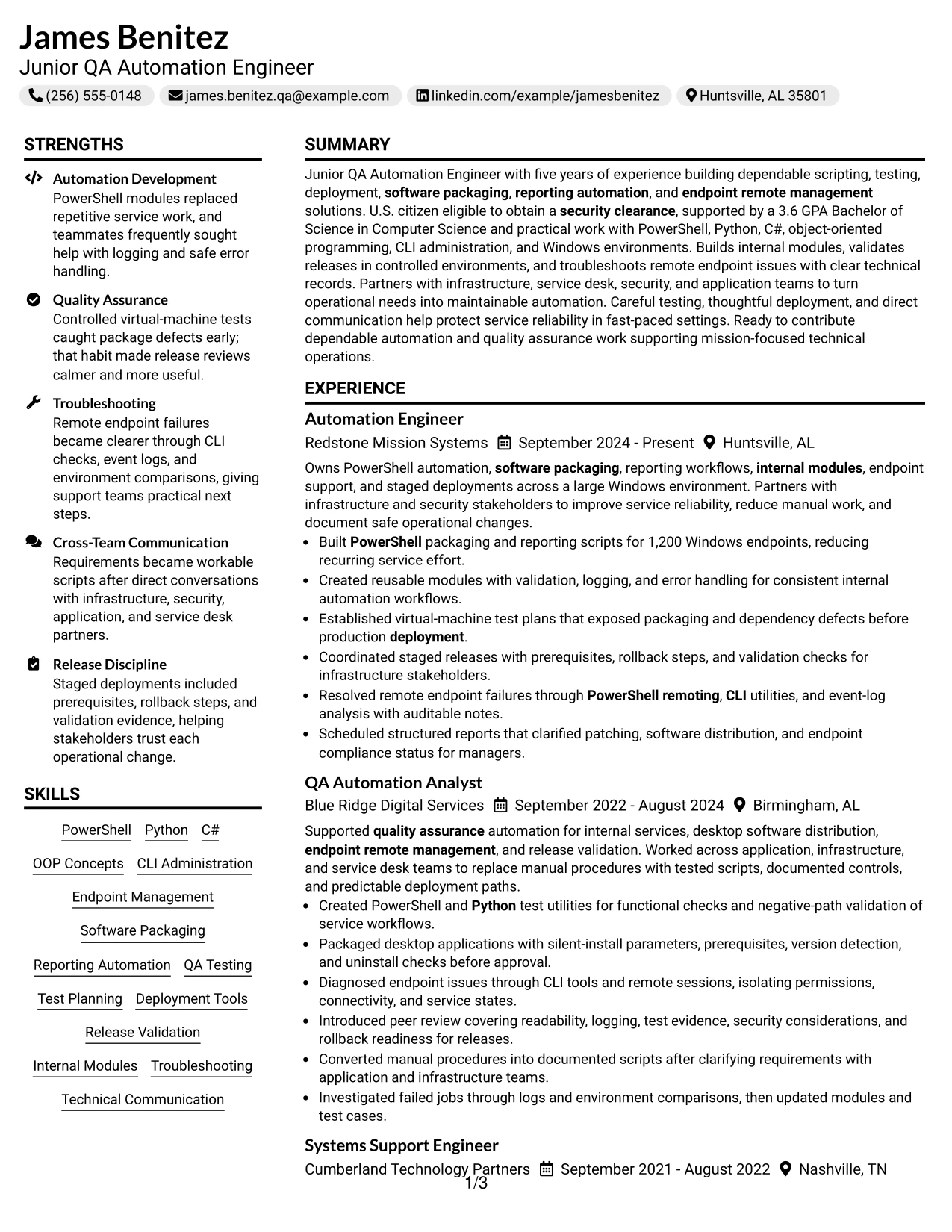
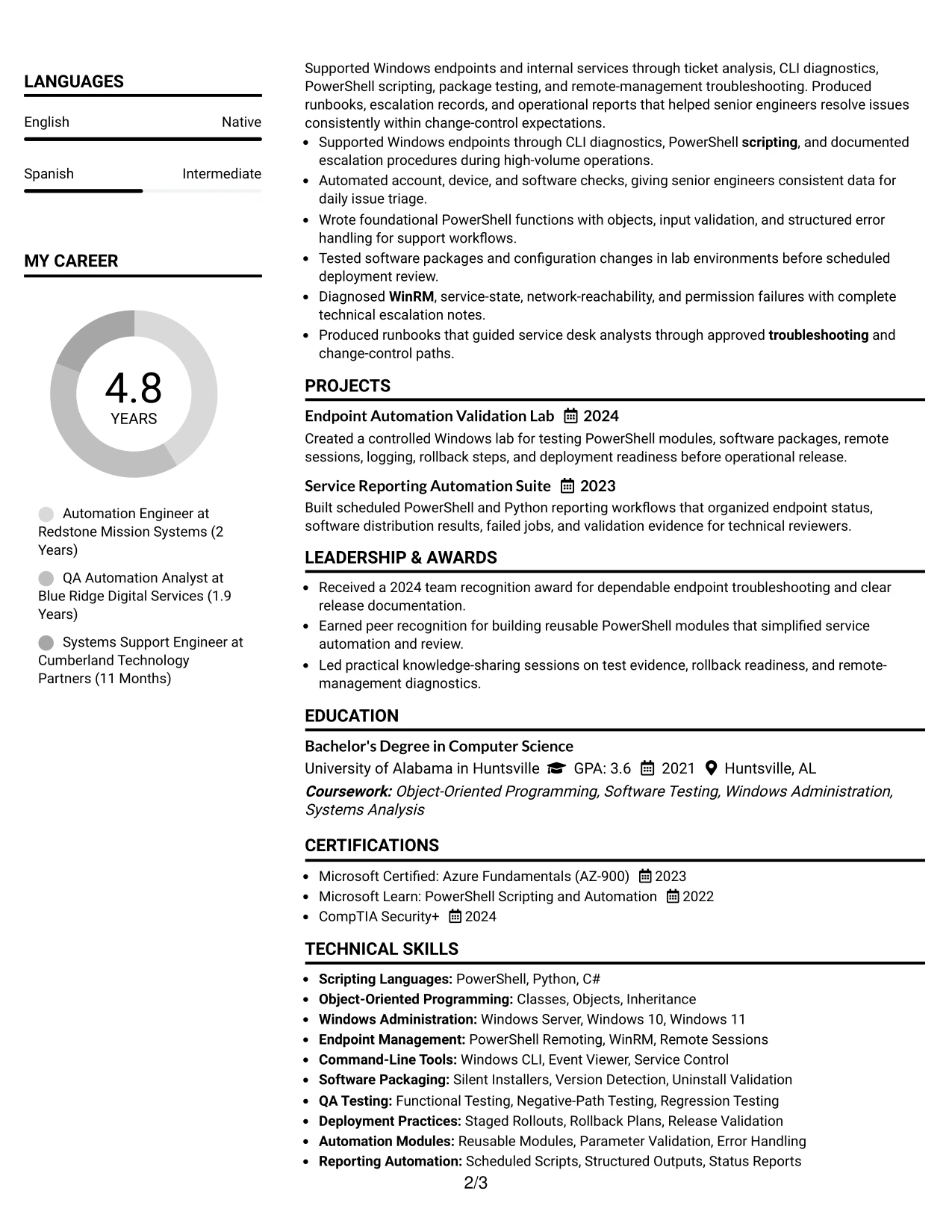
Why the Left Aligned Header Clean Two Column Format Works for a Resume
- A left-aligned header supports a natural top-to-bottom reading path.
- The two-column structure keeps experience detailed while making supporting facts accessible.
- Measurable evidence such as 1,200 managed endpoints can receive proper emphasis.
- A compact skills area can surface PowerShell, Python, WinRM, Git, and Jira.
- Projects provide additional proof of lab testing and reporting automation.
- Education, certifications, and citizenship information can remain visible without crowding experience.
- The clean design supports ATS-friendly headings and consistent bullet formatting.
Best For
- Resumes that need a practical layout for fast technical review.
- Candidates with measurable operational results and a broad supporting skill set.
- Applications where tools and credentials should remain visible beside experience.
- Professionals who prefer direct alignment over centered or decorative presentation.
- Documents combining work history with projects, certifications, and education.
- Readers who scan the left edge for role titles, dates, and section labels.
- Technical resumes requiring clean separation between evidence and qualification details.
- Applications where consistent bullets matter more than elaborate visual treatment.
#30 Accent Divider Modern Two Column Format Resume Example
A modern two-column presentation with clear dividers gives James Benitez’s resume a controlled visual rhythm without obscuring technical content. The layout can place experience and results in the main column while organizing skills, projects, certifications, and education in a supporting area.
For a Junior QA Automation Engineer application, the dividers help separate related evidence: scripting and modules, quality assurance, deployment discipline, and endpoint troubleshooting. Standard labels and concise bullets keep the document readable for both ATS tools and human reviewers.
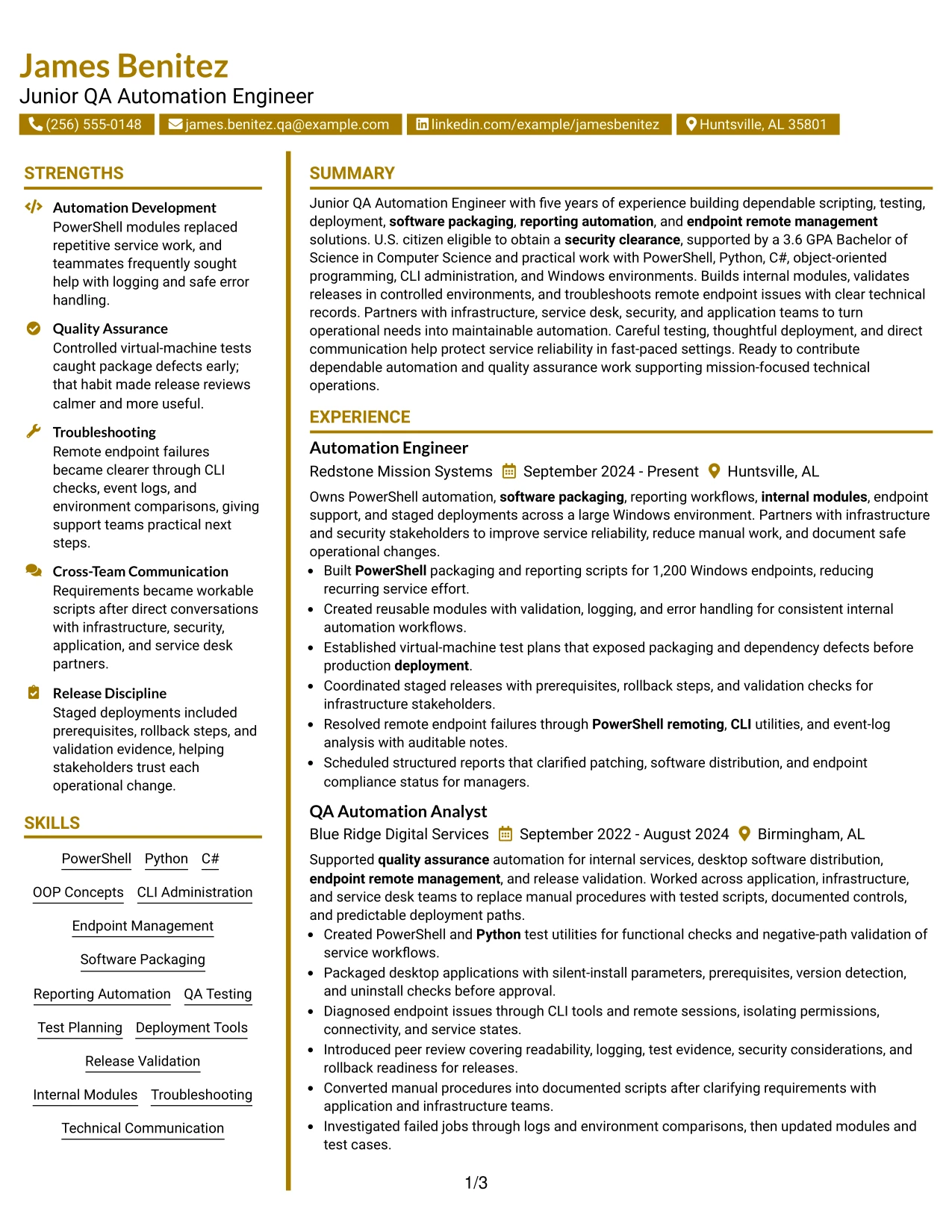
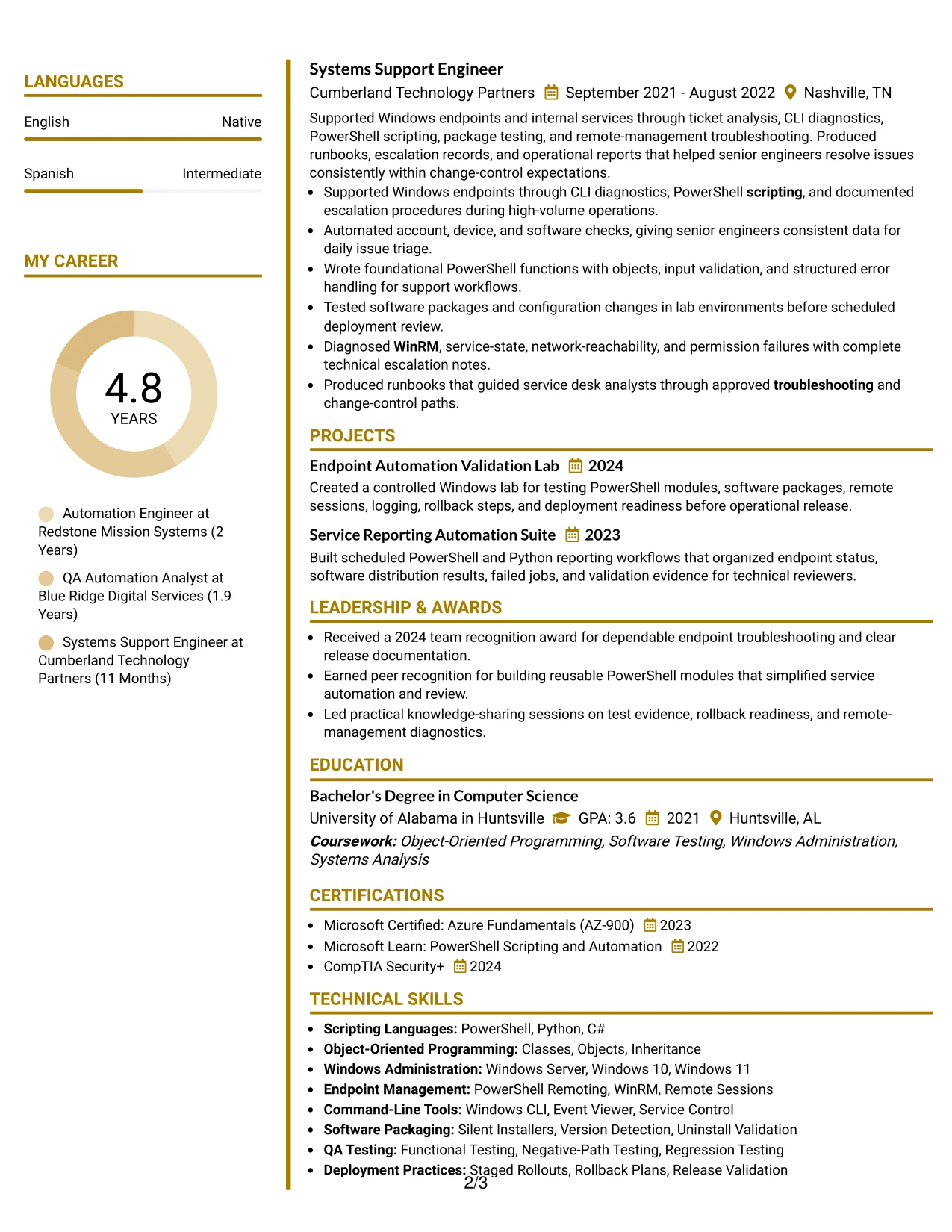
Why the Accent Divider Modern Two Column Format Works for a Resume
- Accent dividers distinguish content groups while preserving a modern professional hierarchy.
- The main column can show recent automation work and earlier support experience in detail.
- The supporting column can collect technical skills, projects, certifications, and education.
- Bullets can demonstrate testing controls, rollback planning, and release validation.
- The format makes related evidence easier to compare across roles and projects.
- Keyword-rich labels support searches for PowerShell, Python, packaging, and endpoint management.
- The layout gives a structured presentation without relying on long narrative paragraphs.
Best For
- Technical resumes that benefit from visible divisions between evidence groups.
- Candidates aligning automation, quality assurance, deployment, and support experience.
- Applications where a modern structure should still remain easy to scan.
- Professionals with enough content to use two columns without compressing key bullets.
- Documents that need separate locations for projects, credentials, and technical tools.
- Readers who want visual cues when moving between experience and qualifications.
- Resumes presenting several related strengths under a single target role.
- Applications requiring a polished format with clear boundaries between sections.
#31 Shaded Labels Clean Two Column Format Resume Example
The Shaded Labels Clean Two Column Format uses consistent section markers to make the resume structure immediately recognizable. Experience can occupy the primary column, while shaded labels guide readers to skills, education, certifications, projects, and additional qualifications.
This format suits content that must be reviewed in a specific order. The resume can lead with the professional summary, then show automation results, test planning, packaging checks, and endpoint diagnostics before presenting supporting evidence such as Security+, Azure Fundamentals, and the computer science degree.
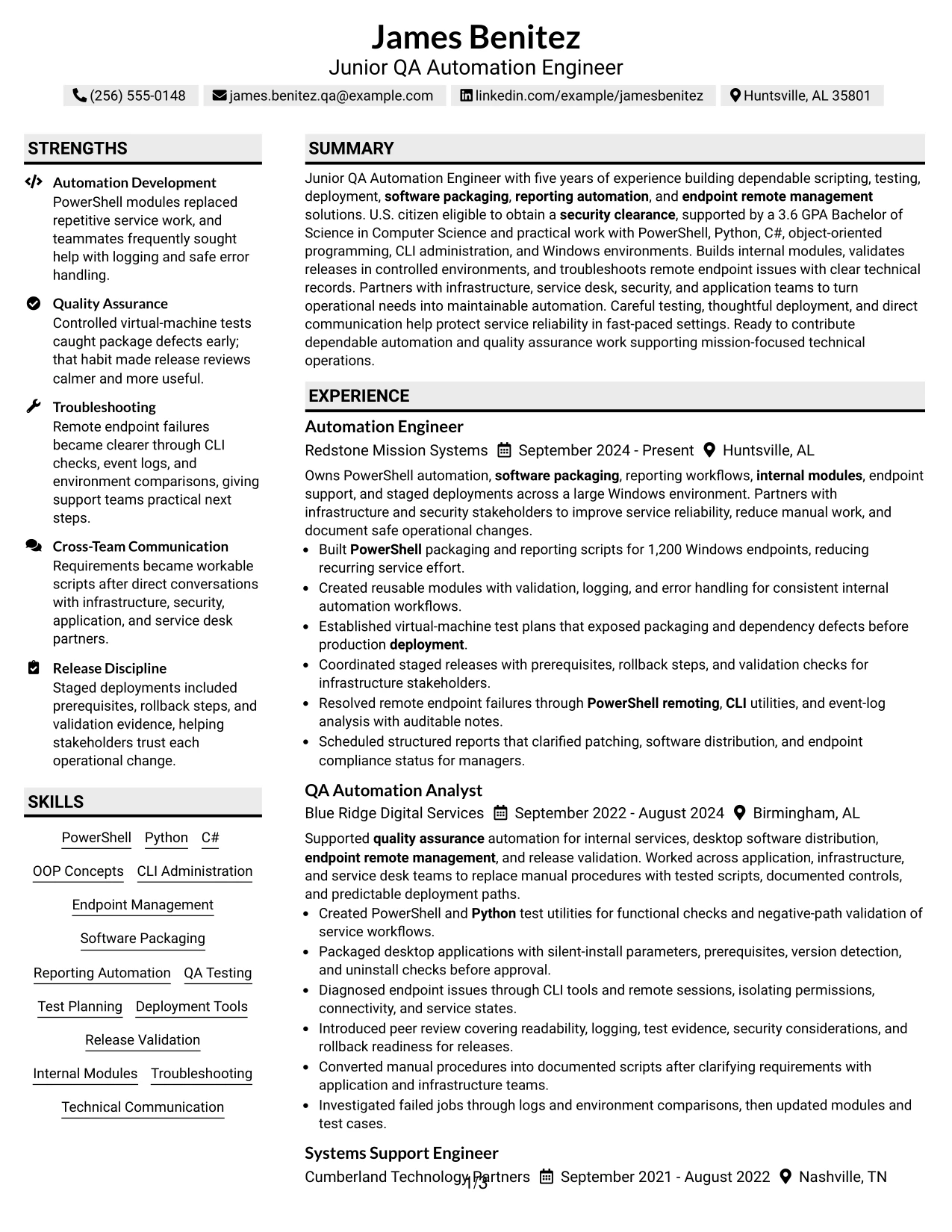
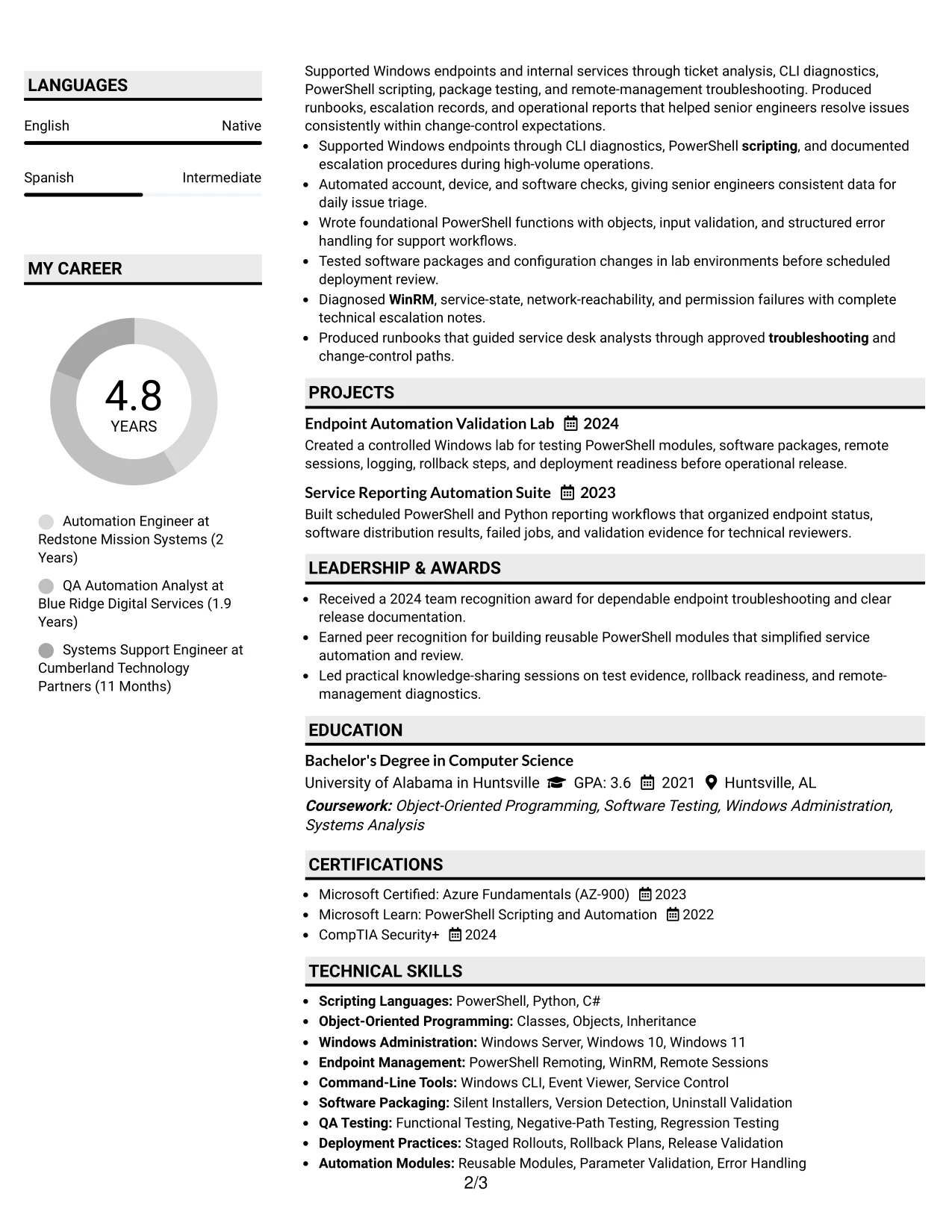
Why the Shaded Labels Clean Two Column Format Works for a Resume
- Shaded labels make each resume section easy to identify during a quick scan.
- A primary column gives employment history enough room for complete accomplishment bullets.
- The secondary column can keep skills and certifications visible throughout the review.
- Consistent labels help ATS systems and readers recognize standard section categories.
- The format supports clear grouping of PowerShell, Python, testing, and deployment terms.
- Projects can extend the evidence without interrupting the main employment timeline.
- Education and GPA remain easy to find for a role that lists academic requirements.
Best For
- Resumes that require highly visible section labels for rapid navigation.
- Candidates with substantial technical content spread across experience and credentials.
- Applications where education and certifications must be found without extensive searching.
- Professionals who want a clean two-column design with strong organizational signals.
- Documents that need to present projects as supporting evidence rather than a separate narrative.
- Readers comparing technical skills with specific work achievements.
- ATS-conscious applications that still benefit from modest visual structure.
- Resumes where consistent labels can reduce confusion across many qualification groups.
#32 Photo Header Color Accent International Format Resume Example
Readers can begin with the header and profile area, then move through the summary, experience, and supporting qualifications. The Photo Header Color Accent International Format adds a personal presentation while using color accents to distinguish sections without replacing standard resume content.
The main resume evidence should remain focused on PowerShell, Python, QA testing, packaging, release validation, and endpoint remote management. A compact area can hold language information, certifications, or contact details, while the experience section carries the strongest measurable results.
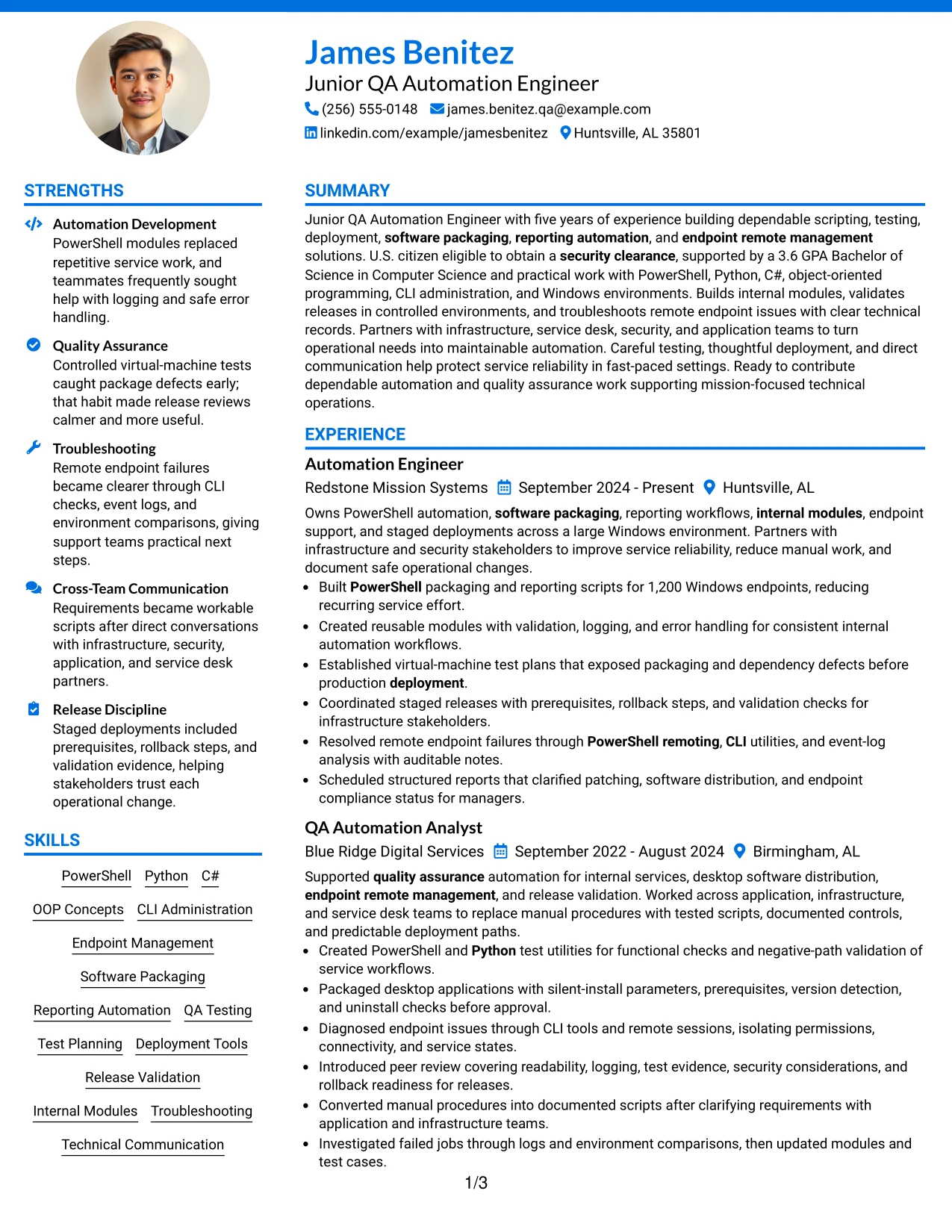
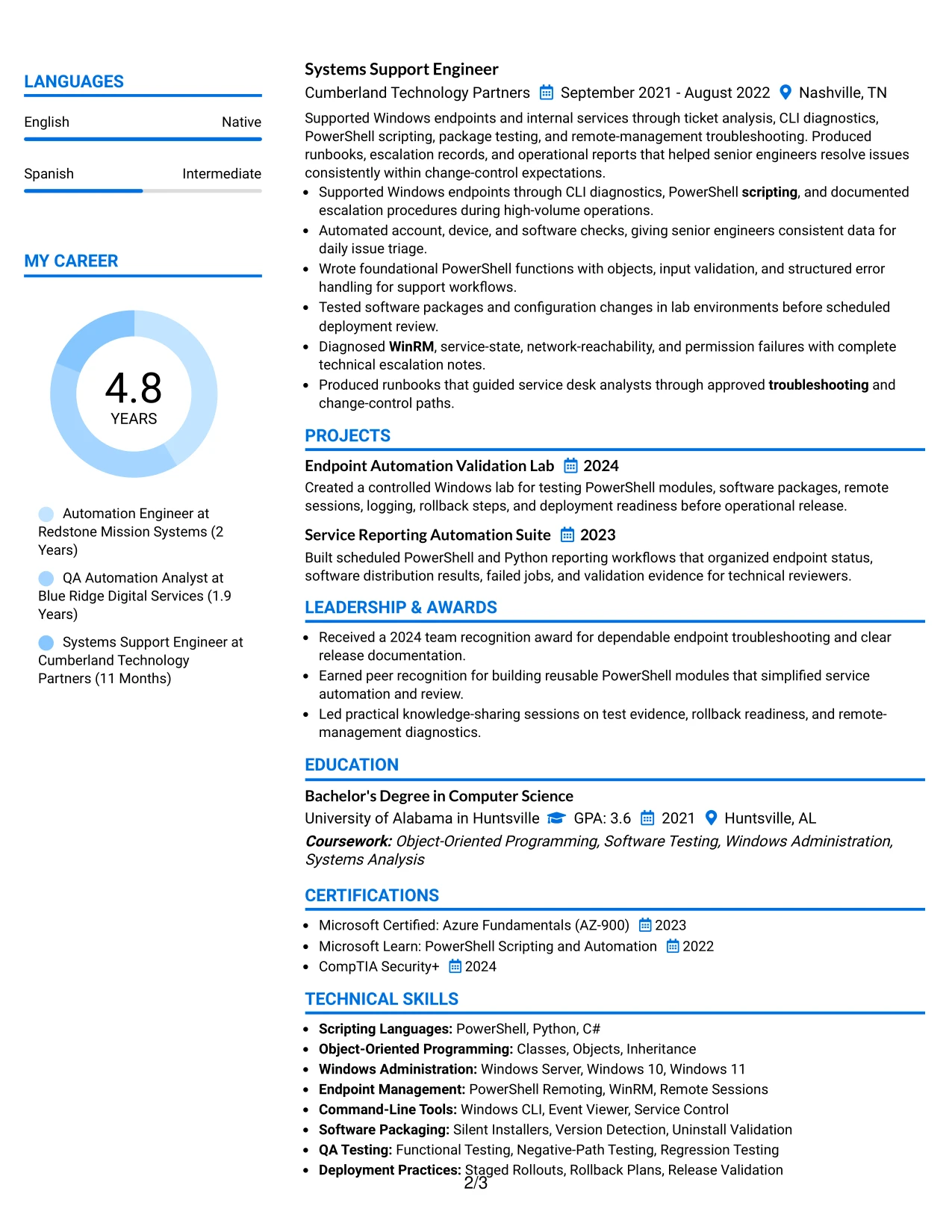
Why the Photo Header Color Accent International Format Works for a Resume
- The header provides a clear starting point for identity, role, and contact details.
- A photo area may be useful when a personal presentation is appropriate for the application.
- Color accents help readers move between experience, skills, education, and certifications.
- The main content can preserve detailed bullets for automation and testing work.
- Language information can be included in a compact supporting area when relevant.
- The format supports technical keywords without making the page feel text-heavy.
- Clear visual grouping helps readers review both professional evidence and supporting credentials.
Best For
- Applications where a personal visual presentation and language details are appropriate.
- Candidates combining technical experience with certifications and broader profile information.
- Resumes that need a strong primary area for detailed automation achievements.
- Professionals seeking clear visual grouping without a dense two-column page.
- Documents where color accents can guide readers through several qualification types.
- Applications requiring visible testing, packaging, deployment, and support evidence.
- Readers who value a profile-led review followed by structured technical content.
- Resumes that need room for both professional history and concise supplemental details.
#33 Large Profile Photo International Two Column Format Resume Example
The strongest evidence can lead the review: automation results, controlled testing, software packaging, and endpoint troubleshooting. The Large Profile Photo International Two Column Format places that content beside a clearly defined profile area, allowing the resume to present professional identity and technical qualifications together.
The main column can carry detailed experience and project bullets, while the second column groups PowerShell, Python, certifications, education, languages, and clearance eligibility. Standard headings keep the document understandable even when the profile area has strong visual emphasis.
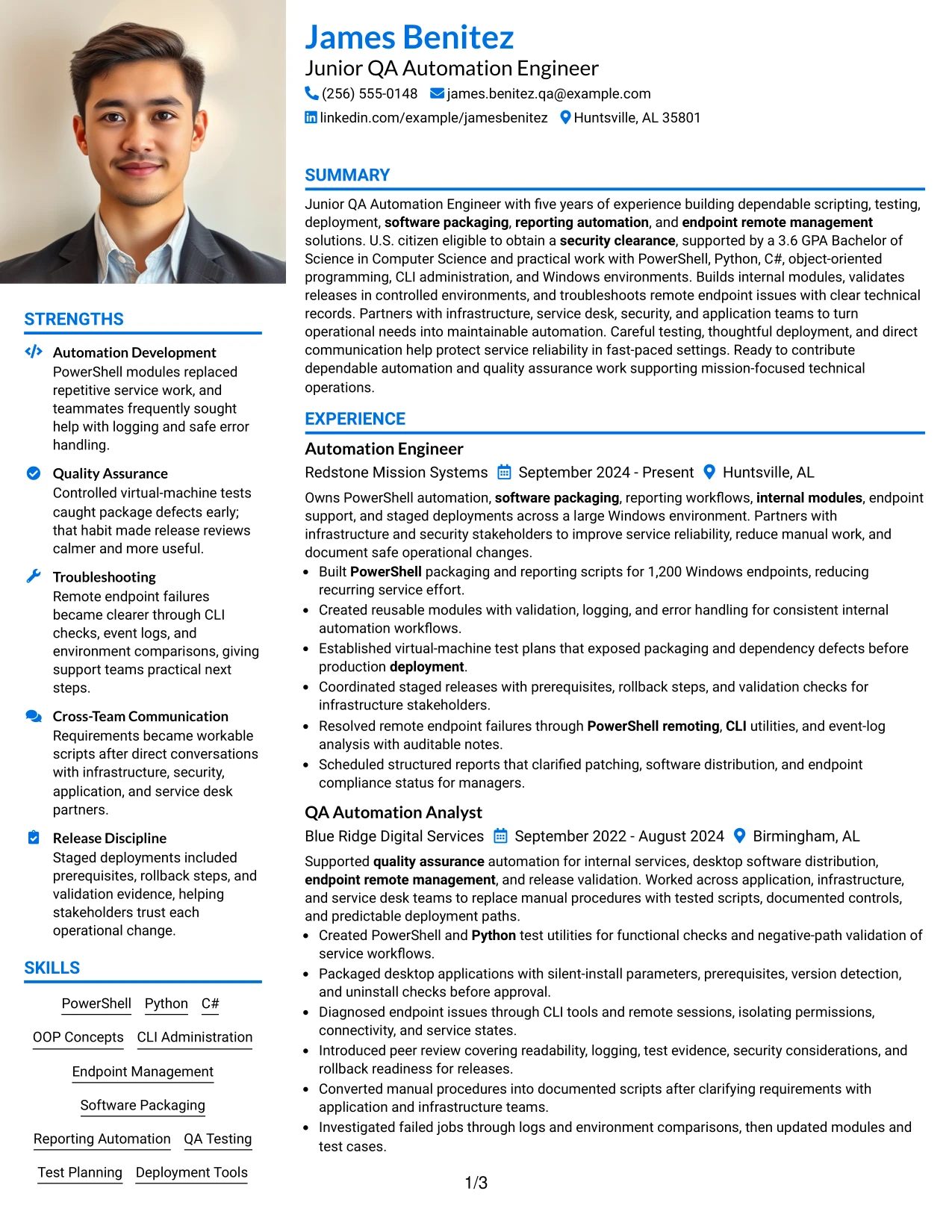
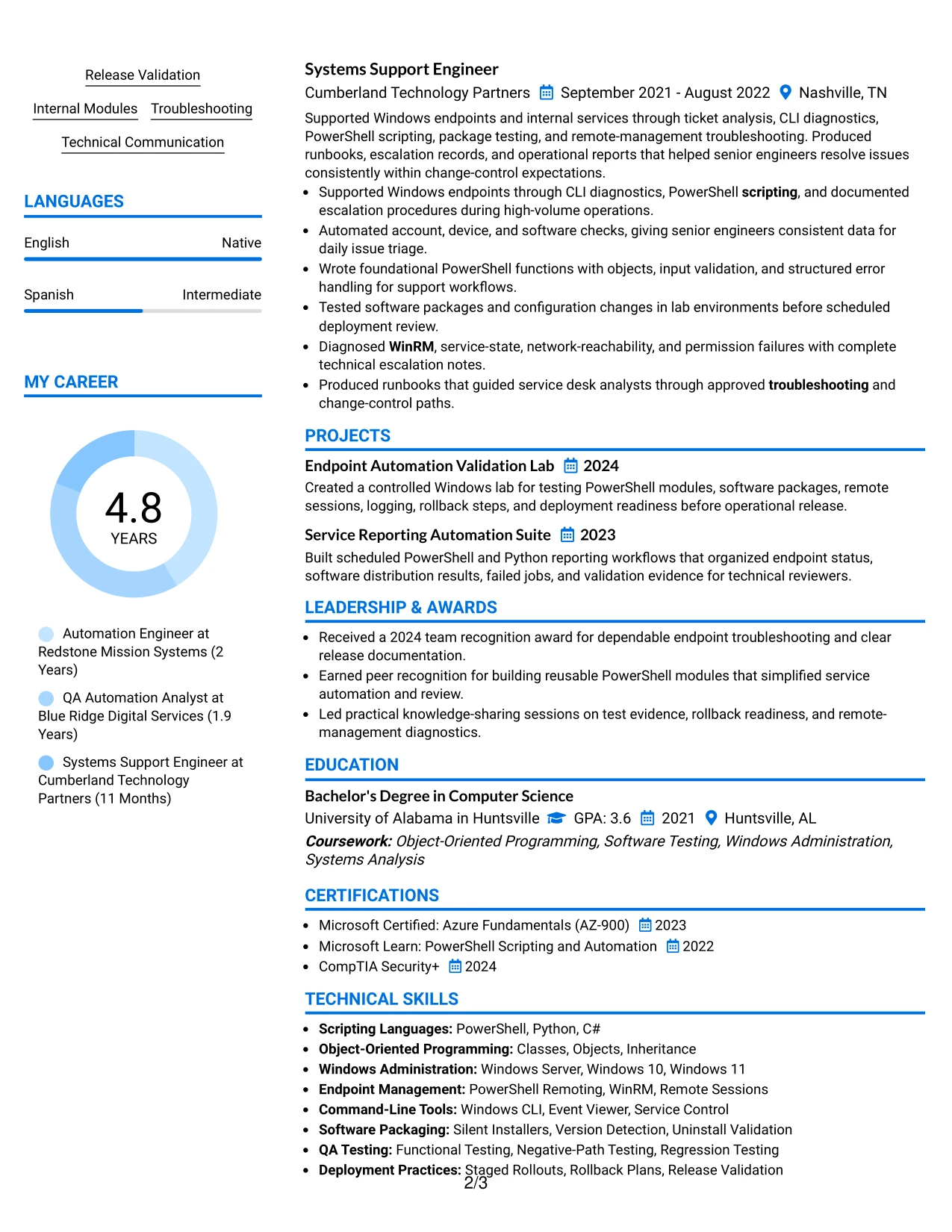
Why the Large Profile Photo International Two Column Format Works for a Resume
- A prominent profile area gives identity and contact details clear visual priority.
- A photo may support applications where international or personal profile presentation is appropriate.
- Two columns allow detailed work evidence and compact qualifications to share the page.
- The main column can show packaging, testing, deployment, and endpoint results in full.
- The supporting column can group languages, certifications, education, and technical skills.
- Projects add evidence of lab validation and reporting automation beyond job duties.
- Standard section labels preserve clarity for readers reviewing a visually distinctive resume.
Best For
- Applications where a prominent personal profile and international presentation are appropriate.
- Candidates who need two columns for detailed achievements and extensive supporting credentials.
- Resumes combining technical work history with languages, certifications, and education.
- Professionals whose projects provide useful evidence alongside employment results.
- Documents where a large profile area should be balanced by a focused evidence column.
- Readers who review professional identity first and technical proof second.
- Applications requiring visible automation, testing, deployment, and troubleshooting content.
- Resumes that can support a strong visual profile without reducing bullet readability.
Why Build Your Junior QA Automation Engineer Resume with ResumeInMinutes
ResumeInMinutes helps you turn automation projects, technical experience, education, certifications, and measurable work results into a structured resume that is simple to review and customize.
- ATS-friendly section structure
- Keyword-focused resume content
- Clear experience bullet organization
- Skills, tools, and project sections
- Free PDF resume previews
- Resume customization support
You can organize evidence for scripting, quality assurance, software packaging, endpoint management, staged deployment, internal module development, and cross-team technical communication in a professional format.
See Also
- 33 Associate QA Automation Engineer Resume Templates with Example 2026 (ATS-Optimized)
- 33 Entry Level QA Automation Engineer Resume Templates with Example 2026 (ATS-Optimized)
- 33 Lead QA Automation Engineer (Python, Networking & AI-Assisted Testing) Resume Templates with Example
- 33 QA Automation Engineer Intern, (Nationwide) - Summer 2027 Resume Templates with Example 2026 (ATS-Optimized)
- 33 Senior AI QA Automation Engineer Resume Templates with Example 2026 (ATS-Optimized)
- 33 Senior QA Automation Engineer (Java or Python) Resume Templates with Example 2026 (ATS-Optimized)
- 33 Advanced Manufacturing Automation Engineer - Mechatronics Resume Templates with Example 2026 (ATS-Optimized)
- 33 AI Automation Engineer / Full-Stack Developer Resume Templates with Example 2026 (ATS-Optimized)
- 30+ Associate QA Automation Engineer Cover Letter Templates with Example 2026
- 30+ Entry Level QA Automation Engineer Cover Letter Templates with Example 2026
Frequently Asked Questions
Are these Junior QA Automation Engineer resume templates ATS-friendly?
Yes. The templates use readable headings and clean resume sections that support ATS parsing. They also provide space for relevant terms such as PowerShell, Python, QA testing, software packaging, endpoint remote management, and release validation.
Are these different resumes?
No. The guide presents one Junior QA Automation Engineer resume example in multiple layouts and design formats. The resume content stays focused on the same target role.
What should a Junior QA Automation Engineer resume include?
Include a focused summary, relevant experience, technical skills, projects, education, certifications, and measurable achievements. Emphasize scripting, testing, deployment, software packaging, endpoint management, troubleshooting, and quality controls that match your background.
Can I download the resume templates as PDFs?
Yes. Each resume style provides a free PDF download so you can review the structure and choose a format for your Junior QA Automation Engineer application.
Which resume style is best for a Junior QA Automation Engineer?
A clean one-column format is usually a strong choice because it supports simple ATS parsing and fast review. A straightforward two-column format can also work when the sections remain readable and the technical content is not crowded.
How should I show automation achievements on my resume?
Start each bullet with a clear action and describe the result. For example, explain how you built PowerShell automation, tested packages in virtual machines, supported more than 1,200 Windows endpoints, or improved reporting and release validation when those results are accurate.
Should I include a photo on my resume?
For U.S. applications, a no-photo resume is generally the safer option. Use the available space for relevant skills, testing evidence, project details, certifications, and measurable achievements.
Can I customize these resume templates?
Yes. You can adjust the resume text, section emphasis, layout, design style, and PDF format for your Junior QA Automation Engineer application while keeping the content accurate to your experience.




