
7 Junior React Engineer - Logistics and Yard Systems Cover Letter Templates with Example
This guide helps you write a Junior React Engineer - Logistics and Yard Systems cover letter, with seven layouts to compare as you shape a clear case for the role.
What Makes a Great Junior React Engineer - Logistics and Yard Systems Cover Letter in 2026
A strong letter opens with a clear reason for applying and connects React interface work to logistics and yard operations.
Use specific evidence, such as a yard visualization or a performance improvement, then link it to the employer’s needs and close with direct interest in the role.
The featured example moves from role interest to relevant evidence, broader fit, and a clear close. Adapt that progression to your own experience, then choose a presentation that suits the employer and the communication context.
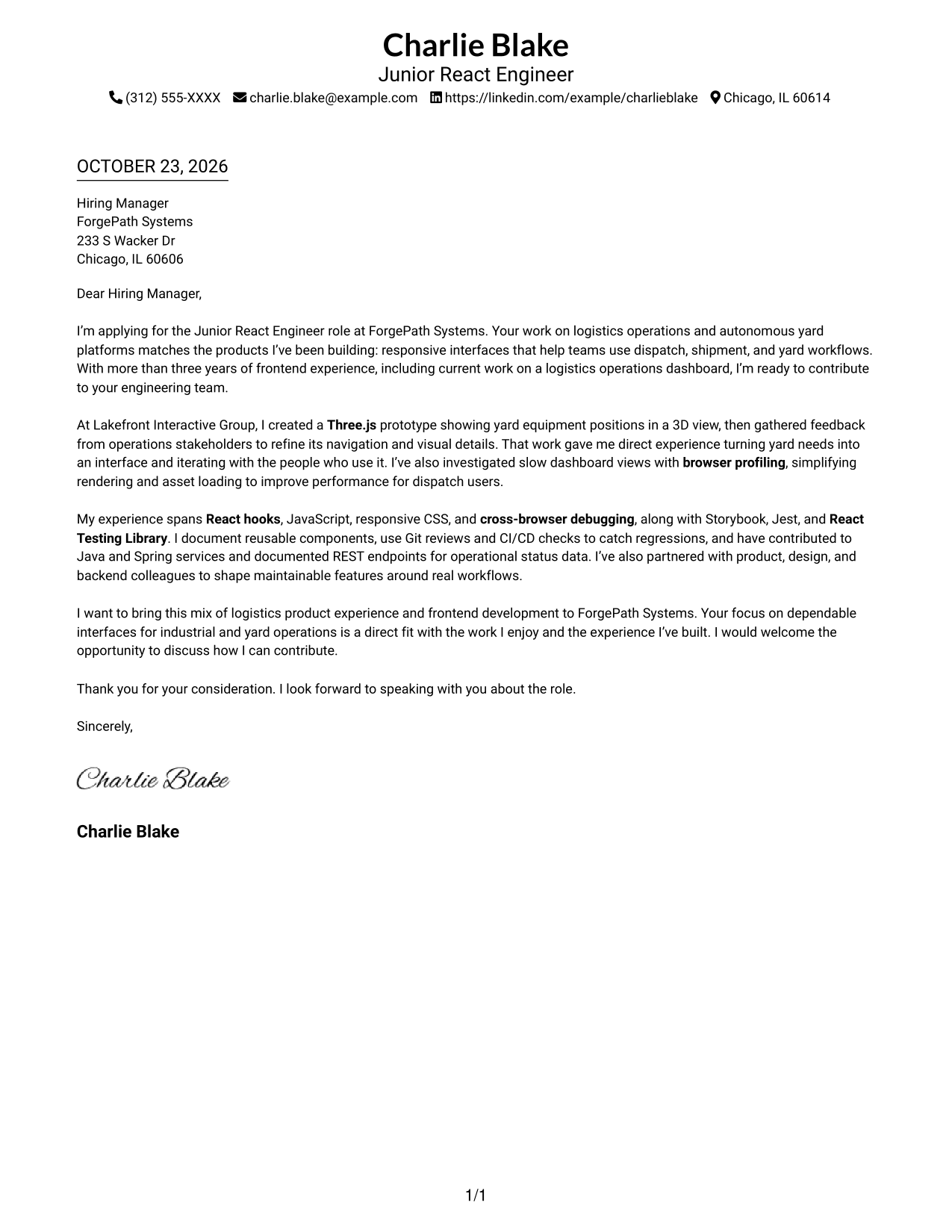
#1 Simple One Column Format Cover Letter Example
A single-column layout keeps the sender details and letter body in one clear reading path, a practical choice for a direct, text-led presentation.
Why This Format Works
- One reading path carries the reader from the opening through the closing.
- Sender details stay in the header, apart from the persuasive message.
- The photo-free page suits a text-first visual preference.
Best For
- Direct employer correspondence
- Text-led application materials
- Letters with several sender contact methods
- Straightforward professional communication
- Photo-free document preferences
#2 Two Column Format Cover Letter Example
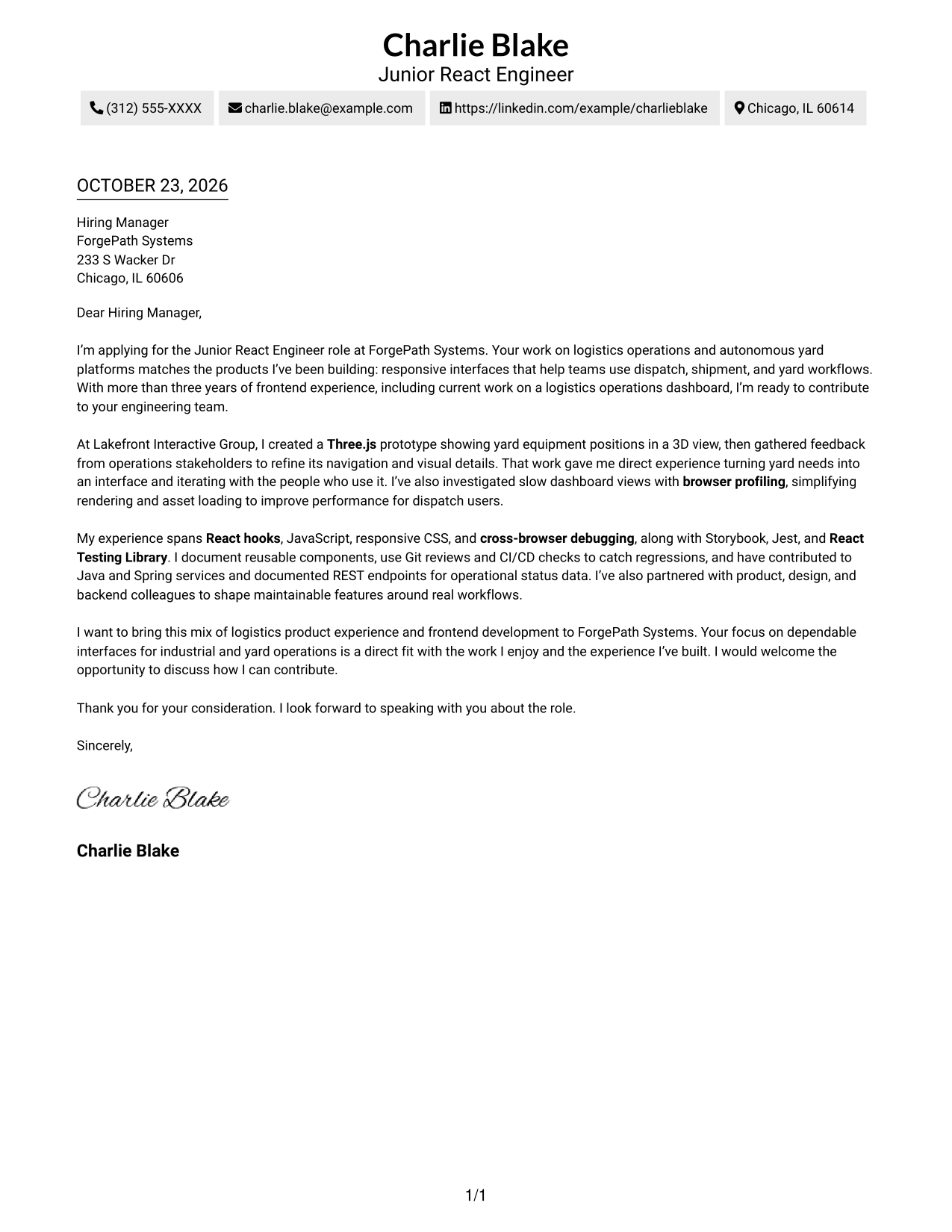
A contact sidebar sits beside one continuous letter body, giving readers a separate place to find sender details.
Why This Format Works
- The sidebar keeps sender contact details separate from the message.
- A continuous body lets the reviewer follow motivation, evidence, and closing in order.
- The photo-free layout suits applications where a portrait is not preferred.
Best For
- Sidebar-based contact navigation
- Continuous paragraph arguments
- Letters with multiple contact details
- Applications favoring separate contact information
- Photo-free application materials
#3 Photo Header Two Column Format Cover Letter Example
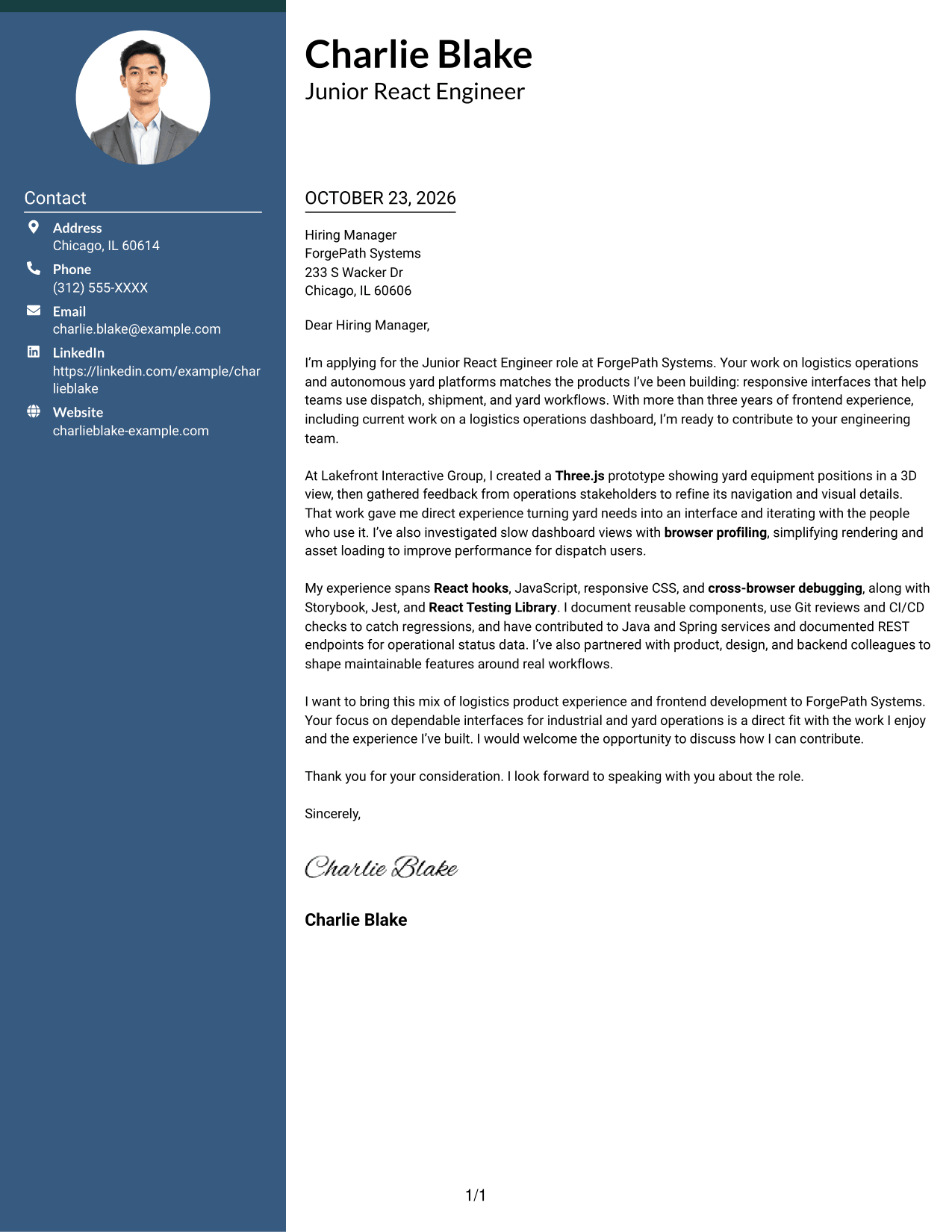
A portrait in the header adds a personal visual element, while the two-column layout keeps sender details apart from the continuous letter body.
Why This Format Works
- A contact sidebar gives sender details a distinct place beside the letter.
- The uninterrupted body preserves the sequence from opening through closing.
- The header portrait is a visual choice for photo-inclusive applications.
Best For
- Portrait-bearing letter headers
- Sidebar contact details
- Employer-focused correspondence
- Applications that include a portrait
- Paragraph-led persuasive messages
#4 One Column Format with Photo Cover Letter Example
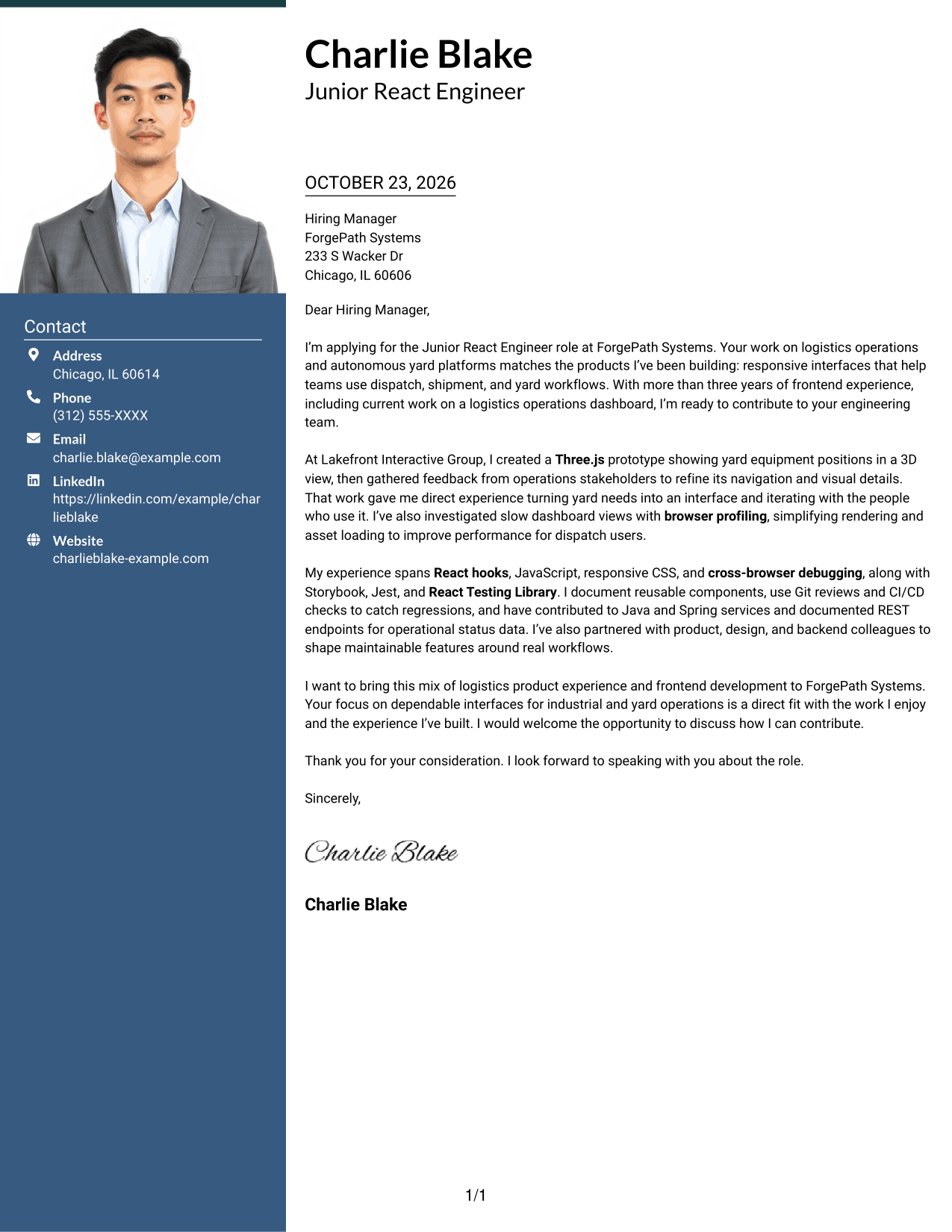
The single-column design pairs a large photo with a top-to-bottom letter, suited to readers who want a visible portrait without a contact sidebar.
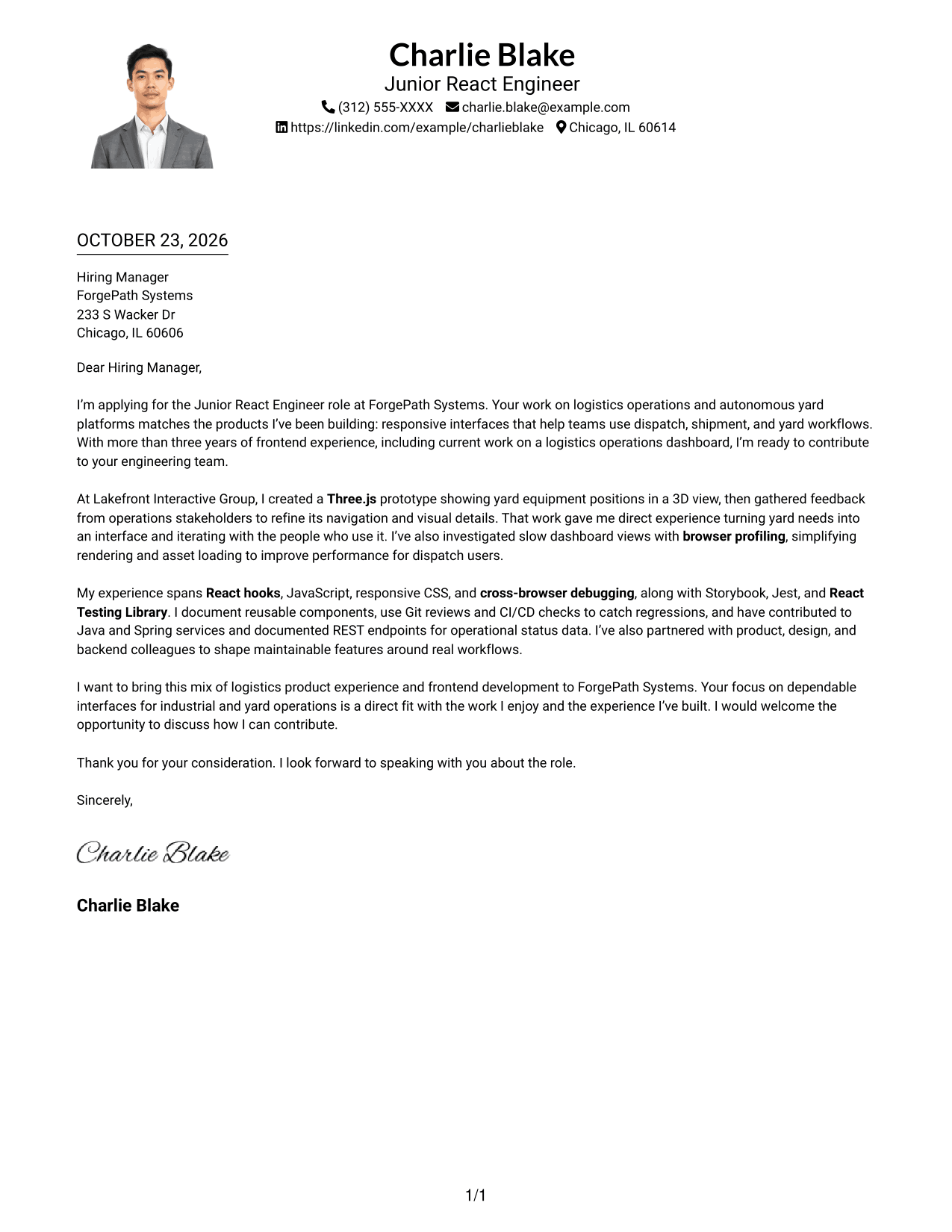
Why This Format Works
- The portrait adds a visible personal element without creating a second text column.
- One-column reading keeps the opening, evidence, and closing in sequence.
- Header contact details stay distinct from the letter's persuasive paragraphs.
Best For
- Large portrait presentation
- Single-column letter layouts
- Letters with header contact details
- Portrait-inclusive employer correspondence
- Continuous paragraph-style messages
#5 Simple Two Column Format Cover Letter Example
A simple two-column arrangement places contact details beside the uninterrupted letter, making sender information easy to locate separately.
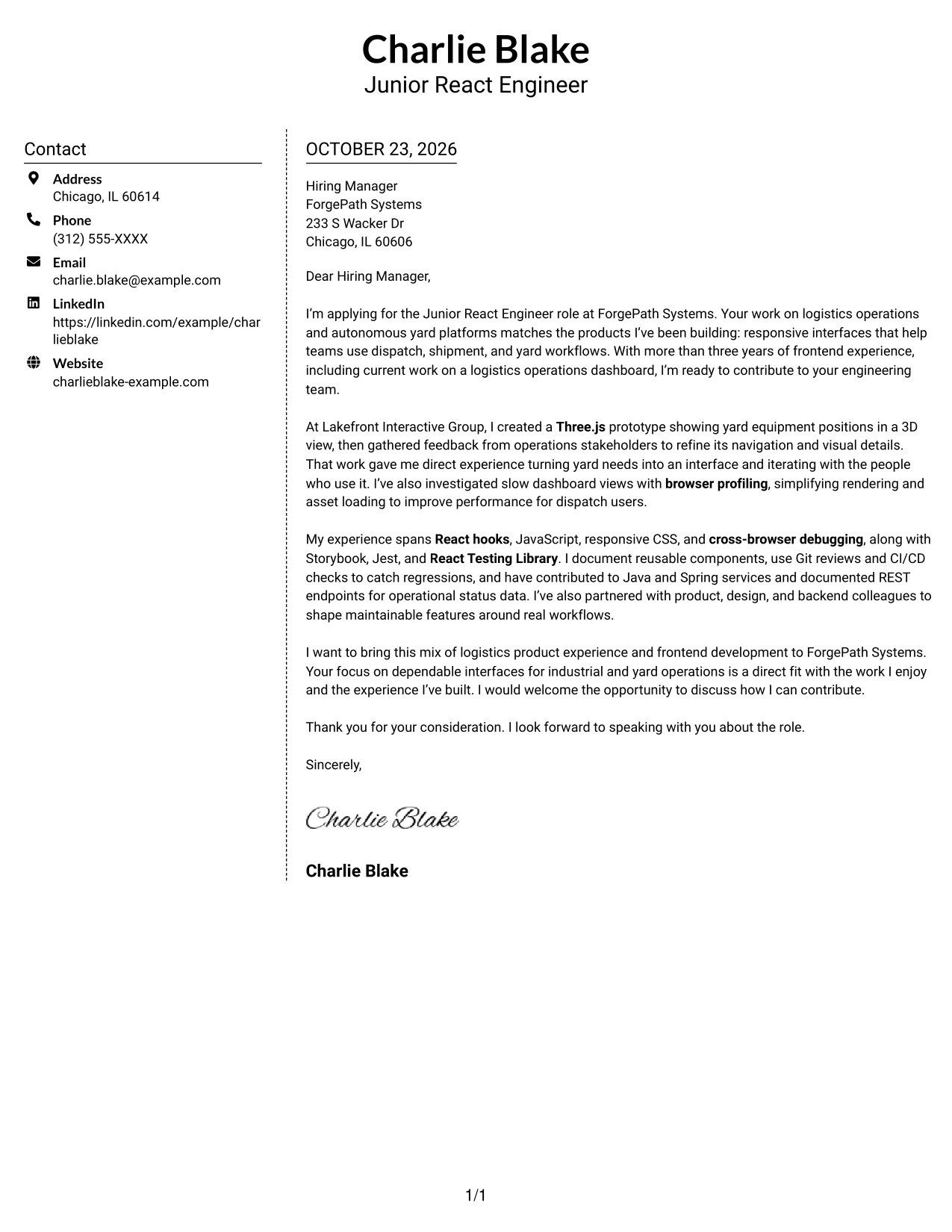
Why This Format Works
- Contact details occupy a separate sidebar, so they do not interrupt the message.
- Readers can follow the opening, supporting evidence, and closing in one body.
- The photo-free presentation leaves the page centered on written communication.
Best For
- Separate sender contact information
- Letters with a continuous argument
- Sidebar-based document organization
- Written employer outreach
- Applications without a portrait
#6 Modern Icon Format Cover Letter Example
Contact icons provide visual cues in the sidebar, while the letter stays together in one continuous body.
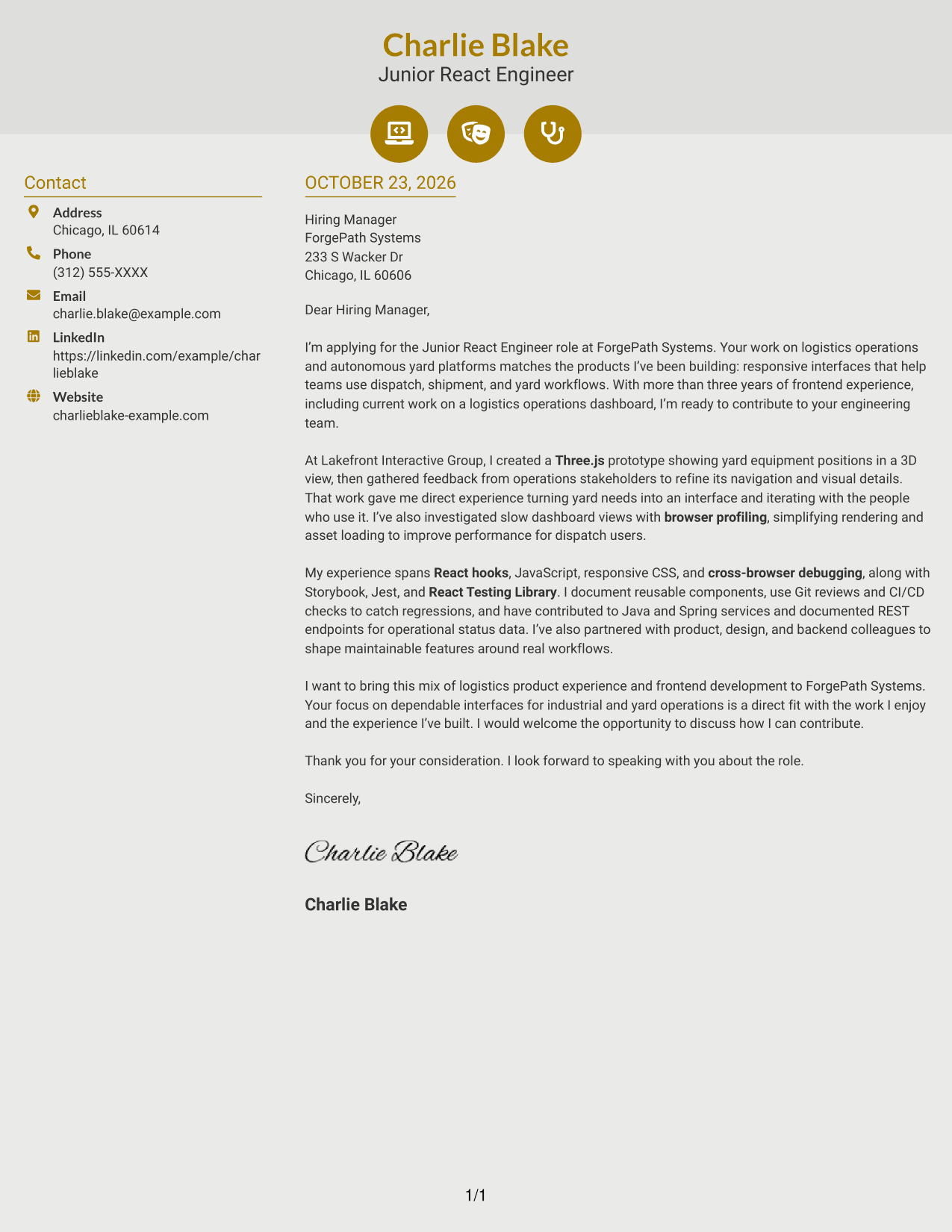
Why This Format Works
- Contact icons cue sender details without labeling parts of the letter argument.
- The sidebar separates contact information from the continuous message.
- Paragraph order lets the reviewer follow motivation through the closing.
Best For
- Icon-cued contact details
- Sidebar-based letter layouts
- Paragraph-led employer messages
- Continuous persuasive correspondence
- Letters without a portrait
#7 Creative Two Tone Format Cover Letter Example
The two-column layout places the contact sidebar alongside one uninterrupted letter body, for readers who prefer sender details set apart.
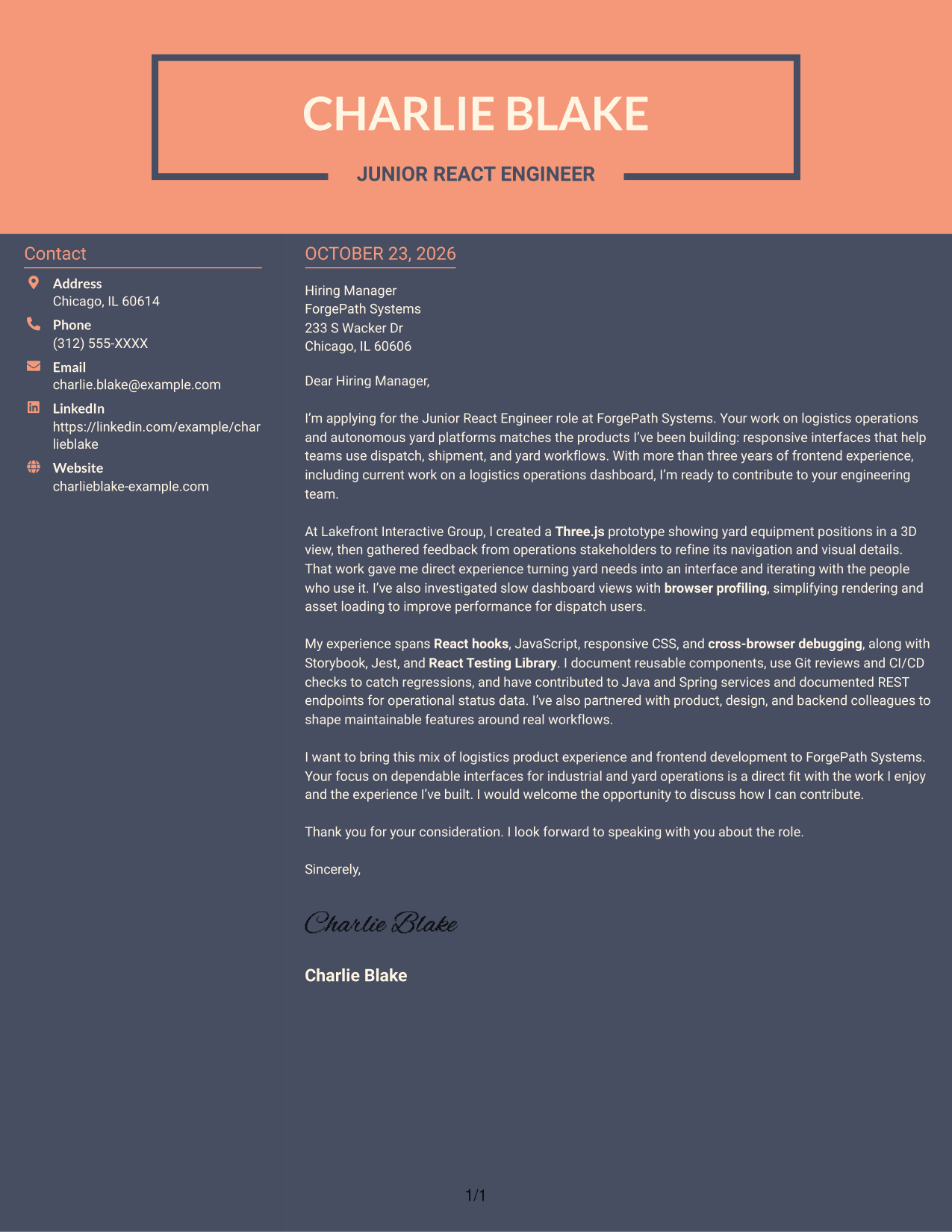
Why This Format Works
- Sender contact information sits beside the letter rather than inside its paragraphs.
- The continuous body keeps motivation, evidence, and closing in a single reading sequence.
- The photo-free layout keeps the focus on written communication.
Best For
- Side-by-side contact and message areas
- Letters with an uninterrupted body
- Quick access to sender details
- Text-focused application materials
- Correspondence without a portrait
See Also
- 7 Junior React Engineer - Logistics and Yard Systems Resume Templates with Example
- 33 AI/ML Engineer - Machine Learning Systems Resume Templates with Example 2026 (ATS-Optimized)
- 7 Application Engineer - Electronic Security Systems Resume Templates with Example
- 33 Applied AI Health System Engineer – Senior Manager Resume Templates with Example 2026 (ATS-Optimized)
- 33 Applied Machine Learning Engineer - ML & AI Systems Resume Templates with Example 2026 (ATS-Optimized)
- 33 ASR-9 Network Engineer/System Tester Resume Templates with Example 2026 (ATS-Optimized)
- 33 Automotive Systems Engineer Intern Resume Templates with Example 2026 (ATS-Optimized)
- 33 Brake System Development Engineer Resume Templates with Example 2026 (ATS-Optimized)
- 30+ Applied AI Health System Engineer – Senior Manager Cover Letter Templates with Example 2026
- 30+ Applied Machine Learning Engineer - ML & AI Systems Cover Letter Templates with Example 2026
Frequently Asked Questions
Are these templates tailored to the Junior React Engineer - Logistics and Yard Systems role?
Yes. The featured letter connects React interface work with logistics and yard workflows, collaboration across teams, and clear evidence of role fit.
Do the previews show different letters?
The page presents one cover letter example in different visual styles. Compare the image previews, then open an example in the editor to customize it.
What should the opening paragraph explain?
State the role you are applying for and give a direct reason your experience or interests fit its logistics and yard systems focus.
How can I show relevant experience in the body paragraphs?
Choose specific examples that support your fit, such as building a yard visualization, improving dashboard performance, or working with product and backend teams. Explain why each example matters to the role.
How should I close the letter?
Restate your interest in the position, briefly connect your strengths to the team’s work, and invite a conversation about how you could contribute.




