
7 Junior Supply Specialist - Print Consumables Cover Letter Templates with Example
This practical guide helps you write a Junior Supply Specialist - Print Consumables cover letter and compare seven layouts for presenting your fit clearly.
What Makes a Great Junior Supply Specialist - Print Consumables Cover Letter in 2026
A strong letter connects your interest in the role to careful order handling and clear customer support. Show how you can check details and follow through on customer questions.
Use relevant examples, such as verifying device and account details, reviewing purchase order pricing, or following up on delayed shipments. Explain how that experience can support the employer’s service needs.
The featured example moves from interest in the role to relevant evidence and a clear close. Adapt that focused progression, and choose a presentation that suits the employer and the communication context.
#1 Simple One Column Format Cover Letter Example
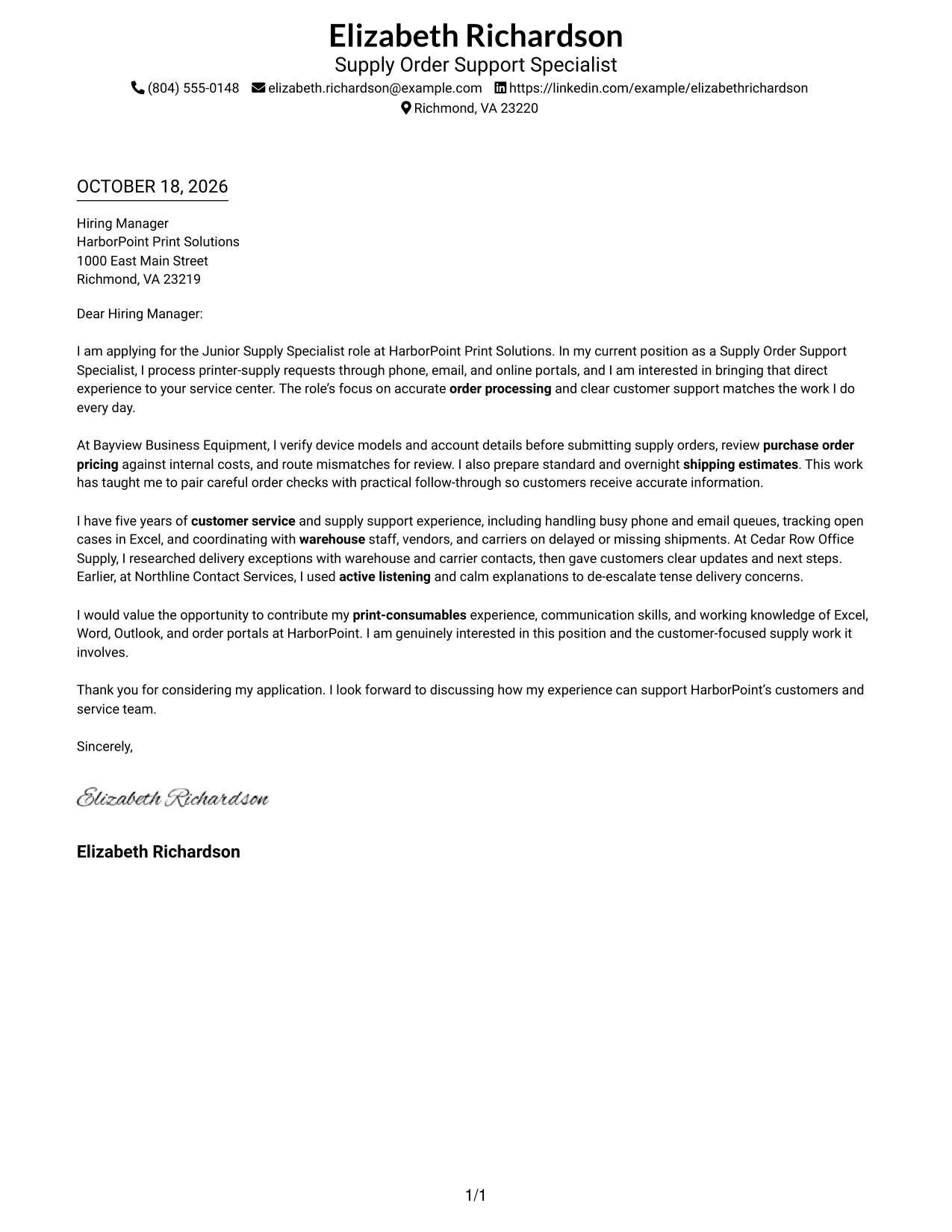
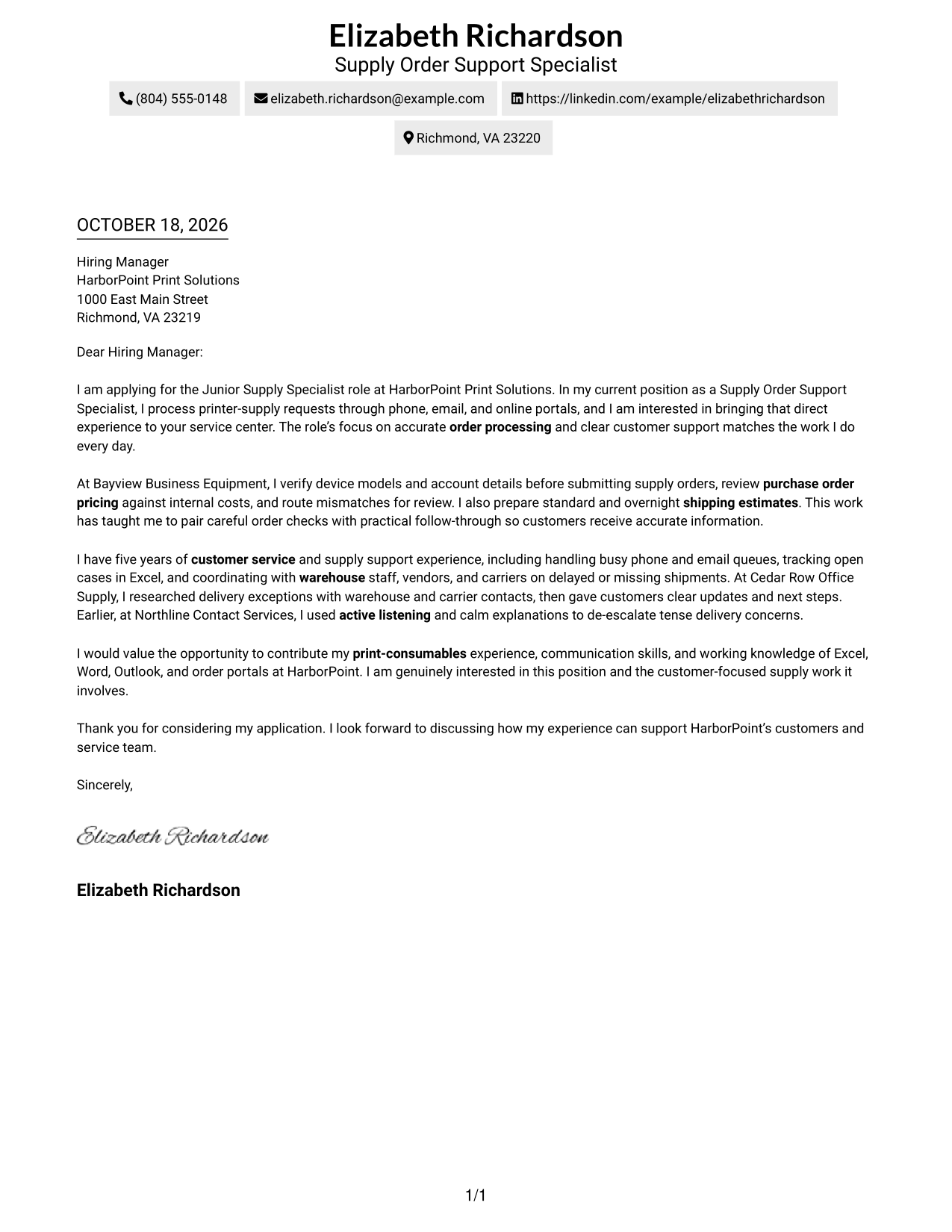
The Simple One Column Format places sender details in the header above one text column, giving the letter a direct reading path.
Why This Format Works
- Sender details gathered in the header make contact information easy to find.
- One text column gives the message a direct path from opening to close.
- Unlabeled paragraphs keep motivation and supporting details within one personal letter.
Best For
- One-column letter layouts
- Sender details in a clear header
- Letters with a direct reading order
- Continuous paragraph-based arguments
- Applications without contact sidebars
#2 Two Column Format Cover Letter Example
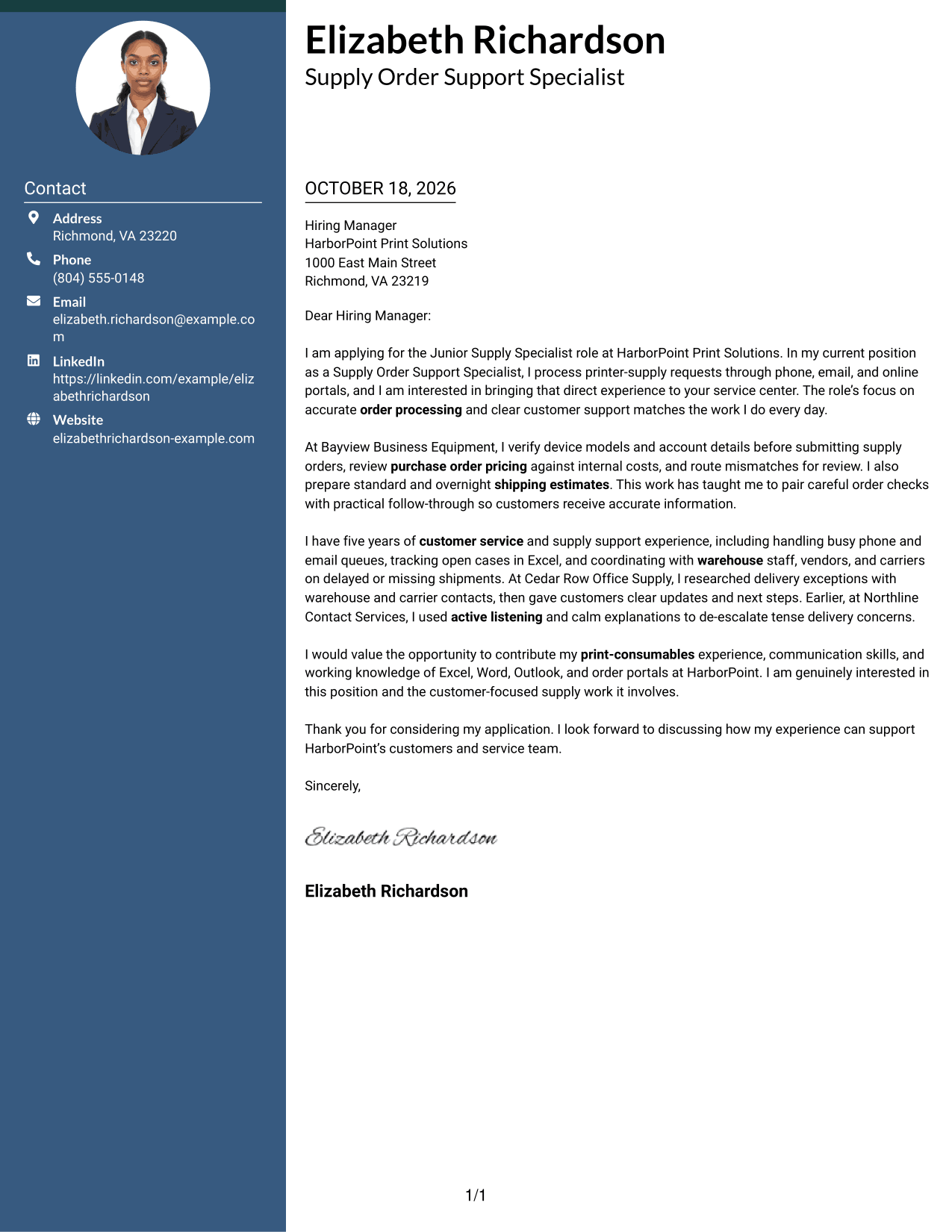
The Two Column Format places a contact sidebar beside one continuous letter body, keeping contact information separate from the message.
Why This Format Works
- A contact sidebar keeps sender information apart from the message for quick reference.
- One continuous body lets reasons for applying and supporting details stay connected.
- Without argument headings, the message keeps a natural letter form.
Best For
- Separate contact and message areas
- Letters needing sidebar contact access
- One-column persuasive text
- Paragraph-based application messages
- Two-column page organization
#3 Photo Header Two Column Format Cover Letter Example
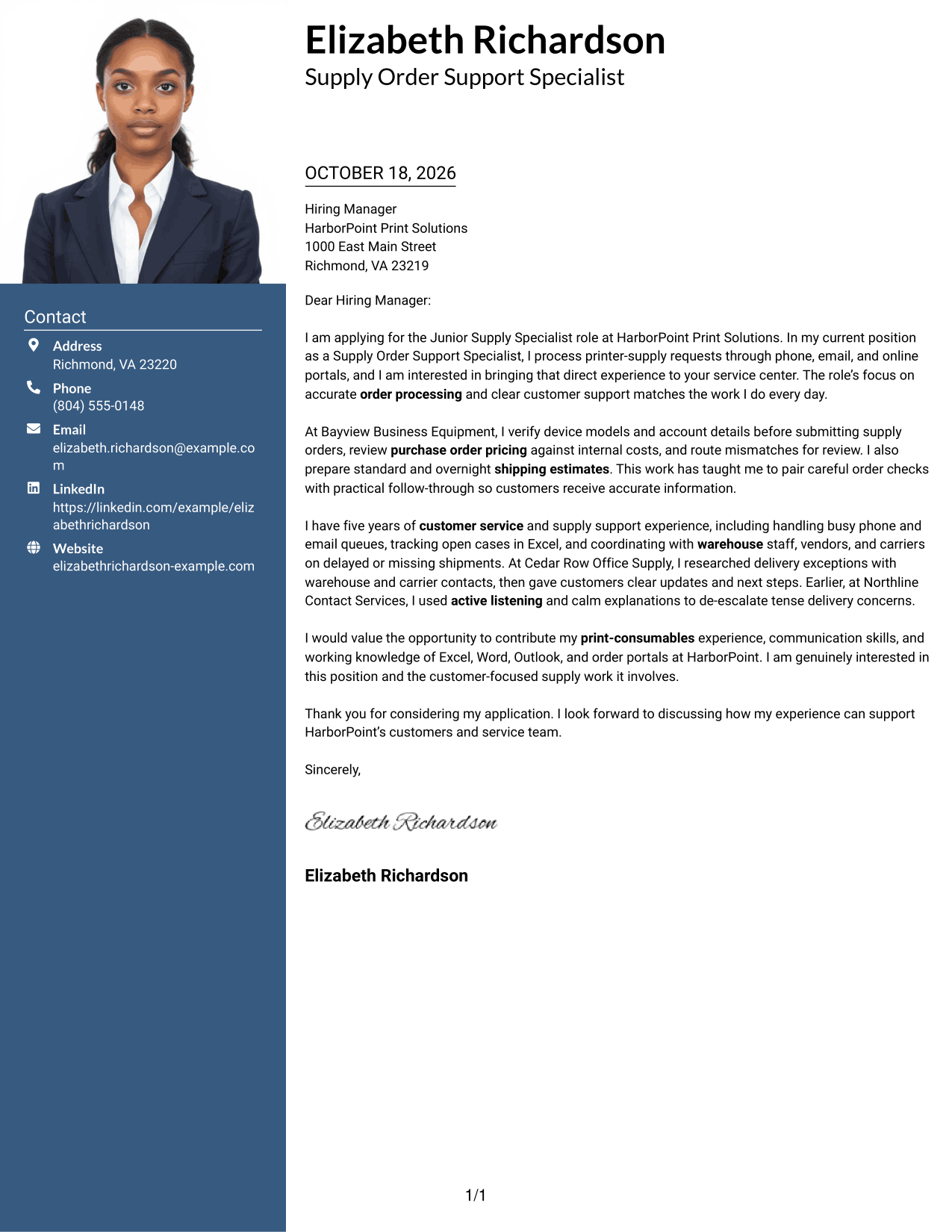
The Photo Header Two Column Format combines a photo and contact sidebar with one continuous letter body, giving the header a visible portrait.
Why This Format Works
- Contact details remain easy to check while the reviewer reads the letter.
- A single body column keeps supporting points within the full message context.
- The included photo suits readers who prefer a visible portrait in the header.
Best For
- Photo-inclusive letter layouts
- Separate contact and message areas
- Paragraph-led application messages
- Letters with a visible portrait
- Two-column page organization
#4 One Column Format with Photo Cover Letter Example
The One Column Format with Photo presents a photo with sender details above one letter column, pairing a portrait with a direct reading path.
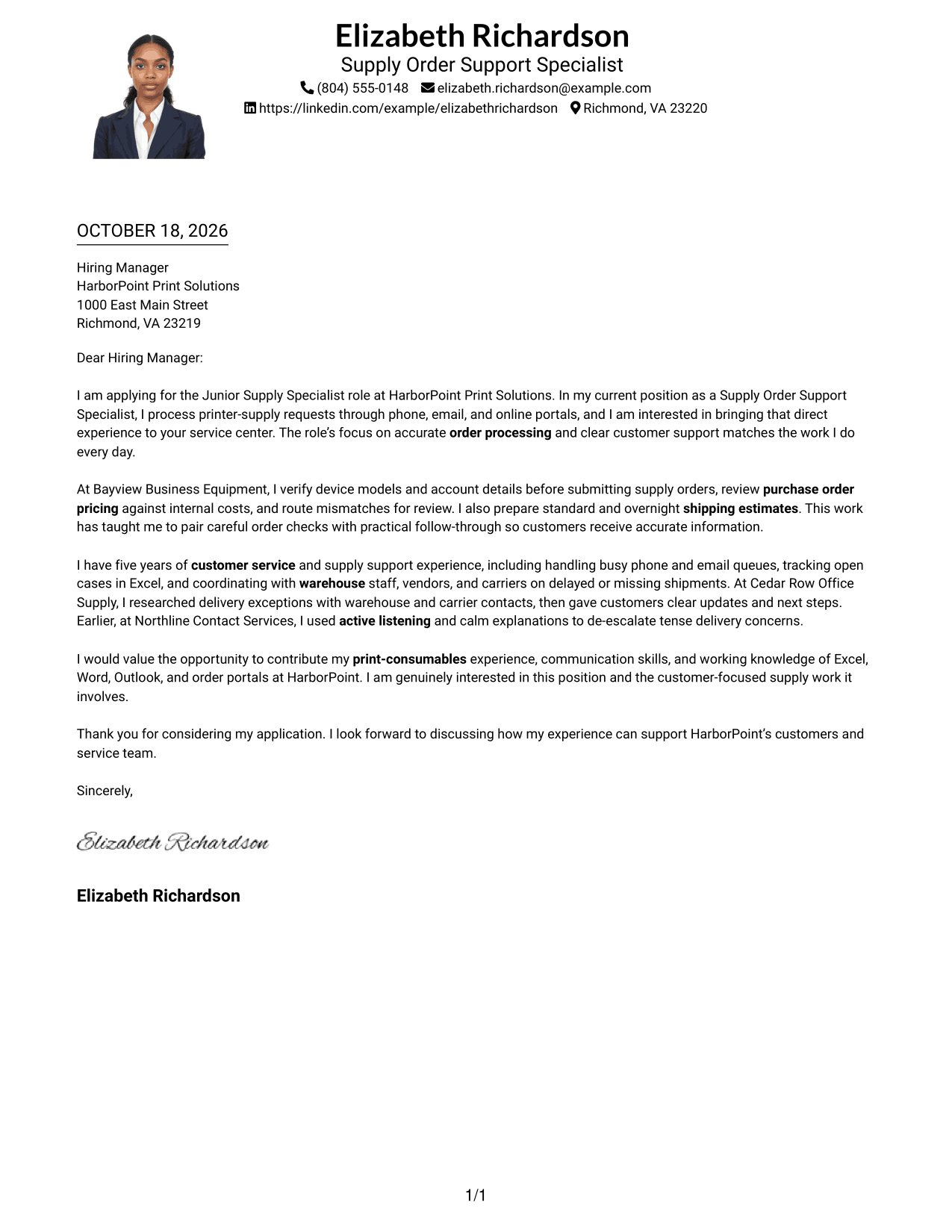
Why This Format Works
- Sender details stay together in the header, apart from the letter paragraphs.
- One-column body text keeps the message in a clear opening-to-close sequence.
- The photo adds a portrait option while leaving the written message unchanged.
Best For
- Single-column letter layouts
- Photo-inclusive applications
- Header-based sender details
- Direct opening-to-close reading
- Letters without a contact sidebar
#5 Simple Two Column Format Cover Letter Example
The Simple Two Column Format sets a contact sidebar beside one continuous letter body, making the sender's details easy to find separately.
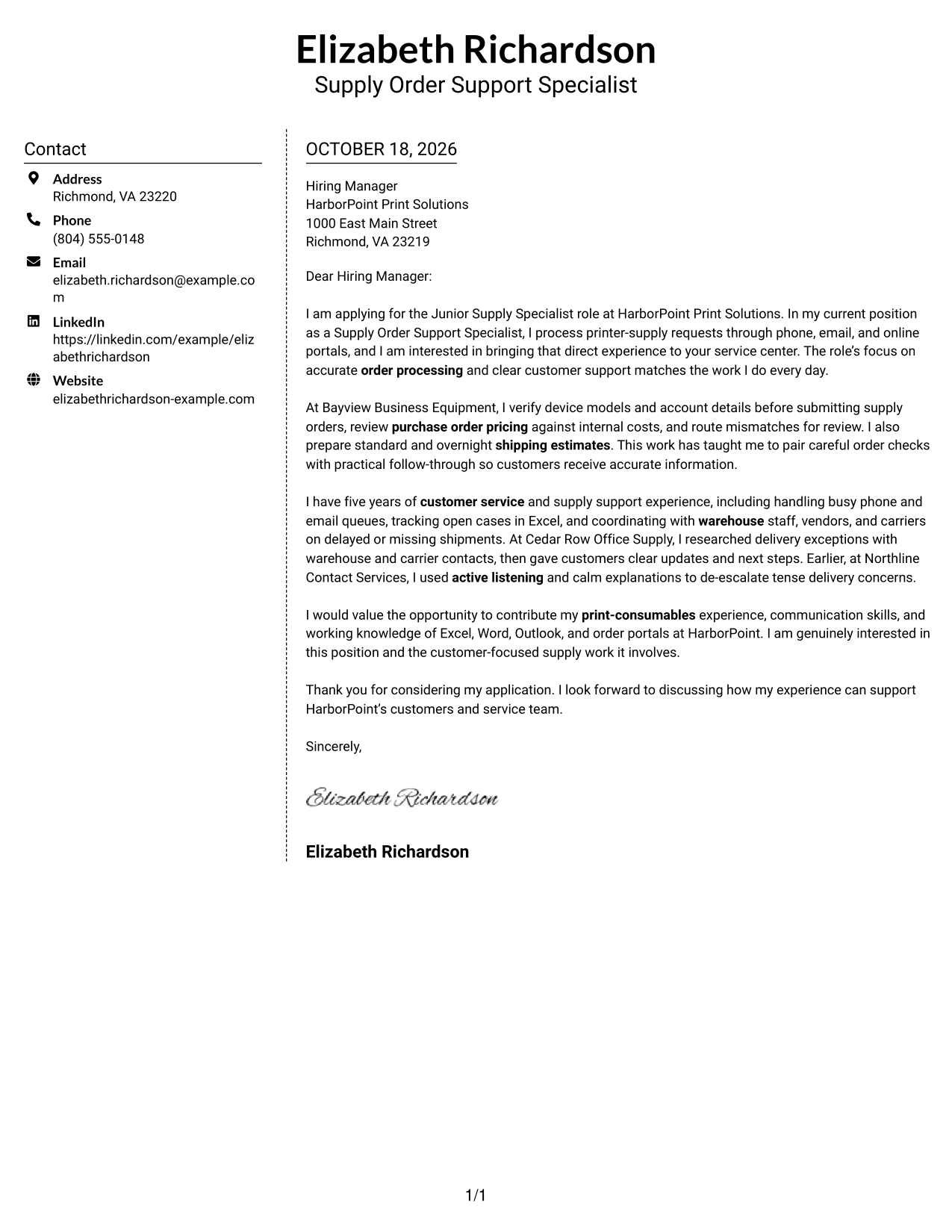
Why This Format Works
- The contact sidebar makes sender details easy to locate without interrupting the letter.
- Keeping the body in one column lets each paragraph build on the last.
- No argument labels preserve the familiar form of a personal letter.
Best For
- Contact details beside the message
- Single-column letter body
- Letters with uninterrupted paragraphs
- Two-column page organization
- Applications needing a separate contact area
#6 Modern Icon Format Cover Letter Example
The Modern Icon Format uses two columns for contact details and the continuous letter body, with icons serving as contact cues or header accents.
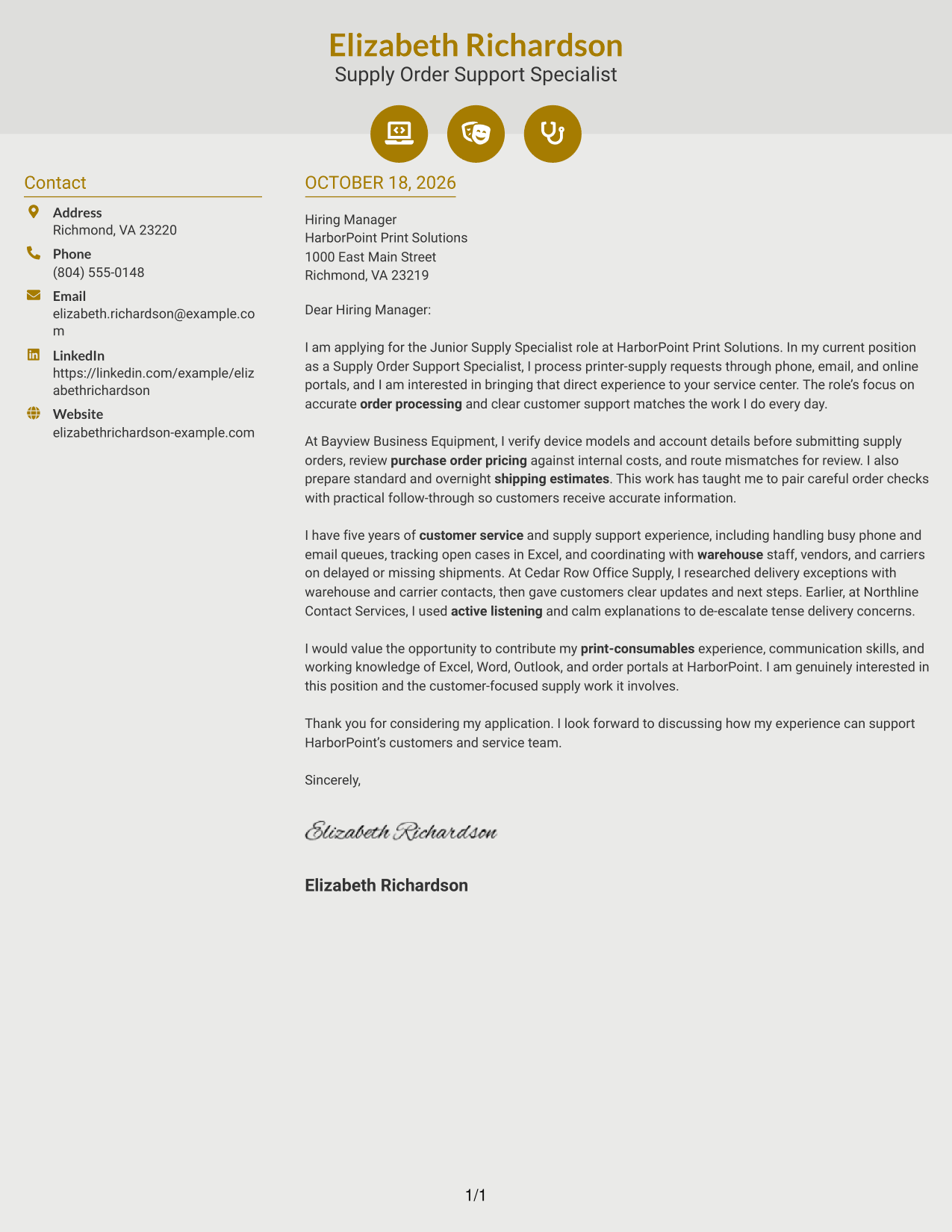
Why This Format Works
- Contact icons help distinguish sender details from the continuous letter body.
- The body stays in one column, keeping the opening, evidence, and closing in order.
- Header accents add visual cues without labeling the letter's arguments.
Best For
- Icon-marked contact details
- Sidebar contact access
- Continuous letter messages
- Two-column page layouts
- Decorative header accents
#7 Creative Two Tone Format Cover Letter Example
The Creative Two Tone Format places a contact sidebar beside one continuous letter body, giving contact details a separate place from the message.
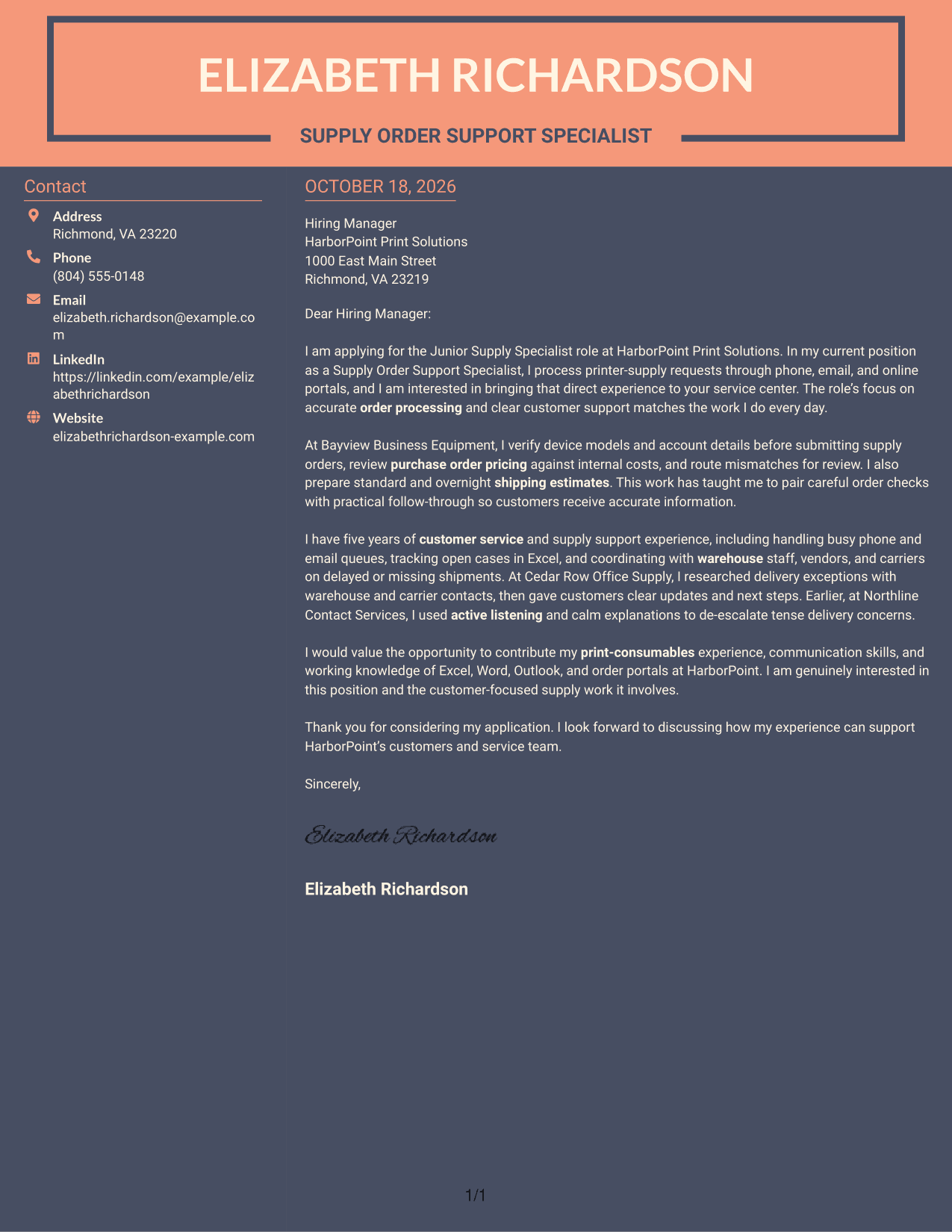
Why This Format Works
- A separate contact area keeps sender information distinct from the letter's message.
- Connected paragraphs let the application case unfold in a natural sequence.
- With no section headings, readers encounter the message as a conventional letter.
Best For
- Separate contact reference area
- Two-column letter layouts
- Connected application paragraphs
- Unlabeled letter arguments
- Letters with a continuous body
See Also
- 7 Junior Supply Specialist - Print Consumables Resume Templates with Example
- 7 Associate Supply Chain Specialist - Repair Management Resume Templates with Example
- 33 Data Analyst (Sales/Supply Chain) Resume Templates with Example 2026 (ATS-Optimized)
- 7 Engineer - Supply Chain Engineering Resume Templates with Example
- 7 Global Supply Chain Manager Resume Templates with Example
- 33 Global Trade and Supply Chain Finance Manager Resume Templates with Example 2026 (ATS-Optimized)
- 7 Inventory Management Specialist - Healthcare Supply Chain Resume Templates with Example
- 7 Production, Operations, and Supply Chain Manager Resume Templates with Example
- 30+ Data Analyst (Sales/Supply Chain) Cover Letter Templates with Example 2026
- 30+ Global Trade and Supply Chain Finance Manager Cover Letter Templates with Example 2026
Frequently Asked Questions
What should a Junior Supply Specialist - Print Consumables cover letter emphasize?
Connect your interest in the role to accurate order processing and helpful customer communication. Relevant examples may include checking device details, reviewing purchase order pricing, preparing shipping estimates, and following shipment issues through to resolution.
How can I show that I fit this supply specialist role?
Choose specific examples that show how you handle customer requests, keep order details accurate, and coordinate with warehouse, vendor, or carrier contacts. Explain what you did and how you kept the customer informed.
How should I organize the cover letter?
Open with your interest in the position and a direct link to the work. Use the body to explain relevant examples, then close by thanking the reader and expressing interest in discussing your fit.
Which cover letter presentation should I choose?
Choose a clear, easy-to-read style that fits the employer and the way you will communicate. You can compare the image previews and open an example in the editor to review its presentation.
Should I mention Microsoft Office tools in my letter?
Mention Excel, Word, or Outlook when your experience with those tools supports a point about order tracking, customer records, or daily communication. Keep the focus on how you used the tools in relevant work.




