
7 Law Clerk - Legislative Research and Hearings Cover Letter Templates with Example
This guide helps you write a Law Clerk - Legislative Research and Hearings cover letter with seven layouts to compare.
What Makes a Great Law Clerk - Legislative Research and Hearings Cover Letter in 2026
A strong letter connects your interest in committee work with the research, writing, and hearing preparation the role calls for. Its opening should state your purpose clearly, while the body gives focused evidence of your fit.
Use specific examples, such as checking primary authorities, reviewing committee materials, or preparing hearing notes, when they reflect your own experience. Close by showing why the committee’s work interests you and how you can contribute.
The featured example moves from interest in the role to relevant research and hearing evidence, then closes with availability and a clear expression of interest. Adapt that progression while choosing a presentation that suits the employer and the way you will communicate with them.
#1 Simple One Column Format Cover Letter Example
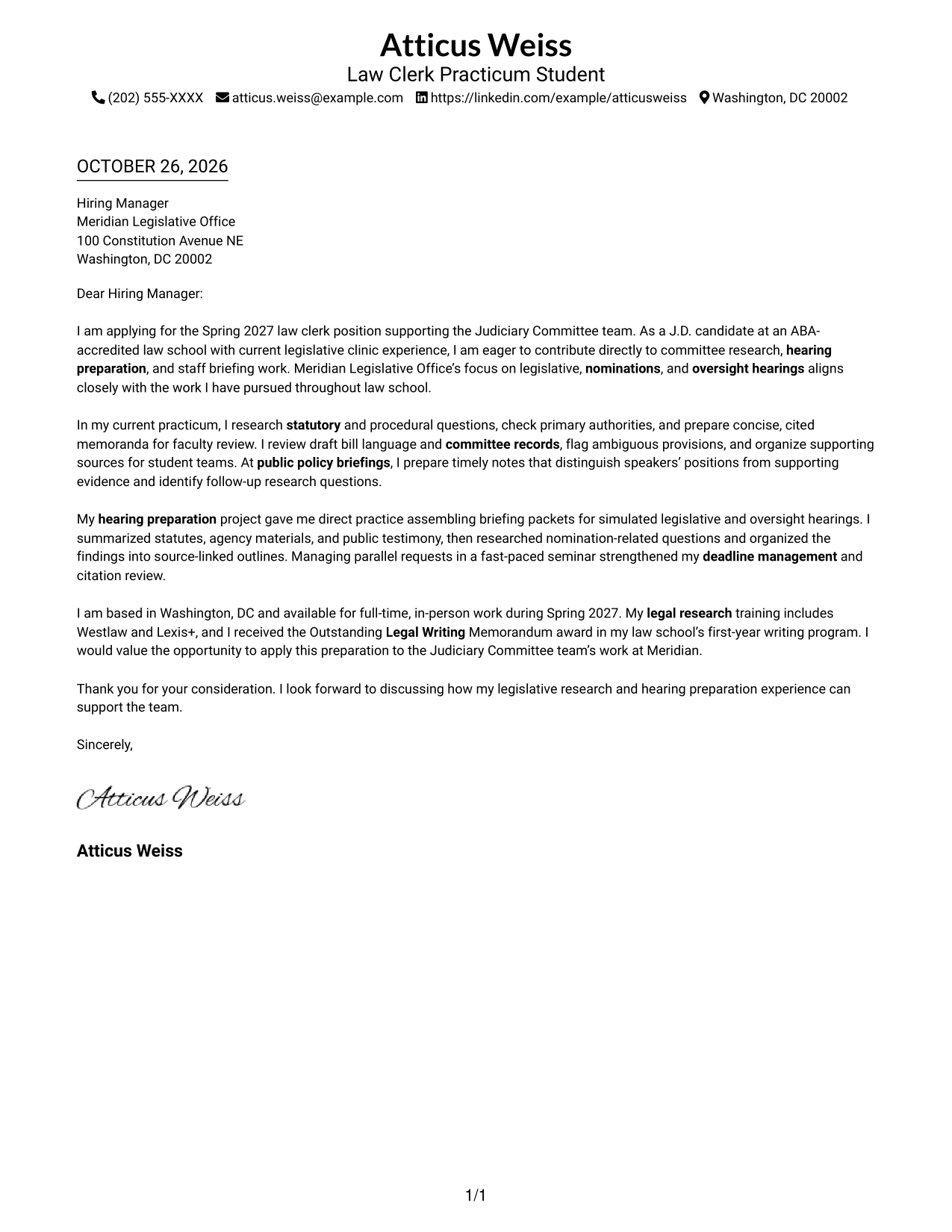
A single-column layout keeps sender details in the header and gives the letter one direct reading path.
Why This Format Works
- Sender details stay in the header, separate from the letter's main message.
- One continuous body lets readers follow the paragraphs from greeting to close.
- The single-column reading order suits a simple, uncluttered letter presentation.
Best For
- Single-column reading preference
- Header-based contact details
- Continuous paragraph-style letters
- Simple visual presentation
- Letters with standard contact information
#2 Two Column Format Cover Letter Example
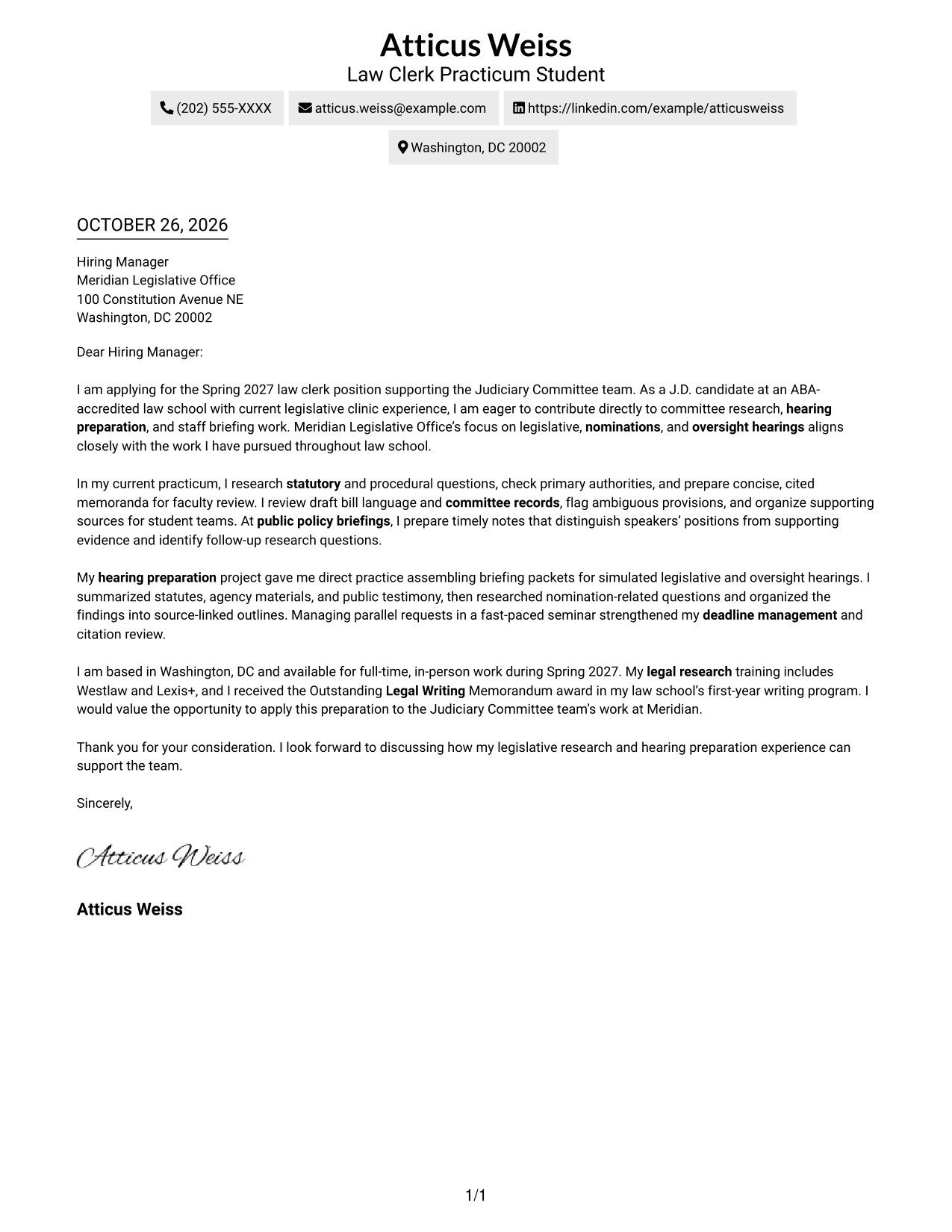
A contact sidebar sits beside one continuous letter body, keeping sender details apart from the message.
Why This Format Works
- The sidebar gives reviewers a separate place to find contact information.
- One continuous body preserves the letter's paragraph order from opening to close.
- Readers can follow the message without crossing into parallel argument columns.
Best For
- Sidebar-based contact lookup
- Letters with several contact methods
- A distinct sender information area
- Continuous paragraph-based messages
- Two-column reading preferences
#3 Photo Header Two Column Format Cover Letter Example
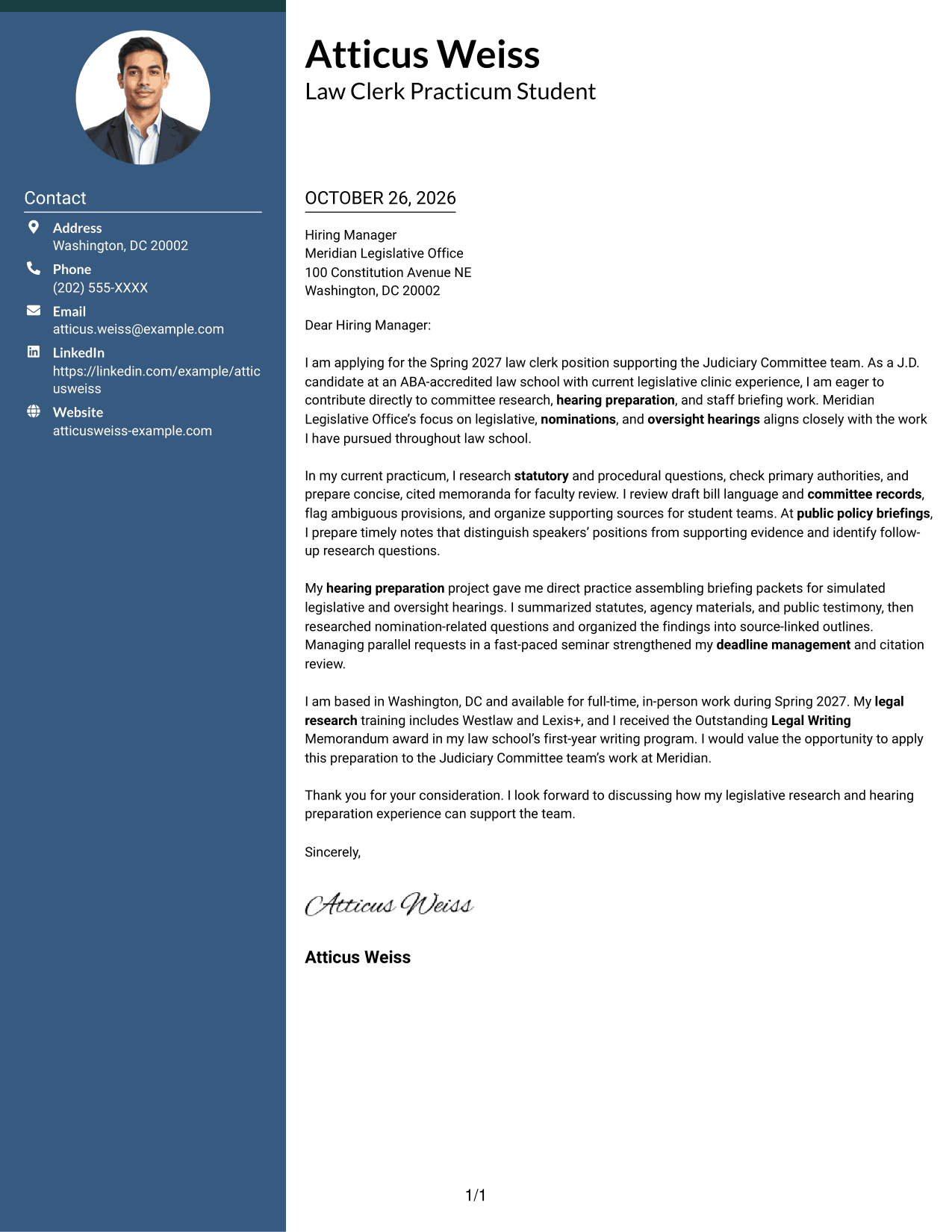
A portrait adds a visual point of identification while the two-column layout keeps contact details apart from the letter body.
Why This Format Works
- Contact details remain grouped beside, rather than within, the letter text.
- The body keeps a steady paragraph sequence from opening through closing.
- The portrait offers a visible personal image as a matter of preference.
Best For
- Photo-inclusive letter layouts
- Sidebar contact presentation
- Letters with several contact methods
- Uninterrupted paragraph flow
- A visible personal image
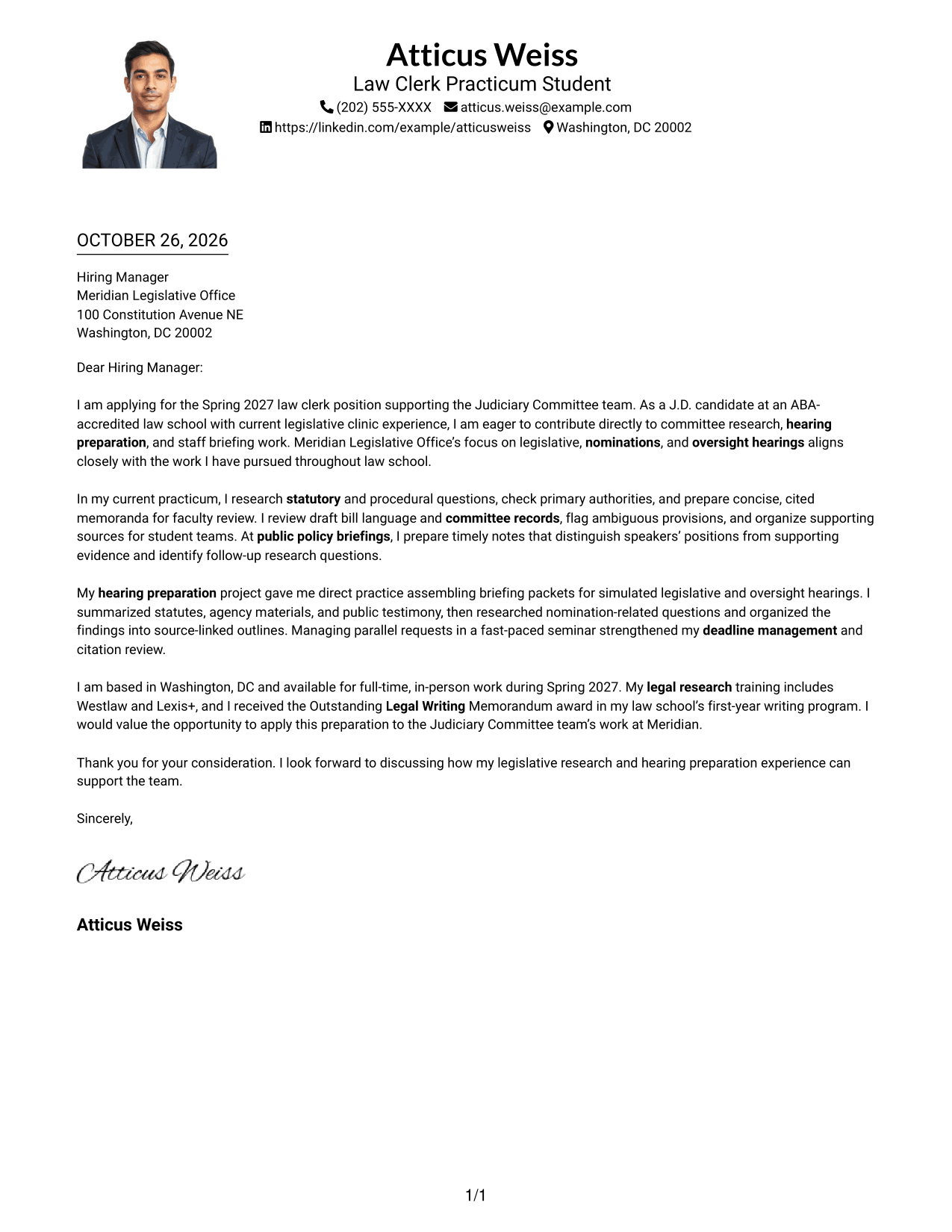
#4 One Column Format with Photo Cover Letter Example
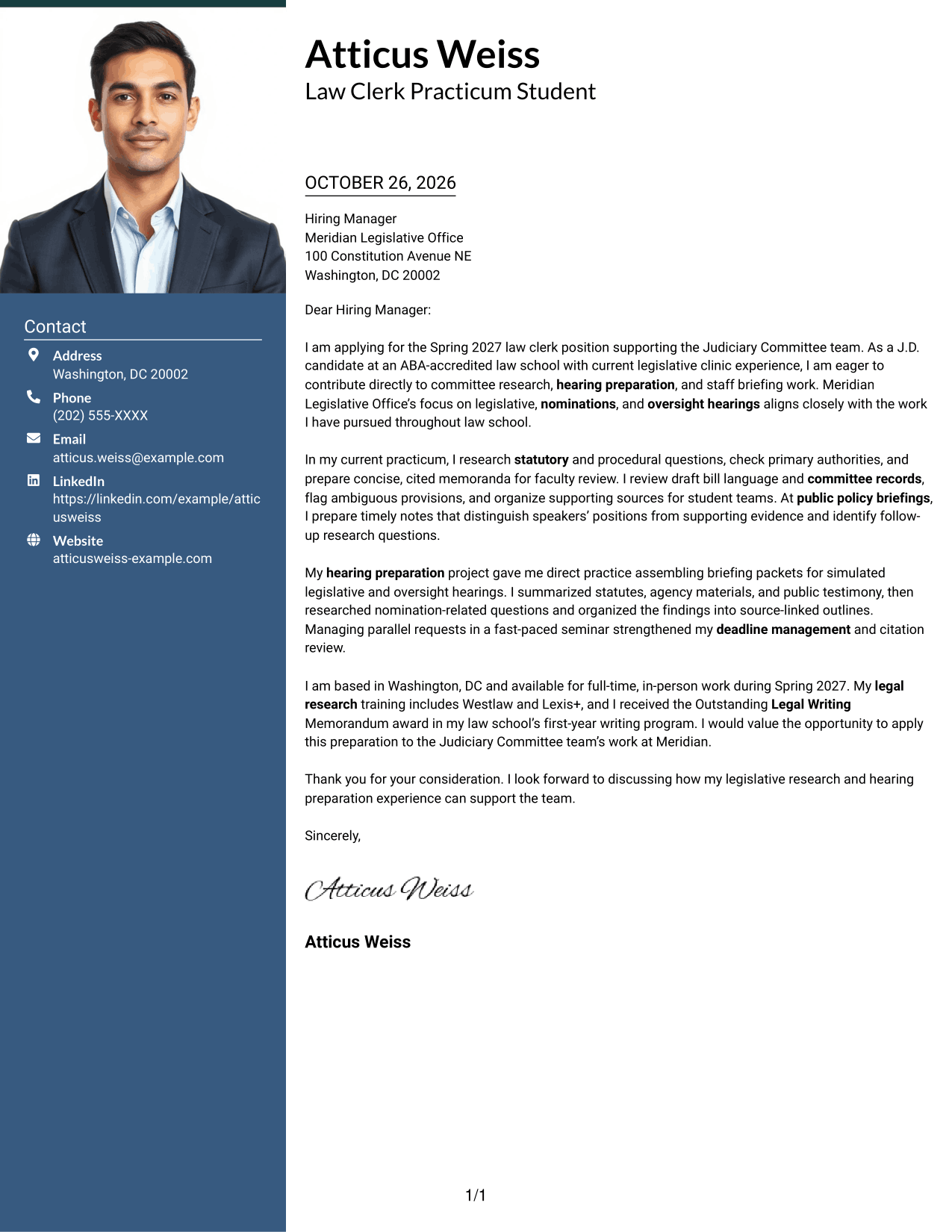
The one-column layout pairs a photo with a continuous letter body for a personal visual style and a direct reading path.
Why This Format Works
- A single reading path keeps the letter's paragraphs in their natural order.
- Sender details remain in the header instead of a separate sidebar.
- The photo adds a visual element without dividing the letter's message.
Best For
- One-column letter layouts
- Photo-inclusive correspondence
- Header-based contact details
- A direct paragraph reading path
- Letters without a contact sidebar
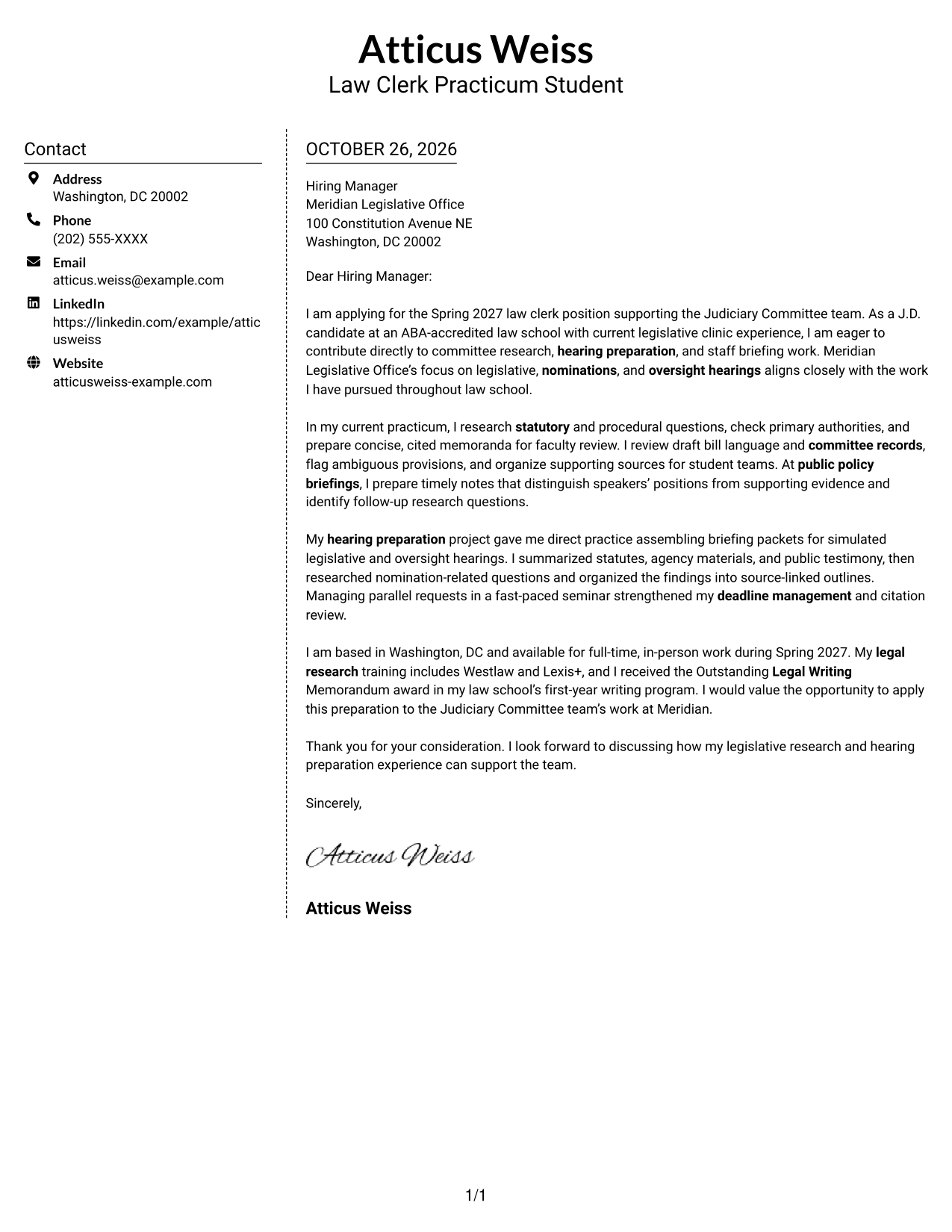
#5 Simple Two Column Format Cover Letter Example
A separate contact sidebar and a single letter column give this two-column format a clear division between details and message.
Why This Format Works
- The contact area stays distinct from the paragraphs that make the case.
- Readers can follow the letter from its opening to its closing in one column.
- The layout keeps contact information available without splitting the letter's message.
Best For
- Separate contact and message areas
- Quick access to sender details
- One-column letter text
- Letters with multiple contact channels
- A clear division between details and prose
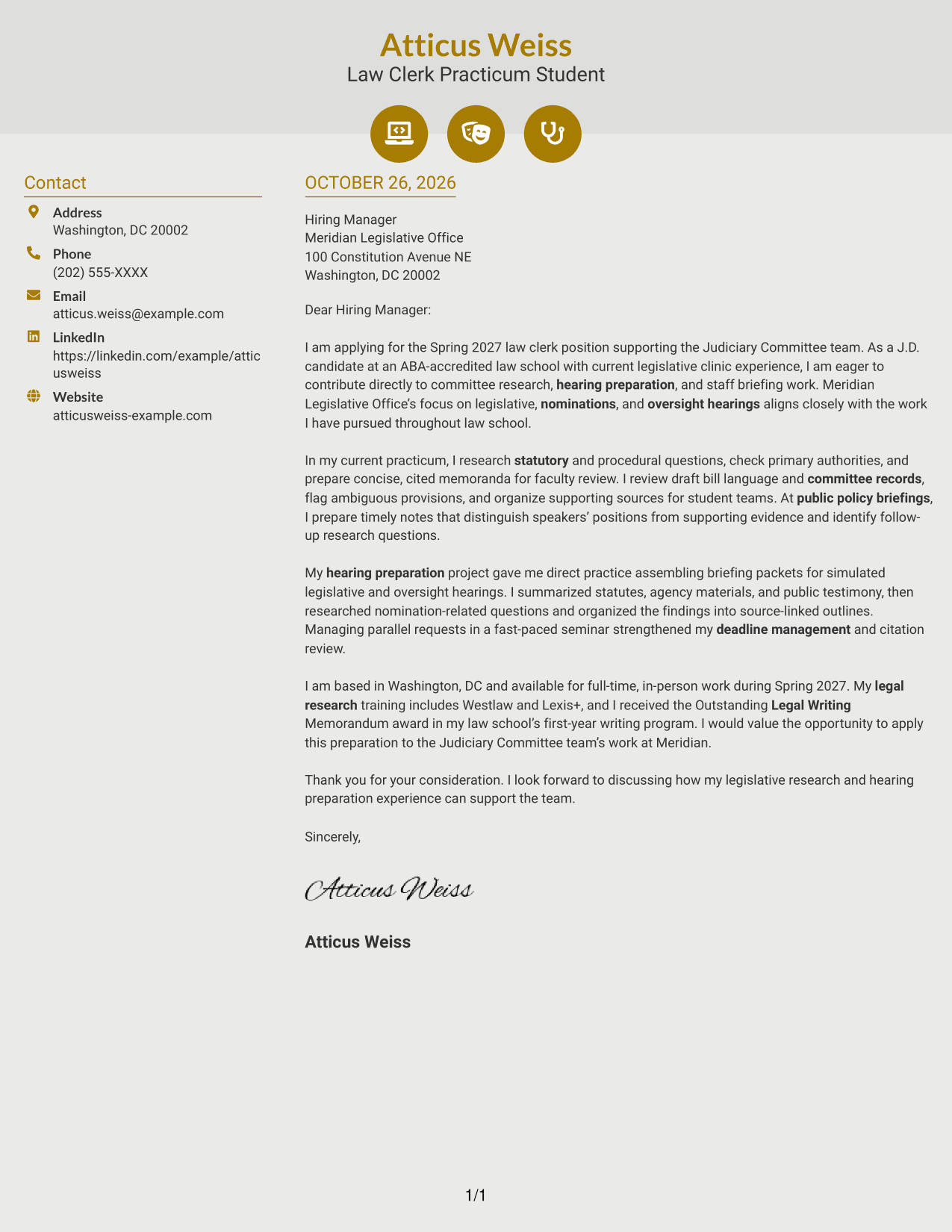
#6 Modern Icon Format Cover Letter Example
Contact icons cue sender details beside a single continuous letter body, adding visual guidance without labeling parts of the message.
Why This Format Works
- The contact sidebar gives sender details a dedicated place beside the message.
- The letter stays in one body, so its paragraphs remain in sequence.
- Decorative header cues add visual detail without interrupting the letter's flow.
Best For
- Icon-cued contact details
- A distinct contact sidebar
- Continuous letter paragraphs
- Visual detail in the header
- Letters with several contact methods
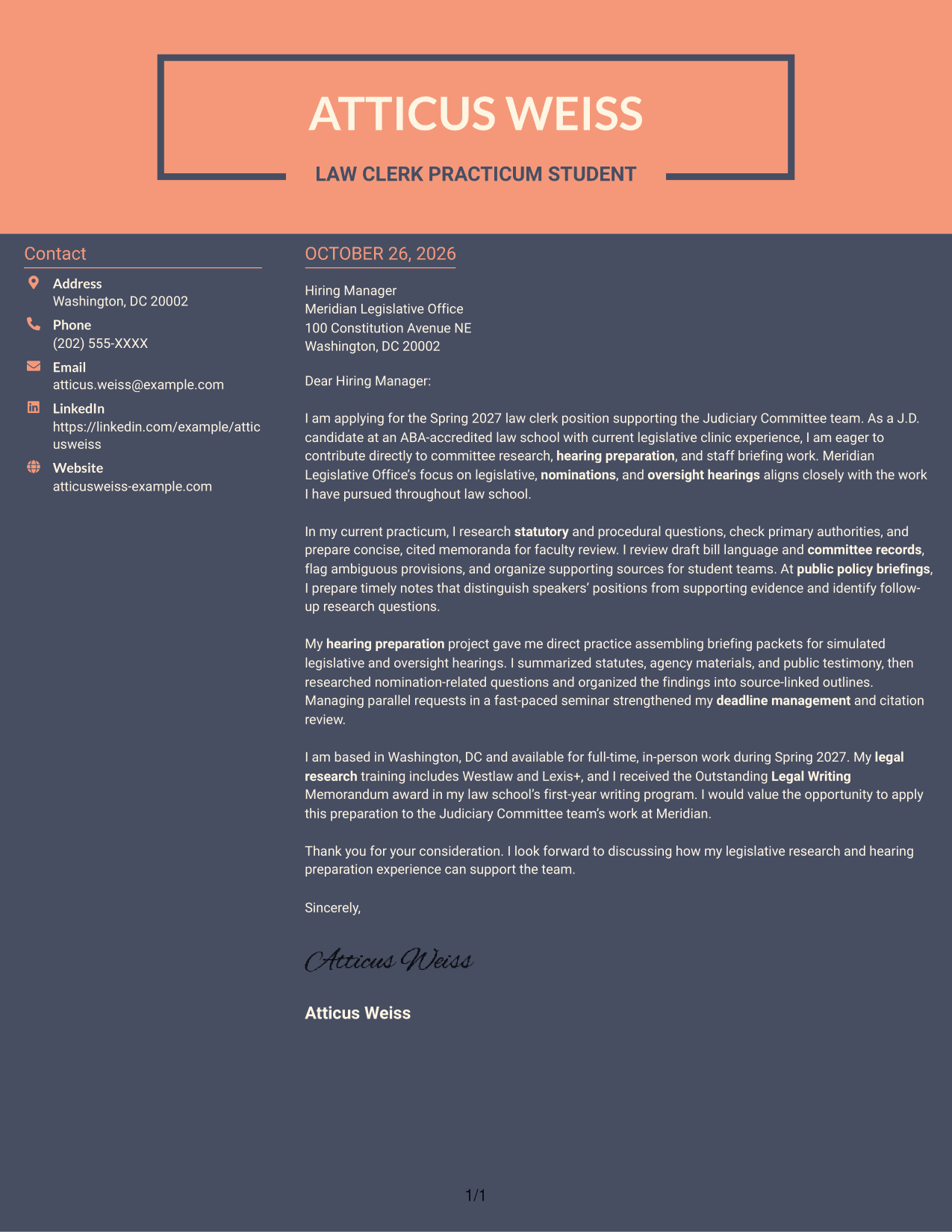
#7 Creative Two Tone Format Cover Letter Example
The contact sidebar sits apart from one continuous letter body, giving the message an uninterrupted reading path.
Why This Format Works
- Sender information stays in its own area beside the letter text.
- The main message follows a single paragraph sequence from greeting to close.
- Separate columns keep contact details outside the letter's argument.
Best For
- A separate contact area
- Single-column message flow
- Letters with several contact details
- Distinct sender and message areas
- Uninterrupted letter paragraphs
Why Use ResumeInMinutes for a Law Clerk - Legislative Research and Hearings Cover Letter
ResumeInMinutes offers cover letter examples and editor links that can help you compare presentations and shape a letter for legislative research and hearing work.
- Cover letter layouts to compare
- Preview images
- Editor access for customization
- Role-focused writing guidance
- Clear letter structure
- Examples for different communication needs
Review the image previews, then open an example in the editor to explore its presentation and adapt the letter to your experience and the role.
See Also
- 7 Law Clerk - Legislative Research and Hearings Resume Templates with Example
- 7 Law Clerk - Judiciary and Legislative Research Resume Templates with Example
- 7 Law Clerk - Legislative Policy Resume Templates with Example
- 7 Law Clerk - Congressional Investigations Resume Templates with Example
- 7 Parliamentary Clerk - Legislative Procedure Resume Templates with Example
- 7 Clerk III - Research Support Services Clerical Administrator Resume Templates with Example
- 7 Administrative Assistant - Disability & Elder Law Resume Templates with Example
- 7 Director/Assistant Attorney General - Civil and Governmental Law Resume Templates with Example
- 7 Law Clerk - Judiciary and Legislative Research Cover Letter Templates with Example
- 7 Law Clerk - Legislative Policy Cover Letter Templates with Example
Frequently Asked Questions
What should the opening of a Law Clerk - Legislative Research and Hearings cover letter say?
State the role you are applying for and briefly explain your interest in committee research and hearing work. Keep the opening direct so the reader quickly understands your purpose.
How can I show relevant legislative research experience in my letter?
Choose a specific example that reflects your background, such as researching statutory questions, reviewing bill language, checking authorities, or preparing concise memoranda. Explain what you did and how it relates to the role.
How should I describe hearing preparation?
Explain how you organized useful background, summarized sources or testimony, and prepared notes or briefing materials. Use details that are accurate for your own experience.
Which cover letter presentation works well for this role?
Choose a clear, readable layout that makes your opening, evidence, and closing easy to follow. Consider the employer and the communication context when selecting a style.
Should I mention legal research tools in my cover letter?
Mention tools such as Westlaw or Lexis+ only if you have used them and they support your fit for the role. Keep the focus on how your research helped you produce accurate, useful written work.




