
33 Lead Cloud Data Engineer - Multi-Cloud Data Platforms Resume Templates with Example 2026 (ATS-Optimized)
This guide shows you how to build a Lead Cloud Data Engineer - Multi-Cloud Data Platforms resume that is clear, focused, and easy to adapt. You will learn how to organize technical evidence and compare professional resume formats so your platform experience is easy to review.
A strong resume for this role connects cloud platform design with delivery results. It should show how you build and operate data products across Azure, AWS, Databricks, and Snowflake, while also presenting secure integration, governance, batch and near-real-time processing, data modeling, and technical leadership in a readable way.
Below, you will find a complete Lead Cloud Data Engineer - Multi-Cloud Data Platforms resume example presented in 33 ATS-friendly resume layouts. The examples explain how to use concise bullets, relevant keywords, projects, certifications, and free PDF previews to choose a format that supports fast, accurate resume review.
What Makes a Great Lead Cloud Data Engineer - Multi-Cloud Data Platforms Resume in 2026
The most effective resumes for this role are evidence-based, keyword-aligned, and built for quick scanning. They make the connection between architecture decisions, reliable delivery, secure access, and useful business data easy to verify.
- Use a focused summary that names the target role and presents multicloud data platform strengths.
- Show experience with Azure Data Factory, Azure Data Lake Storage, Synapse Analytics, AWS Glue, Amazon S3, Databricks, Apache Spark, Delta Lake, and Snowflake.
- Describe legacy migration, batch processing, streaming, API integration, data sharing, and domain-oriented data products through clear action bullets.
- Include measurable evidence where available, such as business domains supported, engineers mentored, delivery improvements, reliability gains, or reporting controls.
- Give security and governance enough space to show IAM, RBAC, OAuth 2.0, TLS/mTLS, JWT, cataloging, lineage, metadata management, privacy, and regulatory controls.
Resume content should use scannable sections rather than long narrative paragraphs. For this target role, useful keywords include cloud-native data pipelines, data architecture, platform design, Apache Spark, SQL, dimensional modeling, data mesh, domain-driven data products, Kafka, AWS SQS, RabbitMQ, CI/CD, testing, observability, performance tuning, cost optimization, Power BI, Tableau, and secure data sharing.
The resume examples below use an evidence-first approach for the exact target role, so formatting supports role-specific clarity, ATS matching, and fast review of cloud platforms, data products, security, governance, delivery results, and technical leadership.
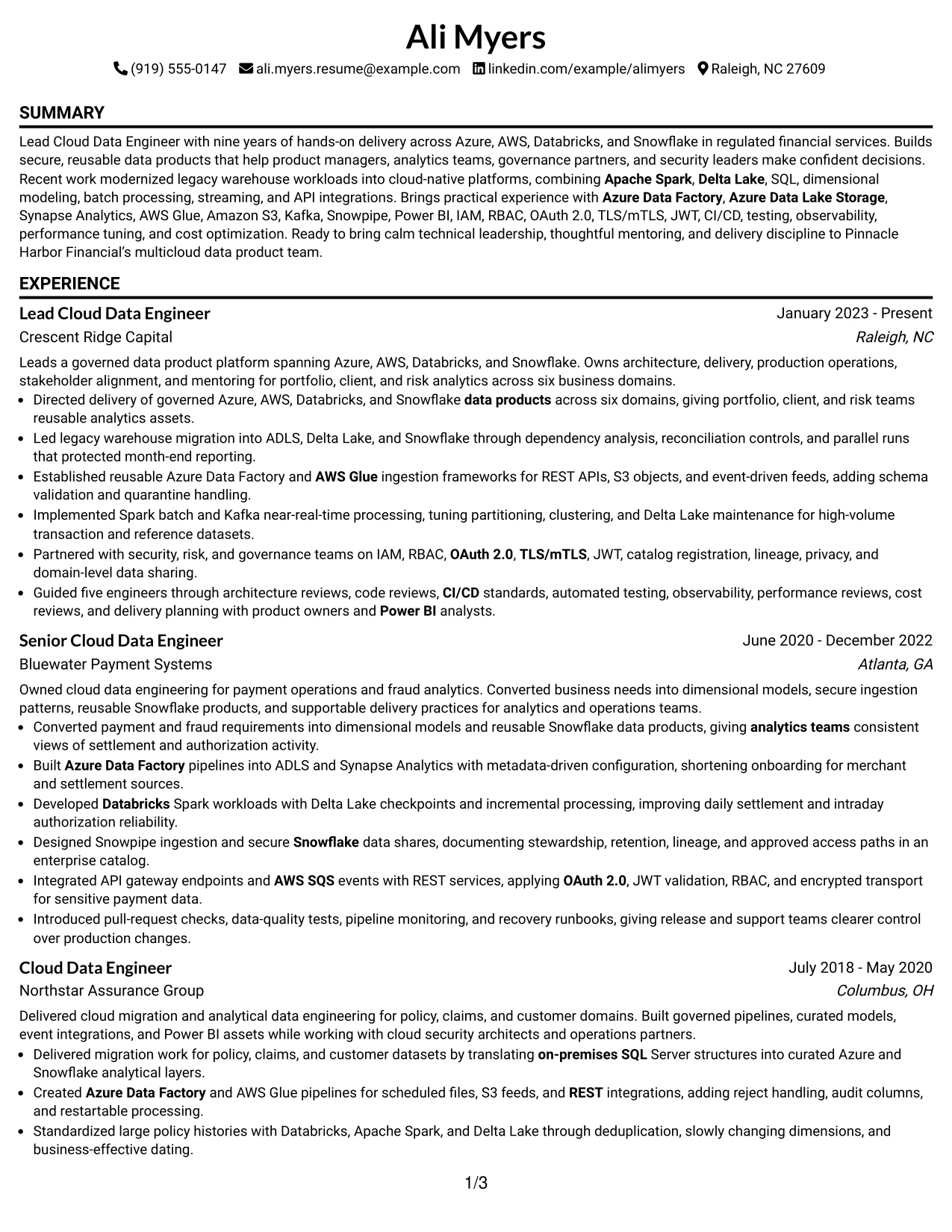
#1 Simple One Column Format Resume Example
Simple One Column Format gives every resume section a clear place in one steady reading path. The summary presents the Lead Cloud Data Engineer focus first, followed by experience, projects, education, certifications, and skills without side-to-side movement.
For Ali Myers, that order lets strong evidence stand out: nine years in regulated financial services, work across Azure and AWS, and delivery with Databricks and Snowflake. Short bullets, direct headings, and measurable scope such as six business domains help readers scan the resume quickly.
Why the Simple One Column Format Works for a Resume
- A single column creates a predictable section hierarchy.
- The professional summary places the target role and core strengths near the top.
- Experience bullets make cloud platforms, processing methods, and security controls easy to find.
- Project entries add evidence of migration, streaming, and governed data sharing.
- Education and certifications remain visible without competing with experience.
- A linear structure supports reliable ATS parsing.
- Short bullets help readers connect technical work with business results.
Best For
- Resumes that need a clean, linear review path from summary to skills.
- Candidates presenting several employers in a clear chronological sequence.
- Technical resumes with detailed experience bullets and project evidence.
- Applications where ATS-readable section order is a priority.
- Professionals who want cloud platforms and certifications to remain easy to locate.
- Resumes that must show both architecture leadership and hands-on delivery.
- Documents intended for quick review on a laptop or mobile screen.
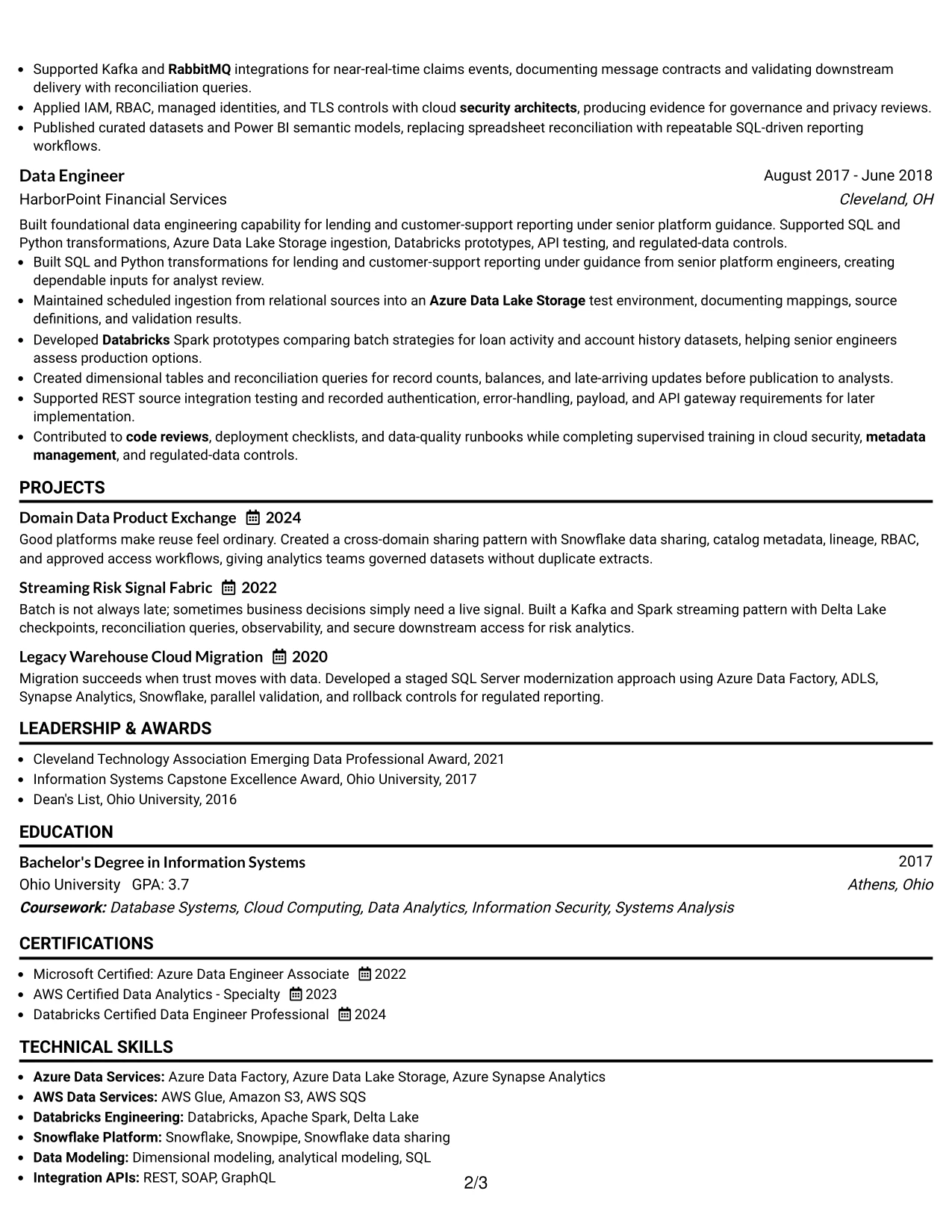
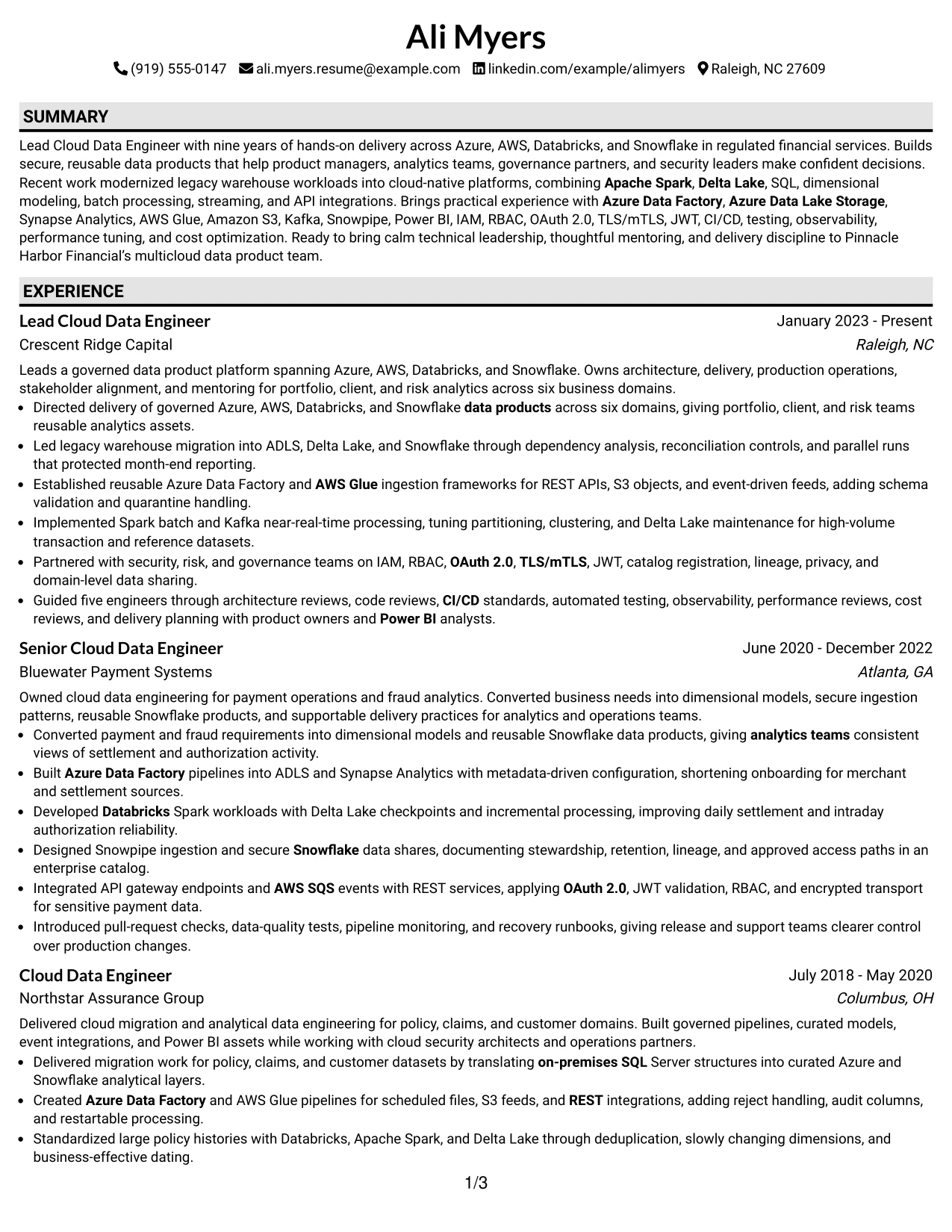
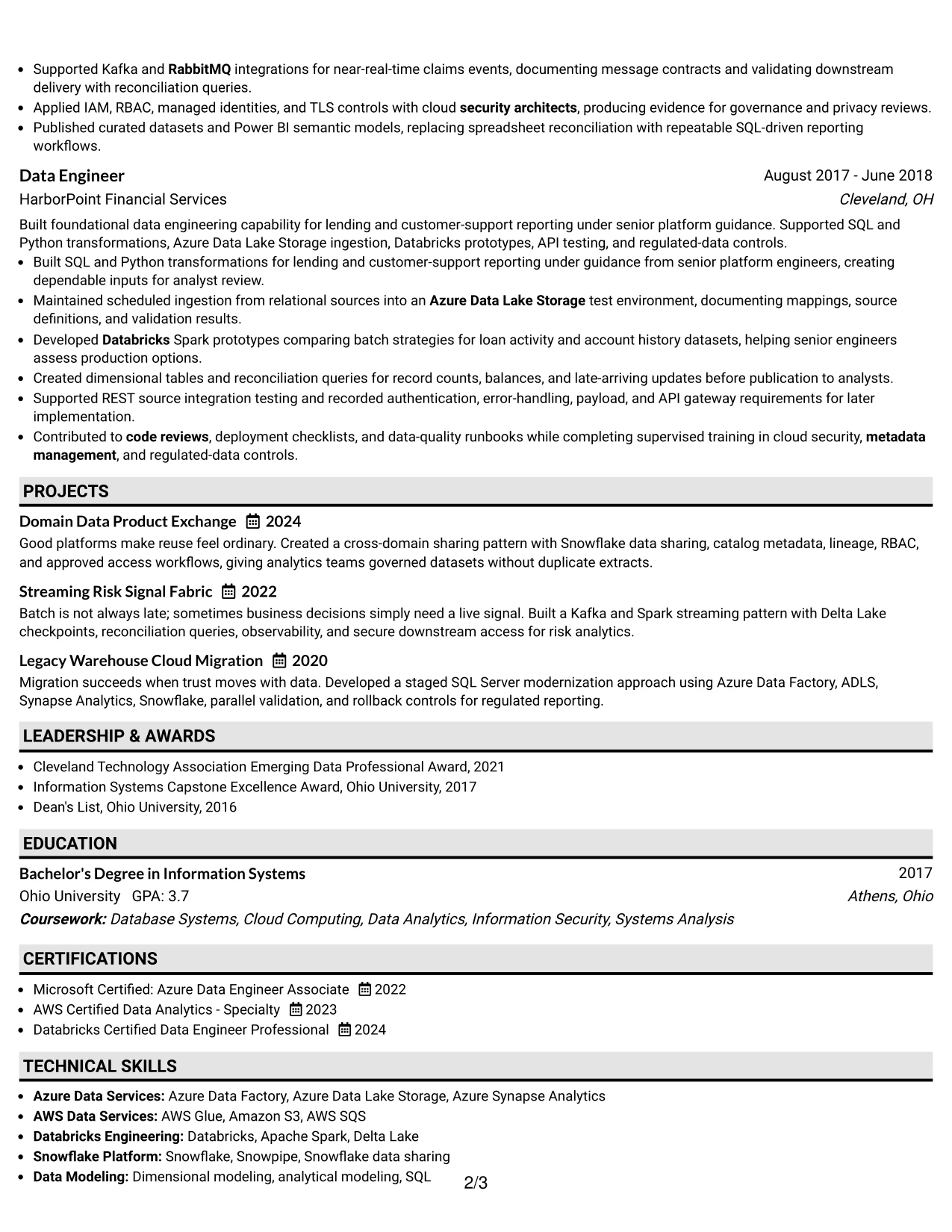
#2 Plain One Column with Shaded Labels Resume Example
Readers move from the contact details to the summary, then down through experience, projects, education, certifications, and skills. Plain One Column with Shaded Labels uses distinct section labels to signal each change while keeping the complete record in one column.
That approach gives Ali Myers room to include substantial technical evidence without making the page feel scattered. Azure Data Factory, AWS Glue, Apache Spark, Delta Lake, Snowflake, governance, and mentoring can all appear in focused sections that are easy to revisit.
Why the Plain One Column with Shaded Labels Works for a Resume
- Shaded labels separate major sections without adding complex structure.
- One-column reading keeps dates, employers, and bullets in logical order.
- The format can support a detailed professional summary.
- Technical skills can be grouped for faster keyword review.
- Projects provide space for work beyond the employment timeline.
- Certifications receive a clear position near education and skills.
- The straightforward design keeps content volume readable.
Best For
- Professionals with a full work history and many relevant technologies.
- Resumes that need clear labels for experience, projects, and credentials.
- Detailed applications where content volume matters more than decoration.
- Candidates combining platform skills with governance and security evidence.
- Documents that need one dependable reading order for ATS and human review.
- Resumes with several project entries that benefit from visible separation.
- Applicants who want technical keywords grouped rather than scattered through bullets.
#3 One Column Format with Photo Right Resume Example
Evidence receives priority in this One Column Format with Photo Right resume. The summary and work history lead with cloud platform delivery, migration controls, streaming pipelines, and secure data sharing before the reader reaches supporting credentials. A right-side photo can add a personal visual touch when it suits the application and local hiring norms.
The single-column body keeps Ali Myers's achievements easy to follow. Bullets connect Azure, AWS, Databricks, and Snowflake work to six domains, month-end reporting protection, five engineers mentored, and trusted analytics outcomes.
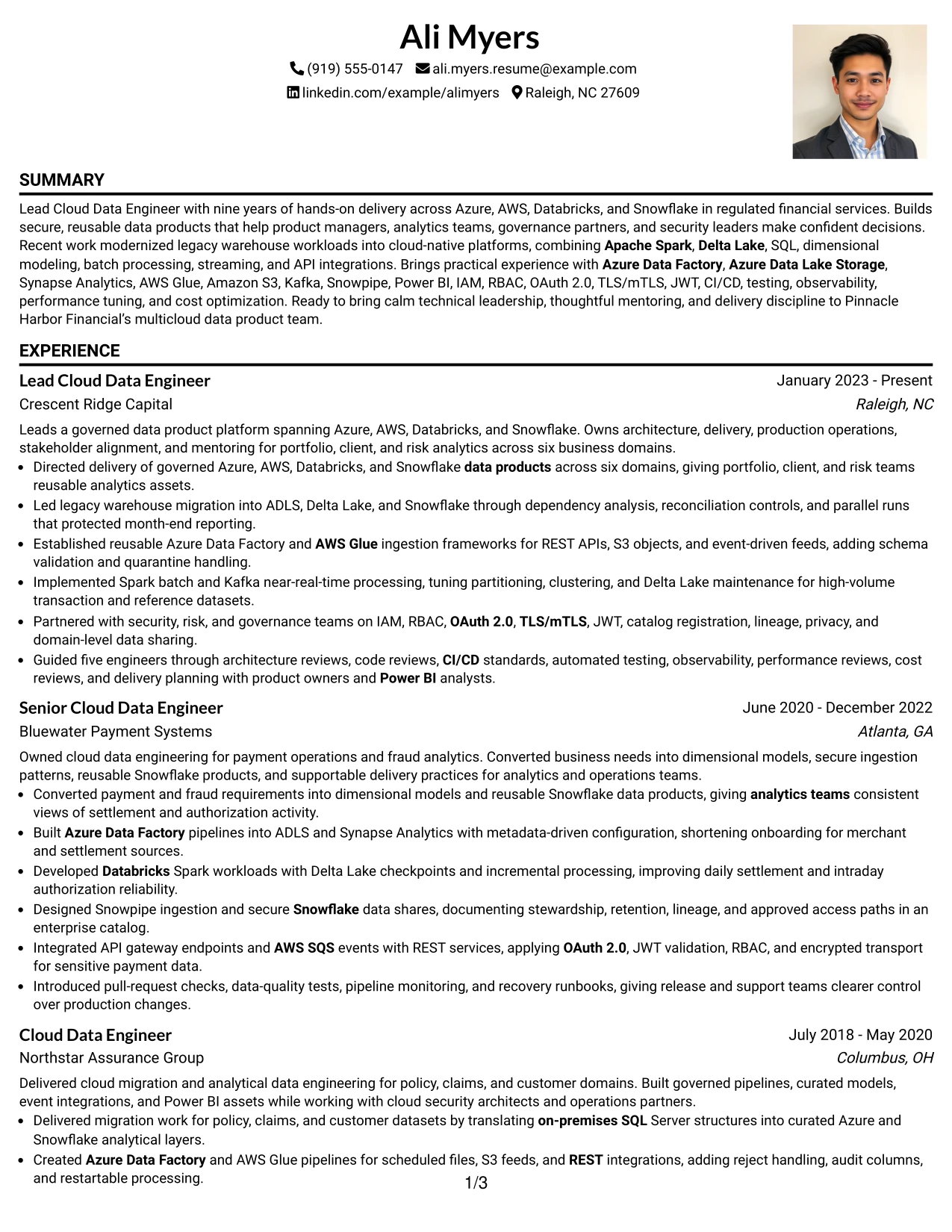
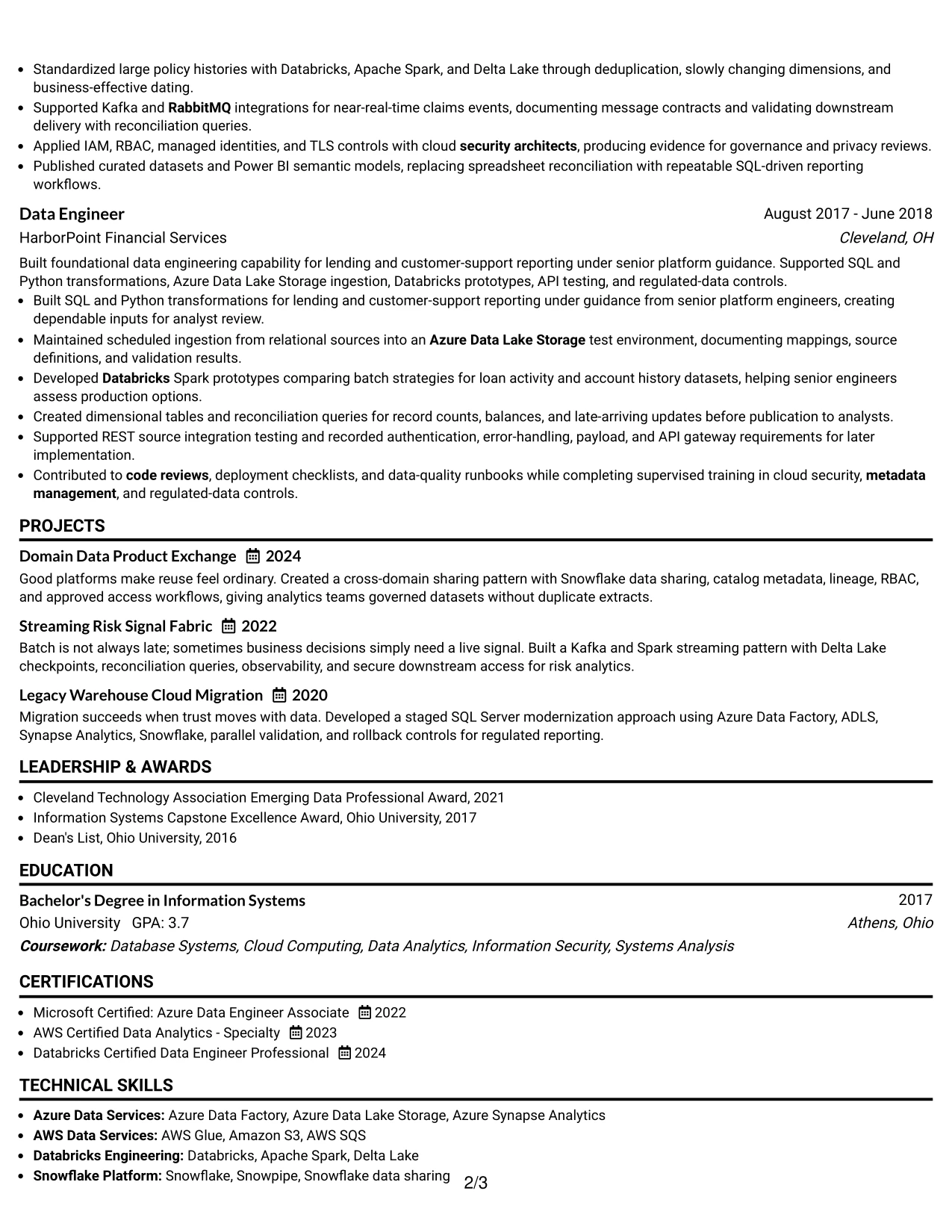
Why the One Column Format with Photo Right Works for a Resume
- The main column gives experience and achievements the greatest reading weight.
- A right-side photo creates a defined visual anchor without splitting the work history.
- Bullets present technical evidence before less central details.
- Migration work shows control, validation, and protection of reporting.
- Streaming and batch experience appears in a clear sequence.
- Leadership evidence includes guidance for five engineers.
- Certifications and education support the technical story at the end.
Best For
- Applications where a right-side photo is appropriate and professionally expected.
- Resumes that should place achievements ahead of supporting credentials.
- Candidates with strong evidence across migration, streaming, and data products.
- Documents that need one continuous experience narrative.
- Professionals who want leadership scope visible beside hands-on engineering work.
- Roles where secure access, governance, and platform reliability need emphasis.
- Applications that allow a personal visual element without reducing content clarity.
#4 Clean Two Column Sidebar Format Resume Example
Content is balanced between a focused sidebar and a broader main column in the Clean Two Column Sidebar Format. The sidebar can hold contact details, skills, certifications, and education, while the main area gives experience and projects enough room for complete achievement bullets.
For the Lead Cloud Data Engineer application, this division keeps platform keywords visible while preserving detail about legacy migration, data products, Spark processing, and governance. Readers can confirm fit quickly, then study the evidence in the main column.
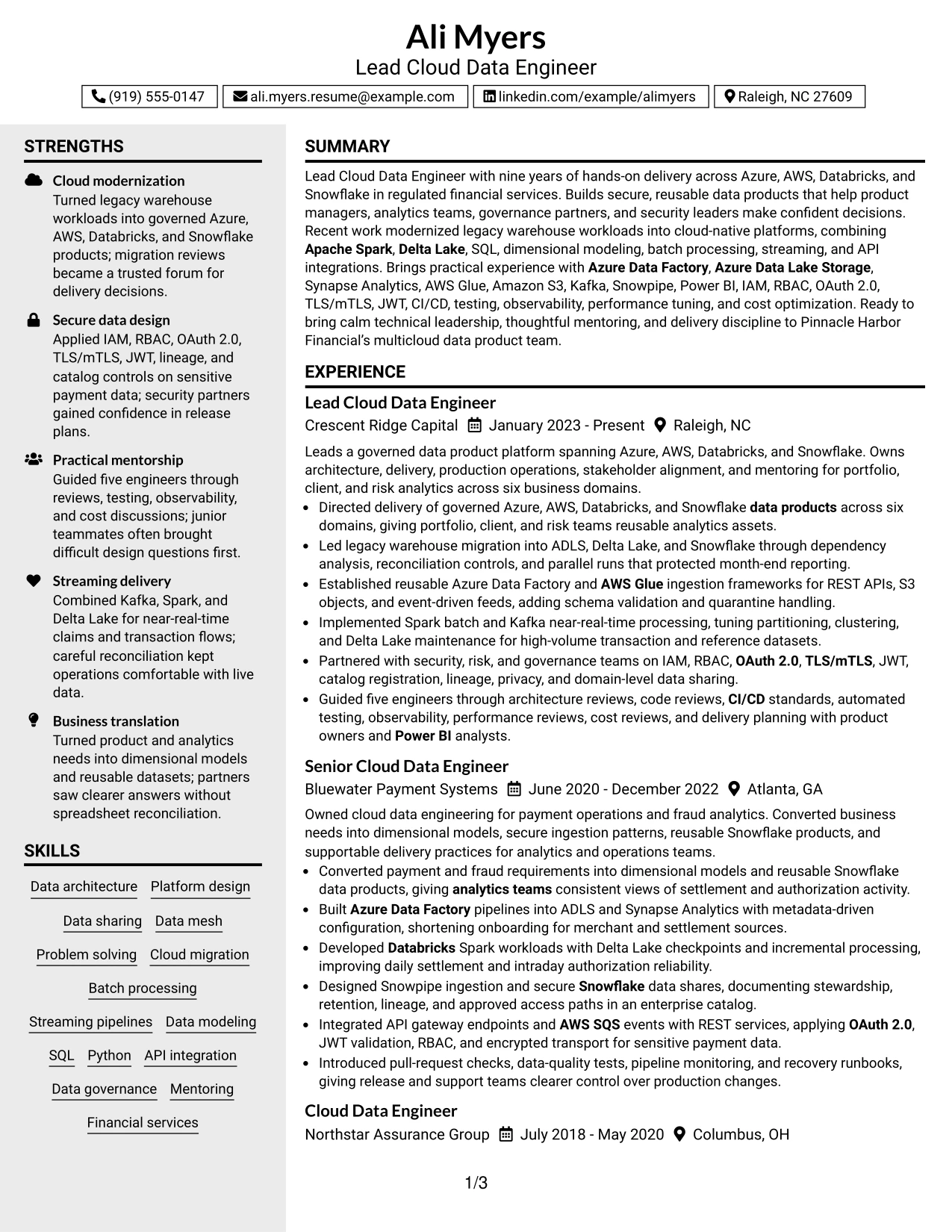
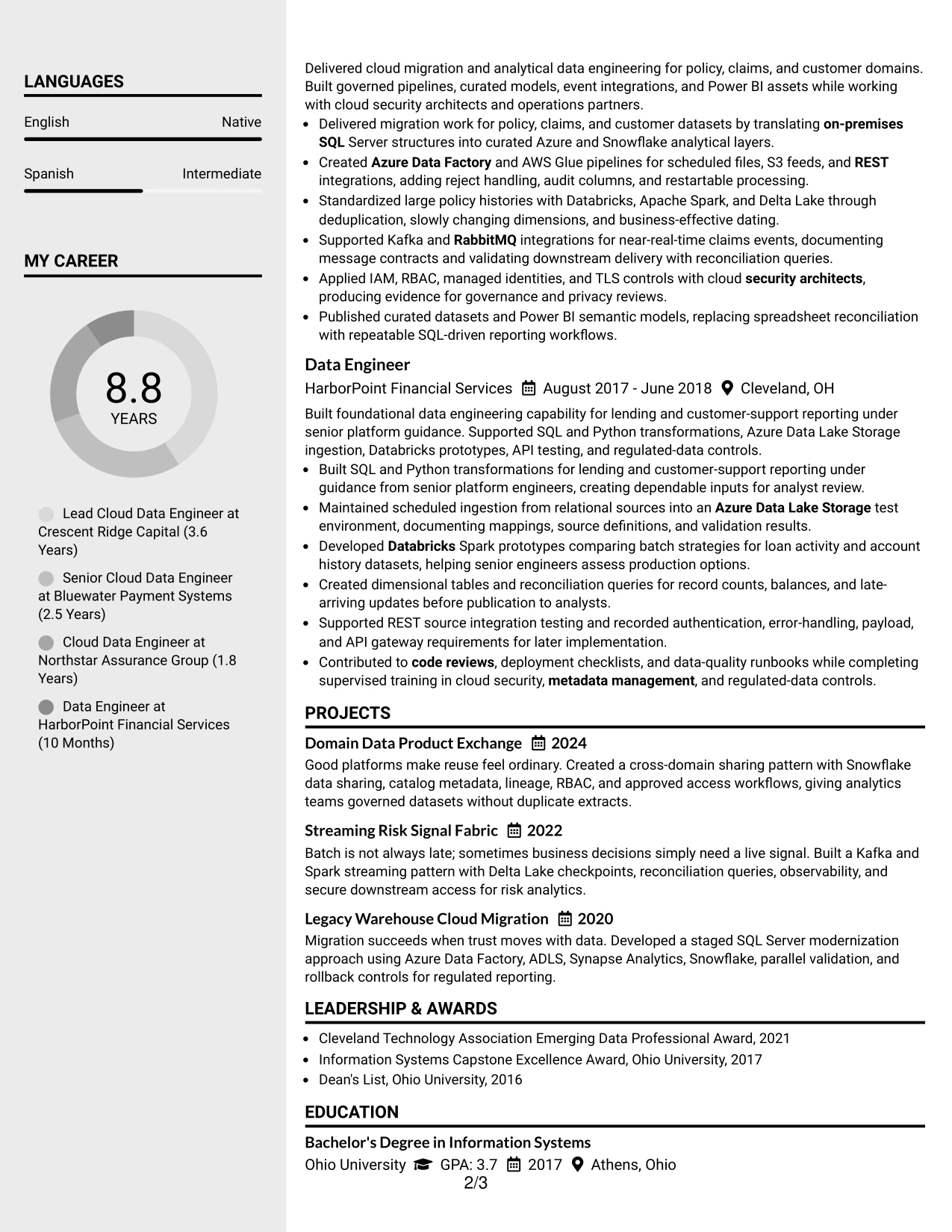
Why the Clean Two Column Sidebar Format Works for a Resume
- The sidebar keeps contact information and core skills compact.
- The main column protects space for detailed experience bullets.
- Projects can show migration and streaming evidence without crowding the skills list.
- Certifications are easy to find in a dedicated supporting area.
- The visual split helps readers compare keywords with proof of use.
- A clean hierarchy supports both quick review and deeper reading.
- The format can present leadership, delivery, and governance evidence together.
Best For
- Applications where a compact skills and certification sidebar saves main-column space.
- Resumes that pair a broad technical toolkit with detailed project evidence.
- Candidates who need to separate quick-reference facts from achievement bullets.
- Technical applications reviewed first for keywords and then for delivery proof.
- Documents with enough experience detail to benefit from a wider primary column.
- Professionals presenting platform design alongside security and governance work.
- Resumes that need a balanced desktop layout without losing chronological clarity.
#5 Two Column Format Resume Example
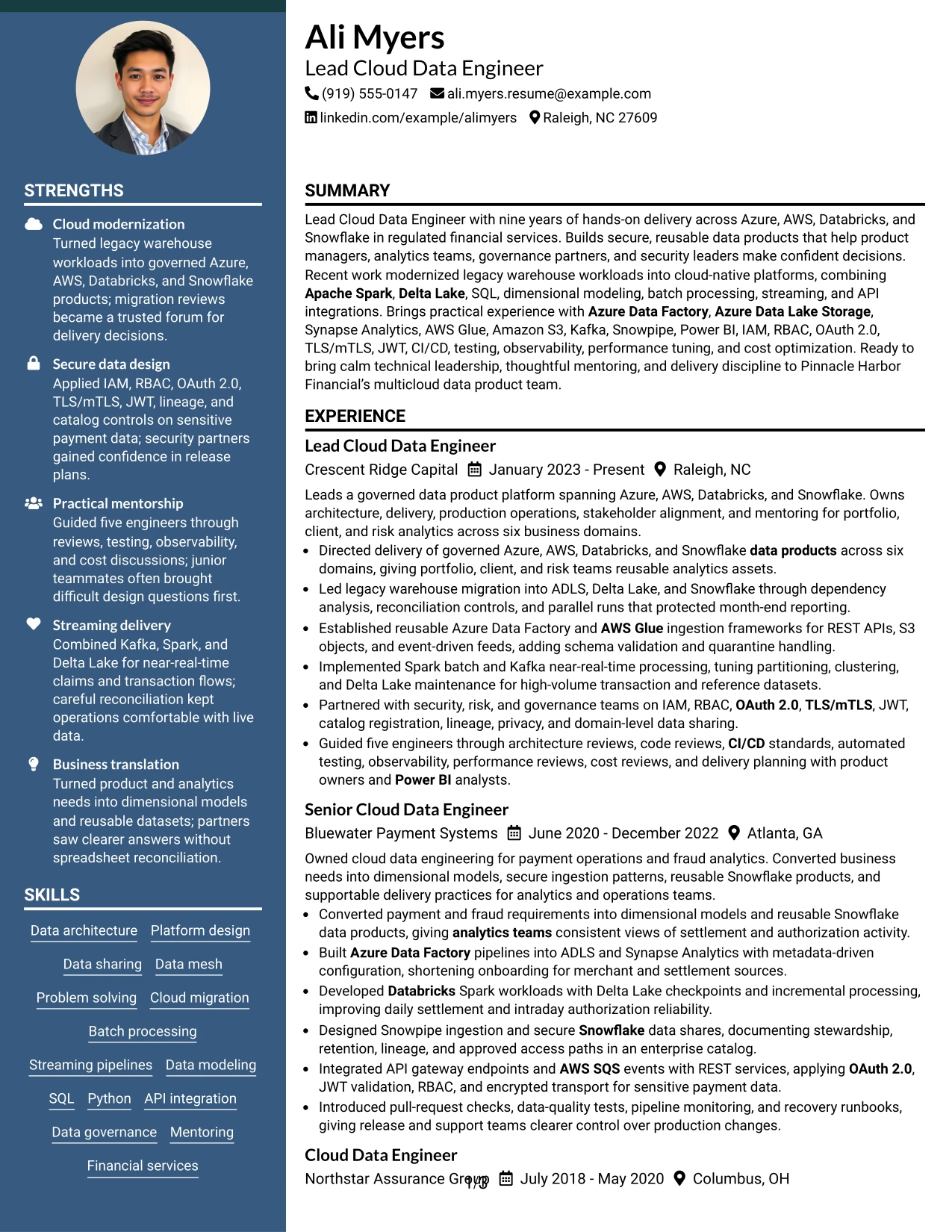
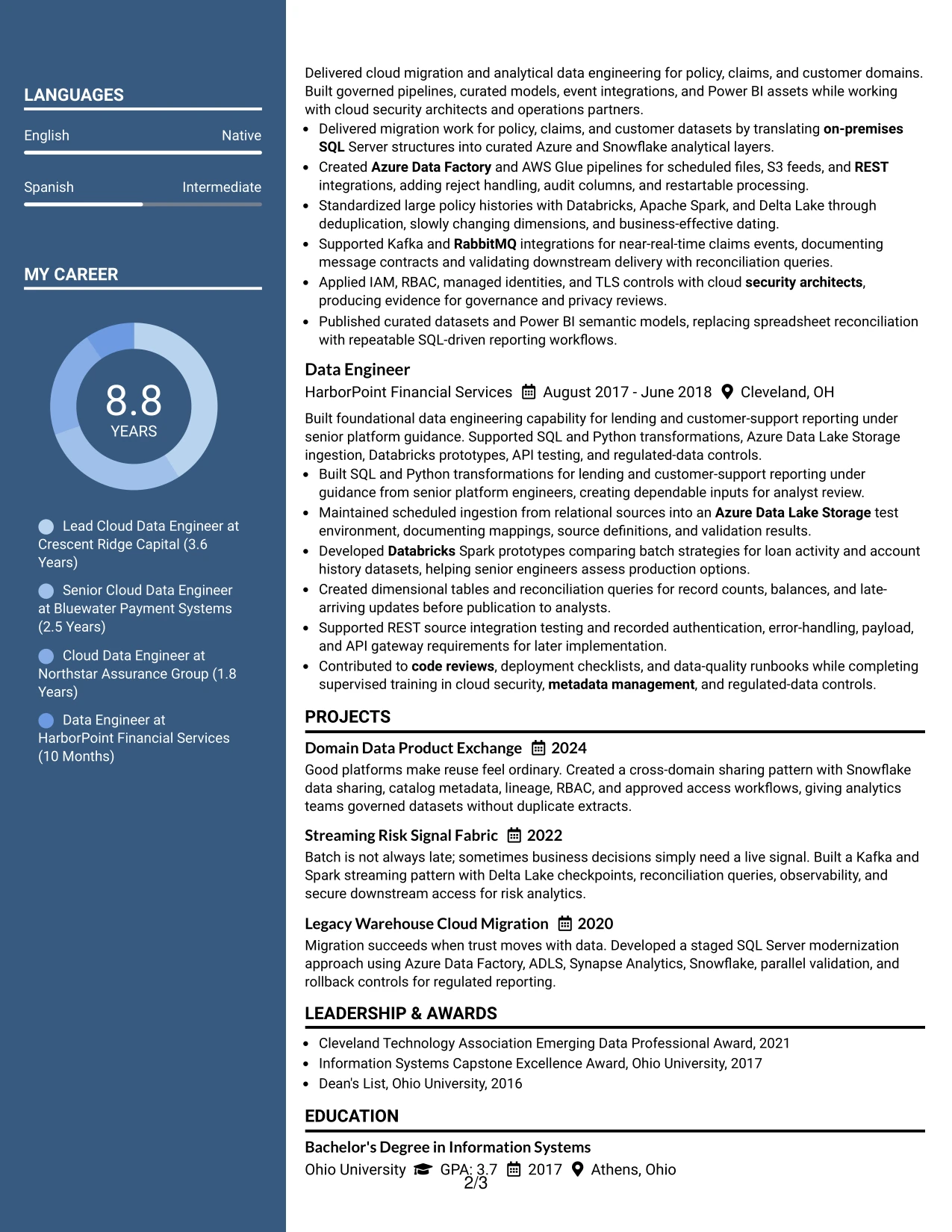
A practical application needs both fast keyword access and enough room to explain results. Two Column Format meets that need by distributing supporting details, such as skills, certifications, and education, beside the main experience and project record.
In this resume, the arrangement helps readers connect multi-cloud tools with the work they support. Azure Data Factory and AWS Glue sit alongside evidence of reusable ingestion, while Databricks, Kafka, Delta Lake, and Snowflake appear with processing and sharing results.
Why the Two Column Format Works for a Resume
- Two columns let supporting information stay visible during experience review.
- The main area can carry complete achievement-oriented bullets.
- Skills can be grouped by platform, security, modeling, and delivery quality.
- Projects add focused proof without interrupting the employment sequence.
- Education and certifications remain available as quick confirmation points.
- The structure supports a strong balance between keywords and context.
- Distinct sections help readers locate the information needed for a technical application.
Best For
- Applications that require quick access to both skills and work history.
- Resumes combining many cloud services with detailed evidence of use.
- Candidates who want project work visible beside professional experience.
- Documents where certifications support, but should not dominate, the main story.
- Technical roles reviewed by readers who compare tools with delivery outcomes.
- Professionals needing a balanced presentation of architecture and implementation.
- Applications where a compact, organized page is more useful than a long single stream.
#6 Photo Header Two Column Format Resume Example
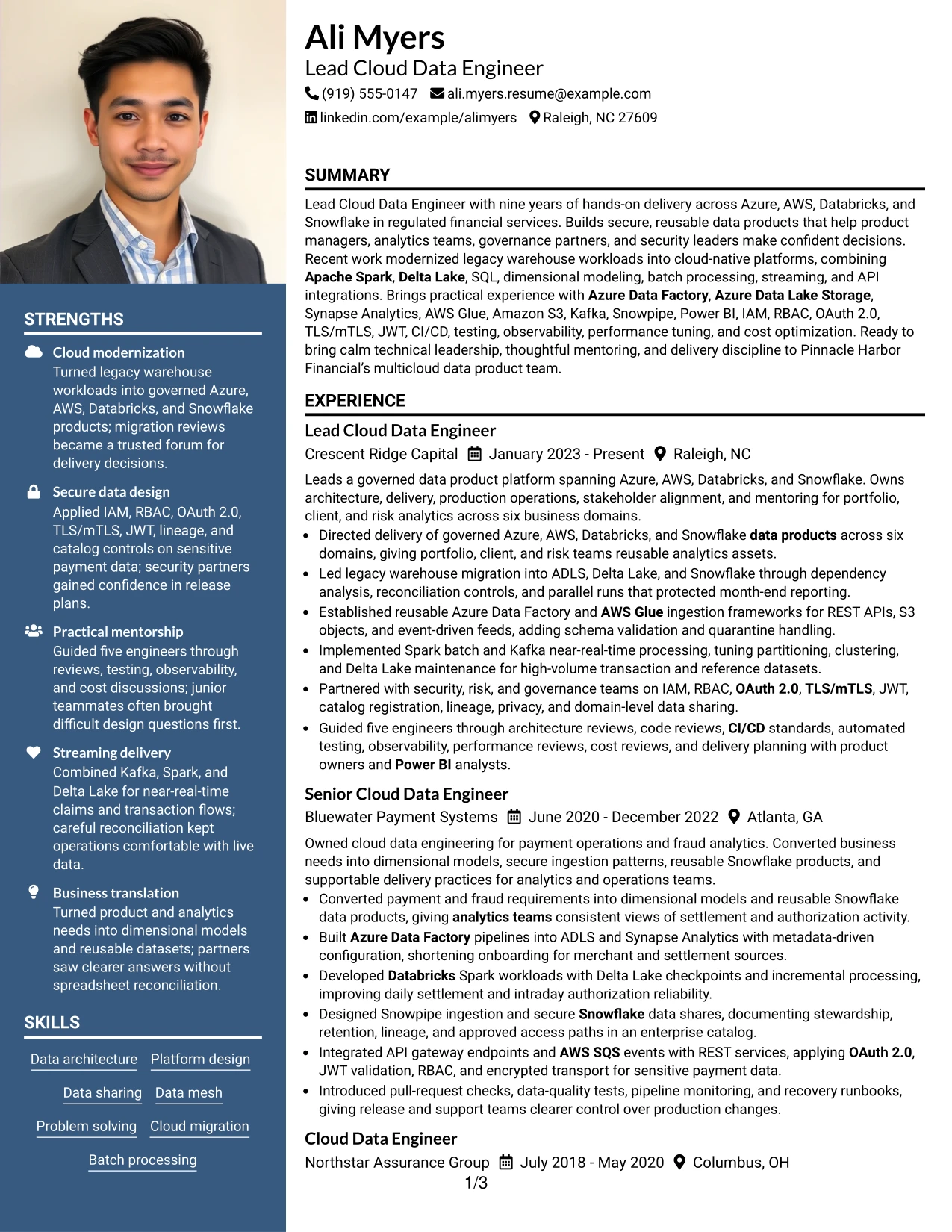
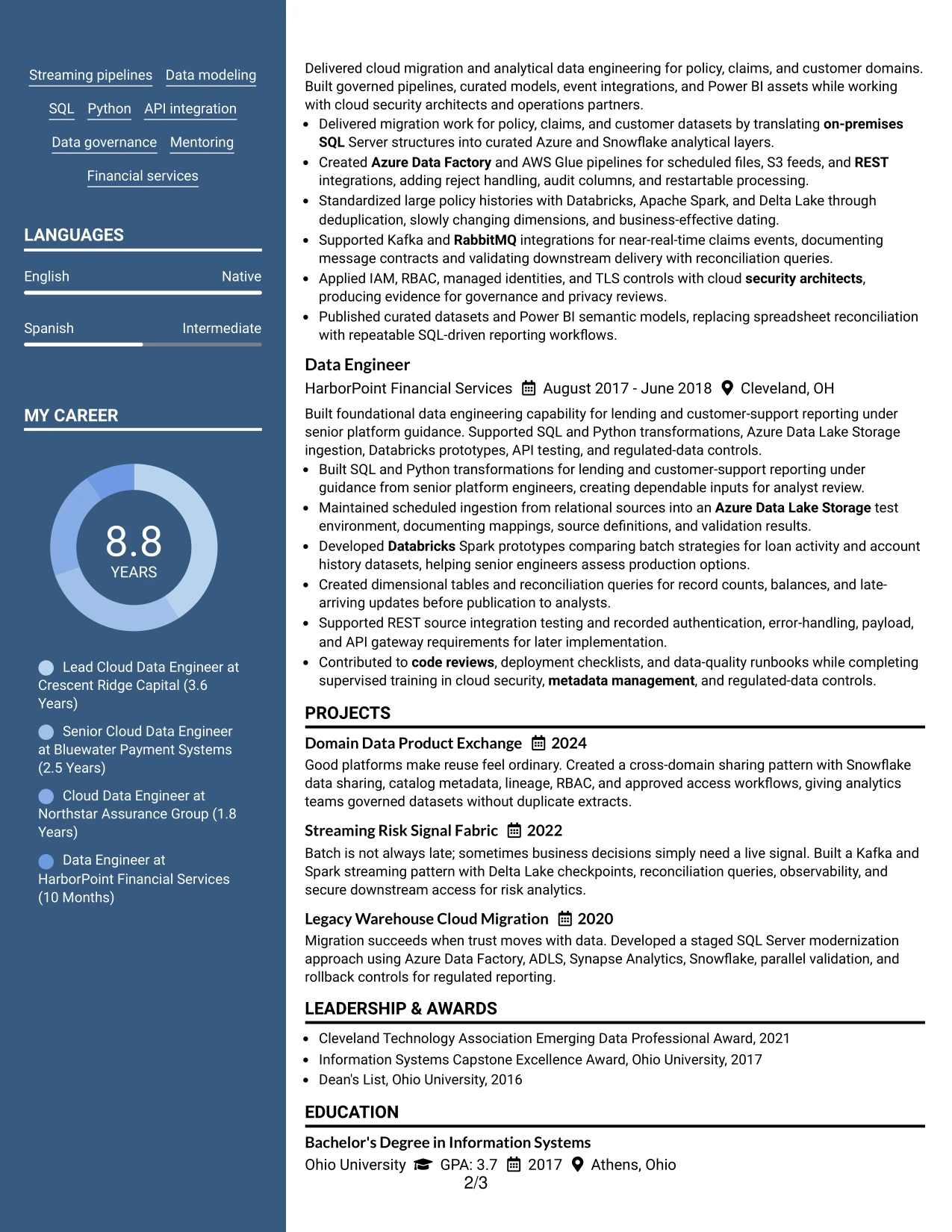
A restrained visual hierarchy makes the Photo Header Two Column Format feel organized before the technical details are read. The photo header establishes a clear identity area, while two columns divide quick-reference skills and credentials from the fuller experience and project record.
That structure suits Ali Myers's broad platform background because the resume can show Azure, AWS, Databricks, and Snowflake near the top while giving migration, security, data modeling, and mentoring evidence proper space below. The photo should remain professional and appropriate for the application context.
Why the Photo Header Two Column Format Works for a Resume
- The header gives contact details and identity a clear starting point.
- Two columns separate quick-reference skills from detailed evidence.
- The main experience area can show complex platform work in full.
- A photo header can support a polished presentation where it is appropriate.
- Projects demonstrate reusable data products and streaming delivery.
- Certifications reinforce the cloud platform focus without crowding experience.
- The hierarchy helps readers move from identity to capability to proof.
Best For
- Applications where a professional photo header is accepted and useful.
- Candidates whose work spans several platforms and needs grouped skill visibility.
- Resumes that combine leadership evidence with hands-on engineering detail.
- Documents requiring a clear split between quick facts and full experience.
- Professionals presenting projects as an important part of role alignment.
- Applications where visual identity and technical substance both have a place.
- Technical resumes that need room for security, governance, and delivery practices.
#7 Simple Two Column Format Resume Example
Simple Two Column Format places core details in one column and supporting proof in the other, creating a compact structure without extra visual complexity. The resume can lead with the summary and experience while keeping skills, certifications, education, and selected projects close at hand.
This arrangement makes the document useful for a fast technical review. A reader can spot cloud platforms and security terms, then verify them in bullets covering legacy modernization, batch and near-real-time processing, governed sharing, and Power BI enablement.
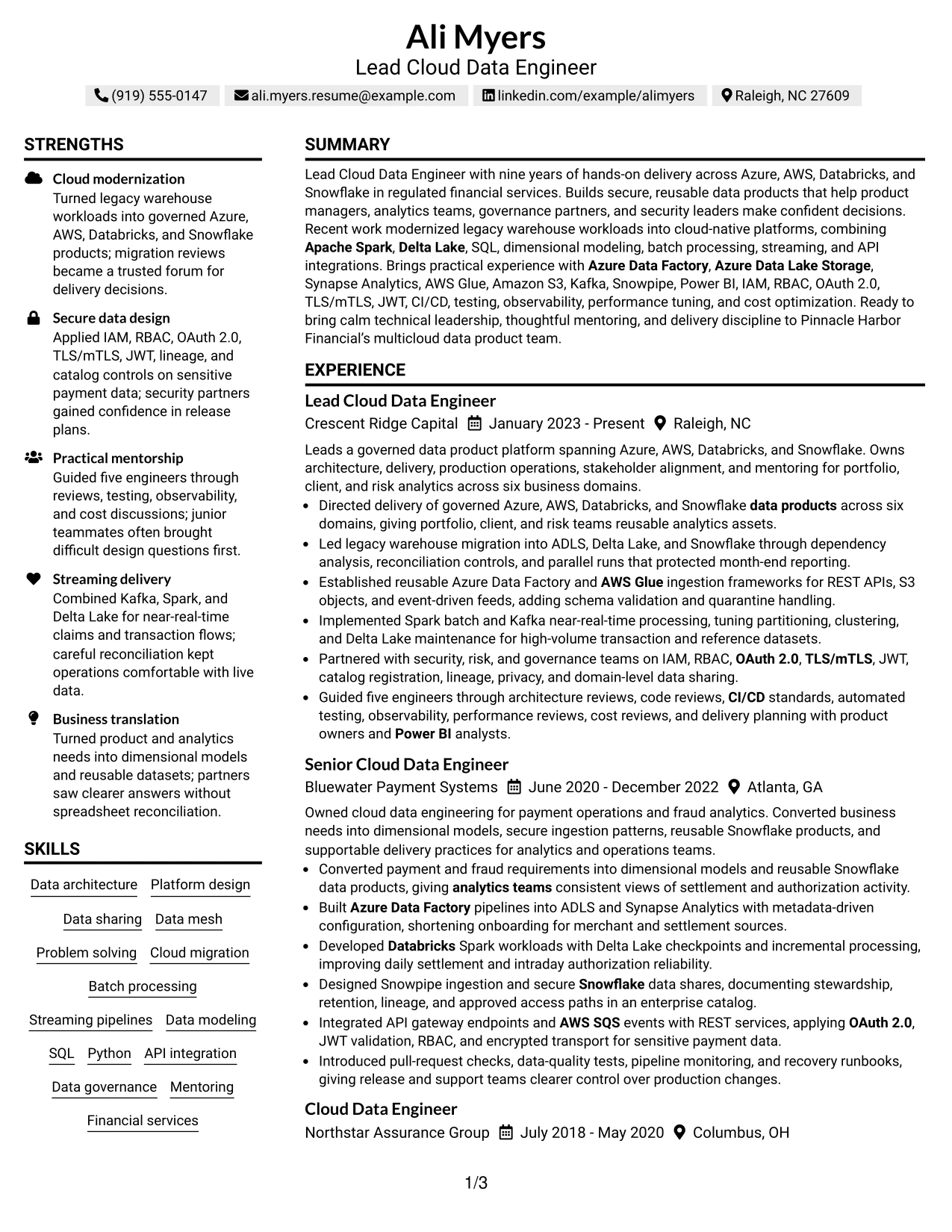
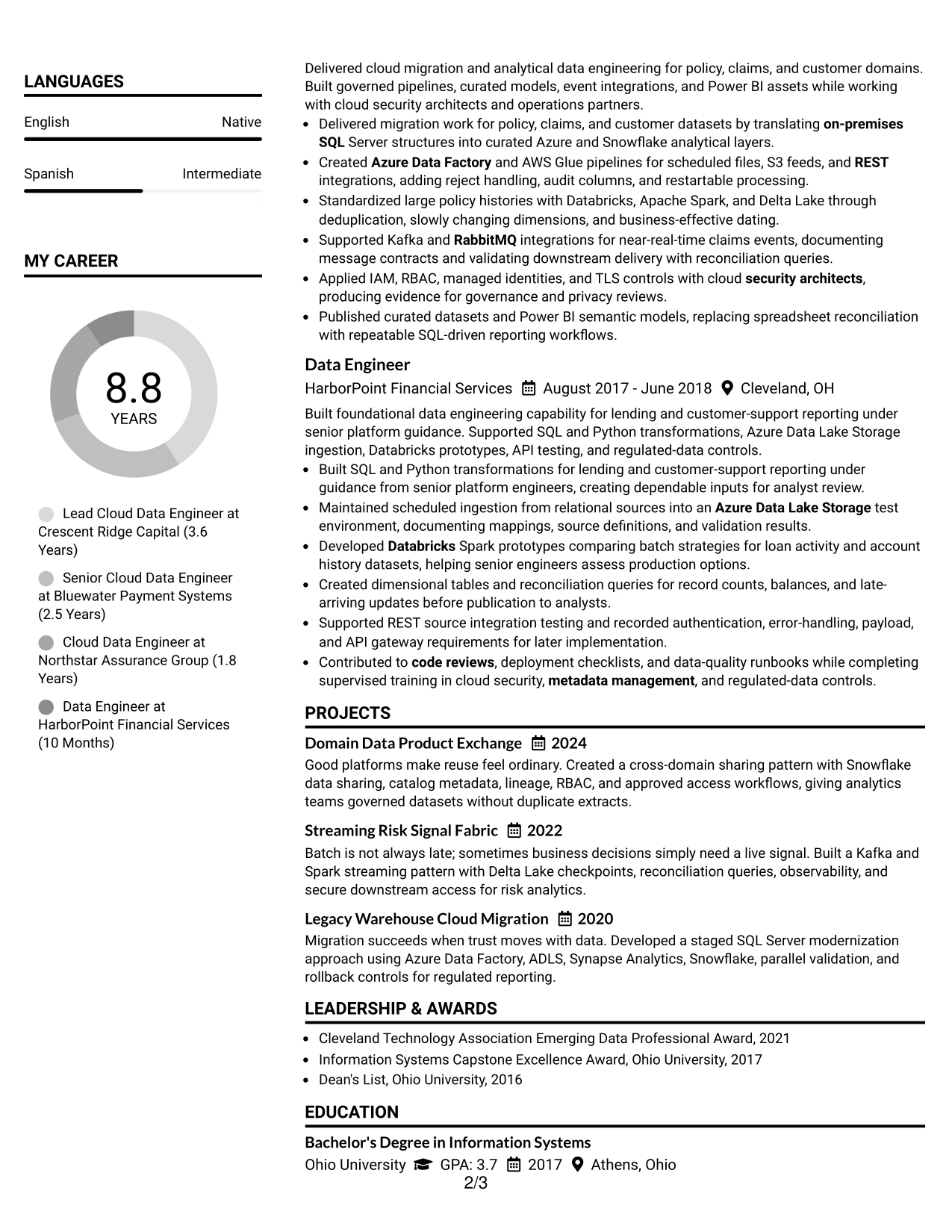
Why the Simple Two Column Format Works for a Resume
- The uncomplicated split keeps navigation quick.
- Experience bullets remain the main source of achievement evidence.
- A nearby skills area supports fast keyword confirmation.
- Projects add depth without forcing every detail into the work history.
- Certifications and education can be reviewed without searching the page.
- The format presents technical and leadership evidence in balanced proportions.
- Simple visual markers help separate sections while preserving readability.
Best For
- Resumes that need quick movement between experience and technical skills.
- Candidates with a mix of platform, security, and data modeling strengths.
- Applications where selected projects strengthen the main employment record.
- Professionals who prefer a restrained two-column presentation.
- Documents that must show credentials without taking attention from achievements.
- Technical resumes reviewed by readers who value clear section boundaries.
- Candidates presenting both hands-on delivery and mentoring responsibilities.
#8 Text/Fang Style Resume Example
Readers can move straight down the Text/Fang Style resume, using strong text labels to find the summary, experience, projects, education, certifications, and skills. The one-column flow gives each section room to carry useful detail without competing sidebars.
That extra content capacity is valuable for a Lead Cloud Data Engineer resume with several platforms and integration patterns. The record can show Azure Data Factory, AWS Glue, Spark, Kafka, Snowpipe, APIs, security controls, and data quality practices while keeping each claim tied to actual work.
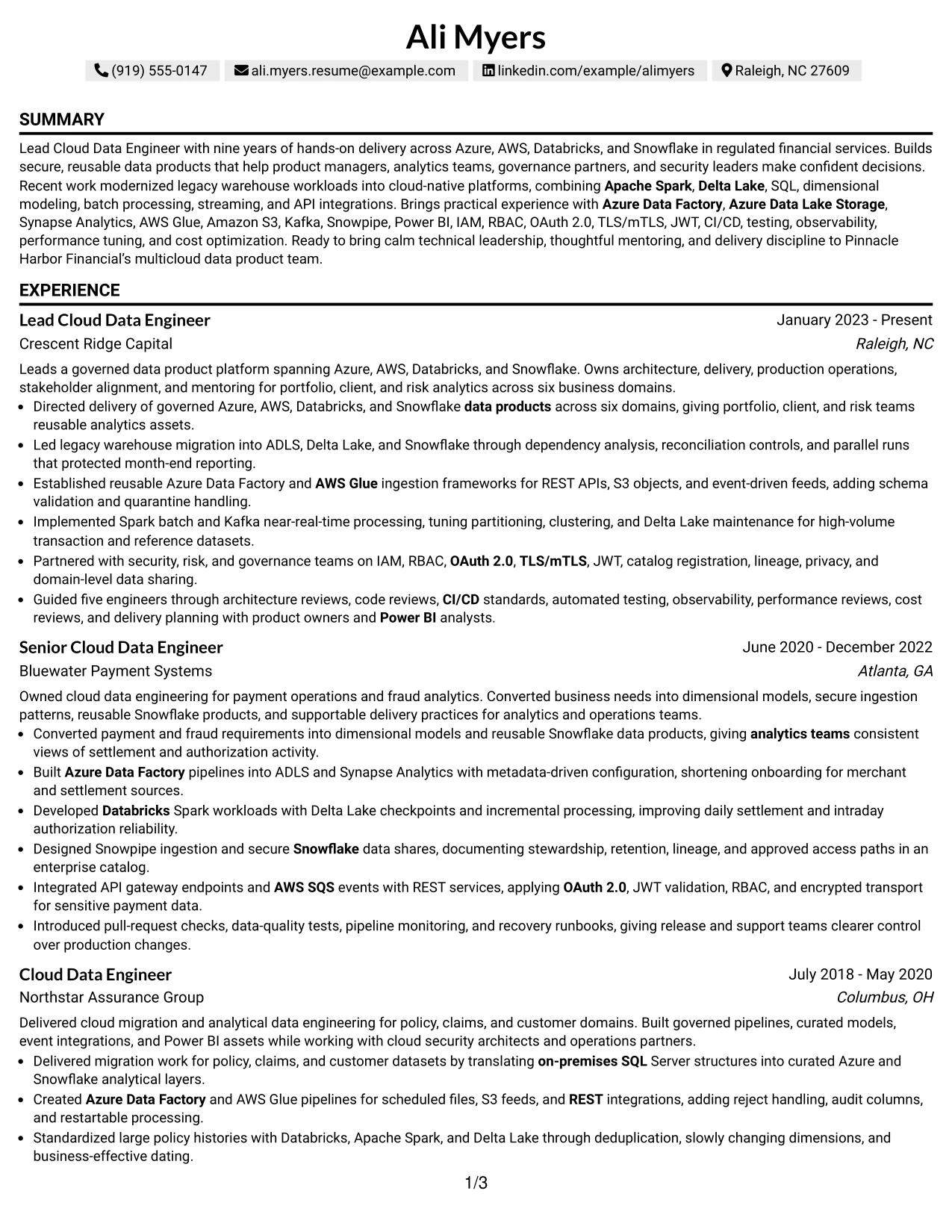
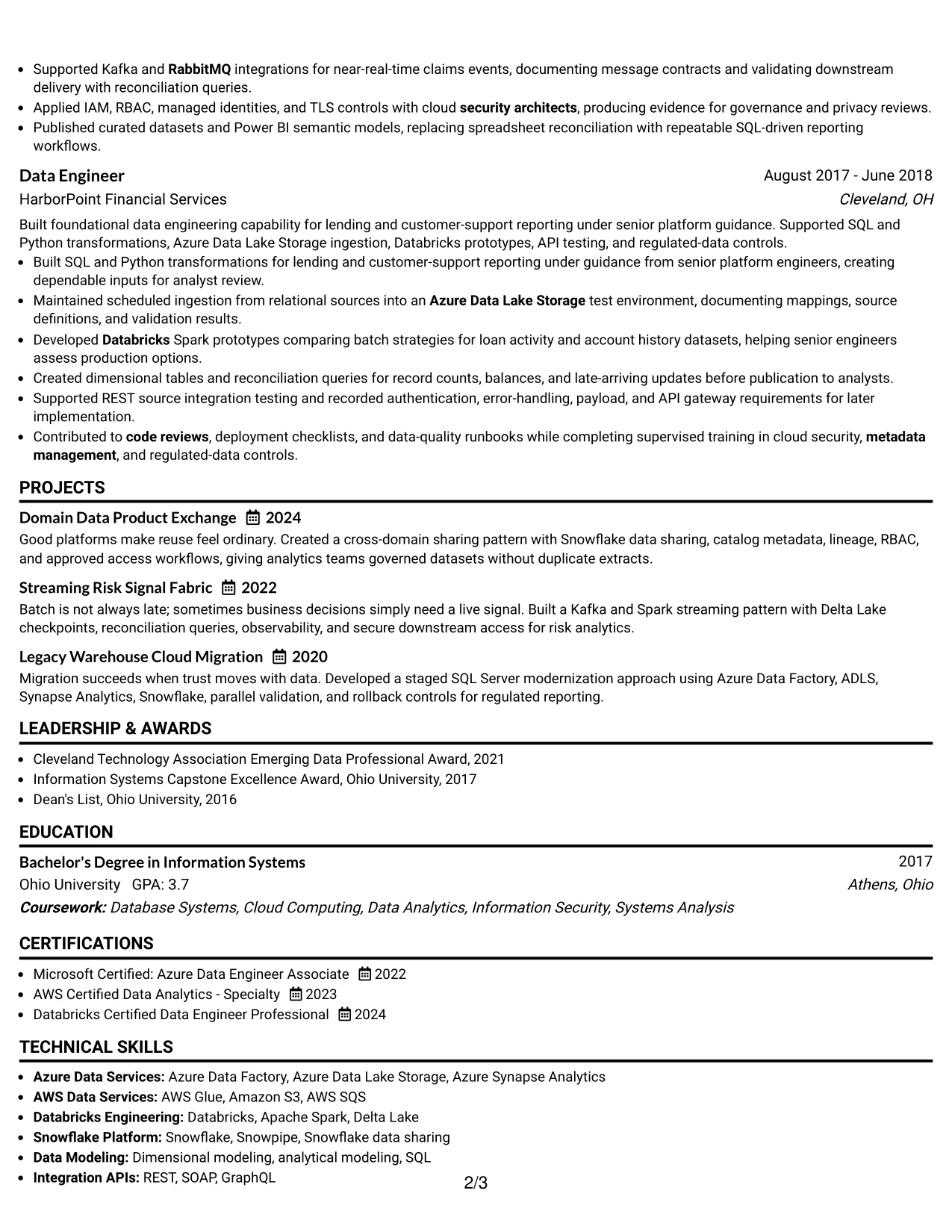
Why the Text/Fang Style Works for a Resume
- Strong text labels make long content easier to navigate.
- One-column flow keeps employment dates and bullets in sequence.
- The format supports a detailed summary without a crowded header.
- Multiple projects can be explained with concise, useful descriptions.
- Skills can include platforms, integrations, security, and operations.
- Experience bullets connect tools to delivery rather than listing them alone.
- The plain structure remains suitable for ATS-focused review.
Best For
- Professionals with a wide technical vocabulary that needs careful grouping.
- Resumes where content depth matters more than visual decoration.
- Candidates documenting several integration, messaging, and security patterns.
- Applications that benefit from a complete project and certification record.
- Documents needing a clear one-column sequence for automated parsing.
- Technical specialists whose evidence depends on precise tool-and-result pairings.
- Readers who prefer labeled sections and substantial but orderly content.
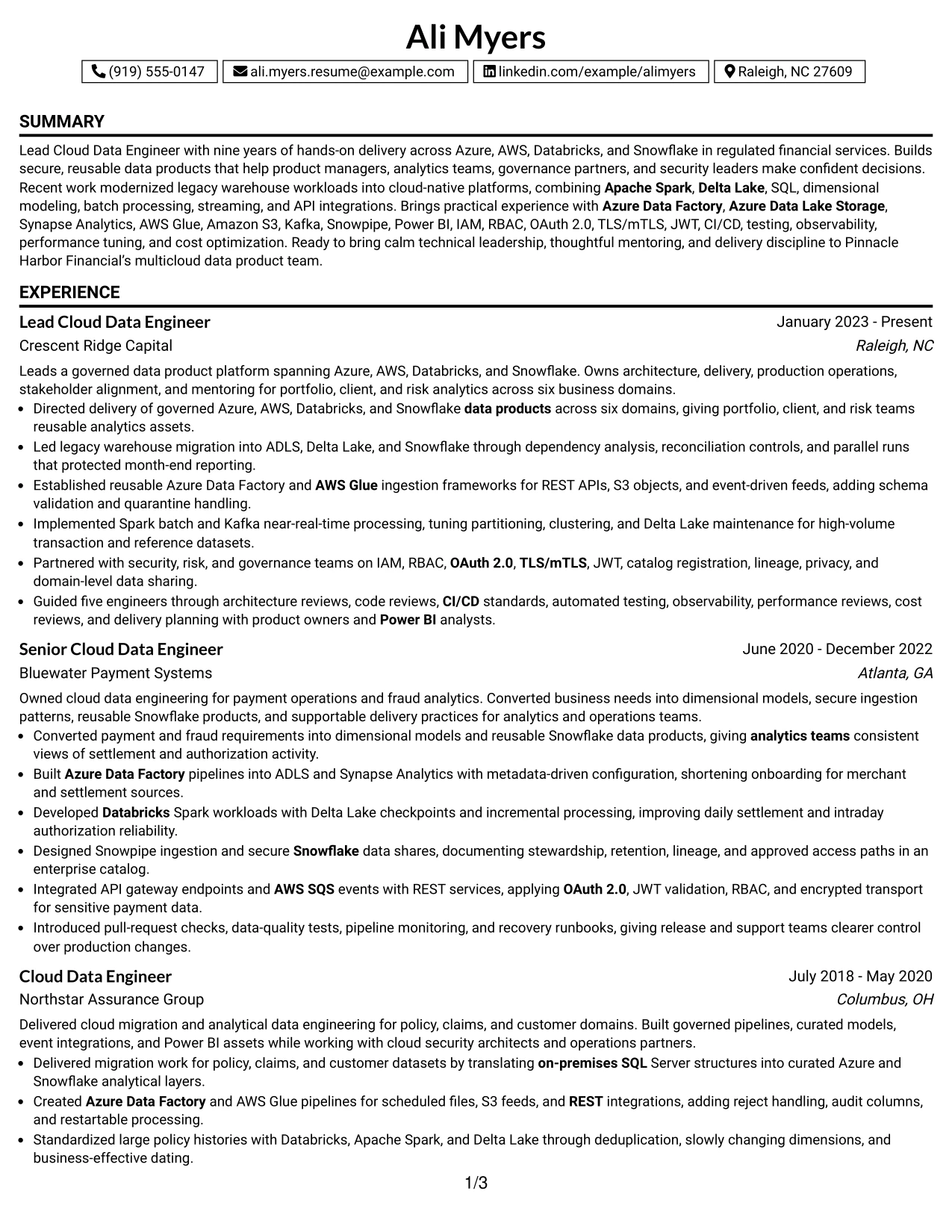
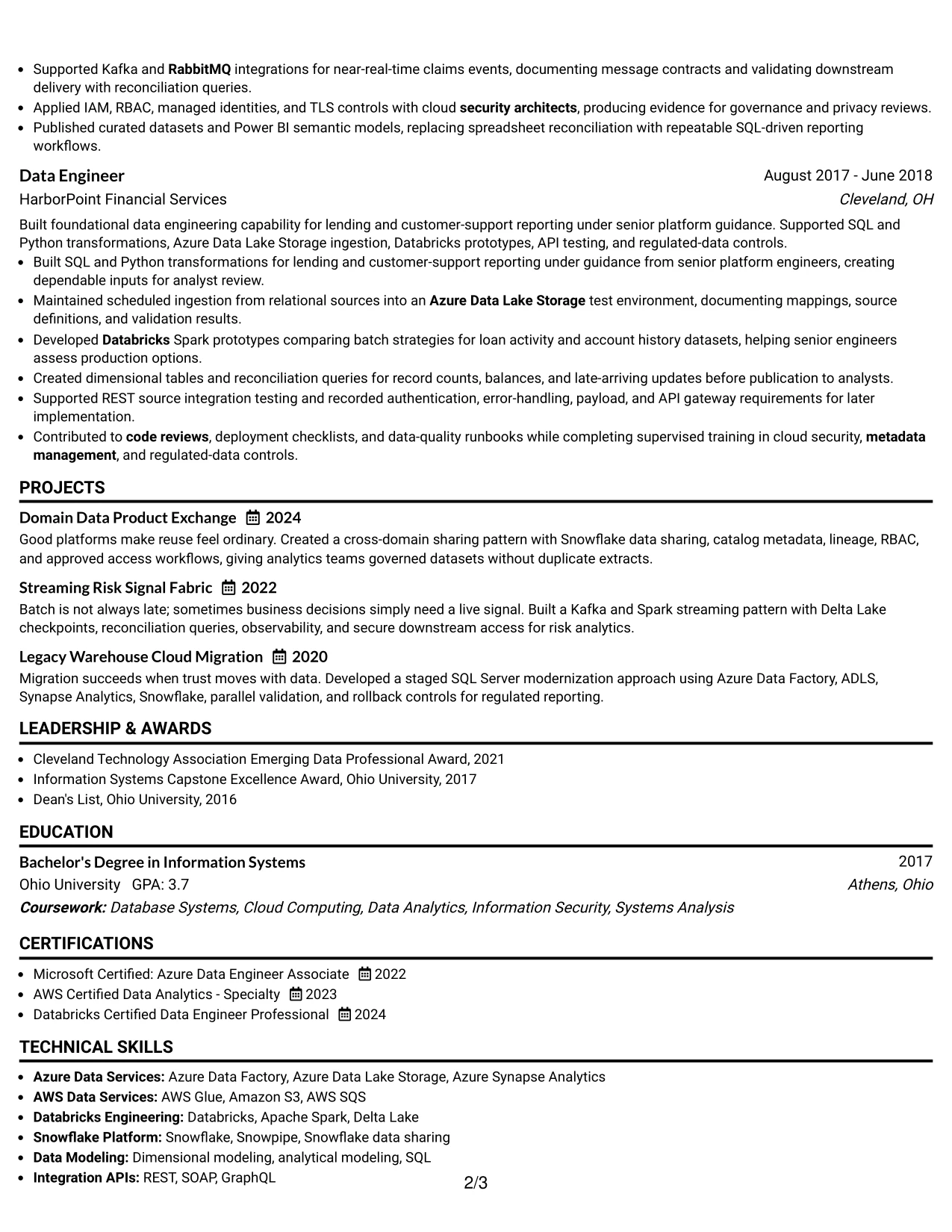
#9 One Column Boxed Contact Header Format Resume Example
The strongest evidence appears below a clearly boxed contact header in this One Column Boxed Contact Header Format. Once the reader confirms the target role and contact details, the summary and experience sections can focus on platform delivery, secure design, and results without visual distractions.
For this application, the format gives priority to proof such as six business domains, protected month-end reporting, reusable ingestion frameworks, and guidance for five engineers. Projects, certifications, and skills then reinforce the same Lead Cloud Data Engineer story.
Why the One Column Boxed Contact Header Format Works for a Resume
- The contact header makes the target role and details immediately visible.
- The one-column body gives evidence a consistent reading path.
- Achievement bullets can lead with scope, action, and technical method.
- Projects extend the proof beyond standard employment bullets.
- Certifications support the cloud focus near the end of the document.
- Skills remain searchable without interrupting the experience narrative.
- The boxed header creates separation while keeping the body ATS-friendly.
Best For
- Applications that need contact details and target role confirmed at once.
- Resumes where achievement evidence should dominate the body of the page.
- Candidates with strong scope indicators such as domains, teams, or reporting responsibility.
- Documents that combine a focused work history with a short project portfolio.
- Professionals who want credentials to support rather than lead the narrative.
- ATS-conscious applications needing a straightforward body structure.
- Technical resumes that benefit from a strong start and uncluttered evidence sections.
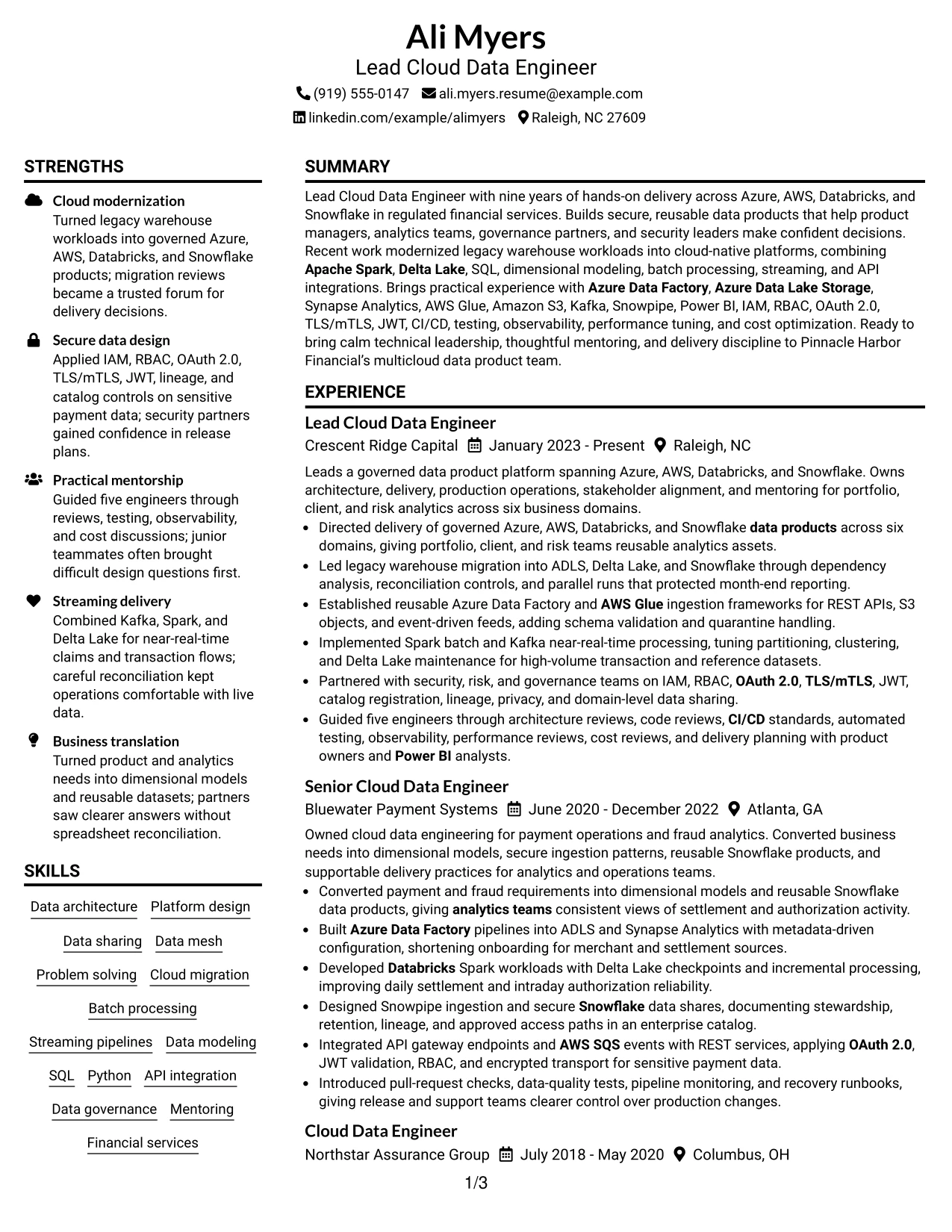
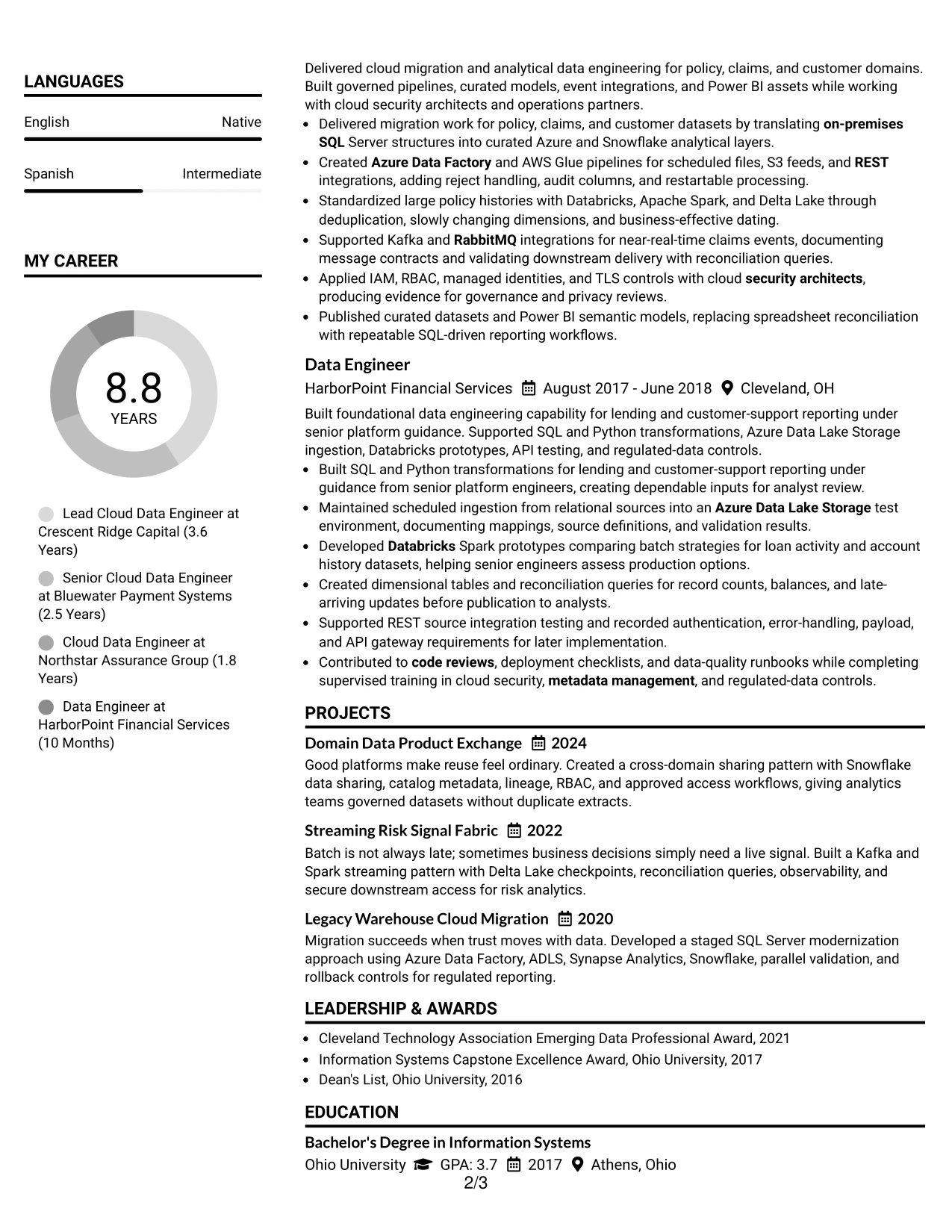
#10 Plain Two Column Format Resume Example
Balanced space lets a practical reviewer compare the resume's core evidence with its supporting details. Plain Two Column Format can place experience and projects in one column while keeping skills, education, certifications, and contact information visible in the other.
Ali Myers's resume snapshot makes the application context especially clear: Lead Cloud Data Engineer, nine years of experience, multicloud delivery, and regulated financial services. The keyword section reinforces terms such as Azure Data Factory, Databricks, Snowflake, Apache Spark, data sharing, and CI/CD.
Resume Snapshot
- Lead Cloud Data Engineer with nine years of experience
- Azure, AWS, Databricks, and Snowflake delivery
- Regulated financial services data platforms
- Cloud migration, streaming, governance, and secure data sharing
Why the Plain Two Column Format Works for a Resume
- Two columns balance detailed evidence with quick-reference information.
- The snapshot gives reviewers an immediate view of role alignment.
- Experience bullets can explain architecture, delivery, and operations.
- A keyword area supports searches for cloud and data engineering terms.
- Projects show practical application of migration and streaming patterns.
- Certifications confirm Azure, AWS, and Databricks knowledge.
- The plain structure keeps the document readable and ATS-conscious.
Resume Keywords
- Lead Cloud Data Engineer
- Azure Data Factory
- Azure Data Lake Storage
- AWS Glue
- Databricks
- Apache Spark
- Delta Lake
- Snowflake
- Snowpipe
- Data sharing
- Data mesh
- Dimensional modeling
- Kafka
- IAM and RBAC
- CI/CD and observability
#11 Colored Two Column Format Resume Example
A practical application benefits from clear visual grouping, and Colored Two Column Format uses restrained color to distinguish supporting details from the main record. One column can hold skills, certifications, and education, while the other presents experience and projects in chronological order.
The color should guide the eye, not replace evidence. Here, readers can connect multi-cloud architecture, secure integrations, Spark processing, and governed datasets to concrete work at Crescent Ridge Capital, Bluewater Payment Systems, and Northstar Assurance Group.
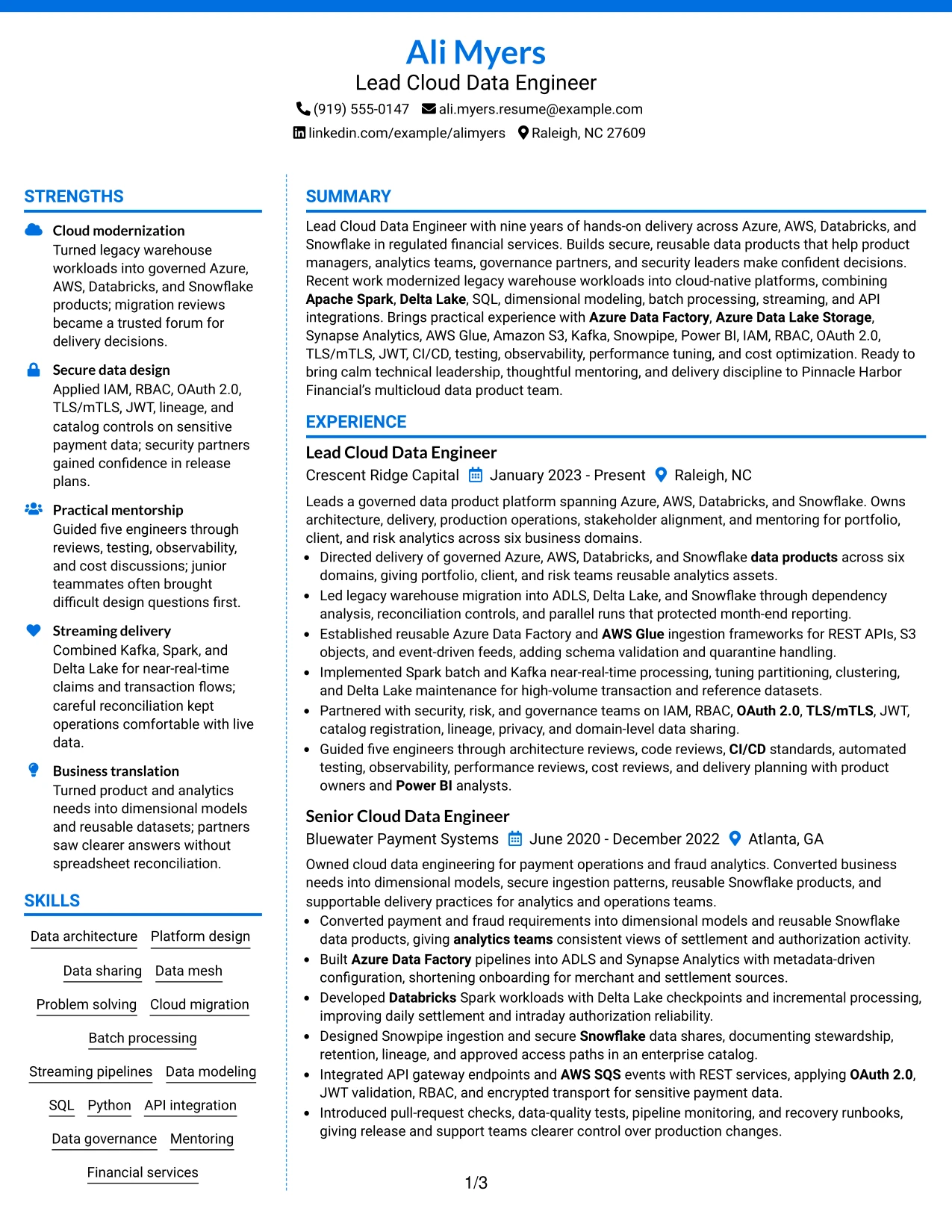
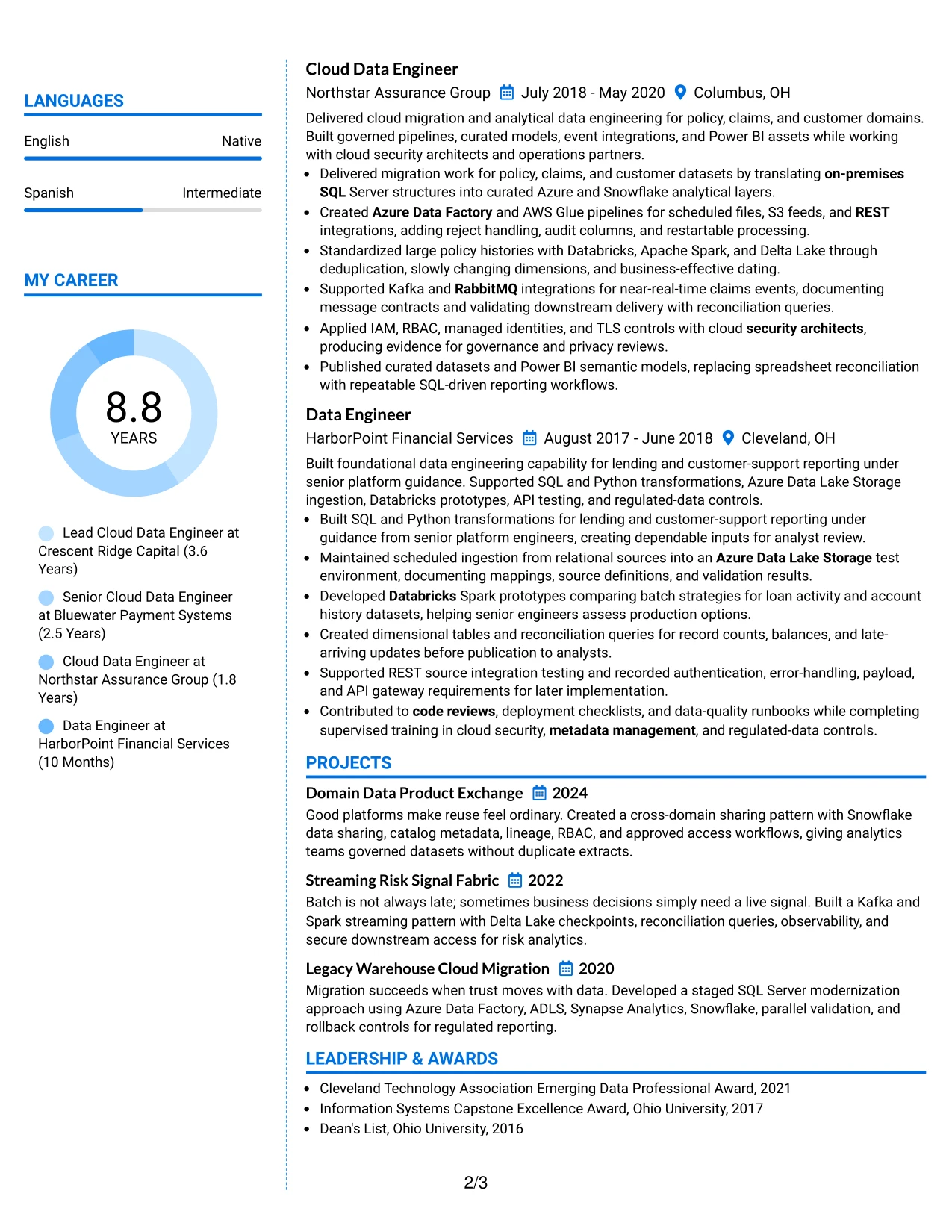
Why the Colored Two Column Format Works for a Resume
- Color creates section separation without requiring long labels.
- The main column leaves room for detailed employment evidence.
- A supporting column keeps skills and credentials available during review.
- Projects add proof of data sharing, streaming, and migration work.
- The structure supports a clear chronological experience record.
- Technical keywords remain visible while bullets provide context.
- Restrained color can improve navigation without weakening professional readability.
Best For
- Applications that benefit from gentle visual grouping without heavy decoration.
- Candidates presenting several employers, projects, and technical credentials.
- Resumes that need skills visible while the reviewer studies experience.
- Professionals combining cloud architecture with secure integration work.
- Documents where color can guide navigation but should not carry meaning alone.
- Technical applications requiring both keyword visibility and detailed proof.
- Candidates seeking a polished two-column layout with a clear work-history path.
#12 One Column Shaded Contact Header Format Resume Example
A restrained visual hierarchy gives the resume a calm, professional impression. The shaded contact header separates Ali Myers's details from the main content while the single-column flow keeps the professional summary, experience, projects, education, certifications, and skills easy to follow.
For a Lead Cloud Data Engineer resume, this structure gives important evidence room to stand out. Strong keywords such as Azure Data Factory, Databricks, Snowflake, Apache Spark, data sharing, and governance can appear naturally in the summary, experience bullets, and skills section without competing with side content.
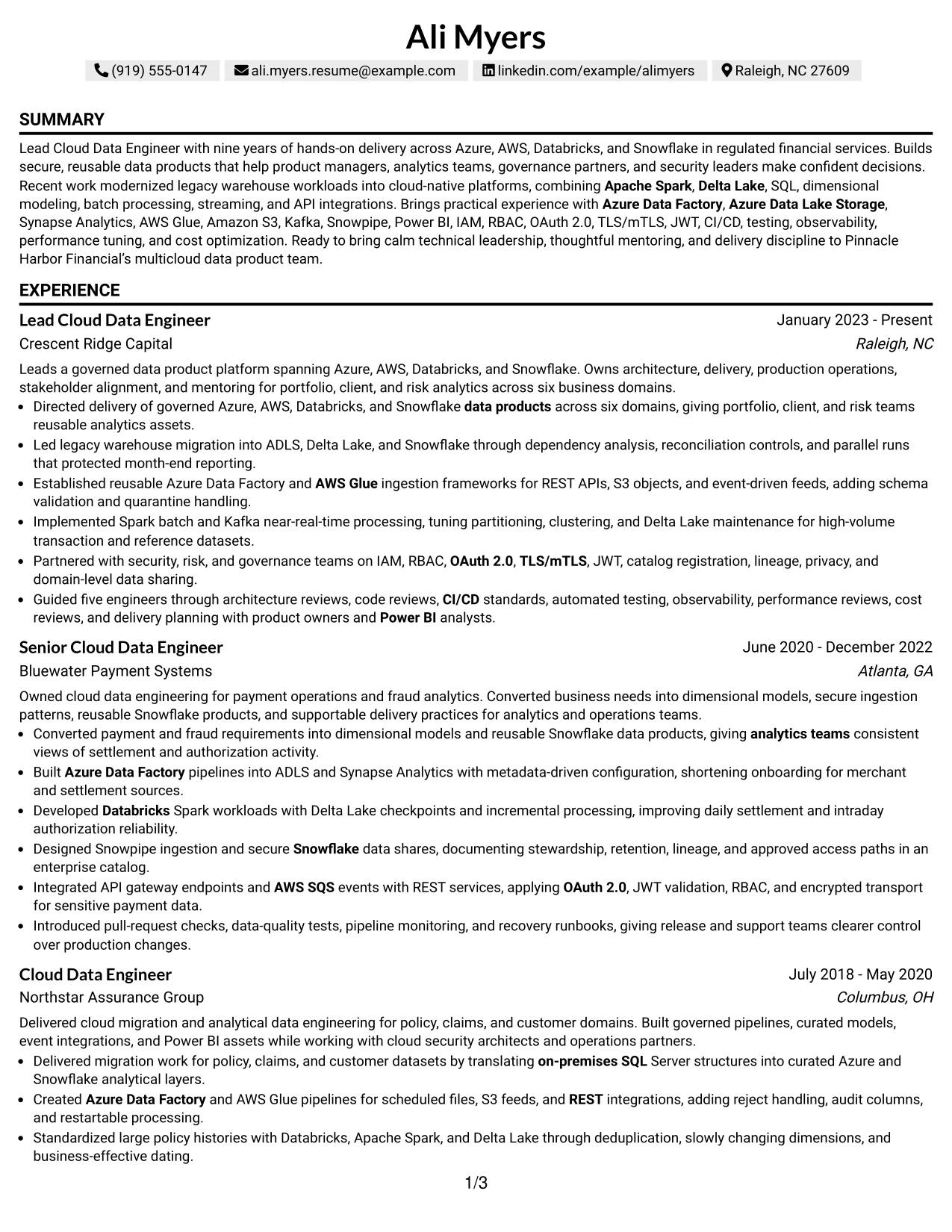
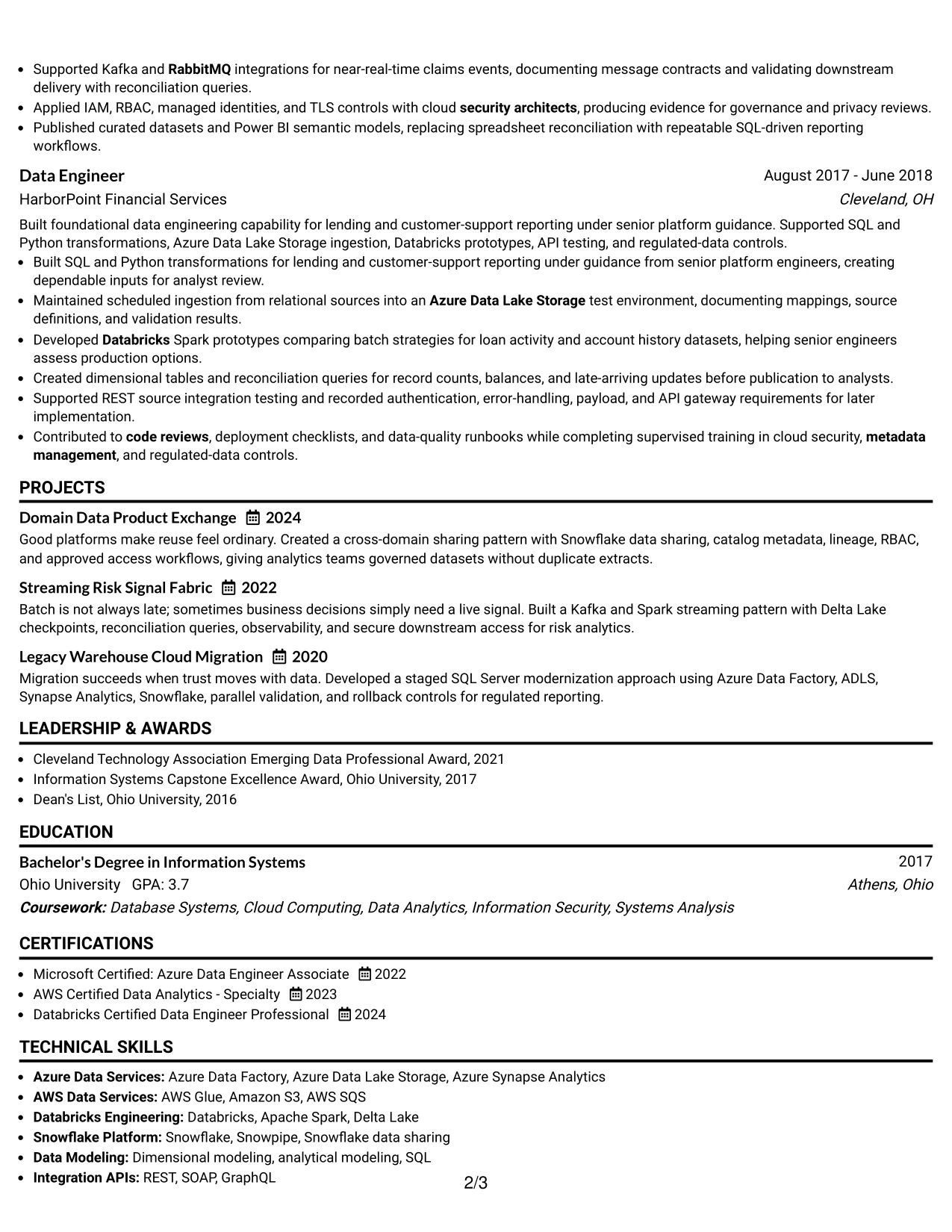
Why the One Column Shaded Contact Header Format Works for a Resume
- A single reading path supports fast recruiter scanning.
- The shaded header gives contact details a clear starting point.
- The summary can connect cloud platforms with regulated financial services experience.
- Full-width bullets provide space for migration work, security controls, and platform delivery.
- ATS systems can more easily follow standard section order and text flow.
- Projects and certifications can sit below experience without creating visual confusion.
- The layout supports measurable evidence such as six business domains and mentorship of five engineers.
Best For
- Resumes that need a clear connection between the target role and recent platform work.
- Candidates presenting several cloud platforms in a straightforward order.
- Applications where ATS readability is more important than decorative design.
- Professionals who need full-width bullets for complex delivery evidence.
- Resumes combining experience, projects, certifications, and technical skills.
- Financial services applications that benefit from a formal and organized presentation.
- Candidates who want the summary and keyword-rich skills section reviewed before detailed history.
#13 Boxed Contact Header with Job Title Format Resume Example
The Boxed Contact Header with Job Title Format places the target role near the top and gives the contact area a defined boundary. That structure helps a reader confirm the document's purpose before moving through the summary, experience, projects, education, certifications, and skills.
The boxed header also creates a useful separation between identity and evidence. Below it, concise bullets can show legacy migration, batch and near-real-time processing, secure data sharing, API integration, and mentoring, while standard labels keep the resume simple for ATS review.
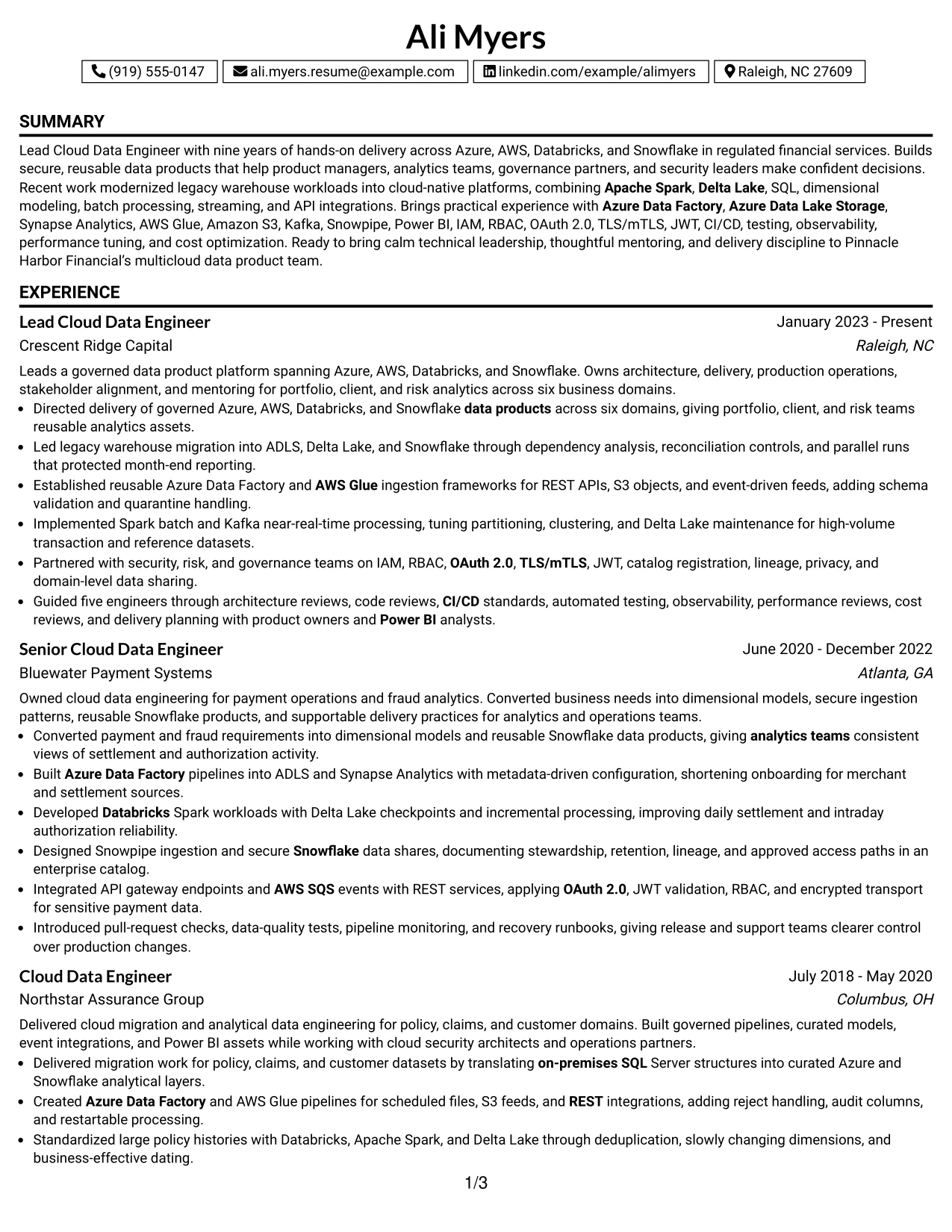
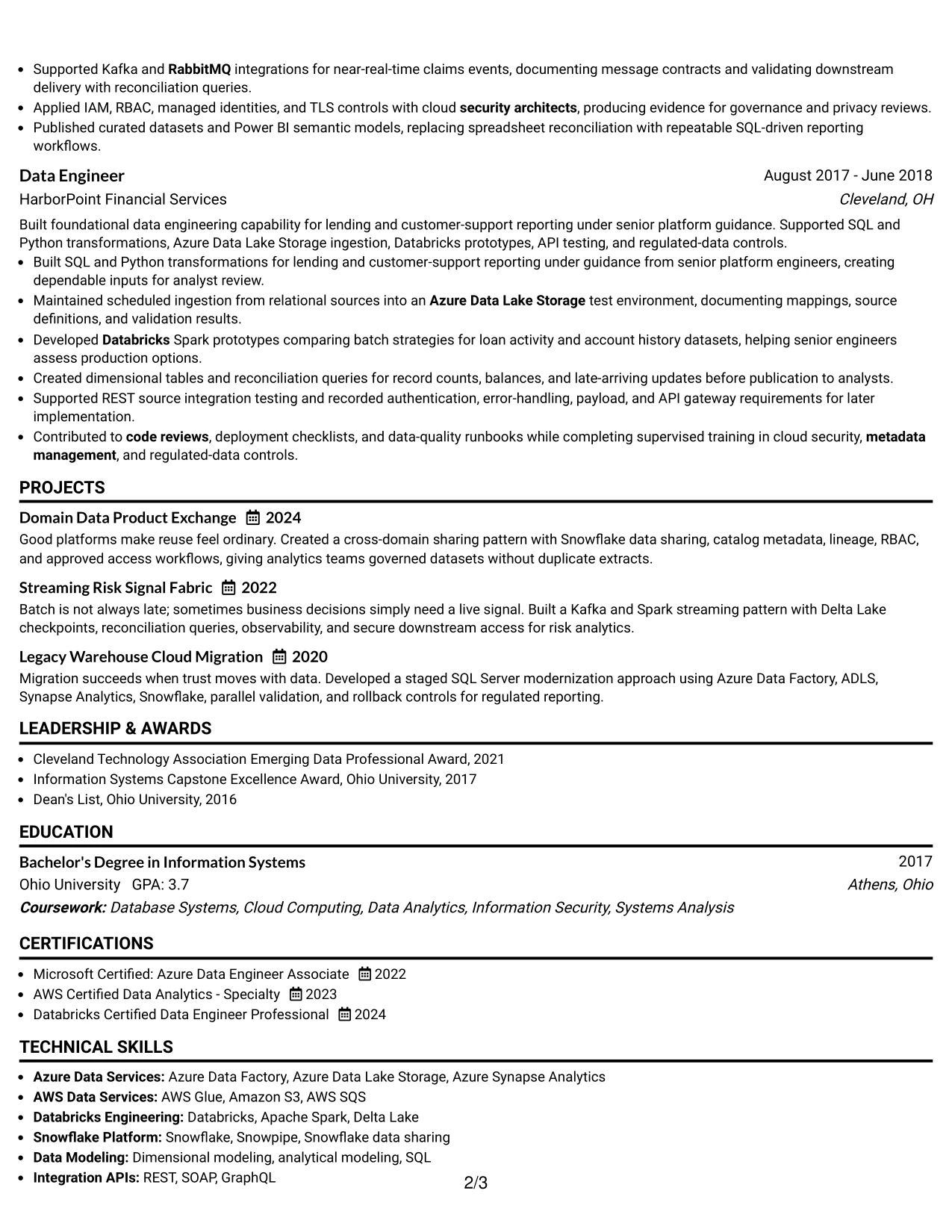
Why the Boxed Contact Header with Job Title Format Works for a Resume
- The job title is visible before the reader reaches the detailed sections.
- A defined contact box makes essential details easy to locate.
- Standard headings support predictable ATS parsing.
- The summary can quickly present nine years of relevant delivery experience.
- Experience bullets can match the job description with specific platforms and methods.
- Projects and certifications add evidence without changing the main reading order.
- The design keeps a polished appearance while protecting content clarity.
Best For
- Applications that require the target role to be immediately clear.
- Resumes with a strong summary followed by detailed technical experience.
- Candidates matching several job-description keywords across multiple sections.
- Readers who prefer firm visual boundaries between contact details and qualifications.
- Documents that need standard headings for reliable ATS extraction.
- Cloud data resumes with both platform evidence and governance responsibilities.
- Professionals who want a polished header without a complex page structure.
#14 Stylish Two Column Designer Format Resume Example
Readers can move from the contact area to a focused skills sidebar and then across to the summary and experience content. The two-column arrangement gives quick access to cloud platforms, security methods, certifications, and education while preserving a wider area for achievement bullets.
That balance suits a detailed Lead Cloud Data Engineer resume with several roles, projects, and technical domains. The main column can carry migration results, Spark processing, Snowflake products, and governance work; the supporting column can collect keywords that help a recruiter and ATS recognize the match.
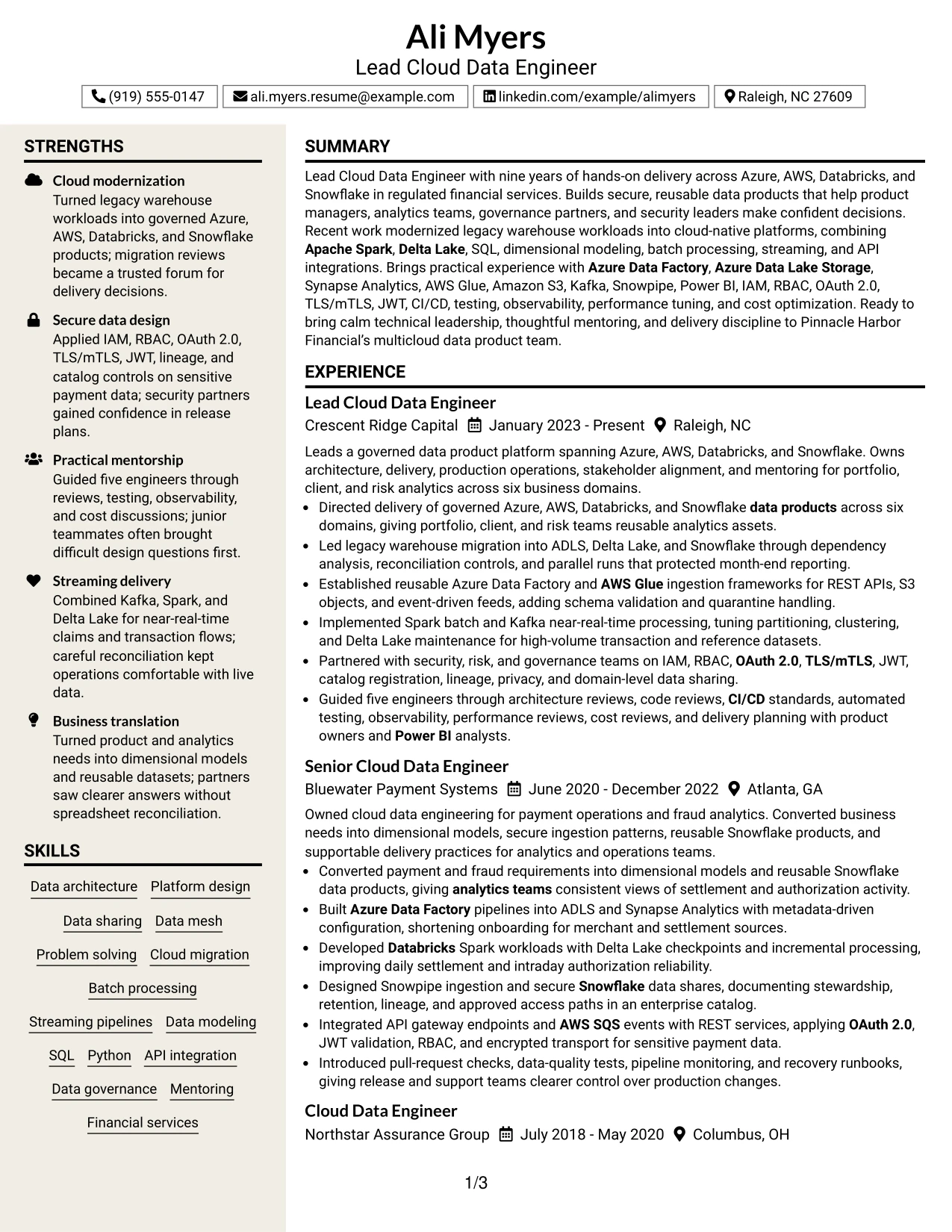
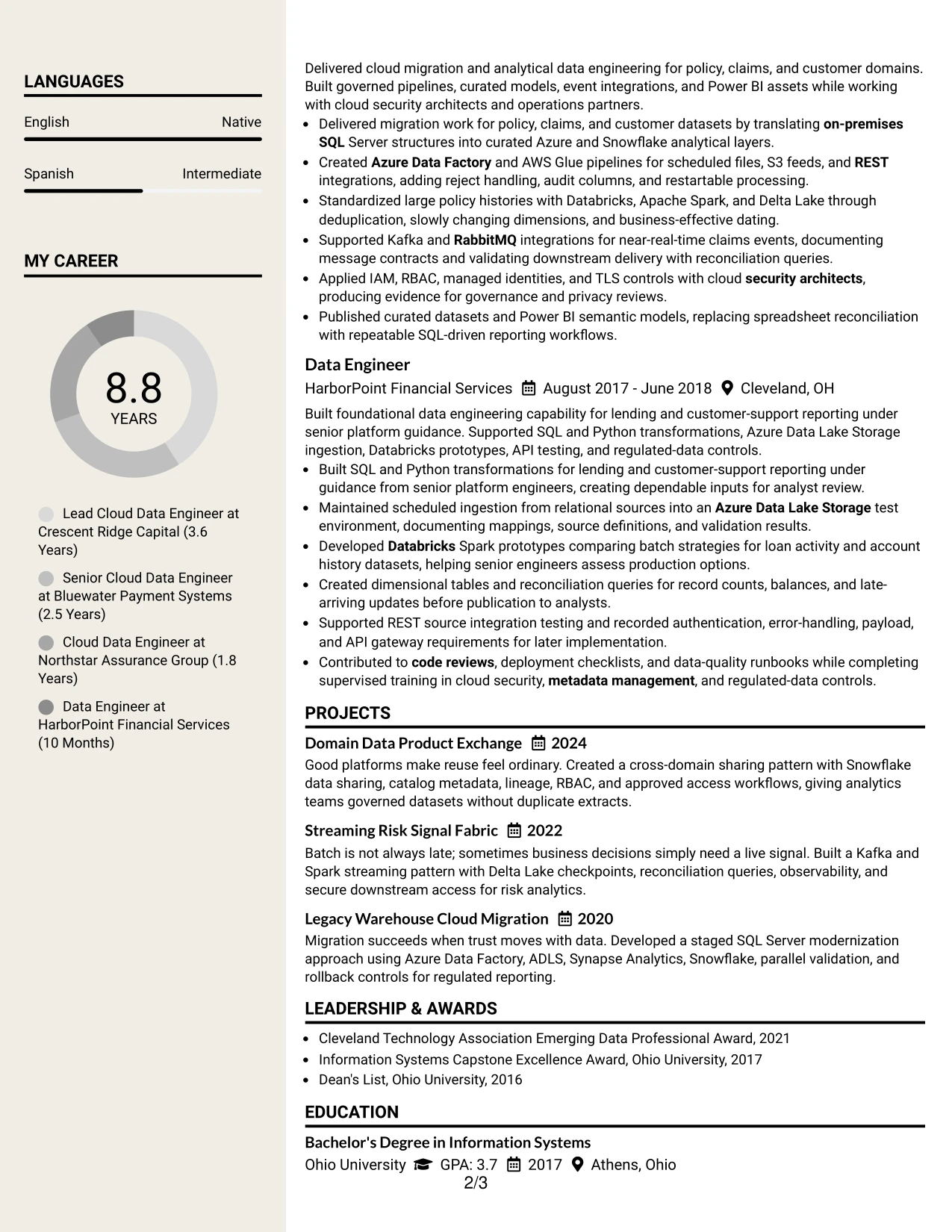
Why the Stylish Two Column Designer Format Works for a Resume
- The sidebar makes high-value skills visible during an initial scan.
- The main column preserves space for detailed experience bullets.
- Two columns can separate evidence from supporting qualifications.
- Cloud services and security terms can be grouped for quick comparison with the job description.
- Projects can reinforce migration and streaming experience without interrupting the employment timeline.
- Certifications and education remain visible without taking over the page.
- The format can present a broad technical profile in a compact structure.
Best For
- Resumes with a large, well-organized set of cloud and data skills.
- Candidates who need a sidebar for certifications, education, and core tools.
- Applications where detailed experience bullets need a wider main column.
- Professionals presenting both platform design and hands-on processing evidence.
- Documents that benefit from separating quick-scan keywords from career history.
- Resumes with projects that supplement, rather than replace, professional experience.
- Readers who want to compare skills and achievements without scrolling through one long column.
#15 Modern Icon Format Resume Example
Secure data platforms and delivery outcomes receive priority in this resume presentation. Small visual markers can guide the eye toward sections such as experience, skills, certifications, and projects, while the written content remains responsible for proving capability.
The format is especially useful when the resume must show both technical range and practical results. Bullets can connect Azure and AWS architecture with Apache Spark, Delta Lake, SQL modeling, data sharing, observability, and cost optimization, giving the reader evidence rather than a simple tool list.
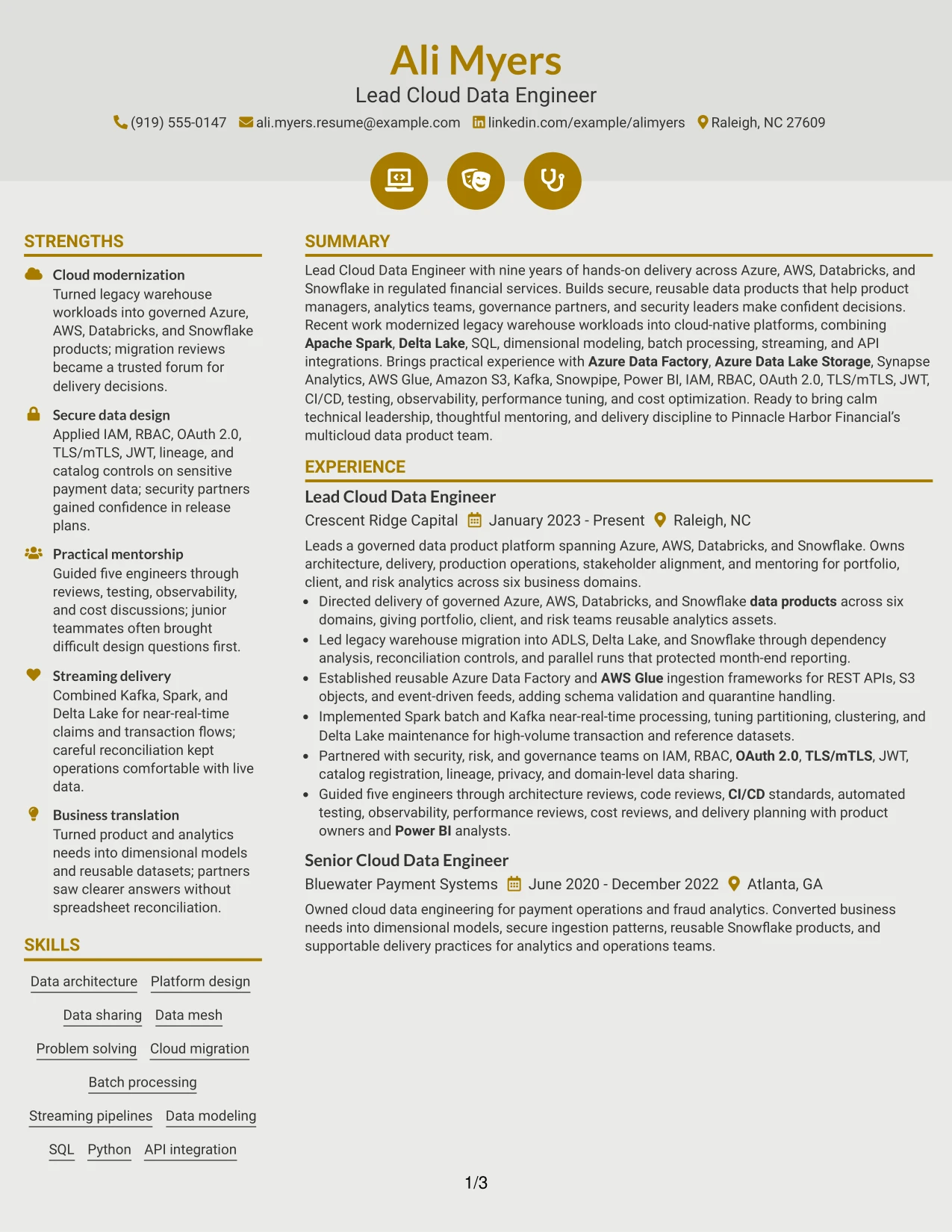
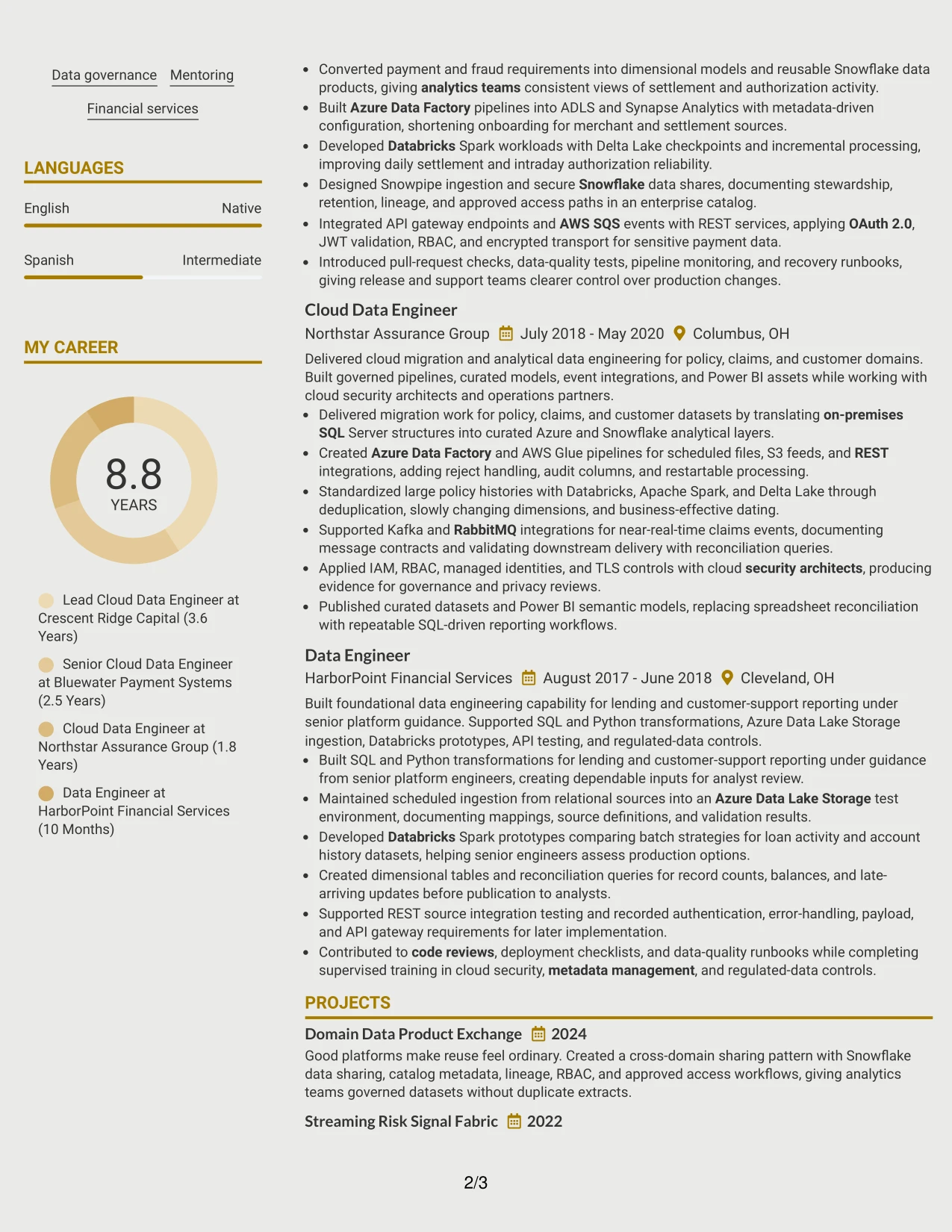
Why the Modern Icon Format Works for a Resume
- Visual markers help readers locate major resume sections quickly.
- The summary can establish cloud modernization and secure data design as leading themes.
- Experience bullets keep attention on delivery actions and outcomes.
- Technical skills can be grouped without overwhelming the employment history.
- Projects can show reusable data products and streaming patterns.
- Certifications provide concise proof of current platform knowledge.
- The design adds visual interest while the text remains searchable and specific.
Best For
- Resumes that need to foreground secure platform delivery.
- Candidates whose strongest evidence combines architecture decisions with implementation work.
- Applications that benefit from clear visual signposts between technical sections.
- Professionals showing both batch and near-real-time processing experience.
- Documents where projects provide useful proof beyond standard job bullets.
- Cloud specialists who want certifications and skills noticed during a rapid review.
- Resumes that must balance modern presentation with detailed technical language.
#16 Plain Professional Layout with Job Title & Shaded Labels Resume Example
Content is balanced through a simple header, clear labels, and generous room for the sections that carry the most proof. The job title and shaded labels help separate the summary, experience, projects, education, certifications, and skills without adding visual noise.
This approach fits an application that needs dependable review across several technical requirements. A reader can connect Azure Data Factory, AWS Glue, Databricks, Snowflake, security controls, data modeling, and CI/CD to specific work history bullets rather than searching through decorative elements.
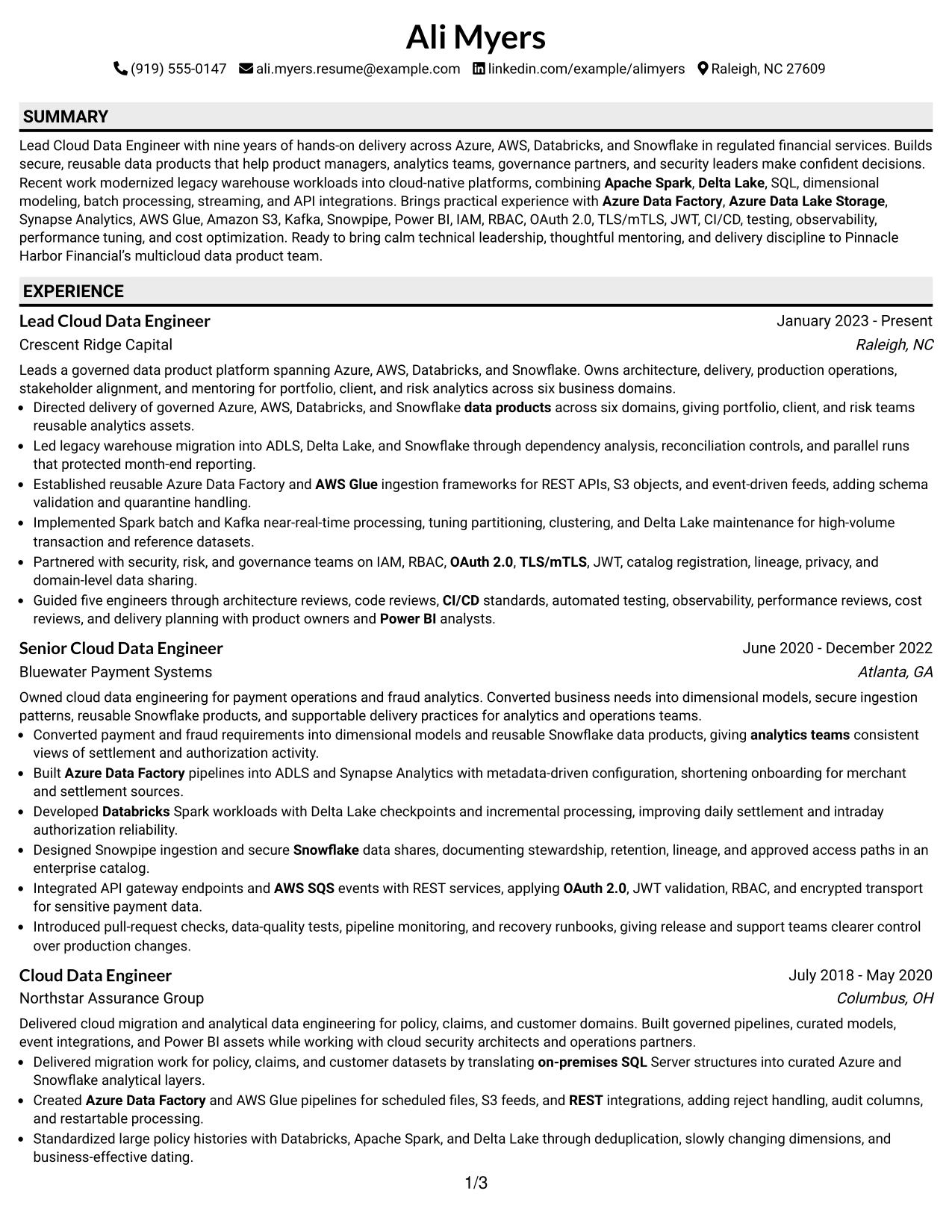
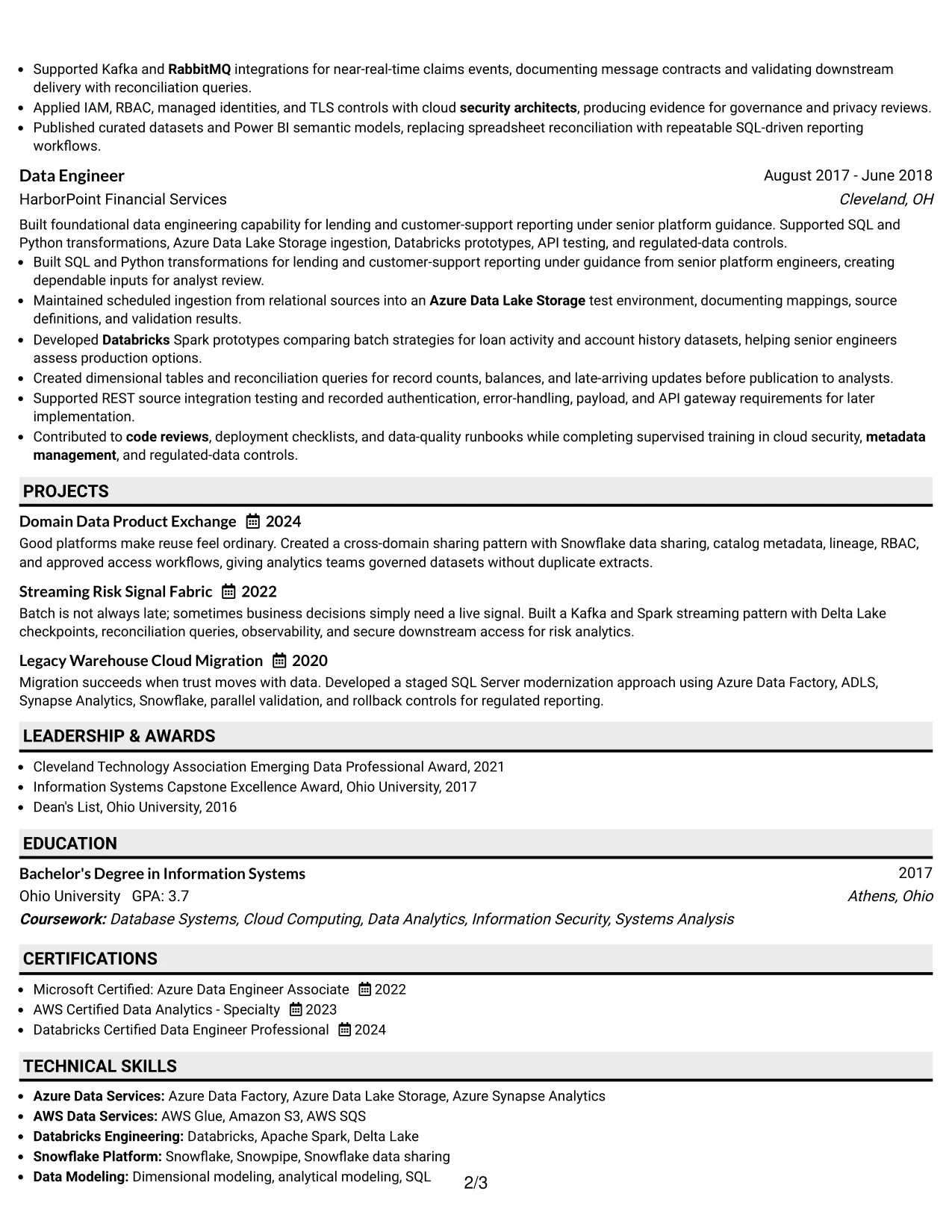
Why the Plain Professional Layout with Job Title & Shaded Labels Works for a Resume
- Shaded labels make section boundaries clear at a glance.
- The job title gives the resume an immediate application context.
- A plain structure supports reliable ATS reading and text extraction.
- Full-width experience bullets can explain complex platform work in sequence.
- Skills can mirror the job description without hiding the supporting evidence.
- Projects and certifications add relevant detail in clearly marked areas.
- The format keeps attention on actions, tools, controls, and results.
Best For
- Applications that call for a direct and highly readable resume.
- Candidates aligning a broad technical profile with a detailed job description.
- Documents that need clear labels for experience, skills, and certifications.
- Professionals whose evidence is strongest in chronological delivery bullets.
- Roles requiring both platform knowledge and secure engineering practices.
- Resumes reviewed by people who value clarity over visual decoration.
- Candidates who want a consistent structure for cloud, data, and governance content.
#17 Classic One Column Resume Format Resume Example
A practical application review often begins with the summary, then moves through recent experience, projects, skills, education, and certifications. The Classic One Column Resume Format supports that familiar sequence and gives every section the same straightforward reading path.
For this cloud data engineering application, the format lets the reader assess leadership, migration work, secure integration, and platform operations in context. It also gives ATS tools a clean structure for finding terms such as multicloud, Snowflake, Spark, data mesh, IAM, and Power BI.
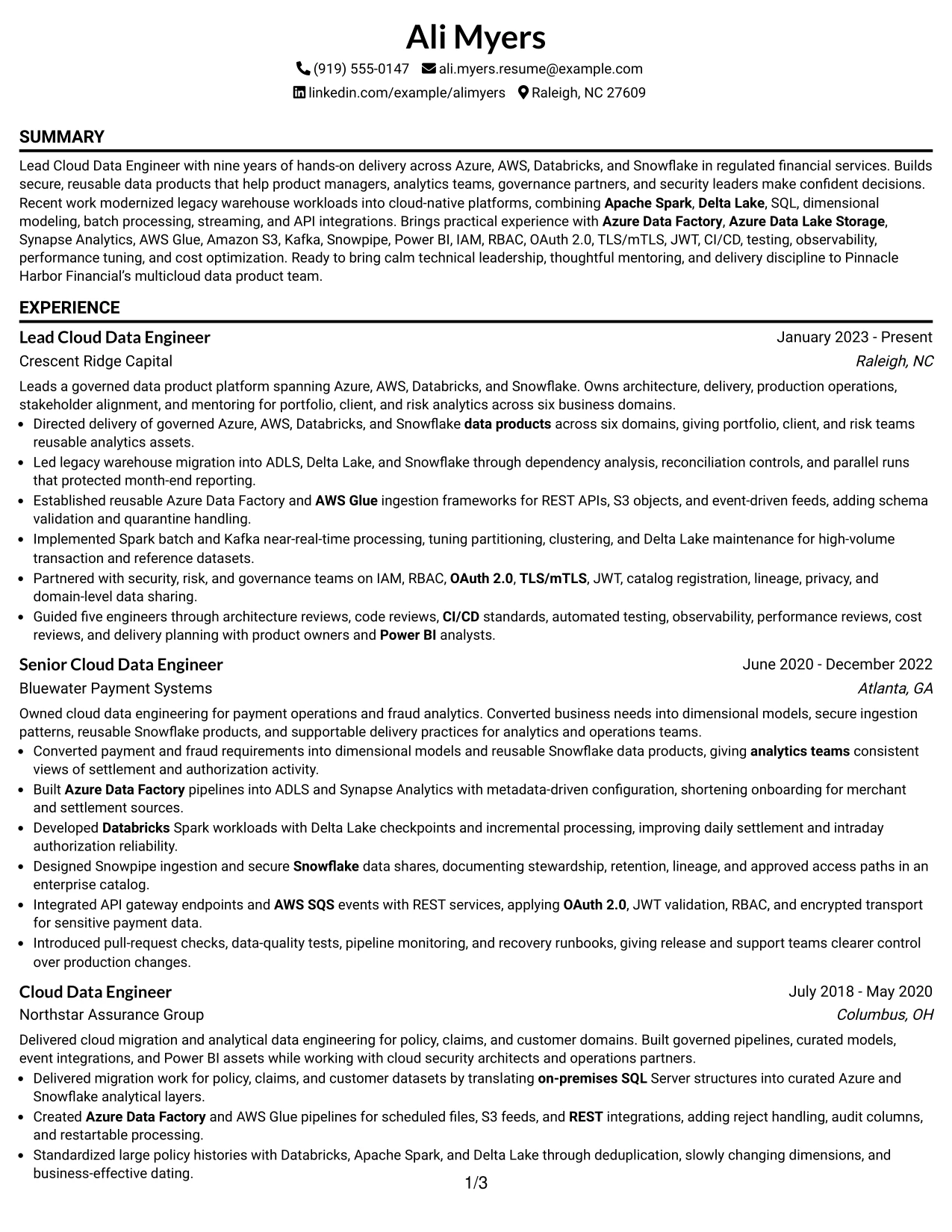
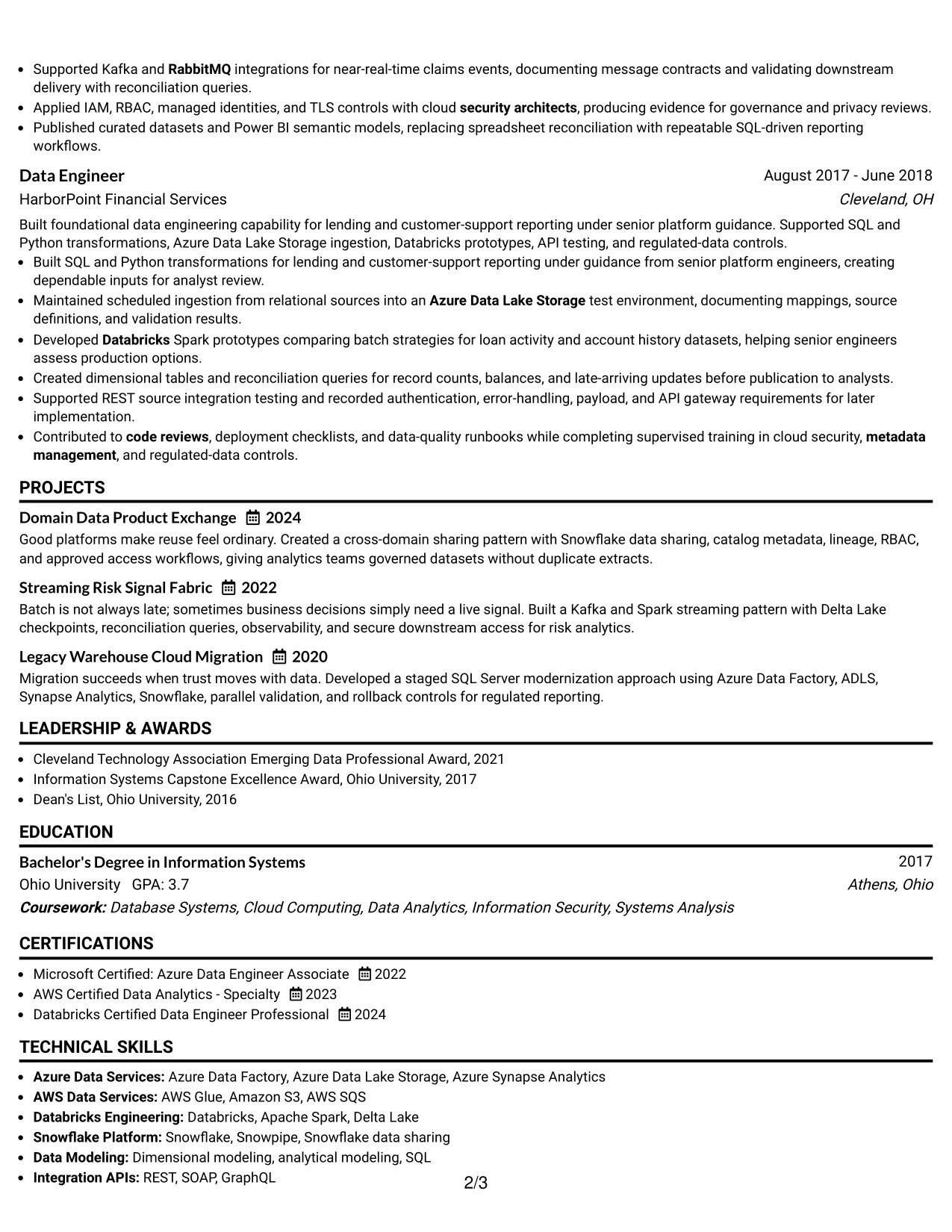
Why the Classic One Column Resume Format Works for a Resume
- The familiar order reduces effort during a first review.
- Recent leadership evidence appears before older technical foundations.
- Chronological bullets show growth from data engineering to lead responsibilities.
- A single column gives ATS systems a consistent text path.
- Projects can demonstrate migration and streaming patterns with concise descriptions.
- Certifications and education are easy to verify near the end.
- The format supports a serious presentation for regulated financial services work.
Best For
- Traditional application processes that favor familiar resume organization.
- Candidates whose career progression is important evidence.
- Professionals presenting several years of related cloud data work.
- Applications where ATS systems need a simple, linear document structure.
- Resumes that combine chronological experience with selected technical projects.
- Readers who want to compare recent leadership with earlier engineering foundations.
- Candidates seeking a dependable format for regulated or formal business settings.
#18 One Column Format with Photo Resume Example
A clean one-column hierarchy creates a restrained visual character, while an optional professional photo can add a personal point of recognition where local application norms allow it. The photo should remain secondary to the resume's title, summary, experience, projects, skills, education, and certifications.
The written structure remains strong for a Lead Cloud Data Engineer application. Full-width bullets can show governed data products, Azure and AWS delivery, Spark and Kafka processing, secure access patterns, and mentorship without forcing important evidence into narrow side panels.
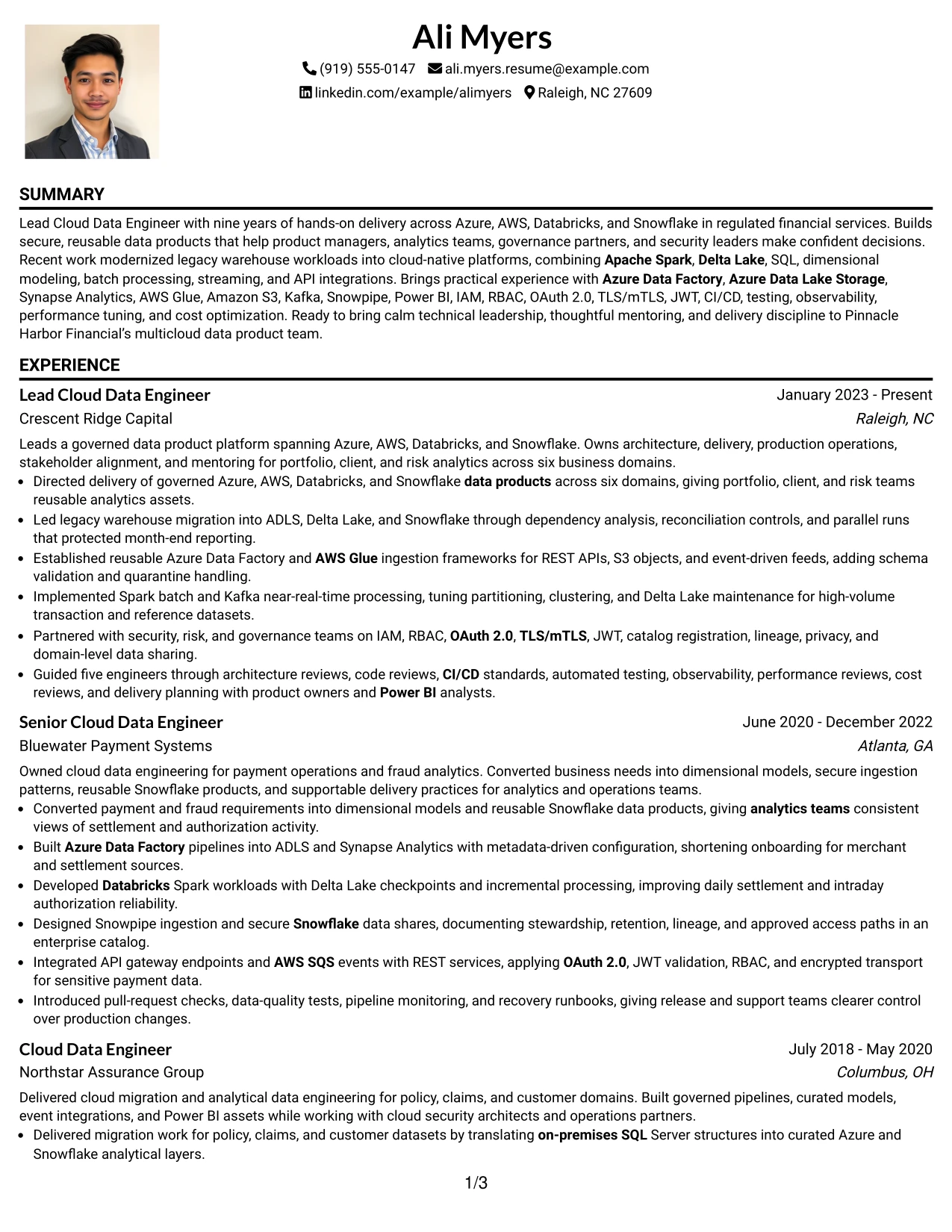
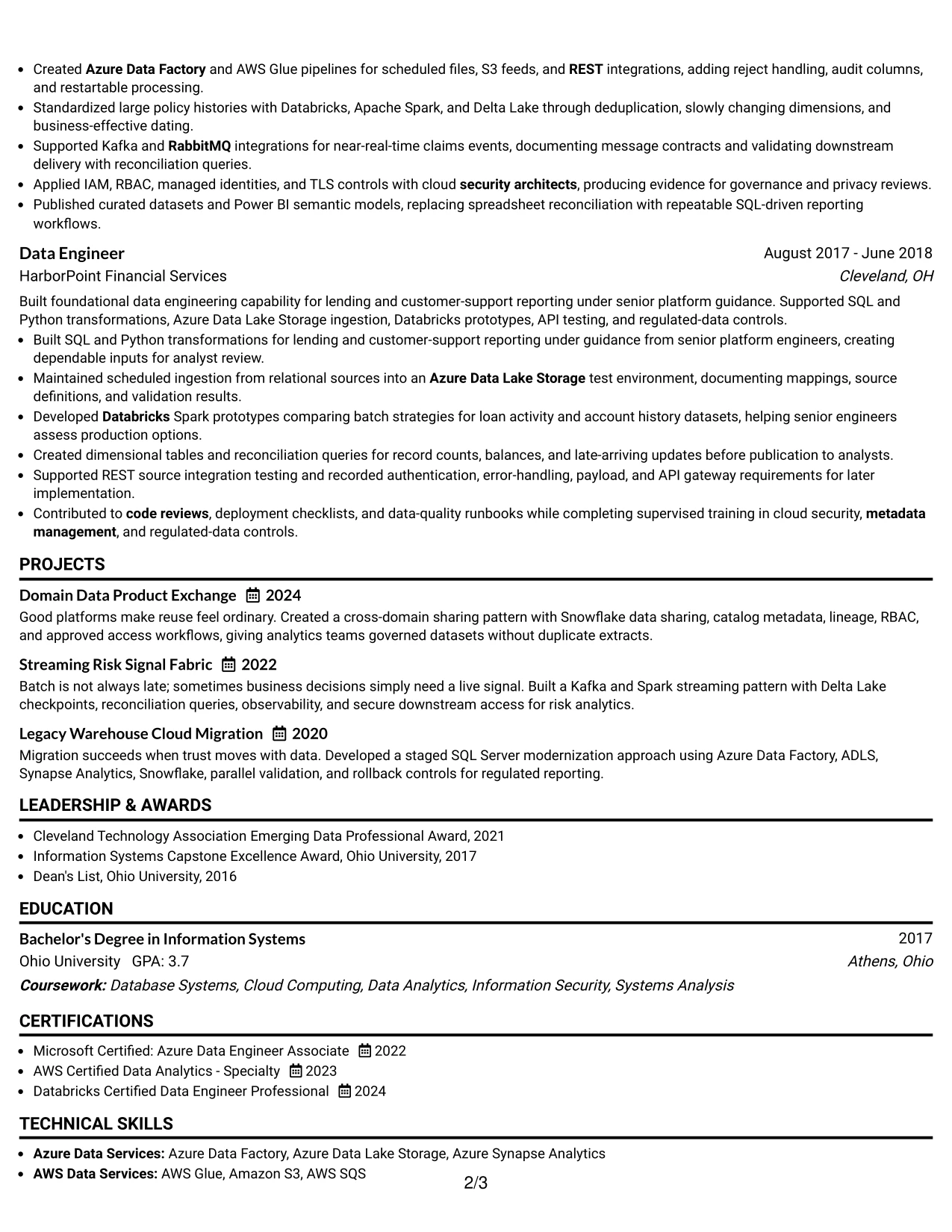
Why the One Column Format with Photo Works for a Resume
- The one-column flow keeps the professional evidence easy to scan.
- A professional photo can support recognition when appropriate for the application context.
- The header still leaves room for contact details and the target job title.
- Full-width bullets support detailed cloud migration and platform evidence.
- Standard section order helps ATS tools process the written content.
- Projects and certifications can extend the profile without disrupting experience.
- The visual balance keeps the photo subordinate to qualifications and achievements.
Best For
- Applications in contexts where a professional photo is accepted and useful.
- Candidates who want a personal visual introduction without a multi-column page.
- Resumes requiring full-width space for complex technical achievements.
- Professionals presenting leadership, platform delivery, and mentoring together.
- Documents that need a clear sequence for experience, projects, and certifications.
- Applications where written keywords must remain easy for ATS tools to read.
- Candidates who can use a consistent professional photo across appropriate application materials.
#19 Minimal Header Format Resume Example
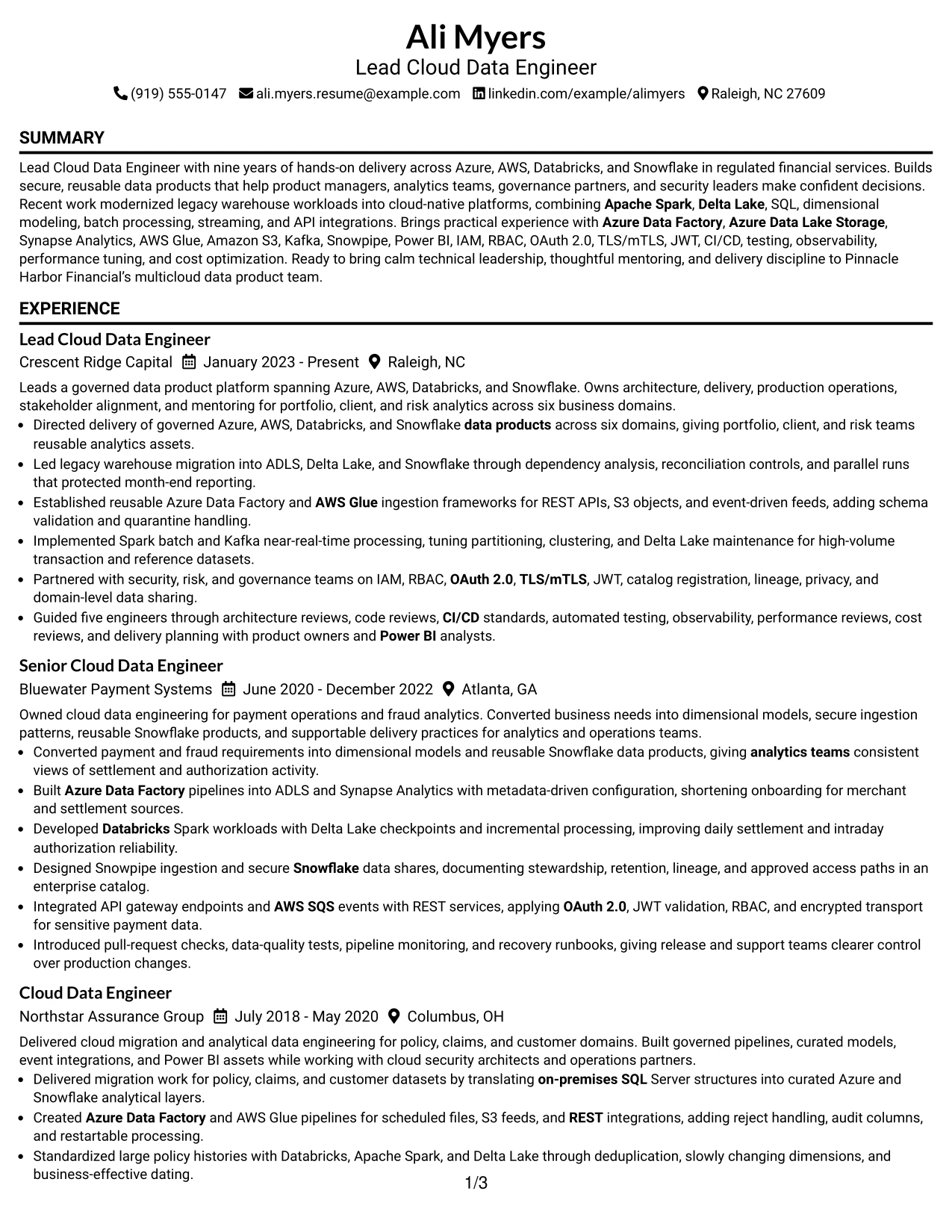
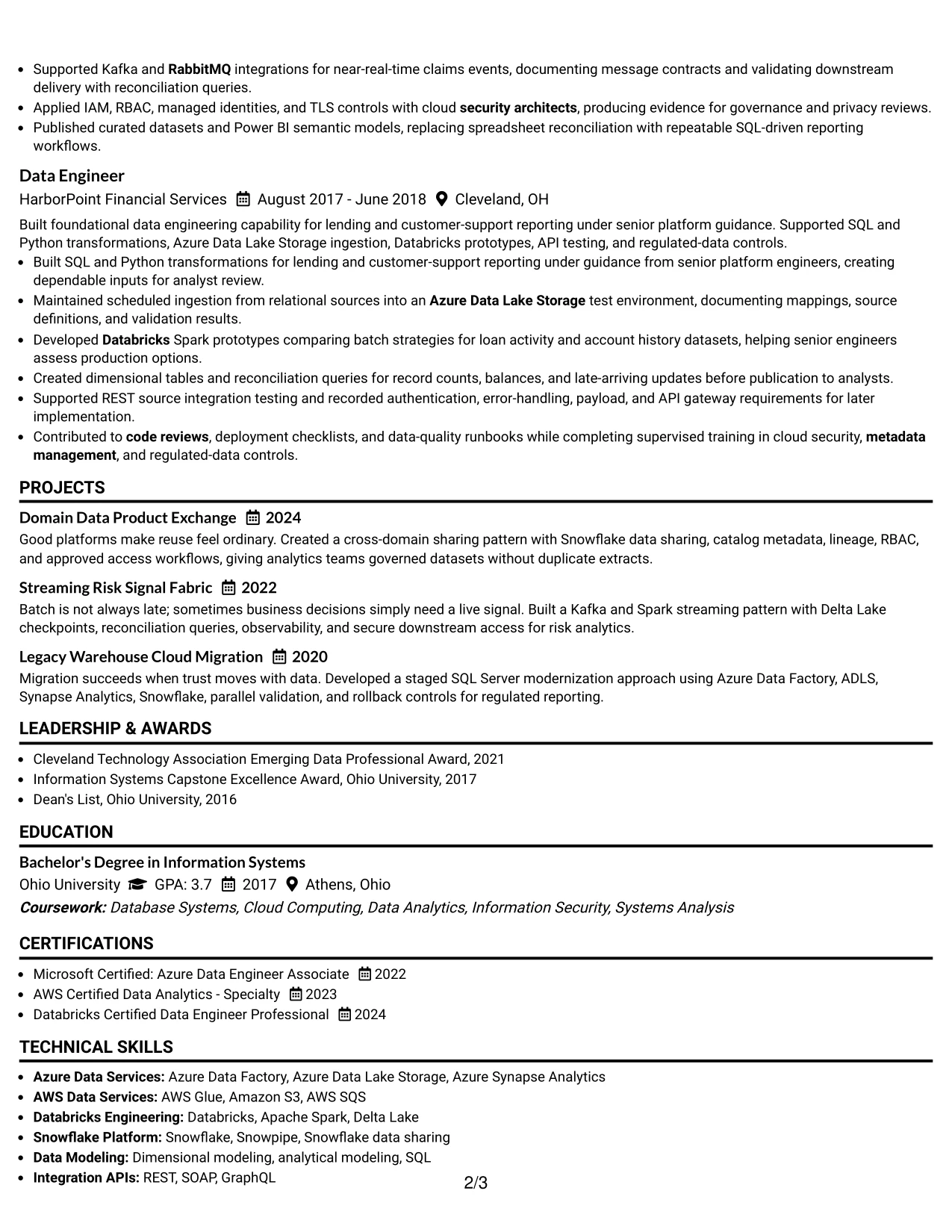
The Minimal Header Format starts with only the information a reader needs to identify and contact the candidate. That compact beginning leaves attention for the summary and the evidence that follows: experience, projects, skills, education, certifications, awards, and leadership activities.
A focused header is valuable when the resume contains substantial technical detail. The body can explain multicloud platform design, legacy modernization, data products, secure integrations, and analytics enablement in standard sections that remain easy to scan and extract.
Why the Minimal Header Format Works for a Resume
- A compact header moves the reader quickly to qualifications.
- The summary can frame the resume around multicloud data product delivery.
- Standard section labels support fast navigation and ATS extraction.
- Experience bullets can carry detailed evidence without header distractions.
- A focused skills area can include platforms, processing methods, and controls.
- Projects can show architecture patterns that may not fit one job entry.
- Awards and activities can add leadership evidence without crowding the top of the page.
Best For
- Resumes where technical evidence should begin near the top of the page.
- Candidates with substantial experience who need to protect body space.
- Applications requiring a clean, low-distraction contact area.
- Professionals combining employment history with projects and leadership activities.
- Documents that must remain easy to scan in digital application systems.
- Cloud data candidates with many keywords that need room in the main body.
- Readers who prefer a direct path from contact details to qualifications.
#20 Modern Full Background Two Column Format Resume Example
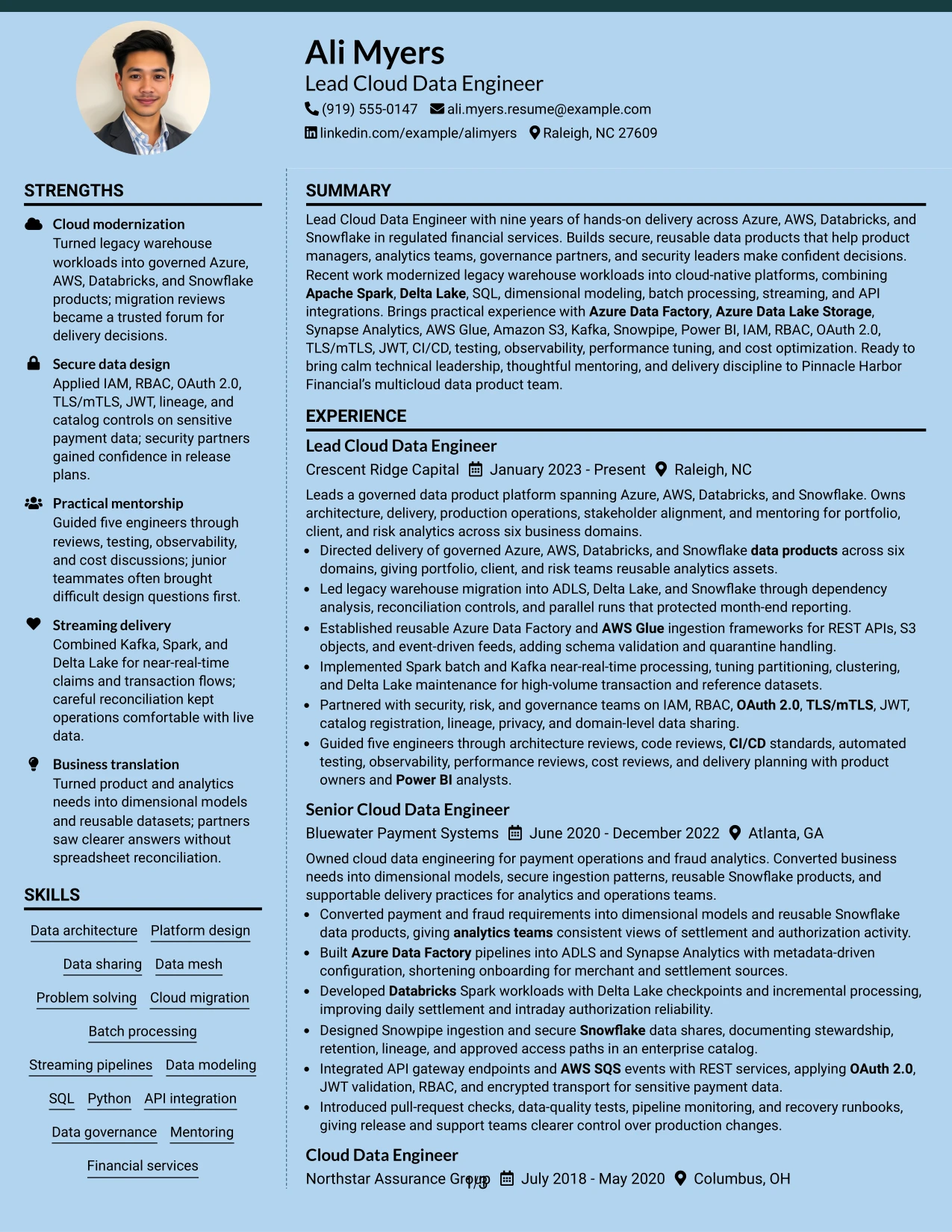
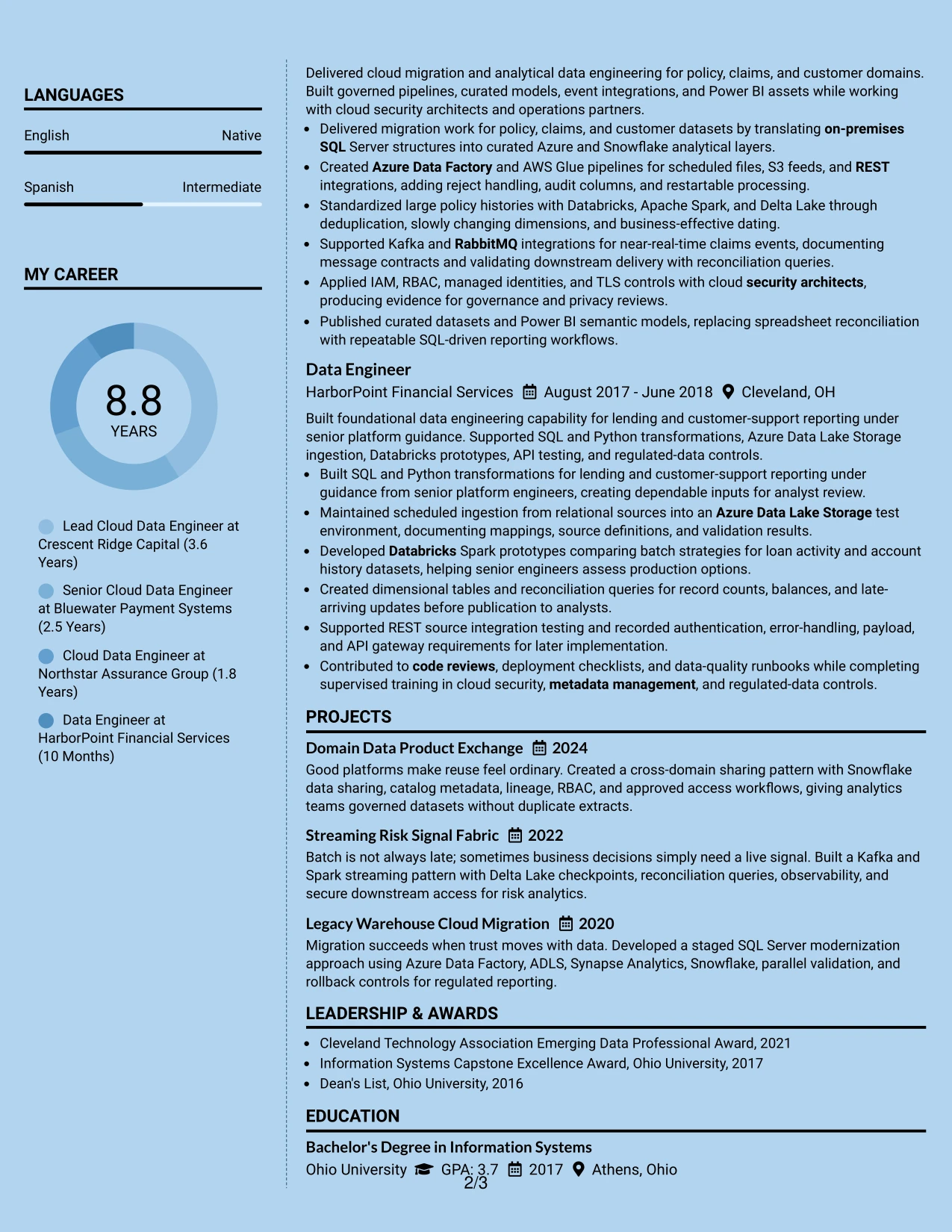
Readers can use the two-column navigation to review quick facts in one area and detailed evidence in the other. A full background creates a unified visual field, while the content hierarchy can still direct attention from the job title and summary to experience, projects, skills, certifications, and education.
That structure gives Ali Myers's broad platform record enough room to breathe. A supporting column can group Azure, AWS, Databricks, Snowflake, security, and governance terms, while the main column explains migration controls, streaming delivery, reusable data products, and mentoring outcomes.
Why the Modern Full Background Two Column Format Works for a Resume
- Two columns let readers choose between quick facts and detailed evidence.
- A unified background can make the document feel cohesive across multiple sections.
- The main column protects space for long, specific achievement bullets.
- The supporting column can organize tools, certifications, and core methods.
- Projects can strengthen the case for cloud modernization and streaming expertise.
- Visual grouping helps connect security and governance terms with platform skills.
- The format can present a high-volume technical profile without a long uninterrupted page.
Best For
- Candidates with a wide platform stack and several supporting credentials.
- Resumes that need separate areas for quick-scan skills and detailed achievements.
- Professionals whose projects add meaningful depth to their employment history.
- Applications where cloud, security, governance, and analytics evidence must appear together.
- Documents with enough content to benefit from deliberate two-column distribution.
- Readers who want a modern presentation while retaining substantial written proof.
- Candidates presenting both technical leadership and hands-on delivery across domains.
#21 Dark Mode Two Column Format Resume Example
Secure platform delivery and concrete engineering evidence receive priority in this two-column presentation. A dark visual treatment can create strong contrast, while the content should still guide the reader from the summary to experience, projects, skills, education, and certifications.
The format can showcase the technical depth required for multicloud data platforms. The primary area can detail Spark processing, Delta Lake, Snowpipe, API integrations, and migration work; a supporting area can reinforce IAM, RBAC, OAuth 2.0, lineage, testing, observability, and cost optimization.
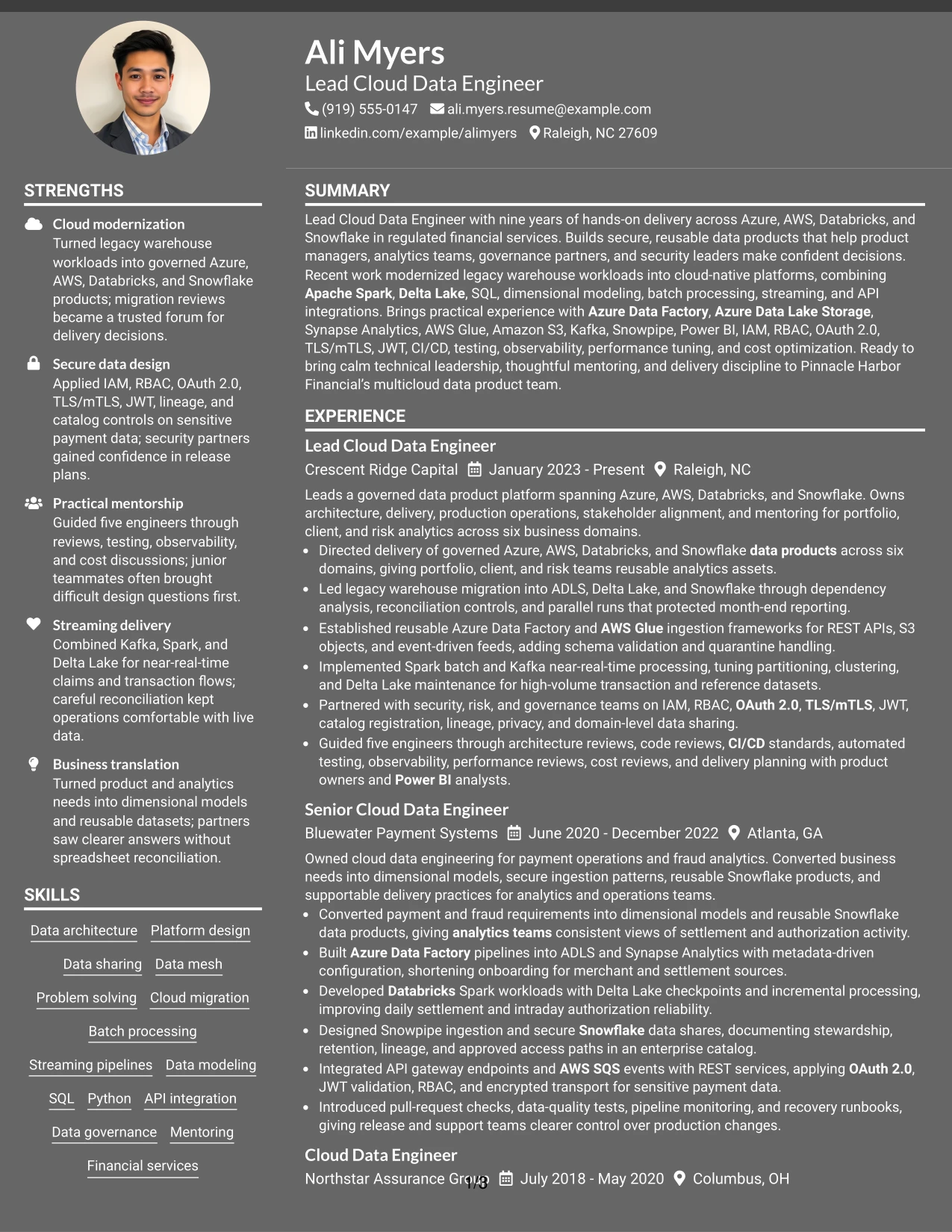
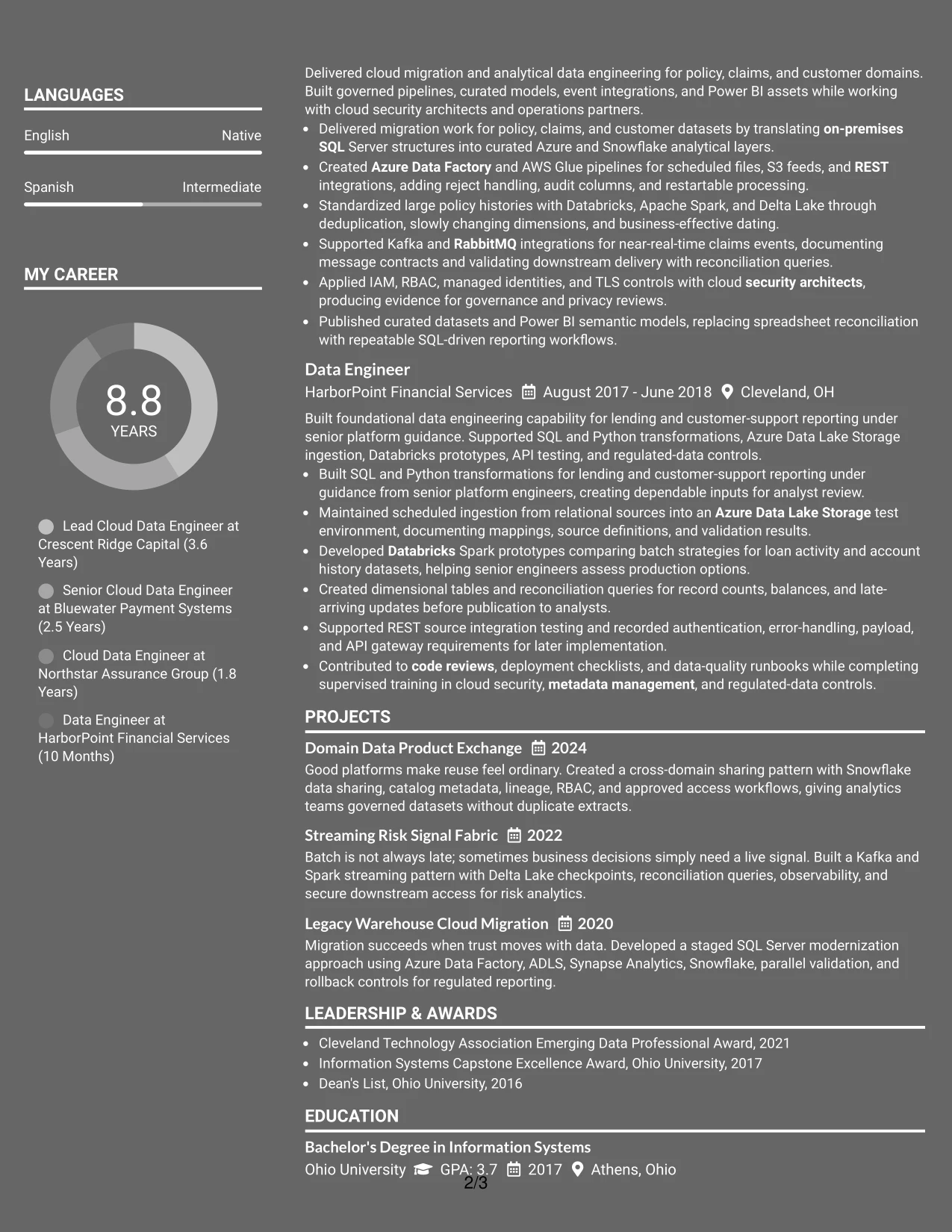
Why the Dark Mode Two Column Format Works for a Resume
- High contrast can draw attention to key section headings and evidence.
- The two-column structure separates detailed achievements from supporting qualifications.
- The summary can quickly establish secure, reusable data product delivery.
- Technical tools can be grouped without removing context from experience bullets.
- Projects can provide additional proof of streaming and migration capability.
- Security and governance terms remain visible as part of the technical profile.
- The layout offers a modern presentation while preserving a clear information hierarchy.
Best For
- Resumes that need to emphasize secure engineering evidence.
- Candidates with distinct groups of platforms, controls, and delivery methods.
- Applications where a strong visual hierarchy helps guide a technical review.
- Professionals presenting both implementation detail and architecture responsibility.
- Documents that use projects to support experience with migration or streaming systems.
- Cloud data candidates who want governance terms visible beside platform skills.
- Readers comfortable with a modern format that still keeps resume sections distinct.
#22 Dark Mode Box Header Format Resume Example
Balanced spacing and a boxed header give this resume a clear starting point without crowding the page. The darker visual treatment can frame the contact details and job title, while the body keeps the summary, experience, projects, skills, education, certifications, and awards in a readable order.
This application context calls for both technical range and trust-building evidence. The resume can connect Azure and AWS services, Databricks, Snowflake, data modeling, secure access, governance, and analytics enablement to specific responsibilities and results.
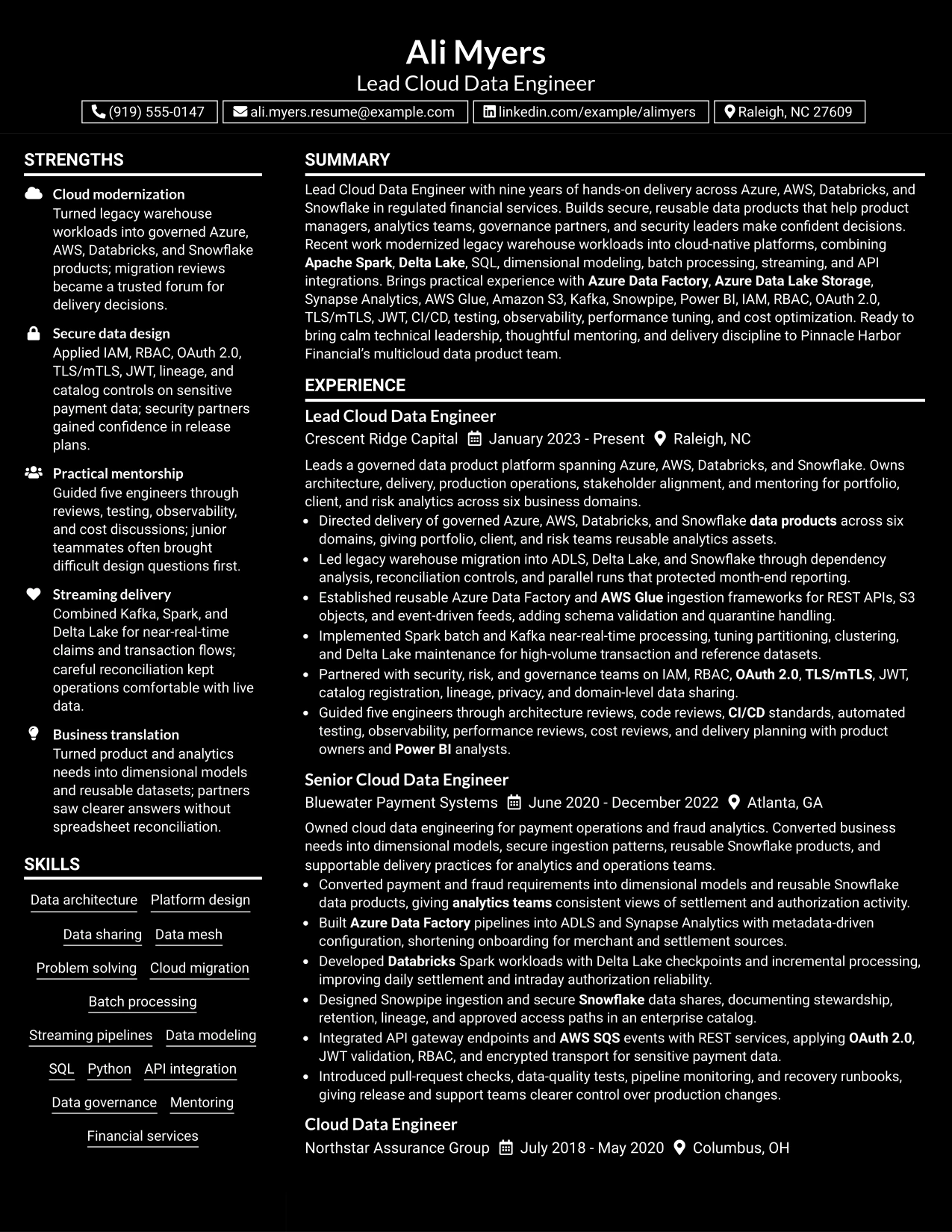
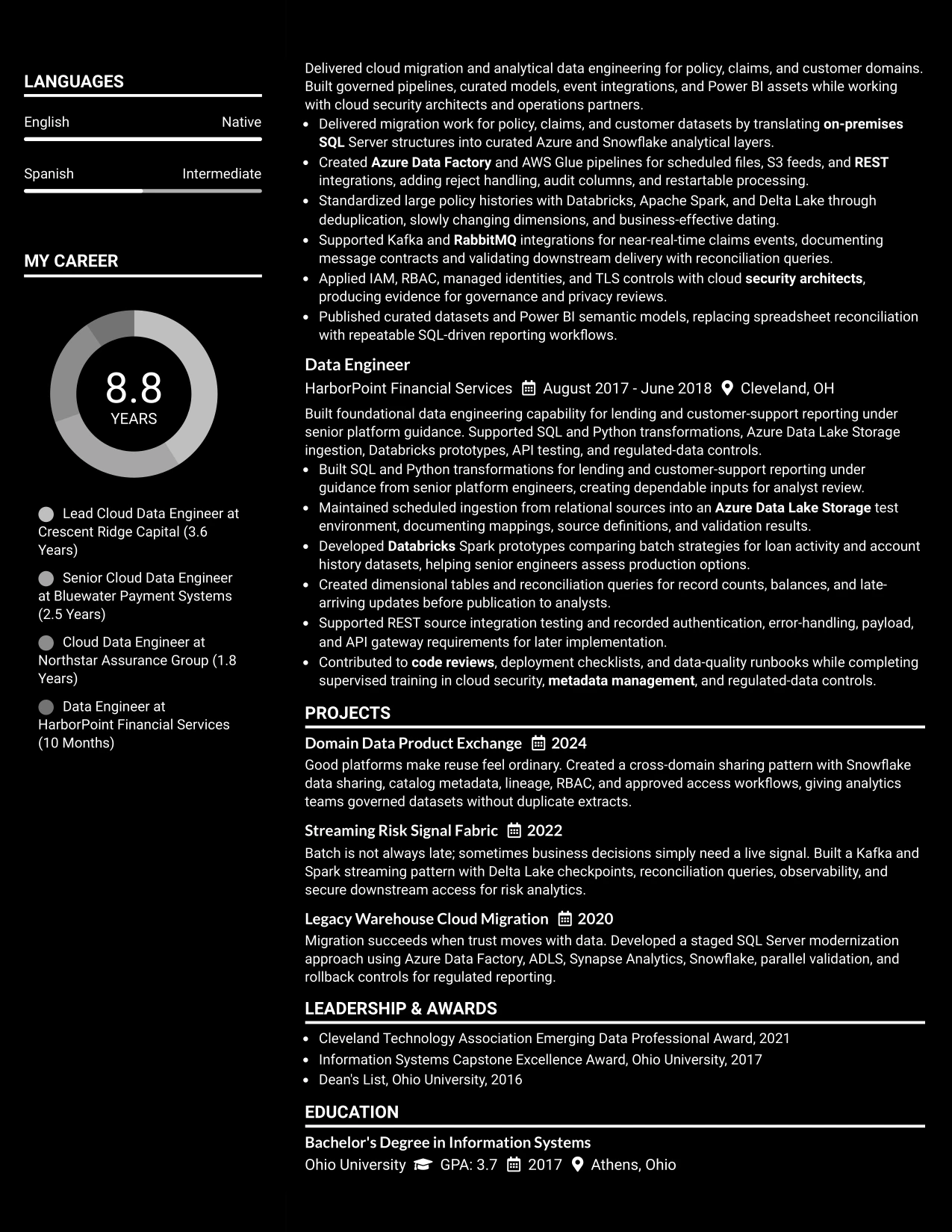
Why the Dark Mode Box Header Format Works for a Resume
- The boxed header gives the document a firm visual anchor.
- Balanced spacing keeps the darker design from overpowering the written content.
- The target role can appear clearly before the professional summary.
- Standard sections support ATS review and recruiter navigation.
- Experience bullets can show both technical execution and leadership responsibility.
- Projects and certifications provide focused evidence of current platform knowledge.
- The format gives a modern impression while maintaining a professional information order.
Best For
- Applications seeking a modern resume with a clearly defined header.
- Candidates who need the target role and contact details separated from body content.
- Professionals balancing technical breadth with concise, evidence-based bullets.
- Documents where spacing matters because several resume sections must fit comfortably.
- Cloud data applications that combine platform, security, and governance qualifications.
- Resumes requiring a readable structure for both human review and ATS processing.
- Candidates who want a distinctive presentation without sacrificing section clarity.
#23 Elegant Full Background Two Column Format Resume Example
A practical application for a senior cloud data role is a resume that lets technical evidence and leadership details share the page without competing. The Elegant Full Background Two Column Format gives the document a polished structure for presenting a professional summary, skills, certifications, experience, projects, and education.
The two-column arrangement keeps supporting details easy to find while giving experience bullets enough room to show platform ownership, secure integrations, migration work, and measurable scope. Clear headings and familiar terms also help readers scan Azure, AWS, Databricks, Snowflake, Apache Spark, SQL, governance, and mentoring experience.
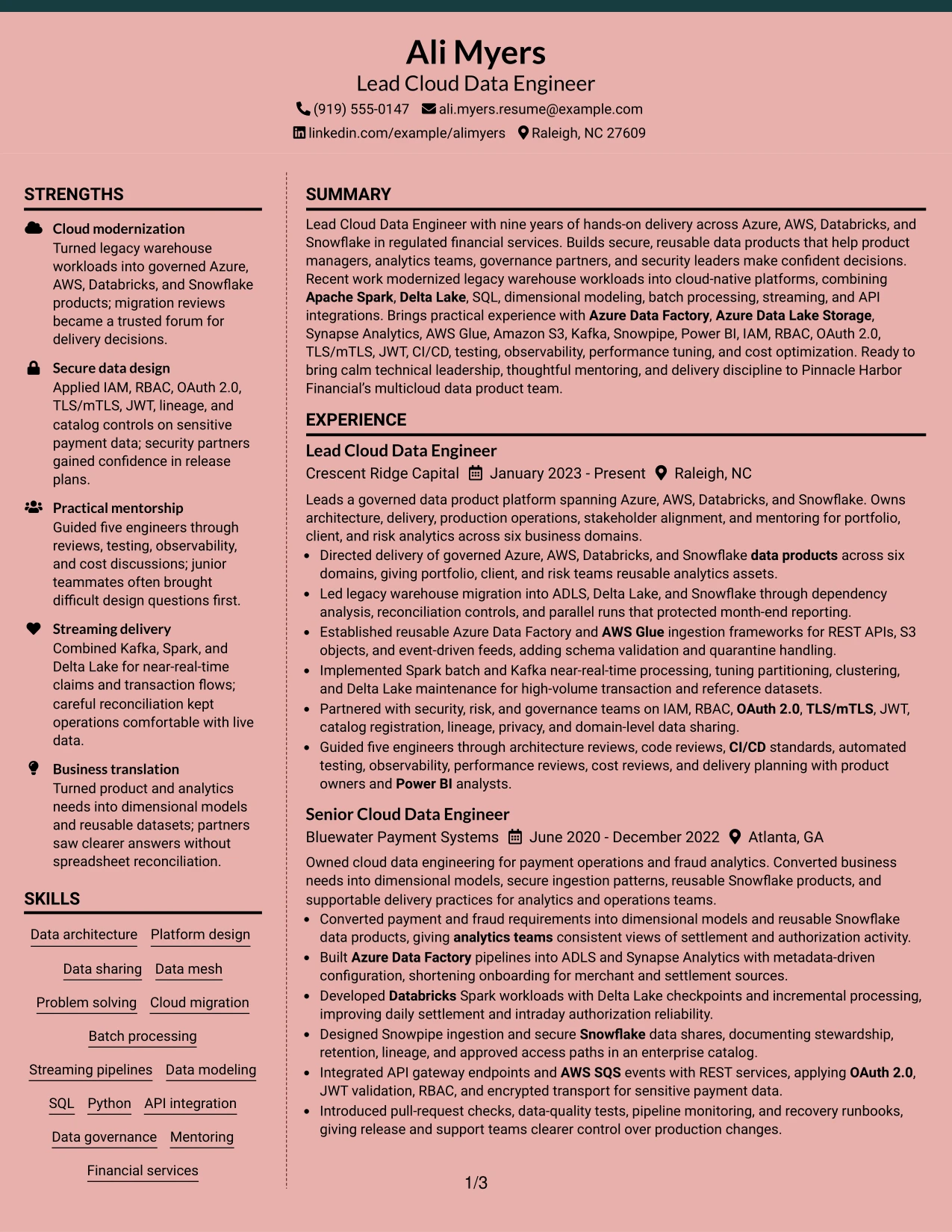
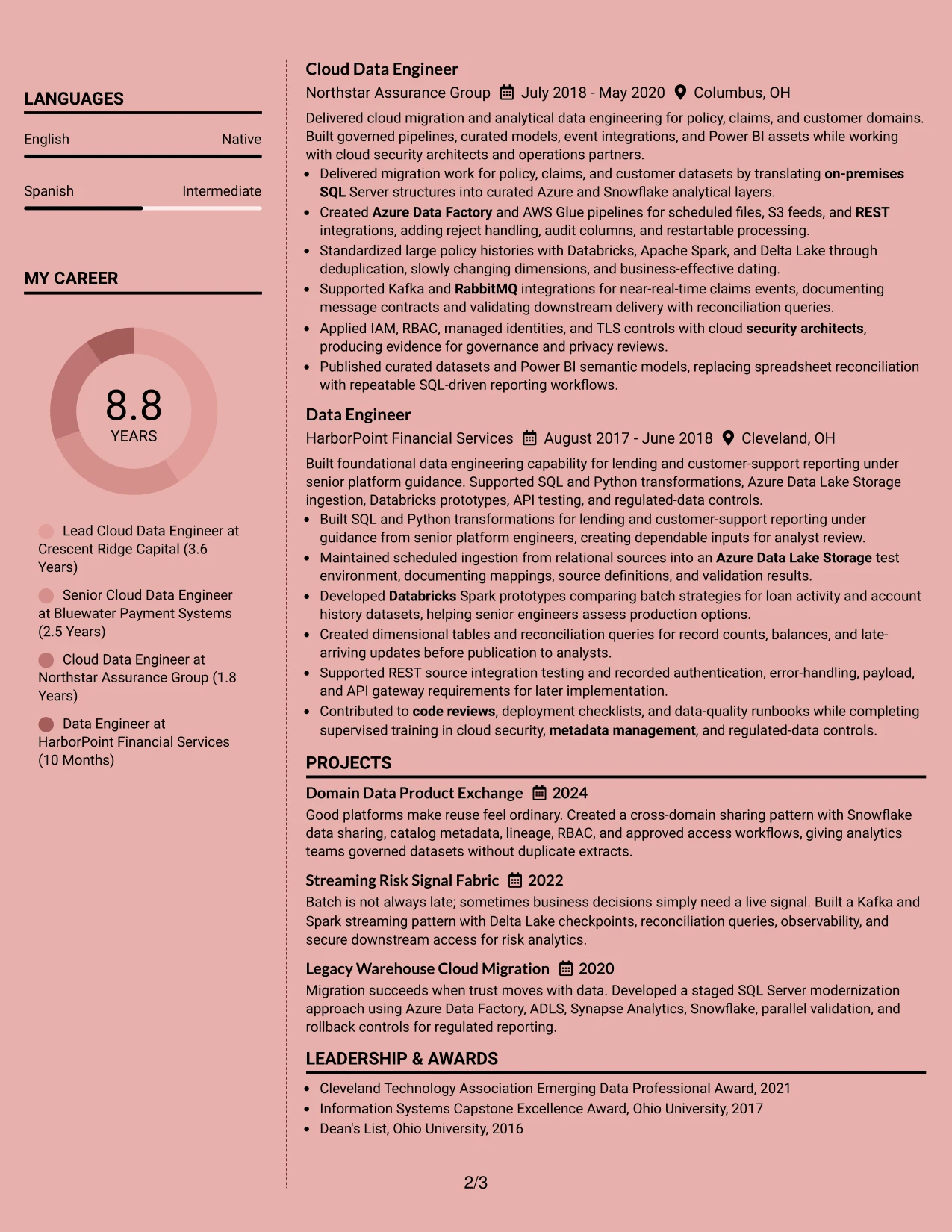
Why the Elegant Full Background Two Column Format Works for a Resume
- A clear top section establishes the Lead Cloud Data Engineer target and multicloud focus.
- The main column gives experience bullets space to explain migrations, pipelines, streaming, and governance work.
- A secondary column can group skills, certifications, education, awards, and activities for quick review.
- Two-column organization reduces long vertical blocks while preserving important resume sections.
- Short bullet points make tools such as Azure Data Factory, AWS Glue, Kafka, and Snowpipe easy to spot.
- The structure supports both technical keywords and leadership evidence, including guidance for five engineers.
- A restrained hierarchy helps readers move from summary to experience, then to supporting qualifications.
Best For
- Professionals who need separate areas for detailed experience and supporting qualifications.
- Resumes with a substantial mix of cloud platforms, security controls, and data tools.
- Candidates presenting both architecture ownership and hands-on delivery evidence.
- Applications where certifications, projects, and awards need visibility without interrupting experience bullets.
- Readers who prefer a balanced page with clear movement between primary and secondary information.
- Technical resumes that must show many relevant keywords while remaining easy to scan.
- Professionals combining governance, analytics enablement, and engineering leadership in one document.
#24 Creative Two Tone Format Resume Example
A restrained visual impression can make a technical resume feel approachable while keeping the evidence serious. The Creative Two Tone Format uses contrast to separate major sections, allowing the summary, experience, skills, projects, education, and certifications to build a clear professional story.
For this resume, the design supports a confident presentation of cloud modernization, secure data sharing, batch and streaming pipelines, and analytics delivery. The single-column flow is especially useful when each role needs full-width bullets that connect tools with outcomes and responsibilities.
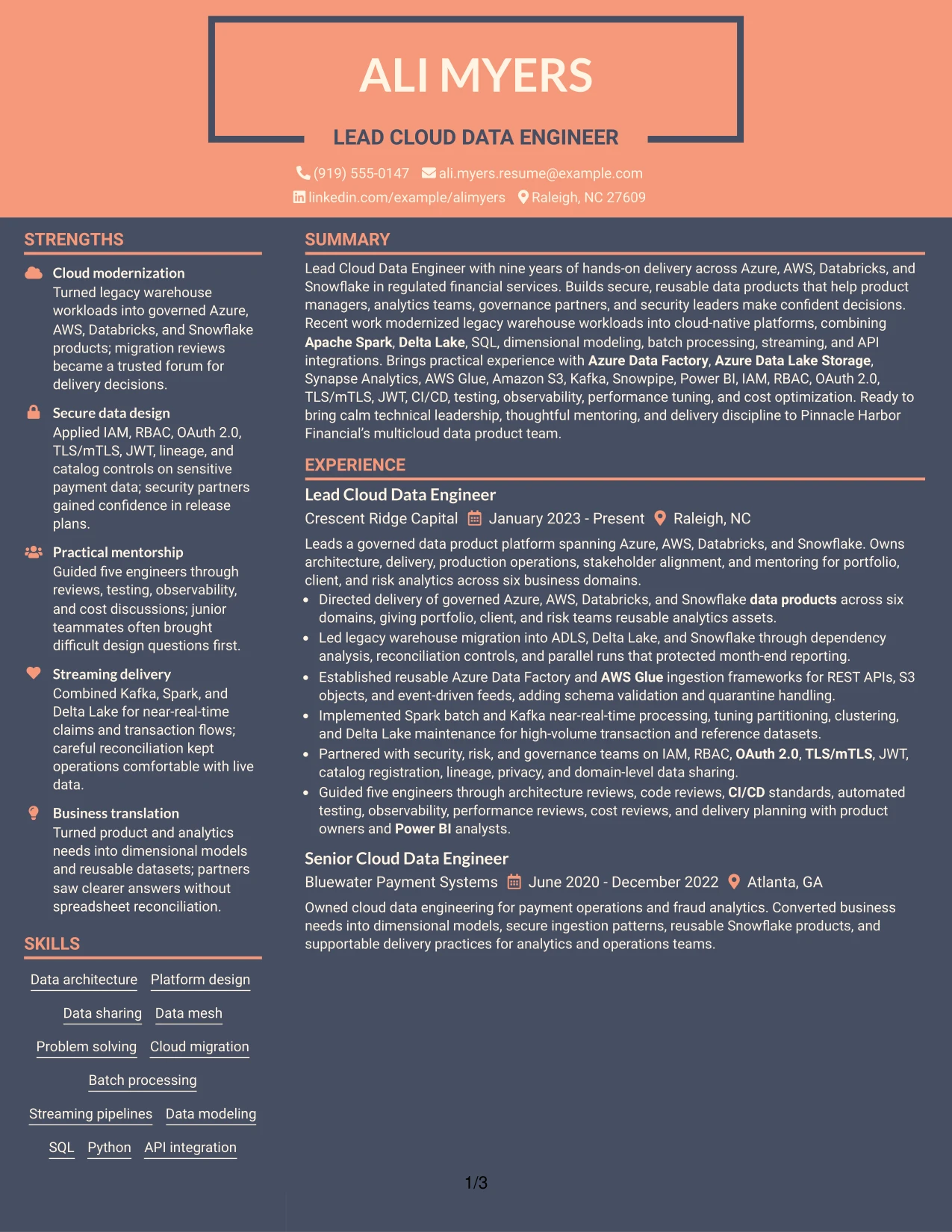
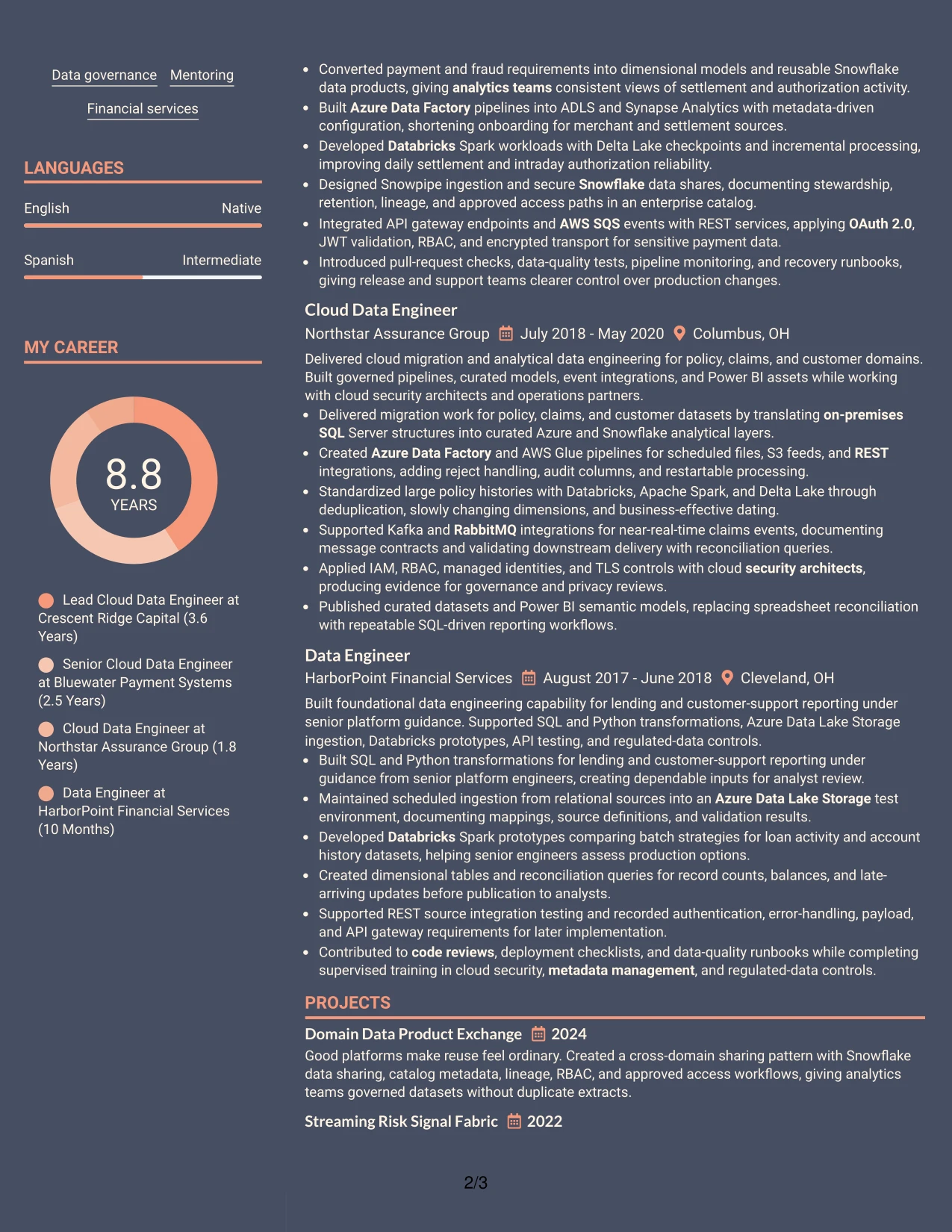
Why the Creative Two Tone Format Works for a Resume
- Two visual tones create section boundaries without replacing standard resume headings.
- A single column gives each experience bullet a natural reading order.
- The summary can connect nine years of experience with the target multicloud data platform work.
- Full-width bullets make migration controls, security practices, and delivery results easier to understand.
- Skills and certifications remain visible without forcing the reader to jump across narrow columns.
- The format adds personality while keeping technical language, dates, and employers readable.
- Clear contrast can guide attention toward both hands-on engineering and mentoring evidence.
Best For
- Professionals who want a distinctive look without losing a conventional resume reading order.
- Applications that benefit from full-width bullets describing complex platform work.
- Candidates balancing technical depth with a personable, confident presentation.
- Resumes where visual contrast can separate skills, experience, projects, and education clearly.
- Readers who want to follow one continuous path from summary through career history.
- Technical professionals presenting a broad toolset alongside secure delivery practices.
- Job searches that welcome a polished design while still requiring familiar section labels.
#25 Bold Color Header Professional Format Resume Example
The Bold Color Header Professional Format places the resume identity and target role at the front, then organizes the remaining sections in a direct sequence. That structure helps a reader confirm the role, summary, experience, skills, education, projects, certifications, and awards with little effort.
A strong header is useful here because the resume carries many high-value keywords. Experience bullets can then show governed data products, legacy migration, Spark processing, API integrations, security controls, and delivery practices in a straightforward order.
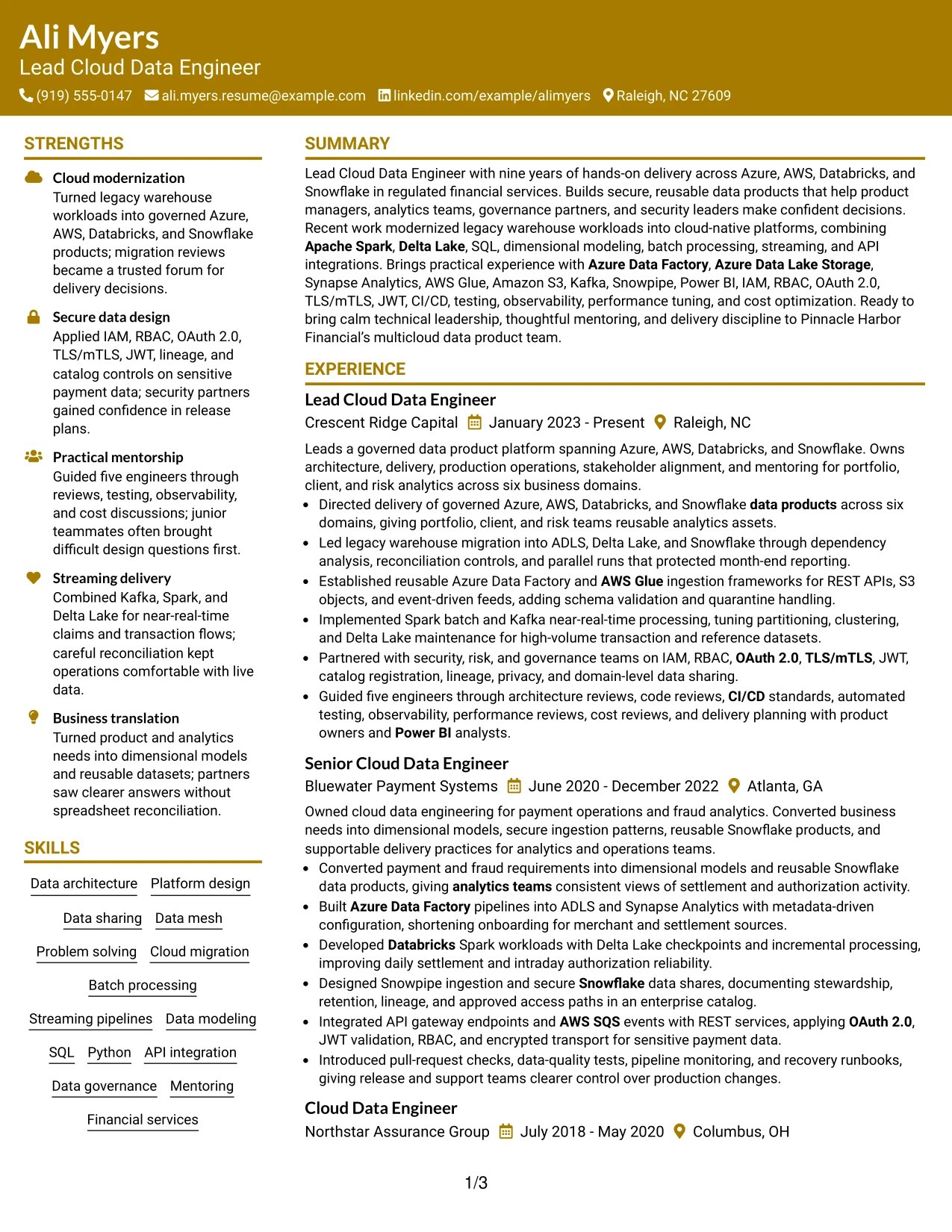
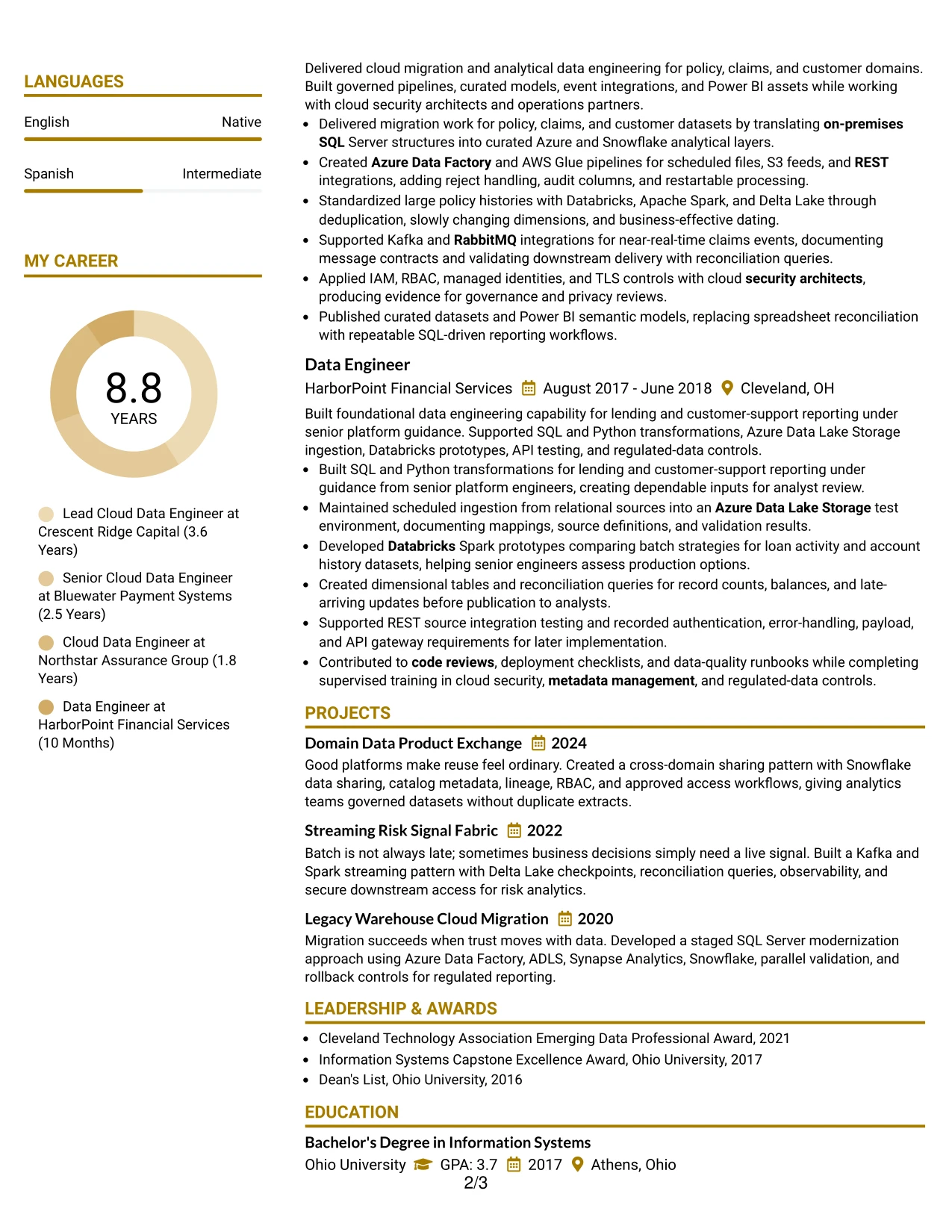
Why the Bold Color Header Professional Format Works for a Resume
- The prominent header makes the target role and professional summary immediately visible.
- A direct section sequence supports fast review of experience, skills, education, and certifications.
- Strong headings help separate platform design from integration, security, and analytics evidence.
- Experience bullets can pair specific tools with actions such as building, migrating, tuning, and leading.
- The layout gives ATS-friendly terms clear text locations within standard resume sections.
- A focused header adds confidence without taking space from detailed career history.
- The professional structure suits a resume that must communicate technical breadth and leadership scope.
Best For
- Resumes that need the target role and summary to stand out at first glance.
- Candidates with many relevant keywords who need strong section labeling for quick scanning.
- Applications requiring a clear path from professional summary to detailed work history.
- Professionals showing cloud architecture, data processing, and security work in one record.
- Readers who review resumes quickly and rely on visible headings and concise bullets.
- Documents that combine certifications, projects, awards, and formal education with experience.
- Technical leaders who want a polished header above evidence-rich career details.
#26 Photo Header Color Sidebar Format Resume Example
Readers can move from the header to the summary, then through the main experience section and the supporting sidebar. The Photo Header Color Sidebar Format gives the resume a clear route through career history while reserving compact space for skills, certifications, education, and contact details.
That balance works for a detailed technical profile with four roles, several projects, and a broad multicloud toolset. The main reading path can carry migration, ingestion, streaming, governance, and mentoring bullets, while the sidebar keeps credentials and keywords visible.
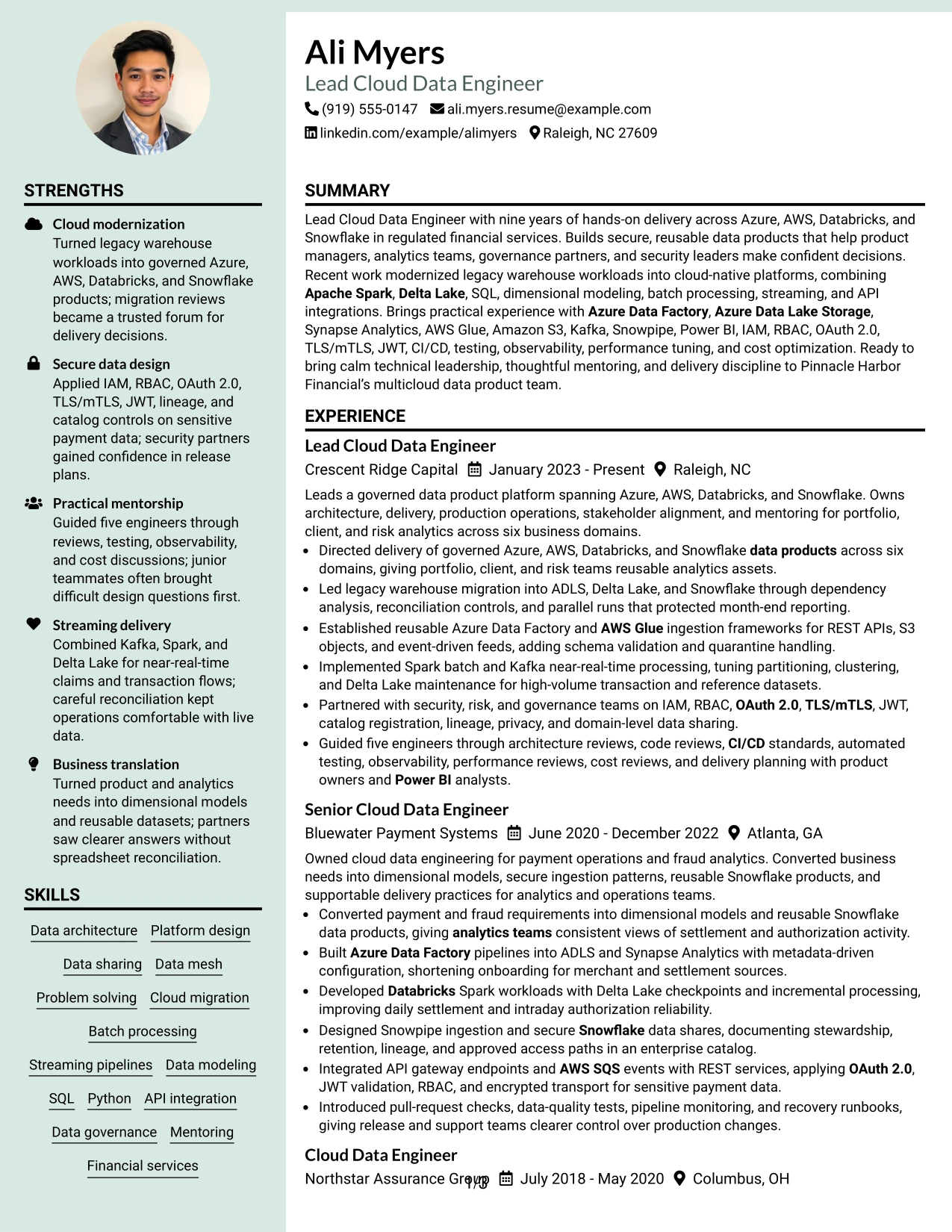
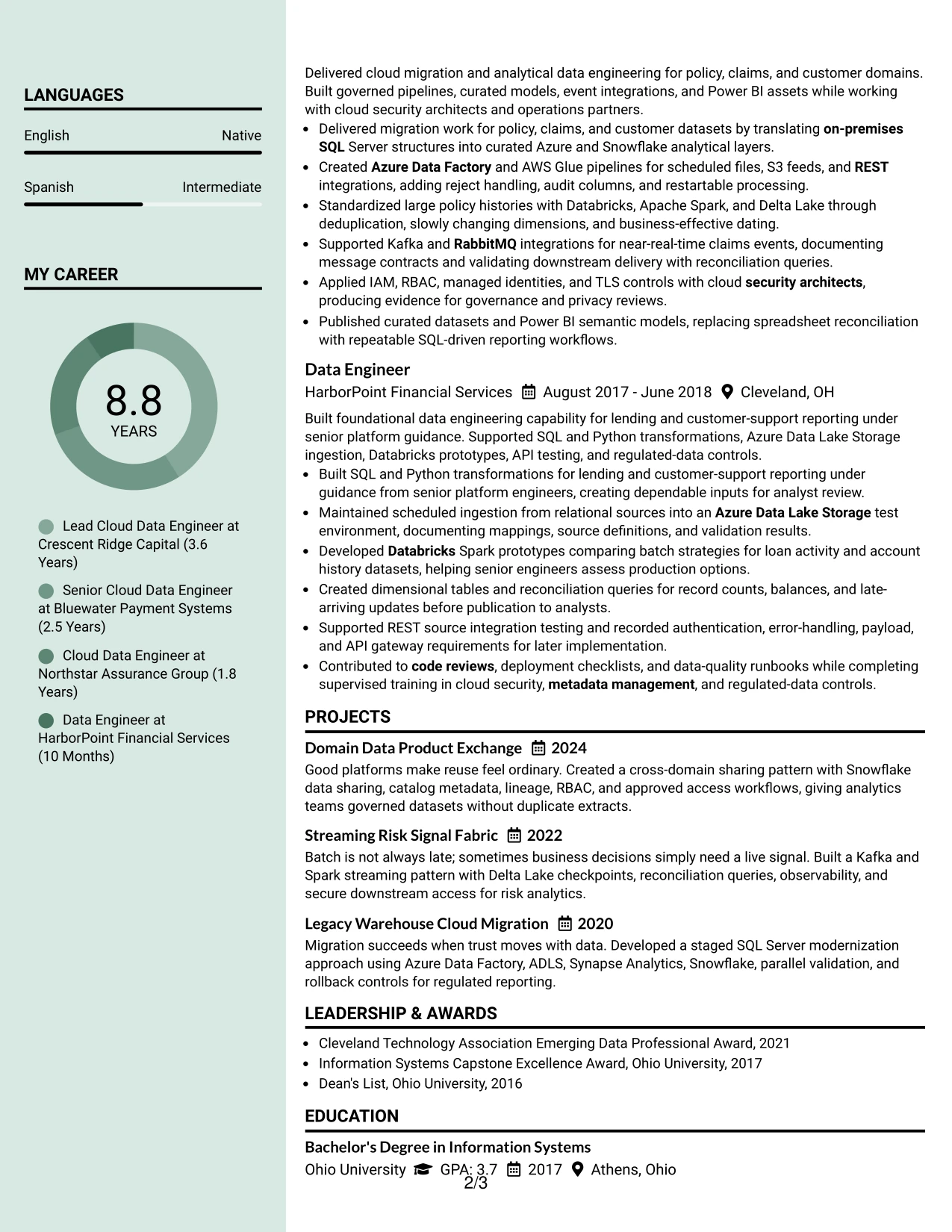
Why the Photo Header Color Sidebar Format Works for a Resume
- The header quickly identifies the professional target and establishes the document's visual starting point.
- A main content area gives four positions enough room for specific engineering evidence.
- The sidebar can group skills, certifications, education, awards, and contact information.
- Color separation helps readers distinguish career history from supporting qualifications.
- The structure accommodates both detailed bullets and concise keyword groups.
- Projects can reinforce migration, streaming, and governed sharing work without crowding the experience section.
- A consistent route through the page supports quick review of a high-volume resume.
Best For
- Professionals with several roles and enough experience detail to need a strong primary content area.
- Candidates who want credentials and technical keywords available beside, not below, work history.
- Resumes that combine projects, certifications, awards, and activities with substantial career evidence.
- Applications where a defined reading path helps organize a broad cloud platform background.
- Readers who prefer a clear distinction between core achievements and supporting information.
- Candidates presenting both platform delivery and cross-functional governance work.
- Documents that need to hold a large amount of relevant content without losing section order.
#27 Top Left Header Color Accent Format Resume Example
The evidence that receives priority is the record of building and operating secure data products across Azure, AWS, Databricks, and Snowflake. The Top Left Header Color Accent Format places that evidence in a clean hierarchy, so the summary and experience bullets lead while skills, education, projects, and certifications support the case.
This approach gives the resume a focused professional appearance without hiding technical detail. Bullets can show six business domains, legacy warehouse migration, reusable ingestion frameworks, near-real-time processing, data sharing, and guidance for five engineers.
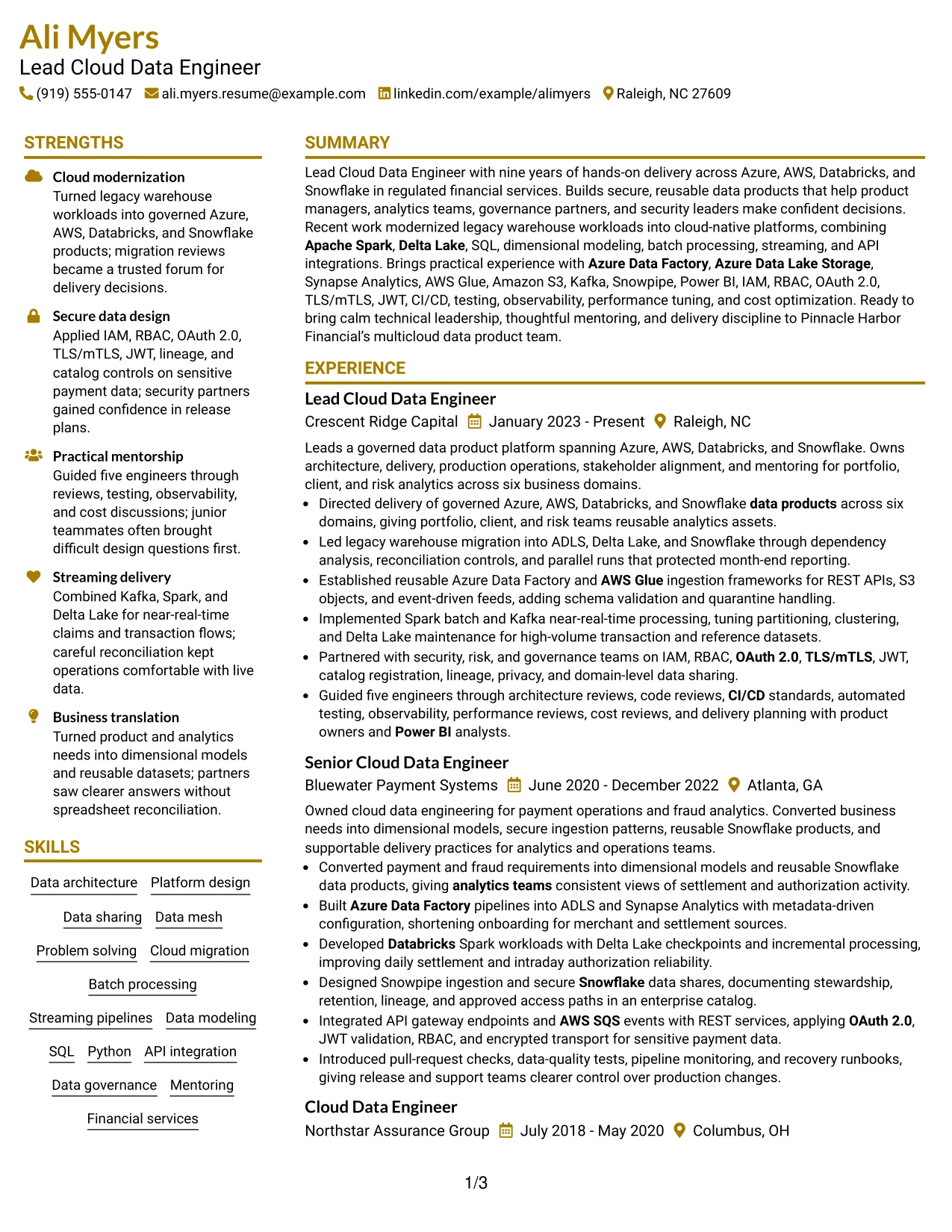
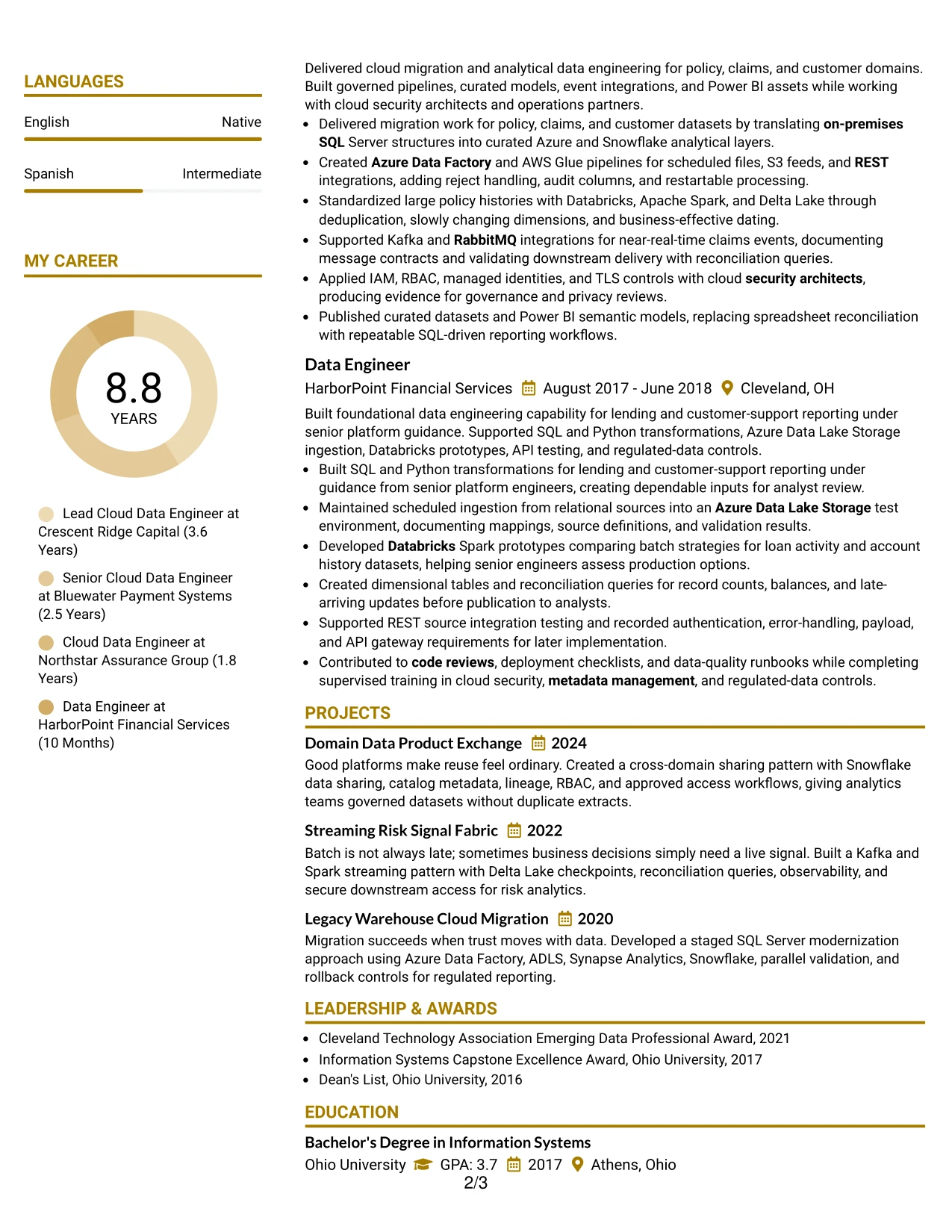
Why the Top Left Header Color Accent Format Works for a Resume
- The upper-left starting point directs attention to the target role and strongest summary evidence.
- Experience remains the central proof of platform design, migration, and production delivery.
- Color accents distinguish sections while keeping the document's hierarchy familiar.
- Specific scope, such as six business domains and five engineers guided, remains easy to locate.
- Technical keywords appear beside action-based bullets rather than in an isolated list only.
- Projects and certifications can add proof without taking focus from professional experience.
- The design supports a concise but credible presentation of senior technical responsibility.
Best For
- Resumes where recent accomplishments should receive more attention than decorative elements.
- Candidates who need scope, ownership, and delivery evidence to lead the page.
- Applications requiring clear proof of platform migration and production operations.
- Professionals presenting measurable responsibility through domains, teams, controls, or systems.
- Readers who value a strong top-left entry point and conventional section flow.
- Technical resumes that must connect keywords to real work rather than list tools alone.
- Candidates with projects and certifications that support, but do not replace, career evidence.
#28 Centered Header Classic Two Column Format Resume Example
A balanced page can make a demanding application easier to review. The Centered Header Classic Two Column Format distributes the resume into a primary area for experience and projects and a supporting area for skills, education, certifications, awards, and activities.
The centered header provides a calm starting point, while the two-column body keeps the document compact. Experience bullets still have room to explain cloud migration, data modeling, secure integrations, streaming patterns, observability, and cost optimization.
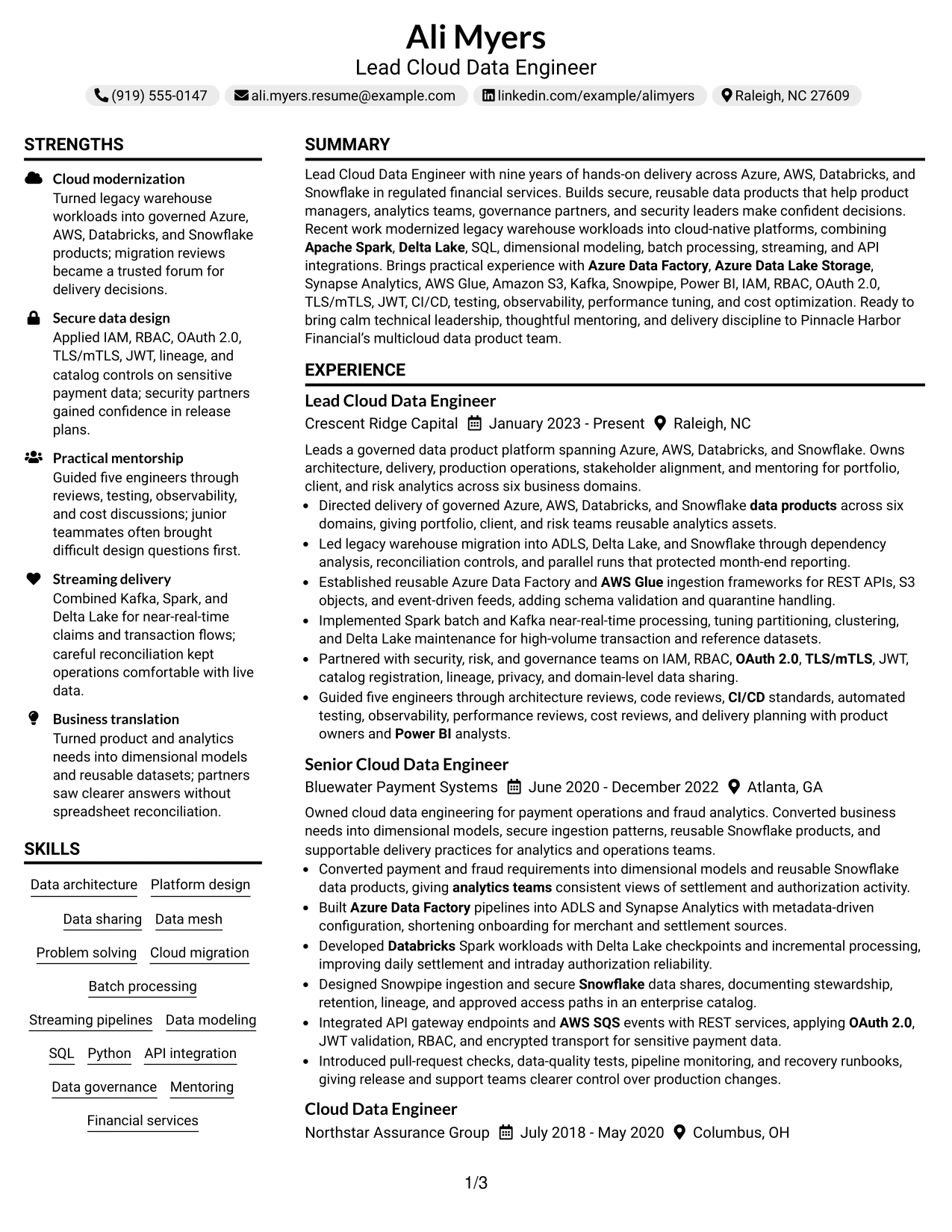
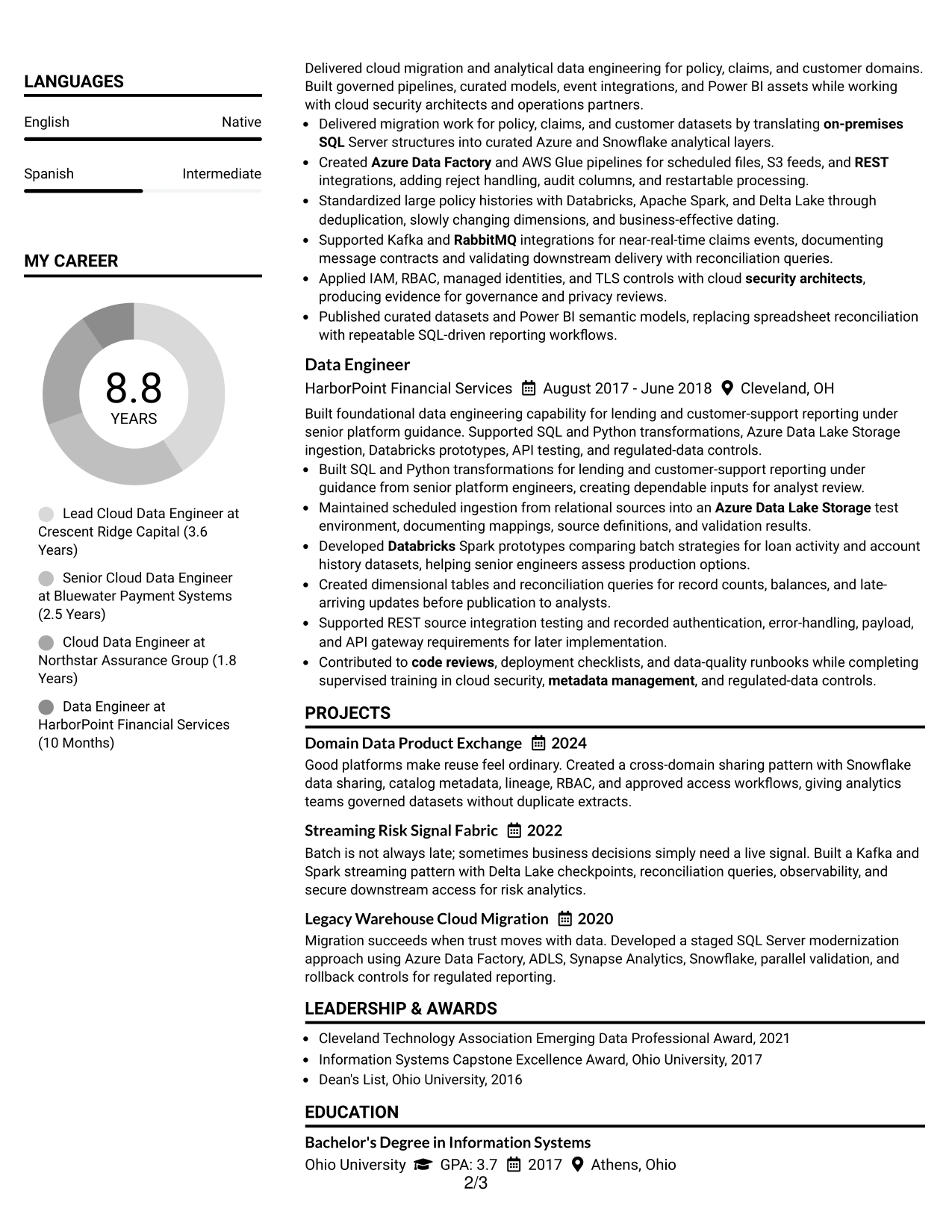
Why the Centered Header Classic Two Column Format Works for a Resume
- A centered header gives contact details and the target role a clear, balanced introduction.
- The primary column can carry detailed experience and project evidence in chronological order.
- The supporting column keeps skills, certifications, education, and awards easy to find.
- Two-column spacing reduces unused areas while maintaining readable section separation.
- Classic bullet treatment helps readers compare responsibilities and technical results across roles.
- The format works well when a resume must show both hands-on delivery and mentoring.
- A stable visual rhythm supports review of technical terms without making the page feel crowded.
Best For
- Applications that benefit from a balanced presentation of career history and credentials.
- Professionals with projects and awards that should remain visible beside work experience.
- Candidates needing compact organization for a broad cloud and data engineering toolkit.
- Resumes where classic bullets and familiar sections support dependable recruiter scanning.
- Readers who want the target role centered before moving into structured detail.
- Professionals showing both technical delivery and contributions to governance or mentorship.
- Documents that need to fit substantial evidence into a controlled two-column page.
#29 Left Aligned Header Clean Two Column Format Resume Example
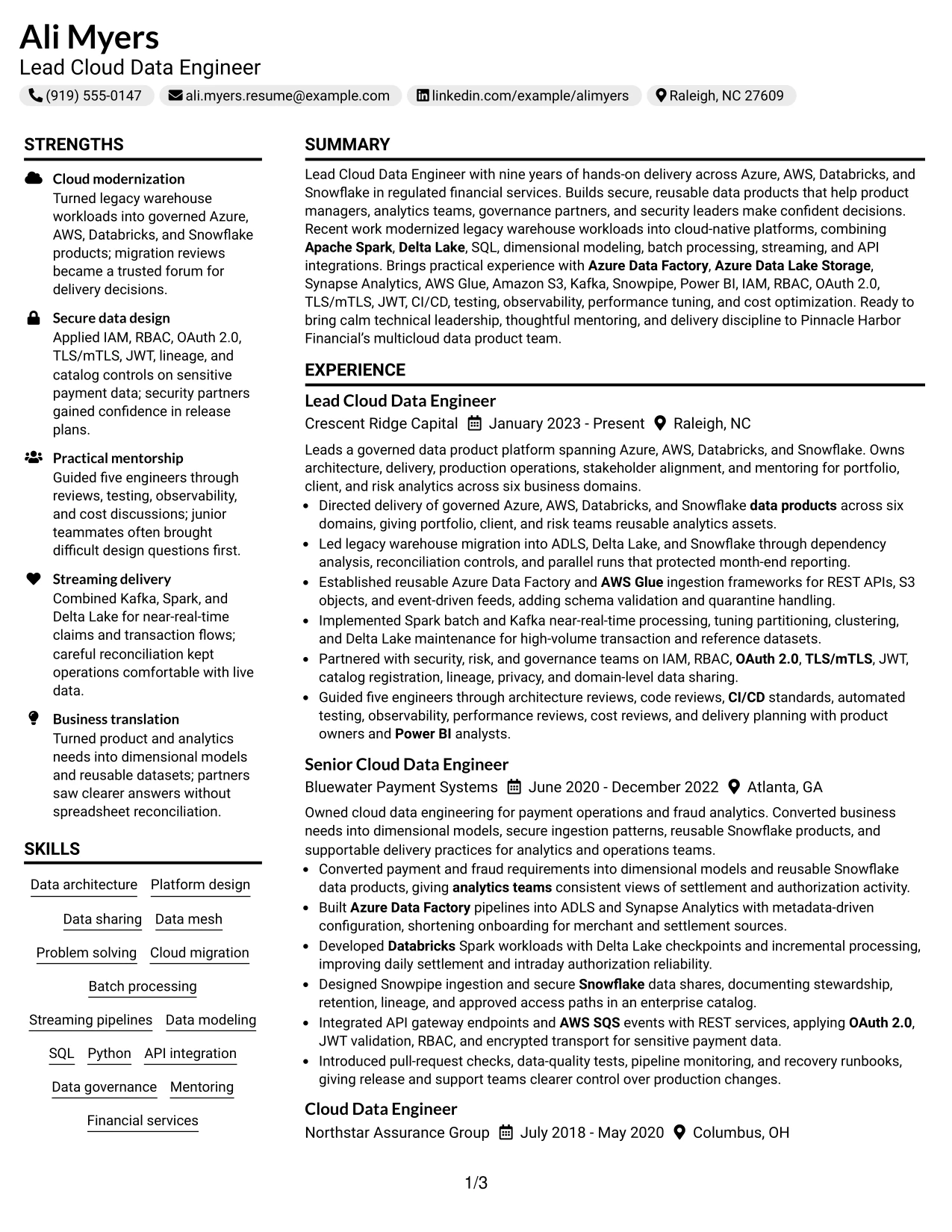
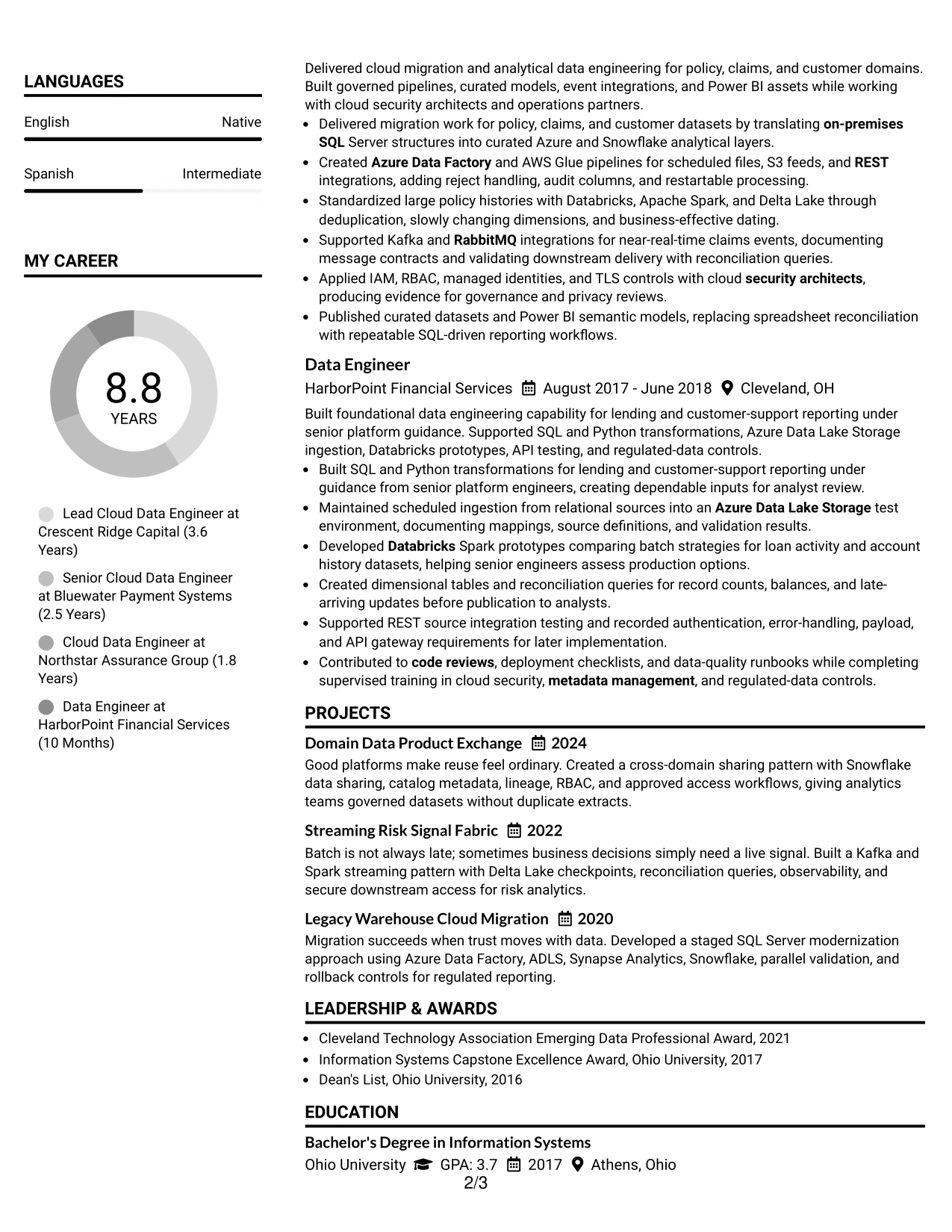
A practical review need is quick access to the target role, recent experience, and core technical keywords. The Left Aligned Header Clean Two Column Format meets that need with a direct starting point and a structured body that separates detailed career evidence from supporting qualifications.
The layout can place experience and projects in the wider reading area, with skills, certifications, education, and activities nearby. That organization helps readers connect Azure and AWS platform work with Databricks, Snowflake, Spark, security, governance, and analytics delivery.
Why the Left Aligned Header Clean Two Column Format Works for a Resume
- A left-aligned header creates a familiar starting point for role, contact, and summary information.
- The wider content area supports detailed bullets for architecture, migration, and operations work.
- A secondary column gives skills and certifications a consistent, visible home.
- Clean spacing helps separate four employers without weakening chronological clarity.
- Projects can add focused evidence for domain data products, streaming, and cloud migration.
- The format supports keyword review while keeping tools connected to real accomplishments.
- A simple two-column structure makes a broad professional record easier to navigate.
Best For
- Resumes that need immediate clarity about role, contact details, and recent experience.
- Candidates with a broad technical toolkit that benefits from a dedicated supporting column.
- Applications where four employers and several projects must remain easy to distinguish.
- Professionals combining architecture, engineering operations, and secure integration work.
- Readers who prefer left-to-right navigation with minimal visual distraction.
- Documents that need concise credentials beside detailed achievement bullets.
- Technical candidates whose project evidence strengthens an already substantial work history.
#30 Accent Divider Modern Two Column Format Resume Example
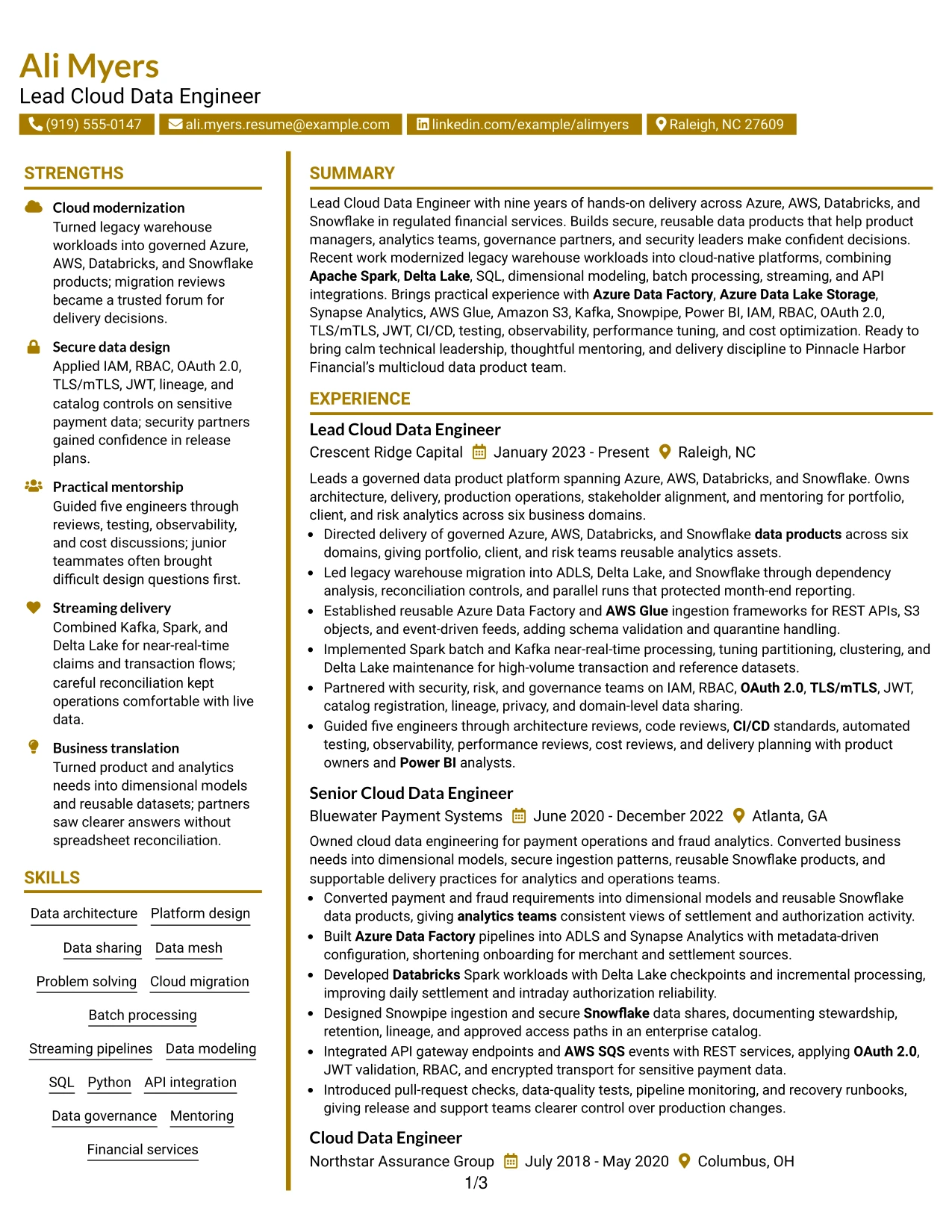
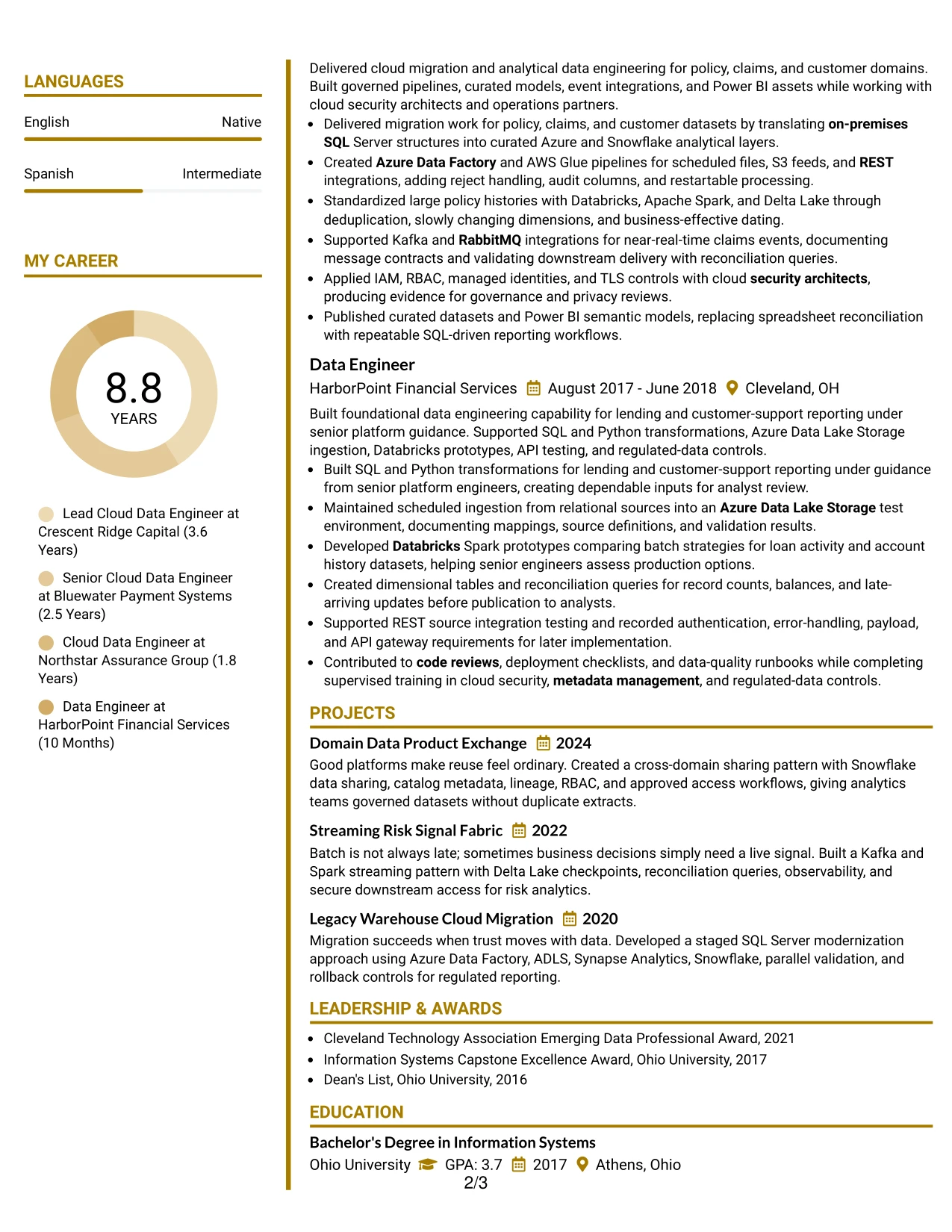
A modern visual impression can remain focused when dividers guide the eye instead of competing with the content. The Accent Divider Modern Two Column Format uses clear breaks to organize the resume's summary, experience, projects, skills, education, certifications, and awards.
The format suits a profile that must align technical execution with secure, reusable data products. The main sections can highlight Spark processing, Snowflake sharing, API and messaging integrations, governance controls, and team guidance, while the secondary area keeps keywords and credentials close at hand.
Why the Accent Divider Modern Two Column Format Works for a Resume
- Accent dividers create visible boundaries between related resume sections.
- The main column can show Ali Myers's experience in a clear chronological structure without repeated visual clutter.
- A supporting column keeps tools, certifications, education, and awards available during review.
- Modern spacing helps technical keywords stand out without turning the document into a keyword block.
- The layout supports evidence across batch, streaming, APIs, messaging, security, and analytics.
- Project entries can reinforce platform design and data-sharing work in a compact format.
- The two-column balance presents technical leadership and hands-on engineering as connected strengths.
Best For
- Professionals seeking a modern structure that still preserves familiar resume organization.
- Candidates aligning cloud platform work with secure data sharing and governance evidence.
- Applications that require several technical categories to remain visible during a quick scan.
- Readers who benefit from dividers that separate experience, projects, and qualifications.
- Resumes combining engineering delivery with mentoring and cross-functional technical leadership.
- Candidates with project examples that extend the evidence beyond formal employment history.
- Documents where a contemporary look should support, not overpower, detailed bullet points.
#31 Shaded Labels Clean Two Column Format Resume Example
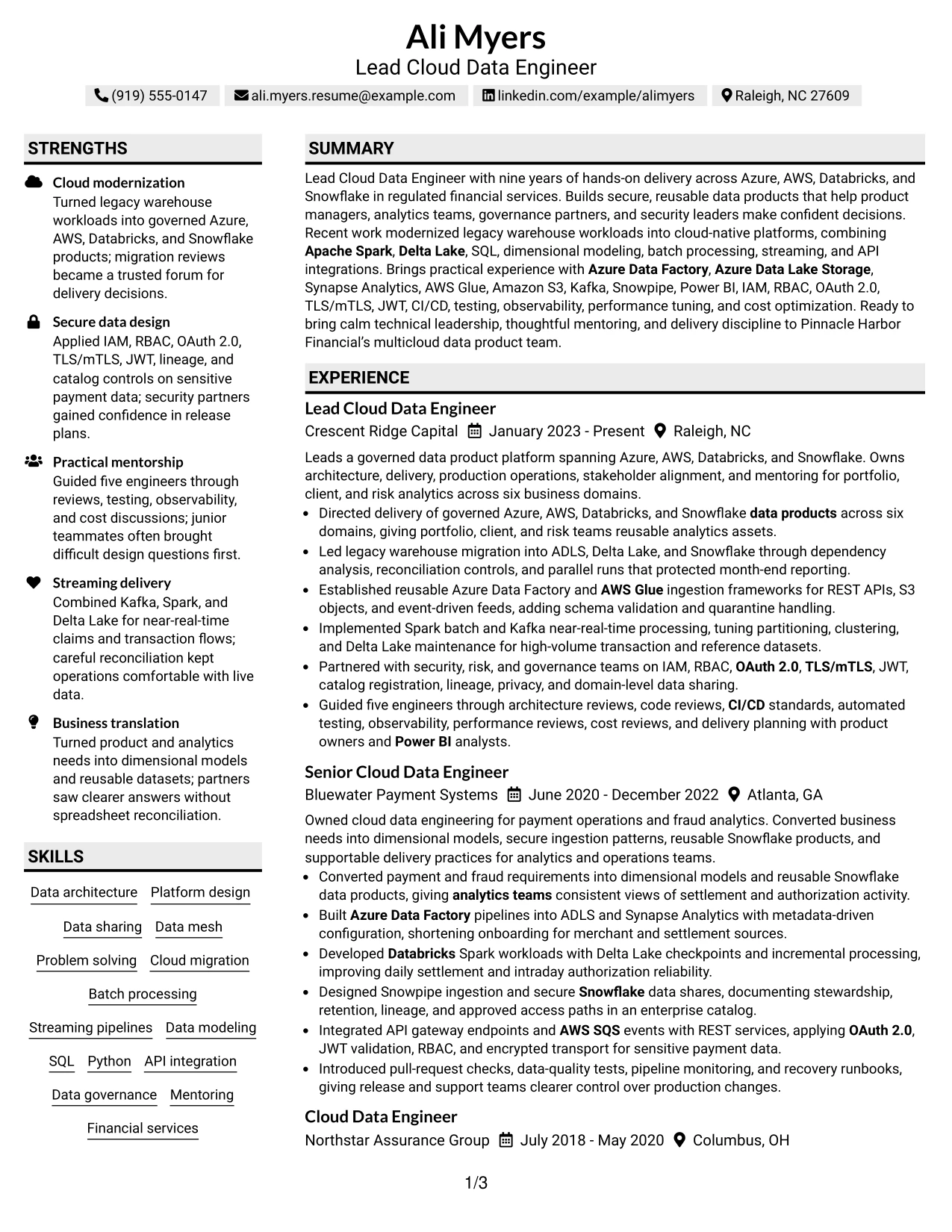
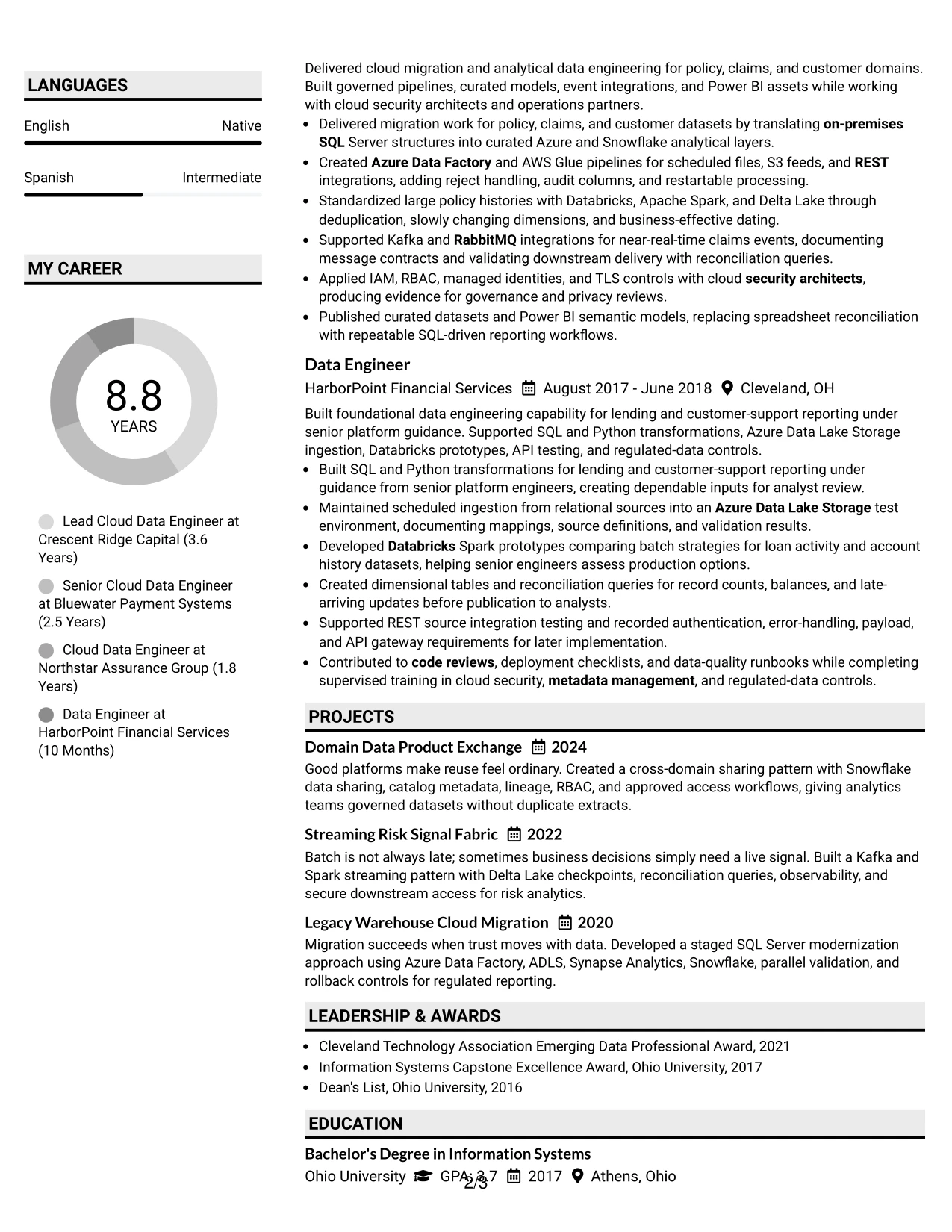
The Shaded Labels Clean Two Column Format creates an orderly structure through labeled sections and balanced columns. The resume can present the professional summary and experience in one area while placing skills, tools, certifications, education, projects, and awards in clearly marked supporting sections.
That organization is valuable for a multicloud data engineering resume with many related technologies. Labels help readers locate Azure Data Factory, AWS Glue, Databricks, Snowflake, SQL, security controls, governance practices, Power BI, and delivery quality methods without losing the context of the work.
Why the Shaded Labels Clean Two Column Format Works for a Resume
- Shaded labels make each resume category easy to identify during a fast scan.
- The two-column structure separates detailed work history from compact qualification groups.
- Experience bullets can explain action, platform, control, and business use in a familiar format.
- A labeled skills area supports ATS review by presenting exact technology names clearly.
- Projects and certifications can be found quickly without interrupting the chronology of employment.
- Clean alignment helps readers compare roles, tools, responsibilities, and delivery practices.
- The format keeps a broad technical profile organized without relying on long paragraphs.
Best For
- Resumes with many categories that need strong labels for quick navigation.
- Candidates whose technical keywords must be easy to locate and understand in context.
- Applications combining work history with projects, certifications, awards, and activities.
- Professionals presenting a broad platform mix without allowing the skills list to dominate.
- Readers who prefer clear visual markers and predictable section placement.
- Documents that need to show governance, security, analytics, and engineering evidence together.
- Technical candidates seeking a clean two-column structure for detailed information.
#32 Photo Header Color Accent International Format Resume Example
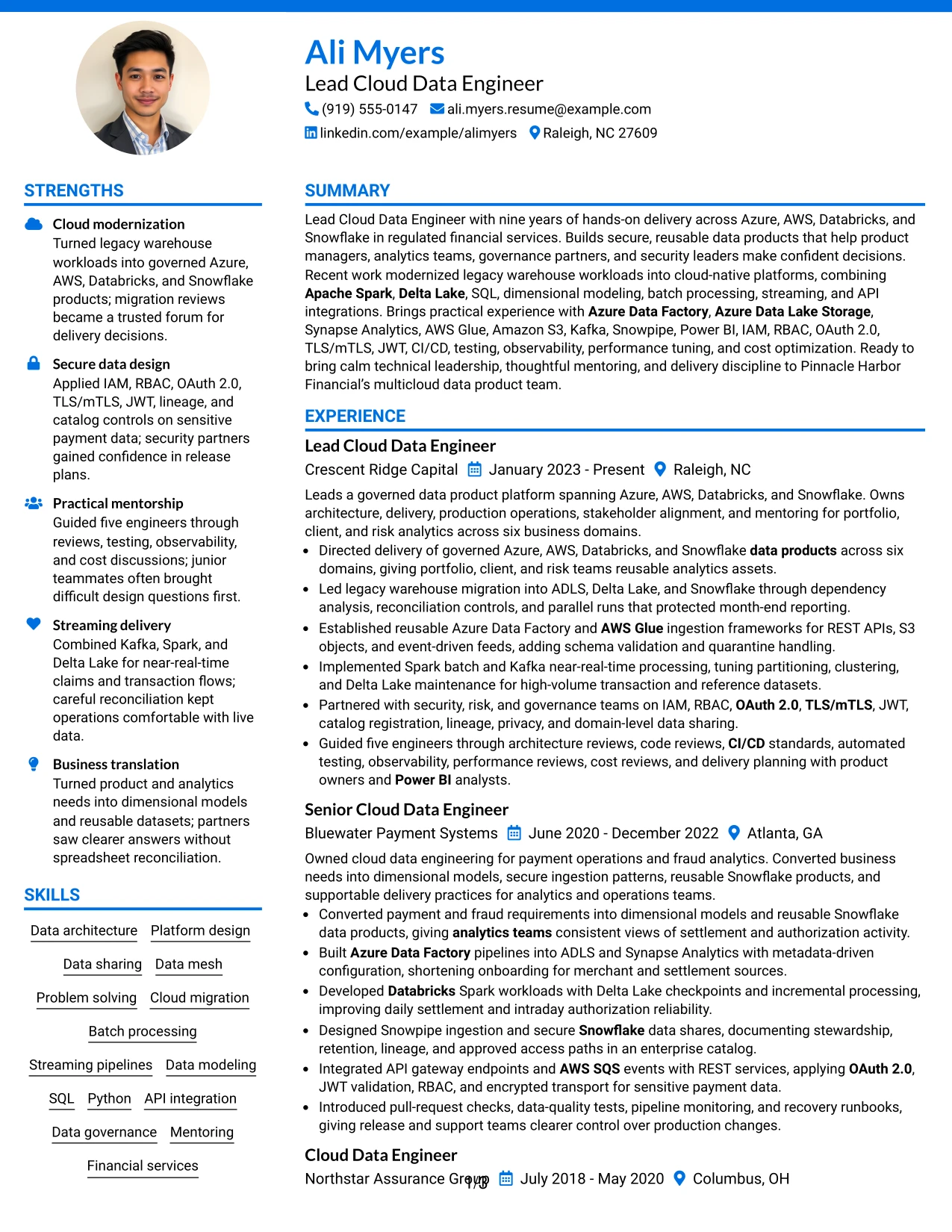
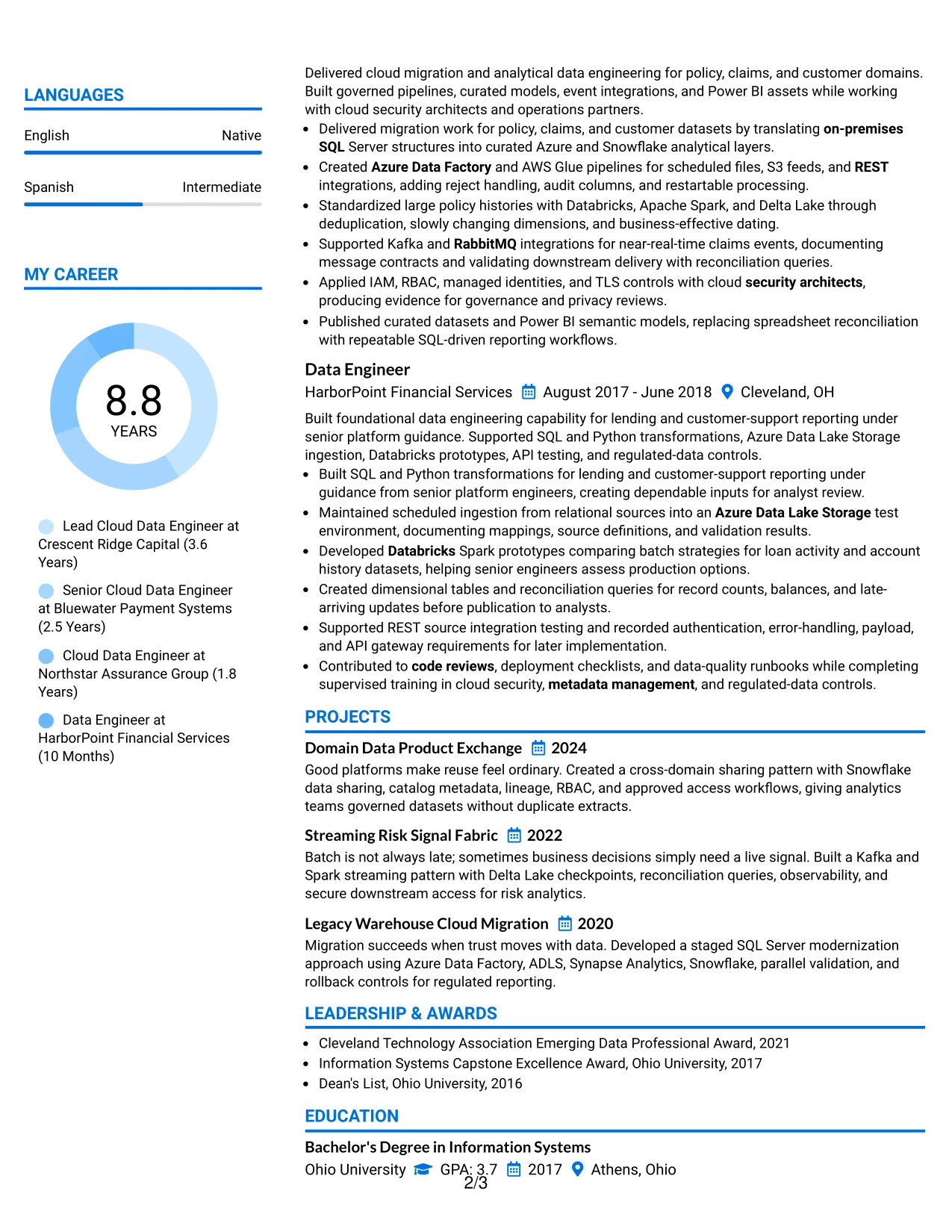
Readers can begin with the header, confirm the target role and summary, and then follow the experience section before checking supporting qualifications. The Photo Header Color Accent International Format combines that guided path with clear areas for work history, skills, education, projects, certifications, awards, activities, and language information.
The color accents help distinguish these sections while preserving the technical evidence. This resume can show multicloud delivery, secure data access, data modeling, API integrations, streaming, governance, and analytics enablement without making the page feel like one uninterrupted block.
Why the Photo Header Color Accent International Format Works for a Resume
- The header provides an immediate introduction to the target role and professional summary.
- A defined reading path keeps recent experience ahead of supporting details.
- Color accents help separate technical skills, certifications, education, and language information.
- The structure accommodates a detailed career history and several focused projects.
- Experience bullets can connect tools with platform outcomes, controls, and stakeholder needs.
- The format gives awards and activities visibility without taking attention from core qualifications.
- A broad section system supports both technical depth and a well-rounded professional profile.
Best For
- Professionals who want a guided resume path from identity and summary to career evidence.
- Candidates with substantial experience plus projects, credentials, activities, and language details.
- Applications where color accents can clarify many resume sections without heavy decoration.
- Readers who value a strong separation between work history and supporting qualifications.
- Technical professionals showing platform engineering alongside governance and analytics collaboration.
- Documents that need room for both detailed bullets and concise keyword groups.
- Candidates presenting a complete professional record beyond employment history alone.
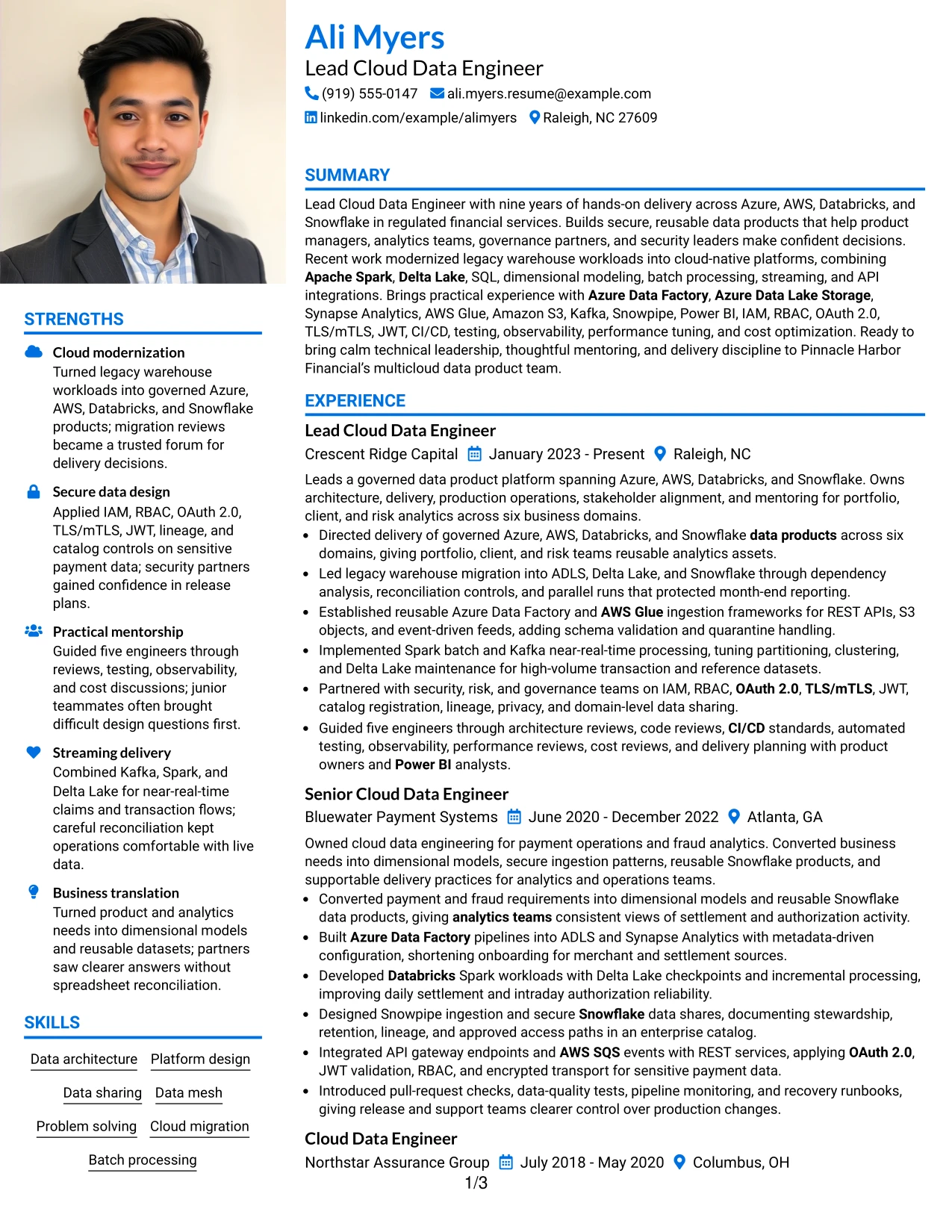
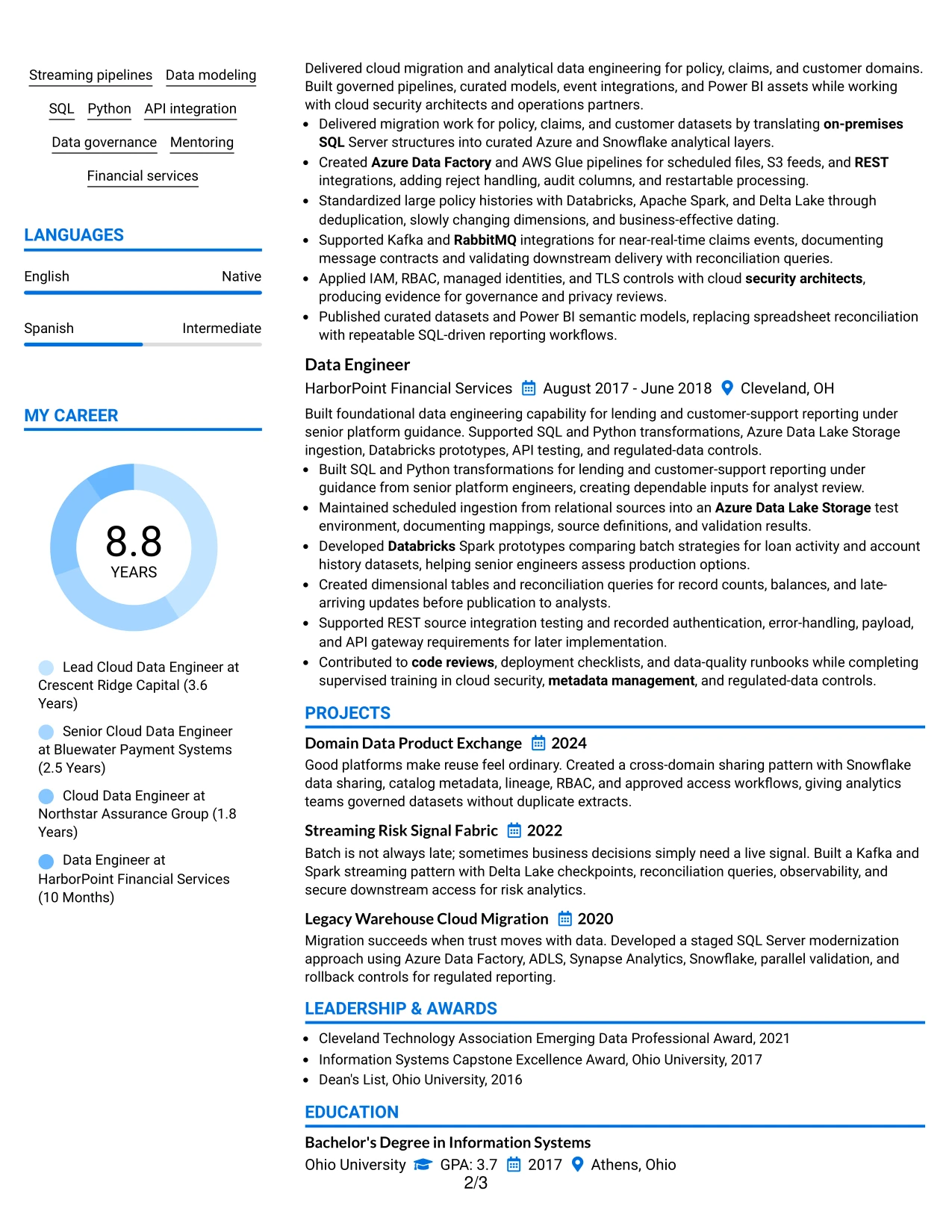
#33 Large Profile Photo International Two Column Format Resume Example
The evidence that deserves priority is the combination of multicloud platform ownership, secure engineering, and leadership. The Large Profile Photo International Two Column Format gives that evidence a strong opening while using two columns to organize experience, skills, projects, education, certifications, awards, activities, and language information.
A larger header area can establish a confident professional identity, while the body keeps detailed bullets and supporting facts distinct. The resume can therefore show legacy migration, domain-oriented data products, Spark and Kafka processing, Snowflake sharing, governance controls, and mentorship in a readable sequence.
Why the Large Profile Photo International Two Column Format Works for a Resume
- The larger header creates a strong first impression around the target role and summary.
- Two columns allow detailed experience to sit beside skills, credentials, projects, and languages.
- The main evidence remains focused on platform ownership, migration, and secure delivery.
- Supporting sections can expose certifications and international profile details without long detours.
- The layout accommodates both technical achievements and leadership contributions.
- Clear separation helps readers connect tools such as Spark, Kafka, and Snowflake to actual work.
- A prominent identity area can support a polished presentation while preserving resume substance.
Best For
- Professionals who want a strong identity-led opening before detailed career evidence.
- Candidates with substantial experience and enough supporting information to justify two columns.
- Applications where languages, activities, certifications, and projects need visible placement.
- Resumes combining platform ownership, technical delivery, and people leadership.
- Readers who appreciate a prominent header followed by organized evidence areas.
- Professionals presenting domain data products, secure sharing, and migration work together.
- Documents that need to communicate both a complete profile and deep technical capability.
Why Build Your Lead Cloud Data Engineer - Multi-Cloud Data Platforms Resume with ResumeInMinutes
ResumeInMinutes helps you turn complex platform work into a structured resume that is simple to scan and easy to customize. You can organize architecture, migration, processing, governance, tools, projects, certifications, and leadership without losing important technical detail.
- ATS-friendly resume layouts
- Clear cloud platform sections
- Keyword-focused resume content
- Projects and skills organization
- Free PDF resume previews
- Resume customization support
The formats help you present Azure and AWS delivery together with Databricks, Snowflake, Spark, Delta Lake, SQL, secure integrations, data modeling, governance, analytics enablement, and mentoring. This gives reviewers a clear path from your technical capabilities to the data products you delivered.
See Also
- 33 Cloud Platform Engineer Resume Templates with Example 2026 (ATS-Optimized)
- 33 Principal Machine Learning Engineer - Cloud AI Platforms Resume Templates with Example
- 33 Staff Cloud Engineer – Cloud Platforms Resume Templates with Example 2026 (ATS-Optimized)
- 7 Systems Engineer - Infrastructure & Cloud Platforms Resume Templates with Example
- 33 AI/ML Engineer Intern, Cloud & Developer Infra Resume Templates with Example 2026 (ATS-Optimized)
- 33 Applied AI Research Engineer - Production ML & Cloud Resume Templates with Example 2026 (ATS-Optimized)
- 33 Associate Cloud Engineer Resume Templates with Example 2026 (ATS-Optimized)
- 33 Azure Cloud Engineer Resume Templates with Example
- 30+ Lead Cloud Data Engineer - Multi-Cloud Data Platforms Cover Letter Templates with Example 2026
- 30+ Cloud Platform Engineer Cover Letter Templates with Example 2026
Frequently Asked Questions
Are these Lead Cloud Data Engineer - Multi-Cloud Data Platforms resume templates ATS-friendly?
Yes. The templates use readable headings and organized sections for keywords such as Azure, AWS, Databricks, Snowflake, Apache Spark, data products, cloud migration, IAM, governance, and secure data sharing.
Are these 33 different resumes?
No. The guide presents one Lead Cloud Data Engineer - Multi-Cloud Data Platforms resume example in different layouts and design themes.
What should this resume include?
Include a focused summary, experience, cloud platforms, data engineering skills, projects, education, certifications, governance work, security knowledge, measurable delivery evidence, and mentoring or technical leadership.
Which technical keywords matter for this target role?
Use accurate keywords from your background, such as Azure Data Factory, Azure Data Lake Storage, Synapse Analytics, AWS Glue, Amazon S3, Databricks, Spark, Delta Lake, Snowflake, Snowpipe, SQL, Kafka, REST, IAM, RBAC, CI/CD, testing, and observability.
How should I show multicloud data platform experience?
Group related technologies clearly, then connect them to outcomes. Explain how you designed or operated Azure and AWS solutions with Databricks or Snowflake, and mention migration, reliability, security, governance, cost, or analytics results when supported by your experience.
Should I include projects on this resume?
Yes. Projects can reinforce experience with domain data products, Snowflake data sharing, Kafka and Spark streaming, Delta Lake, cloud migration, reconciliation, observability, and secure access patterns.
Should I include a photo on my resume?
Include a photo only when it is customary or expected in your country, region, or industry. For U.S. applications, a no-photo resume is generally the safer option.
Can I customize these resume templates?
Yes. ResumeInMinutes allows you to change the resume text, section order, layout, design style, and PDF format for your Lead Cloud Data Engineer - Multi-Cloud Data Platforms application.




