
30+ Lead JavaScript Frontend Developer Cover Letter Templates with Example 2026
This practical guide helps you create a focused Lead JavaScript Frontend Developer cover letter that presents your technical leadership and client-facing value with clarity. You will learn how to connect your experience to the role while keeping the letter direct, persuasive, and easy to review.
The guidance explains how to write an opening that names your interest, choose evidence that shows leadership and delivery judgment, and describe work with React, Next.js, TypeScript, accessible interfaces, and scalable front-end systems without simply repeating your resume. It also shows how to communicate motivation, employer alignment, collaboration, and technical credibility in a natural voice.
You will see one grounded Lead JavaScript Frontend Developer cover letter example, learn why its progression works, and explore how the same application can be presented in 33 different layouts to suit the employer, communication context, and level of visual formality.
What Makes a Great Lead JavaScript Frontend Developer Cover Letter in 2026
A strong cover letter for this role is specific, credible, and connected to the way the team delivers client work. It should make the reader understand both what you build and how you help other people make good technical decisions:
- Technical leadership from discovery through launch
- Strong front-end delivery with HTML, CSS, SCSS, JavaScript, TypeScript, React, and Next.js
- Practical collaboration with strategists, designers, architects, content teams, and clients
Rather than restating a work history, an effective letter explains:
- Why the applicant is interested in the employer's approach to digital experiences
- How architecture, component libraries, Figma collaboration, and headless CMS work support reliable delivery
- How accessibility, performance, semantic markup, and maintainability shape implementation choices
- How mentoring, code review, planning, and responsible use of AI-assisted tools strengthen the team
For this position, useful evidence can include work with React, Next.js, TypeScript, bespoke SCSS, Figma Design, Dev Mode, FigJam, Figma variables and libraries, Contentful, WCAG 2.2, Core Web Vitals, Git, GSAP, Framer Motion, and technical mentoring. Select only the details that support the point of your letter and explain their value in the work.
The templates below show how one focused, persuasive cover letter can use different professional styles while keeping the opening, supporting evidence, employer connection, and closing easy to follow.
The featured example follows a focused progression from role interest to technical evidence, collaboration, employer alignment, and a professional close. Readers can adapt that progression while choosing a presentation suited to the employer and communication context.
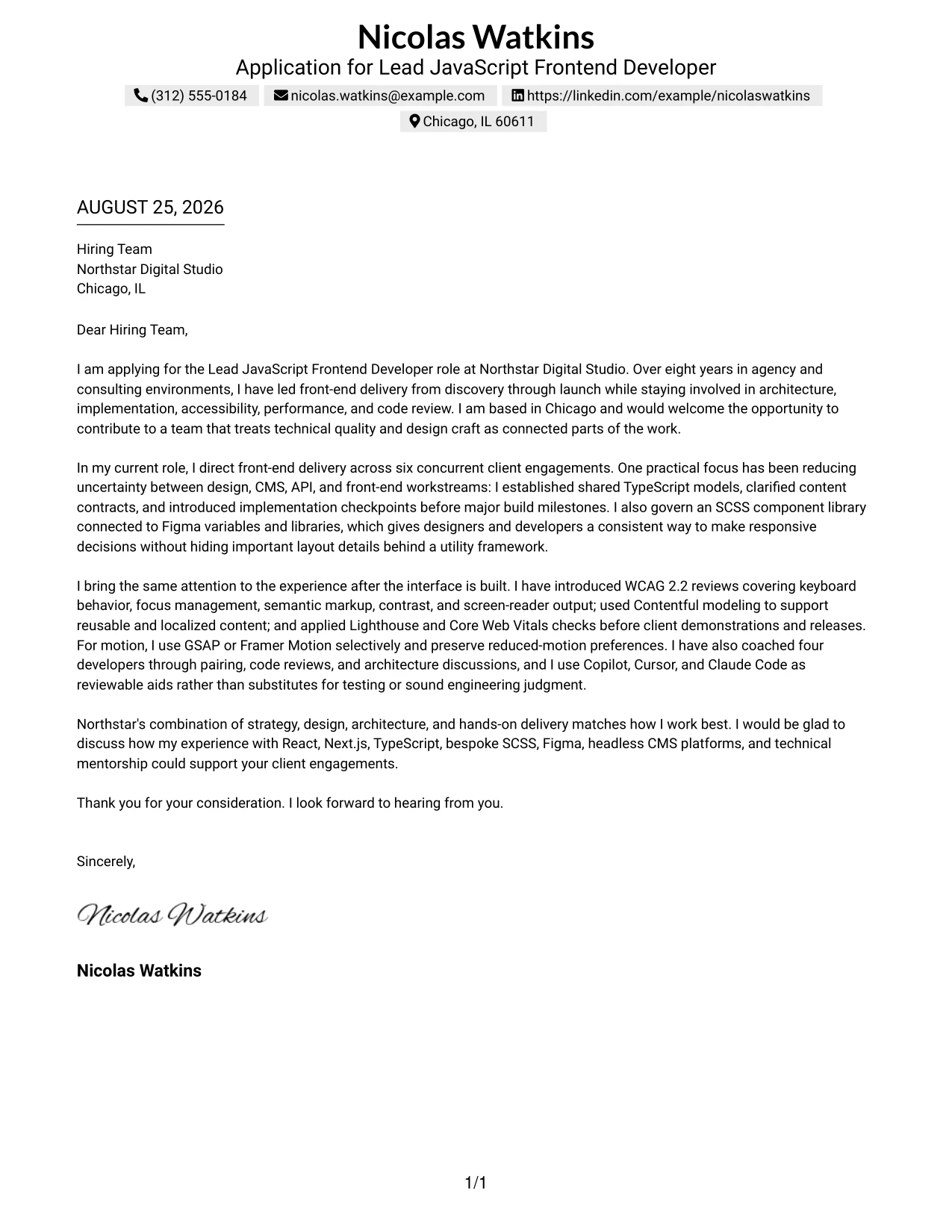
#1 Cover Letter Example: Text/Fang Style
Text/Fang Style gives the letter a direct, centered structure that helps the reader move from interest to evidence to fit. Nicolas Watkins’s letter opens with a clear application statement, connects eight years of agency and consulting experience to Northstar’s needs, and closes with a focused invitation to talk.
The one-column flow gives each paragraph a clear job. The middle paragraphs explain technical leadership, TypeScript modeling, SCSS component libraries, WCAG 2.2 reviews, Contentful, performance checks, mentoring, and responsible use of AI-assisted tools. That sequence makes motivation and employer fit easy to understand without slowing the reader down.
#1 Cover Letter Snapshot
- Eight years of front-end experience in agency and consulting environments
- Leadership across six concurrent client engagements
- React, Next.js, TypeScript, SCSS, Figma, Contentful, and WCAG 2.2 experience
- Mentoring, code review, accessibility, performance, and responsible AI-tool use
#1 Why This Cover Letter Works
- The opening names the role and company immediately, so the purpose is clear.
- The Chicago location supports the letter’s connection to Northstar’s hybrid work model.
- The body links technical decisions to practical delivery needs such as clarity, accessibility, and maintenance.
- Specific evidence, including six concurrent engagements and mentoring four developers, gives the claims weight.
- The letter explains collaboration with designers, CMS teams, architects, and clients instead of presenting technical work in isolation.
- The closing paragraph makes the employer fit personal by connecting Northstar’s strategy, design, and architecture model to the candidate’s preferred way of working.
- The tone is confident and energetic while remaining professional and easy to scan.
#1 Relevant Keywords for This Cover Letter
- Lead JavaScript Frontend Developer
- React and Next.js
- TypeScript models
- SCSS component library
- Figma variables and libraries
- WCAG 2.2
- Contentful
- technical mentorship
#2 Cover Letter Example: Two Column Format
A recruiter can move through a Two Column Format by reviewing contact details and key context in one area, then reading the letter’s argument in a clean main column. That separation helps a detailed application stay organized while preserving a natural opening, evidence-led body, and direct closing.
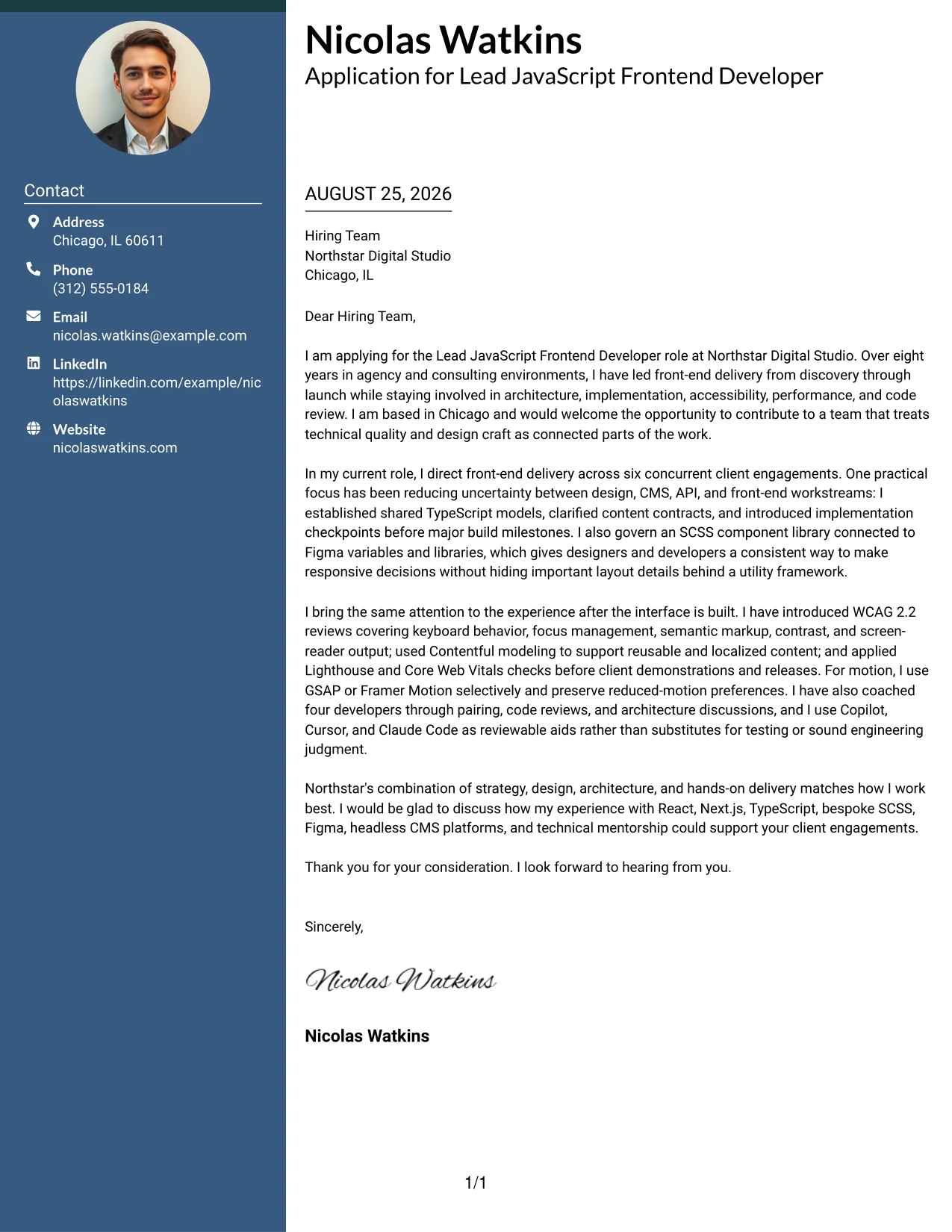
#2 Why the Two Column Format Works for a Cover Letter
- The main reading path keeps the application message separate from supporting contact information.
- Two columns allow the letter to carry substantial evidence without creating one dense block of text.
- Short side content can reinforce location, availability, or contact details while the main column handles persuasion.
- The format supports a clear opening that states interest in Northstar Digital Studio.
- The body can group leadership, architecture, accessibility, and collaboration evidence in a logical order.
- The closing remains visible as a distinct final step rather than blending into the body.
- Strong spacing and clear alignment help the reader compare the application message with its supporting context.
#2 Best For
- Applicants who need to present a focused argument beside concise supporting details
- Letters with several evidence areas, such as leadership, architecture, and delivery
- Readers who prefer a quick route through contact information and the main message
- Applications that connect technical decisions with client and team outcomes
- Professionals balancing motivation, collaboration style, and hands-on capability
- Hybrid or remote applications where location and work arrangement need clear placement
- Cover letters that benefit from visible separation between context and persuasive content
#3 Cover Letter Example: Photo Header Two Column Format
The strongest evidence should lead the reader from the first lines: technical leadership, hands-on delivery, and a clear match with Northstar Digital Studio. Photo Header Two Column Format places that persuasive message beside a strong visual header, creating space for both professional identity and detailed role alignment.
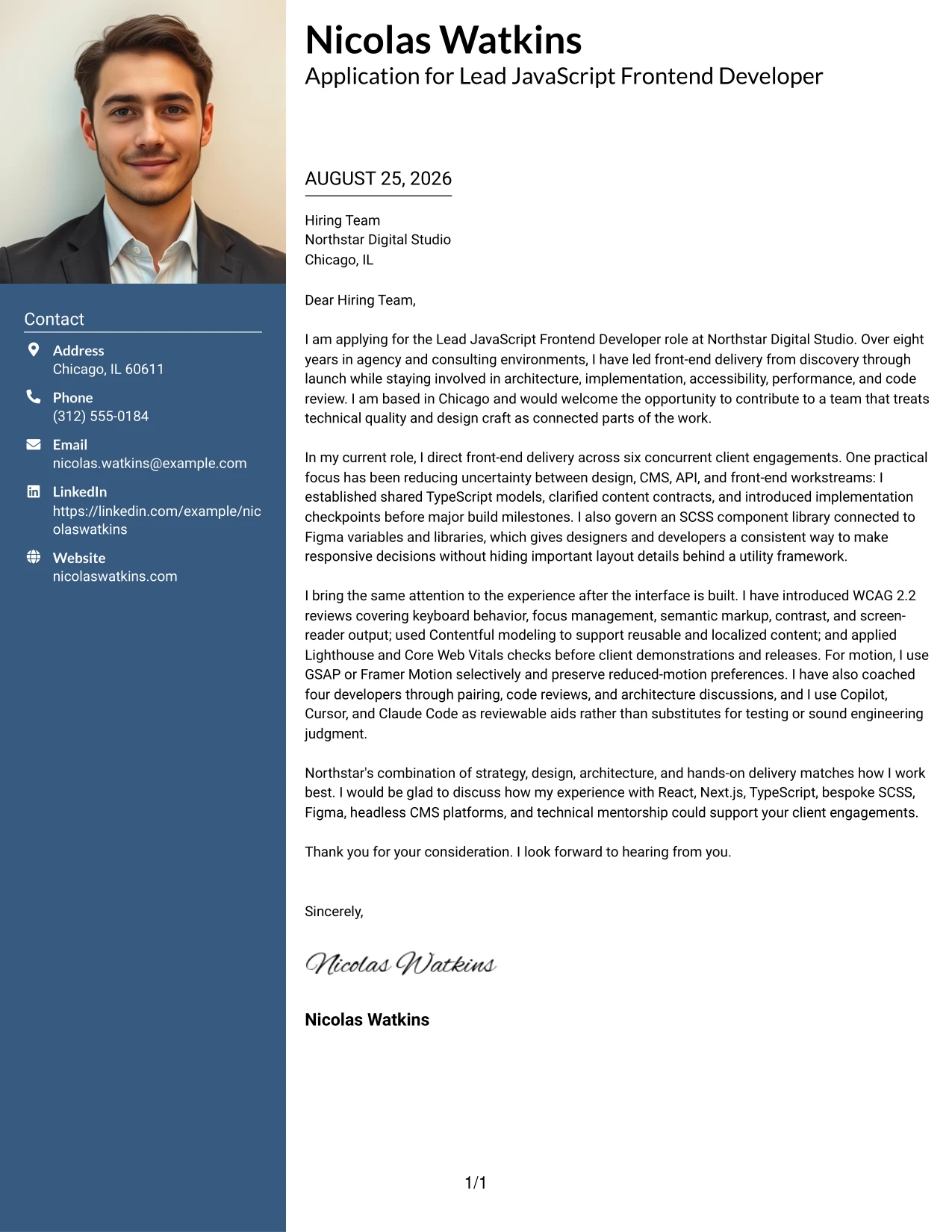
#3 Why the Photo Header Two Column Format Works for a Cover Letter
- The opening can state the application goal before the reader reaches supporting details.
- A two-column body gives leadership evidence and collaboration evidence separate visual space.
- The photo header adds a personal introduction while the letter still carries the main persuasive work.
- The format supports a balanced discussion of React, Next.js, TypeScript, SCSS, and accessibility.
- A side area can hold concise contact or location details without interrupting the letter’s argument.
- The structure works well when the applicant wants to show both technical depth and communication presence.
- A clear closing can stand apart from the evidence, leaving the reader with a direct next step.
#3 Best For
- Applicants who want a personal visual introduction alongside a serious application message
- Letters that need to present technical evidence and collaboration evidence in separate areas
- Professionals whose communication presence is part of the employer fit
- Applications with enough supporting detail to benefit from two-column grouping
- Client-facing roles where trust, clarity, and presentation matter together
- Readers who respond well to a strong header followed by organized persuasion
- Cover letters that connect hands-on craft with leadership and team guidance
#4 Cover Letter Example: Simple One Column Format
Balanced spacing gives a Simple One Column Format its strength: the reader gets one uninterrupted path through the greeting, opening, supporting evidence, and close. That calm structure suits an application where the message must feel precise, credible, and easy to review.
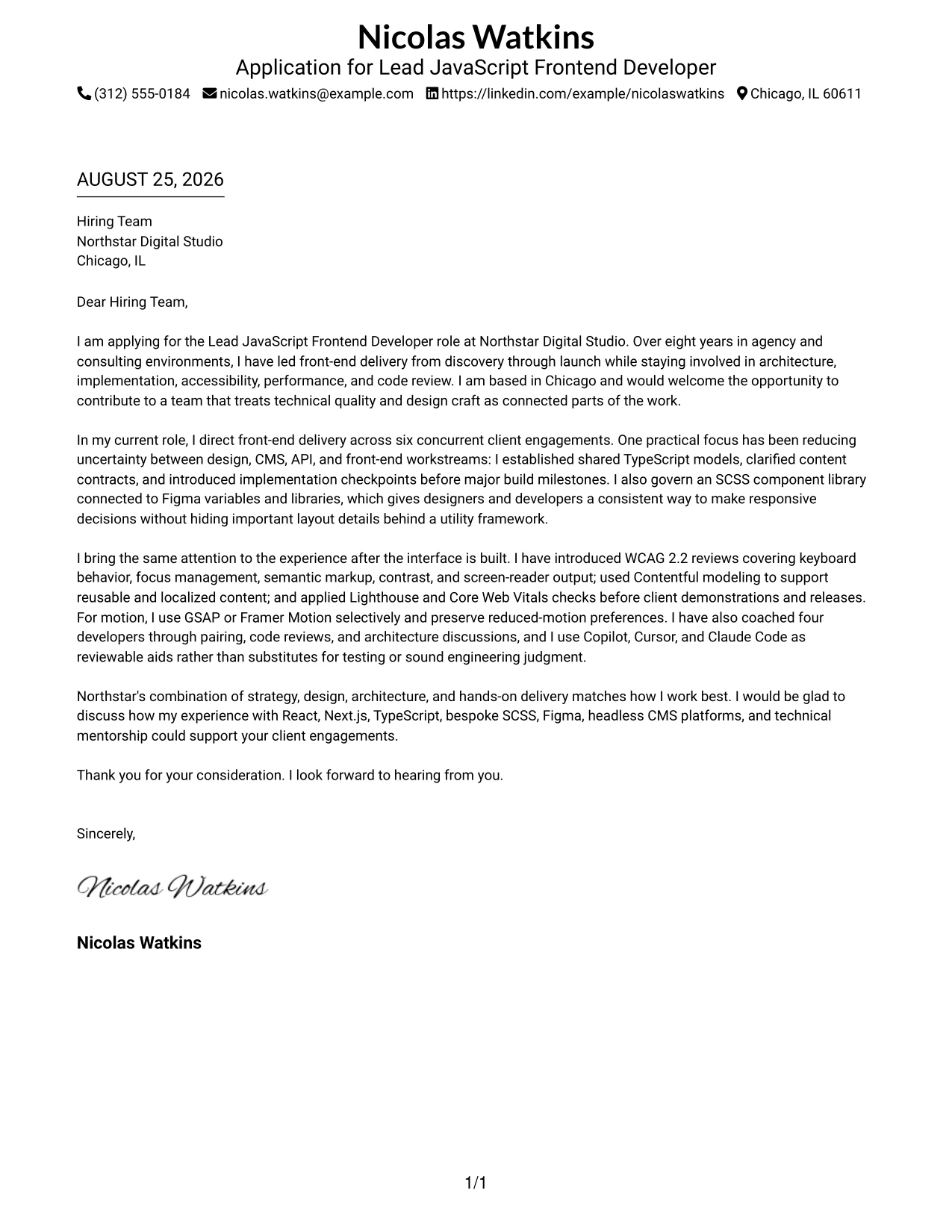
#4 Why the Simple One Column Format Works for a Cover Letter
- One reading path keeps the opening and closing connected from start to finish.
- Generous spacing gives each reason for applying room to stand on its own.
- The format supports a direct explanation of why Northstar’s client work is a strong match.
- Technical evidence can be introduced in short paragraphs rather than crowded side content.
- The letter can move naturally from motivation to delivery experience to team leadership.
- A simple presentation keeps attention on judgment, communication, and employer fit.
- The clean structure is suitable when clarity matters more than decorative design.
#4 Best For
- Applications that need a calm, uninterrupted reading experience
- Letters built around a short opening, two evidence paragraphs, and a firm close
- Readers who value direct communication over decorative layout
- Professional applications where employer fit needs careful explanation
- Messages that move from motivation to proof without side panels
- Applicants who want technical and interpersonal strengths presented in one sequence
- Cover letters that must remain easy to read across print and screen review
#5 Cover Letter Example: One Column Format with Photo
For an application that combines a personal introduction with a focused message, One Column Format with Photo keeps the reader on a single path. The visual header establishes identity, while the letter explains hands-on leadership, collaboration, and the practical value the candidate can bring to Northstar Digital Studio.
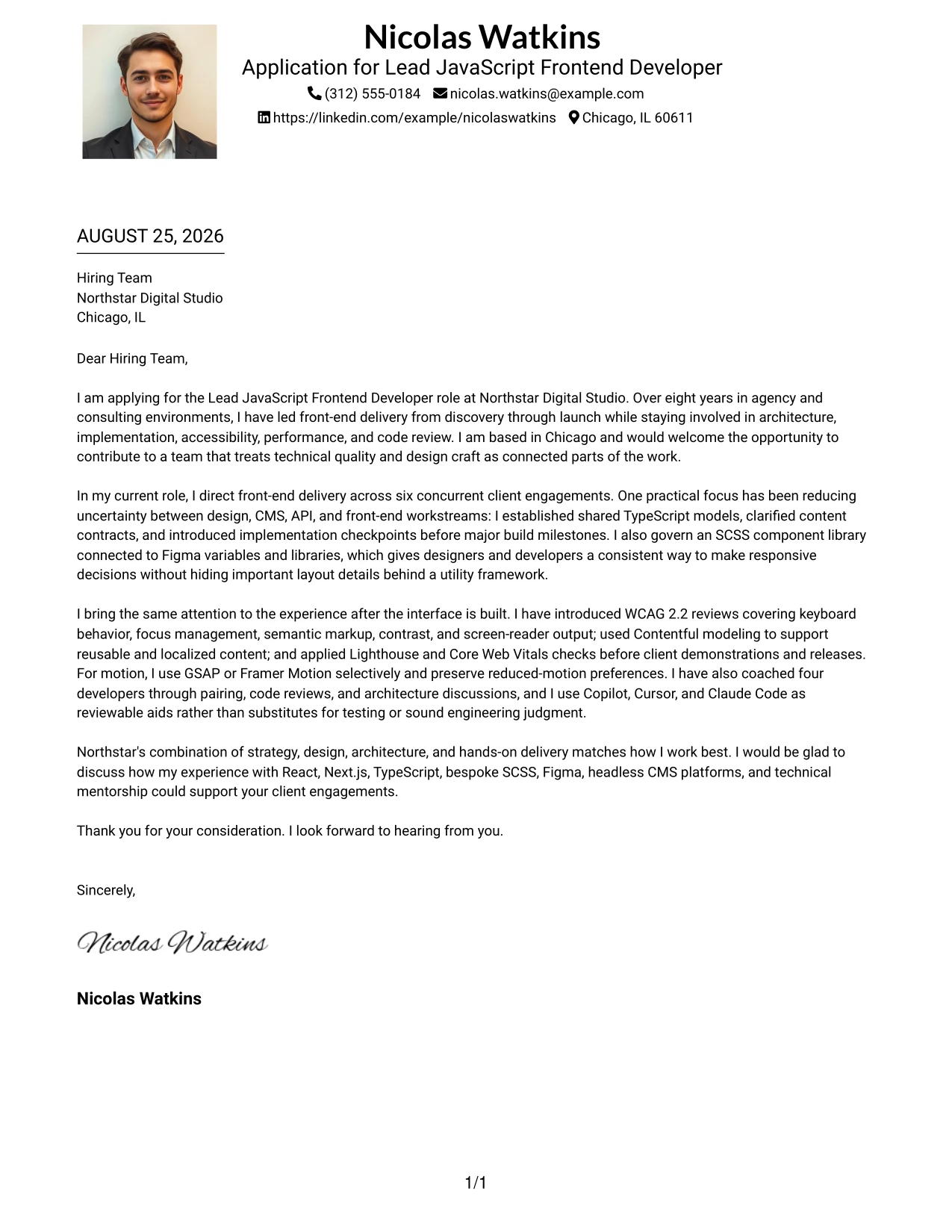
#5 Why the One Column Format with Photo Works for a Cover Letter
- The single column keeps the reader focused on the application story.
- The photo creates an immediate personal introduction before the written message begins.
- The format supports a warm opening without weakening professional tone.
- A continuous body can connect technical delivery with mentoring and collaboration.
- The letter has room to explain accessibility, performance, and maintainability in plain language.
- The visual hierarchy helps the employer move from identity to motivation to evidence.
- A distinct closing preserves a confident final impression after the detailed middle section.
#5 Best For
- Applicants who want personal presence at the top of a one-path letter
- Applications where identity and written communication should appear together
- Client-facing work that depends on trust as well as technical judgment
- Letters with a detailed body that still needs a simple reading sequence
- Professionals presenting leadership, collaboration, and delivery in one narrative
- Readers who prefer a recognizable introduction before reviewing application evidence
- Cover letters where a polished visual opening supports, rather than replaces, the message
#6 Cover Letter Example: One Column Format with Photo Right
A restrained visual hierarchy keeps the written message in charge while a photo on the right adds personal context. One Column Format with Photo Right suits a letter that must communicate role alignment quickly, then support it with evidence about architecture, design partnership, accessibility, and team guidance.
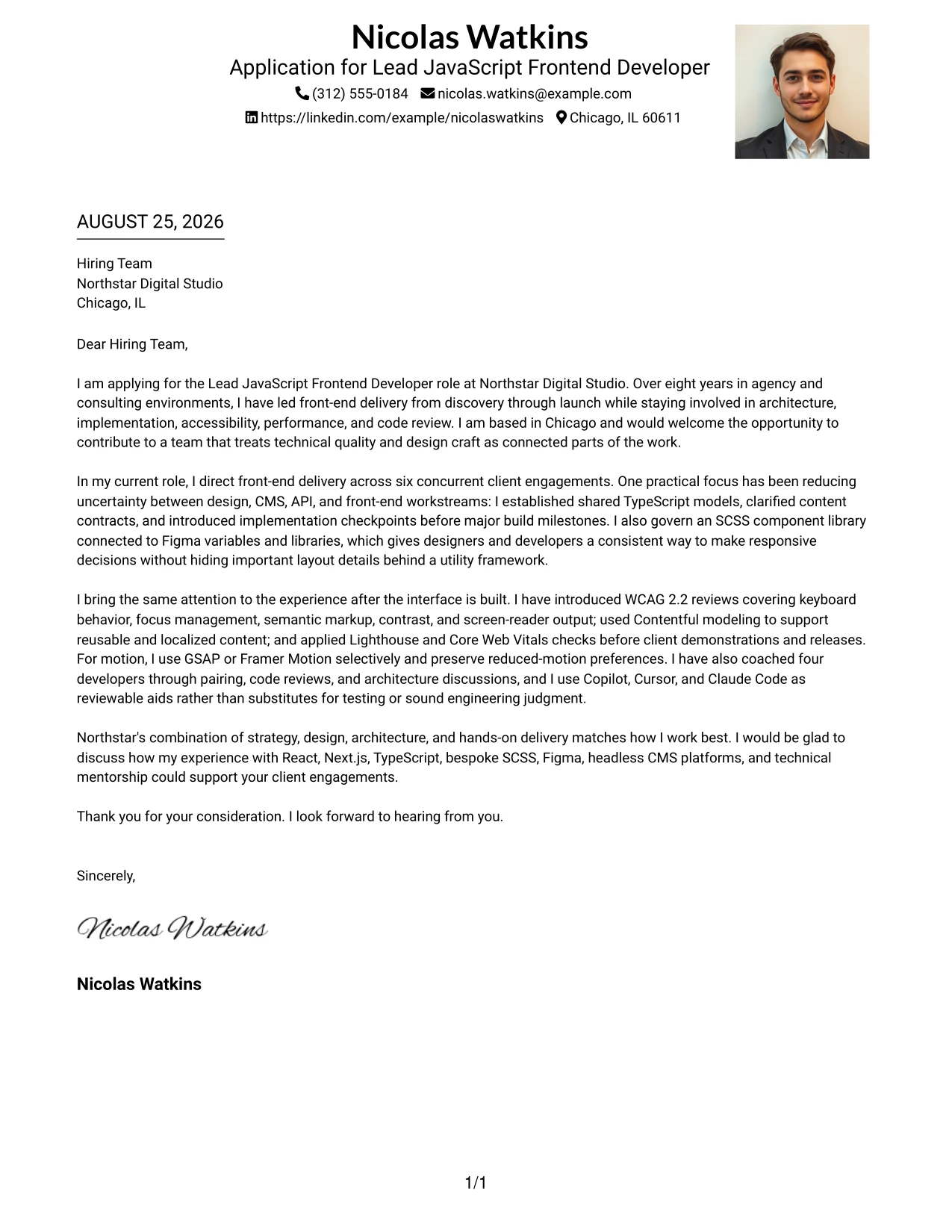
#6 Why the One Column Format with Photo Right Works for a Cover Letter
- The right-side photo adds identity without taking over the main reading path.
- The left-aligned letter gives the opening a strong place to state motivation.
- The layout supports a clear connection between Northstar’s needs and the candidate’s experience.
- A single text column makes detailed evidence easier to follow in order.
- The visual balance can reinforce confidence while keeping the communication professional.
- The body can show both hands-on craft and influence through mentoring and code review.
- The closing remains prominent because the written content stays visually organized.
#6 Best For
- Applicants who want personal context placed beside, not above, the main message
- Letters where role alignment should be visible before detailed proof
- Client collaboration applications that benefit from a confident visual balance
- Professionals combining architecture, delivery, and mentoring evidence
- Readers who favor a strong text column with a modest supporting visual
- Applications that need a polished introduction without splitting the letter into two text paths
- Cover letters where communication style is an important part of fit
#7 Cover Letter Example: Simple Two Column Format
Simple Two Column Format divides supporting context from the main letter while keeping the visual treatment restrained. The structure helps the application present motivation, proof of delivery, and employer fit in a sequence that rewards quick scanning without reducing the message to fragments.
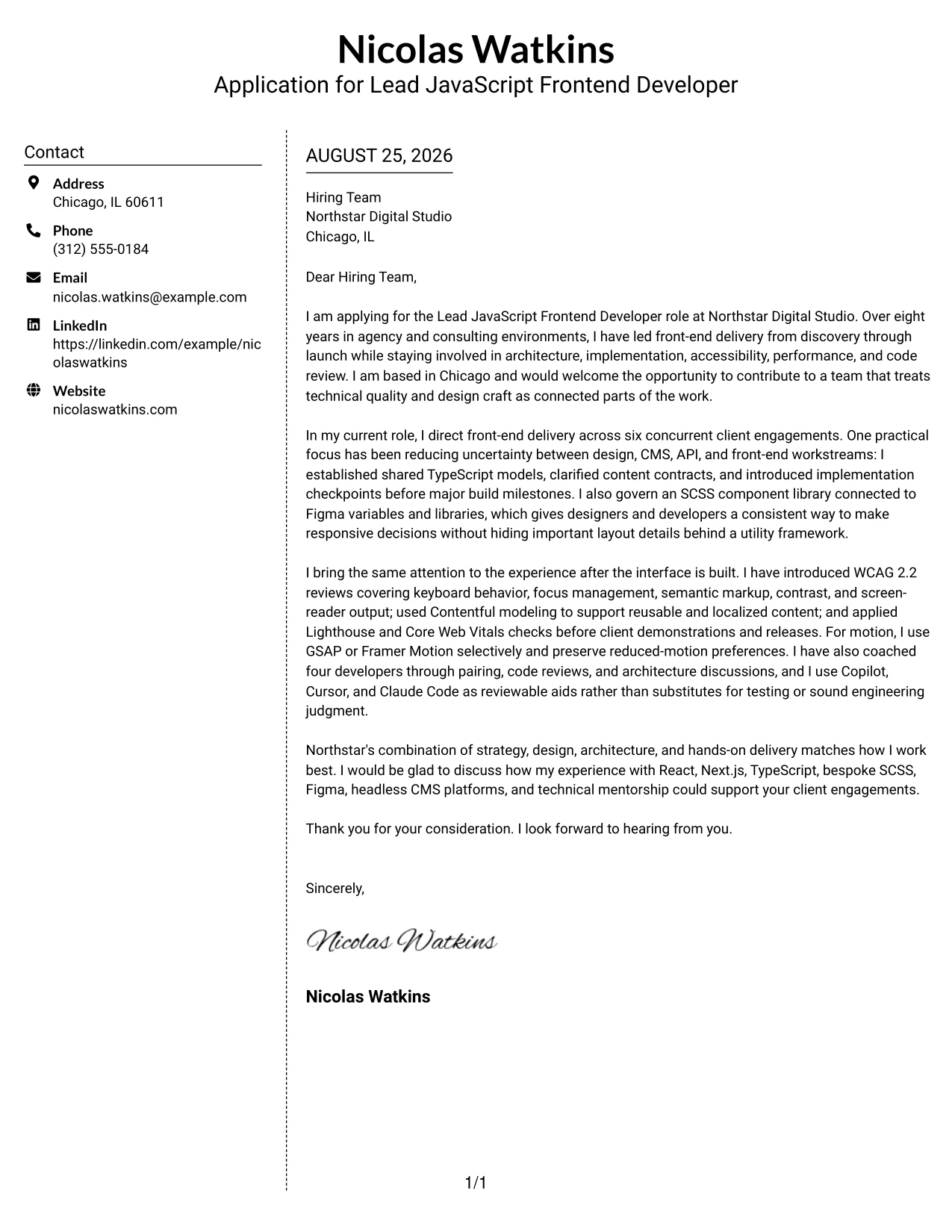
#7 Why the Simple Two Column Format Works for a Cover Letter
- The side column can carry brief context while the main column protects the full application message.
- Simple alignment makes the reader’s route through the letter easy to predict.
- The format gives separate space to technical leadership and communication strengths.
- Short, well-placed emphasis points can guide attention to the strongest evidence.
- The main body can explain how experience with designers and clients supports Northstar’s work.
- A two-column structure creates useful separation without adding visual noise.
- The closing can be placed where it feels like a clear conclusion to the argument.
#7 Best For
- Applications that need two levels of information without a crowded appearance
- Letters with a primary argument and a small amount of supporting context
- Readers who scan first and then return for the full explanation
- Professionals separating delivery evidence from communication and fit
- Messages that need visible structure but not a highly decorative treatment
- Cover letters where concise side notes can support a longer central narrative
- Applicants who want a practical layout for screen-based review
#8 Cover Letter Example: Stylish Two Column Designer Format
Readers can first catch the key context in the sidebar, then move into the fuller case for the application in the main column. Stylish Two Column Designer Format gives a polished presentation to a letter about design partnership, component systems, thoughtful engineering, and leadership across client work.
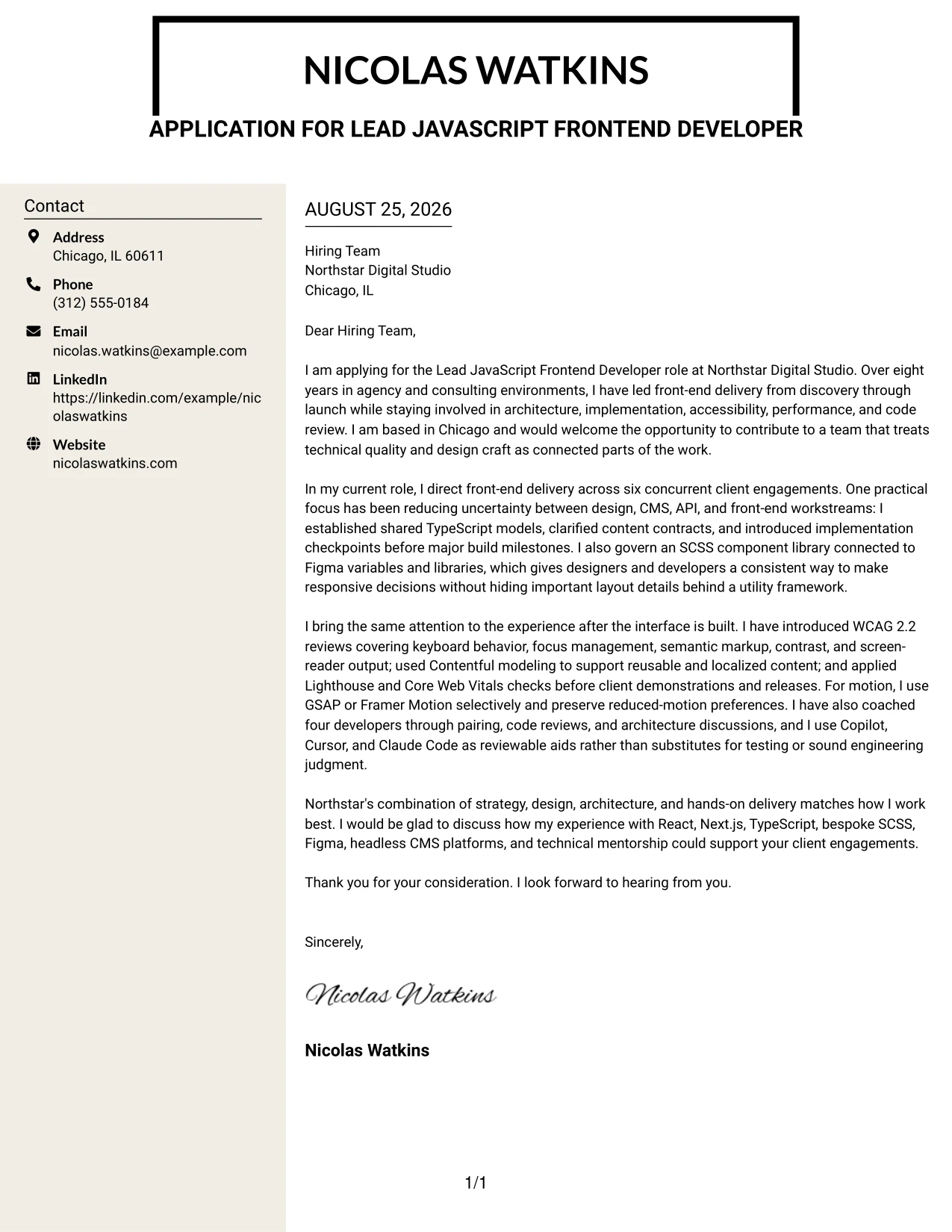
#8 Why the Stylish Two Column Designer Format Works for a Cover Letter
- The sidebar creates a quick orientation point before the detailed message begins.
- The main column has room for a persuasive narrative rather than disconnected claims.
- Distinct areas help separate motivation, technical evidence, and team influence.
- The designer presentation supports an application tied to close work with Figma and visual craft.
- A varied hierarchy can highlight practical recommendations without making the letter feel rigid.
- The format accommodates several proof points while preserving a clear reading order.
- The closing benefits from a defined position after the fuller employer-fit discussion.
#8 Best For
- Applicants whose work depends on close partnership between design and engineering
- Letters with a high volume of evidence that needs clear grouping
- Applications where visual craft is relevant to how the team delivers work
- Readers who want an orientation sidebar before reviewing the full argument
- Professionals presenting component-library work beside leadership and collaboration proof
- Cover letters that need a polished designer feel while retaining complete sentences
- Messages where employer fit requires both creative awareness and technical judgment
#9 Cover Letter Example: Colored Two Column Format
Technical leadership and role fit deserve priority in a Colored Two Column Format, so the letter can lead with the strongest evidence before adding supporting context. A distinct color area guides the eye while the main message explains architecture, accessible delivery, client collaboration, and mentoring.
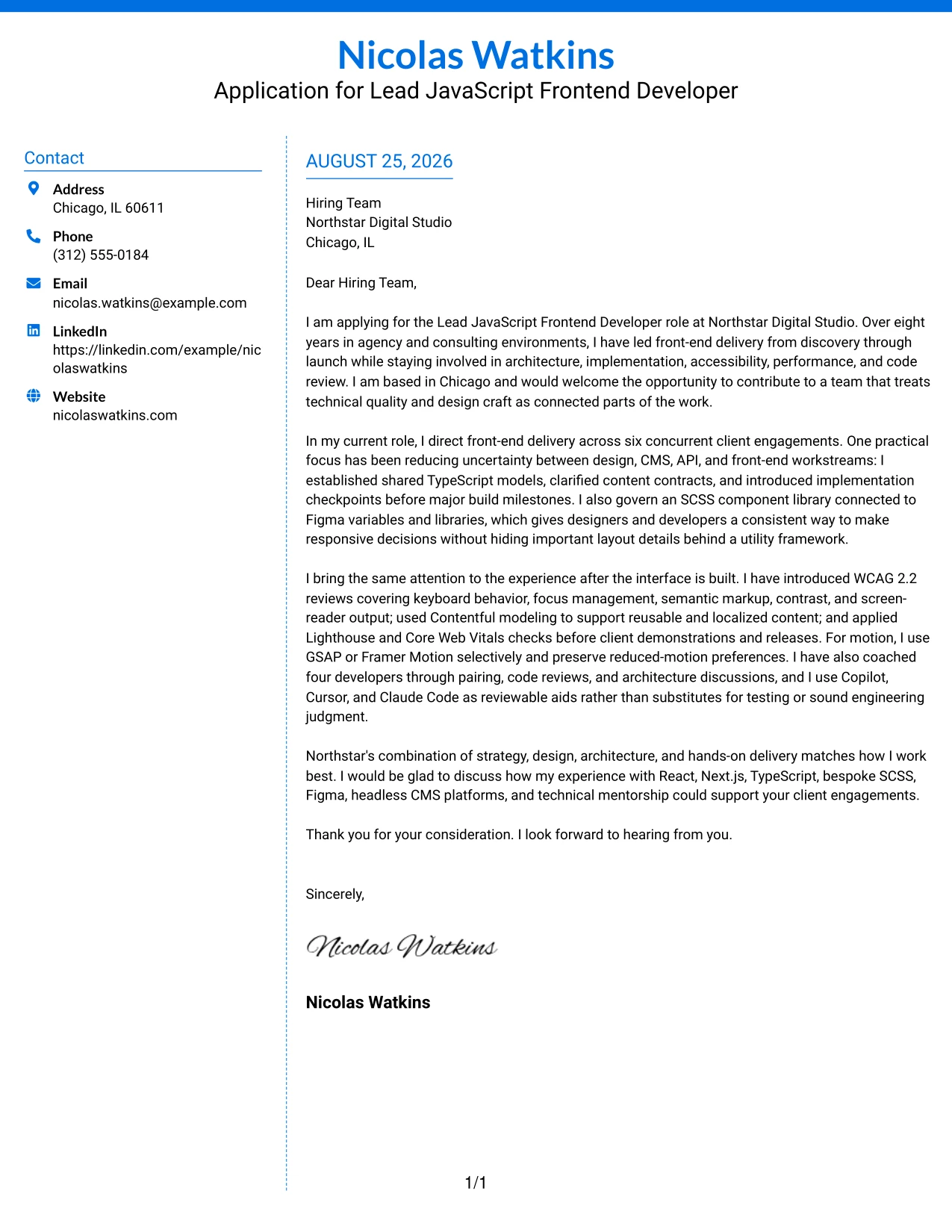
#9 Why the Colored Two Column Format Works for a Cover Letter
- The visual contrast can direct attention to the application’s central reason for fit.
- A separate column gives contact or context details a clear home.
- The main area can lead with evidence that matches Northstar’s leadership expectations.
- Color supports hierarchy when it is used to organize, not decorate, the message.
- The format makes it easier to distinguish technical delivery from interpersonal contribution.
- A strong central section can explain practical decisions in React, Next.js, TypeScript, and SCSS.
- The closing remains easy to locate after the evidence-led case is complete.
#9 Best For
- Applications that need the strongest fit evidence to stand out early
- Letters with two clear content groups, such as proof and supporting context
- Readers who benefit from visual cues during an initial scan
- Professionals explaining technical leadership alongside client collaboration
- Messages that combine accessibility, performance, and maintainability evidence
- Applicants who want color to reinforce organization rather than act as decoration
- Cover letters where a confident hierarchy supports a detailed case for fit
#10 Cover Letter Example: Creative Two Tone Format
Careful balance between two visual tones lets a Creative Two Tone Format feel distinctive while keeping the application message professional. Nicolas Watkins’s letter can use that contrast to frame a clear motivation, then move through technical leadership, design collaboration, accessibility, and Northstar-specific fit without losing focus.
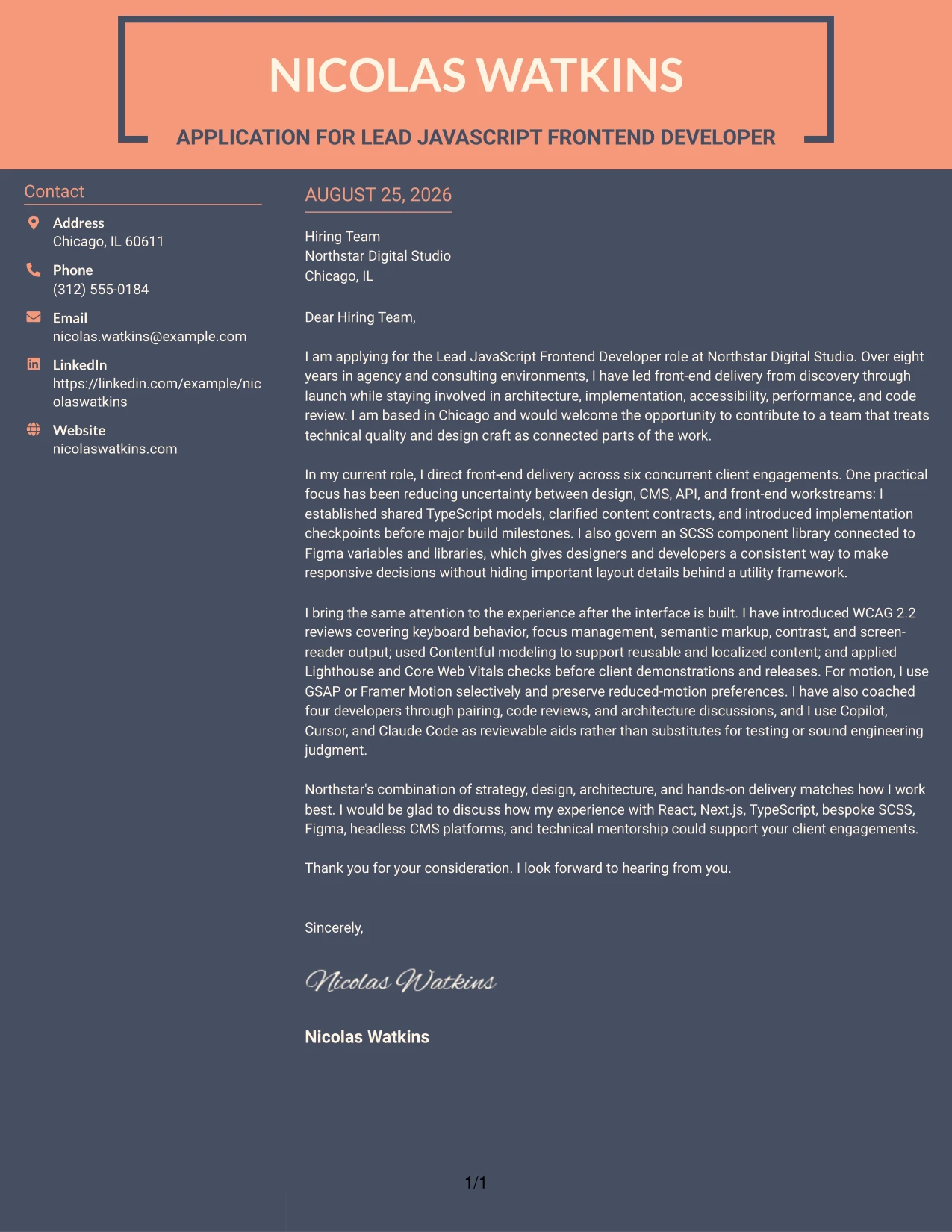
#10 Why the Creative Two Tone Format Works for a Cover Letter
- The two-tone treatment creates interest while leaving the written argument easy to follow.
- A strong opening can connect the applicant’s motivation with Northstar’s creative client work.
- The format gives the body enough room for evidence without requiring a complex structure.
- Color contrast can separate introduction, evidence, and closing in a memorable way.
- The letter can show both technical standards and curiosity about better ways to work.
- A focused final paragraph can turn visual interest into a clear employer-fit message.
- The design is most effective when every visual choice supports communication and purpose.
#10 Best For
- Applicants seeking a distinctive presentation for a creative studio application
- Letters where visual confidence should support, not compete with, the written case
- Professionals connecting technical quality with curiosity and creative collaboration
- Applications that need a memorable opening and a clearly separated close
- Readers who appreciate visual variety within a disciplined one-column structure
- Messages presenting several strengths in a controlled, easy-to-follow sequence
- Cover letters where design awareness is part of the communication need
#11 Cover Letter Example: Modern Icon Format
A practical application begins with clarity: the reader should know the role, the reason for interest, and the strongest proof within moments. Modern Icon Format uses small visual markers to guide that journey, while the one-column letter explains architecture, accessibility, performance, collaboration, and mentoring in a clean sequence.
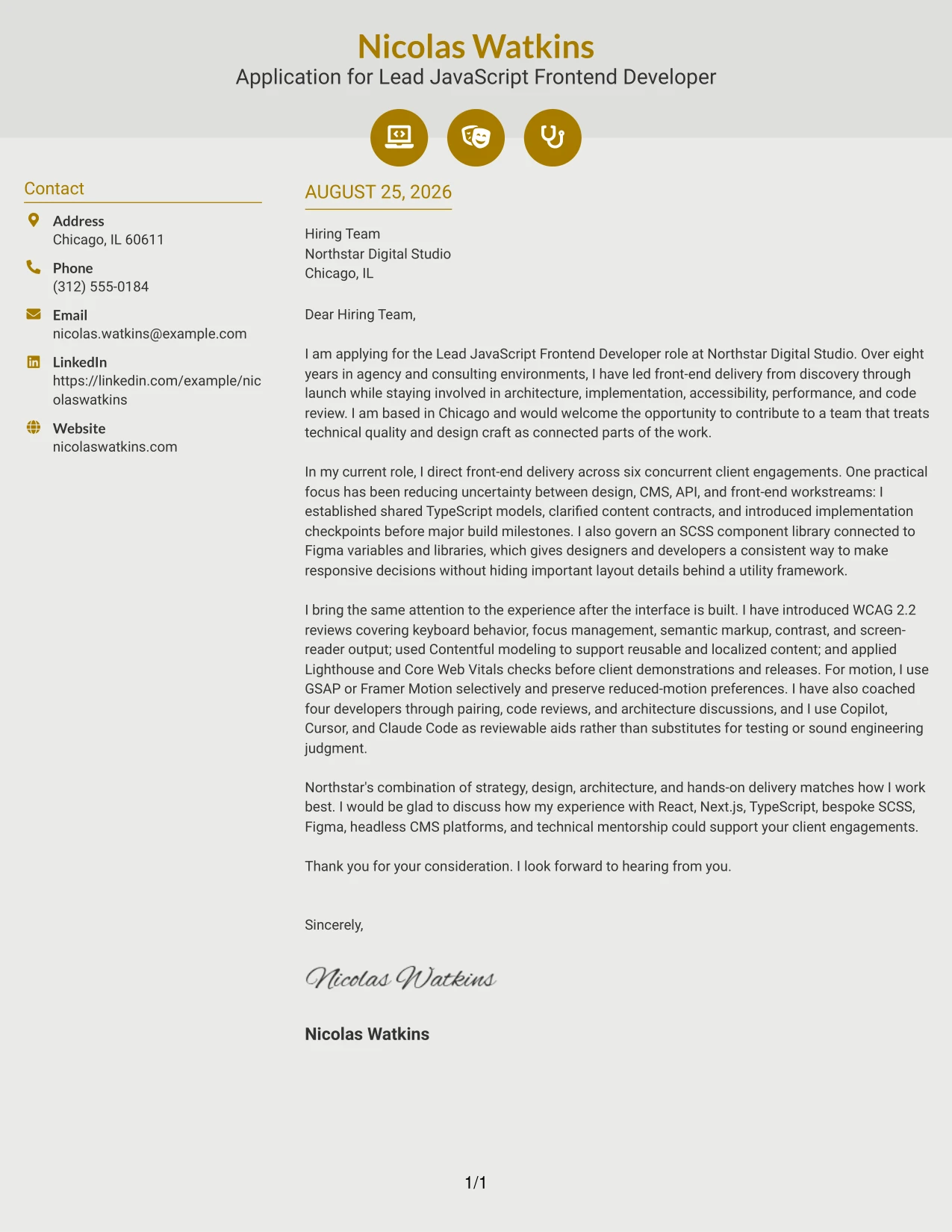
#11 Why the Modern Icon Format Works for a Cover Letter
- Icons can mark transitions between motivation, evidence, and the closing request.
- The single-column structure keeps the written argument easy to read from top to bottom.
- Visual cues help the reader find contact details or key letter elements quickly.
- The format supports short paragraphs that explain both technical judgment and team influence.
- A modern presentation can fit an employer that values curiosity and evolving engineering practices.
- The letter remains persuasive because the icons guide attention without replacing specific evidence.
- A clear final marker can give the closing a strong and memorable position.
#11 Best For
- Applicants who want light visual guidance without a split text layout
- Letters that benefit from clear markers between major communication steps
- Readers who scan for motivation, proof, and next steps in that order
- Professionals presenting technical judgment alongside mentoring and collaboration
- Applications where a modern presentation matches an interest in evolving practices
- Messages with several short evidence points that need visible separation
- Cover letters that should feel current while remaining direct and professional
#12 Cover Letter Example: Minimal Header Format
A restrained visual hierarchy keeps attention on the cover letter's opening, proof of role alignment, and confident close. The Minimal Header Format gives the message a direct path from interest in Northstar Digital Studio to evidence of eight years in agency and consulting environments. Its clean presentation supports a focused tone while the letter connects React, Next.js, TypeScript, accessibility, and technical leadership to the Lead JavaScript Frontend Developer role.
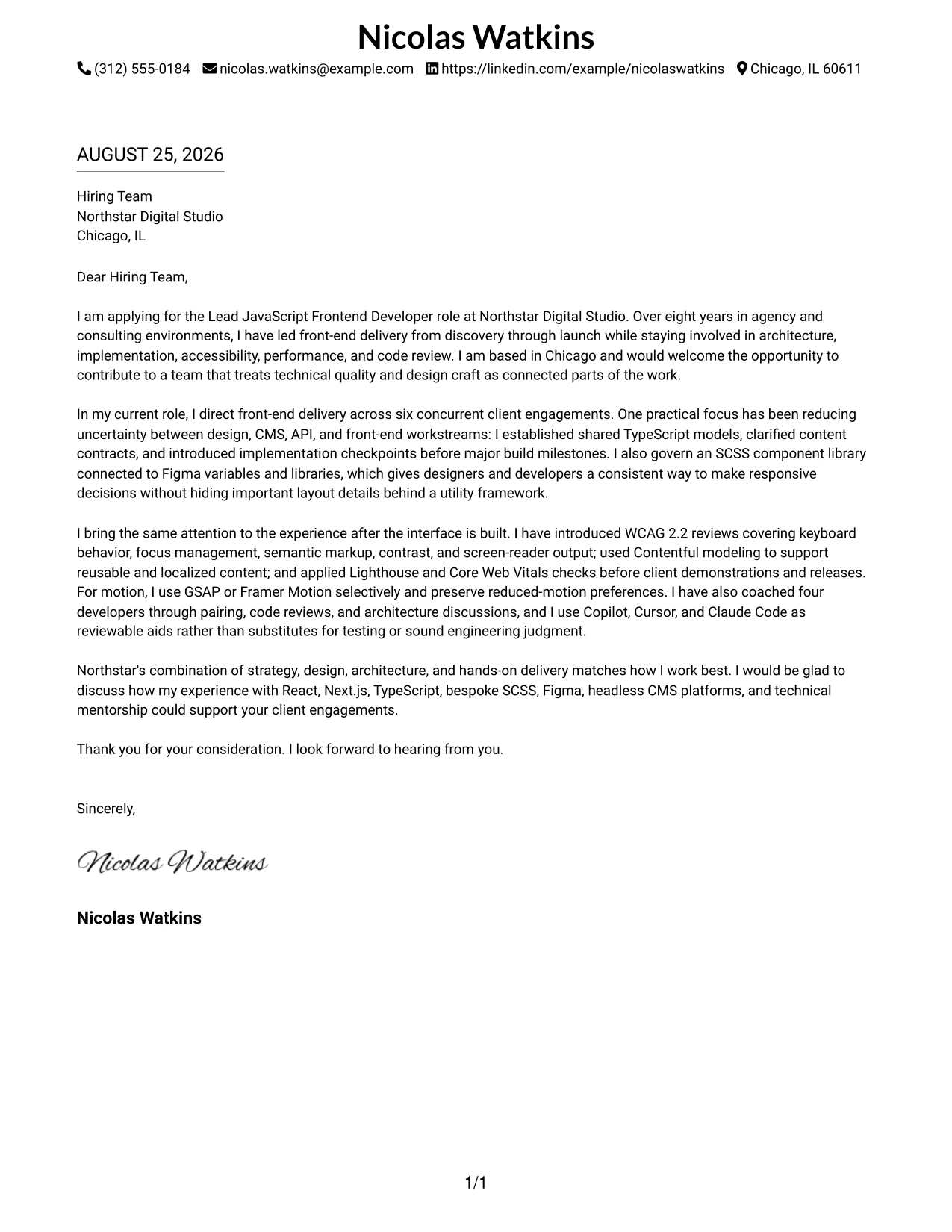
Why the Minimal Header Format Works for a Cover Letter
- The simple header creates a professional first impression without competing with the message.
- The opening can state the target role and company interest quickly.
- A focused body gives space to connect agency experience with Northstar's client work.
- Technical evidence can be explained in context instead of appearing as a disconnected list.
- Short paragraphs support clear reading on screen and in print.
- The closing can reinforce Chicago availability and interest in the hybrid work model.
- The restrained style fits a persuasive letter that values clarity, judgment, and collaboration.
Best For
- Applicants who want the employer to reach the main message quickly.
- Cover letters that need a clear link between motivation and role requirements.
- One-page letters with a small number of strong evidence points.
- Technical professionals who want a calm presentation for detailed work.
- Applications where direct communication matters more than decorative design.
- Letters that move from company interest to relevant experience in a logical order.
- Candidates who need room for a concise, confident closing.
- Reader-friendly applications submitted as a PDF or viewed on screen.
#13 Cover Letter Example: Clean Two Column Sidebar Format
The Clean Two Column Sidebar Format separates contact details and supporting cues from the main letter narrative, making the review path easy to follow. The central message can open with interest in Northstar Digital Studio, build a case through client delivery and mentorship, and close with a clear invitation to talk. The sidebar structure adds order while the prose explains how React, Next.js, Figma, Contentful, and WCAG 2.2 experience can serve Northstar's multidisciplinary teams.
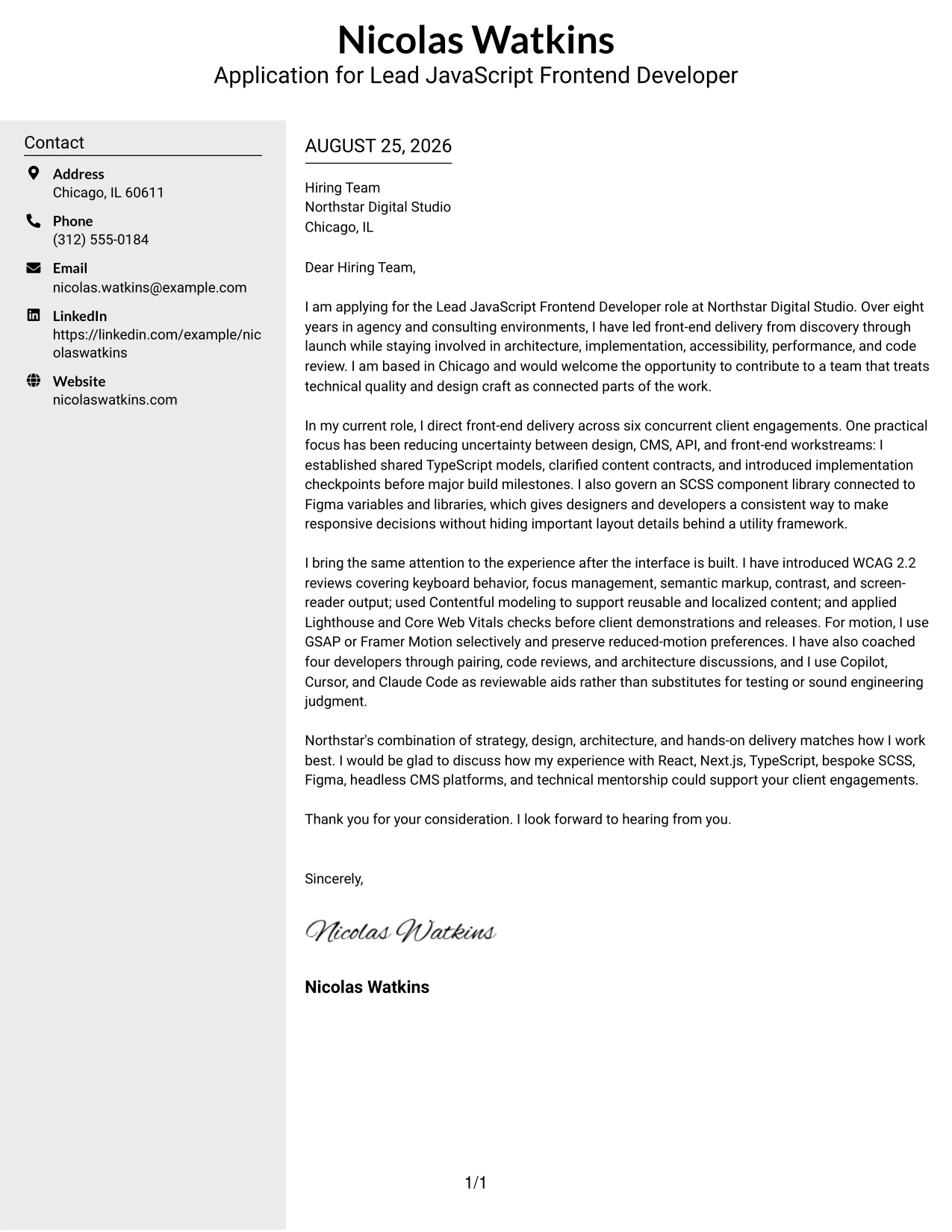
Why the Clean Two Column Sidebar Format Works for a Cover Letter
- The main column protects the persuasive narrative from visual clutter.
- A sidebar can keep contact information easy to find during review.
- The structure helps readers distinguish the letter's argument from supporting details.
- Separate areas make a longer body feel easier to scan.
- The opening, evidence, and close can remain in a familiar reading order.
- The format supports a balance between technical credibility and personal motivation.
- Clear visual grouping helps the employer return to key contact details after reading.
Best For
- Applicants with several relevant themes to connect without making the letter dense.
- Cover letters that pair a detailed argument with easy-to-find contact information.
- Applications reviewed quickly by readers who value strong visual signposts.
- Professionals explaining both hands-on delivery and guidance for other developers.
- Letters that need to present collaboration, architecture, and client fit together.
- Candidates using a two-part message: motivation in the body and context in the sidebar.
- Documents where supporting details should stay visible without interrupting the story.
#14 Cover Letter Example: Plain Two Column Format
Readers can move from the contact area to the central argument and then to the closing without visual detours. The Plain Two Column Format gives a cover letter enough room to discuss several connected contributions, including typed data models, Contentful collaboration, accessibility reviews, and developer coaching. That content volume supports a detailed case for fit while the plain presentation keeps motivation and communication at the center.
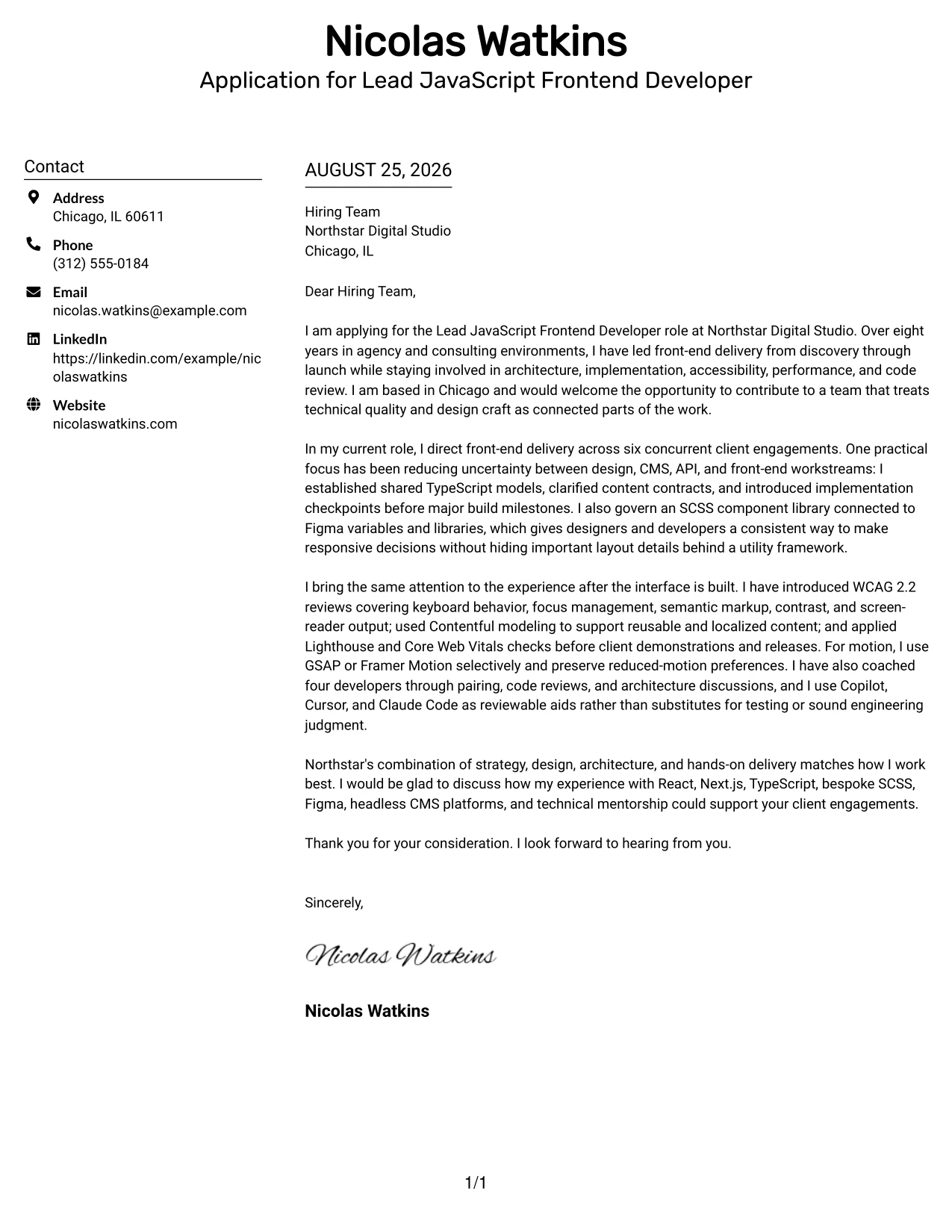
Why the Plain Two Column Format Works for a Cover Letter
- The two-column organization gives the letter more usable space for a complete argument.
- A plain treatment keeps attention on the applicant's reasons for applying.
- Separate areas can distinguish contact details from evidence and closing language.
- The format supports several body points without creating one long visual block.
- Readers can locate the greeting, experience story, and sign-off with little effort.
- The structure works well when technical detail needs brief explanation.
- A balanced page helps the letter feel substantial without sounding overstated.
Best For
- Cover letters with multiple related examples from agency or consulting work.
- Applicants who need to explain technical decisions in short, readable sections.
- Applications where a straightforward appearance supports a thoughtful message.
- Letters combining delivery ownership, collaboration, and mentoring evidence.
- Readers who want enough detail to assess fit before scheduling a conversation.
- One-page messages that need more content room than a narrow single column.
- Professionals who prefer organization without a strong decorative treatment.
#15 Cover Letter Example: Modern Full Background Two Column Format
The strongest evidence receives priority: leadership across six client engagements, shared TypeScript models, an SCSS component library, WCAG 2.2 checkpoints, and mentoring for four developers. The Modern Full Background Two Column Format gives those proof points a confident setting while preserving a readable letter flow. It helps the message show not only what the candidate can build, but how technical judgment supports clients, designers, architects, and delivery teams.
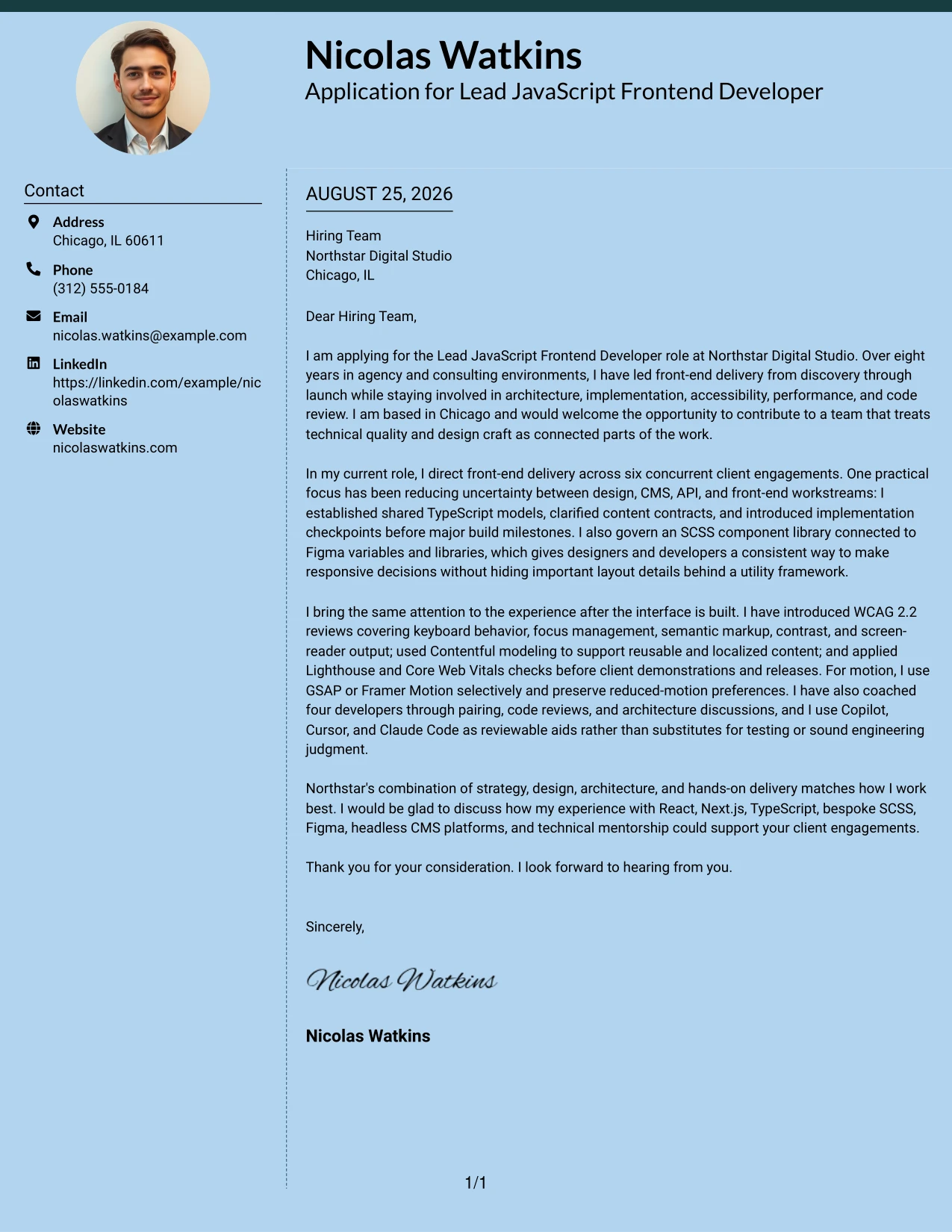
Why the Modern Full Background Two Column Format Works for a Cover Letter
- The format gives high-value evidence a clear place in the reader's first pass.
- A strong visual field can make the application feel current and purposeful.
- Two columns allow achievements and supporting context to work together.
- The body can connect technical leadership to practical client outcomes.
- The design supports a confident tone without replacing specific proof.
- A clear close can return the focus to company interest and next steps.
- The structure helps present breadth while keeping the persuasive message organized.
Best For
- Applicants leading several client engagements and needing to show scope clearly.
- Cover letters built around concrete proof of architecture and delivery judgment.
- Professionals who want technical leadership to feel prominent from the first review.
- Applications that connect design collaboration with accessible, maintainable results.
- Letters with evidence of mentoring, code review, and shared standards.
- Candidates seeking a modern presentation for a creative digital studio.
- Messages where visual confidence should support, not replace, detailed examples.
#16 Cover Letter Example: Dark Mode Two Column Format
Balanced distribution matters when a cover letter must show both technical depth and practical application context. The Dark Mode Two Column Format can give the motivation and evidence sections distinct visual weight, helping the reader see why the candidate wants to join Northstar and how the candidate can contribute. The letter remains grounded in React, Next.js, Contentful, accessibility, performance, and responsible AI-assisted development.
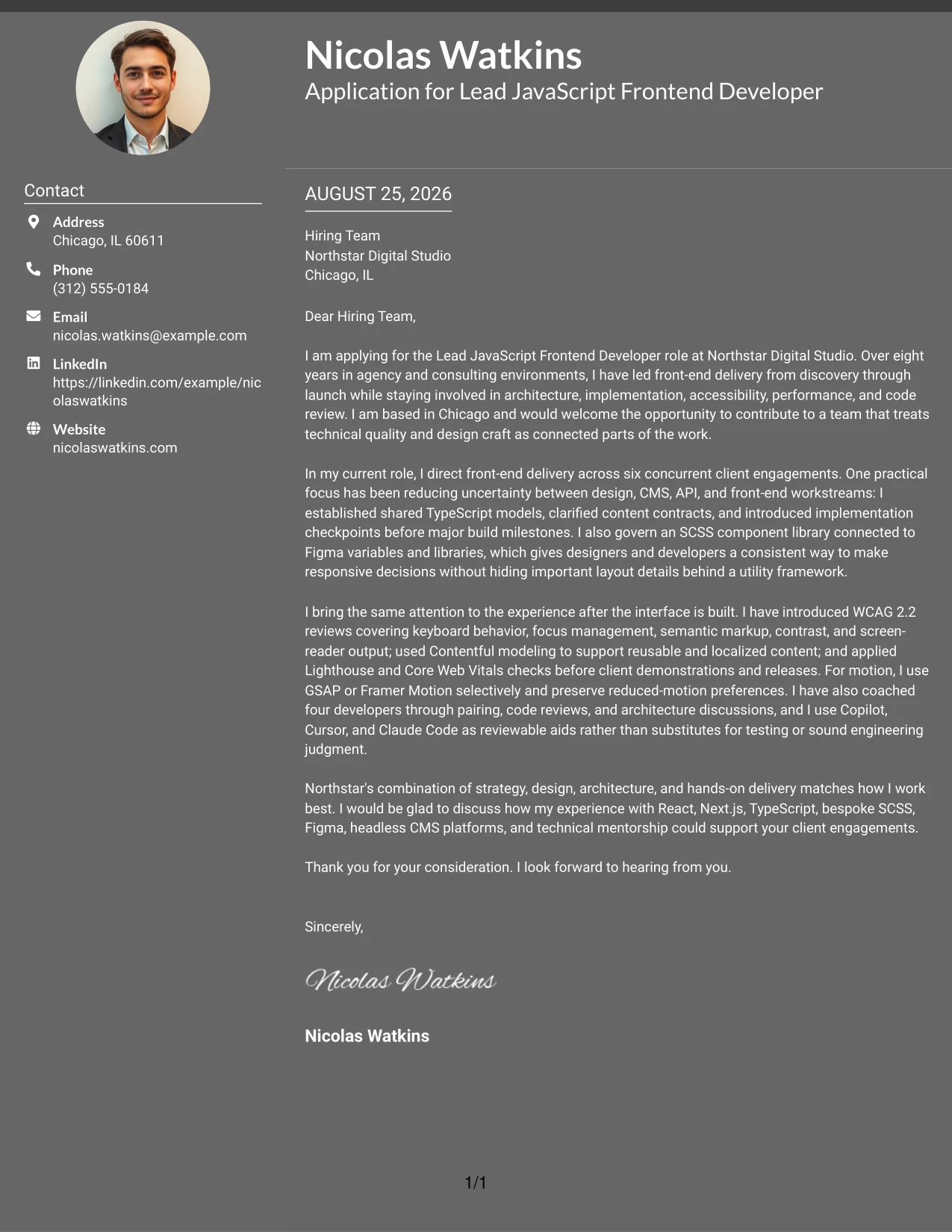
Why the Dark Mode Two Column Format Works for a Cover Letter
- The divided structure keeps personal motivation and professional evidence in balance.
- A distinctive treatment can help the application stand out among plain documents.
- The letter can explain technical work without allowing tools to dominate the message.
- Separate content areas support a clear movement from interest to proof to next steps.
- The format suits a studio that values both creative energy and engineering discipline.
- Short sections make collaboration and communication strengths easier to absorb.
- A controlled visual system keeps a bold appearance professional.
Best For
- Applications to creative teams where presentation and craft both matter.
- Cover letters balancing company interest with detailed technical contribution.
- Professionals explaining responsible use of AI-assisted development in context.
- Letters that need to connect performance, accessibility, and visual quality.
- Applicants who want two clear reading zones for motivation and supporting evidence.
- Messages addressed to teams that work across strategy, design, and engineering.
- Candidates comfortable with a distinctive format that still protects readability.
#17 Cover Letter Example: Dark Mode Box Header Format
For an application that needs a strong first impression, a boxed header can frame the letter before the reader reaches its evidence. The Dark Mode Box Header Format gives the opening a clear stage for stating interest in Northstar, then lets the body explain leadership, collaboration, and hands-on delivery in a controlled single-column flow. Its visual confidence works best when the writing stays specific, direct, and grounded in client results.
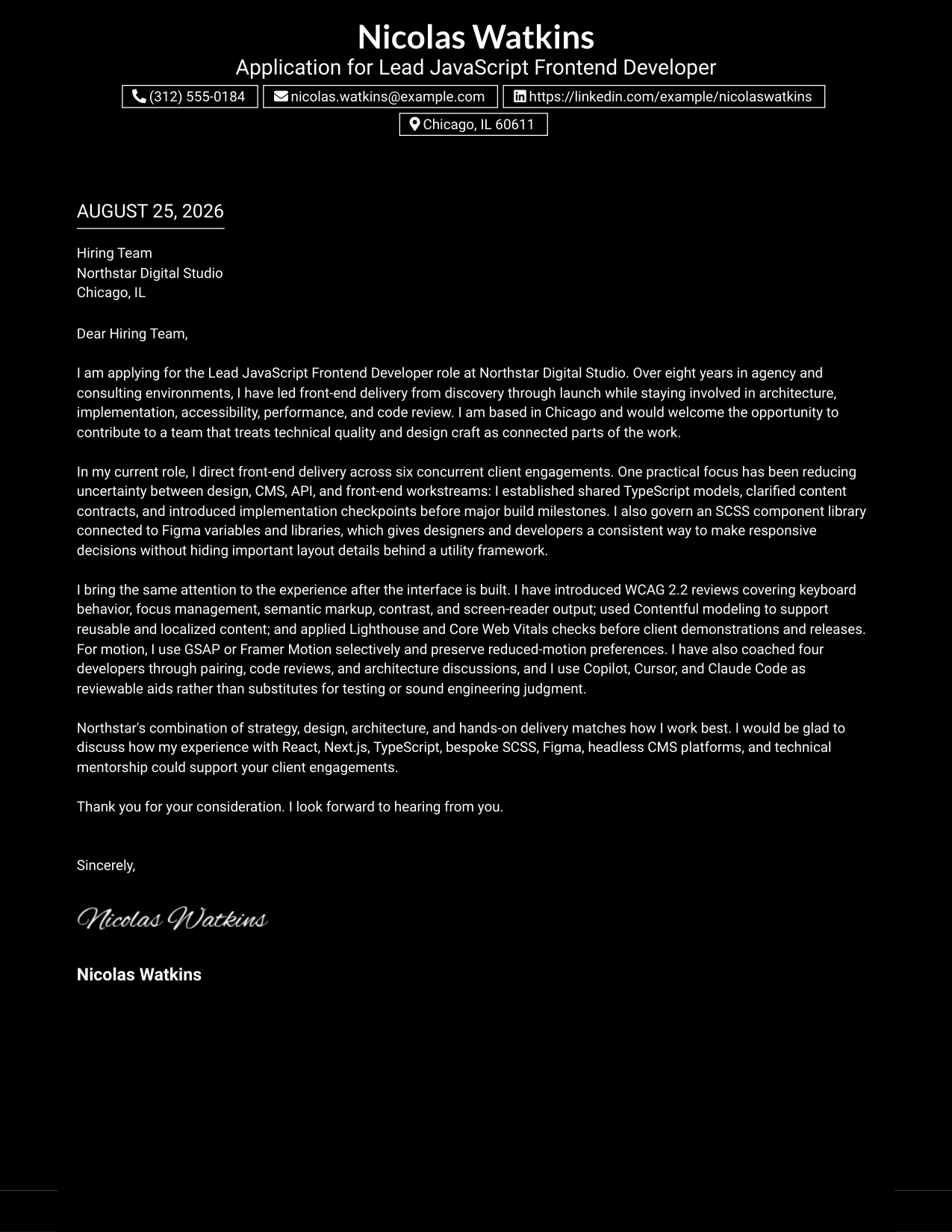
Why the Dark Mode Box Header Format Works for a Cover Letter
- The boxed header makes the application purpose clear at a glance.
- A single narrative column keeps the persuasive sequence easy to follow.
- The format supports a direct opening that names the company and role.
- A strong header can signal confidence before the evidence begins.
- The body has room to explain collaboration and technical judgment naturally.
- The close remains visible as a clear professional next step.
- Specific examples keep the bold design connected to credible substance.
Best For
- Applications where the opening needs to make a memorable visual entry.
- Applicants presenting a direct, confident message to a creative employer.
- One-column letters that should keep every point in a single reading path.
- Professionals whose strongest case combines leadership with continued hands-on work.
- Cover letters needing a clear frame for company interest and role fit.
- Documents where visual impact should be balanced by concise evidence.
- Readers who prefer a strong title area followed by an uninterrupted narrative.
#18 Cover Letter Example: Elegant Full Background Two Column Format
A refined hierarchy can make the cover letter feel deliberate without making it formal or distant. The Elegant Full Background Two Column Format supports a warm, polished explanation of role alignment: the candidate's agency experience, design partnership, accessibility practice, and mentorship all connect naturally to Northstar's way of working. The result is a persuasive message that respects visual craft while keeping the company relationship and human communication visible.
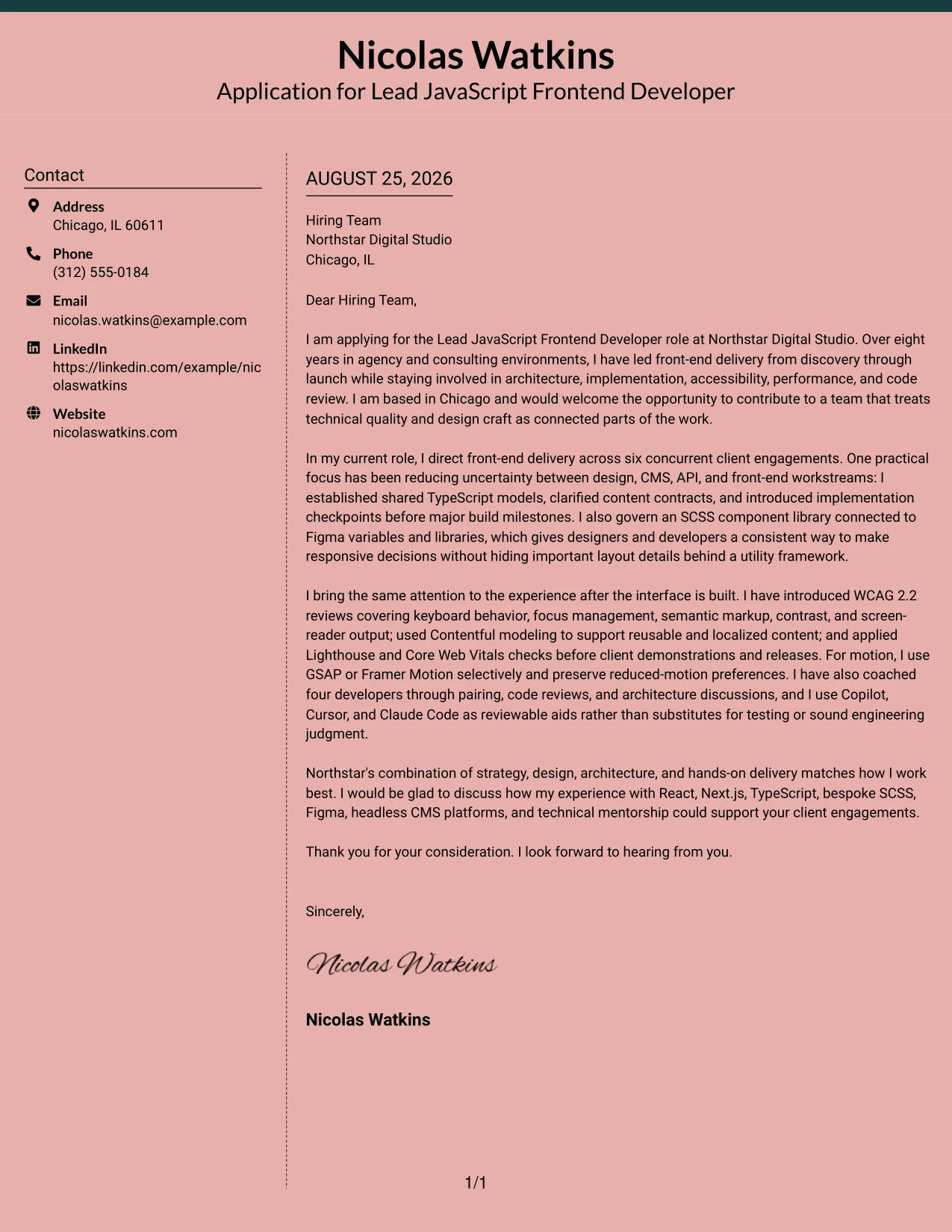
Why the Elegant Full Background Two Column Format Works for a Cover Letter
- The polished hierarchy supports a confident but approachable communication style.
- Two columns help separate the main case from supporting contact or context.
- The format gives company interest enough room to feel genuine.
- Evidence can be selected for relevance instead of presented as an inventory.
- The visual balance suits a letter that values both craft and careful judgment.
- A measured close leaves the employer with a clear reason to continue the conversation.
- The presentation helps technical experience feel connected to people and outcomes.
Best For
- Applicants who want a polished letter with an approachable tone.
- Applications where design quality should reinforce careful communication.
- Professionals connecting technical work to client relationships and team trust.
- Cover letters that need room for both motivation and selected evidence.
- Candidates presenting accessibility and performance as parts of user experience.
- Messages for collaborative studios that value thoughtful recommendations.
- Applicants who prefer an elegant structure without a crowded page.
#19 Cover Letter Example: Plain One Column with Highlighted Date
A clearly marked date and straightforward single-column structure make the cover letter simple to organize and review. The Plain One Column with Highlighted Date format supports a familiar argument: open with interest, use the middle paragraphs to prove alignment, and close with a professional request for conversation. That dependable path gives details such as six concurrent engagements, WCAG 2.2 reviews, and developer coaching room to work without visual distraction.
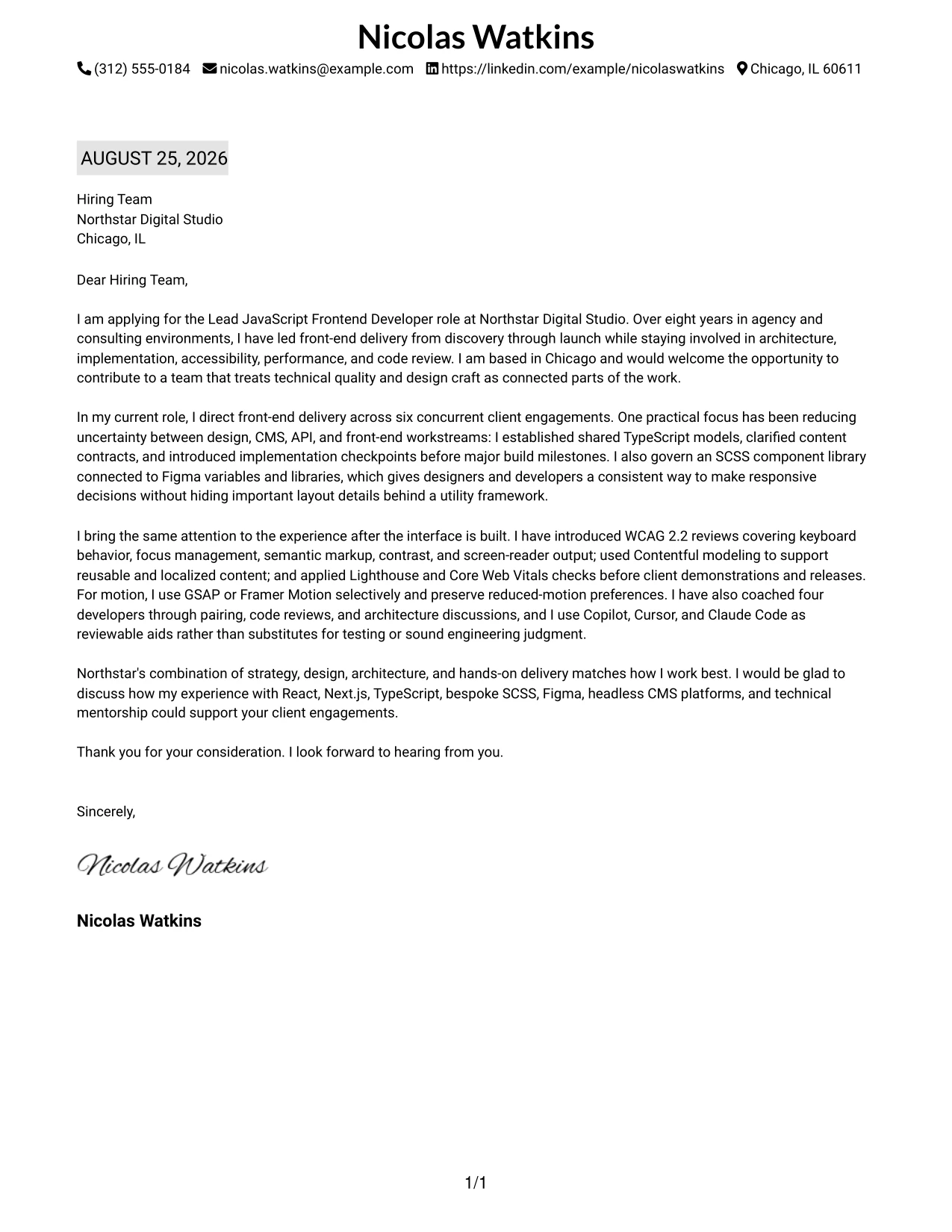
Why the Plain One Column with Highlighted Date Works for a Cover Letter
- The highlighted date gives the document an immediate point of reference.
- A single column keeps the letter's argument in a natural order.
- The familiar structure reduces effort for readers reviewing many applications.
- The opening can connect location and company interest without delay.
- Body paragraphs can each carry one focused proof point.
- The closing remains easy to find and easy to act on.
- A plain presentation lets the quality of the writing lead.
Best For
- Applicants who prefer a familiar business-letter reading pattern.
- Cover letters where date, recipient, and closing details should be easy to locate.
- Professionals presenting several proof points in a strict one-column flow.
- Applications reviewed in settings where clarity matters more than visual novelty.
- Letters that need a clean transition from motivation to supporting evidence.
- Candidates who want technical detail to remain readable and well paced.
- Documents intended for straightforward PDF review and printing.
#20 Cover Letter Example: Bold Color Header Professional Format
Readers encounter the message through a clear sequence: the header identifies the application, the opening states the reason for interest, and the body delivers evidence before the close. The Bold Color Header Professional Format gives a substantial cover letter enough room to discuss architecture, Figma collaboration, Contentful, accessibility, and mentoring while keeping the tone businesslike. It is a strong choice when the letter needs both energy and complete supporting context.
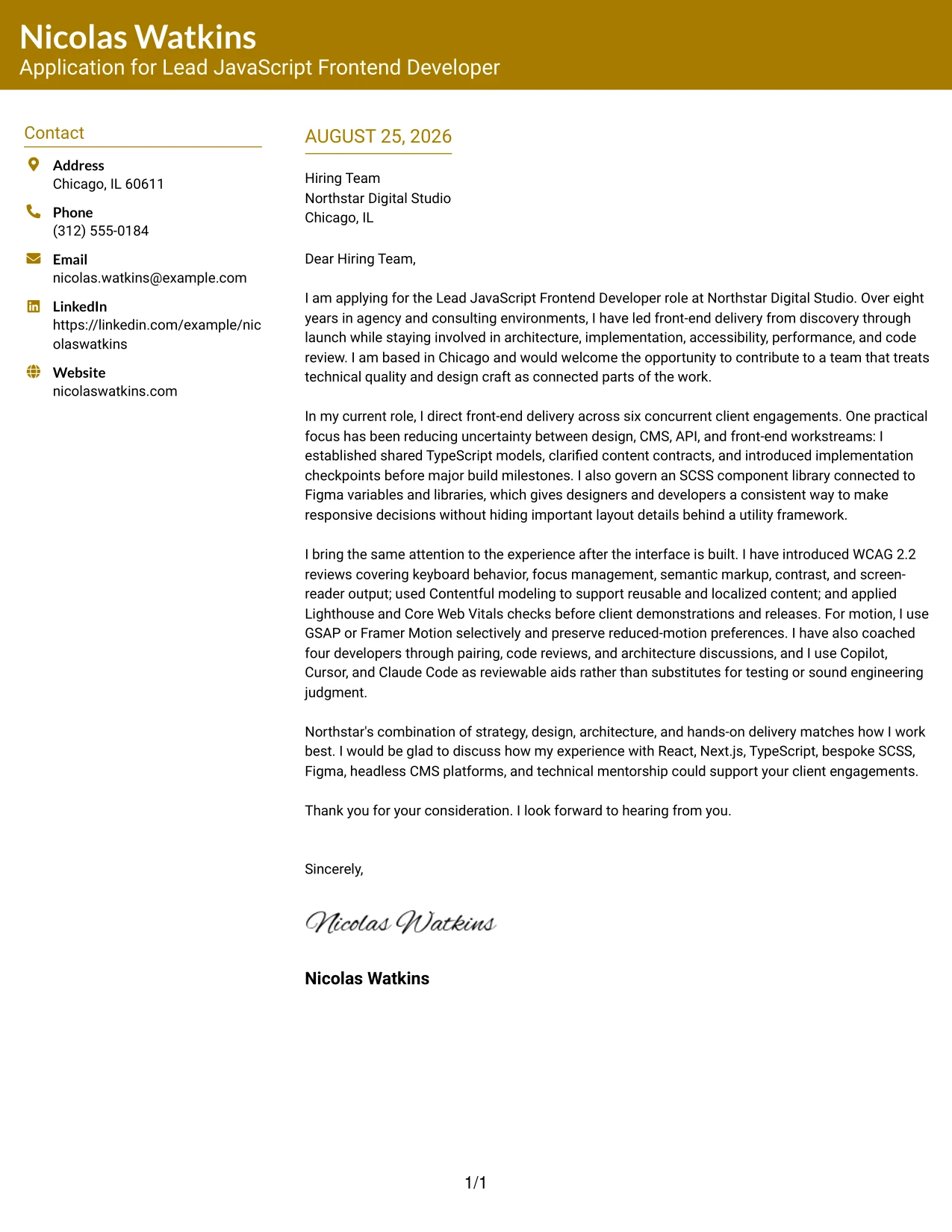
Why the Bold Color Header Professional Format Works for a Cover Letter
- The header establishes purpose before the reader enters the main argument.
- A professional one-column flow supports a detailed but controlled message.
- The color accent adds energy without weakening business credibility.
- The body can connect technical choices to client and team needs.
- Several evidence points can appear in a clear progression.
- The format gives the closing enough space to sound confident rather than rushed.
- A defined visual entry point helps the letter remain memorable after review.
Best For
- Applicants with a broad set of relevant evidence to connect in one narrative.
- Cover letters that need a professional tone with a visible sense of energy.
- Leads explaining architecture, design partnership, and mentoring together.
- Applications where the employer should understand both scope and working style.
- Professionals who want a strong header but a conventional reading path below it.
- Letters requiring enough space for detailed company and role alignment.
- Candidates presenting a confident message without relying on decorative side content.
#21 Cover Letter Example: Photo Header Color Sidebar Format
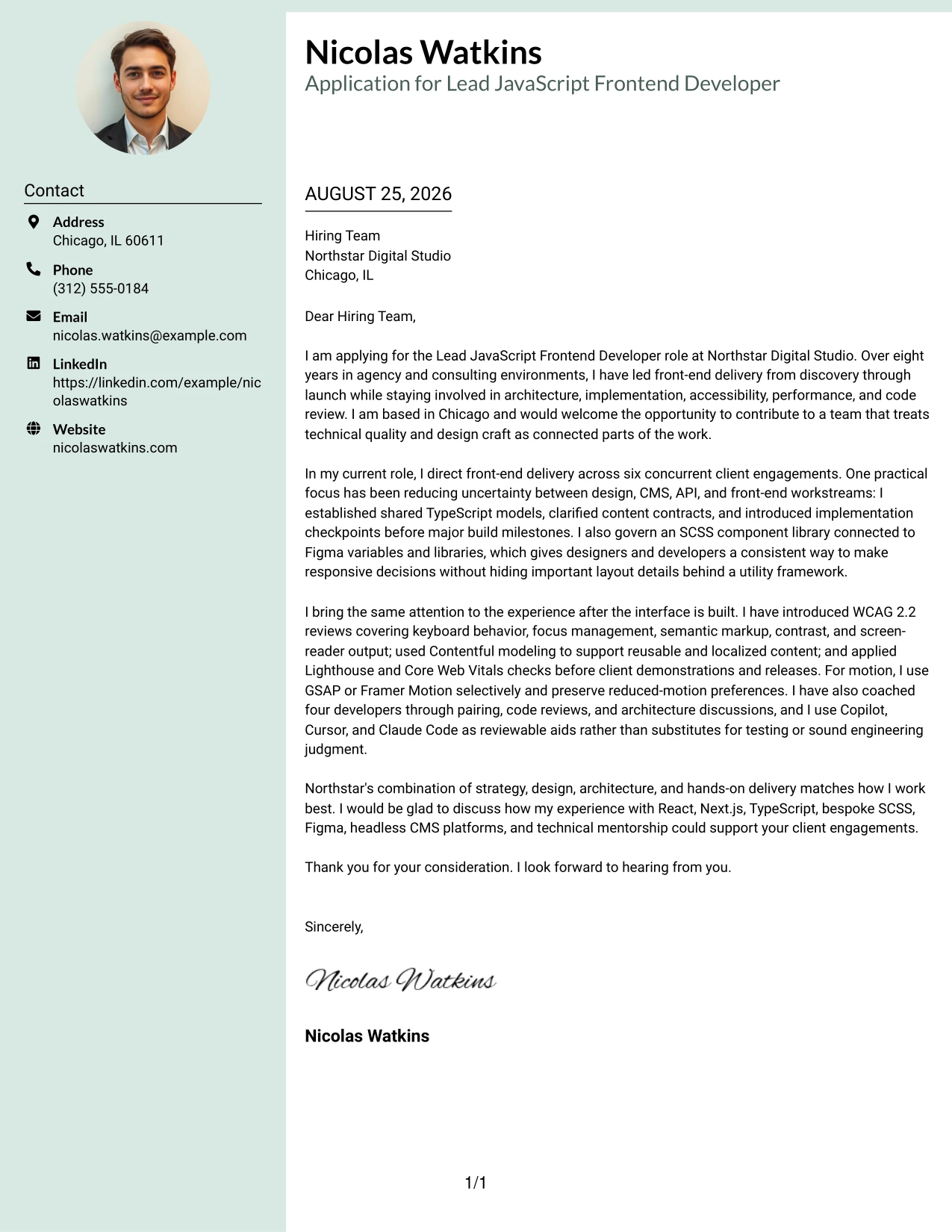
The evidence comes first in this cover letter: leadership across client engagements, accessible delivery, component-library governance, and responsible use of AI-assisted tools. The Photo Header Color Sidebar Format adds a personable introduction while a color sidebar gives supporting identity details a defined place. For this application, the writing should still do the persuasive work by showing how hands-on skill, calm communication, and technical direction fit Northstar's client teams.
Why the Photo Header Color Sidebar Format Works for a Cover Letter
- The header can make the introduction feel personal and approachable.
- A color sidebar gives contact details a stable place outside the main argument.
- The main letter can lead with evidence that directly answers the role's needs.
- The structure supports a warm tone without losing professional focus.
- A defined sidebar helps keep the body paragraphs clean and readable.
- The format can present technical leadership alongside communication strengths.
- A specific closing keeps the personal presentation tied to a clear next step.
Best For
- Applicants who want a personable introduction alongside a focused letter.
- Applications where contact details should remain visible during review.
- Professionals leading with evidence of delivery, accessibility, and team guidance.
- Cover letters that combine technical authority with an approachable communication style.
- Candidates who want a distinct presentation for a creative client-services environment.
- Messages where the main column needs room for several role-aligned examples.
- Applicants using a polished visual identity while keeping the written case specific.
#22 Cover Letter Example: Top Left Header Color Accent Format
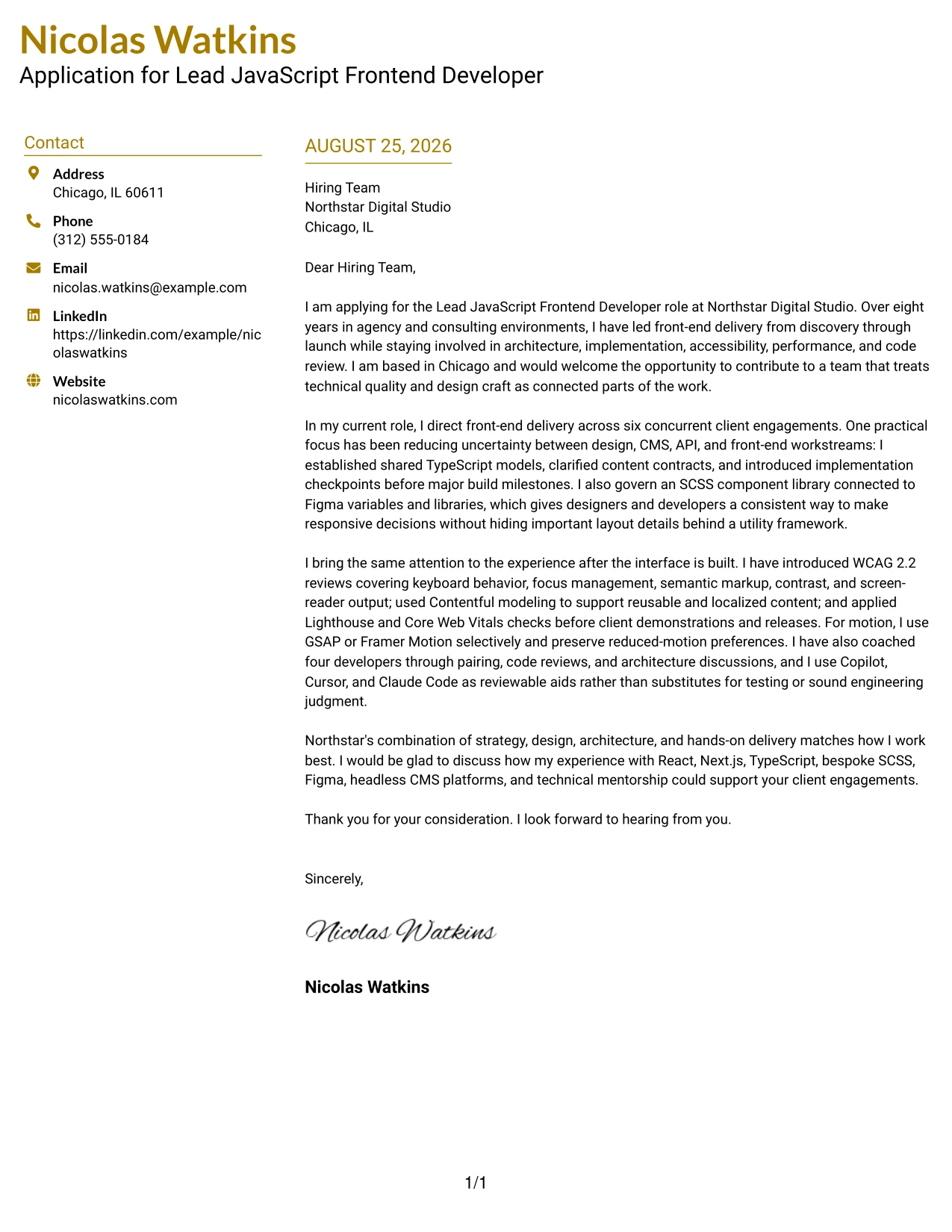
A balanced cover letter gives the opening, supporting evidence, and close enough space to make one clear case. The Top Left Header Color Accent Format places identity and application context at the top left, then lets the message develop in a clean, focused flow. That arrangement suits a practical application to Northstar because it can connect Chicago availability, agency leadership, React and Next.js delivery, and a collaborative working style without overloading the page.
Why the Top Left Header Color Accent Format Works for a Cover Letter
- The top-left entry point gives the reader immediate application context.
- A small color accent adds structure while keeping the message restrained.
- The balanced flow supports a clear opening, body, and closing.
- The letter can connect location and company interest before presenting evidence.
- A clean page helps technical details remain understandable to non-technical readers.
- The format supports a practical, confident tone for a leadership application.
- The close can reinforce fit and invite a focused conversation.
Best For
- Applications that need location and role context to appear immediately.
- Applicants who want a restrained design with one clear visual point of emphasis.
- Cover letters organized around a simple progression from interest to proof to close.
- Professionals connecting hands-on delivery with collaborative leadership.
- Messages where technical details should remain accessible to a broad hiring team.
- Candidates seeking a clean presentation for a Chicago-based or remote application.
- Letters that benefit from balanced spacing and a calm, practical tone.
#23 Cover Letter Example — Centered Header Classic Two Column Format
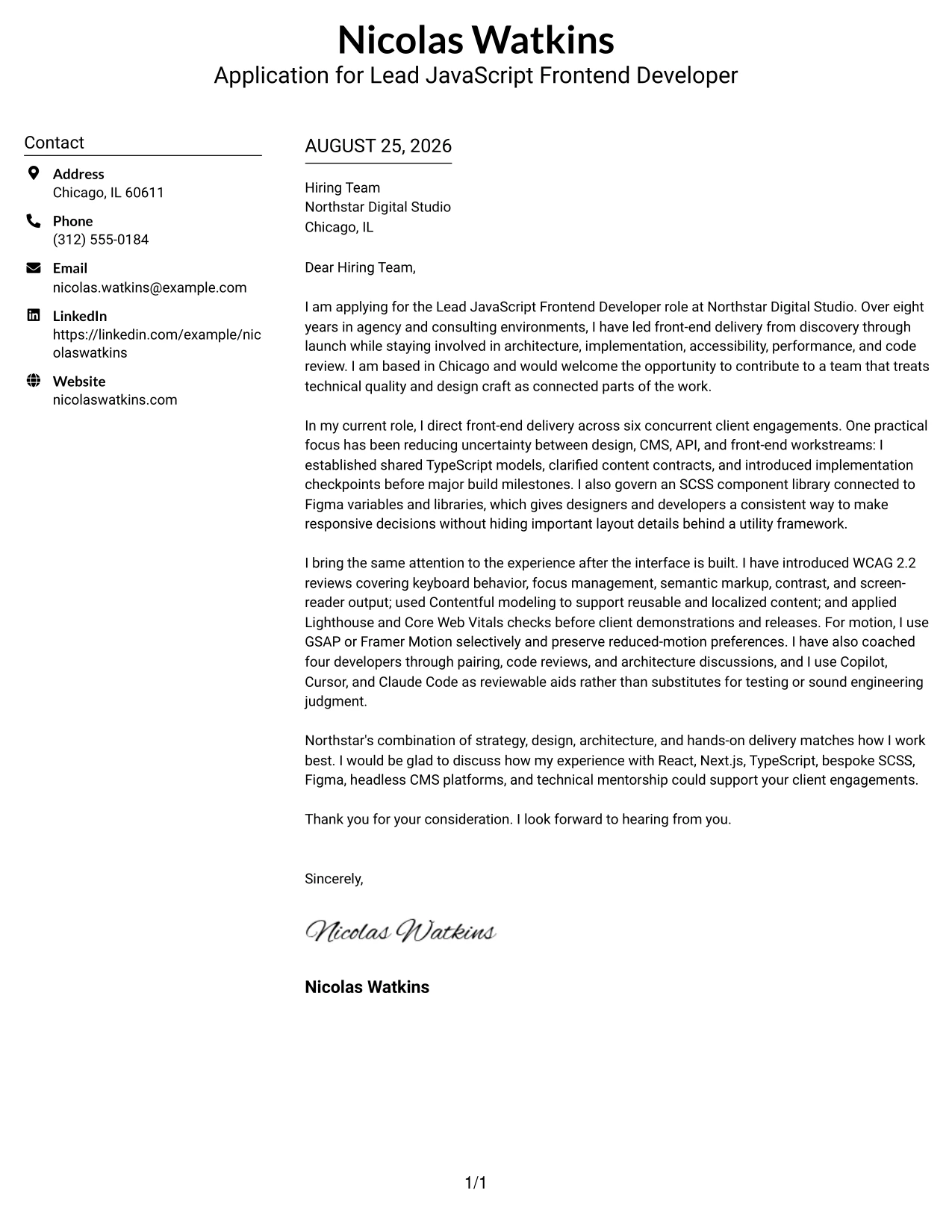
When a hiring team needs a polished letter that is easy to review, the Centered Header Classic Two Column Format creates a clear first impression. Its centered contact area gives the letter a formal starting point, while the two-column structure separates key details from the main message. That balance supports a focused application for the Lead JavaScript Frontend Developer role, with room to connect eight years of agency and consulting experience to Northstar Digital Studio's work in accessible, maintainable digital experiences.
Why This Cover Letter Works
- The centered header makes contact details easy to locate without competing with the opening message.
- Two columns help organize employer details, the greeting, and the persuasive body in a compact space.
- The opening connects eight years of experience directly to Northstar Digital Studio's client-focused environment.
- The body presents technical leadership through architecture, implementation, accessibility, performance, and code review.
- Specific evidence, such as directing six concurrent client engagements and coaching four developers, strengthens credibility.
- References to React, Next.js, TypeScript, SCSS, Figma, and Contentful show alignment with the role's technical needs.
- The closing invites further discussion while keeping the tone confident, professional, and collaborative.
Best For
- Applications that need a formal, balanced presentation with strong visual order.
- Letters where a centered contact block should establish credibility before the message begins.
- Applicants who need two-column organization without reducing the space available for persuasive writing.
- Technical leadership applications that combine architecture evidence with collaboration and mentoring.
- Readers who prefer quick access to contact details and a clearly separated body section.
- Roles that require a polished connection between design quality and engineering discipline.
- Cover letters that must present several relevant technologies while keeping the main argument easy to follow.
#24 Cover Letter Example — Left Aligned Header Clean Two Column Format
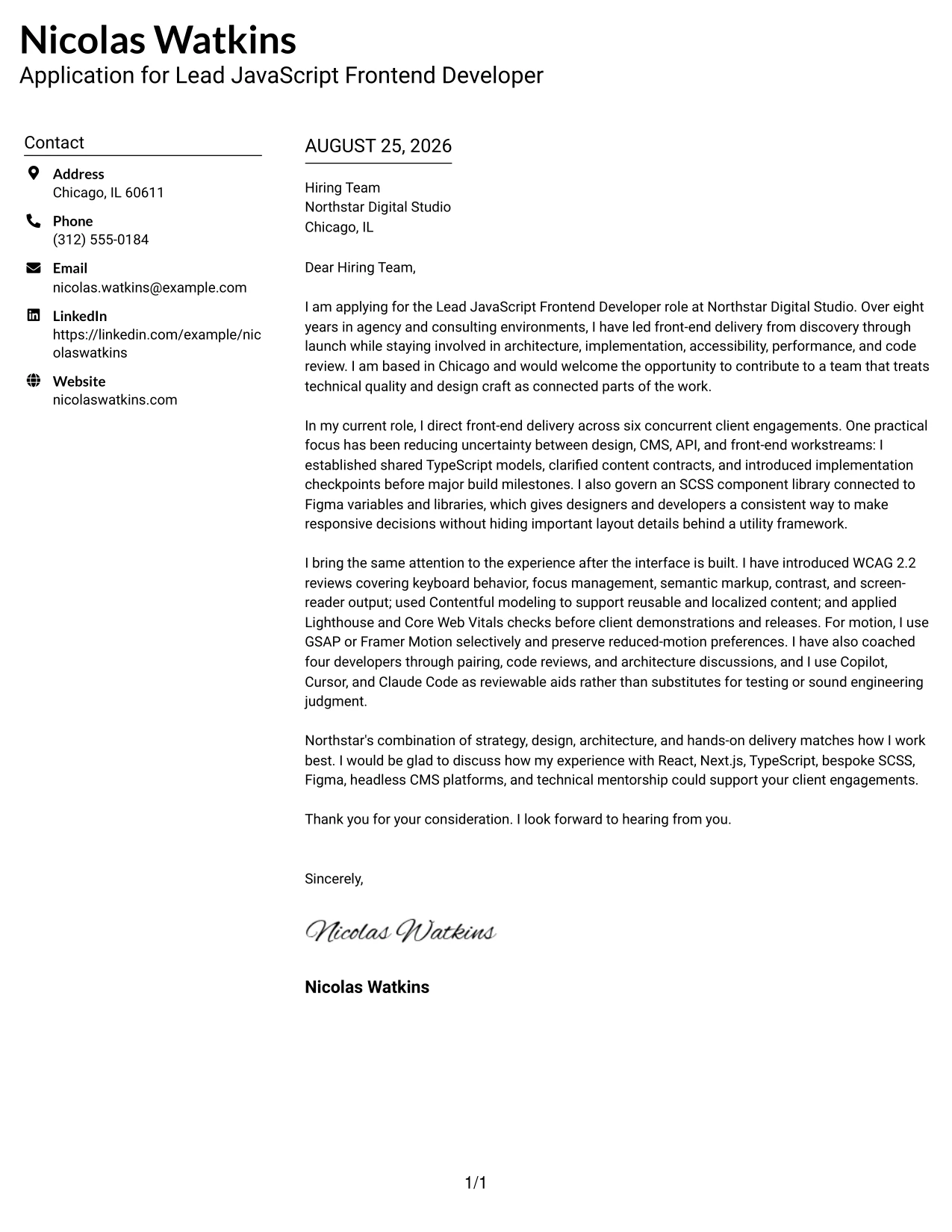
A restrained visual hierarchy helps the reader move from the sender's details to the employer, greeting, and main argument without distraction. The Left Aligned Header Clean Two Column Format uses that quiet structure to support a direct, role-aligned letter. It gives the application a professional tone while the content explains how front-end architecture, Figma collaboration, accessibility, and responsible AI-assisted development can support Northstar Digital Studio's client engagements.
Why This Cover Letter Works
- Left alignment creates a natural reading path from contact information to the application message.
- The clean two-column arrangement keeps supporting details organized while preserving a strong body area.
- The letter links front-end delivery from discovery through launch to the responsibilities in the job description.
- The experience discussion shows practical judgment across design, CMS, API, and front-end workstreams.
- Accessibility evidence is concrete, covering keyboard behavior, focus management, semantic markup, contrast, and screen-reader output.
- The letter addresses Copilot, Cursor, and Claude Code as reviewable aids rather than replacements for engineering judgment.
- The final paragraph connects the document's experience with Northstar's strategy, design, architecture, and delivery model.
Best For
- Readers who value a calm, professional layout with a clear left-to-right reading path.
- Applications that need a clean visual bridge between personal contact details and employer information.
- Candidates aligning several technical strengths with a role that also demands communication and judgment.
- Cover letters for collaborative studios where design partnership and implementation quality must appear together.
- Letters that need to explain responsible AI-assisted development without making it the central topic.
- Applicants who want supporting information organized neatly beside a persuasive narrative.
- Hiring teams reviewing digital work that spans architecture, accessibility, performance, and client delivery.
#25 Cover Letter Example — Accent Divider Modern Two Column Format
The Accent Divider Modern Two Column Format gives each part of a cover letter a defined place: contact details, employer information, greeting, evidence, and closing. Its divider creates a visual pause between supporting information and the persuasive message. That structure makes it easier to present a clear case for the Lead JavaScript Frontend Developer opening, from shared TypeScript models and SCSS standards to mentoring, accessibility reviews, and client delivery.
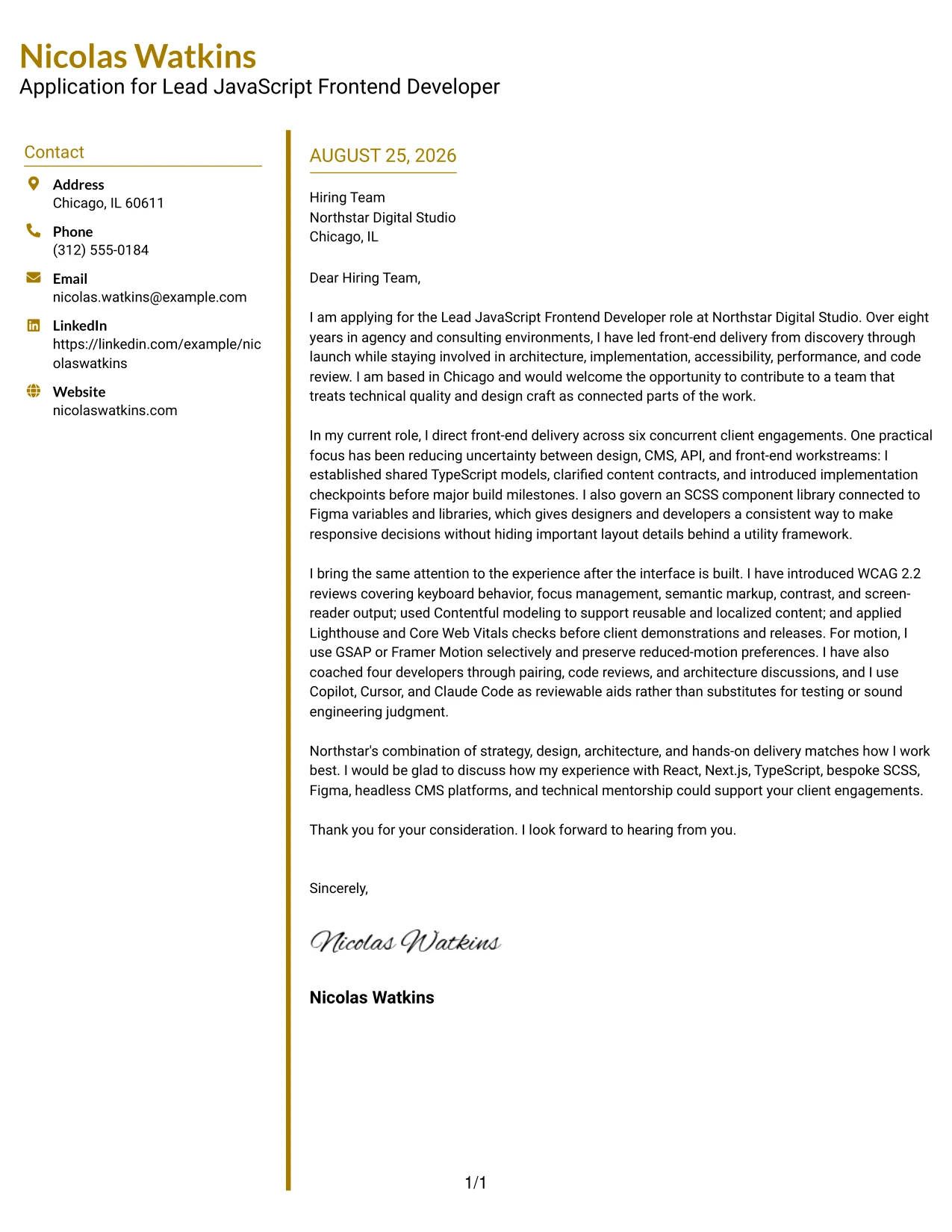
Why This Cover Letter Works
- The divider creates an immediate boundary between document details and the application argument.
- The modern two-column structure supports fast orientation without making the letter feel crowded.
- The opening states both the target position and the applicant's eight years in agency and consulting environments.
- The middle of the letter moves from reducing delivery uncertainty to improving the finished user experience.
- Examples of TypeScript models, Figma variables, Contentful, and Core Web Vitals give the claims practical weight.
- Mentoring four developers demonstrates leadership that is active, specific, and connected to delivery standards.
- The closing turns the evidence into a clear statement of fit for Northstar's multidisciplinary team.
Best For
- Applications that benefit from visible separation between contact data and persuasive content.
- Readers who scan for the reason for applying before reviewing supporting evidence.
- Letters that need a modern structure for several connected examples without long visual blocks.
- Technical leads presenting both delivery ownership and hands-on implementation judgment.
- Roles where design systems, typed data models, and content platforms form part of the fit story.
- Applicants who want visual accents to guide attention while the writing remains the main focus.
- Cover letters that close with a concise, confident invitation to continue the conversation.
#26 Cover Letter Example — Shaded Labels Clean Two Column Format
As a reader moves through the letter, shaded labels provide small visual signals for contact details, recipient information, and the main application content. The Shaded Labels Clean Two Column Format uses those signals to make a detailed case feel controlled and approachable. It supports a letter that covers technical direction, design collaboration, accessibility, content modeling, mentoring, and AI-assisted workflows without losing its central message of practical leadership.
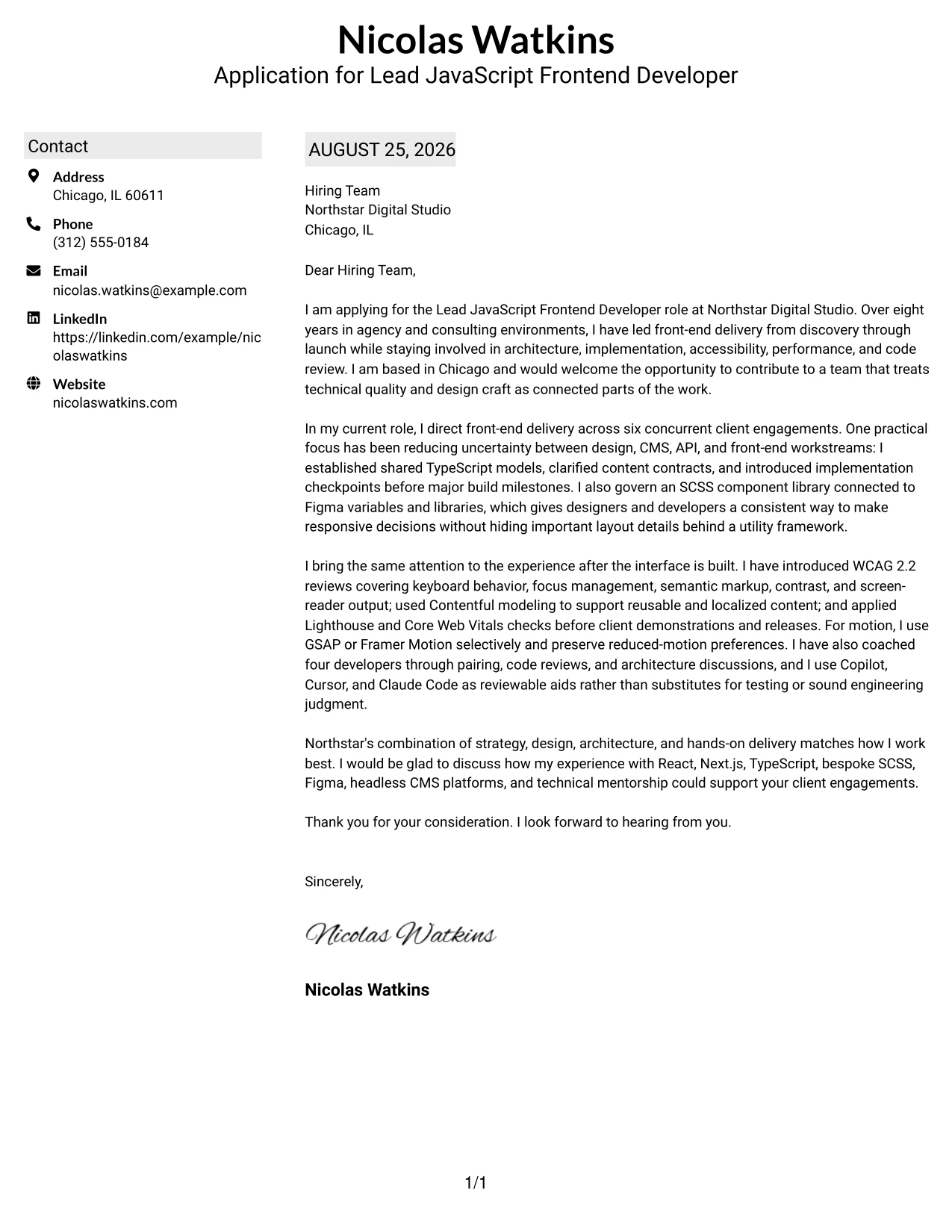
Why This Cover Letter Works
- Shaded labels help the reader identify each information group before reading the details.
- The two-column design gives contextual information a defined place beside the main letter narrative.
- The opening presents motivation through a clear connection between technical quality and design craft.
- The body uses a logical sequence: delivery leadership, reduced uncertainty, inclusive experiences, and team guidance.
- The letter includes enough technical detail to establish fit while explaining why each capability matters to client work.
- The reduced-motion reference shows that interaction decisions are made with accessibility and performance in mind.
- The closing summarizes the strongest alignment points instead of adding unrelated claims.
Best For
- Applications with several supporting details that need visible labels for quick navigation.
- Readers who want a structured letter but prefer a softer visual treatment than strong borders or heavy boxes.
- Candidates explaining a broad leadership contribution across planning, design, implementation, and review.
- Cover letters where technical evidence must remain readable beside recipient and contact information.
- Roles that value practical recommendations, careful tradeoffs, and calm communication through ambiguity.
- Applicants presenting content modeling, accessibility, performance, and mentoring as connected strengths.
- Documents intended to feel organized and approachable while still communicating senior responsibility.
#27 Cover Letter Example — Photo Header Color Accent International Format
The strongest evidence should reach the reader before the visual treatment takes over. In the Photo Header Color Accent International Format, the letter can lead with a direct application message while the photo header and color accents add a personal, internationally styled presentation. Here, the evidence centers on leading six client engagements, governing an SCSS component library, applying WCAG 2.2 reviews, and mentoring four developers—proof that the application combines technical depth with team influence.
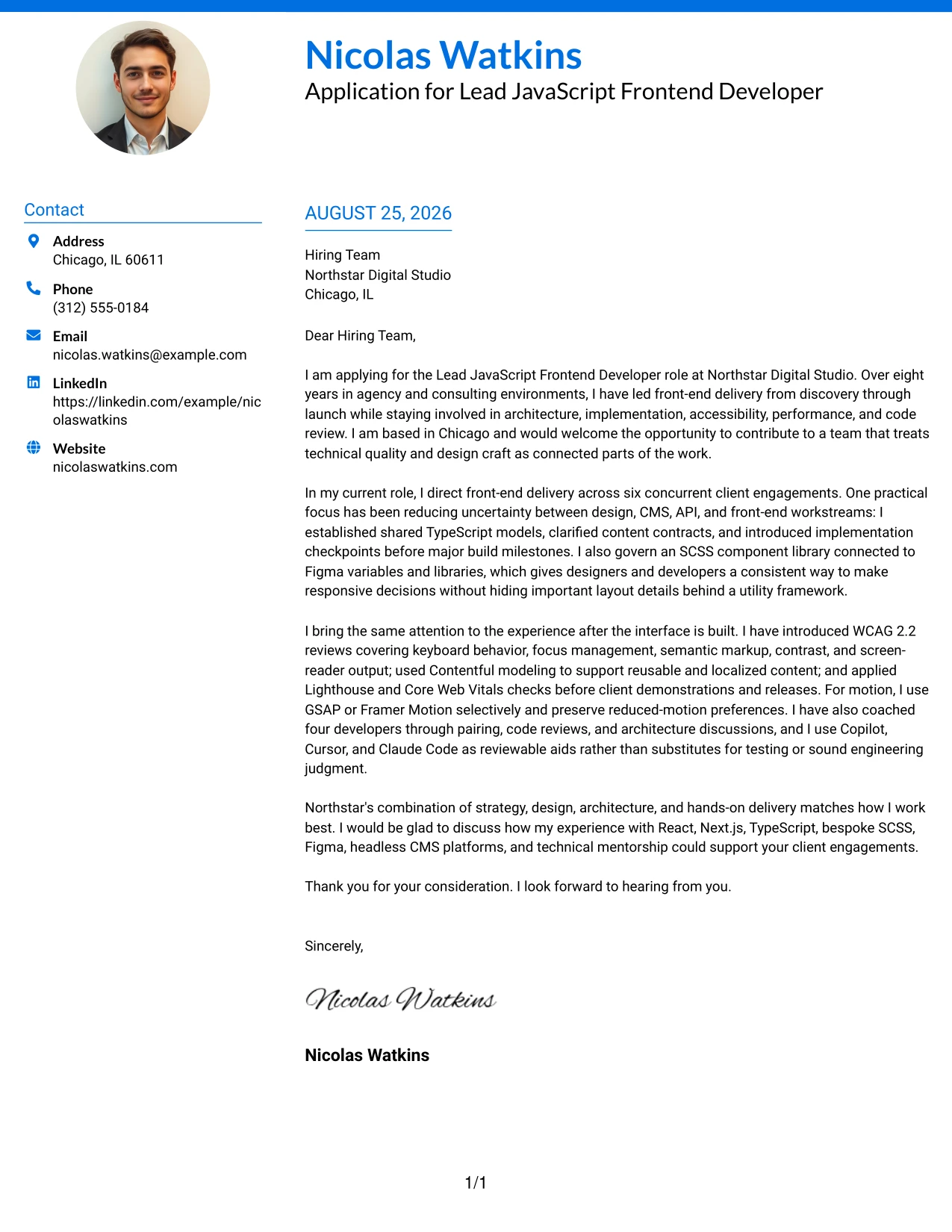
Why This Cover Letter Works
- The opening puts the application purpose and relevant experience ahead of decorative elements.
- A photo header can add personal presence when that presentation fits the employer and application context.
- Color accents distinguish the contact area from the letter body without interrupting the argument.
- The evidence covers leadership, architecture, accessibility, design collaboration, and delivery discipline.
- The letter uses measurable scope, including six concurrent engagements and four developers coached.
- Technical details remain tied to outcomes such as clearer handoffs, consistent responsive decisions, and earlier accessibility fixes.
- The final paragraph keeps the tone collaborative by connecting the experience to Northstar's multidisciplinary client work.
Best For
- Applications where a personal introduction is appropriate for the employer's communication culture.
- Readers who respond well to a strong evidence-first opening and a distinct visual identity.
- Internationally styled presentations that need clear separation between personal details and the letter narrative.
- Candidates whose strongest case combines team leadership with hands-on delivery responsibility.
- Creative client environments where color and personal presence can support, rather than replace, substance.
- Letters showing evidence across accessible interfaces, component libraries, and responsive implementation.
- Applicants who want the document to feel individual while retaining a clear professional argument.
#28 Cover Letter Example — Large Profile Photo International Two Column Format
Balanced distribution matters when a cover letter includes both a strong personal introduction and substantial professional evidence. The Large Profile Photo International Two Column Format gives the visual profile area a clear role while reserving the adjacent space for the application argument. That balance works for a Chicago-based professional who can show leadership across React and Next.js delivery, Contentful modeling, Figma collaboration, accessibility, and developer coaching.
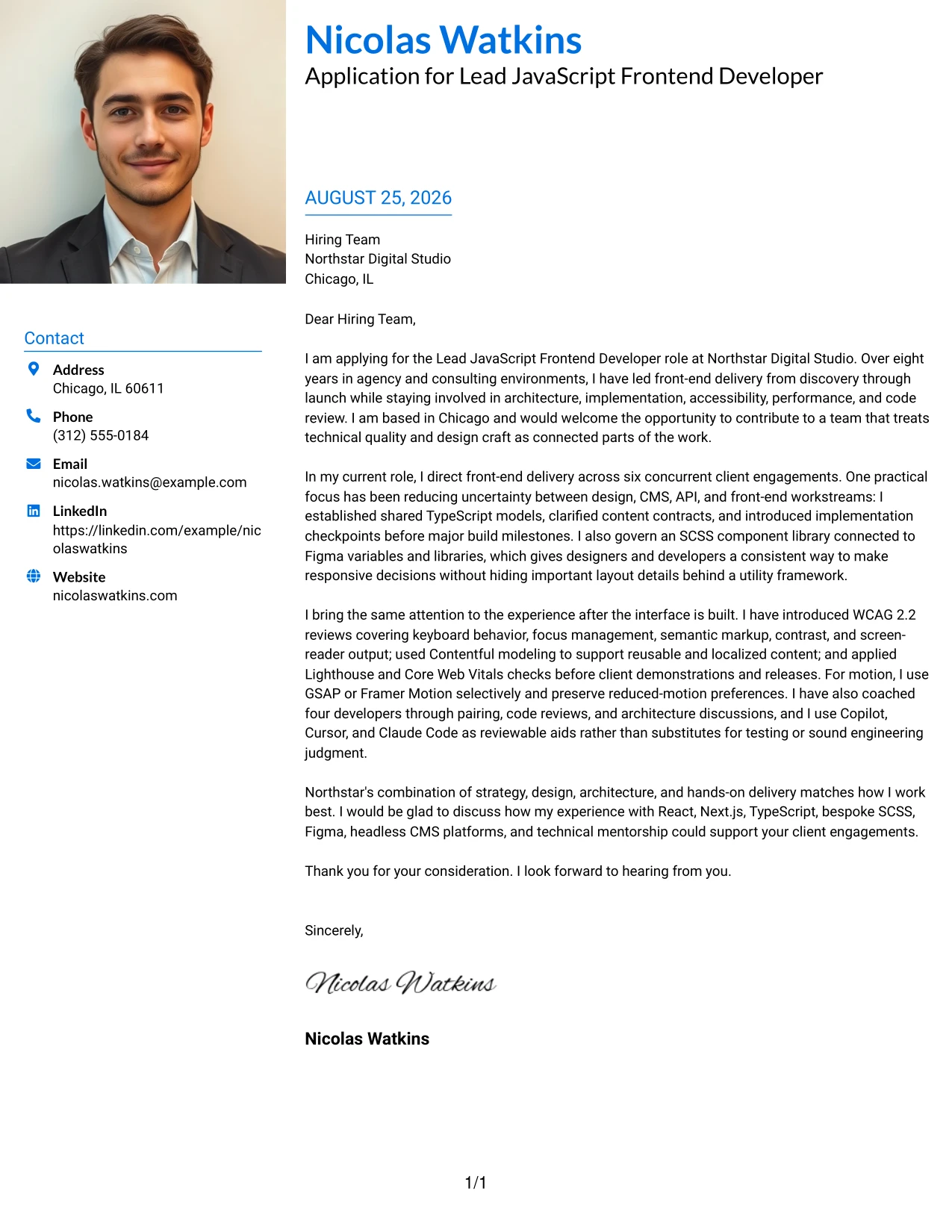
Why This Cover Letter Works
- The opening establishes the application purpose before the reader reaches the detailed evidence.
- A larger profile area creates a distinct personal introduction for settings where that choice is suitable.
- Two columns separate personal and contact information from the detailed case for professional fit.
- The letter connects current leadership across six engagements with Northstar's need for technical direction.
- The evidence moves from typed models and component libraries to accessibility checks and responsible tool use.
- Mentioning Contentful, Figma, React, and Next.js supports alignment without turning the letter into a keyword list.
- The closing returns attention to client collaboration, mentorship, and delivery from discovery through launch.
Best For
- Applications that permit a prominent personal introduction alongside the written case.
- Readers who want personal context separated clearly from technical and leadership evidence.
- Internationally styled documents where visual identity is part of the communication choice.
- Candidates balancing a substantial experience story with a strong, approachable first impression.
- Client-facing roles that require both technical credibility and confident relationship building.
- Cover letters with enough evidence to benefit from a dedicated text column rather than a compressed block.
- Hybrid or remote applications where location and communication style may be useful context.
#29 Cover Letter Example — One Column Boxed Contact Header Format
For an application that should read like a focused professional message, the One Column Boxed Contact Header Format puts contact information in a compact, clearly contained area above the letter. The single-column flow then gives the opening, evidence, and closing one uninterrupted path. That approach suits a persuasive application for the Lead JavaScript Frontend Developer role, where leadership scope, technical judgment, and collaboration need to build from one paragraph to the next.
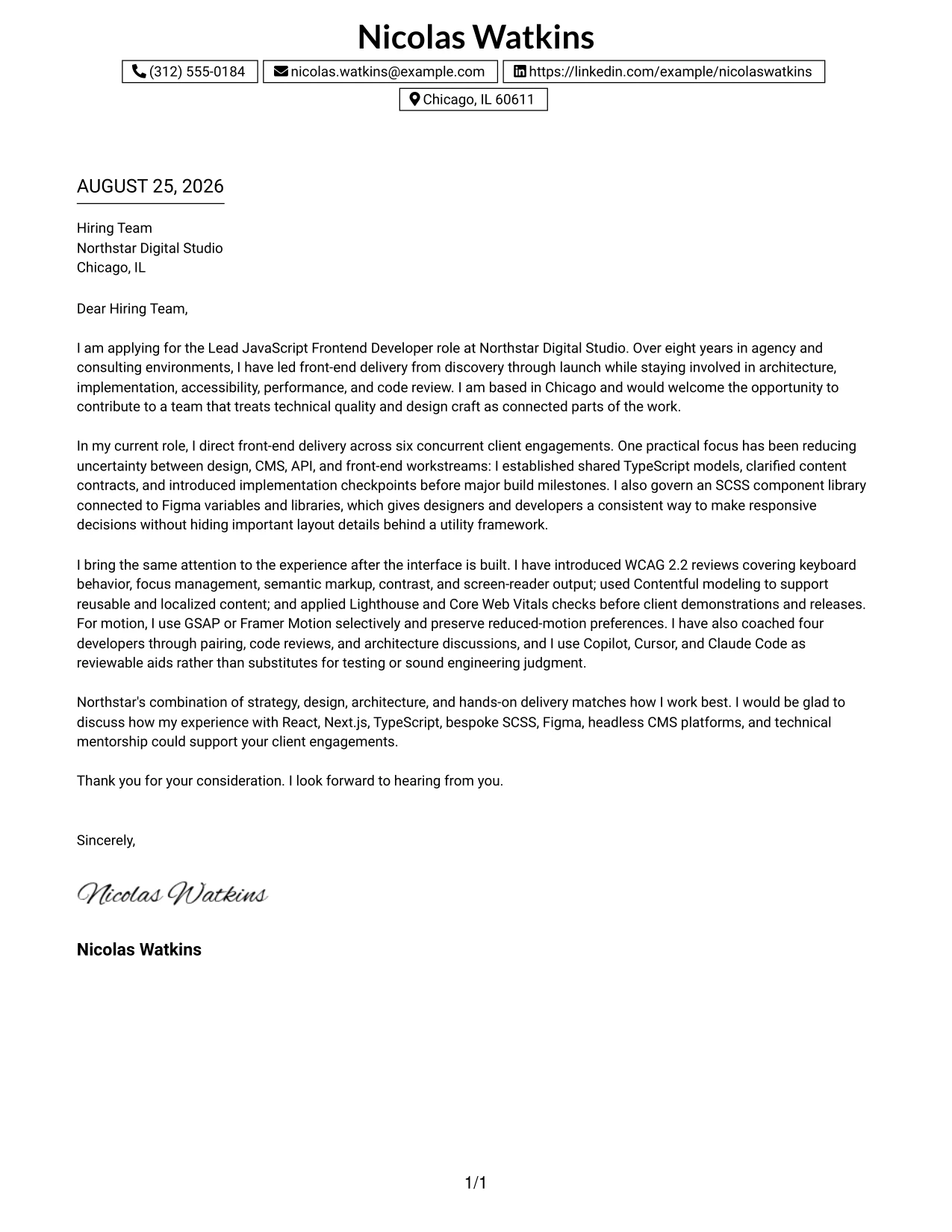
Why This Cover Letter Works
- The boxed header separates contact information from the message without creating a second reading path.
- A single column lets the reader follow the argument in the intended order.
- The opening combines Chicago location, agency experience, and interest in Northstar's design-led work.
- The body presents technical leadership through architecture decisions, implementation checkpoints, and component governance.
- Accessibility, performance, and reduced-motion practices show care for the experience after launch.
- Mentoring and code review evidence demonstrates influence through guidance rather than formal authority alone.
- The closing is brief and direct, leaving the reader with a clear reason to continue the conversation.
Best For
- Applications that need one uninterrupted reading path from greeting to closing.
- Readers who prefer a contained contact block above a straightforward professional letter.
- Candidates building a persuasive case through a steady sequence of motivation, evidence, and fit.
- Client-service environments where communication clarity matters as much as technical detail.
- Letters that must show architecture, implementation, and mentoring without side panels.
- Applicants who want a compact presentation that gives the written message full attention.
- Documents suited to digital review, printing, or conversion between common page formats.
#30 Cover Letter Example — One Column Shaded Contact Header Format
A quiet shaded header gives the document a clear visual starting point, while the one-column body keeps attention on the relationship between motivation and evidence. The One Column Shaded Contact Header Format supports a letter that speaks directly to Northstar Digital Studio's mix of strategy, design, architecture, and hands-on delivery. The message can then show fit through React, Next.js, TypeScript, bespoke SCSS, accessibility work, and technical mentorship.
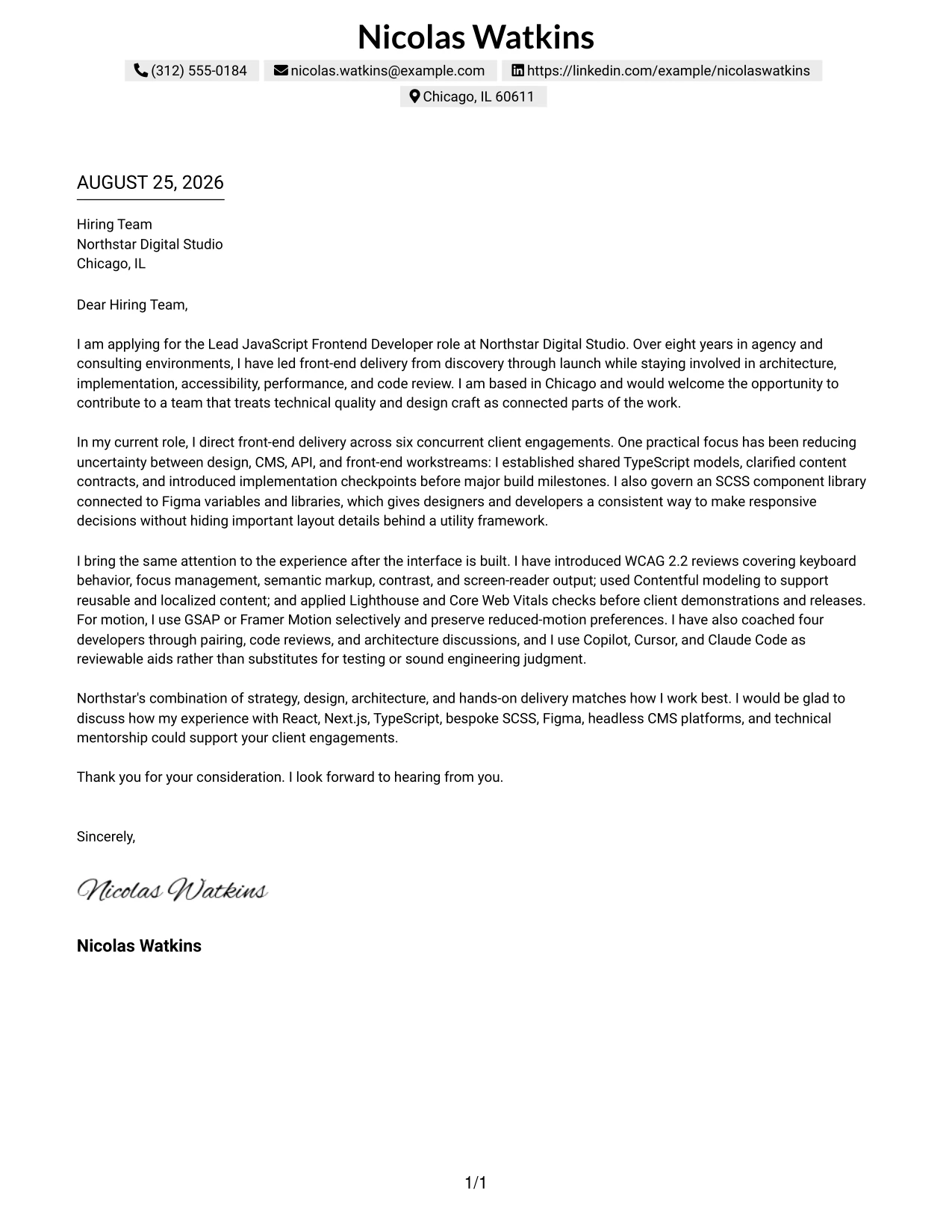
Why This Cover Letter Works
- The shaded contact area creates a gentle hierarchy without overpowering the application message.
- The one-column format supports a natural transition from motivation to supporting evidence and closing fit.
- The opening explains why Northstar's connected approach to design and technical quality is appealing.
- The experience paragraphs show leadership while retaining clear involvement in implementation and review.
- Bespoke SCSS and Figma collaboration address the role's emphasis on crafted, responsive experiences.
- Accessibility reviews, Contentful work, and Core Web Vitals checks make the quality claims specific.
- The final sentence gathers the most relevant capabilities into a confident invitation to discuss contribution.
Best For
- Applications seeking a polished look with a softer distinction between header and body.
- Readers who prefer clear hierarchy without strong visual divisions inside the letter.
- Candidates aligning motivation with a role that joins creative work and engineering standards.
- Cover letters that need to show both leadership perspective and continued hands-on practice.
- Organizations where collaboration with strategists, designers, architects, and clients is central.
- Letters presenting a focused set of role-aligned capabilities rather than a broad inventory.
- Applicants who want professional warmth while keeping the communication direct and credible.
#31 Cover Letter Example — Boxed Contact Header with Job Title Format
A boxed contact header with the job title visible at the top tells the reader what the letter is about before the supporting argument begins. The Boxed Contact Header with Job Title Format creates that immediate context, then uses a single-column message to connect motivation, evidence, and employer fit. It is well suited to an application that must quickly show leadership across client engagements while remaining close to front-end craft.
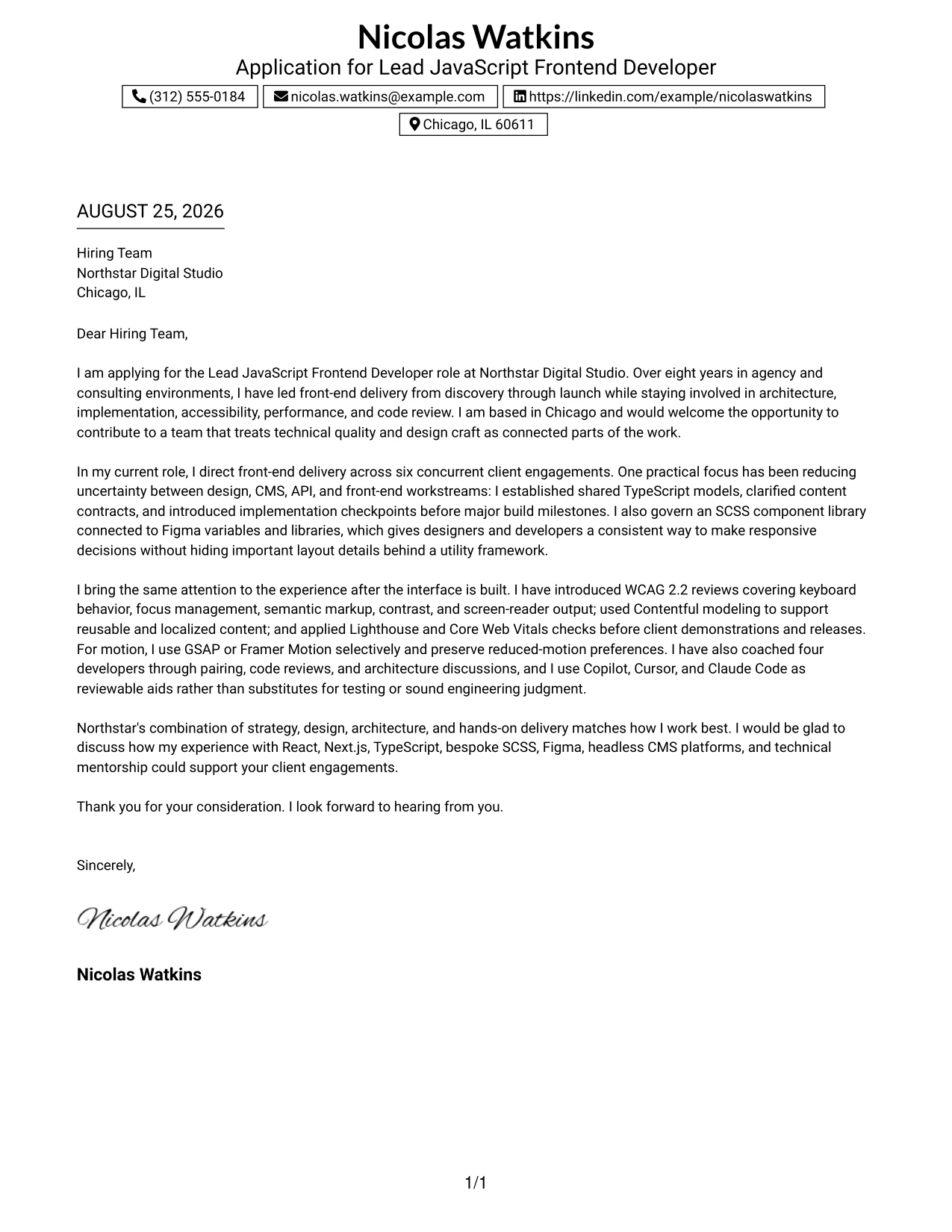
Why This Cover Letter Works
- The visible job title gives the hiring team immediate context for the document.
- The boxed header contains personal details and keeps them separate from the persuasive writing.
- The single-column structure supports a clear sequence from application purpose to evidence and close.
- The letter explains leadership across six concurrent engagements instead of relying on a general seniority claim.
- Shared TypeScript models, an SCSS component library, and Figma variables demonstrate structured technical direction.
- The mentoring example shows a practical coaching style through pairing, code reviews, and architecture discussions.
- The closing links the evidence to Northstar's client engagements and multidisciplinary way of working.
Best For
- Applications where the intended position should be unmistakable at first glance.
- Readers processing many documents and needing immediate context before reading the body.
- Candidates presenting leadership evidence in a direct, single-column narrative.
- Cover letters that combine a clear role target with detailed examples of delivery ownership.
- Technical applications where architecture, component standards, and mentoring must appear in a logical order.
- Applicants who want the employer to see relevance before reviewing the full motivation statement.
- Documents that benefit from a contained header and a strong, uninterrupted body.
#32 Cover Letter Example — Plain Professional Layout with Job Title & Shaded Date Format
The reader can follow a plain professional letter from its dated application context through the greeting, evidence, and closing with no need to interpret decorative structure. The Plain Professional Layout with Job Title & Shaded Date Format keeps that path orderly while giving the date and target role useful visual emphasis. It supports a detailed message about delivery leadership, accessibility, CMS collaboration, performance checks, and mentoring.
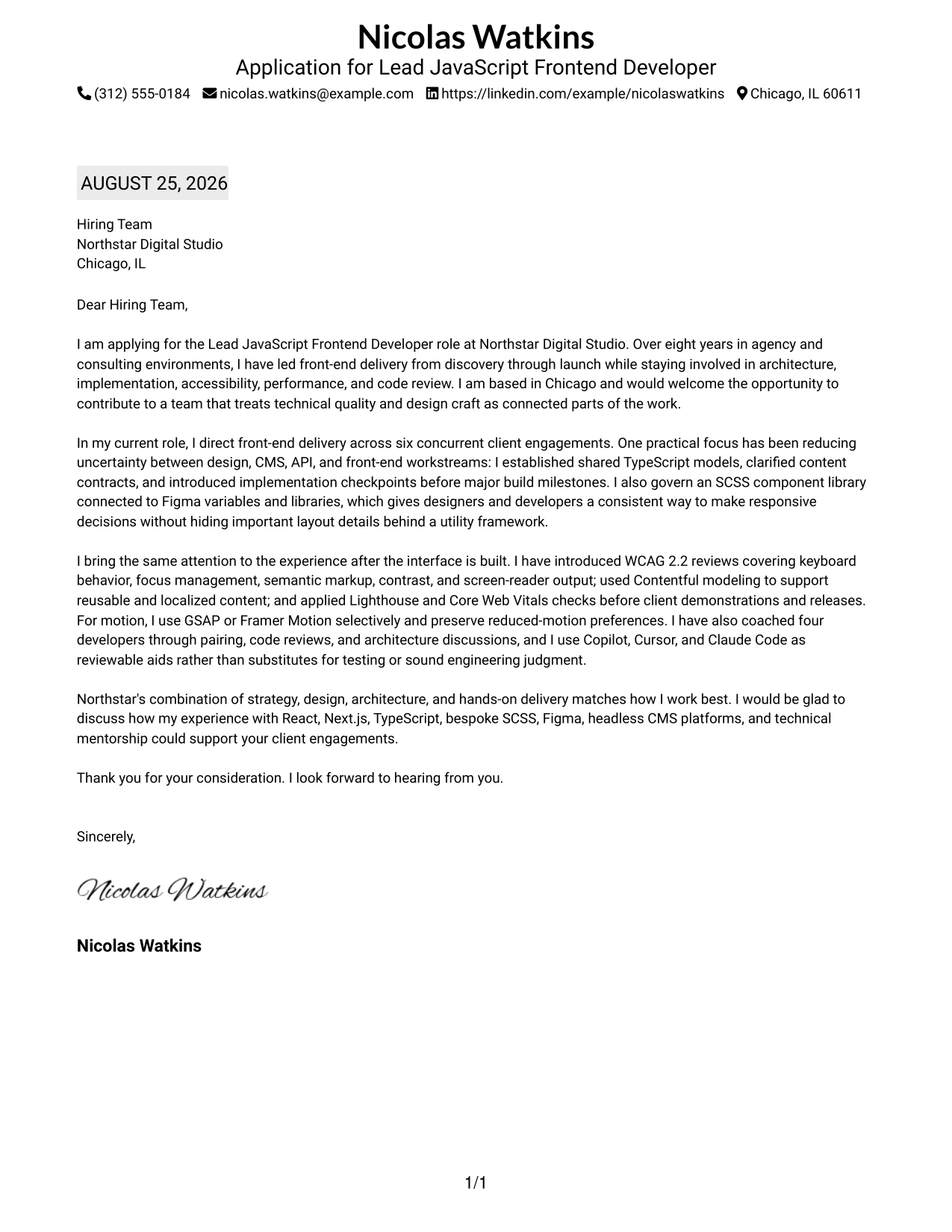
Why This Cover Letter Works
- The date and job title establish practical application context before the main message begins.
- A plain single-column presentation keeps every paragraph in a predictable reading order.
- The opening states the target role, location, experience, and reason for interest without delay.
- The body gives enough detail to show ownership across architecture, design implementation, and quality review.
- Examples of Contentful modeling and localized content support demonstrate collaboration beyond front-end code.
- The letter explains how motion choices preserve reduced-motion preferences and page performance.
- The closing keeps the application open for discussion and reinforces alignment with Northstar's working model.
Best For
- Applications where date, target position, and recipient context should be easy to confirm.
- Readers who prefer a conventional document flow with minimal visual interpretation.
- Candidates with enough experience detail to need a spacious, uninterrupted narrative.
- Letters explaining work across discovery, planning, implementation, review, and release.
- Roles requiring evidence of content collaboration as well as interface development.
- Applicants who want a dependable presentation for both digital reading and printed review.
- Professional communications where clarity and completeness should take priority over visual novelty.
#33 Cover Letter Example — Two-Line Contact Header with Underlined Date Format
The most persuasive evidence should appear early enough to shape the reader's view of the application. The Two-Line Contact Header with Underlined Date Format supports that priority by keeping the contact area compact and giving the letter body a clean, direct path. Within that space, the application can lead with eight years of agency and consulting experience, then prove fit through architecture, accessibility, performance, Figma partnership, and developer mentorship.
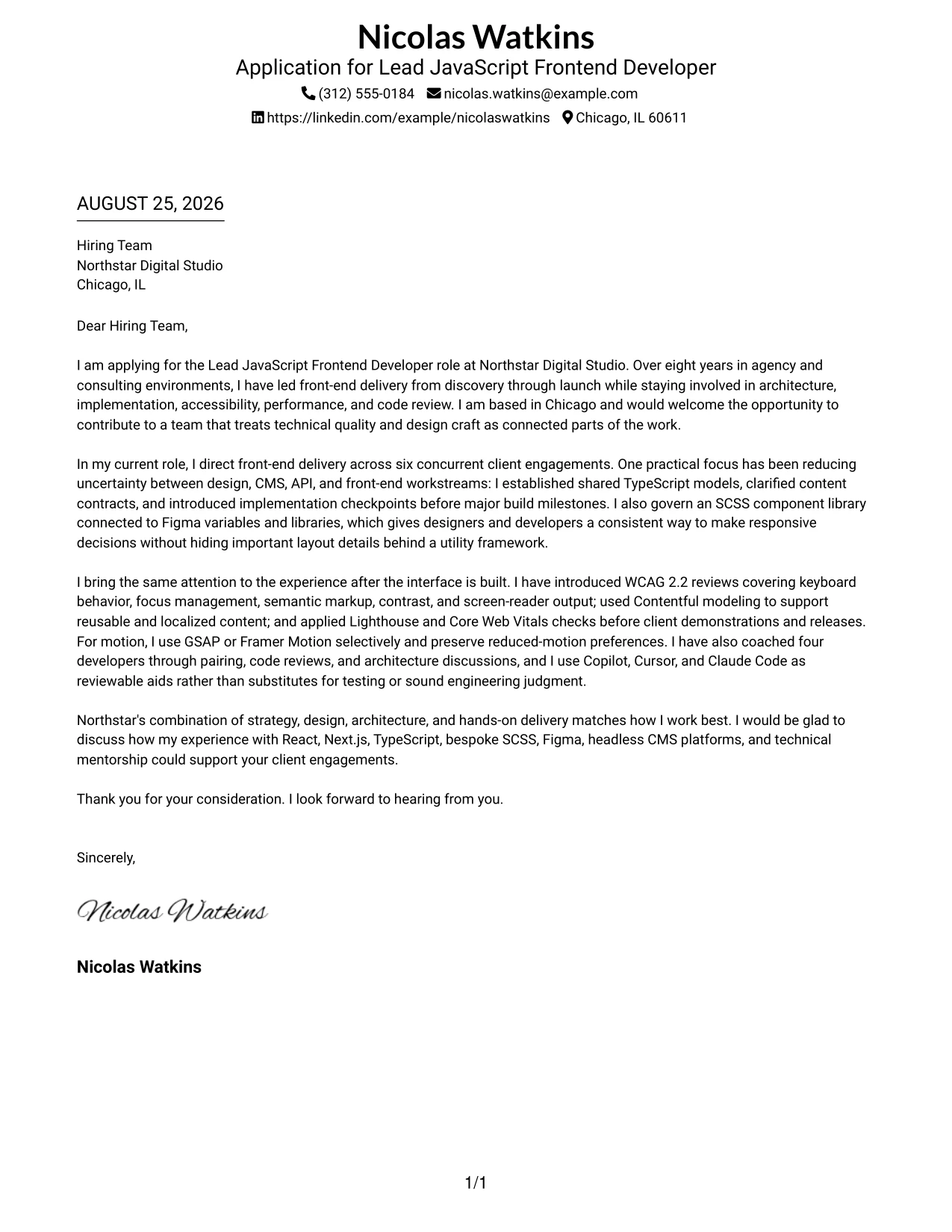
Why This Cover Letter Works
- The compact two-line header gives the body more room to make the professional case.
- The underlined date provides a clear application marker without adding visual weight to every section.
- The opening prioritizes experience and motivation instead of beginning with a broad personal statement.
- The body uses concrete examples from six concurrent engagements and four developers coached.
- References to WCAG 2.2, Core Web Vitals, semantic markup, and reduced-motion support show quality-minded delivery.
- The letter connects Figma tools, Contentful, React, Next.js, and TypeScript to real collaboration and implementation needs.
- The final paragraph converts the evidence into a concise statement of employer fit and readiness to contribute.
Best For
- Applications where professional evidence should receive attention before visual details.
- Readers who want a compact header and a direct, text-led communication style.
- Candidates leading with years of relevant delivery experience and specific proof of influence.
- Cover letters that must fit substantial technical and collaboration evidence into a simple page.
- Roles where accessibility, performance, and maintainability are important parts of the quality story.
- Applicants connecting design tools, content systems, and front-end architecture in one argument.
- Documents that need a precise application date while keeping the presentation understated.
Why Use ResumeInMinutes for a Lead JavaScript Frontend Developer Cover Letter
ResumeInMinutes helps experienced front-end professionals shape a targeted cover letter without starting with a blank page. The process keeps the message centered on role fit, motivation, communication, and the evidence most relevant to the employer.
- Professional writing styles
- Clear, readable formatting
- Job-description-based customization
- Fast cover letter generation
- Professional templates
- Cover letter PDF support
You can build a polished letter that presents front-end leadership, React and Next.js delivery, TypeScript judgment, accessibility awareness, design collaboration, and mentoring in a way that feels relevant to the target team.
See Also
- 33 Associate JavaScript Frontend Developer Resume Templates with Example 2026 (ATS-Optimized)
- 33 Frontend Developer Internship - JavaScript Resume Templates with Example 2026 (ATS-Optimized)
- 33 Junior Frontend Developer - JavaScript Resume Templates with Example 2026 (ATS-Optimized)
- 33 Lead JavaScript Frontend Developer Resume Templates with Example 2026 (ATS-Optimized)
- 33 Front End Web Applications Developer - Mid-Level JavaScript Resume Templates with Example 2026 (ATS-Optimized)
- 33 Frontend / Backend Developer Intern Resume Templates with Example 2026 (ATS-Optimized)
- 33 AI Automation Engineer / Full-Stack Developer Resume Templates with Example 2026 (ATS-Optimized)
- 33 AI Engineer / Applied AI Developer Resume Templates with Example 2026 (ATS-Optimized)
- 30+ Associate JavaScript Frontend Developer Cover Letter Templates with Example 2026
- 30+ Frontend Developer Internship - JavaScript Cover Letter Templates with Example 2026
Frequently Asked Questions
What should a Lead JavaScript Frontend Developer cover letter include?
Include a direct opening, evidence of front-end leadership, relevant technical strengths, collaboration with design and delivery teams, motivation for the employer, and a professional closing.
How can I show technical leadership in this cover letter?
Describe how you shaped architecture, guided implementation decisions, identified risks, reviewed code, mentored developers, or helped teams deliver from discovery through launch. Focus on your actions and their value.
Which technical skills are relevant to this cover letter?
Relevant skills may include JavaScript, TypeScript, React, Next.js, HTML, CSS, SCSS, component libraries, Figma, Contentful, WCAG 2.2, Core Web Vitals, Git, GSAP, and Framer Motion when they support the specific application.
How do I connect my experience to the employer?
Refer to the employer's focus on client delivery, technical direction, design collaboration, accessibility, performance, maintainability, and mentoring. Then explain how your own approach would support those priorities.
Should I mention AI-assisted development tools?
Mention tools such as Copilot, Cursor, or Claude Code only when you can explain responsible use. Emphasize review, testing, accessibility, code quality, and engineering judgment rather than presenting AI as a replacement for those practices.
Should I use a photo on my cover letter?
For most U.S. applications, a no-photo cover letter is the safer choice. Use a photo only when it is clearly expected in the relevant country, region, or industry.
Can I customize these cover letter templates?
Yes. Customize the wording, emphasis, layout, design style, and PDF format so the final letter reflects the Lead JavaScript Frontend Developer role and the employer's communication context.




