
33 Lead Manufacturing Engineer - CNC Process Engineering Resume Templates with Example
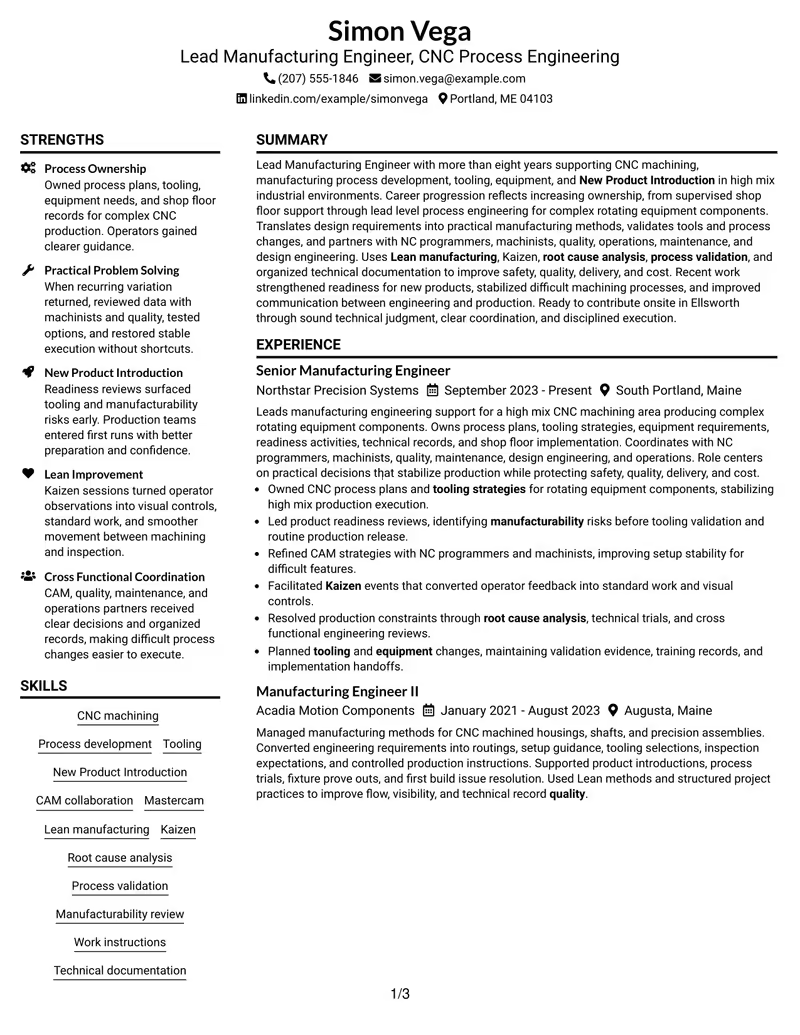
This guide shows you how to build a Lead Manufacturing Engineer - CNC Process Engineering resume that is clear, focused, and easy for recruiters to scan. You will see how to organize evidence of manufacturing ownership, technical judgment, and shop-floor execution without making the resume feel crowded.
Strong content for this role should connect CNC machining, process development, tooling, New Product Introduction, CAM collaboration, Lean manufacturing, Kaizen, root cause analysis, and process validation to real work outcomes. It should also make cross-functional coordination, technical documentation, project management, and safety-quality-delivery-cost priorities easy to find.
The example below is presented in 33 ATS-optimized layouts so you can compare section hierarchy, spacing, and visual balance while keeping the same role-specific evidence. Use the format notes and free PDF previews to choose a layout that supports fast review and accurate ATS parsing.
What Makes a Great Lead Manufacturing Engineer - CNC Process Engineering Resume in 2026
A strong resume for this role shows clear process ownership, sound manufacturing judgment, and practical results from CNC production, tooling, equipment, and New Product Introduction work.
Use focused bullets and relevant keywords such as NC Programming, CAM, Mastercam, Lean manufacturing, Kaizen, process validation, manufacturability, root cause analysis, and technical documentation.
The examples shown below are intentionally detailed to demonstrate a range of experiences, skills, accomplishments and relevant keywords. We prefer detailed resumes as they provide more context to the hiring managers and also help the ATS systems identify relevant qualifications and score your resume better for a match. But the length of a resume is an individual choice. If you want a one page resume, just keep the most relevant experience and information for the job. Note: Resume examples are created for educational purposes; references to real organizations do not imply affiliation or endorsement.
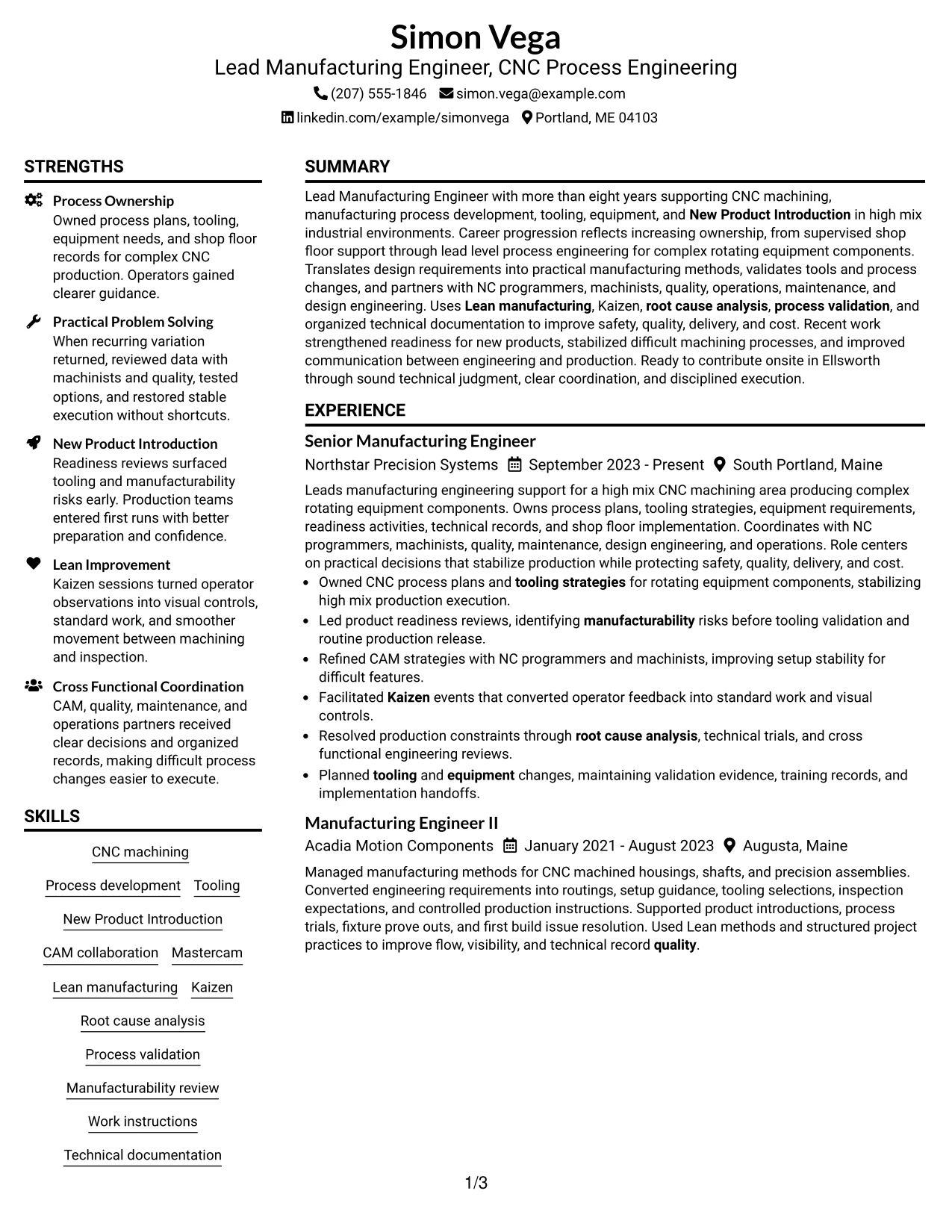
#1 Plain Two Column Format Resume Example
The Plain Two Column Format separates technical strengths from detailed career evidence, which helps a recruiter scan a complex manufacturing background without losing the timeline. Simon Vega's resume can place skills, certifications, and tools beside the main experience section while keeping the most important CNC process work easy to follow.
For this Lead Manufacturing Engineer - CNC Process Engineering resume, the format works well for showing CNC machining, Mastercam, New Product Introduction, Lean manufacturing, and process validation next to progressive manufacturing roles. The structure also gives enough room for projects, education, and practical shop-floor results.
Resume Snapshot
- More than eight years of progressive manufacturing engineering experience
- CNC machining, CAM collaboration, tooling, fixtures, and process development
- Lean Six Sigma Green Belt, Mastercam Core Certification, and OSHA 30 Hour General Industry
- New Product Introduction, process validation, root cause analysis, and technical documentation
Why the Plain Two Column Format Works for a Resume
- Separates fast-scan skills from detailed employment history.
- Keeps CNC machining and process development visible without crowding experience bullets.
- Creates a clear place for certifications that support manufacturing credibility.
- Supports a long career history while preserving readable section hierarchy.
- Makes New Product Introduction and Lean manufacturing evidence easy to locate.
- Helps recruiters compare technical depth with increasing process ownership.
Resume Keywords
- Lead Manufacturing Engineer
- CNC Process Engineering
- Manufacturing processes
- CNC manufacturing
- tooling
- equipment
- New Product Introduction
- Process validation
- manufacturing plans
- NC Programming
- CAM
- Lean manufacturing
- Kaizen
- safety
- quality
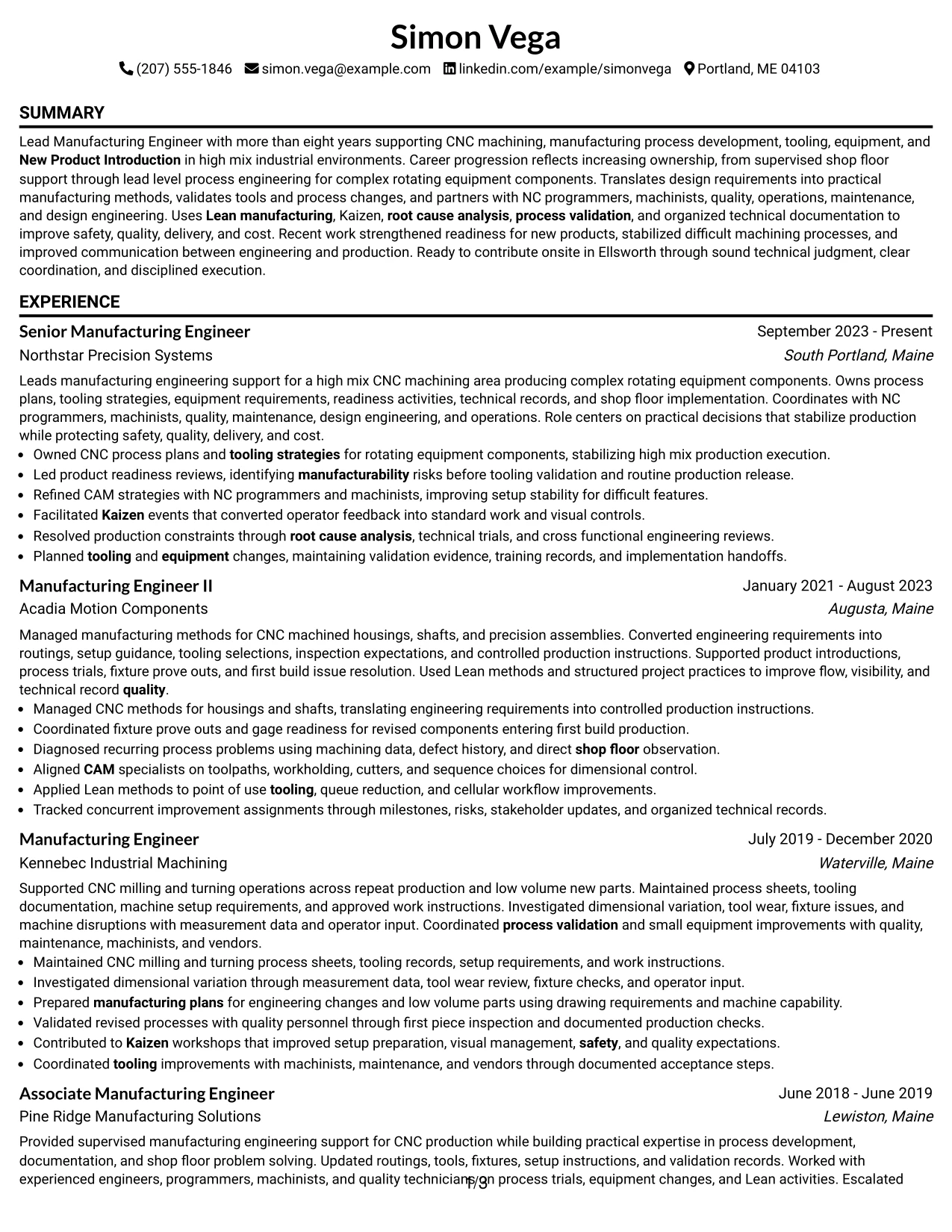
#2 Simple One Column Format Resume Example
A recruiter can move from summary to experience, projects, education, certifications, and skills in one straight path. That simple reading order is useful when the resume carries several years of manufacturing roles and many detailed CNC process accomplishments.
The format gives full width to career progression, so each role can show process ownership, CAM coordination, Kaizen work, troubleshooting, and production readiness without squeezing the bullets. It is also a practical choice for ATS parsing because headings and dates stay in a direct sequence.
Why the Simple One Column Format Works for a Resume
- Provides a direct top-to-bottom reading path.
- Gives full width to detailed manufacturing experience bullets.
- Handles several roles without splitting the employment timeline.
- Supports clear ATS parsing through simple section order.
- Leaves room for projects, certifications, and technical skills after experience.
- Works well when career progression is the main evidence.
Best For
- Resumes with several years of experience that need full-width bullet detail
- Applications where simple ATS parsing is a top priority
- Candidates who want career progression to remain the main visual story
- Documents with multiple projects, certifications, and technical skill groups
- Readers who prefer a clear top-to-bottom review path
- Manufacturing resumes with detailed process, tooling, and troubleshooting evidence
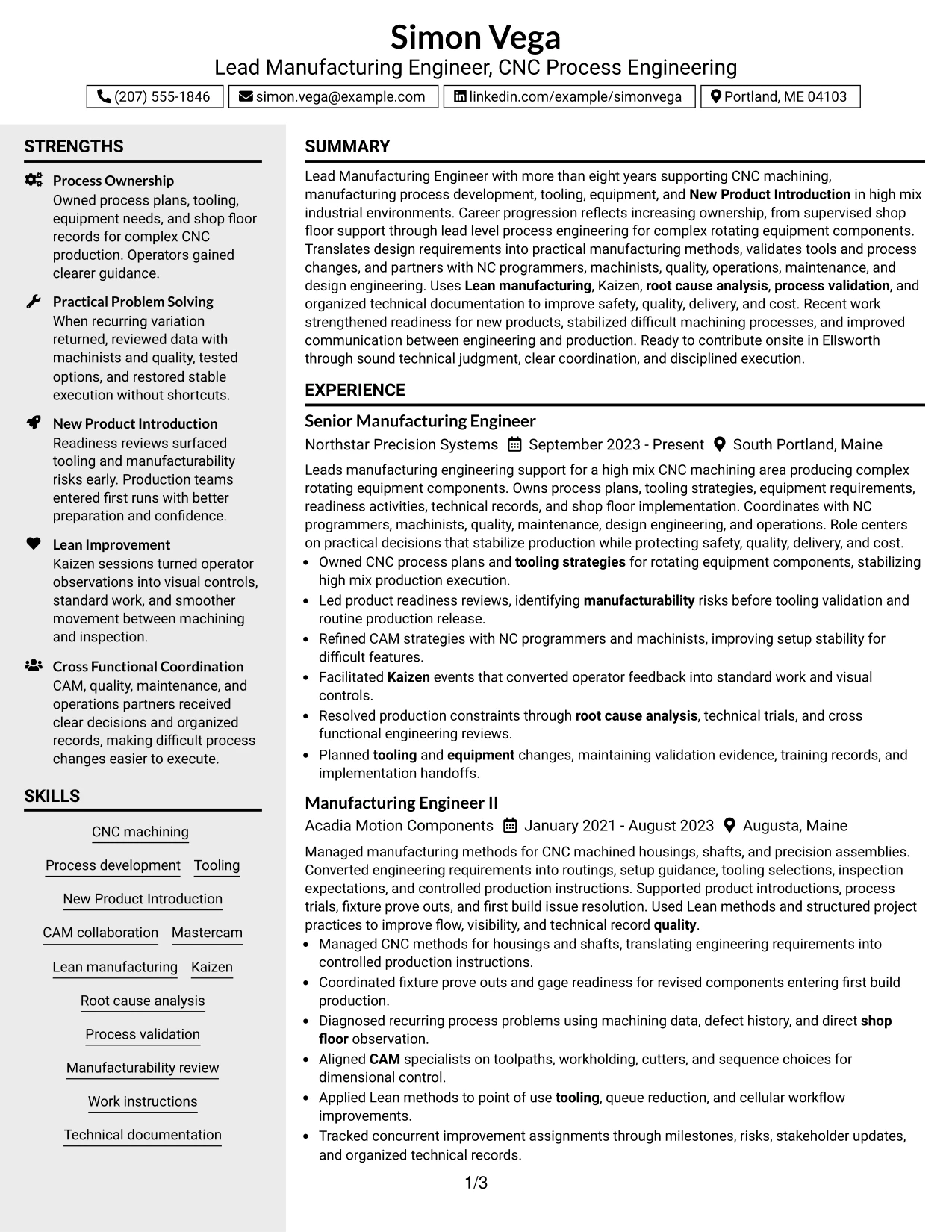
#3 Clean Two Column Sidebar Format Resume Example
Process ownership, CNC production results, and technical problem solving receive the strongest attention in this format. A narrow sidebar can hold supporting items such as skills, certifications, and education while the main column carries the evidence from each manufacturing role.
That separation is useful for a resume with Mastercam, Lean manufacturing, Kaizen, tooling, process validation, and New Product Introduction. It keeps the supporting qualifications visible while leaving the main reading space for accomplishments such as readiness reviews, root cause analysis, and shop-floor process changes.
Why the Clean Two Column Sidebar Format Works for a Resume
- Prioritizes accomplishment evidence in the main column.
- Moves supporting qualifications into a compact sidebar.
- Preserves room for detailed CNC and manufacturing bullets.
- Groups certifications and skills where recruiters can find them quickly.
- Creates a strong distinction between career history and supporting credentials.
- Supports quick comparison of tools, methods, and role progression.
Best For
- Candidates with strong accomplishment bullets and a broad supporting skill set
- Resumes that need to separate credentials from the main work history
- Applications where recruiters may scan tools and certifications before reading details
- Documents with enough evidence to justify a dedicated sidebar
- Professionals who want projects and certifications visible without interrupting chronology
- CNC manufacturing backgrounds that combine process work with several technical methods
#4 Two Column Format Resume Example
Content is balanced between detailed work history and compact supporting sections, so neither side overwhelms the page. This gives a manufacturing resume enough space for four roles while still keeping skills, certifications, education, and projects within easy reach.
For a Lead Manufacturing Engineer - CNC Process Engineering application, that balance helps connect process development, tooling, CAM collaboration, and Lean methods with the career timeline. Recruiters can scan the supporting qualifications quickly, then move into evidence of readiness work, validation, troubleshooting, and technical coordination.
Why the Two Column Format Works for a Resume
- Balances long-form experience with compact supporting content.
- Supports a multi-role manufacturing timeline without making the page feel dense.
- Keeps certifications and skills close to the work history.
- Provides separate visual space for projects and education.
- Helps technical keywords remain visible during a fast scan.
- Allows detailed bullets to remain readable in the main content area.
- Connects technical qualifications with evidence from progressive roles.
Best For
- Applications that need both detailed experience and visible supporting credentials
- Professionals with a longer work history plus projects and certifications
- Resume reviews where both technical depth and career progression matter
- Documents that benefit from compact skill grouping beside a detailed timeline
- Candidates who need to fit several relevant sections without using a dense single column
- Lead Manufacturing Engineer - CNC Process Engineering applications with broad manufacturing evidence
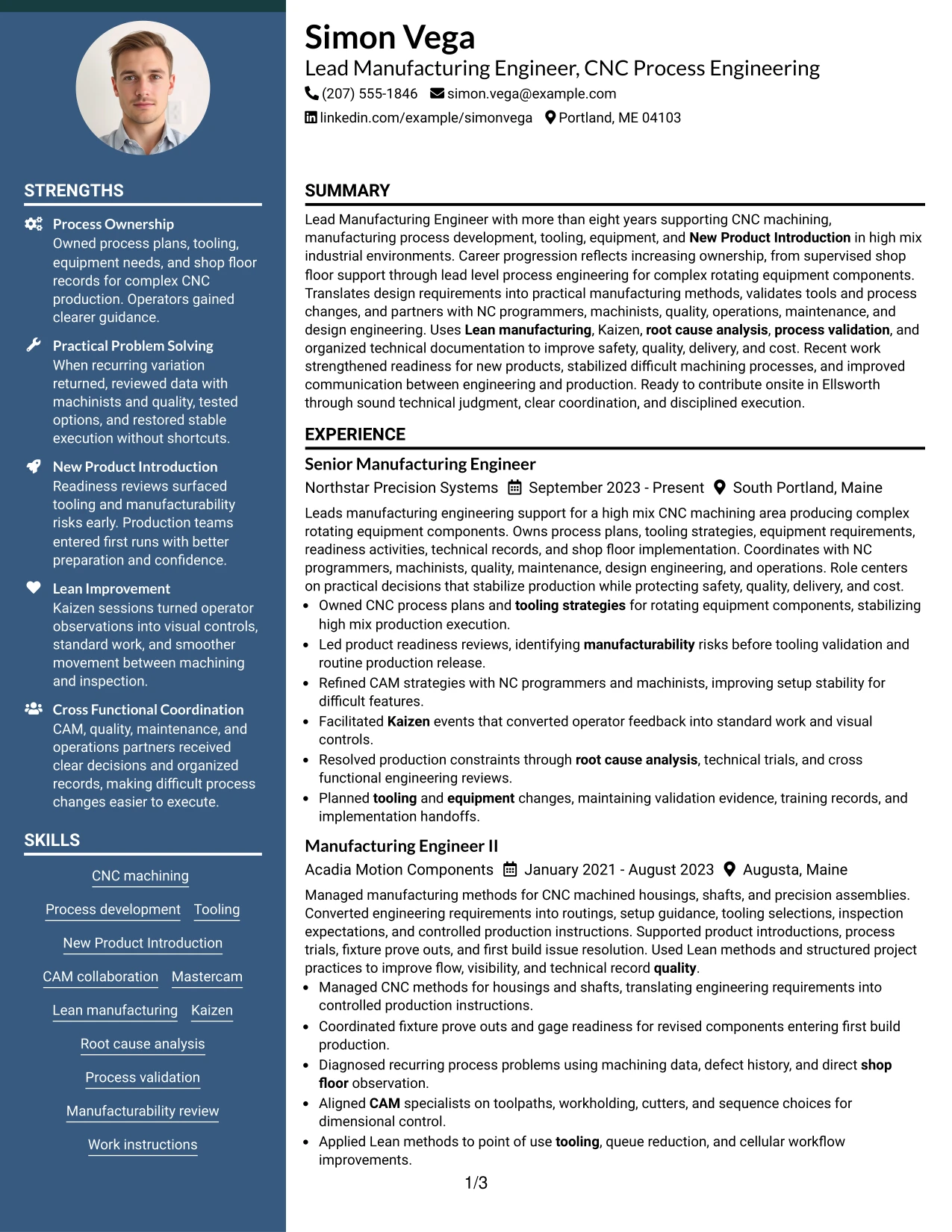
#5 Photo Header Two Column Format Resume Example
When an application context permits a photo, the Photo Header Two Column Format combines a personal header area with a structured two-column resume body. The rest of the page can still keep the candidate's manufacturing experience, technical skills, certifications, and projects in clear sections.
The visual emphasis should not replace evidence. For this manufacturing background, CNC machining, New Product Introduction, Mastercam, Kaizen, process validation, and root cause analysis still need to carry the resume, while the photo header remains secondary to the qualifications.
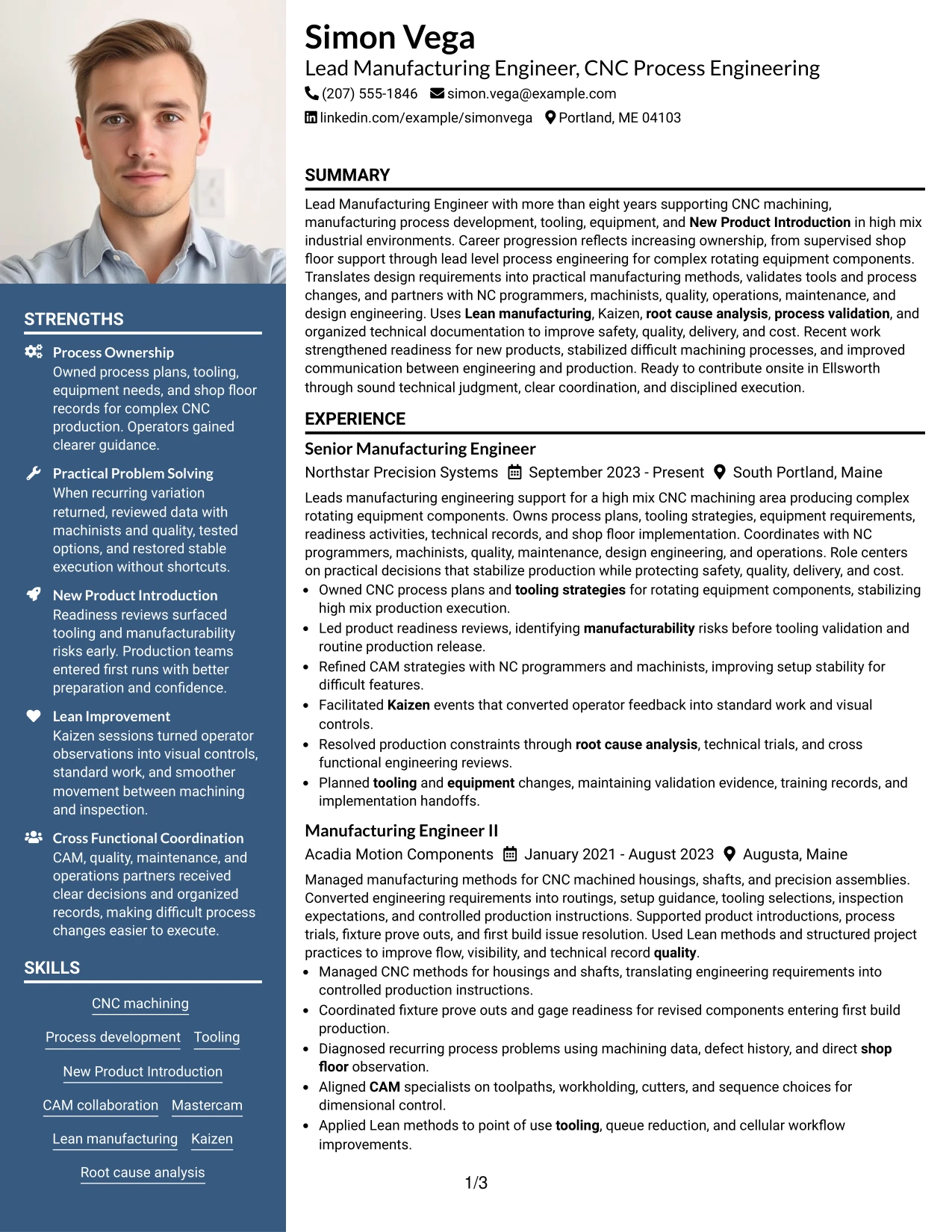
Why the Photo Header Two Column Format Works for a Resume
- Creates a distinct header while preserving room for detailed resume sections.
- Uses two columns to separate supporting qualifications from experience.
- Keeps the photo area contained so work evidence remains central.
- Provides space for certifications, skills, and projects without crowding the timeline.
- Supports a clear hierarchy between identity, qualifications, and career history.
- Allows technical keywords to remain easy to scan.
- Works best when regional or application norms make a photo appropriate.
Best For
- Applications in regions or settings where a resume photo is accepted or expected
- Candidates who want a clear personal header without giving up detailed experience space
- Documents that combine a visual identity area with structured technical content
- Resumes needing separate zones for work history and supporting qualifications
- Readers who benefit from a strong header followed by an organized two-column body
- Professionals who still want CNC and manufacturing evidence to remain the main focus
#6 Colored Two Column Format Resume Example
Restrained color creates a stronger visual hierarchy while the two-column structure keeps technical information organized. The format can make sections such as skills, certifications, projects, and experience easier to distinguish during a quick recruiter scan.
For this role, the strongest content remains the manufacturing evidence: CNC process ownership, tooling, CAM collaboration, Lean manufacturing, New Product Introduction, and process validation. Color should guide the eye toward those sections, not compete with the work history.
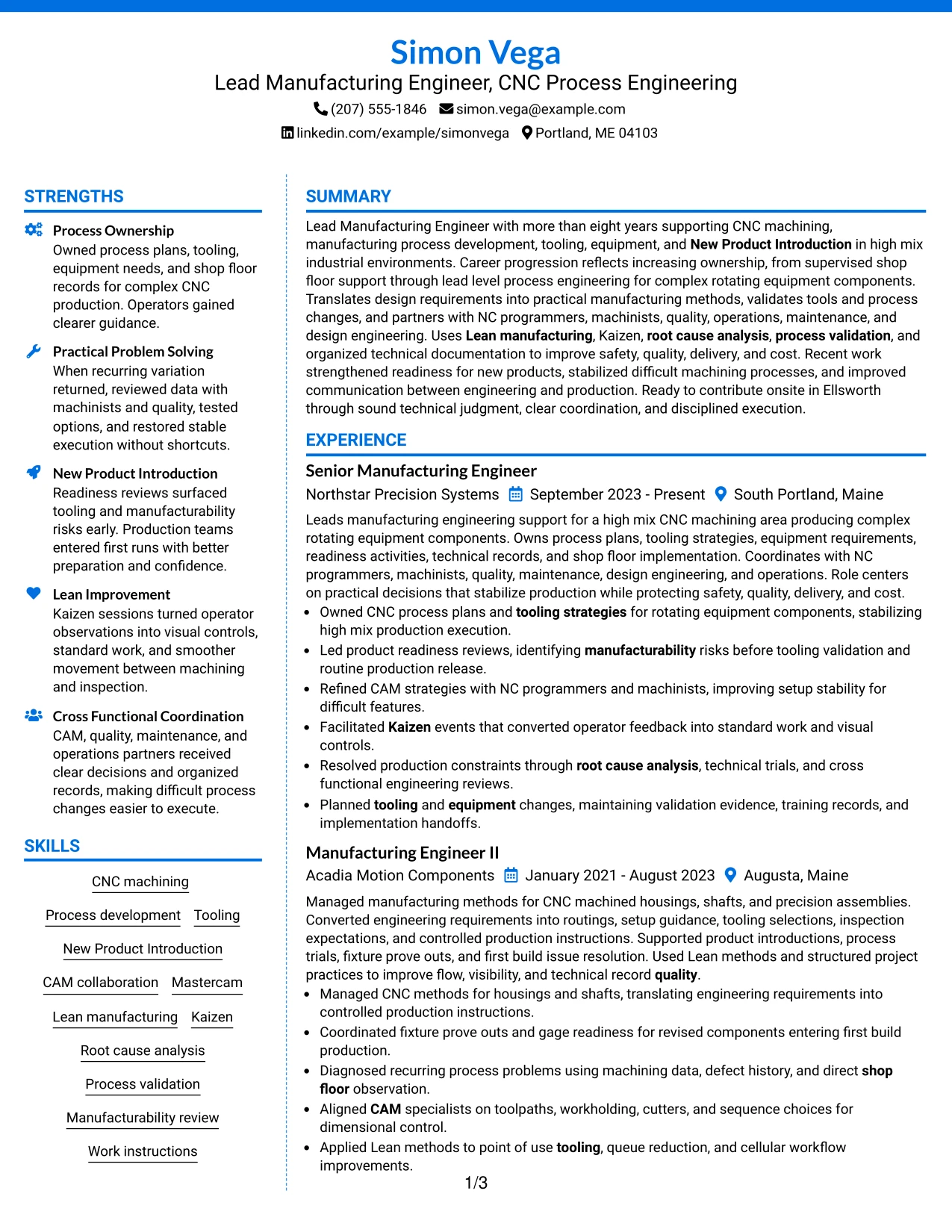
Why the Colored Two Column Format Works for a Resume
- Uses visual contrast to separate major resume sections.
- Maintains a clear two-column structure for technical and career content.
- Helps recruiters locate skills and certifications quickly.
- Supports a long employment timeline without losing section boundaries.
- Can highlight projects and manufacturing methods without adding extra text.
- Keeps ATS-relevant content organized when styling remains restrained.
Best For
- Professionals who want more visual separation than a plain resume provides
- Applications where a polished but restrained layout fits the setting
- Documents with several distinct sections that need easy visual navigation
- Candidates balancing a substantial work history with certifications and projects
- Resumes that need technical skill groups to stand apart from experience bullets
- Manufacturing professionals presenting CNC, Lean, CAM, and process validation evidence
#7 Stylish Two Column Designer Format Resume Example
The Stylish Two Column Designer Format divides information into clearly defined visual areas while keeping the resume centered on evidence. A strong main column can carry employment history, and the secondary area can organize skills, certifications, projects, and education.
The design suits a detailed manufacturing profile when visual styling stays controlled. CNC machining, tooling, New Product Introduction, Mastercam, Kaizen, root cause analysis, and technical documentation should remain more prominent than decorative elements.
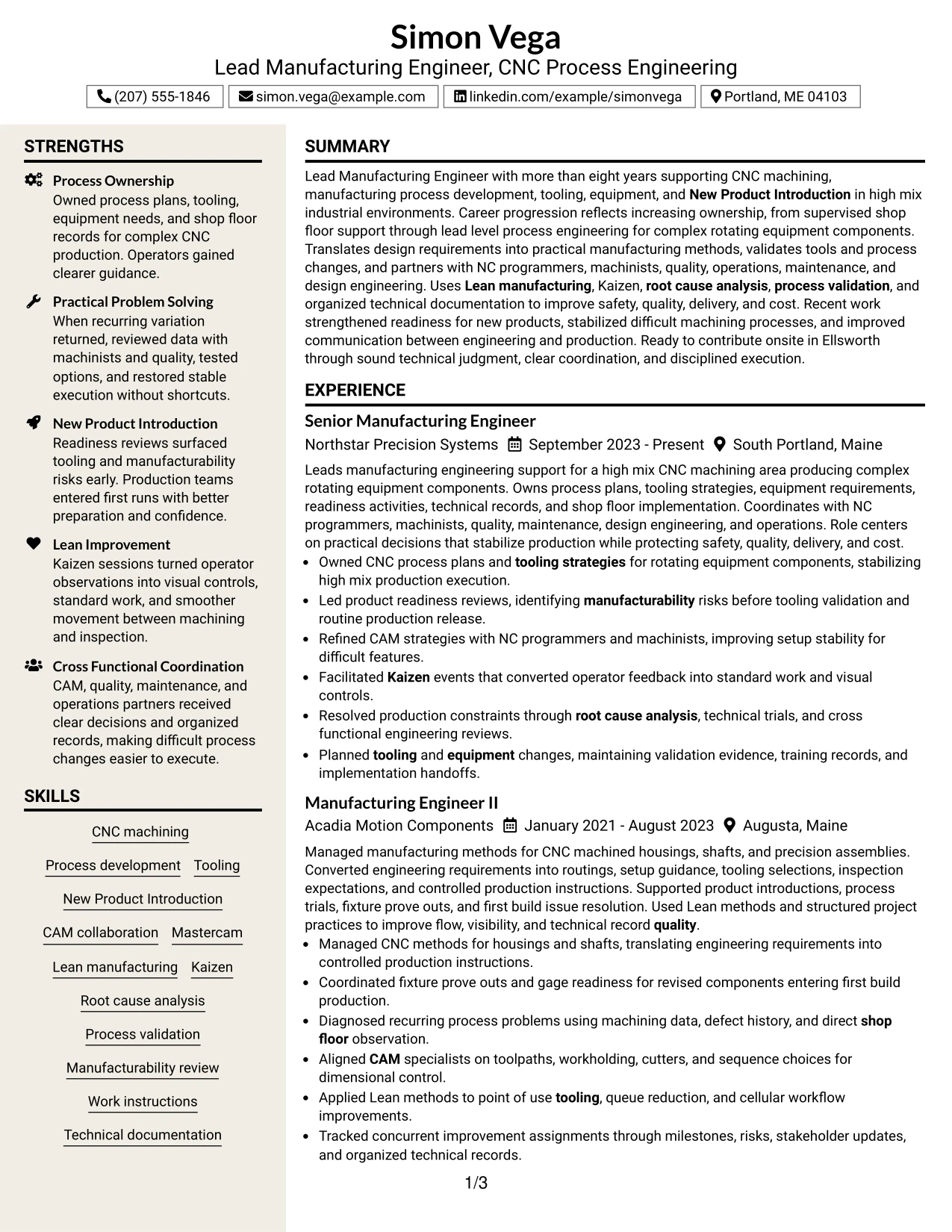
Why the Stylish Two Column Designer Format Works for a Resume
- Creates clear visual zones for experience and supporting content.
- Helps a recruiter separate career evidence from skills and credentials.
- Provides room for several technical sections without flattening the hierarchy.
- Supports a substantial work history with readable bullet groups.
- Makes certifications and project work easy to identify.
- Allows strong visual organization while preserving ATS-friendly text content.
- Works best when decorative choices stay secondary to manufacturing evidence.
Best For
- Candidates who want stronger visual organization without reducing content depth
- Resumes with several supporting sections that need distinct placement
- Applications where a more designed presentation is acceptable
- Professionals with enough work history to justify a dominant experience column
- Readers who benefit from clear visual separation between credentials and accomplishments
- Technical resumes where styling must stay secondary to detailed evidence
#8 Modern Icon Format Resume Example
A reader can use the visual markers to locate major sections quickly, then follow the content in a simple one-column flow. That combination can make a long manufacturing resume easier to navigate without splitting the career timeline.
The format gives full-width space to experience while icons act only as navigation cues. It is well suited to showing CNC machining, CAM, Lean manufacturing, process validation, certifications, projects, and education in a clear order that still supports ATS-readable text.
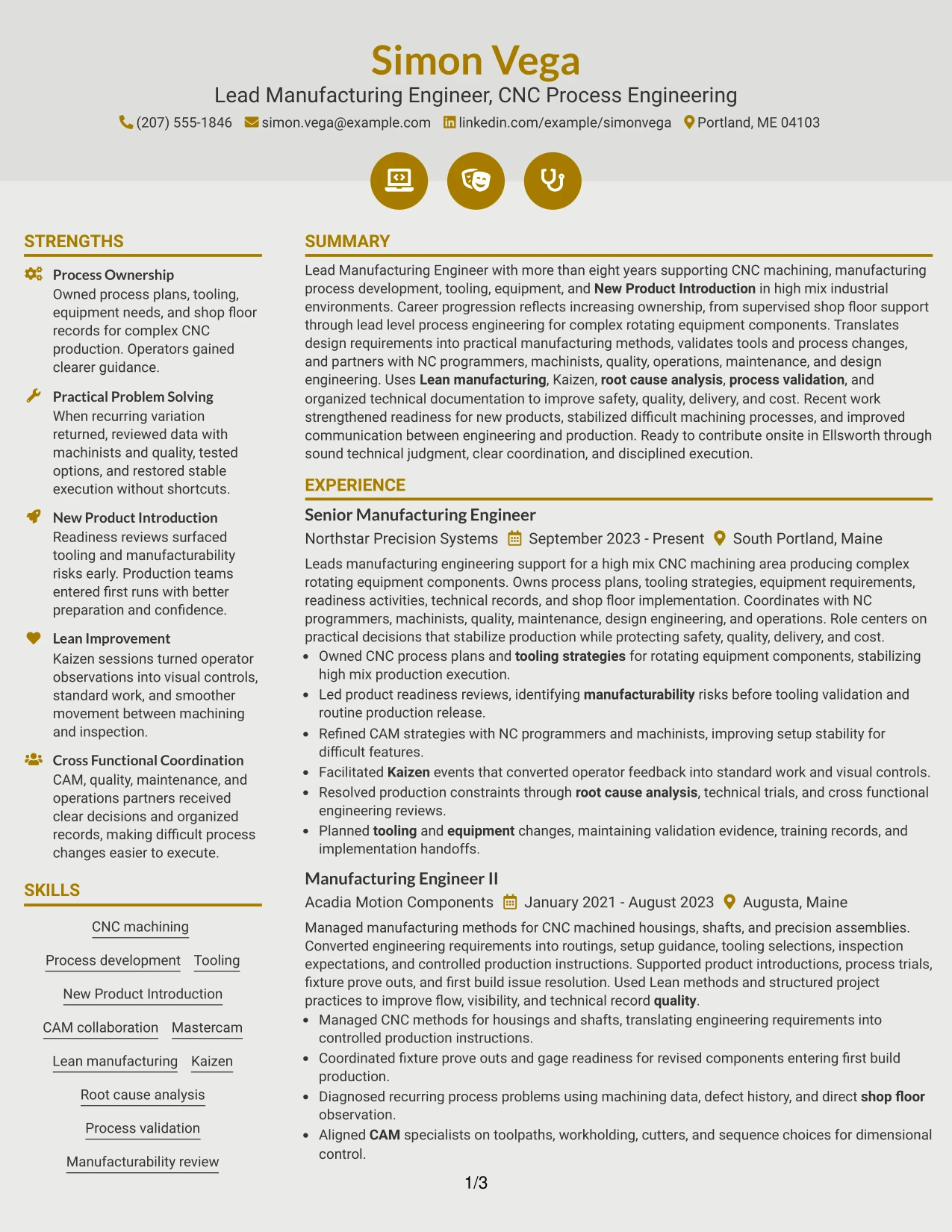
Why the Modern Icon Format Works for a Resume
- Uses visual markers to improve section navigation.
- Preserves one continuous employment timeline.
- Gives detailed accomplishment bullets the full page width.
- Supports separate sections for projects, education, certifications, and skills.
- Helps readers find technical content quickly without relying on dense sidebars.
- Works with ATS-focused text when icons remain decorative rather than informational.
- Fits resumes that need both simple reading order and stronger section cues.
Best For
- Readers who benefit from quick visual navigation through a long document
- Candidates with detailed experience that needs full-width presentation
- Resumes containing several sections but no need for a second column
- Applications where simple chronology should remain easy to follow
- Professionals who want stronger section cues without reducing bullet space
- Documents with enough technical content to benefit from clear visual signposts
#9 Modern Full Background Two Column Format Resume Example
Manufacturing accomplishments, process ownership, and technical evidence take priority, while the full-background styling provides stronger visual structure around them. Two columns can keep detailed work history separate from compact sections for skills, certifications, and projects.
This approach can present CNC machining, Mastercam, tooling, New Product Introduction, Kaizen, and root cause analysis in a visually distinct way without weakening the career narrative. The best version keeps contrast readable and gives experience bullets enough room to remain specific.
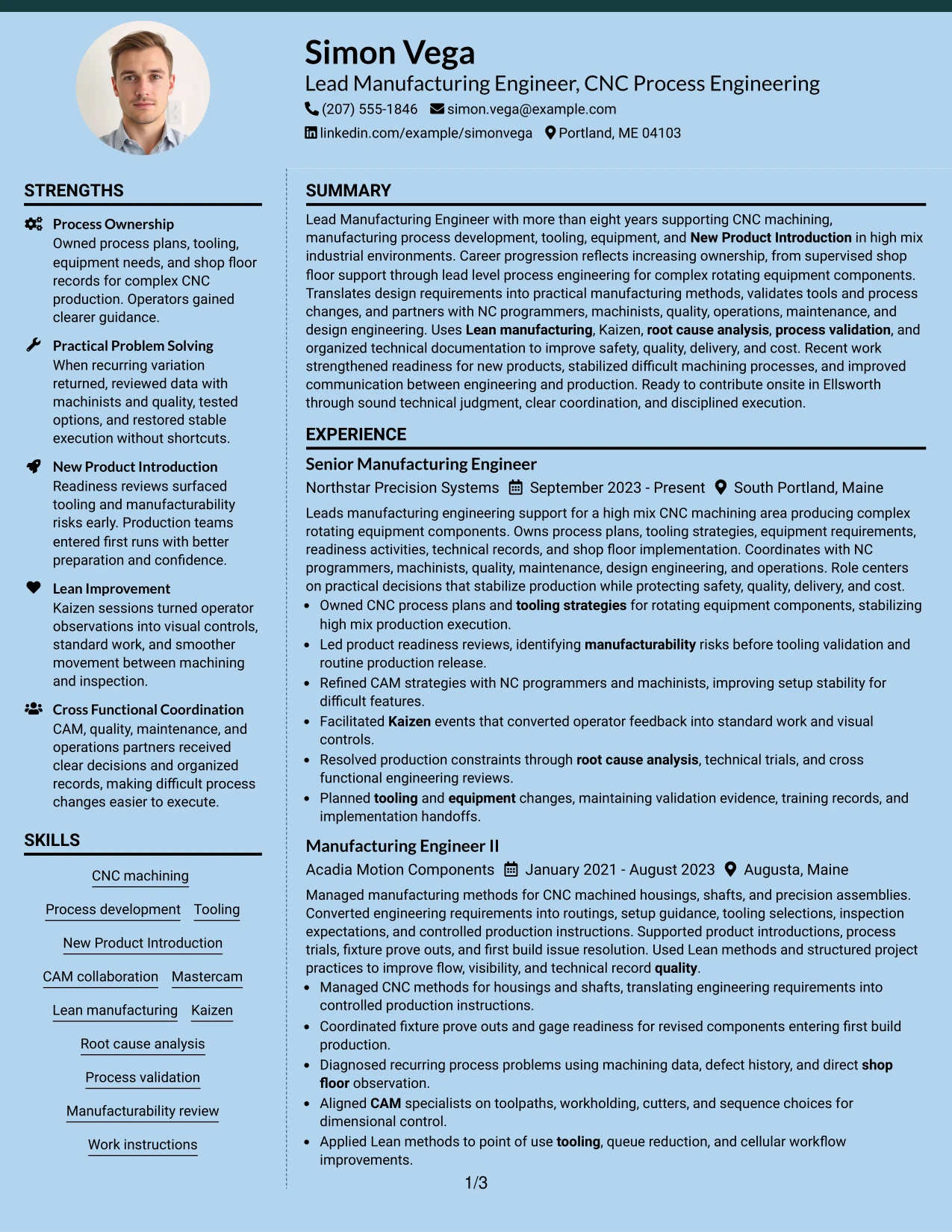
Why the Modern Full Background Two Column Format Works for a Resume
- Places accomplishment evidence at the center of the resume.
- Uses background contrast to define major content areas.
- Separates detailed experience from compact supporting information.
- Provides room for certifications and technical skills beside the work timeline.
- Can make projects and manufacturing methods easier to locate.
- Maintains a clear visual hierarchy across a content-rich resume.
- Works best when contrast supports readability rather than decoration.
Best For
- Candidates with strong accomplishment evidence that should dominate the page
- Resumes needing clear separation between work history and supporting credentials
- Applications where stronger visual contrast is acceptable
- Professionals who have enough technical content to fill both columns meaningfully
- Documents that combine projects, certifications, and a multi-role employment history
- Manufacturing resumes with detailed CNC, tooling, and process improvement evidence
#10 Dark Mode Two Column Format Resume Example
Space is split between a detailed experience column and a compact area for supporting qualifications, while the dark visual treatment creates strong section contrast. Simon Vega's career progression can remain the main story, with skills, projects, certifications, and education placed where they support fast review.
The format can work for a Lead Manufacturing Engineer - CNC Process Engineering resume when text contrast stays high and content remains easy to scan. CNC process development, tooling strategies, CAM coordination, Kaizen, process validation, and technical documentation should still carry more weight than the styling.
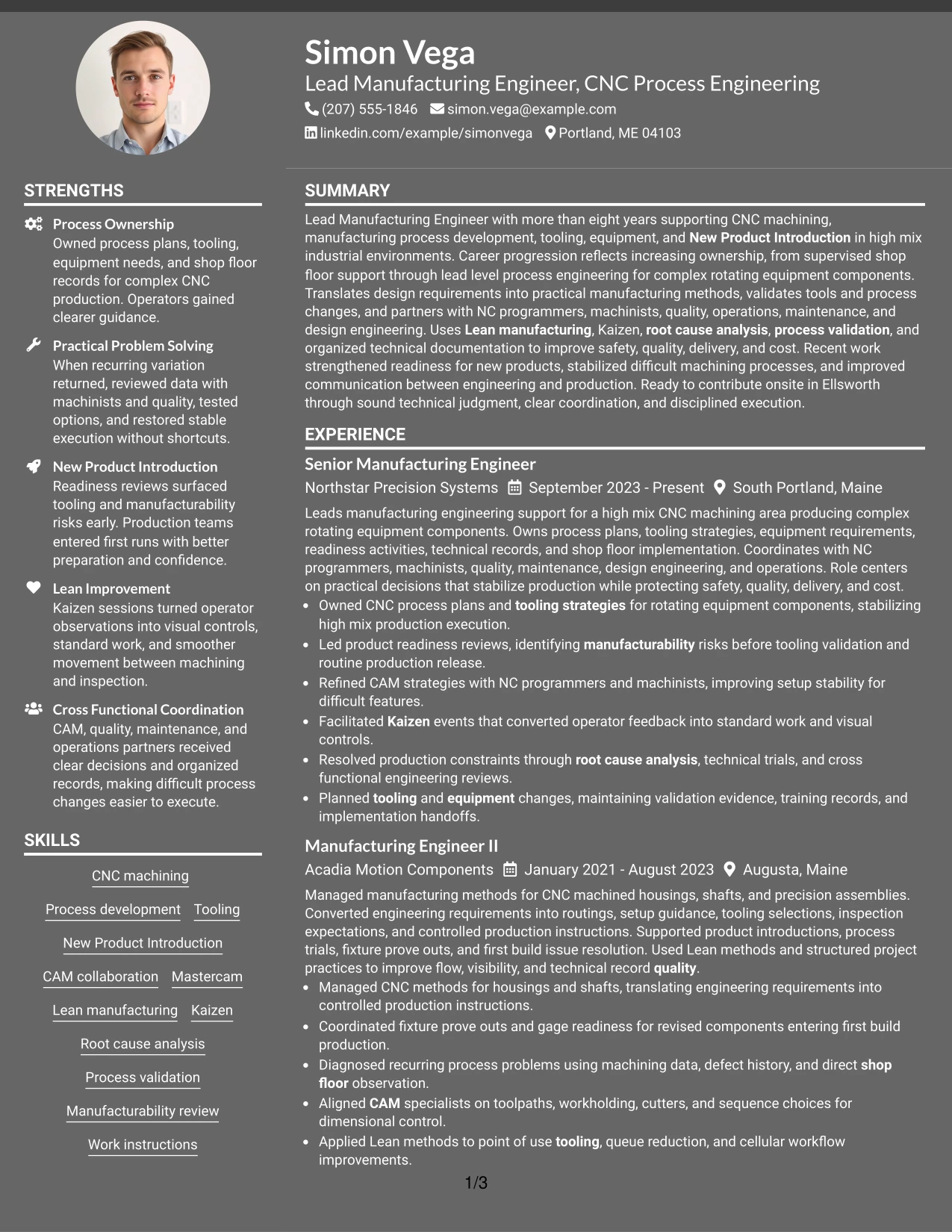
Why the Dark Mode Two Column Format Works for a Resume
- Balances detailed work history with compact supporting sections.
- Creates strong visual separation between content areas.
- Keeps a multi-role career timeline readable within a two-column structure.
- Provides a defined place for projects, certifications, and skills.
- Supports quick scanning when contrast and spacing remain clear.
- Can present technical evidence in a modern visual frame.
- Works best when design choices do not reduce ATS clarity or text readability.
Best For
- Applications where a modern dark presentation is appropriate
- Candidates who want strong visual contrast with a structured two-column body
- Resumes containing enough evidence to fill separate content zones
- Professionals who need both a detailed timeline and compact credential sections
- Readers who prefer clearly separated blocks of technical information
- Manufacturing resumes that pair progressive experience with projects and certifications
#11 Dark Mode Box Header Format Resume Example
For applications where a strong modern header fits the setting, the Dark Mode Box Header Format gives the top of the resume clear visual emphasis while keeping the body in a simple one-column flow. That makes it easier to preserve a direct reading path through summary, experience, projects, education, certifications, and skills.
The body should remain practical and evidence-led. CNC machining, New Product Introduction, Mastercam, Lean manufacturing, Kaizen, root cause analysis, and process validation can appear in full-width sections without competing with a second column.
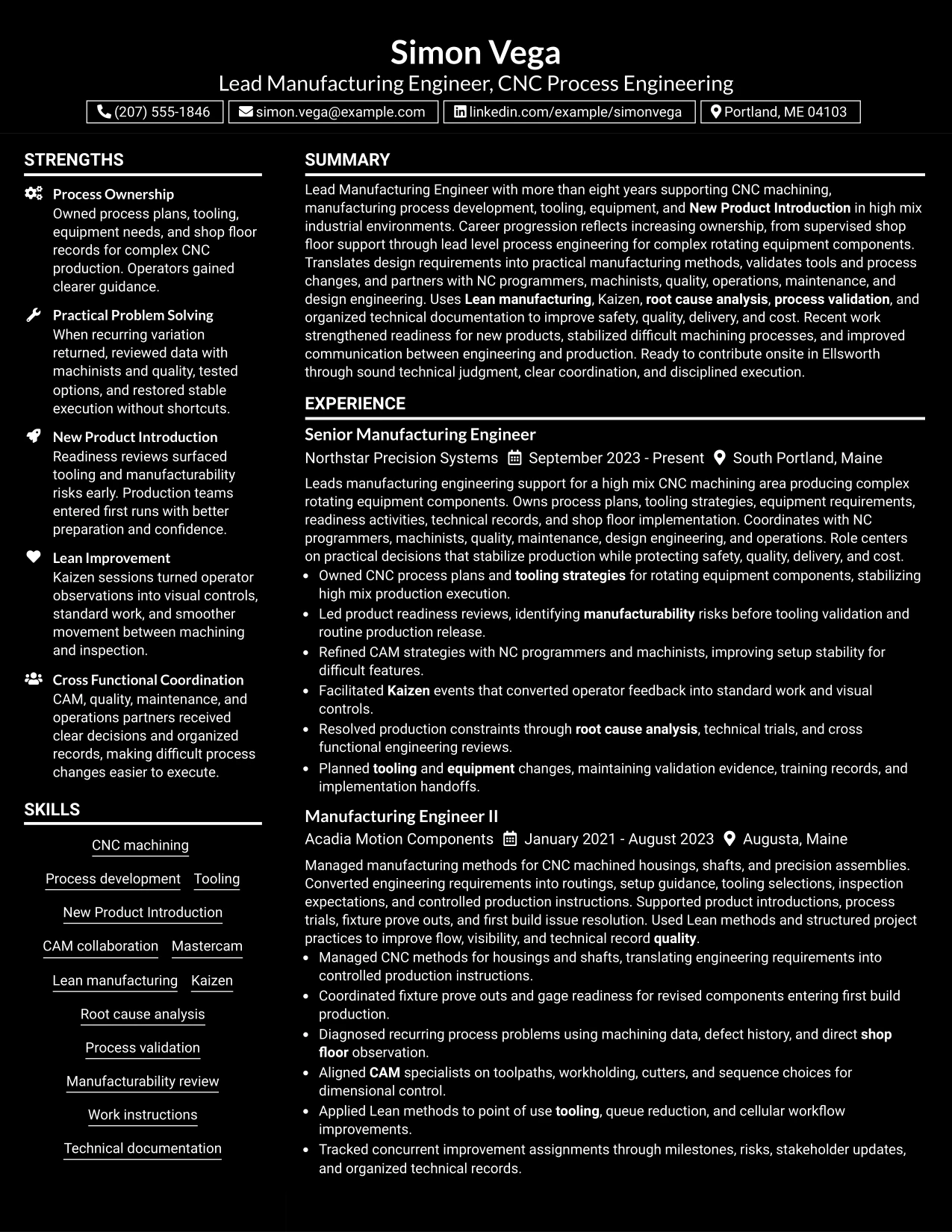
Why the Dark Mode Box Header Format Works for a Resume
- Creates a clear visual starting point with a defined header.
- Maintains a simple one-column reading path below the header.
- Gives detailed employment bullets the full page width.
- Supports a long manufacturing timeline without splitting chronology.
- Leaves room for projects, certifications, education, and skills in sequence.
- Can deliver a modern look while preserving readable section order.
- Works well when visual emphasis is needed at the top but content should stay simple below.
Best For
- Candidates who want a strong header with a straightforward resume body
- Applications that allow a modern visual treatment but still reward simple chronology
- Resumes with detailed experience that needs full-width space
- Professionals who prefer one-column reading after a distinct top section
- Documents with projects and certifications that can follow the work history in sequence
- Readers who value clear section order with a more prominent opening area
#12 Elegant Full Background Two Column Format Resume Example
Refined background styling gives this resume a polished visual frame while two columns keep detailed experience separate from supporting qualifications. The format suits a content-rich manufacturing background because it can organize skills, certifications, projects, and education without weakening the employment timeline.
For this Lead Manufacturing Engineer - CNC Process Engineering profile, the strongest evidence remains CNC process ownership, tooling, CAM collaboration, New Product Introduction, Lean manufacturing, Kaizen, and process validation. The visual treatment should support those facts rather than compete with them.
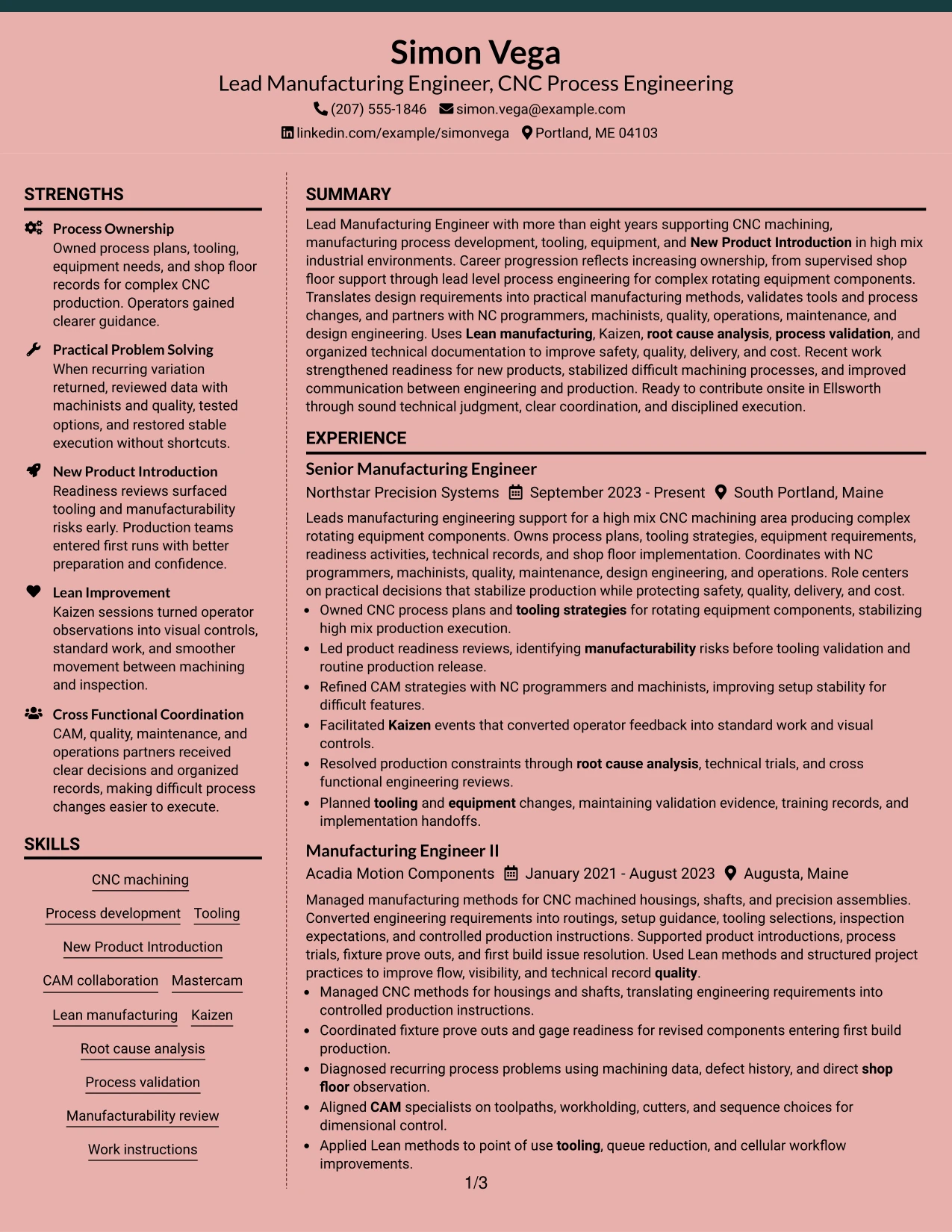
Why the Elegant Full Background Two Column Format Works for a Resume
- Creates a polished visual hierarchy around technical resume content.
- Separates work history from supporting qualifications in two clear areas.
- Provides space for certifications, projects, and education beside the main timeline.
- Supports detailed CNC and manufacturing accomplishments without flattening section structure.
- Helps recruiters find technical skills and process methods quickly.
- Keeps career progression visible across several manufacturing roles.
- Works well when the design remains restrained and text contrast stays strong.
Best For
- Professionals who want a refined two-column presentation for a content-rich resume
- Applications where clear visual structure matters alongside detailed work history
- Documents that need separate space for credentials, projects, and technical skills
- Candidates with several roles who still need supporting sections visible at a glance
- Readers who prefer a polished layout with strong section separation
- Manufacturing resumes that combine CNC process evidence with certifications and project work
#13 Creative Two Tone Format Resume Example
The Creative Two Tone Format uses contrasting visual areas to separate major resume sections while keeping a single-column reading flow. That structure can make summary, experience, projects, education, certifications, and skills easier to distinguish without breaking the chronology.
For a manufacturing engineering resume, the color contrast is most useful when it guides attention to real evidence such as CNC machining, Mastercam, tooling, Kaizen, root cause analysis, and process validation. Strong content should remain more important than the decorative treatment.
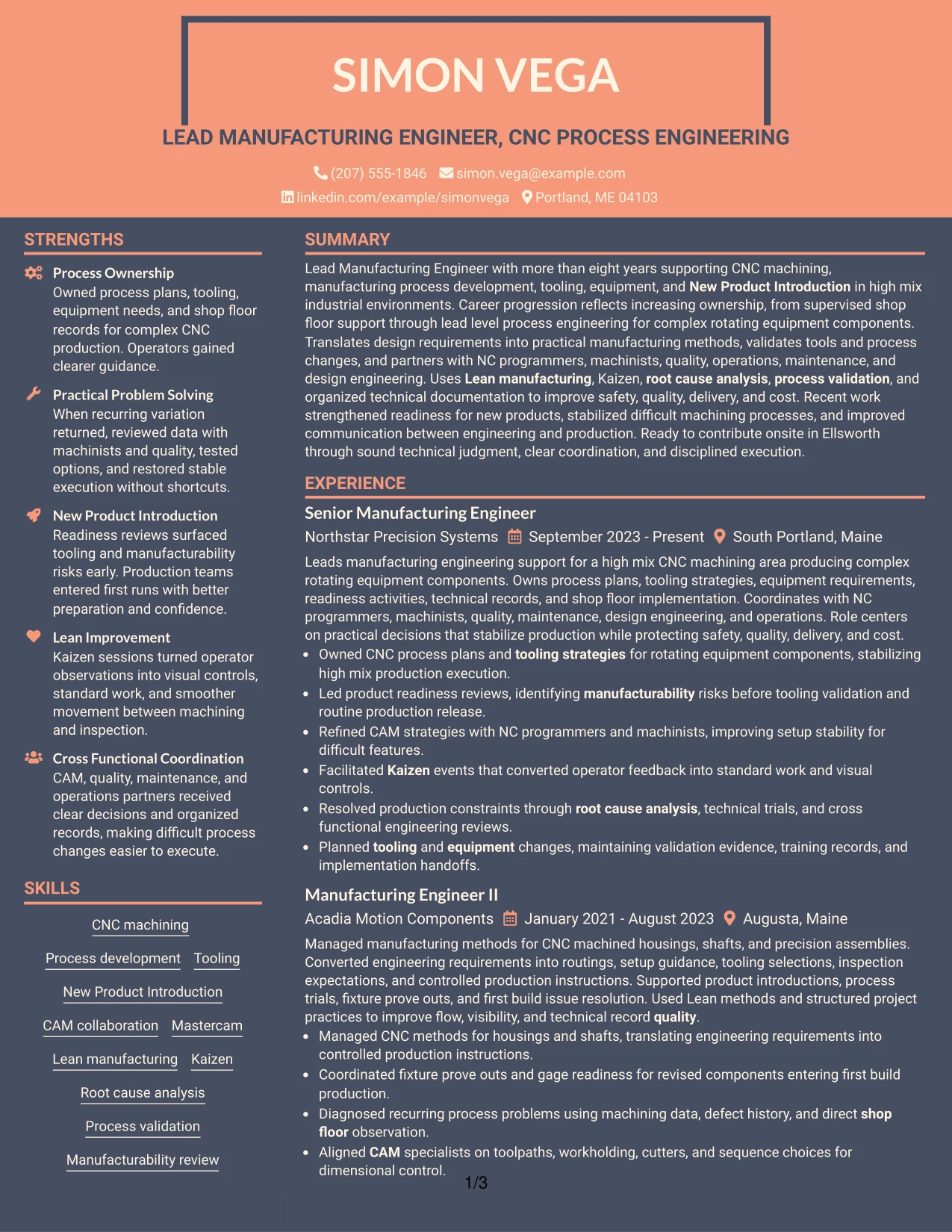
Why the Creative Two Tone Format Works for a Resume
- Uses contrast to make major resume sections easy to distinguish.
- Preserves a simple one-column reading order.
- Gives work history full-width space for detailed accomplishment bullets.
- Creates natural visual breaks between experience and supporting content.
- Supports projects, certifications, and skills without a crowded sidebar.
- Helps technical keywords remain visible during a quick scan.
- Works best when the two-tone treatment stays clean and readable.
Best For
- Candidates who want stronger section contrast without splitting the page into columns
- Resumes with detailed work history that needs full-width presentation
- Applications where a more distinctive but still organized design is suitable
- Documents with several supporting sections that benefit from visible separation
- Readers who prefer clear visual breaks between major content groups
- Technical professionals who want design cues without reducing accomplishment detail
#14 Minimal Header Format Resume Example
A recruiter can start at a simple header and move directly into the summary, experience, projects, education, certifications, and skills. The Minimal Header Format keeps visual distractions low, which makes a long manufacturing timeline easier to review in sequence.
Full-width sections give enough room to explain CNC process development, CAM coordination, New Product Introduction, Lean work, troubleshooting, and technical documentation. The format is especially useful when the resume needs to carry substantial evidence without feeling visually heavy.
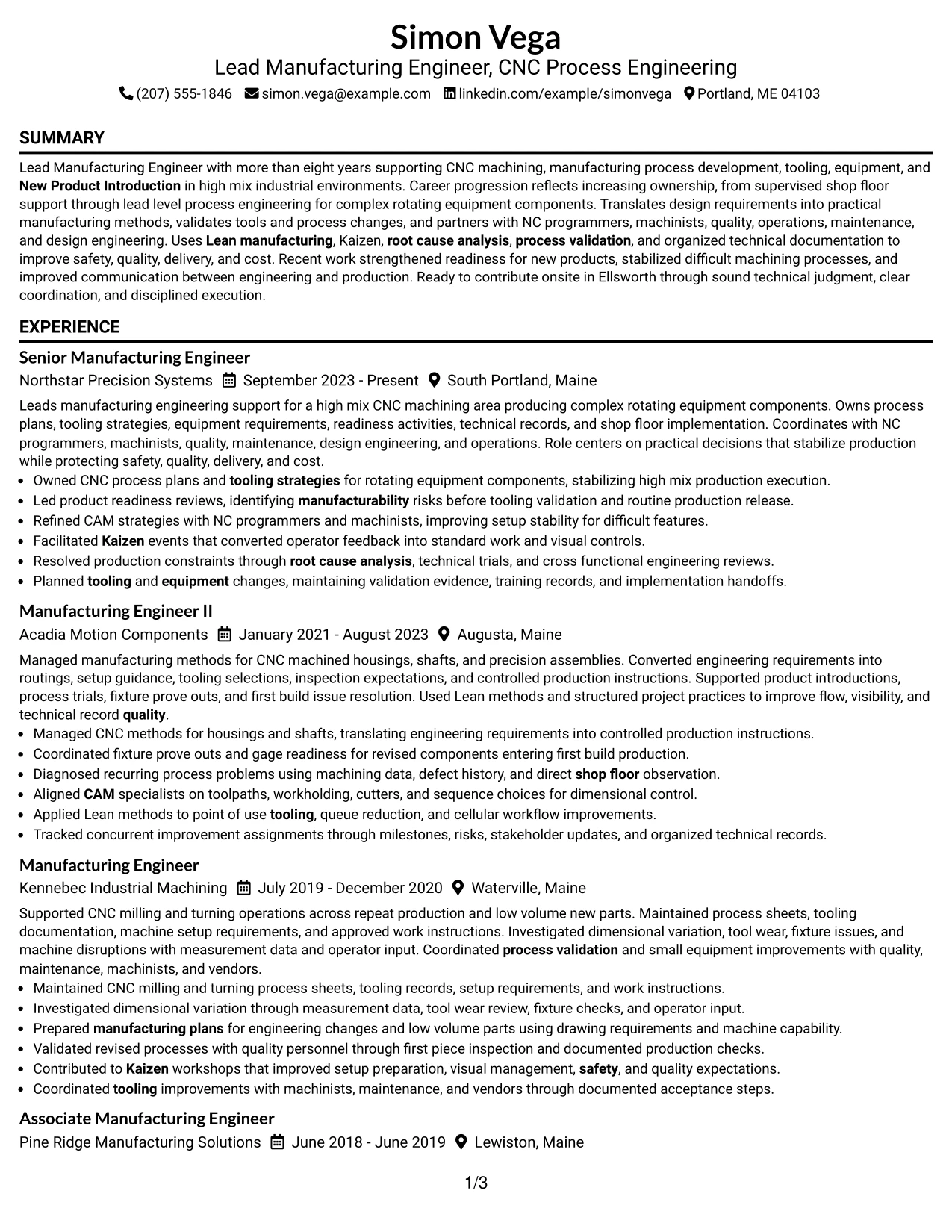
Why the Minimal Header Format Works for a Resume
- Keeps the top of the resume simple and easy to scan.
- Supports a direct top-to-bottom reading path.
- Gives detailed manufacturing bullets full-width space.
- Handles several roles without splitting the employment timeline.
- Leaves room for projects, certifications, education, and skills in sequence.
- Reduces visual noise around ATS-relevant technical content.
- Works well for resumes where evidence volume matters more than decorative styling.
Best For
- Resumes with substantial experience that need uninterrupted full-width space
- Applications where simple section order supports quick ATS and recruiter review
- Candidates who want the employment timeline to carry most of the page weight
- Documents with several projects, certifications, and skill groups after experience
- Readers who prefer a restrained presentation with minimal visual distraction
- Professionals presenting detailed CNC process and manufacturing evidence
#15 Plain One Column with Shaded Labels Resume Example
Career evidence receives priority in this one-column format, while shaded labels make each supporting section easy to identify. The approach works well for a resume that needs to show progressive manufacturing responsibility, CNC process work, and several technical qualifications without dividing the page.
The labeled sections can separate projects, certifications, education, and skills while the main experience area stays full width. This gives room for specific evidence around tooling, CAM, Lean manufacturing, Kaizen, process validation, and root cause analysis.
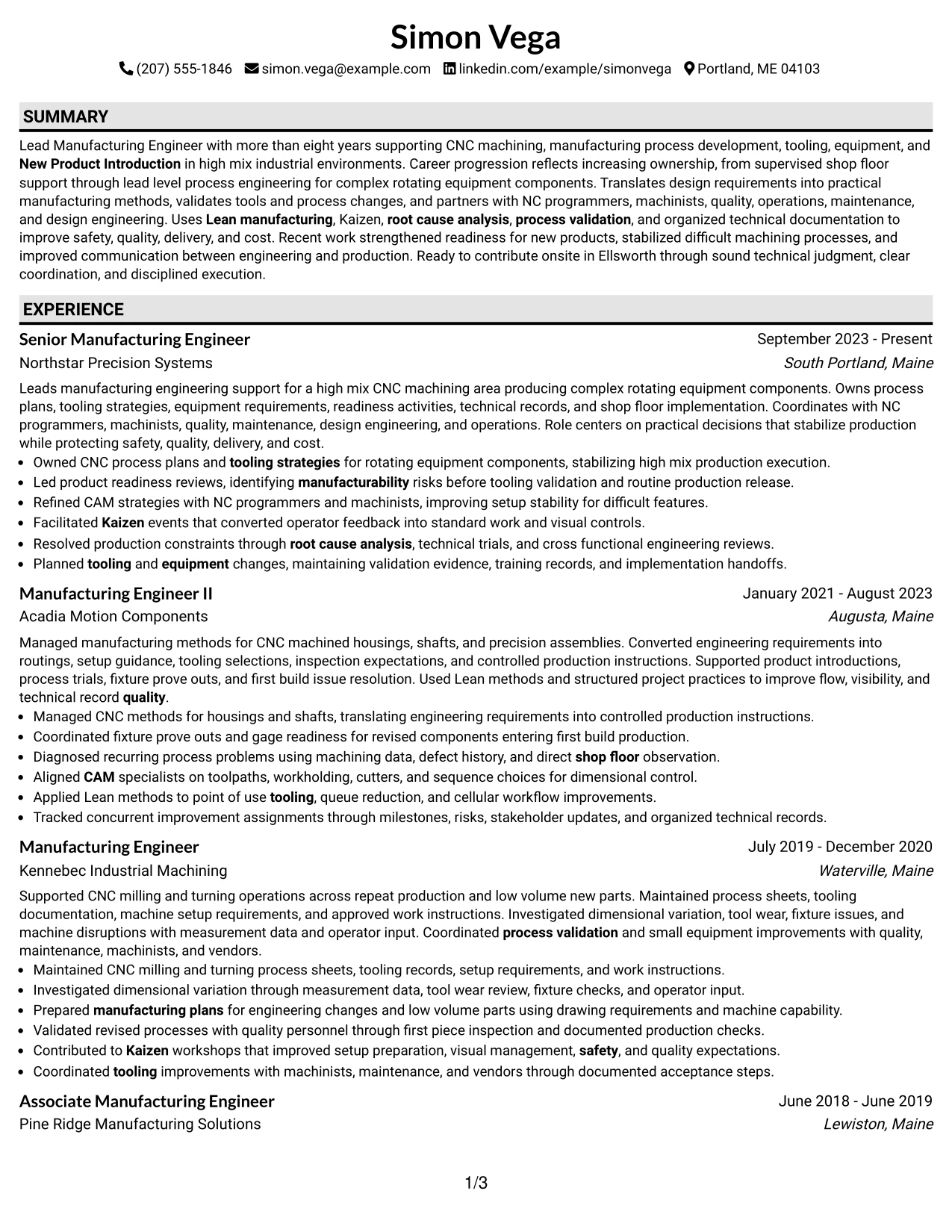
Why the Plain One Column with Shaded Labels Works for a Resume
- Prioritizes employment evidence in a full-width timeline.
- Uses section labels to make supporting content easier to find.
- Keeps several manufacturing roles in a clear chronological flow.
- Provides enough room for detailed technical accomplishment bullets.
- Separates certifications and projects without adding another column.
- Supports quick scanning of skills and methods through labeled sections.
- Maintains a practical balance between simplicity and visual guidance.
Best For
- Candidates whose strongest evidence is a detailed progressive work history
- Resumes that need simple chronology plus easy-to-find supporting sections
- Applications where section labels can improve recruiter navigation
- Documents with many technical bullets but limited need for side-by-side content
- Professionals who want visual guidance without a heavily designed layout
- Manufacturing backgrounds with strong tooling, CAM, Lean, and validation evidence
#16 Text/Fang Style Resume Example
Content is spread through one continuous column, giving long-form experience enough room while keeping supporting sections in a steady sequence. The Text/Fang Style is useful when the resume needs to balance detailed work history with projects, certifications, education, and technical skills.
For this manufacturing profile, the simple structure keeps CNC machining, process development, New Product Introduction, Mastercam, Kaizen, and technical documentation easy to read. It also supports the candidate's progression from supervised process support to lead-level manufacturing ownership.
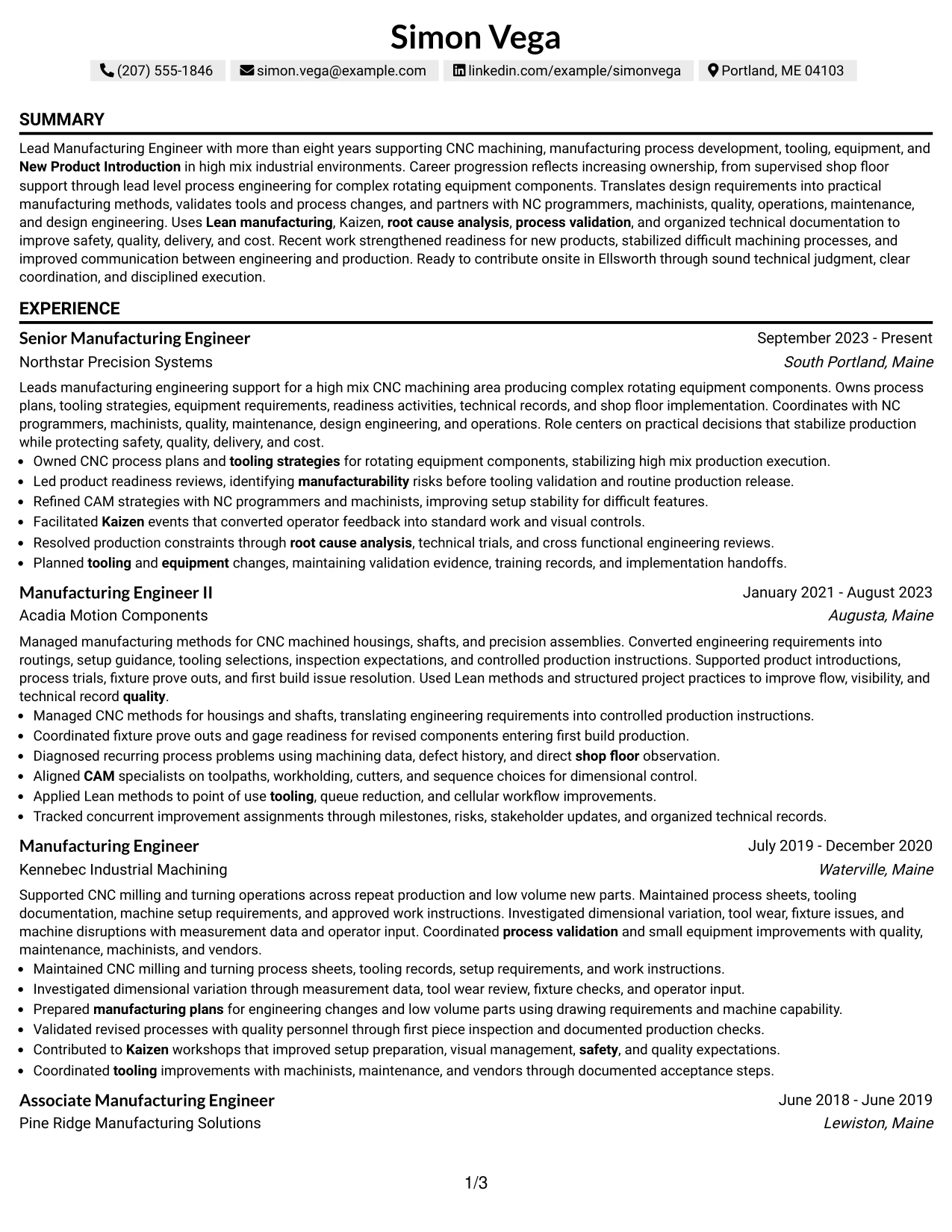
Why the Text/Fang Style Works for a Resume
- Balances detailed experience with supporting sections in one reading flow.
- Provides full-width space for manufacturing accomplishment bullets.
- Preserves clear chronology across multiple roles.
- Allows projects and certifications to follow naturally after experience.
- Supports ATS parsing through straightforward section order.
- Keeps technical skills visible without relying on a sidebar.
- Works well when the document needs depth more than visual complexity.
Best For
- Applications that reward straightforward content over decorative presentation
- Candidates with several roles and detailed responsibilities or accomplishments
- Resumes where full-width bullets are important for readability
- Documents that need projects and certifications to follow the main timeline cleanly
- Professionals who prefer one continuous reading path from summary to skills
- Manufacturing resumes with enough technical detail to benefit from simple spacing
#17 Bold Color Header Professional Format Resume Example
For applications that allow a stronger visual header, the Bold Color Header Professional Format creates a clear starting point before moving into a simple one-column resume body. The structure can make the document feel organized without reducing space for detailed manufacturing experience.
Below the header, the content should stay practical and evidence-led. CNC process ownership, tooling, CAM collaboration, Lean manufacturing, process validation, New Product Introduction, and cross-functional coordination should remain easy to scan in full-width sections.
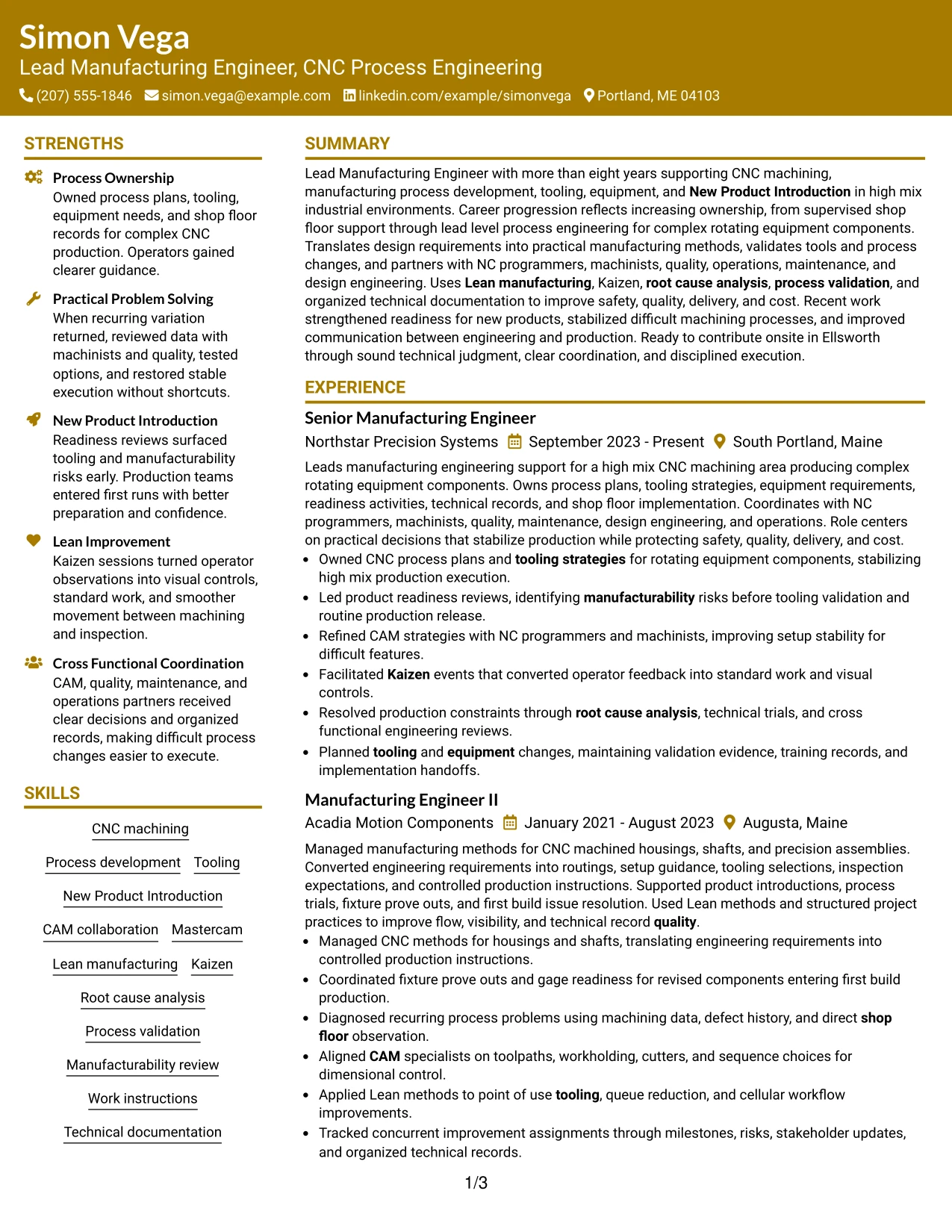
Why the Bold Color Header Professional Format Works for a Resume
- Creates a clear visual starting point at the top of the page.
- Preserves full-width space for detailed employment history.
- Maintains a simple reading order after the header.
- Supports projects, education, certifications, and skills in sequence.
- Helps technical evidence remain readable without side-column compression.
- Adds visual emphasis while keeping the resume structure professional.
- Works best when the header color supports rather than dominates the content.
Best For
- Candidates who want a more prominent header with a straightforward body
- Applications where a professional color accent fits the presentation context
- Resumes that need full-width space for detailed accomplishment bullets
- Documents with a long chronology that should remain easy to follow
- Readers who prefer a strong starting point and simple section order
- Technical professionals whose evidence should remain more important than the styling
#18 Photo Header Color Sidebar Format Resume Example
Strong color accents and a defined sidebar create a more visual presentation while the photo header provides a distinct identity area. The main body can still reserve enough space for employment history, with supporting skills, certifications, projects, and education organized separately.
For this Lead Manufacturing Engineer - CNC Process Engineering resume, the format should keep CNC machining, Mastercam, tooling, Lean manufacturing, Kaizen, process validation, and New Product Introduction more prominent than the photo or styling. The design works best when technical evidence remains easy to read.
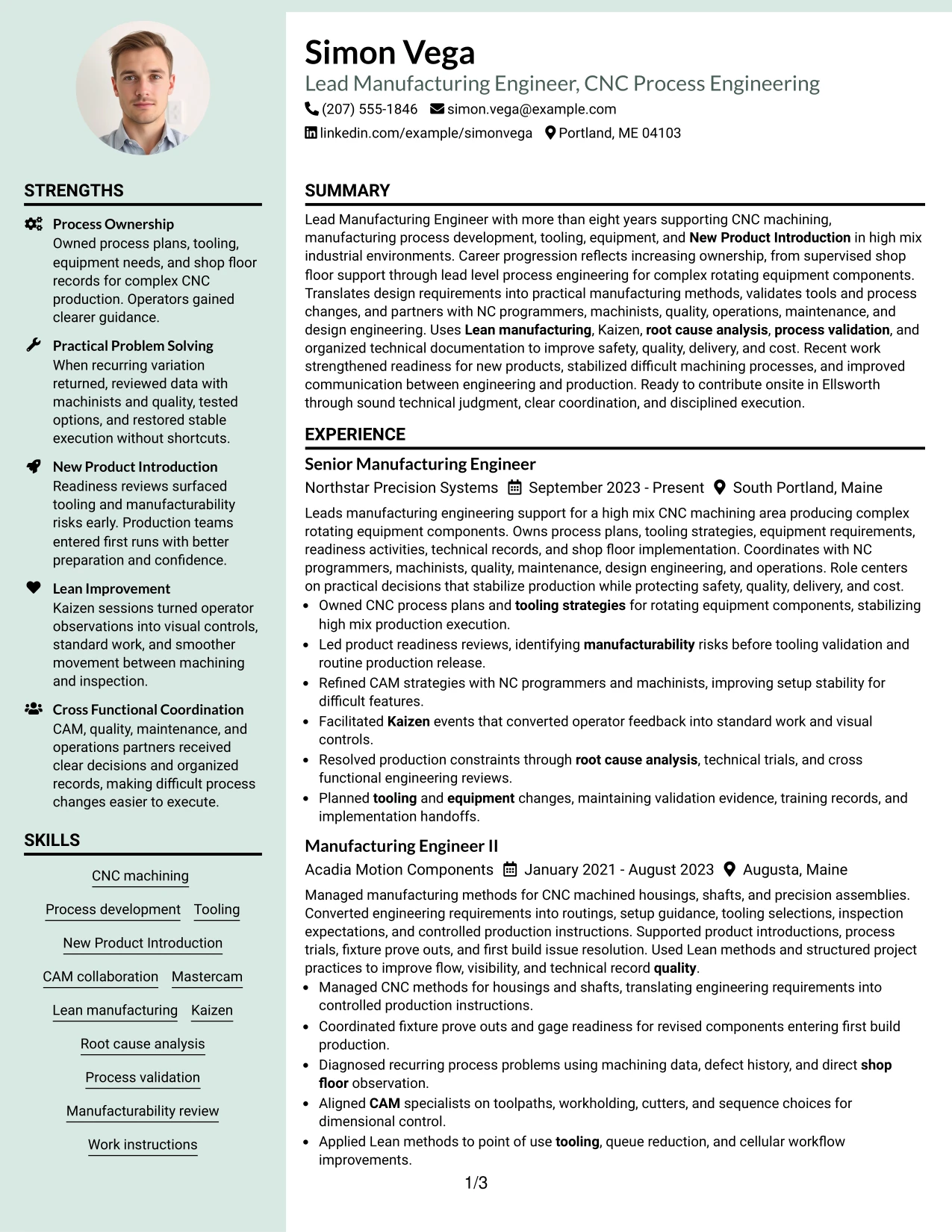
Why the Photo Header Color Sidebar Format Works for a Resume
- Combines a defined identity area with clear technical section organization.
- Uses the sidebar to separate supporting qualifications from the main work history.
- Keeps certifications, projects, and skills visible during a quick scan.
- Provides a distinct place for a photo when the application context permits one.
- Supports detailed manufacturing bullets in the main content area.
- Creates strong visual navigation through color and section separation.
- Works best when the photo and color remain secondary to qualifications.
Best For
- Applications in regions or settings where including a resume photo is appropriate
- Candidates who want identity, credentials, and experience clearly separated
- Documents that benefit from a sidebar for skills, projects, and certifications
- Readers who prefer strong visual navigation across several content blocks
- Professionals with enough technical evidence to fill both main and sidebar areas
- Manufacturing resumes where CNC and process evidence must remain the primary focus
#19 Top Left Header Color Accent Format Resume Example
The Top Left Header Color Accent Format places a compact identity block at the upper left and follows it with a single-column resume flow. This keeps the opening area visually distinct while preserving full-width space for detailed experience and supporting sections.
The format is well suited to a manufacturing resume that needs clear chronology and easy scanning. CNC process development, tooling, CAM coordination, Kaizen, root cause analysis, process validation, projects, and certifications can appear in a simple sequence beneath the header.
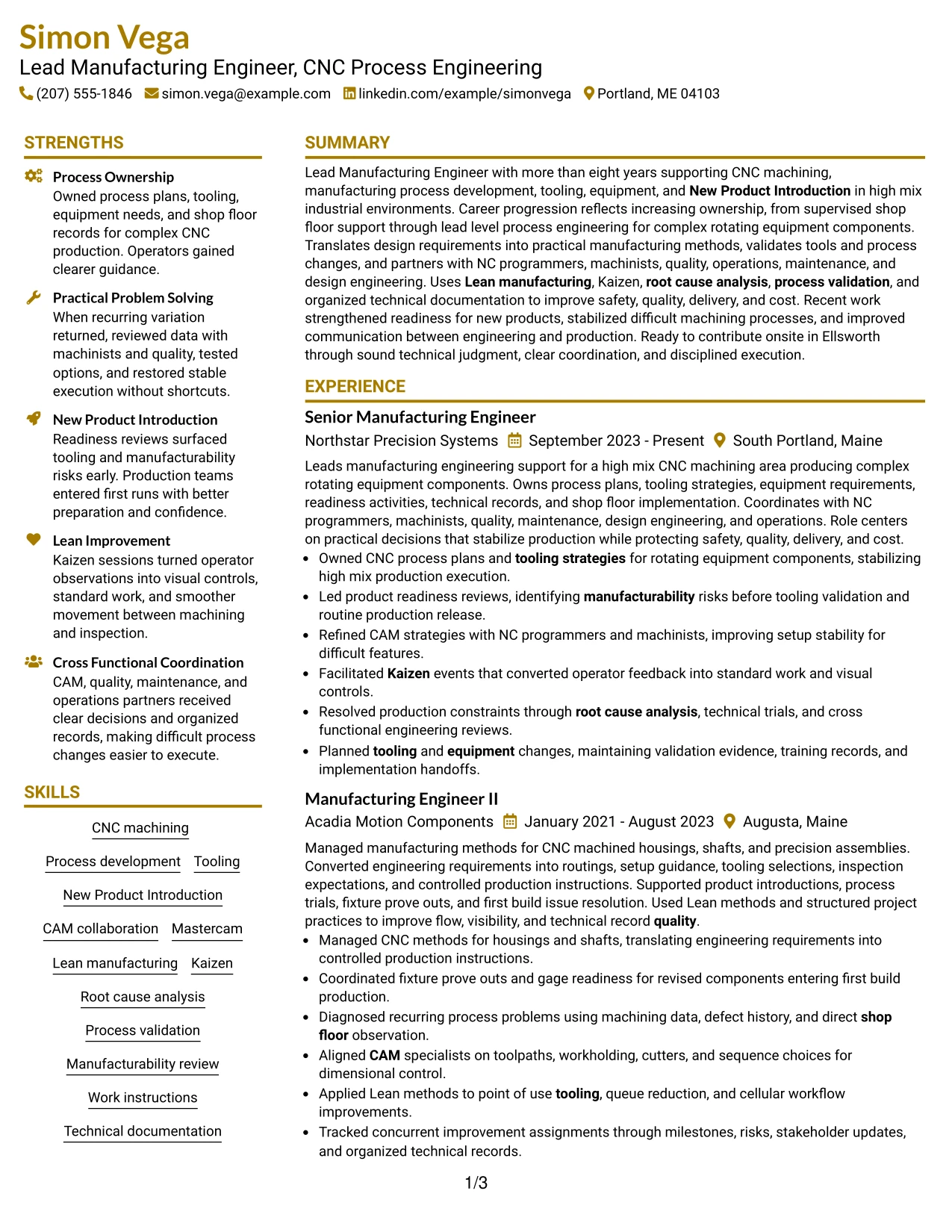
Why the Top Left Header Color Accent Format Works for a Resume
- Creates a compact visual starting point without taking over the page.
- Maintains full-width space for a detailed work history.
- Supports clear chronological reading from role to role.
- Leaves supporting sections easy to place after experience.
- Uses a small color accent to guide the eye without heavy styling.
- Keeps ATS-relevant technical content in a simple text flow.
- Works well when the resume needs a modest visual distinction at the top.
Best For
- Candidates who want a compact header with a mostly traditional resume body
- Applications where restrained color can add structure without strong decoration
- Resumes with a detailed chronology that needs full-width space
- Documents where projects and certifications can follow the work history naturally
- Readers who value simple scanning with a distinct top-left identity area
- Technical professionals who want ATS-friendly content with modest visual emphasis
#20 Centered Header Classic Two Column Format Resume Example
A recruiter begins with a centered header, then can move quickly between a detailed experience column and a compact area for supporting qualifications. Simon Vega's resume has enough content to use both spaces well, including four manufacturing roles, projects, certifications, education, and a broad technical skill set.
The classic two-column structure helps keep CNC machining, New Product Introduction, Mastercam, Lean manufacturing, Kaizen, and process validation visible while preserving career progression. It is a practical choice when the resume needs both depth and fast navigation.
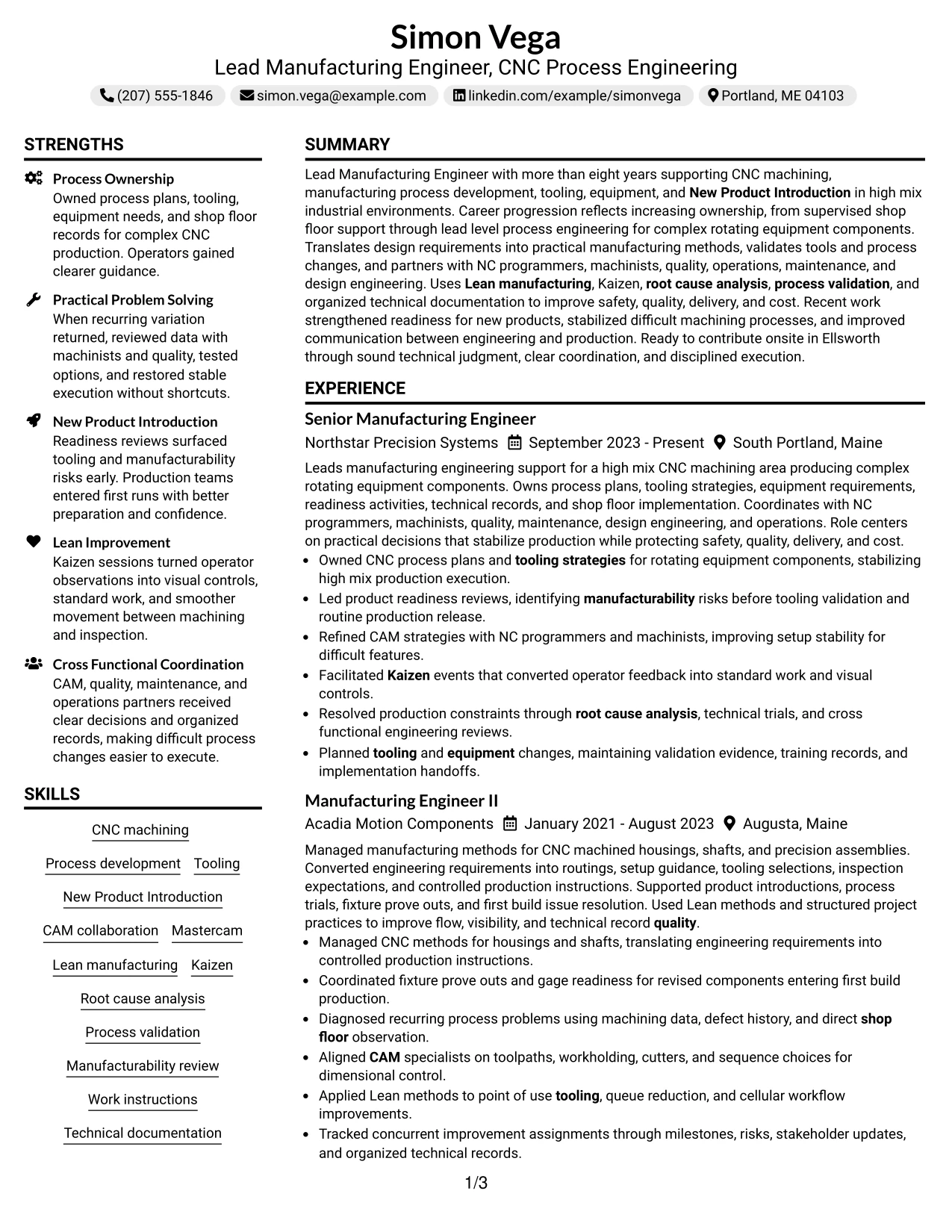
Why the Centered Header Classic Two Column Format Works for a Resume
- Creates a familiar visual starting point with a centered header.
- Divides detailed experience from compact supporting information.
- Handles several roles without hiding the employment timeline.
- Provides clear space for projects, certifications, education, and skills.
- Supports fast scanning of technical qualifications beside career evidence.
- Keeps full manufacturing context available without forcing everything into one column.
- Works well when both content volume and recruiter navigation matter.
Best For
- Resumes with several roles plus a broad set of supporting qualifications
- Candidates who need two columns to manage a high volume of relevant content
- Applications where a classic structure can support quick recruiter navigation
- Documents that need visible projects, certifications, and skills beside work history
- Readers who want a familiar header followed by efficient information grouping
- Lead Manufacturing Engineer - CNC Process Engineering resumes with deep technical and career evidence
#21 Left Aligned Header Clean Two Column Format Resume Example
Technical evidence and manufacturing accomplishments take priority, while the left-aligned header keeps the start of the document simple and direct. Two columns then separate detailed career history from supporting sections such as skills, projects, certifications, and education.
This arrangement works well for showing CNC machining, tooling, CAM collaboration, New Product Introduction, Kaizen, process validation, and root cause analysis beside progressive manufacturing roles. It helps the recruiter compare technical depth with evidence of increasing process ownership.
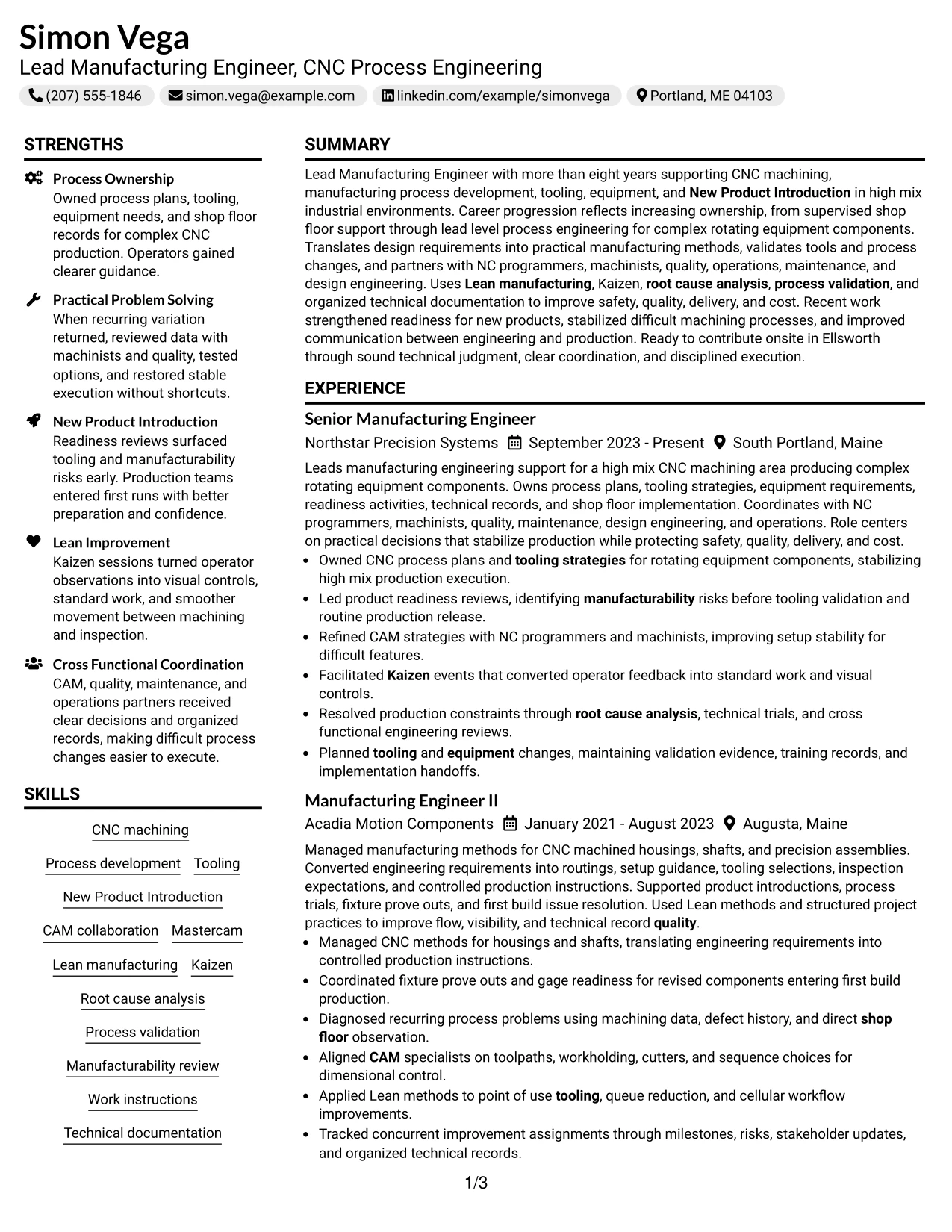
Why the Left Aligned Header Clean Two Column Format Works for a Resume
- Starts with a simple header that supports quick identification.
- Prioritizes detailed accomplishment evidence in the main column.
- Separates supporting qualifications into a clear secondary area.
- Provides room for certifications, projects, and skills without interrupting chronology.
- Supports fast comparison between technical methods and career history.
- Keeps a multi-role manufacturing background organized and readable.
- Works well when evidence density is high but the visual style should remain clean.
Best For
- Candidates with strong accomplishment bullets that deserve the main visual area
- Resumes where supporting credentials should stay visible but separate from chronology
- Applications that favor clean structure over decorative styling
- Documents with enough content to make two-column organization useful
- Readers who compare skills and career evidence side by side
- Manufacturing professionals with progressive CNC process and tooling responsibility
#22 Simple Two Column Format Resume Example
Space is shared between a detailed work-history area and a compact supporting column, giving the resume enough room for both depth and quick scanning. The Simple Two Column Format avoids visual complexity while still separating experience from skills, certifications, projects, and education.
For this manufacturing background, the structure can keep CNC process development, Mastercam, tooling, Lean manufacturing, Kaizen, New Product Introduction, and technical documentation visible without crowding the career timeline. It is a practical format for applications that value clear evidence and efficient review.
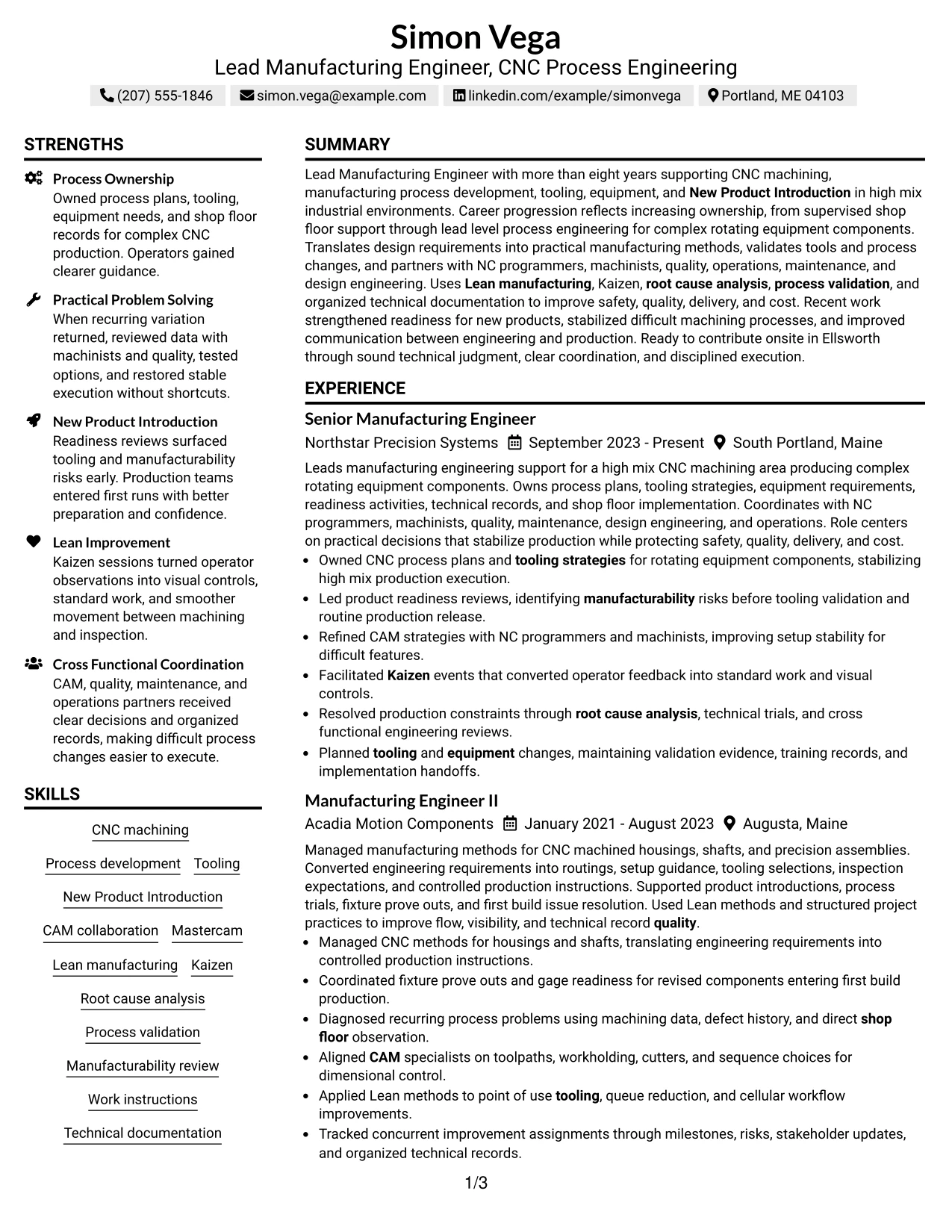
Why the Simple Two Column Format Works for a Resume
- Balances detailed experience with compact supporting information.
- Keeps the page organized without relying on heavy visual styling.
- Provides a clear place for skills, certifications, projects, and education.
- Supports a multi-role career history while preserving readability.
- Helps technical keywords remain visible during fast recruiter review.
- Allows the main column to carry specific manufacturing accomplishments.
- Works well for applications that need both content depth and simple structure.
Best For
- Applications where straightforward two-column organization is more useful than decorative design
- Candidates who need to balance detailed experience with concise supporting sections
- Resumes containing multiple credentials and projects that should remain easy to find
- Documents where recruiter scanning speed is important but content depth cannot be reduced
- Professionals who want a practical structure that handles several relevant sections cleanly
- Manufacturing resumes with detailed CNC, Lean, tooling, and NPI evidence
#23 Accent Divider Modern Two Column Format Resume Example
For applications that need clear section separation without heavy styling, the Accent Divider Modern Two Column Format uses a visual divider to organize the page into two readable content areas. One side can carry detailed work history while the other holds skills, projects, certifications, and education.
For a Lead Manufacturing Engineer - CNC Process Engineering resume, this structure can keep CNC machining, tooling, CAM collaboration, Lean manufacturing, New Product Introduction, process validation, and technical documentation easy to locate. The divider should guide the eye while the evidence remains the main focus.
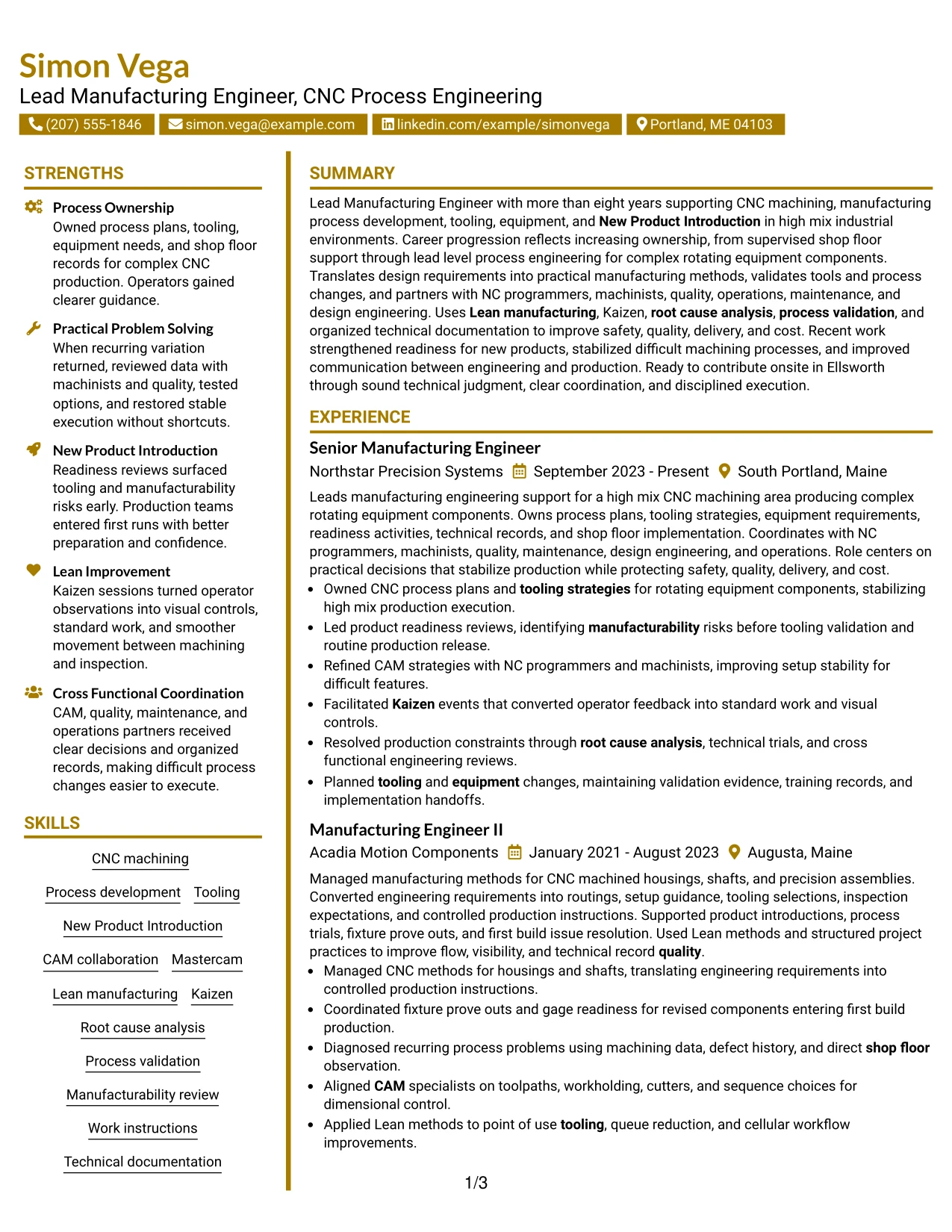
Why the Accent Divider Modern Two Column Format Works for a Resume
- Creates clear section separation with a restrained visual divider.
- Balances detailed experience with compact supporting content.
- Provides a dedicated area for certifications, projects, education, and skills.
- Supports fast scanning of CNC and manufacturing qualifications.
- Keeps several roles readable without flattening the page hierarchy.
- Helps recruiters compare technical skills with career evidence.
- Works well when the design needs structure without strong decoration.
Best For
- Applications that benefit from clear two-column organization and restrained styling
- Candidates who need to separate work history from supporting qualifications
- Resumes with several sections that should remain easy to scan at a glance
- Documents where a visual divider can improve navigation without taking much space
- Professionals balancing detailed experience with projects and certifications
- Manufacturing resumes with strong CNC process and technical documentation evidence
#24 Shaded Labels Clean Two Column Format Resume Example
Soft shaded labels create clear section boundaries while the two-column structure keeps the resume organized and easy to scan. The format can separate detailed manufacturing experience from supporting items such as certifications, projects, education, and technical skills.
The strongest evidence for this role includes CNC process ownership, Mastercam, tooling, Kaizen, root cause analysis, process validation, and New Product Introduction. Shaded labels can help recruiters find those sections quickly without distracting from the employment history.
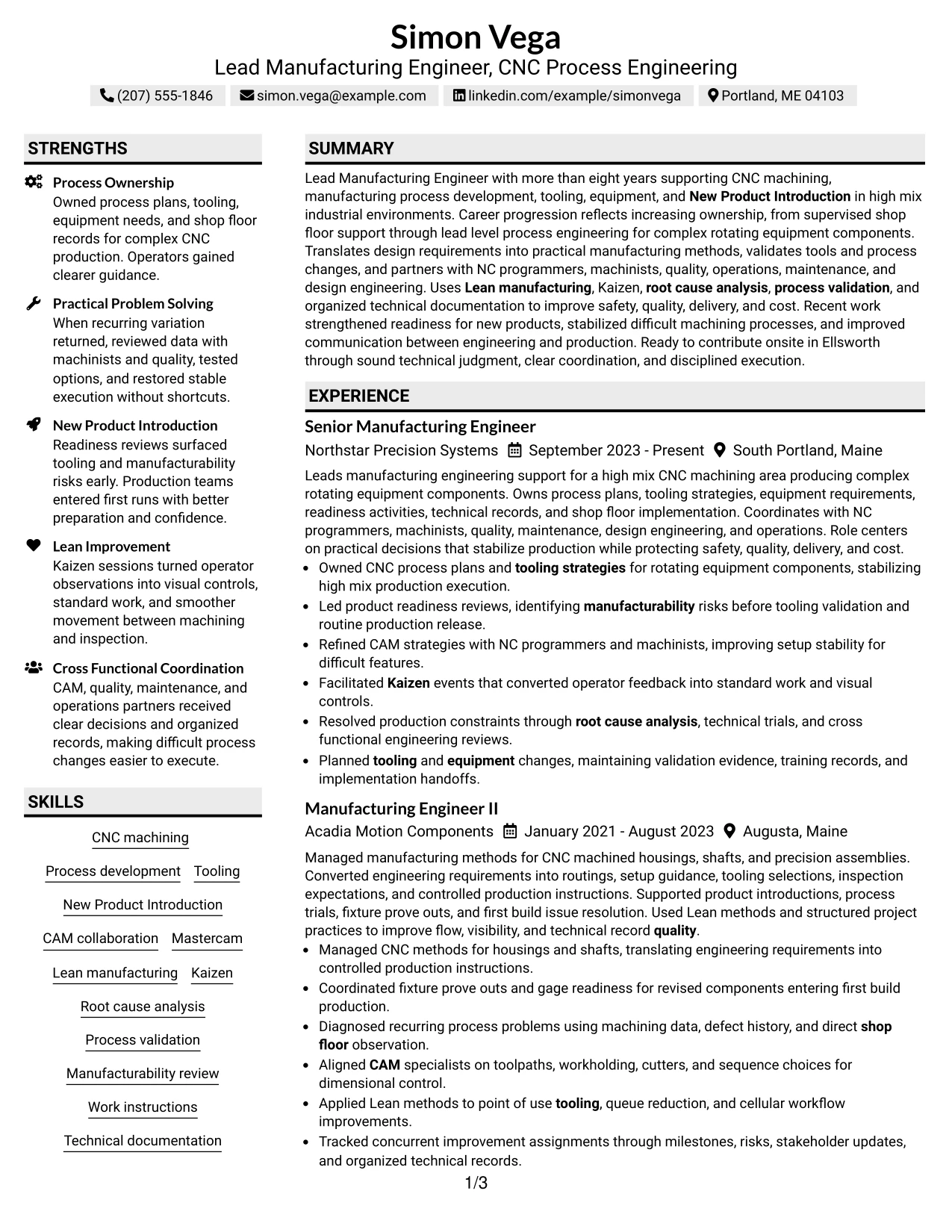
Why the Shaded Labels Clean Two Column Format Works for a Resume
- Uses shaded labels to make section boundaries easy to recognize.
- Separates detailed career history from compact supporting qualifications.
- Helps technical skills and certifications stand out during a quick scan.
- Provides clear space for projects and education beside the main experience area.
- Supports a multi-role timeline without making the resume feel crowded.
- Guides recruiter attention without relying on heavy visual elements.
- Works well for content-rich resumes that need strong organization.
Best For
- Candidates who want clear section labels with a clean two-column structure
- Resumes containing many supporting sections that need fast visual identification
- Applications where organization and readability matter more than decorative styling
- Documents that benefit from separating technical credentials from work history
- Readers who prefer clearly marked content blocks during a quick review
- Manufacturing professionals with broad CNC, tooling, Lean, and validation evidence
#25 Photo Header Color Accent International Format Resume Example
The Photo Header Color Accent International Format combines a defined photo area, color accents, and a single-column resume body. It gives the top of the document a distinct identity while keeping the main content in a simple sequence below.
For this Lead Manufacturing Engineer - CNC Process Engineering background, the visual treatment should remain secondary to CNC machining, CAM, tooling, Lean manufacturing, Kaizen, process validation, and New Product Introduction. The format is most useful where local resume conventions make a photo appropriate.
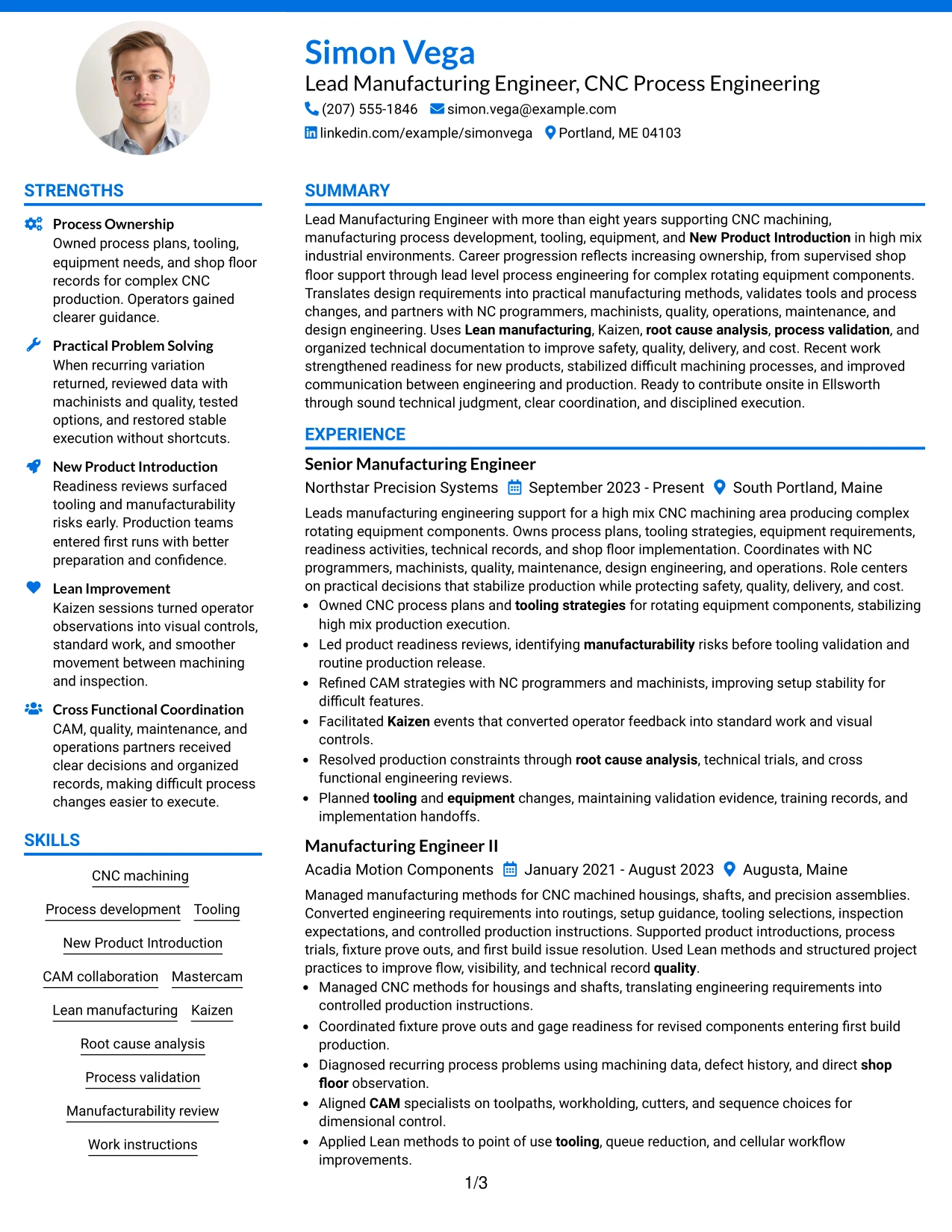
Why the Photo Header Color Accent International Format Works for a Resume
- Creates a distinct identity area at the top of the page.
- Maintains a simple one-column reading flow below the header.
- Uses color accents to separate major resume sections.
- Provides a clear place for a photo when local norms support one.
- Gives detailed manufacturing experience full-width space.
- Supports projects, certifications, education, and skills in a clear sequence.
- Works best when visual elements stay secondary to technical evidence.
Best For
- International applications where including a resume photo is customary or accepted
- Candidates who want a defined header with a simple full-width body
- Resumes that need strong identity presentation without splitting the experience section
- Documents where color accents can improve section navigation
- Readers who prefer a clear top-down review path after the header
- Manufacturing professionals whose CNC and process evidence must remain central
#26 Large Profile Photo International Two Column Format Resume Example
A recruiter can move from the large profile photo and header into two clearly separated content areas, using one for detailed experience and the other for supporting qualifications. The format can handle a substantial amount of content while keeping major sections visually distinct.
For this manufacturing resume, the photo should not outweigh the evidence. CNC process development, Mastercam, tooling, Lean manufacturing, Kaizen, root cause analysis, process validation, projects, and certifications should remain easy to scan across the two-column structure.
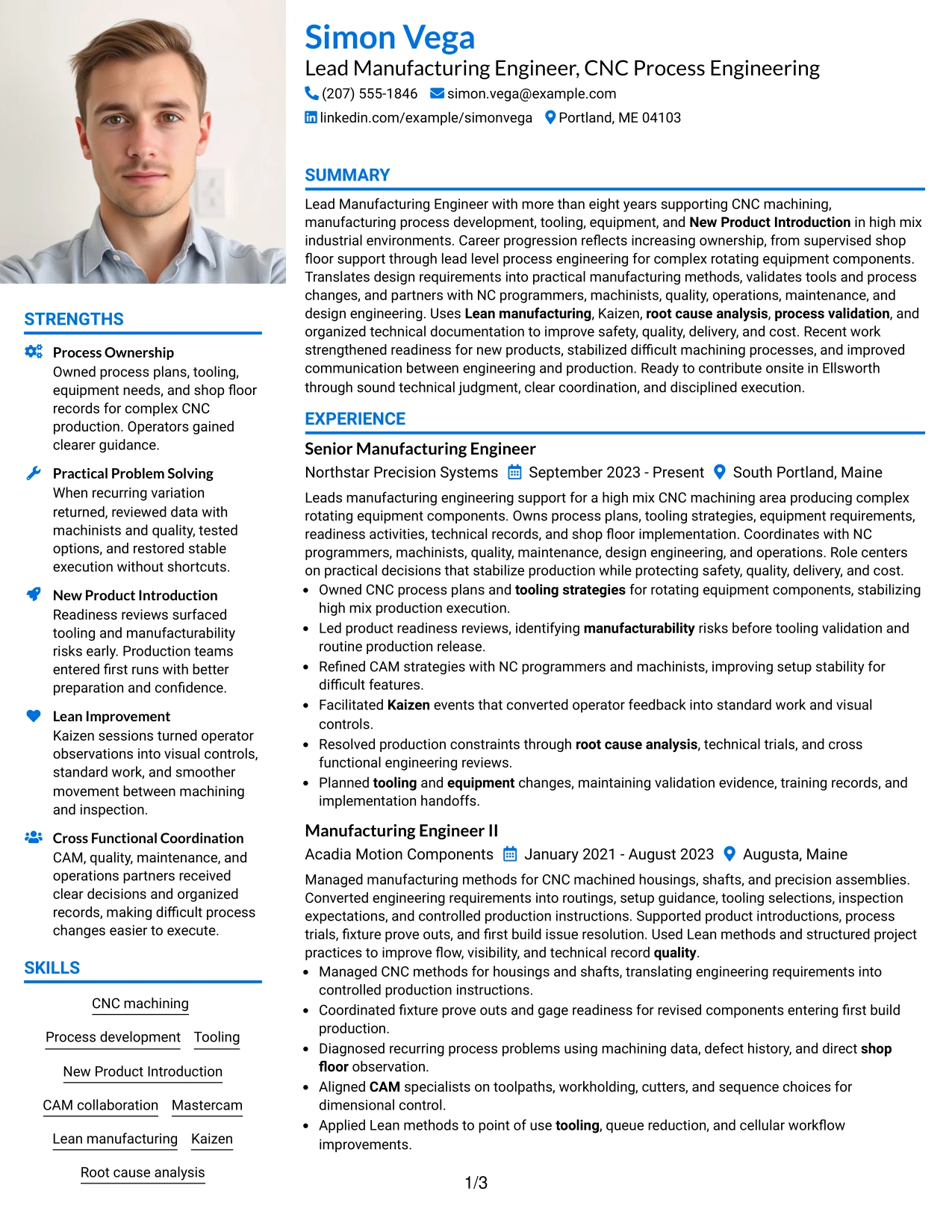
Why the Large Profile Photo International Two Column Format Works for a Resume
- Combines a prominent identity area with structured two-column organization.
- Separates detailed experience from compact supporting content.
- Provides room for projects, certifications, education, and skills.
- Supports a long manufacturing timeline while keeping sections distinct.
- Uses the photo area effectively when international application norms allow it.
- Helps recruiters scan technical qualifications alongside work history.
- Works best when the large photo does not reduce text readability or evidence space.
Best For
- International resume settings where a larger profile photo is appropriate
- Candidates with enough content to make both columns useful
- Applications that benefit from a strong identity area and clear information separation
- Resumes with a substantial work history plus projects, certifications, and skills
- Readers who prefer side-by-side access to credentials and experience
- Technical professionals who need visual structure without reducing manufacturing detail
#27 One Column Format with Photo Resume Example
Career evidence receives priority in this format because the full-width body gives each manufacturing role enough space for specific accomplishment bullets. A photo sits in the header area, while the experience, projects, education, certifications, and skills continue in one direct reading path.
For this role, the main evidence should remain CNC machining, New Product Introduction, CAM collaboration, tooling, Kaizen, process validation, and technical documentation. The photo adds identity only where it is suitable for the application and should never replace strong role-specific content.
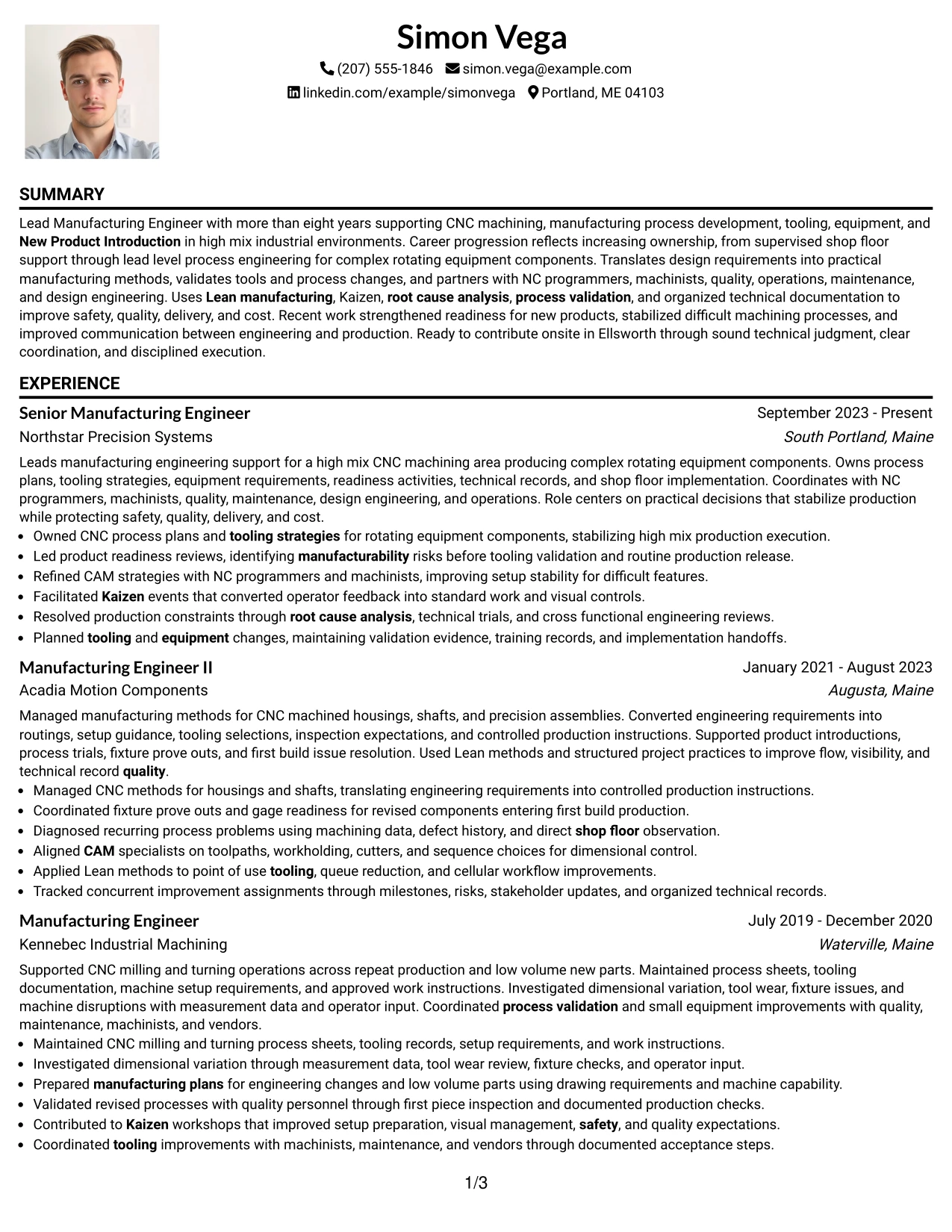
Why the One Column Format with Photo Works for a Resume
- Prioritizes detailed employment evidence in a full-width body.
- Preserves a simple top-to-bottom reading path.
- Provides a defined photo area without splitting the main content.
- Leaves enough room for projects, certifications, education, and skills.
- Supports long manufacturing bullets without narrow columns.
- Keeps technical keywords easy to read in sequence.
- Works well when a photo is acceptable and experience depth is the main strength.
Best For
- Candidates with detailed experience who still want a photo in the header
- Applications where a one-column structure supports straightforward recruiter review
- Resumes with long accomplishment bullets that need full-width space
- Documents containing several supporting sections after the employment timeline
- Readers who prefer simple chronology with a defined identity area
- Manufacturing professionals whose technical evidence should dominate the page
#28 One Column Format with Photo Right Resume Example
Content stays balanced by keeping the experience and supporting sections in one full-width flow while placing the photo to the right of the header. This preserves reading space for the manufacturing timeline and gives the top of the page a clear visual anchor.
For a Lead Manufacturing Engineer - CNC Process Engineering resume, the format should keep CNC process ownership, Mastercam, Lean manufacturing, Kaizen, New Product Introduction, root cause analysis, and process validation easy to scan. The right-aligned photo is secondary to the technical evidence.
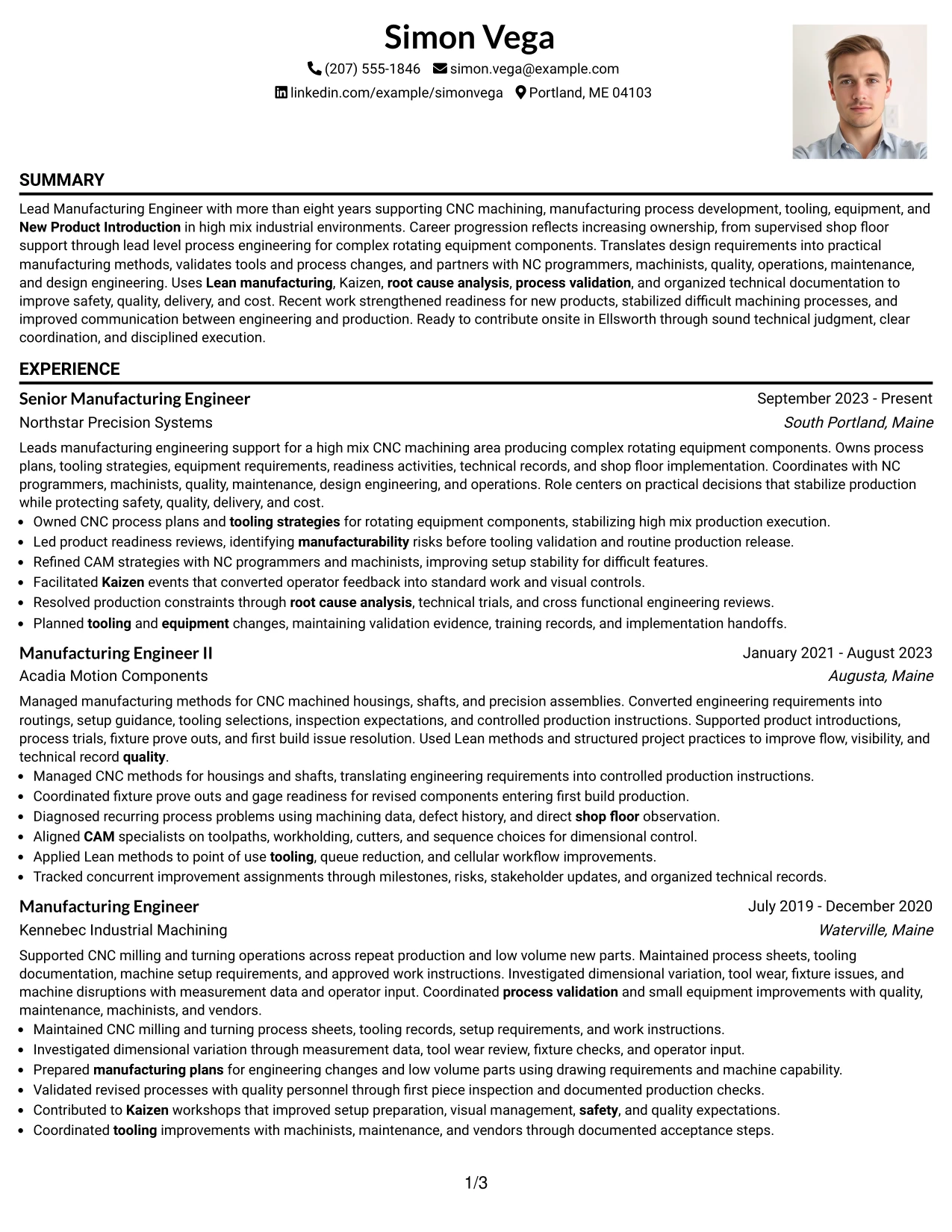
Why the One Column Format with Photo Right Works for a Resume
- Preserves full-width space for experience while keeping the photo in the header area.
- Creates a balanced top section without splitting the resume body.
- Supports clear chronological reading across several roles.
- Leaves projects, education, certifications, and skills in a simple sequence.
- Maintains room for detailed manufacturing accomplishments.
- Provides a distinct identity area when a photo is appropriate.
- Works well when the document needs both straightforward structure and visual balance.
Best For
- Applications where a right-aligned photo is accepted and a simple body is preferred
- Candidates who need full-width space for detailed work history
- Resumes where the employment timeline should remain uninterrupted
- Documents that place projects and credentials after experience in sequence
- Readers who want a balanced header without a second content column
- Technical resumes with dense manufacturing evidence that needs generous text space
#29 One Column Boxed Contact Header Format Resume Example
For applications that call for a clean and structured first impression, the One Column Boxed Contact Header Format places contact information in a defined top section and keeps the rest of the resume in a simple vertical flow. That gives detailed manufacturing evidence the full page width.
The body can then present CNC machining, process development, tooling, CAM collaboration, Lean manufacturing, New Product Introduction, projects, certifications, and education in a direct order. The boxed header adds structure without interfering with ATS-friendly content.
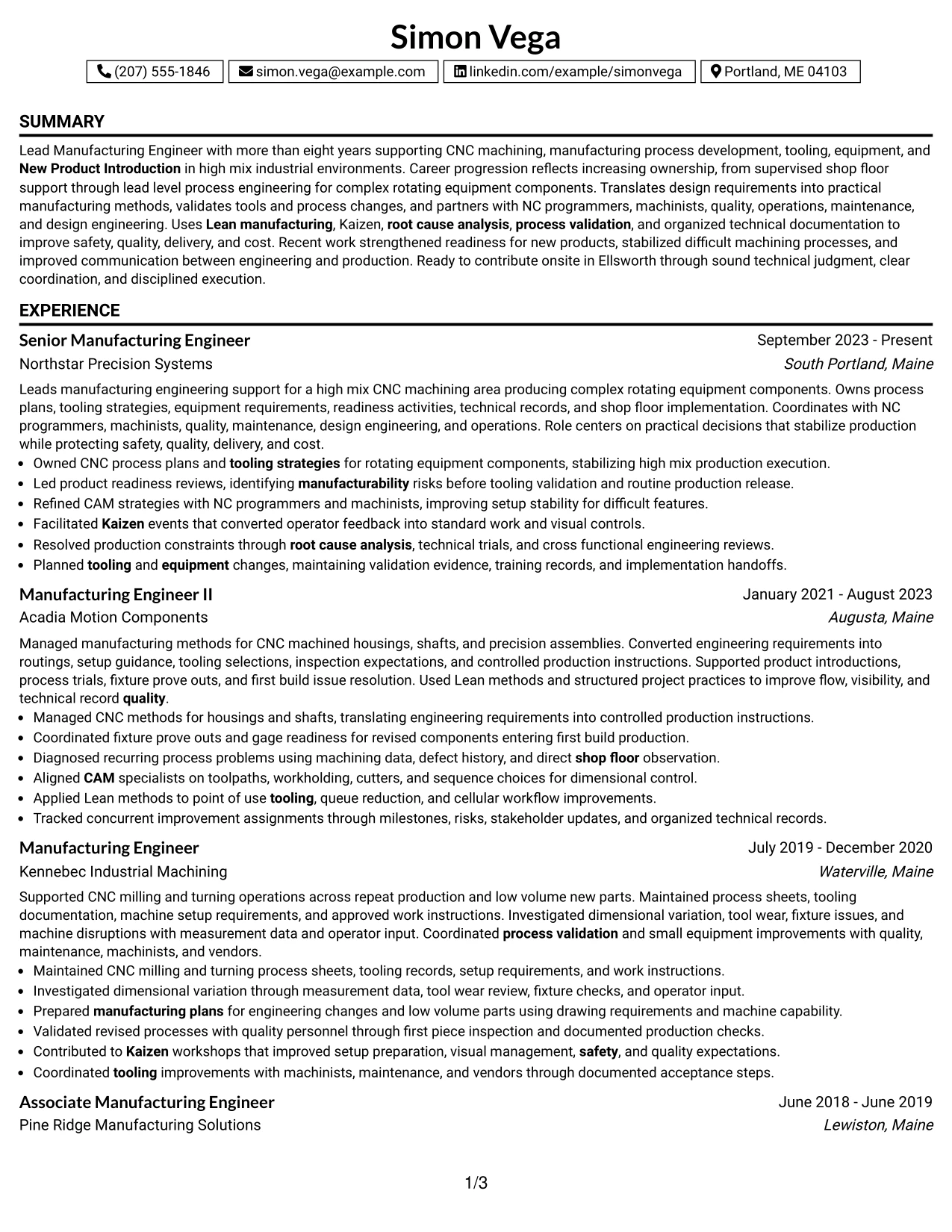
Why the One Column Boxed Contact Header Format Works for a Resume
- Creates a clear contact area at the top of the page.
- Preserves a simple one-column reading path below the header.
- Gives manufacturing experience full-width space for detailed bullets.
- Supports projects, certifications, education, and skills in sequence.
- Keeps section order straightforward for recruiter scanning.
- Adds visual structure without introducing a second content column.
- Works well when ATS readability and detailed experience both matter.
Best For
- Candidates who want contact details clearly separated from the resume body
- Applications where one-column ATS readability is a priority
- Resumes with detailed work history that needs full-width presentation
- Documents where supporting sections can follow the timeline in a simple order
- Readers who prefer a clearly defined header and traditional content flow
- Manufacturing professionals presenting broad CNC and process development evidence
#30 One Column Shaded Contact Header Format Resume Example
A shaded contact area gives the top of the page a clear visual boundary while the one-column body keeps the rest of the resume simple and readable. Simon Vega's manufacturing history can then flow from summary through experience, projects, education, certifications, and skills without interruption.
The format supports a strong technical story because CNC process development, tooling, Mastercam, Kaizen, root cause analysis, process validation, and technical documentation remain in full-width sections. The shaded header should make contact details easy to find without taking attention away from the evidence.
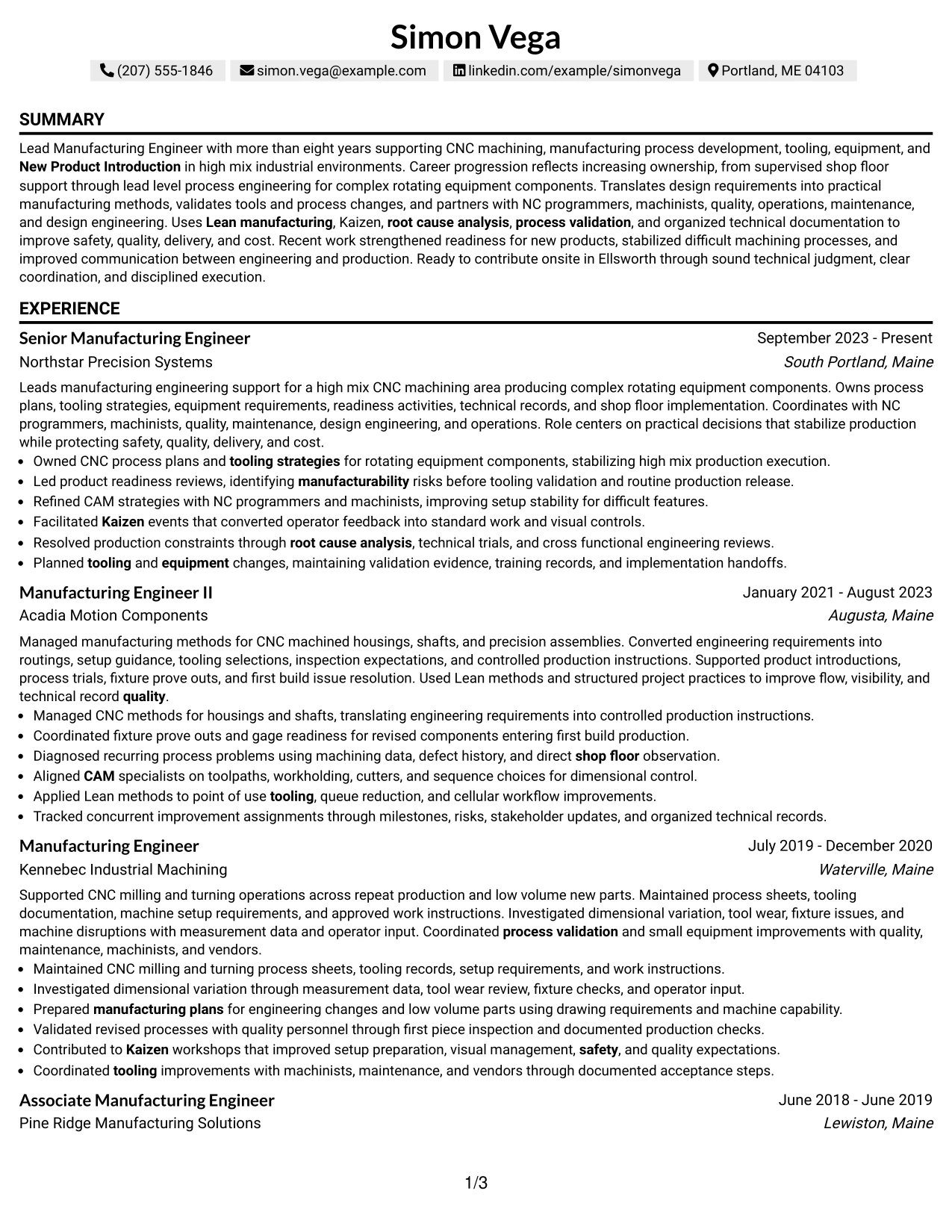
Why the One Column Shaded Contact Header Format Works for a Resume
- Creates a clear visual boundary for contact information.
- Maintains an uninterrupted one-column employment timeline.
- Provides full-width space for detailed technical accomplishments.
- Supports projects, certifications, education, and skills in a predictable order.
- Helps recruiters separate identity details from career evidence.
- Uses restrained shading to improve navigation without heavy decoration.
- Works well for a content-rich manufacturing resume that needs simple structure.
Best For
- Candidates who want contact details to stand out without changing the resume body
- Resumes with a long career history that benefits from uninterrupted chronology
- Applications where restrained visual styling is acceptable
- Documents that need full-width bullets for detailed technical accomplishments
- Readers who prefer a simple body with a clearly marked top section
- Manufacturing professionals with deep CNC process and validation experience
#31 Boxed Contact Header with Job Title Format Resume Example
The Boxed Contact Header with Job Title Format places contact information and the target job title together in a defined top block, then follows with a one-column resume body. This makes the role focus clear before the reader moves into the professional summary and employment history.
For a Lead Manufacturing Engineer - CNC Process Engineering resume, the body can then show CNC machining, tooling, CAM collaboration, New Product Introduction, Lean manufacturing, Kaizen, process validation, certifications, and projects in a direct sequence. The format keeps role alignment visible without sacrificing detail.
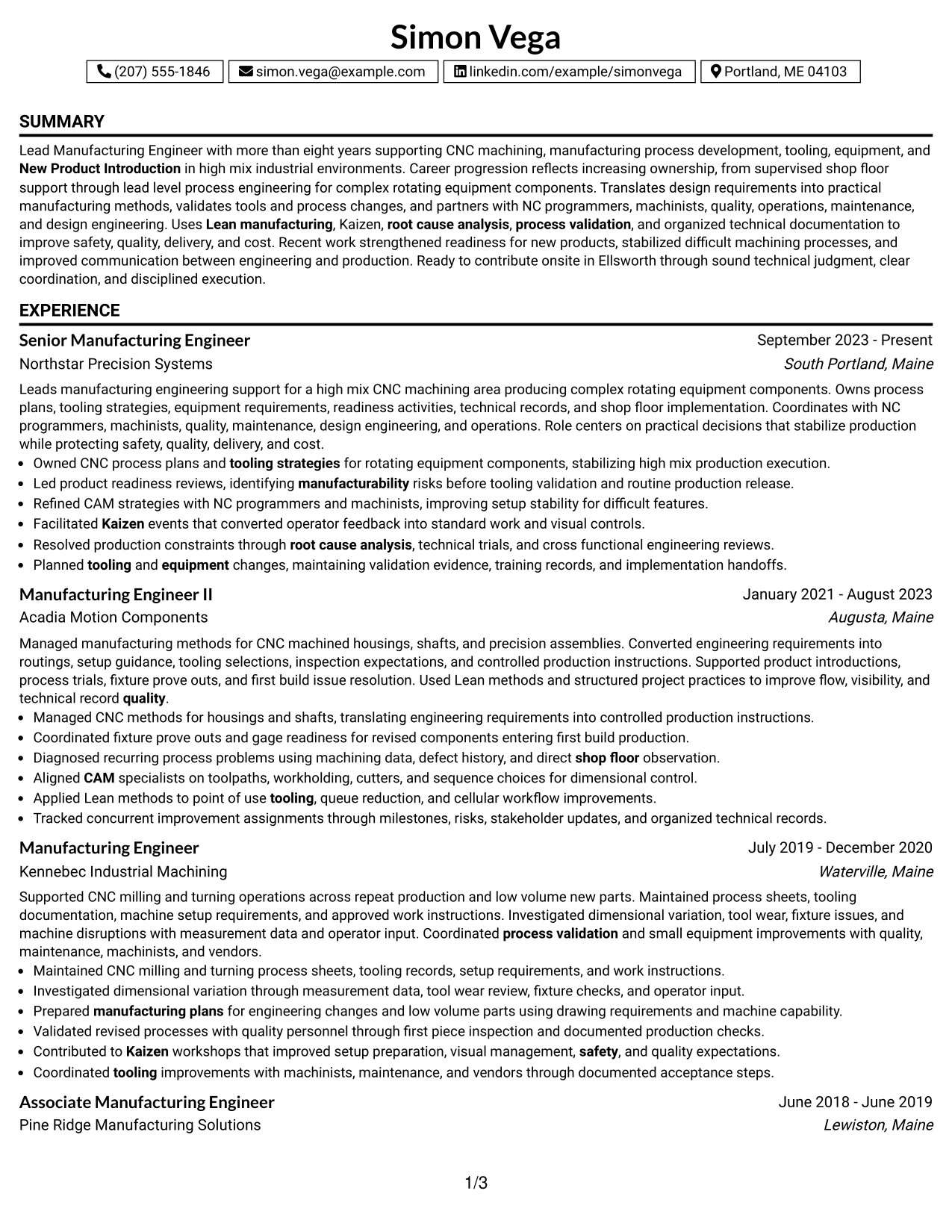
Why the Boxed Contact Header with Job Title Format Works for a Resume
- Places the job title in a clear position near the contact information.
- Creates a defined opening block before the resume body begins.
- Maintains a simple one-column reading order.
- Gives experience bullets full-width space for technical detail.
- Supports projects, certifications, education, and skills in sequence.
- Helps recruiters see role alignment before reviewing the employment history.
- Works well when the target position should be visually clear from the start.
Best For
- Applications where making the target job title immediately visible is useful
- Candidates who want a structured header followed by simple chronology
- Resumes with detailed technical experience that needs full-width space
- Documents where supporting credentials can follow the work history cleanly
- Readers who value quick role identification before deeper review
- Lead Manufacturing Engineer - CNC Process Engineering resumes with strong technical evidence
#32 Plain Professional Layout with Job Title & Shaded Labels Resume Example
A recruiter can identify the target job title quickly, then follow shaded section labels through summary, experience, projects, education, certifications, and skills. The Plain Professional Layout with Job Title & Shaded Labels keeps the reading order simple while giving each section a clear boundary.
Full-width content supports detailed manufacturing evidence such as CNC process ownership, tooling, Mastercam, Lean manufacturing, Kaizen, root cause analysis, and process validation. The format is useful when the resume contains a high volume of role-specific detail but still needs a restrained presentation.
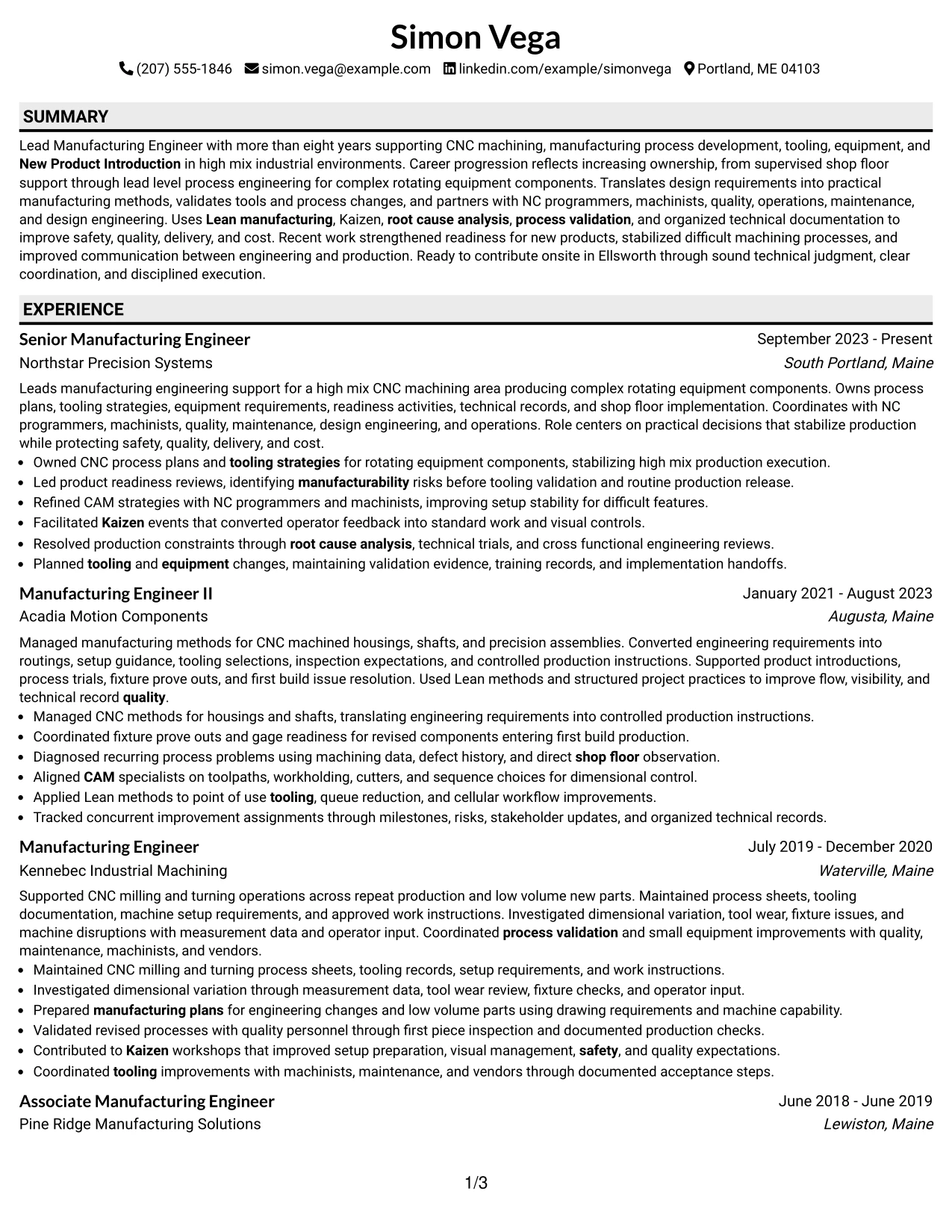
Why the Plain Professional Layout with Job Title & Shaded Labels Works for a Resume
- Makes the target job title easy to identify near the top.
- Uses shaded labels to guide the reader through major sections.
- Preserves a simple one-column reading path.
- Supports detailed manufacturing bullets with full-width space.
- Handles projects, certifications, education, and skills in a clear sequence.
- Helps technical content remain organized when evidence volume is high.
- Works well for resumes that need professional structure without complex styling.
Best For
- Candidates with a high volume of relevant experience that needs simple organization
- Applications where the target job title should be visible immediately
- Resumes that benefit from clear section labels and full-width content
- Documents with several supporting sections after the employment history
- Readers who prefer a restrained professional layout with strong navigation
- Manufacturing resumes carrying detailed CNC, Lean, tooling, and validation evidence
#33 Classic One Column Resume Format Resume Example
Career evidence takes center stage in the Classic One Column Resume Format because every section follows a familiar top-to-bottom order. The full-width layout gives each manufacturing role enough space to explain process ownership, technical judgment, and shop-floor results without visual compression.
The format supports a clear Lead Manufacturing Engineer - CNC Process Engineering story through CNC machining, New Product Introduction, CAM, Mastercam, Lean manufacturing, Kaizen, root cause analysis, process validation, certifications, and projects. Its strength is simple organization backed by specific evidence.
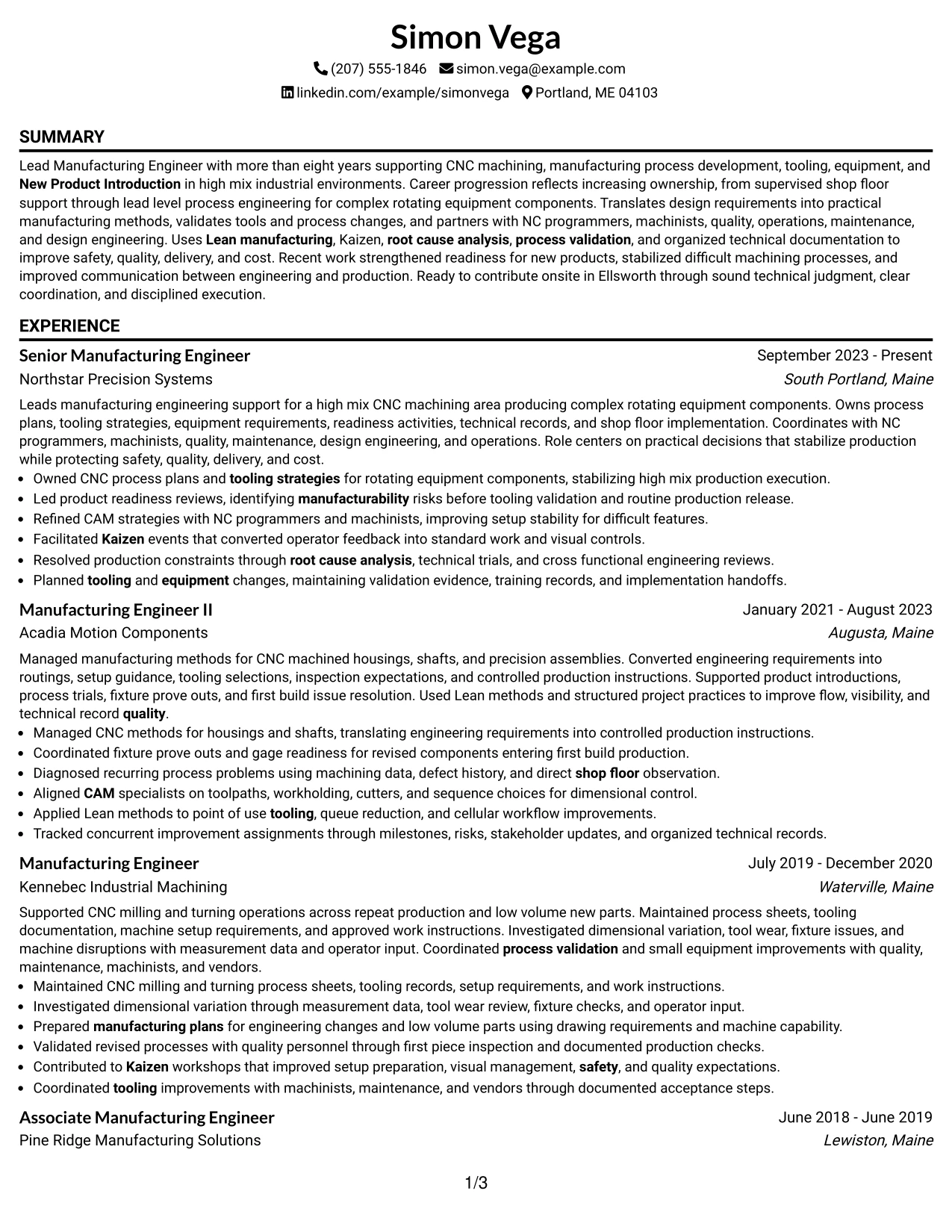
Why the Classic One Column Resume Format Works for a Resume
- Prioritizes employment evidence in a familiar chronological structure.
- Gives technical accomplishment bullets the full page width.
- Supports clear ATS parsing through simple section order.
- Keeps projects, certifications, education, and skills easy to place.
- Works well for a multi-role manufacturing career history.
- Helps recruiters focus on evidence instead of layout complexity.
- Provides a dependable structure for detailed role-specific content.
Best For
- Candidates who want the most straightforward chronological presentation
- Applications where ATS simplicity and readability are major priorities
- Resumes with detailed work history that needs maximum text width
- Documents with supporting projects and certifications that can follow the timeline
- Readers who prefer a familiar structure with minimal design decisions
- Manufacturing professionals whose strongest value is detailed career evidence
Why Build Your Lead Manufacturing Engineer - CNC Process Engineering Resume with ResumeInMinutes
ResumeInMinutes helps you turn CNC process engineering experience into a resume that is easy to scan, easy to tailor, and aligned with the technical language used in manufacturing roles.
- Diverse resume formats
- ATS-compliant section structure
- Role-specific keyword guidance
- Organized experience and skills presentation
- Free PDF resume previews
- Resume customization support
You can tailor the content to emphasize CNC machining, process development, tooling, CAM collaboration, Lean methods, process validation, New Product Introduction, and cross-functional manufacturing work.
See Also
- 7 Manufacturing Engineer - Industrial and Process Engineering Resume Templates with Example
- 33 Mechanical Engineer - Aerospace CNC Manufacturing Resume Templates with Example 2026 (ATS-Optimized)
- 7 Manufacturing Process Engineer - Additive Manufacturing Resume Templates with Example
- 33 Manufacturing Process Engineer Resume Templates with Example 2026 (ATS-Optimized)
- 33 Senior PECVD Process Engineer - Semiconductor Manufacturing Resume Templates with Example
- 33 Advanced Manufacturing Automation Engineer - Mechatronics Resume Templates with Example 2026 (ATS-Optimized)
- 7 Associate Engineer - Biopharmaceutical Manufacturing Resume Templates with Example
- 7 Associate Manufacturing Engineer Resume Templates with Example
- 30+ Manufacturing Process Engineer Cover Letter Templates with Example 2026
- 30+ Advanced Manufacturing Automation Engineer - Mechatronics Cover Letter Templates with Example 2026
Frequently Asked Questions
Are these Lead Manufacturing Engineer - CNC Process Engineering resume templates ATS-friendly?
Yes. The templates use clear sections and readable headings, and they support role-specific keywords such as CNC manufacturing, CAM, tooling, process validation, Lean manufacturing, and New Product Introduction.
Are these different resumes?
No. This guide shows one Lead Manufacturing Engineer - CNC Process Engineering resume example in different visual layouts so you can compare presentation without changing the core experience.
What should a Lead Manufacturing Engineer - CNC Process Engineering resume include?
Include a focused summary, manufacturing engineering experience, CNC process work, tooling and fixtures, CAM or NC Programming, New Product Introduction, Lean and Kaizen work, process validation, education, certifications, and relevant technical skills.
Can I download the resume templates as PDFs?
Yes. Each design includes a free PDF preview so you can review the layout before choosing a format for your resume.
Which resume style works best for this role?
A clean one-column or simple two-column format is usually effective because it keeps technical experience, certifications, skills, and accomplishments easy to scan and parse.
How should I show CNC and manufacturing achievements?
Use concise bullets that connect the production context, action, method, and outcome. Strong examples can cover process readiness, tooling changes, CAM coordination, root cause analysis, Kaizen work, validation, or shop-floor troubleshooting.
Should I include a photo on my resume?
For U.S. applications, a no-photo resume is usually the safer choice unless a specific application process clearly asks for one.
Can I customize these resume templates?
Yes. You can adjust the text, section emphasis, design, and PDF layout to match a Lead Manufacturing Engineer - CNC Process Engineering application while keeping the resume clear and ATS-friendly.




