
7 Lead Product Manager - Users & Permissions Cover Letter Templates with Example
This practical guide to a Lead Product Manager - Users & Permissions cover letter presents seven layouts and shows how to make your role fit clear from the opening paragraph.
What Makes a Great Lead Product Manager - Users & Permissions Cover Letter in 2026
A strong letter connects your motivation to the role’s focus on secure, usable access for complex organizations. Its opening should make that fit clear and lead into a focused example.
Use relevant evidence, such as guiding RBAC and MFA workflows or improving identity integrations, to show how you make product decisions. Link that work to the employer’s needs for scalable permissions, privacy, and clear customer experiences.
The featured Lead Product Manager - Users & Permissions example moves from motivation to specific product evidence, role alignment, and a clear close. Adapt this focused progression while choosing a presentation that suits the employer and communication context.
#1 Simple One Column Format Cover Letter Example
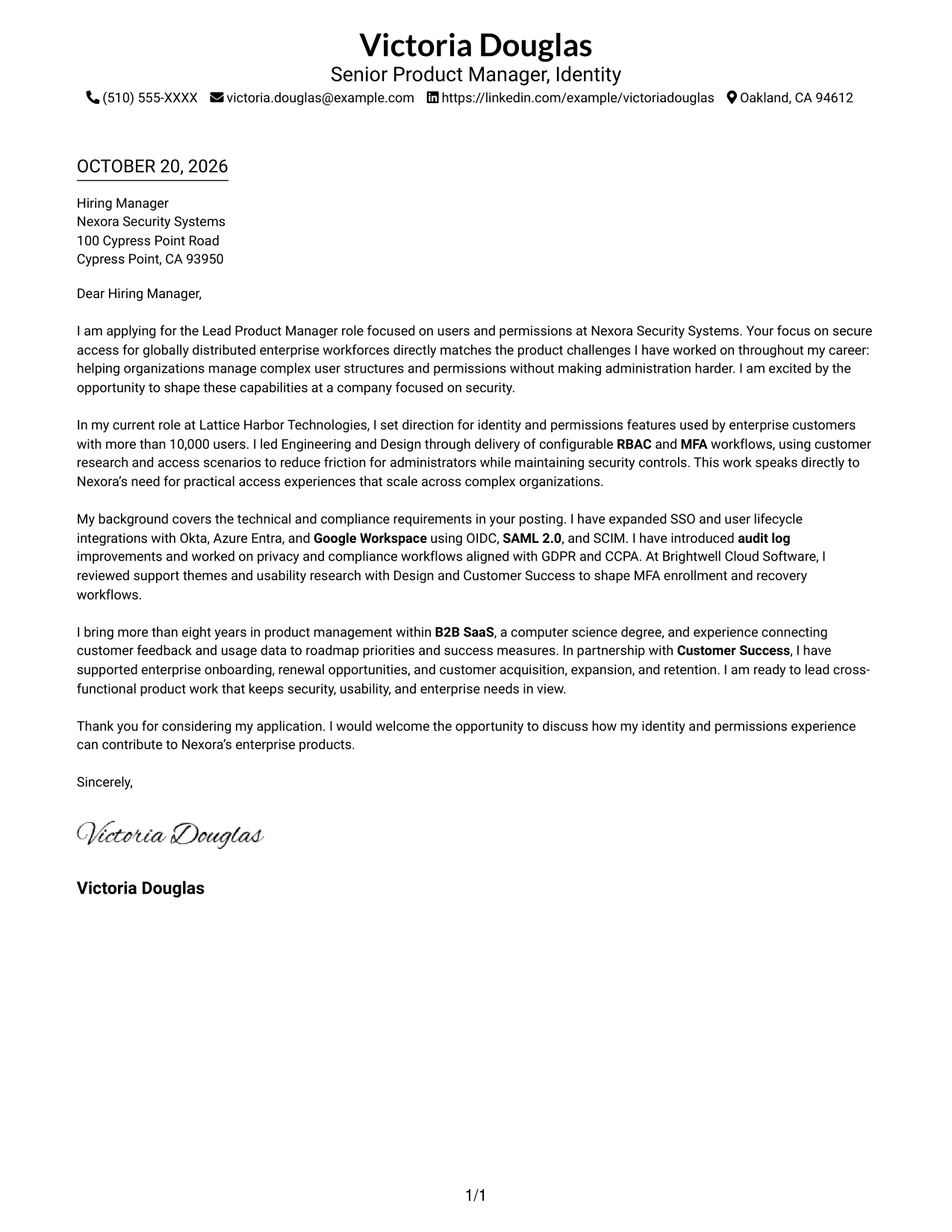
The Simple One Column Format keeps sender details and the continuous letter body in one column, giving the message a direct reading path.
Why This Format Works
- Sender details share the page with the letter, keeping contact information close.
- One reading path carries reviewers from opening through evidence to the closing.
- Continuous paragraphs let the argument develop without section labels interrupting it.
Best For
- Single-column reading preference
- Header-based contact details
- Photo-free document preference
- Letters without argument headings
- Direct opening-to-closing flow
#2 Two Column Format Cover Letter Example
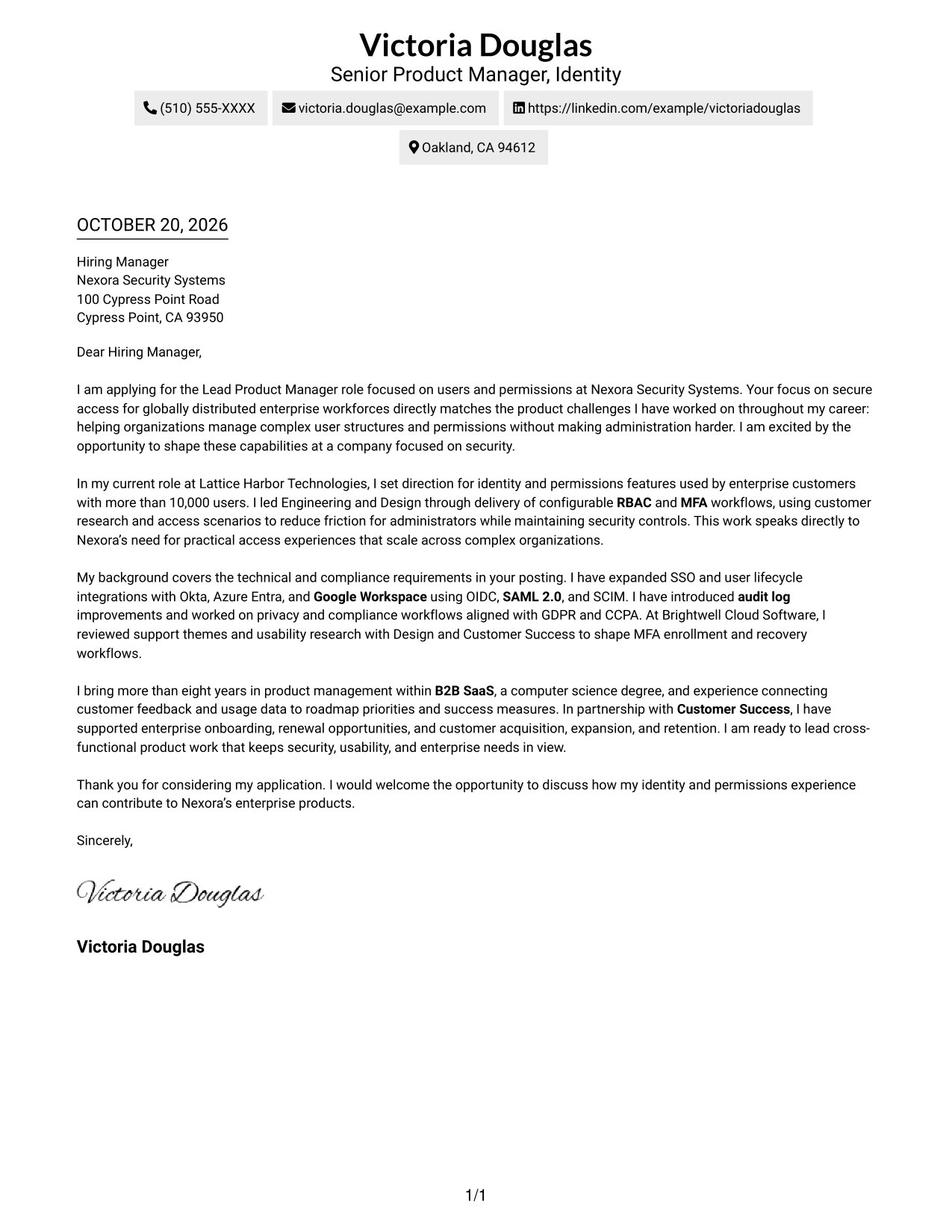
The Two Column Format places contact details in a sidebar beside one continuous letter body, separating practical information from the message.
Why This Format Works
- A dedicated contact sidebar keeps sender details distinct from the letter's message.
- The single body column preserves a clear sequence from motivation to closing.
- The continuous paragraphs let reviewers follow the argument without section labels.
Best For
- Contact details apart from the message
- One-column letter-body reading
- Photo-free document preference
- Letters without argument headings
- Sidebar-based contact organization
#3 Photo Header Two Column Format Cover Letter Example
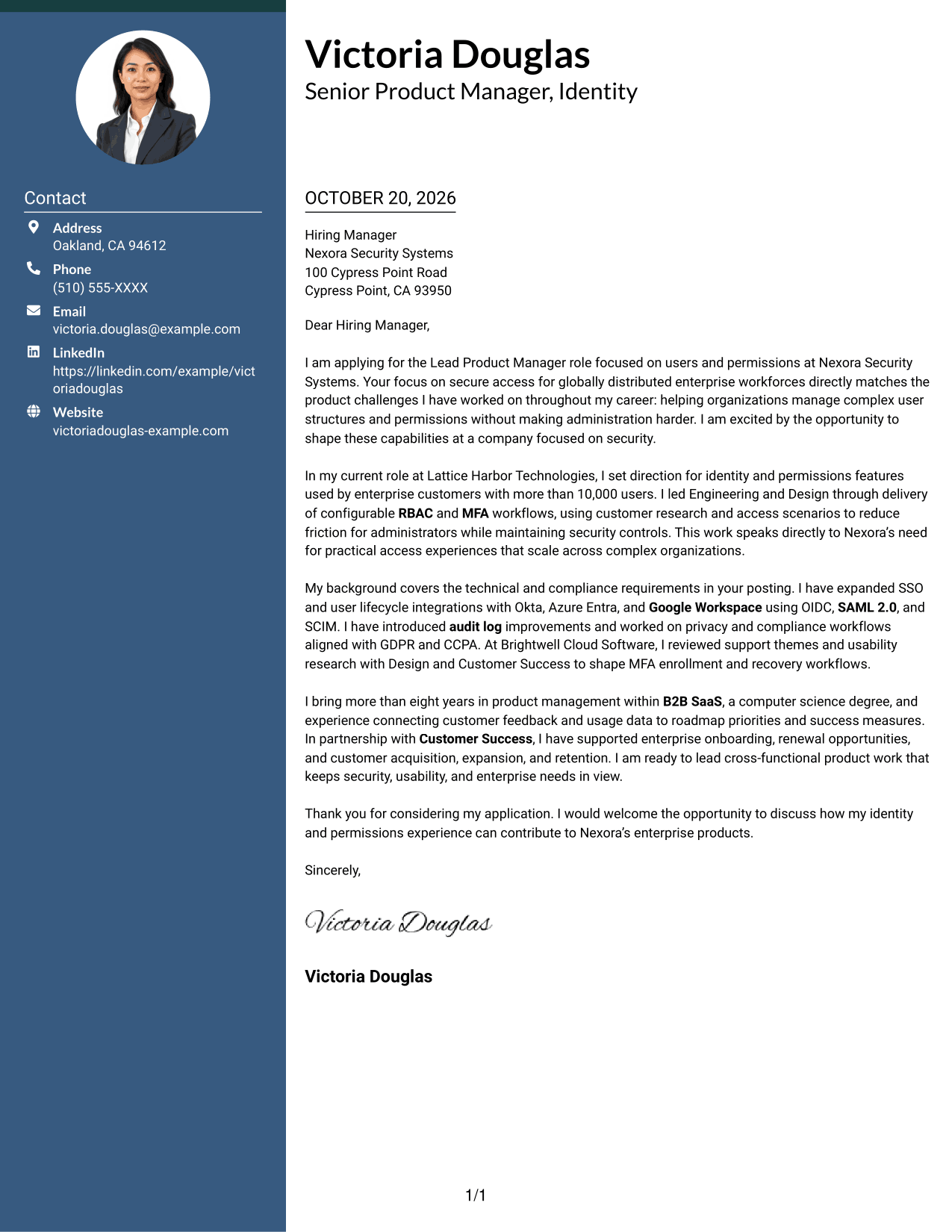
The Photo Header Two Column Format includes a photo and pairs a contact sidebar with one continuous letter body.
Why This Format Works
- The sidebar keeps contact details apart from the persuasive letter body.
- A single body column gives the opening, evidence, and closing a clear order.
- The included photo offers a visual choice without interrupting the letter's paragraphs.
Best For
- Photo-inclusive document preference
- Contact details outside the letter body
- One-column letter-body reading
- Letters without argument headings
- Sidebar contact organization
#4 One Column Format with Photo Cover Letter Example
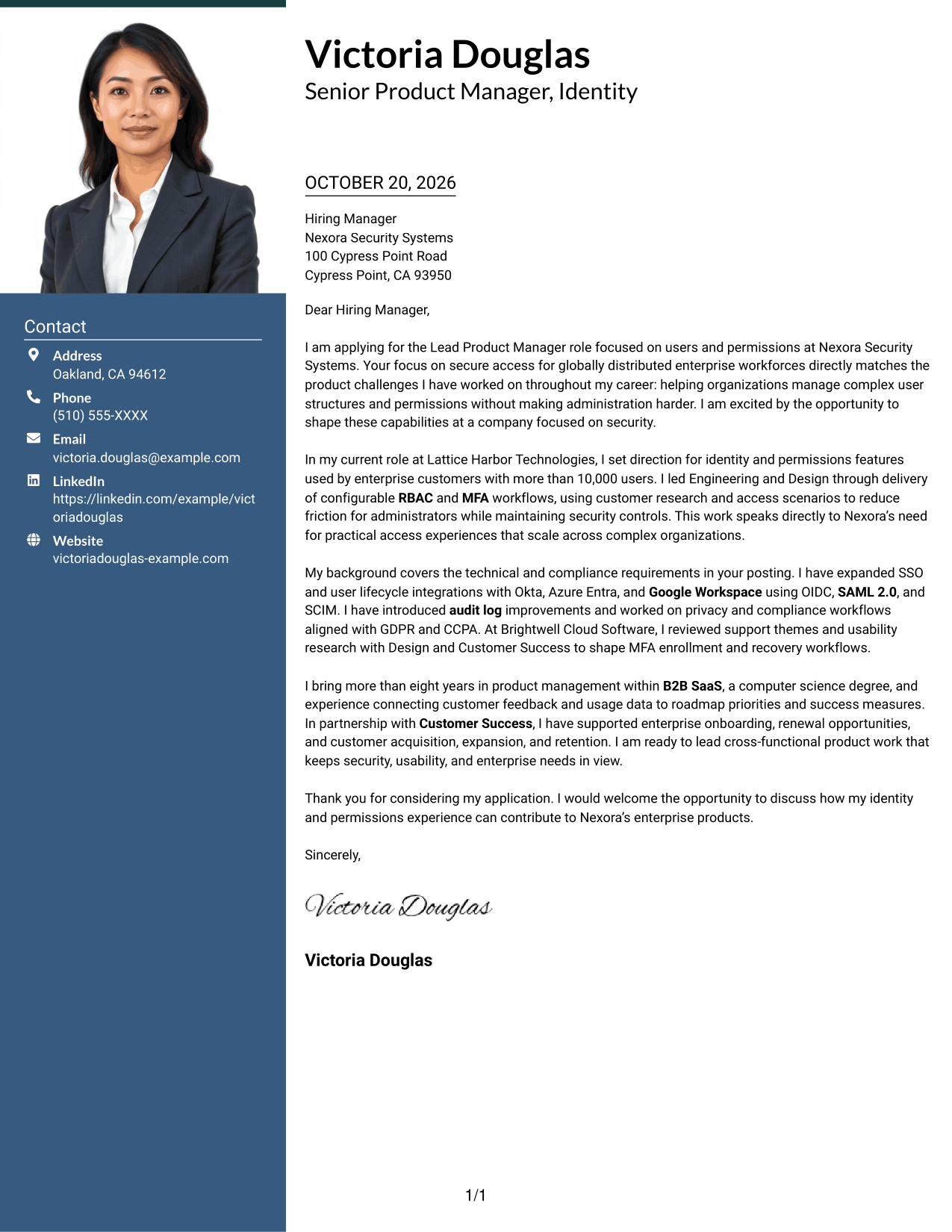
The One Column Format with Photo combines a photo and sender details with a continuous letter body in one reading column.
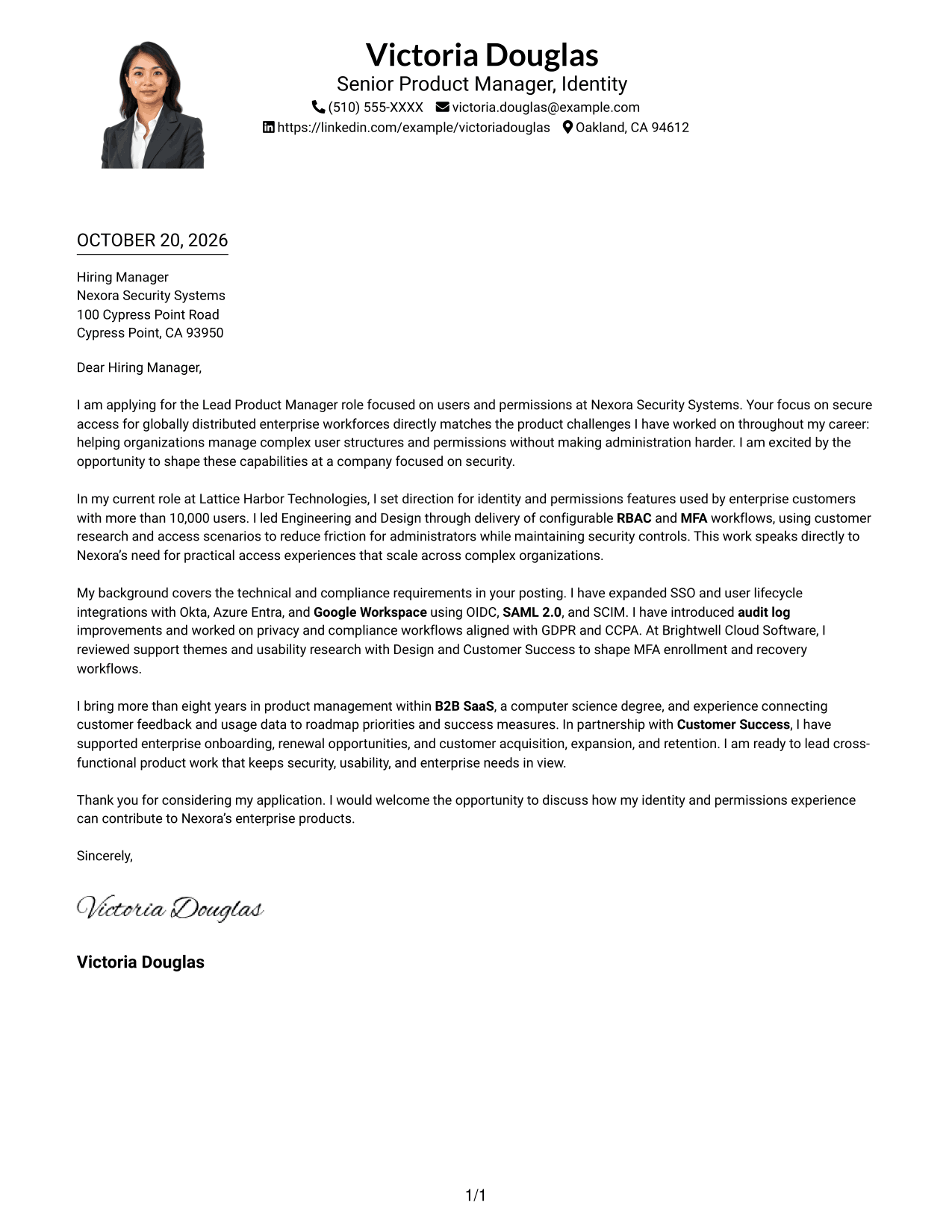
Why This Format Works
- A single column keeps contact details and the letter within one reading path.
- The photo adds a visual element while the argument remains in continuous paragraphs.
- Reviewers can follow the message from its opening to its closing in order.
Best For
- Photo-inclusive document preference
- Single-column letter reading
- Sender details in the header
- Continuous paragraph-based arguments
- Letters without body headings
#5 Simple Two Column Format Cover Letter Example
The Simple Two Column Format sets contact details beside a single continuous letter body, keeping the message together while separating practical details.
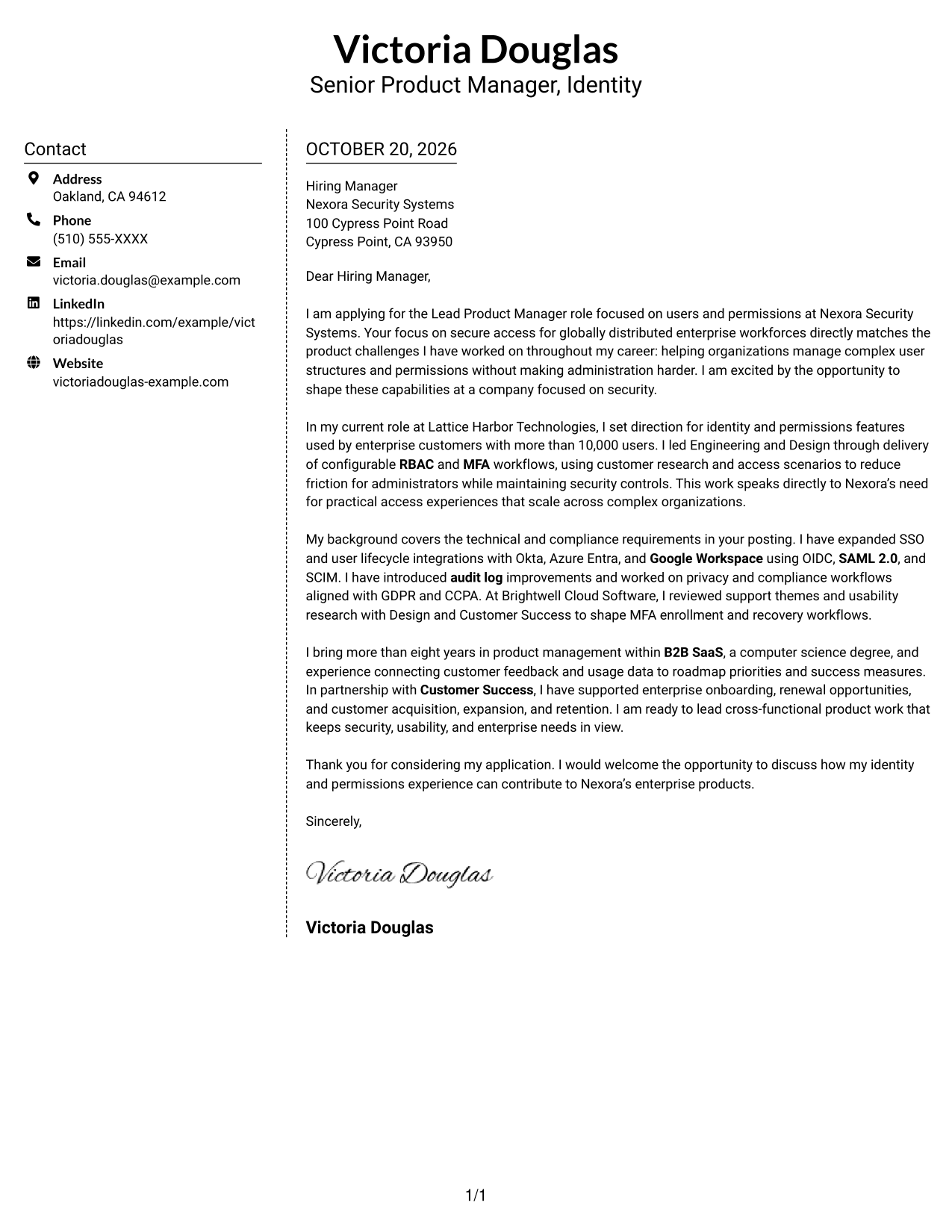
Why This Format Works
- The contact sidebar makes sender information distinct from the letter's argument.
- One body column keeps motivation and supporting evidence in a single sequence.
- Without a photo, the layout leaves the written message as its visual focus.
Best For
- Contact information in a sidebar
- One-column letter-body reading
- Photo-free document preference
- Continuous letter paragraphs
- Letters without argument headings
#6 Modern Icon Format Cover Letter Example
The Modern Icon Format uses two columns, with contact cues in the sidebar and one continuous letter body beside it.
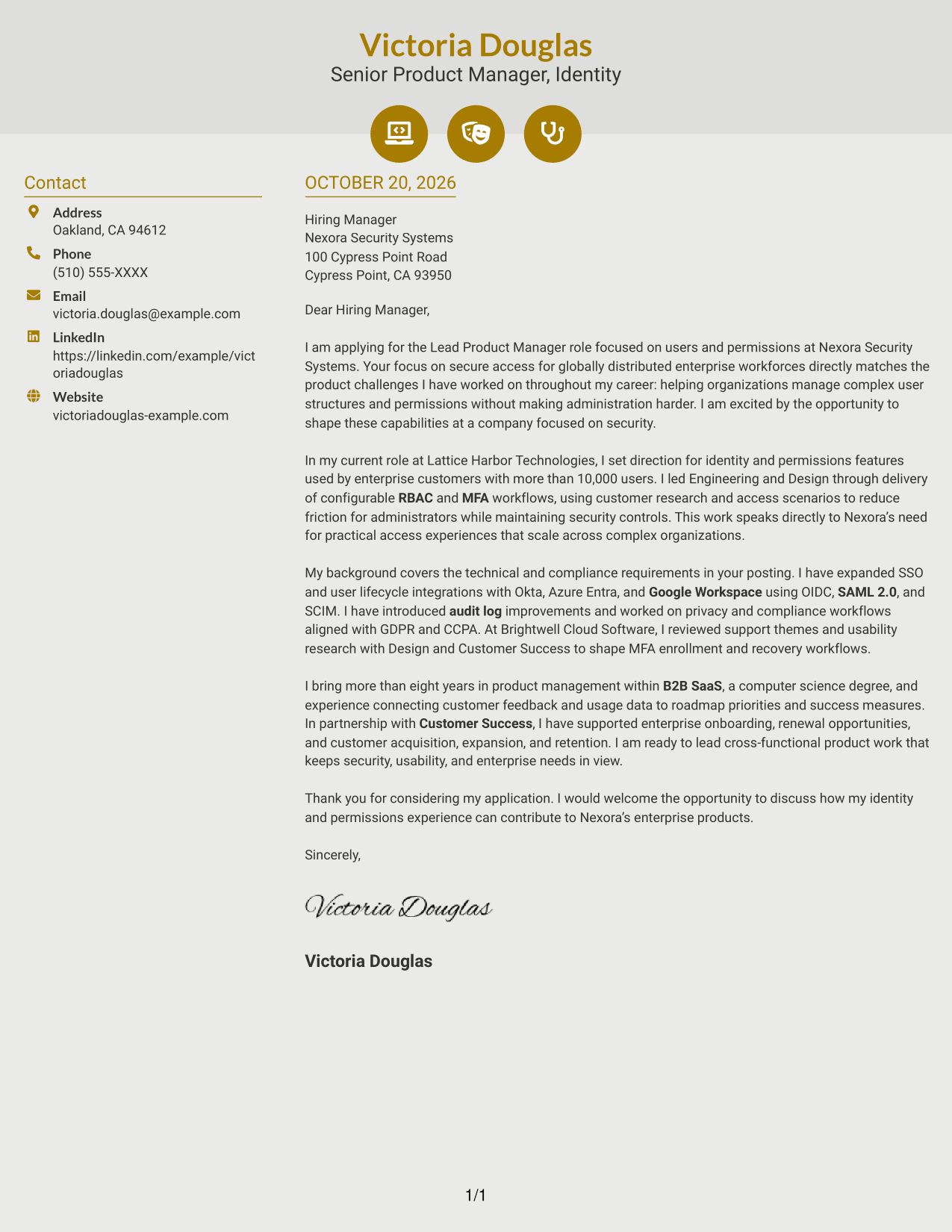
Why This Format Works
- Contact cues help distinguish sender details from the letter's main text.
- The sidebar separates practical contact information from the message itself.
- Decorative header accents add a visual touch without dividing the letter's argument.
Best For
- Icon-cued contact details
- Two-column document organization
- One-column letter-body reading
- Continuous paragraph-based arguments
- Photo-free presentation
#7 Creative Two Tone Format Cover Letter Example
The Creative Two Tone Format places contact details beside one continuous letter body in a two-column layout.
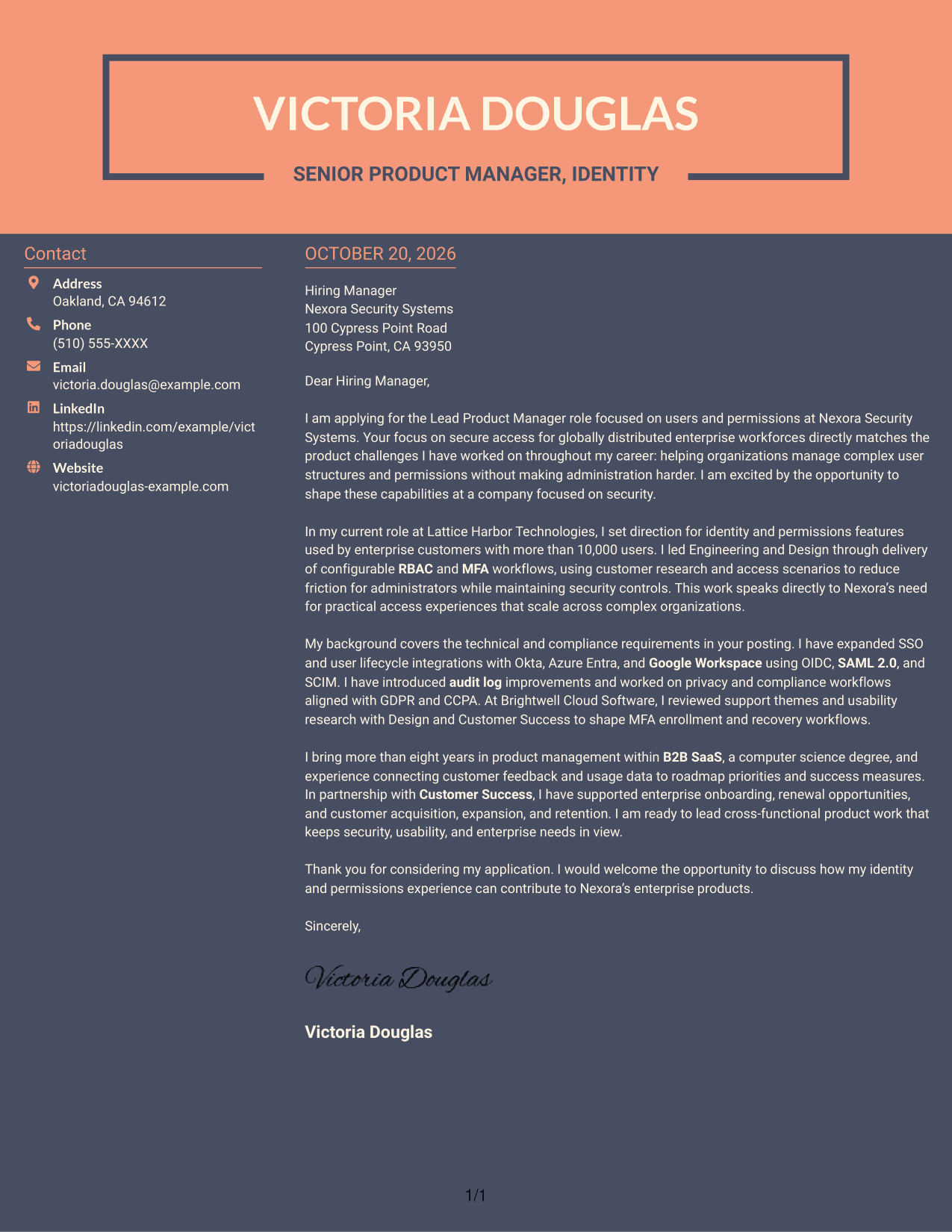
Why This Format Works
- The contact sidebar keeps sender information separate from the letter's message.
- One continuous body column lets the argument progress in a natural order.
- The paragraph-based format presents the opening, supporting points, and closing as one letter.
Best For
- Contact details beside the message
- Two-column document organization
- Continuous letter-body reading
- Letters without argument headings
- Photo-free applications
Why Use ResumeInMinutes for a Lead Product Manager - Users & Permissions Cover Letter
Review the image previews to compare letter presentations, then open an example in the editor to customize its content for the role.
- Cover letter example previews
- Links to open examples in the editor
- Guidance for a focused opening
- Role-specific evidence and motivation
- Clear body and closing paragraphs
- Employer alignment and communication guidance
Build a clear case for your fit by connecting product judgment, enterprise identity work, and customer needs to the responsibilities of this role.
See Also
- 7 Lead Product Manager - Users & Permissions Resume Templates with Example
- 33 Advisory Product Requirements Engineer, AI Orchestration Resume Templates with Example 2026 (ATS-Optimized)
- 33 Agentic AI Product Engineer Resume Templates with Example 2026 (ATS-Optimized)
- 7 Agile Delivery Owner Lead - New Product Development Resume Templates with Example
- 7 Agile Product Owner Federal Healthcare Resume Templates with Example
- 33 AI-Native Product Engineer Resume Templates with Example 2026 (ATS-Optimized)
- 33 AI-Powered Cybersecurity Product Engineer Resume Templates with Example 2026 (ATS-Optimized)
- 33 AI Product Engineer Resume Templates with Example 2026 (ATS-Optimized)
- 30+ Advisory Product Requirements Engineer, AI Orchestration Cover Letter Templates with Example 2026
- 30+ Agentic AI Product Engineer Cover Letter Templates with Example 2026
Frequently Asked Questions
What should the opening paragraph say in a Lead Product Manager - Users & Permissions cover letter?
State your interest in the specific role and connect it to the employer’s focus on secure access and manageable user permissions. Then lead into a brief example that supports your fit.
What experience should I highlight for this role?
Choose evidence that matches the position, such as product work on RBAC and MFA workflows, SSO and lifecycle integrations, or audit and compliance improvements. Explain the customer need and your contribution.
How can I show alignment with Nexora Security Systems?
Refer to the role’s stated focus on secure access for distributed enterprise workforces. Show how your product decisions balance strong controls, easier administration, privacy, and adoption.
Does this guide show one letter in different layouts?
The image previews show the featured cover letter in different presentations. Use the editor links to view an example or customize its content.
What cover letter presentation should I choose?
Choose a clean, readable presentation that fits the employer and the communication context. Keep the focus on your motivation, relevant evidence, and a direct closing.




