
33 Lead Security Engineer, Purple Team Resume Templates with Example 2026 (ATS-Optimized)
This guide shows you how to build a clear, focused Lead Security Engineer, Purple Team resume. You will learn how to organize your evidence so technical work is easy to review and adapt.
Strong resume content connects adversary emulation with detection engineering, threat hunting, and defensive outcomes. It can show how you build attack plans, study command and control and evasion, analyze endpoint, network, identity, and cloud telemetry, and turn findings into Sigma, KQL, or Splunk detection content.
The examples below present the document in 33 layouts, with practical guidance on ATS structure, experience bullets, projects, certifications, tools, and measurable coverage improvements.
What Makes a Great Lead Security Engineer, Purple Team Resume in 2026
A strong resume for this role is technically precise, evidence-led, and easy to scan. It connects offensive security work to detection quality, telemetry coverage, response effectiveness, and clear decisions for engineering and SOC teams.
Use concise bullets with relevant keywords such as adversary emulation, detection engineering, MITRE ATT&CK, SIEM, EDR, Caldera, Sigma, KQL, Splunk, and Microsoft Sentinel, while showing the outcome of each contribution.
The examples shown below are intentionally detailed to demonstrate a range of experiences, skills, accomplishments and relevant keywords. We prefer detailed resumes as they provide more context to the hiring managers and also help the ATS systems identify relevant qualifications and score your resume better for a match. But the length of a resume is an individual choice. If you want a one page resume, just keep the most relevant experience and information for the job.
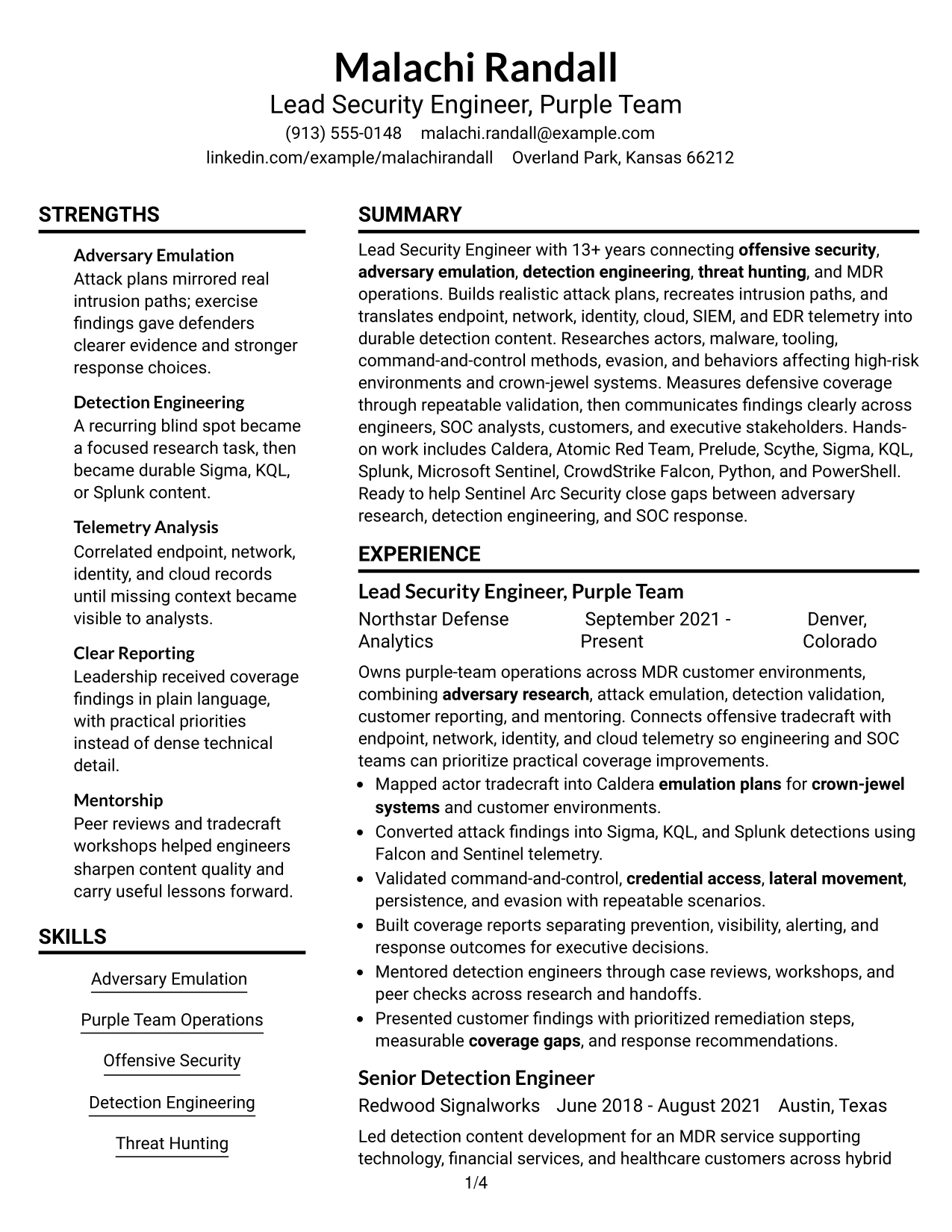
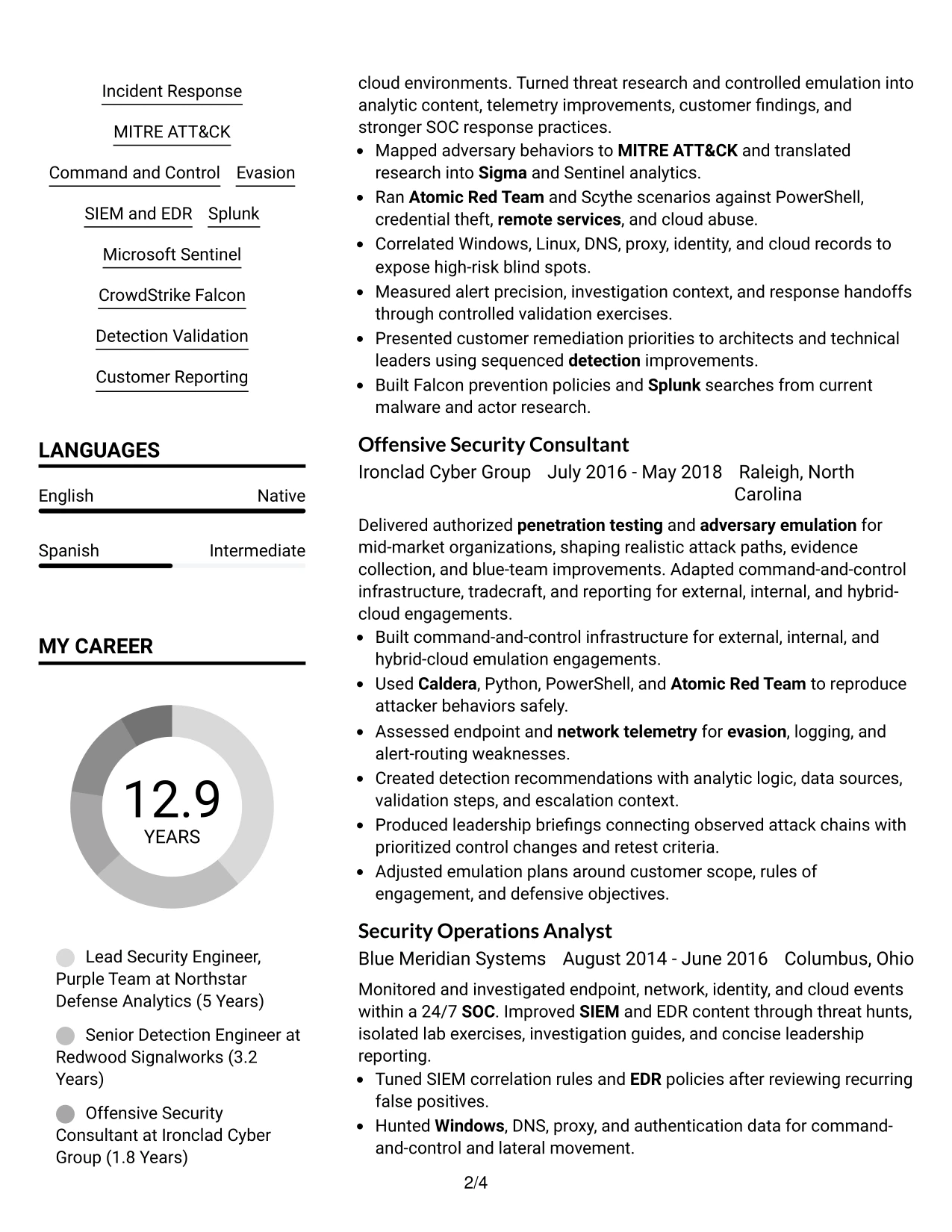
#1 Plain Two Column Format Resume Example
The Plain Two Column Format places contact details and the professional summary at the top, then separates core skills from detailed experience. This structure helps readers find keywords such as adversary emulation, detection engineering, SIEM, EDR, and threat hunting quickly.
The wider column can carry career history, projects, education, certifications, and measurable coverage results. A narrower column can hold tools, credentials, and focused skills without interrupting the experience narrative. The format remains easy to scan while giving a technical resume room for substantial evidence.
Resume Snapshot
- Professional summary connects offensive security, adversary emulation, detection engineering, and MDR operations.
- Experience bullets show attack planning, detection content, telemetry analysis, and customer reporting.
- Tools include Caldera, Atomic Red Team, Sigma, KQL, Splunk, Microsoft Sentinel, and CrowdStrike Falcon.
- Certifications and education reinforce the resume's security engineering qualifications.
Why the Plain Two Column Format Works for a Resume
- A clear top section gives the target role and strongest qualifications immediate visibility.
- Two columns separate fast-scan keywords from detailed career evidence.
- Bullets make technical actions and outcomes easier to review.
- The format supports long experience history without creating one dense text block.
- Skills, tools, certifications, and education remain easy to locate.
- The structure can support ATS-friendly headings when text order and labels stay simple.
Resume Keywords
- Lead Security Engineer
- Purple Team
- MDR
- adversary research
- Detection Engineering
- SOC
- Offensive Security
- Adversary Emulation
- Red Team
- blue-team
- adversary tradecraft
- Command and Control
- Evasion
- emulation plans
- Detection
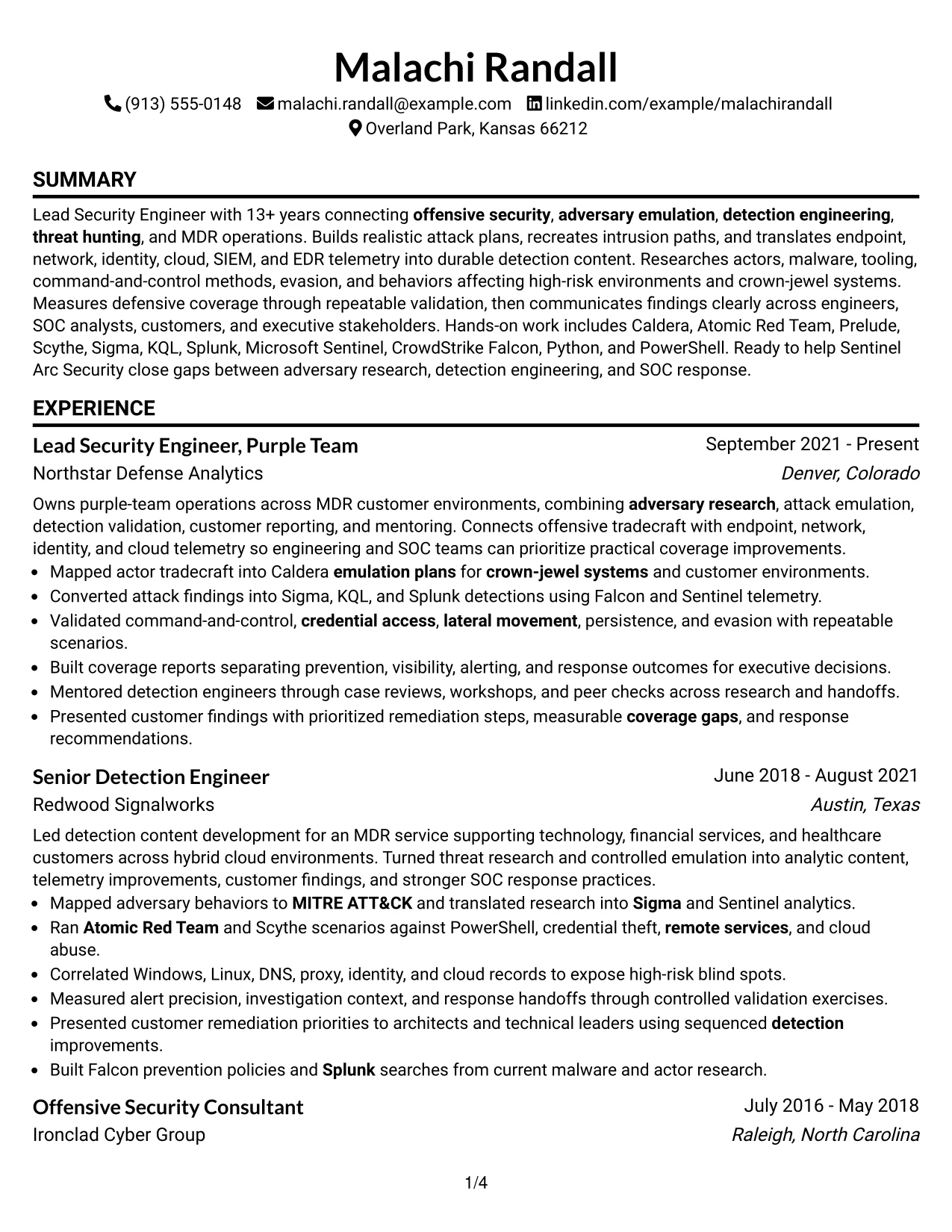
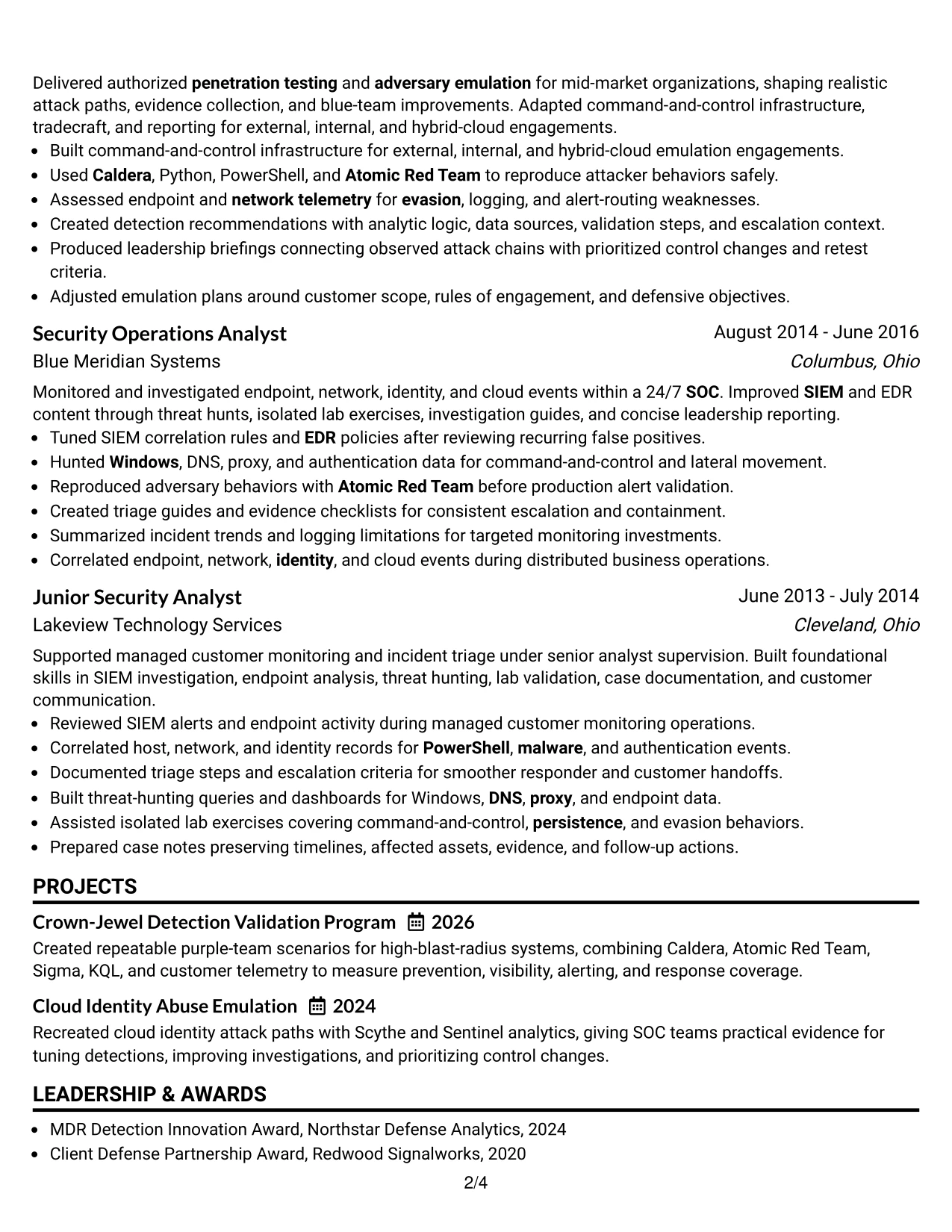
#2 Simple One Column Format Resume Example
A recruiter can move from the summary to experience, projects, education, certifications, and skills in one steady path. That reading order works well when the resume contains a substantial technical history and each section needs room for complete bullet points.
The Simple One Column Format gives every section the same full-width space. Experience bullets can explain attack plans, telemetry findings, detection content, and response improvements without forcing important detail into a narrow side panel. Standard headings also support straightforward ATS parsing.
Why the Simple One Column Format Works for a Resume
- Full-width sections give complex security work enough room for precise wording.
- A single reading path reduces visual switching during recruiter review.
- Chronological experience remains prominent from the first role to the current position.
- Projects can include both the method used and the defensive result.
- Certifications and education appear in a predictable order.
- Simple section labels support ATS extraction and human scanning.
Best For
- Resumes with several related roles that need a clear chronological path
- Technical experience bullets that require full line width for context
- Candidates presenting both offensive and defensive security work
- Applications where ATS parsing and conventional headings matter
- Documents that include projects, certifications, awards, and community leadership
- Readers who prefer reviewing one section at a time
- Resumes with detailed tools and detection technologies
- Applications that need consistent formatting across digital and printed review
#3 Clean Two Column Sidebar Format Resume Example
Evidence receives priority through concise experience bullets that show attack planning, detection validation, telemetry analysis, and reporting outcomes. The main column can explain what was done, while the sidebar keeps supporting skills, tools, certifications, and education visible.
The Clean Two Column Sidebar Format is especially useful when a resume must show both red-side and blue-side capability. Short sidebar entries establish the technical vocabulary, while the larger experience area supplies proof through emulation scenarios, detection rules, and coverage assessments.
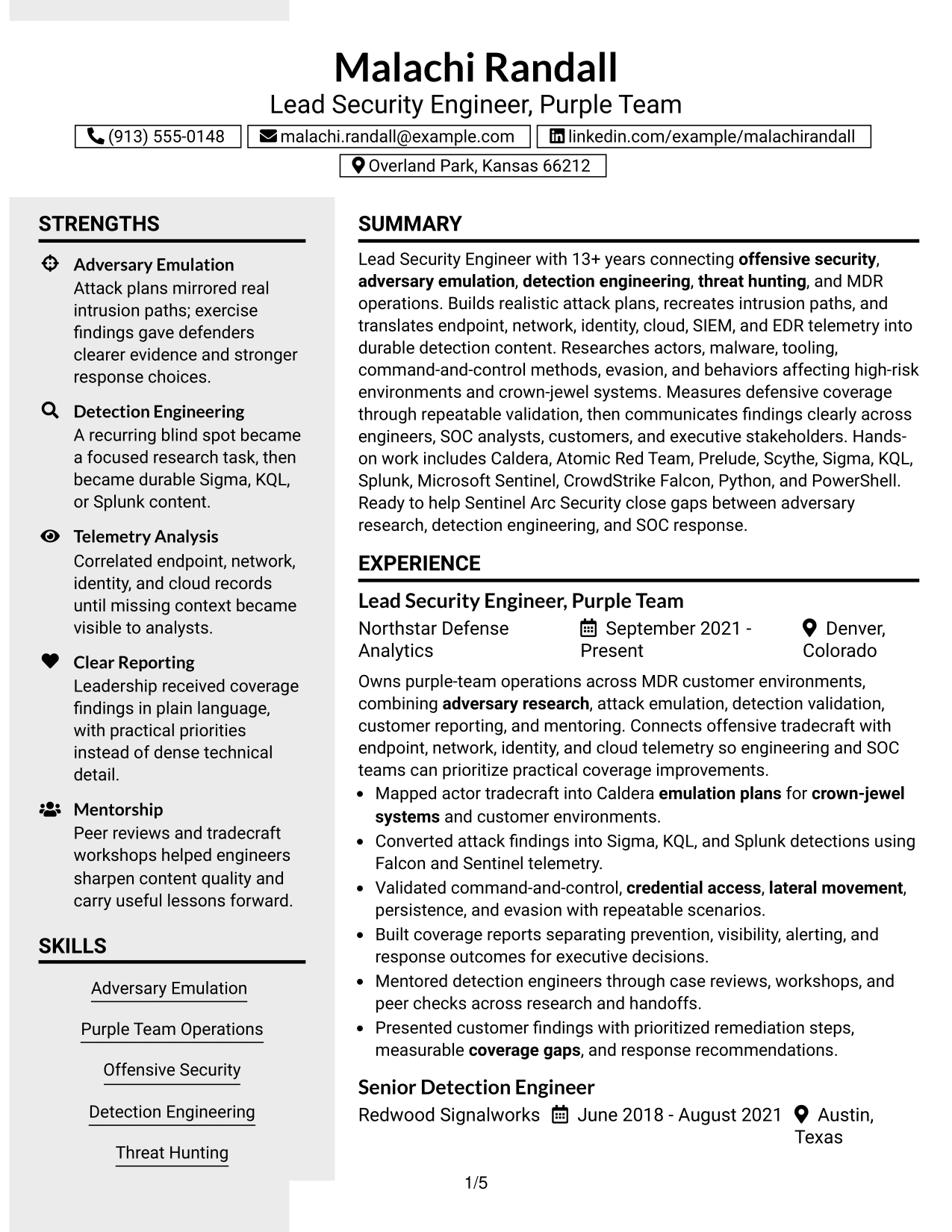
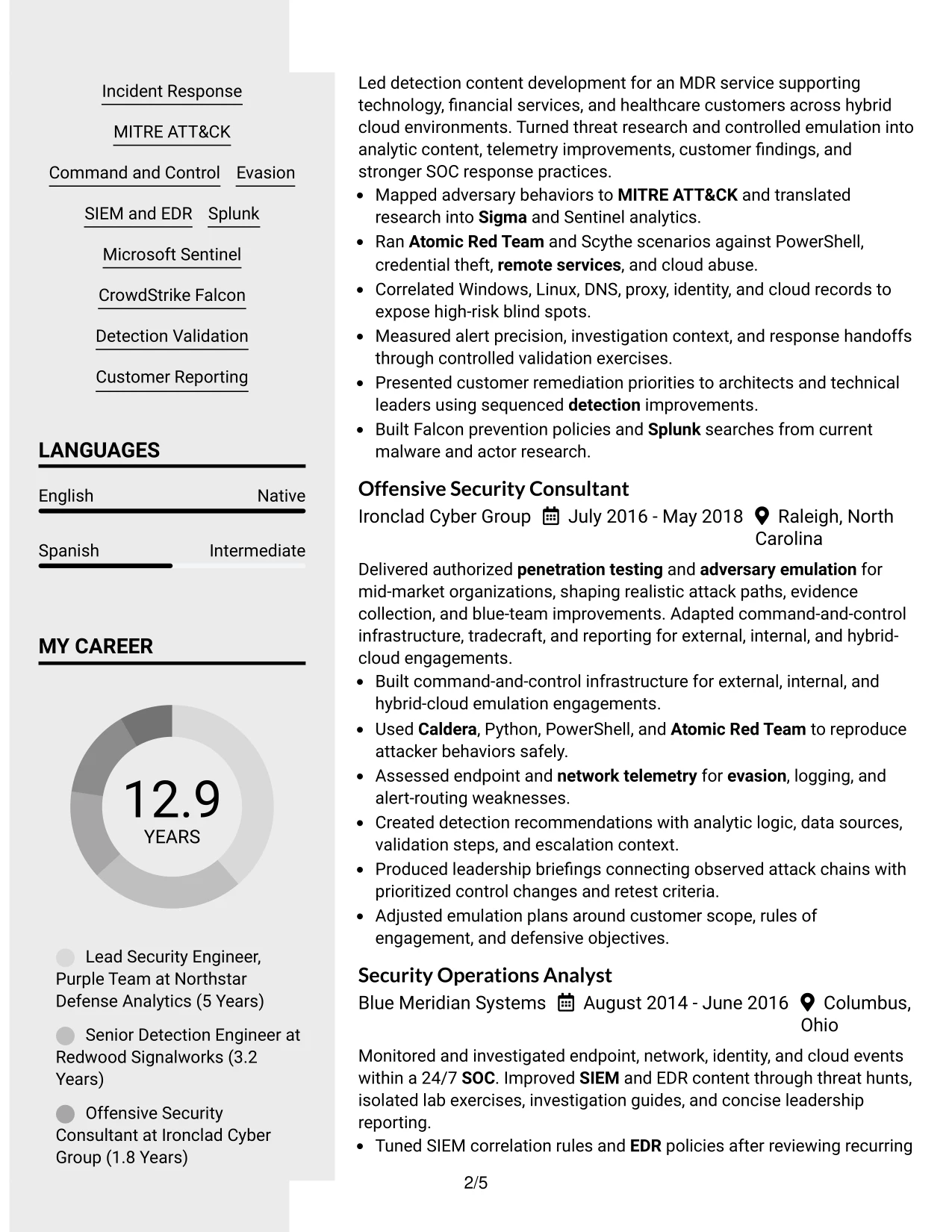
Why the Clean Two Column Sidebar Format Works for a Resume
- The main column gives measurable or observable work clear emphasis.
- A sidebar keeps technical keywords available during a quick first review.
- Short bullets make detection and emulation evidence easier to compare.
- The format can distinguish tools from the results produced with them.
- Projects and certifications can support the experience section without competing with it.
- Balanced spacing helps technical content remain readable rather than compressed.
Best For
- Resumes that must show both offensive and defensive evidence
- Candidates combining attack emulation with detection validation work
- Applications where tools and frameworks need quick sidebar visibility
- Technical professionals with projects that reinforce their employment history
- Readers comparing several evidence types during an initial scan
- Documents that benefit from separating credentials from achievement bullets
- Security resumes that need concise keywords beside detailed results
#4 Two Column Format Resume Example
Content is balanced between quick-reference qualifications and detailed career history. One column can carry skills, certifications, education, and tools, while the other presents experience, projects, and results in a stronger narrative sequence.
For a Lead Security Engineer, Purple Team application, this arrangement makes room for both broad security operations experience and focused evidence from recent roles. It can show adversary research, emulation plans, Sigma and KQL content, telemetry analysis, and leadership reporting without making every section compete for the same space.

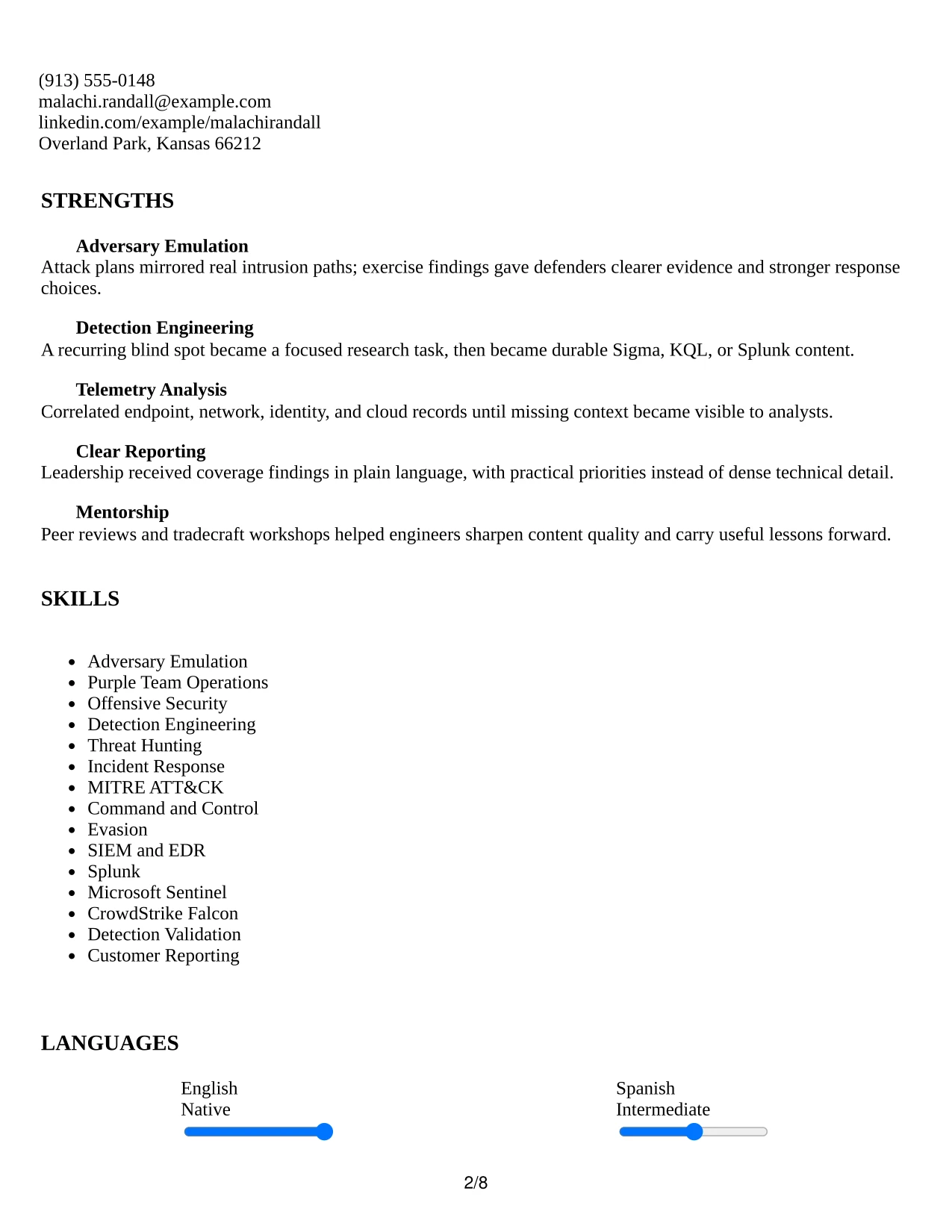
Why the Two Column Format Works for a Resume
- The layout balances rapid keyword review with detailed work history.
- A dedicated skills area keeps tools such as Splunk and Sentinel easy to find.
- Experience bullets can focus on actions, evidence, and defensive improvements.
- Projects provide a separate place for crown-jewel and cloud identity validation work.
- Education and certifications remain visible without interrupting chronology.
- The format suits digital review when columns preserve clear text order.
- A structured hierarchy helps connect senior ownership with hands-on technical work.
Best For
- Applications that require both quick qualification review and detailed evidence
- Resumes combining leadership ownership with hands-on technical delivery
- Documents with a substantial tools, certifications, and project inventory
- MDR or security operations applications that value organized coverage details
- Readers who need to compare skills with corresponding experience bullets
- Candidates showing a progression from monitoring to detection and purple-team work
- Digital resumes where related information benefits from side-by-side organization
#5 Photo Header Two Column Format Resume Example
A practical application review can begin with the prominent header, then move into a two-column summary of qualifications and experience. The photo header adds a visual identity cue, while the resume content still needs to lead with role alignment, evidence, and readable section labels.
The two-column body can place skills, certifications, and tools beside experience and projects. For this security engineering resume, that space supports adversary emulation, detection engineering, SIEM and EDR work, and customer reporting while keeping the page visually organized.

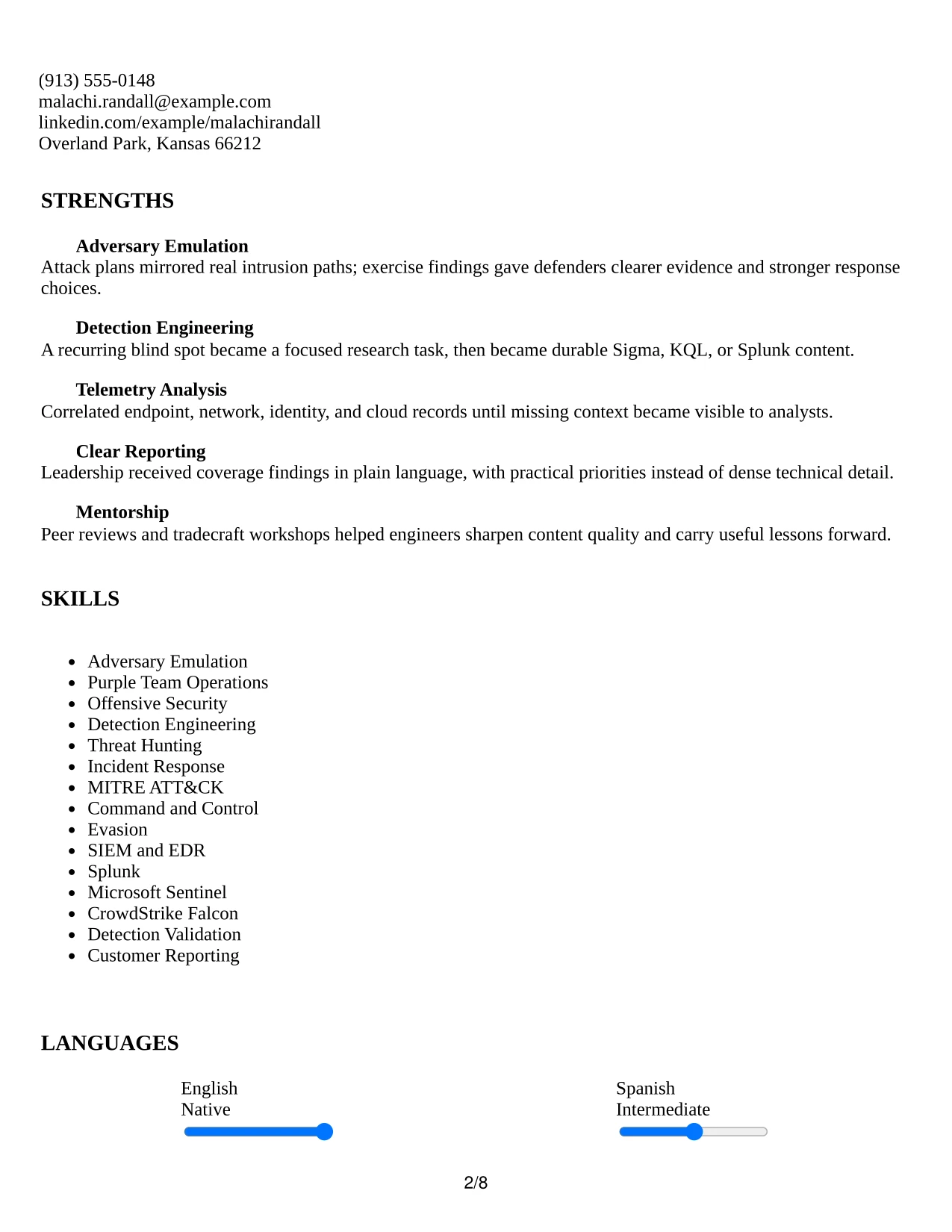
Why the Photo Header Two Column Format Works for a Resume
- The header creates a distinct first impression for settings where a photo is appropriate.
- Two columns let technical keywords sit beside the evidence that supports them.
- The summary can connect the target role to offensive and defensive capabilities.
- Experience bullets remain prominent rather than being reduced to short labels.
- Projects and certifications can add proof without crowding the employment section.
- A strong header and restrained body structure support consistent personal presentation.
- The format can work well when a polished visual identity matters alongside content.
Best For
- Applications where a professional photo is accepted and useful
- Candidates who want a recognizable header before technical details
- Resumes pairing a visual identity with substantial security experience
- Documents that need side-by-side skills and achievement evidence
- Readers who value quick access to certifications and tools
- Applications requiring a polished presentation without removing detailed bullets
- Candidates presenting customer reporting and technical work together
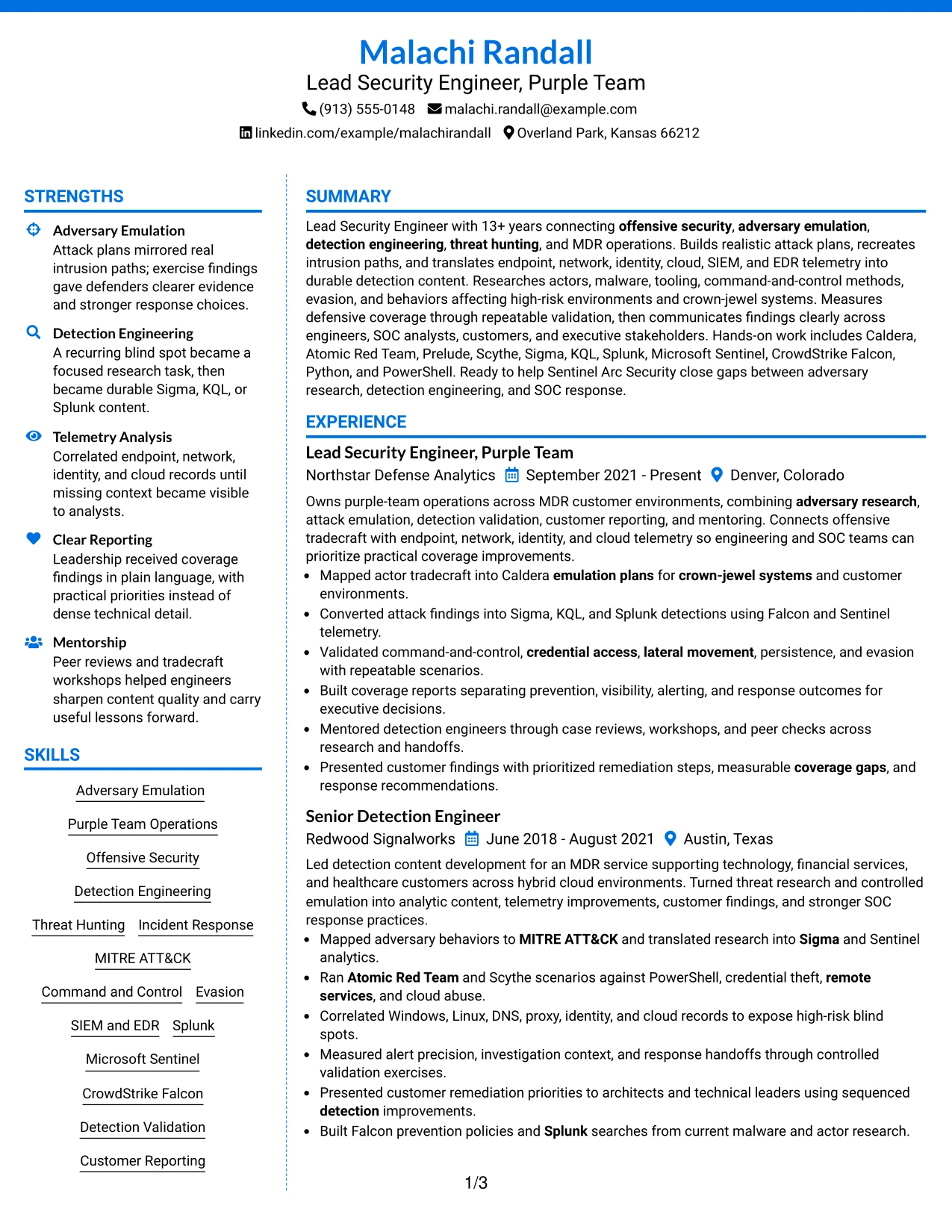
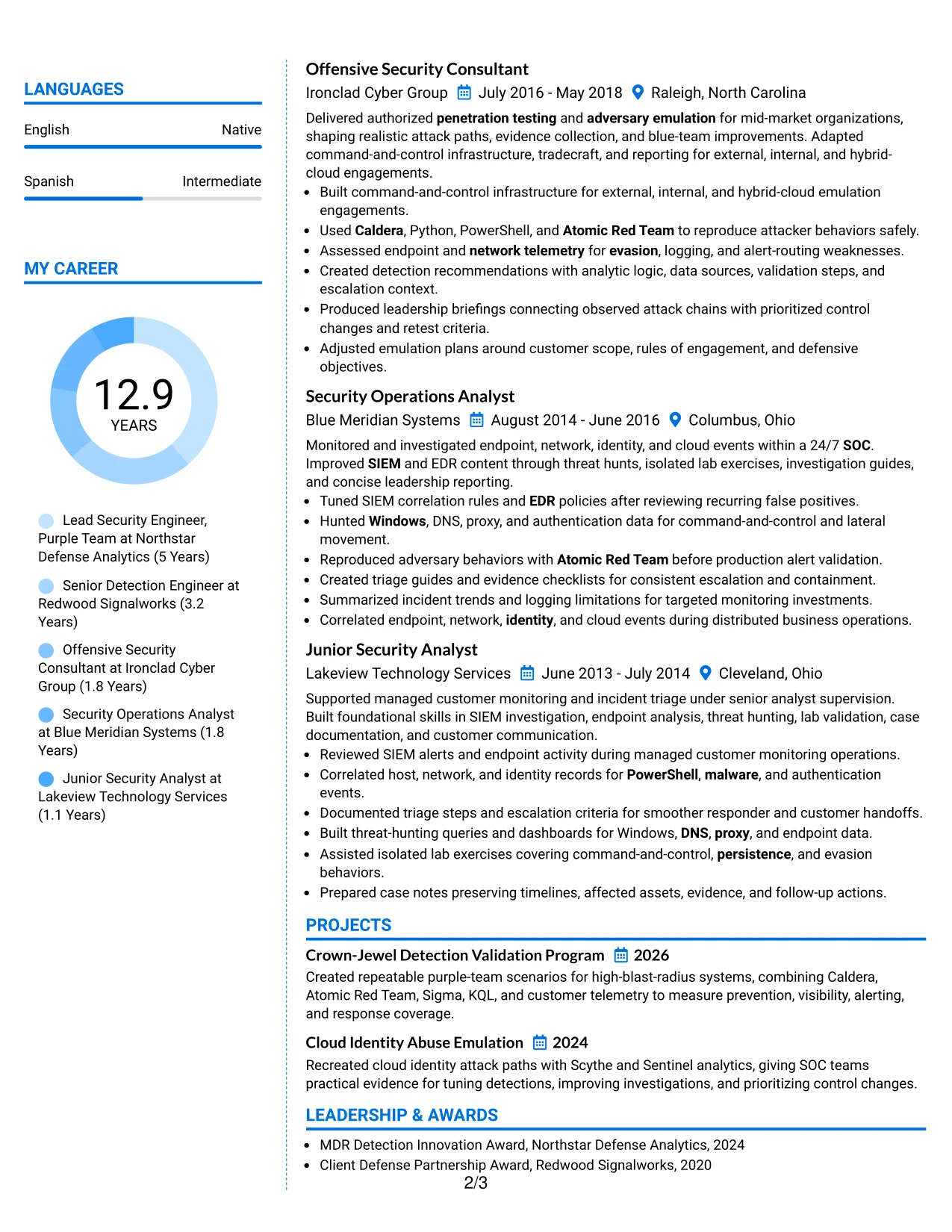
#6 Colored Two Column Format Resume Example
A restrained visual hierarchy separates core qualifications from supporting details before the reader reaches the full experience record. Color can guide attention to section labels, but the resume's strongest signals remain its keywords, action verbs, technical evidence, and clear results.
The Colored Two Column Format gives the target role a visible place near the top and keeps skills, tools, certifications, and education easy to scan. The main content can then explain detection validation, threat hunting, emulation work, and coverage reporting in focused bullets.
Why the Colored Two Column Format Works for a Resume
- Color can distinguish sections without replacing meaningful text headings.
- Two columns support quick review of skills beside employment evidence.
- The layout gives technical keywords a clear visual location.
- Bullets can show how attack behavior became detection or response improvement.
- Certifications and education remain visible as supporting qualifications.
- A restrained palette can add polish while preserving professional readability.
Best For
- Resumes that need modest visual distinction without a complex design
- Applications where skills and experience should be reviewed side by side
- Security professionals presenting detection, hunting, and emulation together
- Documents with enough technical evidence to benefit from clear grouping
- Readers who scan section labels before reading full bullets
- Candidates who want tools and credentials visible without dominating the page
- Digital applications where text hierarchy must remain easy to follow
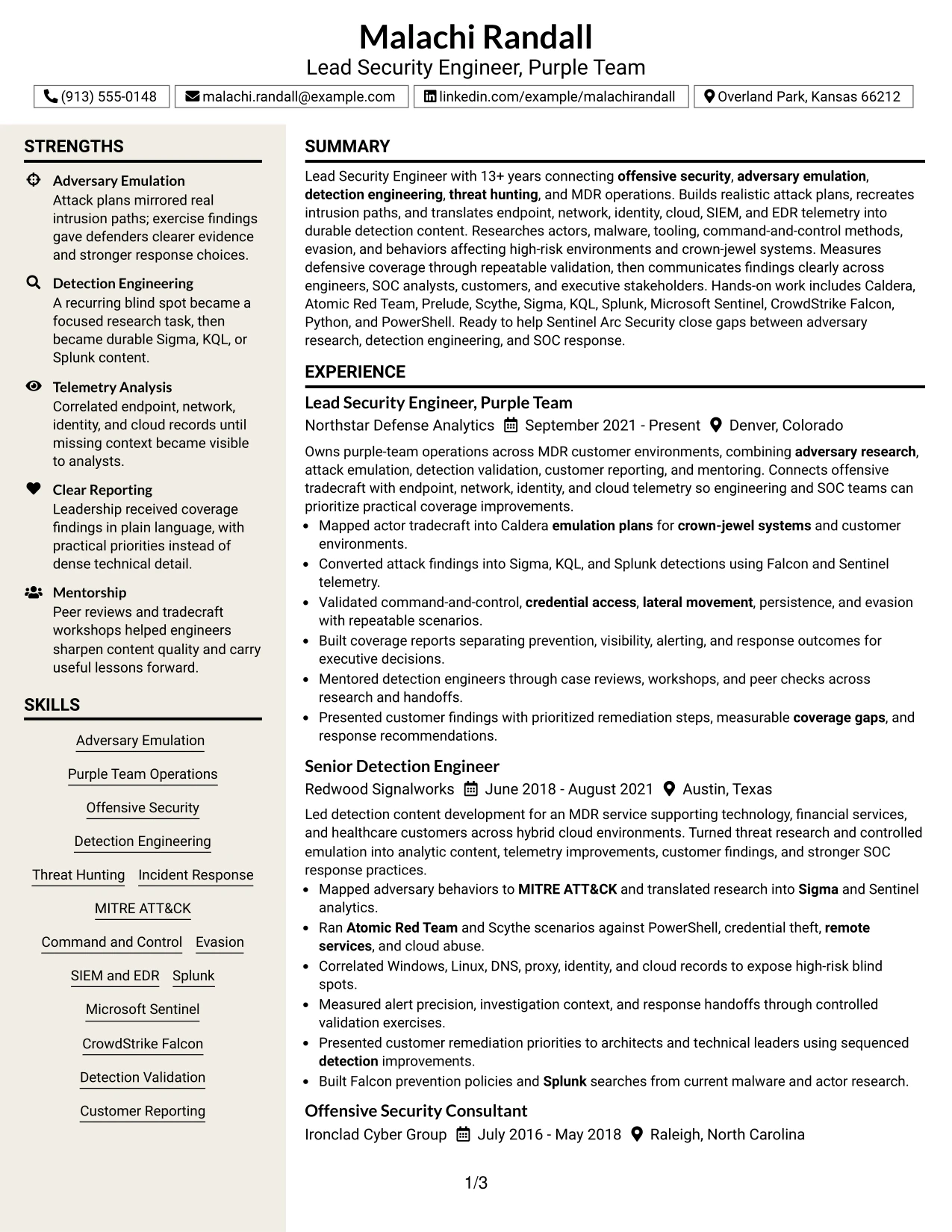
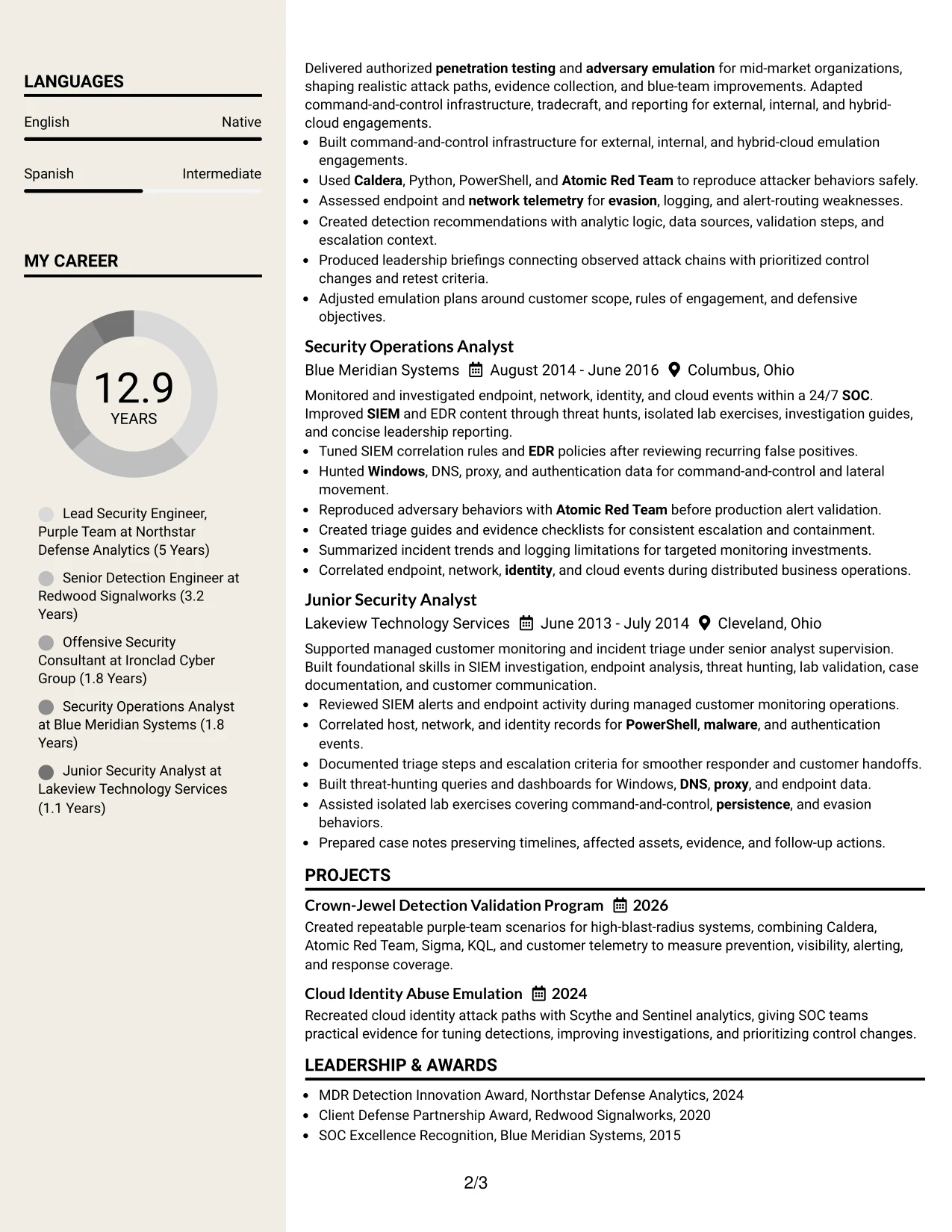
#7 Stylish Two Column Designer Format Resume Example
The Stylish Two Column Designer Format organizes the resume around a strong content hierarchy: summary first, evidence-rich experience next, and supporting qualifications nearby. Distinct section treatment can make projects, skills, and certifications easier to locate without weakening the chronological record.
Its design works best when style supports scanning rather than competing with it. In this example, the resume can present adversary research, command and control, detection content, telemetry sources, and measurable coverage findings through short, well-spaced bullets.
Why the Stylish Two Column Designer Format Works for a Resume
- A clear hierarchy helps readers move from role alignment to proof.
- Two columns create room for both detailed bullets and compact qualifications.
- Distinct section styling can improve navigation across a long technical resume.
- Short bullets preserve evidence while keeping the page visually controlled.
- Projects and awards can add credibility without blending into work history.
- Skills and tools remain accessible for quick keyword matching.
- The structure supports a polished presentation when the content stays ATS-conscious.
Best For
- Candidates seeking a polished layout with strong section navigation
- Resumes that combine extensive experience with compact supporting details
- Applications where projects and awards deserve visible but secondary placement
- Technical professionals whose evidence is strongest in concise bullet points
- Readers who scan for tools before reviewing full career history
- Documents needing visual interest while keeping chronology clear
- Security resumes that must balance designer presentation with ATS-aware text
#8 Modern Icon Format Resume Example
Readers can follow a clear sequence from the professional summary into experience, projects, education, certifications, and skills. Simple icons may help mark section changes, but the text must still carry the meaning for both human reviewers and ATS tools.
The Modern Icon Format uses a single column to give each section full width. That space supports detailed bullets about detection engineering, threat hunting, emulation platforms, telemetry sources, and reporting while keeping the resume easy to follow from top to bottom.
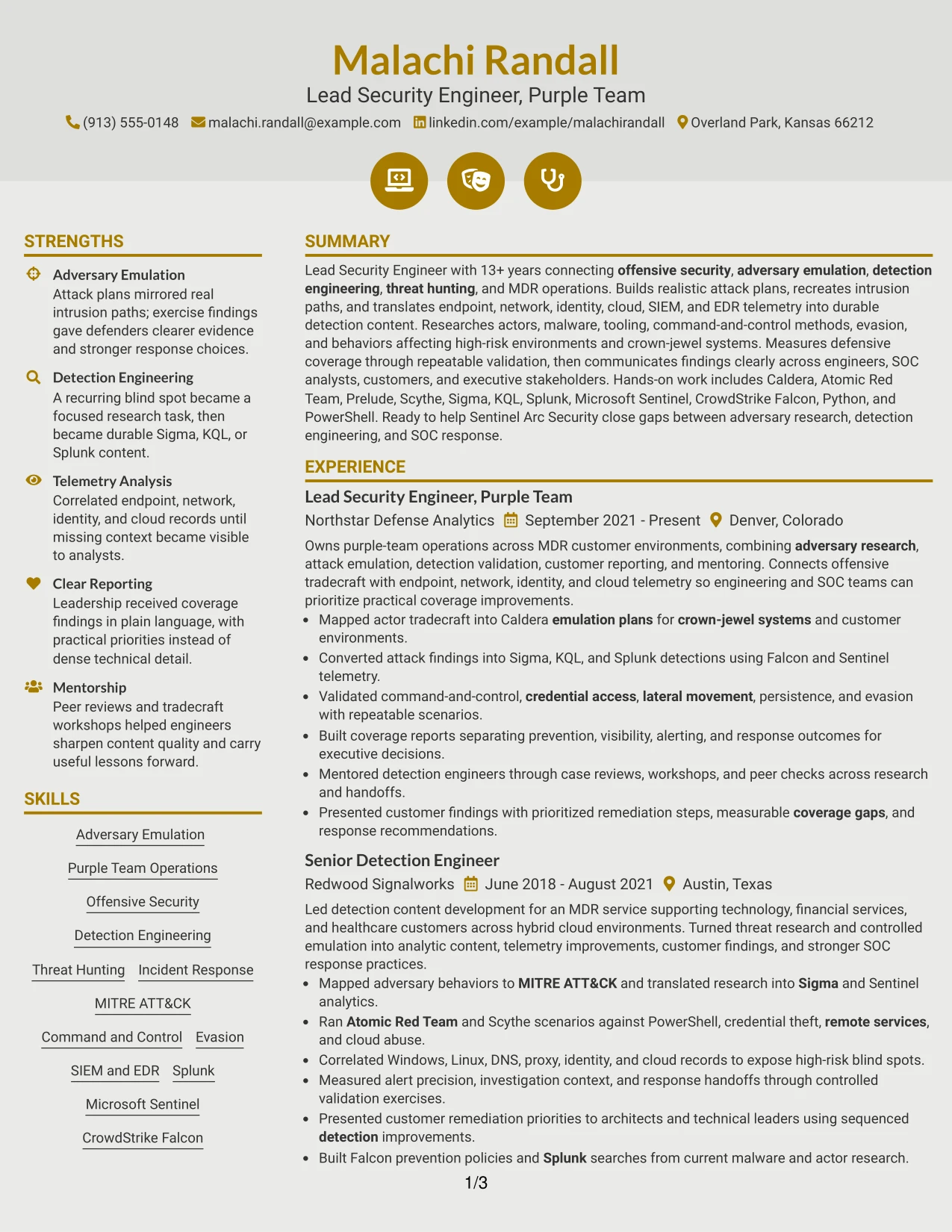
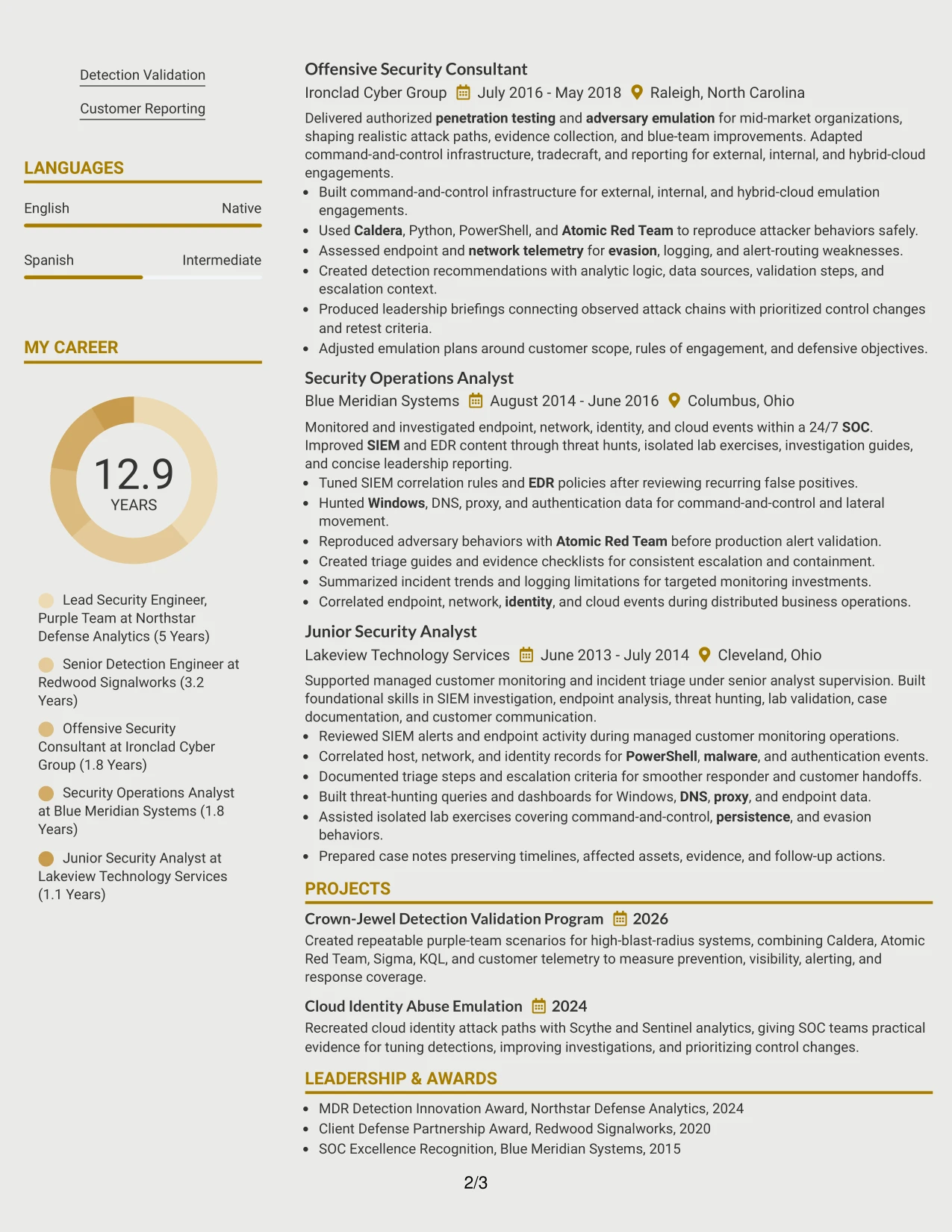
Why the Modern Icon Format Works for a Resume
- A single column provides full width for technical achievement bullets.
- Icons can support navigation when paired with standard text headings.
- The ordered flow works well for a resume with many related sections.
- Projects can explain methods and outcomes without competing for column space.
- Skills and tools can be grouped clearly near the end or beside the summary.
- Full-width entries help preserve context in long technical descriptions.
- A modern treatment adds structure while the content remains the primary signal.
Best For
- Resumes with detailed bullets that need uninterrupted line width
- Candidates presenting experience, projects, and certifications in sequence
- Applications where a modern visual cue can improve section navigation
- Technical professionals with many tools that need grouped presentation
- Readers who prefer a single top-to-bottom review path
- Documents requiring room for telemetry and detection explanations
- Digital resumes that use icons only as support for readable text labels
#9 Modern Full Background Two Column Format Resume Example
Evidence comes first: the resume should quickly show what was researched, emulated, detected, measured, and improved. A two-column structure can place a concise qualification set beside detailed bullets that connect offensive actions to defensive outcomes.
The Modern Full Background Two Column Format provides space for technical keywords and substantial experience at the same time. Used carefully, it can highlight Sigma, KQL, Splunk, Sentinel, Falcon, MITRE ATT&CK, and repeatable validation without burying the results under decoration.
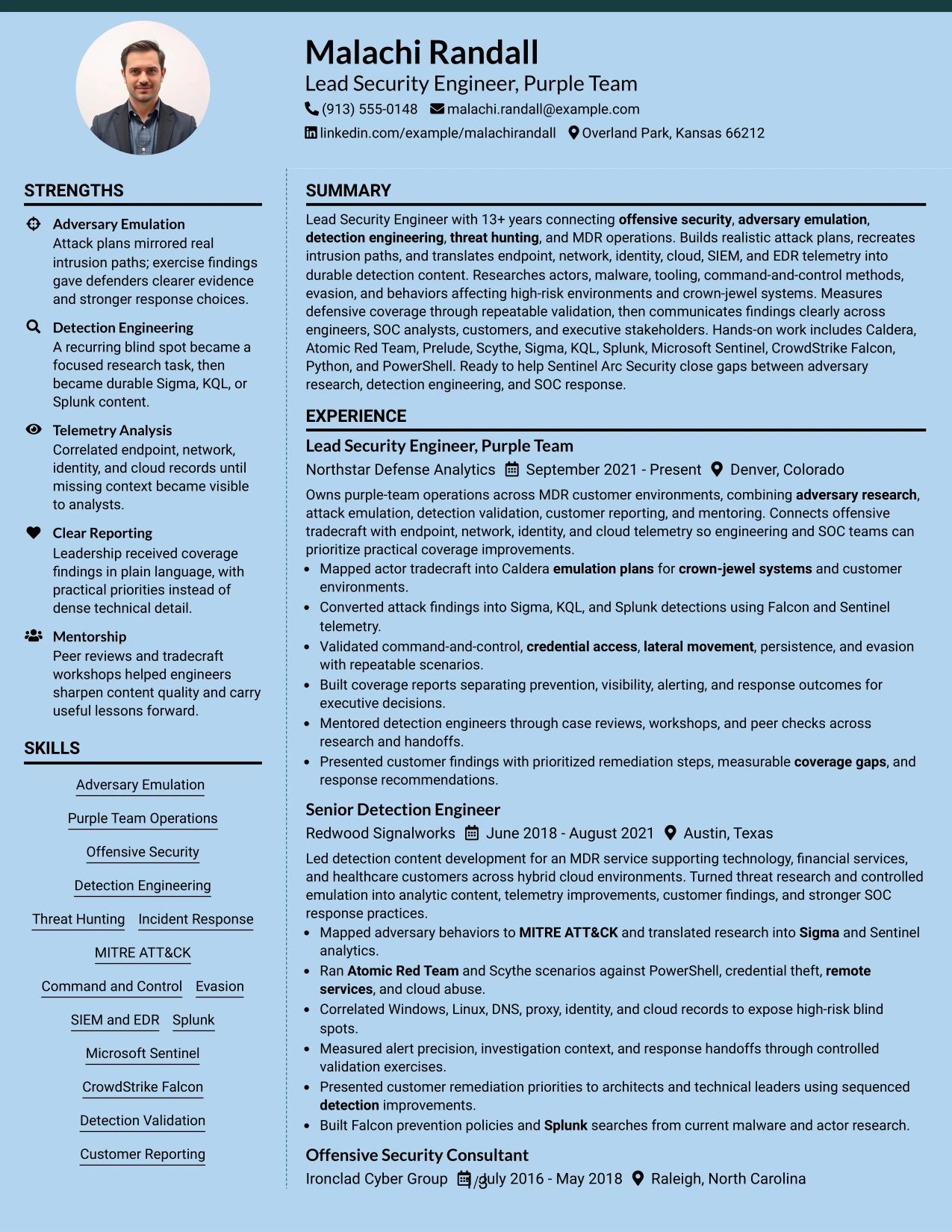
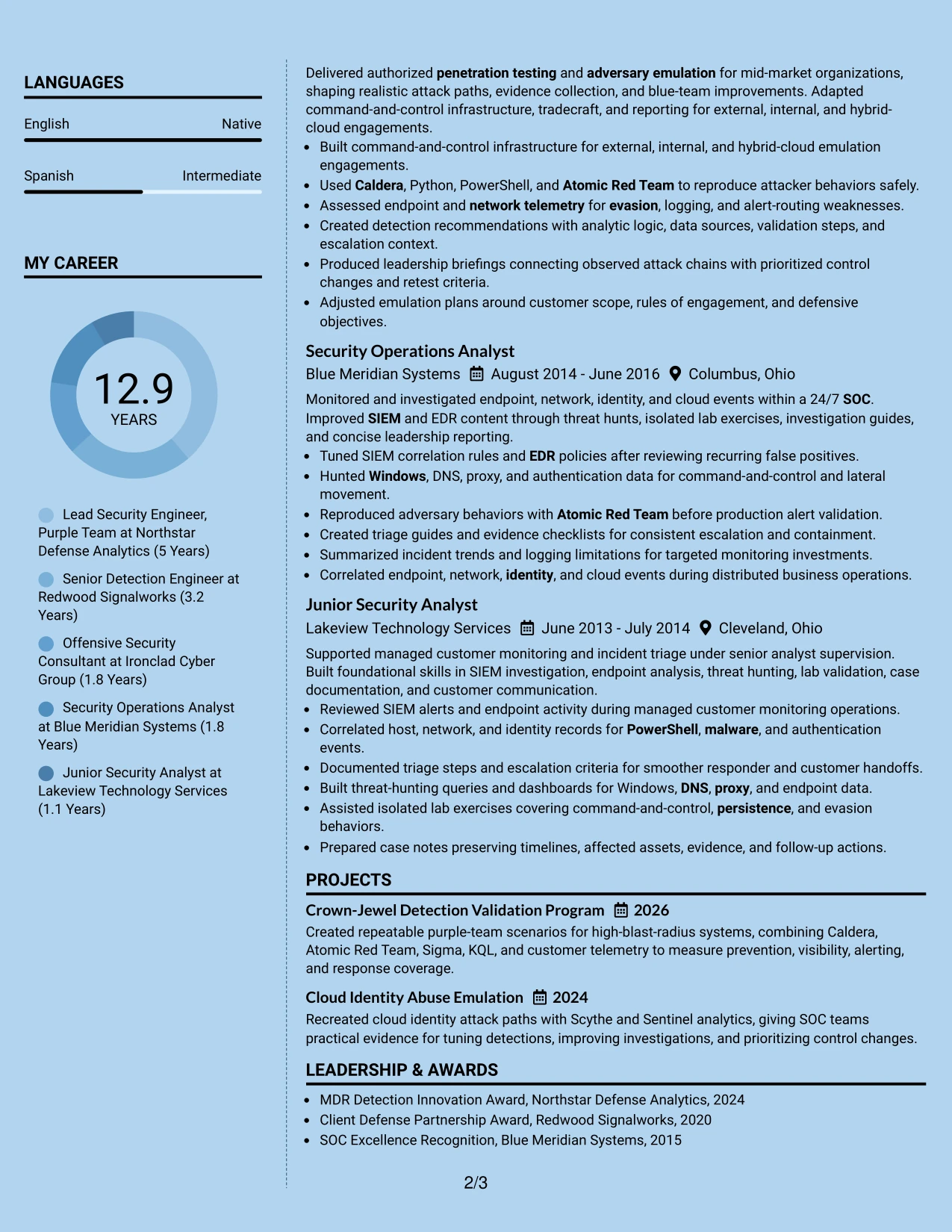
Why the Modern Full Background Two Column Format Works for a Resume
- The main evidence area can carry detailed action and outcome bullets.
- A secondary column keeps frameworks, platforms, and credentials easy to find.
- The format supports a clear connection between emulation and detection results.
- Projects can reinforce experience with focused technical case examples.
- A strong background treatment can separate sections while preserving hierarchy.
- The two-column structure handles both keyword density and readable spacing.
- Text-first organization helps the visual design remain useful during ATS review.
Best For
- Resumes where measurable defensive evidence should lead the presentation
- Candidates connecting offensive testing with detection engineering outcomes
- Applications with many platforms, frameworks, and technical keywords
- Documents that need room for projects alongside a substantial work history
- Readers evaluating tools and results together rather than separately
- Security professionals presenting coverage, response, and telemetry evidence
- Digital resumes that can support a modern background without reducing contrast
#10 Dark Mode Two Column Format Resume Example
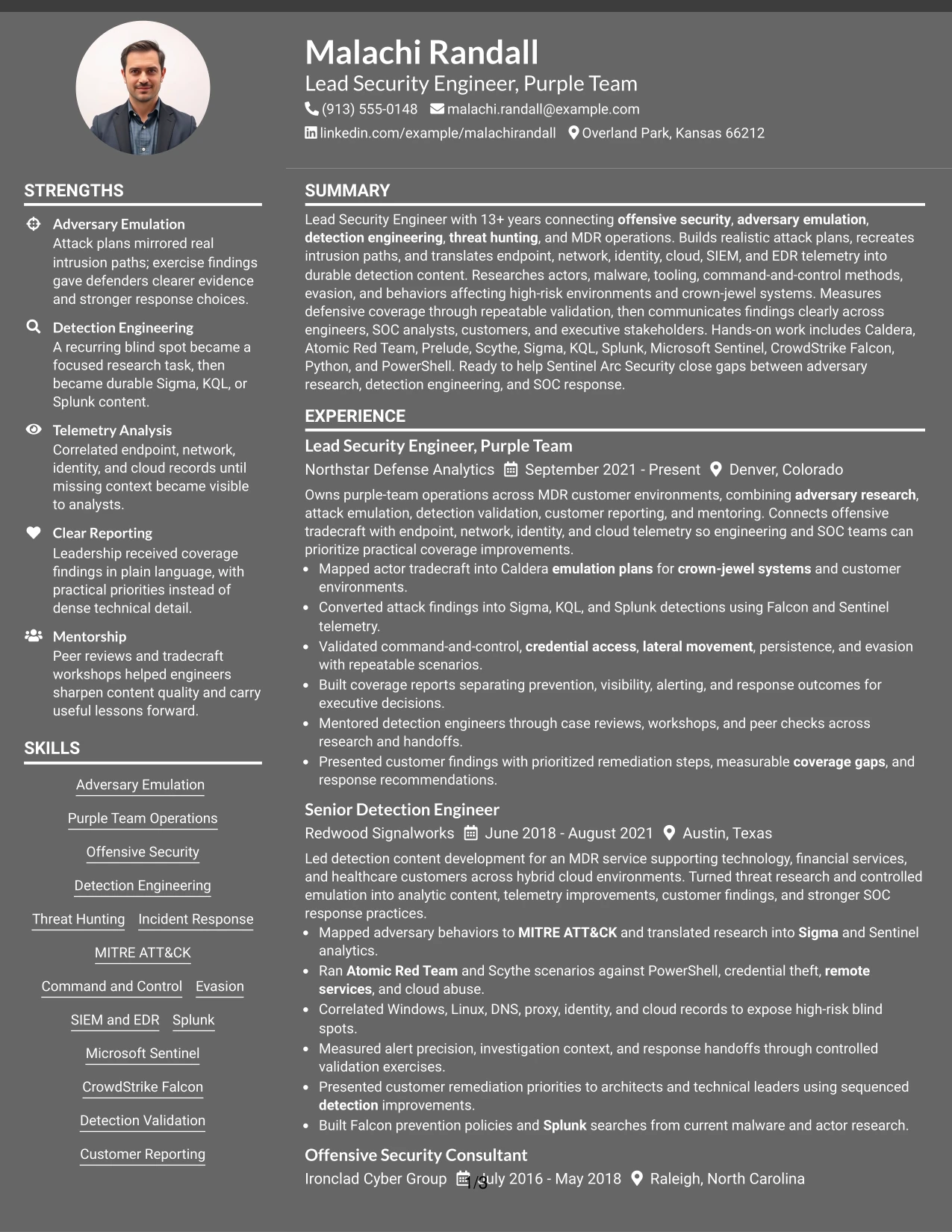
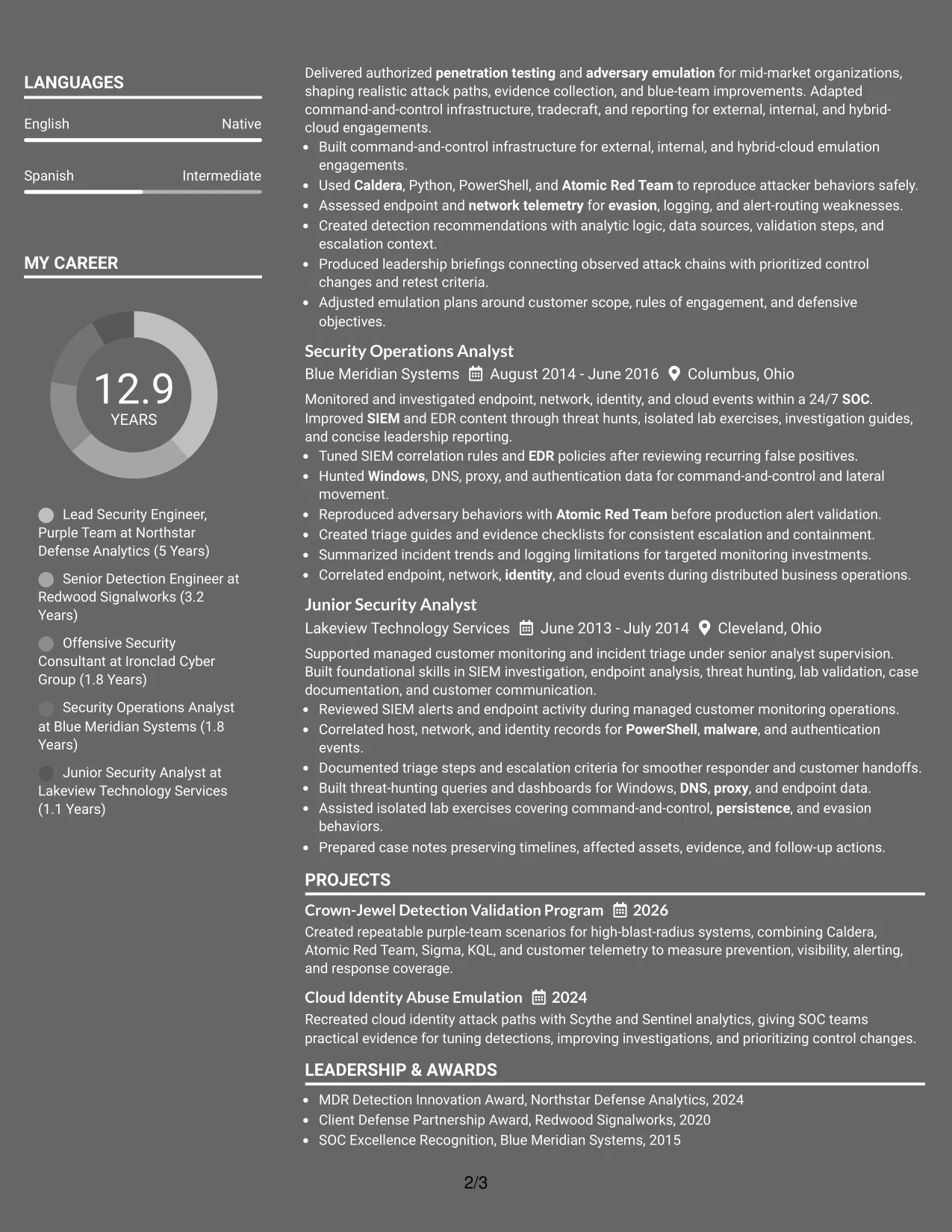
Space is divided between a quick-reference qualification area and a detailed experience area. That balance lets the resume show leadership scope, hands-on security work, tools, certifications, and projects without allowing any one category to overwhelm the page.
The Dark Mode Two Column Format can present Malachi Randall's progression from security operations to purple-team leadership in a compact structure. Strong contrast, plain section labels, and focused bullets help preserve readability while showing adversary emulation, detection content, telemetry analysis, and customer reporting.
Why the Dark Mode Two Column Format Works for a Resume
- Two columns make efficient use of space for a long technical history.
- A quick-reference area keeps skills and credentials visible during first review.
- The main area can show progression, ownership, and hands-on evidence.
- Projects help demonstrate focused validation work without disrupting chronology.
- Dark styling can create distinction when text contrast remains strong.
- Clear labels and conventional ordering support both readers and ATS tools.
- The format suits applications where compact presentation must still show depth.
Best For
- Applications that need a compact presentation of extensive experience
- Candidates showing progression from SOC operations to senior technical ownership
- Resumes balancing leadership scope with hands-on tools and techniques
- Documents where projects and certifications must fit beside chronology
- Readers who want a quick qualification panel before detailed evidence
- Digital applications that support high-contrast dark styling
- Security professionals presenting customer reporting and technical delivery together
#11 Dark Mode Box Header Format Resume Example
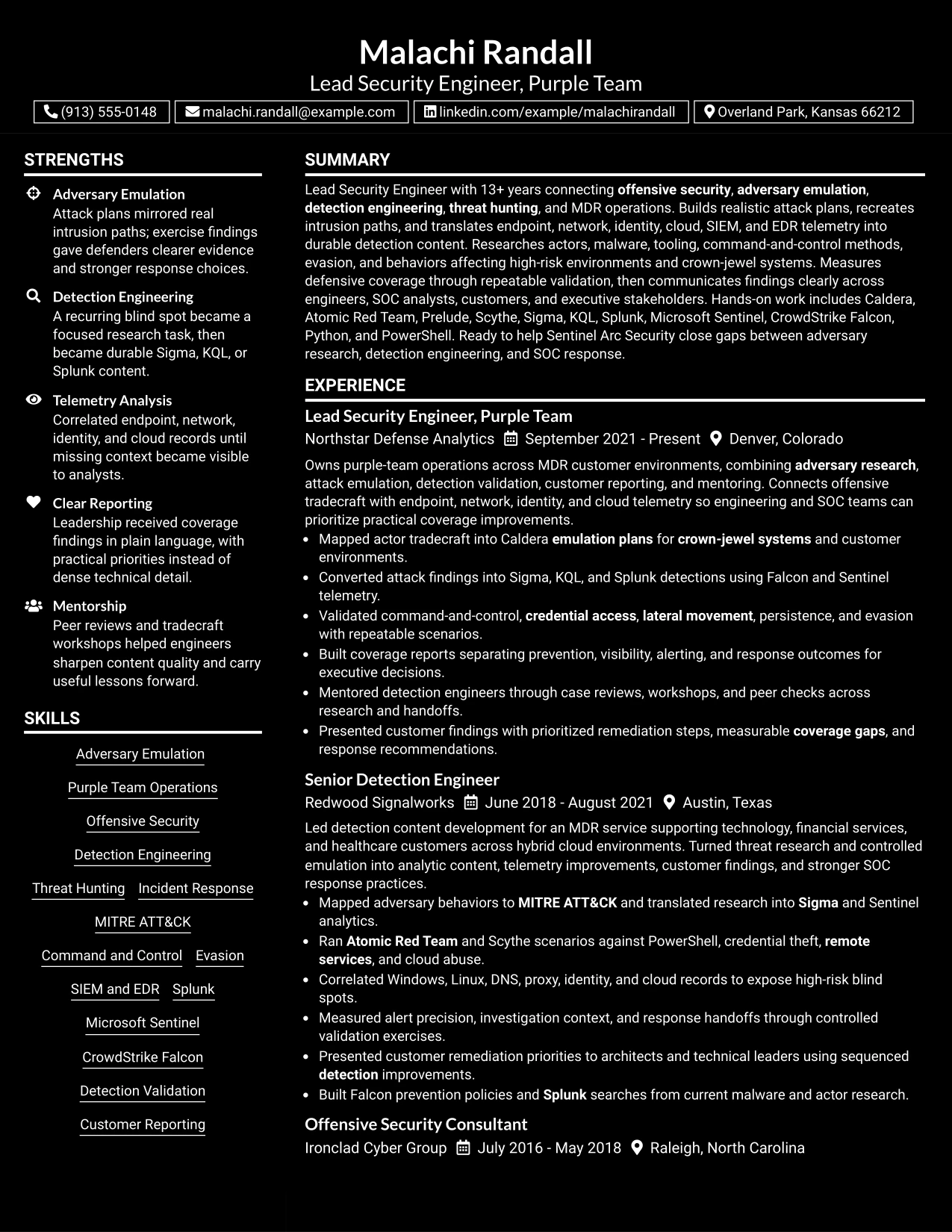
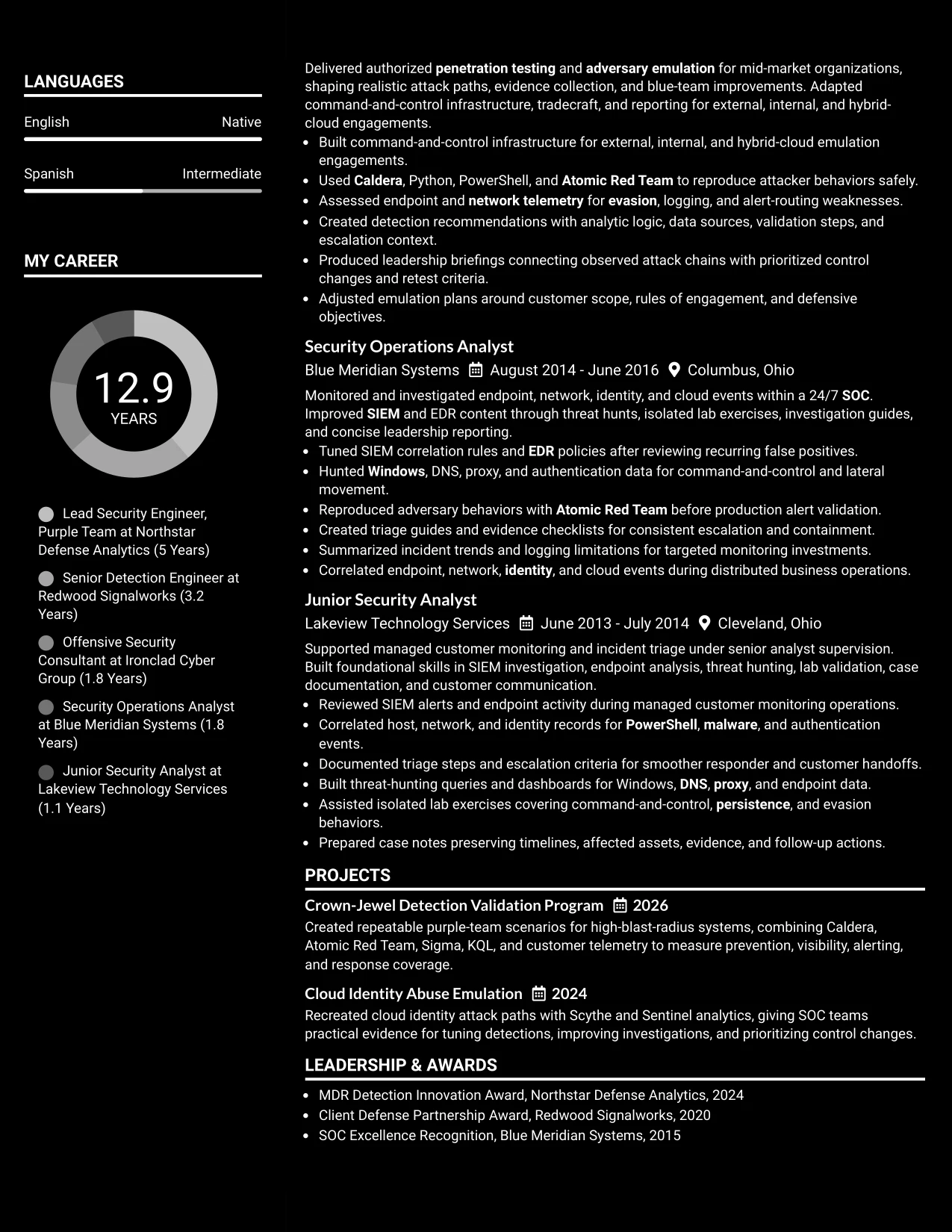
A practical application review starts with a boxed header that identifies the target role and strongest qualifications, then continues through full-width sections. This approach gives the summary, experience, projects, education, certifications, and skills a consistent reading order.
The Dark Mode Box Header Format works well for a technical resume that needs emphasis without a side column. Full-width bullets can explain attack paths, detection rules, telemetry sources, validation scenarios, and reporting outcomes while the boxed header provides a clear entry point.
Why the Dark Mode Box Header Format Works for a Resume
- A boxed header makes the target role and summary easy to identify.
- The single-column body gives detailed evidence enough room to remain precise.
- Full-width bullets support clear explanations of technical methods and outcomes.
- Projects can sit naturally between experience and education sections.
- Certifications and skills remain easy to review in a consistent sequence.
- High-contrast styling can add visual focus when text remains readable.
- The format presents a strong opening without relying on decorative complexity.
Best For
- Applications that benefit from a strong role-focused header
- Resumes needing full-width space for attack and detection explanations
- Candidates presenting projects as a natural extension of work history
- Technical professionals with detailed certifications and tool lists
- Readers who prefer a clear single-column review after the header
- Digital resumes where high contrast supports fast section recognition
- Documents that need visual focus while keeping evidence and chronology central
#12 Elegant Full Background Two Column Format Resume Example
A restrained visual hierarchy gives this Elegant Full Background Two Column Format resume a polished, focused impression. The two-column structure separates supporting details from the main career story while keeping the role title, summary, experience, skills, certifications, and education easy to locate.
For a Lead Security Engineer, Purple Team resume, the design can give equal weight to technical evidence and leadership scope. The main column can carry progression and results, while the secondary column groups tools such as Caldera, Sigma, KQL, Splunk, and Microsoft Sentinel. Clear headings and standard wording also support ATS parsing.
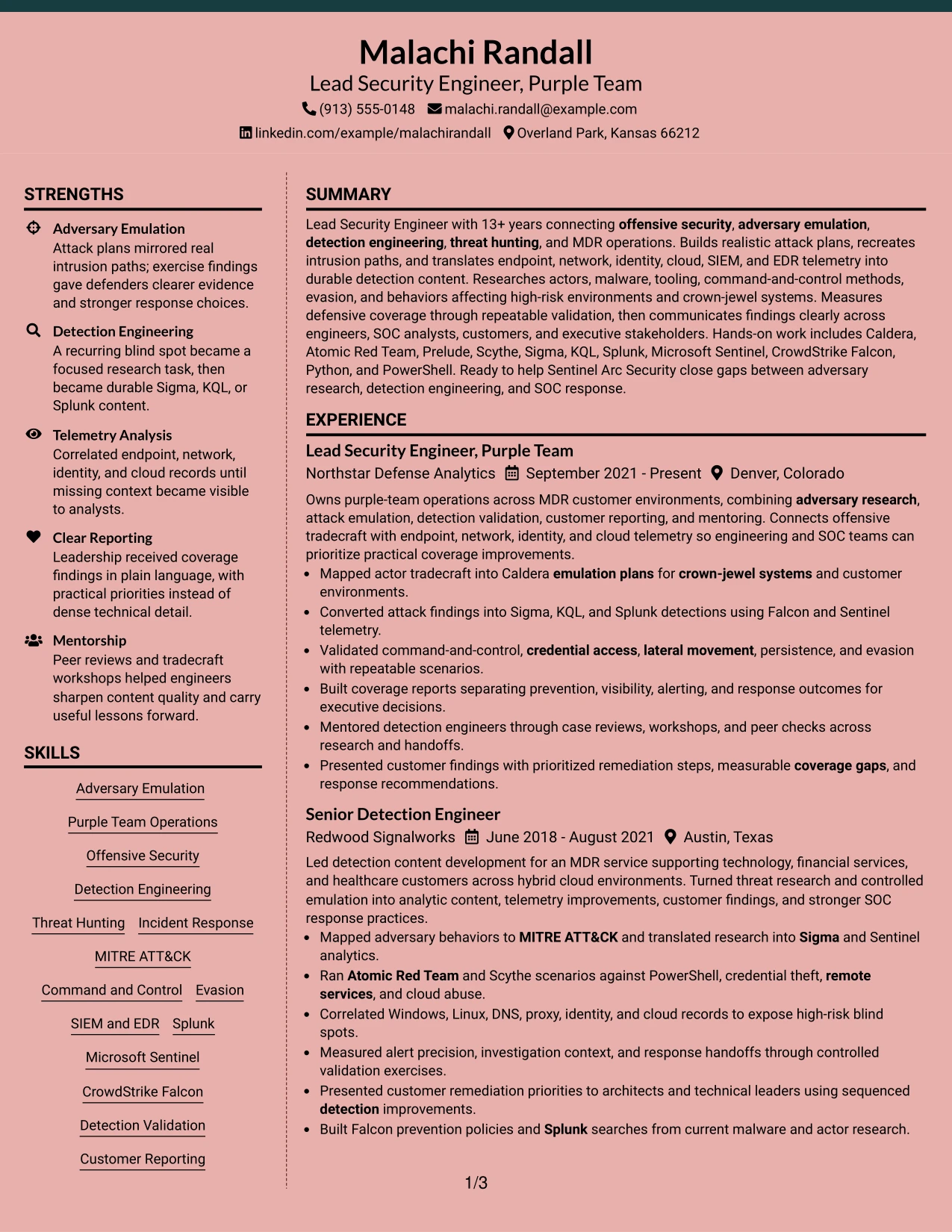
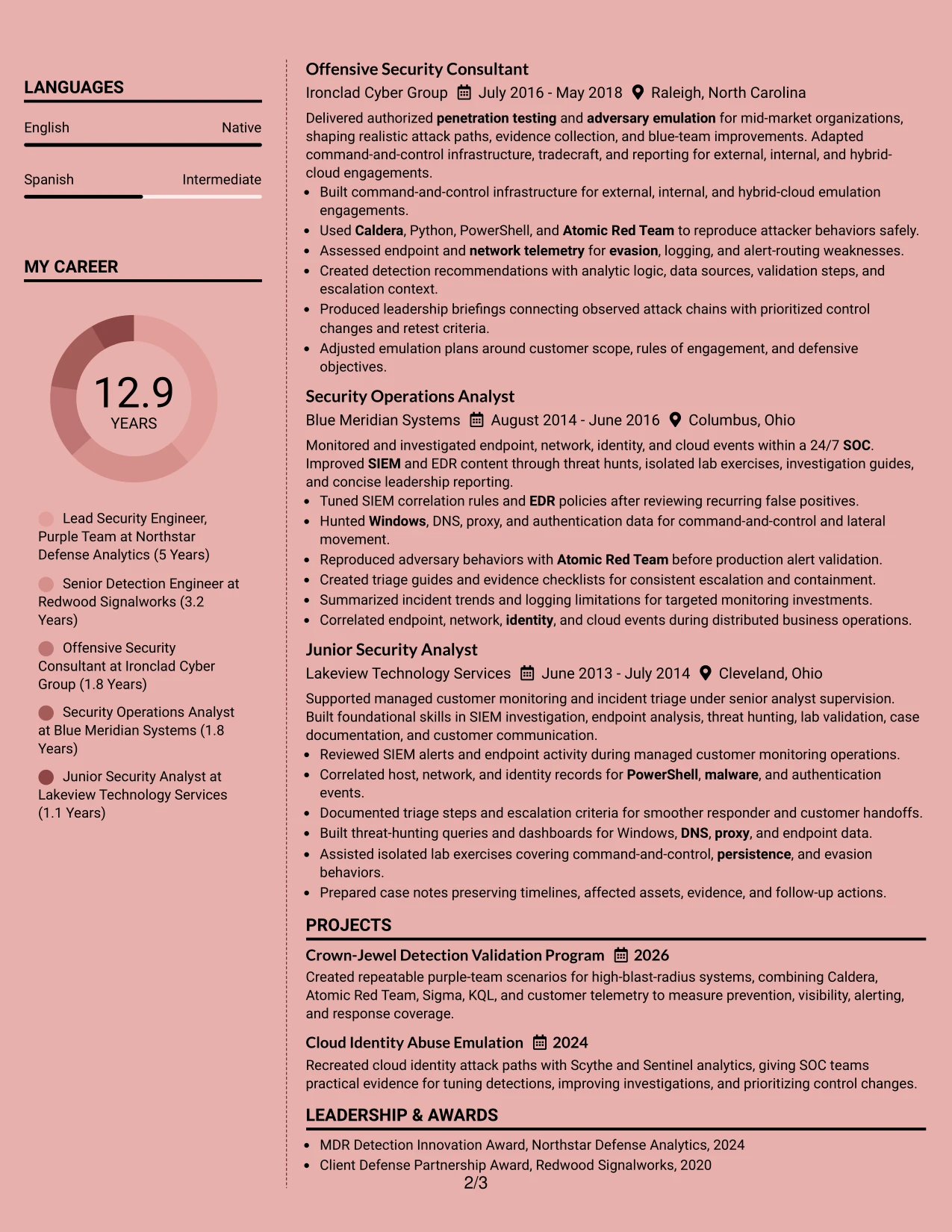
Why the Elegant Full Background Two Column Format Works for a Resume
- A strong visual hierarchy helps readers find the summary and most recent role quickly.
- Two columns organize tools, certifications, education, and affiliations without crowding the experience section.
- The main column gives attack planning, detection validation, and reporting bullets room to show evidence.
- Short bullet points make technical work easier to scan during an initial resume review.
- Standard section labels and plain text improve ATS interpretation.
- The format can show career progression from security operations to purple-team leadership.
- A controlled color treatment adds distinction without replacing measurable or role-specific content.
Best For
- Resumes that need a clear split between career evidence and supporting credentials.
- Candidates with many tools, certifications, and technical methods to organize efficiently.
- Applications where recruiters must compare recent leadership scope with earlier hands-on work.
- Professionals who want a polished design while keeping standard resume section order.
- Documents that use concise bullets to connect adversary behavior with detection outcomes.
- Roles that require both technical depth and readable executive reporting.
- Applicants who want strong visual organization without relying on decorative graphics.
#13 Creative Two Tone Format Resume Example
The Creative Two Tone Format places the resume in a single, continuous reading path with a clear change in visual emphasis between sections. That structure helps the reader move from the professional summary to experience, projects, skills, education, and certifications without searching across separate panels.
Its creative treatment can still serve a technical application when the content remains disciplined. Bullets should lead with actions such as designed, validated, correlated, or translated, then name the evidence, tools, and outcome. ATS-friendly headings and keywords such as adversary emulation, detection engineering, and MDR preserve practical resume value.
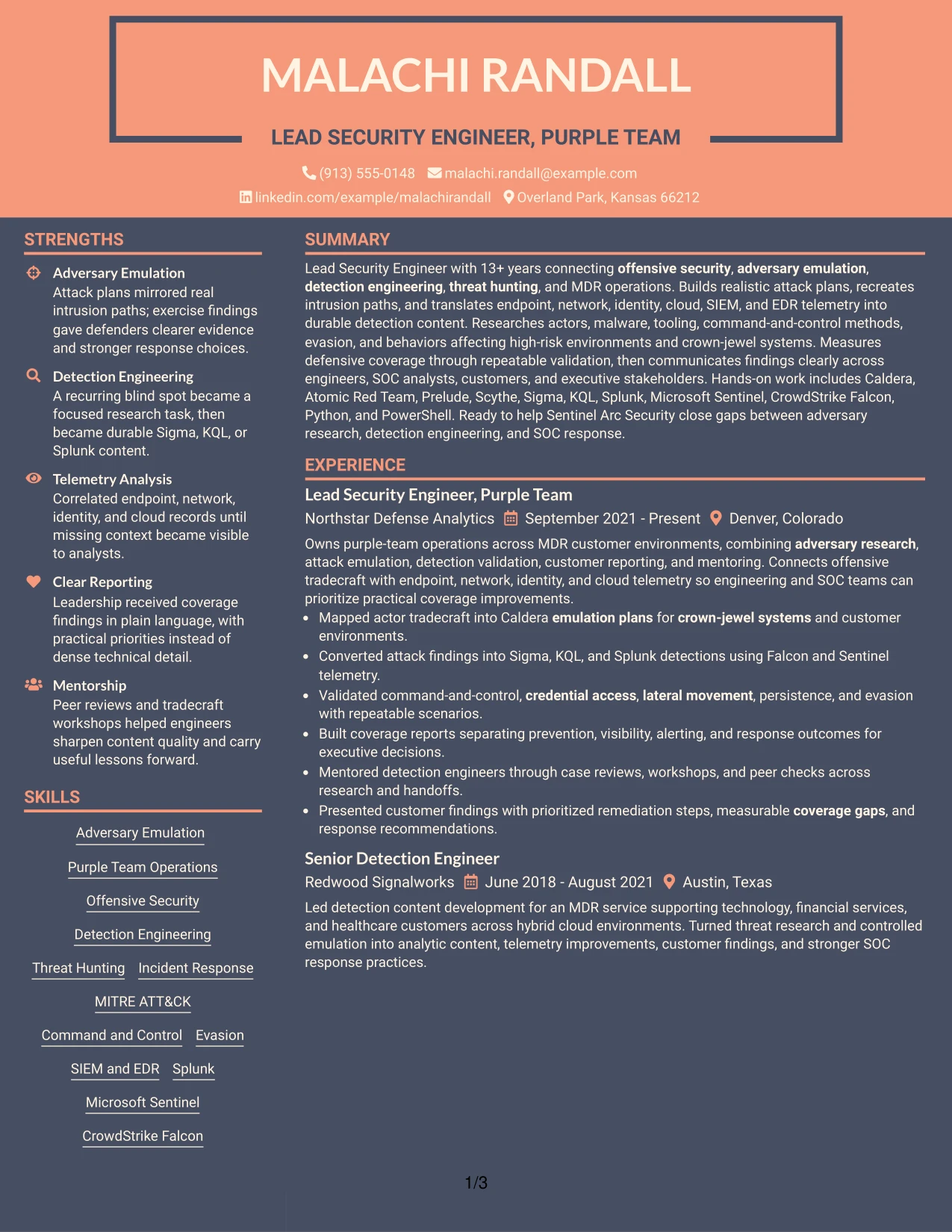
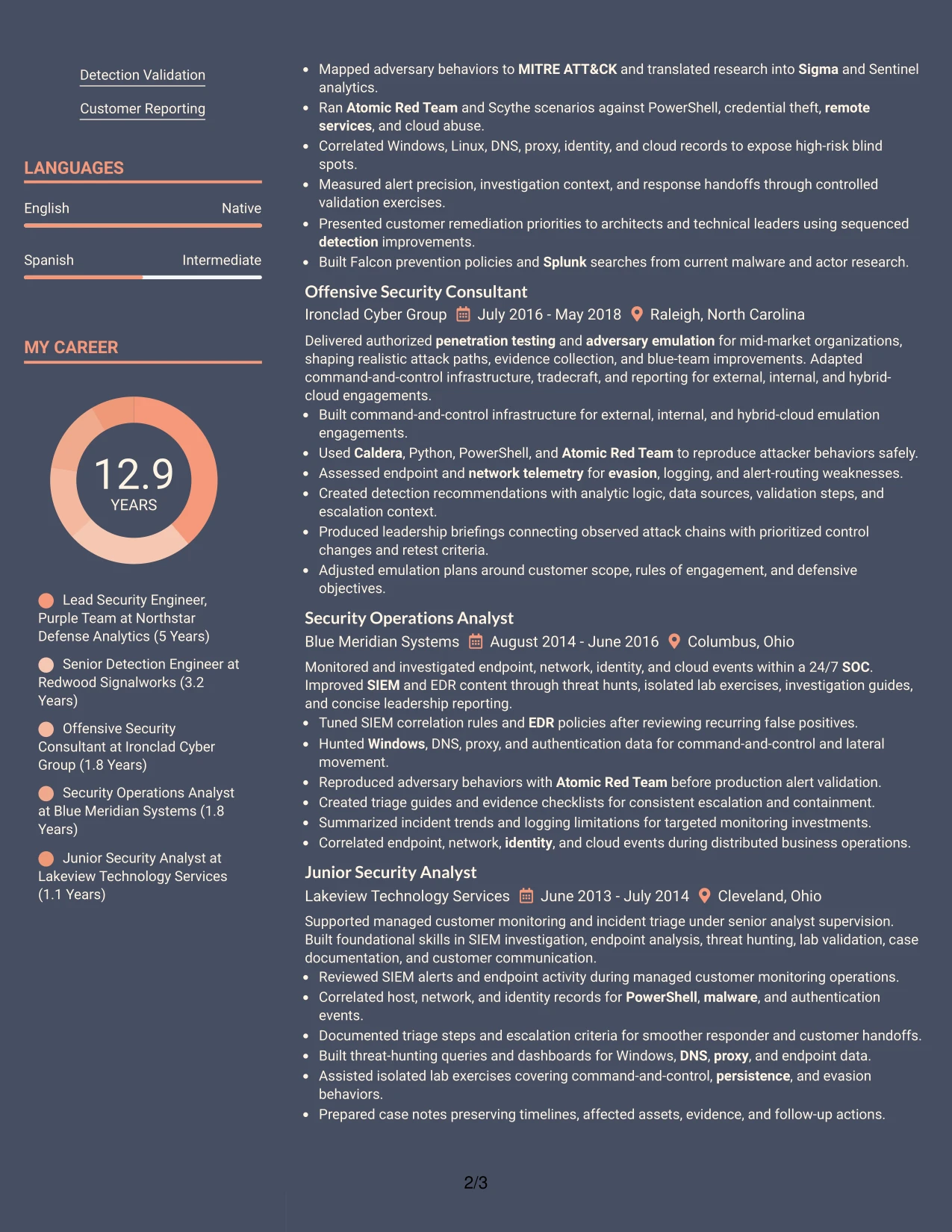
Why the Creative Two Tone Format Works for a Resume
- A one-column reading path supports consistent recruiter scanning from top to bottom.
- Two visual tones can distinguish headings from evidence without hiding important content.
- Experience bullets remain in one sequence, which helps show progression across five roles.
- Projects can add focused proof for crown-jewel detection validation and cloud identity abuse emulation.
- Technical keywords stay close to the accomplishments that demonstrate them.
- The format gives leadership reporting and mentoring work room beside technical delivery.
- Simple section order makes the document easier to review on screen or in print.
Best For
- One-column resumes that need a memorable but controlled visual treatment.
- Candidates who want every role reviewed in a single uninterrupted sequence.
- Applications where project evidence should appear near related experience.
- Documents with varied technical keywords that benefit from nearby context.
- Readers who scan headings first and then inspect selected achievement bullets.
- Professionals balancing offensive security, detection work, and customer-facing reporting.
- Resume versions that need visual distinction without a complex navigation pattern.
#14 Minimal Header Format Resume Example
Recruiters can move from the centered header into the summary, recent experience, earlier roles, and supporting sections with very little visual friction. The Minimal Header Format keeps attention on the document's content while giving each section a predictable place in the review sequence.
That economy suits a detailed security resume with several years of progression and a wide toolset. A concise summary can establish offensive and defensive range, while experience bullets carry detection content, telemetry analysis, validation work, and reporting evidence. Skills, certifications, projects, and education then reinforce the match without competing for attention.
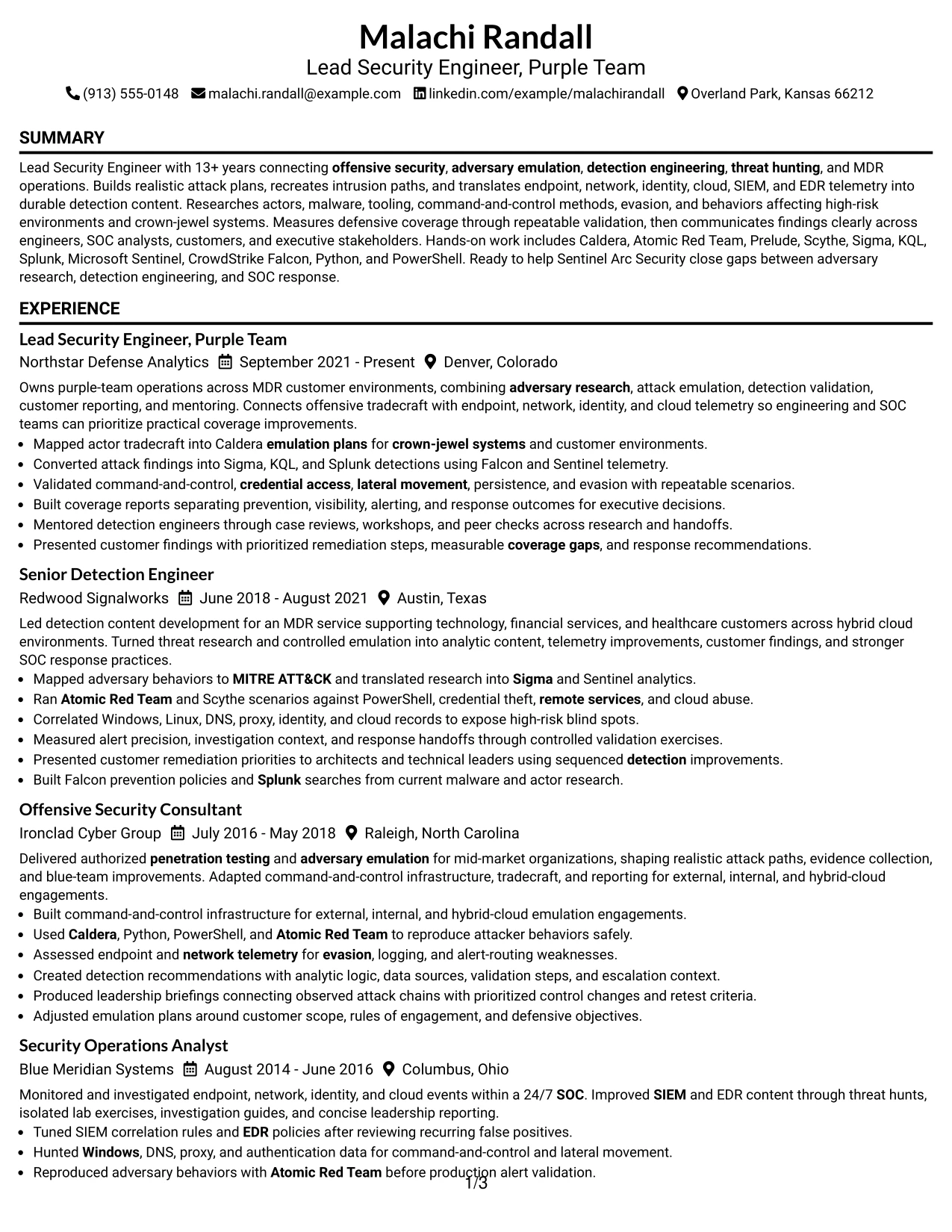
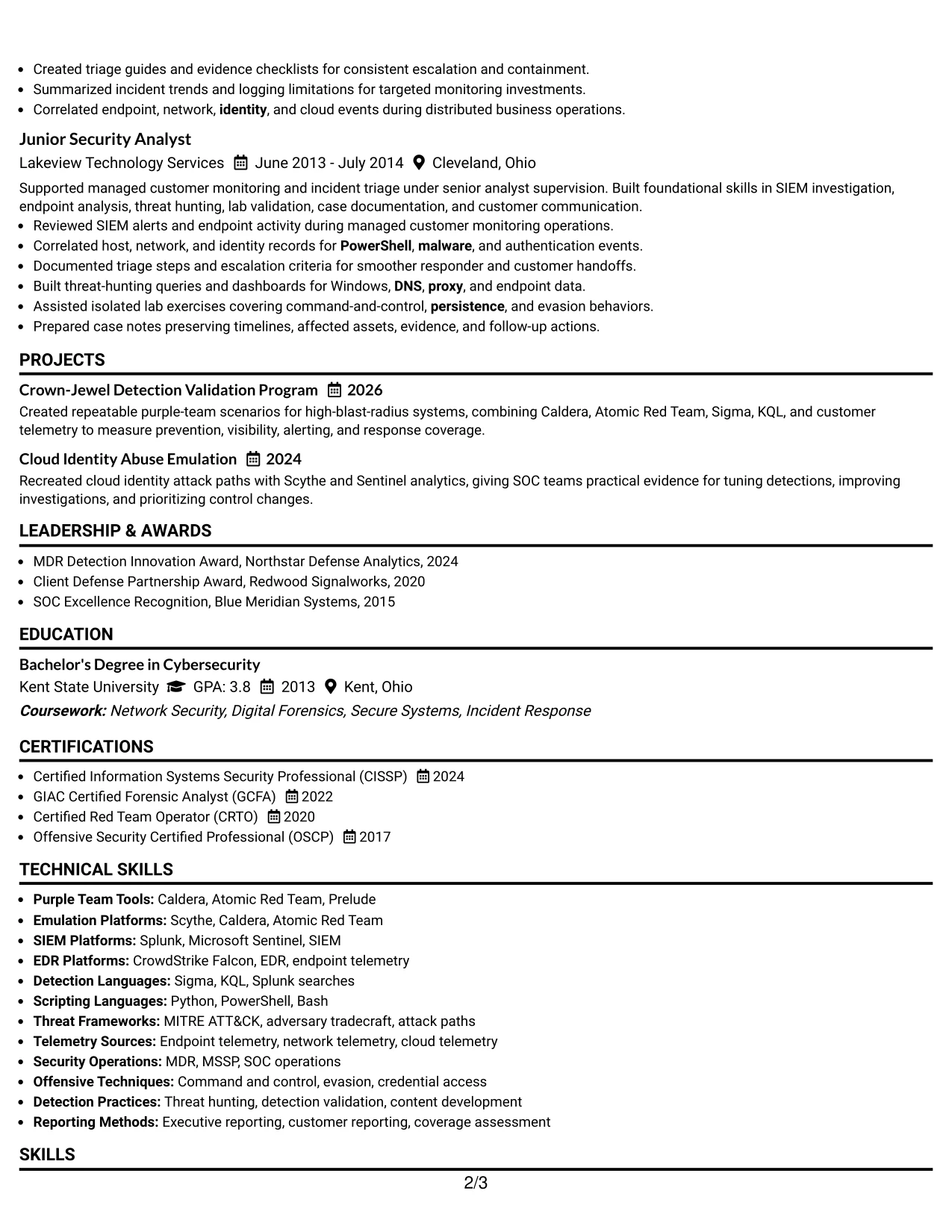
Why the Minimal Header Format Works for a Resume
- A quiet header leaves more space for substantial experience and project content.
- The predictable sequence helps readers locate the latest role and scan backward through career history.
- Short headings create useful breaks without interrupting technical evidence.
- The format accommodates certifications and tools while keeping the experience section dominant.
- A clean page supports ATS parsing through familiar labels and straightforward text.
- Bullets can show both red-side execution and blue-side detection results.
- The restrained presentation keeps attention on coverage findings, response effectiveness, and leadership scope.
Best For
- Detailed resumes with several positions that need efficient use of page space.
- Candidates whose strongest proof appears in experience bullets rather than design elements.
- Applications where a centered, compact header should not delay access to qualifications.
- Professionals combining technical delivery, mentoring, and stakeholder reporting.
- Documents that must carry a broad tool list without making the opening feel crowded.
- Resume readers who prefer a direct path from summary to recent accomplishments.
- ATS-conscious applications requiring familiar headings and clean text flow.
#15 Plain One Column with Shaded Labels Resume Example
Detection validation, attack emulation, and measurable coverage findings receive priority in this Plain One Column with Shaded Labels resume. Shaded labels mark each section, but the evidence stays in the text: what was built, which telemetry was examined, and how the result supported engineering or SOC decisions.
The single-column structure gives each bullet a full line for context. That is useful for explaining detection logic, data sources, validation steps, and response recommendations without forcing technical phrases into narrow spaces. A direct summary, ordered experience, and grouped skills keep the document easy to parse.
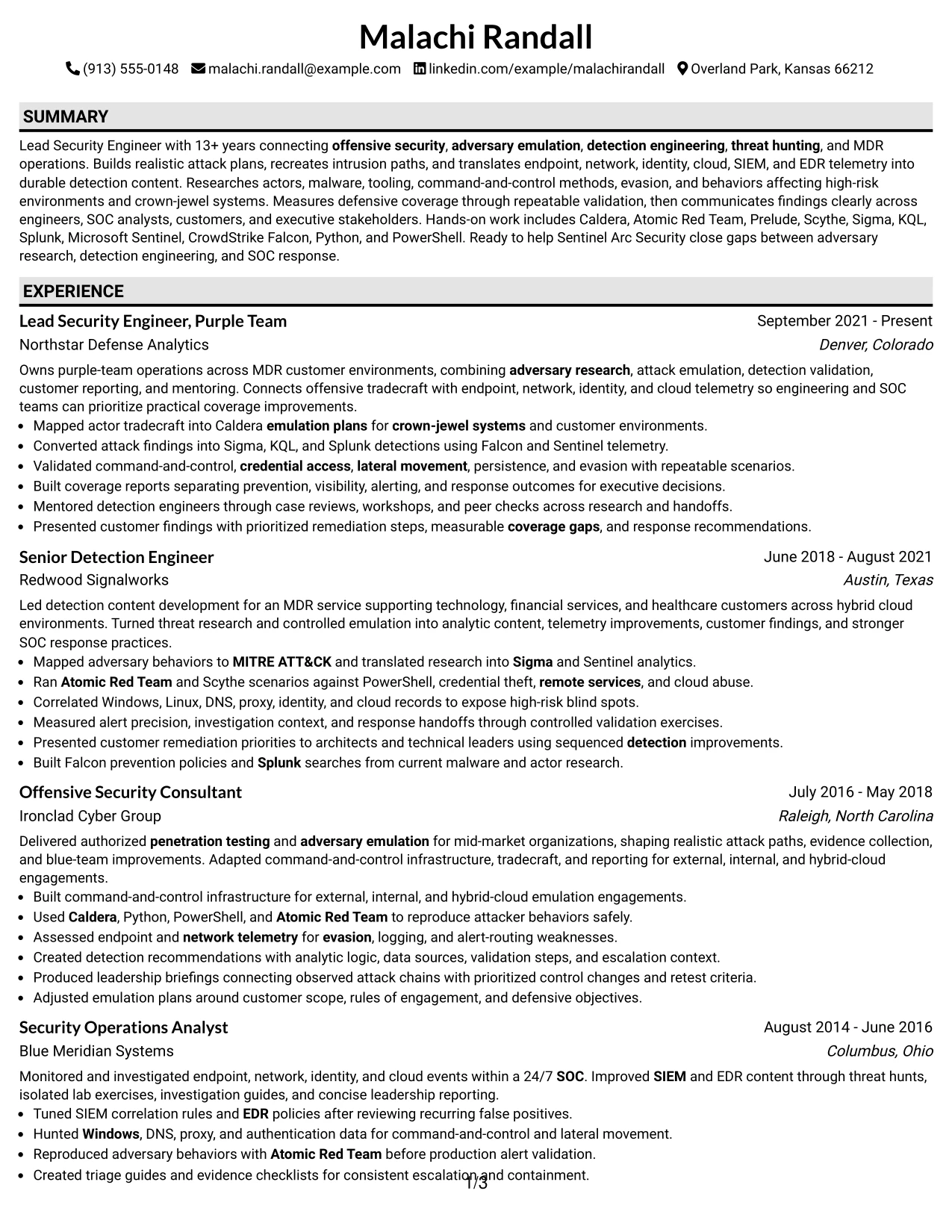
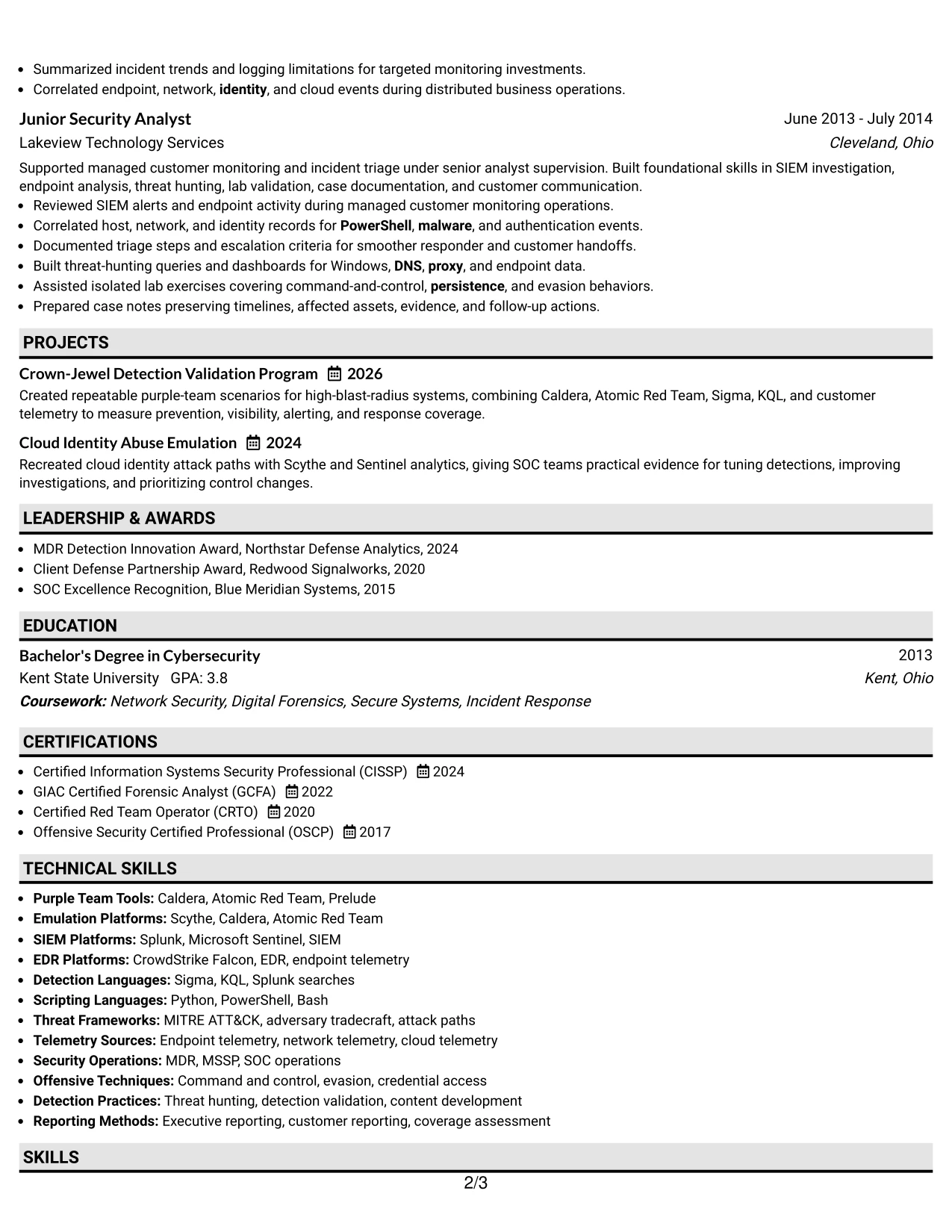
Why the Plain One Column with Shaded Labels Format Works for a Resume
- Full-width bullets can explain technical evidence without excessive abbreviation.
- Shaded labels help readers separate summary, experience, projects, skills, and credentials.
- The design gives validation methods and defensive outcomes equal visibility.
- One-column sequencing supports ATS extraction and straightforward recruiter review.
- Each role can show tools beside the behavior or result they supported.
- The format makes progression from SOC operations to purple-team ownership easy to follow.
- A plain presentation keeps attention on detection gaps, telemetry, and remediation priorities.
Best For
- Resumes where evidence must be explained in complete, readable bullets.
- Candidates presenting attack behaviors, data sources, and validation steps together.
- Applications that depend on strong ATS extraction and familiar section labels.
- Professionals whose work spans endpoint, network, identity, and cloud telemetry.
- Documents that need room for customer findings and technical leadership outcomes.
- Readers who want accomplishment detail without decorative side panels.
- Roles where detection effectiveness matters more than visual ornament.
#16 Text/Fang Style Resume Example
Content is balanced across a readable single-column page in this Text/Fang Style resume. The layout gives the summary, experience, projects, skills, certifications, and education enough breathing room to remain distinct, even when the document contains extensive technical detail.
That balance fits an application that must show both hands-on tradecraft and broad operational judgment. The resume can present attack plans, command-and-control work, detection content, threat hunting, customer reporting, and mentoring as connected evidence. Consistent bullets and careful spacing keep the application context clear.

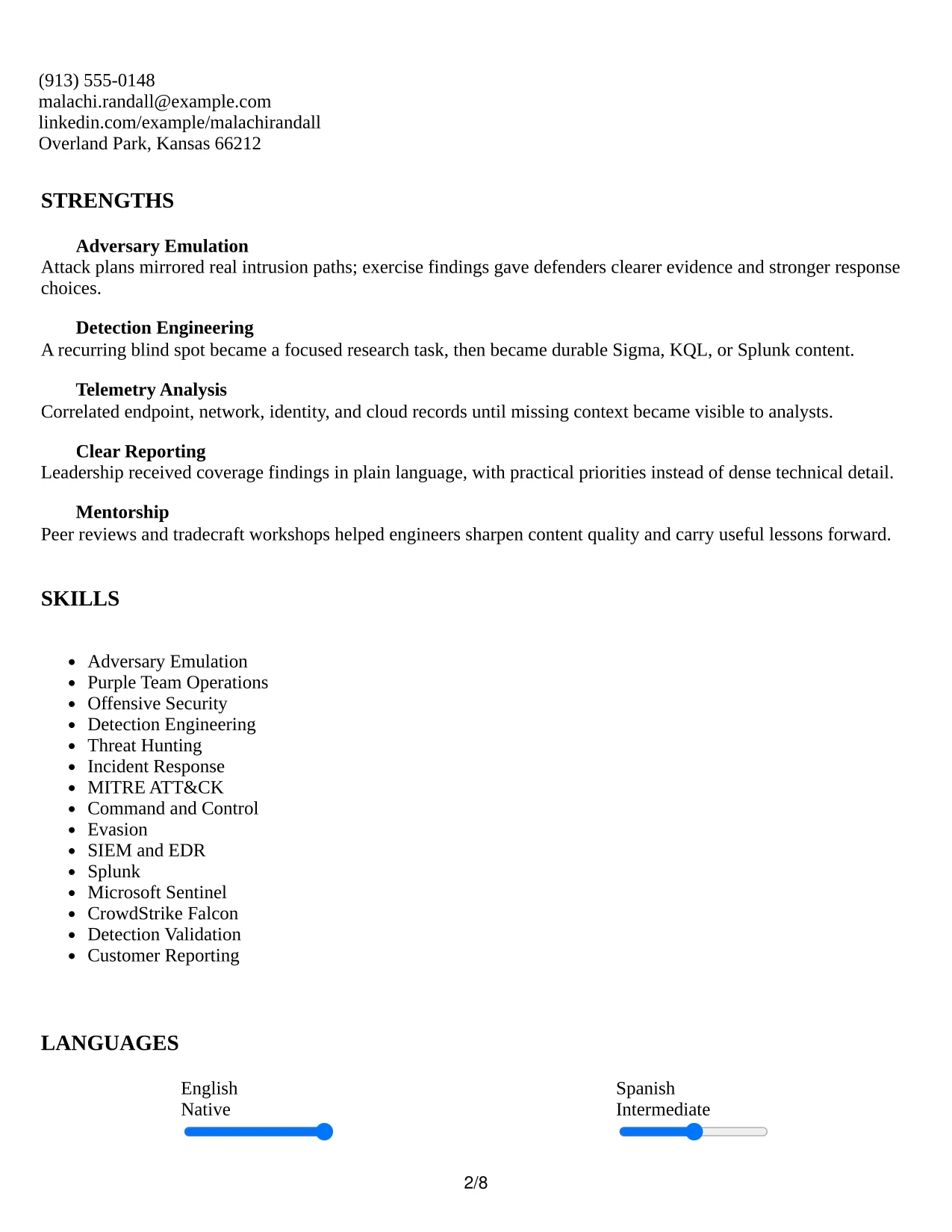
Why the Text/Fang Style Works for a Resume
- Balanced spacing helps a long technical history remain readable rather than dense.
- A single column keeps related evidence in a natural chronological order.
- Projects can provide focused examples beyond the standard employment bullets.
- The structure supports both detailed tools and concise achievement statements.
- Clear labels make education, certifications, awards, and activities easy to find.
- The format works well when a resume must explain technical work to mixed audiences.
- Readable text treatment supports careful review of attack paths, detections, and response findings.
Best For
- Applications that need to explain technical work to engineers and nontechnical leaders.
- Candidates combining a long work history with selected projects and community activities.
- Resumes where spacing and pacing matter because the content is information-rich.
- Professionals showing a practical link between emulation, telemetry, and detection changes.
- Documents that need chronological clarity across operational and consulting roles.
- Readers who value complete context over compressed keyword blocks.
- Job submissions requiring technical depth while preserving a calm, approachable page.
#17 Bold Color Header Professional Format Resume Example
A practical application review benefits from a clear top section, and the Bold Color Header Professional Format provides that starting point. The prominent header identifies the target role and contact details before the reader reaches the summary, experience, projects, skills, and certifications.
The stronger color accent can frame a senior security resume without taking attention from its evidence. Recent purple-team ownership, detection engineering results, coverage reporting, and earlier SOC work should remain the visual center of gravity. Conventional headings and concise bullets keep the design professional and ATS-aware.
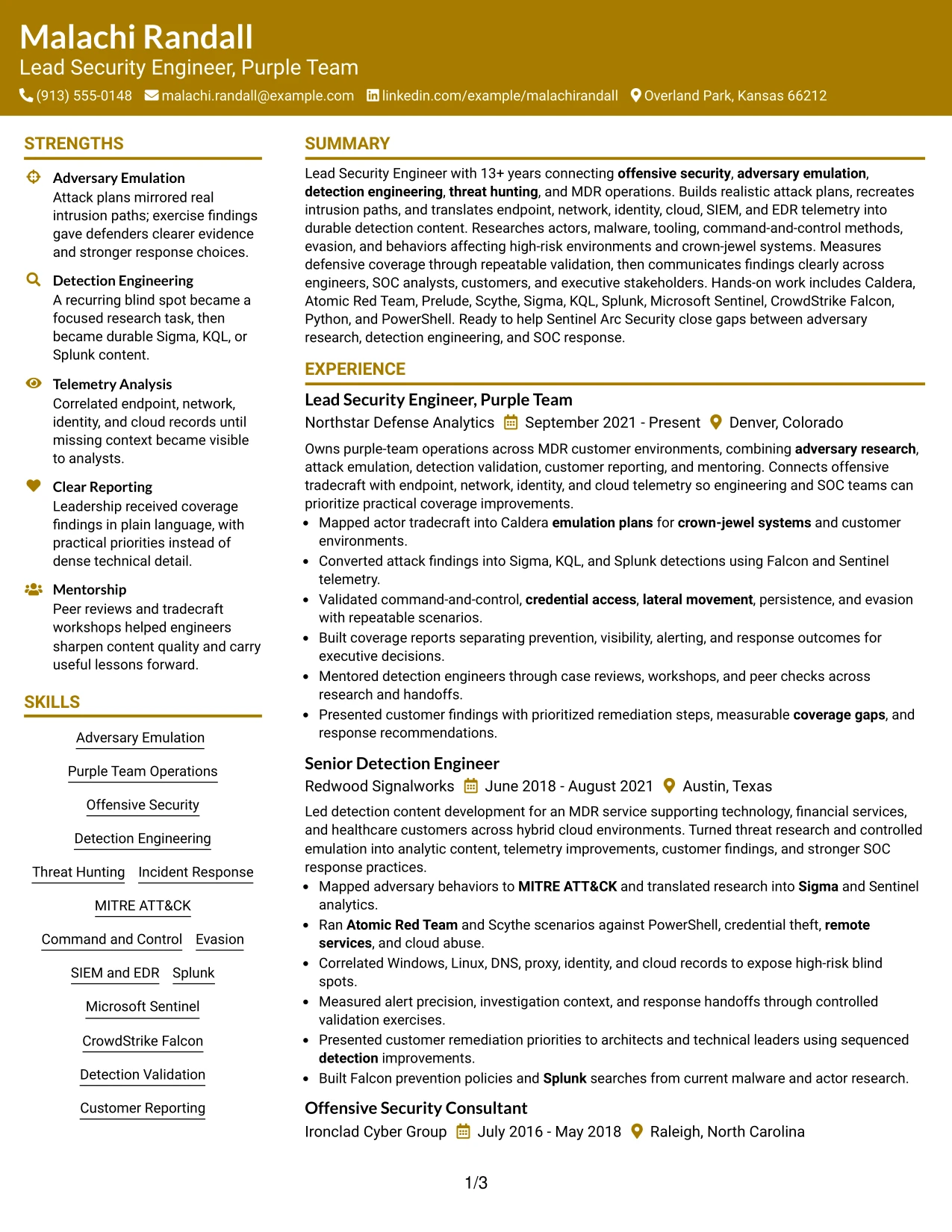
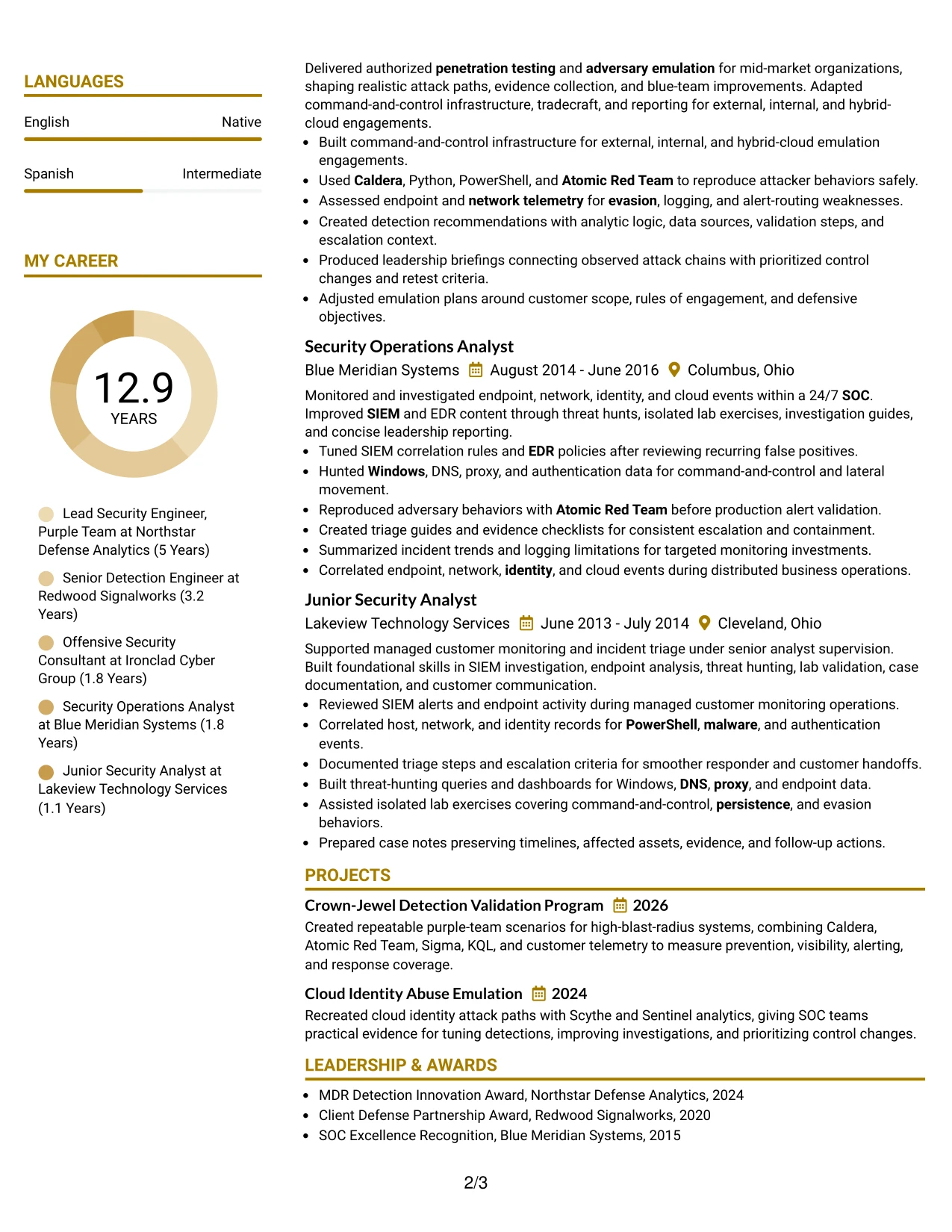
Why the Bold Color Header Professional Format Works for a Resume
- A strong header makes the target role and contact information immediately visible.
- The one-column flow gives recent leadership evidence first priority.
- Color can create a clear entry point while standard text carries the qualifications.
- Bullets can connect adversary research to detection content and defensive outcomes.
- Projects add proof for high-risk systems and cloud identity abuse without disrupting chronology.
- Skills and certifications remain easy to locate below the main experience story.
- The format offers personality while preserving a professional review structure.
Best For
- Applications that benefit from a confident first impression and direct role identification.
- Professionals who want a visual anchor above a detailed one-column career record.
- Resumes pairing leadership scope with hands-on technical accomplishments.
- Documents where recent experience should dominate the review before supporting sections.
- Candidates using projects to reinforce evidence from their primary employment.
- Readers who appreciate clear visual entry points but still expect standard resume structure.
- Submission versions that need distinction without sacrificing ATS-readable content.
#18 Photo Header Color Sidebar Format Resume Example
A restrained visual impression comes from the color sidebar, header area, and clearly separated content blocks in this Photo Header Color Sidebar Format resume. The photo can support identity at the top, while the main reading path still leads through the summary, experience, projects, skills, education, and certifications.
For this security leadership application, the sidebar should remain secondary to proof of technical judgment. The main content can show adversary research, emulation plans, detection development, telemetry analysis, and executive reporting. A small supporting area can group contact details, certifications, or selected tools without crowding the evidence.
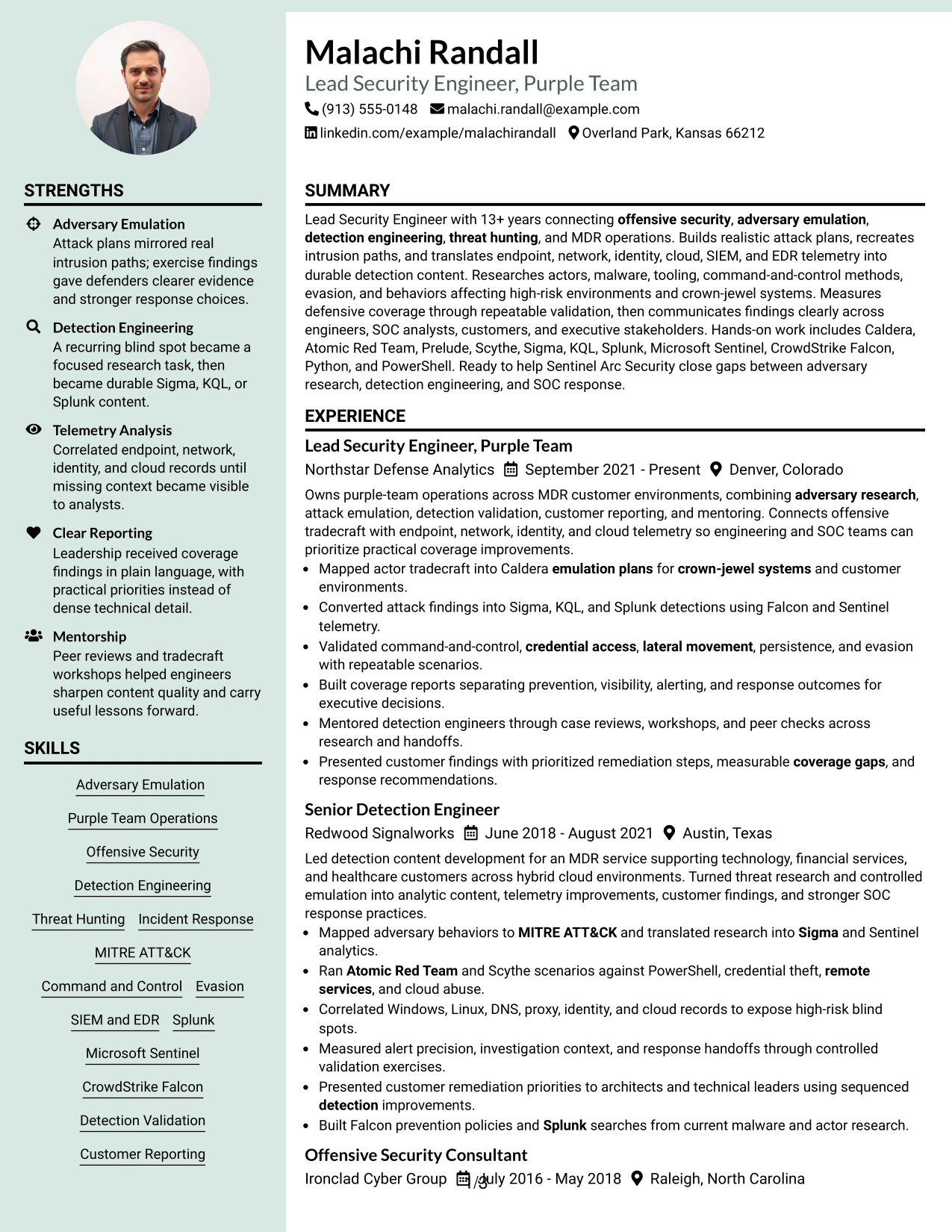
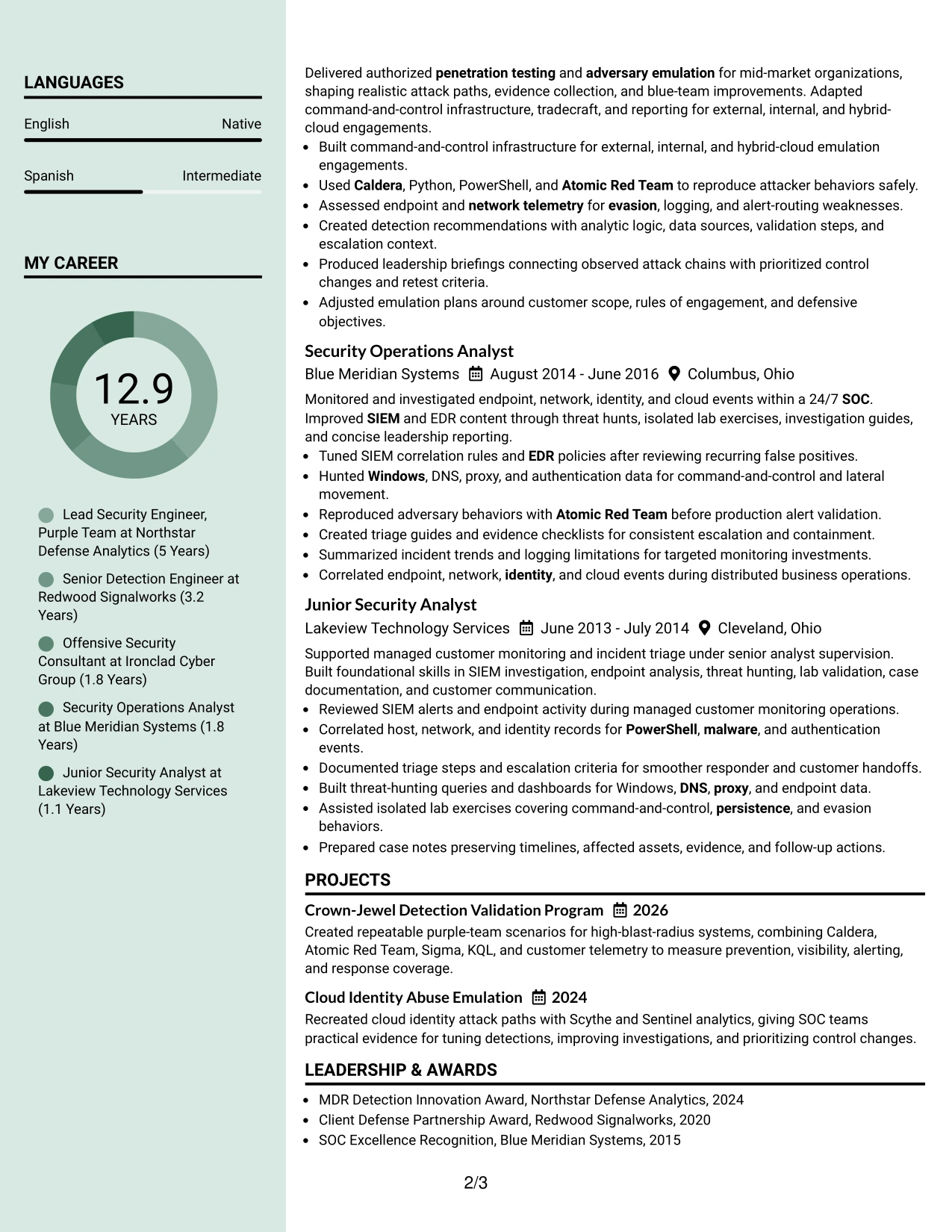
Why the Photo Header Color Sidebar Format Works for a Resume
- A photo header can make the document recognizable when a personal visual element is appropriate.
- The sidebar separates contact details and selected credentials from the main career narrative.
- The main column provides space for detailed purple-team and detection accomplishments.
- Color helps distinguish supporting information without replacing standard section labels.
- Projects can demonstrate repeatable validation beyond employment history.
- The layout can present technical leadership and stakeholder communication in the same review path.
- ATS-friendly text should remain in the main content rather than relying on visual elements.
Best For
- Applications where a photo is appropriate under the employer's local resume conventions.
- Candidates who want identity and contact details separated from technical evidence.
- Professionals balancing a substantial experience record with selected credentials in a sidebar.
- Documents that need a clear main column for attack plans, detections, and coverage findings.
- Roles involving both hands-on security work and customer or executive reporting.
- Readers who prefer a strong visual landmark before reviewing detailed accomplishments.
- Resume versions where a controlled color accent supports, rather than replaces, content hierarchy.
#19 Top Left Header Color Accent Format Resume Example
The Top Left Header Color Accent Format establishes a simple structure: identity and target role at the upper left, followed by a direct summary and ordered resume sections. Experience, projects, skills, certifications, and education then appear in a single path that supports quick comparison of qualifications.
Its scan-friendly design works especially well when each bullet carries a clear action and result. The content can show realistic intrusion planning, Sigma and KQL development, SIEM and EDR analysis, and coverage reporting without burying those terms in decorative elements. The accent adds separation while familiar headings protect ATS readability.
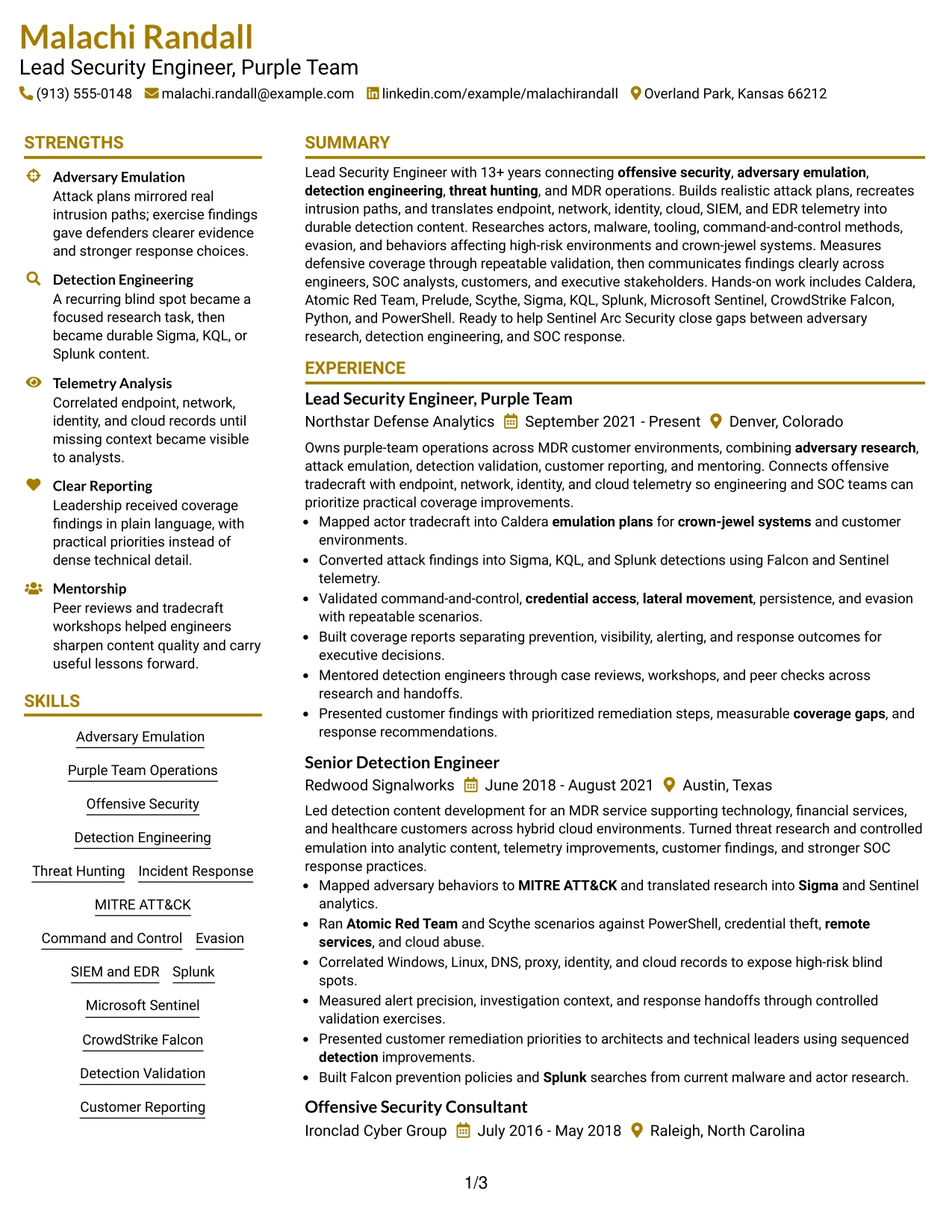
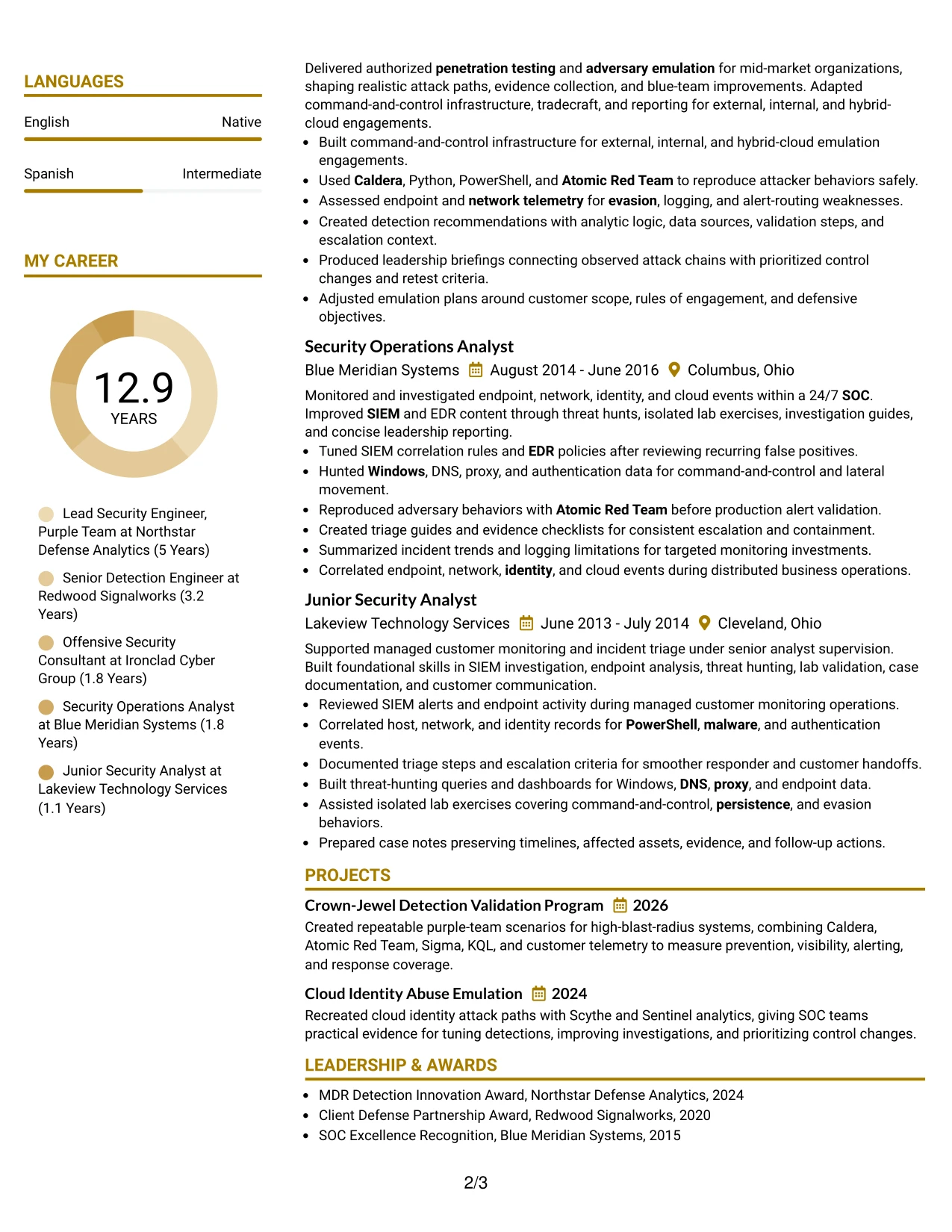
Why the Top Left Header Color Accent Format Works for a Resume
- Top-left alignment gives readers a familiar starting point for contact and role details.
- A single column keeps the employment record easy to follow from newest to oldest.
- The accent creates section contrast without splitting related information across panels.
- Technical keywords appear beside the accomplishments that prove their use.
- Projects can strengthen the evidence for detection validation and cloud attack paths.
- The structure supports quick review of tools, certifications, and education after experience.
- Plain text and standard headings make the format suitable for ATS-focused submissions.
Best For
- Resumes designed for fast top-left scanning on screen or in a document viewer.
- Candidates who want a clean visual accent with no complex navigation.
- Applications where one-column chronology should remain the primary organizing principle.
- Professionals connecting tools such as Sigma, KQL, and Splunk to specific outcomes.
- Documents that include focused projects after a substantial experience section.
- Readers who compare role scope, technical evidence, and credentials in sequence.
- ATS-conscious applications that still benefit from a modest visual distinction.
#20 Centered Header Classic Two Column Format Resume Example
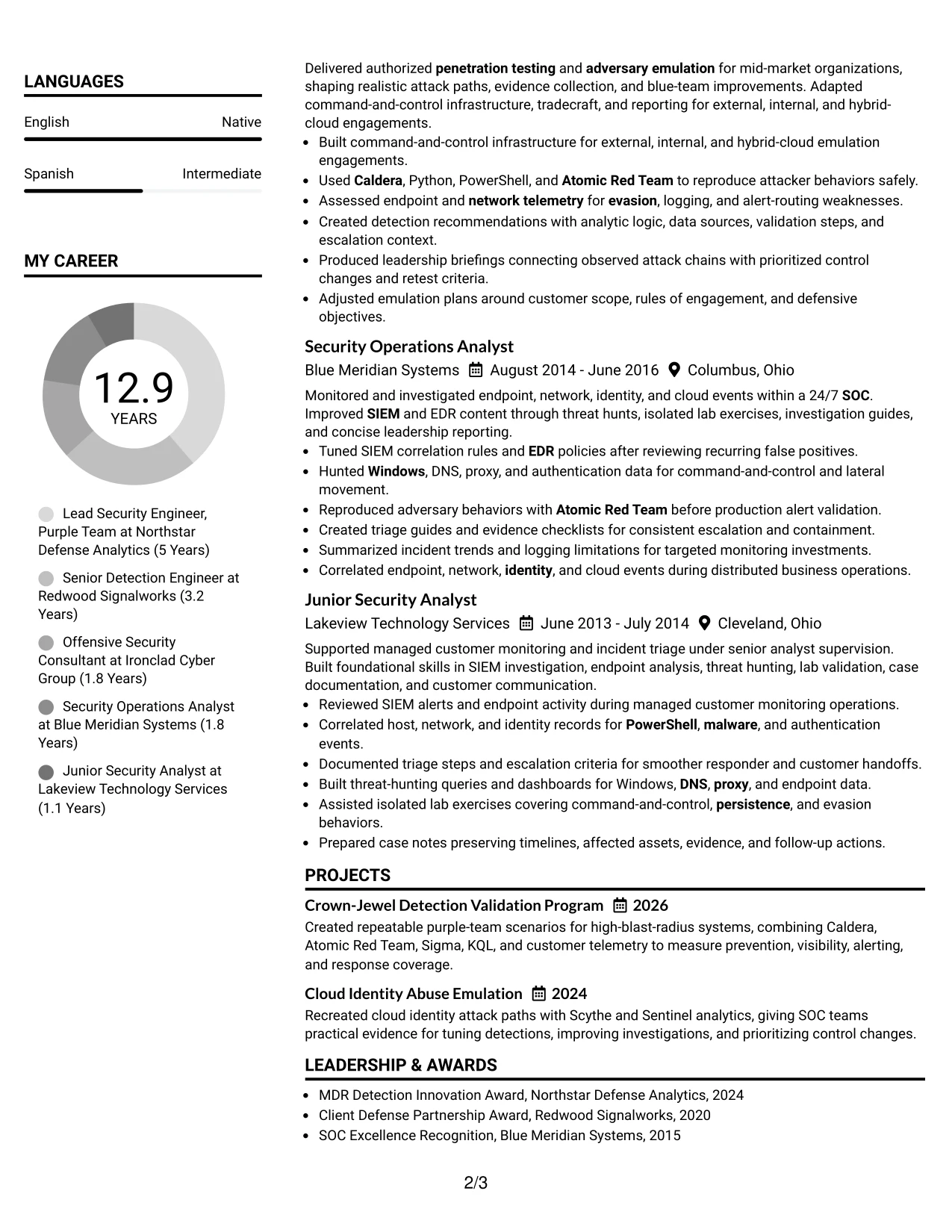
Recruiters can begin at the centered header, move into the summary and primary experience column, then use the second column for skills, certifications, education, projects, or activities. The Centered Header Classic Two Column Format gives a substantial resume a clear route through both career evidence and supporting qualifications.
Malachi Randall's resume content fits this structure because it combines five security roles, two focused projects, multiple credentials, and a broad technical stack. The main column can emphasize leadership and measurable coverage work, while the secondary column keeps Caldera, Atomic Red Team, Sigma, KQL, Splunk, Sentinel, and Falcon easy to locate.
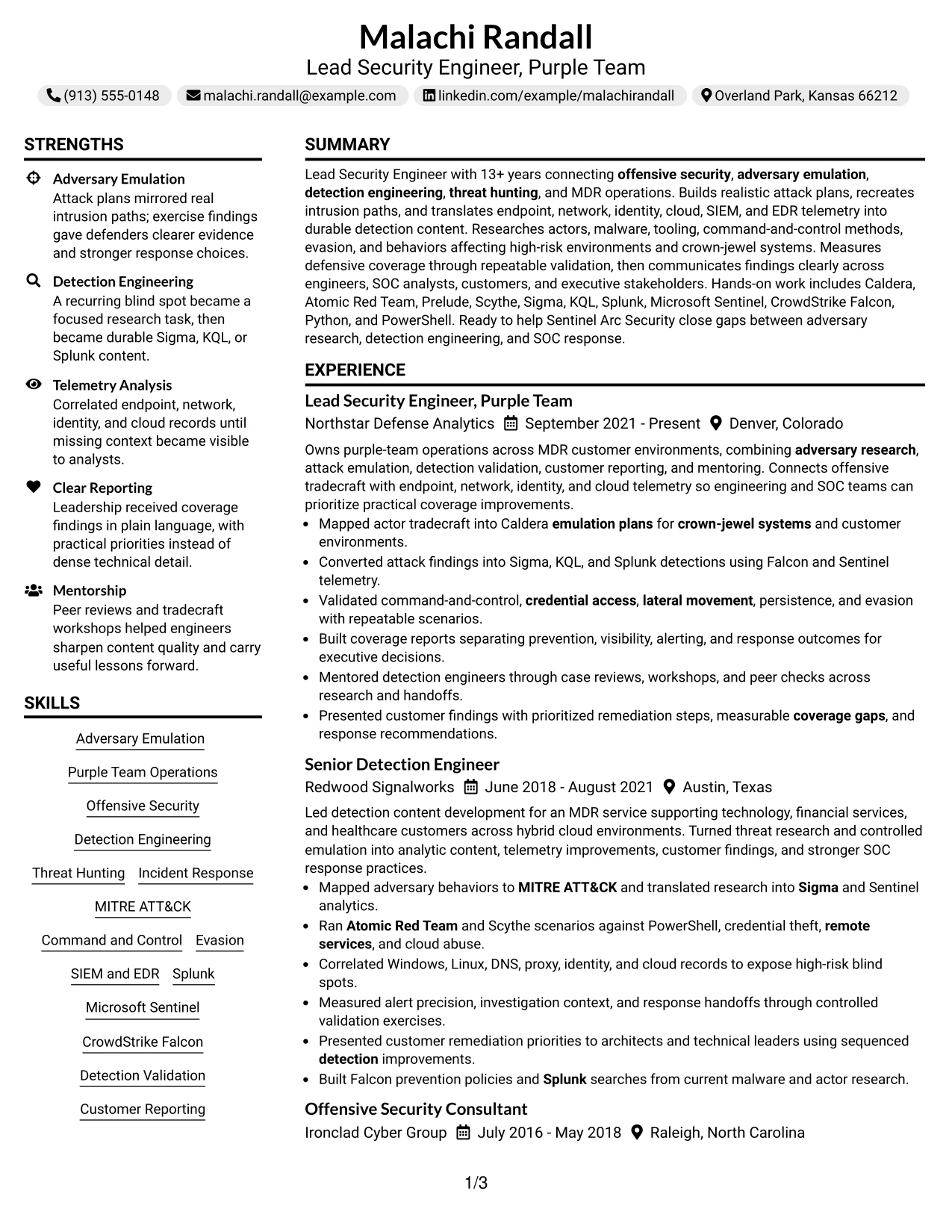
Why the Centered Header Classic Two Column Format Works for a Resume
- The centered header creates a balanced introduction before the reader enters the two-column content.
- A wide primary column can carry detailed experience bullets and career progression.
- The secondary column groups skills, certifications, education, projects, and activities efficiently.
- Classic bullets make technical actions and outcomes easy to compare across roles.
- The format supports a substantial document without making every section full width.
- A clear separation between evidence and supporting details helps recruiter navigation.
- Standard headings and text keep the design practical for ATS review.
Best For
- Resumes with enough supporting material to justify a dedicated second column.
- Candidates presenting several certifications, projects, activities, and technical categories.
- Applications where detailed experience needs a wider primary reading area.
- Professionals who want credentials visible without interrupting chronological evidence.
- Documents that benefit from a balanced header and clearly divided information zones.
- Readers comparing leadership scope with a compact list of tools and qualifications.
- Role submissions that need both broad content volume and orderly navigation.
#21 Left Aligned Header Clean Two Column Format Resume Example
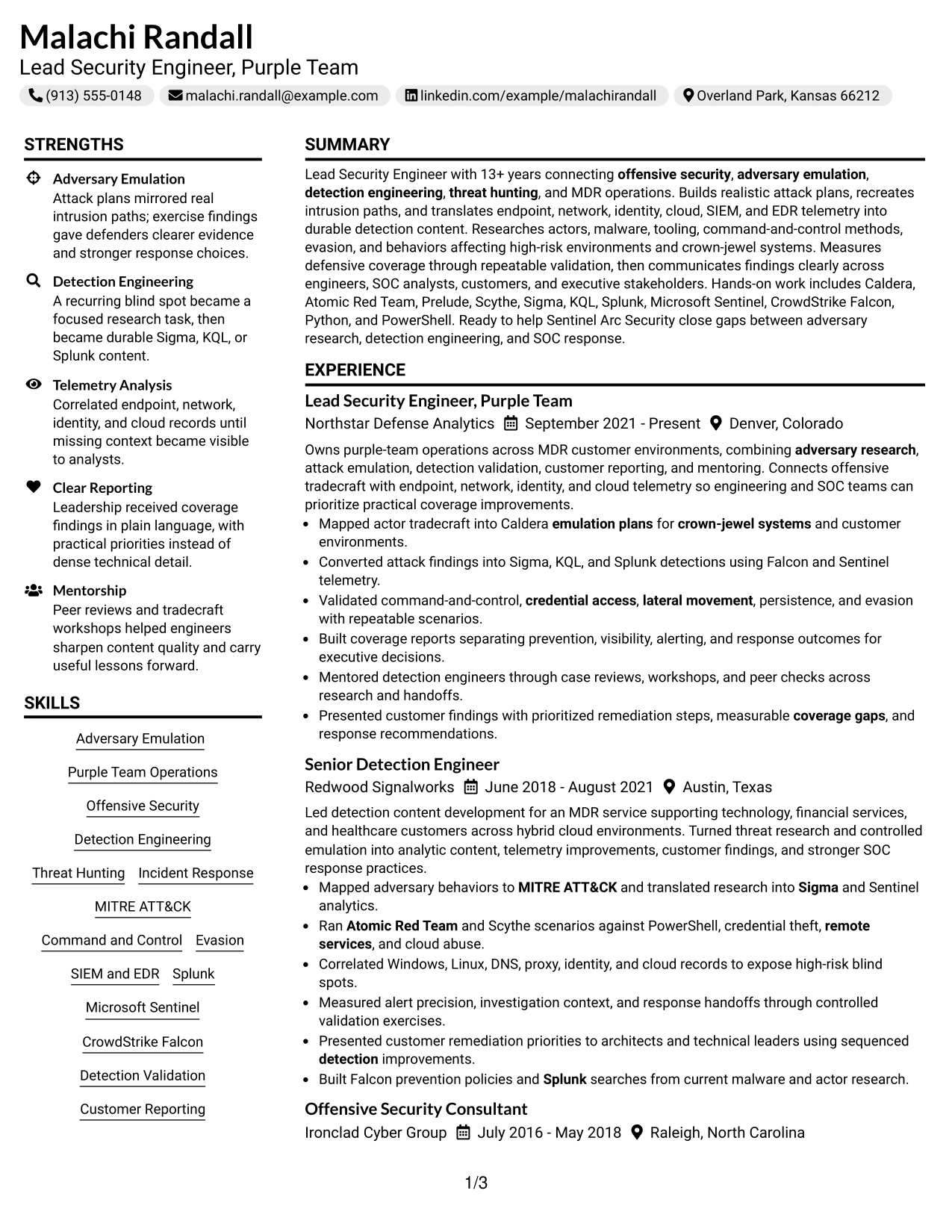
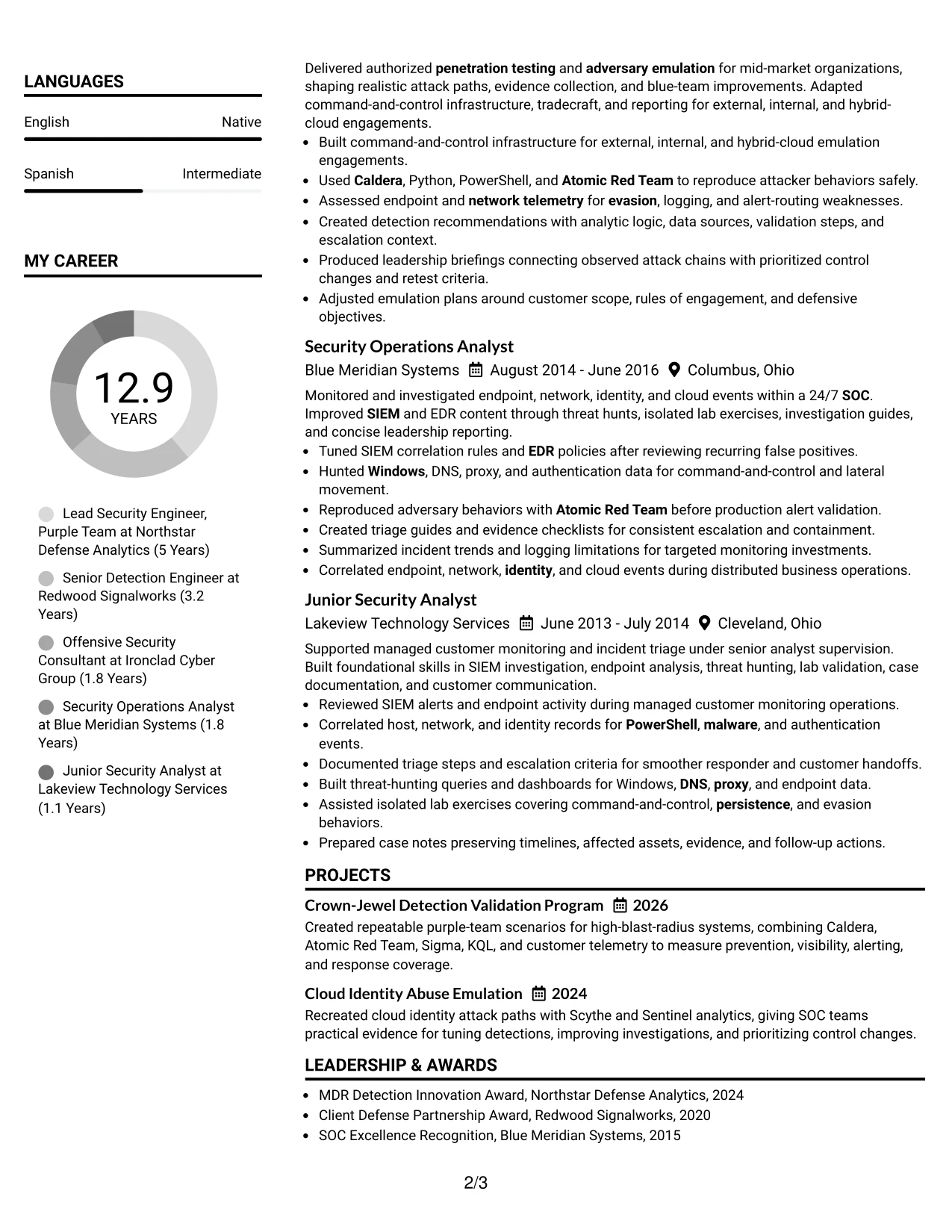
Detection results and concrete technical evidence lead the review in this Left Aligned Header Clean Two Column Format resume. The left-aligned header starts the document plainly, while the two-column body lets the main area explain experience and the supporting area organize skills, certifications, education, and projects.
That arrangement is useful for showing how offensive actions became defensive improvements. Bullets can describe emulation plans, command-and-control testing, telemetry gaps, detection content, and response recommendations in the main column. A compact secondary column can preserve important keywords without reducing the detail of the evidence.
Why the Left Aligned Header Clean Two Column Format Works for a Resume
- Evidence appears early and remains easy to connect to the target role.
- The main column gives technical bullets room to include methods, data sources, and outcomes.
- The secondary column keeps credentials and skills visible during a quick scan.
- Left alignment creates a direct, familiar starting point for resume review.
- Projects can reinforce the strongest detection and emulation evidence.
- The format separates detailed accomplishments from compact keyword support.
- Clean spacing helps readers compare current leadership work with earlier operational roles.
Best For
- Resumes where specific technical evidence should lead the reader's review.
- Candidates needing a broad main column for detailed achievement bullets.
- Applications that also require visible certifications, projects, and skills in compact form.
- Professionals translating offensive activity into detections and response improvements.
- Documents with many relevant keywords that should remain easy to find.
- Readers who prefer direct left alignment and clear information boundaries.
- Roles assessed through concrete validation work rather than general claims.
#22 Simple Two Column Format Resume Example
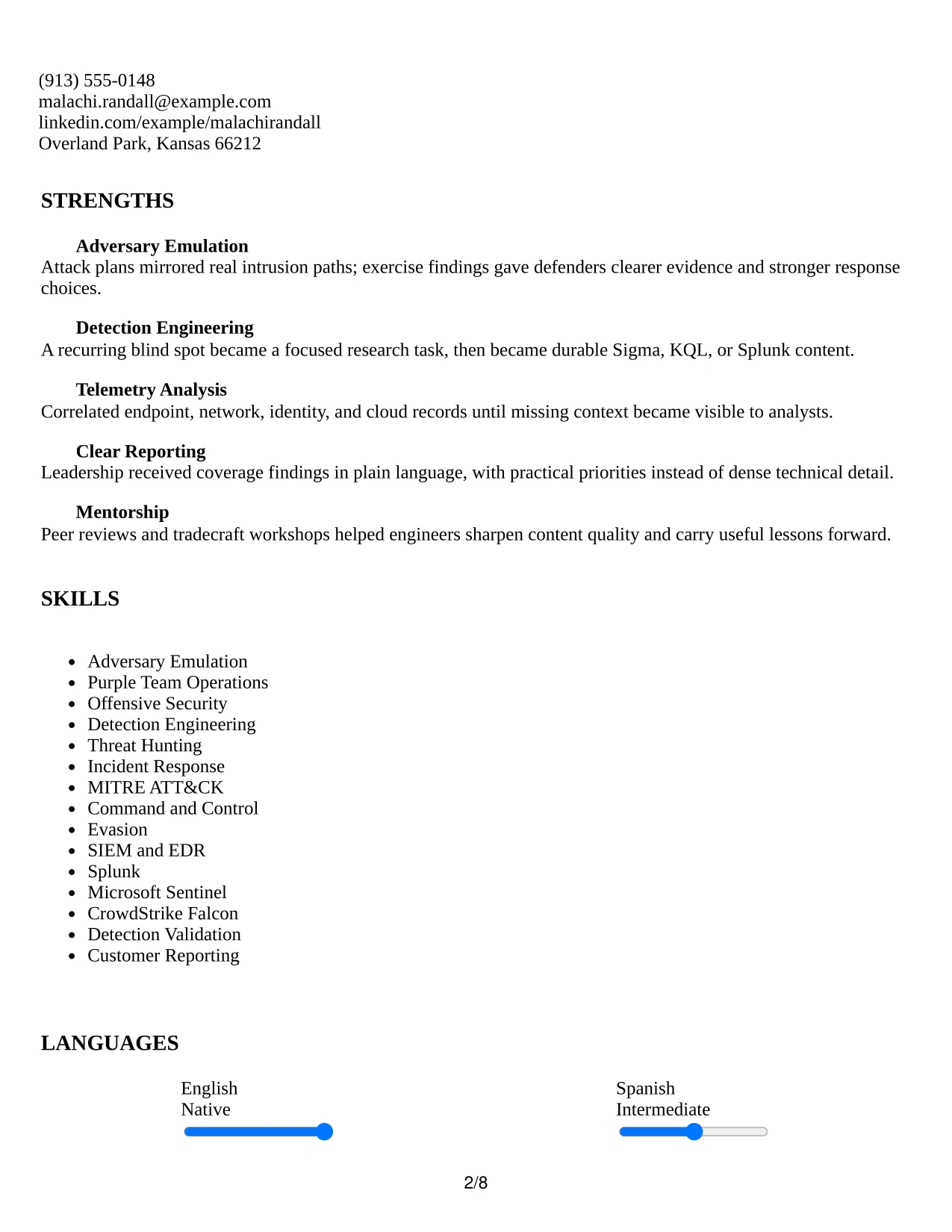
Content is distributed evenly in this Simple Two Column Format, giving the resume a practical balance between detailed experience and compact supporting information. The main column can carry the summary, employment history, and project evidence, while the second column groups skills, certifications, education, awards, and activities.
That balance supports an application where the reader needs both technical depth and quick access to qualifications. Bullets can explain adversary emulation, detection validation, threat hunting, and customer reporting. Short supporting lists keep tools and credentials visible without competing with the results shown in the experience section.

Why the Simple Two Column Format Works for a Resume
- Even distribution prevents supporting qualifications from being lost at the end of the document.
- The main column preserves space for detailed experience and project descriptions.
- The secondary column makes certifications, awards, and technical categories easy to scan.
- Simple visual markers help readers move between sections without unnecessary decoration.
- The structure supports both chronological evidence and compact keyword coverage.
- Projects can sit near experience while still receiving distinct attention.
- A straightforward two-column design works well for technical roles with varied resume content.
Best For
- Applications needing a balanced presentation of career evidence and supporting qualifications.
- Candidates with projects, awards, activities, and certifications beyond their work history.
- Professionals who want technical depth without a long, uninterrupted single column.
- Documents that must show tools and methods while preserving accomplishment context.
- Readers who alternate between detailed bullets and quick credential checks.
- Resume versions combining operational experience, consulting work, and leadership scope.
- Practical submissions where organization matters more than decorative styling.
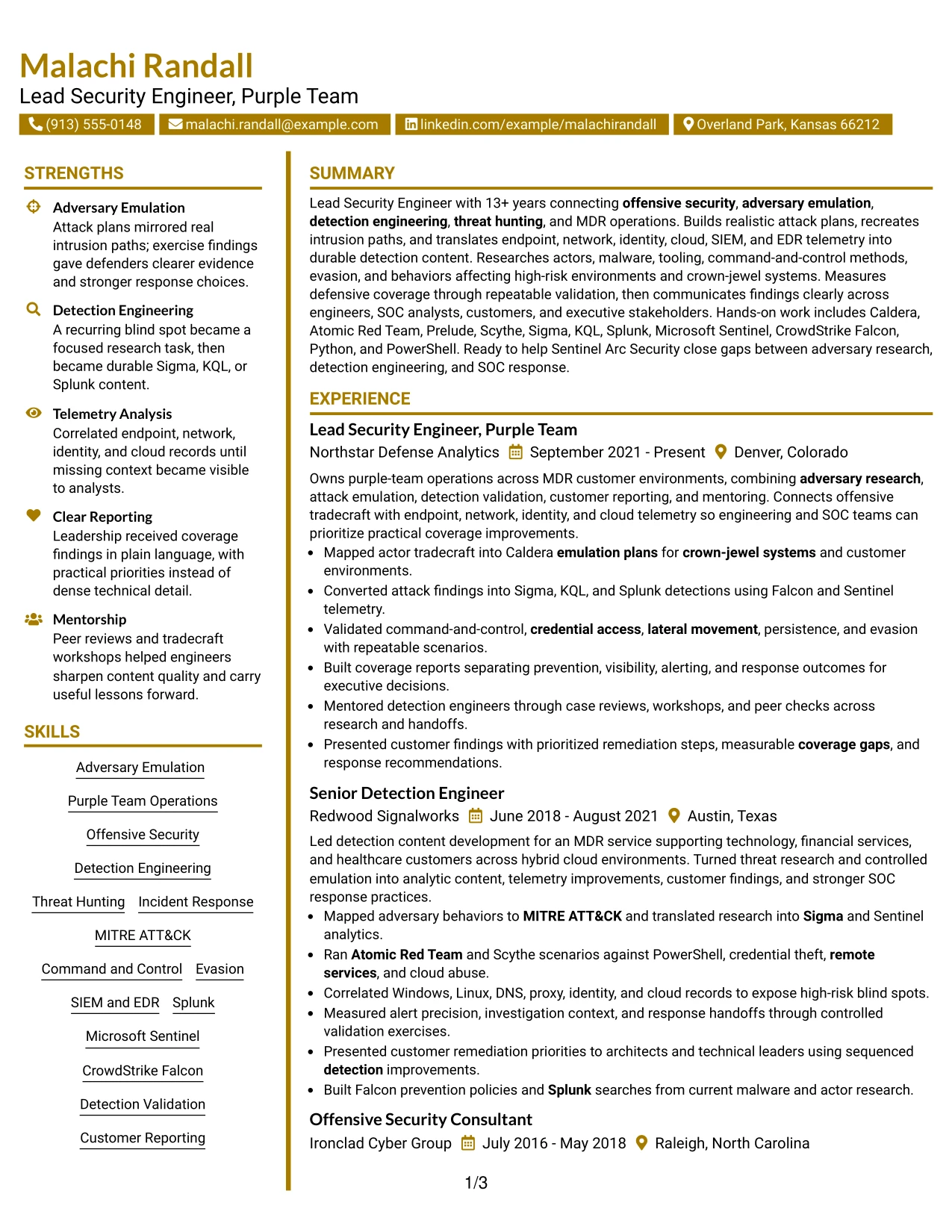
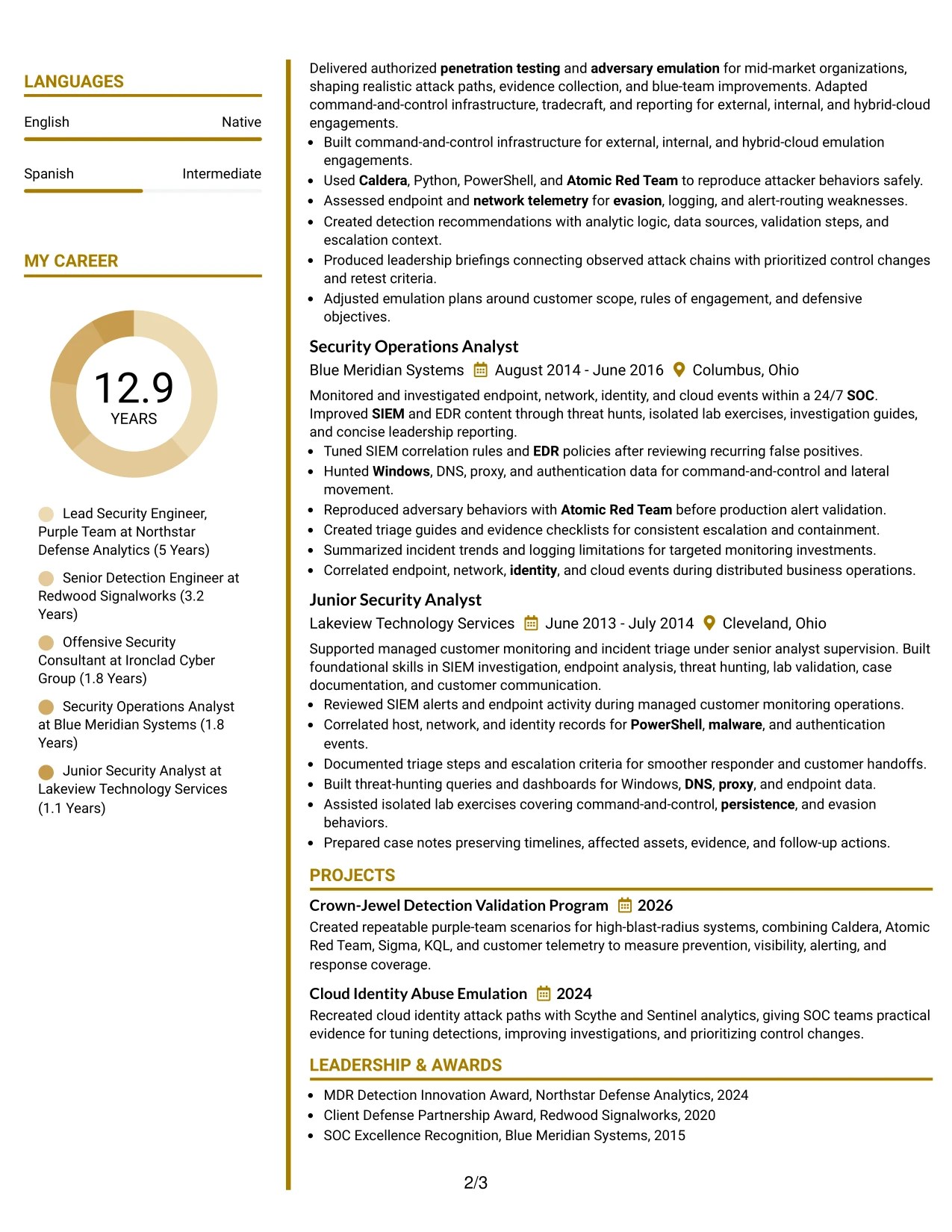
#23 Accent Divider Modern Two Column Format Resume Example
For a Lead Security Engineer, Purple Team application, this two-column format gives technical evidence a clear place without making the page feel crowded. Accent dividers separate the summary, experience, skills, certifications, and education so readers can move from the role focus to supporting details quickly.
The main column can carry detailed achievement bullets, such as attack emulation, detection validation, telemetry analysis, and customer reporting. The secondary column can hold tools, certifications, education, and keyword-rich skills. Short bullets and clear labels also help ATS systems and human reviewers find terms such as Caldera, Sigma, KQL, Splunk, and Microsoft Sentinel.
Why the Accent Divider Modern Two Column Format Works for a Resume
- Two columns separate detailed experience from supporting qualifications.
- Accent dividers create visible breaks between major resume sections.
- A focused summary can connect offensive security with detection engineering.
- Compact skill areas make important tools and platforms easy to scan.
- Experience bullets leave room for technical methods and measurable coverage findings.
- Certifications and education remain visible without interrupting the career timeline.
- Simple square bullets support consistent ATS-friendly text structure.
Best For
- Resumes that need a clear split between experience and supporting details
- Candidates presenting a broad mix of offensive and defensive security work
- Applications where tools and certifications should be visible near the first page
- Readers who prefer strong visual separation between resume sections
- Documents with detailed bullets plus a compact skills or credentials area
- Technical resumes that need room for platforms, frameworks, and detection languages
- Applicants who want modern accents without relying on complex graphics
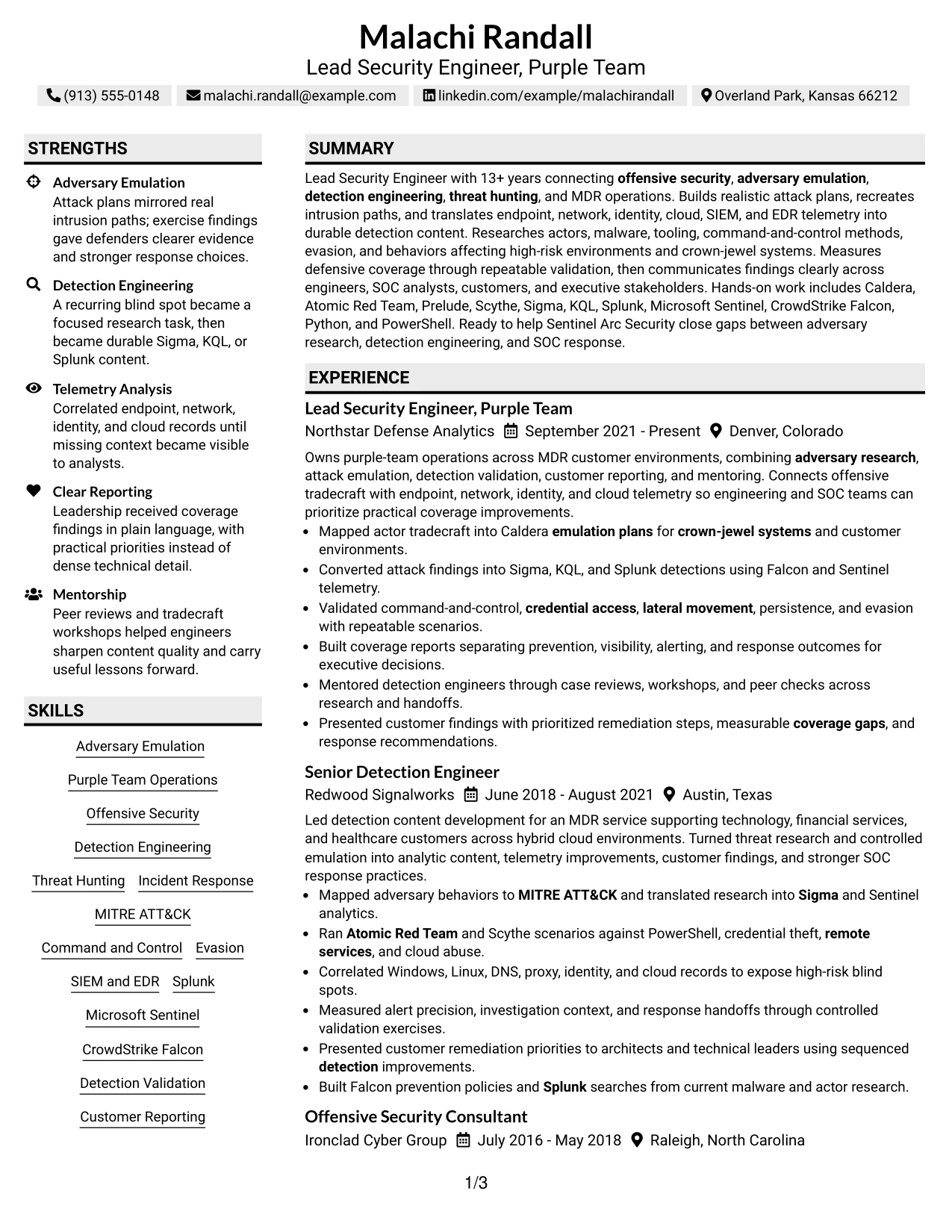
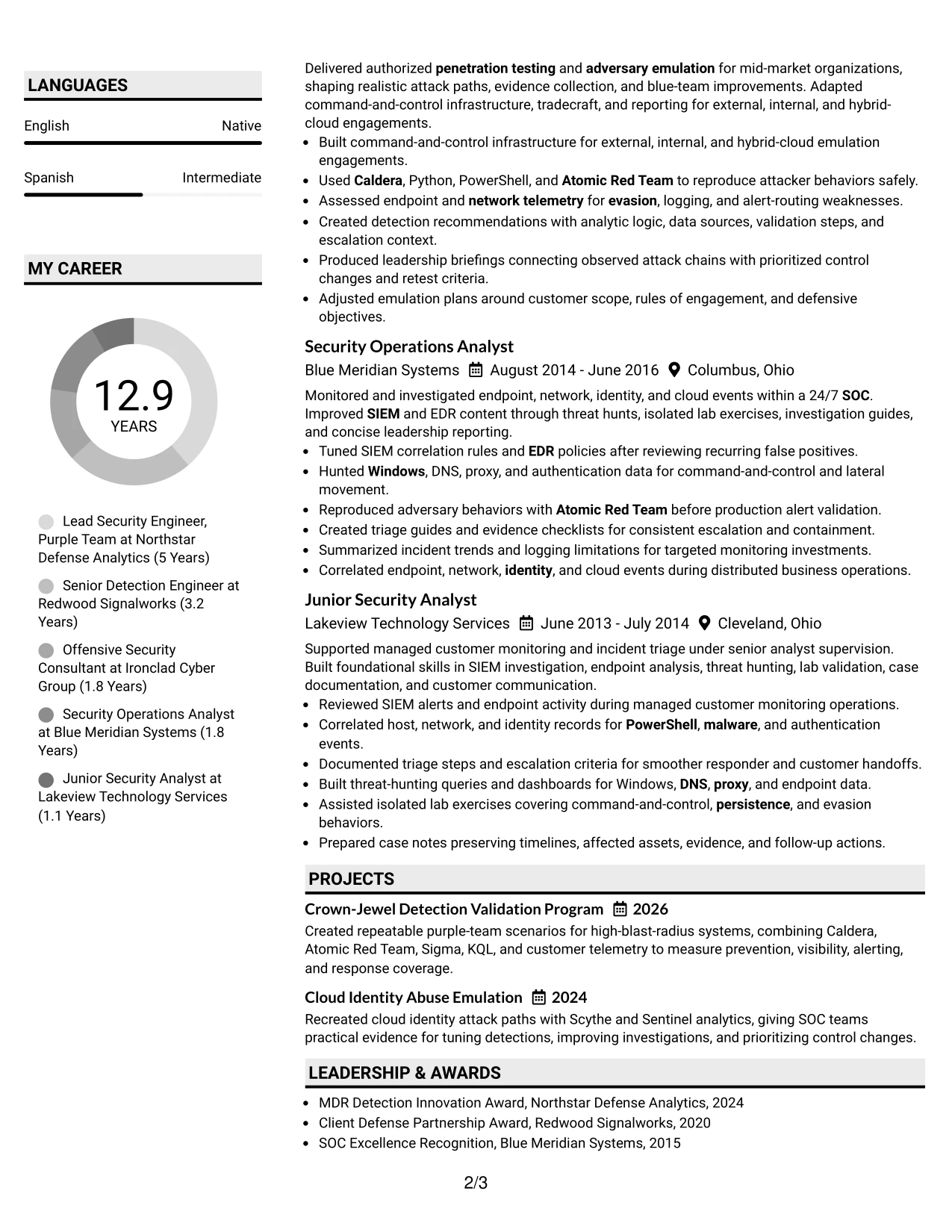
#24 Shaded Labels Clean Two Column Format Resume Example
A restrained visual hierarchy gives this resume a calm, professional impression while keeping technical content easy to locate. Shaded labels guide the eye to experience, skills, certifications, education, and projects without adding unnecessary decoration.
The two-column structure supports a strong role match by placing the professional summary and career evidence beside focused qualification details. It can present adversary emulation, detection engineering, threat hunting, MDR operations, and named tools in a way that supports both keyword review and close reading.
Why the Shaded Labels Clean Two Column Format Works for a Resume
- Shaded labels mark each section without competing with the content.
- The clean structure keeps the target role visible near the top.
- A two-column arrangement makes related skills and credentials easy to compare.
- Detailed experience bullets can show both red-side and blue-side capability.
- Projects provide a separate place for crown-jewel and cloud identity work.
- Tools such as Scythe, Prelude, and CrowdStrike Falcon can be grouped clearly.
- Consistent headings help reviewers scan the document in a predictable order.
Best For
- Resumes that need a polished structure with limited visual noise
- Candidates aligning a varied security background to one target position
- Documents that combine long experience sections with focused technical skills
- Applications where related tools and certifications benefit from grouped labels
- Readers who scan headings first and review evidence second
- Technical professionals who want modern formatting without losing clarity
- Resumes that need projects and professional history to remain distinct
#25 Photo Header Color Accent International Format Resume Example
The Photo Header Color Accent International Format places the role title, summary, and contact details in a strong opening area, followed by a single-column sequence of resume sections. Color accents help distinguish experience, skills, education, projects, and certifications while preserving a straightforward reading order.
That structure works well for a technical resume with substantial career history. The experience section can show progression from security operations to offensive security, detection engineering, and purple-team leadership. Skills and tools such as MITRE ATT&CK, Sigma, KQL, and Splunk remain easy to find because each section has its own visual position.
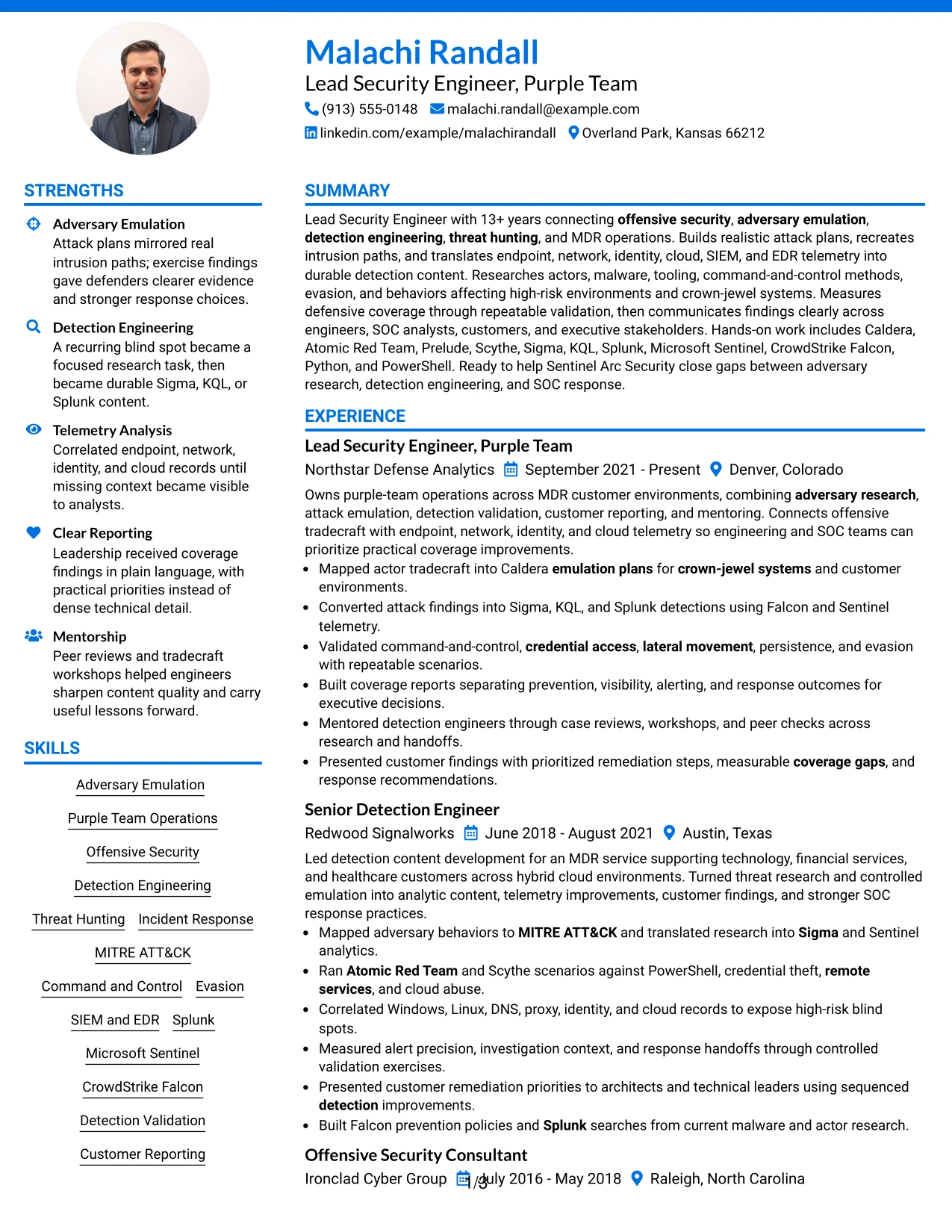
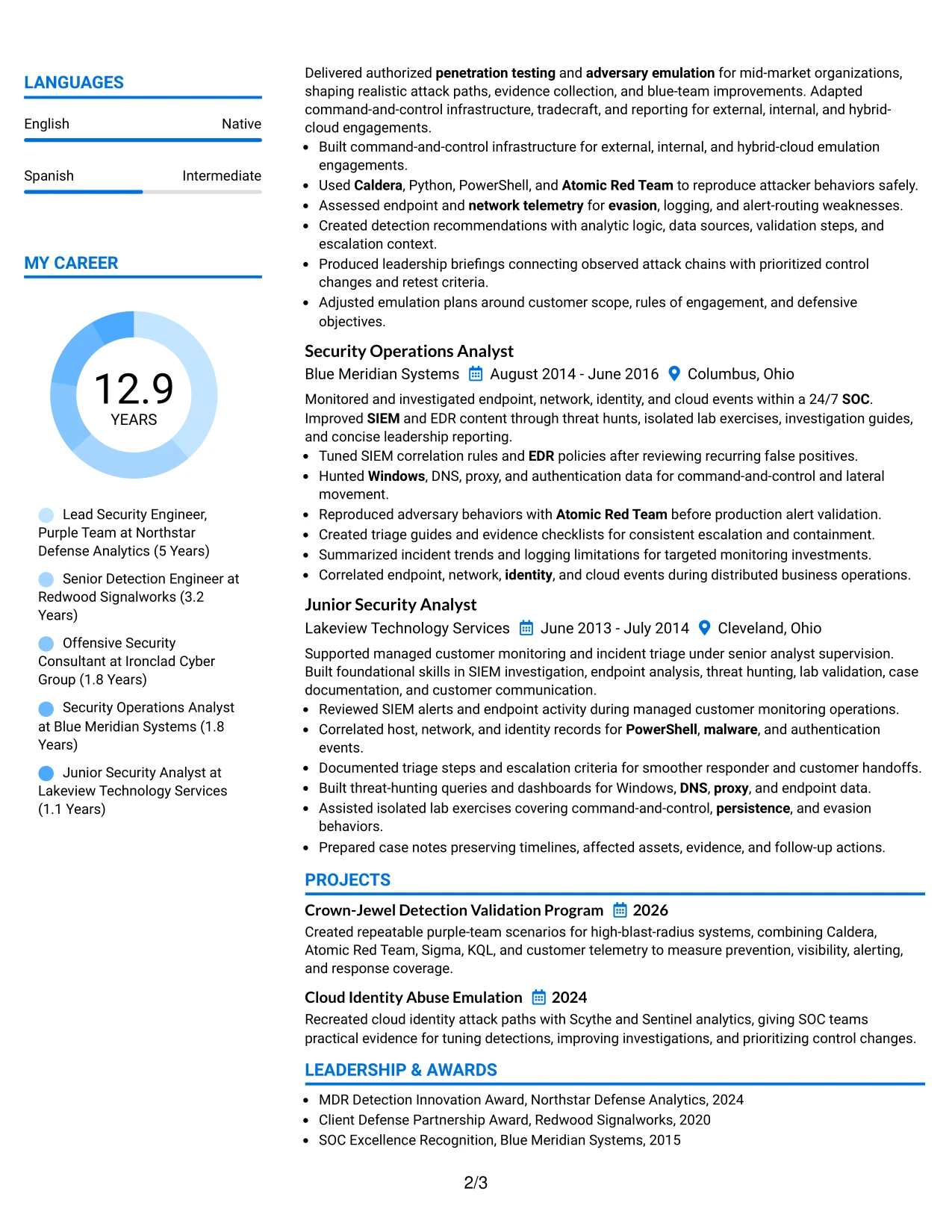
Why the Photo Header Color Accent International Format Works for a Resume
- A strong header establishes the target role before the detailed content begins.
- Single-column flow supports predictable ATS parsing and recruiter scanning.
- Color accents create section boundaries without hiding important text.
- The career timeline can show steady growth across security functions.
- Project entries add evidence beyond standard employment bullets.
- Technical skills and tools can be listed in a dedicated, searchable area.
- Certifications and education remain easy to locate near the end of the resume.
Best For
- Resumes that need a clear first-page identity and orderly section flow
- Candidates with a long career story that benefits from one reading path
- Applications where ATS readability should remain central to the design
- Documents combining employment history, projects, certifications, and education
- Professionals who want color to guide scanning without replacing text hierarchy
- Technical resumes with many keywords that need distinct section placement
- Applications where a formal header can support a polished presentation
#26 Large Profile Photo International Two Column Format Resume Example
Readers can move from the prominent header into a concise summary, then scan the main experience column while checking skills, certifications, and education in the supporting column. That path suits a resume where evidence volume is high and the reviewer needs both career context and technical detail.
The layout can give major roles enough space for bullets about attack plans, detection content, telemetry sources, validation scenarios, and executive reporting. A separate column keeps tools and credentials visible, helping reviewers connect the work to Caldera, Atomic Red Team, Prelude, Scythe, Sigma, KQL, Splunk, Sentinel, and Falcon.
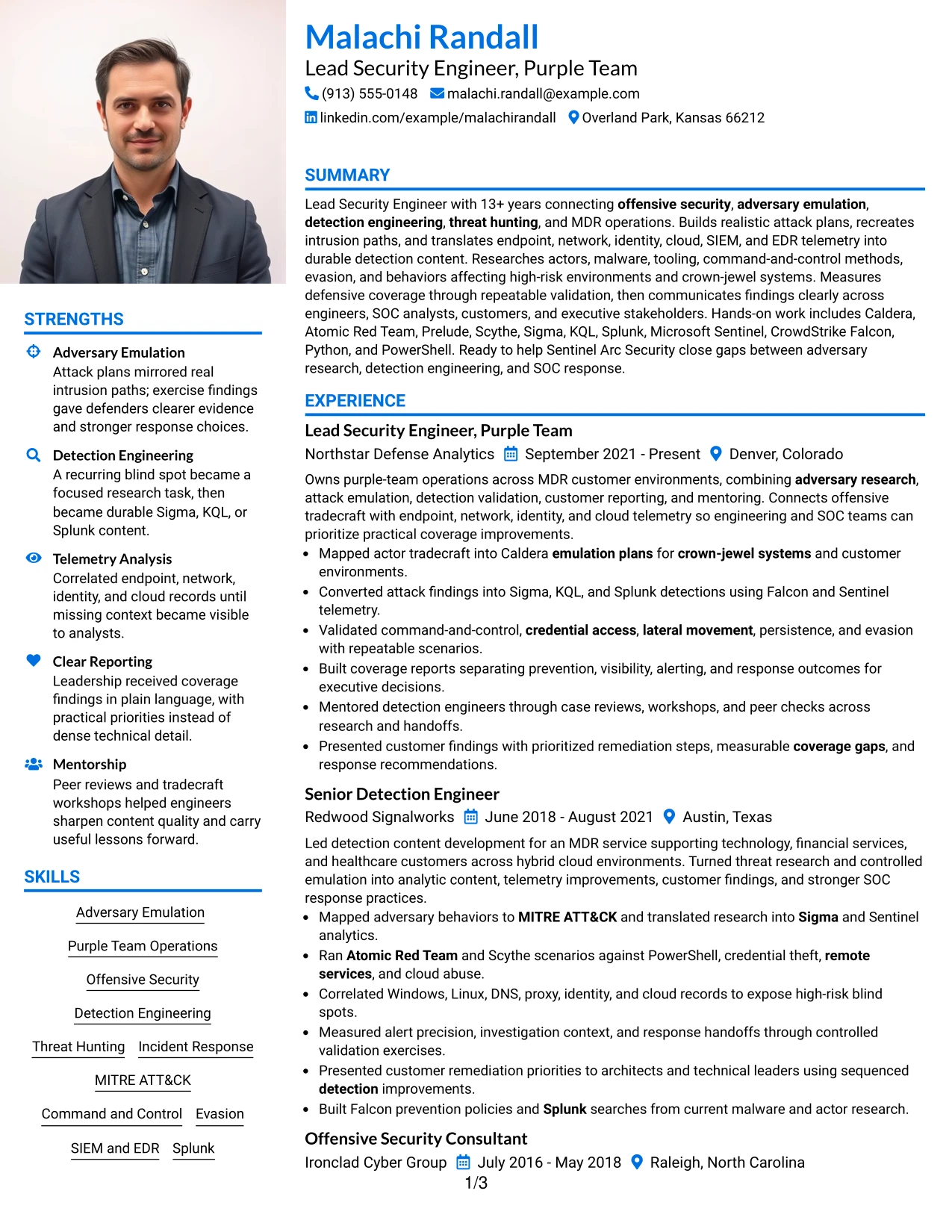
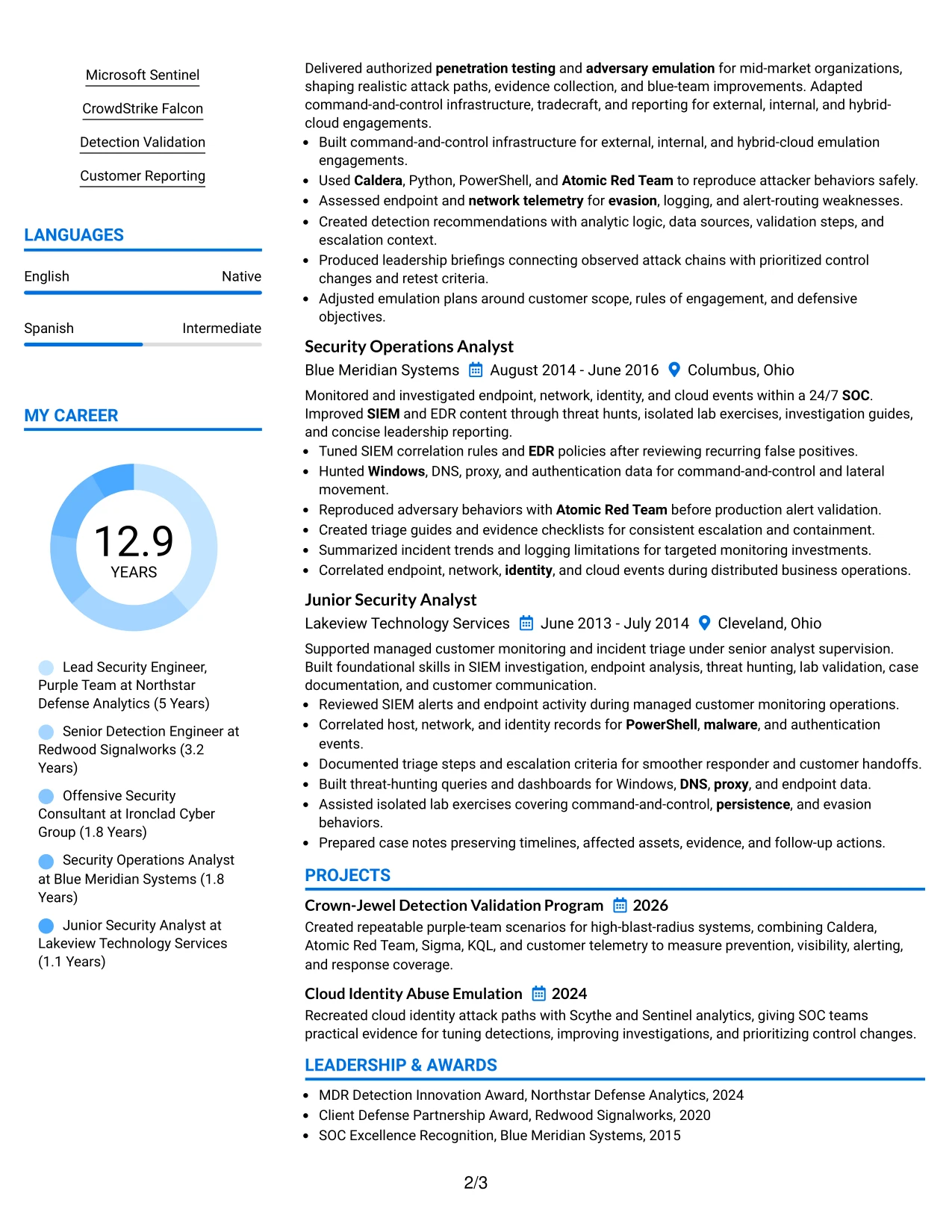
Why the Large Profile Photo International Two Column Format Works for a Resume
- The two-column path supports substantial experience without one long uninterrupted page.
- The main column can hold detailed role descriptions and achievement bullets.
- The supporting column keeps skills, tools, and credentials available during review.
- A large header creates a clear starting point for the resume.
- Multiple projects can be shown without burying the employment timeline.
- Technical evidence remains grouped by role, making progression easier to understand.
- The format supports both quick scanning and deeper review of complex security work.
Best For
- Resumes with substantial evidence across several related security functions
- Candidates who need detailed experience and a visible qualification column
- Applications where projects deserve space beside, not below, career history
- Documents that include many tools, platforms, frameworks, and certifications
- Readers who compare role achievements with supporting technical capabilities
- Professionals presenting both customer-facing reporting and hands-on engineering work
- Resumes that benefit from a strong header and dense but organized content
#27 One Column Format with Photo Resume Example
The strongest evidence comes first in this one-column resume: the professional summary, current leadership work, and bullets that show detection validation and adversary emulation. A single path keeps each achievement in sequence, so readers can follow the connection between attack behavior, telemetry, detections, and response improvements.
The format gives every section the full page width. That makes room for readable experience bullets, project descriptions, certifications, education, and a complete skills list. It also keeps ATS text extraction simple while allowing the resume to show tools such as Caldera, Atomic Red Team, Sigma, KQL, and Splunk in context.
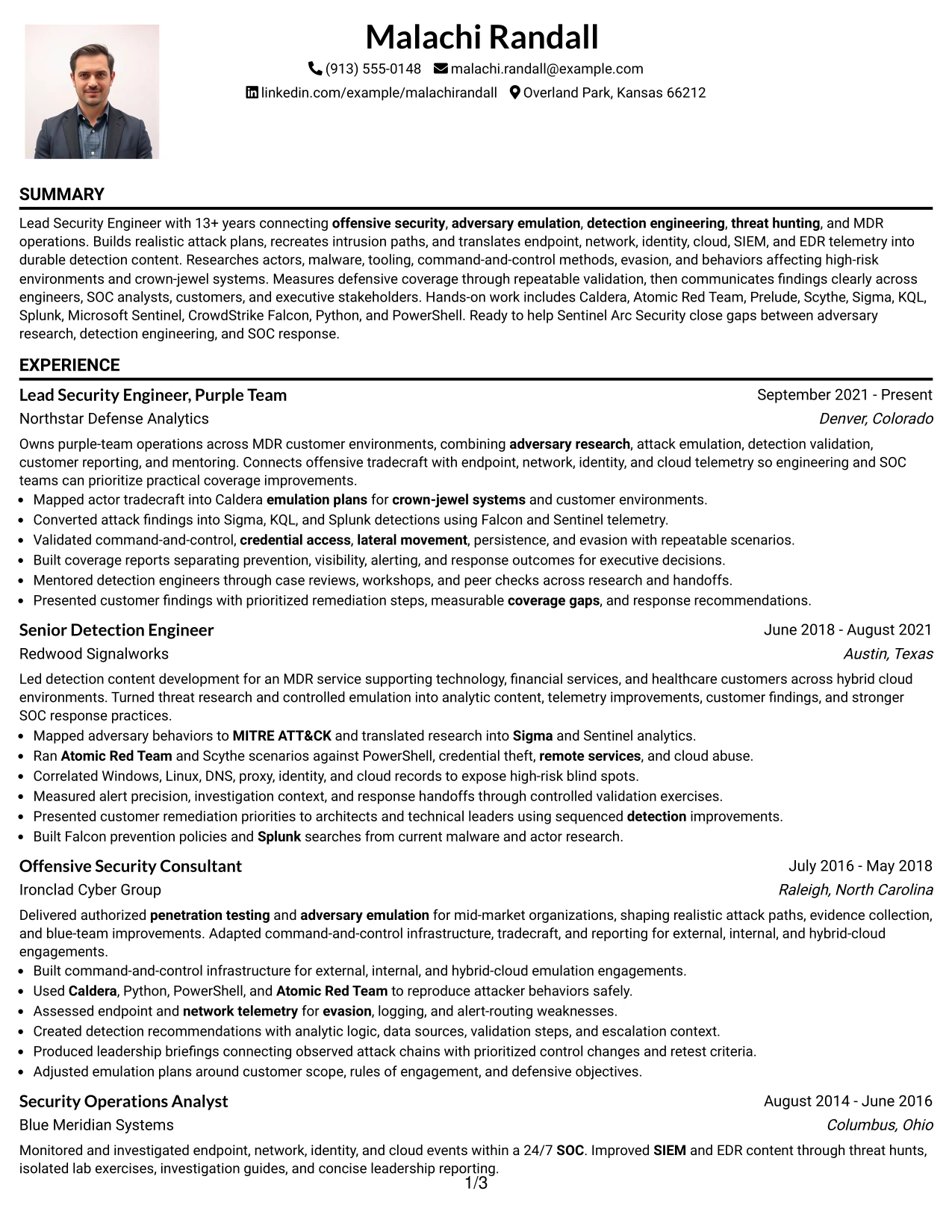
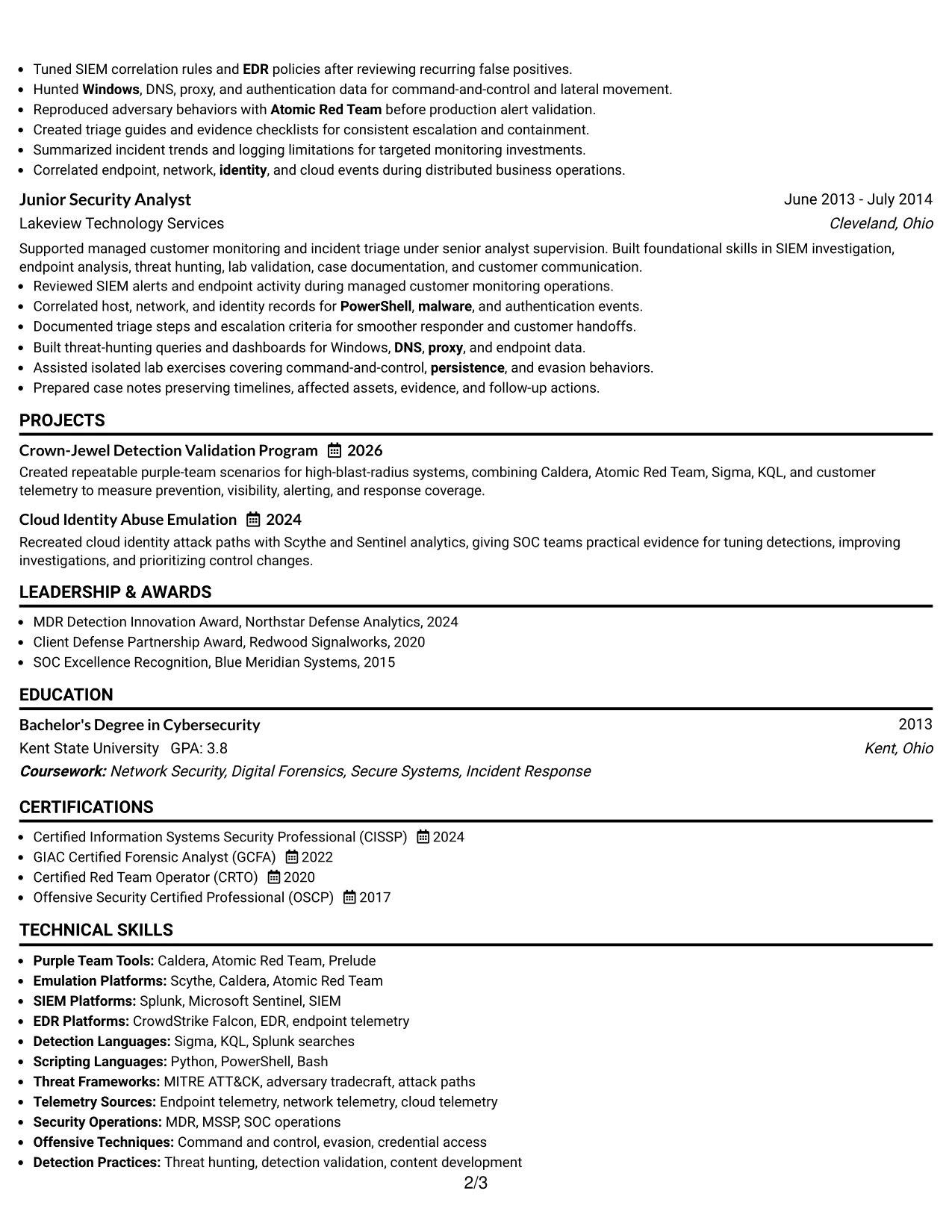
Why the One Column Format with Photo Works for a Resume
- Evidence receives priority through a clear top-to-bottom order.
- Full-width bullets can explain technical work without narrow columns.
- The current role can lead directly into earlier security experience.
- Projects can show practical validation work beside related employment evidence.
- A dedicated skills section supports broad keyword coverage.
- Certifications and education remain easy to find after the career history.
- The simple structure supports ATS parsing and consistent recruiter scanning.
Best For
- Resumes where recent, high-value achievements should lead the review
- Candidates who need full-width space for technical accomplishment bullets
- Applications that require a simple reading order for ATS and human readers
- Documents connecting projects directly to experience and skills
- Professionals showing evidence across emulation, detection, and reporting
- Resumes with detailed credentials that should remain in one continuous flow
- Applicants who prefer a straightforward structure with a prominent header
#28 One Column Format with Photo Right Resume Example
Balanced spacing keeps the header, contact details, and main resume content from competing with one another. The right-side photo position leaves the text path open for the summary and experience, which is useful when the application requires a clear account of attack emulation, detection engineering, and MDR work.
A centered one-column flow gives similar weight to experience, projects, skills, certifications, and education. The resume can therefore show both depth and range: detailed bullets for current leadership work, earlier operational foundations, and a focused keyword section for MITRE ATT&CK, CrowdStrike Falcon, Microsoft Sentinel, and threat hunting.
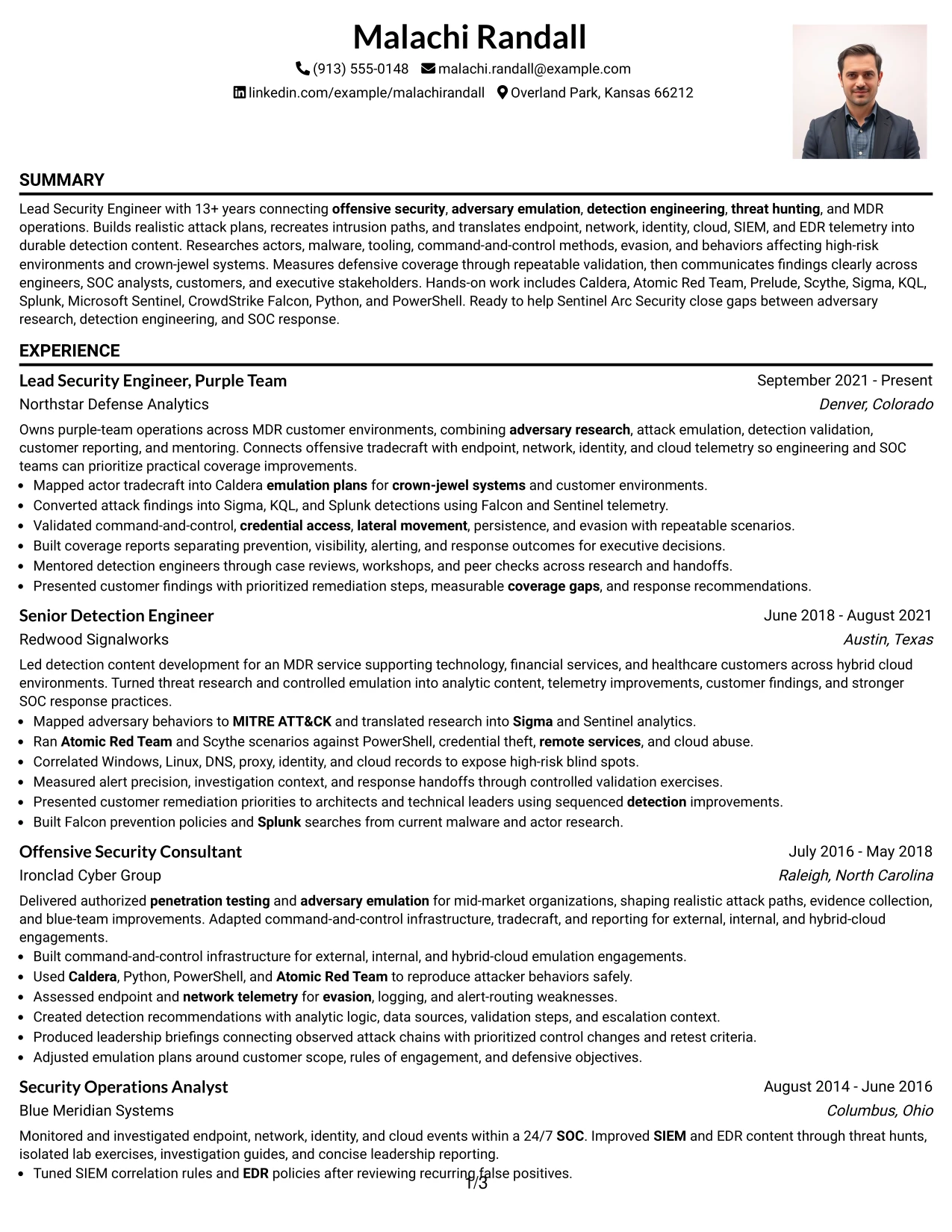
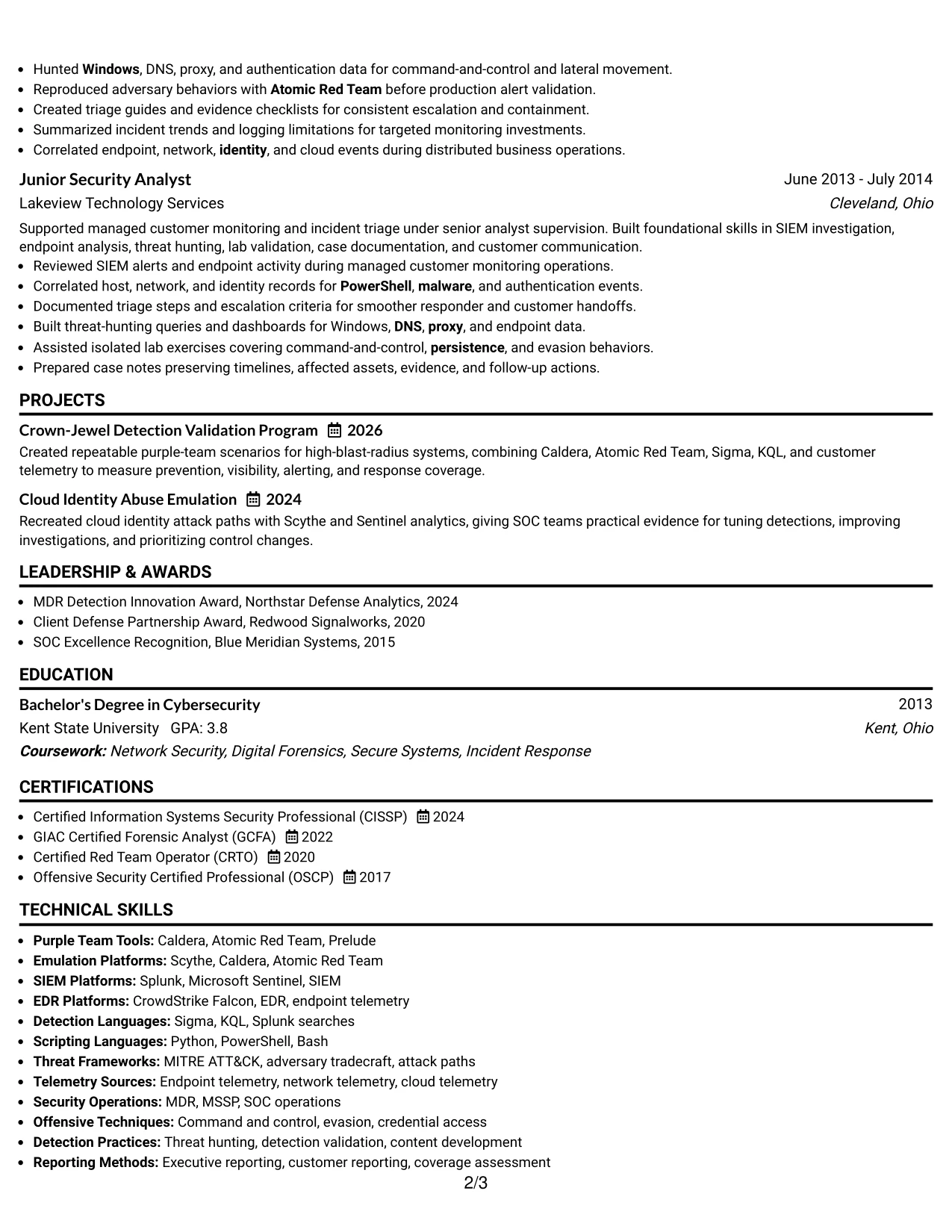
Why the One Column Format with Photo Right Works for a Resume
- Balanced header spacing keeps contact information separate from evidence.
- The open text path supports a smooth review of the career timeline.
- Full-width sections allow technical bullets to remain readable.
- Projects can reinforce experience without creating a competing side panel.
- A dedicated skills area supports role-specific keyword matching.
- Certifications and education can close the document in a familiar order.
- The layout fits applications that value polished presentation and clear text.
Best For
- Applications where a balanced header should preserve space for text
- Candidates presenting one connected story from SOC work to purple-team leadership
- Resumes that need readable full-width bullets and a separate skills section
- Documents with projects that reinforce, rather than interrupt, the career timeline
- Readers who prefer consistent spacing across experience and qualifications
- Technical applications where keywords must remain in searchable text
- Professionals seeking a polished layout for customer-facing security work
#29 One Column Boxed Contact Header Format Resume Example
For an application that depends on fast review, the boxed contact header establishes the target role and key contact details before the reader reaches the evidence. The one-column body then presents summary, experience, projects, skills, certifications, and education in a direct sequence.
This format suits a resume with a clear professional narrative. Detailed bullets can explain how realistic attacks became detection content, how endpoint and cloud telemetry was assessed, and how findings were reported to customers and leadership. Boxed contact details add structure while leaving the body focused on ATS-readable text.
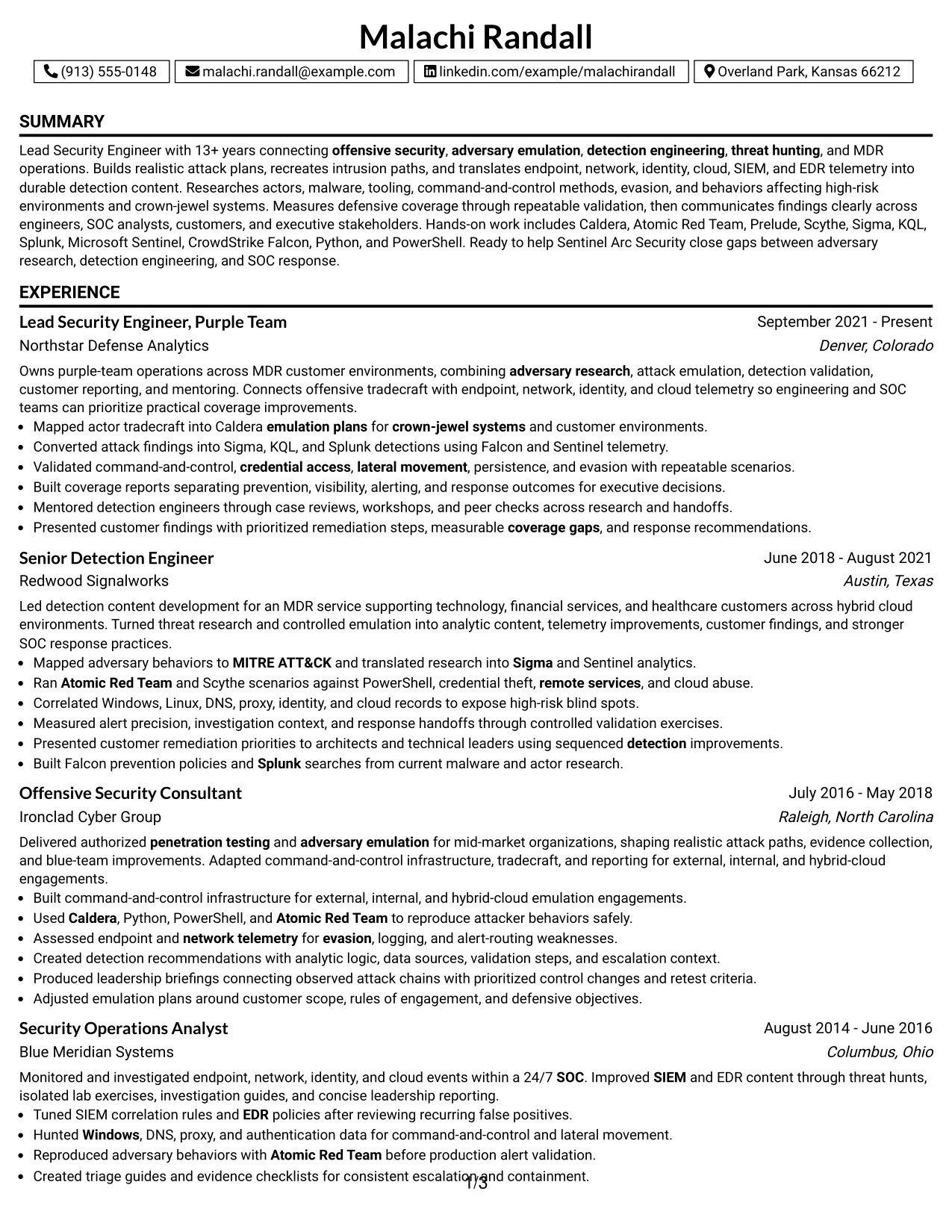
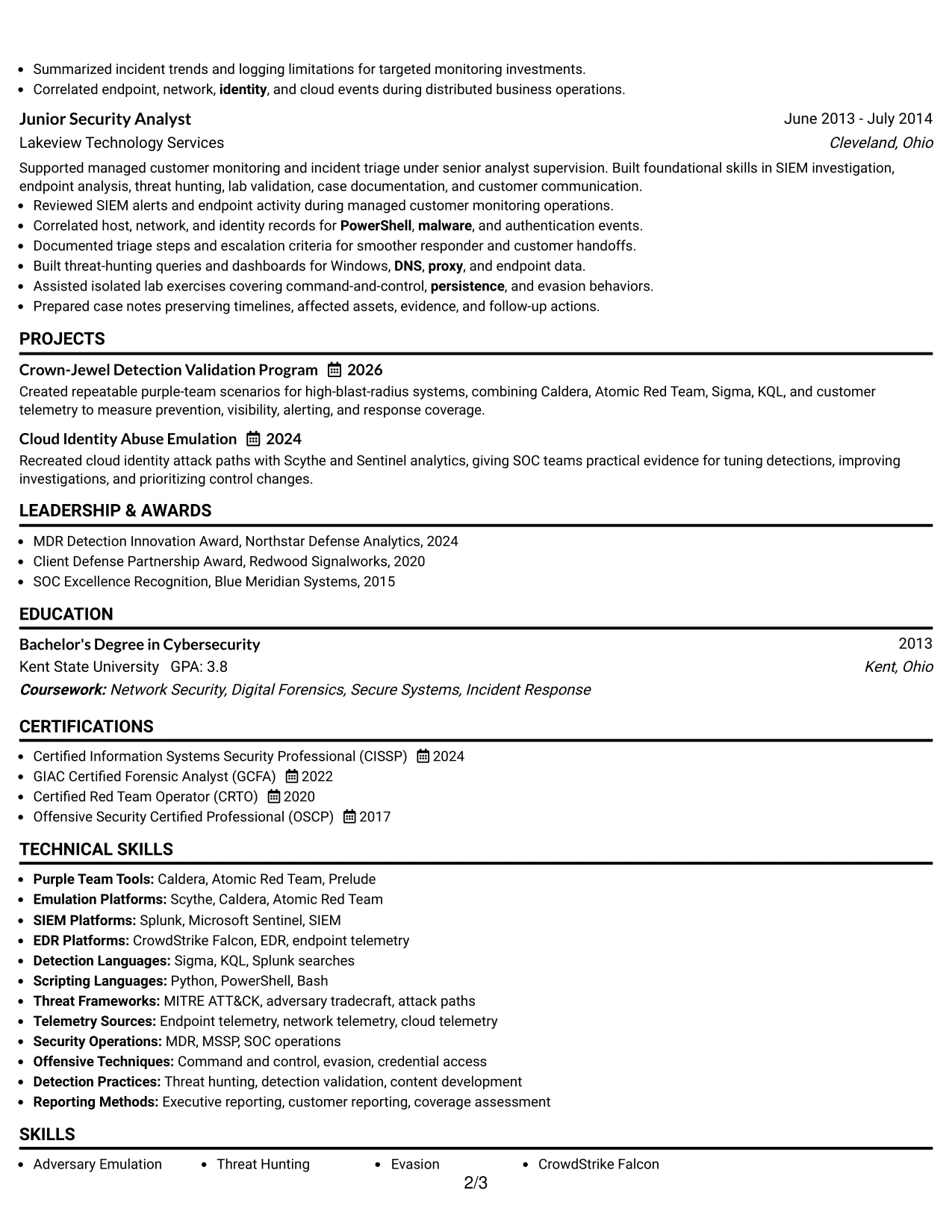
Why the One Column Boxed Contact Header Format Works for a Resume
- The contact box gives the resume a defined starting point.
- The target role can appear prominently without interrupting the body.
- One-column ordering supports reliable ATS extraction.
- Experience bullets can carry detailed technical evidence at full width.
- Projects provide a compact place for validation program results.
- A dedicated skills section supports exact tool and framework keywords.
- The closing sections can present certifications and education without visual clutter.
Best For
- Applications that require quick access to role and contact information
- Candidates with a focused career narrative and several detailed achievement bullets
- Resumes that need maximum compatibility with text-based screening systems
- Documents where projects should support, not compete with, work history
- Professionals combining technical execution with customer reporting
- Readers who prefer a direct top-to-bottom review path
- Technical resumes that need a structured header without a side column
#30 One Column Shaded Contact Header Format Resume Example
A subtle shaded header gives the document a composed, professional character while keeping the resume content easy to read. The single-column flow supports a clear match to the Lead Security Engineer, Purple Team role by placing the summary, current experience, tools, projects, and credentials in a familiar order.
The shaded labels can guide attention to detection engineering, adversary emulation, threat hunting, and MDR operations without overwhelming the page. Strong bullets should remain the focus, especially those describing Sigma, KQL, Splunk, Sentinel, Falcon, repeatable validation, and prioritized coverage findings.
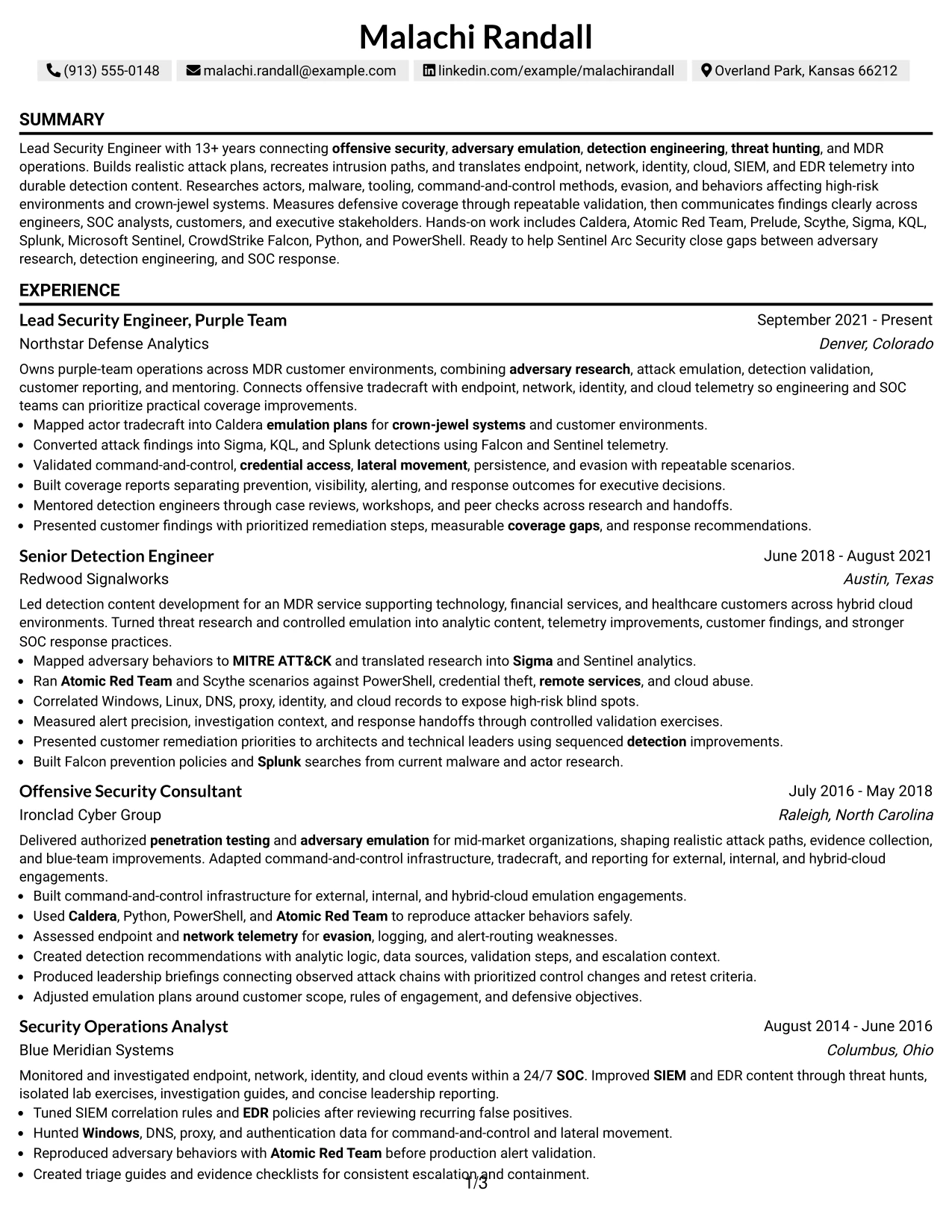
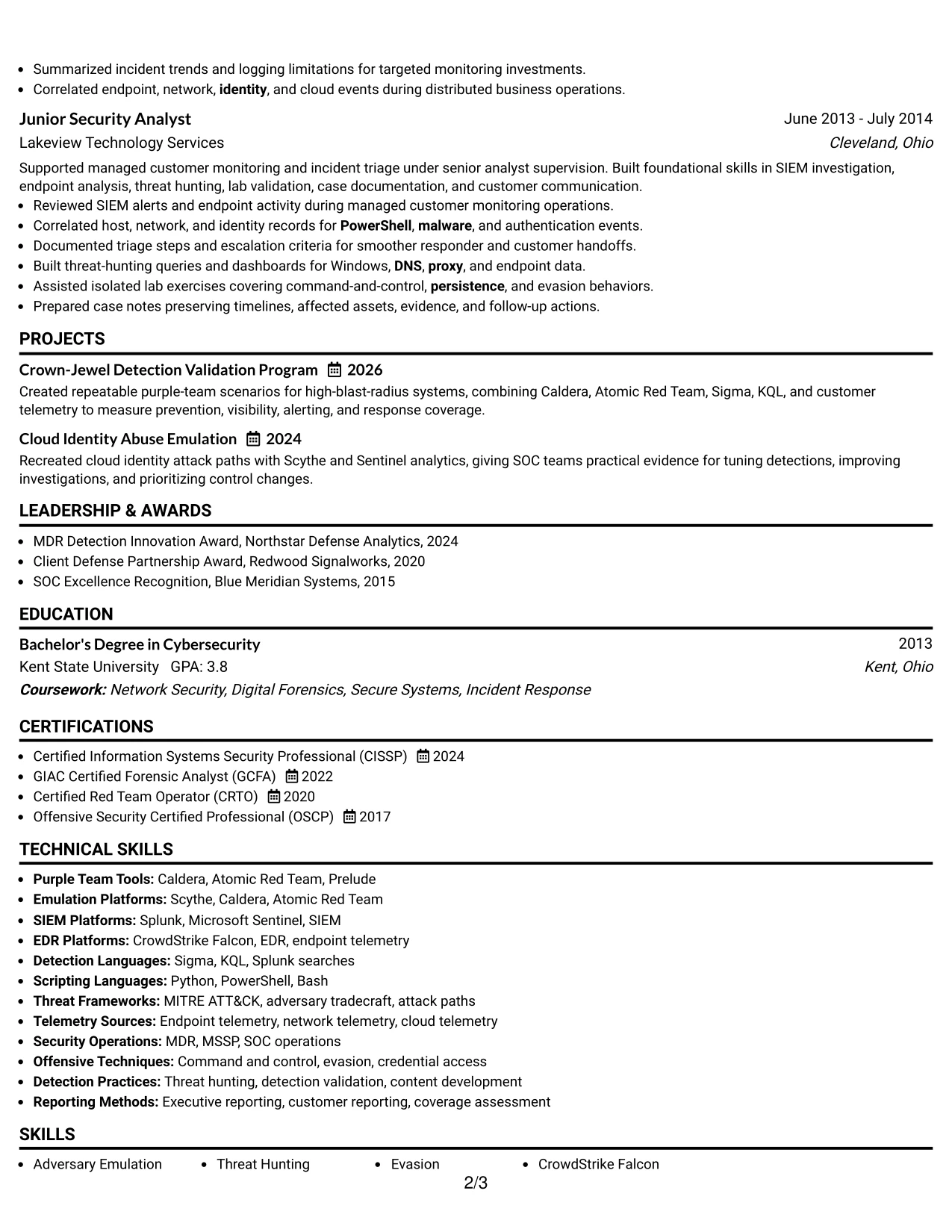
Why the One Column Shaded Contact Header Format Works for a Resume
- A shaded header adds hierarchy while keeping the visual treatment restrained.
- The role alignment is visible before the reviewer reaches the work history.
- Single-column organization supports consistent ATS and recruiter scanning.
- Experience bullets can connect offensive activity to defensive outcomes.
- Projects add focused evidence for detection validation and cloud identity work.
- Skills and tools remain searchable in a dedicated section.
- The format presents certifications and education without distracting from experience.
Best For
- Resumes that need a professional tone with a small amount of visual guidance
- Candidates aligning offensive and defensive security evidence to one target role
- Applications where a single-column structure improves ATS readability
- Documents that combine detailed work history with focused project evidence
- Professionals who want shaded labels to support, not dominate, the page
- Readers who review role alignment before technical depth
- Technical resumes that need a calm presentation for leadership and customer work
#31 Boxed Contact Header with Job Title Format Resume Example
The Boxed Contact Header with Job Title Format places the target position in a highly visible opening block, then uses a straightforward body for the resume evidence. This makes the relationship between the target role and the professional summary clear before the reader reviews experience, projects, skills, education, and certifications.
The body can support detailed bullets without forcing technical content into narrow areas. That is valuable for describing actor research, emulation plans, command and control, evasion, telemetry analysis, detection content, and reporting outcomes. Clear section labels also help preserve ATS-friendly keyword placement.
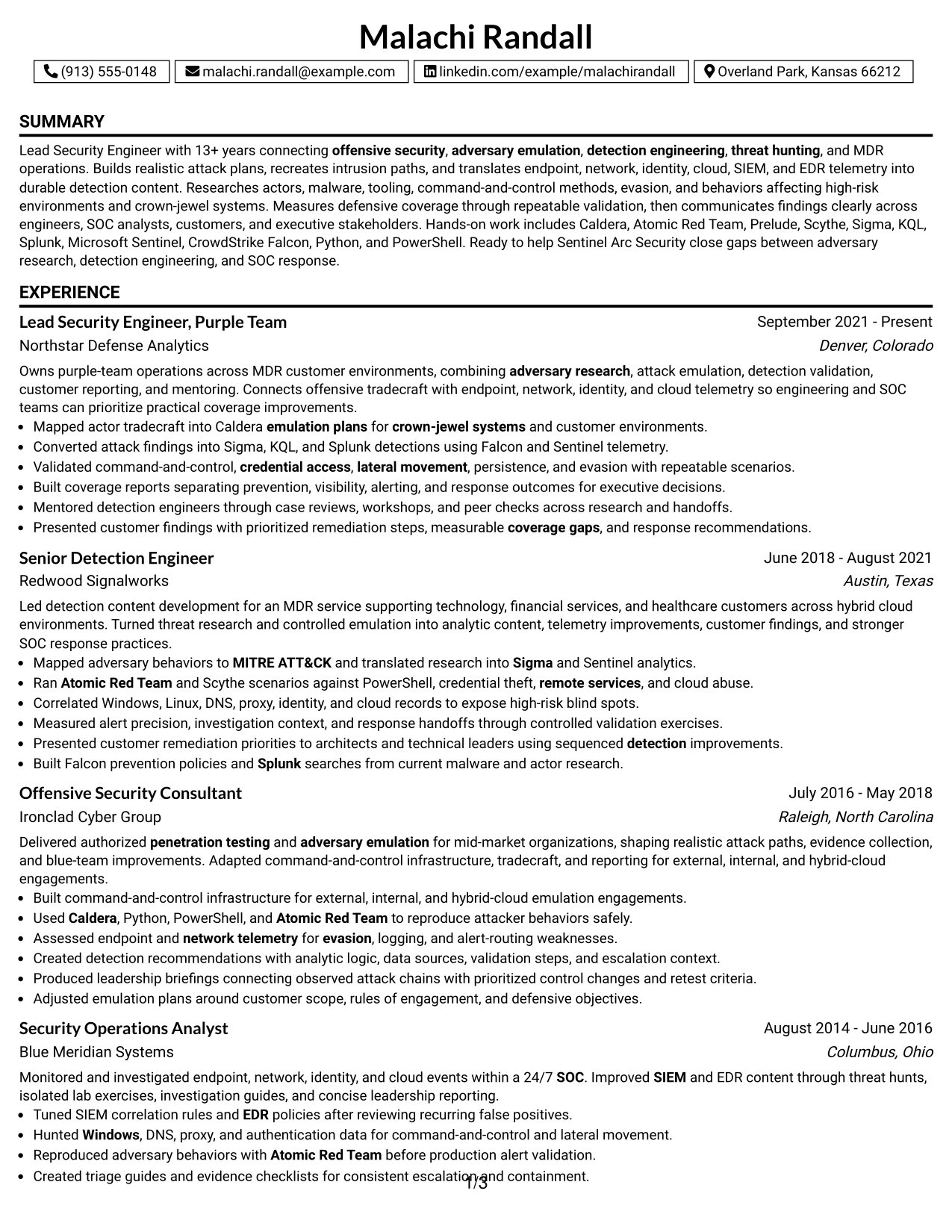
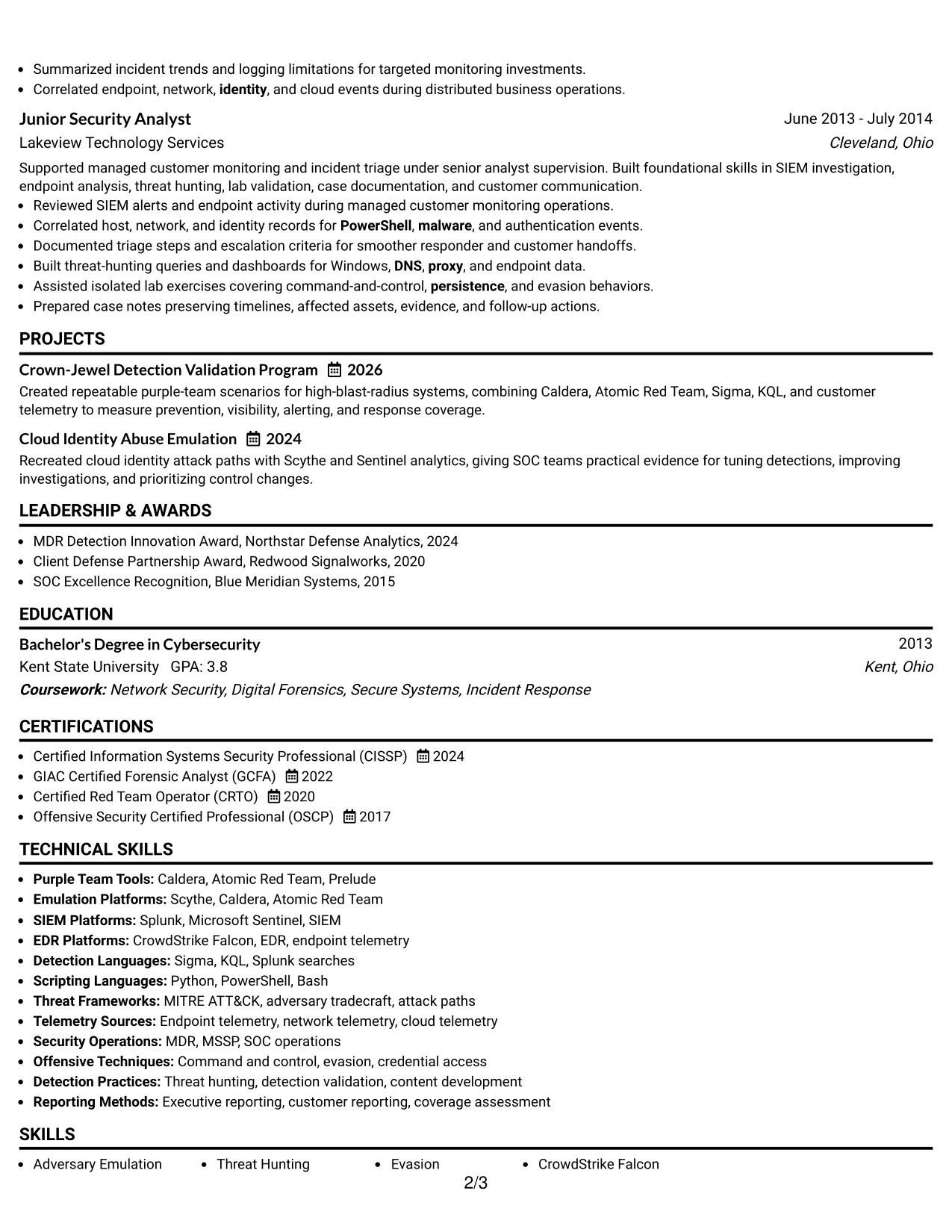
Why the Boxed Contact Header with Job Title Format Works for a Resume
- The job title is difficult to miss during an initial scan.
- A boxed contact area separates identity details from resume evidence.
- The single-column body supports complete achievement bullets.
- Experience can show progression from SOC operations to technical leadership.
- Projects can demonstrate repeatable testing and coverage assessment.
- Skills and tools can be matched directly to the target role's requirements.
- The layout keeps certifications and education in predictable locations.
Best For
- Resumes where the target job title should anchor the first impression
- Candidates showing progression across related security operations functions
- Applications that need readable full-width bullets for technical evidence
- Documents with projects that validate the claims made in experience
- Professionals combining research, emulation, detection, and reporting
- Readers who scan the header before assessing detailed qualifications
- ATS-conscious resumes that still benefit from a defined contact block
#32 Plain Professional Layout with Job Title & Shaded Labels Resume Example
Readers can start with the job title and summary, move through the career timeline, and then confirm skills, projects, certifications, and education in order. Shaded labels make each transition clear while the plain professional treatment keeps attention on the evidence rather than decoration.
This structure accommodates a high volume of relevant content. It can show detailed achievements from Northstar Defense Analytics, Redwood Signalworks, Ironclad Cyber Group, Blue Meridian Systems, and Lakeview Technology Services while preserving space for tools, credentials, awards, and community leadership.

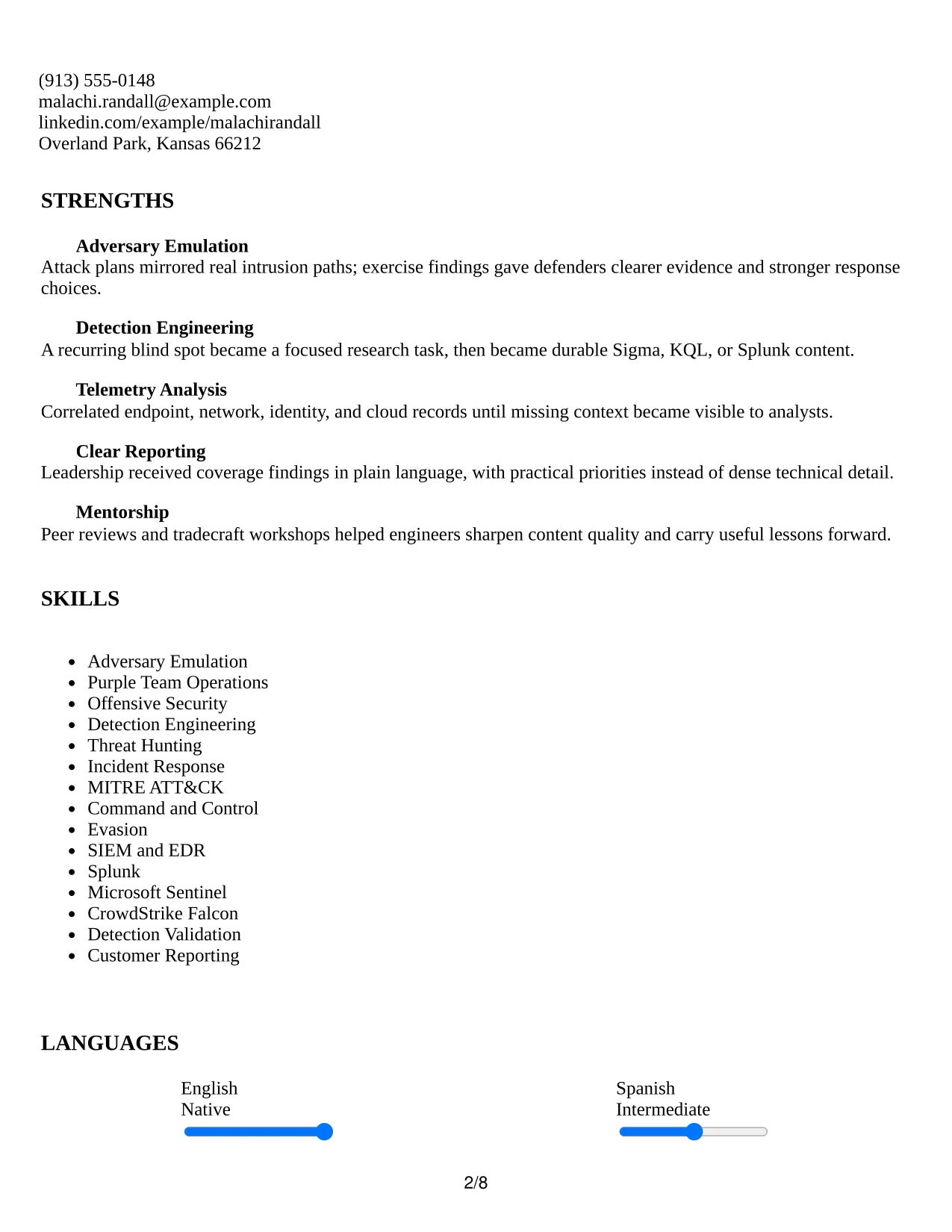
Why the Plain Professional Layout with Job Title & Shaded Labels Works for a Resume
- The reading path follows the review order most recruiters expect.
- Shaded labels help separate a substantial amount of content.
- The job title provides immediate context for the professional summary.
- A long experience history can remain detailed without using columns.
- Projects and activities add supporting evidence after core employment.
- Skills and tools can be listed in a clear, searchable group.
- The plain treatment keeps achievements more prominent than decoration.
Best For
- Resumes with many roles that need a stable, familiar reading order
- Candidates whose evidence volume requires full-width section space
- Applications where the job title should frame the entire document
- Documents combining employment, projects, awards, activities, and credentials
- Professionals who prefer clear labels over strong graphic effects
- Readers who need to compare several roles without navigating columns
- ATS-conscious applications with broad technical keyword coverage
#33 Classic One Column Resume Format Resume Example
The most persuasive evidence appears early: the summary, current purple-team leadership, and experience bullets that connect realistic intrusion behavior with stronger detections. A classic one-column format keeps that evidence in a stable order, making it easy to follow the progression from security operations to offensive security and detection engineering.
Full-width sections give the resume room for measurable coverage findings, technical methods, projects, certifications, education, and community leadership. The traditional structure is also practical for ATS review because keywords such as threat hunting, MITRE ATT&CK, Splunk, Microsoft Sentinel, and CrowdStrike Falcon remain in ordinary text sections.
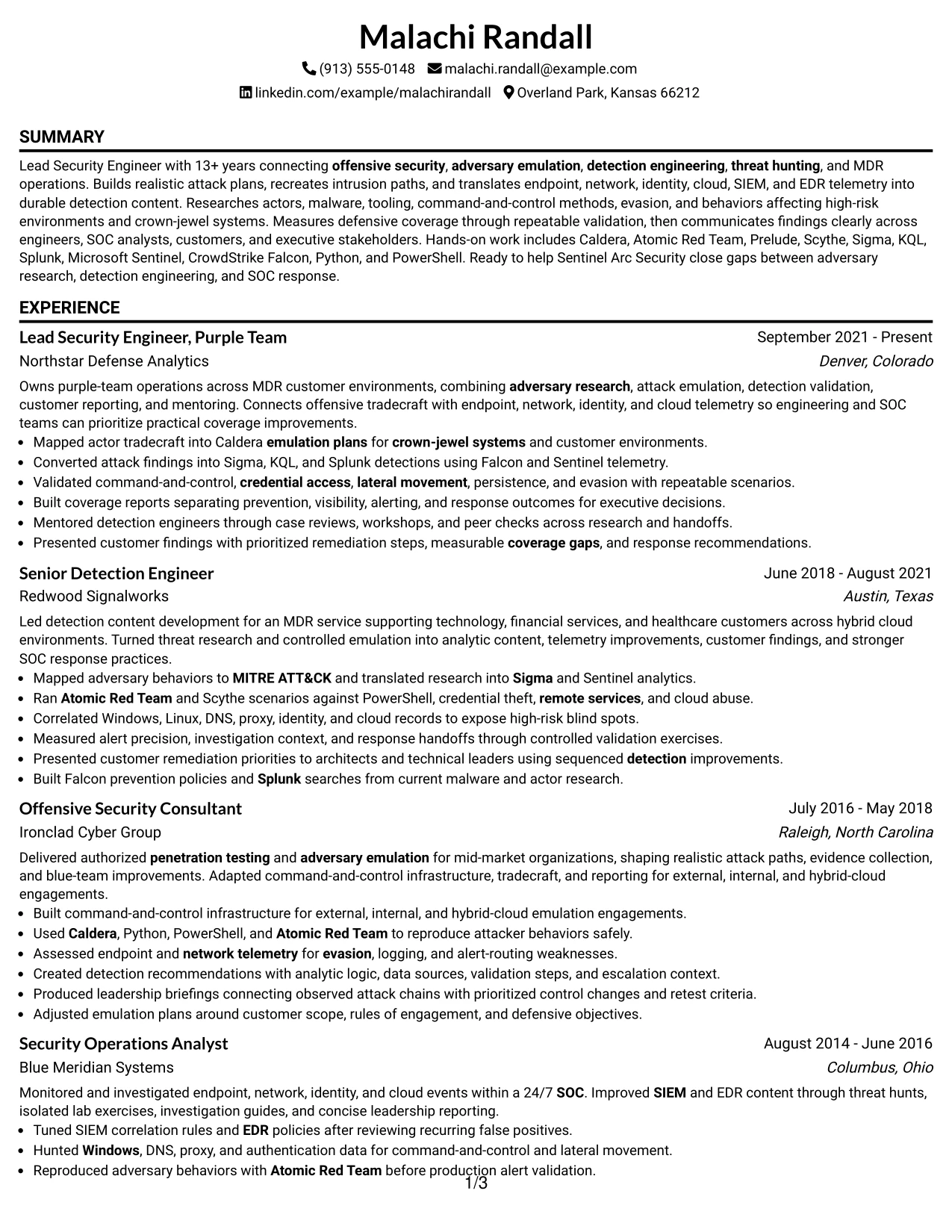
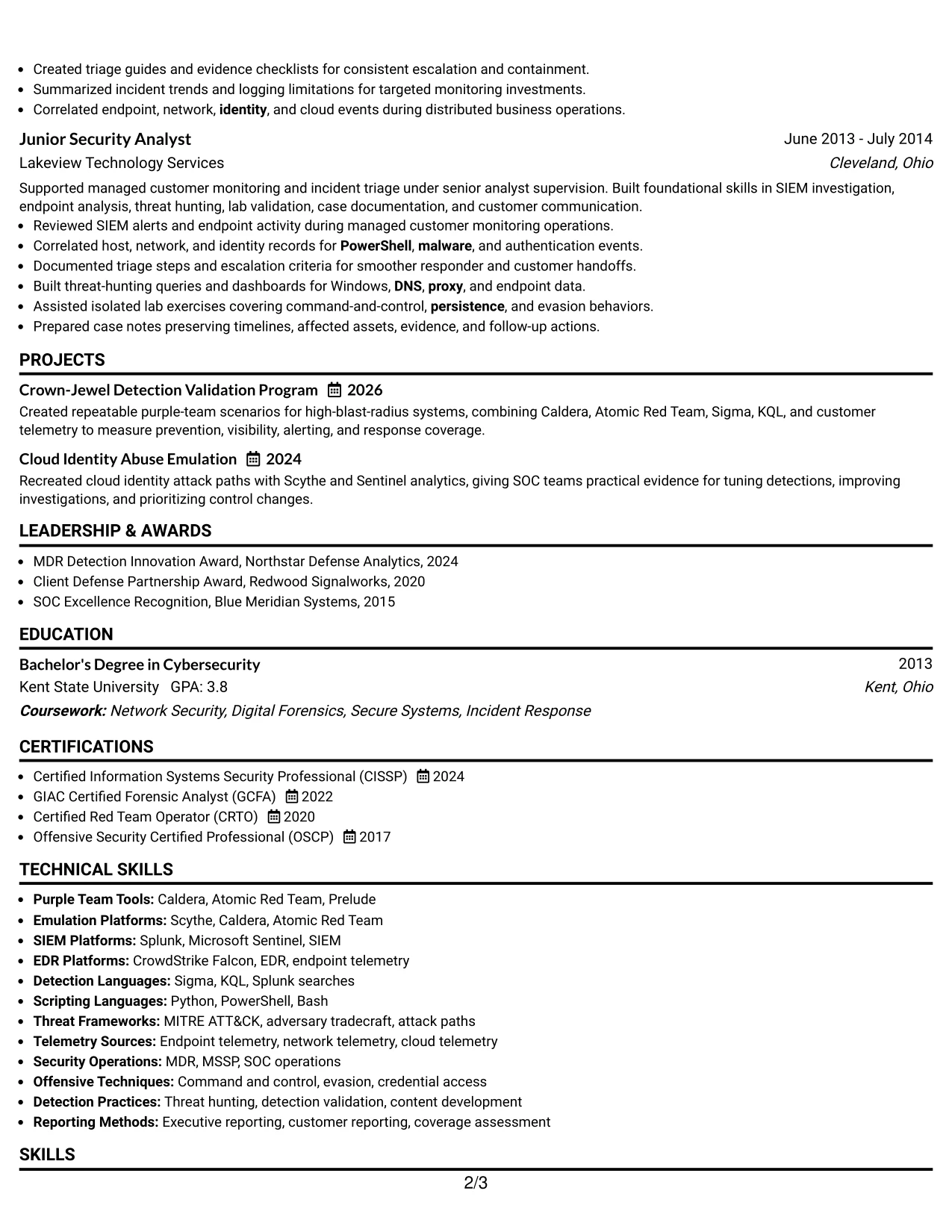
Why the Classic One Column Resume Format Works for a Resume
- The traditional order puts recent evidence before supporting details.
- Full-width sections give achievement bullets room to explain technical work.
- The career progression is easy to follow from earliest to current role.
- Projects can add focused proof of detection validation and emulation.
- A standard skills section supports keyword matching for the target role.
- Certifications and education are easy to locate during a final review.
- The simple structure is familiar to ATS systems and human readers.
Best For
- Resumes where recent achievements should receive the strongest attention
- Candidates who want a familiar structure for a complex technical career
- Applications requiring clear full-width evidence and straightforward parsing
- Documents that combine employment history with projects and certifications
- Professionals presenting a progression from operations to engineering leadership
- Readers who prefer conventional section order and minimal visual distraction
- Technical resumes where standard keyword placement supports screening
Why Build Your Lead Security Engineer, Purple Team Resume with ResumeInMinutes
ResumeInMinutes helps you turn complex security work into a structured resume that recruiters and technical reviewers can scan quickly. You can present adversary research, emulation plans, detection content, telemetry analysis, reporting, and leadership in the right sections.
- ATS-friendly resume formats
- Clear security resume section structure
- Targeted technical keywords
- Organized tools and skills presentation
- Projects and certification sections
- Free PDF resume previews
Use the format that gives your strongest evidence room to breathe. A focused resume can show how you validate detections, close coverage gaps, communicate findings, and improve security operations without burying those contributions in dense paragraphs.
See Also
- 33 Senior Security Engineer, Blue Team Resume Templates with Example 2026 (ATS-Optimized)
- 33 Staff Security Engineer – Red Team (AI) Resume Templates with Example 2026 (ATS-Optimized)
- 33 Red Team Engineer Resume Templates with Example 2026 (ATS-Optimized)
- 33 AI Automation Engineer, Security Resume Templates with Example 2026 (ATS-Optimized)
- 7 Application Engineer - Electronic Security Systems Resume Templates with Example
- 33 Cyber Security Engineer, Junior Resume Templates with Example 2026 (ATS-Optimized)
- 33 Cyber Security Engineer, VP Resume Templates with Example 2026 (ATS-Optimized)
- 7 Lead Engineer AI Security - Security Architecture Resume Templates with Example
- 30+ Lead Security Engineer, Purple Team Cover Letter Templates with Example 2026
- 30+ Senior Security Engineer, Blue Team Cover Letter Templates with Example 2026
Frequently Asked Questions
Are these Lead Security Engineer, Purple Team resume templates ATS-friendly?
Yes. The layouts use clear headings and structured sections that help ATS tools read experience, skills, projects, certifications, and role-specific keywords.
Are these separate resumes?
No. The guide presents one resume example in several distinct layouts and design styles. The underlying content stays focused on Lead Security Engineer, Purple Team work.
What should a Lead Security Engineer, Purple Team resume include?
Include a focused summary, experience, adversary emulation, detection engineering, threat hunting, skills, tools, projects, education, certifications, and results such as improved coverage or clearer response decisions.
Can I download the resume templates as PDFs?
Yes. Each resume design offers a free PDF download so you can review the layout and choose a format that presents your security experience clearly.
Which resume style is best for a Lead Security Engineer, Purple Team position?
A clean one-column or simple two-column layout is usually the safest choice. It supports ATS parsing and gives technical reviewers a quick path to your experience, tools, and detection results.
How should I describe purple-team experience?
Show the full connection between offense and defense. Explain how you researched attacker behavior, built or ran an emulation, reviewed telemetry, validated detections, and communicated the resulting coverage gaps or improvements.
Should I include security tools on my resume?
Yes, when you used them in meaningful work. Relevant examples include Caldera, Atomic Red Team, Prelude, Scythe, Sigma, KQL, Splunk, Microsoft Sentinel, CrowdStrike Falcon, Python, and PowerShell.
Can I customize these resume templates?
Yes. You can update the resume text, sections, skills, tools, projects, and PDF layout to reflect your Lead Security Engineer, Purple Team experience and the keywords required for the role.




