33 Lead User Experience (UX) Designer Resume Templates with Example 2026 (ATS-Optimized)
Seeking a Lead User Experience (UX) Designer resume to effectively showcase your skills, tools, projects, and rich professional experience? This guide provides an in-depth focus on resume structure, ATS keyword alignment, measurable achievements, and your portfolio of design work.
A powerful resume should clearly illustrate your qualifications through headings, concise achievement bullets, relevant technical skills, practical project examples, and exposure to tools like Figma, JIRA, and user research methodologies.
Below, you’ll find a comprehensive Lead User Experience (UX) Designer resume example presented in 33 ATS-friendly resume layouts, with free PDF downloads and format notes to help you select the most suitable style for your job application.
What Makes a Great Lead User Experience (UX) Designer Resume in 2026
Effective resumes for Lead User Experience (UX) Designer positions in 2026 are keyword-targeted, evidence-based, and crafted for quick recruiter scanning. The goal is to present your qualifications so they can be verified instantly through focused sections, keywords, projects, and measurable outcomes.
- Utilize a focused summary that articulates the target role and your strongest UX design capabilities.
- Feature projects, relevant experience, or notable contributions using powerful action verbs and results.
- List tools and methodologies such as Figma, user research techniques, usability testing frameworks, and design systems.
- Employ bullet points to demonstrate outcomes, like improvements in user satisfaction, design efficiency, or compliance achievements.
Resume content should include scannable sections, avoiding narrative paragraphs. For this role, typical keyword alignment includes UX design, fintech experience, user feedback, prototyping, accessibility standards, Figma, and design methodologies.
The examples below illustrate how consistent resume content can adapt across 33 layouts while maintaining sections, keywords, bullets, and readability for recruiters.
Essential Sections of a Lead User Experience (UX) Designer Resume
High-impact resumes generally follow a structured layout. Absence of crucial sections can lead recruiters to view the resume as incomplete, even when the candidate has strong qualifications.
Most effective resumes include the following sections. While the order can be slightly adjusted, these headings enhance scan-ability and ATS compatibility:
- SUMMARY
- EXPERIENCE
- PROJECTS
- LEADERSHIP & AWARDS
- EDUCATION
- CERTIFICATIONS
- TECHNICAL SKILLS
- SKILLS (Soft Skills)
- PROFESSIONAL AFFILIATIONS
- ADDITIONAL INFORMATION
- REFERENCES (Optional or "Available upon request")
The resume examples below utilize this structure, centering on organization, keyword targeting, achievement-based content, and formatting that appeals to recruiters.
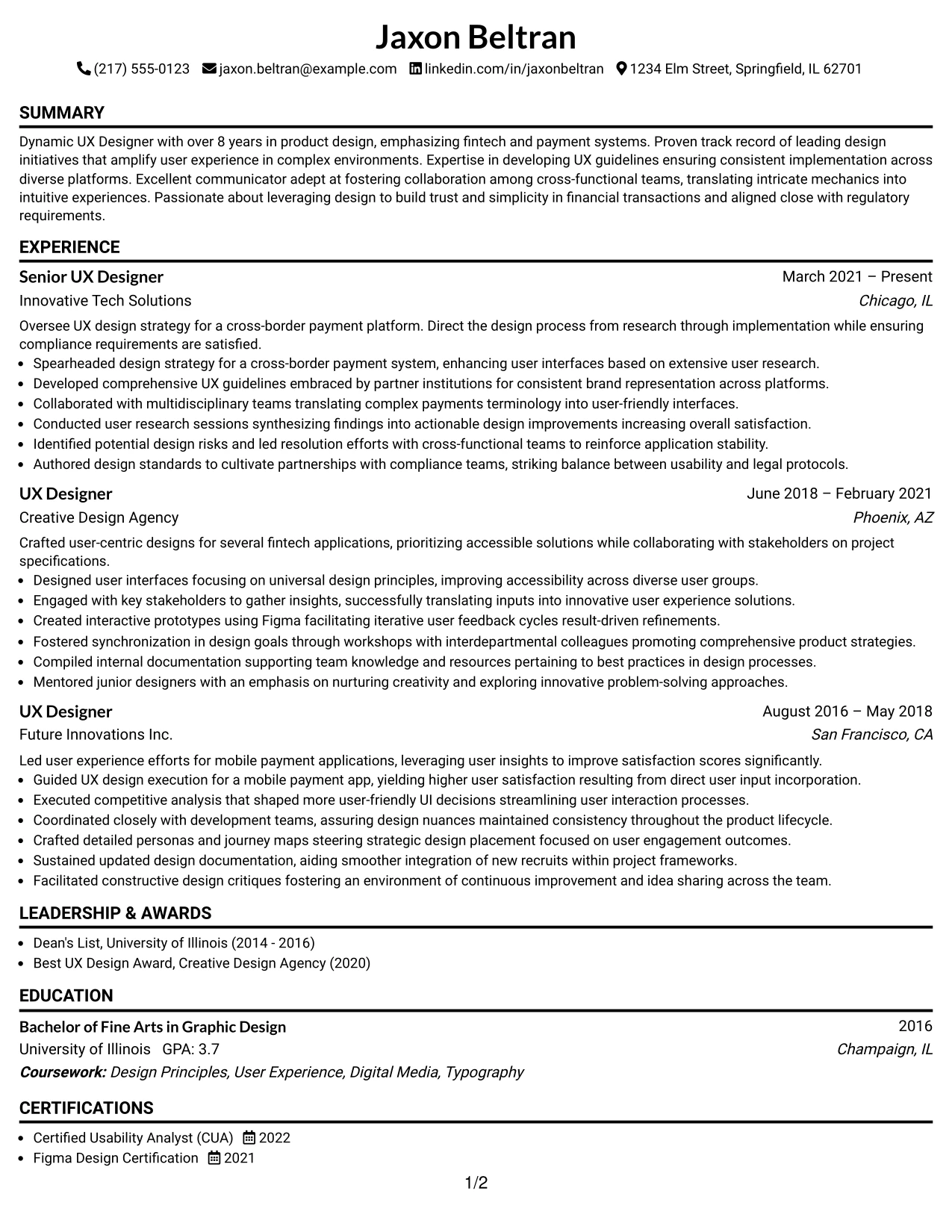
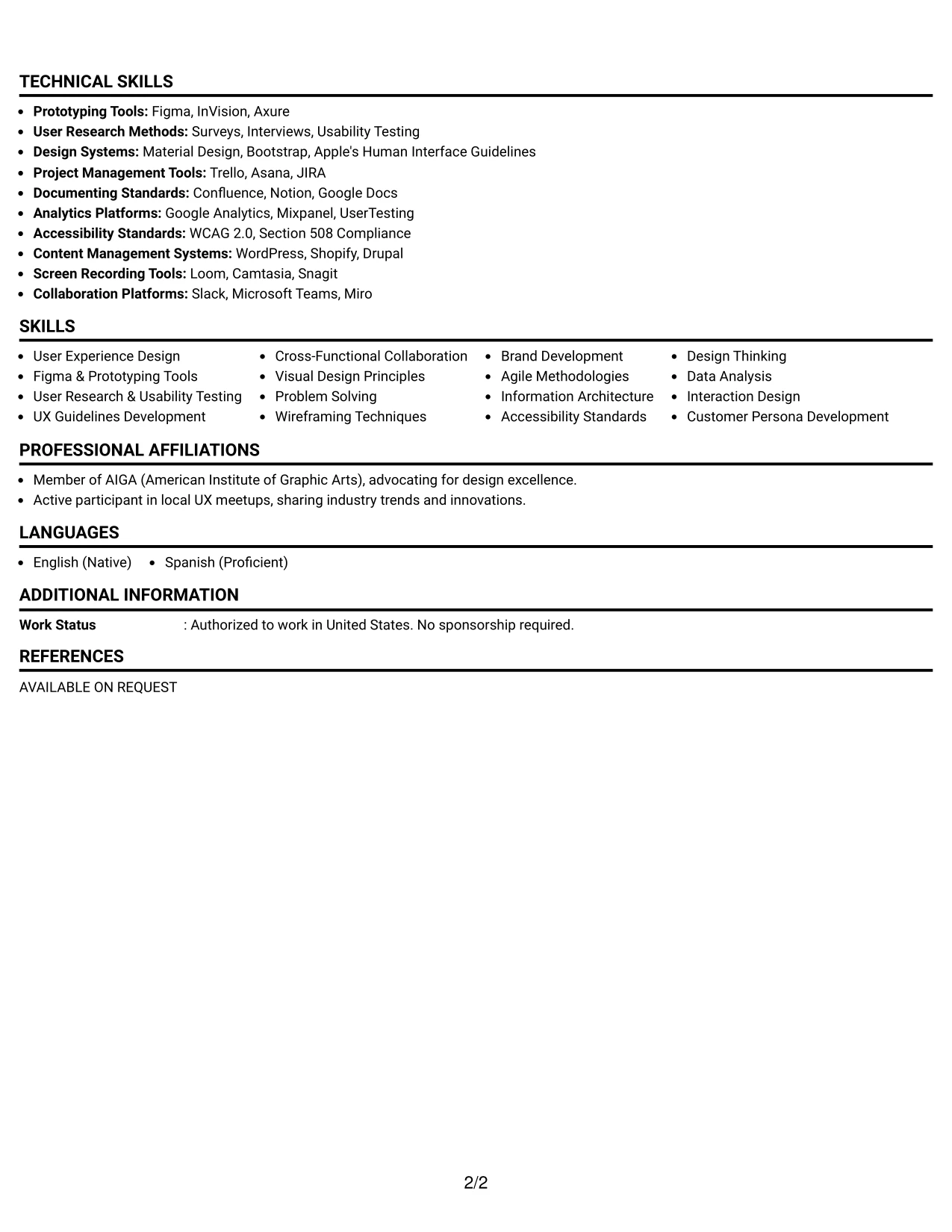
#1 Lead User Experience (UX) Designer Resume Example (Simple One Column Format)
This resume employs a clear Simple One Column Format, promoting easy readability and effective communication of Jaxon’s qualifications in UX design.
The layout strategically highlights sections such as the summary, experience, skills, and education, making Jaxon's extensive background in fintech and payment systems easily digestible for recruiters and ATS systems alike.
Why the Simple One Column Format Works for a Resume
- Promotes easy readability by placing Jaxon’s qualifications in a predictable layout, which supports quick evaluations from recruiters and ATS.
- Highlights succinct bullet points and relevant keywords in a manner conducive to comparison with the job description for a UX Designer.
- Optimizes for online applications where straightforward parsing is critical for ATS success.
- Allows seasoned professionals like Jaxon to effectively present significant achievements and measurable outcomes while minimizing long narrative sections.
- Supports keyword optimization in areas crucial for UX design roles, such as user research and prototyping tools.
- Best for experienced candidates prioritizing substantial content and impactful achievements over decorative elements.
Best For
- Innovative Tech Companies in Fintech
- Senior UX Design Roles
- Cross-Border Payment Initiatives
- Experienced Product Designers
- Projects Involving Regulatory Compliance
- Roles Requiring Strong Visual Design Sensibilities
- Positions in User-Centered Design Environments
- Collaborative UX Projects across Teams
- Prototyping in Tools like Figma
- Strategic Design Initiative Leadership
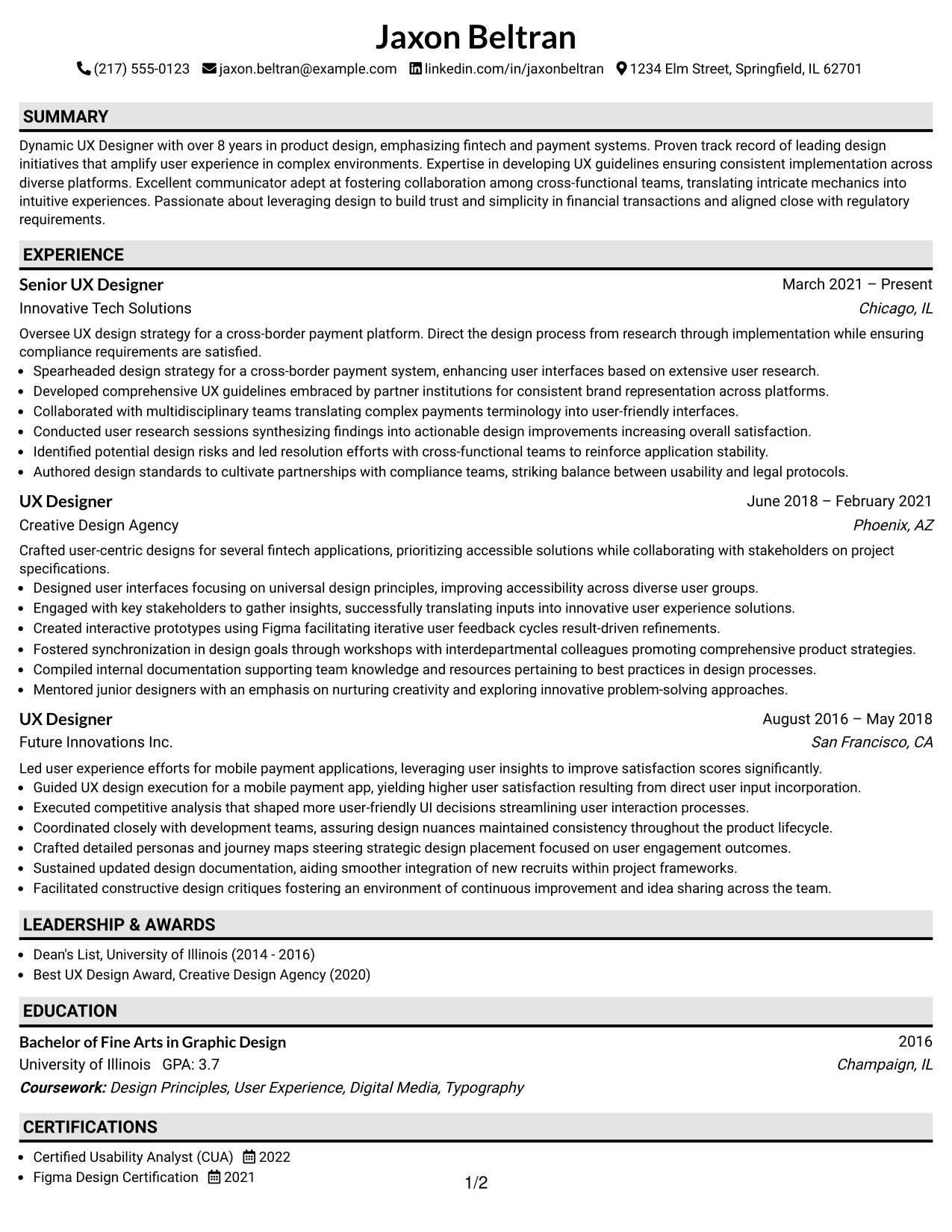
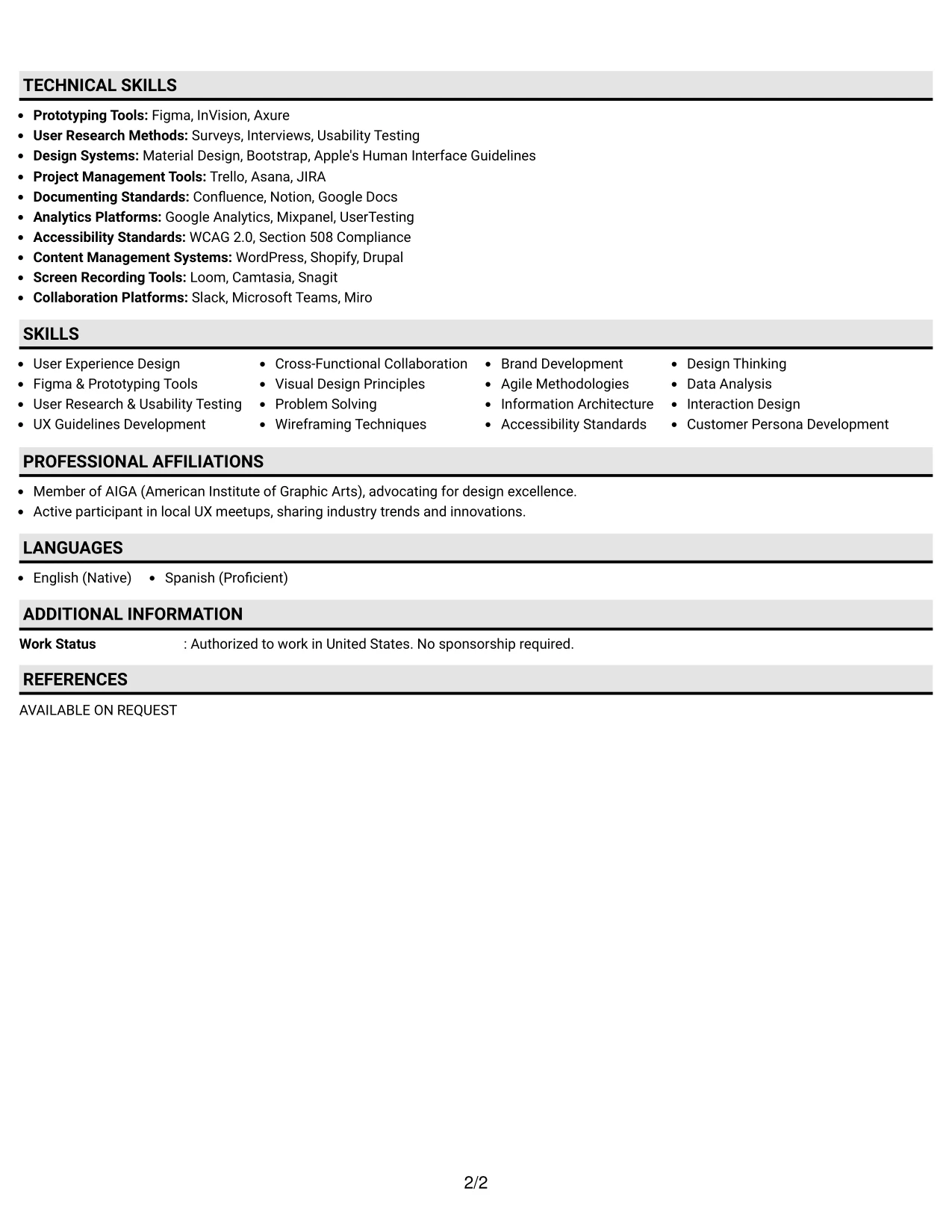
#2 Lead User Experience (UX) Designer Resume Example (Plain One Column with Shaded Labels)
This resume utilizes a concise Plain One Column with Shaded Labels format to enhance readability and ATS compatibility for Jaxon.
The layout effectively showcases Jaxon's design summary, skills, experience, and key accomplishments aligned specifically with user experience in financial technology.
Why the Plain One Column with Shaded Labels Works for a Resume
- Facilitates organized layouts that appeal to recruiters and ATS scanning options.
- Highlights impactful verbs and relevant technical skills, tailored for Jaxon’s specific UX design expertise.
- Works exceptionally well for digital applications that require clear structural integrity for parsing.
- Helps experienced professionals compile their extensive projects and user studies succeeding in presenting them orderly.
- Minimizes narrative text while accentuating measurable career outcomes in the UX realm.
- Encourages strong keyword integration related to UX research, user testing, and design strategy.
- Best for established professionals whose experience and skills showcase their abilities over artistic formatting.
Best For
- Fintech UX Design Opportunities
- Senior Roles Requiring Leadership in Design
- Companies Focused on User-Centric Applications
- Cross-Functional Team Collaboration Roles
- Positions Exploring User Experience in Payment Systems
- Prototyping and Usability Testing Projects
- Roles Highlighting Regulatory Compliance Awareness
- Strategic Design Recovery Efforts for Systems
- Fostering Cross-Disciplinary Team Engagements
- High-Level Design Presentation Opportunities
#3 Lead User Experience (UX) Designer Resume Example (One Column Format with Photo Right)
This resume features Jaxon prominently in a sleek One Column Format with Photo Right, delivering a compelling personal branding narrative while maintaining clarity across sections.
This format is effective for a UX professional like Jaxon, as it distinctly presents key experiences and skills necessary for leading design in fintech sectors.
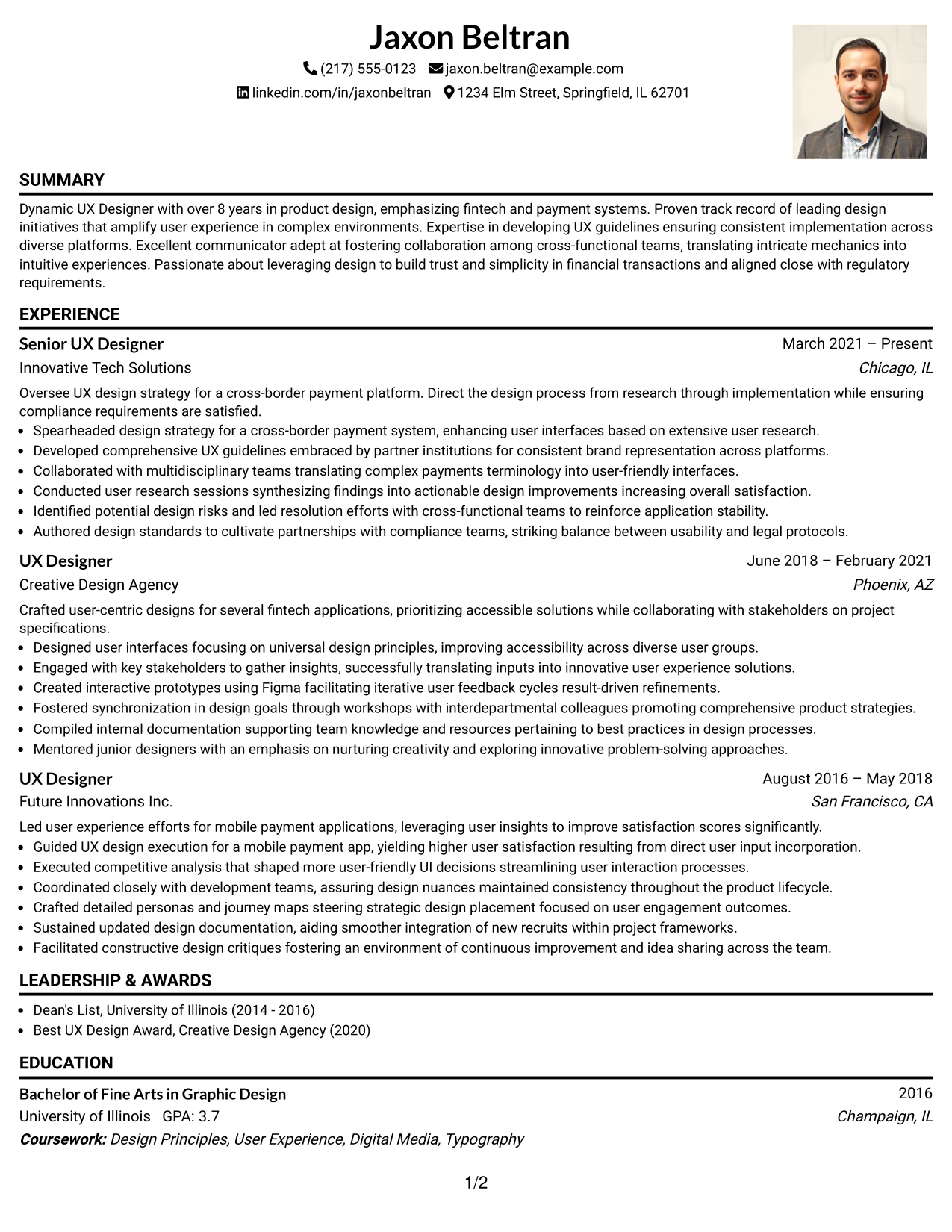
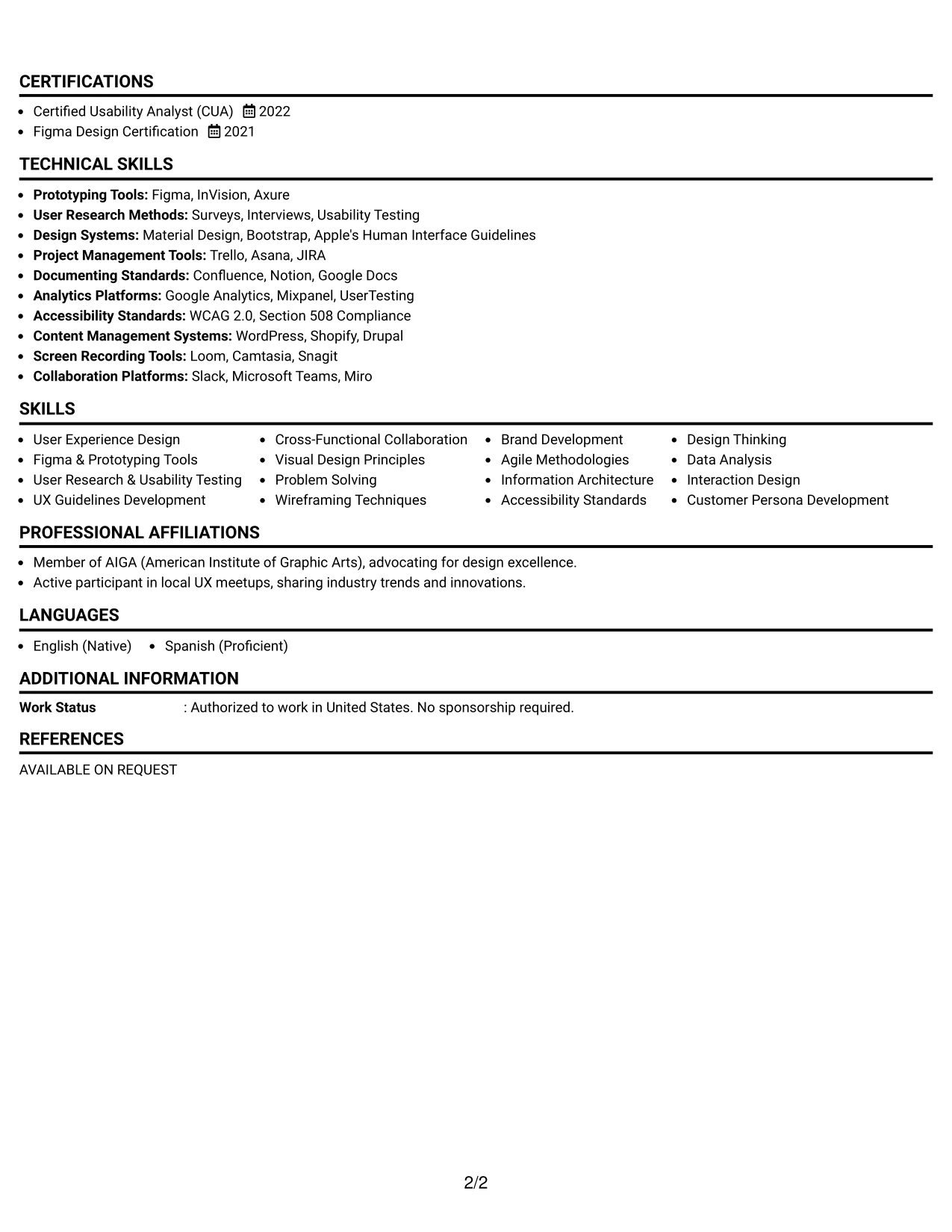
Why the One Column Format with Photo Right Works for a Resume
- Encourages Jaxon’s professional identity while keeping the formatting straightforward and easy to process for hiring managers.
- Sections are well-defined, promoting quick identification of key qualifications for UX roles in financial services.
- Ideal for innovative positions within UX design, emphasizing design thinking and collaborative experiences.
- Visually conveys Jaxon’s unique contributions while aligning with industry standards valuing clarity and creativity.
- Attracts attention in competitive fields where succinctness and innovation are paramount.
- Effectively pairs polished visuals with a focus on Jaxon’s comprehensive achievements, making it attractive to recruiters.
- Demonstrates adaptability in format design, making the resume suitable for modern UX environments and team dynamics.
Best For
- Creative Agencies Seeking Talented UX Designers
- Design Positions Focused on Fintech Solutions
- Companies Prioritizing Human-Centered Design
- Roles Centered Around Payment Systems and User Journeys
- Work Environments Valuing Innovation and User Engagement
- Functions Involving Strategic Design Success Measurement
- Graduate-Level Application Projects in UX
- Positions Demanding Innovative Problem-Solving Approaches
- Projects Where User Research is Vital
- Internships in Dynamic UX Settings
#4 Lead User Experience (UX) Designer Resume Example (Clean Two Column Sidebar Format)
This resume adopts a tidy Clean Two Column Sidebar Format, effectively organizing contact information, core skills, and professional experiences for quick reference by recruiters.
The structure is tailor-made for a professional like Jaxon, highlighting achievements, education, and relevant skills within a clear, accessible framework.
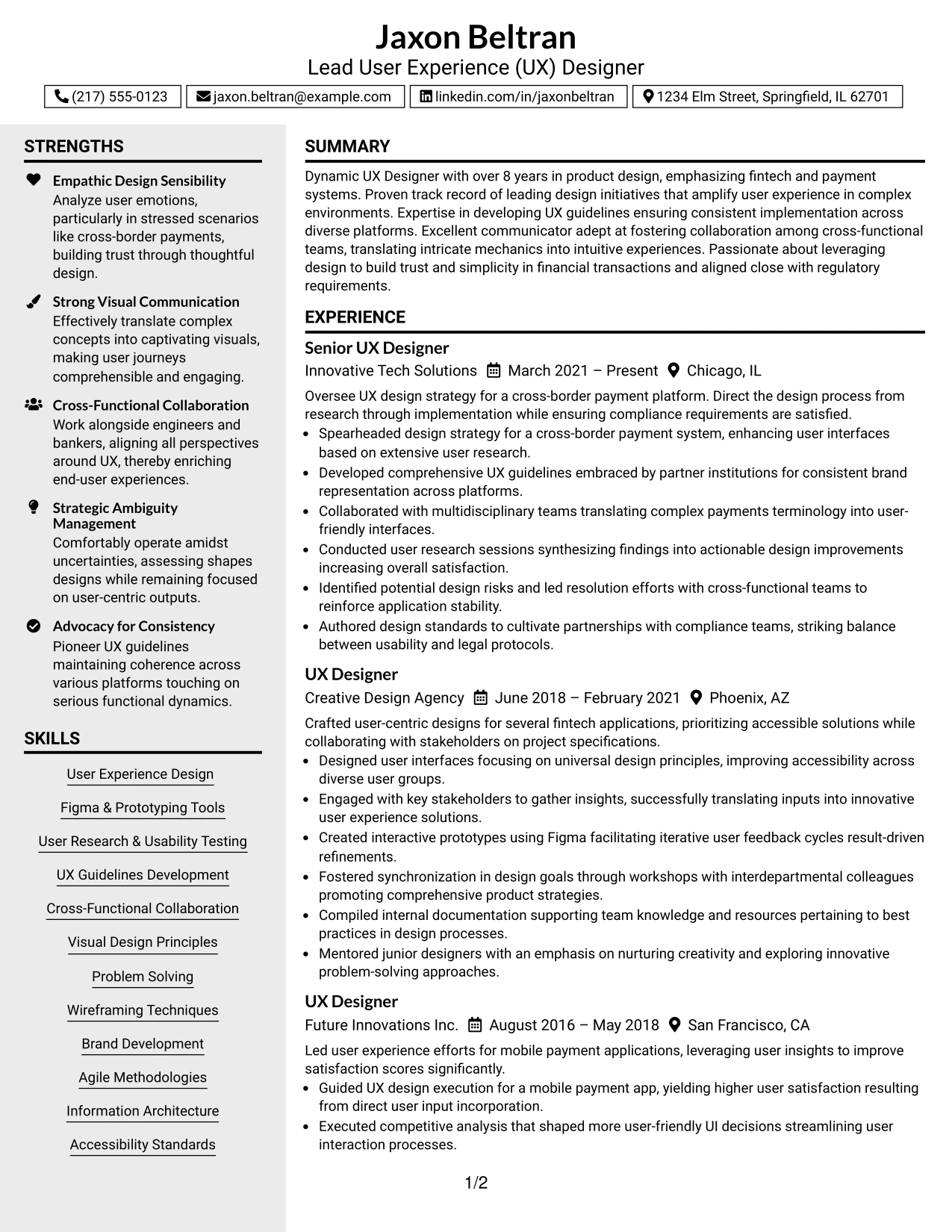
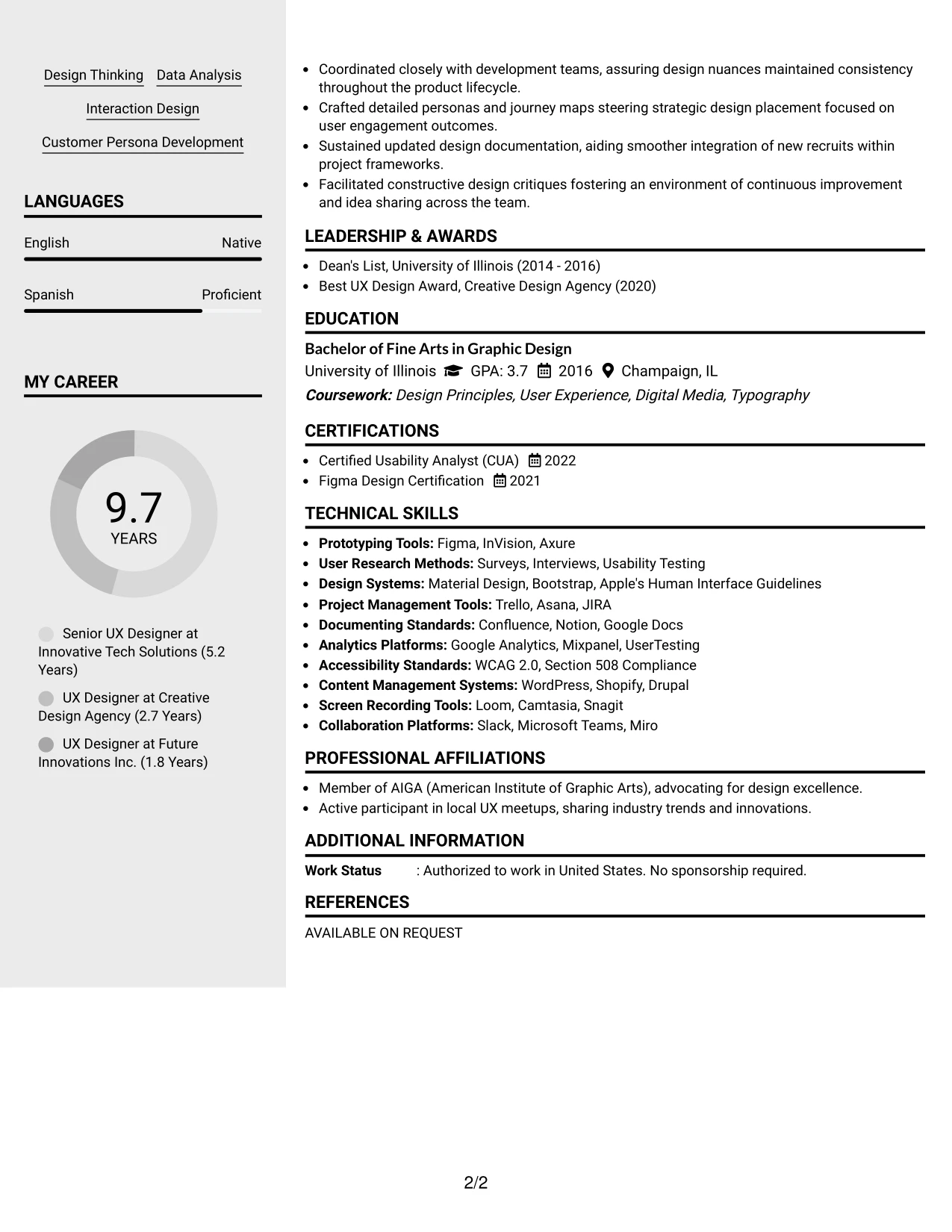
Why the Clean Two Column Sidebar Format Works for a Resume
- Organizes contact details and key skills separately from Jaxon’s achievements for rapid access during the review process.
- Eases the location of UX design competencies, tools, and project links critical in fulfilling user-centered design roles.
- Grants recruiters quick identification of priority sections, facilitating efficient evaluations.
- Establishes a clear visual hierarchy, maintaining a polished, professional appearance throughout the resume.
- Aids ATS by ensuring structured text and clean alignment for parsing.
- Ideal for experienced UX professionals integrating academic insights with substantial work experience in design.
- Encourages a focused output using bullet points and organized text sections, streamlining the hiring process.
Best For
- Established Companies Seeking Senior UX Talent
- University Recruitment Events
- Digital Job Application Portals
- Submissions Without Photo Requirements
- Simplified Resume Formats for Professionals
- Corporate Design Departments Engaging with UX Strategies
- Internship Recruitment Drives
- ATS Compatibility Emphasizing Structural Content
- Concise Formatting for Experienced Designers
- High-Level UX Resume Screenings
#5 Lead User Experience (UX) Designer Resume Example (Two Column Format)
This layout utilizes a structured Two Column Format that separates essential contact information from key accomplishments, making it easy for recruiters to review Jaxon’s qualifications.
The framework works exceptionally well for showcasing a blend of education, professional projects, and relevant UX design experience without overwhelming text blocks.
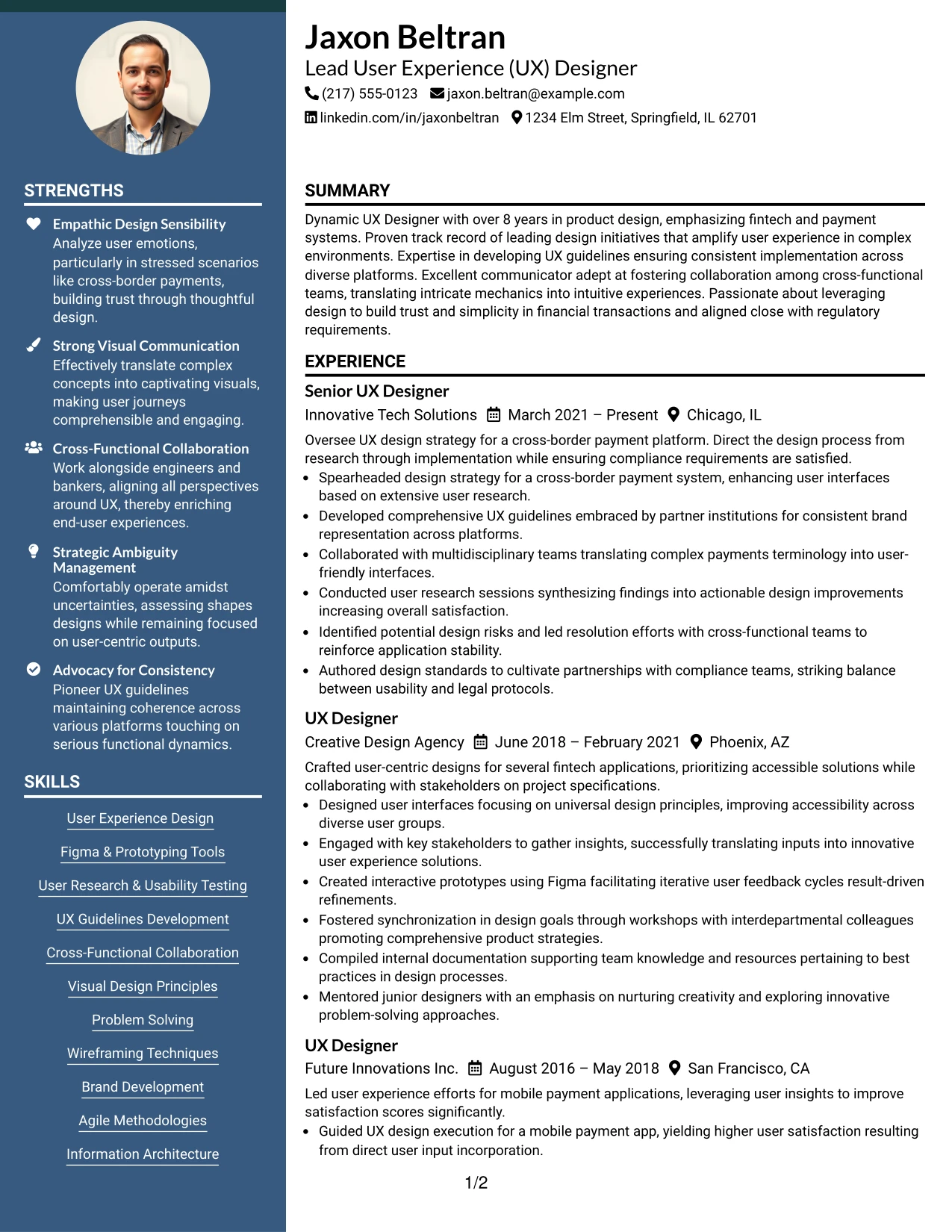
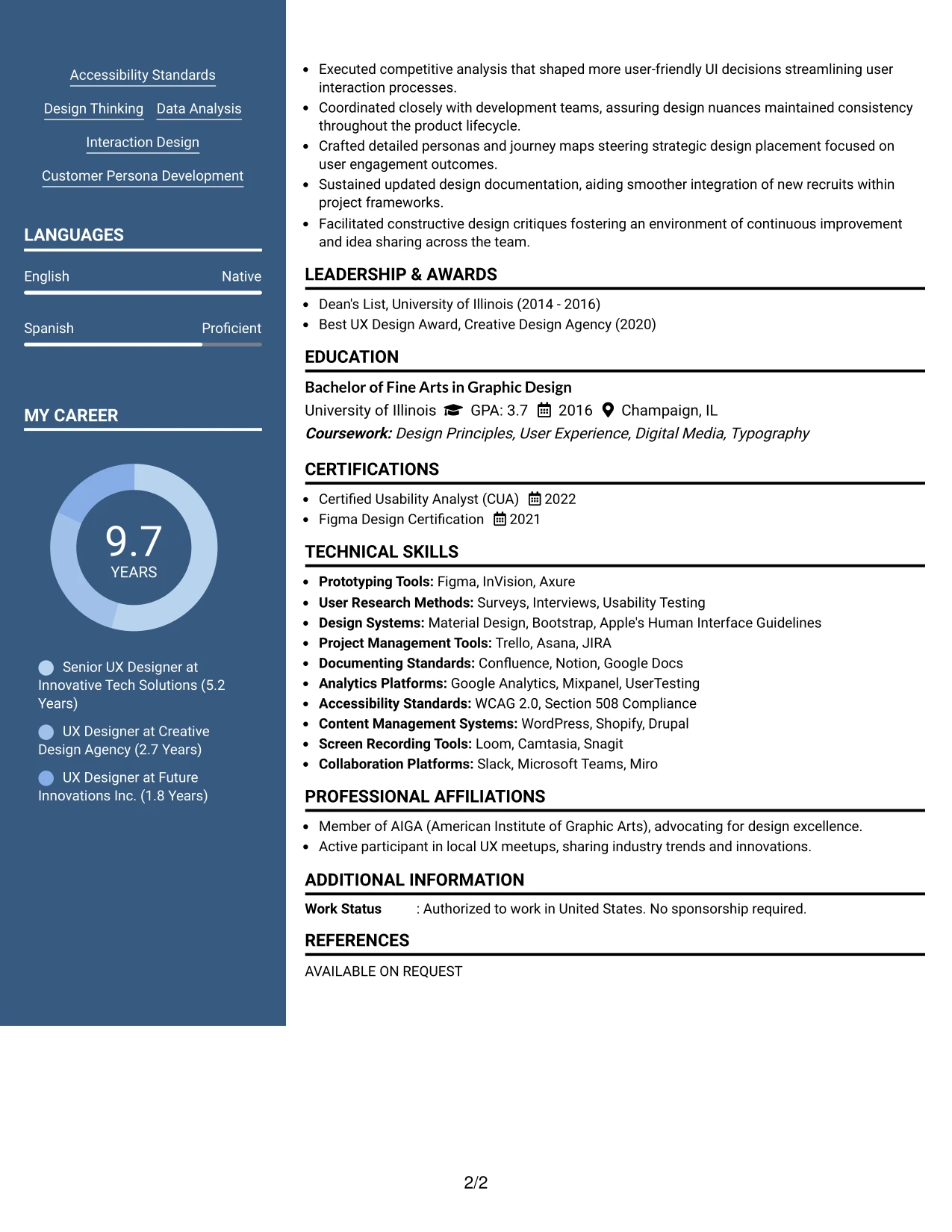
Why the Two Column Format Works for a Resume
- Clearly delineates contact information and skill sets, allowing quick references for recruiters concentrating on Jaxon’s core competencies and achievements.
- Amplifies visibility for technical skills, design tools, and project experience central to Jaxon’s role as a Senior UX Designer.
- Streamlines the review process, allowing swift access to significant sections critical for evaluation.
- Establishes a clean visual hierarchy while ensuring the overall appearance remains professional and approachable.
- Enhances ATS readiness by maintaining easily identifiable sections within the resume layout.
- Perfectly supports experienced professionals displaying a mix of coursework, practical projects, and relevant work experience in UX design.
- Keeps a focused, content-driven layout through organized bullet points and clear section structures.
Best For
- Resume Submissions Optimized for ATS
- Senior Marketing and UX Design Positions
- Projects Focused on AI and Fintech
- Creative Roles Emphasizing User Engagement
- Internship Roles that Require Analytical Skills
- Stakeholder Interaction-Focused Projects
- Team Collaboration in Product Design
- Students Showcasing Diverse Project Portfolios
- Professional Internships in Strategic Design
- Positions Needing User-Centric Insights
#6 Lead User Experience (UX) Designer Resume Example (Photo Header Two Column Format)
This resume integrates a Photo Header Two Column Format, gracefully aligning branding with clarity across each section, a perfect fit for Jaxon’s professional image.
This design is particularly valuable for roles where personal branding is essential, effectively displaying Jaxon’s skills relevant to UX and design through polished presentation.
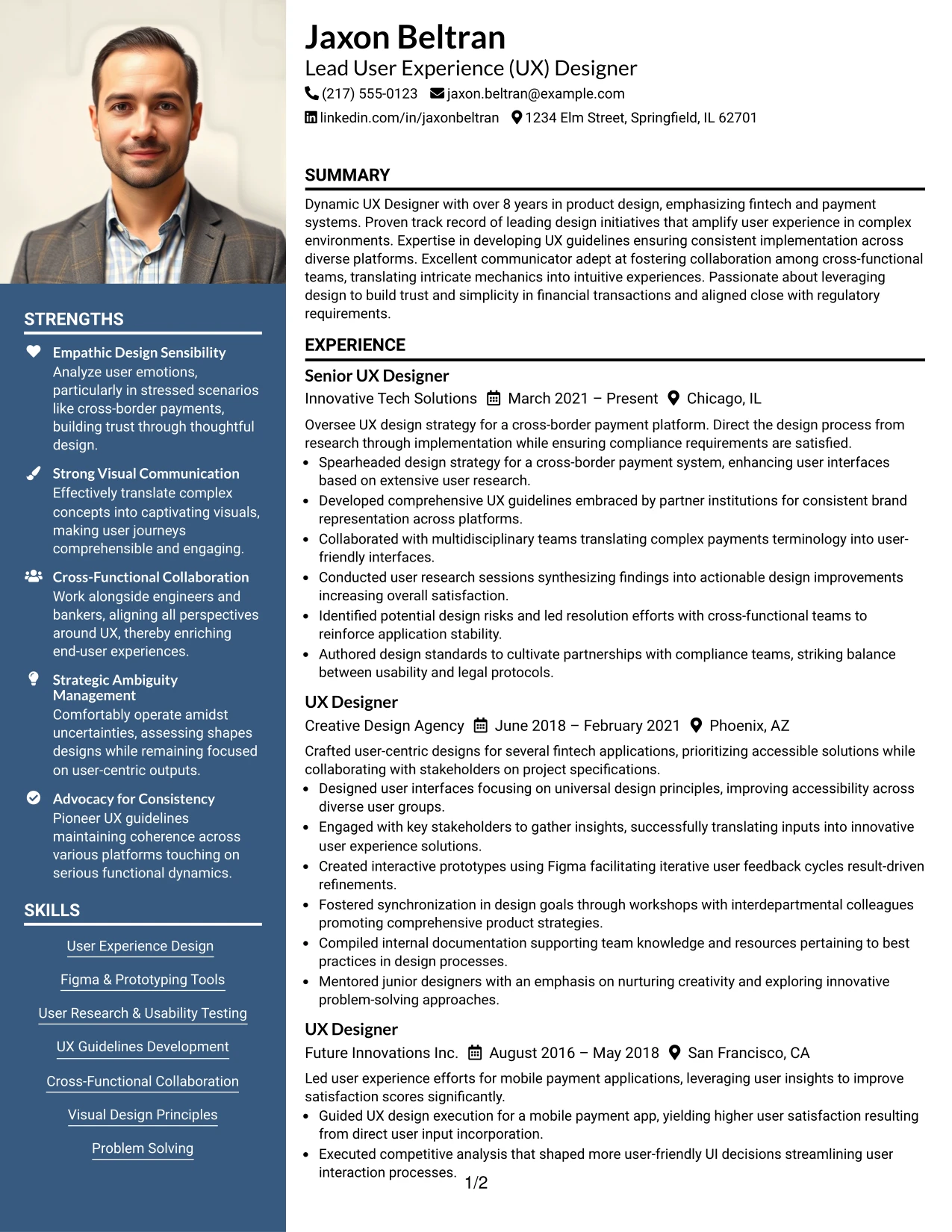
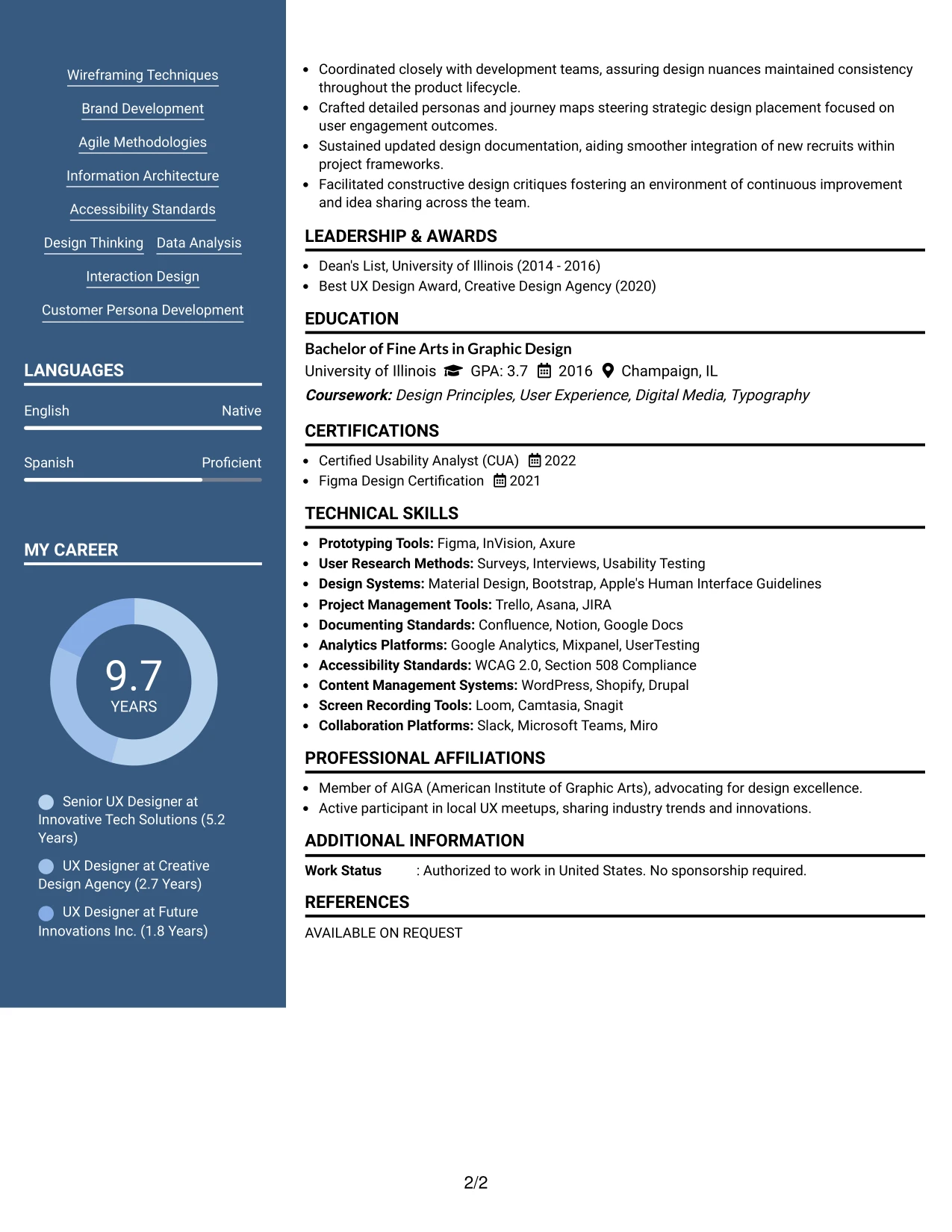
Why the Photo Header Two Column Format Works for a Resume
- Introduces a personal branding element without compromising on the structural integrity of the resume.
- Maintains clear focus on sections important for hiring managers, showcasing Jaxon’s summary, experiences, and skills appropriately.
- Well-suited for creative professions requiring visual representation, particularly in UX design.
- Effectively blends visual elements with proven achievements, allowing for a compelling narrative that resonates with recruiters.
- Appropriate for applications where design plays a crucial role, particularly in creative UX environments.
- Requires caution when applying in regions where photo submissions are discouraged, making it context-sensitive.
- Creates a balanced approach between professional presentation and organized content layout.
Best For
- Tech Startups Focused on Design Innovations
- Small Business Applications Where Personal Branding Matters
- Creative Professionals Showcasing Portfolios
- Social Media and UX Content Internship Opportunities
- Campaign Roles Requiring Visual Strategy
- Analytical Projects in Content Development
- Experience with Design Tools like Figma and Adobe
- Video and Digital Content Production Positions
- Roles Where Brand Presentation is Key
- Career Start in Marketing and UX Design
#7 Lead User Experience (UX) Designer Resume Example (Simple Two Column Format)
This resume showcases Jaxon in a straightforward Simple Two Column Format, clearly segregating contact information, skills, and key experiences for efficient review.
The layout is advantageous for displaying Jaxon’s robust background in design, emphasizing his education, projects, and essential tools for a coherent presentation.
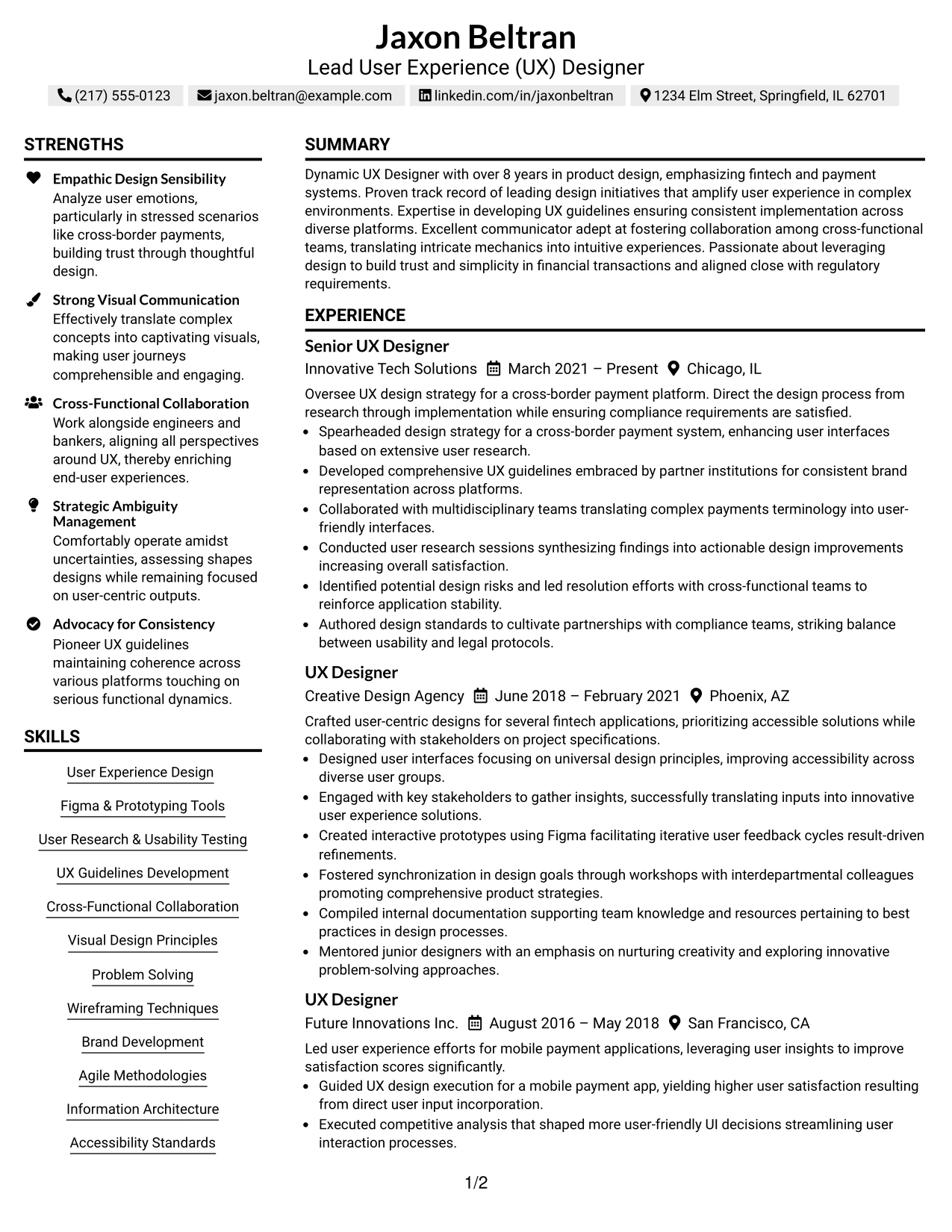
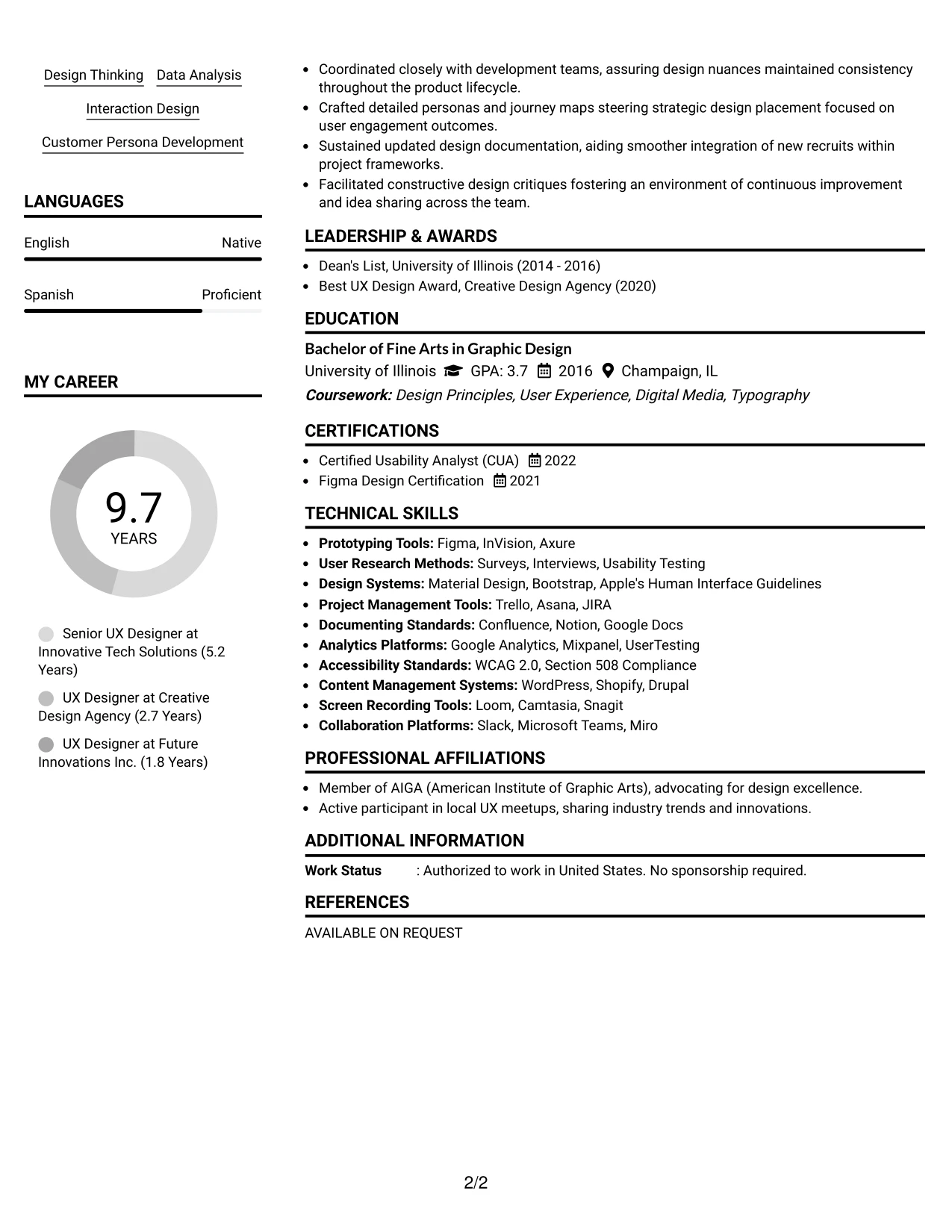
Why the Simple Two Column Format Works for a Resume
- Distinctly separates contact details and credentials from critical achievements, aiding recruiters in swift evaluations of Jaxon’s qualifications.
- Makes technical skills, design tools, and portfolio links quickly accessible, enhancing the recruiter’s experience.
- Facilitates rapid access to vital information for hiring managers looking for user-centered design experience.
- Enables a clean visual organization while presenting the resume in a professional light.
- Streamlines ATS compatibility by ensuring sections are formatted to improve parsing efficiency.
- Well-suited for seasoned professionals demonstrating a balance of comprehensive work experience, projects, and education in the same space.
- Keeps focus on actionable content via organized bullet points and clearly delineated sections.
Best For
- ATS-Compliant Submissions for Design Professionals
- Senior UX and Product Design Vacancies
- Market Research and User Feedback Analysis Roles
- Cross-Functional Team Management Positions
- Internships in Dynamic UX Design Settings
- Academic Projects Integrated with Professional Experiences
- Screening Processes Prioritizing Technical Skills
- Applications Demonstrating UX Design Expertise
- Financial Technology Focused Roles
- Positions That Require User Testing Familiarity
#8 Lead User Experience (UX) Designer Resume Example (Text/Fang Style)
This resume employs a structured Text/Fang Style, enabling clarity within sections necessary for ATS optimization while being recruiter-friendly for Jaxon.
The structured focus delivers a detailed pathway through Jaxon’s experiences, showcasing projects, education, and pivotal contributions in a clear format aligned with job expectations.
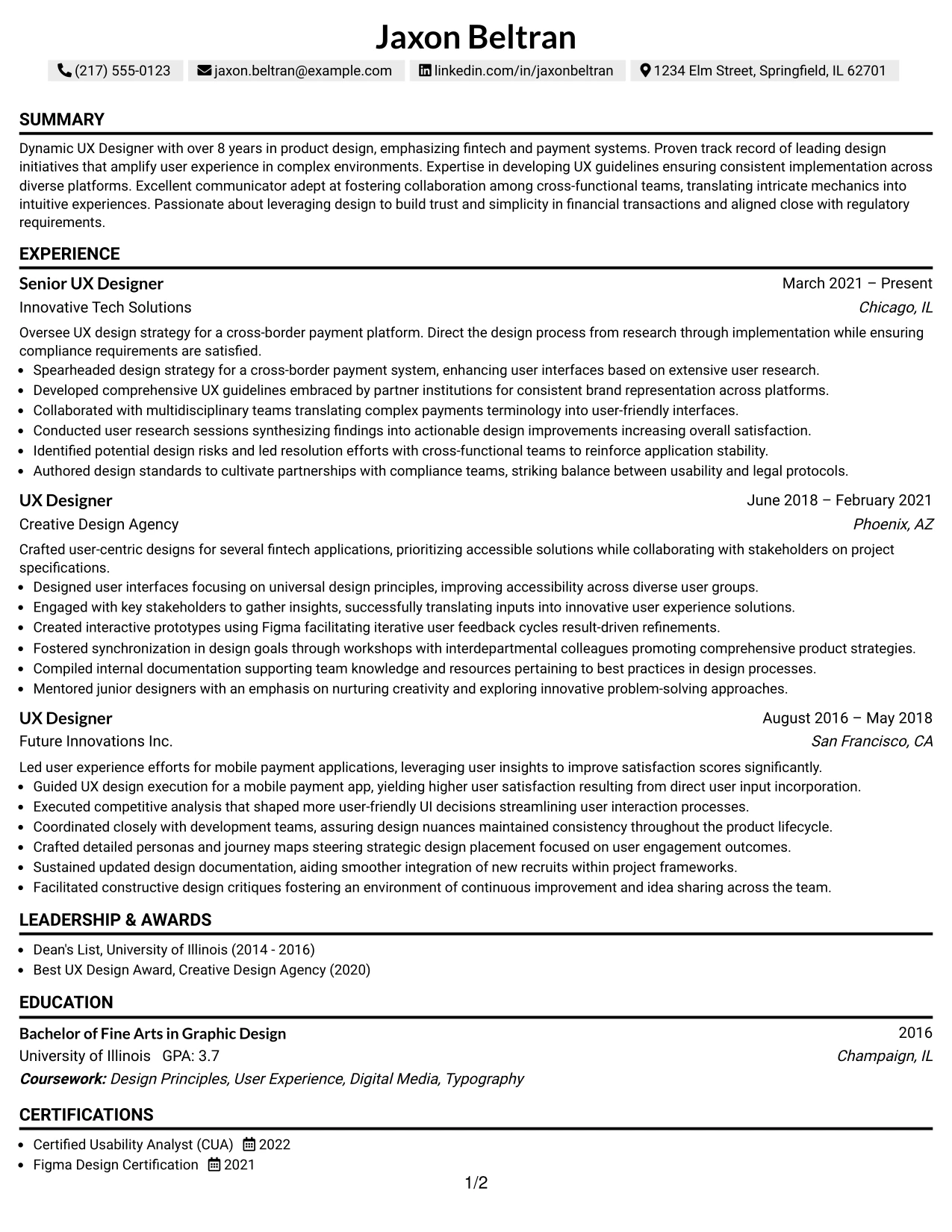
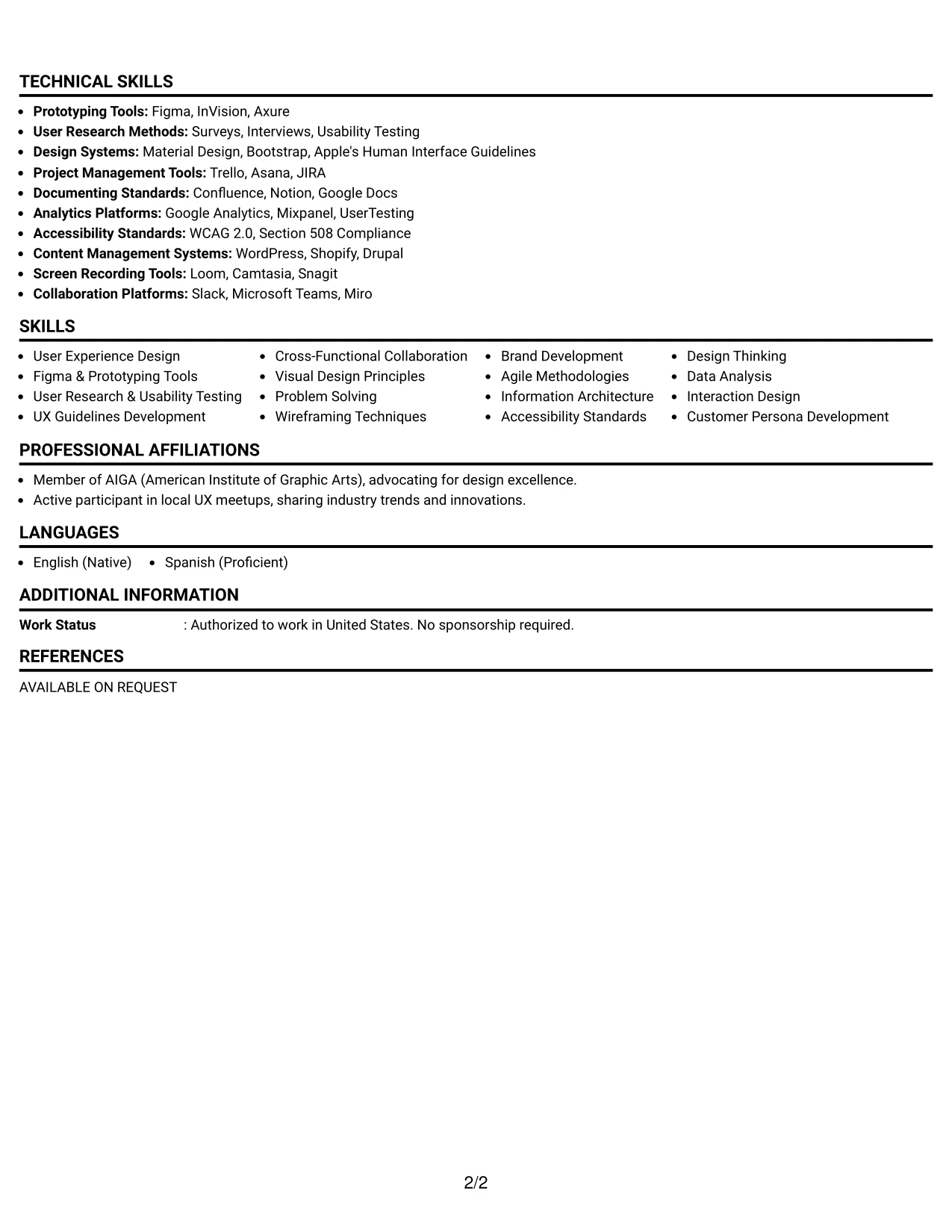
Why the Text/Fang Style Works for a Resume
- Facilitates quick navigation for recruiters and enhances ATS compatibility through clear, well-defined sections.
- Prioritizes impactful bullet points, relevant technical languages, and measurable metrics reflective of Jaxon's extensive experience.
- Effective in online environments, ensuring that clarity and structural formats resonate well with parsing tools used by ATS.
- Assists experienced professionals in organizing their extensive project and educational backgrounds efficiently.
- Minimizes wordiness while honing in on concise, significant achievements critical in the UX design sector.
- Generates opportunities for keyword inclusivity, particularly focused on user experience, prototyping, and research methodologies.
- Ideal for professionals prioritizing substantial content exposition over embellishments.
Best For
- ATS-Friendly Applications for UX Design Roles
- Senior-Level UX Design Positions
- Innovative Projects in Fintech and Payment Systems
- Analytical Roles Focused on User Research
- Interactive Prototyping and Usability Testing Opportunities
- Graduate-Level Projects in UX Design
- Professional Internships Requiring Depth of Knowledge
- Competitive Screening by Recruiters in UX
#9 Lead User Experience (UX) Designer Resume Example (One Column Boxed Contact Header Format)
This resume clearly presents Jaxon in a tailored One Column Boxed Contact Header Format, optimizing clarity and ATS readiness for effective parsing by recruiters.
This layout is designed to effectively demonstrate Jaxon’s relevant skills and accomplishments in a way that aligns directly with user experience metrics in financial technology.
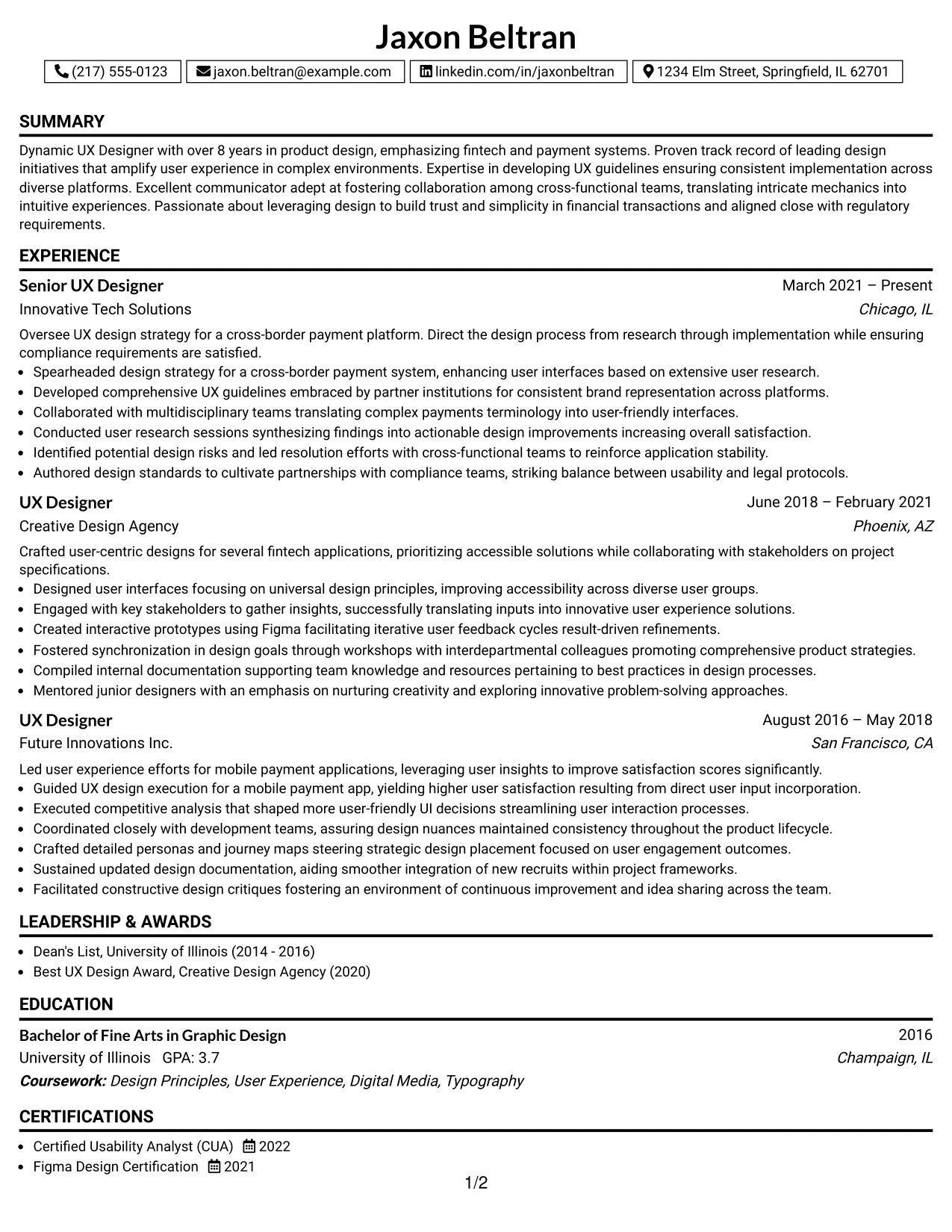
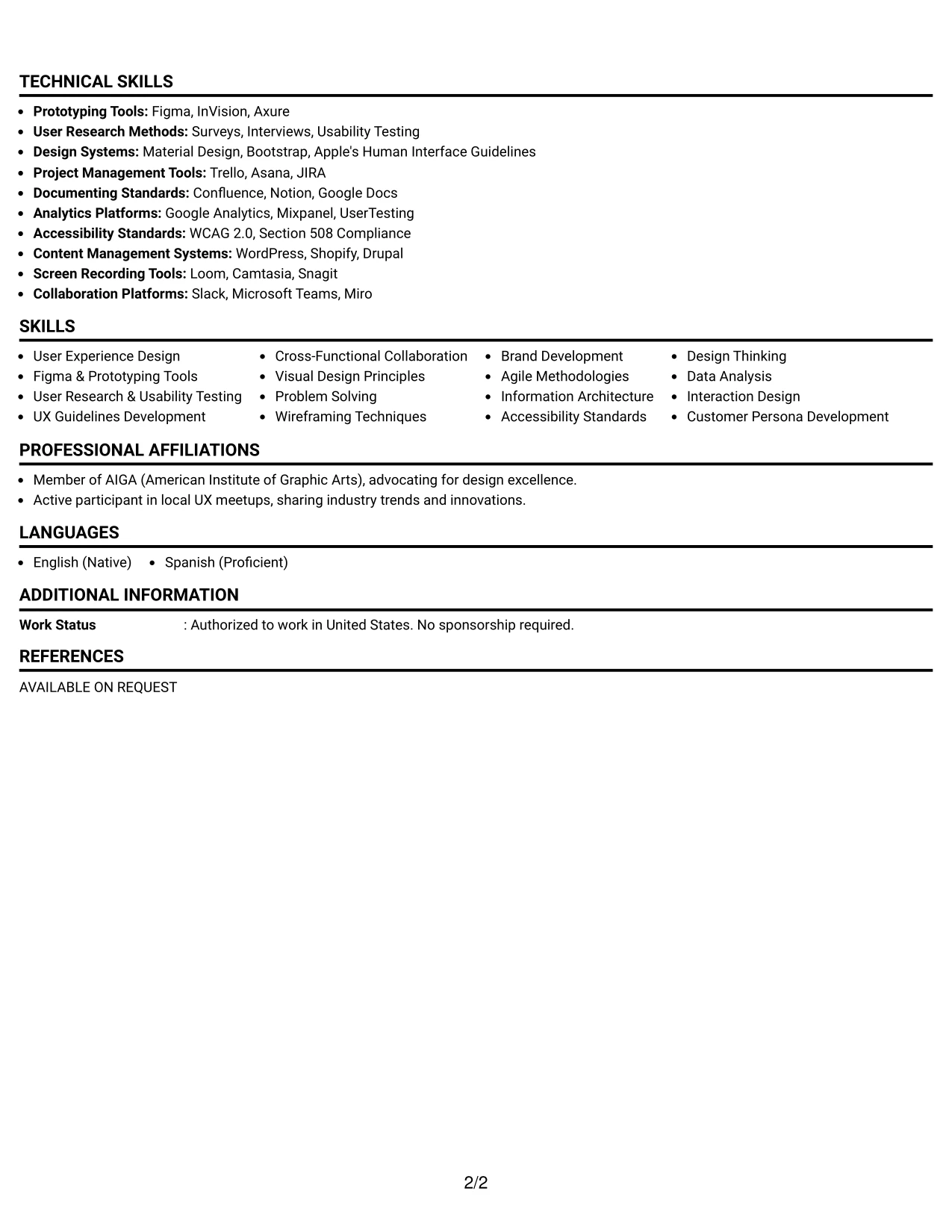
Why the One Column Boxed Contact Header Format Works for a Resume
- Structure enhances predictability, making it easier for recruiters to connect Jaxon’s skills and experiences with role requirements.
- Shifts focus toward actionable outcomes, specific projects, and technical skills that support Jaxon’s candidacy.
- Facilitates quick evaluations prioritizing clarity and simplicity, ideally suited for UX design and fintech internship applications.
- Helps experienced professionals organize coursework and significant projects to spotlight key competencies relevant to user-centered design.
- Increases readability while emphasizing quantifiable achievements that exhibit Jaxon’s capabilities in the marketing and UX domains.
- Strategically positions essential competencies, ensuring they are easily identifiable by hiring managers and ATS systems alike.
- Best suited for candidates who seek to emphasize substantive skills rather than decorative elements in their presentations.
Best For
- Tech Firms Looking for Innovative UX Designers
- Startup Environments Seeking Creative Marketing Interns
- Portfolio-Centric Internship Roles
- Social Media and Digital Content Creation Opportunities
- Content Analysis Projects in Marketing
- Team Collaboration in User-Centered Environments
- Positions Requiring Tools Proficiency, like Figma
- Experience in Video and Content Production
- Entry-Level Roles in User Experience
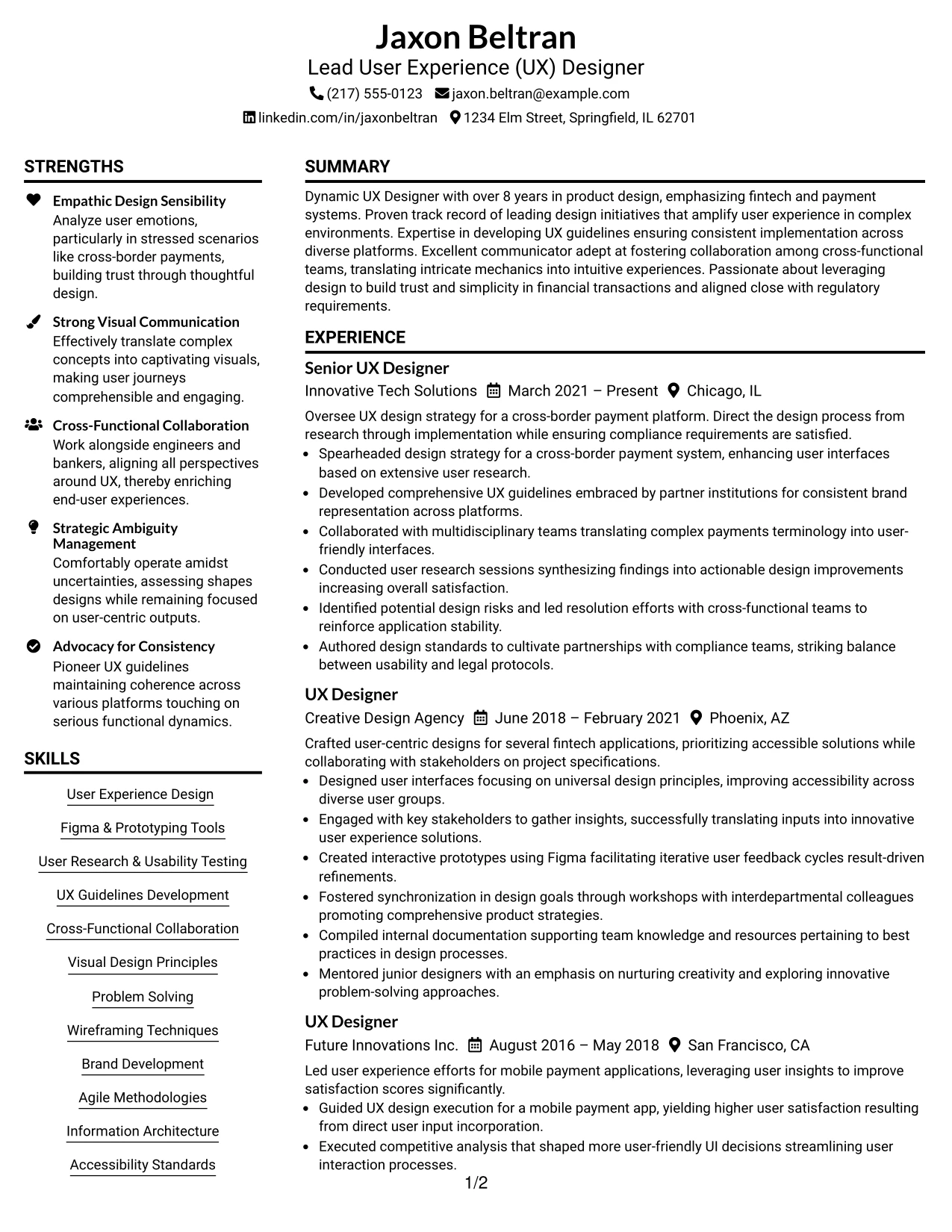
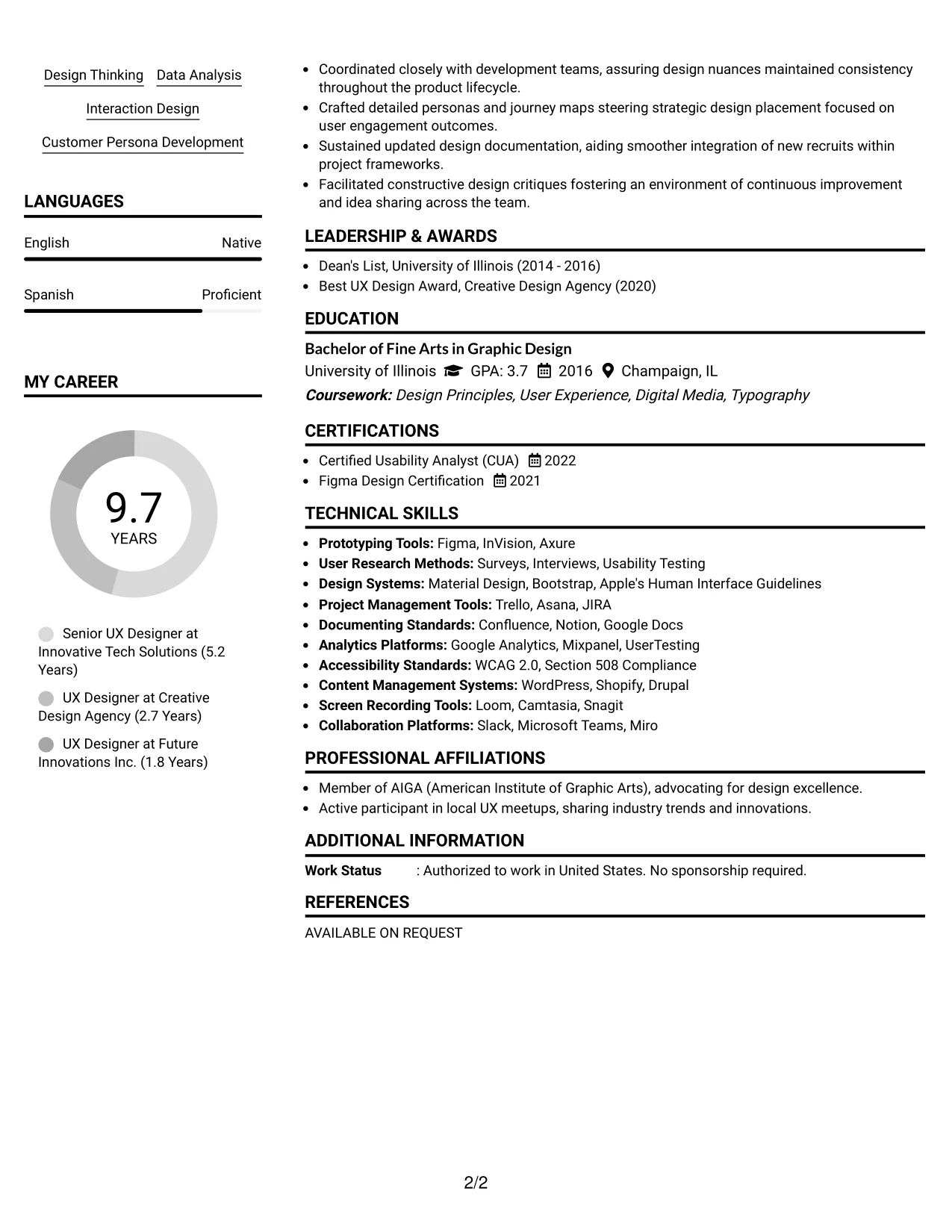
#10 Lead User Experience (UX) Designer Resume Example (Plain Two Column Format)
This resume features a lucid Plain Two Column Format, distinctly separating critical contact details and skills from Jaxon’s main achievements, facilitating quick scanning.
This format is particularly beneficial for internship applicants, striking a balance between education, practical experience, and UX competencies without the risk of dense text.
Resume Snapshot
- Name: Jaxon Beltran
- Education: BFA in Graphic Design
- Target Role: Lead User Experience (UX) Designer
- Resume Focus: UX Strategy, User Research, Prototyping Tools, Design Guidelines, Usability Testing, Figma, User Engagement Metrics
Why the Plain Two Column Format Works for a Resume
- Differentiates significant contact information and competencies from primary achievements, aiding accessibility for recruiters.
- Enables quick access to Jaxon’s technical skills and tools relevant to the UX design industry.
- Facilitates straightforward navigation towards sections valued by potential employers, enhancing user experience.
- Maintains a clear visual structure while ensuring a polished overall appearance essential for Jaxon’s professional image.
- Promotes ATS compatibility with clearly defined headings and structured content, boosting parsing success.
- Effectively supports candidates blending academic achievements with real-world UX design experience.
- Embraces a concise layout showcasing targeted bullet points and professional experience within organized sections.
Resume Keywords Matched From Job Description
- Lead User Experience (UX) Designer
- UX Strategy
- User Research
- Usability Testing
- Prototyping
- Design Guidelines
- Figma
- Cross-Border Payment Systems
- User Engagement
- Collaboration with Stakeholders
- Visual Design Techniques
- Agile Methodologies
#11 Lead User Experience (UX) Designer Resume Example (Colored Two Column Format)
This resume adopts an engaging Colored Two Column Format, providing a striking visual hierarchy that organizes sections such as summary, experience, education, and skills effectively for Jaxon.
Employing color consciously highlights important content, focusing on Jaxon’s capabilities, projects, and tools relevant to UX design and fintech.
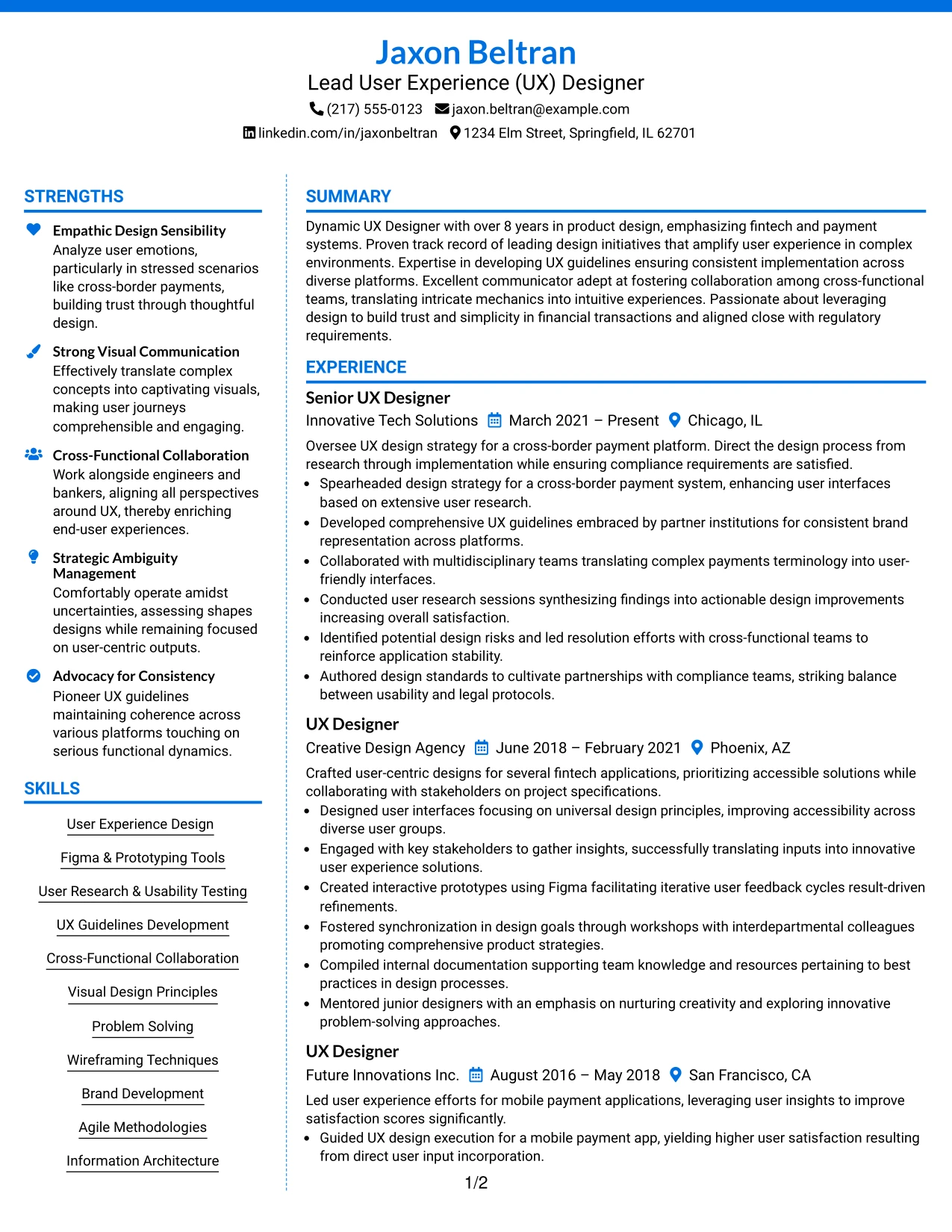
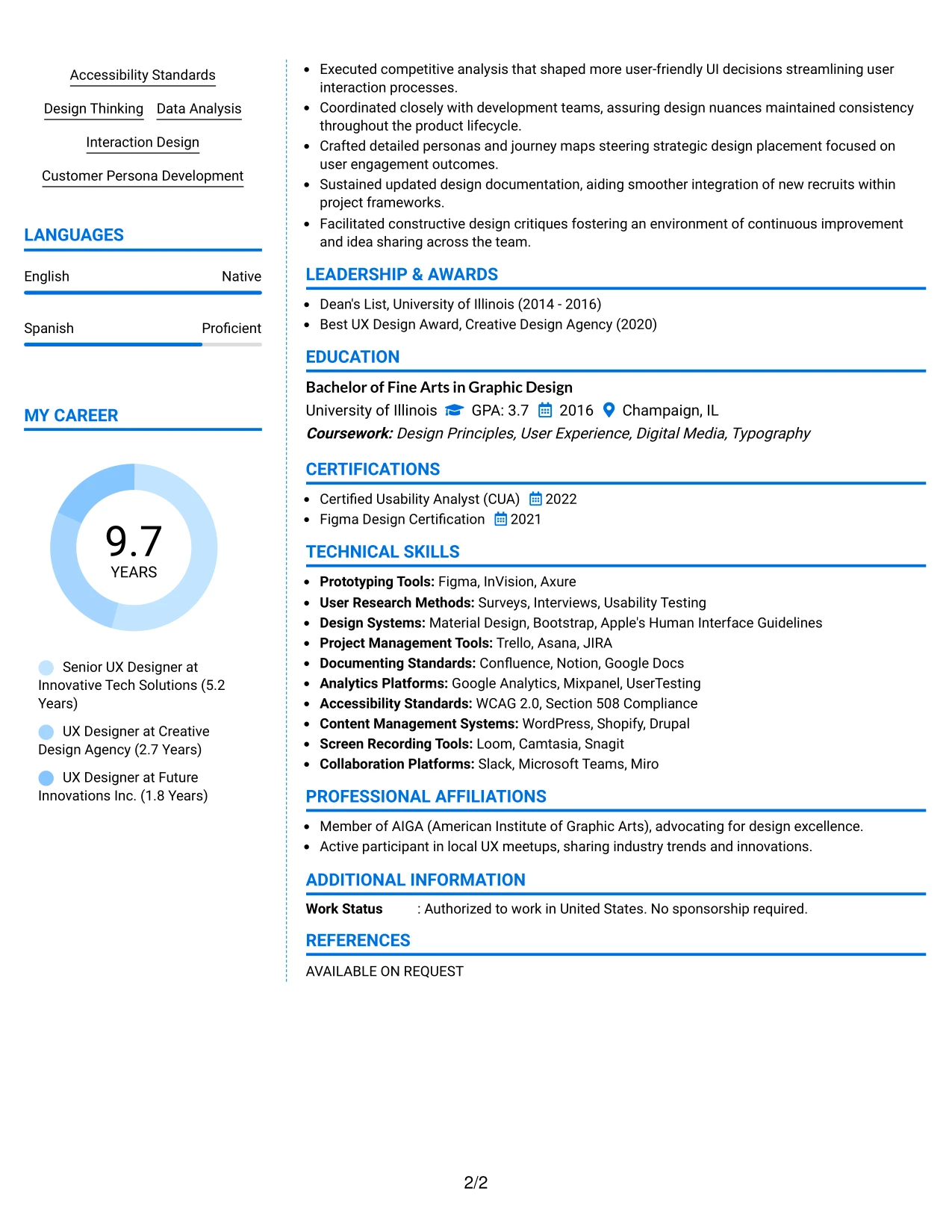
Why the Colored Two Column Format Works for a Resume
- Utilizes color strategically to guide the reviewer’s eye through different segments of the resume.
- Accentuates campaign achievements, critical project bullet points, and essential tools, ensuring they are quickly identifiable.
- Couples a modern aesthetic with readability, appealing to recruiters in creative tech industries.
- Aligns perfectly with internships aimed at roles in marketing, design, and content creation, enhancing Jaxon’s profile.
- Favors concise content presentation over lengthy narratives, demonstrating depth through results-driven highlights.
- Encourages portfolio submissions that depend on strong visual representation and innovative design strategies.
- Comprises contemporary design while remaining functionally organized, enriching Jaxon’s overall presentation appeal.
Best For
- Companies Embracing Innovation and Fresh Perspectives
- Campus Recruitment Events for Creative Internships
- Online Applications Where Visuals Enhance Impact
- Submissions Not Requiring Photos but Demanding Style
- Clean, Simple Formats for Senior Positions
- Corporate Marketing Teams Promoting Innovation
- Internship Opportunities for Creative Talent
- ATS Compliance with a Touch of Style
- Concise but Comprehensive Presentation for Interviews
- Positions Focusing on User-Centered Design Practices
#12 Lead User Experience (UX) Designer Resume Example (One Column Shaded Contact Header Format)
This resume format employs a sophisticated one Column Shaded Contact Header Format, presenting Jaxon Beltran's qualifications, experiences, and key skills with clarity and engagement.
The layout skillfully attracts focus to critical elements while underscoring Jaxon’s expertise in UX design for fintech, showcasing relevant tools and achievements in a compelling manner.
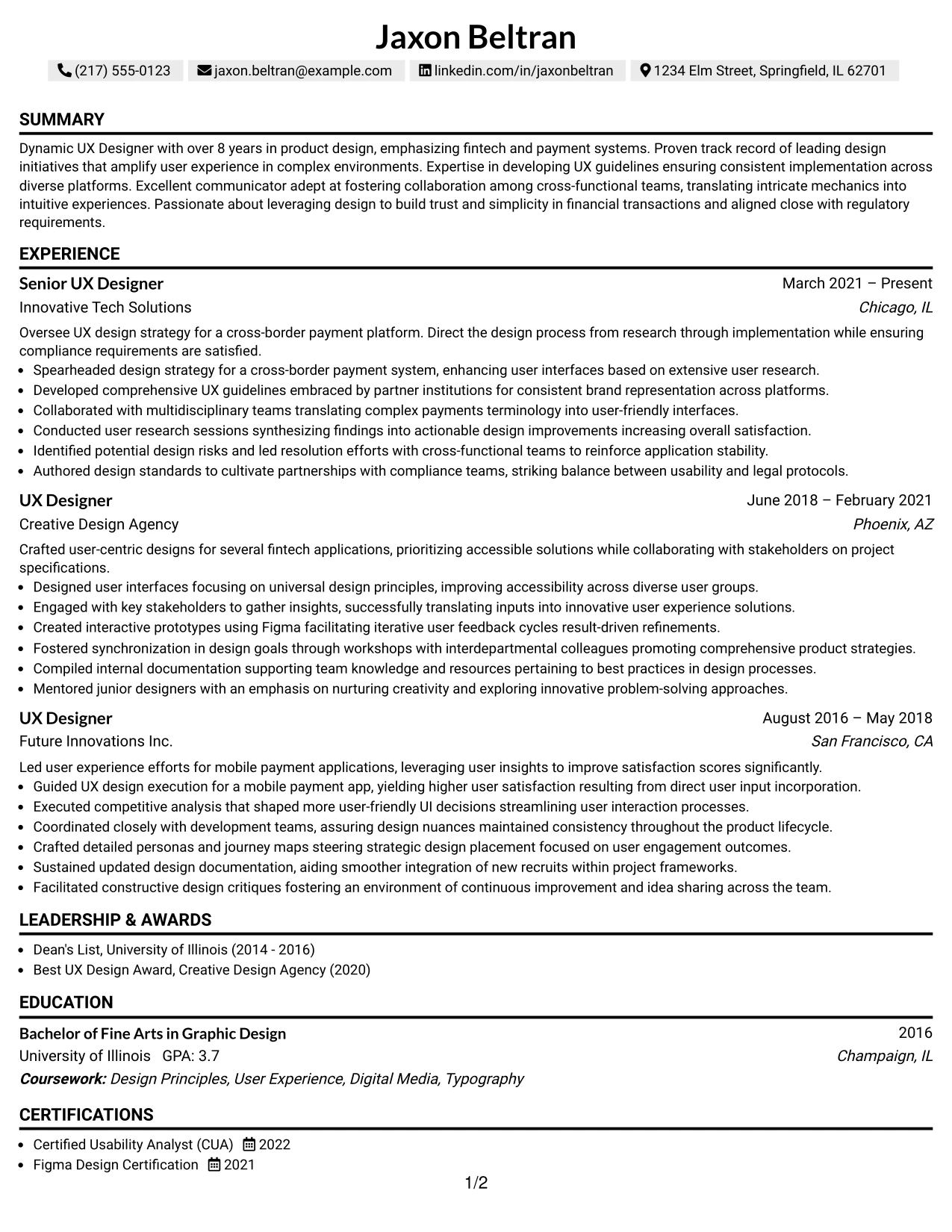
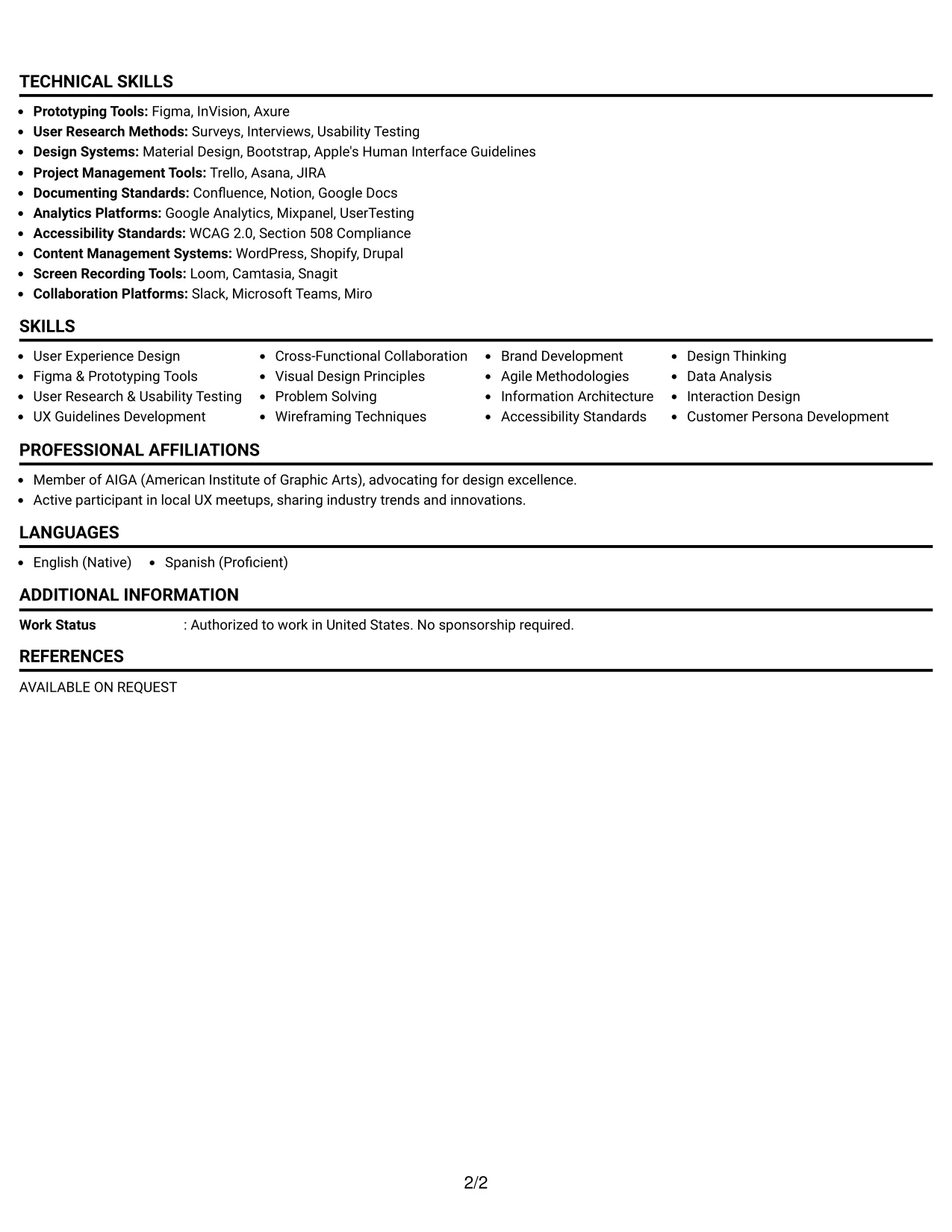
Why the One Column Shaded Contact Header Format Works for a Resume
- This format effectively delineates key sections in Jaxon’s resume, making it easy for recruiters to navigate through his professional summary, projects, and experiences.
- Showcases significant contributions in UX design for fintech applications, emphasizing the impact of his work on user experience.
- This layout reflects Jaxon’s creativity and professionalism, aligning with the expectations of tech-driven roles where clarity is crucial.
- Supports a modern approach to internship and professional applications, appealing to companies in the digital innovations sector.
- Shifts focus to measurable outcomes and skills, enhancing visibility for keywords that resonate with the leadership role in UX design.
- Encourages a blend of innovative design with essential resume conventions for enhanced recruiter engagement.
Best For
- Leadership Roles in UX Design
- Innovative Tech Companies Focused on Fintech Solutions
- Senior-Level UX Designer Positions
- Entry-Level Internship Roles in User Experience
- Companies Seeking Strong Collaborative Team Members
- Positions Requiring Expertise in UX Guidelines
- Market Leaders in Payment Technologies
- Applications with High Focus on Visual Design and UX
- Projects Emphasizing User Research and Testing
- Innovators in Digital Payment Systems
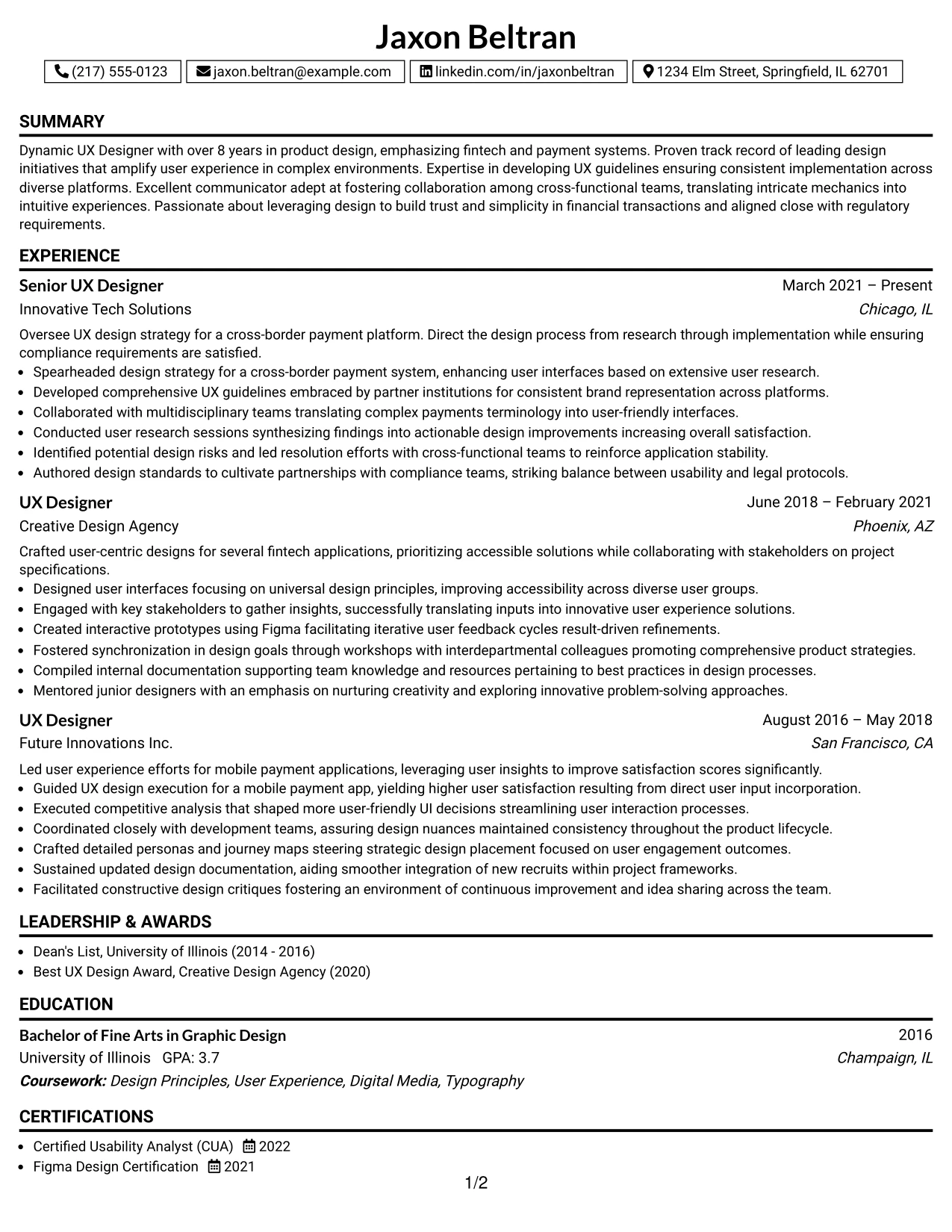
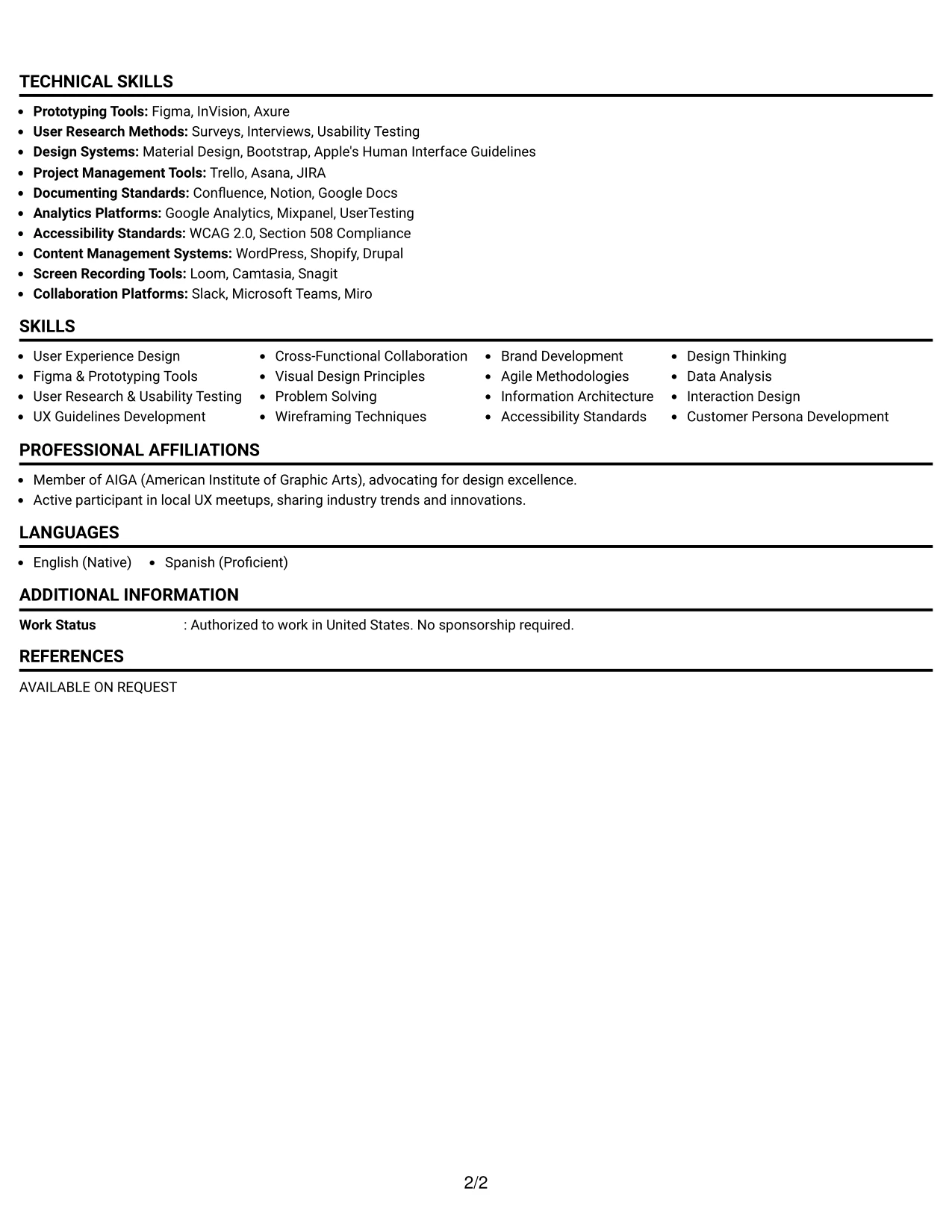
#13 Lead User Experience (UX) Designer Resume Example (Boxed Contact Header with Job Title Format)
In this resume, Jaxon Beltran’s details are presented using a structured boxed Contact Header with Job Title Format, ensuring clarity and easy navigation for both recruiters and ATS systems.
This design is particularly effective in emphasizing Jaxon’s extensive experience, relevant projects, and UX design skills in the highly regulated fintech sector.
Why the Boxed Contact Header with Job Title Format Works for a Resume
- Creates a structured framework that aligns with ATS requirements, making Jaxon’s rendered qualifications immediately clear.
- Presents actionable achievements and methodologies used in his UX design processes for fintech applications succinctly.
- Supports quick assessments by hiring managers interested in effective user interface solutions and research methodologies.
- Facilitates straightforward articulation of Jaxon’s academic background and extensive experience in user-centric design.
- Reduces clutter by emphasizing impactful metrics and results, maintaining simplicity while showcasing depth.
- Highlights relevant keywords that stand out in digital searches within the marketing and fintech sectors.
- Ideal for candidates aiming to showcase professional experience and relevant coursework without unnecessary embellishment.
Best For
- Mid to Senior-Level User Experience Roles
- Fintech and Digital Payment Companies
- Strong Candidates Seeking UX Leadership Positions
- Internship Candidates with Relevant Educational Backgrounds
- Marketing Professionals with Digital Content Focus
- Positions Requiring Strong Collaboration Skills
- Cross-Functional Teams in Tech Companies
- Job Applications Emphasizing Solid UX Frameworks
- Roles Demanding Strong Communication Abilities
- Candidates Seeking Positions in User Research and Testing
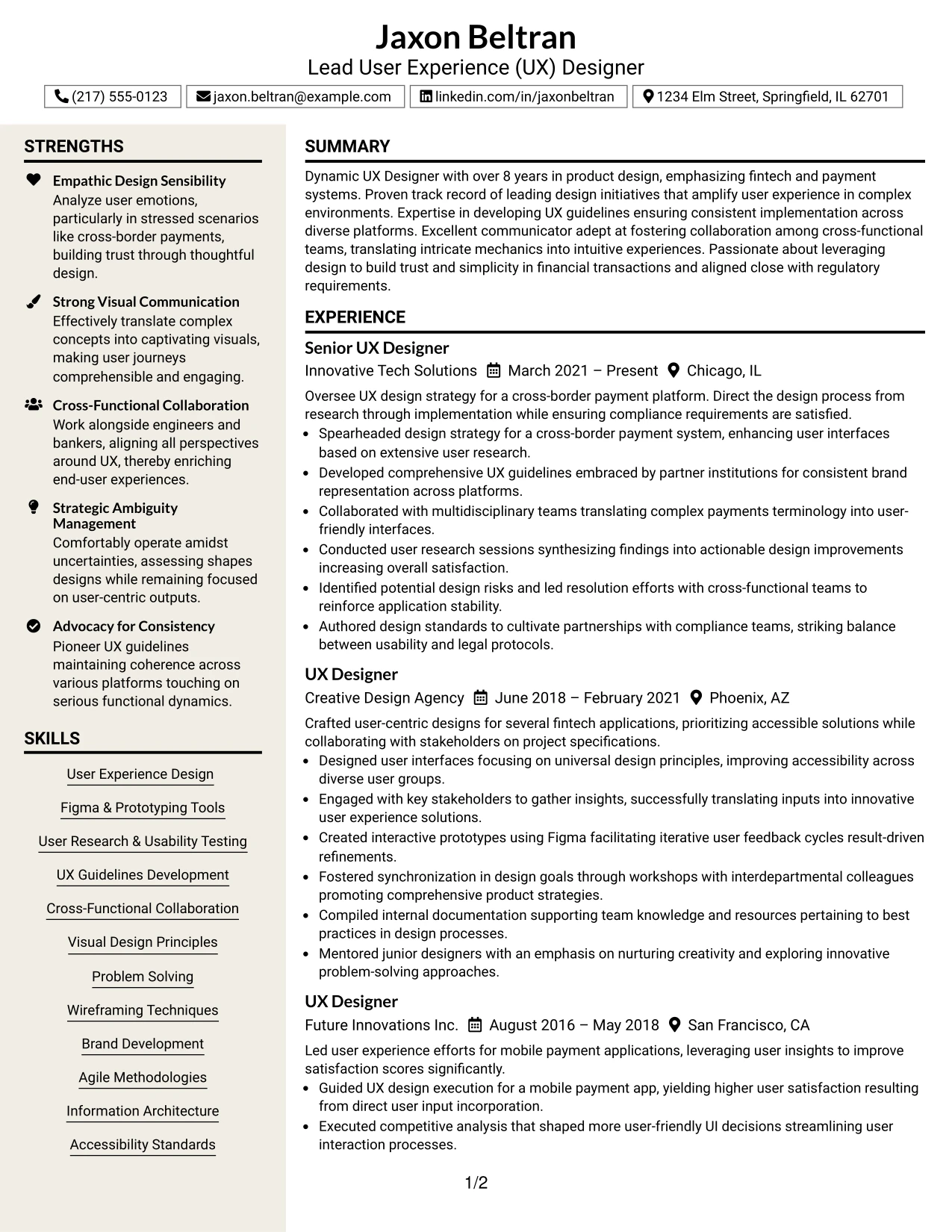
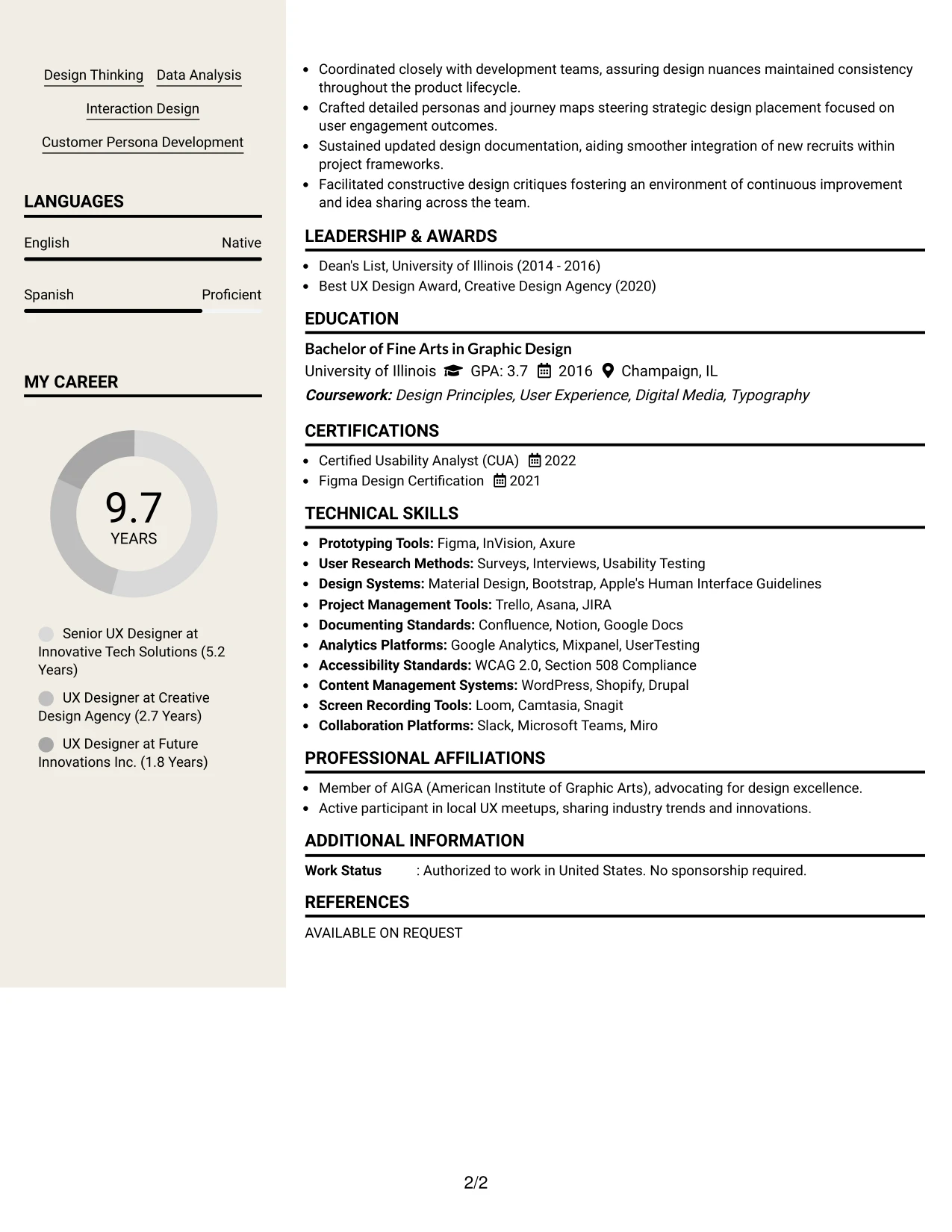
#14 Lead User Experience (UX) Designer Resume Example (Stylish Two Column Designer Format)
This resume showcases a clean stylish Two Column Designer Format, which categorizes contact information, skills, and core achievements into clearly scannable sections.
This layout is particularly suited for Jaxon’s applications in UX design, effectively capturing his educational background, relevant projects, and fintech experience while avoiding text overload.
Why the Stylish Two Column Designer Format Works for a Resume
- Effectively separates major sections like contact details and skills from Jaxon’s key accomplishments, simplifying navigation for recruiters.
- Streamlines access to essential information related to UX methodologies, tools, and obtained results.
- Facilitates thorough reviews by keeping sections distinct and organized, ensuring references are easily accessible.
- Sets a professional tone while maintaining aesthetic appeal throughout the resume.
- Enhances ATS readability by structuring headings and content logically for optimal parsing.
- Best for individuals showcasing a blend of academic knowledge and practical, hands-on experience in UX design.
- Maintains conciseness through succinct bullet points that cover critical roles and responsibilities in his practice.
Best For
- Internship Opportunities in UX and Digital Design
- Graduate Roles in Marketing and Communications
- Positions for UX Designers with a Focus on Fintech
- Early-Career Roles in Digital Product Development
- Project-Focused Candidates in User-Centric Design
- Advertising and Marketing Firms Seeking Innovative Thinkers
- Opportunities in Tech Advancements and UX Research
- Creative Roles in Digital Advertising
- Job Seekers with Strong Design Tools Experience
- Application Reviews for Collaborative Projects
#15 Lead User Experience (UX) Designer Resume Example (Modern Icon Format)
This resume adopts a polished modern Icon Format, facilitating easy categorization of contact details, skills, and professional accomplishments throughout the document.
This design resonates well for internship candidates, presenting a balanced mix of education, projects, and relevant experiences in UX design without overwhelming the reader.
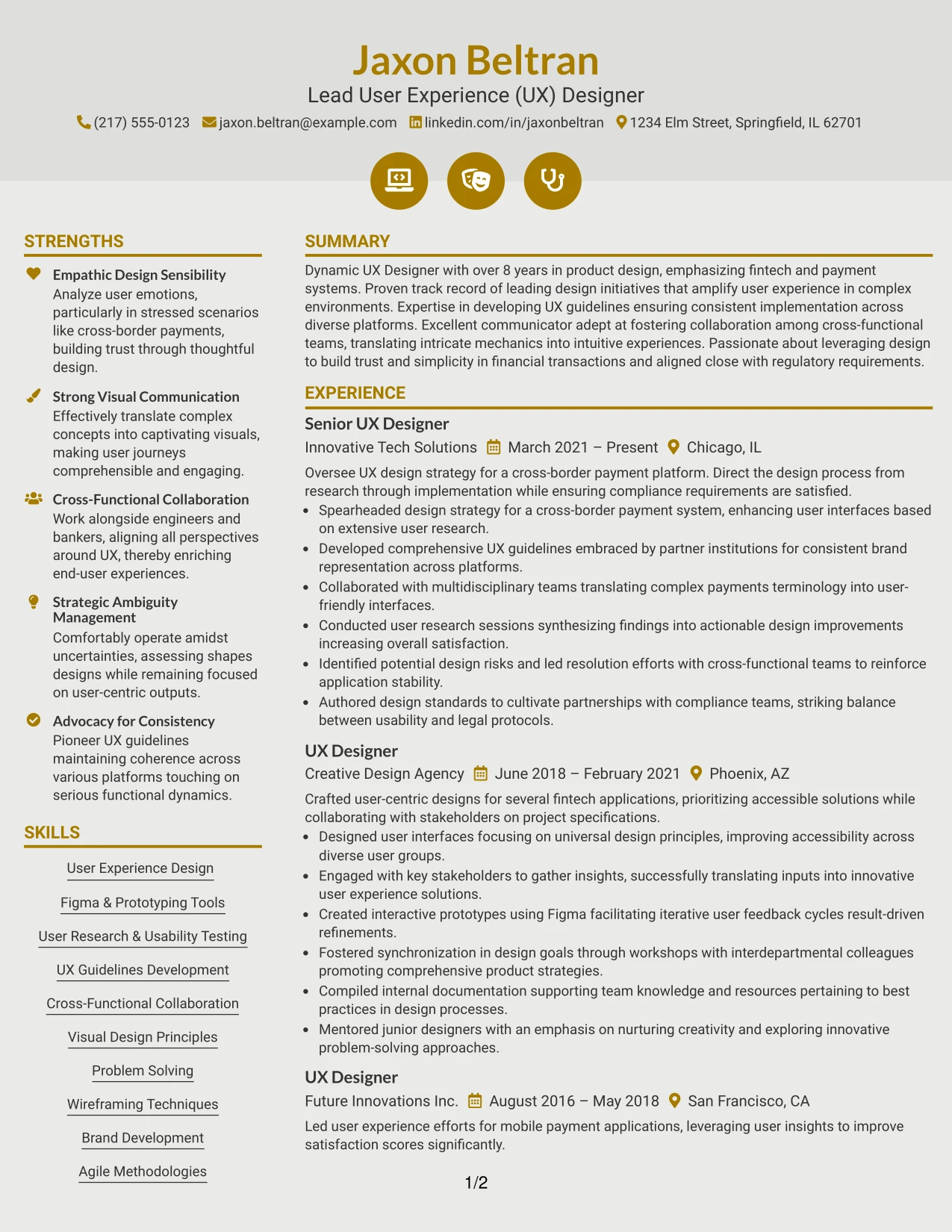
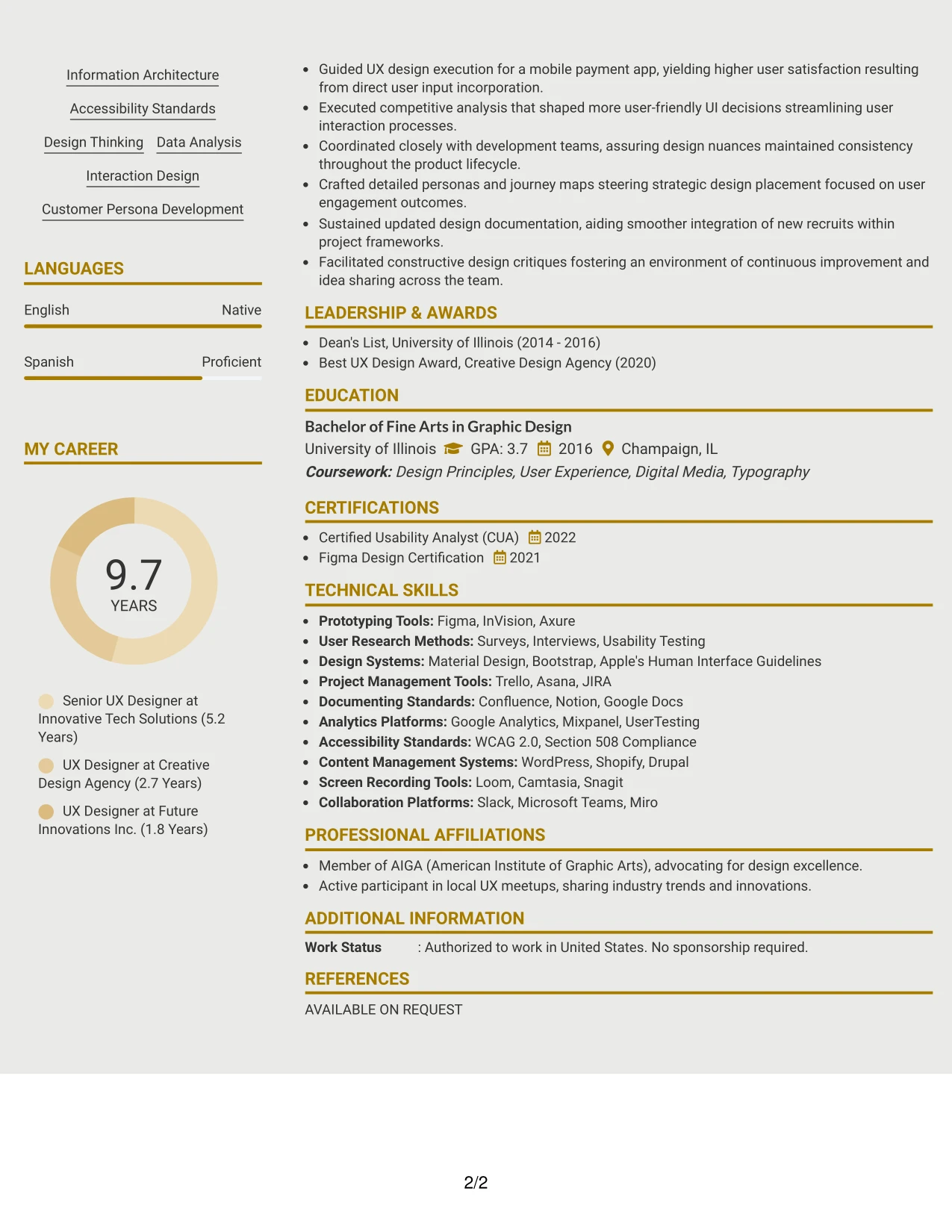
Why the Modern Icon Format Works for a Resume
- This format allows Jaxon to clearly highlight contact information and skills from his principal achievements in a reader-friendly manner, enhancing recruiter scanning.
- Improves the scan-ability and accessibility of demonstrated skills, technologies used, and project outcomes effectively.
- Provides quick reference points for recruiters, ensuring essential sections are easy to find during evaluations.
- Maintains a polished professional tone while utilizing visual design for clarity.
- Supports ATS compliance by ensuring that sections are structured and easy to identify.
- Well-suited for candidates blending educational foundations with practical project experiences in UX design.
- Emphasizes main contributions and accomplishments through concise bullet points and organized layouts.
Best For
- Tech-Focused Companies in UX Design Services
- Entry-Level Internship Roles for Emerging Designers
- Digital Marketing Teams Seeking Innovative Thinkers
- Creative Roles with a Need for Visual Portfolio Representation
- Internships Involving User Research and Testing
- Responsibilities Emphasizing Cross-Functional Collaboration
- Engaging with Early-Stage Marketing Projects
- Roles Centering on User Experience Solutions in Fintech
- Job Descriptions that Highlight Design Tools Usage
- Creative Elements within Digital Media Campaigns
#16 Lead User Experience (UX) Designer Resume Example (Plain Professional Layout with Job Title & Shaded Labels)
This resume employs a contemporary plain Professional Layout with Job Title & Shaded Labels, streamlining the visual structure that highlights Jaxon Beltran’s summary, projects, experience, education, and skills.
This organized design focuses on essential areas, emphasizing Jaxon’s UX design abilities relevant to user experience in fintech applications.
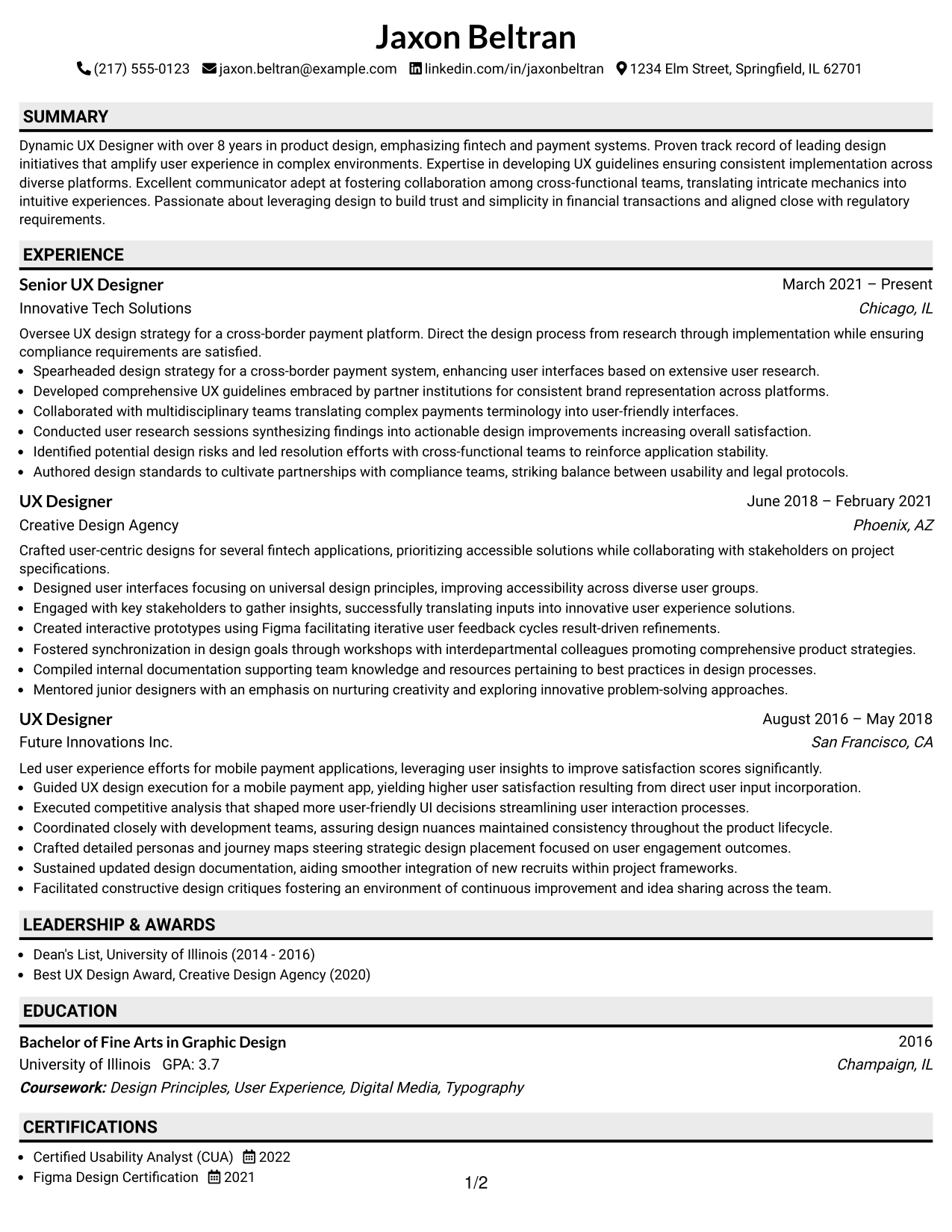
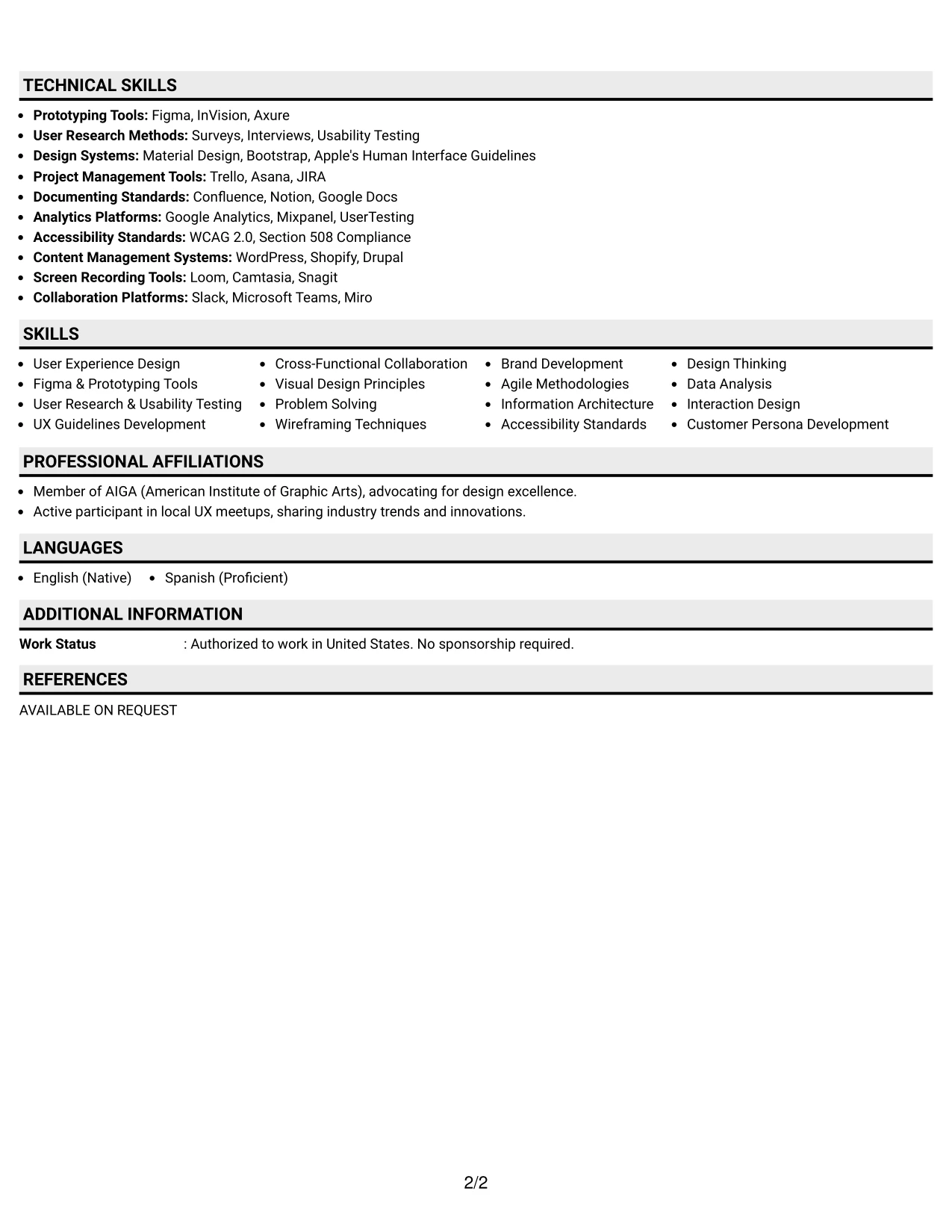
Why the Plain Professional Layout with Job Title & Shaded Labels Works for a Resume
- This layout efficiently guides readers through different sections, boosting readability and recruiter engagement significantly.
- Highlighted areas such as projects and design tool proficiency distinctly outline Jaxon’s relevant skills and experiences.
- Preserves a clean and polished presentation while allowing creative elements of Jaxon’s qualifications to emerge.
- Excellent for internship applications emphasizing skills in user experience and product design.
- Concentrates on quantifiable successes, directly aligning with expectations in marketing and UX roles.
- Supports streamlined layouts ideal for clear portfolio integrations showcasing broad design competencies.
- Strikes a balance between functional utility and visual flair for positions in technology and digital media.
Best For
- Innovative Marketing and Tech Startups
- Internship Positions Emphasizing UX Research
- Early-Career Roles in Digital Design
- Creative Opportunities in Social Media and Marketing
- Campaign Positions Requiring Strong Analytical Skills
- Collaborative Environments within Technical Teams
- Job Applications Targeting User-Centric Design
- Positions with Needs for Cross-Functional Collaboration
- Creative Design Projects Focusing on Legibility and User Engagement
- Fast-Growing Companies in Digital Marketing
#17 Lead User Experience (UX) Designer Resume Example (Classic One Column Resume Format)
This resume uses a clear-cut classic One Column Resume Format, designed to enhance section visibility, maximize ATS compatibility, and facilitate quick scanning by hiring managers.
This layout proves particularly effective for candidates like Jaxon who wish to showcase relevant academic accomplishments, technical skills, and real-world projects in a fintech-focused UX context.
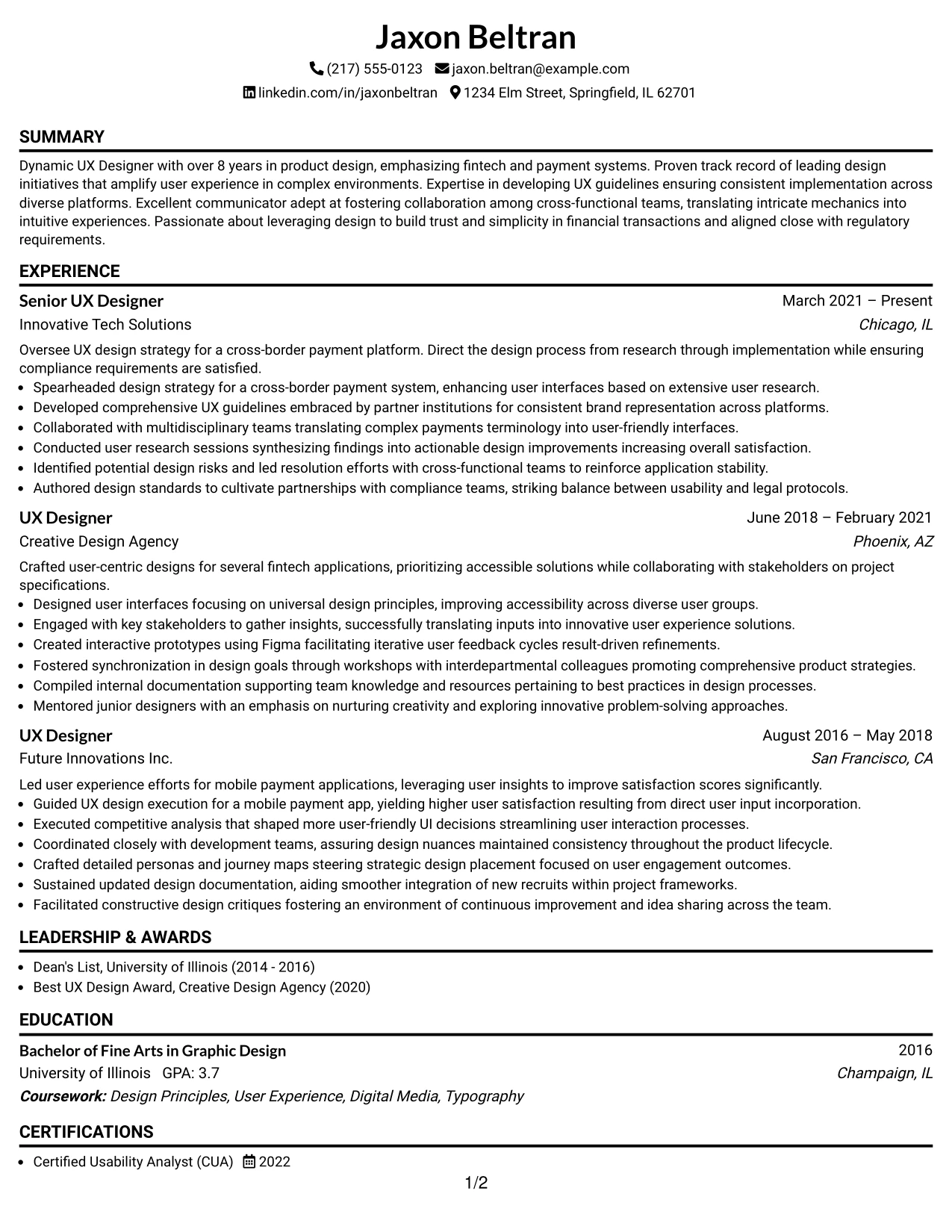
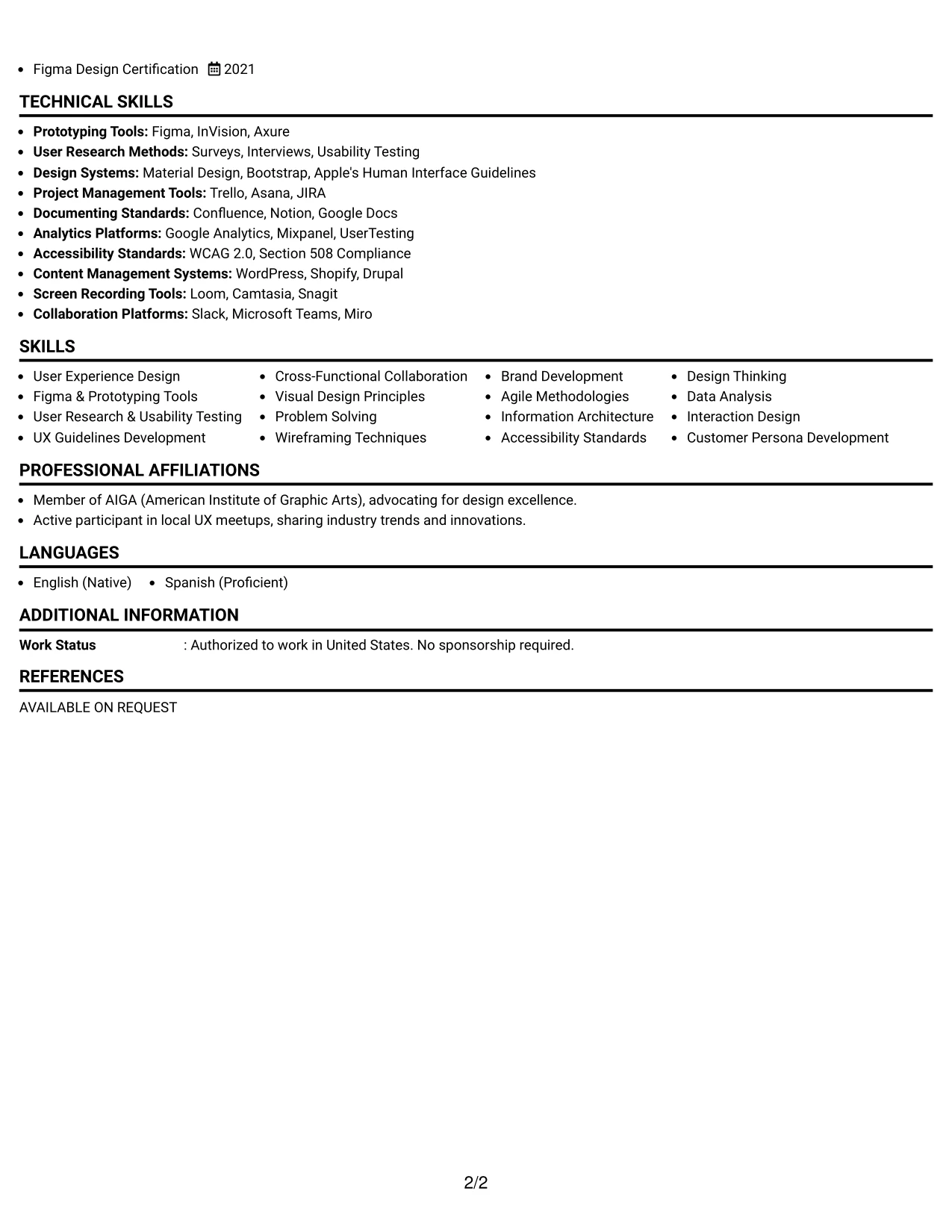
Why the Classic One Column Resume Format Works for a Resume
- Organizes sections to align seamlessly with recruiters’ and applicant tracking systems’ expectations, crucial for roles in tech like UX design.
- Highlights specific achievements and keywords that resonate with strategic initiatives centered around innovative user experience solutions.
- Essential for online submissions, providing clarity and ensuring critical moments of Jaxon’s career are distinctly visible to automated systems.
- Enables candidates to leverage their educational experiences clearly, creating a narrative showcasing real-world applications in user-centric design.
- Avoids lengthy paragraphs by emphasizing concise, result-oriented bullet points that demonstrate a commitment to impactful project results.
- Optimizes keyword usage spanning the digital landscape of content creation, tools, and methodologies relevant to UX design roles.
- Best suited for candidates desiring to prioritize actionable insights over strict stylistic elements.
Best For
- Internship Programs in Cutting-Edge Technology
- Entry-Level Positions for UX Design Applicants
- Companies Valuing Data-Driven Marketing Approaches
- ATS-Friendly Applications for User Experience Roles
- Minimalist Resume Formats with Focus on Substantial Content
- Collaborative Environments Favoring Technical Skillsets
- Academic Institutions Seeking Practical Applications
- Innovative Technology Companies Focused on User Experiences
- Effective Showcasing of Digital Proficiencies
- Candidates Involving Substantial Projects and Coursework
#18 Lead User Experience (UX) Designer Resume Example (One Column Format with Photo)
This resume features a unique one Column Format with Photo, highlighting Jaxon Beltran's branding while ensuring that professional skills are effectively communicated within the UX field.
This design benefits applications that prioritize clarity and concise communication in marketing and UX design contexts, emphasizing Jaxon’s analytical strengths and project experience.
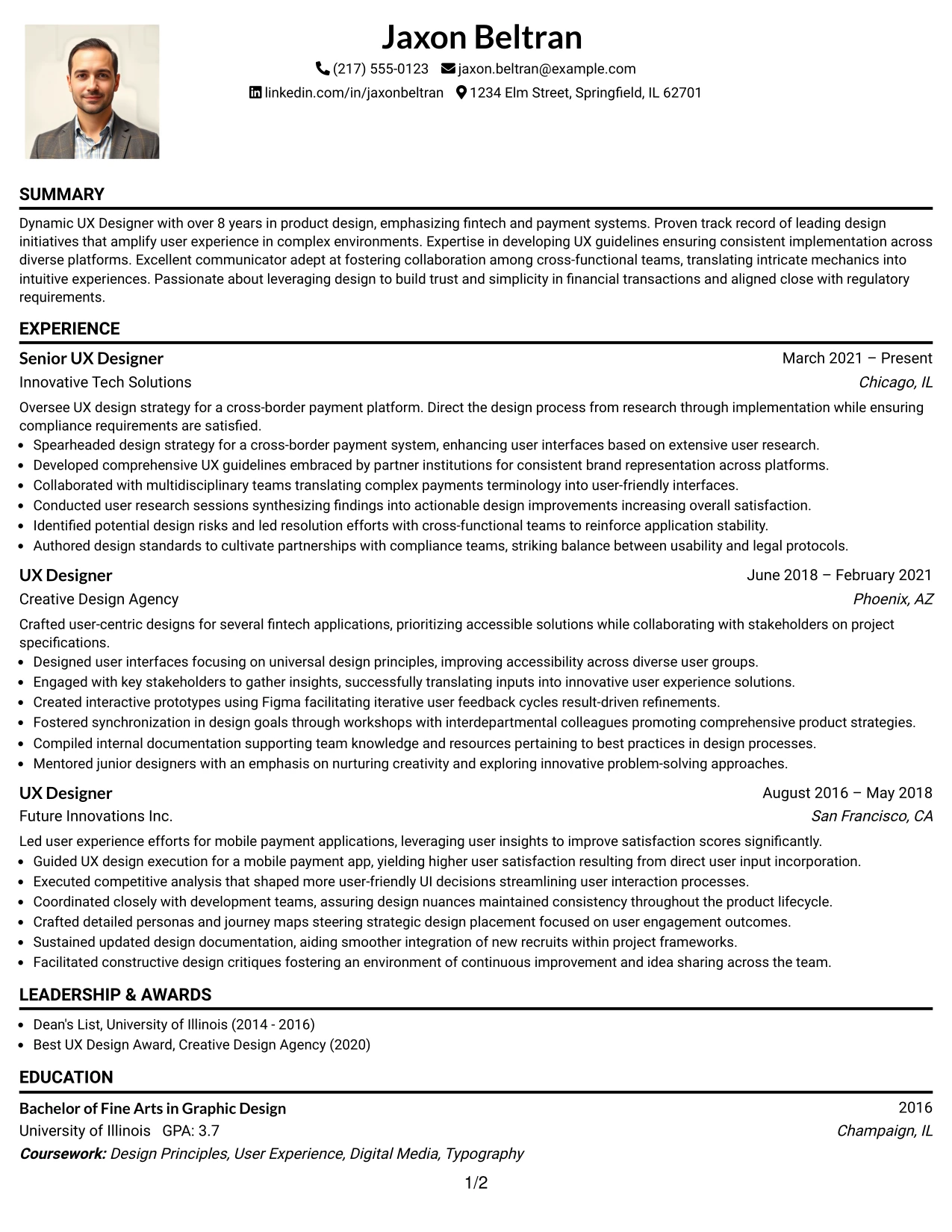
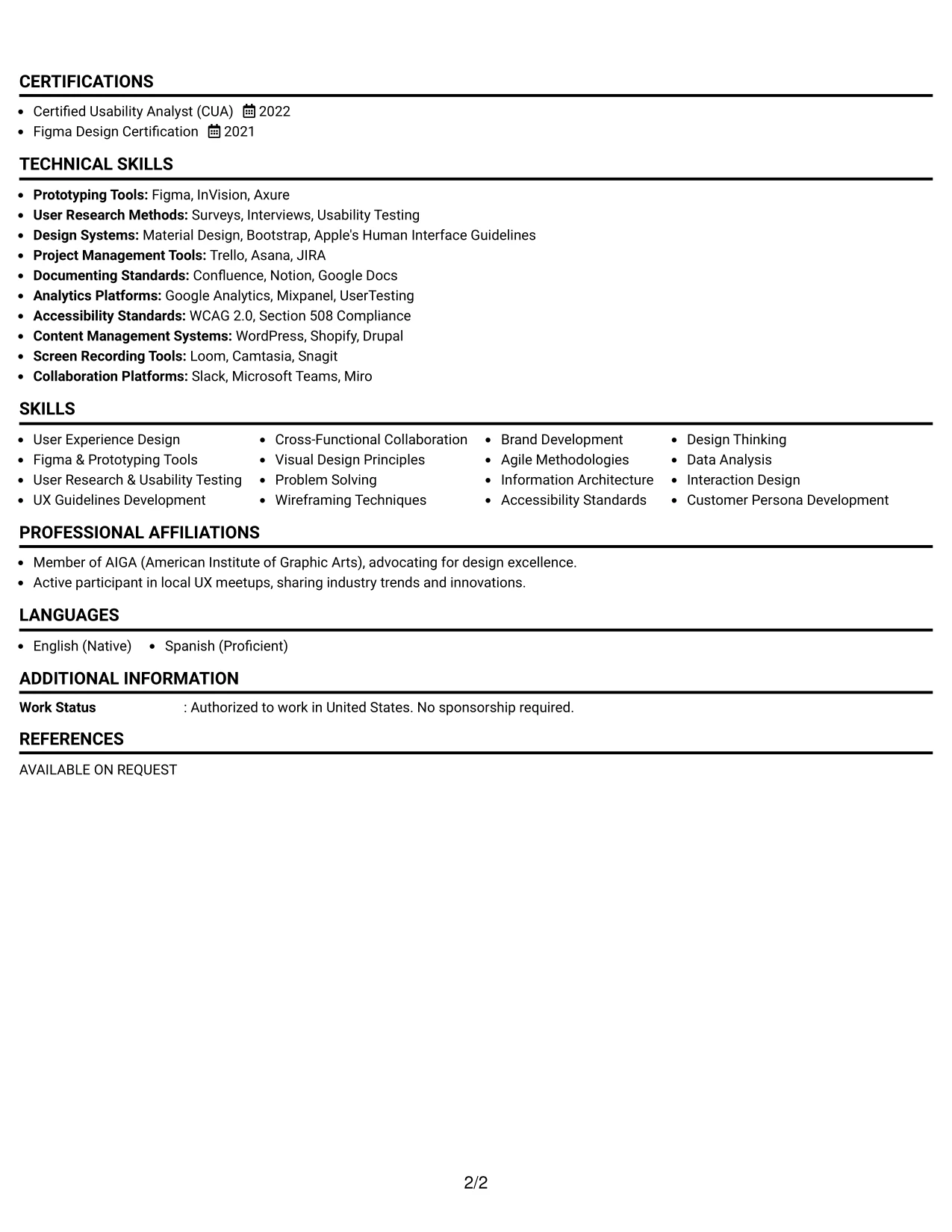
Why the One Column Format with Photo Works for a Resume
- This format highlights Jaxon’s personal branding while ensuring that critical information is front and center, fitting for internships in dynamic marketing environments.
- Distills vital sections such as summary, education, and immediate project involvement into a presentation that encourages recruiter engagement.
- Optimal for roles focused on creativity, where visual representation plays a strong role in marketability.
- Creates a balanced visual identity that increases interaction with potential employers by reinforcing Jaxon’s skill set.
- Supports competitive candidacy by integrating portfolio elements into the applied context while maintaining professional standards.
- Encourages readability and professionalism, which are crucial in U.S.-based job applications.
- Leverages structured content to prioritize Jaxon’s project-based and analytical capabilities, positioning him well for examination by potential employers.
Best For
- Corporate Environments Seeking Innovative Marketing Talent
- University Recruitment Events and Career Fairs
- Online Application Platforms
- Roles Where Impactful Communication is Valued
- Concise Presentations of Candidate Qualifications
- Creative Agencies Searching for Marketing Expertise
- Review Processes Focusing on UX and Digital Marketing
- Applications Compatible with Digital Content Management Systems
- Growing Roles in Digital Marketing Strategy
- Entry-Level Positions in Marketing and User Experience
#19 Lead User Experience (UX) Designer Resume Example (Minimal Header Format)
This resume adopts a streamlined minimal Header Format, emphasizing clear sections, ATS compatibility, and efficiency throughout the applicant review process.
The simplicity of this layout places Jaxon’s key achievements, projects, education, and technical skills in the spotlight without distraction.
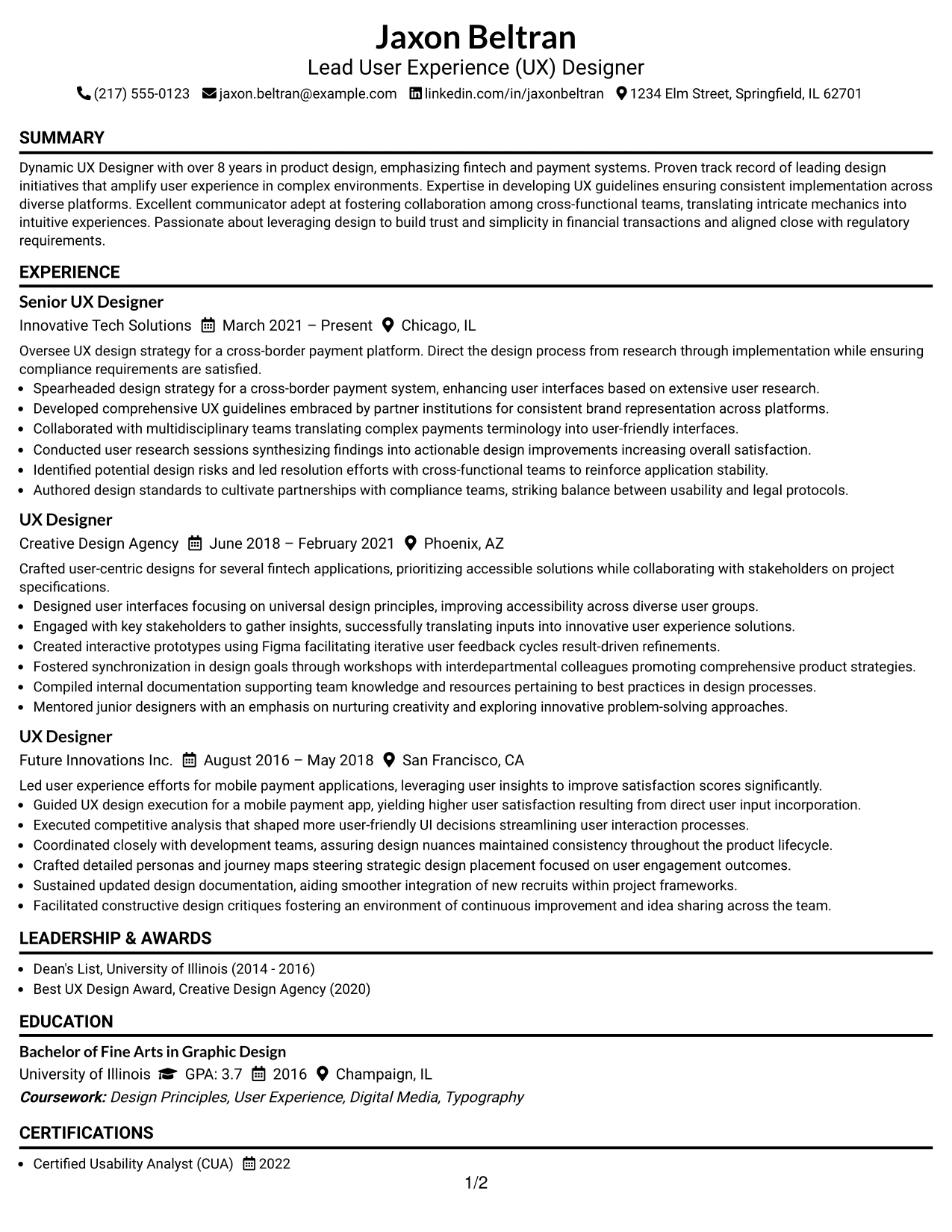
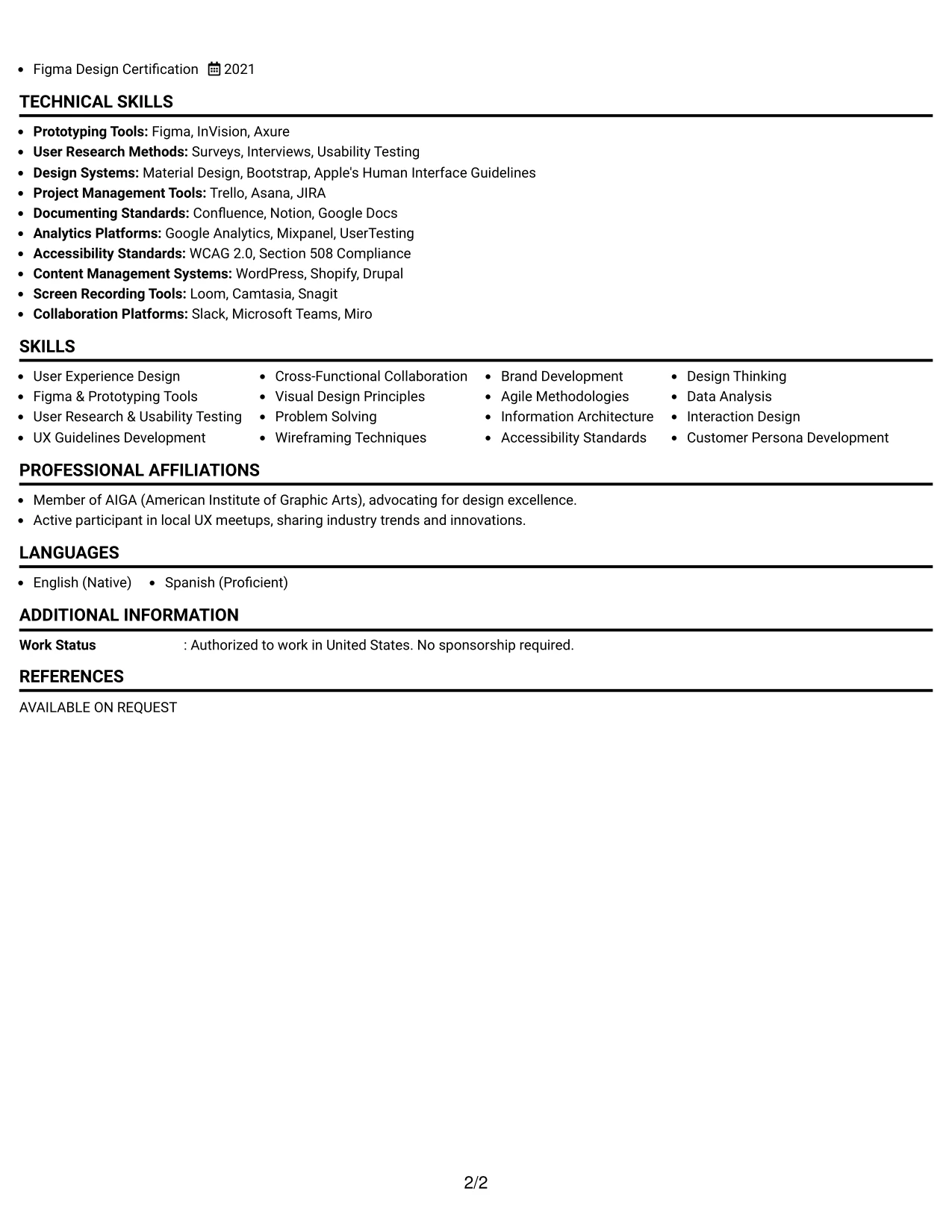
Why the Minimal Header Format Works for a Resume
- This design ensures sections are clear and accessible for both recruiters and Applicant Tracking Systems alike.
- Highlights Jaxon’s notable achievements, technical proficiency, and measurable contributions succinctly.
- Optimized for online platforms, ensuring that clarity in keywords and structure remains critical.
- Supports early career professionals in effectively presenting their structured coursework and hands-on projects.
- Avoids complexity and lengthy prose while focusing on impactful bullet points that highlight his strengths.
- Encourages a strong alignment with keywords pertinent to user experience design, analytics, and digital marketing roles.
- Perfect for candidates looking to make an impression through concise, effective content rather than visual embellishments.
Best For
- Digital Companies with a Technology-Focused Structure
- Creative Startups Looking for Innovative Designers
- Positions in Social Media Campaign Management
- Roles Centered on Effective Content Curation
- Analytics-Centric Internships in Marketing
- Candidates with Design Backgrounds and Digital Proficiencies
- Entry-Level Opportunities in Marketing Strategy
#20 Lead User Experience (UX) Designer Resume Example (Modern Full Background Two Column Format)
This resume features a structured modern Full Background Two Column Format, effectively organizing contact details, skills, and crucial content for easy navigation.
This format is well-suited for internship positions, highlighting educational achievements, practical projects, and required skills while avoiding cumbersome text blocks.
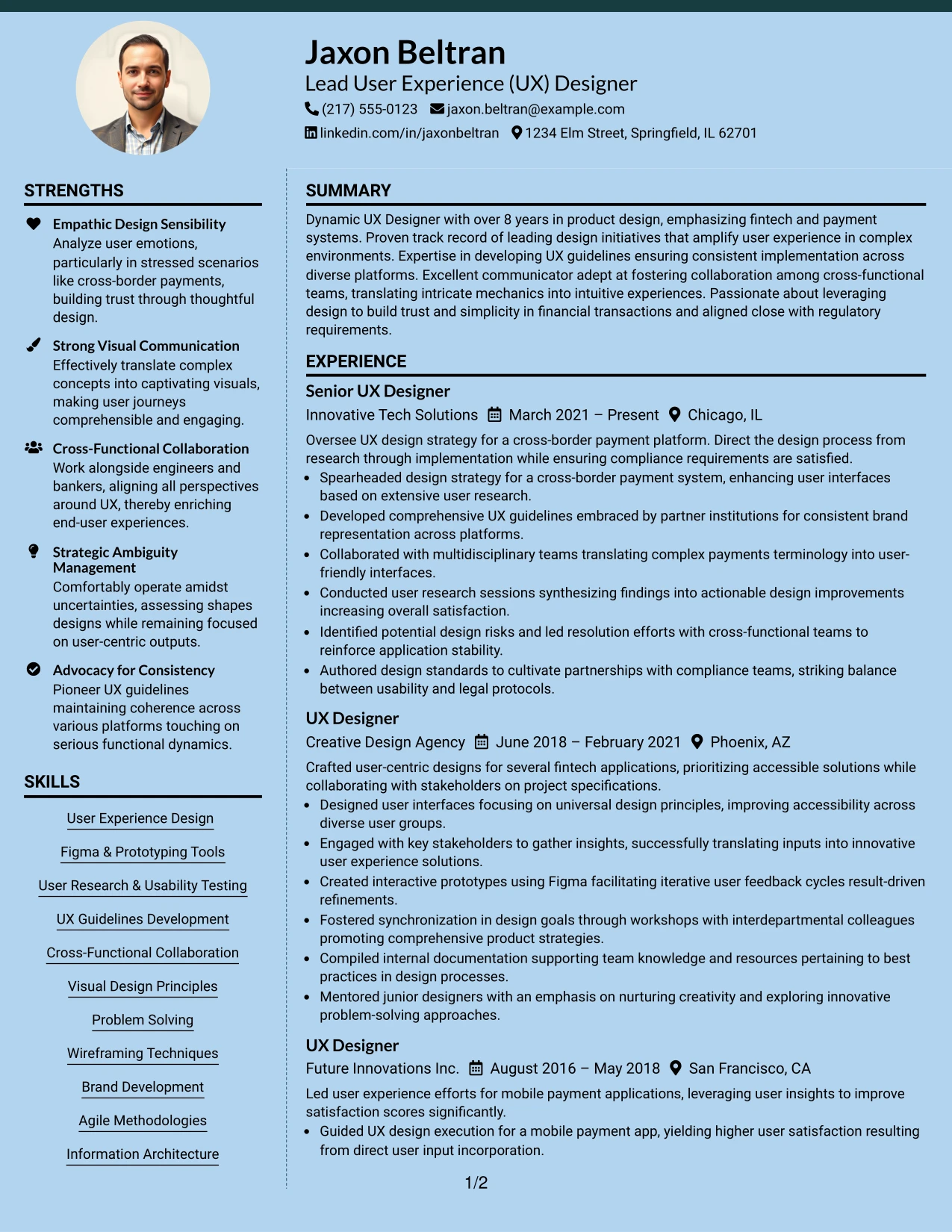
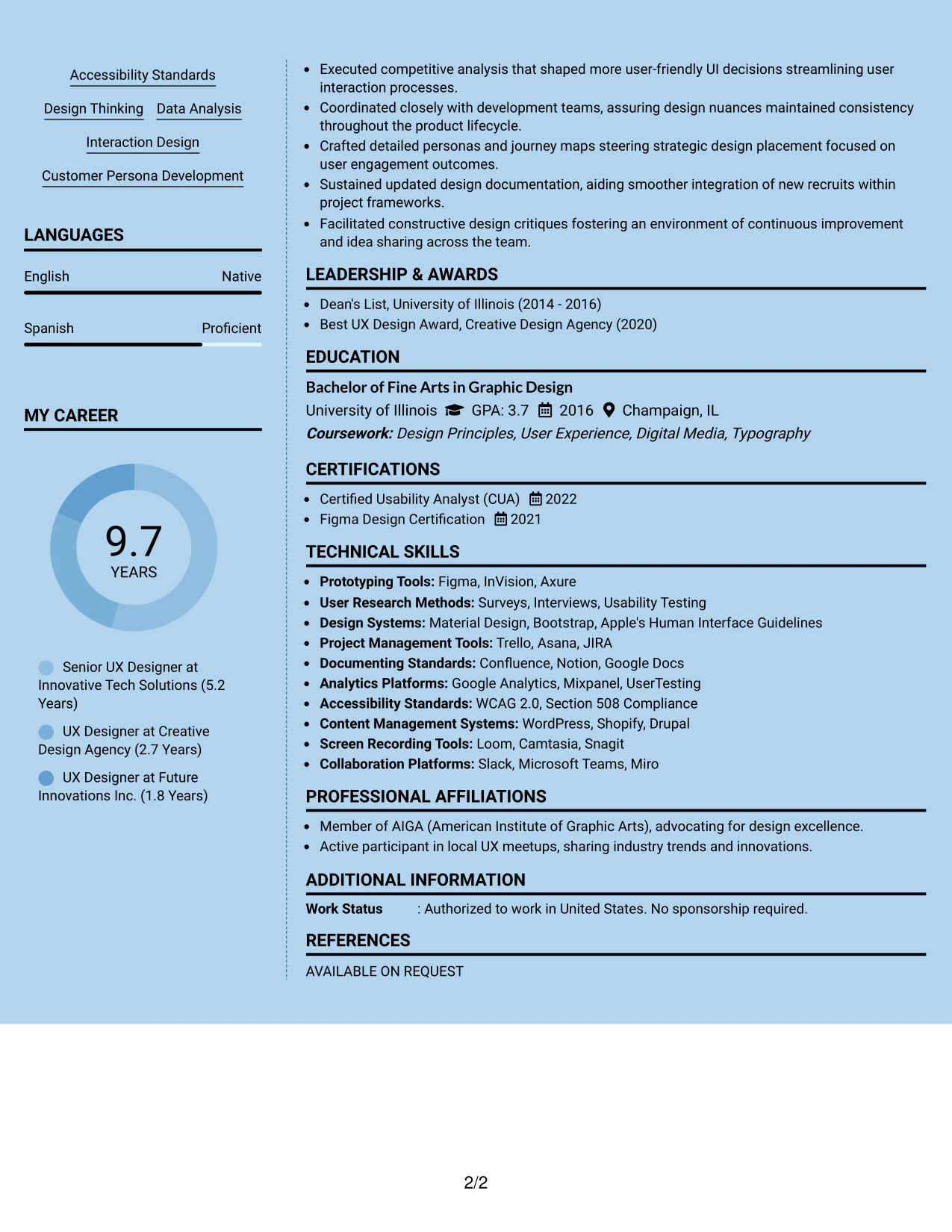
Why the Modern Full Background Two Column Format Works for a Resume
- This layout clearly separates contact and skill information from Jaxon’s primary accomplishments, enhancing readability for recruiters.
- Ensures that critical technical competencies, relevant marketing tools, and projects are quickly accessible for evaluation.
- Facilitates rapid information retrieval, particularly important for internship roles where swift assessments are common.
- Maintains professionalism while providing a distinct visual hierarchy that conveys clarity.
- Supports ATS compatibility through well-structured headings that guide parsing.
- Ideally suited for students balancing academic and practical experiences in UX design roles.
- Promotes focus on critical content via well-defined bullet points and transparent sections.
Best For
- Tech-Savvy Employers Seeking Strong Candidates
- Internships with a Focus on UX and Product Design
- Digital Applications and Job Opportunities
- Corporate Marketing Teams Looking for Innovative Design Solutions
- Students Pursuing Practical Experience Across Platforms
- Recruiters interested in Clear Navigation of Applications
- Resumes That Require an Easily Scannable Layout
#21 Lead User Experience (UX) Designer Resume Example (Dark Mode Two Column Format)
This resume utilizes a bold dark Mode Two Column Format, particularly suitable for candidates looking to make a modern impression in tech-oriented environments.
The striking contrast design effectively highlights key headings and essential skills, while the content remains focused on documenting achievements and relevant tools.
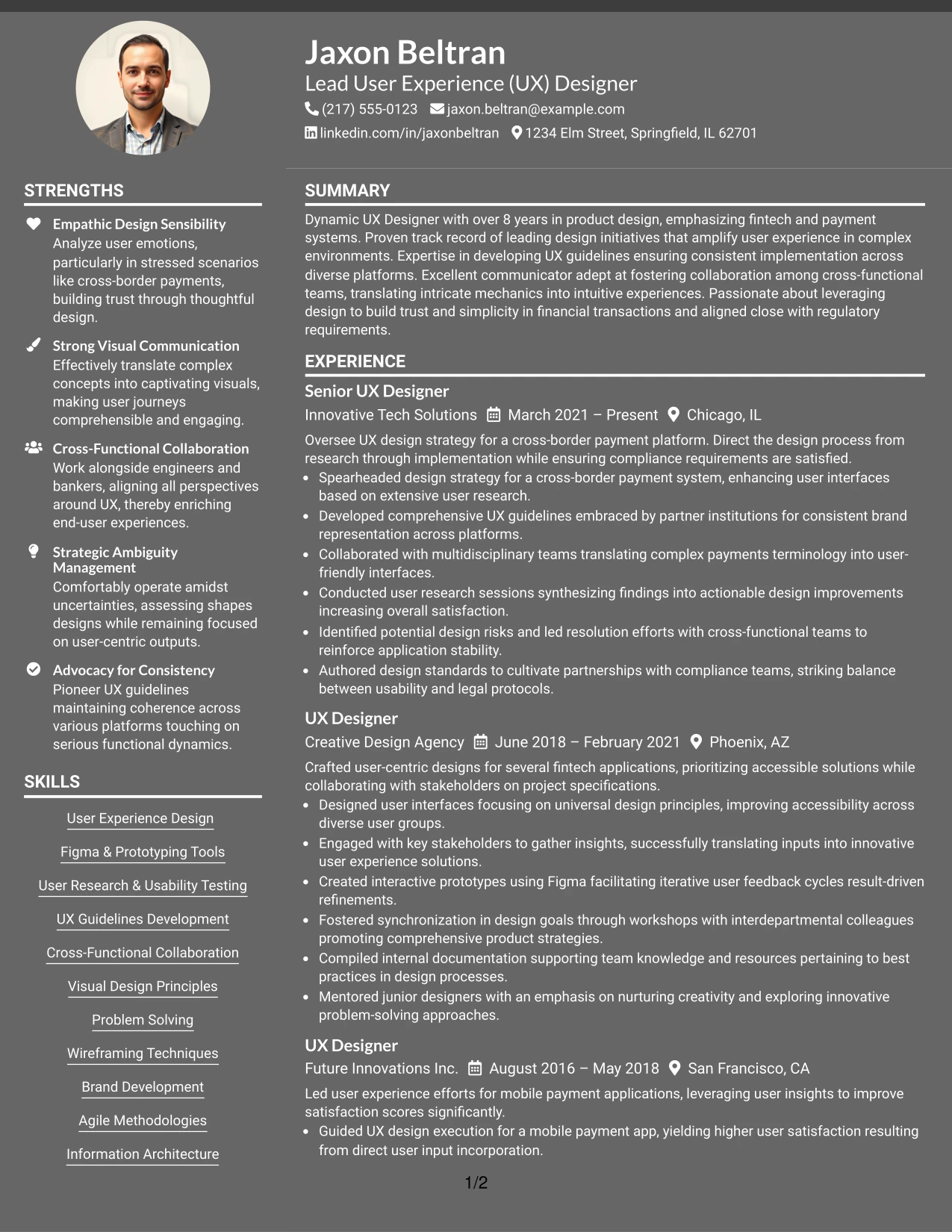
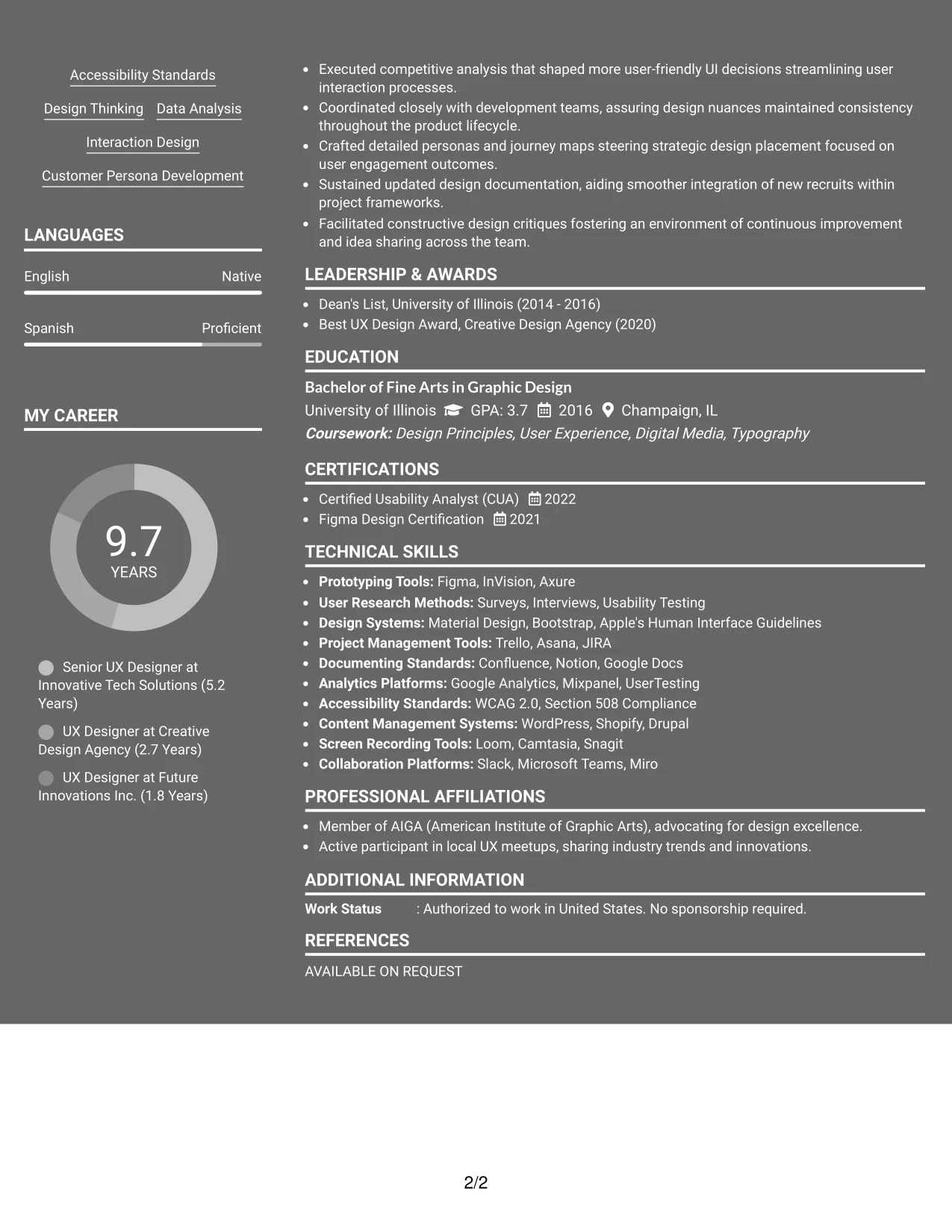
Why the Dark Mode Two Column Format Works for a Resume
- This format presents a stylish visual appeal alignable with digital marketing and UX design roles in contemporary settings.
- Utilizes strong contrast effectively to enhance visibility of headers and critical keywords throughout the document.
- Focuses on impactful bullet points instead of lengthy narratives, catering to fast-paced hiring environments.
- Ideal for applications targeting innovative companies or dynamic digital teams.
- Showcases Jaxon’s tools and projects comprehensively while keeping content engaging and relevant to the desired roles.
- Ensures that the emphasis stays on quantifiable achievements and relevant keywords tied to the role.
- Maximizes effectiveness with concise, result-oriented bullet points that catch the attention of hiring managers.
Best For
- ATS-Compatible Job Applications
- Video Marketing and UX Design Internship Roles
- Early-Career Positions in Digital Marketing
- Companies Hiring for Communication and Digital Media Roles
- Emerging Professionals in the Marketing Field
- Recruiters Seeking Concise Content in Applications
- Resumes Focusing on Keyword Matching with Job Descriptions
#22 Lead User Experience (UX) Designer Resume Example (Dark Mode Box Header Format)
This resume employs a contemporary dark Mode Box Header Format, perfect for candidates seeking a fresh, tech-savvy design for competitive roles.
The bold styling emphasizes essential headings while honing in on Jaxon’s student achievements, relevant tools, and measurable impacts within the marketing digital landscape.
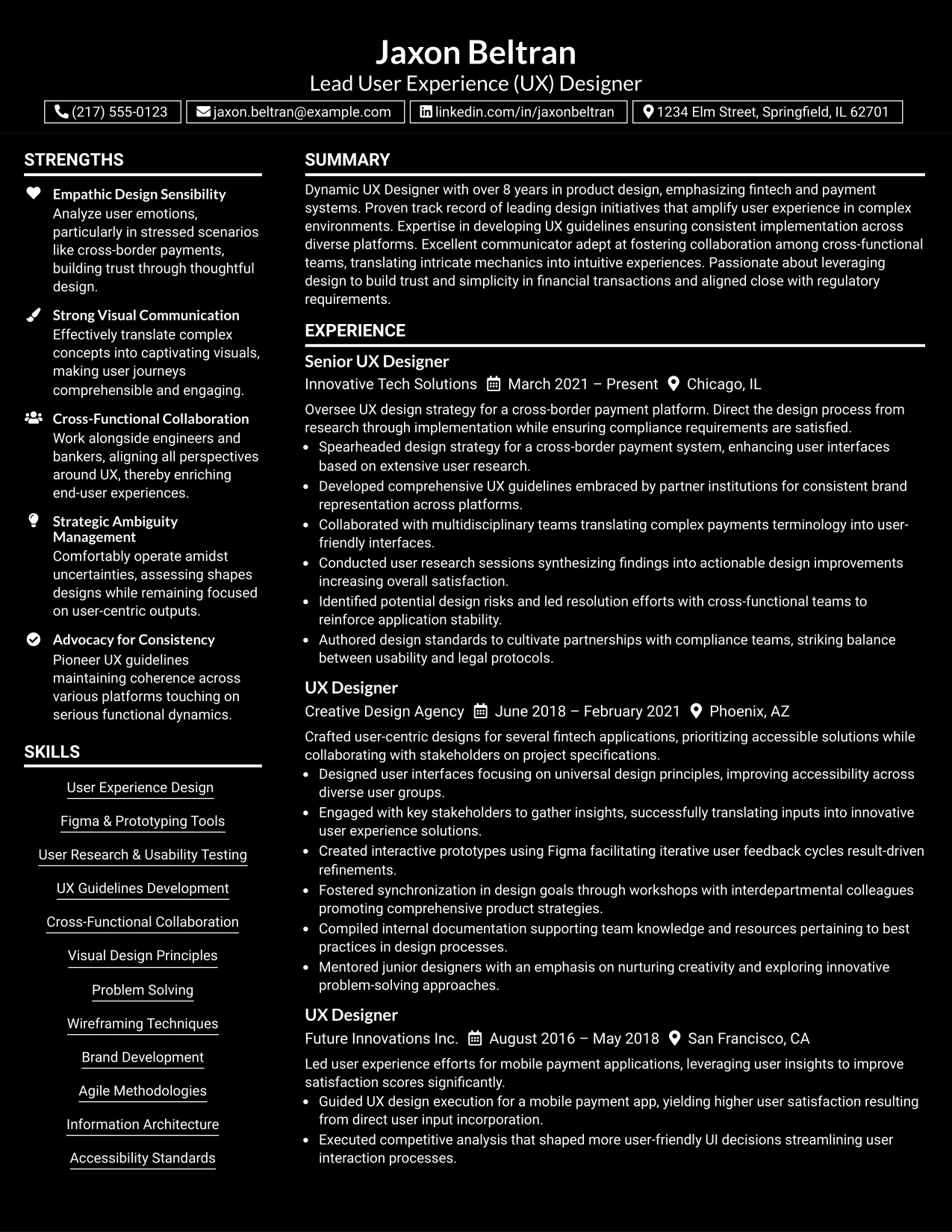
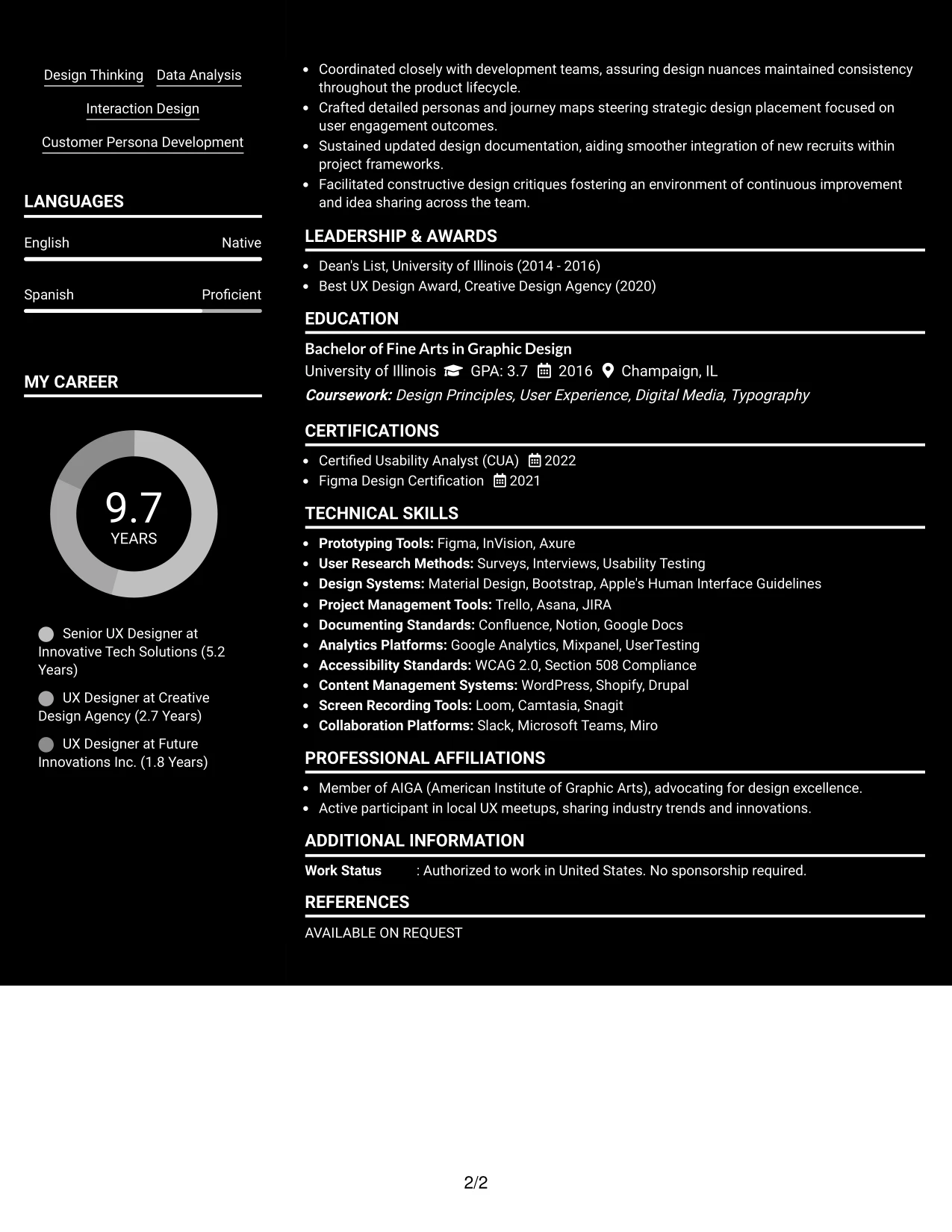
Why the Dark Mode Box Header Format Works for a Resume
- This format creates a visually impactful impression, well-suited for contemporary digital roles that value innovation.
- Combines high contrast aesthetics to highlight relevant skills, Jaxon’s experiences, and achievements distinctly.
- Maintains focus via succinct bullet points rather than lengthy explanations, making for a compelling presentation.
- Especially effective for roles in dynamic environments or tech startups that savor creative energies.
- Showcases Jaxon’s hands-on experience, relevant tools, and contributions effectively while ensuring clarity.
- Helps maintain the document's center on relevant, achievement-focused content, ensuring alignment with job expectations.
- Further complemented by succinct, result-oriented statements that support the application’s objectives.
Best For
- Startups Seeking Innovative Creatives
- Video Marketing and UX Design Internship Roles
- Creative Positions in Marketing Campaign Management
- Analytical Internship Opportunities
- Roles Requesting Proficiency in Design Tools and Methodologies
- Entry-Level Marketing Opportunities in Tech Companies
#23 Lead User Experience (UX) Designer Resume Example (Structured Two Column Format)
This resume adopts a clear and structured Two Column Format, effectively arranging contact details, skills, and key accomplishments for easy readability.
An excellent choice for experienced UX designers, it balances professional experience, educational background, and core competencies without overwhelming the reader.
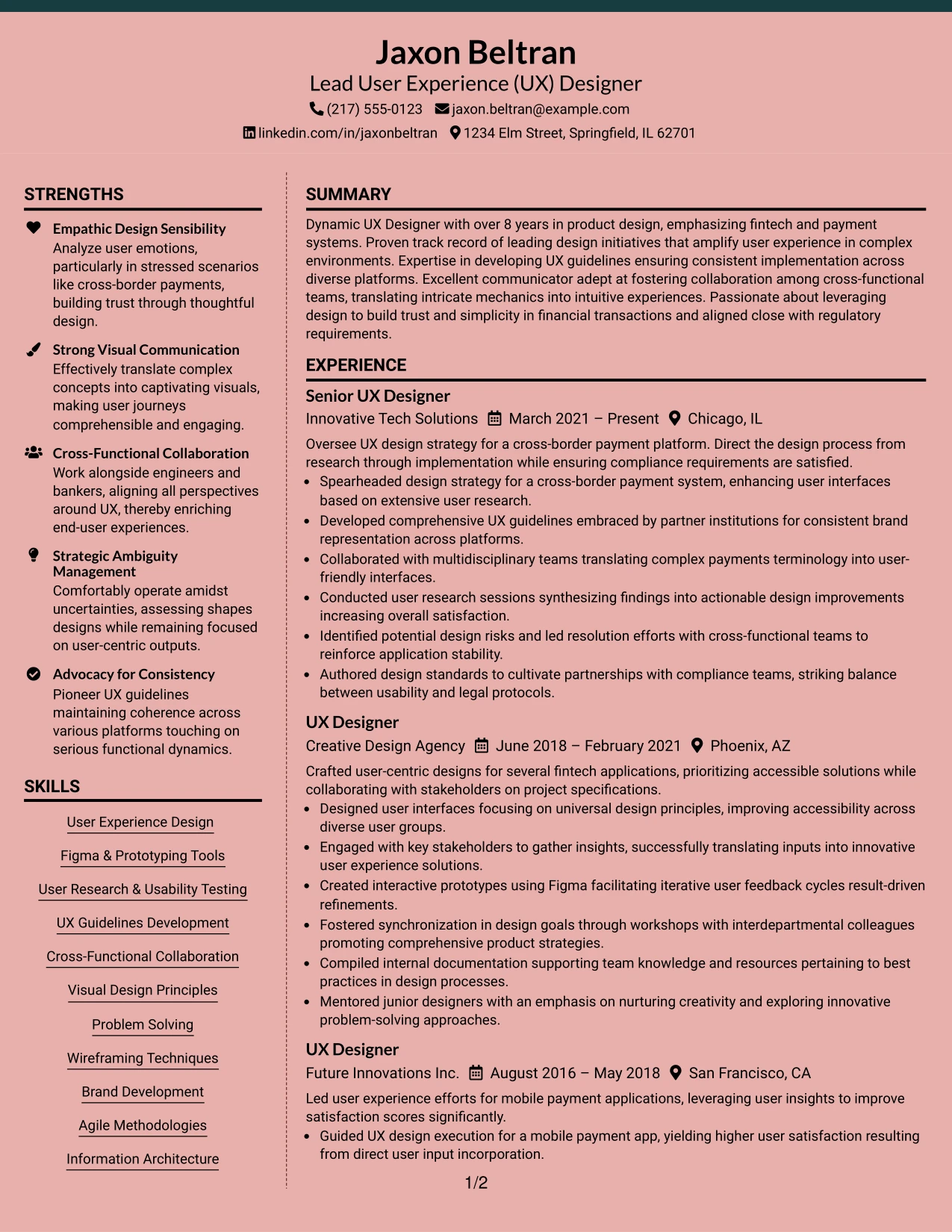
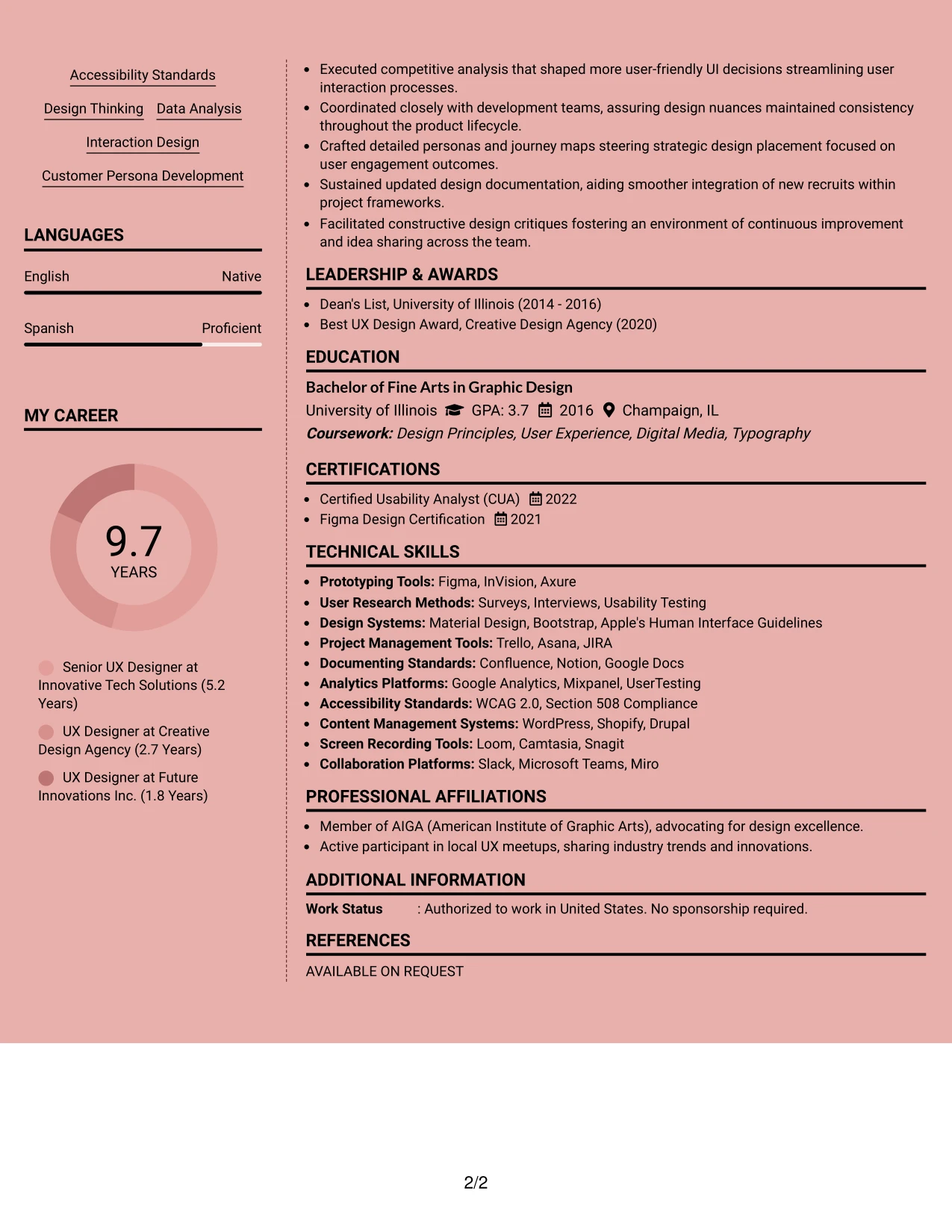
Why the Structured Two Column Format Works for a Resume
- Facilitates quick identification of essential contact details and skills, critical for hiring managers in UX design.
- Keeps substantial achievements within easy reach, highlighting relevant experience in fintech to align with industry standards.
- Enhances clarity of complex UX projects and design methodologies, making it straightforward for recruiters to gauge expertise.
- Supports ATS compatibility with consistent formatting and keyword integration.
- Effectively harmonizes design aesthetics with professional presentation, reflecting the candidate's suitability for leadership roles in UX.
- Adapts well for candidates with a blend of technical and creative experience, particularly in UX design for financial applications.
- Maintains focus on quantifiable results through structured bullet points, demonstrating the impact of design initiatives.
Best For
- Senior UX Designer Positions
- Fintech and Payment Systems Roles
- Cross-Functional Leadership Opportunities
- Innovative Tech Companies
- Positions Requiring Strong Visual Design Skillsets
- Organizations Emphasizing User-Centered Design
- ATS-Centric Resume Submissions
#24 Lead User Experience (UX) Designer Resume Example (Modern Two Tone Format)
This resume features a contemporary Two Tone Format that effectively highlights critical sections, ensuring clarity across summary, experience, skills, and education.
The design accentuates essential accomplishments while focusing on the candidate’s UX design prowess and tools, creating a visually appealing layout.
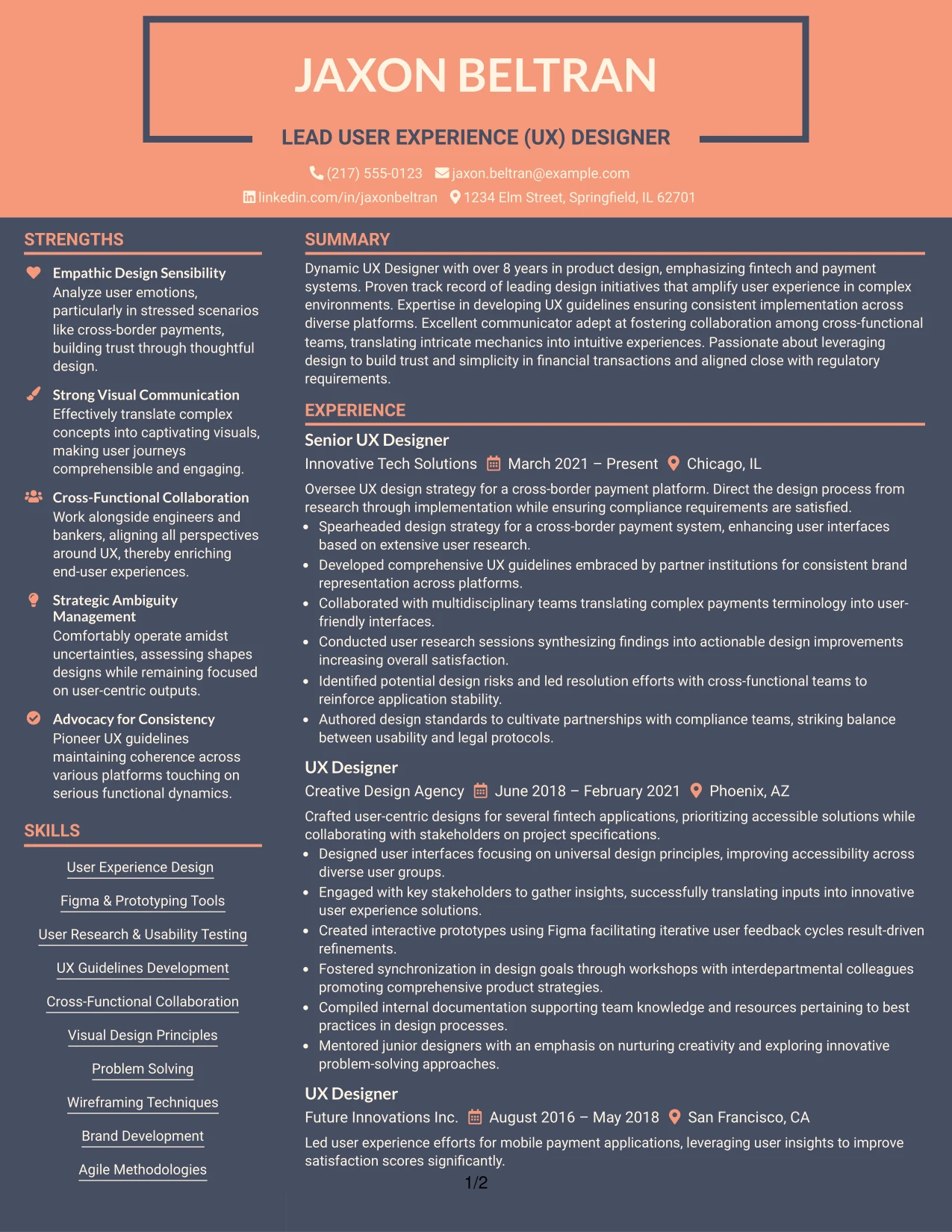
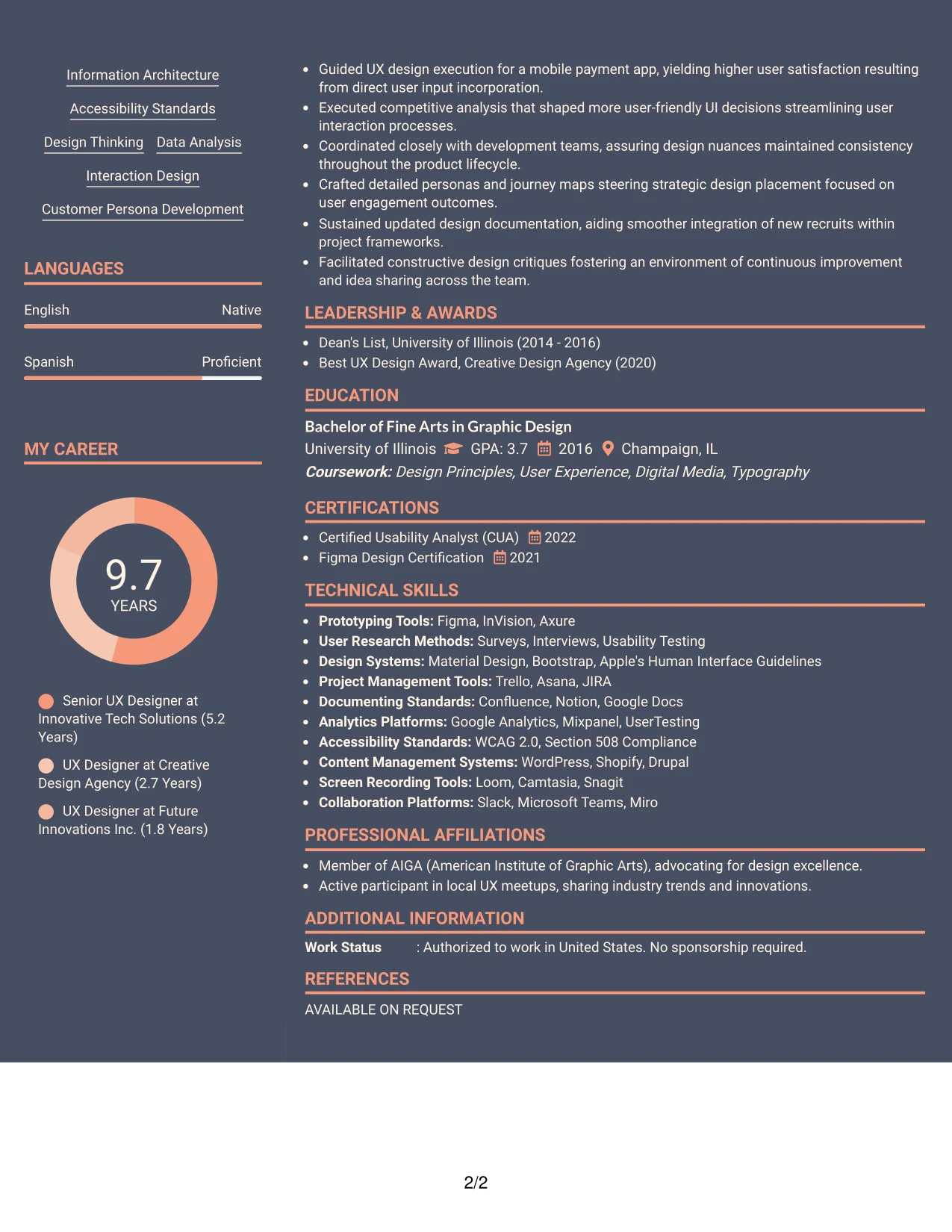
Why the Modern Two Tone Format Works for a Resume
- Utilizes color to differentiate sections, leading the viewer through the resume’s key components effectively.
- Enhances visibility of significant UX projects and technical skills relevant to fintech applications.
- Showcases creative flair while ensuring clarity and professionalism, essential for designer roles.
- Well-suited for applications demanding both innovative design and compliance understanding.
- Highlights skills and achievements succinctly, minimizing unnecessary descriptions.
- Ideal for positions where a distinct visual profile is as important as technical expertise.
- Aids in applications where user interface sophistication is a priority during the selection process.
Best For
- Leadership Roles in UX Design
- High-Level Fintech Positions
- Startups Requiring Creative Problem Solvers
- Positions Emphasizing User-Centric Digital Solutions
- Companies Focused on Innovative Payment Systems
- Application Tracking System Friendly Formats
- Environmental Scanning for User Experience Best Practices
#25 Lead User Experience (UX) Designer Resume Example (Bold Color Header Professional Format)
This resume adopts a striking Bold Color Header Professional Format to establish a visual hierarchy among sections related to experience, skills, education, and achievements.
Accent coloring underlines essential contributions in a manner that appeals to innovative tech companies and UX-focused positions.
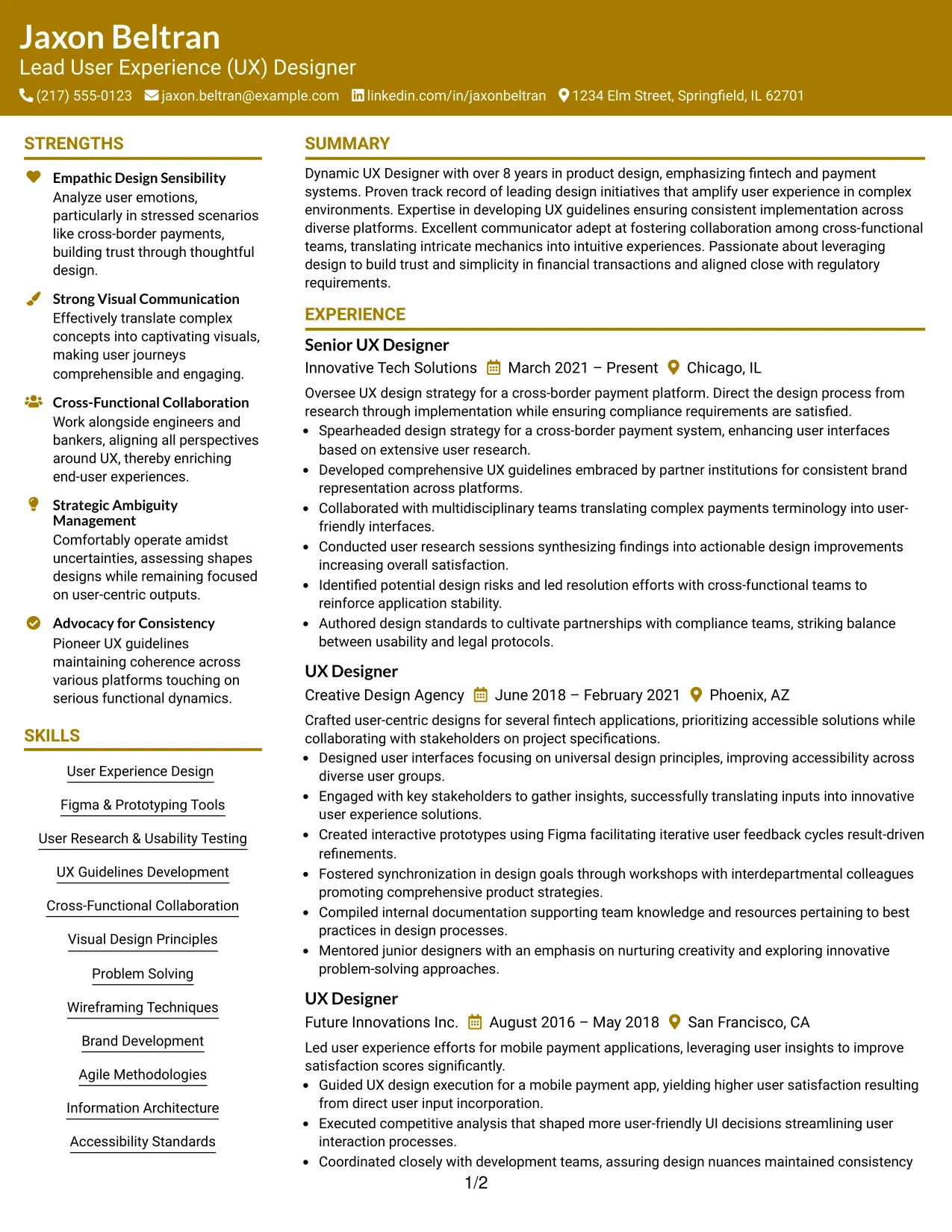
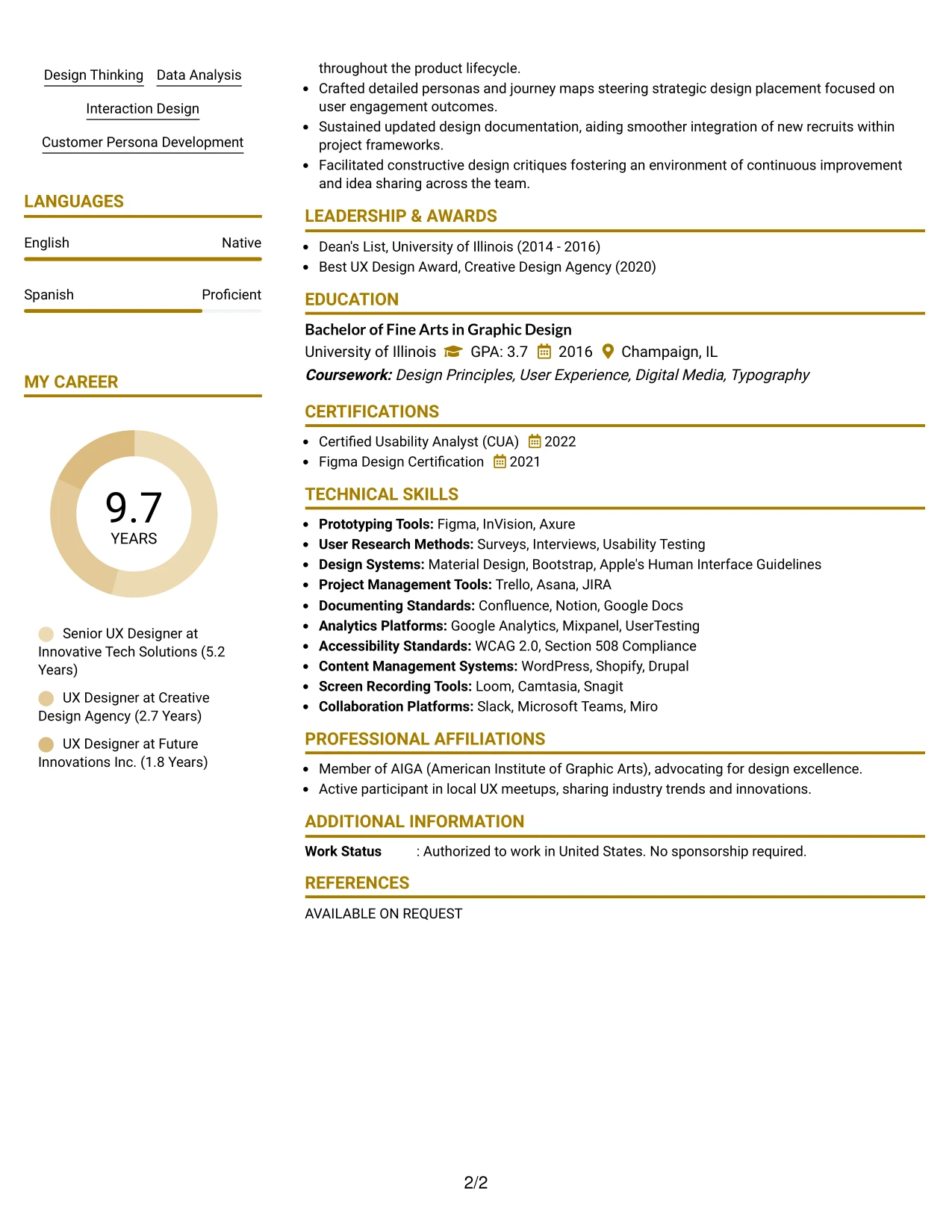
Why the Bold Color Header Professional Format Works for a Resume
- Employs color to create clear navigation through each section, enhancing readability.
- Enhances significance of major design projects and tool expertise in fintech applications.
- Demonstrates strong presentation skills while ensuring that clarity remains a priority.
- Ideal for roles emphasizing UX/UI design and creative problem-solving.
- Maintains focus on skills and measurable outcomes rather than generic experiences.
- Supports applications requiring visual proof of competencies and accolades.
- Combines modern aesthetics with a professional layout, fitting for corporate settings.
Best For
- Senior UX Management Roles
- Technologically Advanced Companies
- Creative Marketing Teams Seeking Innovation
- Fintech Startups Focused on User Experience
- Project Leadership Opportunities in Design
- ATS-Optimized Resume Formats
- Companies with a Strong Visual Identity
#26 Lead User Experience (UX) Designer Resume Example (Photo Header Color Sidebar Format)
This design features a sophisticated Photo Header Color Sidebar Format, integrating personal branding while ensuring that information remains organized and accessible.
Particularly effective for creative roles, it highlights skills in UX, digital marketing, and user research methodologies, alongside impactful designs.
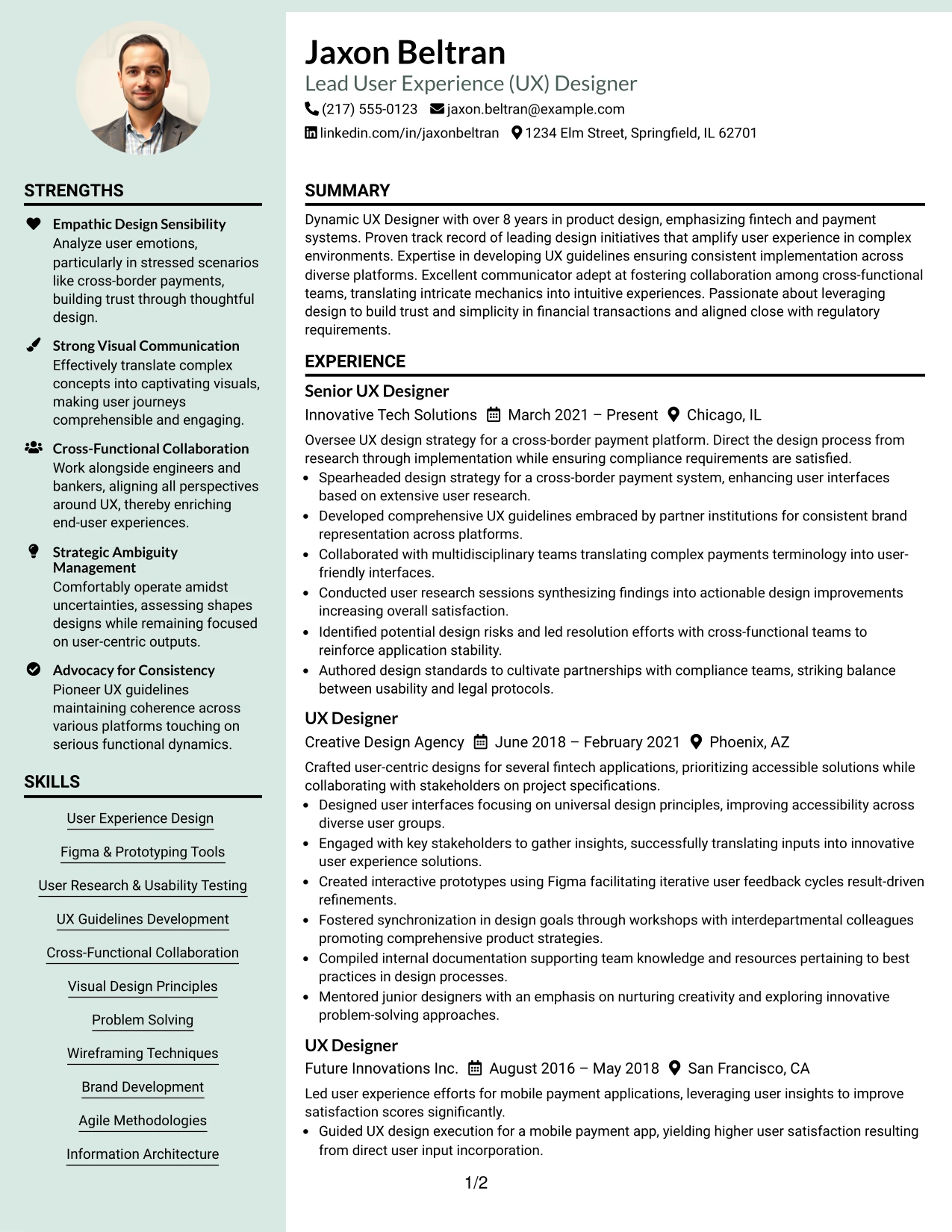
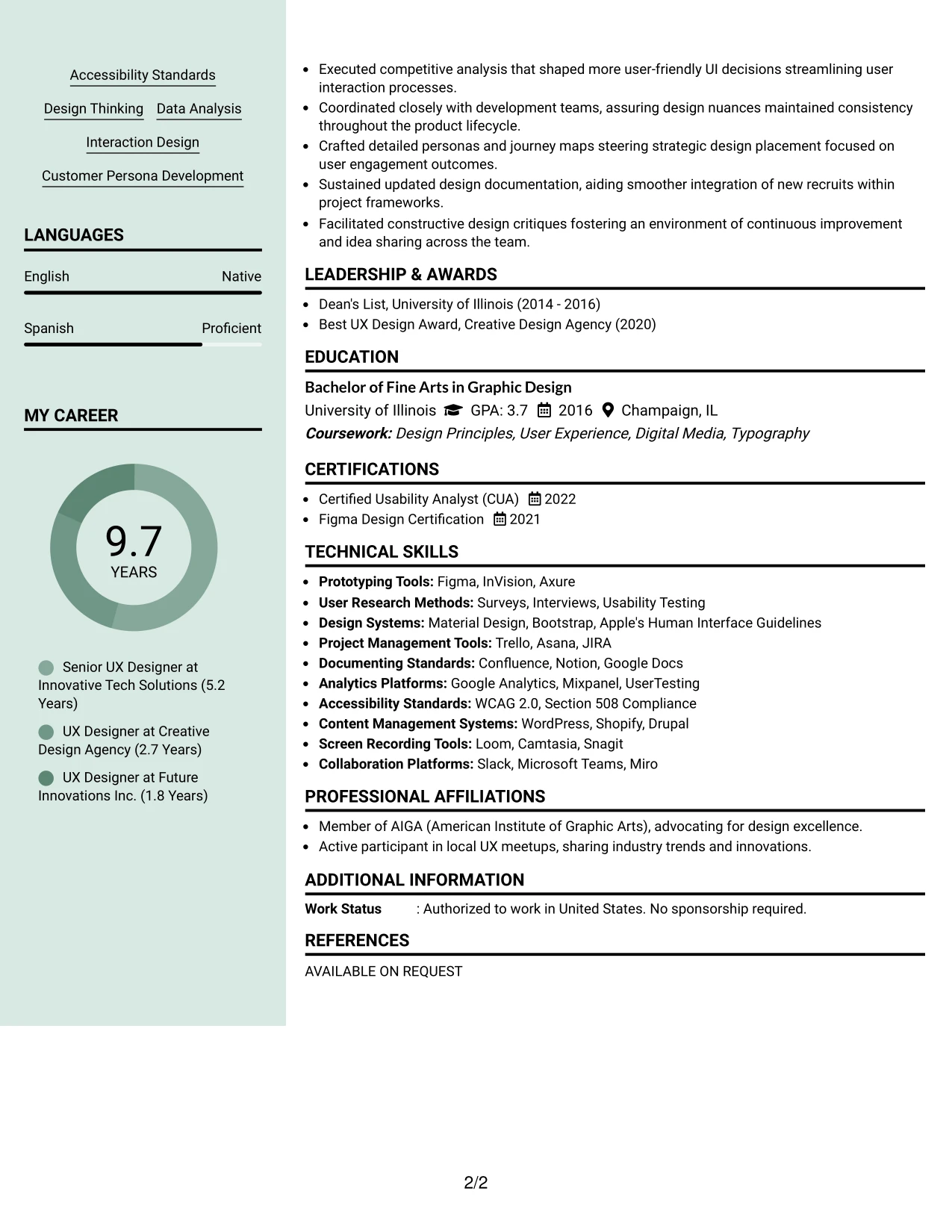
Why the Photo Header Color Sidebar Format Works for a Resume
- Incorporates visual branding to enhance personal presentation while keeping essential content prioritized.
- Ensures summary, projects, and skills maintain high visibility, crucial for a UX portfolio.
- Highly effective for international applications or markets valuing personal identity in professional contexts.
- Aligns personal aesthetics with data-driven accomplishments and UX insights.
- Allows candidates to stand out in creative fields by combining visuals with structured content.
- Should be strategically used to cater to markets where networking through personal identity is valued.
- Successfully blends creativity with organization, essential for UX-oriented roles.
Best For
- Creative UX Design Roles
- Global Marketing and Communications Positions
- Industries Emphasizing Digital Storytelling
- Design Companies Focused on Brand Identity
- Networking Events in the Design Community
- Visual Identity Focused Applications
- Roles Leveraging Personal Branding
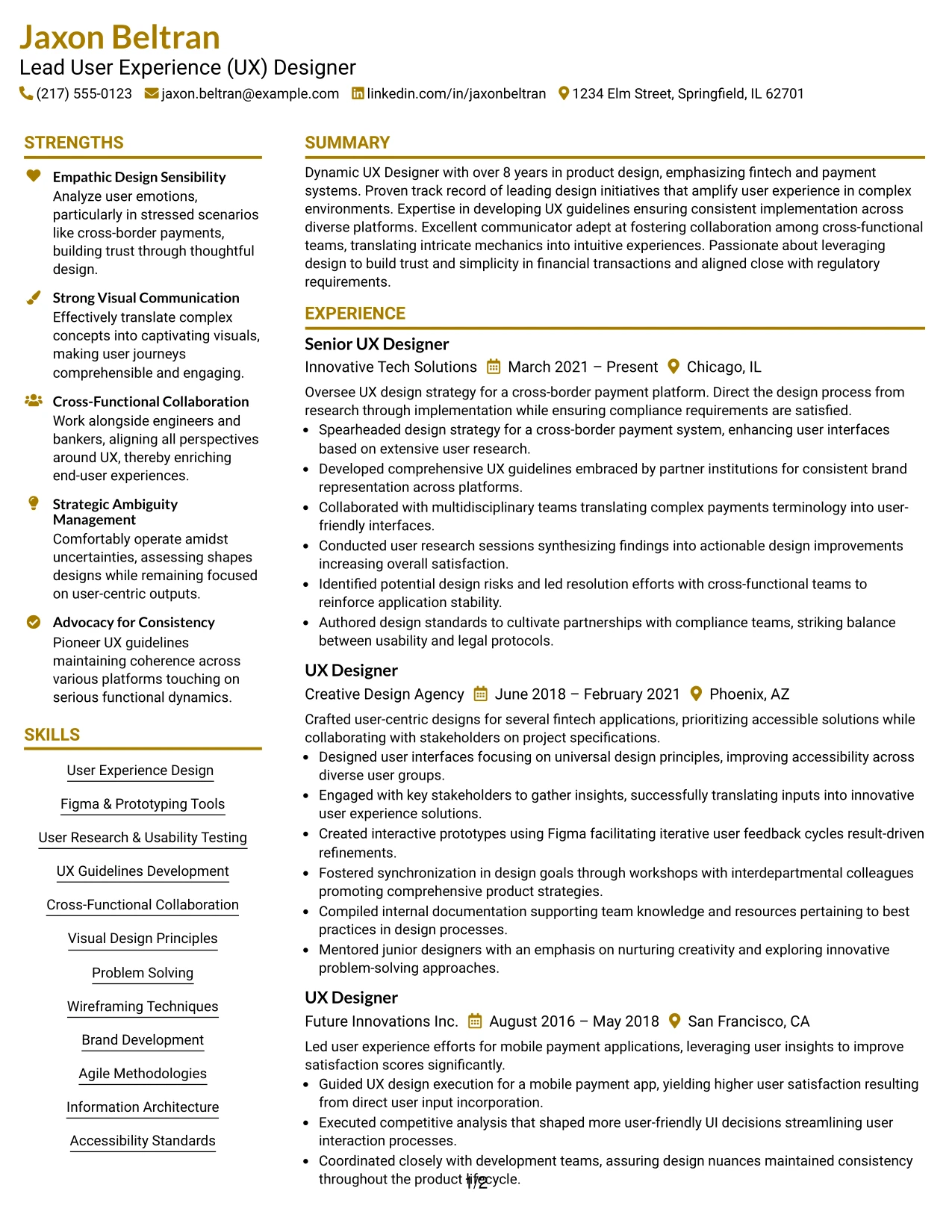
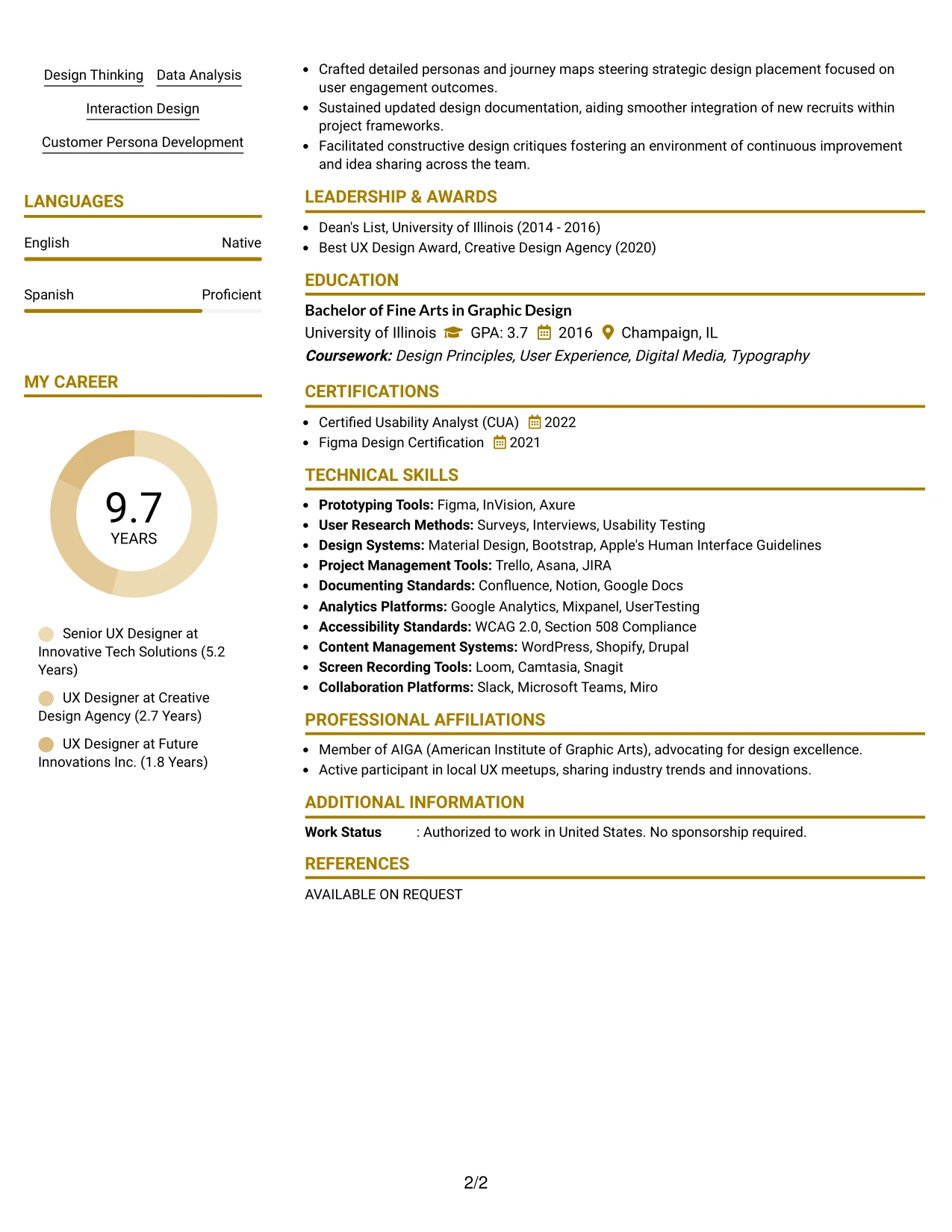
#27 Lead User Experience (UX) Designer Resume Example (Top Left Header Color Accent Format)
This resume employs a modern Top Left Header Color Accent Format that creates clarity across various sections, enhancing the way information is absorbed.
The attention to accent colors directs focus on key projects while underscoring relevant UX experience and technical skills.
Why the Top Left Header Color Accent Format Works for a Resume
- Utilizes color to effectively guide the reader's attention through the resume sections.
- Clarifies relevant achievements and projects within the UX design field.
- Showcases an engaging and modern presentation style ensuring readability and professionalism.
- Well-suited for roles focusing on user experience, design innovation, and technology.
- Concentrates on significant outcomes rather than unnecessary narrative detail.
- Perfect for applications where aesthetic presentation aligns with portfolio requirements.
- Combines a clean, contemporary look with a strong organizational structure.
Best For
- Positions Requiring Detail-Oriented UX Design
- Creative Technology Environments
- Opportunities in Digital Transformation Firms
- UX-Focused Startups
- Applicants Seeking Innovative Project Roles
- Resume Formats Aligned with Visual Standards
- Creative Agencies Emphasizing User Engagement
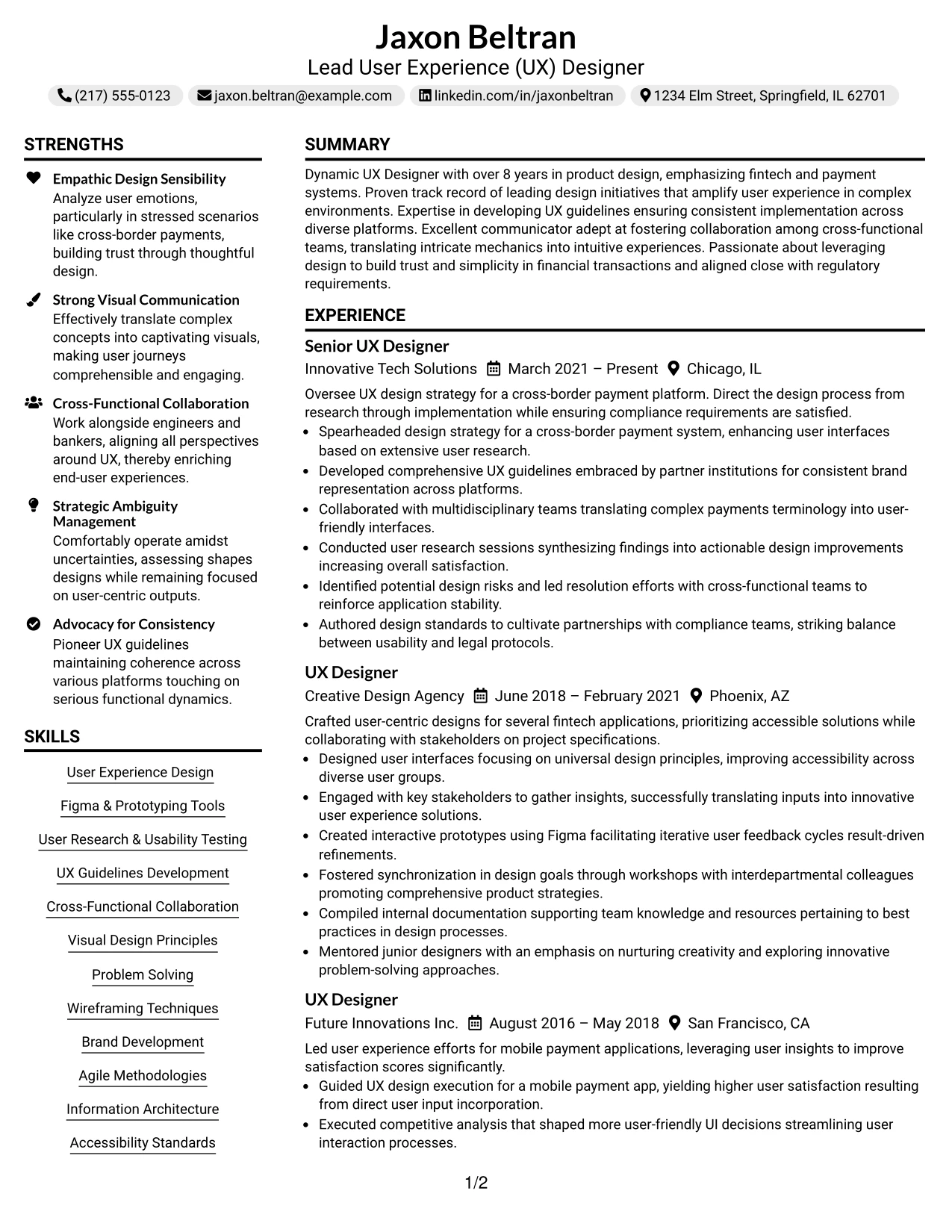
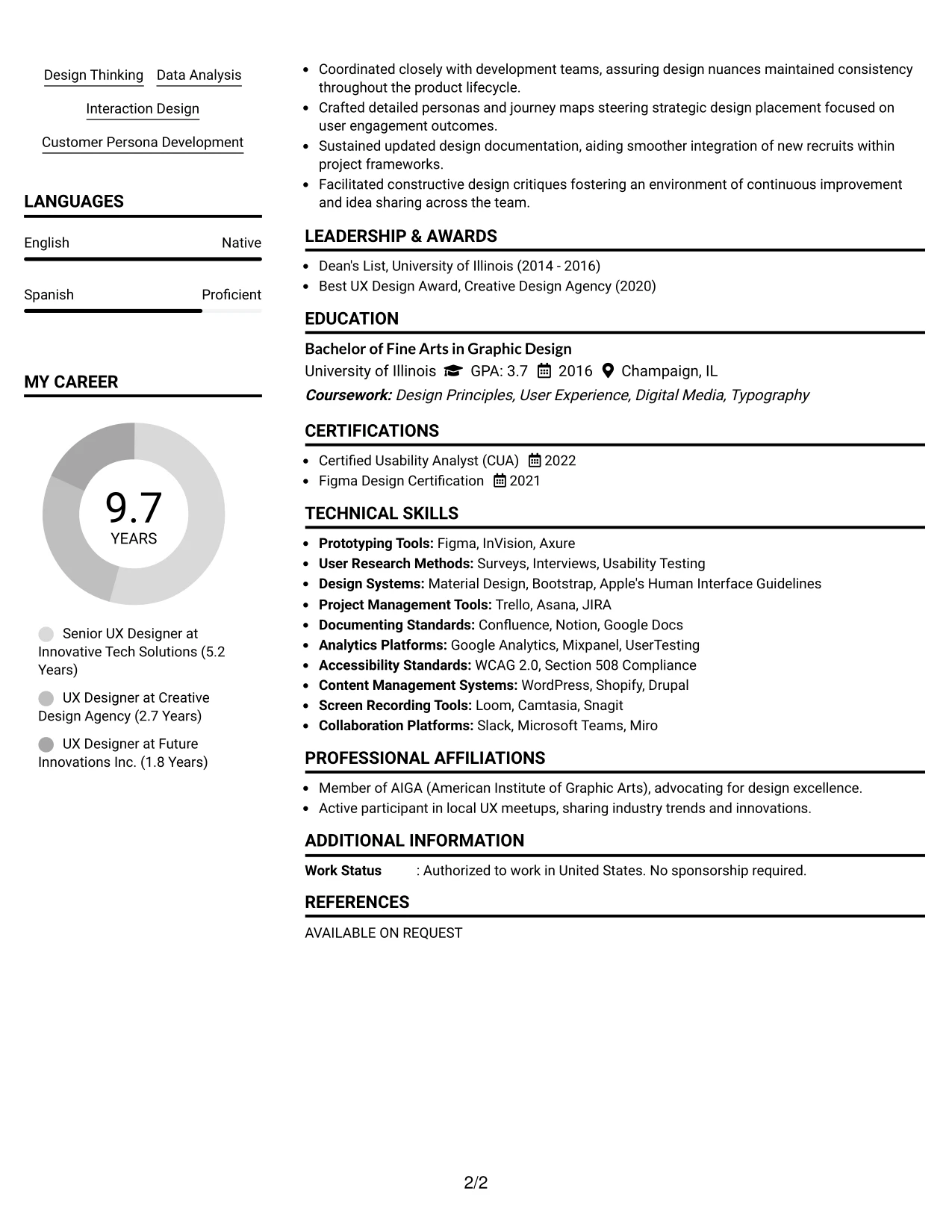
#28 Lead User Experience (UX) Designer Resume Example (Centered Header Classic Two Column Format)
This resume utilizes a structured Centered Header Classic Two Column Format, organizing contact information, skills, and experiences in an easily scannable layout.
The design is ideal for seasoned UX professionals, balancing technical acumen, project highlights, and educational credentials effectively.
Why the Centered Header Classic Two Column Format Works for a Resume
- Separates core contact information and skill sets from professional experiences for clear navigation.
- Elevates visibility for essential technical skills and project highlights relevant to fintech environments.
- Enables quick access to the most crucial sections, enhancing recruiter efficiency.
- Creates a professional tone while retaining readable formatting throughout the document.
- Ensures effective ATS keyword integration through organized headings.
- Well-suited for UX professionals balancing experience, projects, and technical capabilities.
- Articulates accomplishments via clear bullet points, emphasizing outcomes.
Best For
- Senior User Experience Positions
- High-Level Fintech Employment Applications
- Dynamic Digital Environments
- Roles Emphasizing Visual Communication
- Opportunities in Strategic UX Design Leadership
- ATS-Compatible Submission Processes
- Critical User-Centric Roles
#29 Lead User Experience (UX) Designer Resume Example (Left Aligned Header Clean Two Column Format)
This resume utilizes a straightforward Left Aligned Header Clean Two Column Format, efficiently structuring contact details, skills, and relevant experience.
The format is particularly beneficial for seasoned UX designers, maintaining a balance between detailed projects, technical tools, and education.
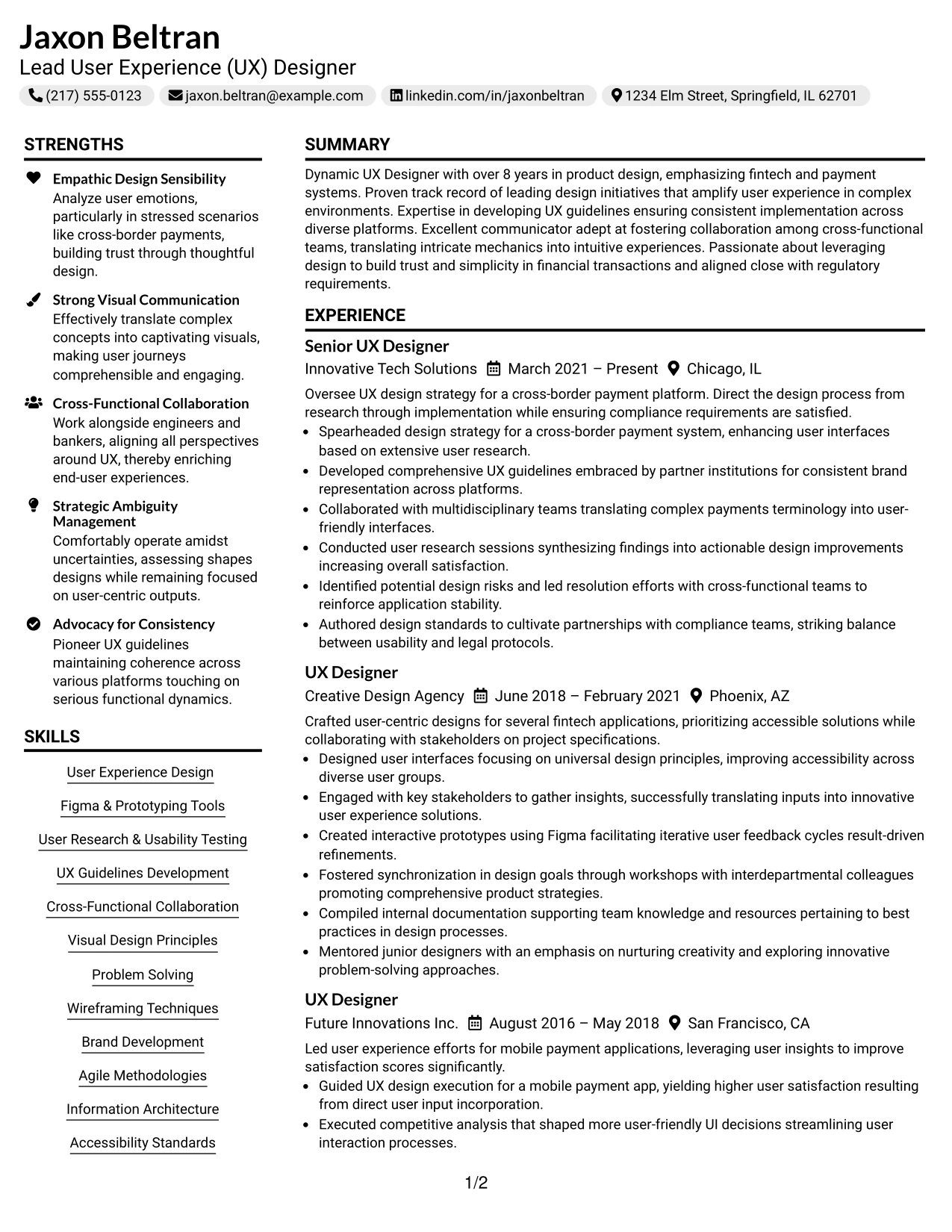
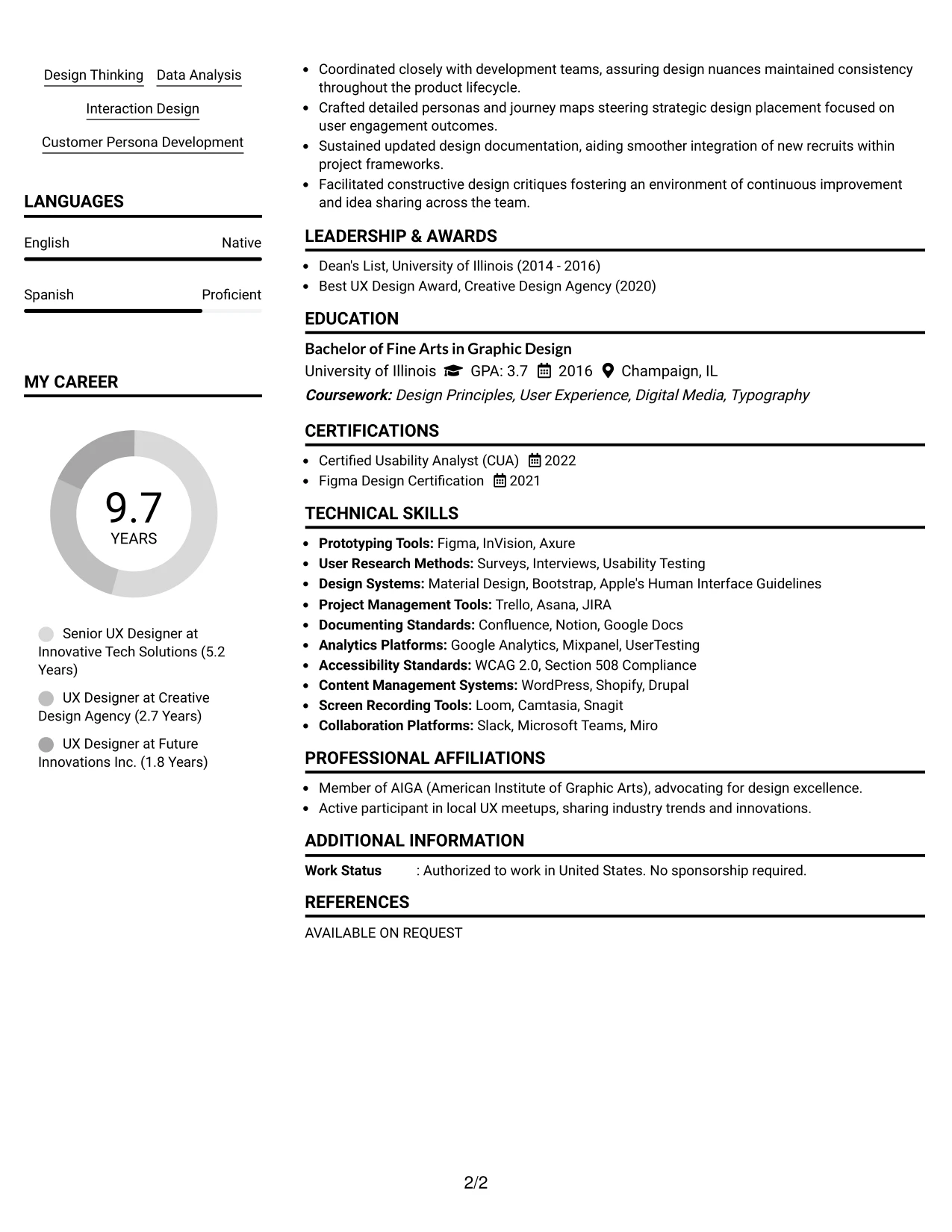
Why the Left Aligned Header Clean Two Column Format Works for a Resume
- Clearly organizes contact details and skills, separating them from core achievements, ensuring clarity.
- Enhances visibility for essential technical skills, UX methodologies, and links to portfolios.
- Provides a streamlined experience that allows quick access to focus areas for recruiters.
- Establishes a structured yet professional format while retaining readability throughout the document.
- Effective ATS keyword incorporation due to well-organized headings and visual spacing.
- Ideal for veterans merging coursework, projects, and substantial work experiences in UX design.
- Keeps attention on relevant accomplishments using bullet points for achieved outcomes.
Best For
- Traditional Corporate Environments
- On-Campus Recruitment Events
- Job Applications via Online Portals
- Roles Where Visual Presentation is Key
- Teams Evaluating User Experience Candidates
- ATS-Optimized Submissions for Integrated Marketing Positions
- Concisely Organized Resume Formats
#30 Lead User Experience (UX) Designer Resume Example (Accent Divider Modern Two Column Format)
This document embraces a contemporary Accent Divider Modern Two Column Format, which offers a clear visual hierarchy throughout vital sections like experience, projects, skills, and education.
The design emphasizes the candidate's leading projects and applicable tools, ensuring core competencies shine without distractions.
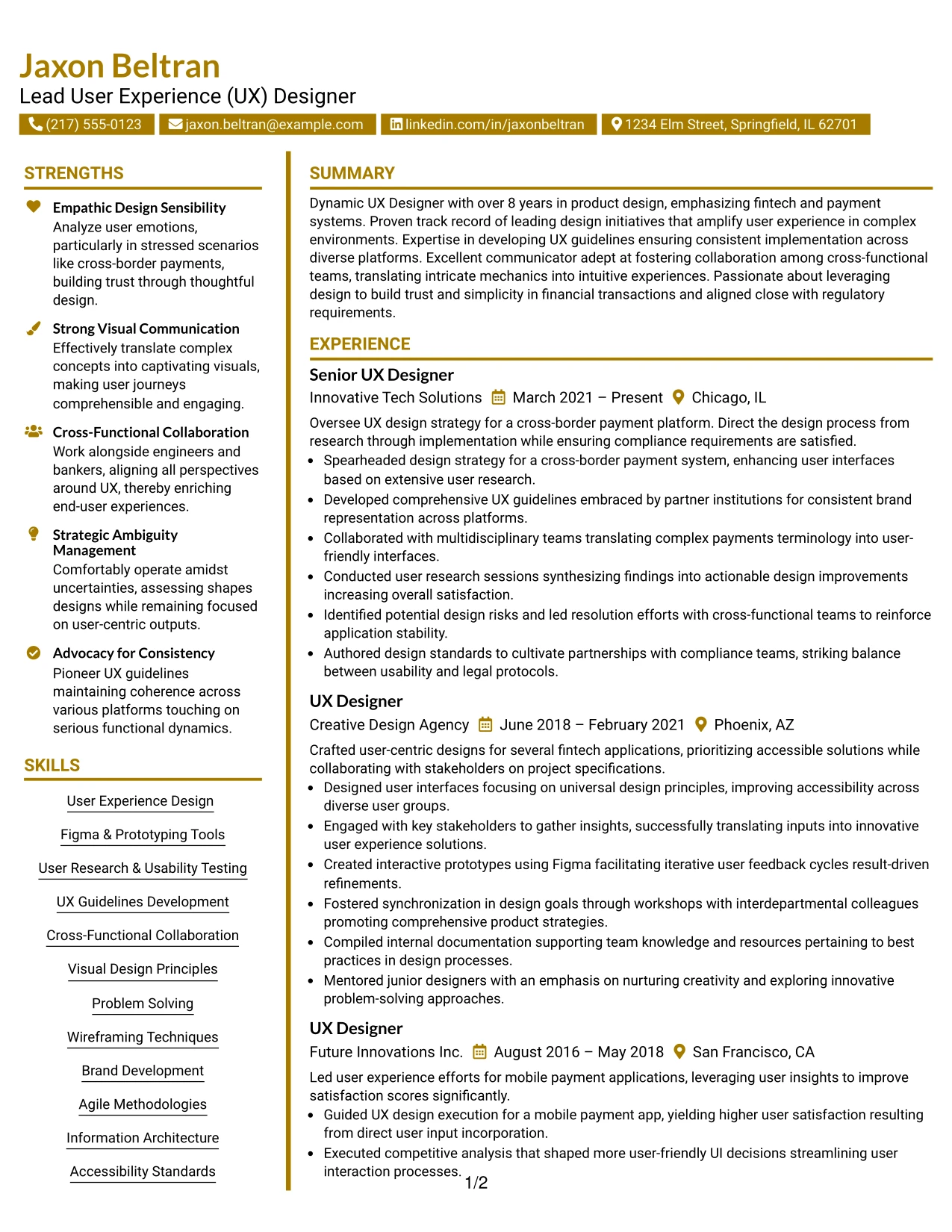
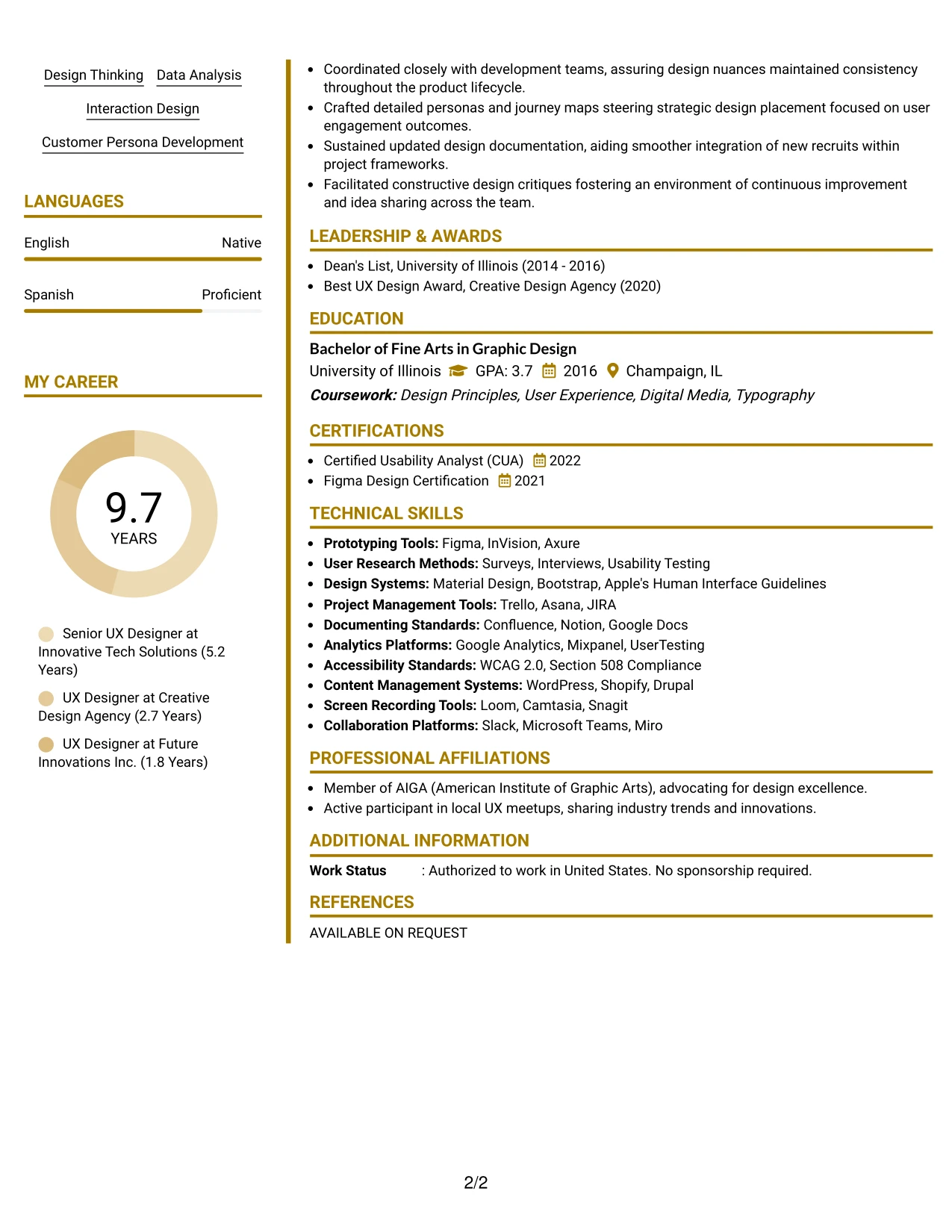
Why the Accent Divider Modern Two Column Format Works for a Resume
- Accentuates important sections, guiding the reader through experiences and outcomes effectively.
- Highlights campaign achievements, project experience, and tools relevant to UX roles.
- Demonstrates creativity while ensuring clarity and readability for recruiters.
- Especially suited for applications in marketing, digital design, and technology sectors.
- Keeps the narrative focused on significant contributions rather than extensive personal history.
- Ideal for positions demanding demonstrable skills and outcomes through visual representation.
- Combines modern design aesthetics with effective resume structure for maximum impact.
Best For
- Innovative UX Design Opportunities
- Digital Marketing Internships
- Creative Roles in Technology
- Positions Requiring Portfolio Submission
- Social Media Strategy Internships
- Campaign Coordination Roles
- Experience in Data-Driven Marketing Tasks
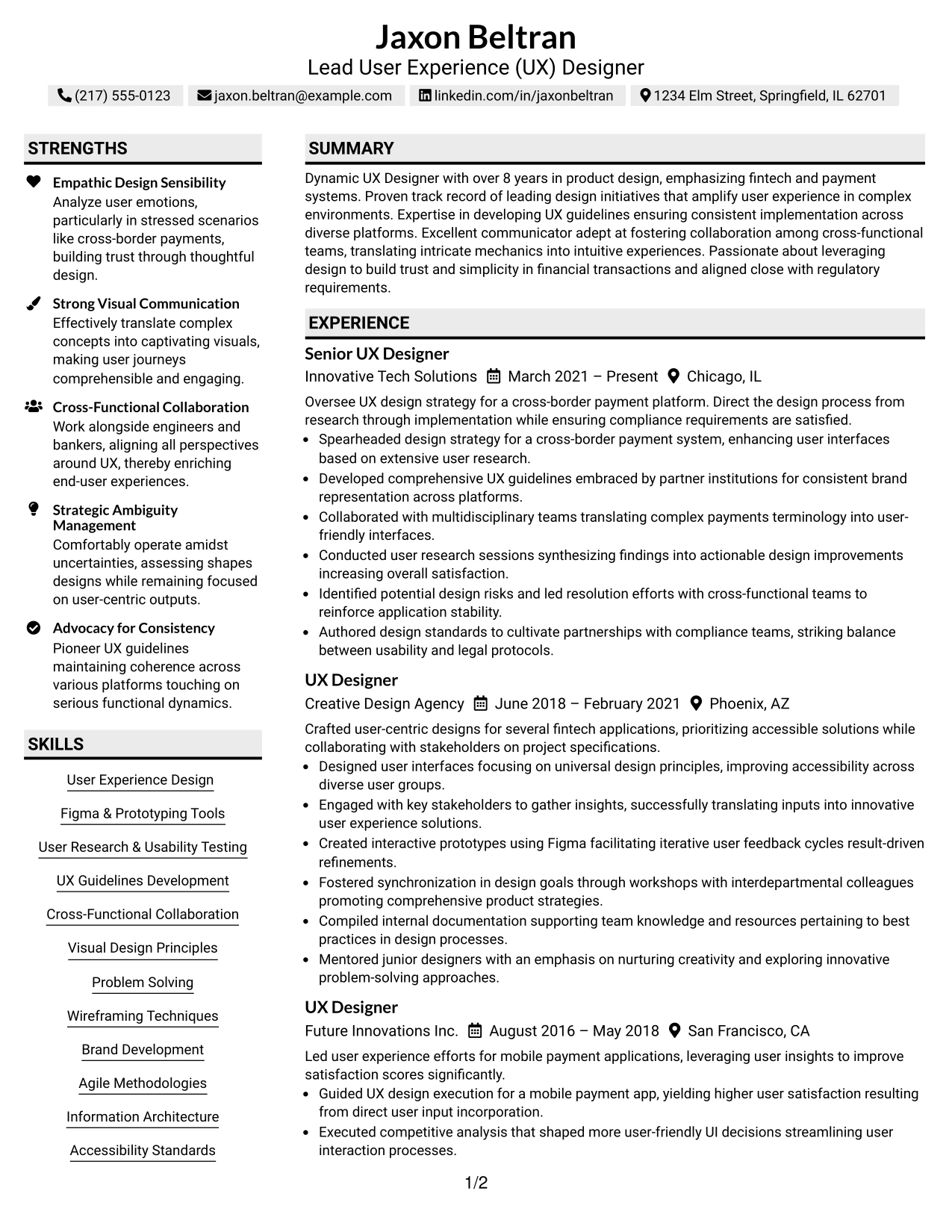
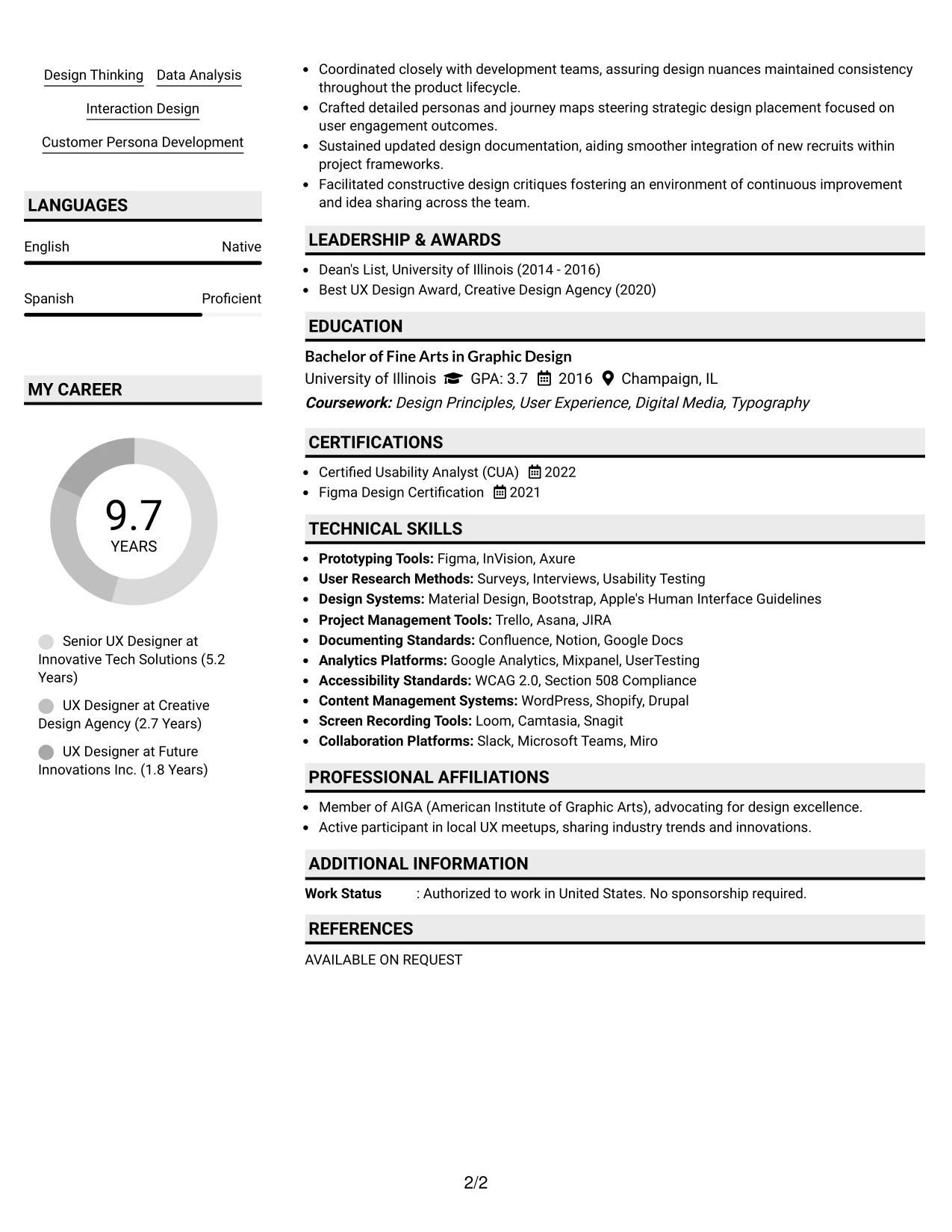
#31 Lead User Experience (UX) Designer Resume Example (Shaded Labels Clean Two Column Format)
This document utilizes a distinctive Shaded Labels Clean Two Column Format, establishing a clear visual hierarchy across the summary, projects, experience, education, and skills segments.
The use of shaded labels efficiently draws attention to key content while accentuating relevant UX strategies, tools, and achievements.
Why the Shaded Labels Clean Two Column Format Works for a Resume
- Employs colors to guide readers through various sections, emphasizing essential content.
- Brings notable attention to project experiences, skill highlights, and tools used effectively.
- Demonstrates creative presentation while prioritizing readability for hiring managers.
- Particularly effective for applications in marketing, digital content, and user experience.
- Focuses on quantifiable achievements while minimizing verbose descriptions.
- Supports positions that allow showcasing design capabilities visually.
- Combines creative design elements with structured content for an organized resume layout.
Best For
- Creative and Innovative Tech Companies
- Employers Focusing on UX and Design
- Digital Marketing Internships
- Campaign Management Roles
- Analytical Positions in Marketing
- Experience in Design Tools Like Figma and Adobe
- Early-Career Positions for UX Professionals
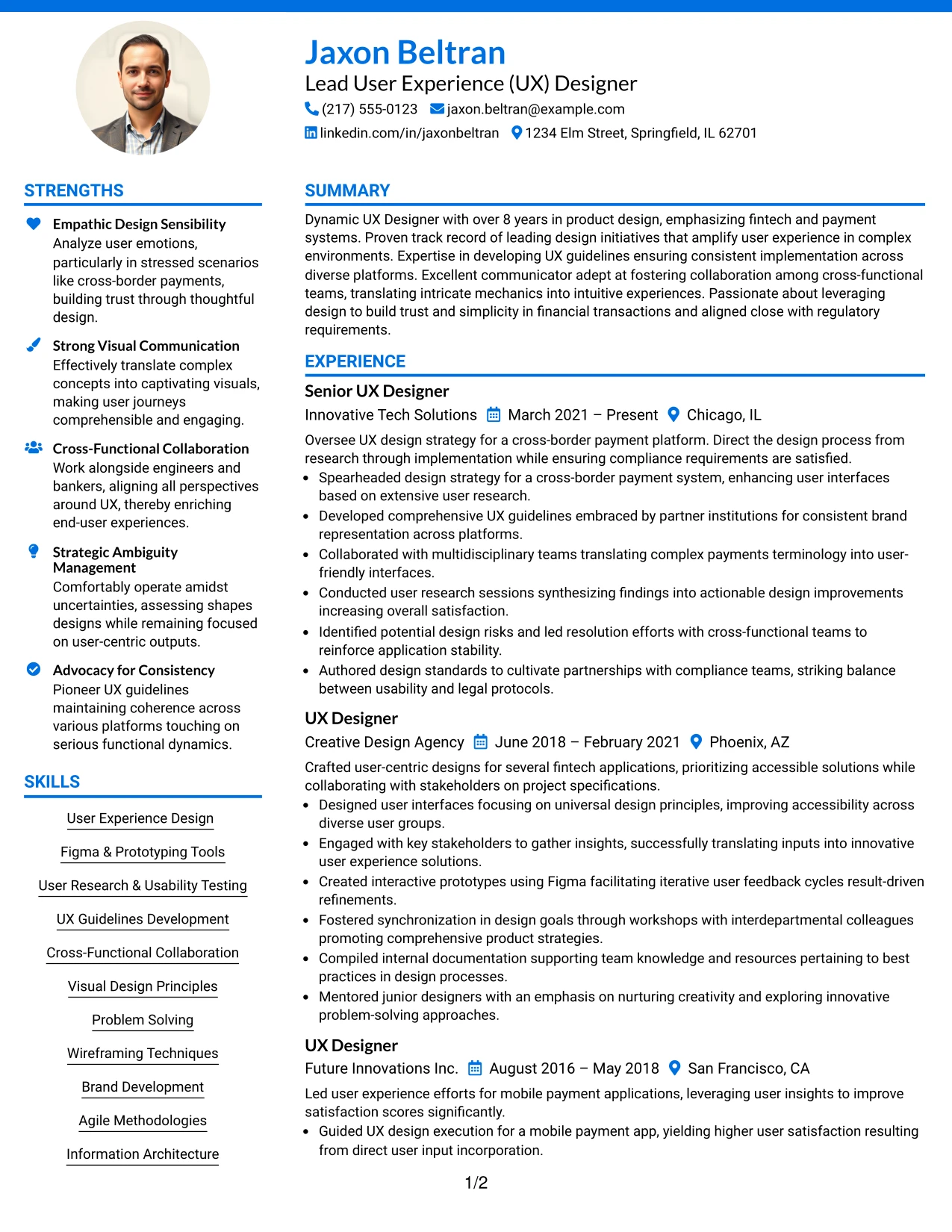
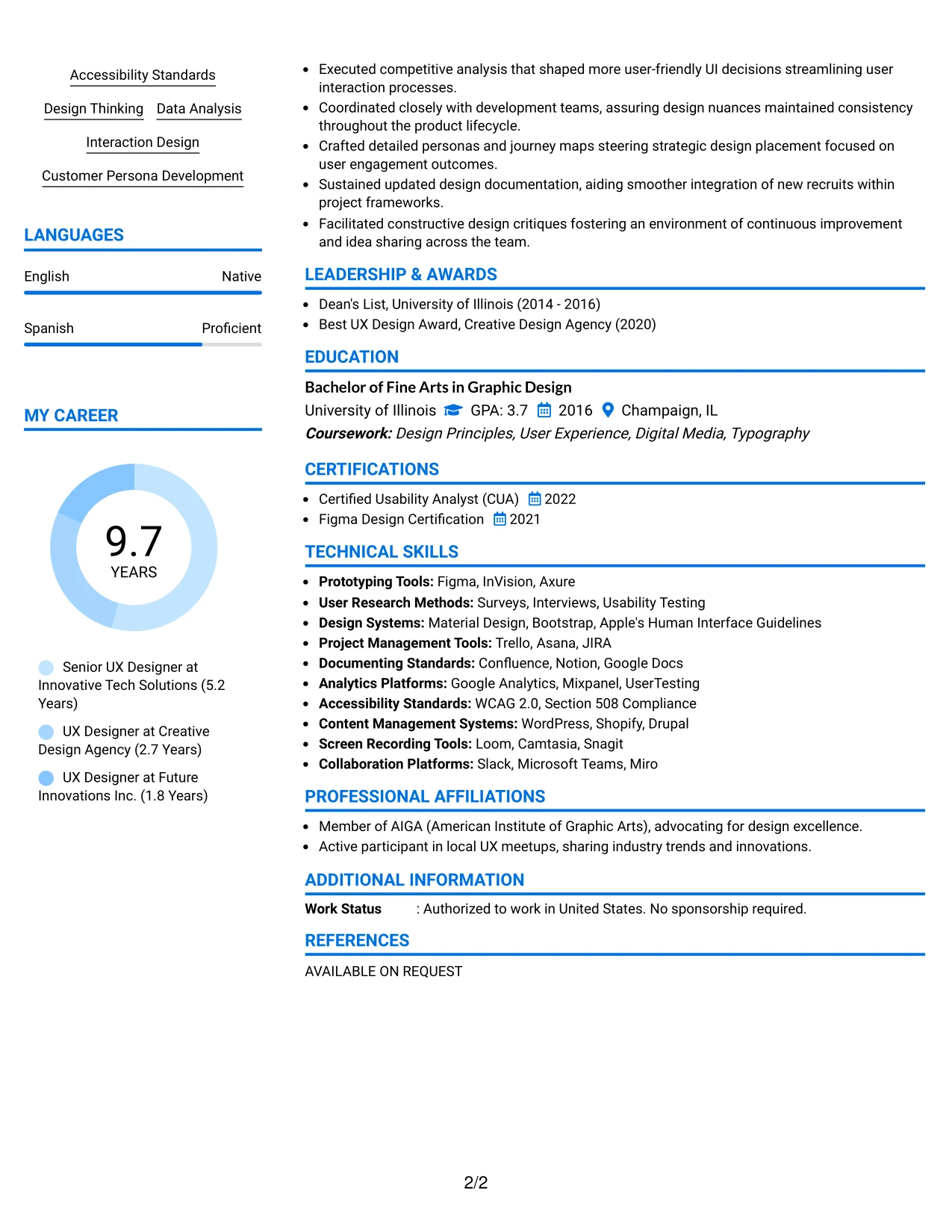
#32 Lead User Experience (UX) Designer Resume Example (Photo Header Color Accent International Format)
This resume artfully presents Jaxon Beltran's strengths in User Experience Strategy and digital interactions through a compelling Photo Header Color Accent Format, ensuring a modern and personalized appearance.
Ideal for showcasing creative talent and technical skill sets, this layout enhances relevance to positions requiring innovative design thinking and UX competencies.
Why the Photo Header Color Accent International Format Works for a Resume
- Integrates personal branding with a sleek design, making Jaxon’s skills readily apparent.
- Ensures visibility of key qualifications like education, project work, and accomplishments for UX roles.
- Catered to creative job functions, this resume emphasizes Jaxon’s ability to think outside the box.
- Links a strong visual appeal with performance metrics, aligning with the demands of competitive UX positions.
- Facilitates applications where showcasing individual identity is advantageous.
- Maintains professionalism while highlighting creativity in the digital design landscape.
- Balances highlight elements with structured information, presenting Jaxon's capabilities effectively.
Best For
- Creative Marketing Roles
- UX Design and Development Positions
- Innovative Content Creation Internships
- Technologically Advanced Environments
- Emerging Talent in Digital Design
- Students in Creative Disciplines
- Roles Emphasizing Data-Driven Design
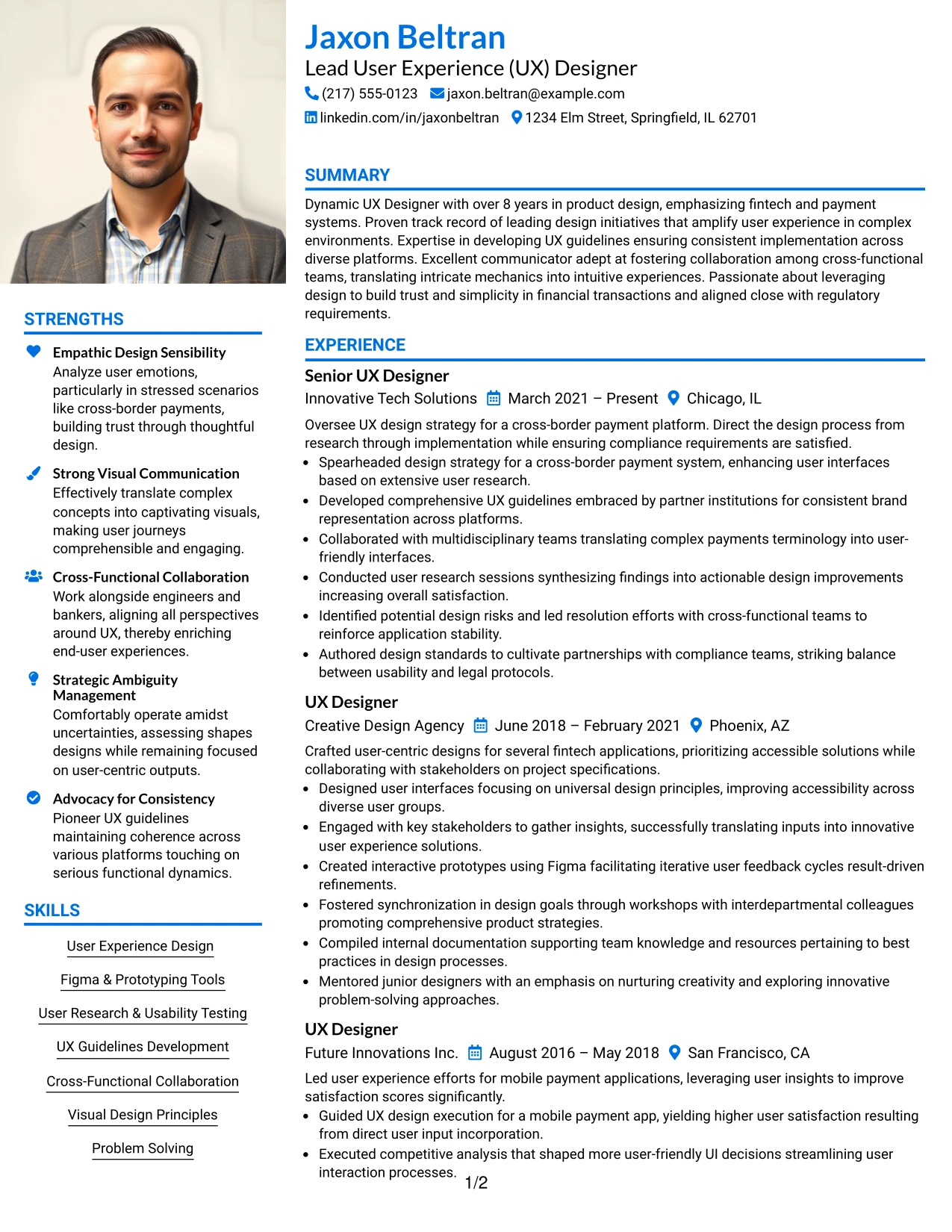
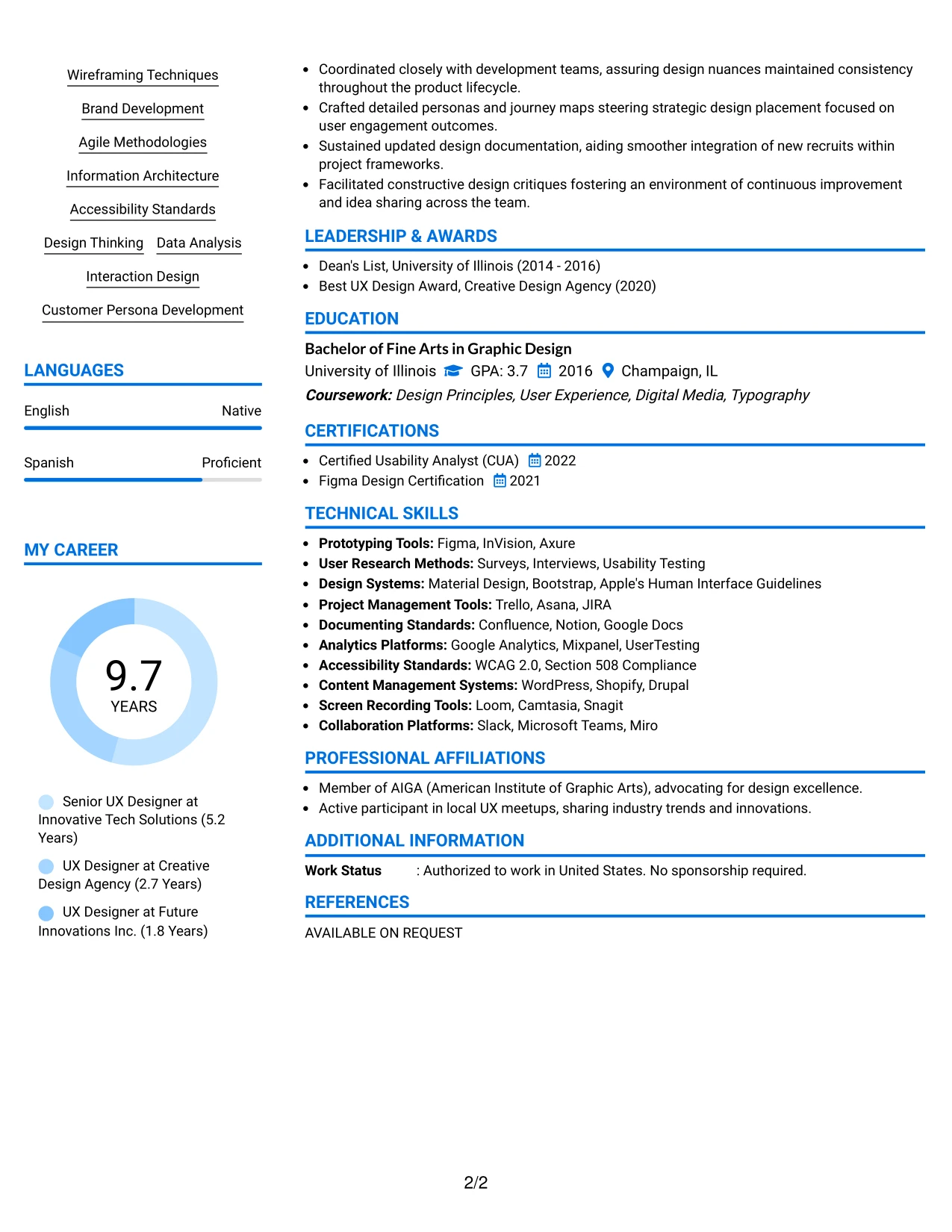
#33 Lead User Experience (UX) Designer Resume Example (Large Profile Photo International Two Column Format)
This resume presents Jaxon Beltran in a polished Large Profile Photo International Two Column Format, allowing for an appealing presentation while maintaining organized sections relevant to UX design and digital interactions.
Highly effective for creative applicants, this layout emphasizes technical proficiency and user research skills, reinforcing Jaxon’s readiness for roles in UX design and development.
Why the Large Profile Photo International Two Column Format Works for a Resume
- This layout enhances Jaxon’s personal branding, projecting confidence that aligns well with creative industries.
- Key sections such as experience, education, and skills are clearly defined, aiding evaluators in quickly assessing qualifications.
- Supports professionals in sectors where visual storytelling and branding are crucial, adding value to the application.
- Combines visual identity elements with measurable achievements and statistics, deepening the candidate's narrative.
- Designed for accessibility, capturing attention in competitive hiring environments.
- Perfect for international roles where personal impact and visibility are emphasized.
- Successfully balances creative flair with functionality, ensuring Jaxon stands out in design-related positions.
Best For
- Creative Firms Focused on UX/UI
- Dynamic Startups in the Tech Sector
- Portfolio-Centric Application Processes
- Roles Requiring Creative Insights
- Social Media Marketing Internships
- Campaign Strategy Support Roles
- Positions Leveraging Personal Branding
Why Build Your Lead User Experience (UX) Designer Resume with ResumeInMinutes
ResumeInMinutes helps experienced professionals craft resumes that translate their extensive experience, tools, and projects into a structured document that is quick to scan and easy to customize.
- 33 resume layouts
- ATS-friendly section structure
- Keyword-focused resume content
- Project and skills organization
- Free PDF resume previews
- Resume customization support
Whether applying for a Lead User Experience (UX) Designer position or any related UX role, you can quickly create a resume that showcases your skills, projects, and design philosophy effectively.
See Also
- 33 User Experience Designer Resume Templates with Example 2026 (ATS-Optimized)
- 33 Entry-Level UI/UX Experience Designer Resume Templates with Example 2026 (ATS-Optimized)
- 33 Associate Director, Senior Service Designer (GenAI Experience) Resume Templates with Example 2026 (ATS-Optimized)
- 33 Senior Experience Designer Resume Templates with Example 2026 (ATS-Optimized)
- 33 Staff Experience Designer, AI Evaluation Platform - AI Evaluation Platform Resume Templates with Example 2026 (ATS-Optimized)
- 33 Staff Experience Designer - AI Evaluation Platform Resume Templates with Example
- 33 Junior UI/UX Designer Resume Templates with Example 2026 (ATS-Optimized)
- 33 Lead UX Designer Resume Templates with Example 2026 (ATS-Optimized)
- 30+ Lead User Experience (UX) Designer Cover Letter Templates with Example 2026
- 30+ User Experience Designer Cover Letter Templates with Example 2026
Frequently Asked Questions
Are these Lead User Experience (UX) Designer resume templates ATS-friendly?
Yes. These templates are designed with organized sections, clear headings, and role-specific keywords like UX design, usability testing, Figma, and compliance standards.
Are these 33 different resumes?
No. This guide features one Lead User Experience (UX) Designer resume example displayed in 33 different layouts and design styles.
What should a Lead User Experience (UX) Designer resume include?
It should highlight a strong summary, relevant experience, UX projects, skills, education, certifications, and measurable achievements where applicable.
Can I download the resume templates as PDFs?
Yes. Each resume style offers a free PDF download option for previewing the format and selecting the most suitable layout for your application.
Which resume style is best for a Lead User Experience (UX) Designer?
A streamlined one-column or two-column resume is typically most effective for job applications, as it simplifies scanning and aligns well with ATS. For more creative roles, subtly enhanced designs may also be applicable.
Can professionals with diverse backgrounds still craft an impressive resume?
Absolutely. An effective resume can highlight previous roles, project contributions, design tools, and analytical insights, showcasing transferable design skills even from varied experiences.
Should I include a photo on my resume?
Include a photo only if it is customary in your industry or region. For U.S. applications, a no-photo resume format is generally advisable.
Can I customize these resume templates?
Yes. ResumeInMinutes enables you to modify the text, layout, and design style of your Lead User Experience (UX) Designer resume easily.