7 Legislative Analyst - Legislative, Engagement, and Transparency Resume Templates with Example
This guide shows you how to build a Legislative Analyst - Legislative, Engagement, and Transparency resume that is clear, focused, and easy to review. You will learn how to organize evidence so recruiters can quickly see your fit for legislative research, public engagement, and transparency work.
Strong resumes for this role connect research to outcomes. Show how you analyze legislation, prepare policy memoranda and briefing materials, support hearings, track inquiries, manage public-information work, and keep source documentation accurate.
The same complete resume appears below in 7 ATS-friendly layouts. Compare how each format presents experience, education, projects, skills, certifications, and measurable evidence, then choose the structure that makes your strongest qualifications easiest to find.
What Makes a Great Legislative Analyst - Legislative, Engagement, and Transparency Resume in 2026
A strong resume makes legislative research, writing, inquiry coordination, hearing preparation, and records work easy to verify. Clear sections and concise bullets help a reviewer connect your work to practical results.
Use role-specific terms such as legislative analysis, policy research, FOIA, constituent correspondence, briefing materials, stakeholder mapping, records workflow, and Microsoft Excel only when your experience supports them.
The examples shown below are intentionally detailed to demonstrate a range of experiences, skills, accomplishments and relevant keywords. We prefer detailed resumes as they provide more context to the hiring managers and also help the ATS systems identify relevant qualifications and score your resume better for a match. But the length of a resume is an individual choice. If you want a one page resume, just keep the most relevant experience and information for the job. Note: Resume examples are for educational purposes only. Use only information that accurately reflects your experience and qualifications. References to real organizations do not imply affiliation or endorsement.
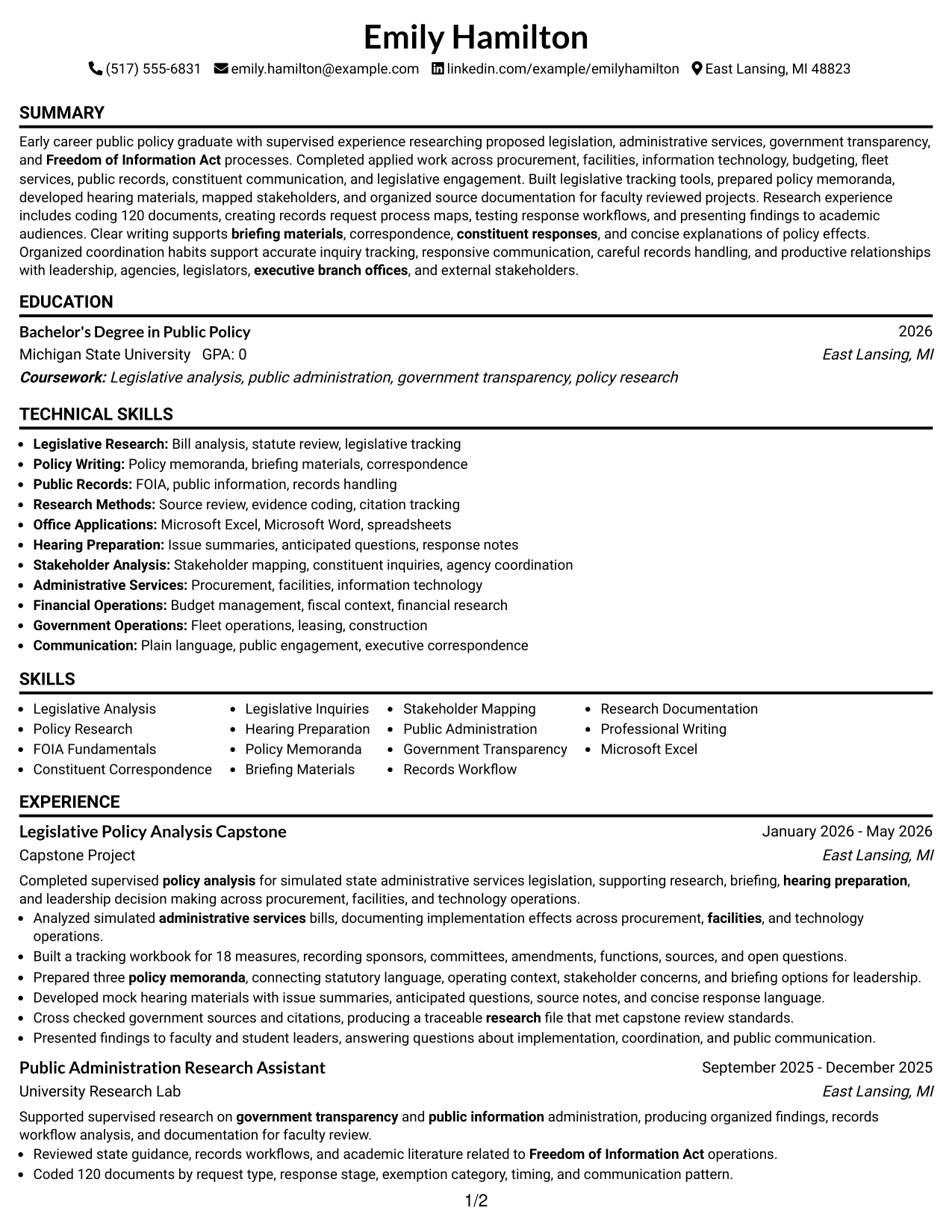
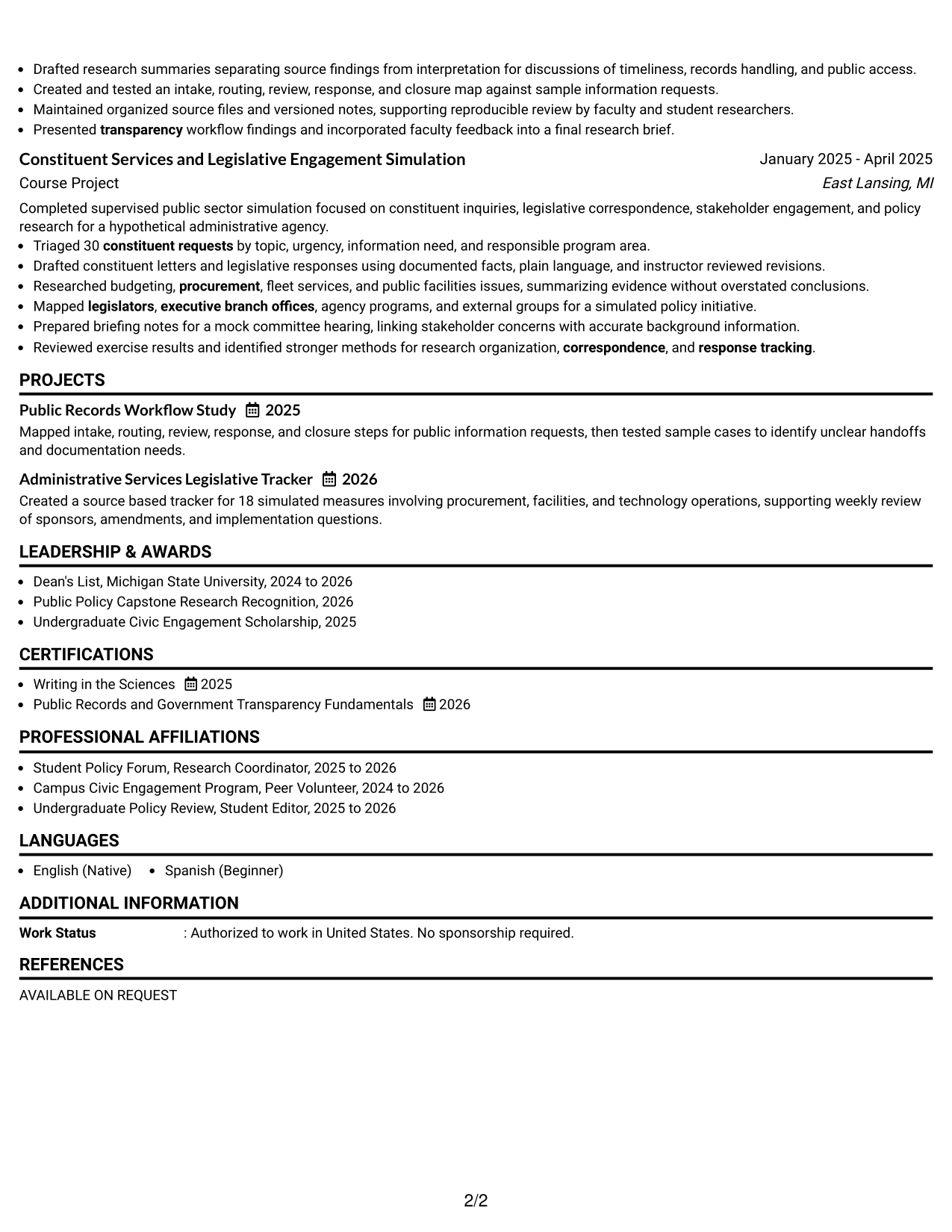
#1 Simple One Column Format Resume Example
A simple one-column reading order lets recruiters scan the resume from summary through experience, projects, education, and skills without switching columns.
Why This Format Works
- Straight reading order keeps experience and project evidence easy to follow.
- Full-width sections give achievement bullets room to stay clear and concise.
- Education and credentials remain easy to locate after the main experience.
Best For
- Straightforward recruiter scanning
- Detailed experience bullets
- Project-heavy resumes
- Clear education placement
- Simple ATS text flow
Resume Keywords
- Legislative Analysis
- Policy Research
- Freedom of Information Act
- FOIA
- Constituent Correspondence
- Legislative Inquiries
- Hearing Preparation
- Policy Memoranda
- Briefing Materials
- Stakeholder Mapping
- Government Transparency
- Records Workflow
- Research Documentation
- Microsoft Excel
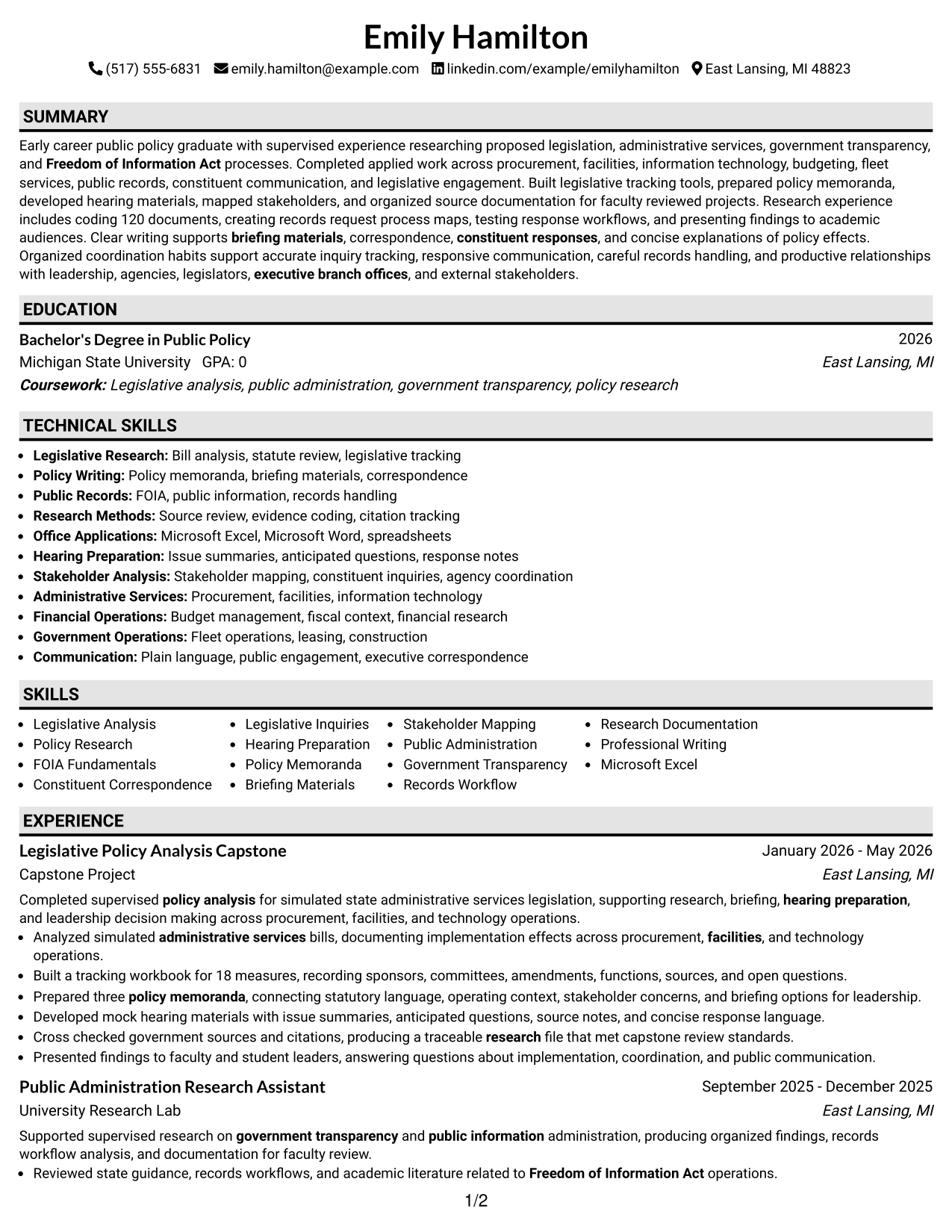
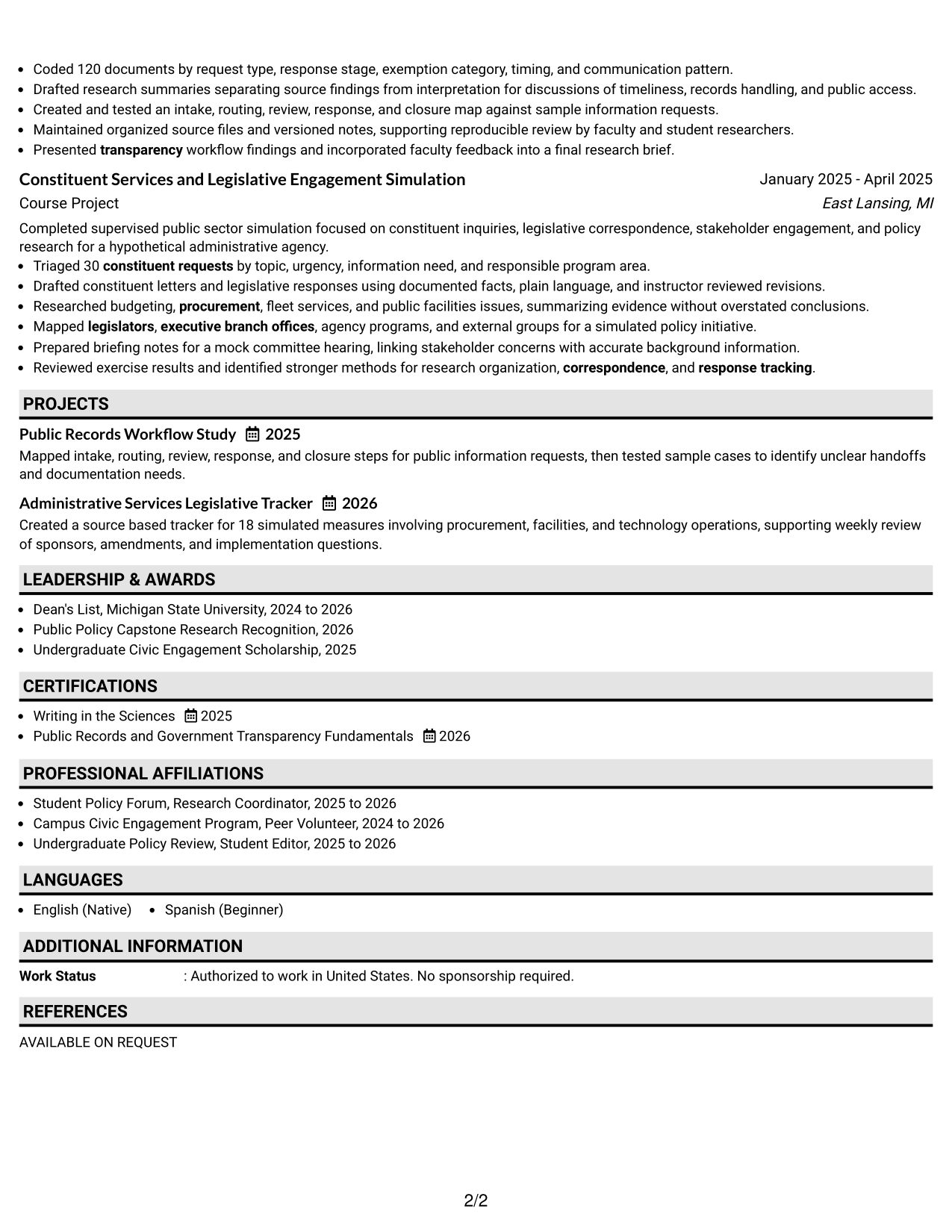
#2 Plain One Column with Shaded Labels Resume Example
Shaded section labels break the one-column resume into clear stops, helping recruiters find experience, education, projects, skills, and credentials quickly.
Why This Format Works
- Shaded labels separate major sections without interrupting the reading sequence.
- Experience stays linear while section markers help reviewers return to key details.
- Projects and credentials gain clear boundaries within the same single-column flow.
Best For
- Longer section lists
- Fast section navigation
- Linear career stories
- Resumes with several projects
- Visible credential grouping
#3 One Column Format with Photo Right Resume Example
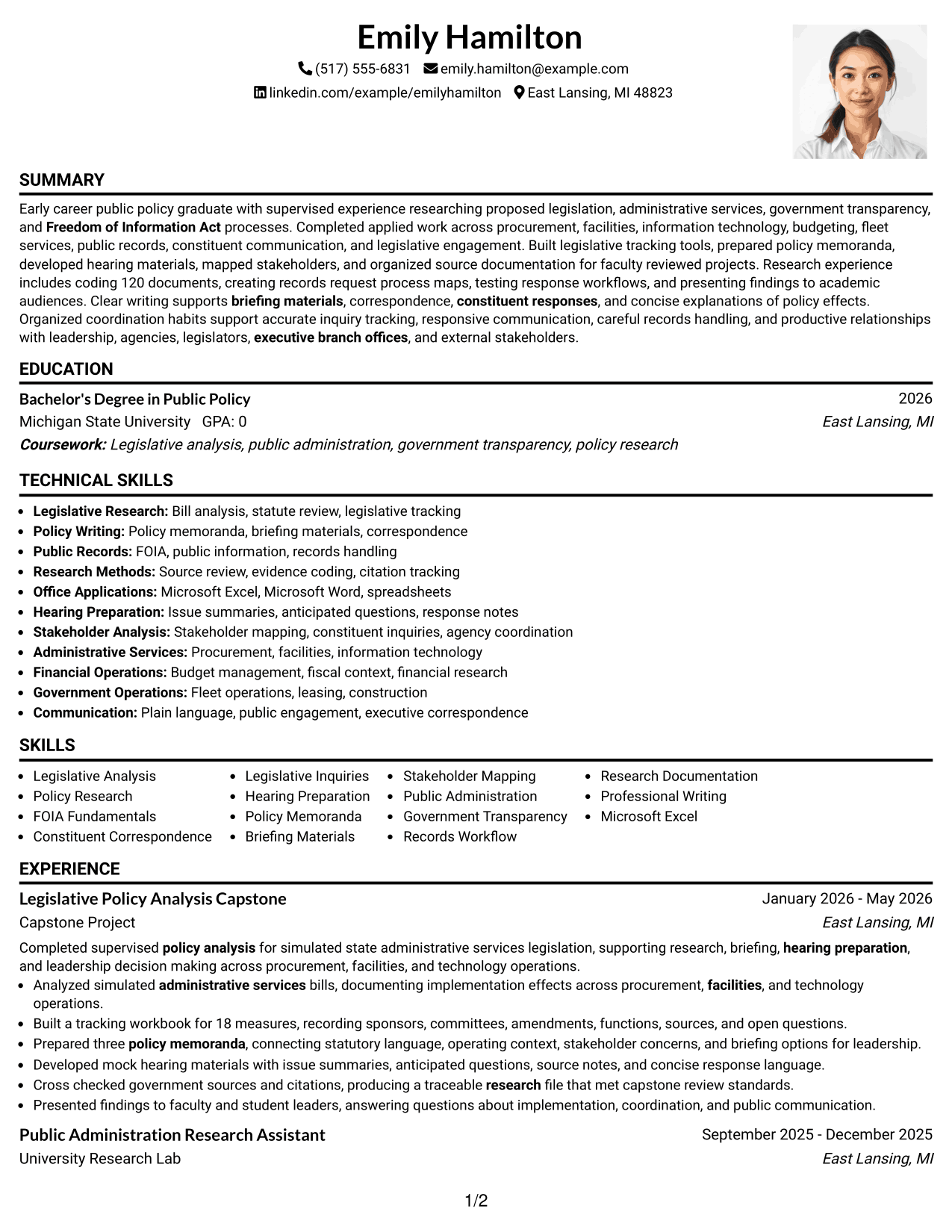
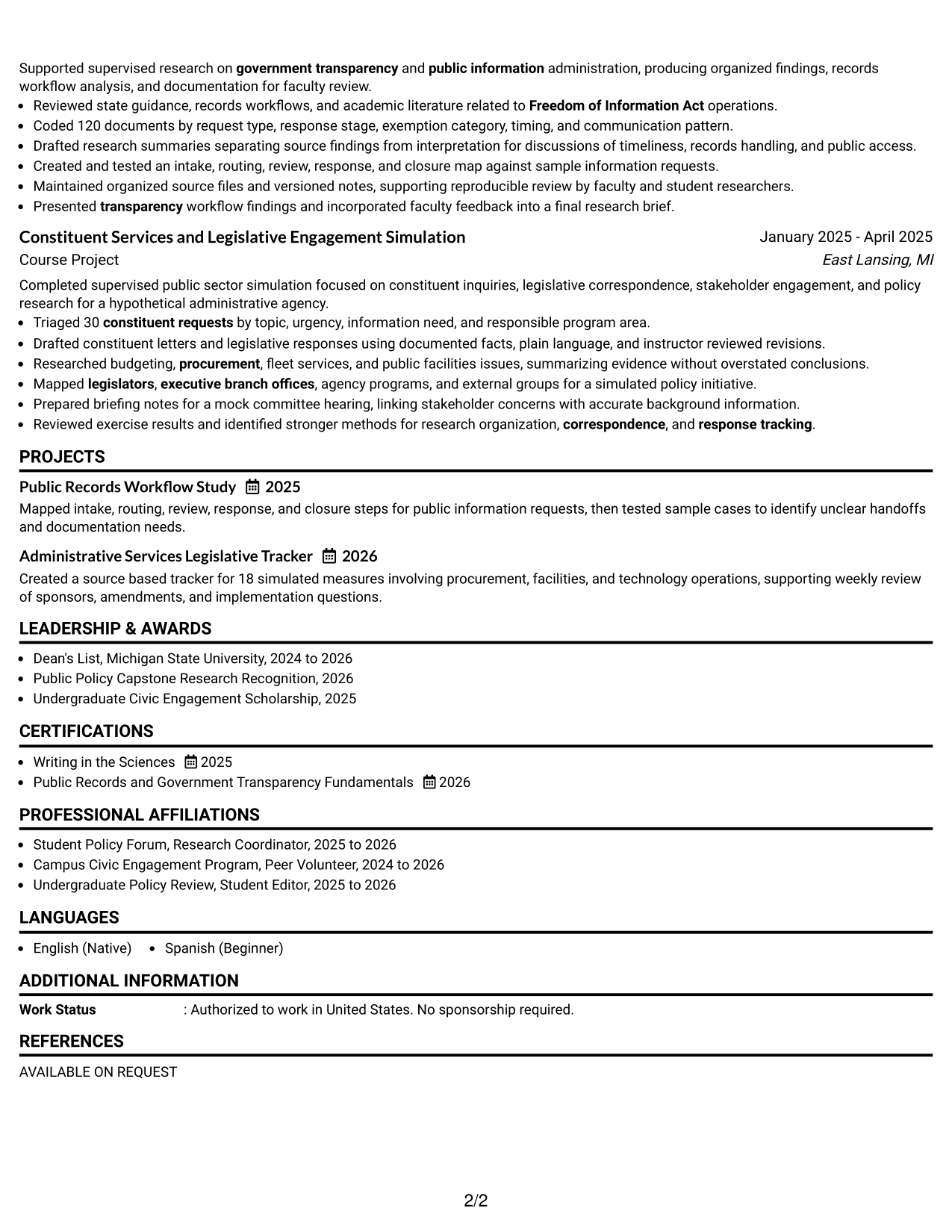
A right-side photo in the header adds identity while the one-column body keeps the resume easy for recruiters to scan from top to bottom.
Why This Format Works
- One-column body preserves a clear path through experience and achievements.
- Header photo stays separate from the sections that carry qualifications.
- Wide content space supports readable bullets, education, projects, and credentials.
Best For
- Markets where resume photos are customary
- Full-width achievement bullets
- Top-to-bottom reading
- Strong project sections
- Clear credential detail
#4 Clean Two Column Sidebar Format Resume Example
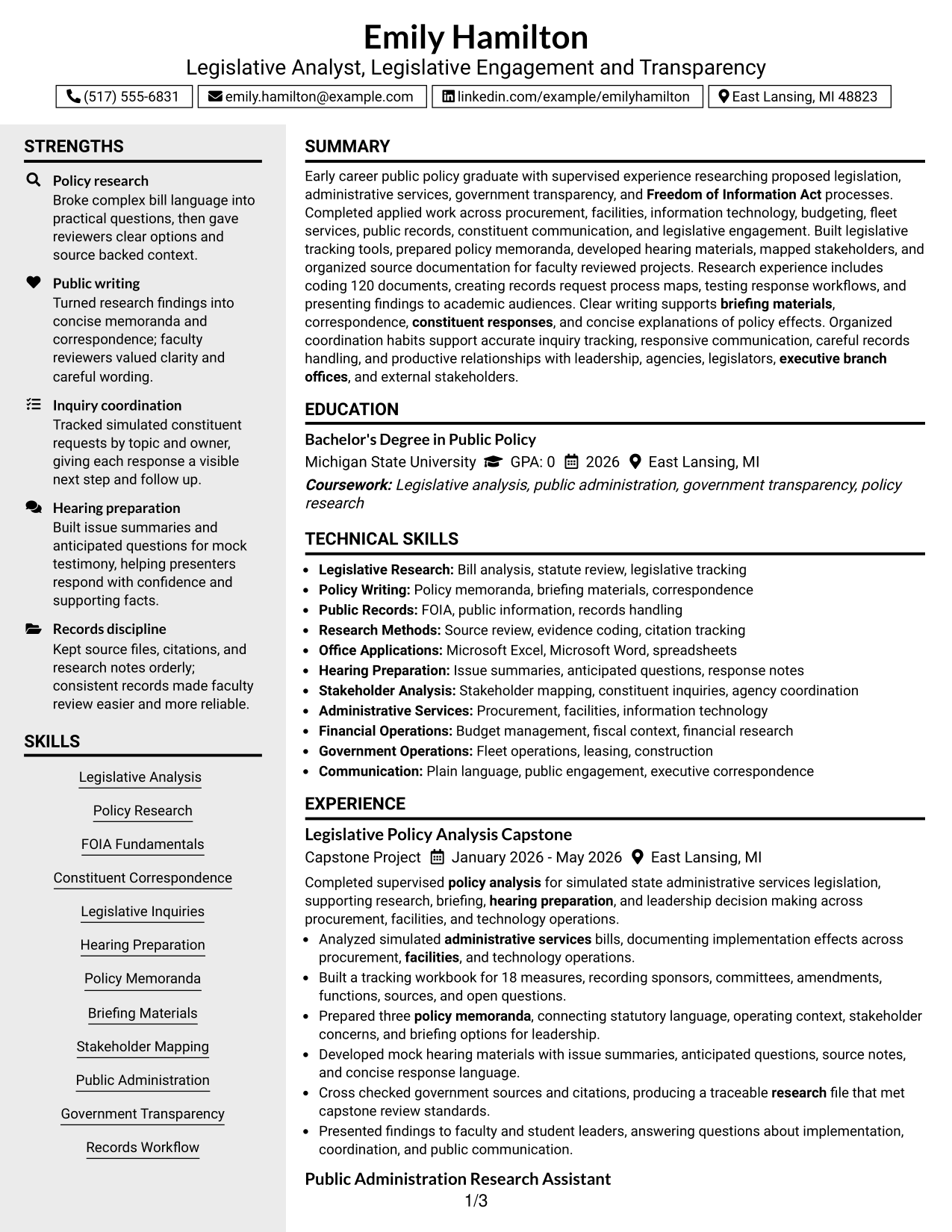
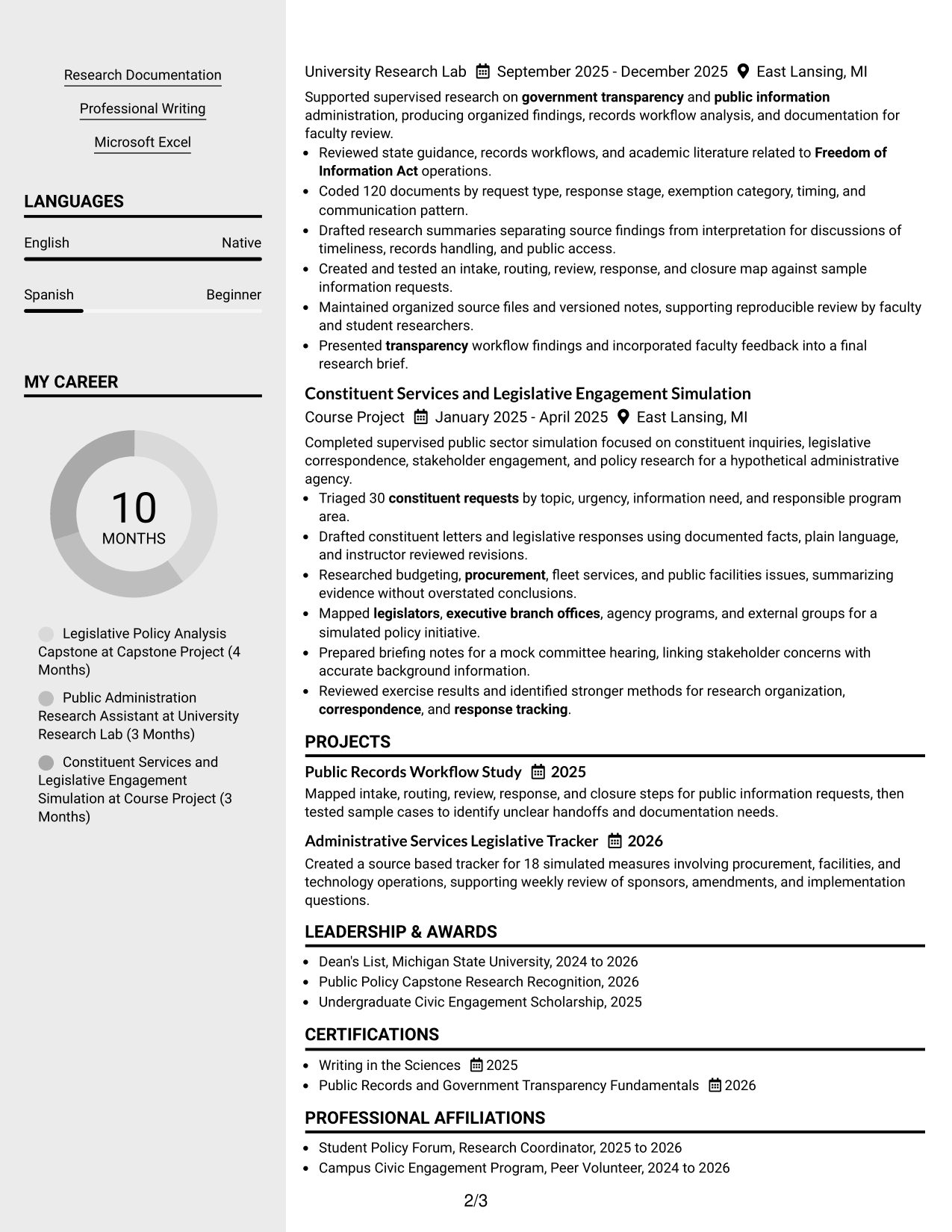
A clean two-column body gives recruiters a main reading path for experience while a sidebar keeps supporting sections easy to locate.
Why This Format Works
- Main column gives experience and achievements a stable reading path.
- Sidebar creates a separate home for compact skills and credentials.
- Parallel sections help reviewers compare core evidence with supporting qualifications.
Best For
- Compact skills sections
- Balanced primary and supporting content
- Quick credential checks
- Experience-led resumes
- Readers comparing several qualification types
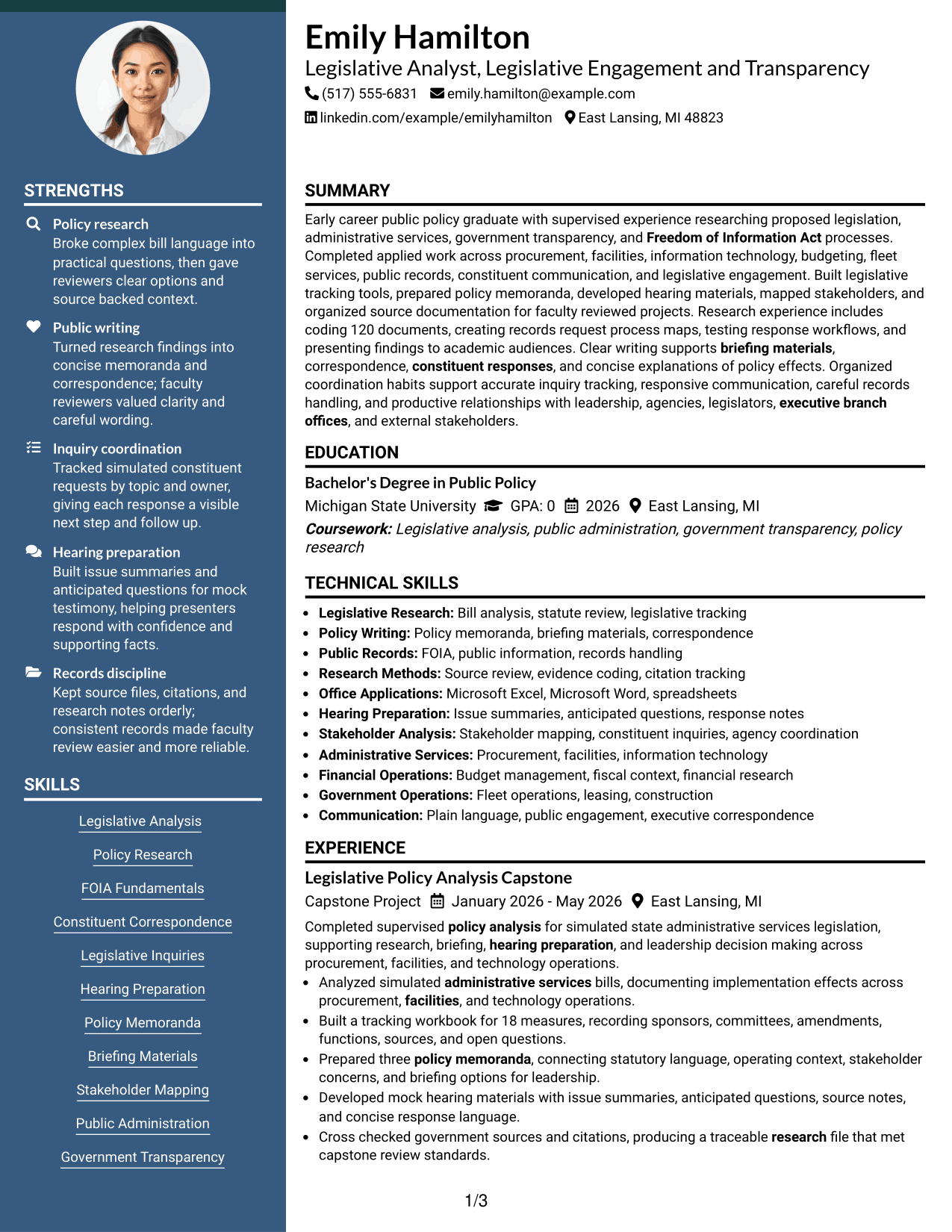
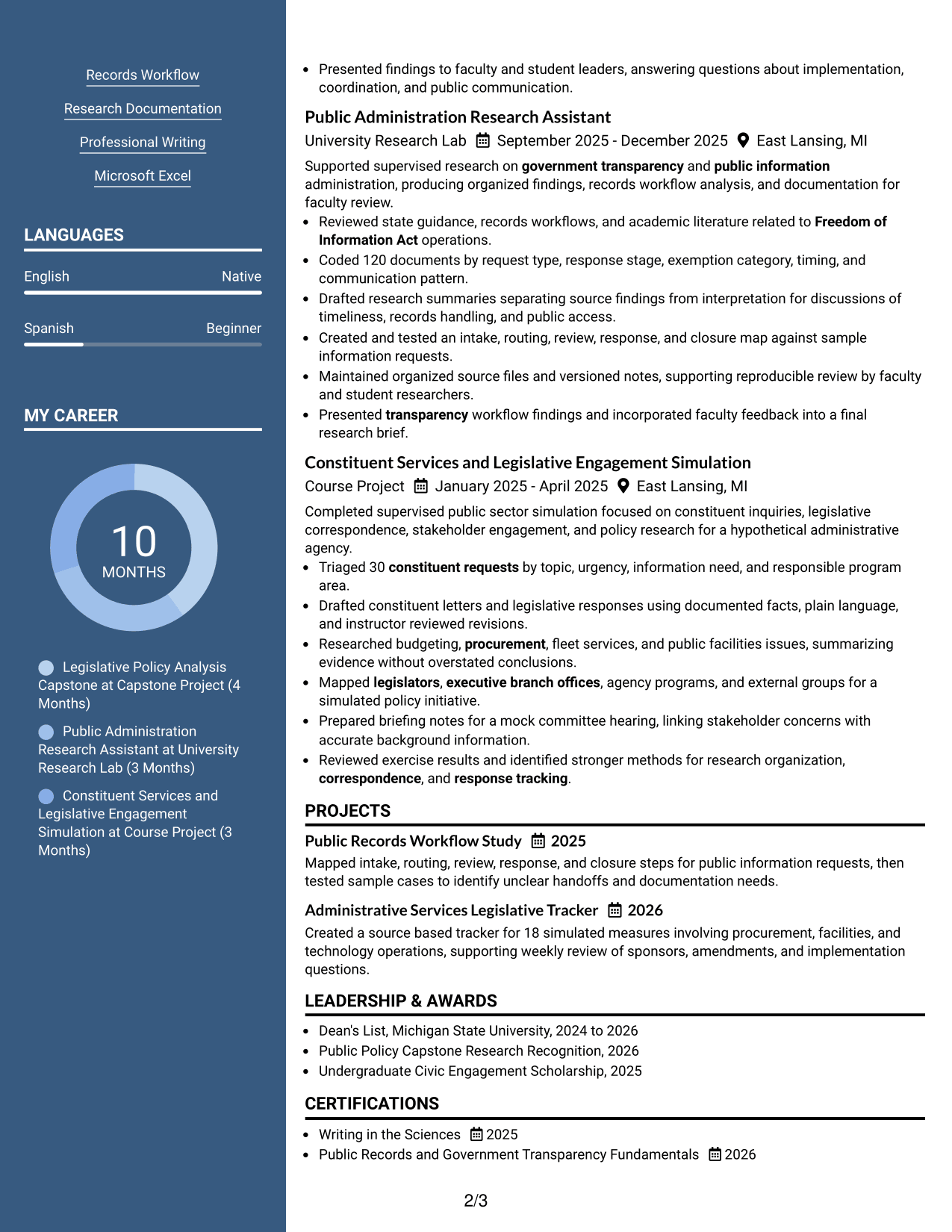
#5 Two Column Format Resume Example
The two-column structure divides major resume content into parallel areas, helping recruiters scan experience, projects, skills, education, and credentials with less vertical searching.
Why This Format Works
- Two columns reduce long vertical runs across several resume sections.
- Experience can remain prominent while supporting content stays visible nearby.
- Separate visual areas make skills, education, and credentials easier to compare.
Best For
- Broad qualification sets
- Resumes with many supporting sections
- Side-by-side information review
- Moderate content density
- Readers who scan before reading deeply
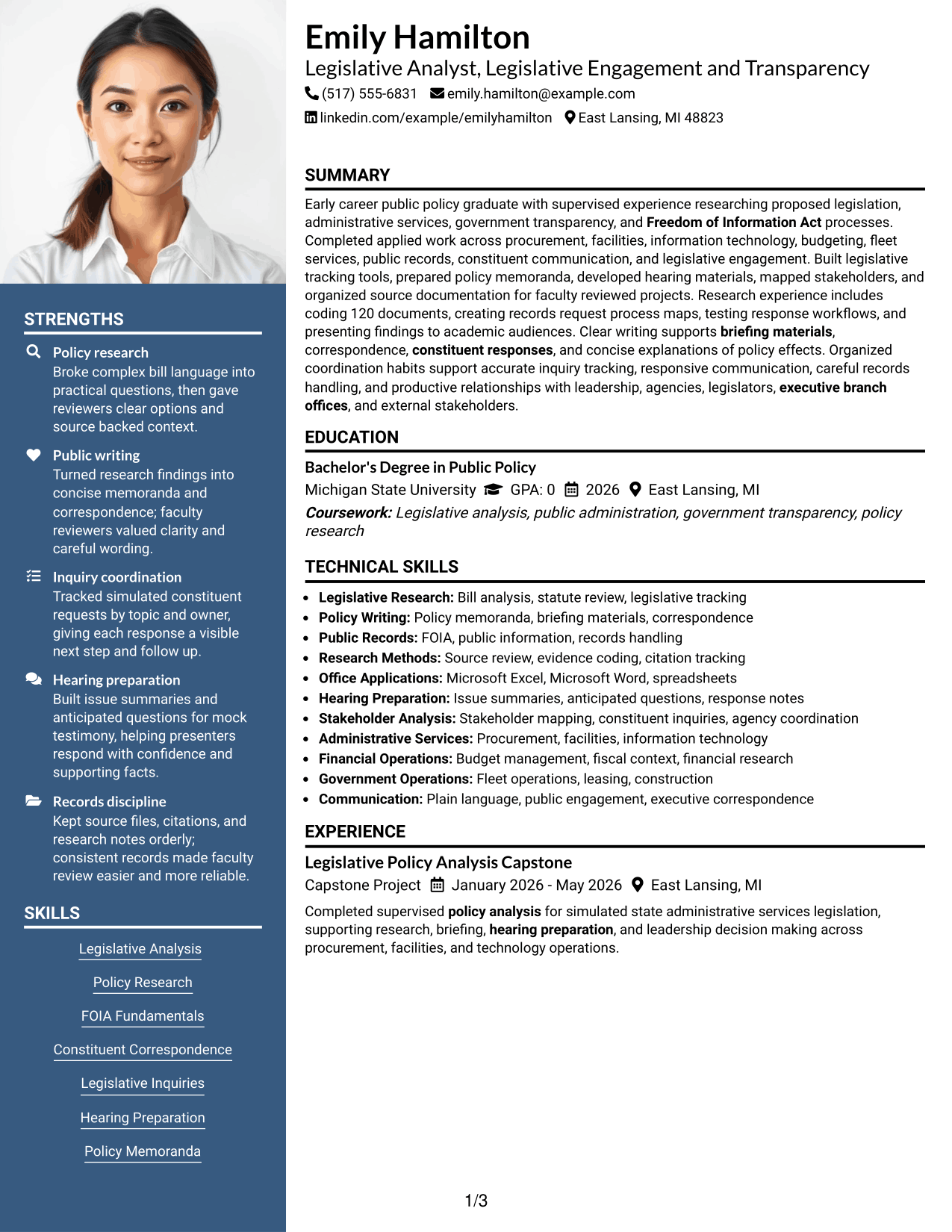
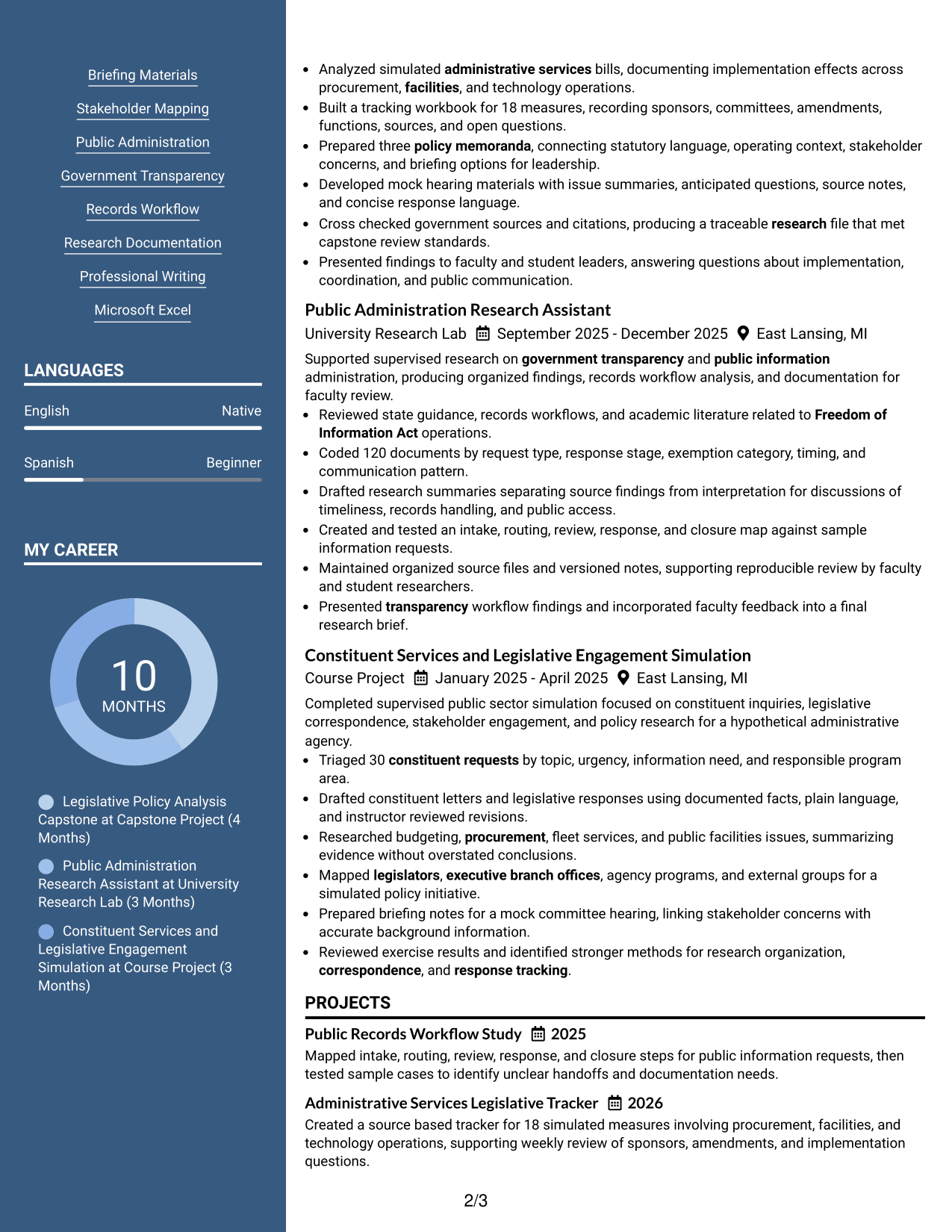
#6 Photo Header Two Column Format Resume Example
A photo header gives the resume a personal visual cue, while the two-column body helps recruiters scan primary experience and supporting qualifications in parallel.
Why This Format Works
- Two-column body separates primary experience from shorter supporting sections.
- Photo remains in the header without changing the body reading structure.
- Section separation helps reviewers locate projects, education, skills, and credentials.
Best For
- Regions where professional photos are expected
- Parallel content scanning
- Visible supporting qualifications
- Mixed experience and project content
- Compact education and credential sections
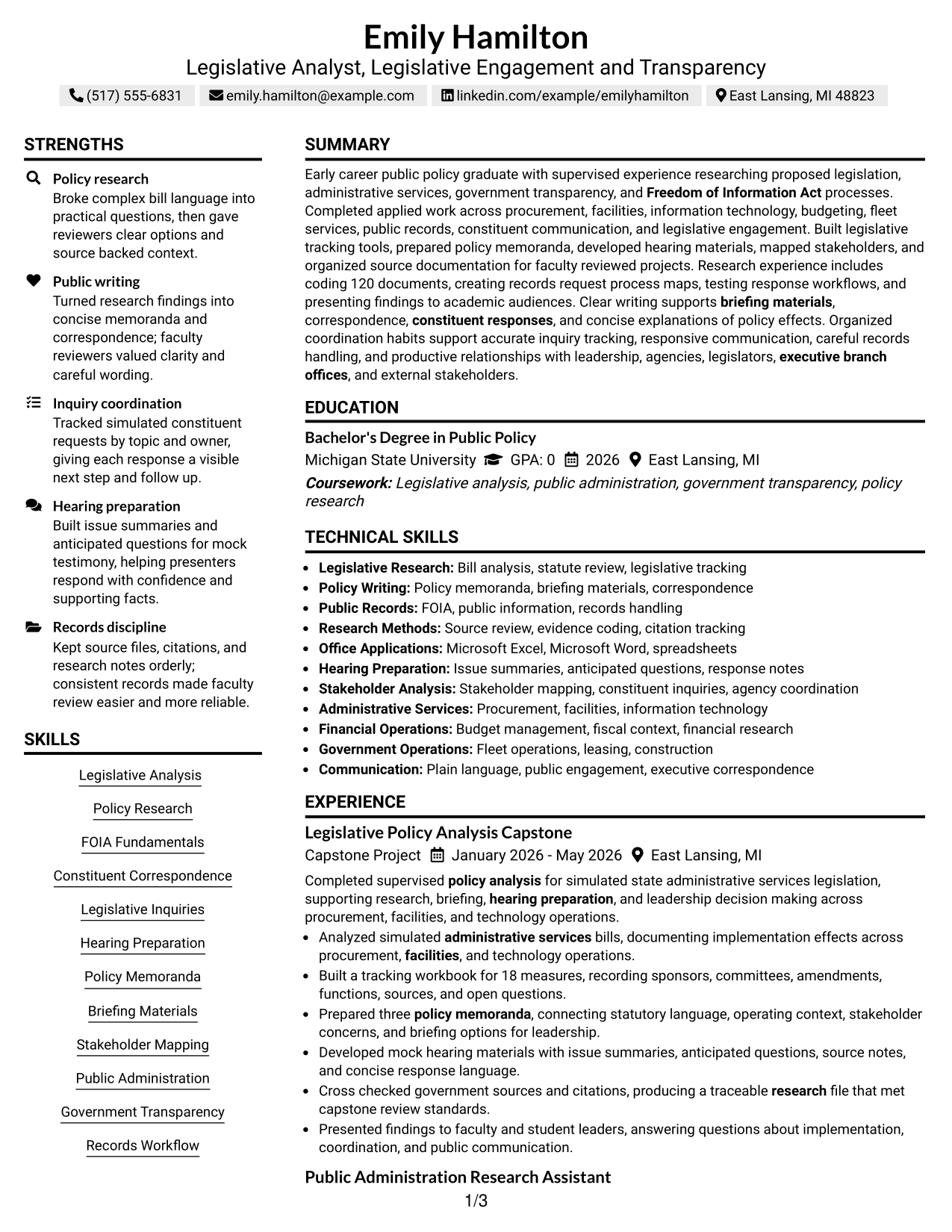
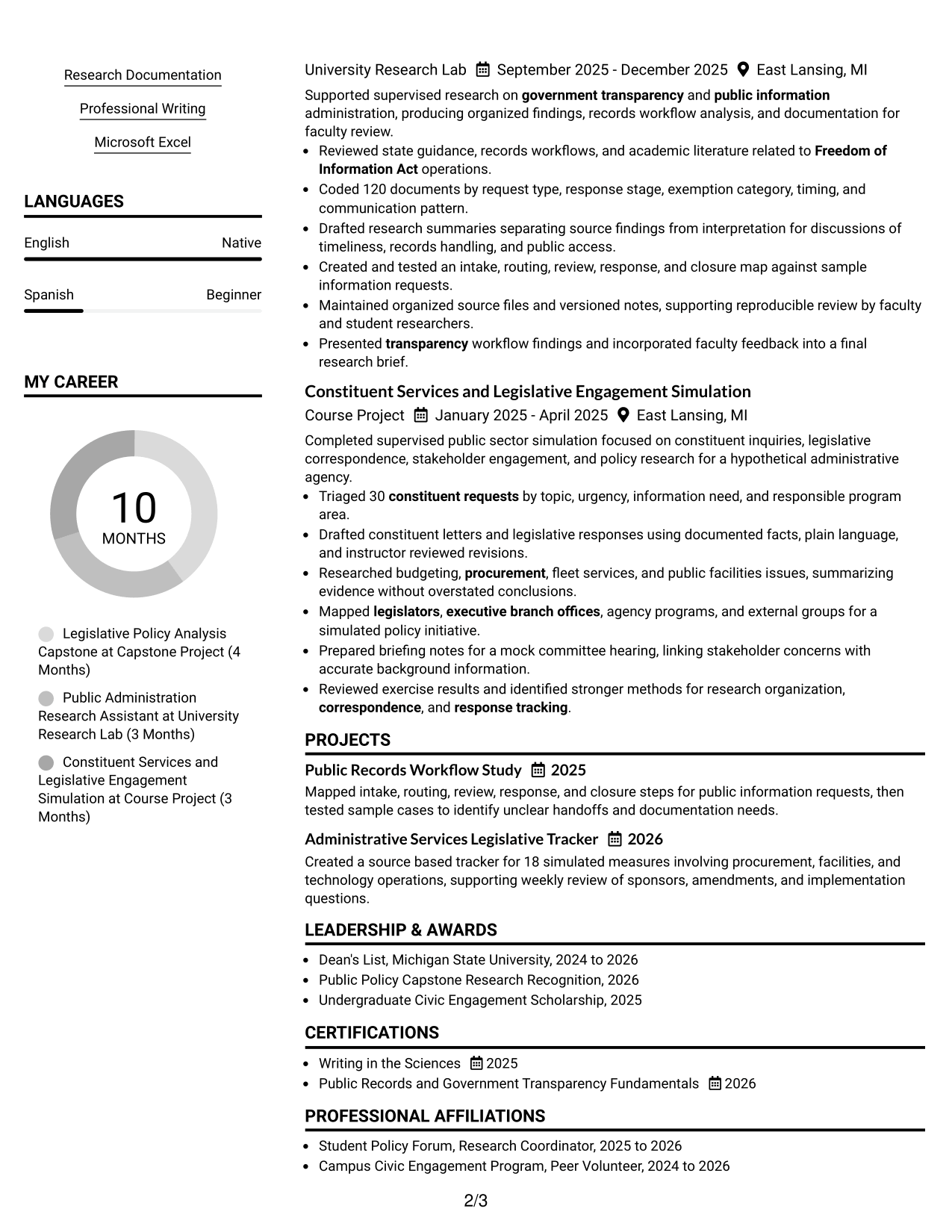
#7 Simple Two Column Format Resume Example
A simple two-column layout groups the resume into clear parallel sections, giving recruiters a quick way to scan experience alongside skills, education, projects, and credentials.
Why This Format Works
- Clean parallel sections keep dense information from becoming one long stack.
- Experience and achievements retain space while supporting details stay easy to reach.
- Simple separation helps reviewers move between projects, skills, education, and credentials.
Best For
- Content-rich resumes
- Quick cross-section scanning
- Multiple supporting sections
- Compact professional presentation
- Readers checking evidence across categories
See Also
- 33 Policy Analyst - Legislative Research Resume Templates with Example 2026 (ATS-Optimized)
- 33 Accounts Payable Analyst - Invoice Processing Resume Templates with Example 2026 (ATS-Optimized)
- 33 Accounts Payable Analyst Resume Templates with Example 2026 (ATS-Optimized)
- 33 All Source Intelligence Analyst - Intelligence Analysis Resume Templates with Example
- 7 Analyst/Associate: Equity Research - Telecommunication, Data Center and Tower Resume Templates with Example
- 33 Analyst - Cybersecurity Operations Resume Templates with Example 2026 (ATS-Optimized)
- 33 Analyst, Data Analytics Resume Templates with Example 2026 (ATS-Optimized)
- 7 Analyst, Demand Planning Salty Resume Templates with Example
- 30+ Accounts Payable Analyst Cover Letter Templates with Example 2026
- 30+ Analyst Cover Letter Templates with Example 2026
Frequently Asked Questions
Are these Legislative Analyst - Legislative, Engagement, and Transparency resume templates ATS-friendly?
Yes. The layouts use clear sections and readable headings. Your content should also use supported terms such as legislative analysis, policy research, FOIA, briefing materials, and inquiry tracking.
Are these different resumes?
No. The guide shows one complete Legislative Analyst - Legislative, Engagement, and Transparency resume in different visual layouts so you can compare organization and readability.
What should this resume include?
Include a focused summary, education, relevant experience, projects, skills, certifications, and evidence of research, policy writing, hearing preparation, constituent or legislative inquiries, and public-information work.
How can I show impact with academic or supervised experience?
Use specific evidence. Examples include the number of measures tracked, documents reviewed, memoranda prepared, requests triaged, workflows mapped, or presentations completed.
Which skills matter most for this role?
Useful skills can include legislative analysis, policy research, FOIA fundamentals, professional writing, briefing preparation, stakeholder mapping, records workflow, inquiry coordination, and spreadsheet tracking.
Should I include coursework and projects?
Yes, when they provide relevant evidence. Strong projects can show bill research, policy memoranda, constituent communication, hearing preparation, public records work, or administrative-services analysis.
Should I include a photo on my resume?
For U.S. applications, a no-photo resume is generally the safer choice. Use a photo only when local hiring practice clearly expects one.
Can I customize these resume templates?
Yes. Adjust the wording, section order, and layout to match your supported experience and the needs of the Legislative Analyst - Legislative, Engagement, and Transparency role.