
7 Library Services Manager - Circulation and Technical Services Cover Letter Templates with Example
Use this practical guide to create a Library Services Manager - Circulation and Technical Services cover letter, with seven layouts to help you present your leadership and service priorities clearly.
What Makes a Great Library Services Manager - Circulation and Technical Services Cover Letter in 2026
A strong letter connects staff leadership, dependable circulation and technical services, and student-centered support to the role. Use the opening to state your interest and the body to show how you can support daily service.
Choose specific examples that show your approach to staff development, Alma workflows, or service assessment. Connect that evidence to the employer's priorities, including confidentiality and welcoming campus service.
The featured example moves from interest in student-centered service to leadership evidence, technical services experience, and a clear statement of fit. Adapt this focused progression while choosing a presentation that suits the employer and the communication context.
#1 Simple One Column Format Cover Letter Example
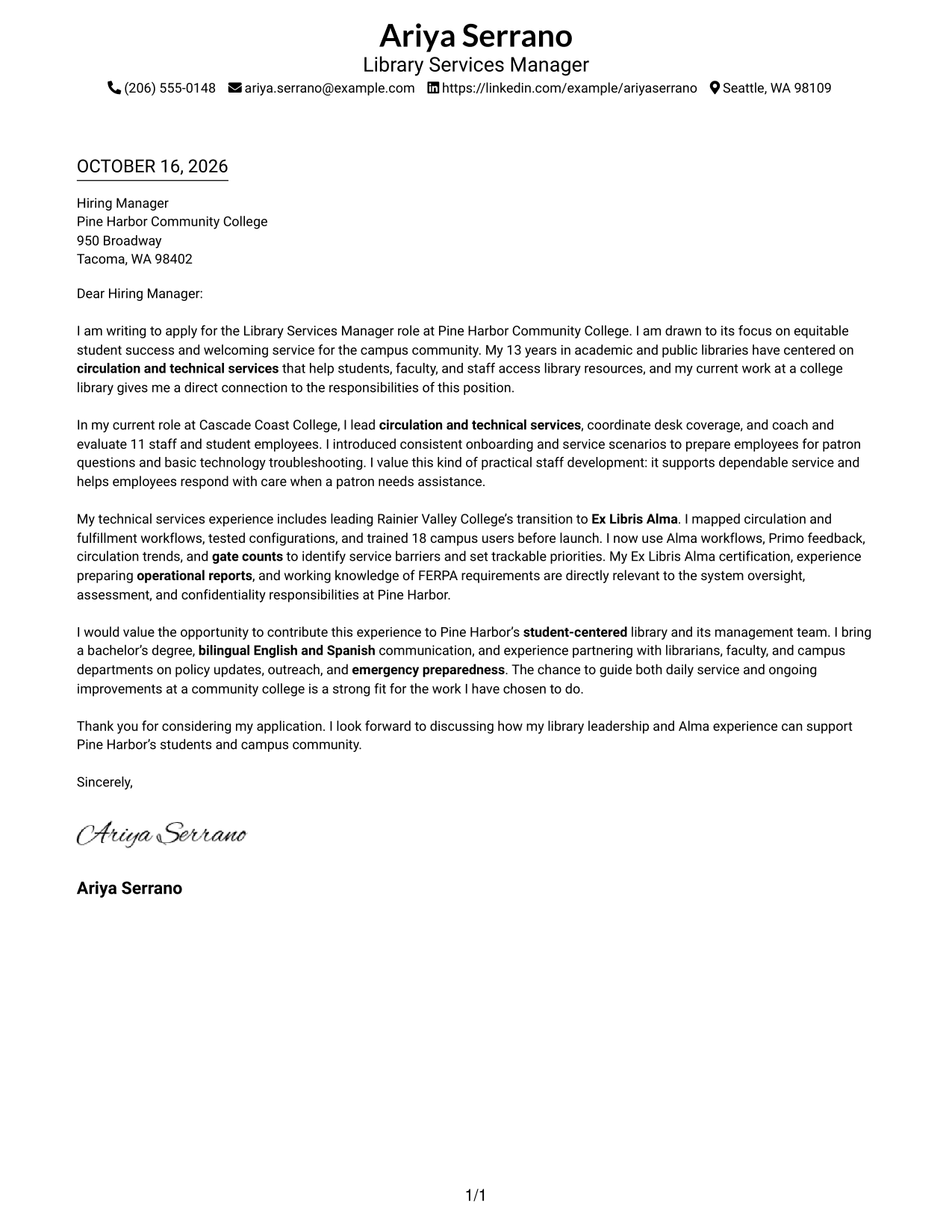
The one-column format presents sender details and the letter in a direct, familiar layout.
Why This Format Works
- Sender details are easy to locate before the reviewer begins reading the letter.
- Unheaded paragraphs let motivation, supporting points, and closing read as one connected message.
- The photo-free page keeps the written message as its main visual focus.
Best For
- Prose-led applications
- Letters with several supporting points
- Full sender and recipient details
- Academic institution applications
- No-photo document preferences
#2 Two Column Format Cover Letter Example
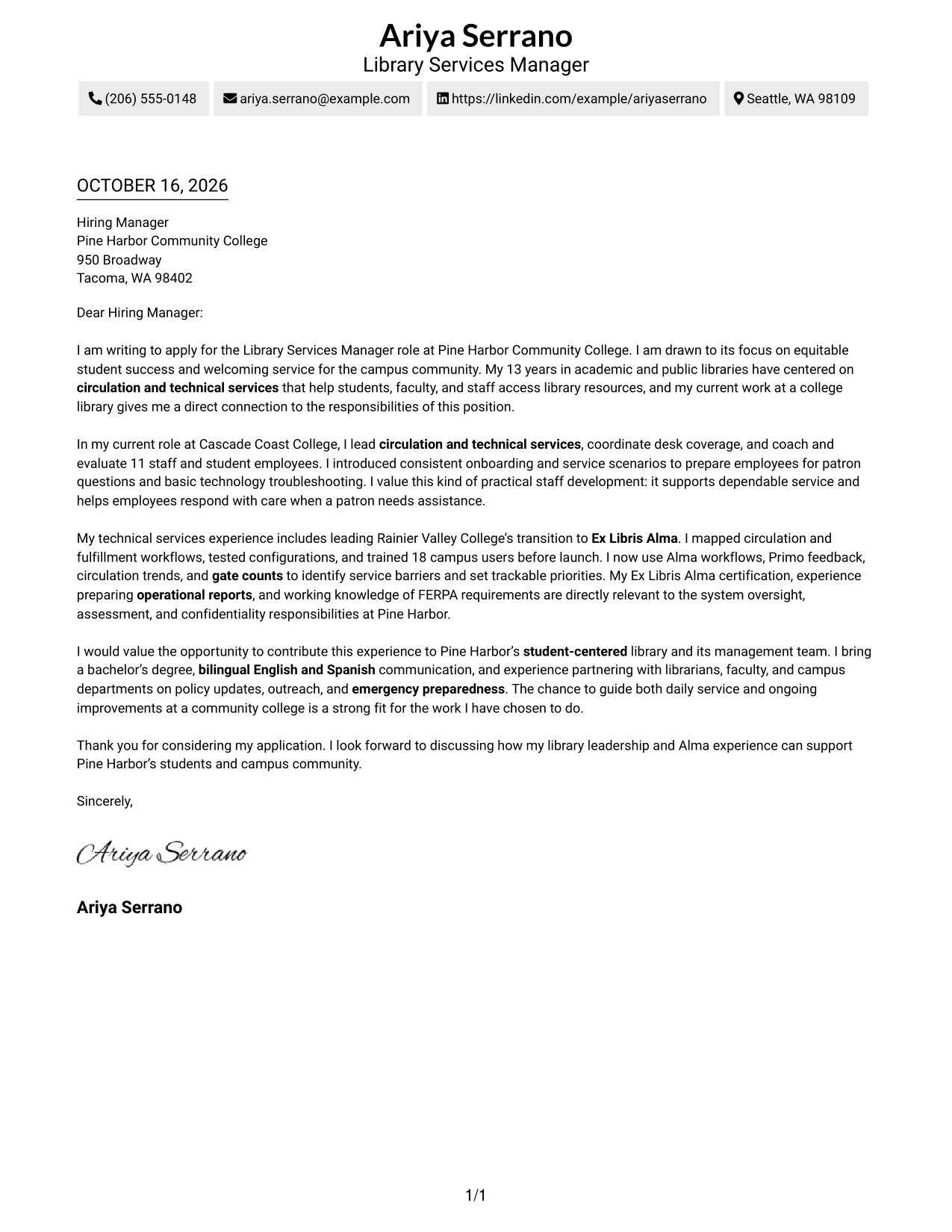
A contact sidebar sits beside one continuous letter body, keeping contact details distinct from the message.
Why This Format Works
- The separate contact area helps reviewers find sender information without searching the letter.
- One continuous body carries the opening, supporting case, and closing in a natural sequence.
- The layout presents contact details and correspondence without adding a portrait.
Best For
- Separated contact information
- Letters with several evidence paragraphs
- Applications needing a clear reading order
- No-photo correspondence
- Academic library applications
#3 Photo Header Two Column Format Cover Letter Example
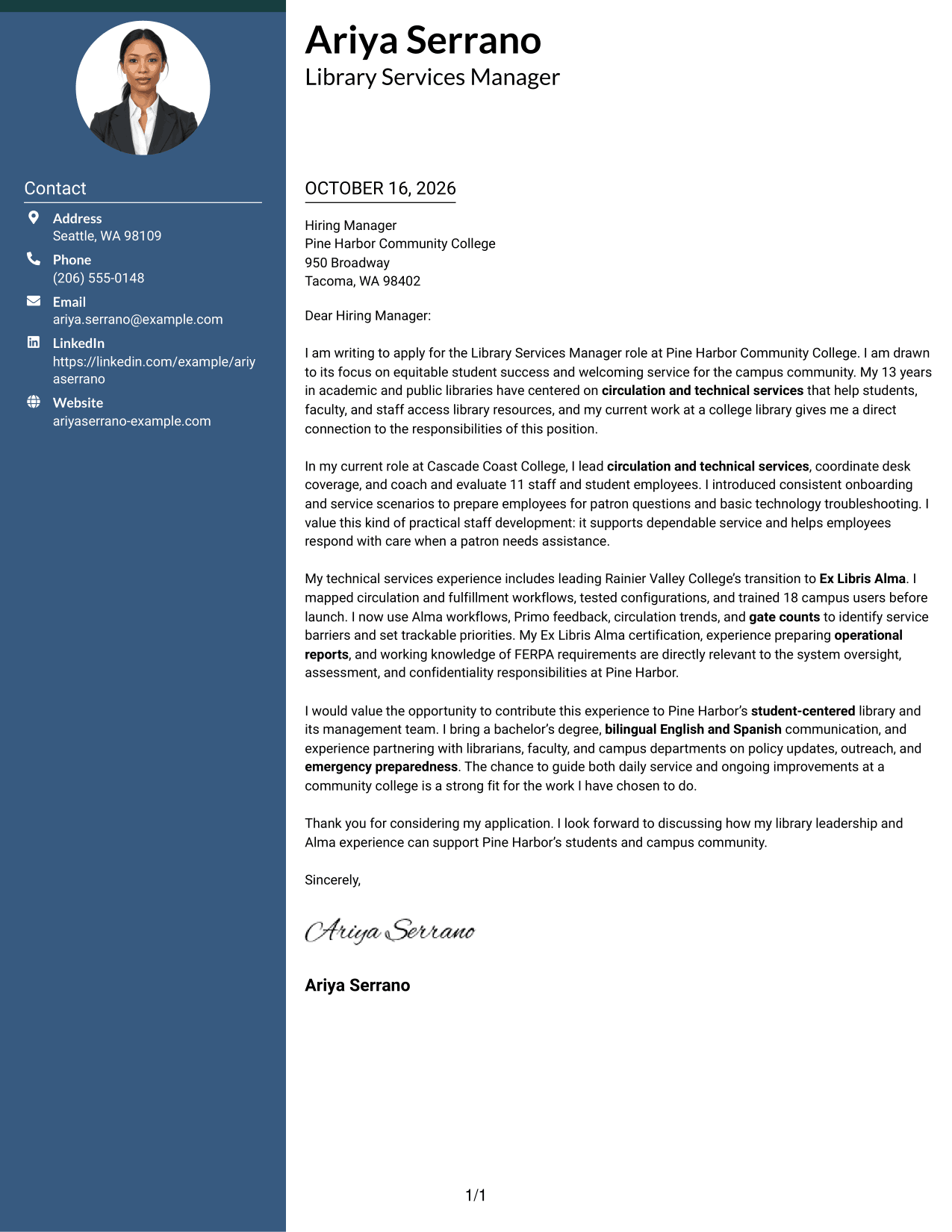
A photo in the header gives this two-column format a personal visual element alongside its contact sidebar and continuous letter body.
Why This Format Works
- The sidebar keeps contact details apart from the letter’s persuasive paragraphs.
- The uninterrupted body lets the reviewer follow the message from opening to closing.
- A header portrait suits readers who prefer a photo-inclusive document.
Best For
- Photo-inclusive correspondence
- Applications with separate contact details
- Letters with a continuous argument
- Personalized application materials
- Academic institution correspondence
#4 One Column Format with Photo Cover Letter Example
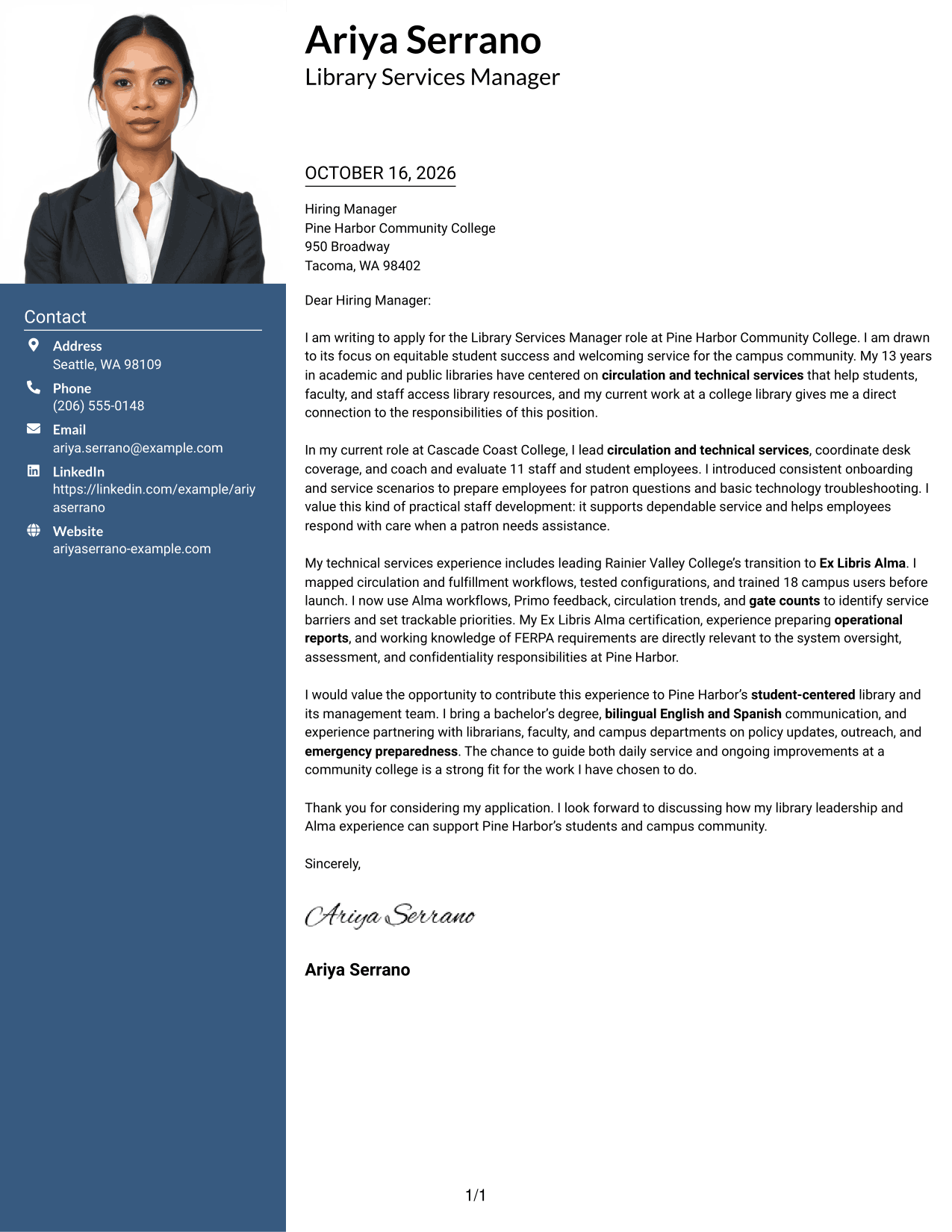
A portrait appears with the one-column letter, adding a personal visual element while the text follows one reading path.
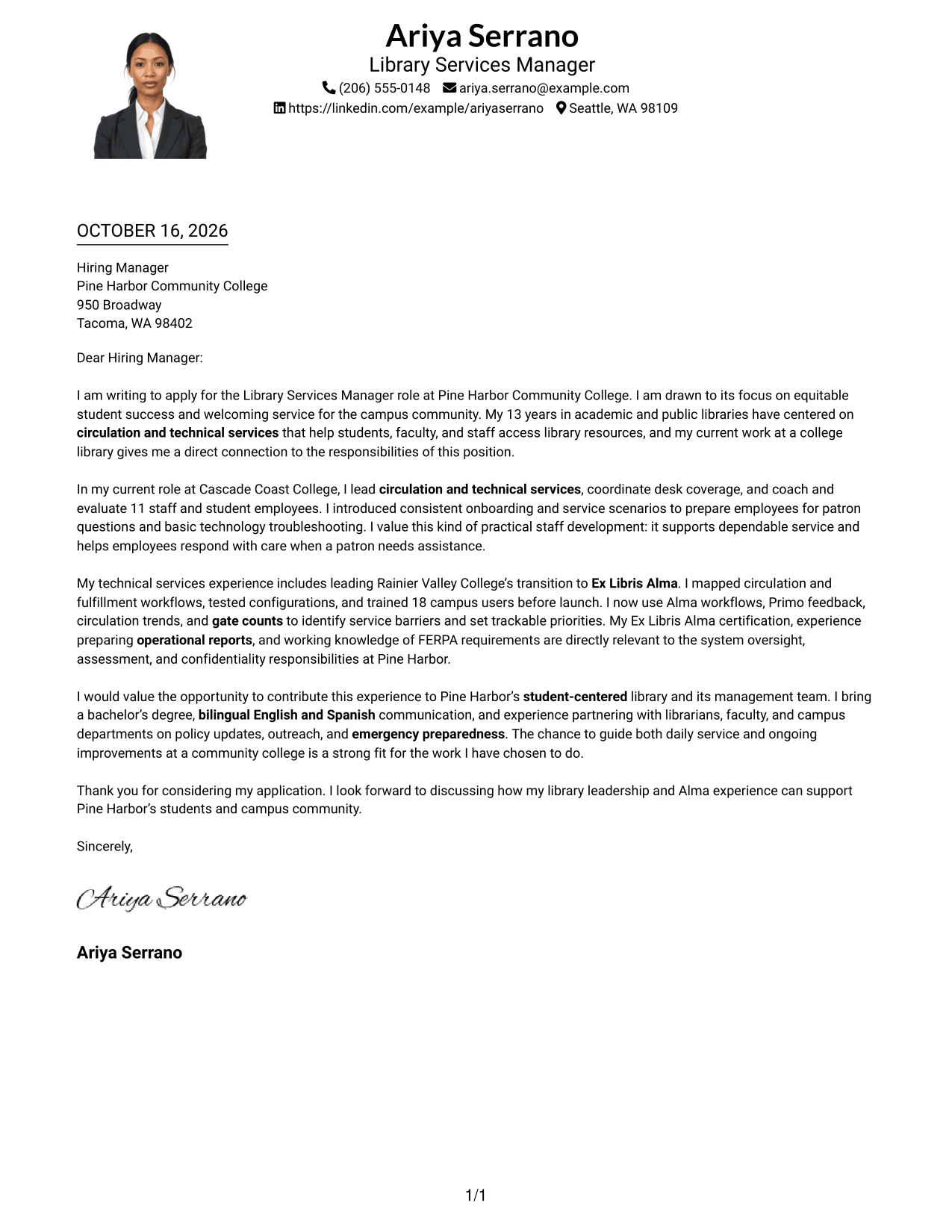
Why This Format Works
- The single body keeps the opening, support, and closing together for a steady read.
- Sender details in the header are easy to find before the letter begins.
- Including a portrait works for applicants who want a photo in their correspondence.
Best For
- Single-column letter reading
- Photo-inclusive applications
- Letters with several supporting paragraphs
- Direct sender contact access
- Personalized correspondence
#5 Simple Two Column Format Cover Letter Example
The contact sidebar and continuous letter body occupy separate columns, giving correspondence a clear contact area and a distinct message area.
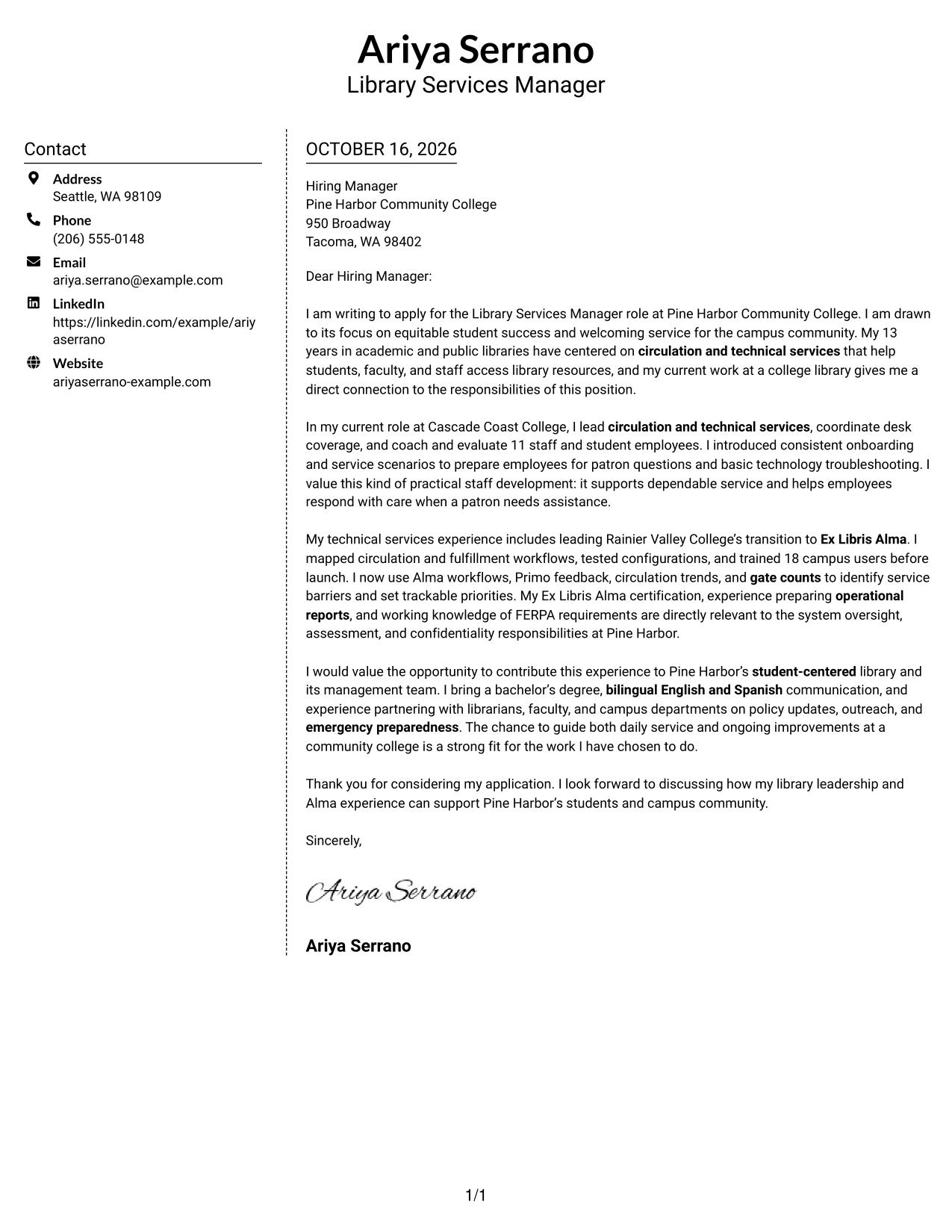
Why This Format Works
- Reviewers can locate contact details in the sidebar without interrupting the letter.
- The letter’s paragraphs stay together, so its reasoning does not split across columns.
- A two-column arrangement separates correspondence details from the central written message.
Best For
- Contact details beside the letter
- Applications with a developed case
- Continuous paragraph-style writing
- Readers who value separated information
- Photo-free correspondence
#6 Modern Icon Format Cover Letter Example
Contact icons cue the details in the sidebar, while the letter remains one continuous body in the second column.
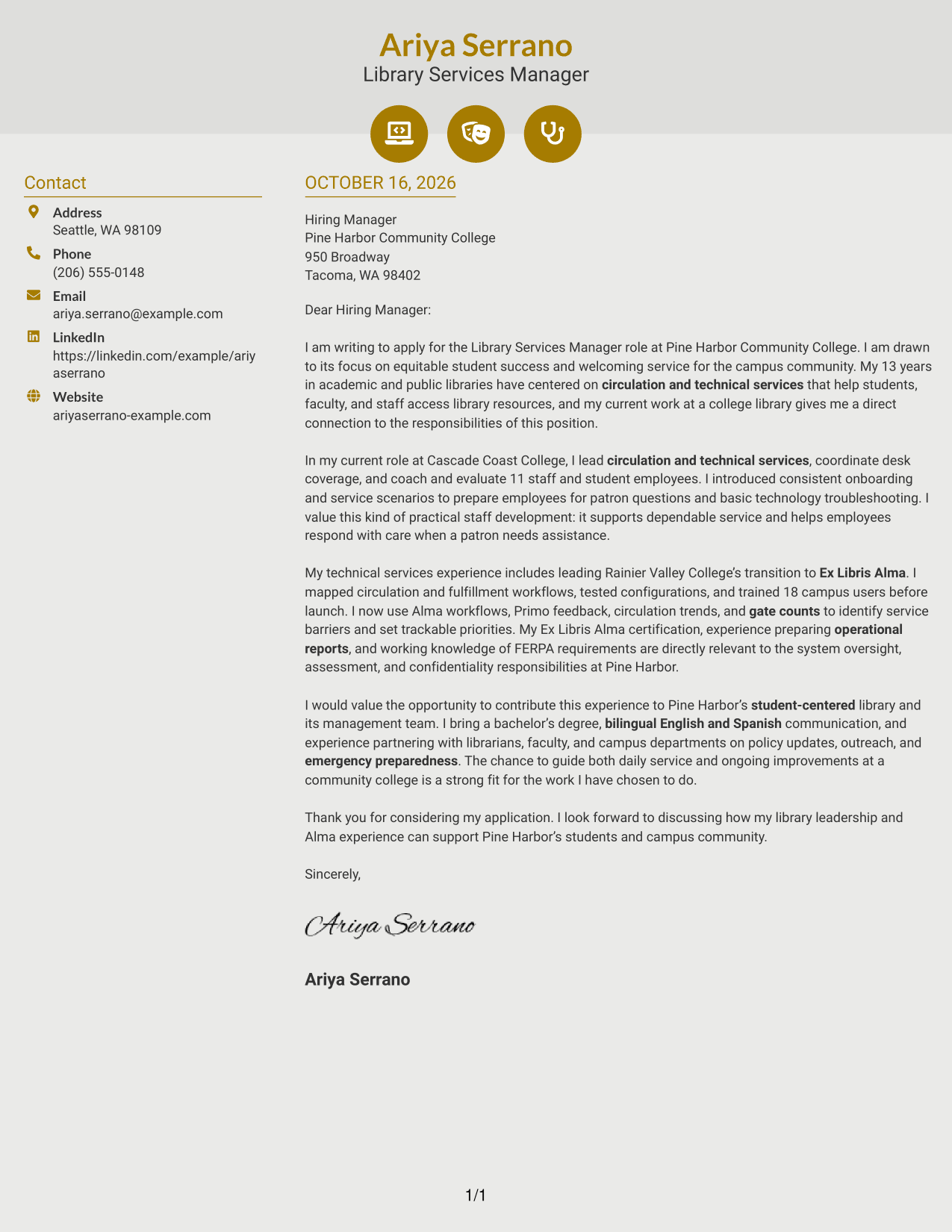
Why This Format Works
- Icons identify contact details, helping reviewers recognize that information at a glance.
- The letter body stays intact, so its opening and closing remain part of one message.
- Contact cues remain in the sidebar rather than labeling the letter’s argument.
Best For
- Icon-marked contact details
- Applications with continuous letter prose
- Separated contact and message areas
- Readers who prefer visual contact cues
- Photo-free application documents
#7 Creative Two Tone Format Cover Letter Example
The contact sidebar sits beside the continuous letter body, separating sender details from the message while keeping the argument intact.
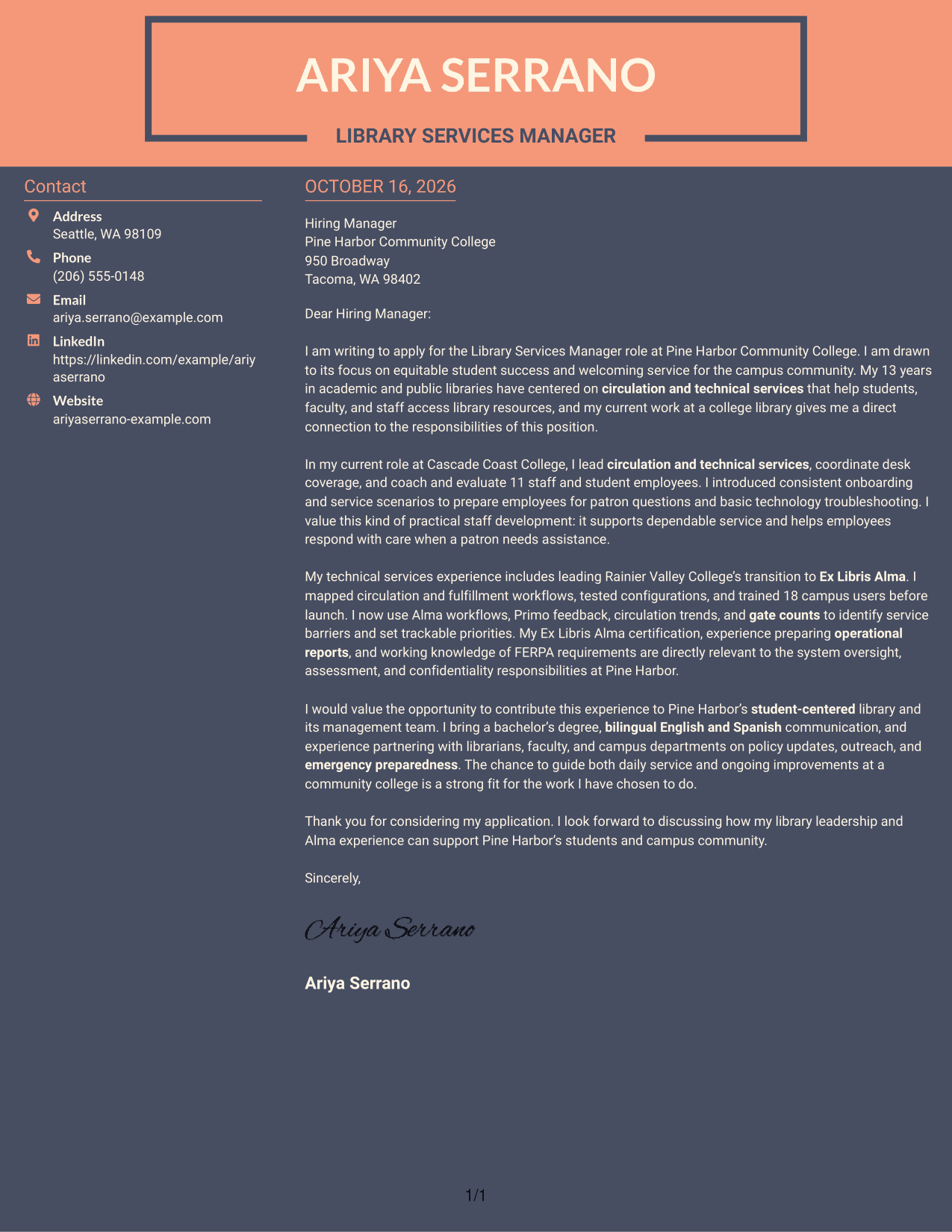
Why This Format Works
- A separate sidebar gives contact details a clear place beside the letter.
- The single letter body keeps motivation, supporting evidence, and closing in sequence.
- The two-column arrangement distinguishes correspondence details from the written case.
Best For
- Separate contact and message areas
- Letters with clear supporting evidence
- Paragraph-based application writing
- Readers seeking an easy reading order
- Photo-free correspondence
See Also
- 7 Library Services Manager - Circulation and Technical Services Resume Templates with Example
- 7 Library Specialist I - Public Library Services Resume Templates with Example
- 7 Operations Manager - Library Staffing and Volunteer Services Resume Templates with Example
- 7 Principal Software Engineer - Core Services and Libraries Resume Templates with Example
- 33 Deputy County Librarian - Public Library Leadership Resume Templates with Example 2026 (ATS-Optimized)
- 7 Library Specialist I Resume Templates with Example
- 7 Stacks Maintenance, Fulfillment, and Resource Sharing Coordinator - Library Resume Templates with Example
- 7 Senior Technical Service Manager Resume Templates with Example
- 7 Technical Professional Services - Sr Professional I Resume Templates with Example
- 7 Operations Manager - Library Staffing and Volunteer Services Cover Letter Templates with Example
Frequently Asked Questions
What should a Library Services Manager - Circulation and Technical Services cover letter emphasize?
Show how your experience supports reliable circulation and technical services, staff coaching, student-focused service, and careful handling of patron information. Use examples that match the employer's needs.
How can I explain my experience with Ex Libris Alma?
Describe the work you personally did, such as managing workflows, preparing reports, training colleagues, or supporting a system transition. The featured example describes mapping workflows, testing configurations, and training 18 campus users during an Alma transition.
How can I show that I can lead library staff?
Give a clear example of how you coached, trained, scheduled, or evaluated employees. Explain how your approach helped staff provide consistent service or respond to patron questions.
How should I connect my letter to a college library's needs?
Refer to the college's stated priorities, such as student success, welcoming service, assessment, or confidentiality. Then connect those priorities to evidence from your own work.
How can I compare the cover letter layouts?
Review the PNG preview images to compare their page design and reading flow. Open an example in the editor when you want to view or customize it.




