
7 Lifecycle Marketing Specialist - Live Service Games Cover Letter Templates with Example
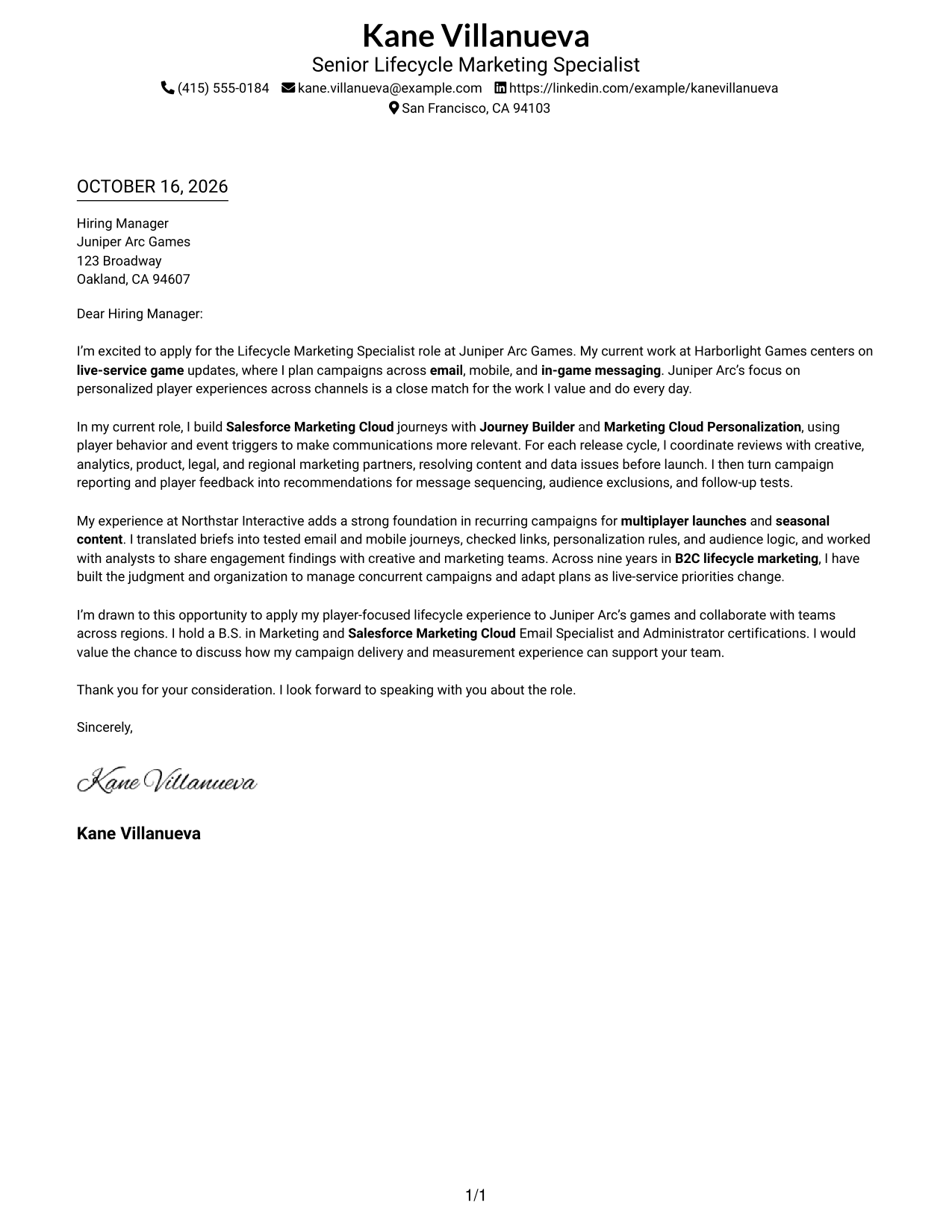
This practical guide to a Lifecycle Marketing Specialist - Live Service Games cover letter shows how to present player-focused campaign experience clearly across seven layouts.
What Makes a Great Lifecycle Marketing Specialist - Live Service Games Cover Letter in 2026
A strong letter connects your interest in personalized player experiences to clear examples of live-service campaign work. Lead with why this role fits, then explain the value you bring to campaign planning and delivery.
Use relevant evidence, such as building Salesforce Marketing Cloud journeys, coordinating launch reviews, or using campaign findings to guide next steps. Connect that experience to the employer’s focus on player-centered communication across channels.
The featured example moves from role-specific interest to current campaign work, earlier experience, and a clear close, giving you a focused progression to adapt while choosing a presentation that suits the employer and communication context.
#1 Simple One Column Format Cover Letter Example
The Simple One Column Format keeps sender details in the header and the letter in one continuous column, giving readers a familiar path through the message.
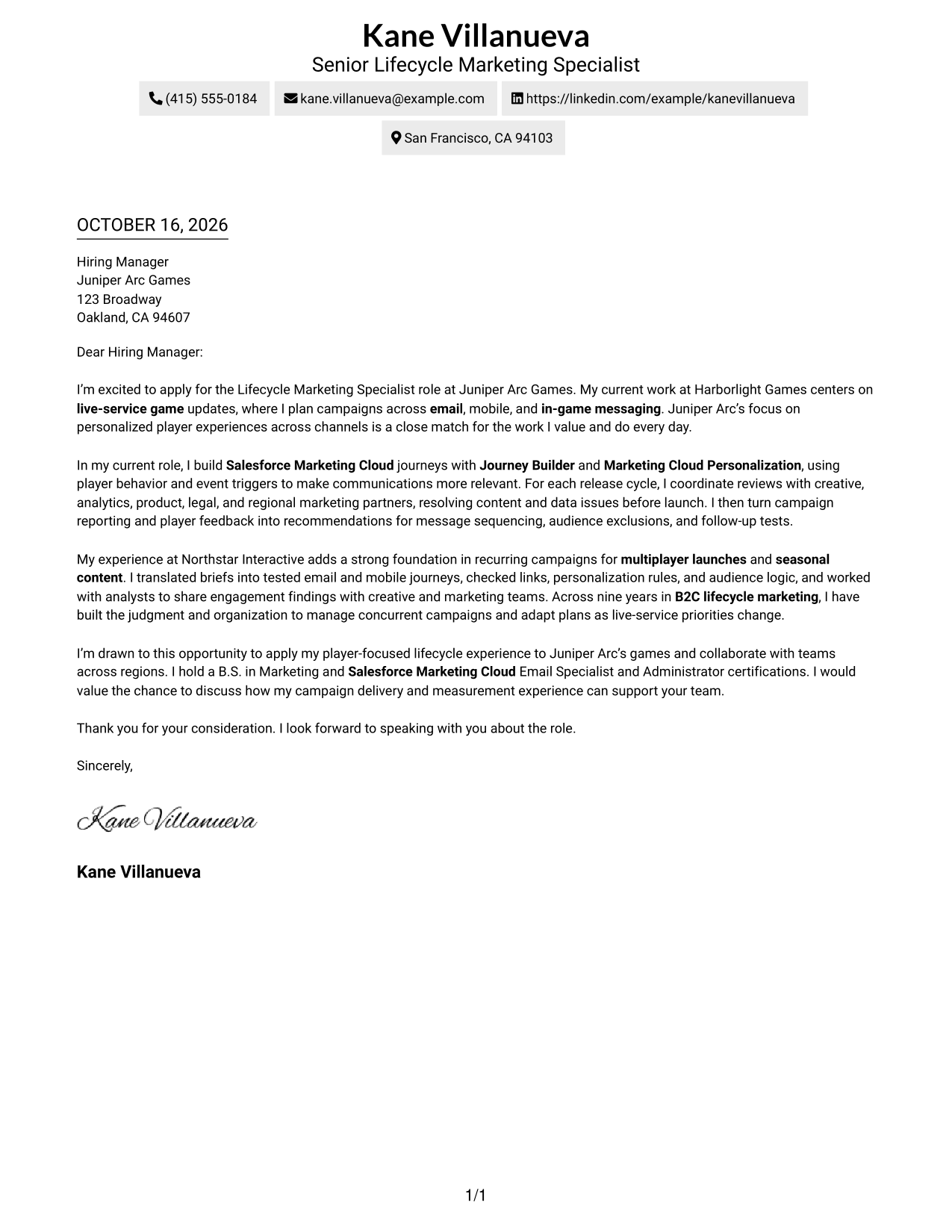
Why This Format Works
- Sender details stay in the header, keeping contact information easy to locate.
- One continuous body lets readers follow motivation, evidence, and closing in order.
- A single column offers a familiar presentation for direct business correspondence.
Best For
- Single-column correspondence
- Uninterrupted persuasive letters
- Easy-to-find sender details
- Traditional business applications
- Text-led communication
#2 Two Column Format Cover Letter Example
The Two Column Format places contact details in a sidebar beside one continuous letter body, so practical information stays distinct from the message.
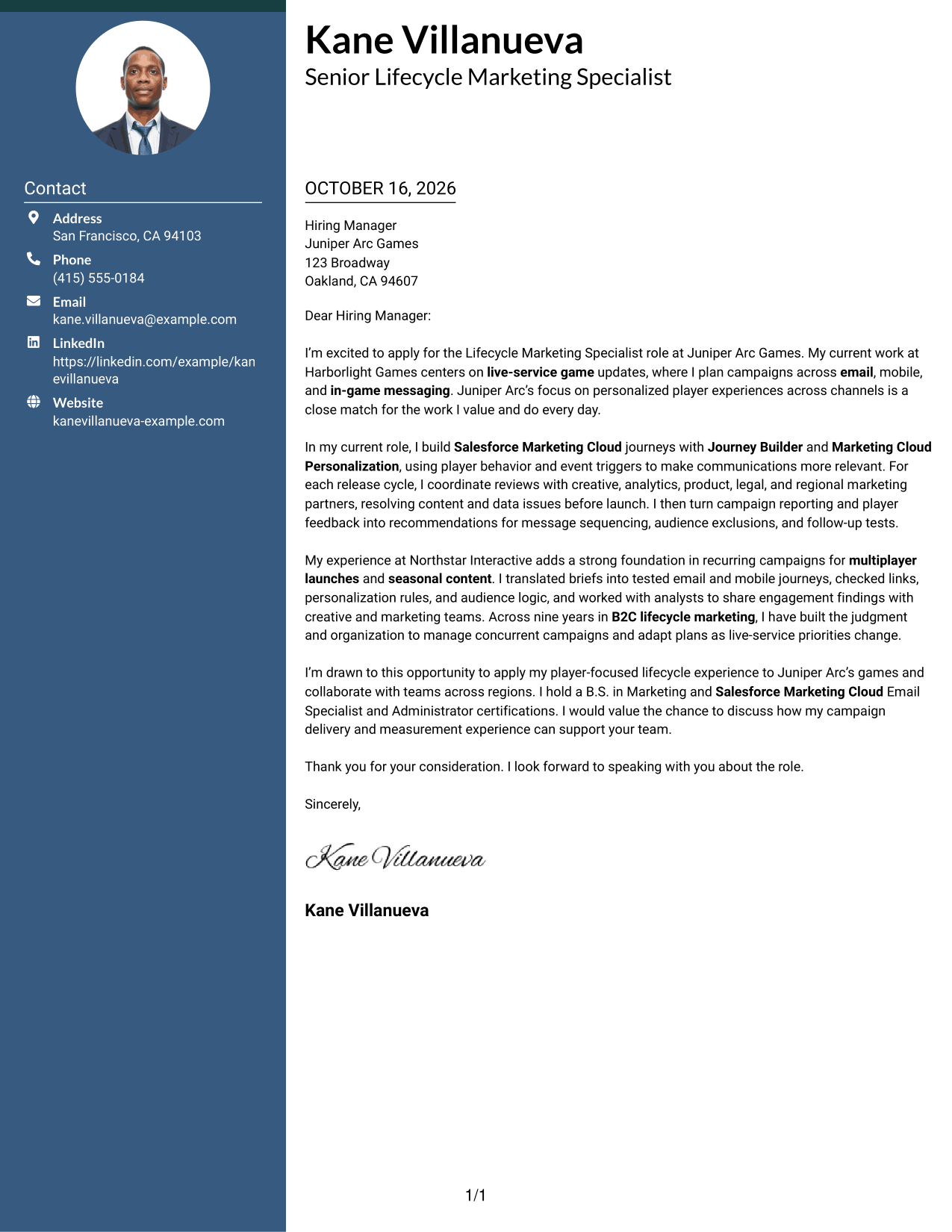
Why This Format Works
- Contact details sit apart from the message, making sender information easy to find.
- One uninterrupted body keeps the opening, support, and closing in a natural sequence.
- A defined contact area suits readers who prefer details beside the letter.
Best For
- Sidebar contact organization
- Continuous letter arguments
- Separate sender information
- Business application letters
- Side-by-side page layouts
#3 Photo Header Two Column Format Cover Letter Example
The Photo Header Two Column Format places a photo in the header and contact details beside one continuous letter body, keeping the message intact.
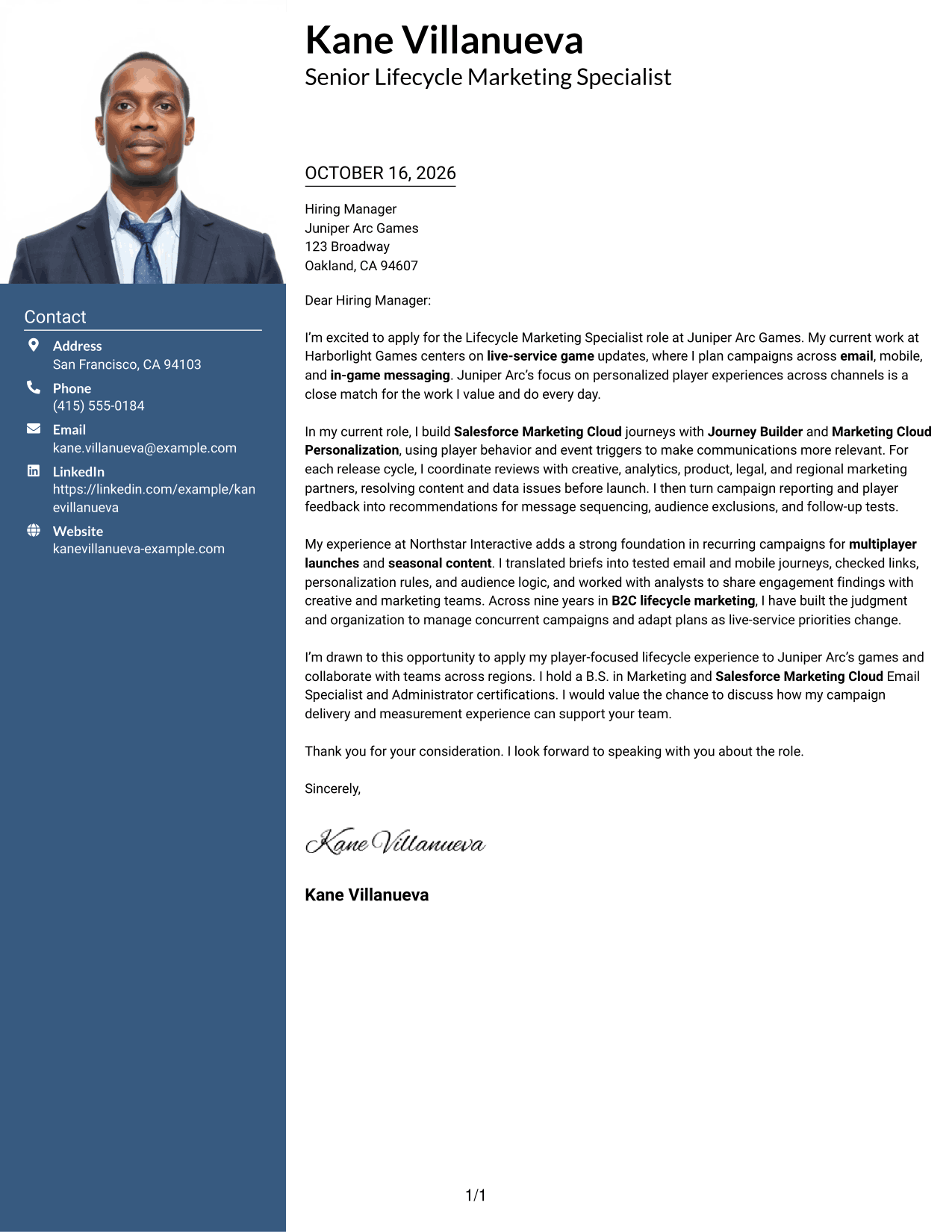
Why This Format Works
- Contact details remain separate from the letter, keeping the message focused.
- Paragraphs retain a continuous sequence from the opening through the closing.
- The header photo offers a clear visual choice for letters that include a portrait.
Best For
- Letters with a sender portrait
- Separate contact and message areas
- Unbroken paragraph reading
- Personalized business applications
- Role-specific motivation letters
#4 One Column Format with Photo Cover Letter Example
The One Column Format with Photo keeps the letter in one continuous column and includes a photo, combining a direct reading path with a personal visual element.
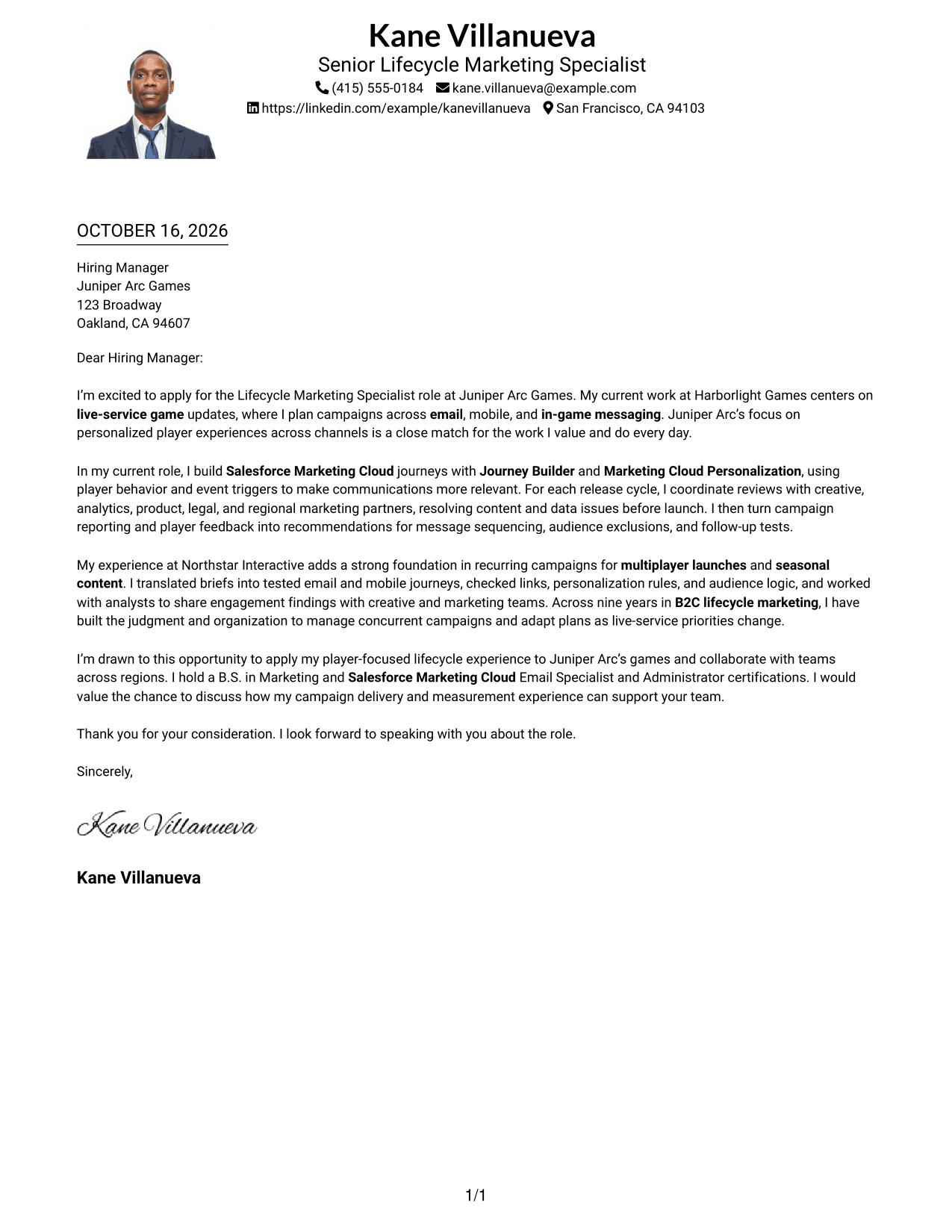
Why This Format Works
- The single column carries the greeting, paragraphs, and closing in one clear sequence.
- Sender details in the header stay easy to locate apart from the message.
- The photo adds a visible personal element without dividing the letter body.
Best For
- One-column business letters
- Applications with a sender photo
- Direct paragraph reading
- Header-based contact details
- Text-focused communication
#5 Simple Two Column Format Cover Letter Example
The Simple Two Column Format places contact details in a sidebar beside one continuous letter body, separating practical information from the message.
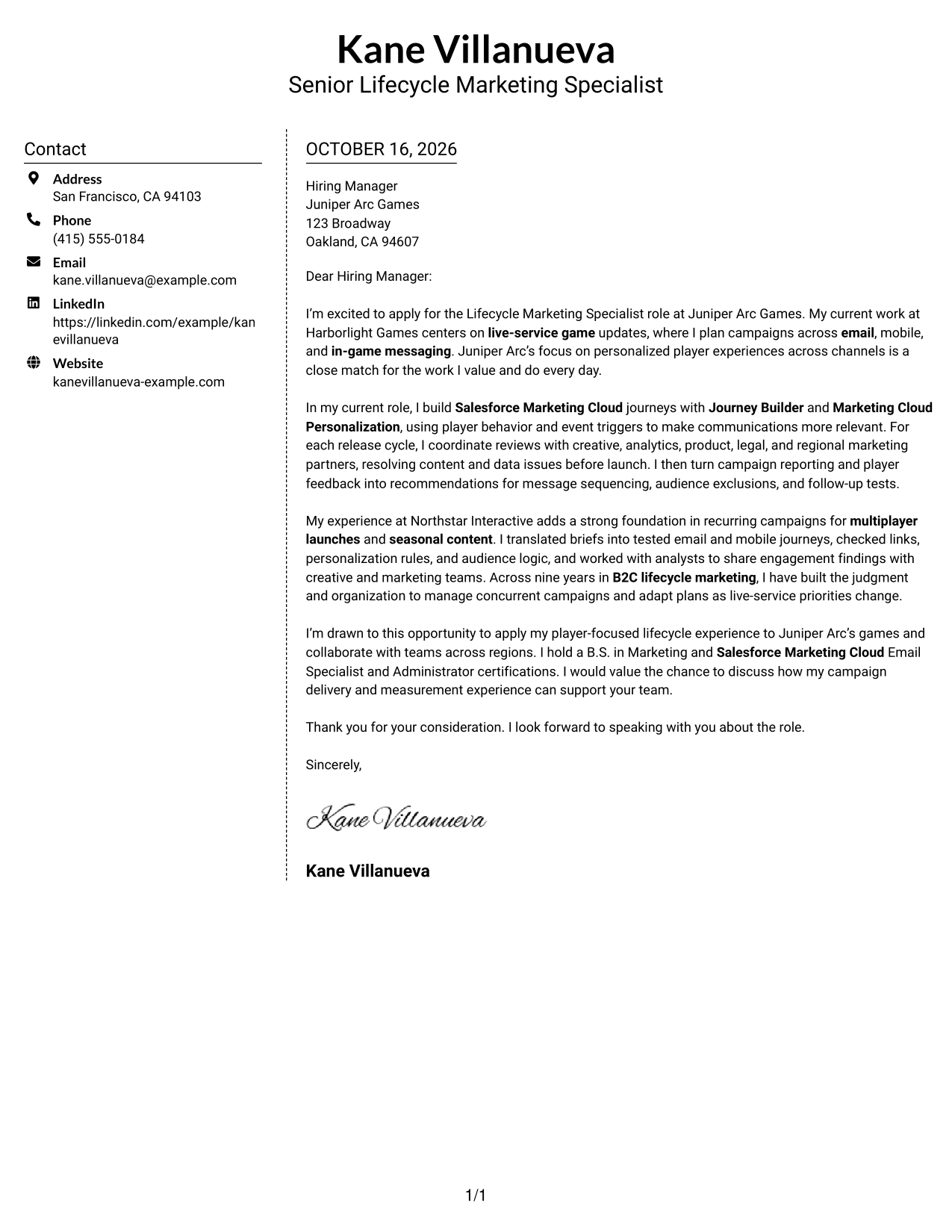
Why This Format Works
- Sender details have a defined place beside the message, not within its paragraphs.
- Readers can move through the letter from greeting to closing in sequence.
- The straightforward layout suits letters that focus on written communication.
Best For
- Side-by-side contact and message
- Continuous paragraph letters
- Business correspondence with clear contact details
- Direct persuasive applications
- Text-first presentation
#6 Modern Icon Format Cover Letter Example
The Modern Icon Format uses icons as contact cues and header accents, while a sidebar sits beside one continuous letter body.
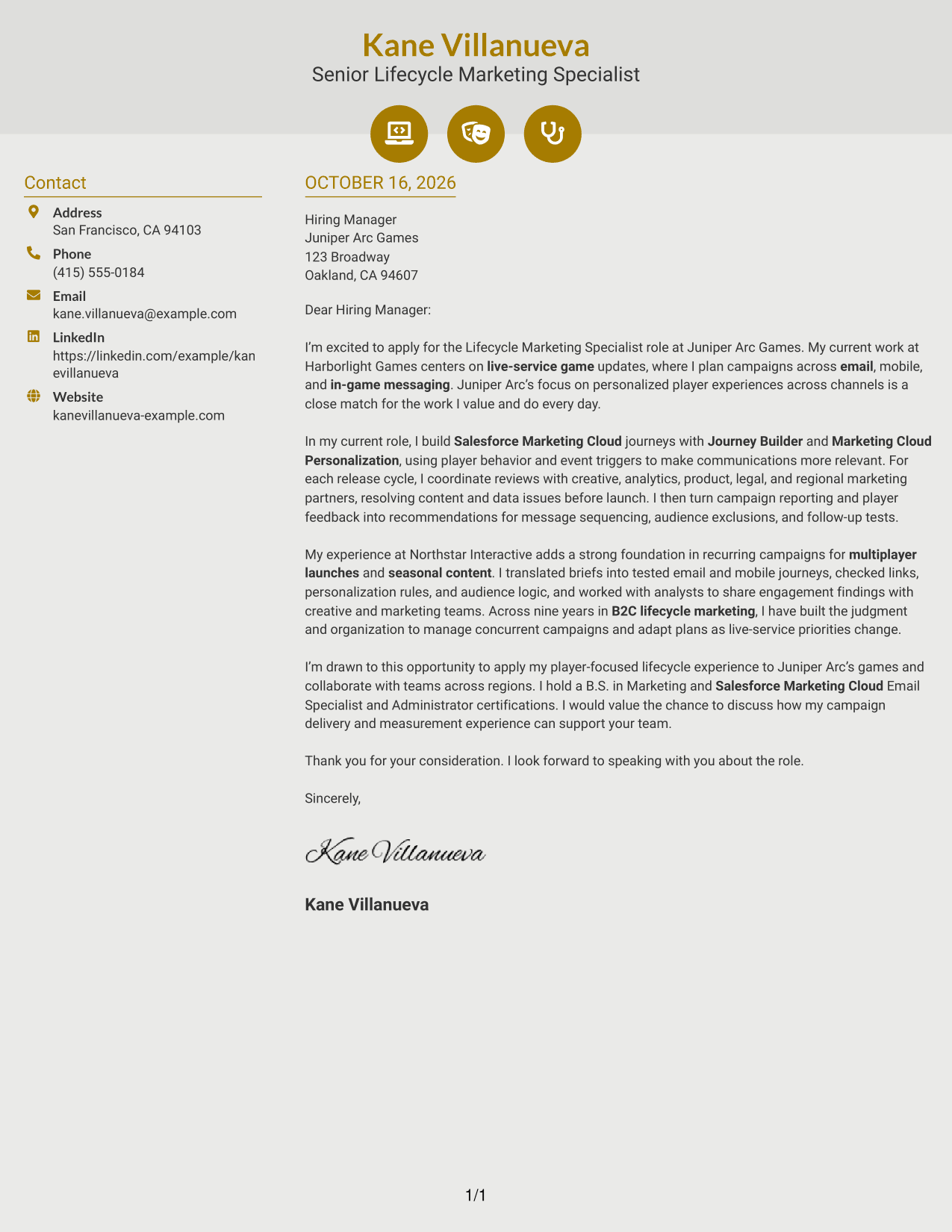
Why This Format Works
- Contact icons help distinguish sender details from the main letter message.
- The sidebar keeps practical contact information outside the persuasive paragraphs.
- One continuous body preserves a clear route from opening to closing.
Best For
- Icon-marked contact details
- Letters with one continuous argument
- Sidebar-based contact organization
- Text-led application messages
- Icon-accented header presentation
#7 Creative Two Tone Format Cover Letter Example
The Creative Two Tone Format sets sender contact details apart in a sidebar while keeping the cover letter itself in one continuous body.
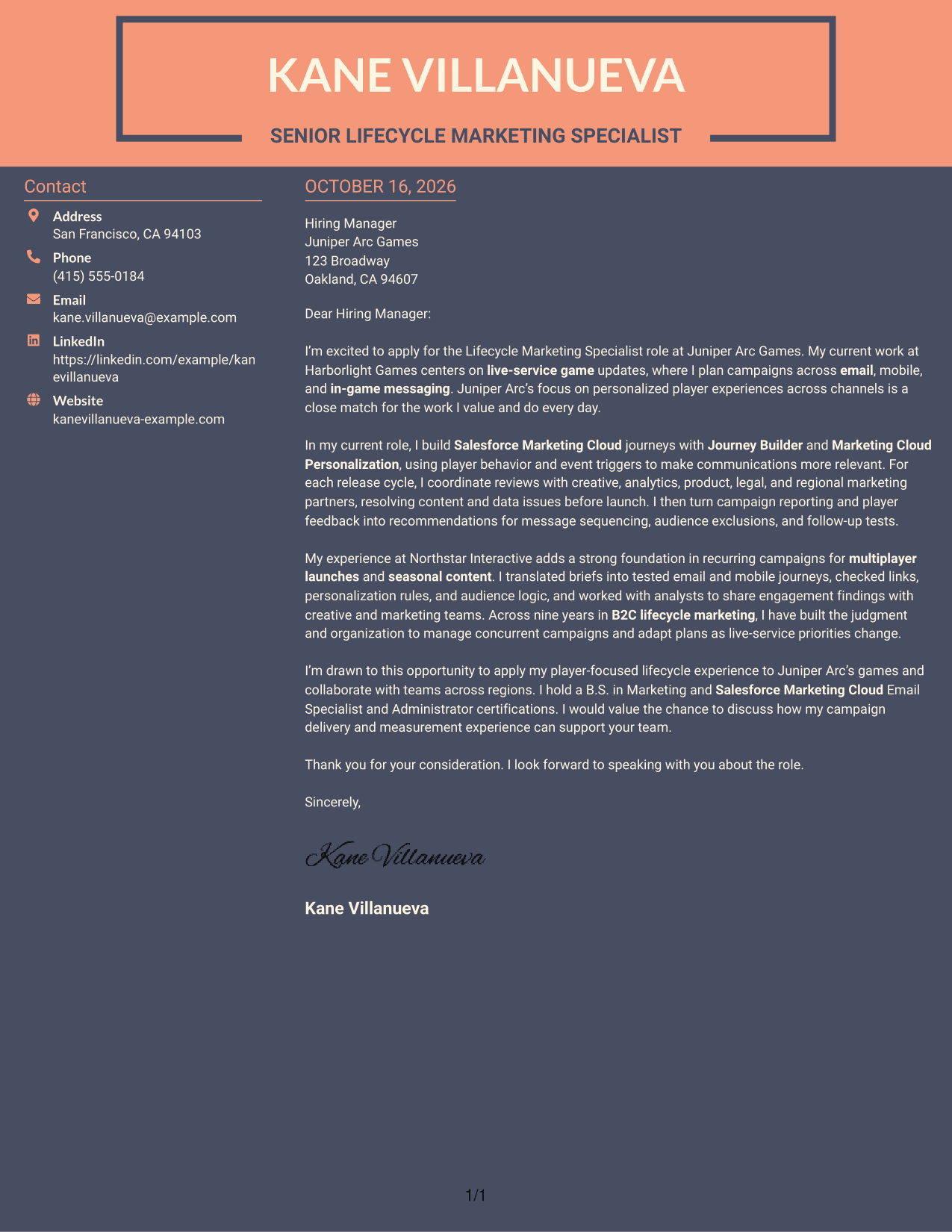
Why This Format Works
- The sidebar gives sender details a separate place beside the letter.
- A single body keeps the opening, supporting points, and closing together.
- This arrangement fits readers who want contact details distinct from the message.
Best For
- Separate contact and letter areas
- Single-body business correspondence
- Easy access to sender details
- Focused application messages
- Defined two-part layouts
See Also
- 7 Lifecycle Marketing Specialist - Live Service Games Resume Templates with Example
- 7 Donor Lifecycle Marketing Manager - Retention and Recurring Giving Resume Templates with Example
- 7 CRM and Lifecycle Manager II Resume Templates with Example
- 7 Principal Software Engineer - Application Lifecycle Resume Templates with Example
- 7 Product Manager - Aerospace Product Lifecycle Resume Templates with Example
- 7 Equipment Development Engineer - Wafer Bonding Resume Templates with Example
- 7 Sales Development Representative - SaaS Prospecting Resume Templates with Example
- 7 Payroll Program Manager - Payroll Systems and Transformation Resume Templates with Example
- 7 Technical Enablement Manager - Semiconductor Validation Resume Templates with Example
- 7 Donor Lifecycle Marketing Manager - Retention and Recurring Giving Cover Letter Templates with Example
Frequently Asked Questions
What should the opening of this cover letter focus on?
Show your interest in the Lifecycle Marketing Specialist - Live Service Games role and connect it to personalized player experiences. A brief link between the role and your relevant campaign work gives the reader a clear reason to continue.
What experience should I highlight in the body?
Choose examples that show how you build and launch live-service campaigns, coordinate with creative and analytics partners, and use campaign results or player feedback to recommend improvements. Mention tools such as Salesforce Marketing Cloud or Journey Builder when they reflect your own experience.
How can I show that I understand live-service marketing?
Explain how you adjust campaign timing or audience choices as game updates and player behavior change. Specific examples of relevant messaging, launch coordination, or follow-up tests can make your role fit clear.
How do I compare the cover letter presentations?
Review the image previews to compare how each example presents the message. Use the editor link to open an example and customize it for your communication needs.
What is a strong way to close the letter?
End with a direct, courteous statement that welcomes a conversation. Briefly restate how your campaign delivery and measurement experience could support the team.




