
7 LMS Administrator - Higher Education Learning Platforms Cover Letter Templates with Example
This practical guide helps you write an LMS Administrator - Higher Education Learning Platforms cover letter, with seven layouts that show how to present your role fit clearly.
What Makes a Great LMS Administrator - Higher Education Learning Platforms Cover Letter in 2026
A strong letter links dependable learning platform operations to effective online and hybrid education. It explains why the role matters to you and how your work can support reliable course delivery and student outcomes.
Use clear evidence, such as an integration task, engagement review, or faculty support example. Connect that evidence to the employer’s needs, including compatible systems and effective learning for adult students.
The featured example moves from motivation to a specific integration contribution, then to learning support and relevant qualifications before a concise close. Adapt that focused progression while choosing a presentation that fits the employer and the communication context.
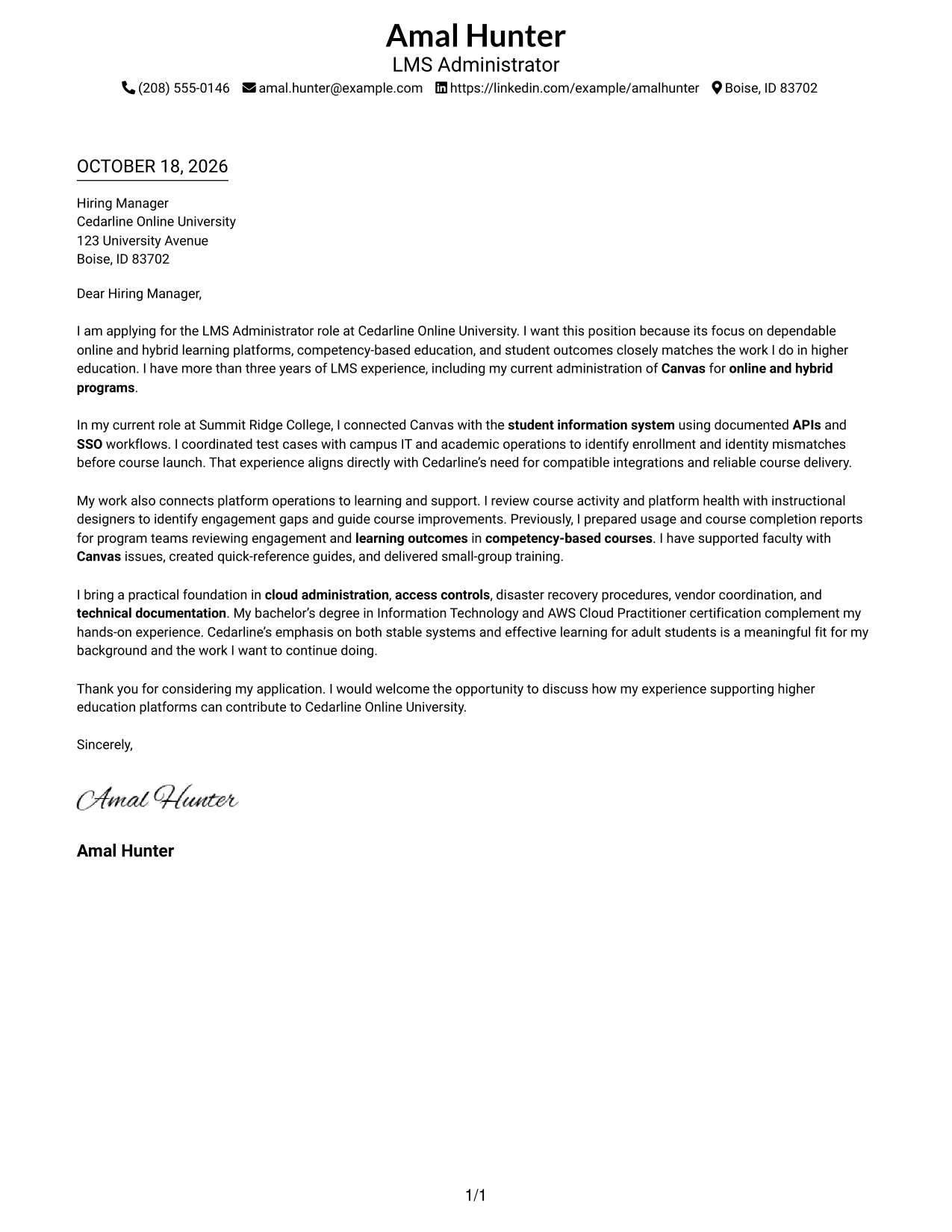
#1 Simple One Column Format Cover Letter Example
This simple one-column layout keeps sender details in the header and the full letter in one reading column.
Why This Format Works
- Unlabeled paragraphs keep the message in a familiar letter form.
- The continuous body lets readers follow motivation, evidence, and closing in order.
- A photo-free presentation suits applications that call for text-only materials.
Best For
- One-column reading preference
- Paragraph-led letter arguments
- Letters with several supporting points
- Text-only application materials
- Simple sender details
#2 Two Column Format Cover Letter Example
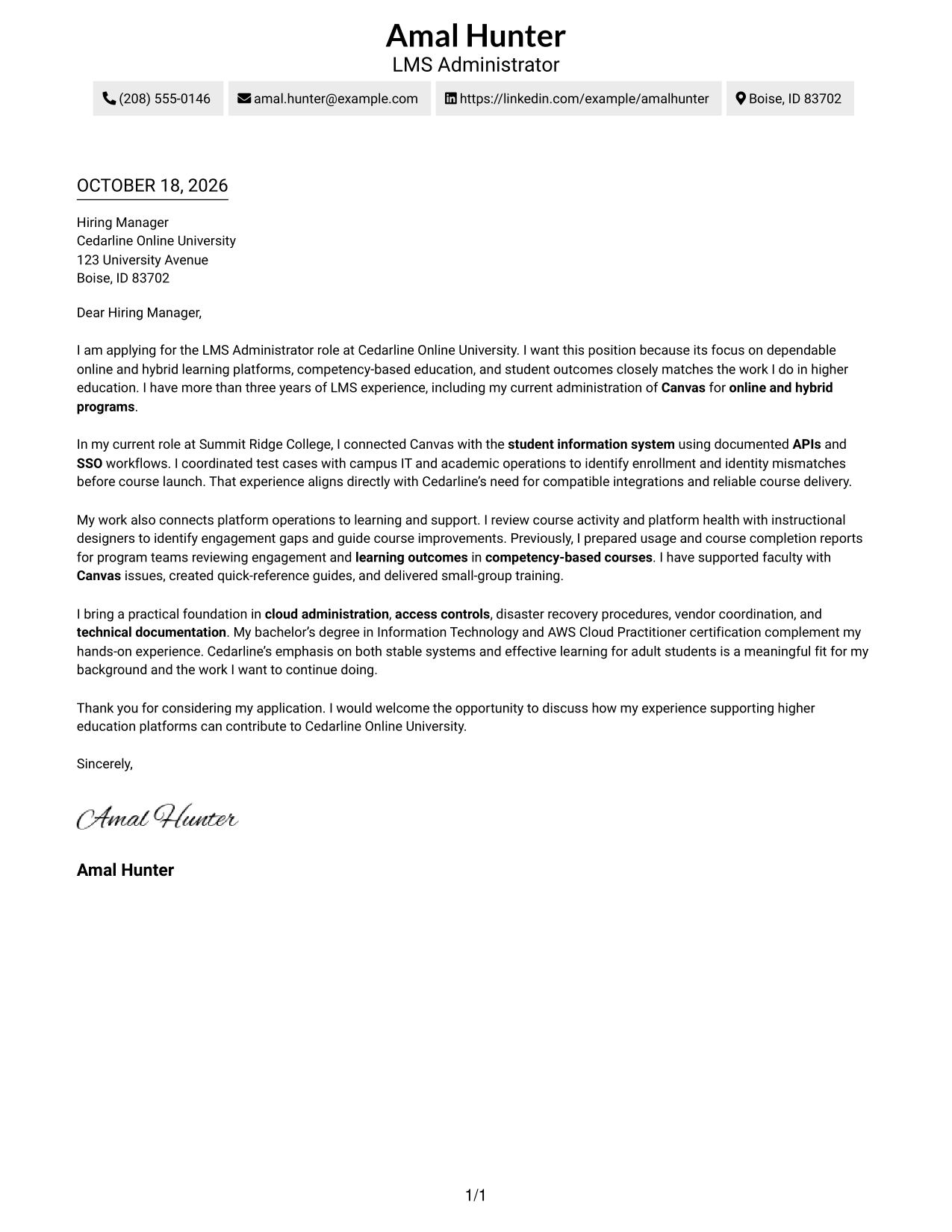
A contact sidebar sits beside one continuous letter body, separating contact details from the message.
Why This Format Works
- A dedicated sidebar lets reviewers find sender details before reading the message.
- Unheaded paragraphs keep motivation and evidence within a natural letter structure.
- Photo-free presentation suits readers who prefer the message without a portrait.
Best For
- Full contact details beside the letter
- Longer letter bodies
- Paragraph-based persuasion
- Several supporting points
- Readers who prefer a contact sidebar
#3 Photo Header Two Column Format Cover Letter Example
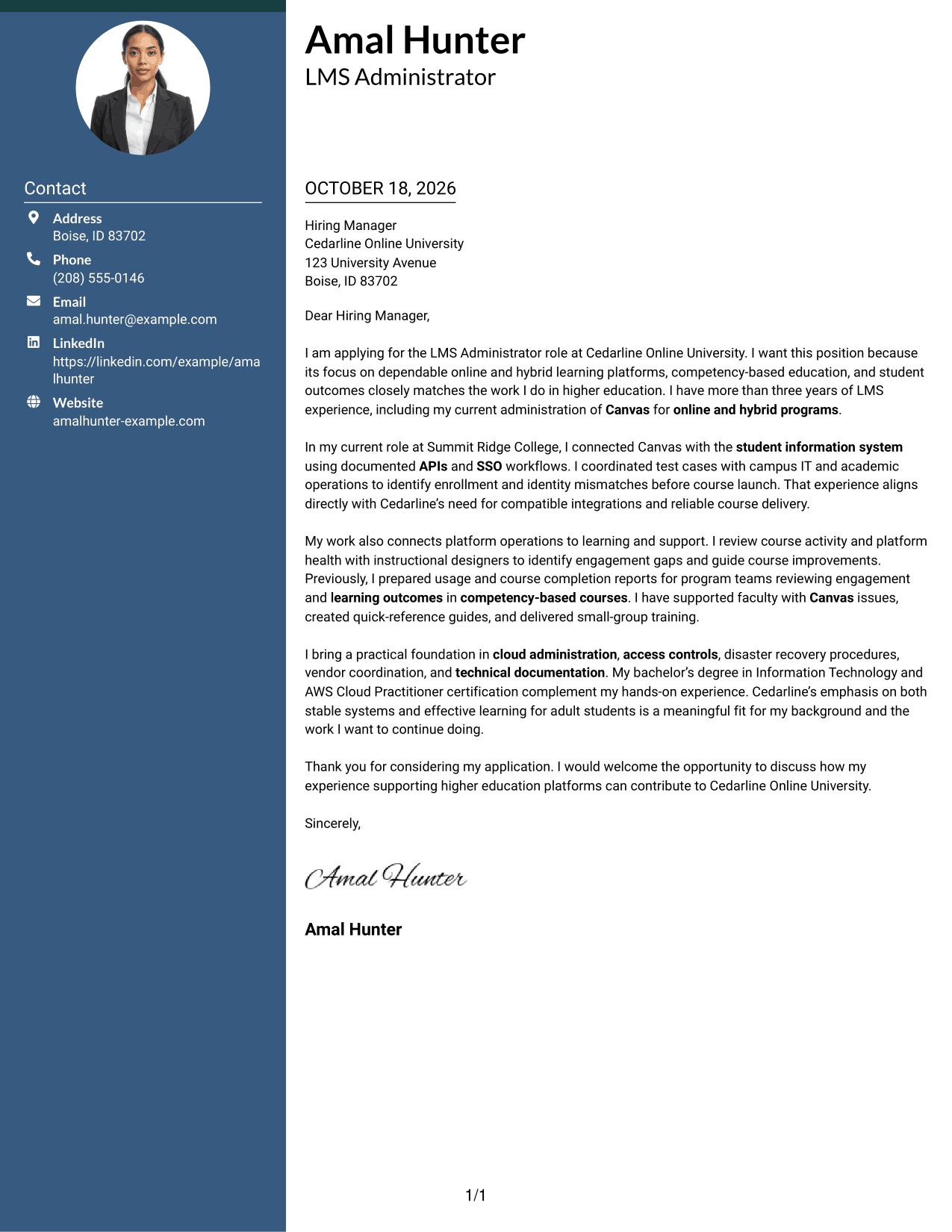
This two-column layout includes a photo and keeps the letter body continuous beside contact details.
Why This Format Works
- The portrait offers a personal visual option while leaving the text as the main message.
- Unheaded paragraphs preserve a natural letter form for motivation and evidence.
- One body column keeps the argument in a direct reading sequence.
Best For
- Photo-inclusive application materials
- Contact details beside the letter
- Applications with several supporting examples
- Paragraph-led motivation
- Visible sender identity
#4 One Column Format with Photo Cover Letter Example
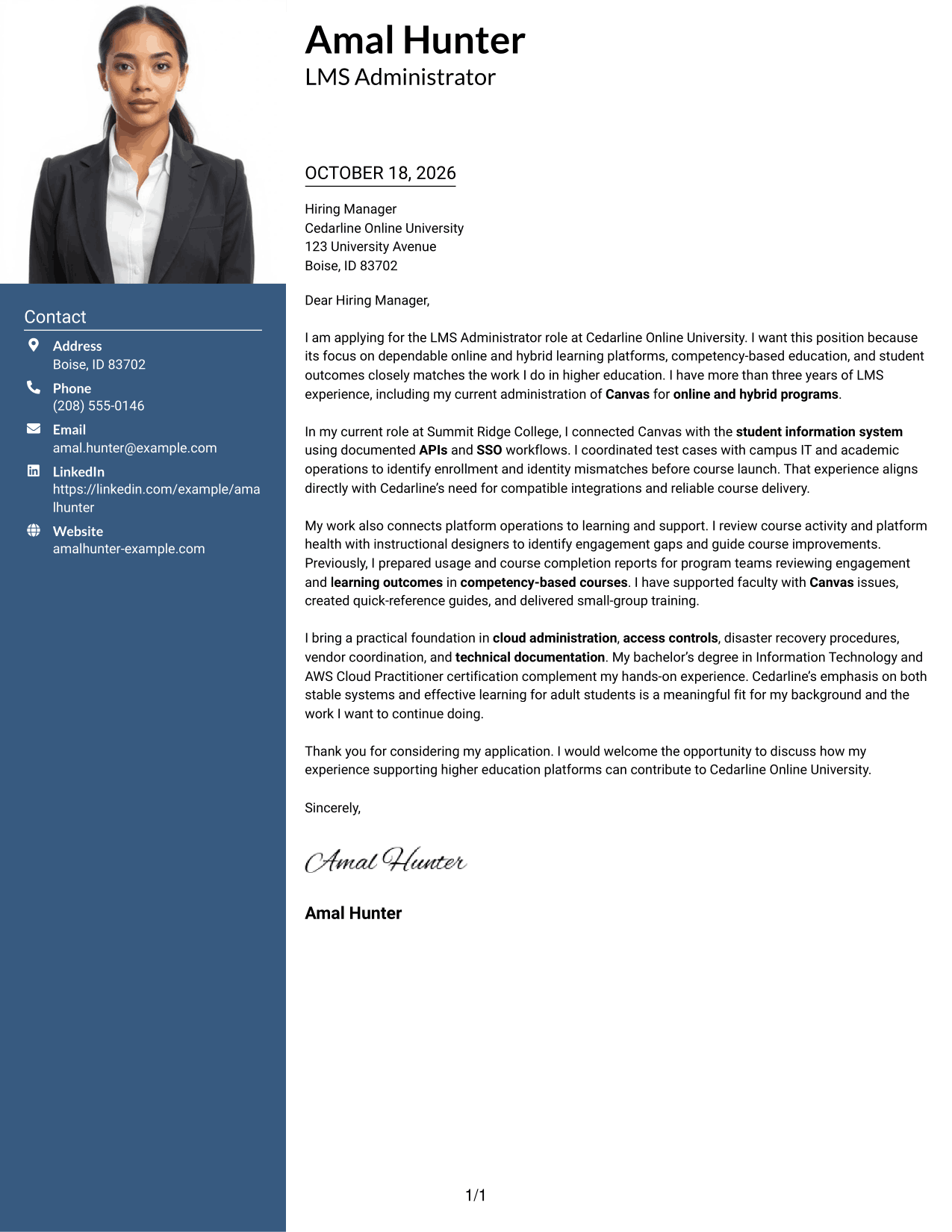
The one-column layout includes a photo while keeping sender details and the letter body on a shared reading path.
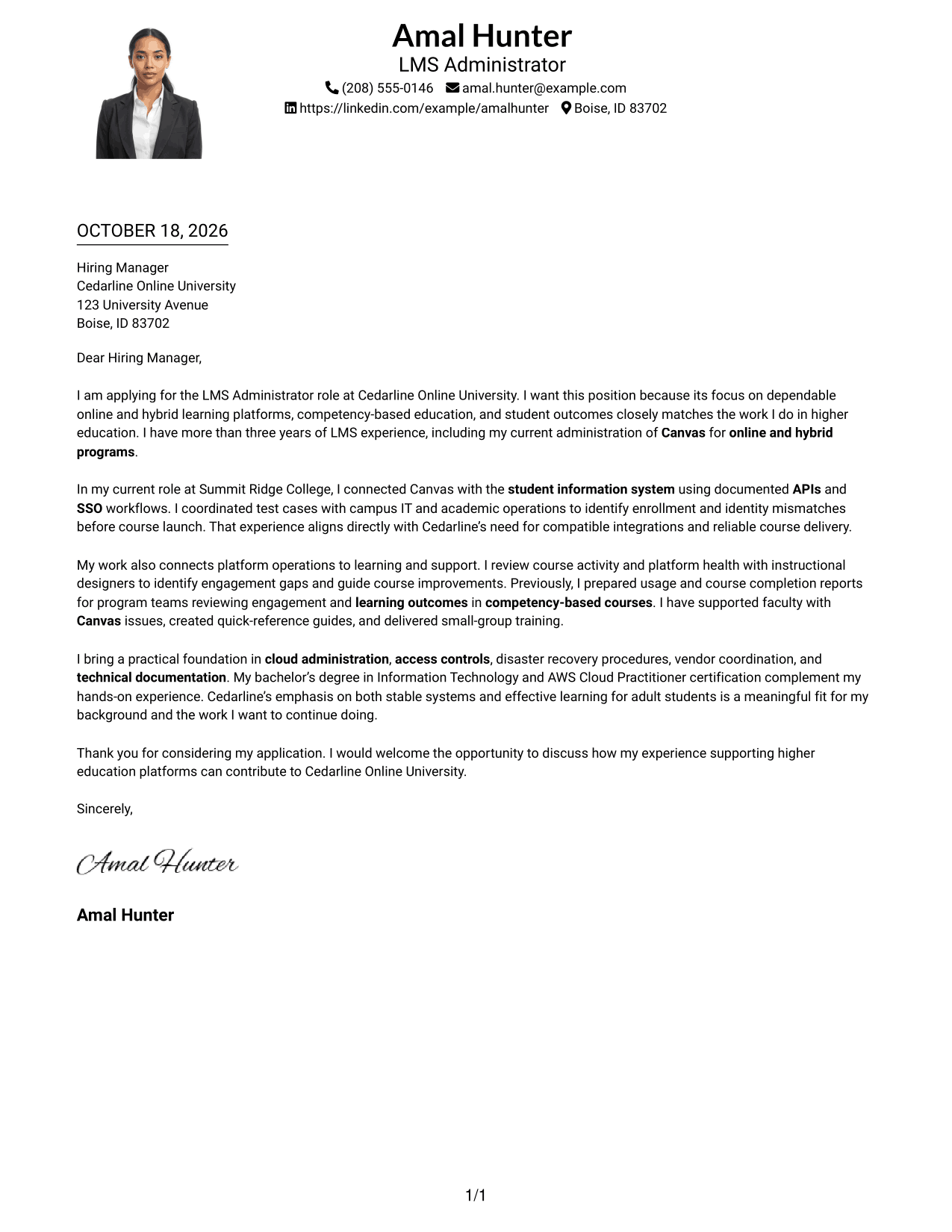
Why This Format Works
- The portrait adds a personal visual element without dividing the letter text.
- Unlabeled paragraphs preserve a direct, familiar letter style.
- A shared reading path helps reviewers follow the message from opening to close.
Best For
- Photo-inclusive single-column letters
- Personal visual introductions
- One-path reading preference
- Paragraph-led motivation
- Letters with several supporting paragraphs
#5 Simple Two Column Format Cover Letter Example
A simple two-column arrangement places contact details beside the letter, while its paragraphs remain continuous.
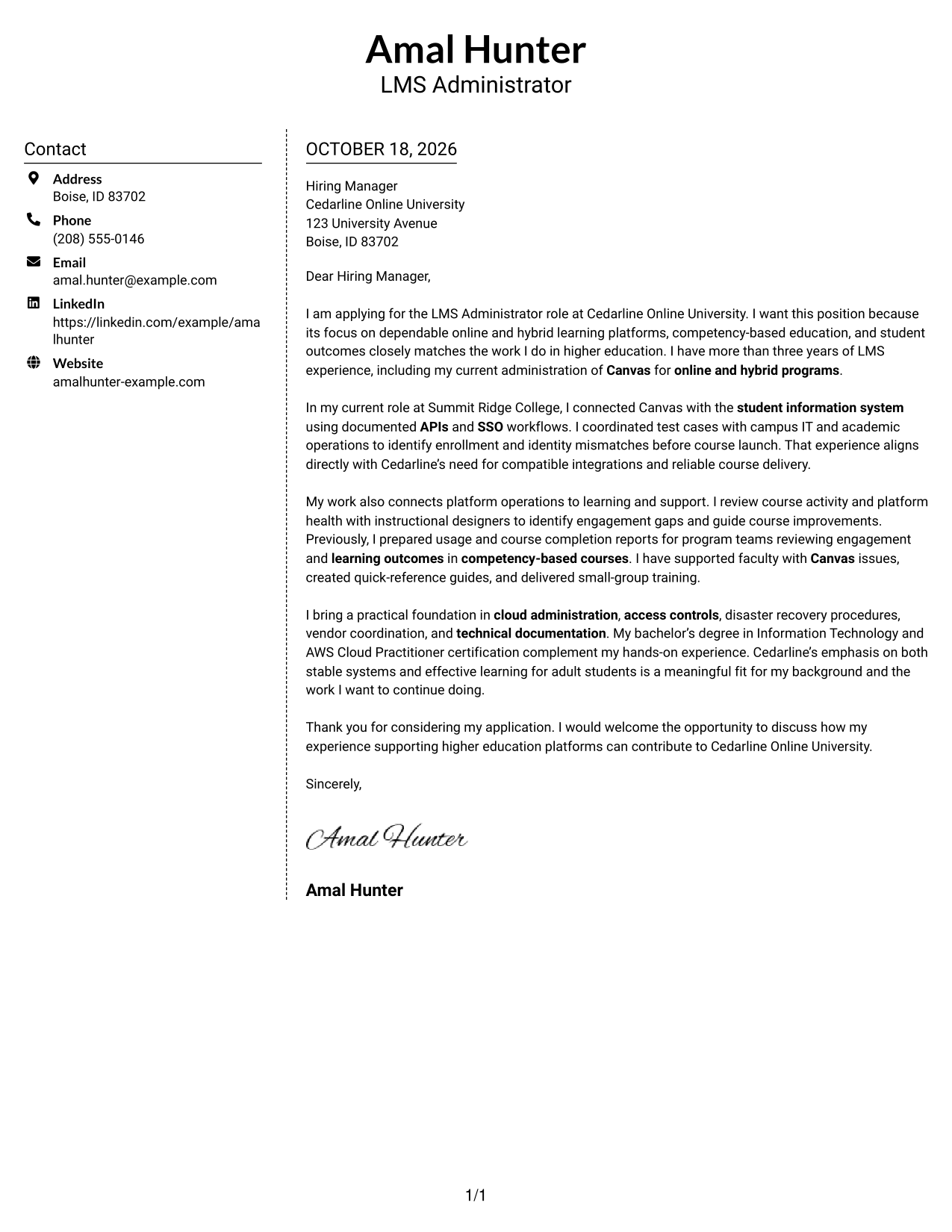
Why This Format Works
- The contact sidebar gives sender information a clear place apart from the letter.
- Continuous paragraphs let the appeal move from motivation to evidence without breaks.
- A photo-free layout keeps the page focused on contact details and written content.
Best For
- Separate sender contact details
- Photo-free application materials
- Letters with multiple evidence points
- Continuous cover-letter paragraphs
- Side-by-side contact and message
#6 Modern Icon Format Cover Letter Example
Contact icons mark sender details beside a single letter body, making the two-column reading order clear.
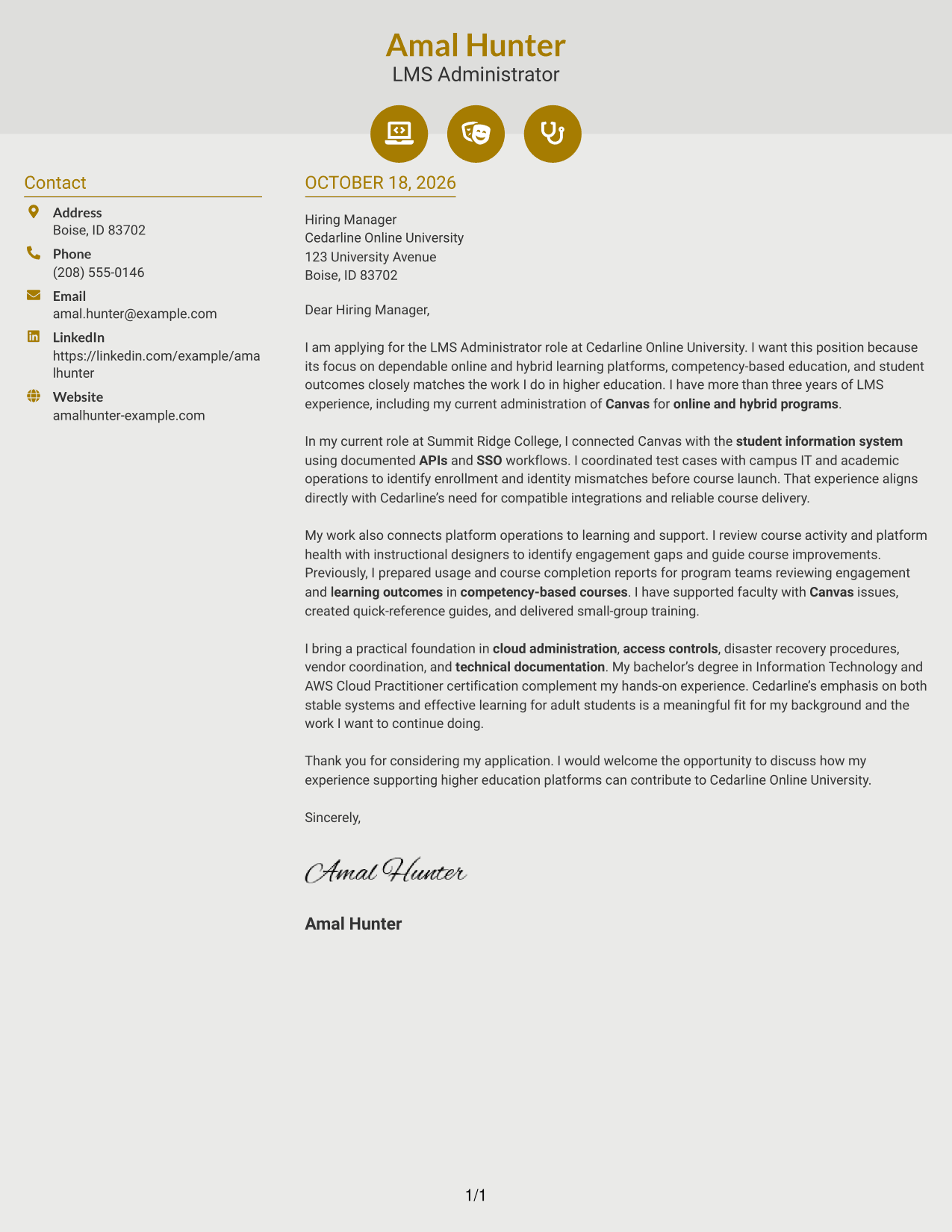
Why This Format Works
- Small icons help readers recognize contact details without labeling letter paragraphs.
- The sidebar keeps contact information apart from the message itself.
- Unheaded body paragraphs let the opening, evidence, and close remain part of one letter.
Best For
- Icon-led contact details
- Two-column reading preference
- Letters with clear evidence examples
- Paragraph-based employer interest
- Photo-free correspondence
#7 Creative Two Tone Format Cover Letter Example
The two-column layout gives contact details a separate place beside the continuous letter, supporting direct access to sender information.
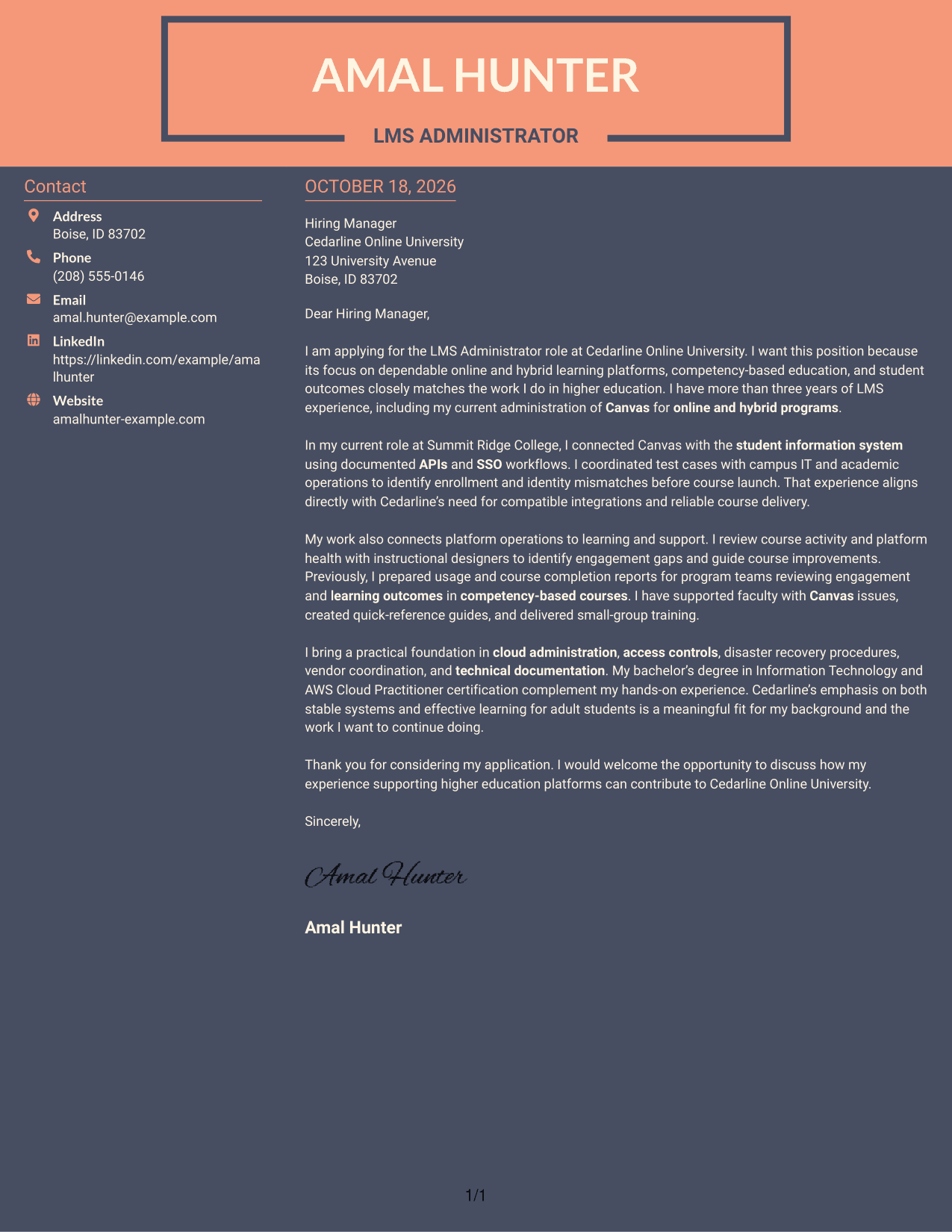
Why This Format Works
- A dedicated contact area makes sender information easy to locate apart from the message.
- The letter body keeps its opening, supporting details, and close in one sequence.
- Without a portrait, the layout presents contact information and letter text only.
Best For
- Complete sender contact blocks
- No-photo correspondence
- Letters with multiple reasoning paragraphs
- Continuous persuasive letters
- Readers who prefer a contact sidebar
See Also
- 7 LMS Administrator - Higher Education Learning Platforms Resume Templates with Example
- 7 Administrator for Program Integrity Resume Templates with Example
- 7 Atlassian Administrator (CMDB & Configuration Management) Resume Templates with Example
- 7 Branch Administrator Resume Templates with Example
- 7 Business Administrator Intermediate - Academic Finance and Research Administration Resume Templates with Example
- 7 Clerk III - Research Support Services Clerical Administrator Resume Templates with Example
- 7 Database Administrator I - Oracle and SQL Server Resume Templates with Example
- 7 Department Administrator - Basic Science Administration Resume Templates with Example
- 7 Database Administrator I - Oracle and SQL Server Cover Letter Templates with Example
- 7 IT Operations Support Administrator III - Department Onboarding Cover Letter Templates with Example
Frequently Asked Questions
What should an LMS Administrator - Higher Education Learning Platforms cover letter emphasize?
Show how your platform work supports reliable course access and effective learning. Examples may include system integrations, engagement reporting, faculty guidance, or clear technical procedures when they match your experience.
Does this page show one cover letter or separate letters?
It presents one example in different visual styles. Compare the image previews, then open an example in the editor to view or customize it.
How can I explain my fit for a higher education LMS role?
Choose a specific example that links platform administration to a practical result, such as identifying integration issues before course launch or using course activity data to guide improvements.
How should I show interest in an online university?
Refer to the employer’s stated focus, such as online and hybrid learning, competency-based education, or student outcomes. Then explain how that focus connects to the work you want to do.
Should I include a photo on my cover letter?
Use a photo only when it is expected in your country, region, or field. For applications in the United States, a no-photo design is usually the safer choice.




