
7 Logistics Customer Service Representative - Freight Forwarding Cover Letter Templates with Example
Use this practical guide to shape a Logistics Customer Service Representative - Freight Forwarding cover letter and compare seven layouts in image previews.
What Makes a Great Logistics Customer Service Representative - Freight Forwarding Cover Letter in 2026
A strong letter links your interest in freight operations with clear examples of shipment coordination, customer updates, and careful document checks. Show how you can help move ocean and air shipments from booking through delivery.
Use evidence from relevant practice, such as preparing B/Ls and ISF details, applying Incoterms, or tracking shipment exceptions. Connect that evidence to the employer’s service needs and explain why this work interests you.
The featured application moves from role-specific motivation to freight-forwarding practice, customer and recordkeeping skills, and a clear close. Adapt this focused progression while choosing a presentation that suits the employer and communication context.
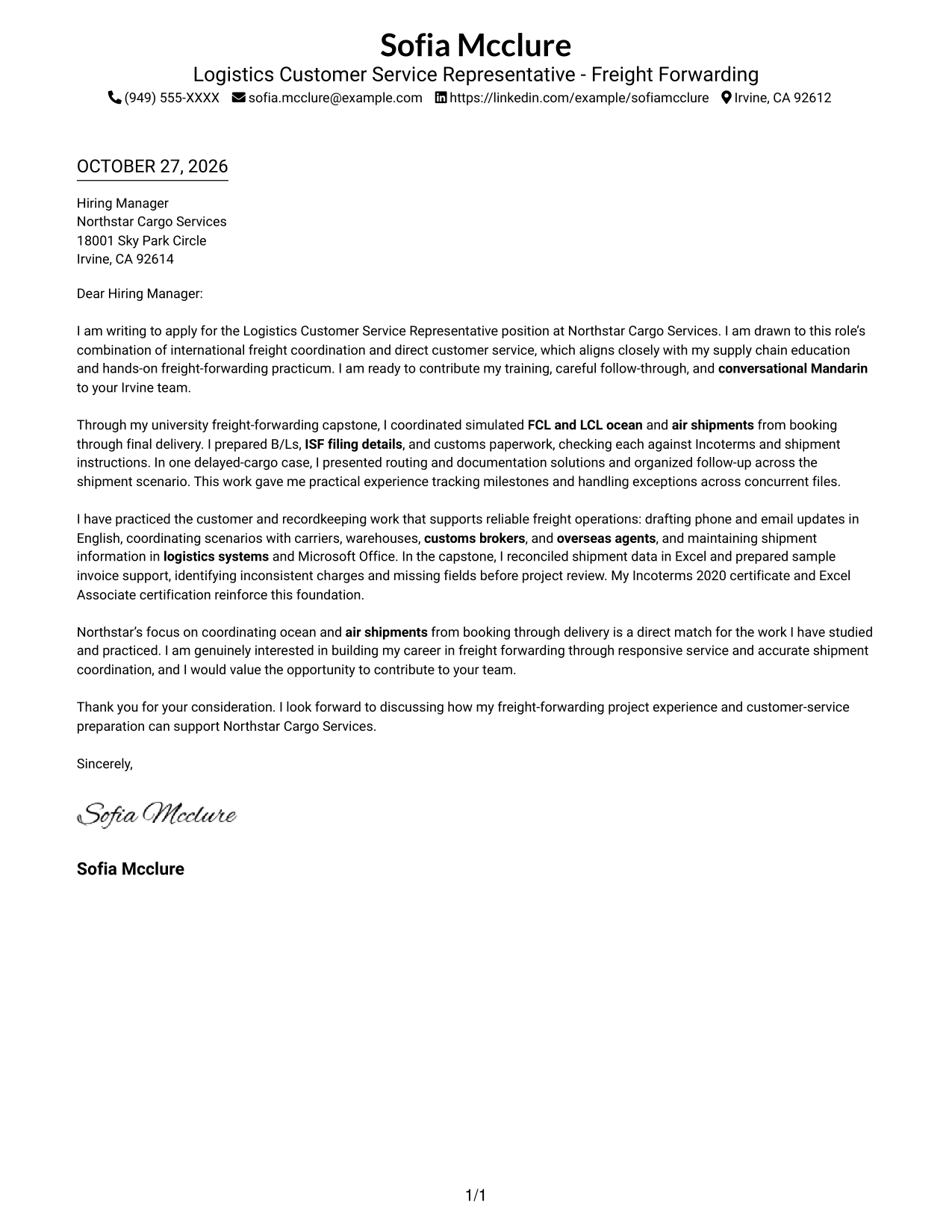
#1 Simple One Column Format Cover Letter Example
The Simple One Column Format keeps the message in a single column, a familiar choice for direct written communication.
Why This Format Works
- Sender details remain in the header, apart from the letter paragraphs.
- The continuous message preserves the connection between the opening, evidence, and closing.
- Without a portrait, the page keeps its focus on written communication.
Best For
- Familiar single-column letters
- Paragraph-led applications
- Header-based contact details
- Photo-free correspondence
- Direct written requests
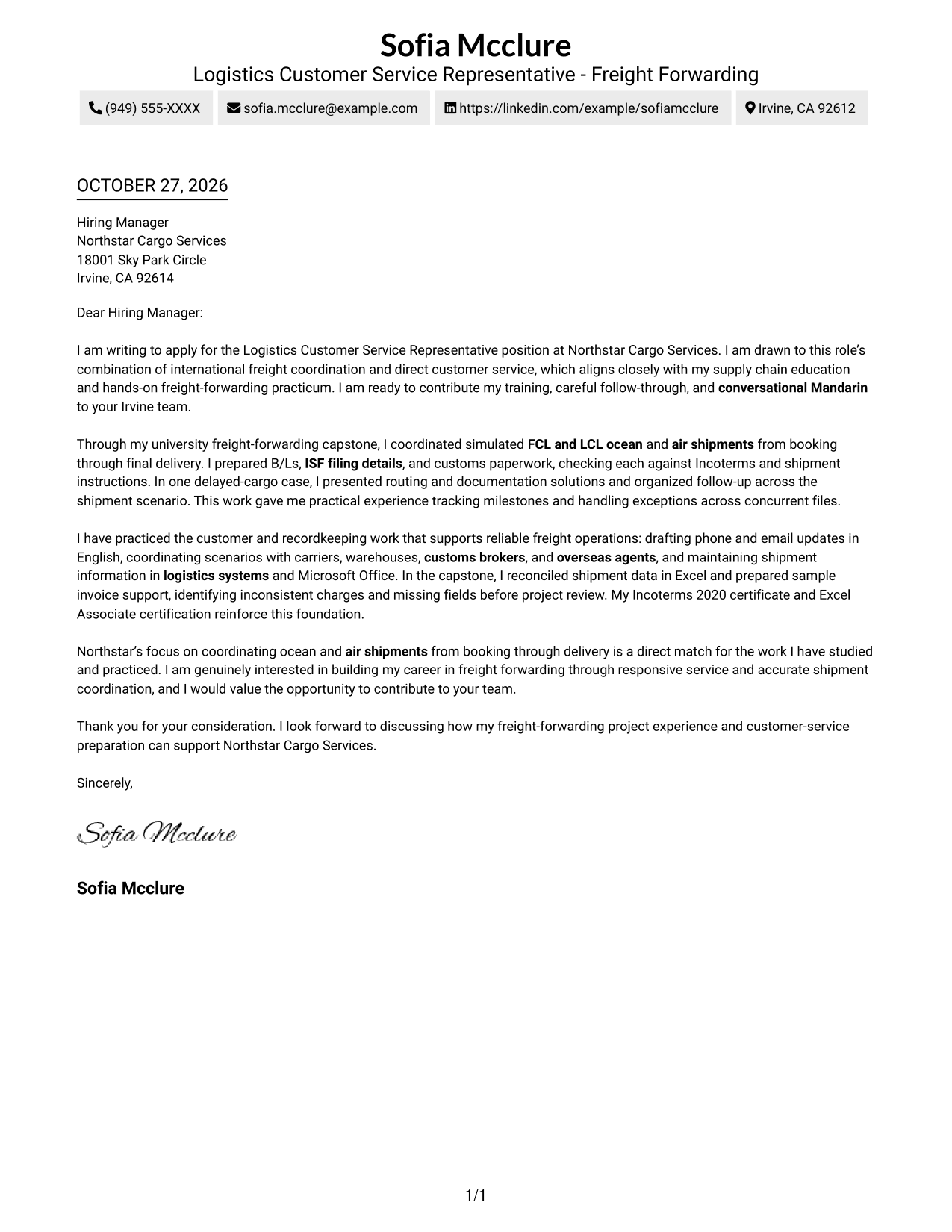
#2 Two Column Format Cover Letter Example
The Two Column Format places a contact sidebar beside one continuous letter body, keeping contact information apart from the message.
Why This Format Works
- A reviewer can find contact details without searching through the letter paragraphs.
- The message stays continuous, preserving the order from opening through closing.
- Separate areas distinguish sender information from the letter's persuasive content.
Best For
- Sidebar contact information
- Continuous paragraph letters
- Two-area page organization
- Quick access to sender details
- Photo-free correspondence
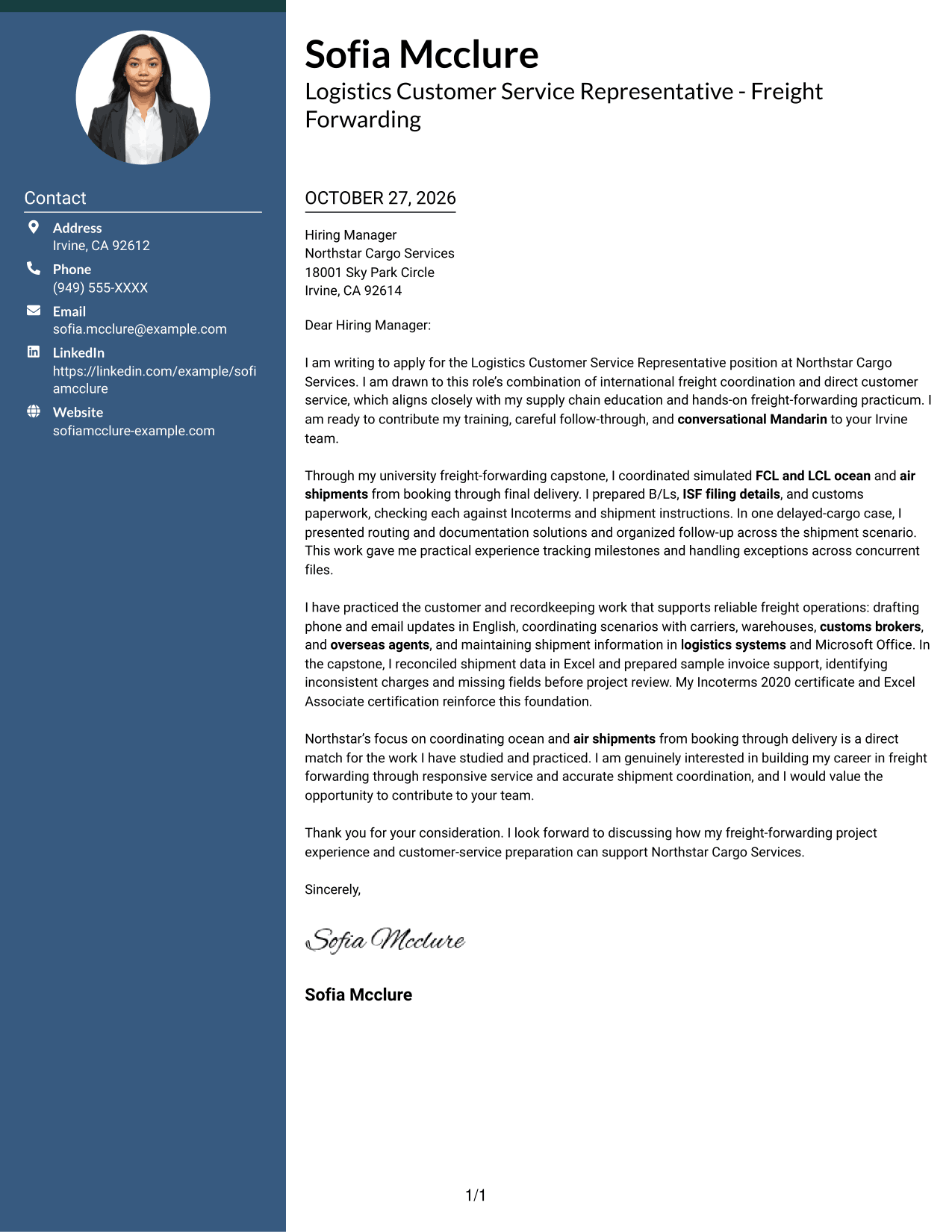
#3 Photo Header Two Column Format Cover Letter Example
The Photo Header Two Column Format combines a portrait in the header with a contact sidebar, while keeping the letter body continuous.
Why This Format Works
- The header portrait adds a personal visual element without dividing the letter message.
- Sidebar placement keeps contact details apart from the persuasive paragraphs.
- One continuous body lets reviewers follow the opening, supporting points, and close in order.
Best For
- Applications with a portrait
- Sidebar contact presentation
- Sequential letter reading
- Personal visual identity
- Multi-paragraph applications
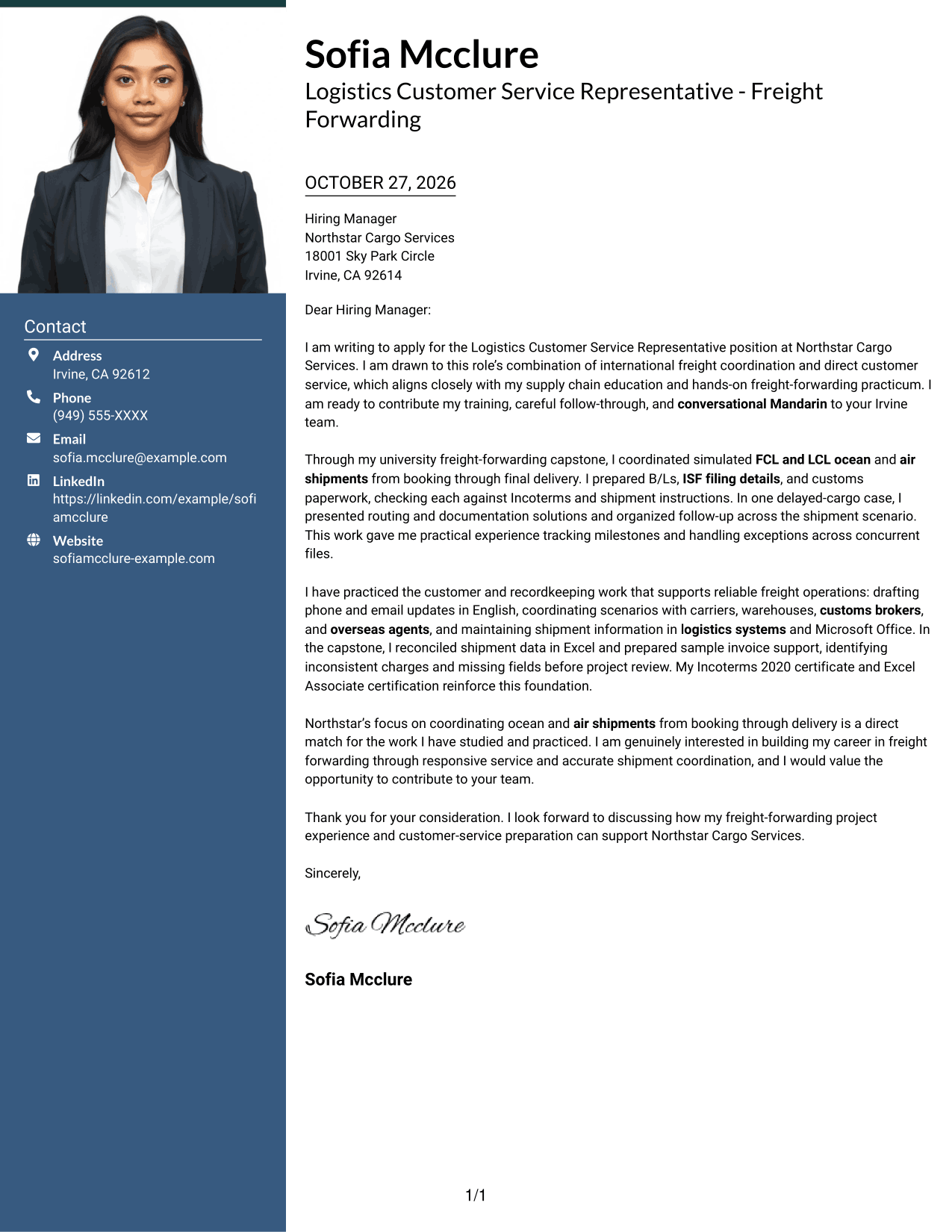
#4 One Column Format with Photo Cover Letter Example
The One Column Format with Photo pairs a portrait with a single-column letter, offering a personal visual element without a contact sidebar.
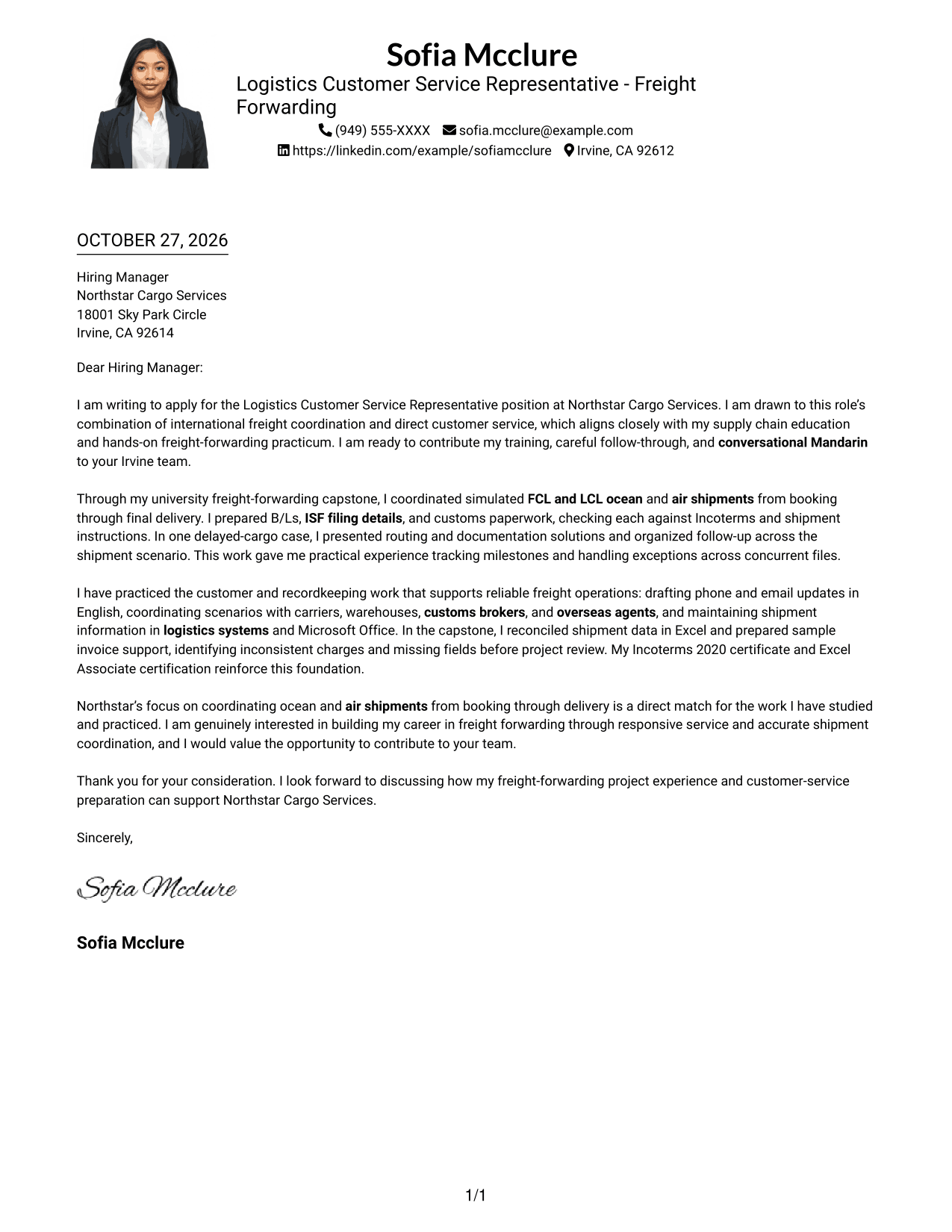
Why This Format Works
- The single-column body keeps the message in a direct reading order.
- A portrait gives the page a personal visual feature without changing the letter's structure.
- Sender details in the header stay distinct from the continuous letter paragraphs.
Best For
- Letters that include a portrait
- Single-column correspondence
- Header-based sender details
- Continuous written arguments
- Personal visual presentation
#5 Simple Two Column Format Cover Letter Example
Simple Two Column Format sets contact information in a sidebar beside one continuous letter body, for a clear separation between details and message.
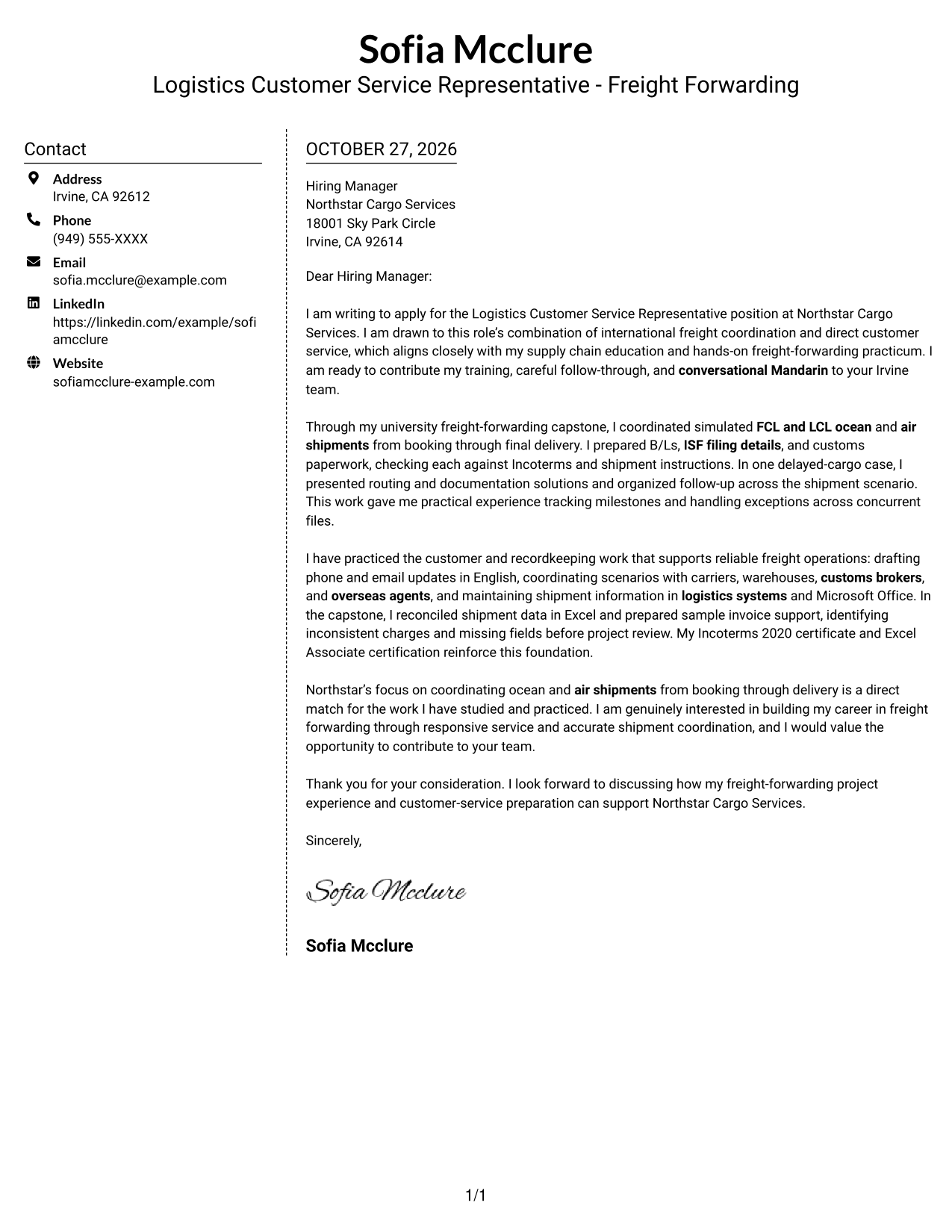
Why This Format Works
- Contact information has a dedicated sidebar, apart from the letter's paragraphs.
- The argument remains in one body, so reviewers can read it from opening to closing.
- The distinct areas make sender details easy to locate without adding headings to the message.
Best For
- Separate contact and message areas
- Letters with continuous paragraphs
- Easy-to-find sender details
- Photo-free applications
- Sidebar-based page layouts
#6 Modern Icon Format Cover Letter Example
Modern Icon Format places contact details in a sidebar beside one continuous letter body, with icons used as contact cues or header accents.
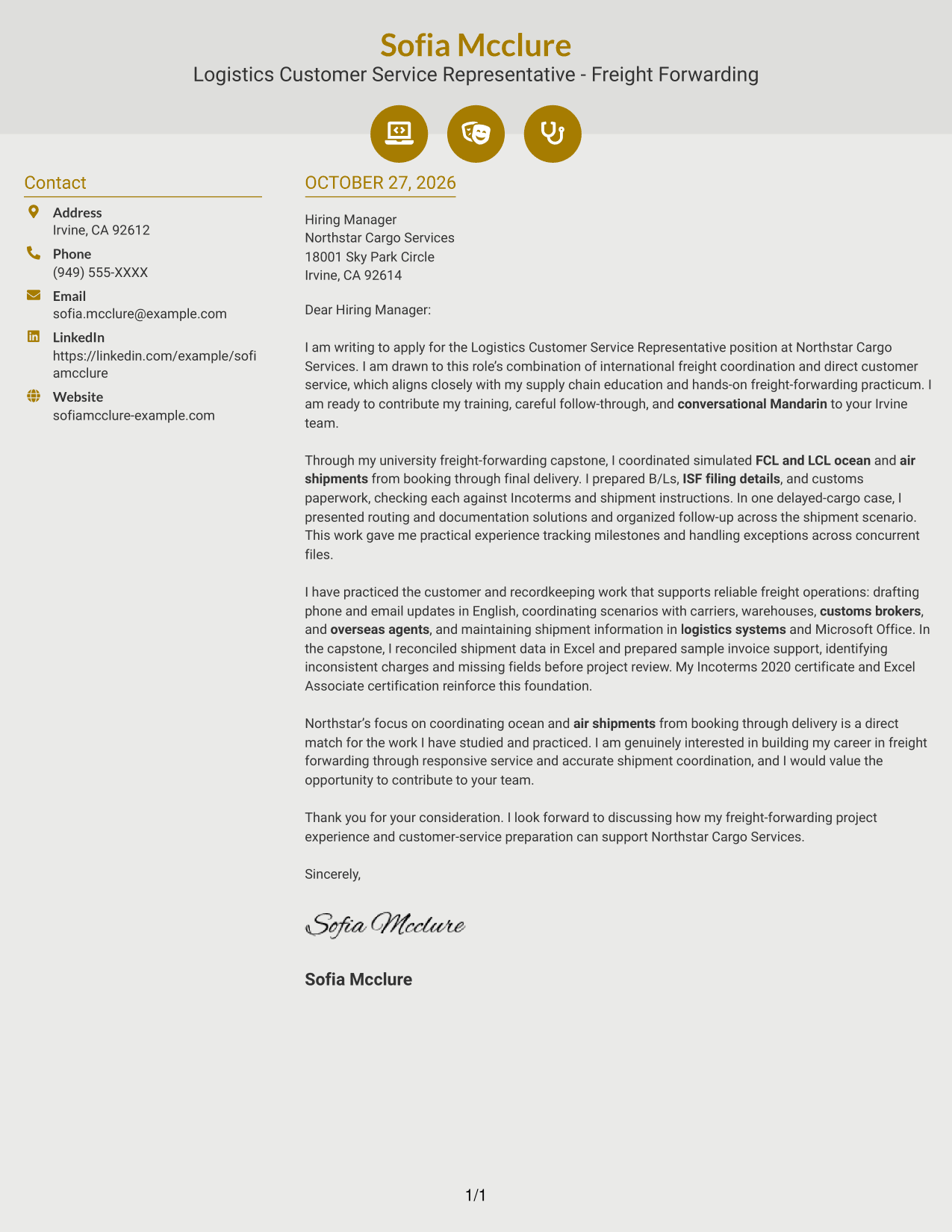
Why This Format Works
- Contact icons can help distinguish sender details from the letter itself.
- The message remains a continuous body, so its points read in sequence.
- A separate sidebar keeps contact information outside the persuasive paragraphs.
Best For
- Icon-guided contact details
- Sidebar and message separation
- Sequential letter paragraphs
- Photo-free correspondence
- Decorative header accents
#7 Creative Two Tone Format Cover Letter Example
Creative Two Tone Format uses a contact sidebar beside one continuous letter body, separating sender information from the written message.
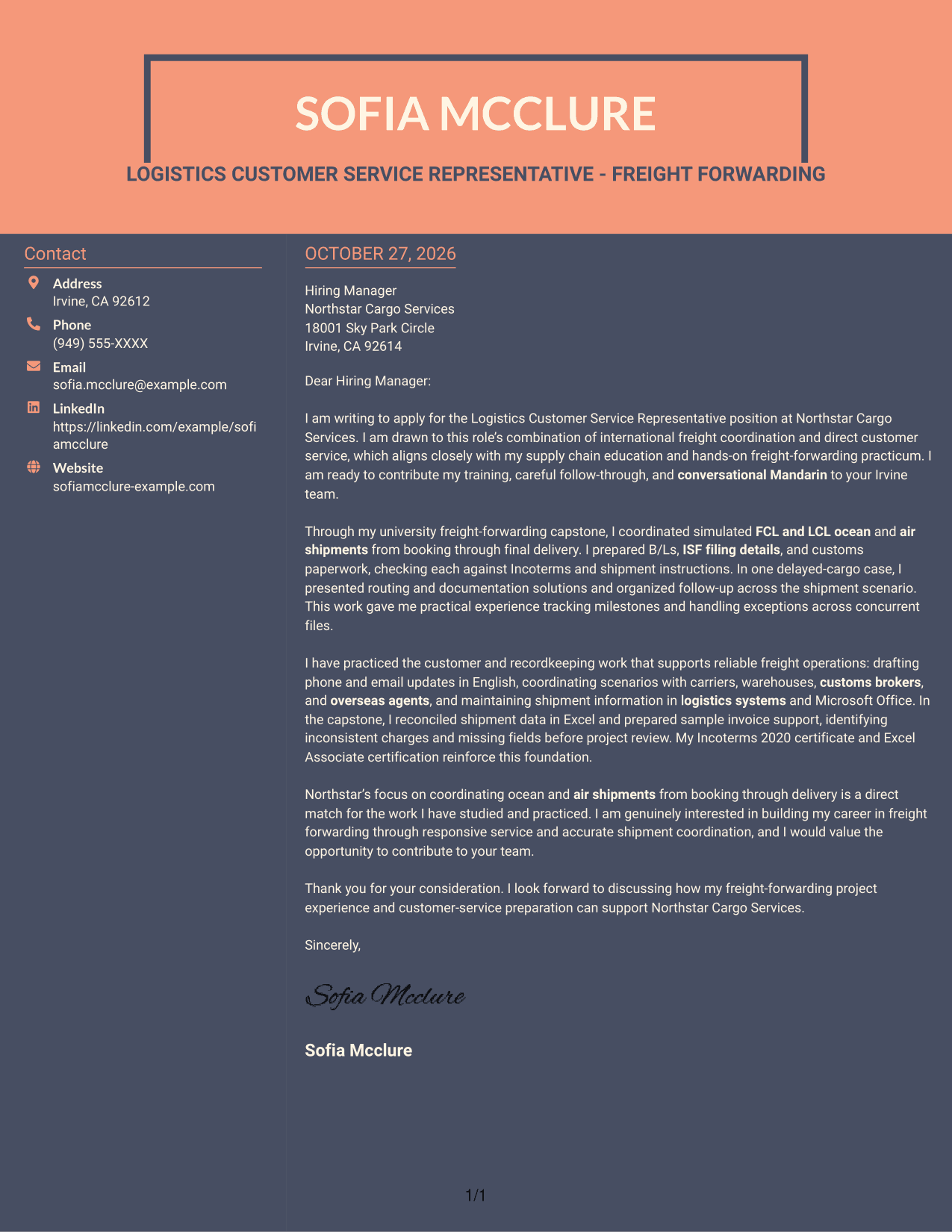
Why This Format Works
- The sidebar gives sender details a separate place beside the letter.
- One continuous body keeps the opening, supporting points, and closing together.
- Reviewers can move from contact information to the message without navigating parallel letter columns.
Best For
- Sidebar contact details
- One-body letter structure
- Separate sender information
- Photo-free documents
- Side-by-side page organization
Why Use ResumeInMinutes for a Logistics Customer Service Representative - Freight Forwarding Cover Letter
Compare the PNG image previews to see how different presentations shape the same cover letter. When one fits your needs, open the example in the editor to customize it.
- PNG image previews
- Examples to view in the editor
- Customizable cover letter wording
- Role-focused letter guidance
- Clear opening and closing examples
- Freight-forwarding communication examples
Use the example to explain your interest in shipment coordination, accurate documentation, and responsive customer service in freight forwarding.
See Also
- 7 Logistics Customer Service Representative - Freight Forwarding Resume Templates with Example
- 33 BDC Customer Service Representative Resume Templates with Example 2026 (ATS-Optimized)
- 33 Bi-Lingual Medical Billing Customer Service Support Representative Resume Templates with Example 2026
- 7 Bilingual Customer Service Representative - Insurance Support Resume Templates with Example
- 33 Call Center Customer Service Representative Resume Templates with Example 2026 (ATS-Optimized)
- 33 Cashier / Customer Service Representative Resume Templates with Example 2026 (ATS-Optimized)
- 33 CDHP and COBRA Customer Service Representative Resume Templates with Example 2026
- 33 Commercial Customer Service Representative Resume Templates with Example 2026 (ATS-Optimized)
- 30+ BDC Customer Service Representative Cover Letter Templates with Example 2026
- 30+ Bi-Lingual Medical Billing Customer Service Support Representative Cover Letter Templates with Example 2026
Frequently Asked Questions
Are these Logistics Customer Service Representative - Freight Forwarding cover letter templates easy to read?
The examples use clear letter structure to help readers follow your motivation, relevant freight-forwarding practice, and interest in the role. Choose a presentation that keeps your message easy to read.
What do the cover letter examples show?
They show one role-focused application in different visual styles. The PNG previews let you compare the layouts, and you can open an example in the editor to customize it.
Which cover letter style works well for freight forwarding customer service?
A clean, simple layout can make your message easy to follow. Choose a style that gives enough space to explain your shipment coordination practice, customer communication, and interest in the employer’s work.
How can I show relevant experience if my freight-forwarding work was supervised or simulated?
Describe the practice accurately and give a specific example. You might explain how you tracked a simulated ocean or air shipment, checked shipping documents, or prepared customer updates, without presenting the work as independent employment.
Should I include a photo on my cover letter?
Use a photo only when it is common or expected in your country, region, or industry. For U.S. applications, a no-photo presentation is usually the safer choice.




