
7 Machine Rebuild & Technical Capability Specialist Cover Letter Templates with Example
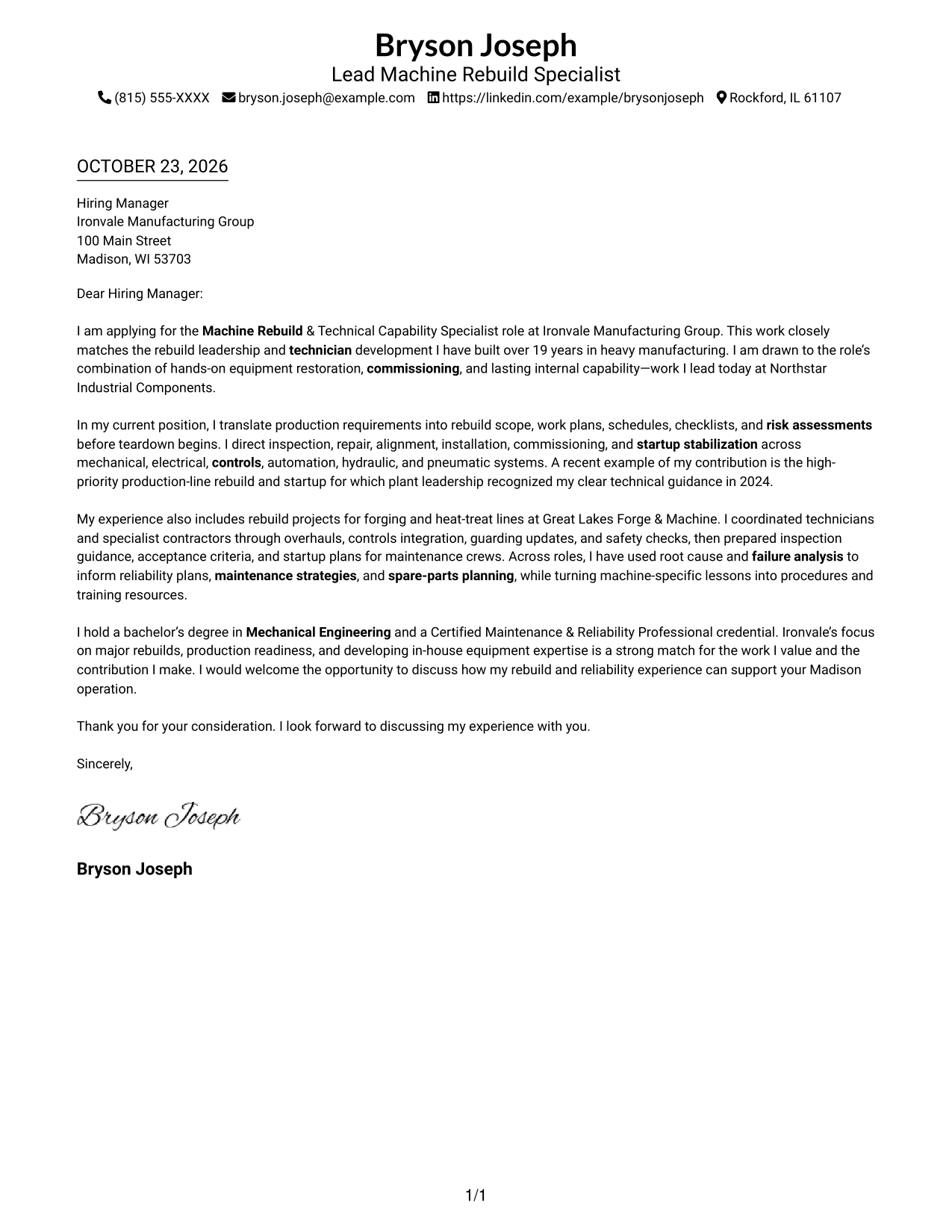
This practical guide to a Machine Rebuild & Technical Capability Specialist cover letter presents seven layouts and shows how to connect rebuild leadership, technical judgment, and technician development to the role.
What Makes a Great Machine Rebuild & Technical Capability Specialist Cover Letter in 2026
A strong letter explains how your approach to major rebuilds supports safe repairs, commissioning, and a stable production restart. It should also show why developing internal equipment knowledge matters to you.
Use clear examples of planning, troubleshooting, and guiding technicians. Connect that evidence to the employer’s needs, and explain your interest in its work without making claims you cannot support.
The featured example follows a focused progression from interest, to rebuild evidence, to role fit and a clear close. Adapt that flow while choosing a presentation that suits the employer and the communication context.
#1 Simple One Column Format Cover Letter Example
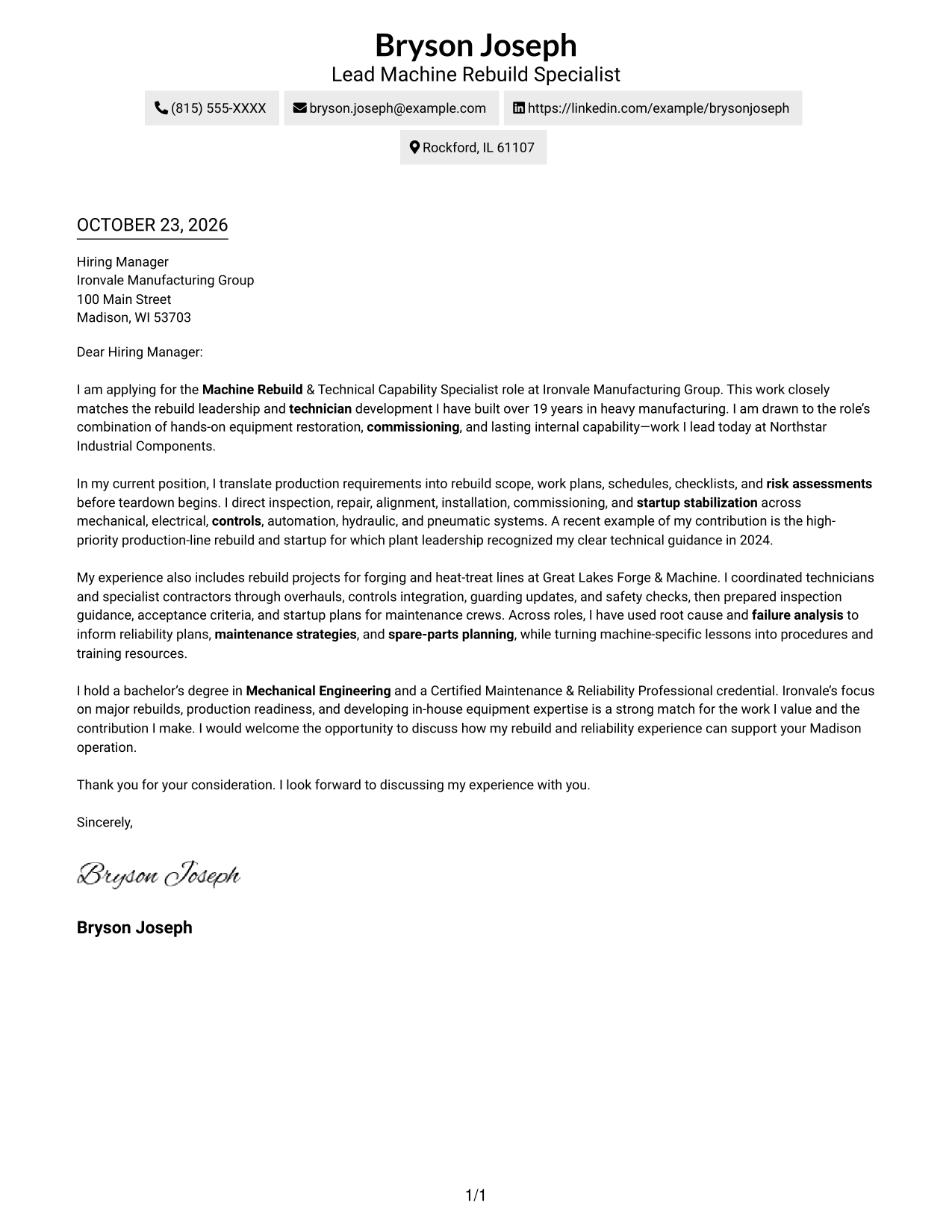
The Simple One Column Format keeps sender details in the header and the letter in one column, giving the message a direct reading path from opening to close.
Why This Format Works
- Header contact details are easy to locate before the employer reads the letter.
- One column keeps motivation, evidence, and the closing in a direct reading order.
- Distinct paragraphs let the interest, qualifications, and request make separate points.
Best For
- Text-focused applications
- Traditional employer correspondence
- Letters with several supporting points
- Paragraph-led appeals
- Quick access to sender details
#2 Two Column Format Cover Letter Example
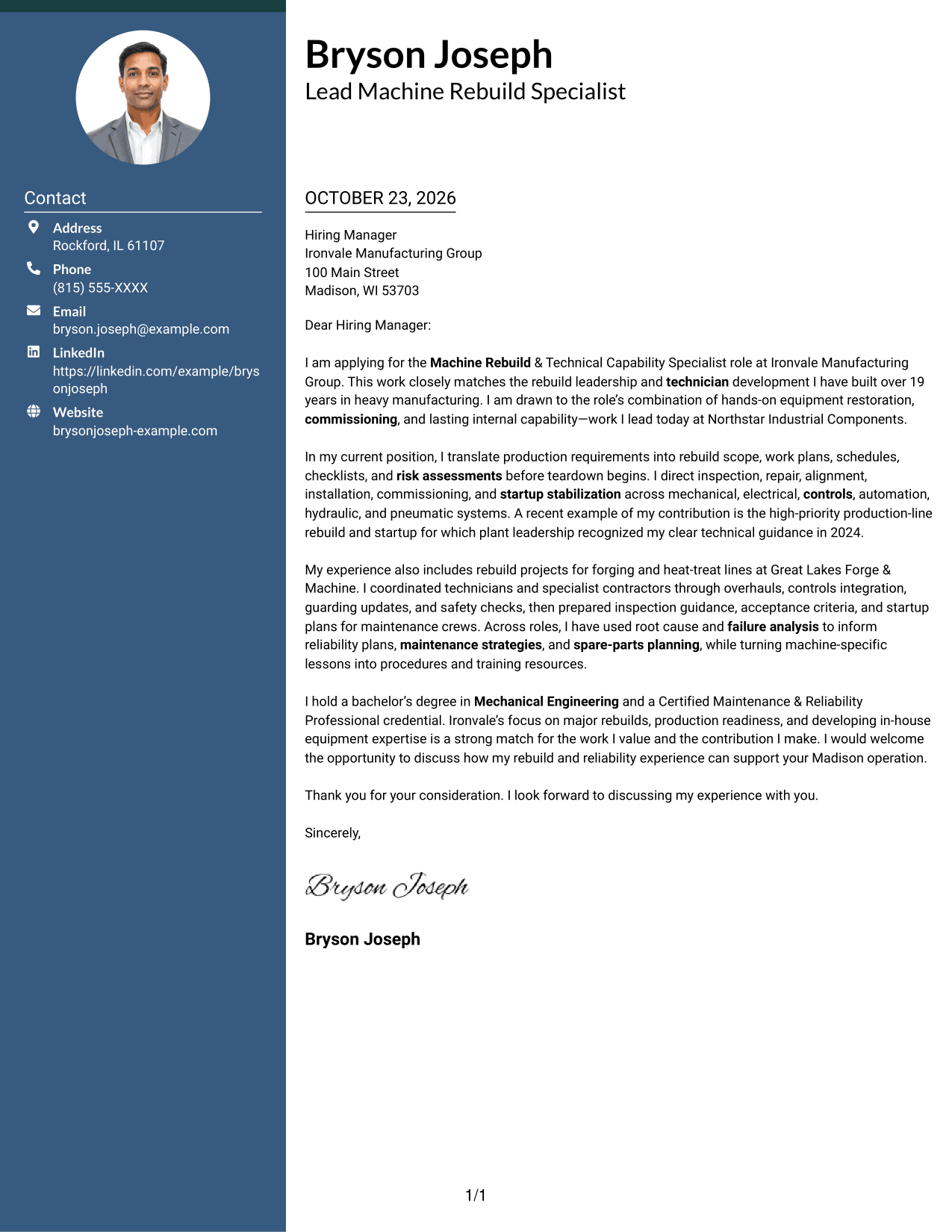
The Two Column Format places a contact sidebar beside one continuous letter body, keeping sender information separate from the employer-directed message.
Why This Format Works
- A dedicated sidebar places sender details outside the employer-facing text.
- The continuous body lets motivation and supporting evidence unfold in order.
- The side-by-side reading order moves from contact information to the letter body.
Best For
- Contact details kept apart
- Side-by-side page layouts
- Letters with a continuous case
- Fast sender-detail lookup
- Paragraph-based employer appeals
#3 Photo Header Two Column Format Cover Letter Example
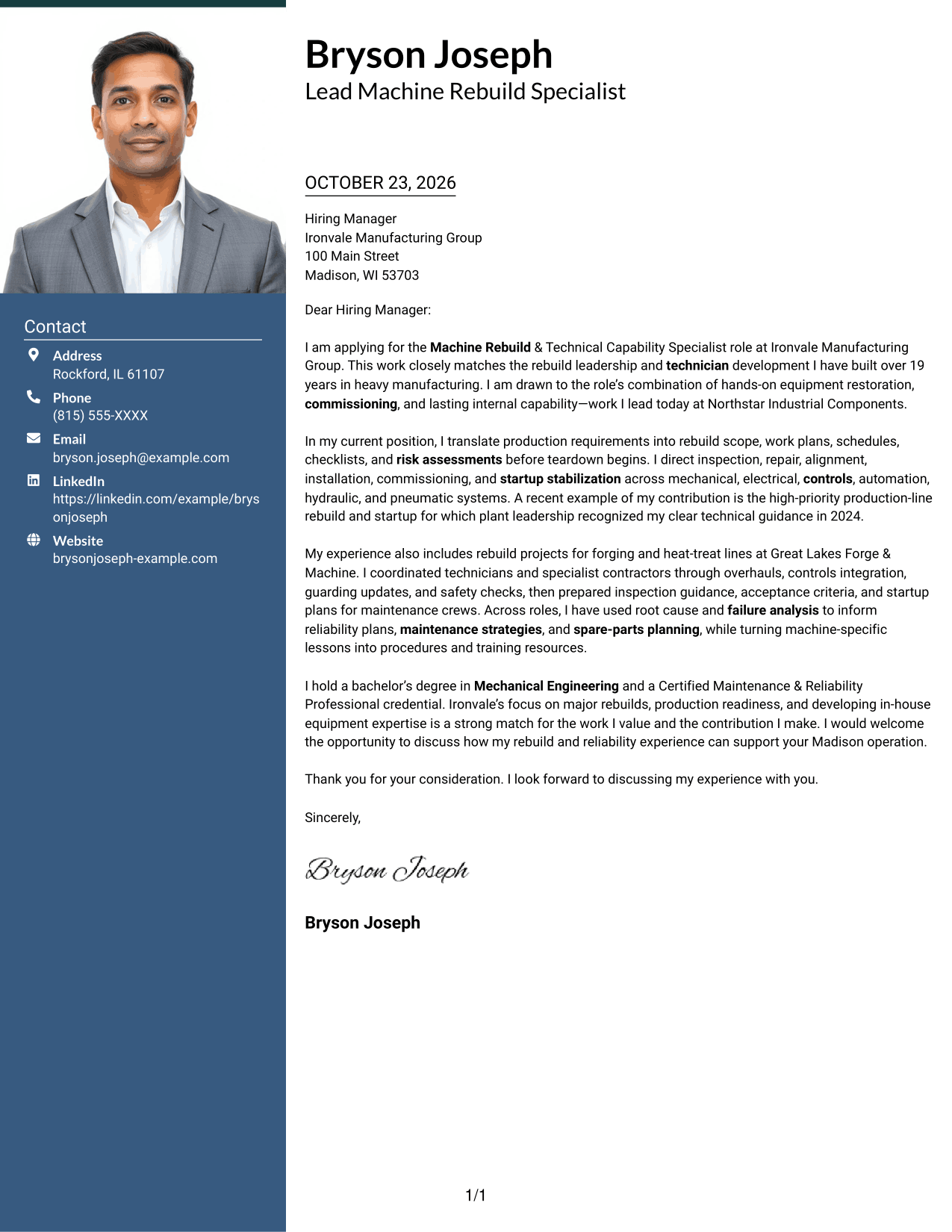
The Photo Header Two Column Format pairs a portrait in the header with a contact sidebar and one continuous letter body, adding a personal visual cue without dividing the message.
Why This Format Works
- Portrait placement in the header adds a personal visual cue without changing the letter's message.
- Contact details remain grouped apart from the continuous employer-directed text.
- One letter body keeps motivation and supporting evidence in a single reading sequence.
Best For
- Applications with a portrait
- Contact details beside the message
- Letters with several body paragraphs
- Personal visual presentation
- Continuous employer-directed text
#4 One Column Format with Photo Cover Letter Example
The One Column Format with Photo combines a portrait with one continuous letter column, adding a personal visual element while keeping the message together.
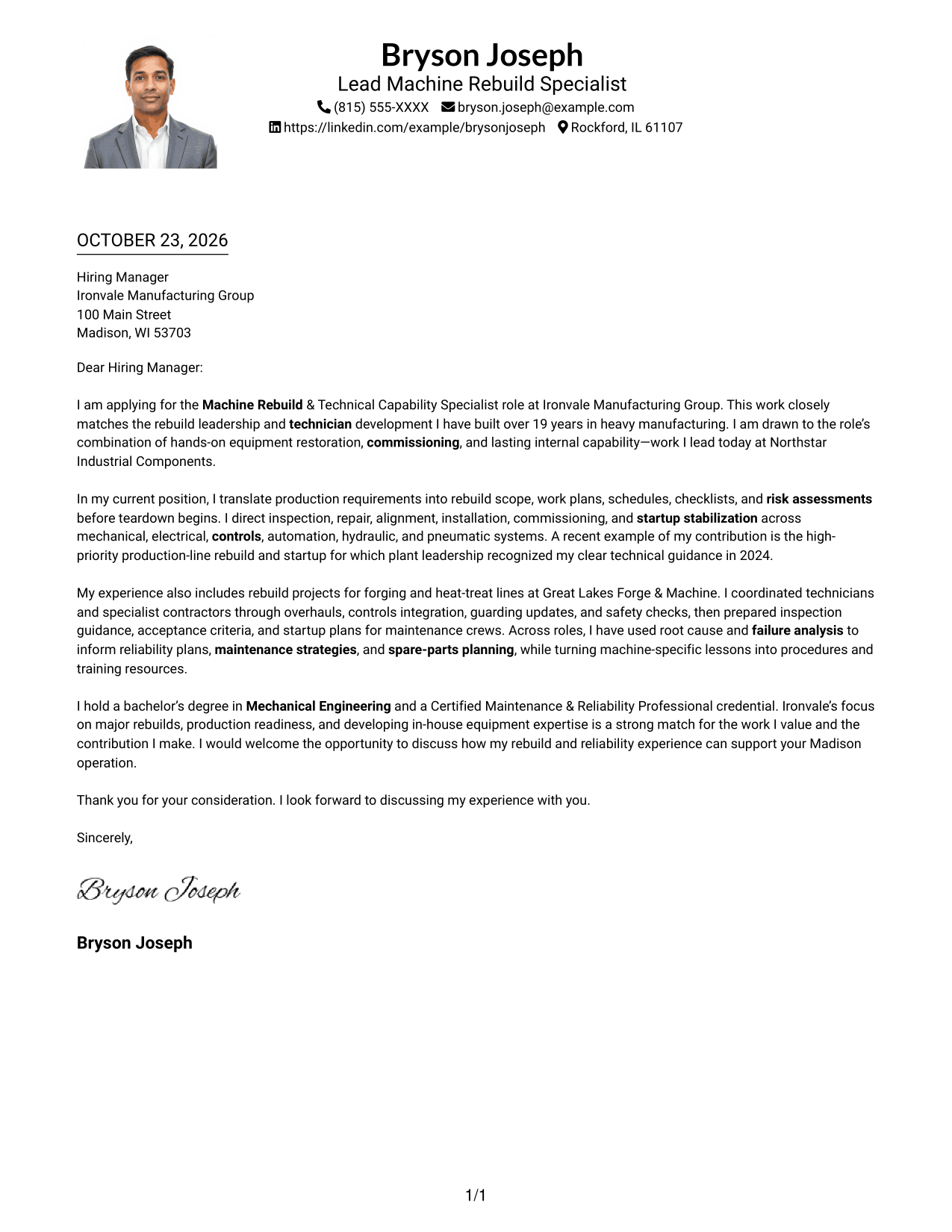
Why This Format Works
- One column gives the letter a direct path from opening to closing request.
- Portrait inclusion suits readers who prefer a personal visual element on the page.
- Sender details stay in the header, separate from the continuous message.
Best For
- Applications that include a portrait
- Single-column letter reading
- Traditional employer correspondence
- Letters with connected paragraphs
- Personal visual presentation
#5 Simple Two Column Format Cover Letter Example
The Simple Two Column Format sets contact details in a sidebar beside the continuous letter body, making the sender information easy to distinguish from the appeal.
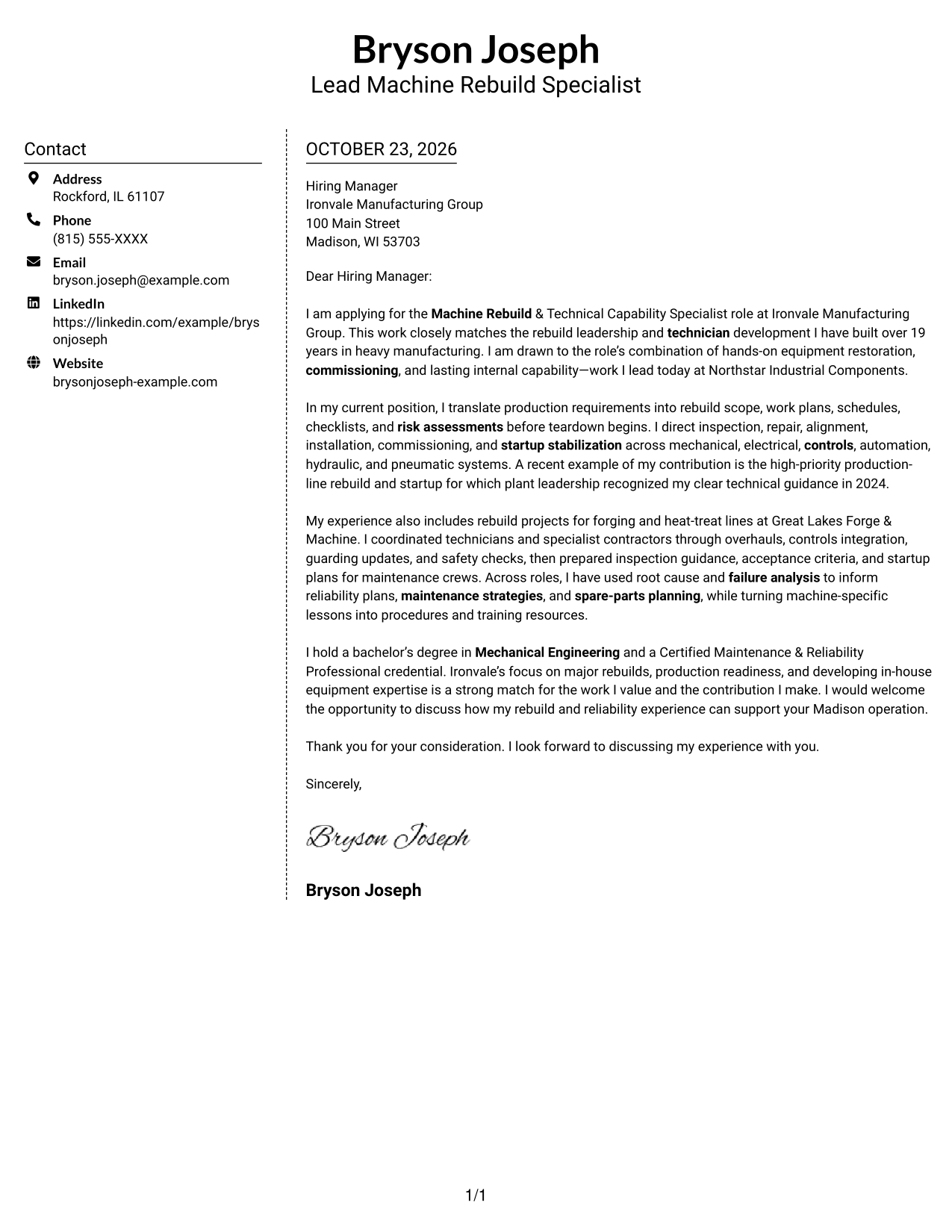
Why This Format Works
- The sidebar gives sender contact details a consistent place apart from the message.
- A continuous body keeps motivation, evidence, and the closing in sequence.
- The two areas distinguish contact information from employer-directed paragraphs.
Best For
- Separate sender contact details
- Side-by-side information layouts
- Paragraph-led applications
- Letters with several supporting points
- Clear distinction between sender and message
#6 Modern Icon Format Cover Letter Example
The Modern Icon Format uses a two-column layout with icons as contact cues and decorative header accents, while the letter remains one continuous body.
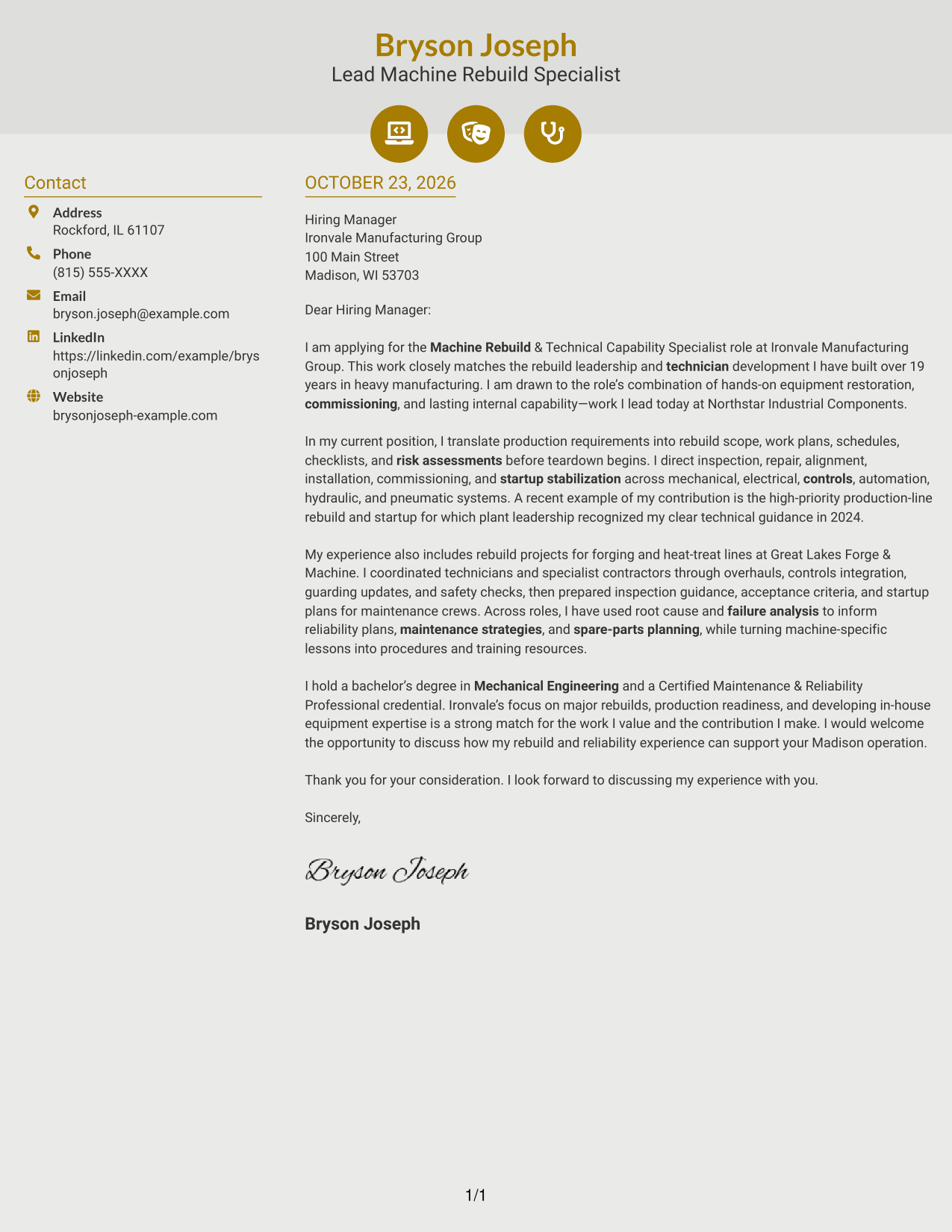
Why This Format Works
- Icons act as cues for contact details, helping distinguish them from the letter text.
- Decorative header accents add visual detail without labeling argument stages.
- One continuous body keeps the opening, supporting points, and close together.
Best For
- Icon-led contact details
- Two-column page layouts
- Continuous letter narratives
- Decorative header details
- Letters with several supporting points
#7 Creative Two Tone Format Cover Letter Example
The Creative Two Tone Format places contact information in a sidebar beside one continuous letter body, giving sender details a separate place from the employer-directed message.
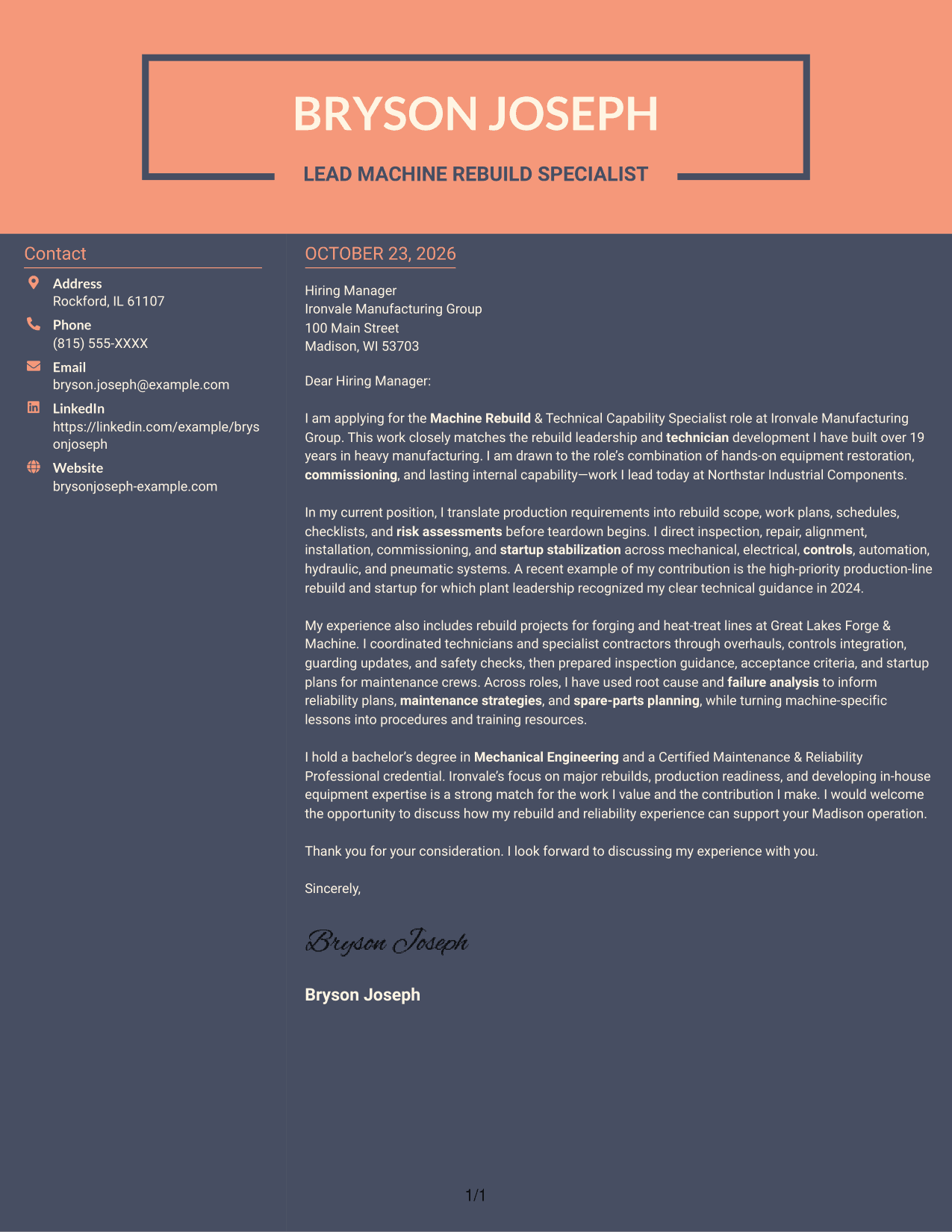
Why This Format Works
- The sidebar keeps sender contact information outside the employer-directed paragraphs.
- A continuous body keeps the letter's appeal in a connected sequence.
- The two-column reading order separates contact details from the main message.
Best For
- Contact information beside the letter
- Applications with continuous body text
- Side-by-side page layouts
- Letters with several supporting points
- Separate sender and employer details
See Also
- 7 Machine Rebuild & Technical Capability Specialist Resume Templates with Example
- 7 Capability Building Partner - Lean Manufacturing Resume Templates with Example
- 7 Automation Technical Service Representative - Packaging Equipment Resume Templates with Example
- 33 Clinical Lab Technical Specialist Resume Templates with Example 2026 (ATS-Optimized)
- 7 Director, Digital/Technical Product Management Resume Templates with Example
- 7 Director, Technical Product Management - Commerce Resume Templates with Example
- 33 Distinguished Technical Program Manager Resume Templates with Example 2026 (ATS-Optimized)
- 7 Firmware and Product Security Technical Lead Resume Templates with Example
- 7 Capability Building Partner - Lean Manufacturing Cover Letter Templates with Example
- 7 Automation Technical Service Representative - Packaging Equipment Cover Letter Templates with Example
Frequently Asked Questions
What should the opening of this cover letter explain?
State your interest in the Machine Rebuild & Technical Capability Specialist role and give a brief reason for that interest. A useful opening links the role’s combination of equipment restoration, commissioning, and technician development to your relevant experience.
What evidence belongs in the body paragraphs?
Choose specific examples that show how you plan rebuild work, guide repairs, respond to changing equipment conditions, or support startup. You can also explain how lessons from inspections or failures informed reliability plans, maintenance practices, or technician guidance.
How can I show fit with an employer?
Connect your experience to the employer’s stated needs, such as production readiness and building internal equipment knowledge. Add a verified detail about the organization only when it gives a clear reason for your interest.
How should the letter close?
Briefly restate the contribution you can make to rebuild work and equipment capability, then invite a conversation. Keep the closing direct, courteous, and focused on the role.
How can I compare the cover letter layouts?
Review the PNG previews to compare how each layout presents the greeting, paragraphs, and closing. Use the editor link to view or customize an example, then choose a presentation that fits the employer and the tone of your application.




