
7 Mail Operations Lead Worker Cover Letter Templates with Example
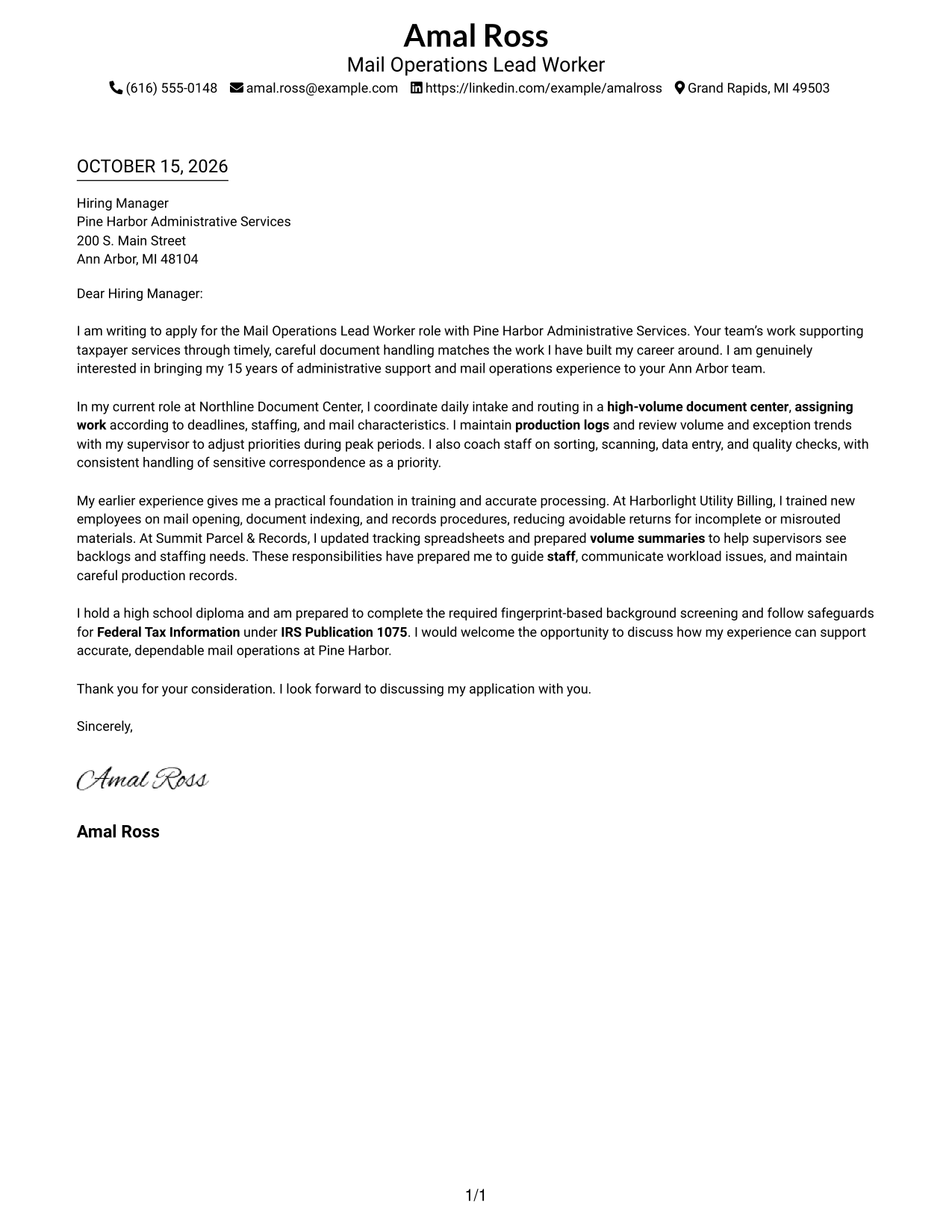
This practical guide helps you write a clear Mail Operations Lead Worker cover letter and compare seven layouts.
What Makes a Great Mail Operations Lead Worker Cover Letter in 2026
A strong letter explains how you organize daily mail work, set priorities, and support accurate document processing. It should also show why careful service matters in this role.
Use specific examples of assigning work, tracking production, or coaching staff to support your claims. Connect that evidence to the employer’s needs, such as reliable handling of sensitive correspondence and clear communication about workload.
The featured Mail Operations Lead Worker example moves from job interest to current responsibilities, supporting experience, and a concise close. Adapt that focused progression to your own evidence, choosing a presentation that suits the employer and the communication context.
#1 Simple One Column Format Cover Letter Example
The Simple One Column Format keeps sender details in the header and the full letter body in one reading path, a straightforward choice for readers who prefer a familiar letter layout.
Why This Format Works
- Sender details sit apart from the main text without dividing the letter body.
- A single reading path carries the message from interest through evidence to closing.
- The familiar arrangement suits a direct letter with several supporting paragraphs.
Best For
- Traditional business-letter layout
- Header-based contact details
- Paragraph-led motivation and evidence
- Continuous letter reading
- Photo-free correspondence
#2 Two Column Format Cover Letter Example
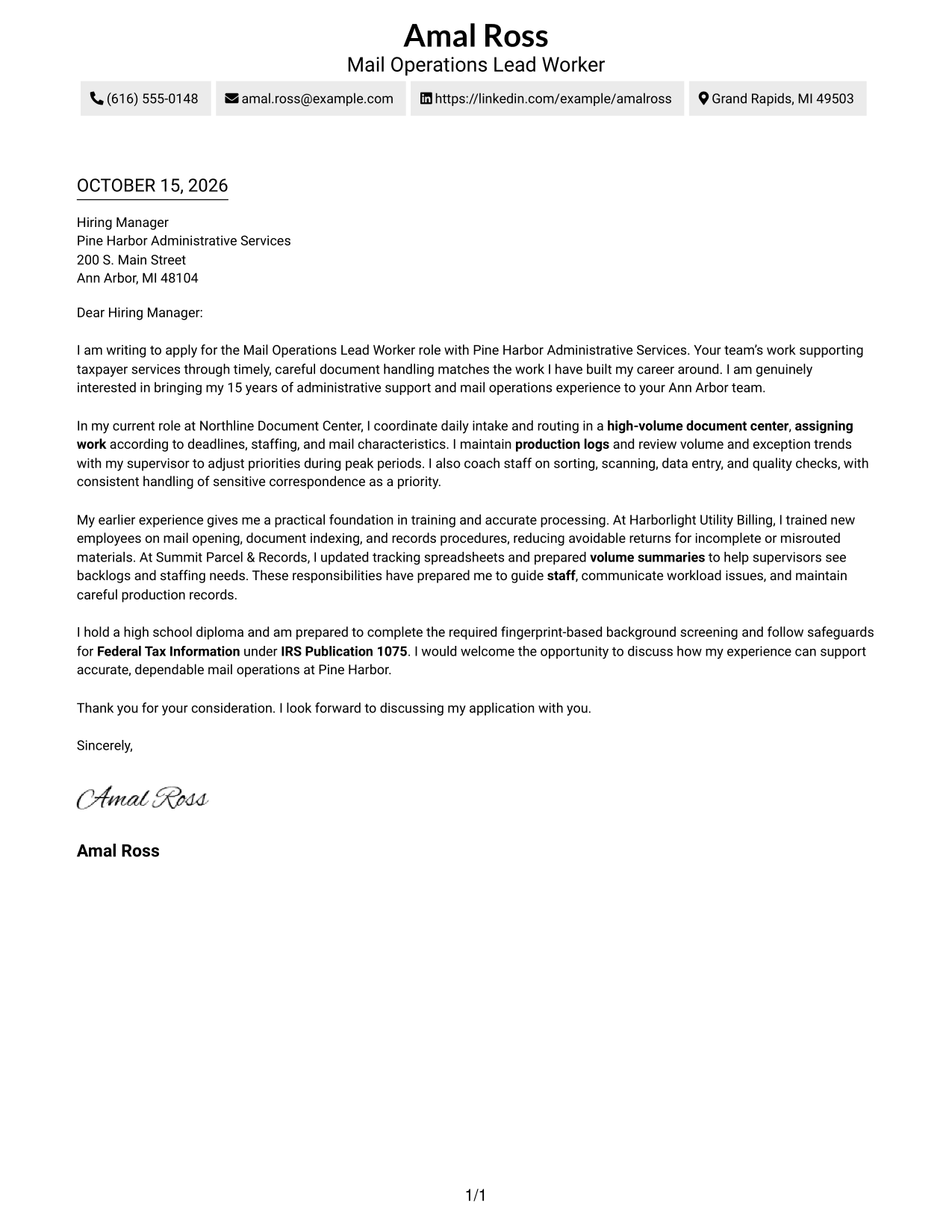
The Two Column Format places a contact sidebar beside one continuous letter body, a useful choice when sender details should remain separate from the message.
Why This Format Works
- The contact sidebar gives sender details a place separate from the persuasive message.
- One continuous body lets the opening, supporting examples, and closing read in order.
- With no body headings, the letter reads as a connected personal message.
Best For
- Separate contact and message areas
- Single-body letter flow
- Letters with several supporting paragraphs
- Quick access to sender details
- Photo-free two-column layouts
#3 Photo Header Two Column Format Cover Letter Example
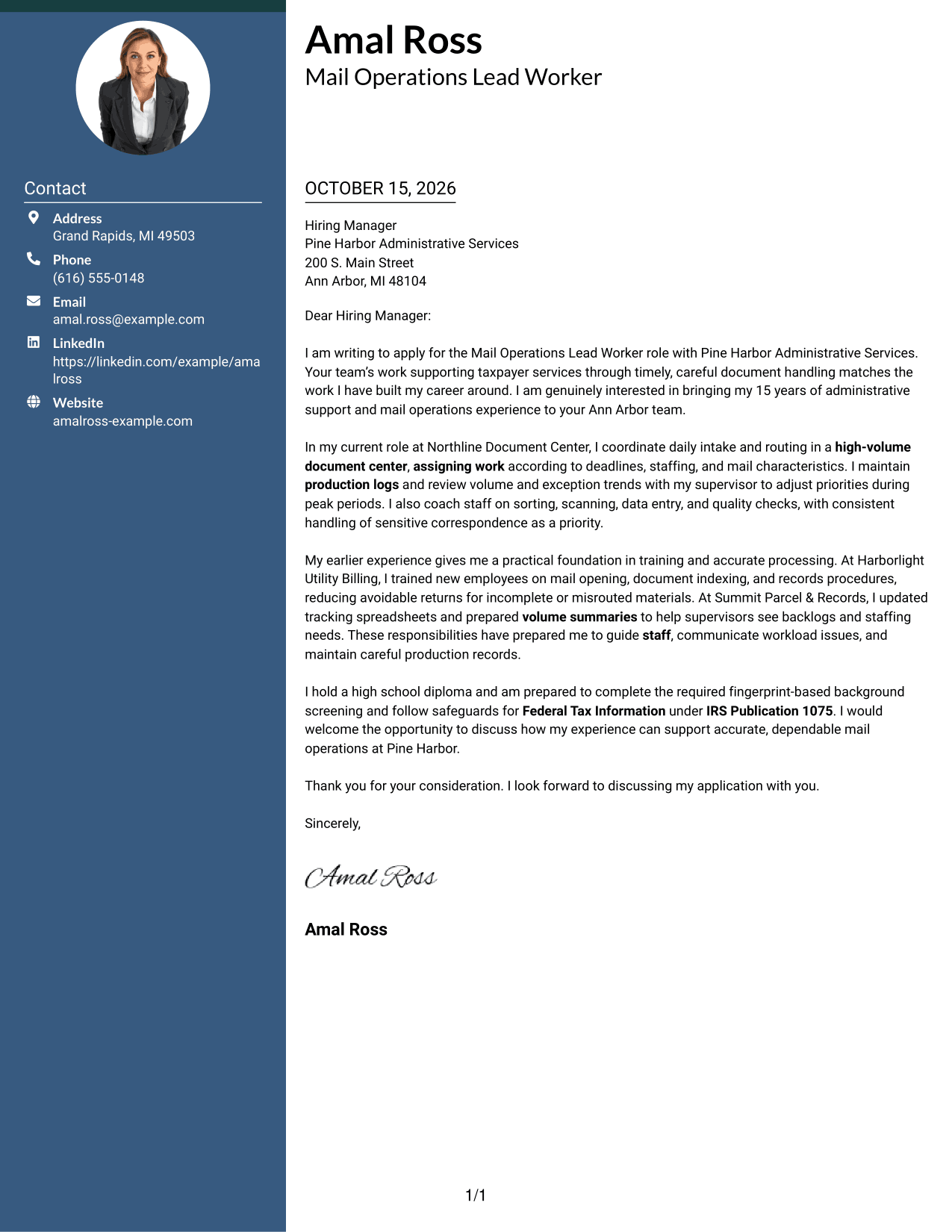
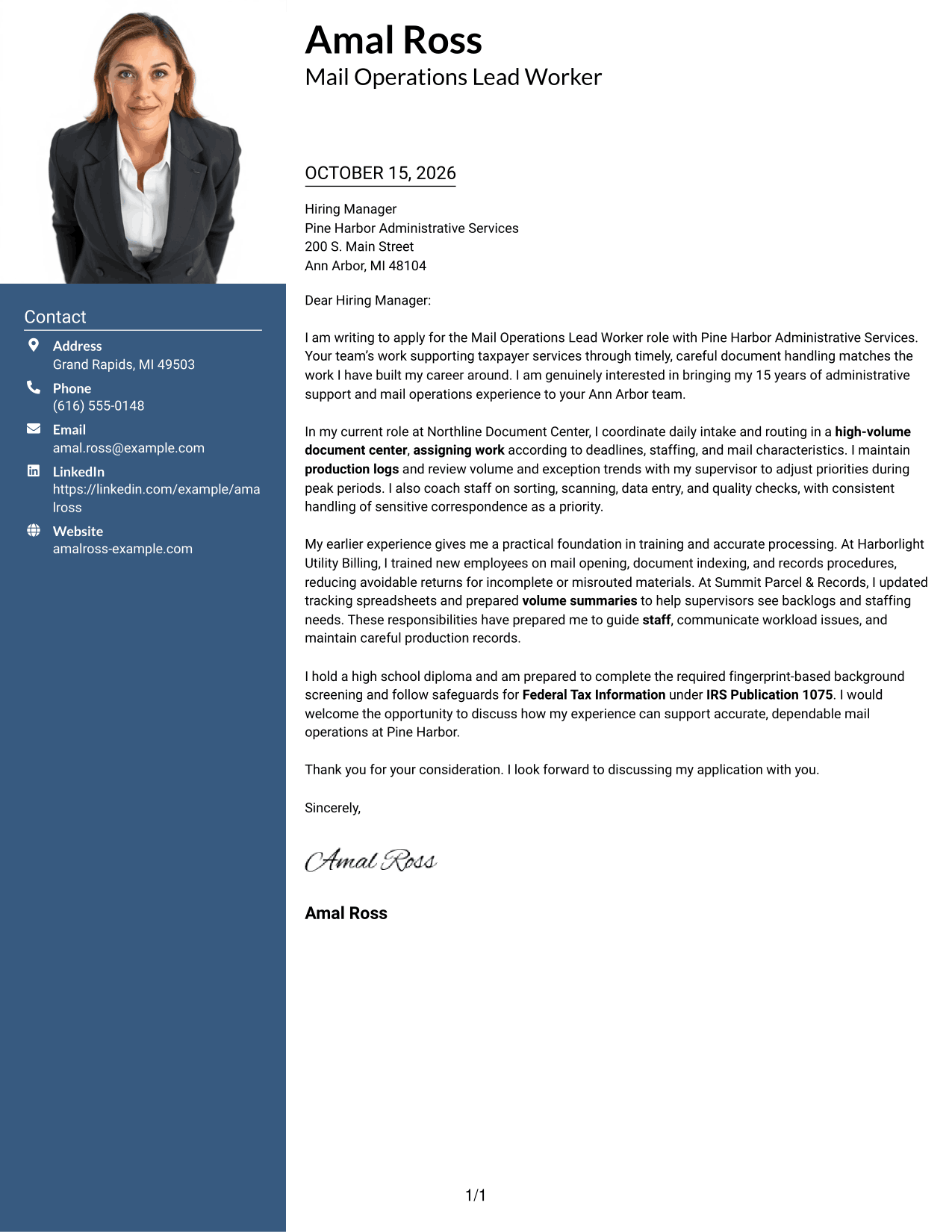
The Photo Header Two Column Format pairs a header photo with a contact sidebar and one continuous letter body, for readers who prefer a portrait alongside their contact details.
Why This Format Works
- A header photo offers a visible personal touch for readers who prefer a portrait.
- Sender details remain in the sidebar, apart from the message paragraphs.
- The single letter body keeps motivation and supporting examples in sequence.
Best For
- Portrait-inclusive correspondence
- Distinct contact and body areas
- Paragraph-led persuasive letters
- Letters with detailed supporting examples
- A personal visual introduction
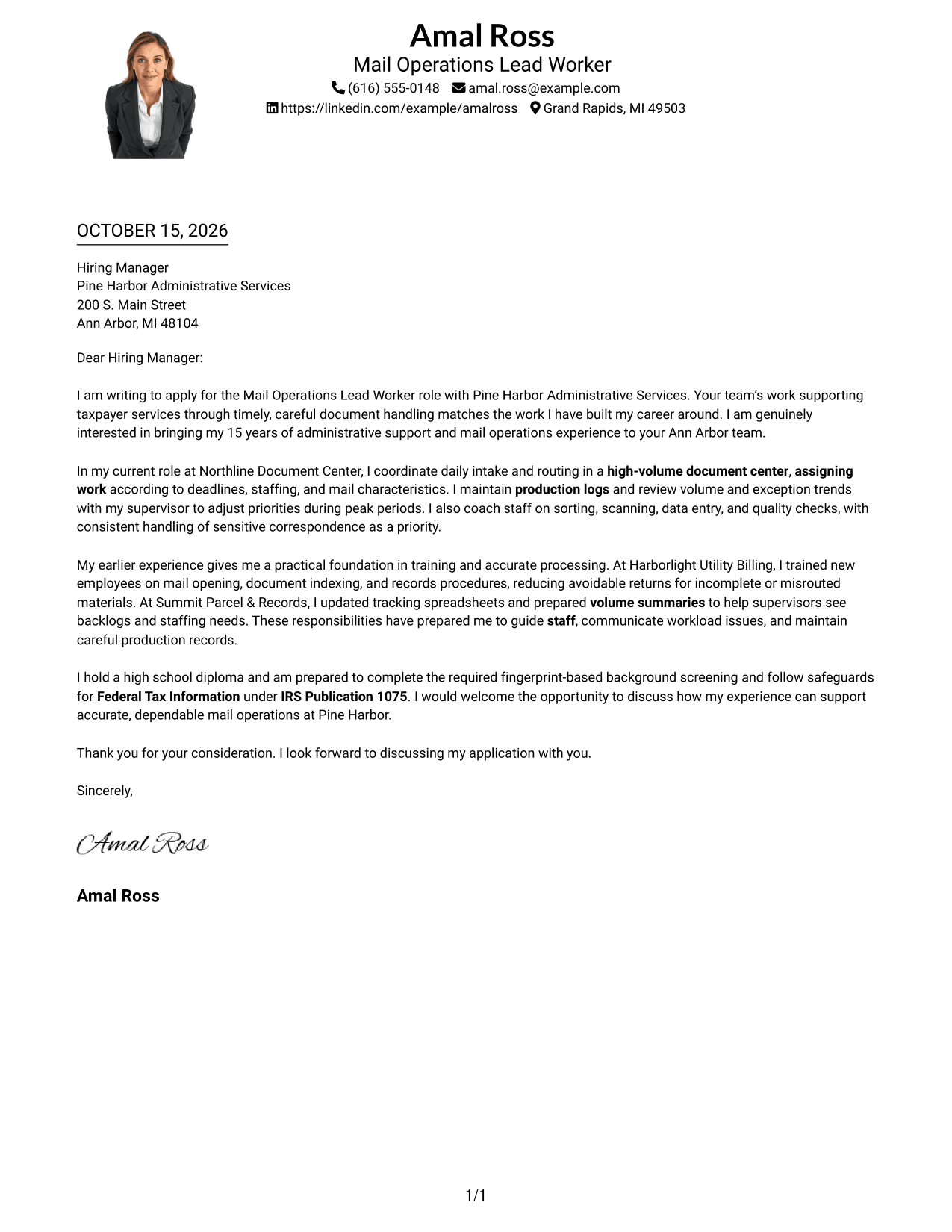
#4 One Column Format with Photo Cover Letter Example
The One Column Format with Photo pairs a portrait with a continuous, single-column letter body, a suitable choice when a personal image is part of the preferred presentation.
Why This Format Works
- The portrait adds a visual element without changing the letter's continuous reading path.
- Sender details stay with the header rather than occupying a separate sidebar.
- One body column keeps the opening, evidence, and closing in a direct sequence.
Best For
- Letters needing a personal visual element
- Single-column correspondence
- Header-based sender information
- Motivation-led applications
- Evidence-rich paragraph letters
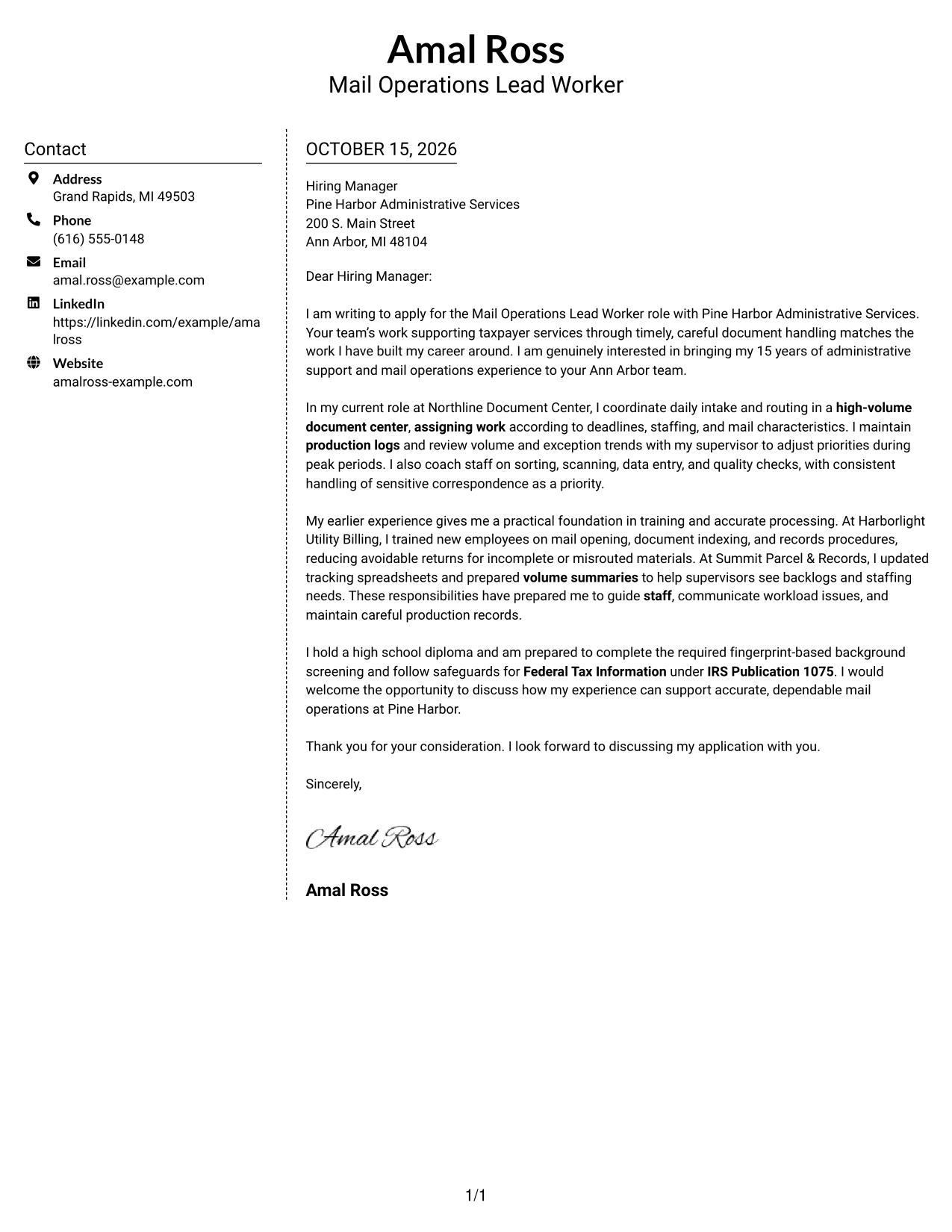
#5 Simple Two Column Format Cover Letter Example
The Simple Two Column Format sets a contact sidebar beside a single continuous letter body, giving sender details a separate place while keeping the message together.
Why This Format Works
- Contact information has its own area, leaving the main body for the message.
- The letter's paragraphs stay together in one column from opening through close.
- No section labels interrupt the letter's personal, paragraph-based tone.
Best For
- Contact details beside the letter
- Continuous paragraph-based messages
- Photo-free layouts
- Formal business correspondence
- Several supporting paragraphs
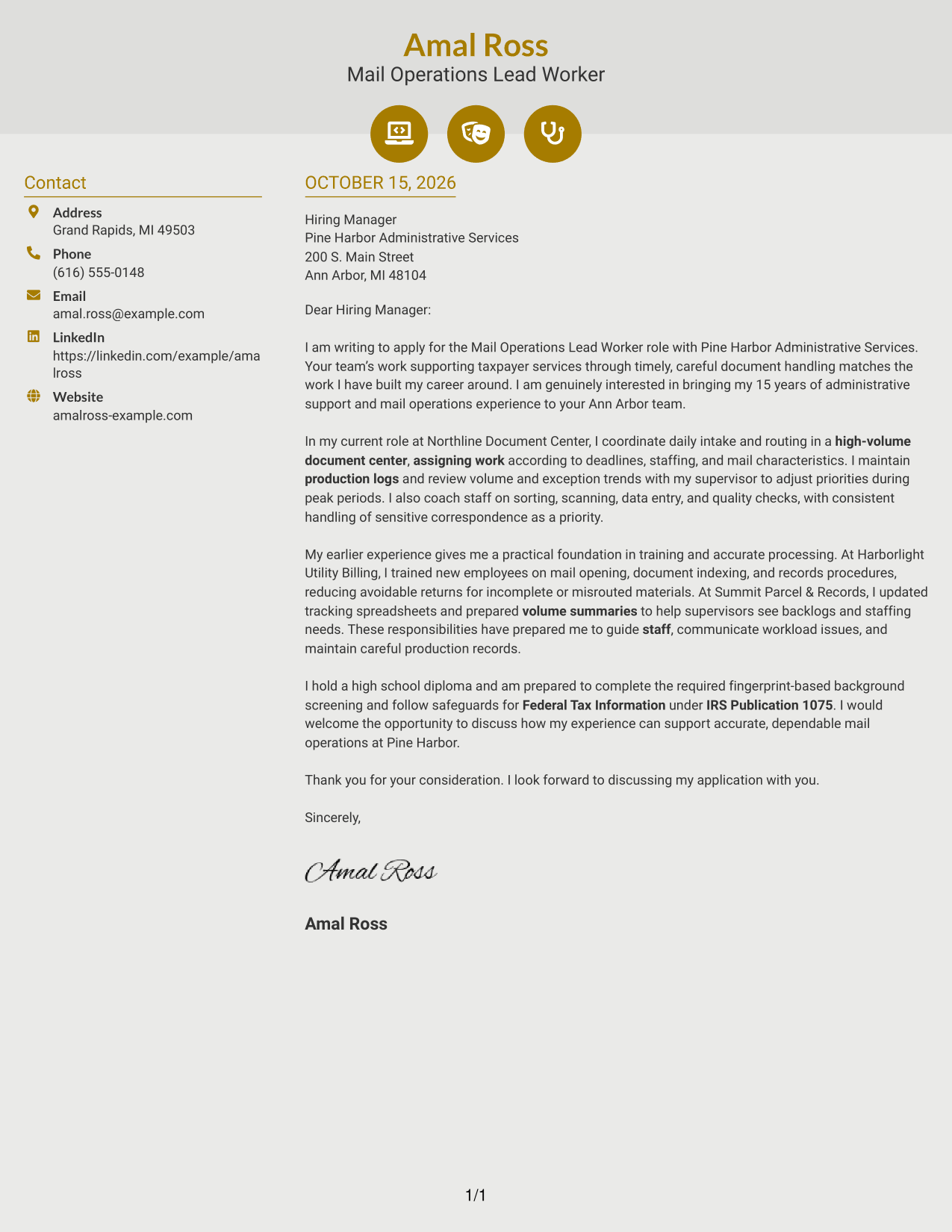
#6 Modern Icon Format Cover Letter Example
The Modern Icon Format uses icons as contact cues in a two-column layout, while the letter itself remains one continuous body.
Why This Format Works
- Icons cue contact details without labeling motivation, evidence, or the closing.
- The sidebar separates sender information from the continuous letter body.
- Decorative header accents suit readers who want a little visual detail.
Best For
- Icon-marked contact details
- Decorative header accents
- Continuous letter-body reading
- Two-column contact organization
- Photo-free visual style
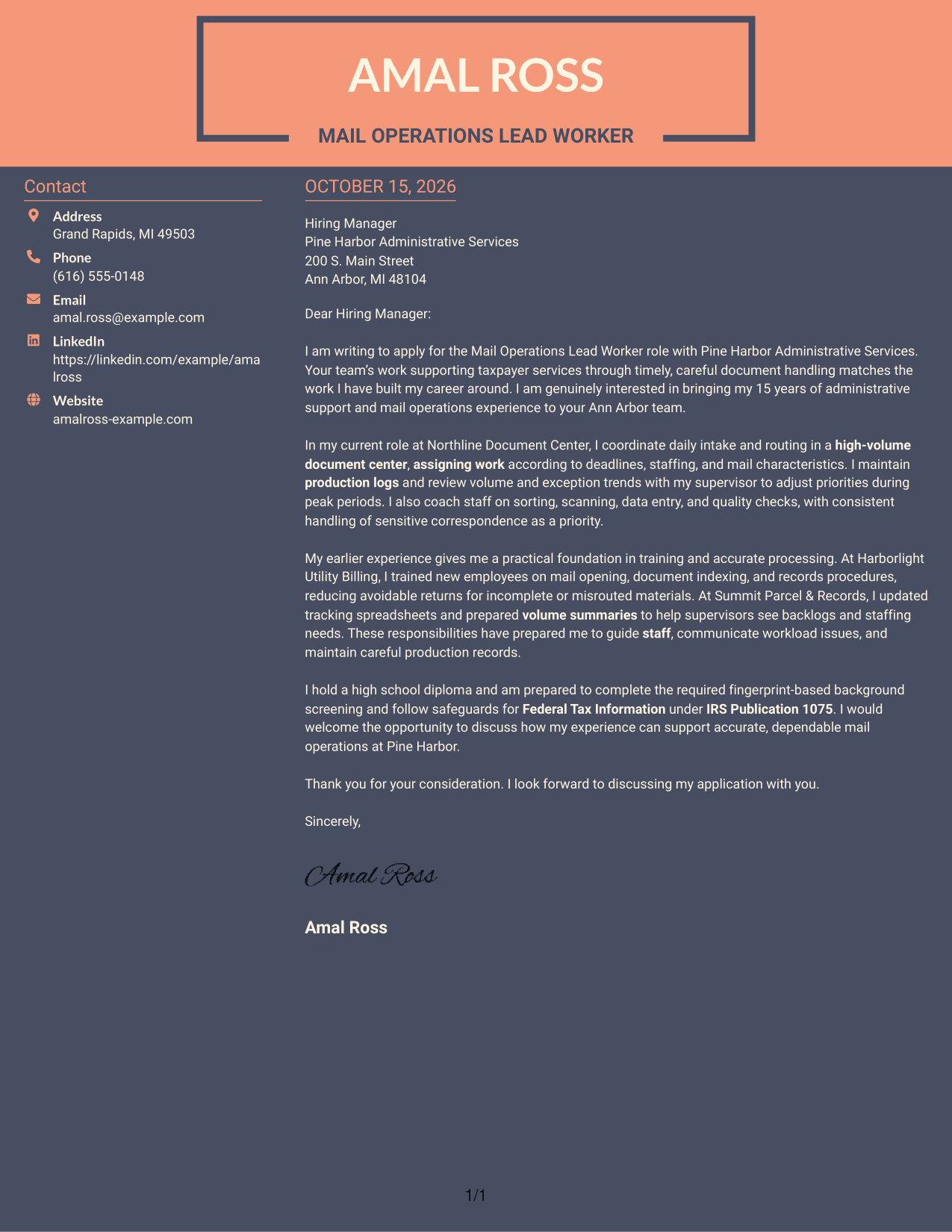
#7 Creative Two Tone Format Cover Letter Example
The Creative Two Tone Format uses a two-tone visual treatment with a contact sidebar beside one continuous letter body, for readers who prefer visible color contrast.
Why This Format Works
- Contact information sits beside the message, keeping it out of the letter paragraphs.
- A single letter body preserves the intended order from motivation to closing.
- The two-tone design offers a visible color distinction for readers who prefer it.
Best For
- Color-accented letter presentation
- Two-column contact arrangement
- Continuous-body correspondence
- Letters with several evidence paragraphs
- Company-specific applications
Why Use ResumeInMinutes for a Mail Operations Lead Worker Cover Letter
ResumeInMinutes offers cover letter examples you can review as image previews and open in the editor. Use them to compare how a clear opening, role-related evidence, and a direct close can fit together.
- Role-focused examples
- Clear letter structure
- Job-specific guidance
- Image previews
- Professional layouts
- Editor customization
For a Mail Operations Lead Worker application, explain how your examples show careful document handling, sound work priorities, staff support, and dependable communication.
See Also
- 7 Mail Operations Lead Worker Resume Templates with Example
- 7 Postal Courier - Institutional Mail Operations Resume Templates with Example
- 33 Advanced Worker – Area Sales Representative Resume Templates with Example 2026 (ATS-Optimized)
- 7 Airfield Maintenance Worker Resume Templates with Example
- 7 Biology Green House Worker Resume Templates with Example
- 7 Clinical Social Worker - Inpatient Psychiatric Services Resume Templates with Example
- 7 Clinical Social Worker Resume Templates with Example
- 33 Construction Equipment Worker Trainee - Public Works Maintenance Resume Templates with Example 2026 (ATS-Optimized)
- 7 Airfield Maintenance Worker Cover Letter Templates with Example
- 7 Clinical Social Worker - Inpatient Psychiatric Services Cover Letter Templates with Example
Frequently Asked Questions
What should a Mail Operations Lead Worker cover letter include?
Show how your experience relates to daily work assignments, mail and document processing, staff coaching, and production records. Include a clear reason for your interest and connect your examples to the employer’s service needs.
Do the examples show different letters or different layouts?
The guide presents one featured Mail Operations Lead Worker letter in several visual styles. Compare the image previews, then open an example in the editor to view or customize it.
How can I make the opening paragraph specific to this role?
State the position you are applying for and give a brief reason the work interests you. A strong opening can connect careful document handling and timely service to the role without listing every qualification.
What examples can show leadership in mail operations?
Describe a relevant example of assigning daily work, adjusting priorities when volumes change, training staff, or reviewing production records. Explain what you did and how it supported accurate, timely processing.
How should I mention Federal Tax Information safeguards?
If it applies to your application, state your readiness to complete the required fingerprint-based screening and follow the safeguards for Federal Tax Information under IRS Publication 1075. Do not claim that screening is complete unless it is.




