
7 Manager, Business Information - Customer Insights & BI Cover Letter Templates with Example
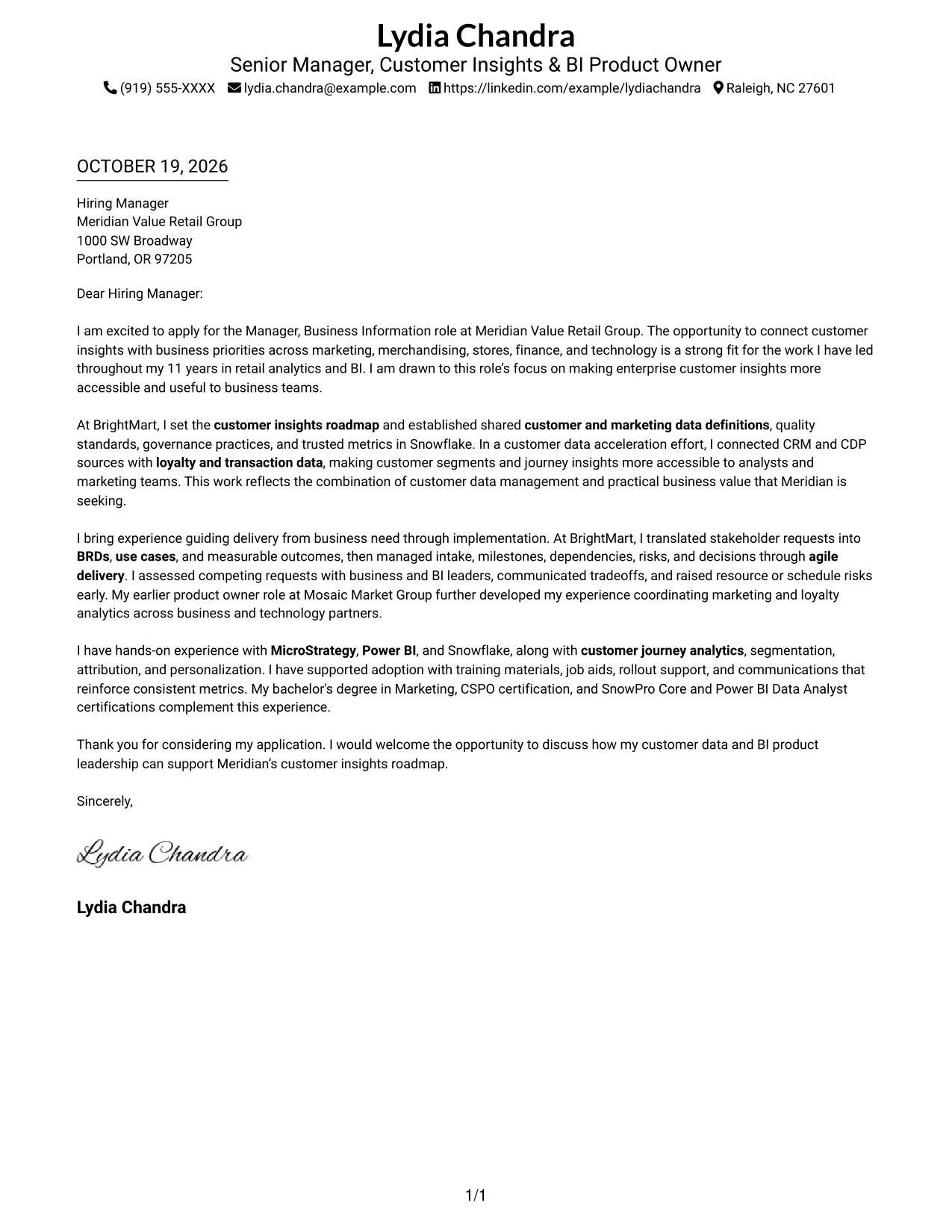
This practical guide presents a Manager, Business Information - Customer Insights & BI cover letter in 7 layouts and shows how to make your role fit clear.
What Makes a Great Manager, Business Information - Customer Insights & BI Cover Letter in 2026
A strong letter connects your customer insights and BI leadership to the role’s business needs. State your interest clearly, then show how you turn priorities into useful data products and trusted metrics.
Use specific evidence, such as customer data work, cross-team delivery, or support for BI adoption. Explain how that experience can help the employer make customer insights more accessible and useful.
The featured example moves from role-specific interest to customer data results, delivery strengths, relevant tools, and a clear close. Adapt that focused progression, choosing a presentation that suits the employer and the communication context.
#1 Simple One Column Format Cover Letter Example
The one-column layout keeps the sender details in the header and the letter body on one straightforward reading path.
Why This Format Works
- The one-column sequence keeps motivation, supporting evidence, and the closing together.
- Sender contact details stay in the header, apart from the letter paragraphs.
- Reviewers can follow the message without moving between separate body columns.
Best For
- One-column reading preference
- Header-based contact details
- Continuous persuasive paragraphs
- Letters without a contact sidebar
- Business intelligence leadership applications
#2 Two Column Format Cover Letter Example
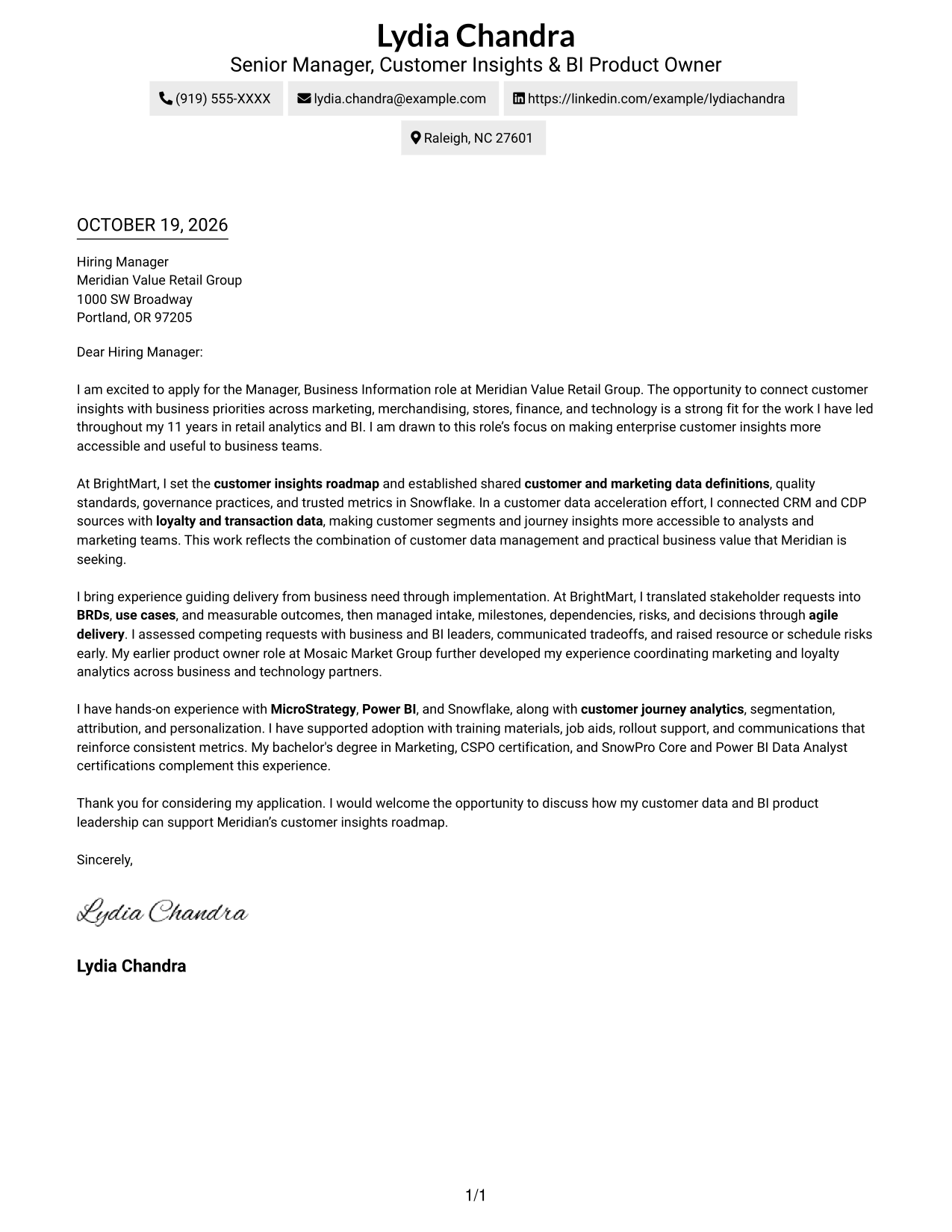
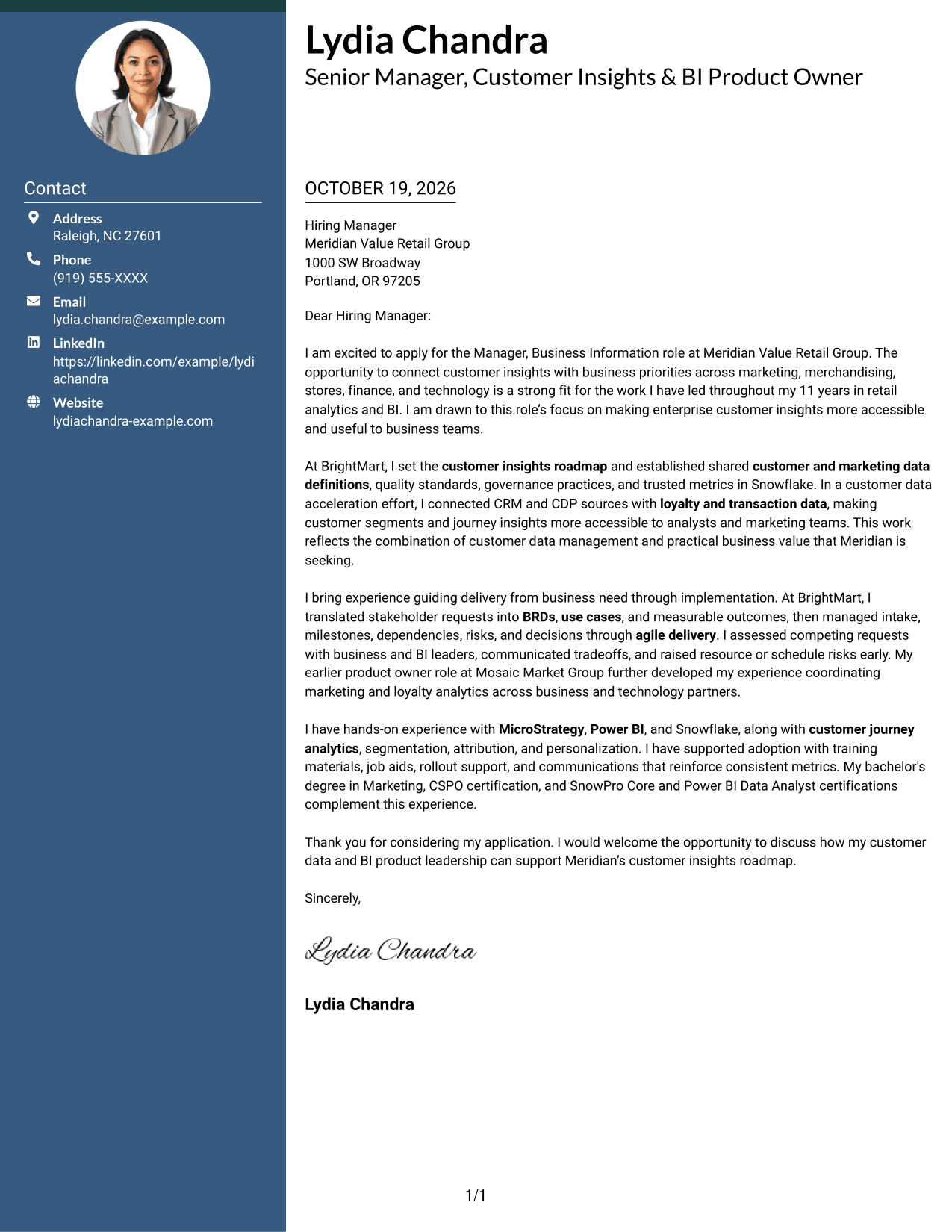
A contact sidebar sits beside the continuous letter body, keeping contact details apart without splitting the letter's argument.
Why This Format Works
- The sidebar keeps sender details apart from the letter's persuasive paragraphs.
- The body carries motivation, evidence, and closing in their intended order.
- Readers can check contact information while the full letter remains intact.
Best For
- Side-by-side contact access
- Continuous letter-body reading
- Multi-paragraph cover letters
- Motivation-led applications
- Cross-functional leadership applications
#3 Photo Header Two Column Format Cover Letter Example
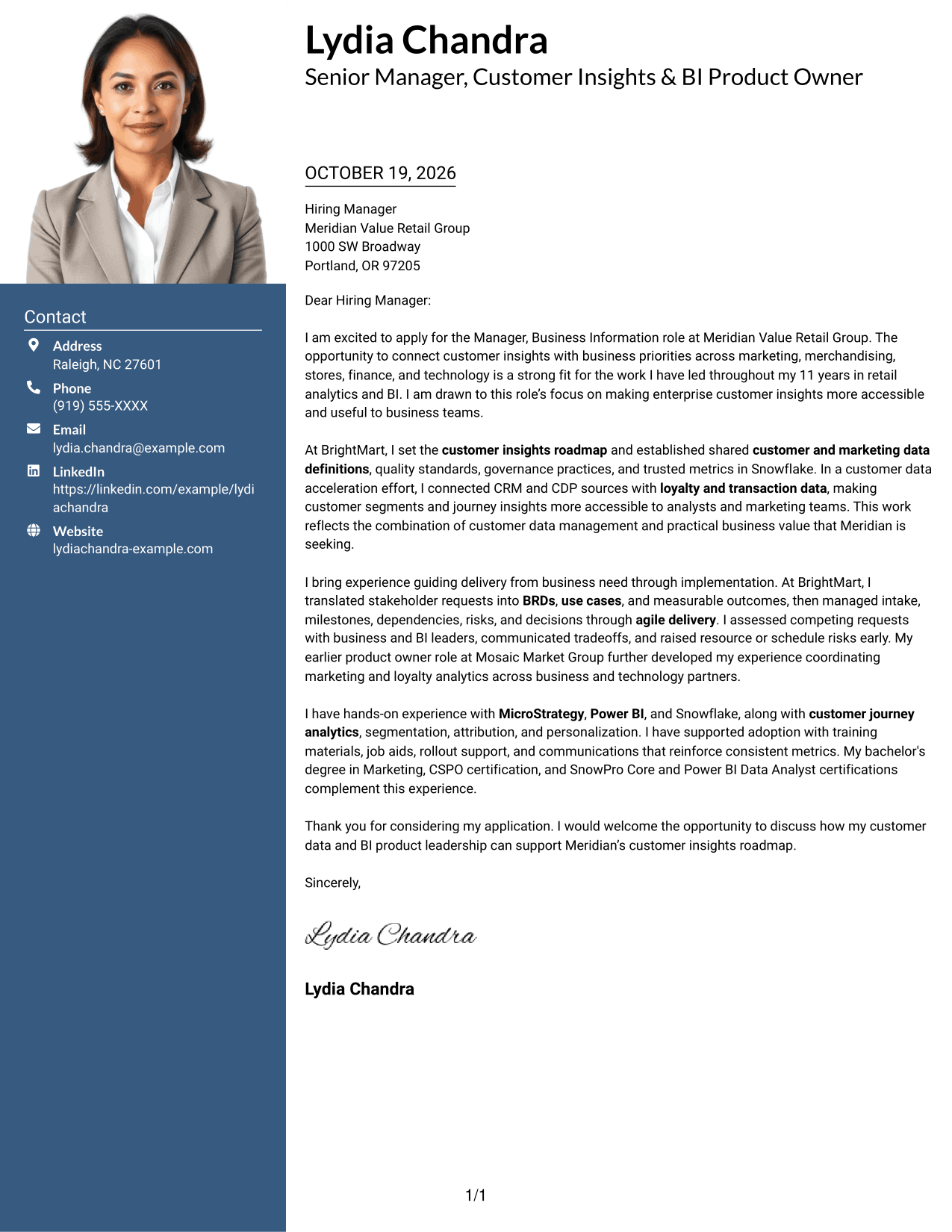
The photo adds a personal visual touch, while the contact sidebar keeps sender details apart from the continuous letter body.
Why This Format Works
- The photo adds a personal visual element without breaking the letter's continuous body.
- A contact sidebar keeps sender details separate from the persuasive text.
- Readers can move through motivation, evidence, and closing in one body column.
Best For
- Cover letters with a photo
- Two-column reading preference
- Separate contact information
- Continuous persuasive paragraphs
- Customer insights applications
#4 One Column Format with Photo Cover Letter Example
The photo adds a personal visual touch to this one-column layout, while the letter body stays on one reading path.
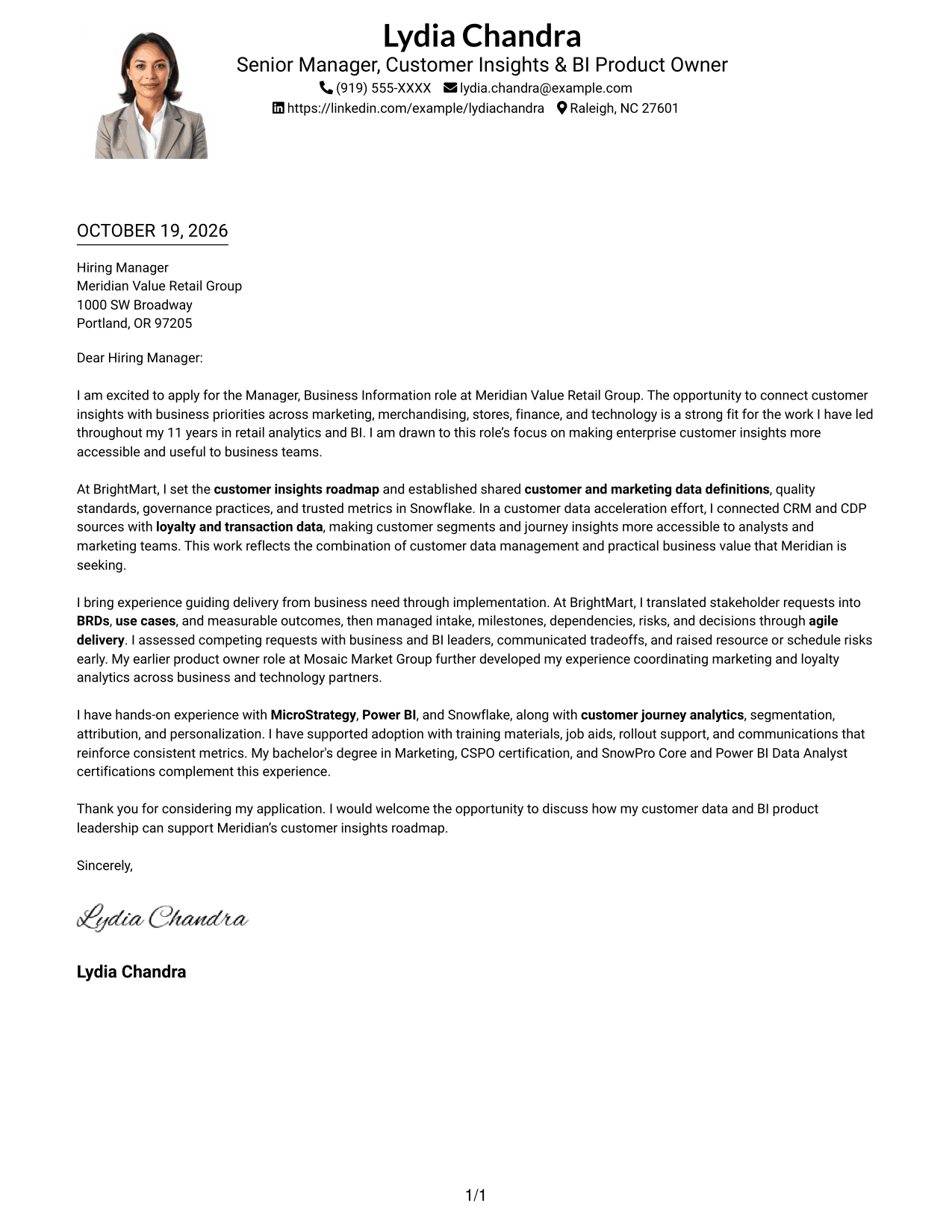
Why This Format Works
- The photo adds a personal visual touch to the single-column presentation.
- The body keeps the opening, evidence, and closing in one reading sequence.
- Sender details remain in the header, separate from the letter's main text.
Best For
- Photo-inclusive cover letters
- Single-column reading preference
- Header-based contact access
- Letters with a clear persuasive arc
- Business information leadership applications
#5 Simple Two Column Format Cover Letter Example
A simple two-column layout places contact details beside, not within, the continuous letter body.
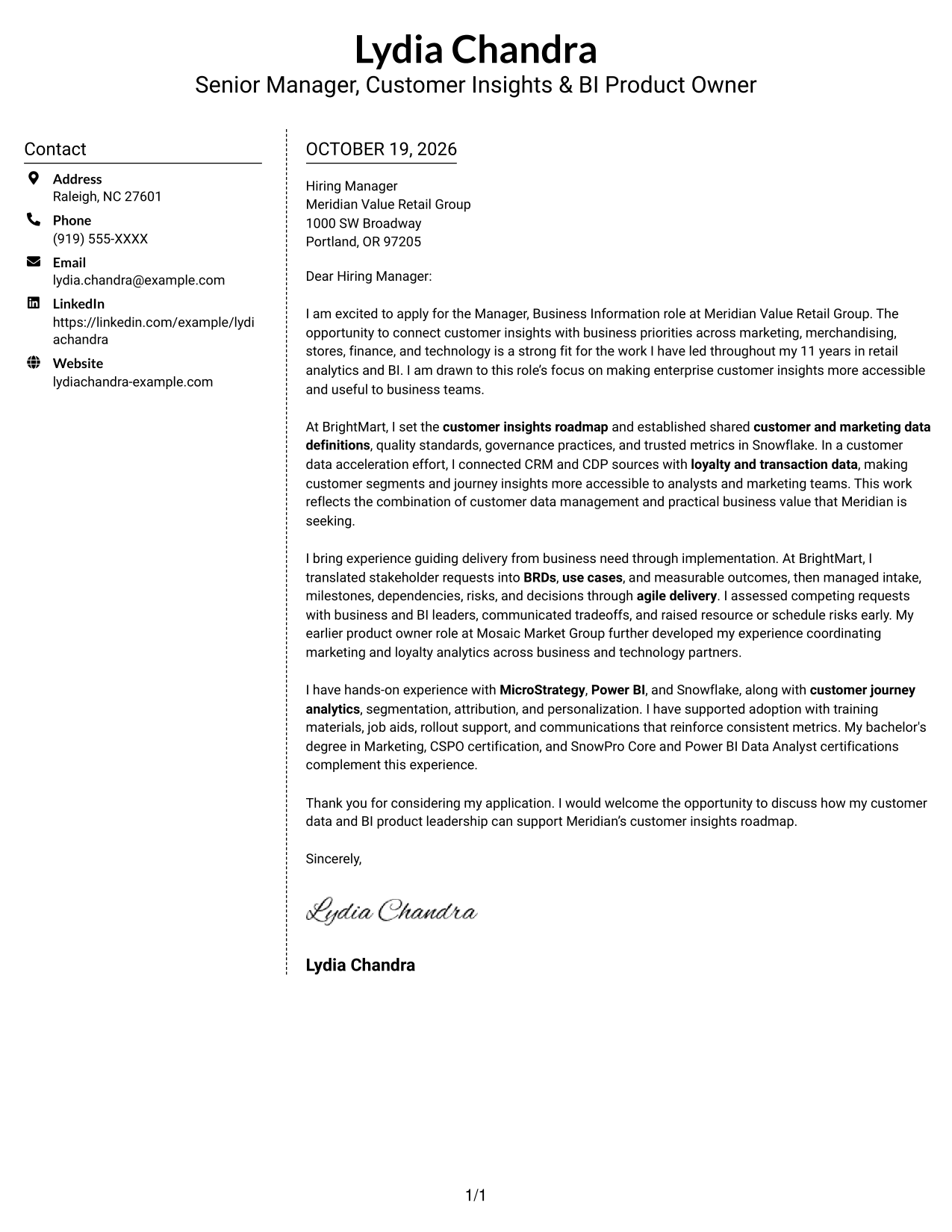
Why This Format Works
- The sidebar sets contact details apart from the continuous letter body.
- Motivation, evidence, and closing remain part of one uninterrupted argument.
- The separate areas distinguish correspondence details from the message itself.
Best For
- Simple sidebar organization
- Continuous letter-body reading
- Contact details beside the message
- Evidence-led cover letters
- Retail leadership applications
#6 Modern Icon Format Cover Letter Example
The two-column layout pairs a contact sidebar with a continuous letter body, while icons cue contact details rather than argument stages.
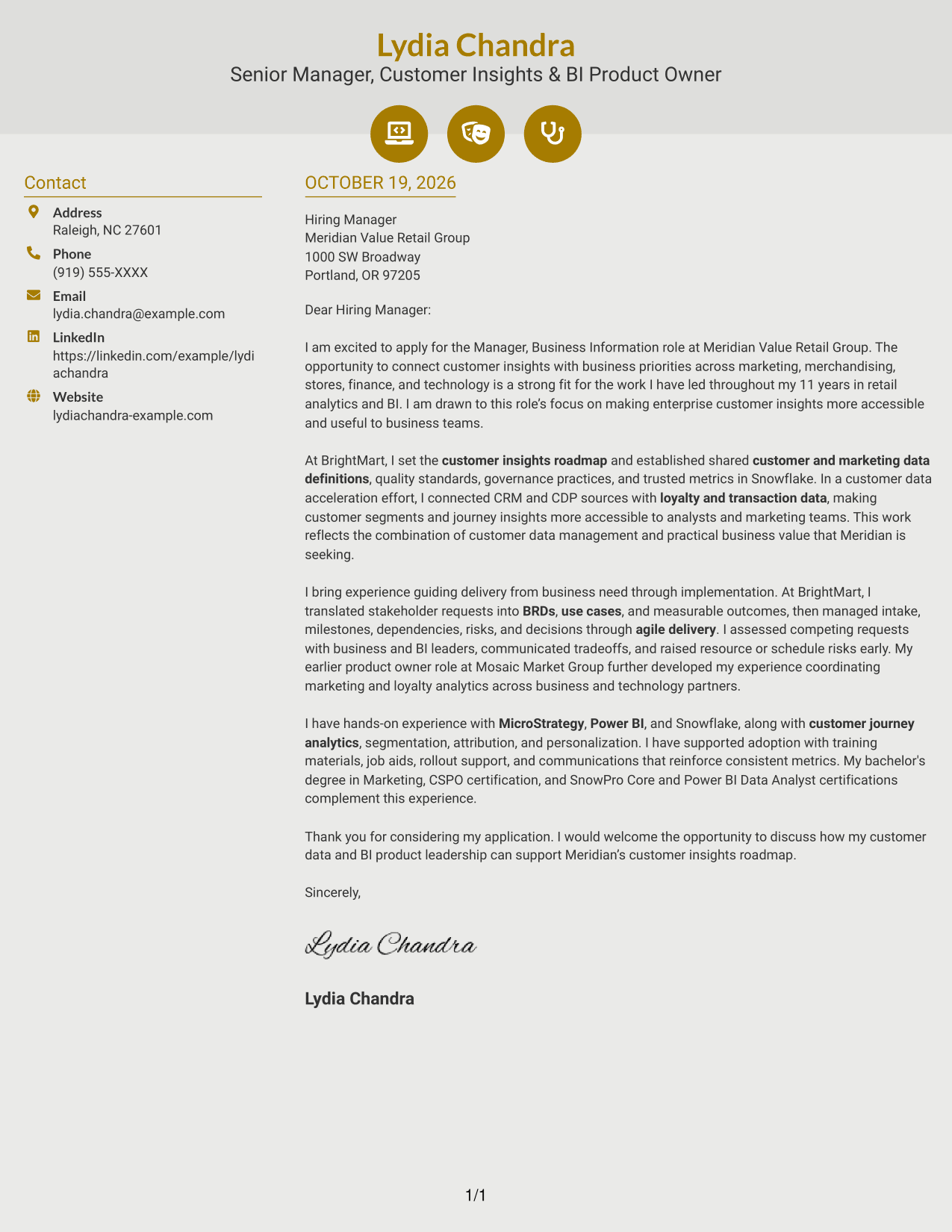
Why This Format Works
- Contact icons help distinguish address and communication details in the sidebar.
- The letter body stays continuous, separate from the decorative contact cues.
- Two columns give contact information and letter text separate places.
Best For
- Icon-led contact details
- Two-column letter layouts
- Uninterrupted body paragraphs
- Quick access to sender information
- Customer data leadership applications
#7 Creative Two Tone Format Cover Letter Example
The two-column layout separates the contact sidebar from the letter body, giving the continuous argument its own reading space.
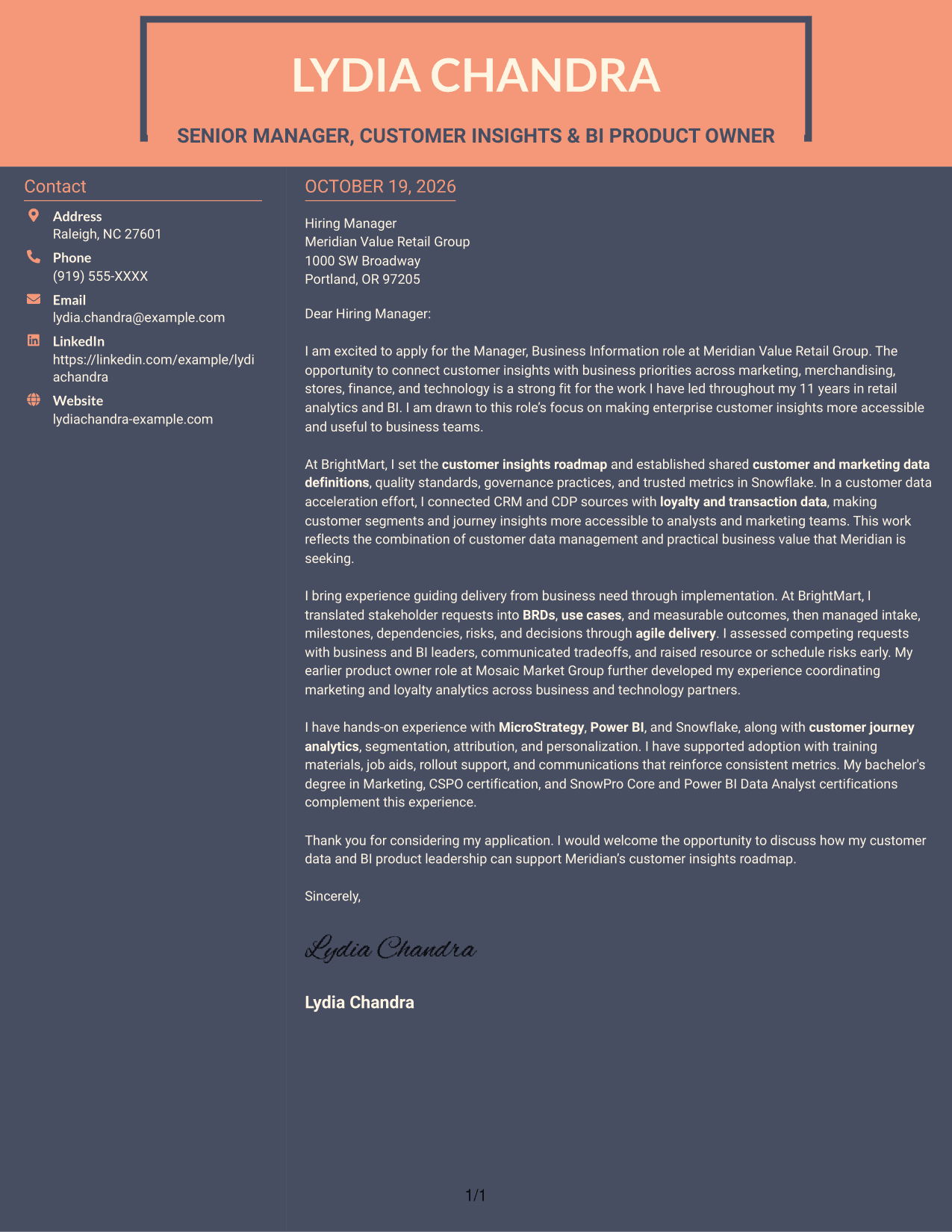
Why This Format Works
- The sidebar separates contact details from the uninterrupted letter body.
- The body keeps motivation and supporting evidence together in paragraph order.
- Reviewers can distinguish contact information from the letter text at a glance.
Best For
- Two-column reading preference
- Separate sender contact details
- Paragraph-based cover letters
- Letters with a clear opening and close
- Marketing analytics leadership applications
See Also
- 7 Manager, Business Information - Customer Insights & BI Resume Templates with Example
- 7 Information Technology Programmer Analyst - IT Business Analyst Resume Templates with Example
- 33 Business Intelligence (BI) Developer / Business Systems Analyst Resume Templates with Example 2026 (ATS-Optimized)
- 7 Customer Service/Information Services Support Representative Resume Templates with Example
- 7 Customer Service Supervisor - Business Call Center Resume Templates with Example
- 33 Customer Success Manager - Cloud Business Transformation Resume Templates with Example 2026 (ATS-Optimized)
- 33 Retail to Business Account Executive - Commercial Customer Acquisition Resume Templates with Example 2026 (ATS-Optimized)
- 33 Small Business Customer Service Representative Resume Templates with Example 2026 (ATS-Optimized)
- 30+ Small Business Customer Service Representative Cover Letter Templates with Example 2026
- 30+ Information Systems IT Leadership Intern Cover Letter Templates with Example 2026
Frequently Asked Questions
What should the opening paragraph say for this role?
Name the Manager, Business Information - Customer Insights & BI role and explain why its focus on customer insights and business priorities interests you. Keep the opening direct and connect your motivation to the work.
What evidence should the body paragraphs include?
Choose examples that show how you managed customer data, set shared definitions and trusted metrics, or guided work from business needs through delivery. Explain the outcome and why it matters to the role.
How can I show that I can work across business and technology teams?
Describe how you clarified needs, weighed competing requests, communicated tradeoffs, and kept delivery moving. A specific example of building agreement across teams is more convincing than a general claim.
How should I mention BI tools and customer analytics?
Name tools and areas that match your experience, such as MicroStrategy, Power BI, Snowflake, customer journey analytics, segmentation, attribution, or personalization. Briefly connect them to the business work you supported.
How can I view or customize an example?
Compare the cover letter image preview, then use the editor link to open an example and customize its presentation and wording for your application.




