
33 Manufacturing Engineer - Defense Prototype Builds Resume Templates with Example 2026 (ATS-Optimized)
This guide shows you how to build a Manufacturing Engineer - Defense Prototype Builds resume that is clear, focused, and easy to scan. It explains how to organize your experience so recruiters can quickly see your fit for prototype build execution, manufacturing readiness, and defense-focused production work.
Strong resumes for this role connect hands-on manufacturing work with engineering discipline. Use evidence such as build planning, shop-floor issue resolution, DFM and DFA, GD&T, tolerance stack-ups, CMM measurement, PFMEA, process validation, tooling, fixtures, and controlled quality systems such as AS9100 or ISO 9001.
Below, you will find one complete Manufacturing Engineer - Defense Prototype Builds resume example presented in 33 ATS-optimized resume formats, with free PDF downloads and format guidance to help you compare layouts and choose a practical structure for your application.
What Makes a Great Manufacturing Engineer - Defense Prototype Builds Resume in 2026
A strong resume for this role is achievement-driven, technically credible, and easy to review. It should show how you turn engineering intent into build plans, resolve production issues, and keep prototype work moving toward integration and test.
Use precise keywords such as build readiness, prototype production, GD&T, CMM, PFMEA, DFM, DFA, AS9100, ERP/MRP, PLM, tooling, fixtures, and test readiness, then support them with specific results from real manufacturing work.
The examples shown below are intentionally detailed to demonstrate a range of experiences, skills, accomplishments and relevant keywords. We prefer detailed resumes as they provide more context to the hiring managers and also help the ATS systems identify relevant qualifications and score your resume better for a match. But the length of a resume is an individual choice. If you want a one page resume, just keep the most relevant experience and information for the job. Note: Resume examples are created for educational purposes; references to real organizations do not imply affiliation or endorsement.
#1 Plain Two Column Format Resume Example
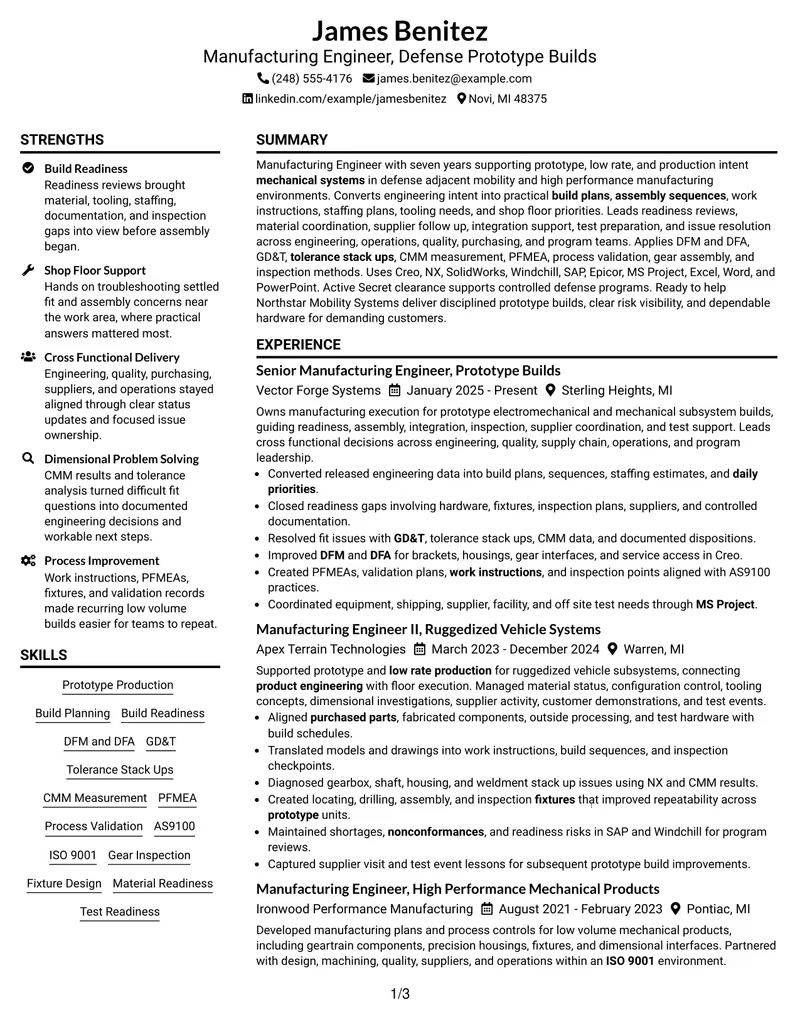
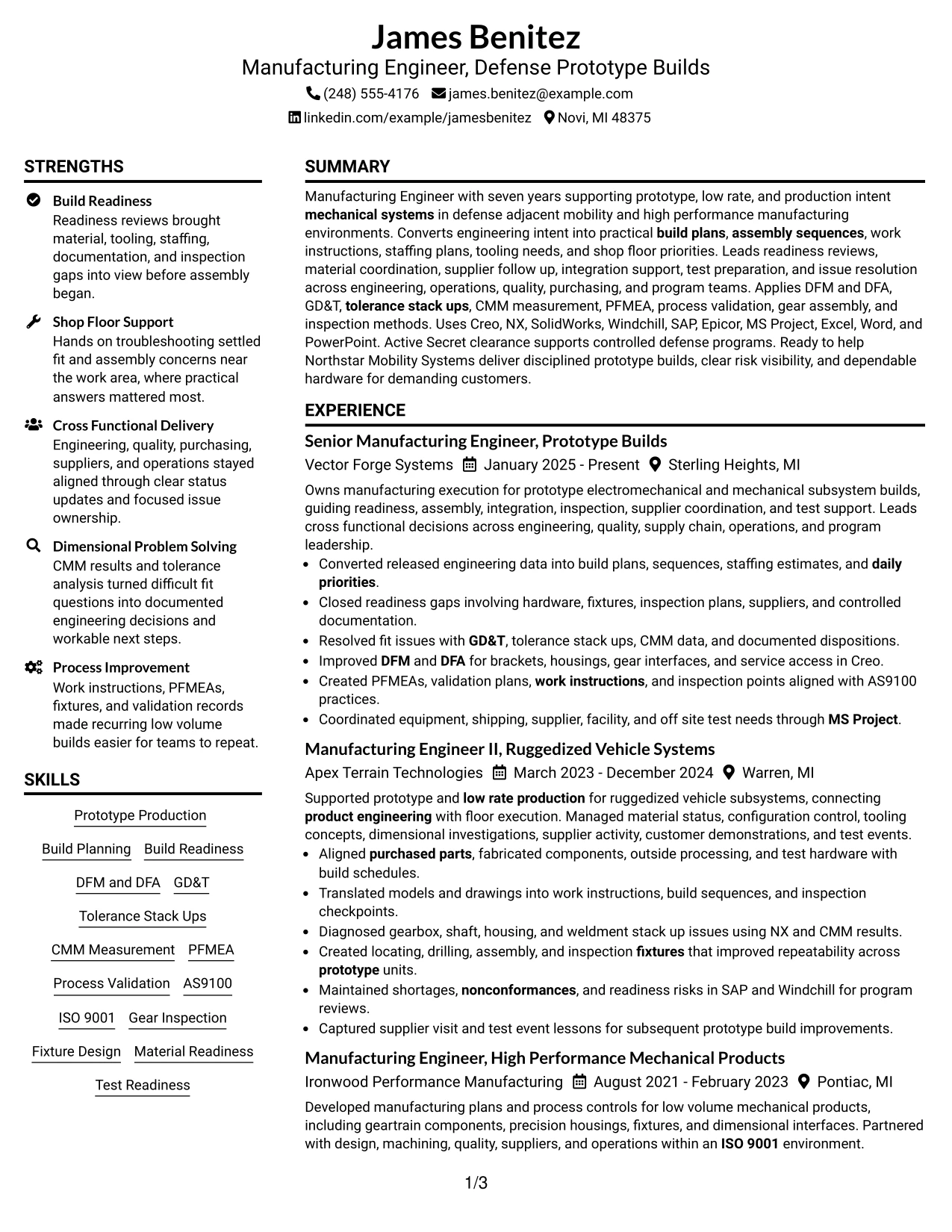
The Plain Two Column Format separates high-value resume evidence into two clear reading zones. James Benitez can use the main column for progressive manufacturing experience and the second column for skills, tools, education, certifications, and supporting project evidence.
For a Manufacturing Engineer - Defense Prototype Builds resume, this structure keeps prototype production, build readiness, GD&T, CMM measurement, PFMEA, CAD tools, ERP and PLM systems, and Secret clearance easy to locate without weakening the career story.
Resume Snapshot
- Seven years of progressive manufacturing engineering experience
- Prototype, low-rate, and production-intent mechanical systems
- Active U.S. Government Secret Security Clearance, Tier 3
- Bachelor's Degree in Mechanical Engineering, University of Michigan-Dearborn
Why the Plain Two Column Format Works for a Resume
- Keeps four progressive manufacturing roles visible while giving technical skills their own scan-friendly area.
- Places build readiness, DFM and DFA, GD&T, CMM measurement, PFMEA, and process validation where recruiters can find them quickly.
- Supports concise presentation of Creo, NX, SolidWorks, Windchill, SAP, Epicor, and MS Project.
- Creates room for certifications and clearance details without crowding recent prototype-build accomplishments.
- Separates supporting projects such as Prototype Build Readiness System and Gear Assembly Inspection Improvement from core employment history.
- Maintains a direct ATS-friendly hierarchy because section labels and role evidence remain clear.
Resume Keywords
- Manufacturing Engineer
- Defense Prototype Builds
- Prototype
- low rate production
- mechanical systems
- build plans
- assembly sequences
- daily priorities
- product engineering
- operations
- quality
- purchasing
- suppliers
- Build Readiness
- purchased parts
#2 Simple One Column Format Resume Example
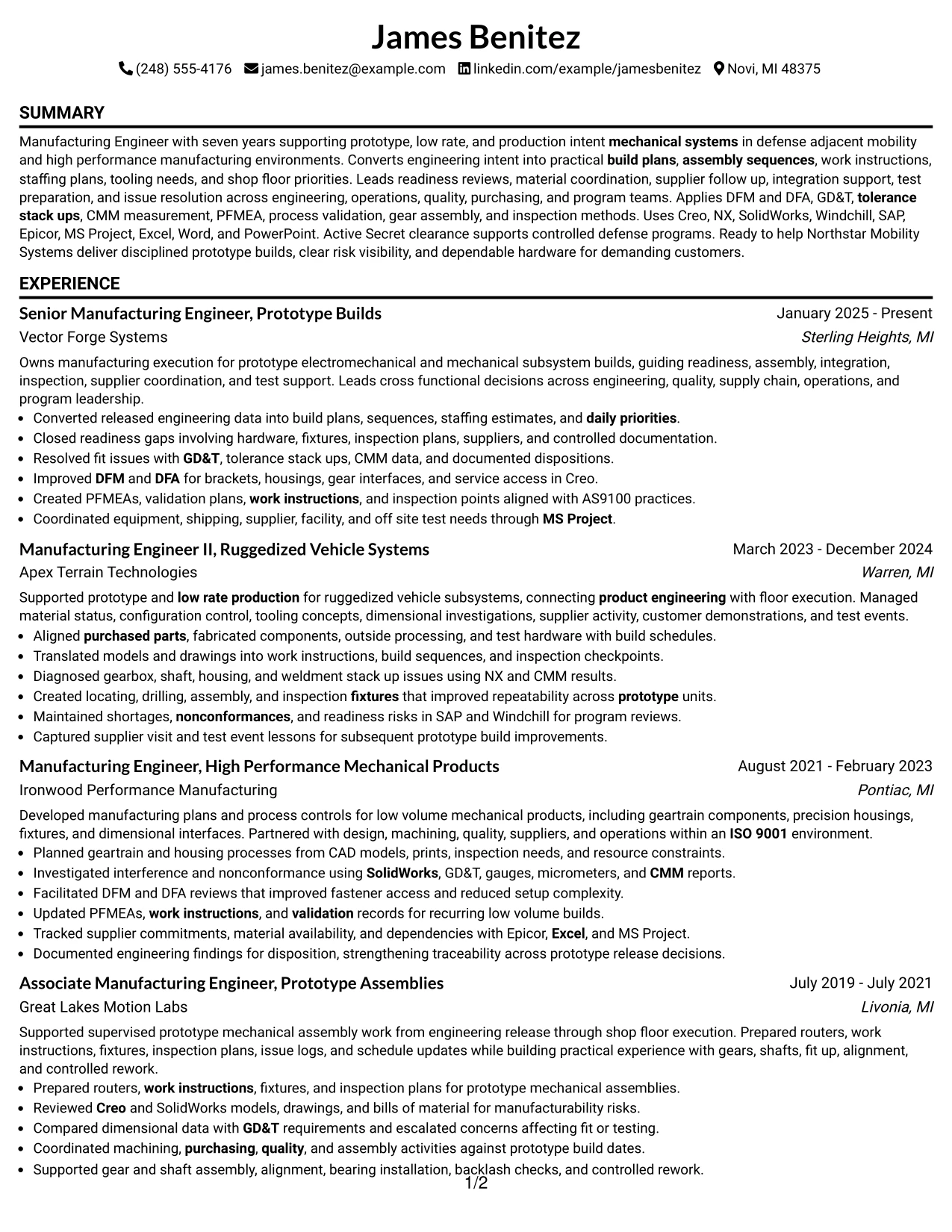
A recruiter can move from summary to recent experience, earlier roles, education, certifications, projects, and skills in one uninterrupted path. That reading order is useful when the strongest evidence comes from a clear progression across prototype-build responsibilities.
The resume can devote full width to accomplishment bullets on build planning, shop-floor issue resolution, supplier coordination, tooling, quality systems, and test readiness. Technical details such as Creo, Windchill, SAP, GD&T, and PFMEA remain easy to scan without splitting attention across columns.
Why the Simple One Column Format Works for a Resume
- Preserves a straightforward top-to-bottom reading order for ATS systems and human reviewers.
- Gives full line width to detailed accomplishment bullets from four manufacturing roles.
- Makes progression from Associate Manufacturing Engineer to Senior Manufacturing Engineer easy to follow.
- Allows projects, certifications, tools, and skills to appear in a predictable section sequence.
- Works well for dense technical evidence such as GD&T, CMM, PFMEA, AS9100, ERP, and PLM experience.
- Reduces visual competition when recent build-execution achievements need the most attention.
Best For
- Resumes with substantial experience bullets that need full-width space
- Applications where ATS parsing and simple section order are top priorities
- Candidates who want career progression to read as one continuous story
- Technical resumes with many grounded tools, methods, and quality terms
- Documents that need room for projects and certifications after work history
- Review situations where quick top-to-bottom scanning matters more than compact side content
#3 Clean Two Column Sidebar Format Resume Example
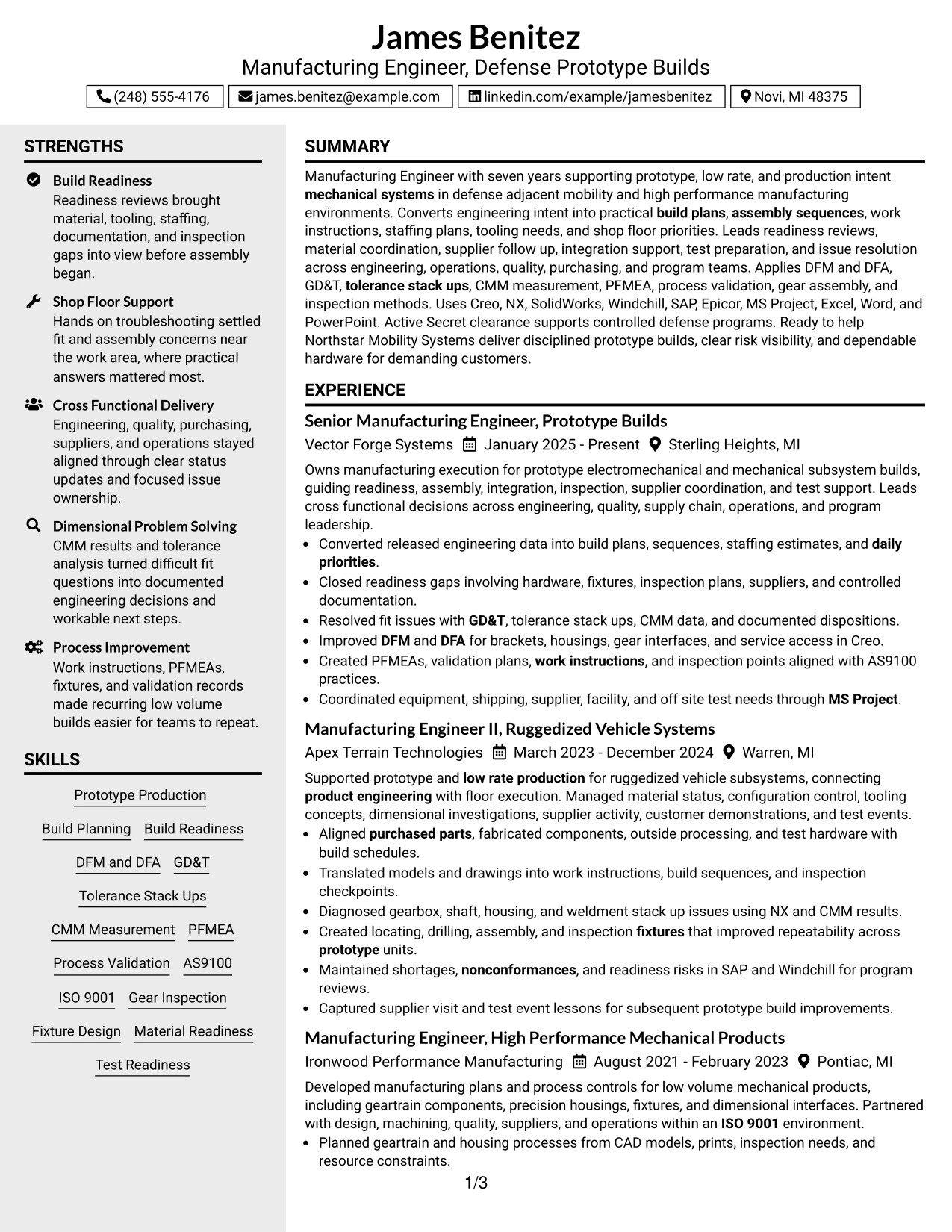
Recent prototype-build accomplishments receive first priority, while supporting qualifications sit in a compact sidebar. That balance lets the resume lead with readiness reviews, dimensional problem solving, DFM and DFA, process validation, supplier coordination, and test support.
The sidebar can organize CAD tools, ERP and MRP systems, PLM systems, quality systems, education, certifications, and clearance details. The main column stays focused on evidence from Vector Forge Systems, Apex Terrain Technologies, Ironwood Performance Manufacturing, and Great Lakes Motion Labs.
Why the Clean Two Column Sidebar Format Works for a Resume
- Prioritizes recent prototype and low-rate production achievements in the main reading area.
- Groups Creo, NX, SolidWorks, Windchill, SAP, Epicor, and Microsoft applications into a compact technical reference.
- Keeps GD&T, CMM measurement, PFMEA, AS9100, and ISO 9001 visible without interrupting work history.
- Creates a clear place for the Secret clearance and ASQ certification.
- Supports quick review of education and core manufacturing methods beside deeper accomplishment bullets.
- Helps distinguish primary evidence from supporting credentials and tools.
Best For
- Resumes where recent work history should dominate the page
- Candidates with several technical tool groups that benefit from a sidebar
- Applications that require fast access to certifications and clearance details
- Profiles with both deep accomplishment bullets and concise supporting qualifications
- Documents that need to separate core evidence from reference information
- Technical manufacturing applications where skills must stay visible during recruiter scanning
#4 Two Column Format Resume Example
Content is balanced between a detailed experience area and a supporting column for skills, systems, education, projects, and credentials. This gives the resume enough room to show hands-on manufacturing depth without losing the practical qualifications that matter in defense prototype work.
Build planning, work instructions, tooling, inspection, material readiness, nonconformance control, and test support can stay prominent in the main column. The second column can reinforce CAD, PLM, ERP and MRP, quality systems, dimensional engineering, and the active Secret clearance.
Why the Two Column Format Works for a Resume
- Balances detailed employment history with technical qualifications in a compact structure.
- Creates enough space for four roles without forcing skills and credentials to the end of the document.
- Supports visible grouping of Creo, NX, SolidWorks, Windchill, SAP, and Epicor.
- Keeps build readiness, material readiness, test readiness, and shop-floor troubleshooting near recent experience.
- Makes certifications and clearance details easy to locate during a fast review.
- Provides a practical home for project evidence without weakening the employment timeline.
- Maintains clear section hierarchy for recruiter scanning and ATS readability.
Best For
- Applications that need both detailed experience and a compact technical summary
- Resumes with multiple tool categories and certifications to organize
- Candidates balancing recent leadership-level execution with earlier hands-on work
- Defense manufacturing roles where clearance details should remain easy to find
- Documents with projects that support, rather than replace, work history
- Two-page resumes that need efficient use of horizontal space
- Recruiter reviews where experience and technical fit are checked side by side
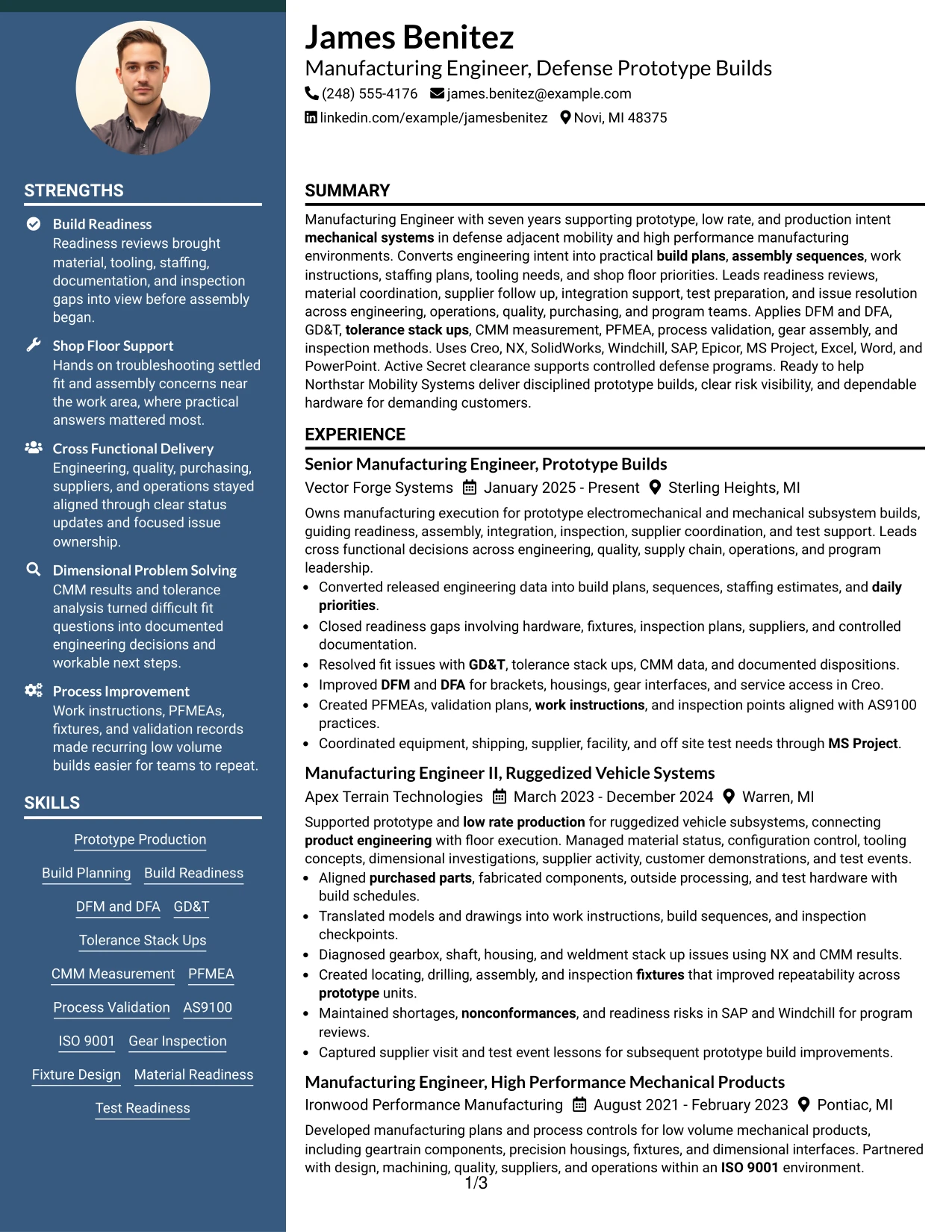
#5 Photo Header Two Column Format Resume Example
For applications where a photo is appropriate and accepted, the Photo Header Two Column Format combines a strong identity area with a structured technical resume below it. The two-column body can separate detailed prototype-build accomplishments from tools, education, certifications, and supporting qualifications.
Because U.S. defense and manufacturing applications often favor no-photo resumes, use this format only when the application context clearly supports it. The resume content should still lead with evidence such as build readiness, GD&T, CMM, PFMEA, DFM and DFA, AS9100, supplier coordination, and hands-on build execution.
Why the Photo Header Two Column Format Works for a Resume
- Creates a distinct header area while keeping the body organized into clear resume sections.
- Uses two columns to separate detailed experience from technical skills and credentials.
- Supports a strong visual identity without changing the underlying employment evidence.
- Provides room for CAD, PLM, ERP and MRP, quality systems, and certification details.
- Keeps recent prototype-build accomplishments prominent in the main content area.
- Can present project work and clearance information without crowding role bullets.
- Still allows an ATS-conscious section hierarchy when the underlying text remains simple.
Best For
- Applications in regions or contexts where resume photos are customary
- Candidates who need a visible identity header plus structured technical content
- Documents with enough experience to justify a two-column information split
- Resumes that combine employment depth with certifications and system knowledge
- Portfolio-style presentation needs where a photo is explicitly acceptable
- Review settings where a branded header is useful but technical evidence must remain central
#6 Colored Two Column Format Resume Example
A restrained color hierarchy can make major resume sections easier to distinguish without distracting from technical evidence. The Colored Two Column Format gives recent manufacturing accomplishments clear visual weight while the supporting column organizes tools, systems, education, certifications, and project evidence.
For this role, the content can emphasize prototype production, build readiness, dimensional problem solving, process validation, supplier coordination, and cross-functional delivery. Color should guide the eye to section structure, not compete with evidence such as Creo, Windchill, SAP, AS9100, and Secret clearance.
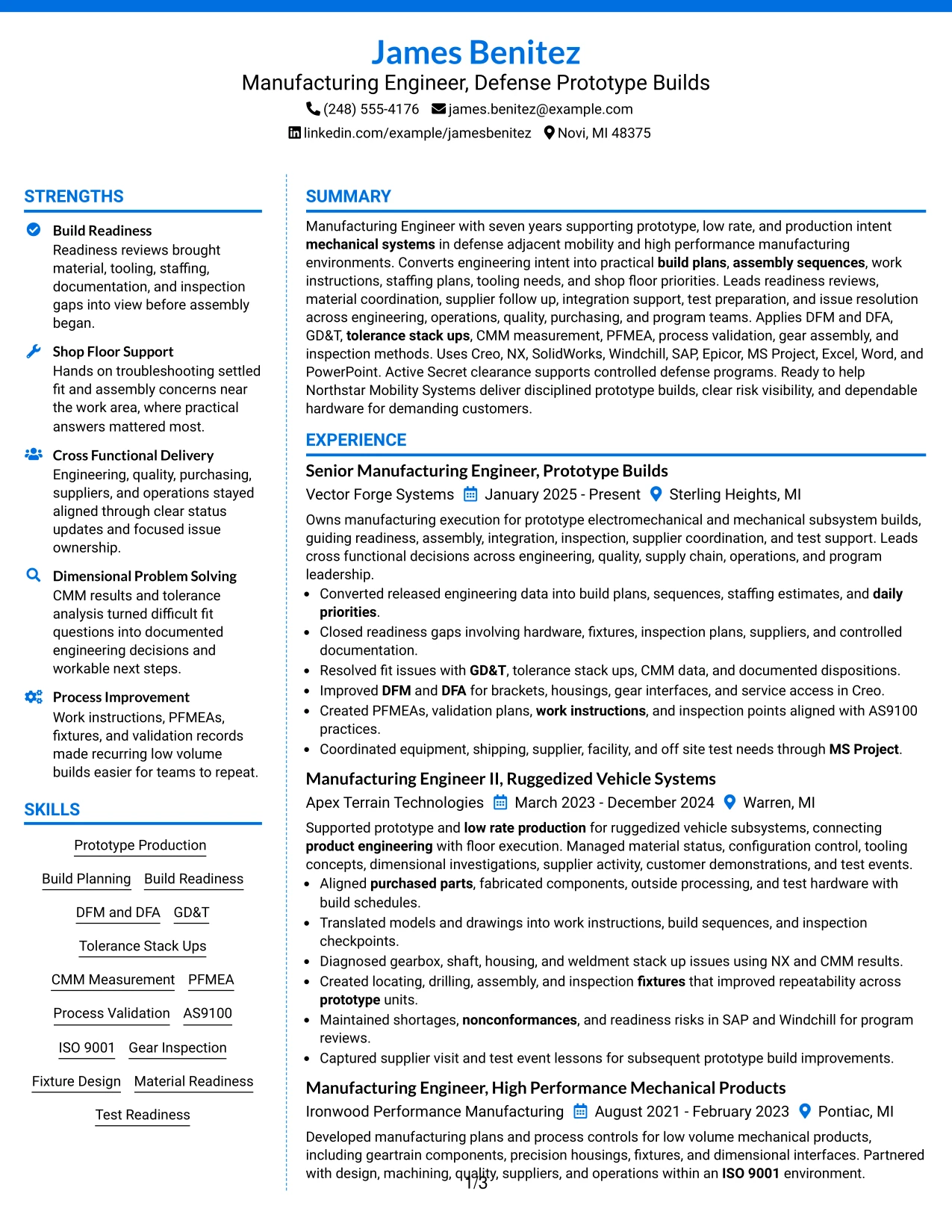
Why the Colored Two Column Format Works for a Resume
- Uses visual hierarchy to separate work history from supporting technical information.
- Keeps prototype-production evidence prominent while reducing section-search time.
- Organizes tool groups such as CAD, PLM, ERP and MRP, and Microsoft applications efficiently.
- Creates a clear place for quality systems, certifications, and clearance information.
- Supports projects and skills without making the experience section feel compressed.
- Maintains a professional structure when color remains restrained and text stays readable.
Best For
- Candidates who want stronger section separation without a complex layout
- Technical resumes that contain several distinct tool and system groups
- Applications where visual organization can improve recruiter navigation
- Documents with projects, certifications, and skills that need compact placement
- Manufacturing Engineer - Defense Prototype Builds applications with substantial technical evidence
- Resumes that need a modern presentation while keeping ATS-friendly text structure
#7 Stylish Two Column Designer Format Resume Example
The Stylish Two Column Designer Format uses clear visual grouping to separate core career evidence from supporting qualifications. A disciplined design can make four progressive manufacturing roles easier to scan while preserving space for projects, certifications, technical systems, and core manufacturing methods.
Recent achievements should stay dominant: readiness reviews, build plans, nonconformance resolution, DFM and DFA, fixture concepts, PFMEA, and supplier or test coordination. Decorative treatment should remain secondary to readable text, strong headings, and accurate technical evidence.
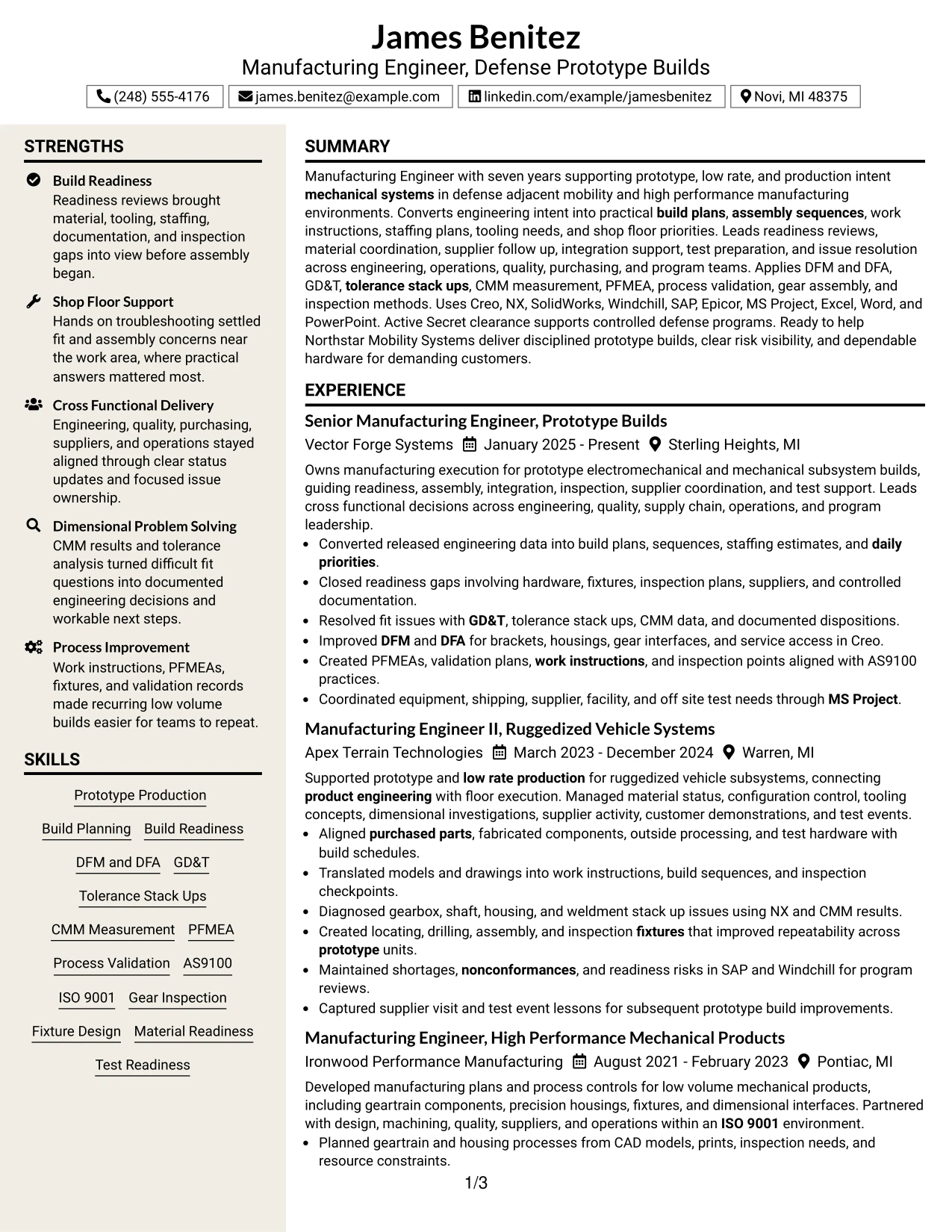
Why the Stylish Two Column Designer Format Works for a Resume
- Creates strong visual separation between employment history and supporting qualifications.
- Allows long experience sections to coexist with concise skills and tools.
- Can highlight recent senior-level manufacturing scope without changing factual content.
- Provides a clean area for projects, education, certifications, and clearance details.
- Supports recruiter scanning when headings and section order remain consistent.
- Works well with concise accomplishment bullets tied to prototype and low-rate production.
- Preserves ATS value when design elements do not replace text labels or standard section names.
Best For
- Candidates who want a more designed presentation while preserving strong readability
- Resumes with enough evidence to support a clear main-column and side-column split
- Documents that need visual separation among skills, tools, projects, and credentials
- Applications where polished presentation matters but standard resume mechanics must stay intact
- Professionals with four progressive roles and several supporting technical sections
- Review contexts where concise section blocks improve fast scanning
#8 Modern Icon Format Resume Example
A reader can follow the resume from summary through experience, projects, education, certifications, and skills while small icons help mark section changes. The Modern Icon Format keeps a one-column reading order, which is useful when detailed accomplishment bullets carry most of the value.
The structure can support seven years of manufacturing evidence without fragmenting it across columns. Icons should serve only as navigation cues while the text explains build readiness, GD&T, CMM, PFMEA, Creo, Windchill, SAP, Epicor, AS9100, and hands-on prototype execution.
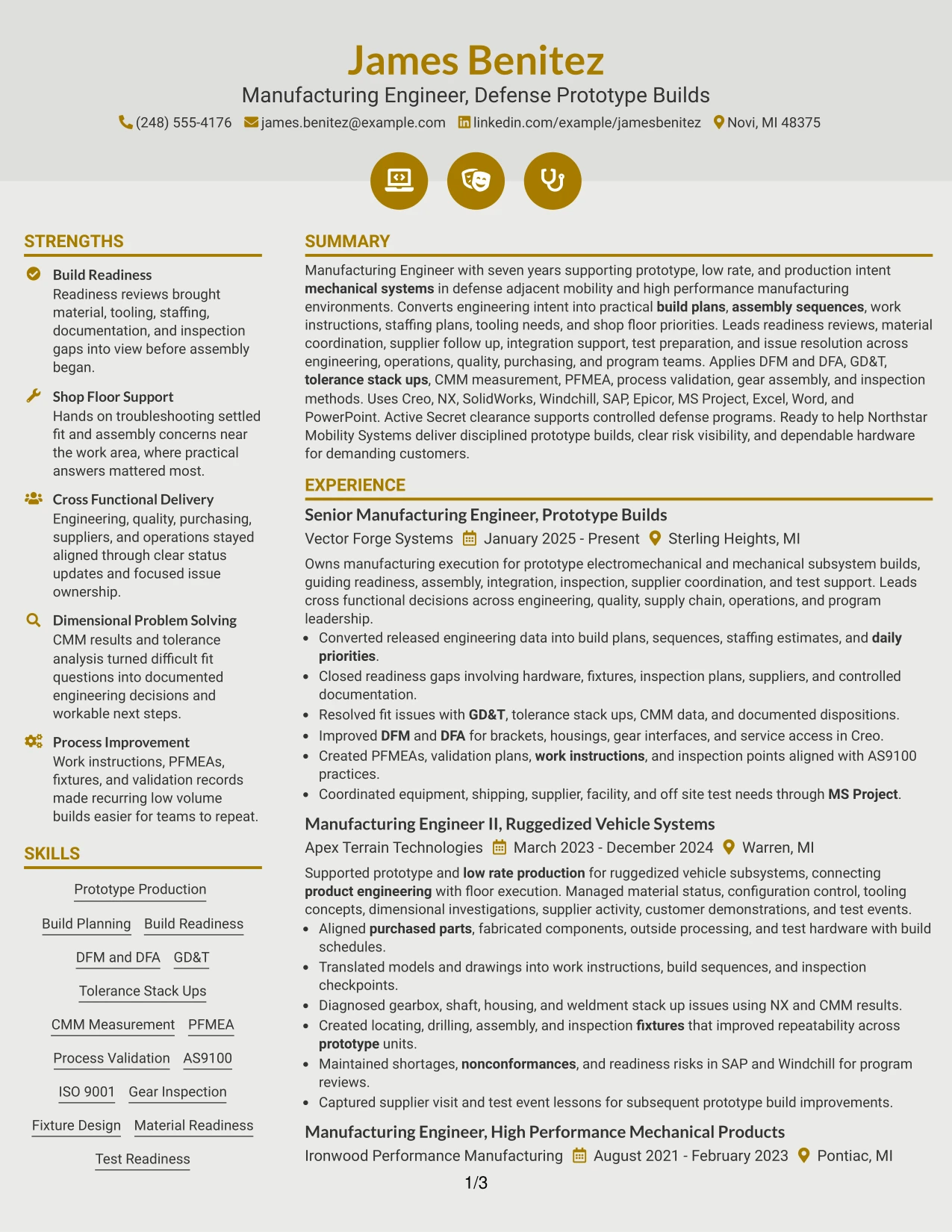
Why the Modern Icon Format Works for a Resume
- Combines a linear reading path with easy-to-recognize section markers.
- Allows full-width accomplishment bullets for complex manufacturing work.
- Keeps career progression visible from associate through senior manufacturing roles.
- Gives projects and certifications clear section boundaries without compressing content.
- Supports a substantial technical skills section at the end of the document.
- Works well when ATS-readable text remains primary and icons stay decorative.
- Reduces visual clutter compared with dense multi-column layouts.
Best For
- Resumes with detailed work-history bullets that need full-width lines
- Candidates who prefer a linear reading path with light visual navigation
- Documents with several standard sections that benefit from quick visual markers
- Applications where clear chronology matters more than side-by-side content
- Technical profiles with projects and certifications that need distinct section breaks
- Readers who prefer modern organization without heavy design treatment
#9 Modern Full Background Two Column Format Resume Example
Technical evidence takes priority, with the two-column structure giving substantial space to both experience and supporting qualifications. The Modern Full Background Two Column Format can present prototype-build scope, dimensional problem solving, process controls, and supplier coordination while preserving a strong visual hierarchy.
Supporting content can organize Creo, NX, SolidWorks, Windchill, SAP, Epicor, MS Project, AS9100, ISO 9001, certifications, and education. The background treatment should remain subtle enough that accomplishment bullets and section labels stay easy to read.
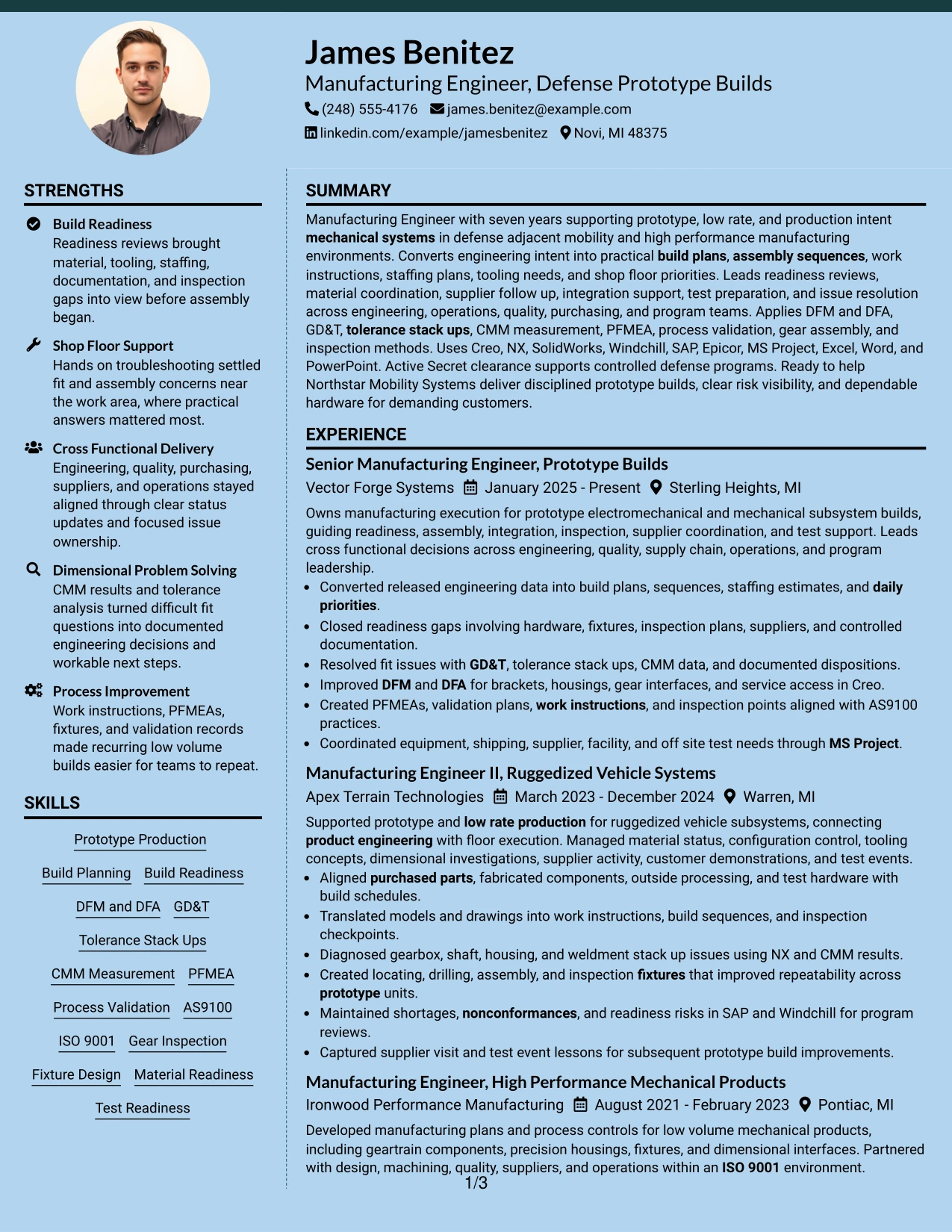
Why the Modern Full Background Two Column Format Works for a Resume
- Provides a broad visual frame while keeping experience and qualifications structurally separate.
- Supports dense technical evidence without forcing every detail into one narrow column.
- Allows CAD, PLM, ERP and MRP, quality, and dimensional skills to remain visible beside work history.
- Creates space for projects that reinforce prototype readiness and inspection experience.
- Can emphasize recent manufacturing scope while preserving earlier career progression.
- Keeps certifications and education easy to locate during a quick review.
- Works best when background contrast does not reduce readability or ATS-safe text extraction.
Best For
- Resumes with a large amount of technical evidence to distribute across two columns
- Candidates whose projects add useful proof beside employment history
- Applications where modern presentation is useful but section clarity remains essential
- Documents that need separate space for systems, methods, education, and certifications
- Technical reviews that compare work history with supporting qualifications at the same time
- Professionals who want a stronger visual frame without reducing factual detail
#10 Dark Mode Two Column Format Resume Example
Space is divided between James Benitez's progressive manufacturing history and a compact technical reference area. The Dark Mode Two Column Format can make section boundaries visually distinct while keeping recent prototype-build execution, readiness planning, and shop-floor problem solving central.
The supporting column can carry CAD tools, PLM, ERP and MRP systems, quality standards, education, certifications, projects, and clearance details. High contrast should be used carefully so GD&T, CMM, PFMEA, AS9100, Windchill, SAP, and other ATS-relevant text remain easy to read.
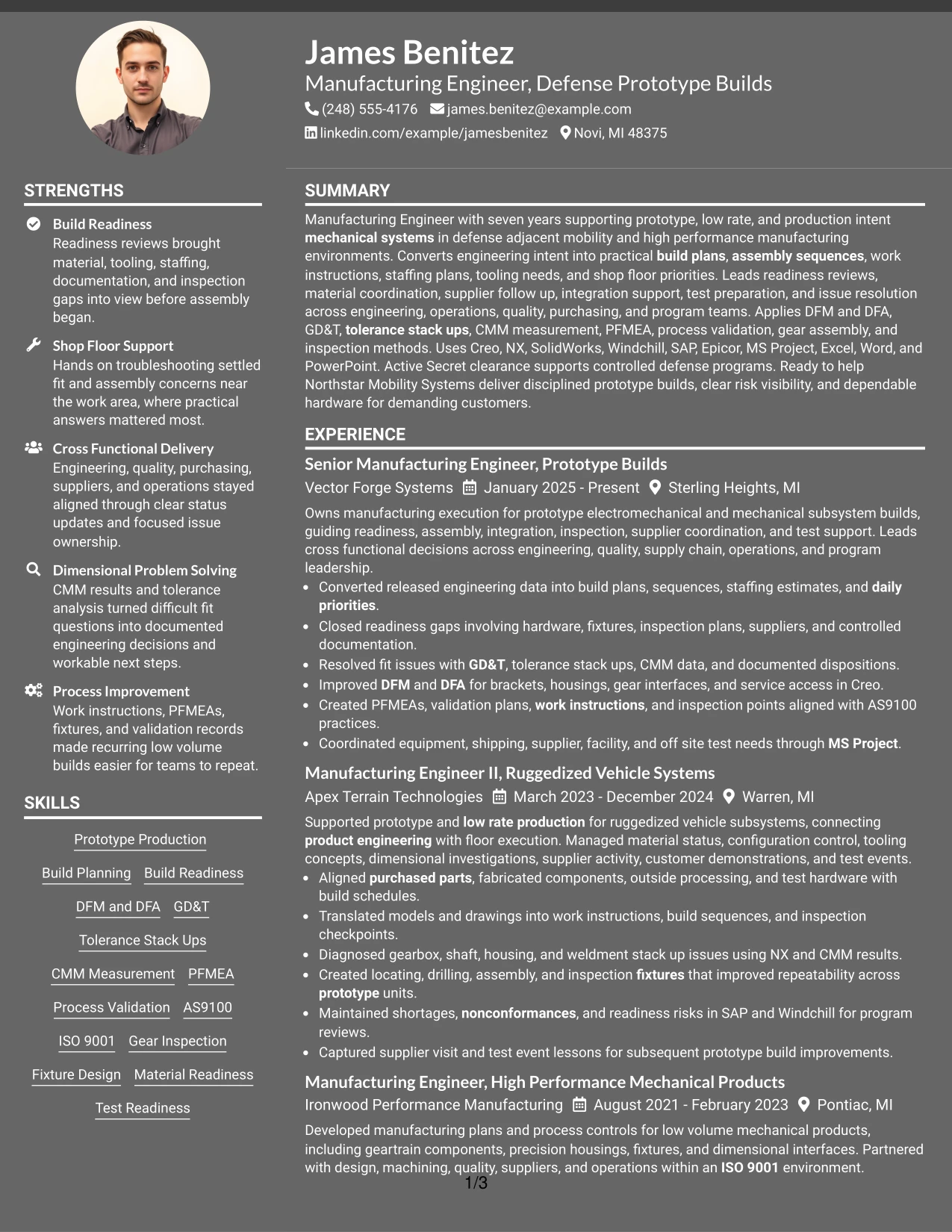
Why the Dark Mode Two Column Format Works for a Resume
- Creates strong contrast between major resume sections.
- Balances detailed experience with a compact technical reference column.
- Supports four progressive roles without hiding supporting qualifications.
- Provides room for projects, certifications, education, and clearance information.
- Can make recent prototype-build evidence stand out during visual review.
- Retains clear section hierarchy when typography and spacing stay restrained.
- Works best when all important content remains selectable text and contrast stays readable.
Best For
- Applications where a distinctive but controlled visual presentation is acceptable
- Candidates with detailed experience plus several technical support sections
- Resumes that need clear separation between work history and tools or credentials
- Documents reviewed on screen where strong section contrast aids navigation
- Manufacturing profiles with substantial projects, quality systems, and software evidence
- Professionals who want a modern two-column layout without reducing content depth
#11 Dark Mode Box Header Format Resume Example
For screen-based review, the Dark Mode Box Header Format creates a strong top section and then returns to a simple one-column content flow. That structure can place the target role, professional summary, and contact details first, followed by uninterrupted evidence from recent and earlier manufacturing roles.
Full-width sections give accomplishment bullets room to explain build planning, readiness reviews, dimensional investigations, PFMEA, work instructions, supplier coordination, and test support. Projects, education, certifications, tools, and the active Secret clearance can follow in clearly labeled blocks.
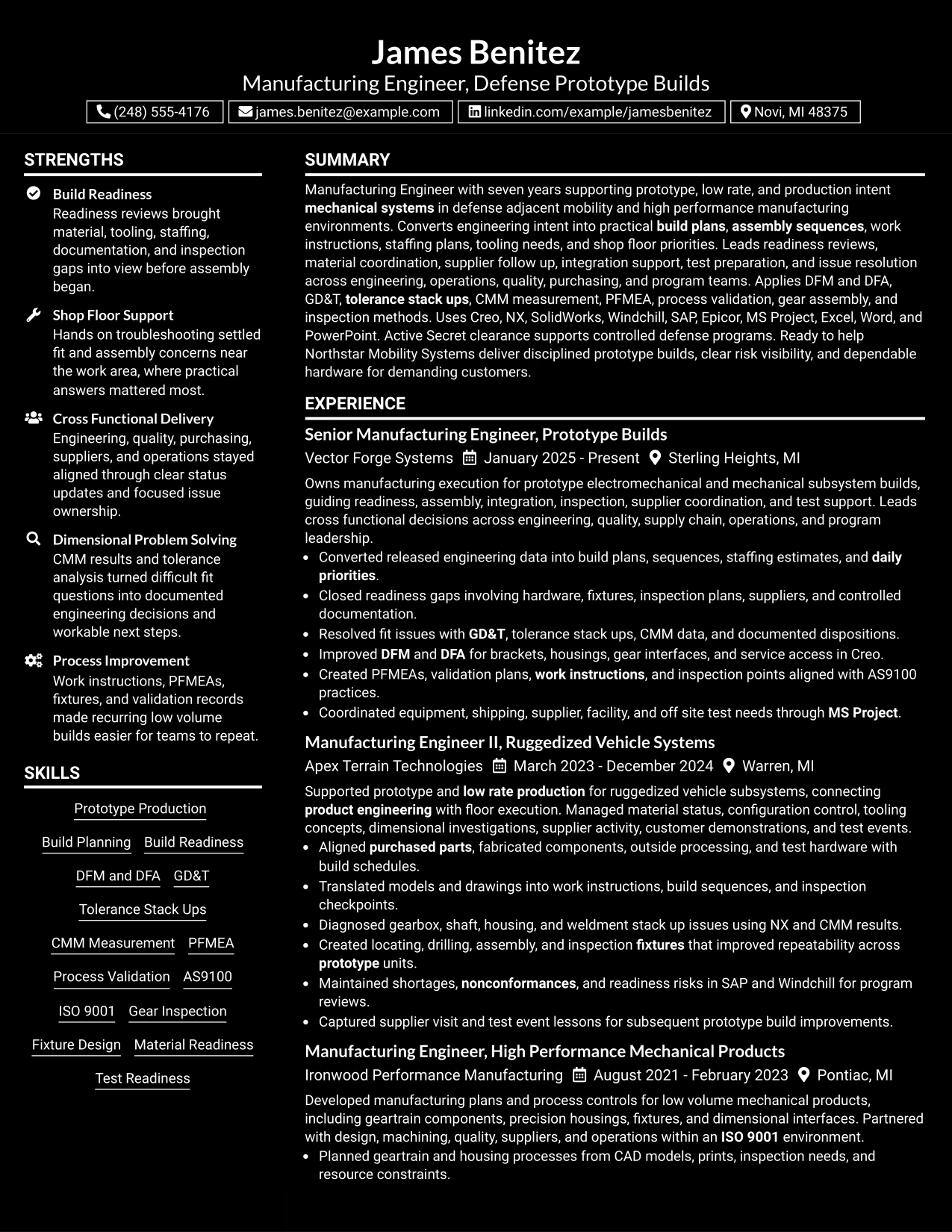
Why the Dark Mode Box Header Format Works for a Resume
- Uses a strong header to establish role focus before the detailed work history begins.
- Preserves a one-column reading path for ATS parsing and recruiter review.
- Gives complex manufacturing bullets enough width to remain readable.
- Supports clear separation of projects, education, certifications, and skills.
- Allows progressive responsibility across four roles to read in sequence.
- Can present technical keywords without squeezing them into a narrow sidebar.
- Works well for digital review when contrast and typography remain accessible.
Best For
- Screen-first resume review where a strong header improves orientation
- Candidates with long accomplishment bullets that need full-width space
- Applications where a simple chronological flow should remain dominant
- Documents that need a clear transition from work history to projects and credentials
- Technical resumes with many grounded keywords that should remain readable
- Professionals who prefer modern contrast with traditional one-column mechanics
#12 Elegant Full Background Two Column Format Resume Example
A restrained full-background treatment gives the resume a polished visual hierarchy while two columns separate core experience from supporting qualifications. The strongest evidence remains the candidate's progression across prototype, low-rate, and production-intent mechanical systems.
Recent work can emphasize build readiness, shop-floor issue resolution, DFM and DFA, GD&T, CMM measurement, PFMEA, process validation, supplier coordination, and test support. The second column can organize CAD tools, PLM, ERP and MRP systems, education, certifications, and Secret clearance details.
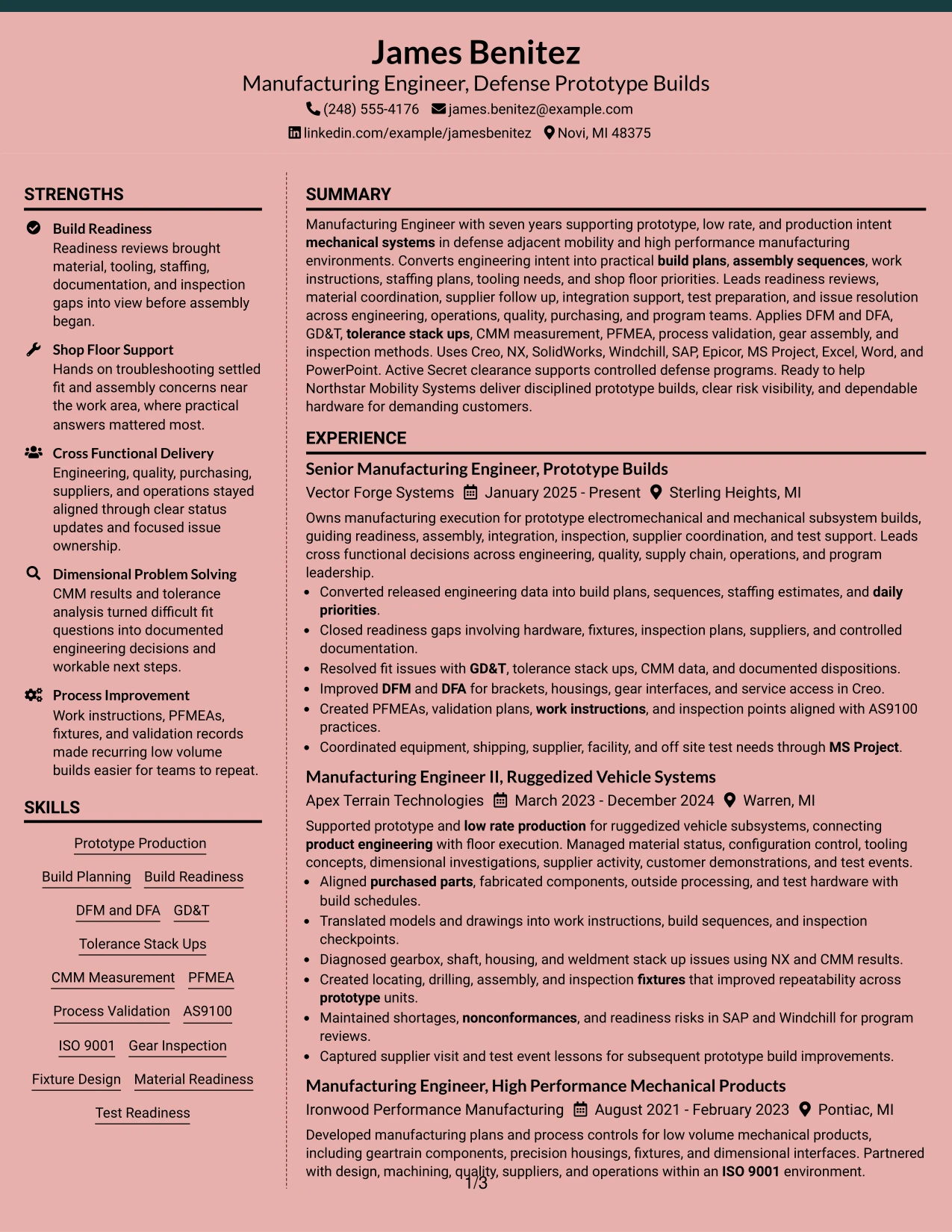
Why the Elegant Full Background Two Column Format Works for a Resume
- Creates a refined visual frame without reducing the priority of work history.
- Separates detailed manufacturing accomplishments from tools and credentials.
- Supports clear grouping of Creo, NX, SolidWorks, Windchill, SAP, and Epicor.
- Keeps quality systems and dimensional engineering visible during fast review.
- Provides space for projects and certifications without interrupting chronology.
- Works well for seven years of progressive experience with substantial technical depth.
- Maintains strong recruiter scanning when contrast and section labels stay clear.
Best For
- Professionals who want a polished two-column presentation with strong technical depth
- Resumes that need to balance long work-history bullets with concise support sections
- Applications where recent manufacturing achievements should remain visually dominant
- Documents with several systems, methods, certifications, and project details
- Technical profiles that benefit from side-by-side evidence and qualifications
- Screen-based review where restrained visual hierarchy improves navigation
#13 Creative Two Tone Format Resume Example
The Creative Two Tone Format uses contrast between major sections while keeping the document in a single reading path. It can organize summary, experience, projects, education, certifications, and skills without splitting the employment story across separate columns.
For this resume, the visual treatment should support evidence such as prototype production, material readiness, tooling and fixture work, dimensional problem solving, process validation, and supplier coordination. The design stays useful only when technical content remains easier to notice than decorative styling.
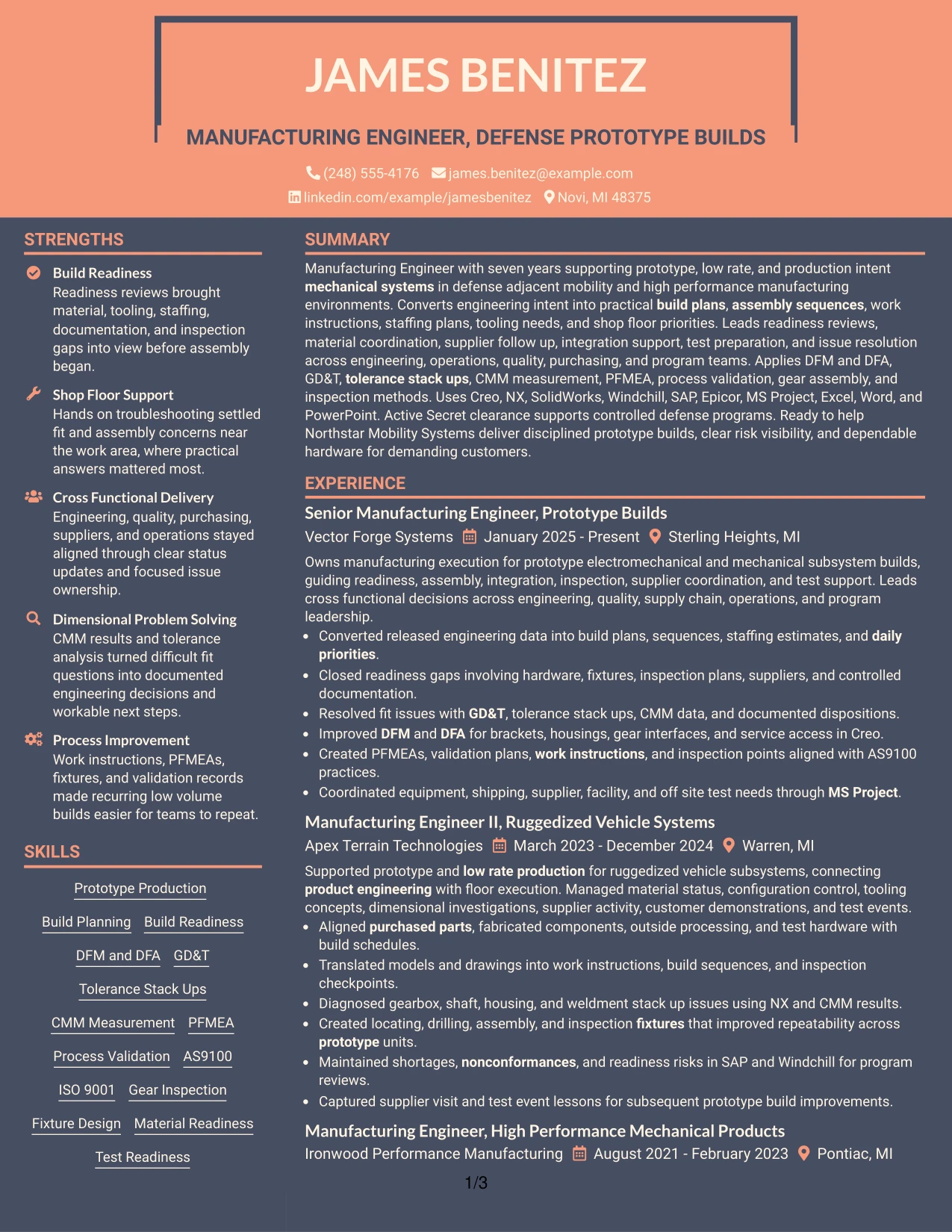
Why the Creative Two Tone Format Works for a Resume
- Preserves a simple one-column reading sequence for ATS and human review.
- Uses section contrast to help readers find experience, projects, and credentials quickly.
- Gives full-width space to detailed prototype-build accomplishment bullets.
- Supports visible placement of technical skills without separating them from the career story.
- Provides a clear transition from work history to certifications and education.
- Can highlight recent manufacturing scope while keeping earlier roles readable.
- Works best when color contrast supports, rather than replaces, standard section labels.
Best For
- Candidates who want stronger visual section cues without a multi-column layout
- Resumes with detailed accomplishment bullets that need full-width lines
- Applications where a modern presentation can coexist with simple ATS structure
- Documents with several standard sections that benefit from visual separation
- Professionals whose career progression should read from top to bottom without interruption
- Review settings where section contrast helps readers move quickly through dense content
#14 Minimal Header Format Resume Example
A recruiter can move from a compact header into the summary and then through four progressive manufacturing roles with little visual interruption. The Minimal Header Format gives most of the page to experience, projects, certifications, education, and technical skills.
That space is valuable for evidence on build planning, readiness reviews, GD&T, CMM measurement, nonconformance resolution, PFMEA, AS9100, and supplier or test coordination. Tools such as Creo, NX, SolidWorks, Windchill, SAP, Epicor, and MS Project can appear in a concise skills section after the experience story.
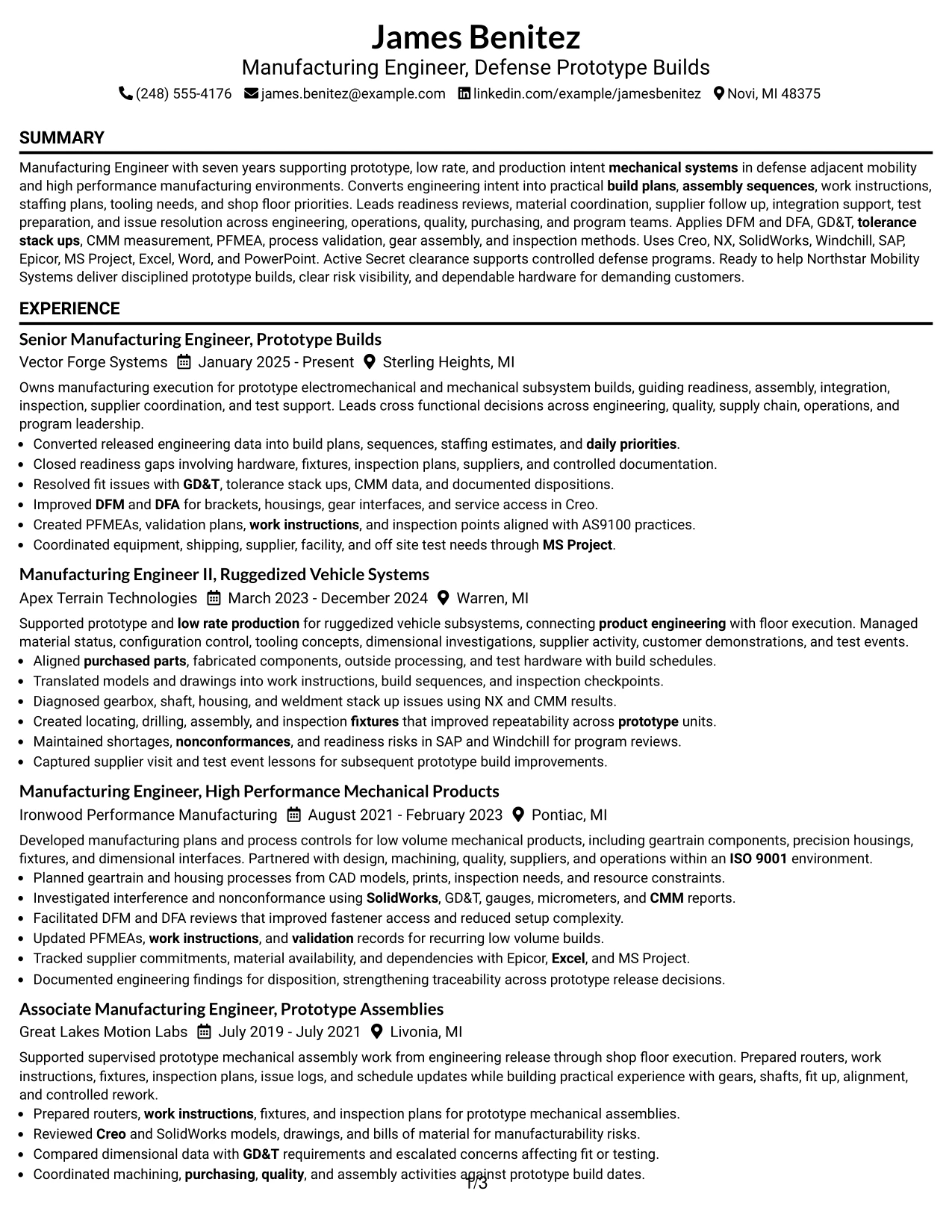
Why the Minimal Header Format Works for a Resume
- Places the greatest amount of space behind work history and accomplishment bullets.
- Supports a direct reading path from summary to recent and earlier roles.
- Reduces visual noise around technical evidence.
- Makes four-role career progression easy to follow.
- Leaves enough room for projects, certifications, education, and skills after experience.
- Works well with ATS systems because the section sequence remains conventional.
- Helps recruiters focus on substance when the resume contains many grounded technical details.
Best For
- Resumes with substantial work-history content that needs most of the available page width
- Candidates who prefer understated design and conventional section order
- Applications where recruiter scanning should focus on experience before visual styling
- Documents with multiple projects and certifications that still need room after employment history
- Technical profiles containing many grounded tools and manufacturing methods
- ATS-focused submissions where a simple hierarchy is more useful than decorative structure
#15 Plain One Column with Shaded Labels Resume Example
Evidence comes first in this format, with shaded labels acting as quiet signposts around the resume's main sections. Full-width experience bullets can show prototype-build execution, tooling, dimensional investigations, supplier activity, quality systems, and test support in detail.
The one-column flow keeps progression from Associate Manufacturing Engineer through Senior Manufacturing Engineer easy to understand. Projects, certifications, education, and skills can follow in distinct labeled blocks without competing with the employment record.
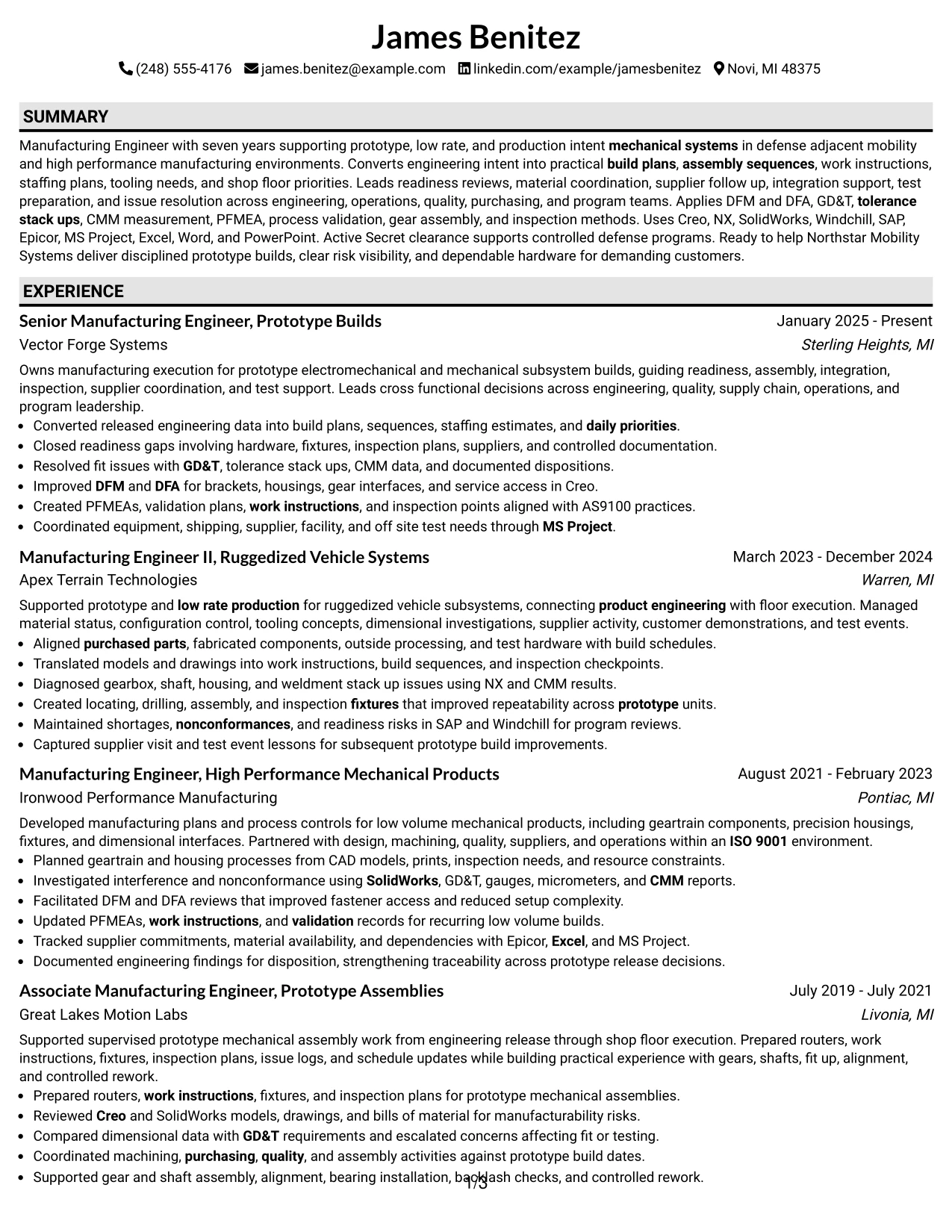
Why the Plain One Column with Shaded Labels Works for a Resume
- Prioritizes accomplishment evidence while keeping section boundaries obvious.
- Allows long manufacturing bullets to use the full page width.
- Supports chronological progression across all four roles.
- Makes projects and certifications easy to separate from employment history.
- Provides room for CAD, PLM, ERP and MRP, and quality-system keywords.
- Uses labels to improve navigation without adding complex layout elements.
- Maintains ATS-friendly structure when labels remain standard text headings.
Best For
- Candidates whose strongest evidence is detailed work history rather than compact side content
- Applications where section labels should be easy to spot during a fast scan
- Resumes that need generous space for accomplishment bullets and technical context
- Documents with a clear chronological story across several employers
- Professionals combining work history with projects, certifications, and technical skills
- Review situations where simple navigation matters more than visual complexity
#16 Text/Fang Style Resume Example
Content is distributed in a simple single-column sequence so the resume can carry detailed evidence without visual crowding. The Text/Fang Style keeps attention on concise text blocks, section hierarchy, and the progression of responsibility across the manufacturing career.
Build plans, assembly sequences, shop-floor troubleshooting, GD&T, CMM data, DFM and DFA, PFMEA, process validation, and supplier coordination can each receive enough space to remain clear. Technical tools and systems can sit in a concise skills area rather than compete with role accomplishments.
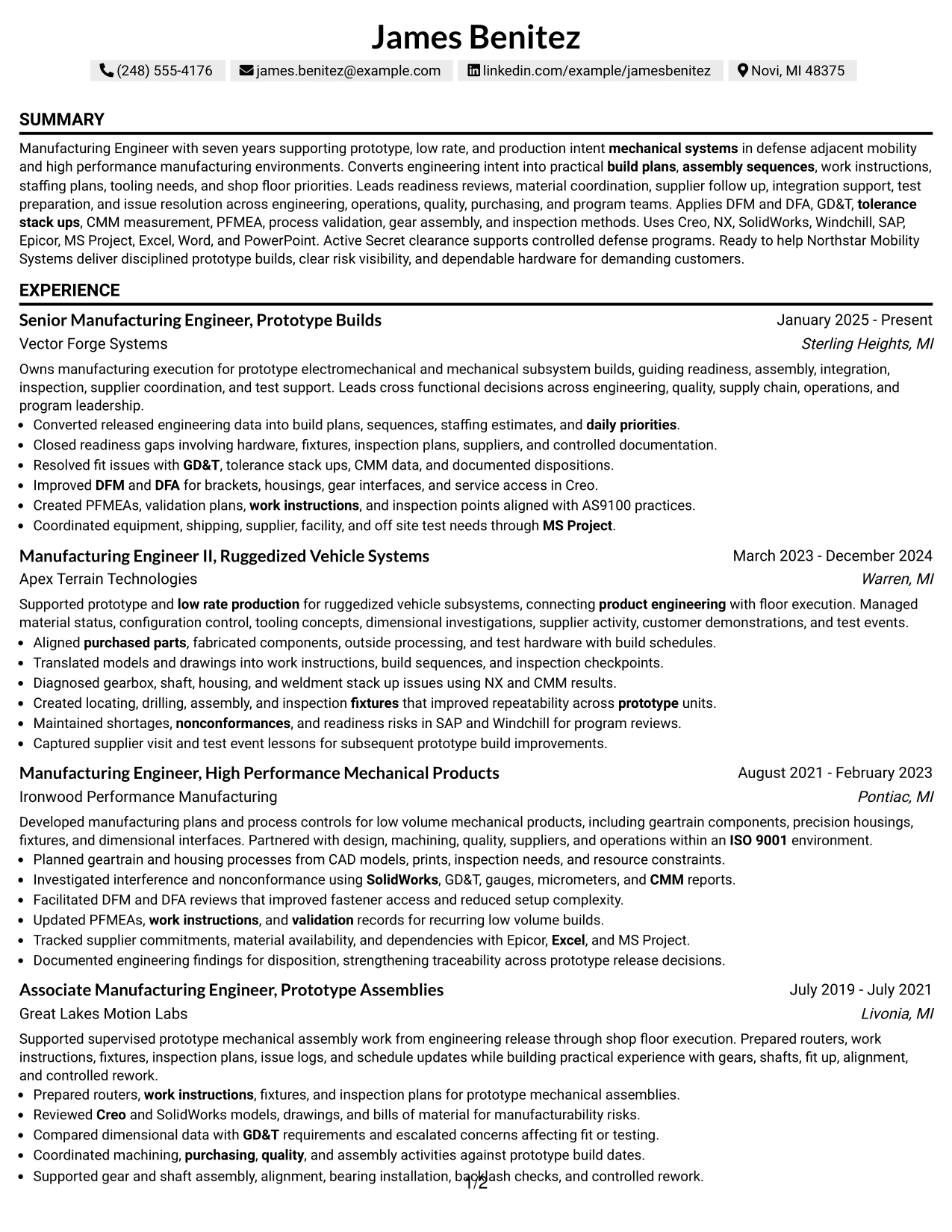
Why the Text/Fang Style Works for a Resume
- Supports dense technical content without compressing line length.
- Preserves an easy chronological flow through four manufacturing positions.
- Provides full-width room for accomplishment-focused bullets.
- Allows detailed manufacturing methods to stay readable.
- Keeps projects, certifications, and education in a predictable order.
- Reduces distraction when ATS keywords and technical evidence are extensive.
- Works well for reviewers who value direct text over visual ornament.
Best For
- Applications that reward straightforward evidence and conventional resume mechanics
- Candidates with many detailed responsibilities and accomplishments to explain
- Documents where technical keywords need context rather than isolated lists
- Resumes with a long work-history narrative and several supporting sections
- Recruiter reviews where clean text flow improves speed and comprehension
- Professionals who prefer a restrained format with maximum space for substance
#17 Bold Color Header Professional Format Resume Example
For a recruiter opening the document, a strong color header can establish role focus before the resume moves into a conventional one-column structure. The Bold Color Header Professional Format works best when the header stays concise and the body remains centered on measurable manufacturing evidence.
Recent experience can lead with readiness reviews, build execution, fit and tolerance resolution, work instructions, supplier coordination, and test support. Projects, education, certifications, and tools such as Creo, Windchill, SAP, Epicor, and MS Project can follow in standard sections.
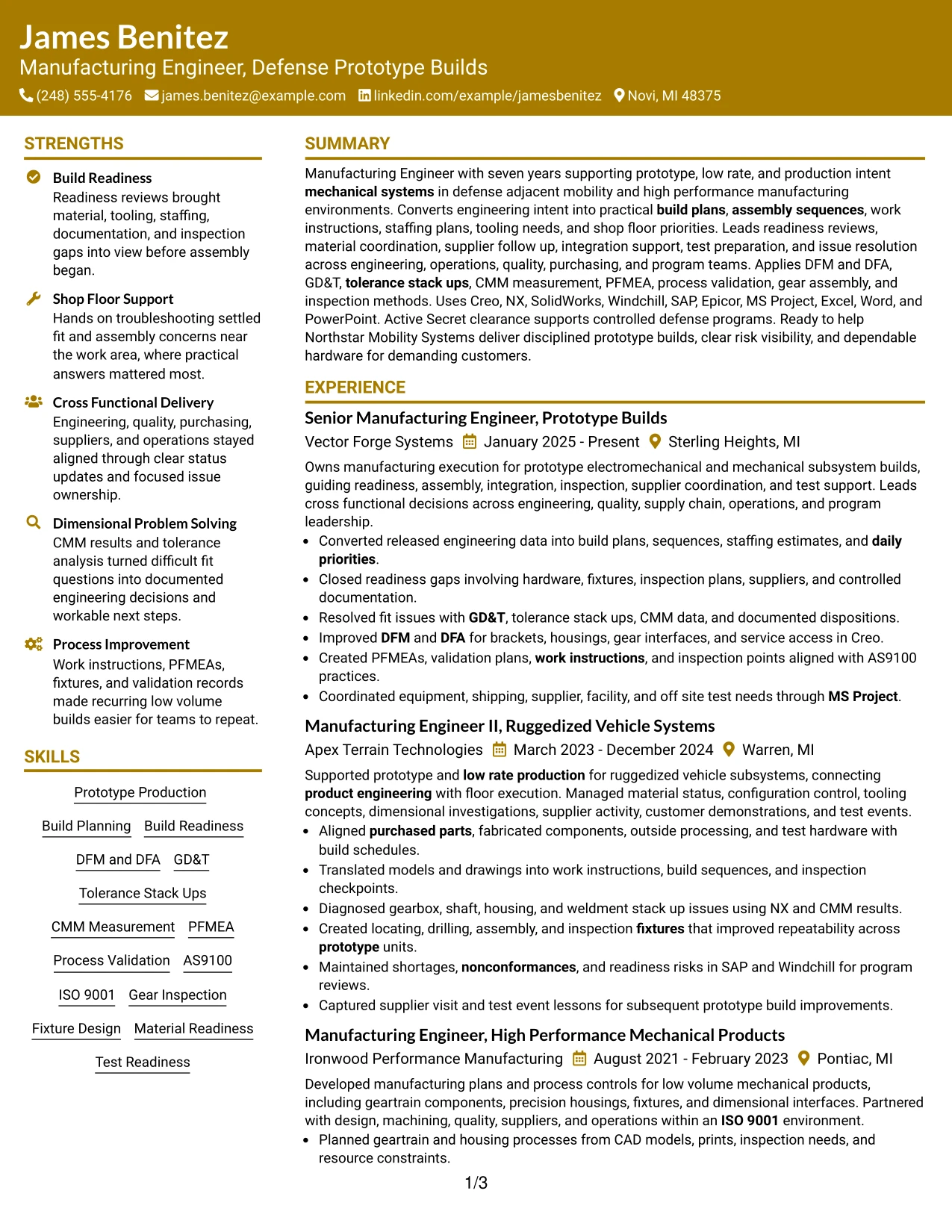
Why the Bold Color Header Professional Format Works for a Resume
- Creates a clear role-focused entry point without changing the body structure.
- Preserves a simple one-column path for ATS and recruiter review.
- Allows detailed accomplishment bullets to remain full width.
- Supports visible separation between work history and supporting credentials.
- Can highlight recent senior manufacturing scope without crowding earlier roles.
- Leaves enough space for projects and certifications after the experience section.
- Works well when the header color adds hierarchy but the body remains restrained.
Best For
- Candidates who want a stronger first-screen identity while keeping the body conventional
- Resumes reviewed digitally where a clear top section improves orientation
- Applications needing full-width experience bullets and straightforward chronology
- Documents with several supporting sections after a substantial work history
- Professionals who want modern visual emphasis without a complex page structure
- ATS-conscious submissions where decorative treatment is limited to the header
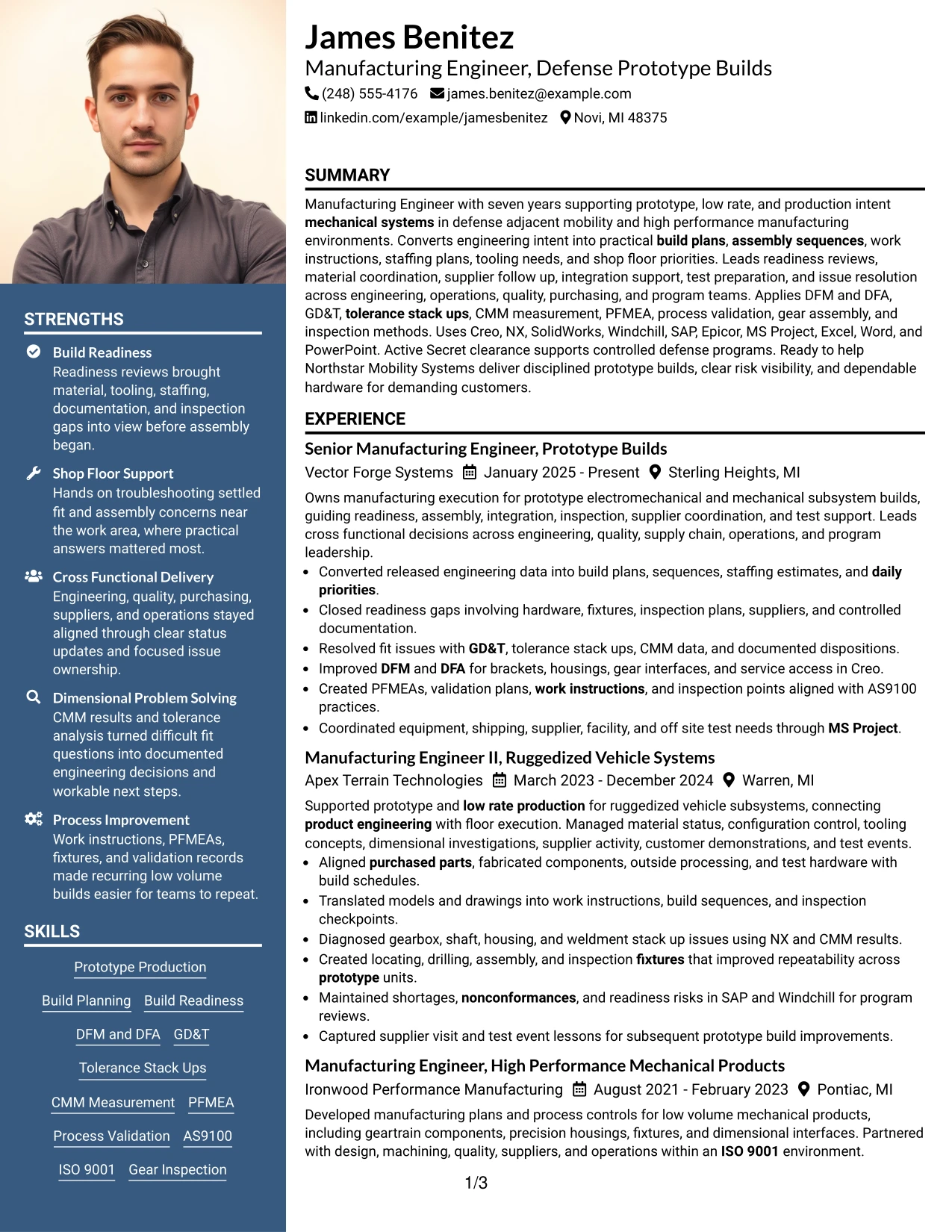
#18 Photo Header Color Sidebar Format Resume Example
A controlled color sidebar and visible photo area create a more identity-led presentation, while the main content can still prioritize technical manufacturing evidence. The Photo Header Color Sidebar Format can separate experience from tools, certifications, education, and clearance details.
Use the photo only when the application context makes it appropriate. The resume itself should still be judged on evidence such as prototype production, build readiness, GD&T, CMM measurement, PFMEA, AS9100, tooling, supplier coordination, and hands-on shop-floor support.
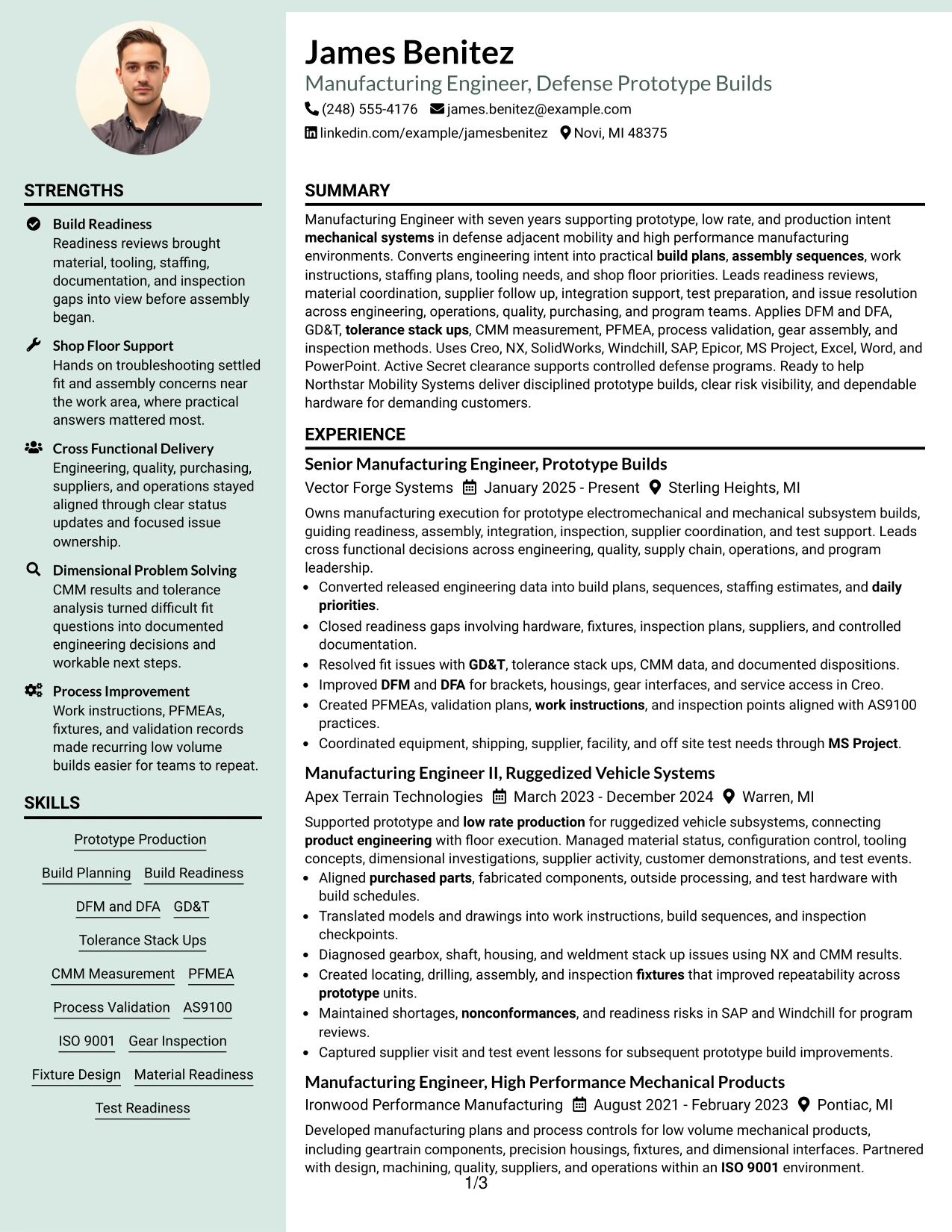
Why the Photo Header Color Sidebar Format Works for a Resume
- Creates a clear identity area while preserving structured resume sections.
- Uses the sidebar to organize tools, certifications, and supporting qualifications.
- Keeps recent prototype-build accomplishments in the primary reading area.
- Provides a visible place for education and Secret clearance details.
- Supports compact presentation of CAD, PLM, ERP and MRP systems.
- Can separate technical keywords from detailed role bullets.
- Remains useful only when the photo and color treatment do not reduce text readability.
Best For
- Applications where a resume photo is customary or explicitly accepted
- Candidates who want a visible identity area plus a structured sidebar
- Documents with enough technical support content to justify sidebar organization
- Resumes combining detailed experience with certifications and clearance information
- Review settings where a photo-led header is appropriate but evidence must remain central
- Professionals who need a compact way to group tools, systems, and credentials
#19 Top Left Header Color Accent Format Resume Example
The Top Left Header Color Accent Format anchors contact and role information in a clear starting point, then keeps the rest of the resume in a simple one-column flow. This structure gives work history most of the page while using a small accent to mark hierarchy.
Four progressive manufacturing roles can remain the core story, supported by projects, education, certifications, and skills. Build readiness, DFM and DFA, dimensional problem solving, PFMEA, AS9100, Windchill, SAP, and MS Project can stay easy to find through standard section labels.
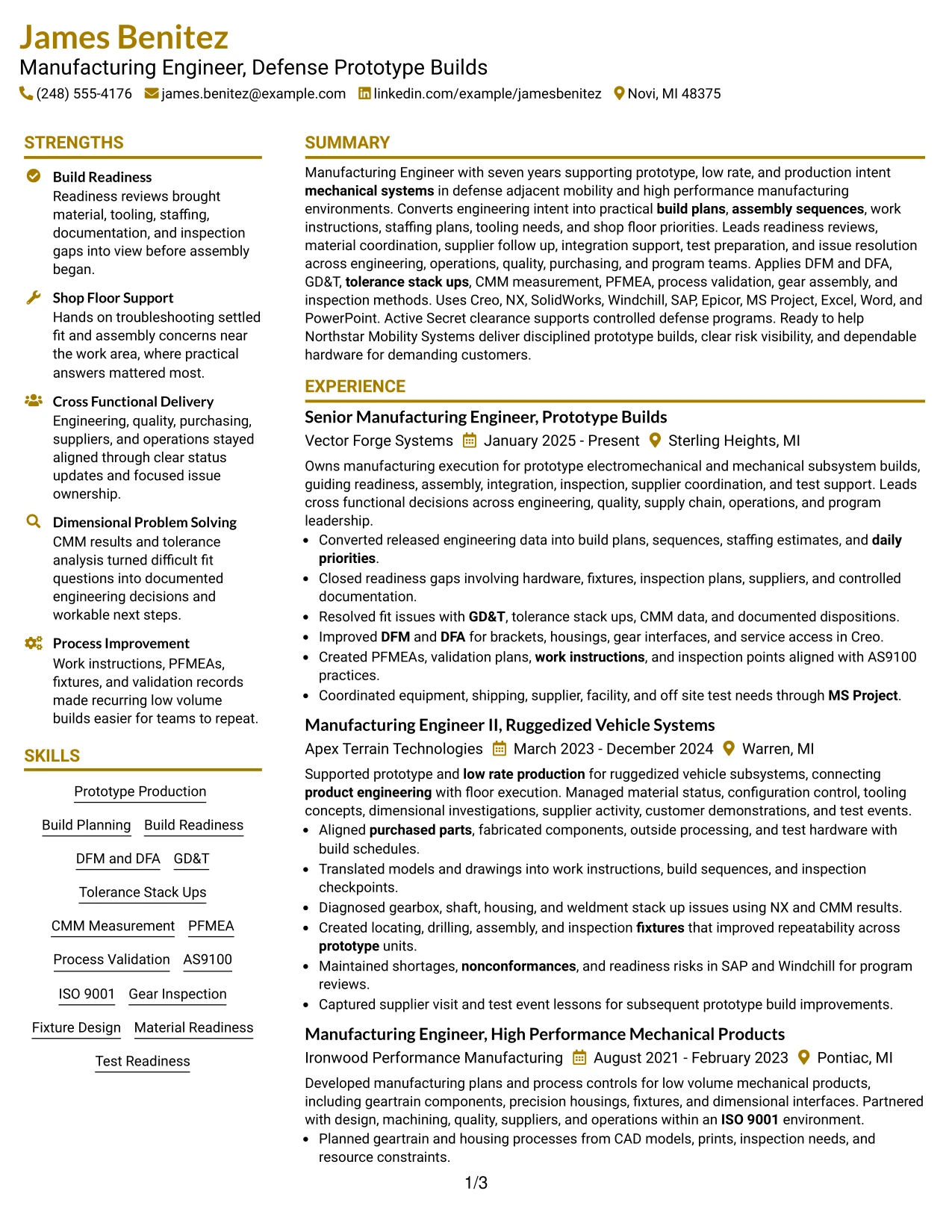
Why the Top Left Header Color Accent Format Works for a Resume
- Creates a clear starting point for contact and role information.
- Preserves a simple top-to-bottom reading order after the header.
- Allows full-width space for detailed experience bullets.
- Supports visible career progression across all four roles.
- Keeps projects and certifications distinct without adding complex page divisions.
- Provides room for extensive technical keywords in a conventional skills section.
- Works well when the accent color guides navigation but does not dominate the content.
Best For
- Candidates who want a small amount of visual emphasis without changing resume mechanics
- Applications where full-width work history should remain the main focus
- Documents that need a clear top-left starting point for fast scanning
- Resumes with several supporting sections after substantial experience
- Technical profiles that need both ATS clarity and light visual distinction
- Review situations where conventional chronology matters more than layout complexity
#20 Centered Header Classic Two Column Format Resume Example
A recruiter first sees a centered header, then moves into two balanced columns that separate James Benitez's main experience from supporting qualifications. The structure can keep four progressive roles readable while placing skills, systems, projects, education, certifications, and clearance details nearby.
This classic arrangement is useful for a resume with seven years of evidence across prototype builds, low-rate production, shop-floor support, dimensional investigation, and process control. The supporting column can carry Creo, NX, SolidWorks, Windchill, SAP, Epicor, AS9100, ISO 9001, and Secret clearance information.
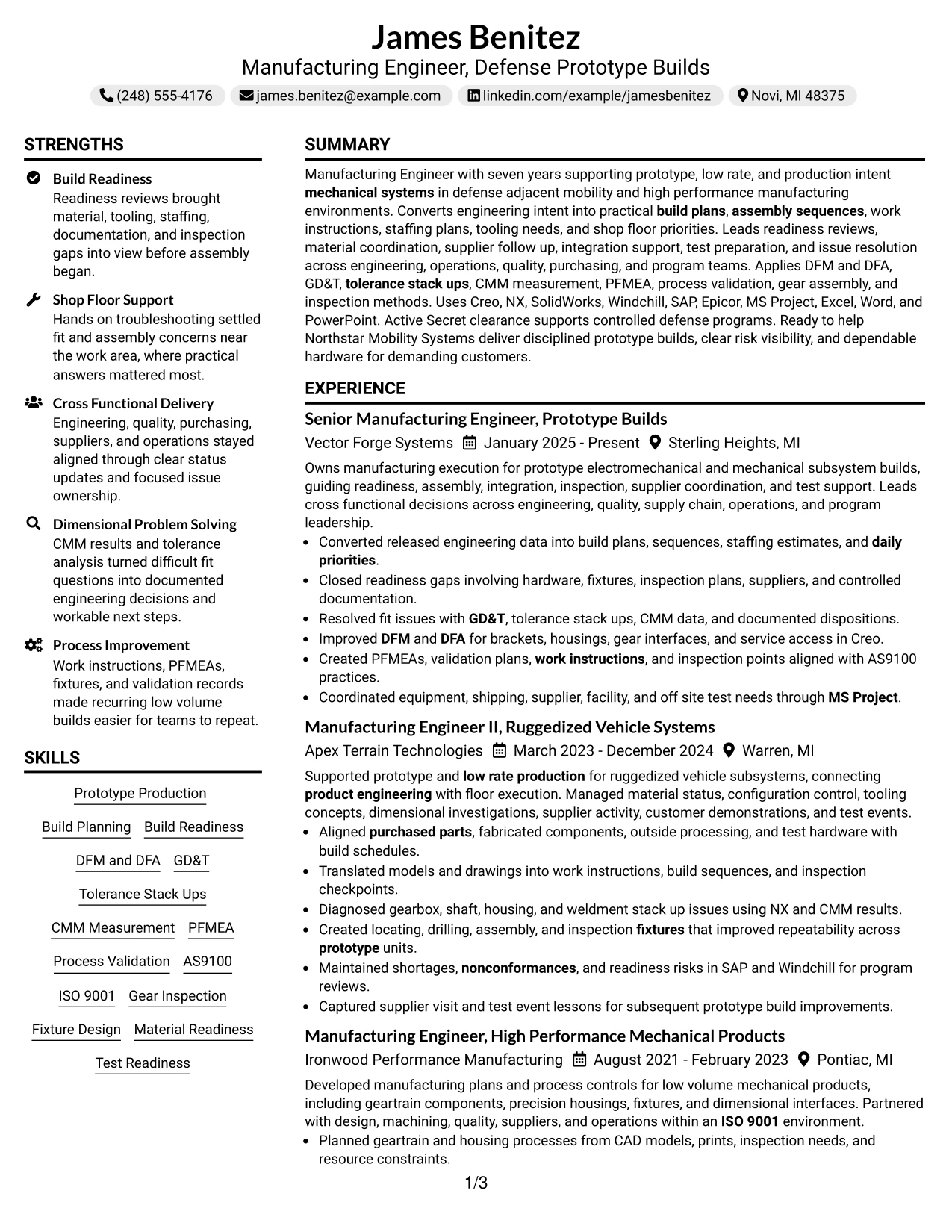
Why the Centered Header Classic Two Column Format Works for a Resume
- Combines a traditional header with efficient two-column organization.
- Allows recent experience to remain prominent while supporting details stay visible.
- Creates space for tools, projects, certifications, and education without extending the document unnecessarily.
- Supports quick comparison between work-history evidence and technical qualifications.
- Keeps the seven-year career progression easy to trace.
- Provides a clear place for clearance and quality-system information.
- Maintains recruiter-friendly structure when columns use standard section labels.
Best For
- Resumes with enough experience to benefit from a dedicated main column
- Candidates who need supporting qualifications visible beside employment history
- Applications where traditional presentation is preferred but space efficiency matters
- Documents combining four roles with projects, certifications, and technical systems
- Technical profiles that need a compact balance between chronology and skills
- Recruiter reviews where side-by-side scanning improves speed
#21 Left Aligned Header Clean Two Column Format Resume Example
Recent manufacturing evidence receives the most space, while a clean secondary column supports it with skills, systems, projects, education, and credentials. The Left Aligned Header Clean Two Column Format keeps the document direct and easy to scan from the first line.
The main column can show build planning, readiness reviews, nonconformance resolution, DFM and DFA, fixture concepts, and test coordination. The supporting side can organize Creo, NX, SolidWorks, Windchill, SAP, Epicor, MS Project, AS9100, ISO 9001, and clearance information.
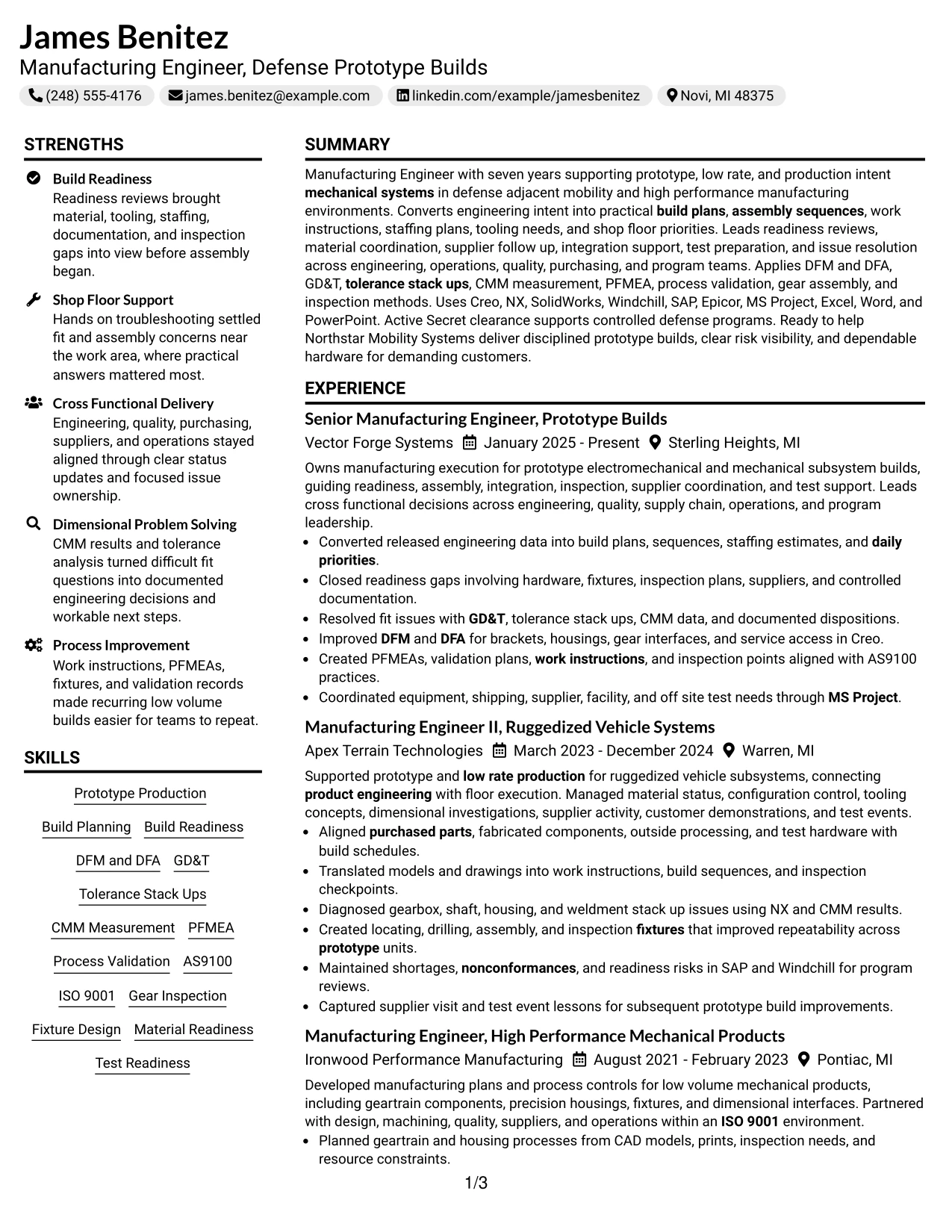
Why the Left Aligned Header Clean Two Column Format Works for a Resume
- Prioritizes recent accomplishment evidence in the main column.
- Keeps tools and systems visible without interrupting the work-history narrative.
- Supports four progressive roles in a clean chronological structure.
- Creates a compact home for projects, certifications, and education.
- Makes quality systems and clearance details easy to find.
- Allows technical keywords to remain grouped by function.
- Works well for ATS-conscious readers when headings remain conventional and text order is clear.
Best For
- Candidates whose recent work should carry more visual weight than supporting sections
- Applications where tools and credentials need a dedicated secondary area
- Resumes with multiple technical systems that benefit from functional grouping
- Documents requiring a clean balance between chronology and supporting evidence
- Professionals with strong recent accomplishments plus useful project and certification details
- Review settings where a left-aligned starting point improves scan speed
#22 Simple Two Column Format Resume Example
Experience and supporting qualifications share the page in a balanced, low-complexity structure. The Simple Two Column Format gives the main column enough space for progressive manufacturing evidence while the second column carries skills, systems, projects, education, certifications, and clearance details.
That balance works well for prototype and low-rate production experience because the resume can show build plans, material readiness, shop-floor troubleshooting, GD&T, CMM measurement, PFMEA, process validation, and supplier coordination without turning the page into a dense technical list.
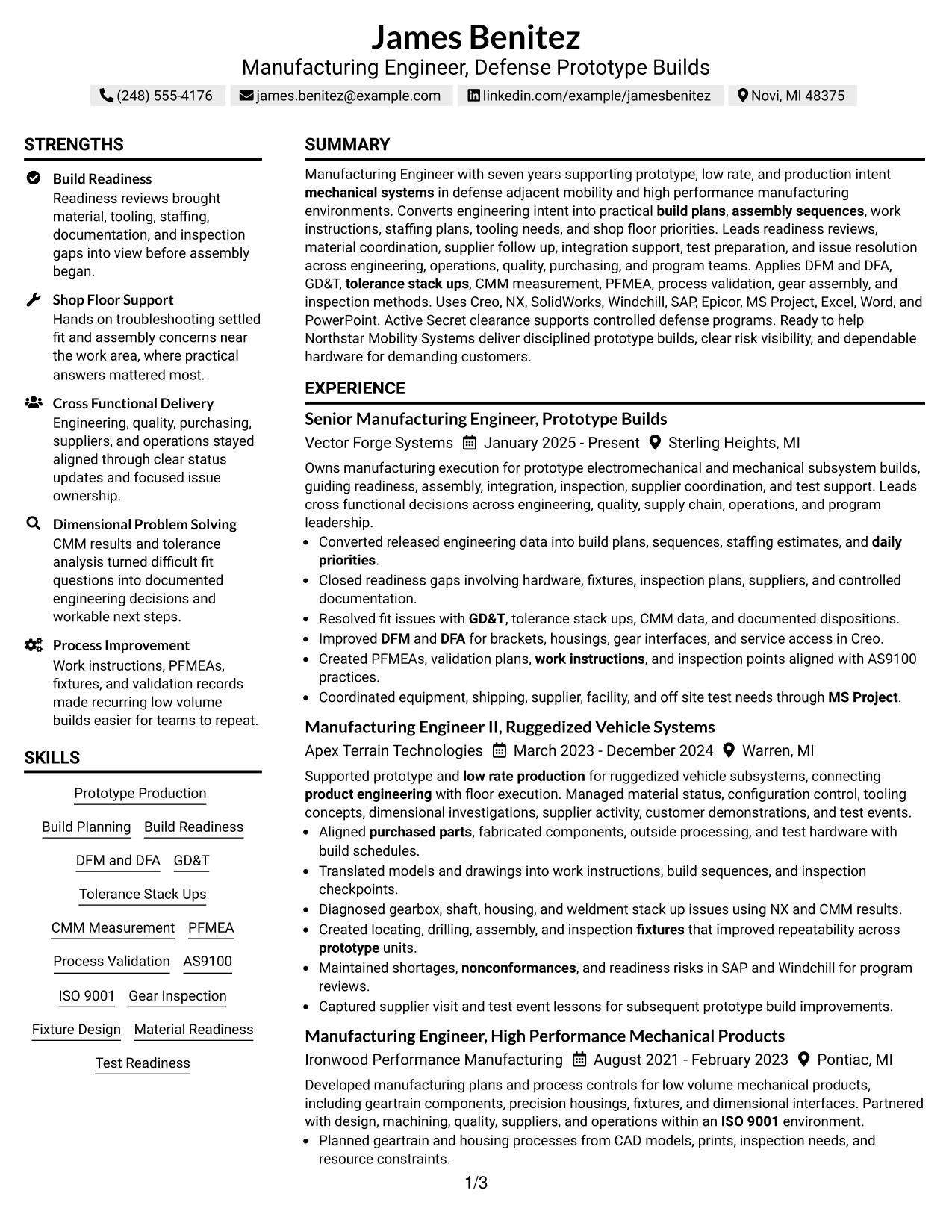
Why the Simple Two Column Format Works for a Resume
- Balances detailed experience with compact supporting information.
- Keeps the four-role career path visible in the main reading area.
- Provides separate space for CAD, PLM, ERP and MRP, and quality systems.
- Allows projects and certifications to remain easy to locate.
- Supports clear presentation of dimensional and process-control skills.
- Reduces page length pressure when technical evidence is extensive.
- Maintains a practical hierarchy for recruiter scanning and ATS review.
Best For
- Applications that need efficient two-column organization without heavy styling
- Candidates balancing substantial experience with many technical qualifications
- Documents where projects and certifications should remain visible beside work history
- Resumes that need to conserve vertical space while preserving readable bullets
- Technical manufacturing profiles with broad systems and quality knowledge
- Recruiter reviews where simple side-by-side organization improves comprehension
#23 Accent Divider Modern Two Column Format Resume Example
For applications where technical depth and quick scanning both matter, the Accent Divider Modern Two Column Format creates a clean division between experience and supporting qualifications. The main column can carry recent prototype-build accomplishments while the second column keeps tools, systems, education, projects, certifications, and clearance details easy to find.
Build readiness, material coordination, shop-floor troubleshooting, GD&T, CMM measurement, PFMEA, process validation, supplier support, and test readiness can remain prominent. Accent dividers should guide the eye between sections without competing with the evidence.
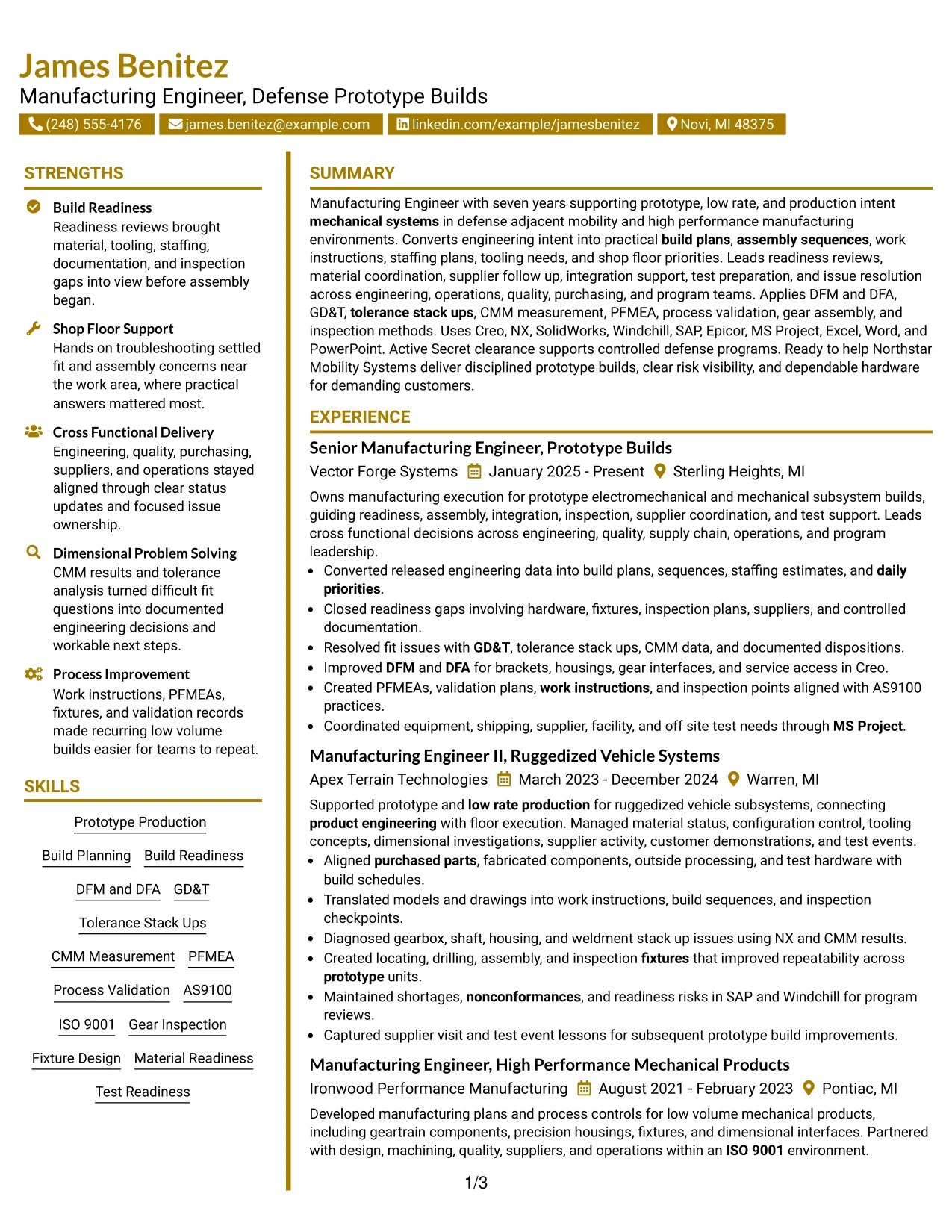
Why the Accent Divider Modern Two Column Format Works for a Resume
- Separates work history from supporting technical content with clear visual boundaries.
- Keeps recent prototype-build evidence prominent in the main reading area.
- Provides dedicated space for CAD, PLM, ERP and MRP, and quality-system details.
- Supports concise placement of education, certifications, projects, and clearance information.
- Helps recruiters move quickly between accomplishment bullets and technical qualifications.
- Maintains useful two-column density without making the page feel crowded.
- Works best when accent dividers reinforce standard section hierarchy.
Best For
- Applications where both technical depth and fast visual scanning are important
- Candidates with several technical systems and credentials to organize beside experience
- Resumes that need clear separation between work history and supporting qualifications
- Documents where visual dividers improve navigation without adding heavy design
- Technical manufacturing profiles with substantial recent prototype-build evidence
- Recruiter reviews where side-by-side information speeds comparison
#24 Shaded Labels Clean Two Column Format Resume Example
Subtle shaded labels create a calm visual hierarchy while two columns divide detailed career evidence from supporting qualifications. The Shaded Labels Clean Two Column Format helps the resume stay organized when experience, tools, projects, certifications, and systems all need meaningful space.
The main content can emphasize prototype production, readiness reviews, tooling, dimensional investigations, DFM and DFA, supplier coordination, and process validation. The secondary column can group Creo, NX, SolidWorks, Windchill, SAP, Epicor, AS9100, ISO 9001, education, and Secret clearance.
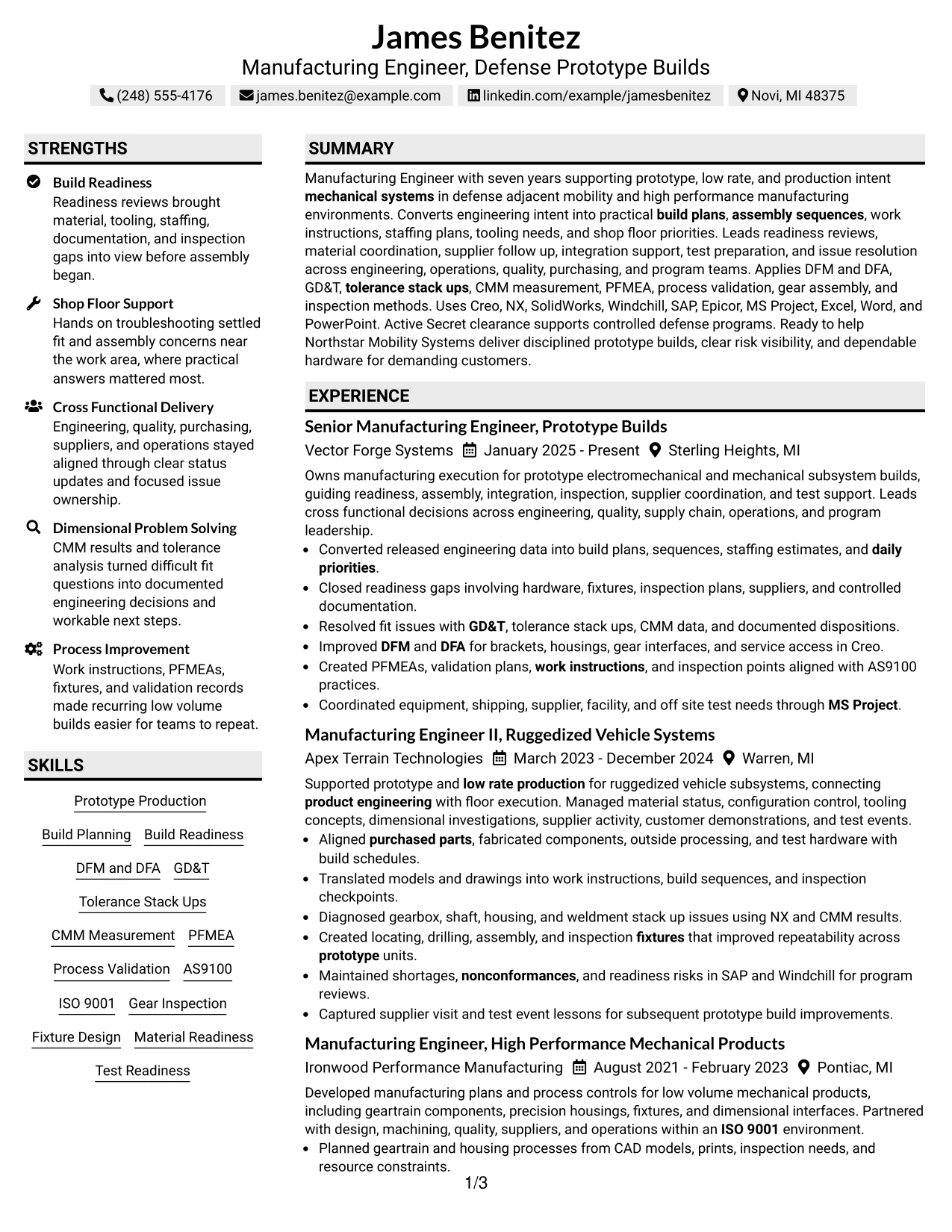
Why the Shaded Labels Clean Two Column Format Works for a Resume
- Uses shaded labels to make section boundaries easy to recognize.
- Balances four progressive roles with a compact supporting column.
- Supports quick review of CAD, PLM, ERP and MRP, and quality systems.
- Keeps project evidence and certifications visible without interrupting chronology.
- Provides room for detailed accomplishment bullets tied to prototype and low-rate production.
- Creates a professional information hierarchy with limited visual complexity.
- Works well when labels remain readable and do not replace standard text headings.
Best For
- Candidates who want clear section labeling with a restrained two-column design
- Resumes containing several technical categories that need compact organization
- Applications where work history should stay dominant but credentials must remain visible
- Documents with projects and certifications that benefit from their own labeled areas
- Manufacturing profiles balancing detailed experience with systems and quality knowledge
- Screen or print review where soft visual separation improves navigation
#25 Photo Header Color Accent International Format Resume Example
The Photo Header Color Accent International Format combines a visible identity area with a single-column resume flow and controlled color accents. It can keep experience, projects, education, certifications, and skills in a direct sequence while still giving the header a distinct visual role.
For this manufacturing profile, the content should remain centered on prototype builds, build readiness, shop-floor support, GD&T, CMM measurement, PFMEA, AS9100, tooling, and supplier coordination. Use the photo only where local hiring practice or the application context supports it.
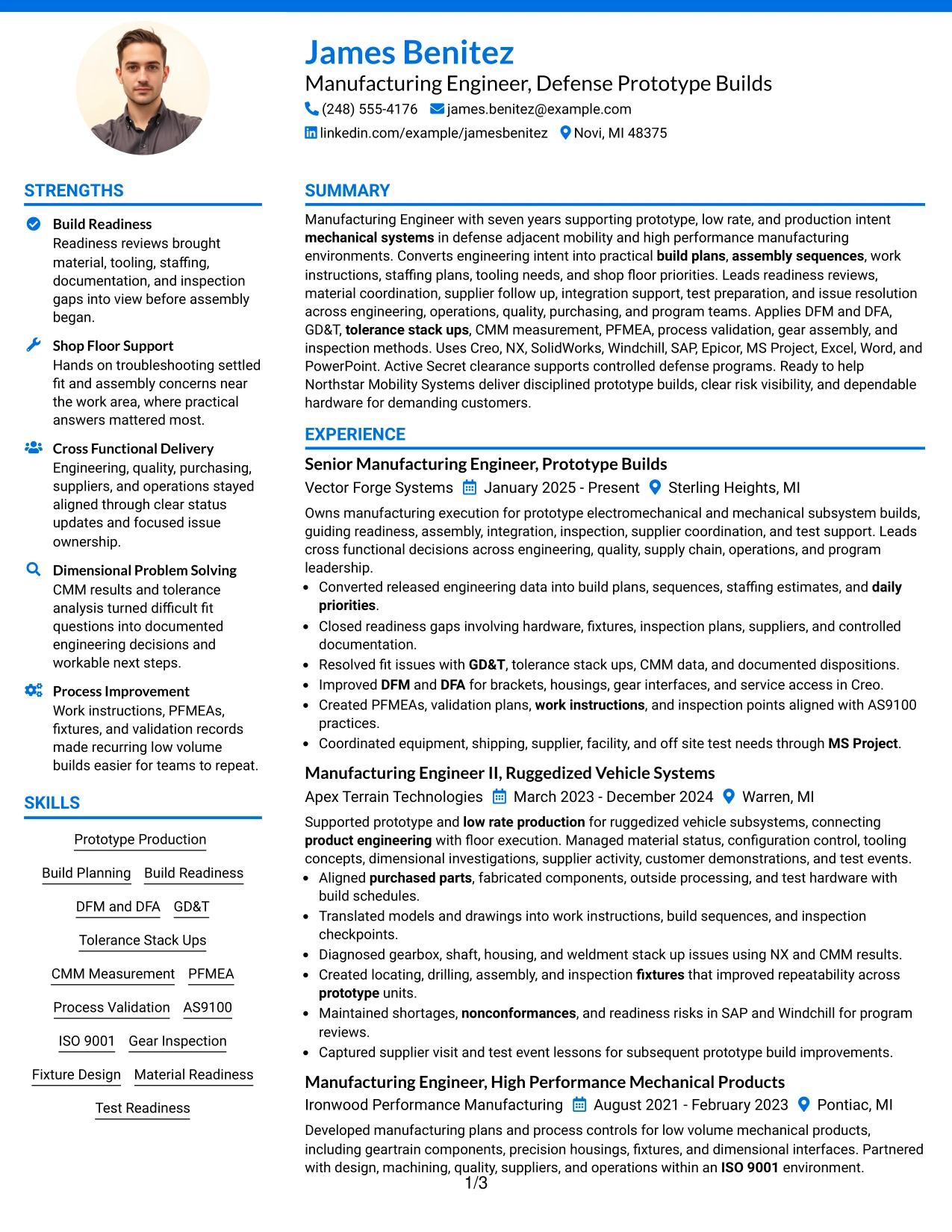
Why the Photo Header Color Accent International Format Works for a Resume
- Creates a clear identity-focused header while preserving a linear content flow.
- Keeps detailed experience bullets full width for easy reading.
- Uses color accents to separate sections without creating a complex layout.
- Provides clear space for projects, certifications, education, and technical skills.
- Supports visible presentation of clearance and quality-system details.
- Can balance international presentation norms with structured resume mechanics.
- Works best when the photo and accents remain secondary to factual evidence.
Best For
- International applications where a resume photo is customary or accepted
- Candidates who prefer a visible identity header with one-column readability
- Documents with detailed work history that should remain full width
- Applications where light color accents help separate major resume sections
- Resumes combining manufacturing experience with projects, credentials, and technical systems
- Review contexts where a photo-supported header is appropriate but content must stay central
#26 Large Profile Photo International Two Column Format Resume Example
A recruiter can move from the identity area into a two-column structure that separates detailed work history from supporting technical content. The Large Profile Photo International Two Column Format offers more visual identity space than most resume designs, so the underlying evidence must remain especially clear and well organized.
Recent prototype-build execution, readiness planning, dimensional problem solving, process validation, supplier coordination, and test support should dominate the main column. The secondary column can hold Creo, NX, SolidWorks, Windchill, SAP, Epicor, AS9100, ISO 9001, certifications, education, and Secret clearance.
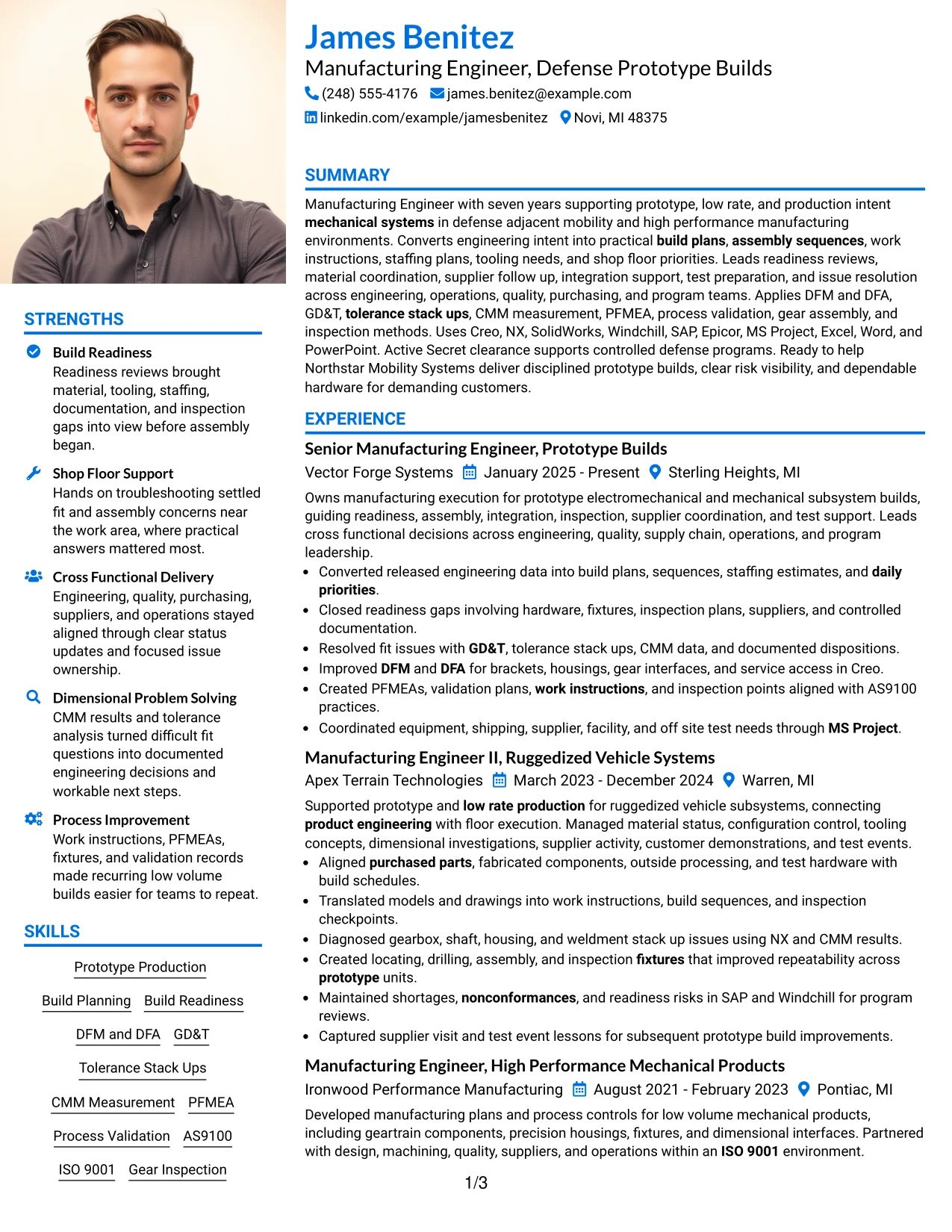
Why the Large Profile Photo International Two Column Format Works for a Resume
- Combines a large identity area with efficient two-column organization.
- Preserves a clear main column for recent manufacturing accomplishments.
- Creates a compact technical area for tools, systems, and credentials.
- Provides room for projects and certifications without crowding employment history.
- Supports side-by-side review of work evidence and supporting qualifications.
- Can suit international presentation norms when a prominent photo is appropriate.
- Works best when the larger visual header does not reduce readable space for technical content.
Best For
- International applications where a larger resume photo is normal and acceptable
- Candidates who need strong visual identity plus detailed two-column organization
- Resumes with substantial experience and many supporting technical qualifications
- Documents where projects, systems, certifications, and education need compact side placement
- Applications reviewed visually before deeper technical screening
- Professionals who can support a prominent header without sacrificing accomplishment detail
#27 One Column Format with Photo Resume Example
Recent manufacturing evidence receives full-width priority, while the photo remains confined to the header area. The One Column Format with Photo lets detailed accomplishment bullets explain prototype build execution, readiness reviews, shop-floor troubleshooting, dimensional analysis, process controls, and supplier coordination without column constraints.
Projects, education, certifications, clearance information, and technical skills can follow in a predictable sequence. Use the photo only when the application context supports it, and keep technical evidence such as GD&T, CMM measurement, PFMEA, Creo, Windchill, SAP, and AS9100 more important than the visual element.
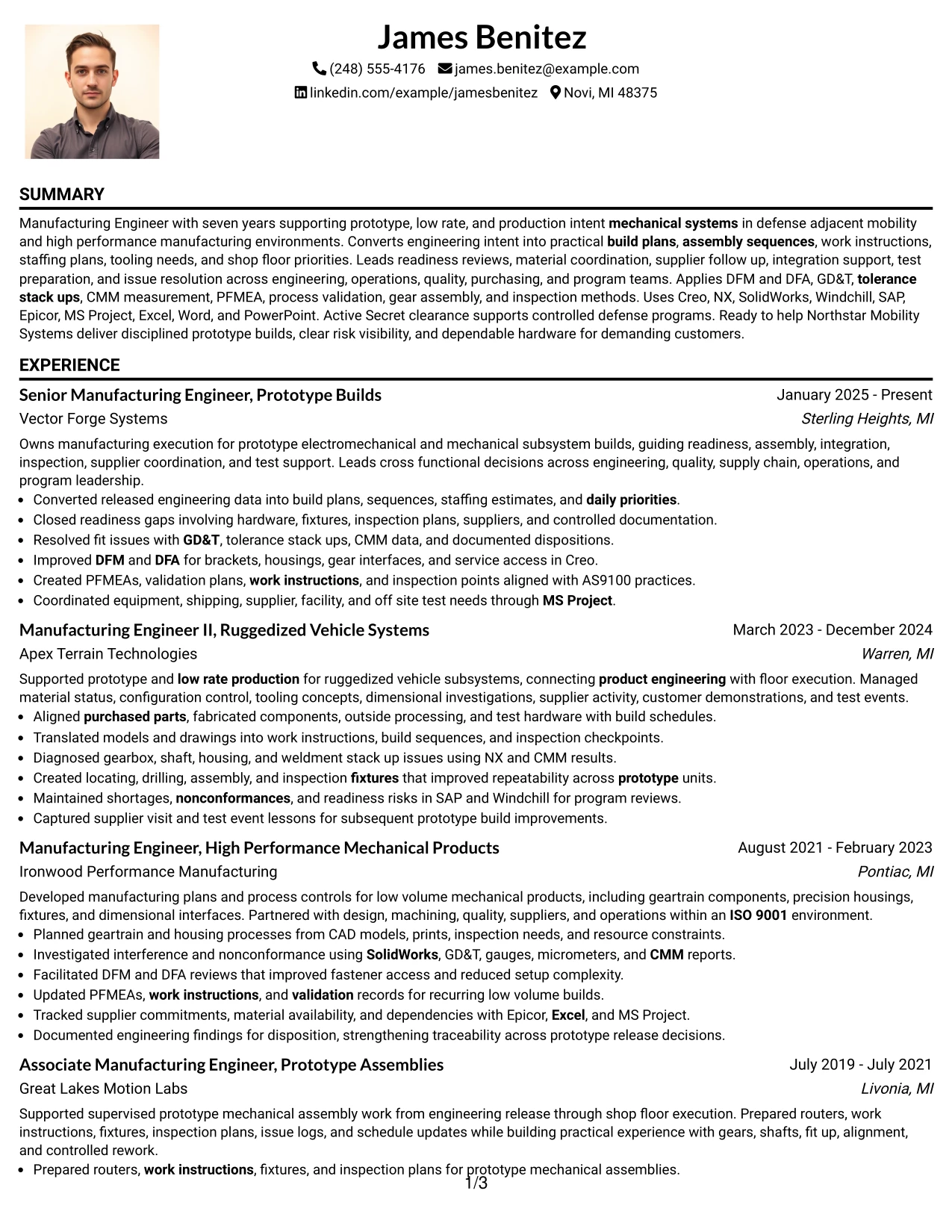
Why the One Column Format with Photo Works for a Resume
- Provides full-width space for complex experience bullets.
- Preserves a simple chronological reading order through four progressive roles.
- Keeps projects, education, certifications, and skills in conventional sections.
- Allows a photo header without splitting technical content across columns.
- Supports ATS-friendly text flow when the photo is treated as a separate visual element.
- Provides room for detailed manufacturing methods and systems.
- Works best when the identity element does not reduce attention on accomplishment evidence.
Best For
- Applications where a resume photo is acceptable but one-column readability is preferred
- Candidates with detailed experience bullets that need maximum horizontal space
- Documents where chronology should remain stronger than side-by-side organization
- Resumes with several technical sections that can follow the work history in sequence
- Manufacturing profiles where project and certification evidence supports the employment story
- Review contexts that allow a photo but still reward straightforward ATS structure
#28 One Column Format with Photo Right Resume Example
Content remains balanced across a full-width one-column body while the photo sits to the right in the header. The One Column Format with Photo Right keeps the resume's main evidence uninterrupted, which is useful when four progressive roles and detailed technical accomplishments need room to breathe.
For this profile, the body can emphasize build planning, material readiness, tooling, GD&T, CMM measurement, PFMEA, process validation, supplier coordination, and test support. The right-side photo should be used only when appropriate for the application and should not reduce space for contact or role information.
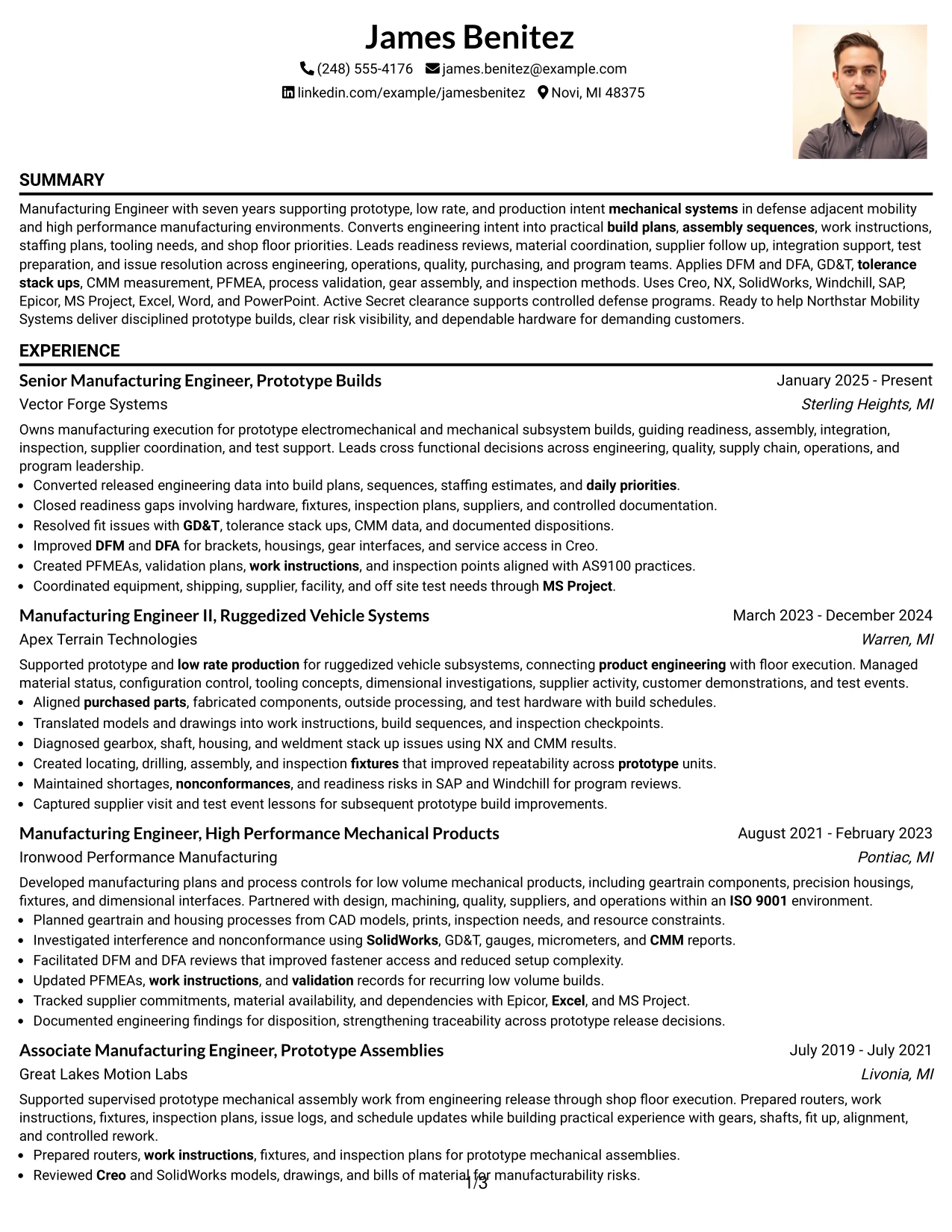
Why the One Column Format with Photo Right Works for a Resume
- Keeps the main resume body in a straightforward one-column sequence.
- Uses the header efficiently without breaking the experience flow.
- Provides full-width room for accomplishment-focused manufacturing bullets.
- Supports conventional placement of projects, education, certifications, and skills.
- Allows technical keywords to appear with enough context for recruiter review.
- Can present a photo without forcing skills or credentials into a sidebar.
- Works best when the right-side visual element stays compact and text remains dominant.
Best For
- Applications where a resume photo is accepted but the body should stay text-first
- Candidates who want a compact right-side identity element with full-width experience
- Resumes with long chronological work history and detailed accomplishment bullets
- Documents where projects and credentials should follow the experience in sequence
- Technical profiles that need broad line width for manufacturing evidence
- Review settings where a balanced header is useful without changing standard resume flow
#29 One Column Boxed Contact Header Format Resume Example
For applications that benefit from a clearly separated contact area, the One Column Boxed Contact Header Format creates a strong top block and then returns to a conventional resume sequence. The body can devote full width to manufacturing experience, projects, education, certifications, and skills.
Prototype production, readiness reviews, work instructions, dimensional investigations, supplier coordination, PFMEA, process validation, and quality systems can each receive enough space for meaningful evidence. The boxed header should support orientation without taking attention from the career story.
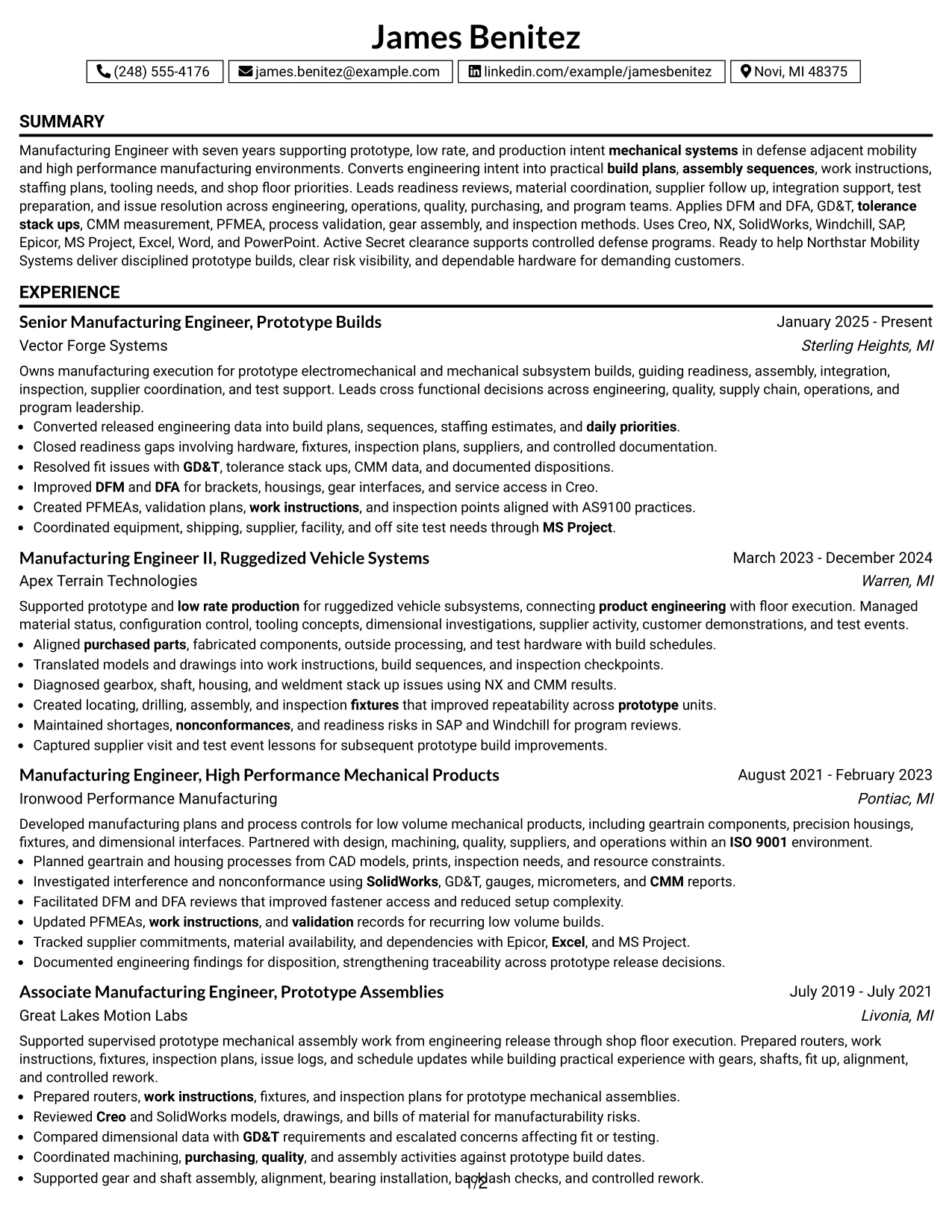
Why the One Column Boxed Contact Header Format Works for a Resume
- Separates contact details from the body with a clear visual boundary.
- Preserves a direct top-to-bottom path for ATS systems and recruiters.
- Provides full-width space for detailed manufacturing accomplishments.
- Supports easy placement of projects and certifications after work history.
- Allows technical tools and quality systems to remain in standard text sections.
- Keeps career progression visible across all four roles.
- Works well when the header block is concise and the body remains content-led.
Best For
- Candidates who want contact information clearly separated from the resume body
- Applications where one-column chronology should remain the main reading path
- Documents with substantial experience bullets and several later support sections
- Resumes that need a formal top block without a multi-column structure
- Technical profiles where recruiter attention should stay on manufacturing evidence
- ATS-focused submissions that still benefit from a distinct contact header
#30 One Column Shaded Contact Header Format Resume Example
A shaded contact area gives the top of the resume a clear visual anchor while the rest of the document remains simple and linear. The One Column Shaded Contact Header Format can present James Benitez's seven years of progressive manufacturing experience without breaking the chronology into multiple columns.
Recent evidence can focus on prototype builds, build readiness, GD&T, CMM measurement, DFM and DFA, PFMEA, supplier coordination, and test support. Projects, education, certifications, tools, and Secret clearance details can follow in clearly labeled sections.
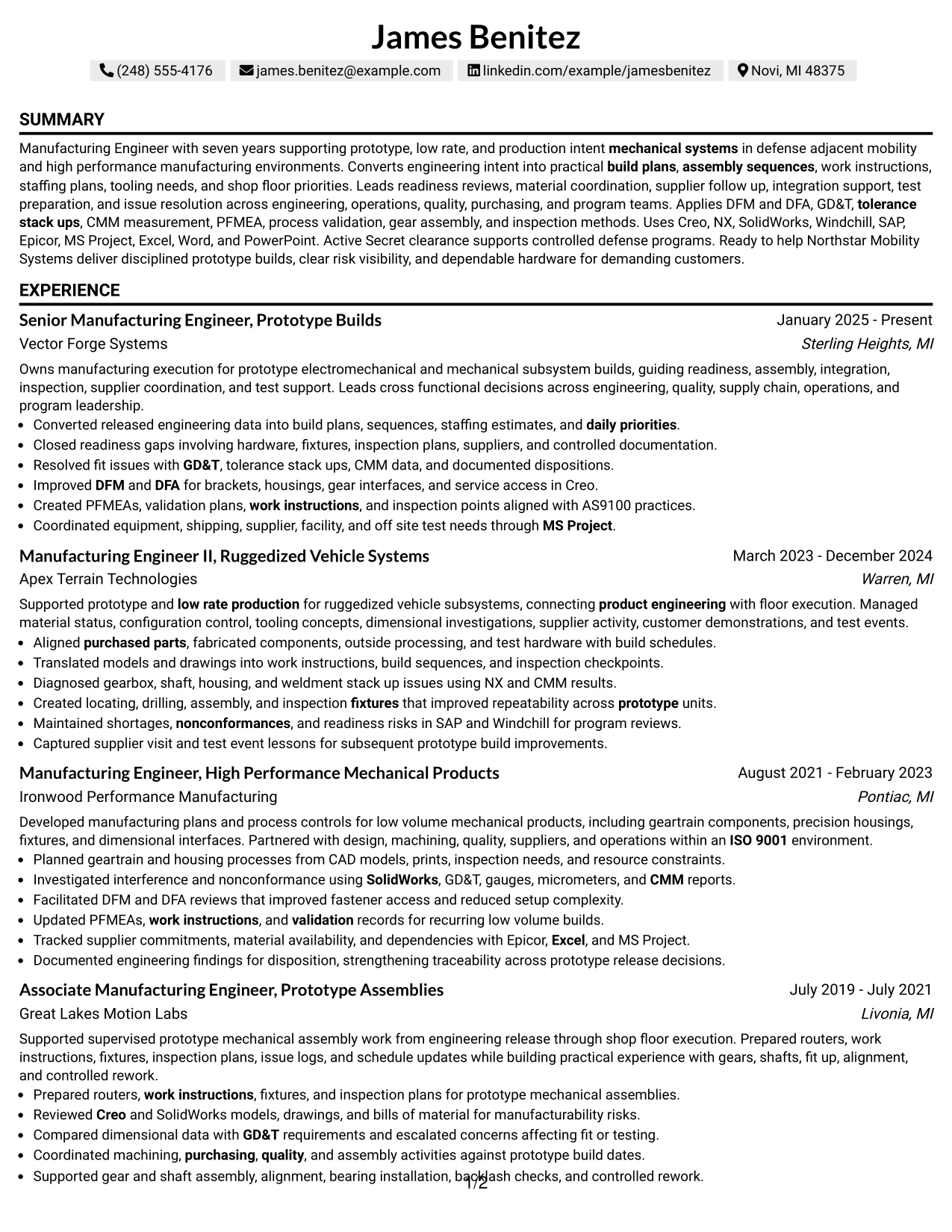
Why the One Column Shaded Contact Header Format Works for a Resume
- Creates a distinct contact area while preserving a conventional one-column body.
- Keeps seven years of progressive experience easy to follow from recent to earlier roles.
- Allows detailed prototype-build bullets to use the full page width.
- Supports clear section breaks for projects, education, certifications, and skills.
- Provides room for technical keywords without compressing them into a sidebar.
- Makes clearance and quality-system information easy to position later in the resume.
- Works well when the shaded header adds hierarchy without overpowering the content.
Best For
- Professionals who want a stronger contact header while keeping the body traditional
- Resumes where career progression should remain the dominant organizing principle
- Applications needing full-width room for detailed technical accomplishment bullets
- Documents with several supporting sections that follow a substantial work history
- Manufacturing Engineer - Defense Prototype Builds applications that need clear role focus
- Recruiter reviews where a shaded top block improves orientation without complex design
#31 Boxed Contact Header with Job Title Format Resume Example
The Boxed Contact Header with Job Title Format places contact information and role focus together before the reader enters the main one-column content. That structure helps establish the target position immediately while preserving a direct sequence through summary, experience, projects, education, certifications, and skills.
The body can show manufacturing progression through prototype and low-rate builds, shop-floor troubleshooting, tooling, dimensional analysis, process validation, supplier support, and test readiness. Technical systems such as Creo, Windchill, SAP, Epicor, and MS Project can remain in standard skills or experience sections.
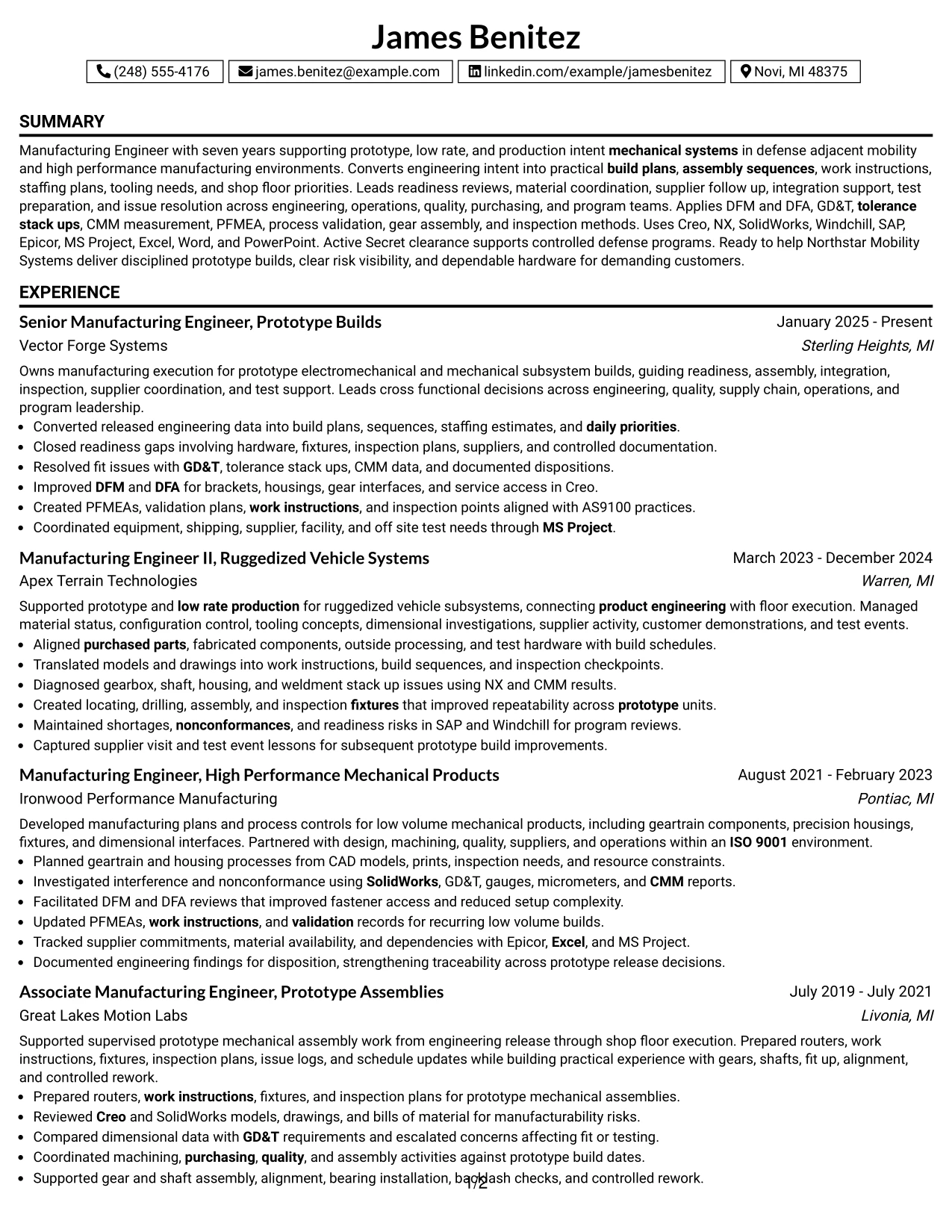
Why the Boxed Contact Header with Job Title Format Works for a Resume
- Connects contact information and job-title focus in one clear header block.
- Preserves a simple chronological flow below the header.
- Provides full-width space for detailed accomplishment bullets.
- Supports strong recruiter orientation before the work history begins.
- Keeps projects and certifications separate from employment evidence.
- Allows technical tools and manufacturing methods to stay easy to scan.
- Works well for ATS review when the boxed header uses standard text and clear labels.
Best For
- Candidates who want the target job title visible immediately at the top of the page
- Applications where recruiter orientation should happen before detailed experience review
- Resumes with long accomplishment bullets that need full-width space
- Documents combining substantial work history with projects and certifications
- Technical profiles where standard section order supports ATS parsing
- Review settings where a formal header block improves role clarity
#32 Plain Professional Layout with Job Title & Shaded Labels Resume Example
A recruiter can identify the target role in the header, then move through a clear one-column sequence guided by shaded section labels. The Plain Professional Layout with Job Title & Shaded Labels gives detailed work history most of the page while keeping projects, education, certifications, and skills easy to locate.
Seven years of evidence can be presented without compression, including build planning, readiness reviews, nonconformance resolution, GD&T, CMM measurement, PFMEA, AS9100, supplier coordination, and test support. Technical tools can stay grouped in a concise skills section after the experience record.
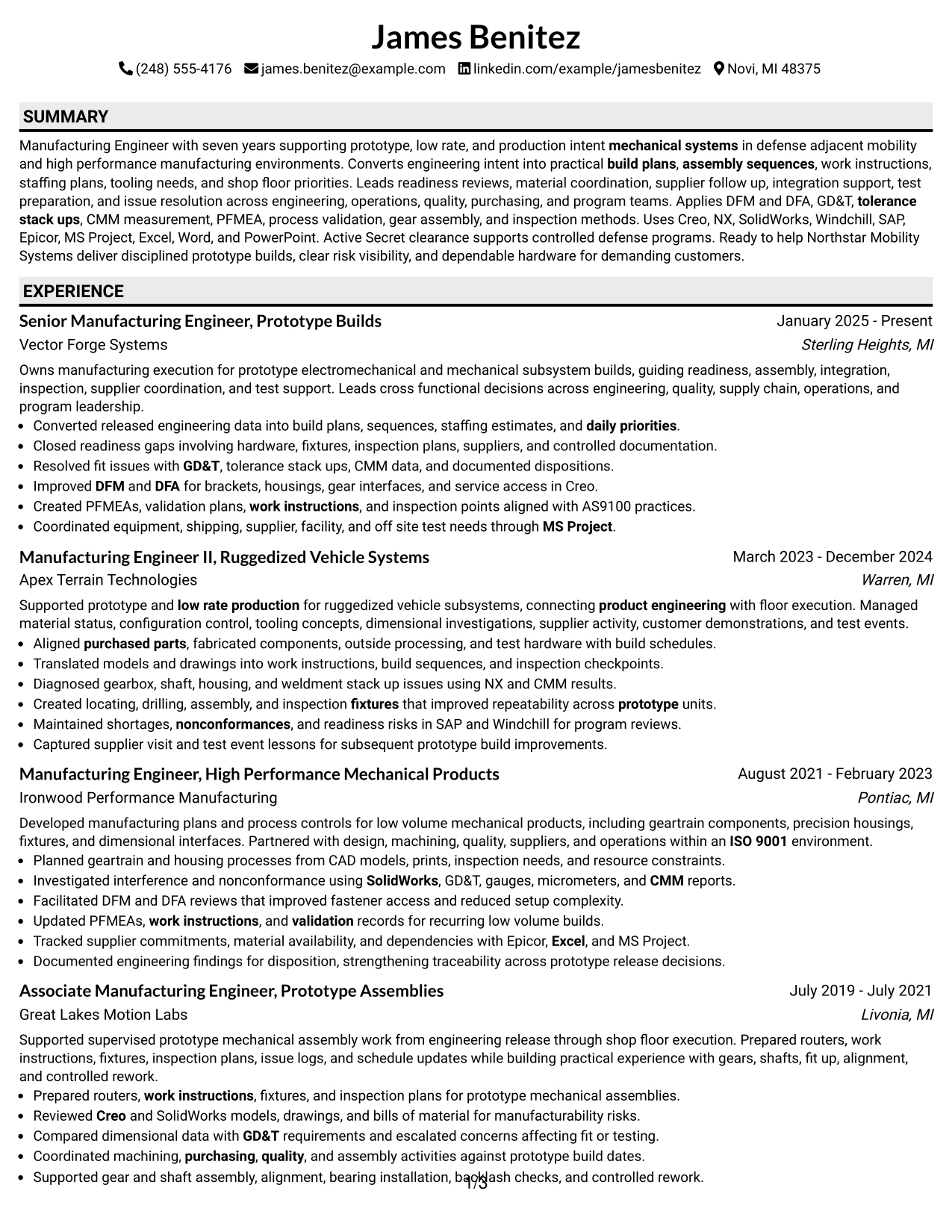
Why the Plain Professional Layout with Job Title & Shaded Labels Works for a Resume
- Makes the target job title clear before detailed review begins.
- Uses shaded labels to help readers locate major sections quickly.
- Provides full-width space for four progressive manufacturing roles.
- Supports detailed accomplishment bullets without narrow columns.
- Keeps projects, education, certifications, and skills in a predictable sequence.
- Works well for ATS parsing because the layout remains text-centered and conventional.
- Helps technical keywords remain readable in context instead of appearing as isolated lists.
Best For
- Resumes with substantial experience that should remain full width
- Candidates who want clear job-title focus with restrained section styling
- Applications where shaded labels improve scanning without changing chronology
- Documents containing multiple supporting sections after a detailed work history
- Technical profiles with many grounded keywords that need contextual evidence
- Recruiter reviews where standard one-column mechanics remain the safest choice
#33 Classic One Column Resume Format Resume Example
Work-history evidence takes priority in the Classic One Column Resume Format, with the resume moving from summary through experience and then into projects, education, certifications, and skills. That sequence gives recruiters a direct view of progression from associate-level prototype support to senior manufacturing execution.
Full-width bullets can explain build readiness, assembly sequencing, shop-floor troubleshooting, DFM and DFA, GD&T, CMM measurement, PFMEA, process validation, supplier coordination, and test support in clear context. The format is simple, but the content can still show substantial technical depth.
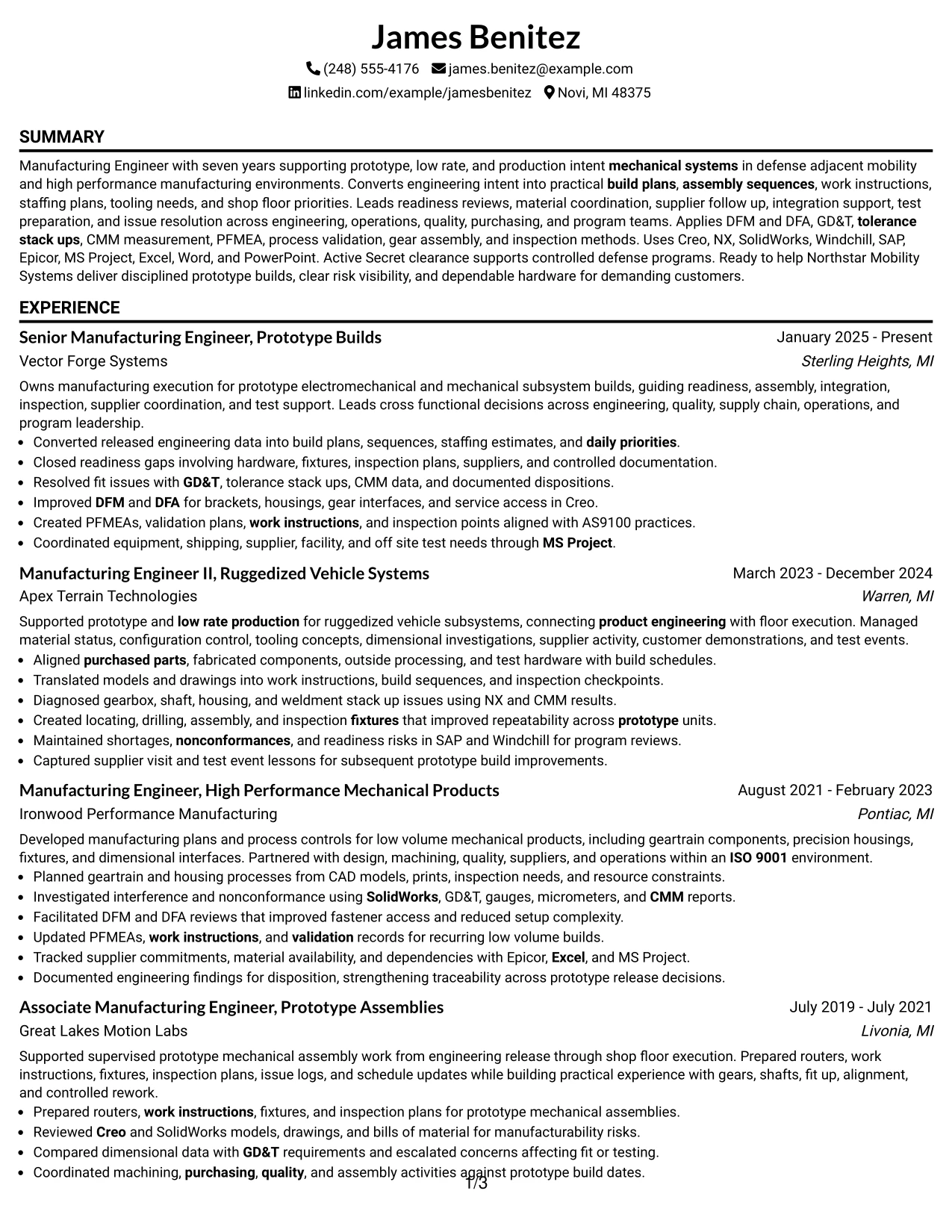
Why the Classic One Column Resume Format Works for a Resume
- Prioritizes experience and accomplishment evidence in a familiar reading order.
- Supports clear progression across four manufacturing roles.
- Provides full-width lines for complex technical bullets.
- Keeps projects, education, certifications, and skills in conventional locations.
- Works well with ATS systems because section order and text flow are straightforward.
- Allows technical keywords to appear with context and supporting evidence.
- Reduces layout risk when the resume contains many grounded manufacturing details.
Best For
- Candidates who want the most conventional and widely understood resume structure
- Applications where ATS compatibility and recruiter familiarity are top priorities
- Resumes with detailed chronological work history and minimal need for side content
- Documents where accomplishment bullets should receive maximum horizontal space
- Technical profiles that rely on evidence depth rather than visual complexity
- Review situations where simple structure helps the content speak for itself
Why Build Your Manufacturing Engineer - Defense Prototype Builds Resume with ResumeInMinutes
ResumeInMinutes helps manufacturing professionals turn complex prototype-build experience, shop-floor problem solving, engineering tools, quality systems, and cross-functional delivery into a resume that is structured for fast recruiter review and ATS parsing.
- Diverse resume formats
- ATS-compliant section structure
- Keyword-optimized resume content
- Organized project and skills presentation
- Free PDF resume previews
- Resume customization support
You can tailor the resume around prototype and low-rate production, build readiness, manufacturing planning, shop-floor troubleshooting, supplier coordination, dimensional problem solving, quality systems, and defense compliance without losing clarity.
See Also
- 33 Advanced Manufacturing Automation Engineer - Mechatronics Resume Templates with Example 2026 (ATS-Optimized)
- 7 Associate Engineer - Biopharmaceutical Manufacturing Resume Templates with Example
- 7 Associate Manufacturing Engineer Resume Templates with Example
- 33 Automation Manufacturing Engineer Intern Resume Templates with Example 2026 (ATS-Optimized)
- 33 Design Manufacturing Engineer Resume Templates with Example 2026 (ATS-Optimized)
- 33 Electrical Manufacturing Engineer Intern Resume Templates with Example 2026 (ATS-Optimized)
- 33 Entry-Level Manufacturing Engineer Resume Templates with Example 2026 (ATS-Optimized)
- 33 Industrial Engineer, Lean Manufacturing Resume Templates with Example 2026 (ATS-Optimized)
- 30+ Advanced Manufacturing Automation Engineer - Mechatronics Cover Letter Templates with Example 2026
- 30+ Automation Manufacturing Engineer Intern Cover Letter Templates with Example 2026
Frequently Asked Questions
Are these Manufacturing Engineer - Defense Prototype Builds resume templates ATS-friendly?
Yes. The templates use clear headings, simple section structure, and role-specific keywords such as prototype production, build readiness, GD&T, CMM, PFMEA, DFM, DFA, AS9100, and test readiness.
Are these various resumes?
No. This guide shows one Manufacturing Engineer - Defense Prototype Builds resume example in multiple design formats so you can compare layout and presentation without changing the underlying resume content.
What should a Manufacturing Engineer - Defense Prototype Builds resume include?
Include a focused summary, relevant manufacturing experience, measurable build or process achievements, education, certifications, technical skills, CAD tools, quality systems, ERP or PLM tools, and keywords tied to prototype builds and defense manufacturing.
Can I download the resume templates as PDFs?
Yes. Each resume design includes a free PDF download so you can review the layout and decide which format best presents your experience.
Which resume style is best for a Manufacturing Engineer - Defense Prototype Builds position?
A clean one-column or restrained two-column format is usually effective because it keeps technical experience, tools, certifications, and achievements easy to scan. Choose a layout that gives priority to recent prototype-build and manufacturing accomplishments.
How should experienced manufacturing engineers show progression on the resume?
Show increasing ownership across build planning, shop-floor execution, tooling, quality, supplier coordination, risk management, and cross-functional decisions. Keep the progression clear through stronger scope and more complex build responsibilities in recent roles.
Should I include a photo on my resume?
Include a photo only when it is customary for the region or application. For most U.S. manufacturing and defense applications, a no-photo resume is usually the safer choice.
Can I customize these resume templates?
Yes. ResumeInMinutes lets you adjust resume text, layout, design style, and PDF format so the content reflects your own prototype-build experience, tools, certifications, and manufacturing achievements.




