
7 Mechanical Assembler II - Aerospace Assembly Cover Letter Templates with Example
This practical guide helps you write a focused Mechanical Assembler II - Aerospace Assembly cover letter and compare seven layouts.
What Makes a Great Mechanical Assembler II - Aerospace Assembly Cover Letter in 2026
A strong letter connects your assembly experience to the role, with a clear opening and a direct closing. Explain your interest in aerospace production and the value you can bring to the team.
Use specific evidence, such as following assembly drawings, using calibrated torque tools, or raising a discrepancy. Link that evidence to the employer’s needs and show care for quality, traceability, and safe work.
The featured example moves from role fit to hands-on assembly evidence, relevant qualifications, and a clear closing. Adapt this focused progression while choosing a presentation that suits the employer and the communication context.
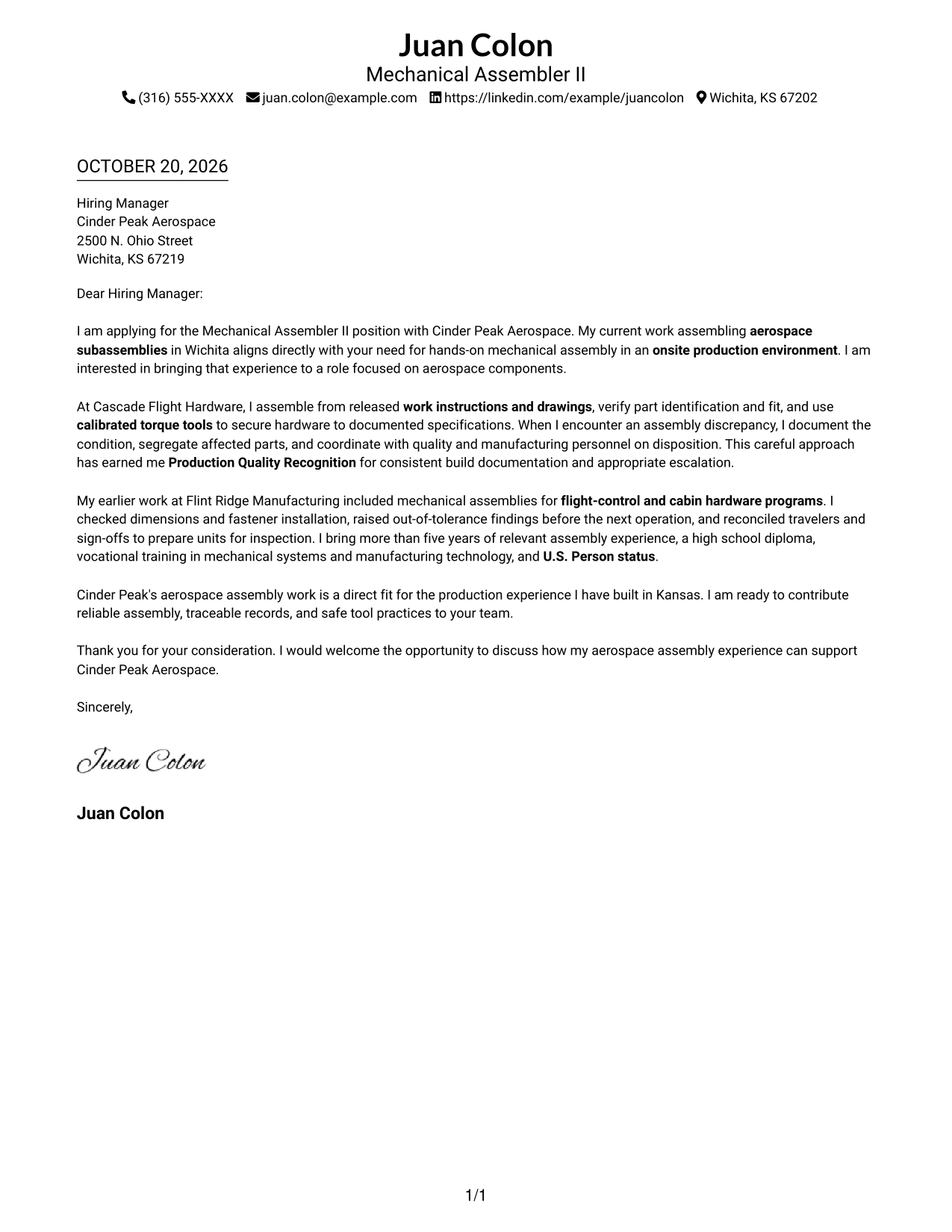
#1 Simple One Column Format Cover Letter Example
The single-column format keeps the letter body together, giving readers a direct path from its opening to its closing.
Why This Format Works
- Sender details in the header stay distinct from the letter's persuasive message.
- One continuous body lets the opening, supporting examples, and closing read in order.
- The text-led layout suits readers who prefer a letter without a portrait.
Best For
- Single-column reading preference
- Continuous-paragraph letters
- Text-first correspondence
- Header-based contact details
- Photo-free document preference
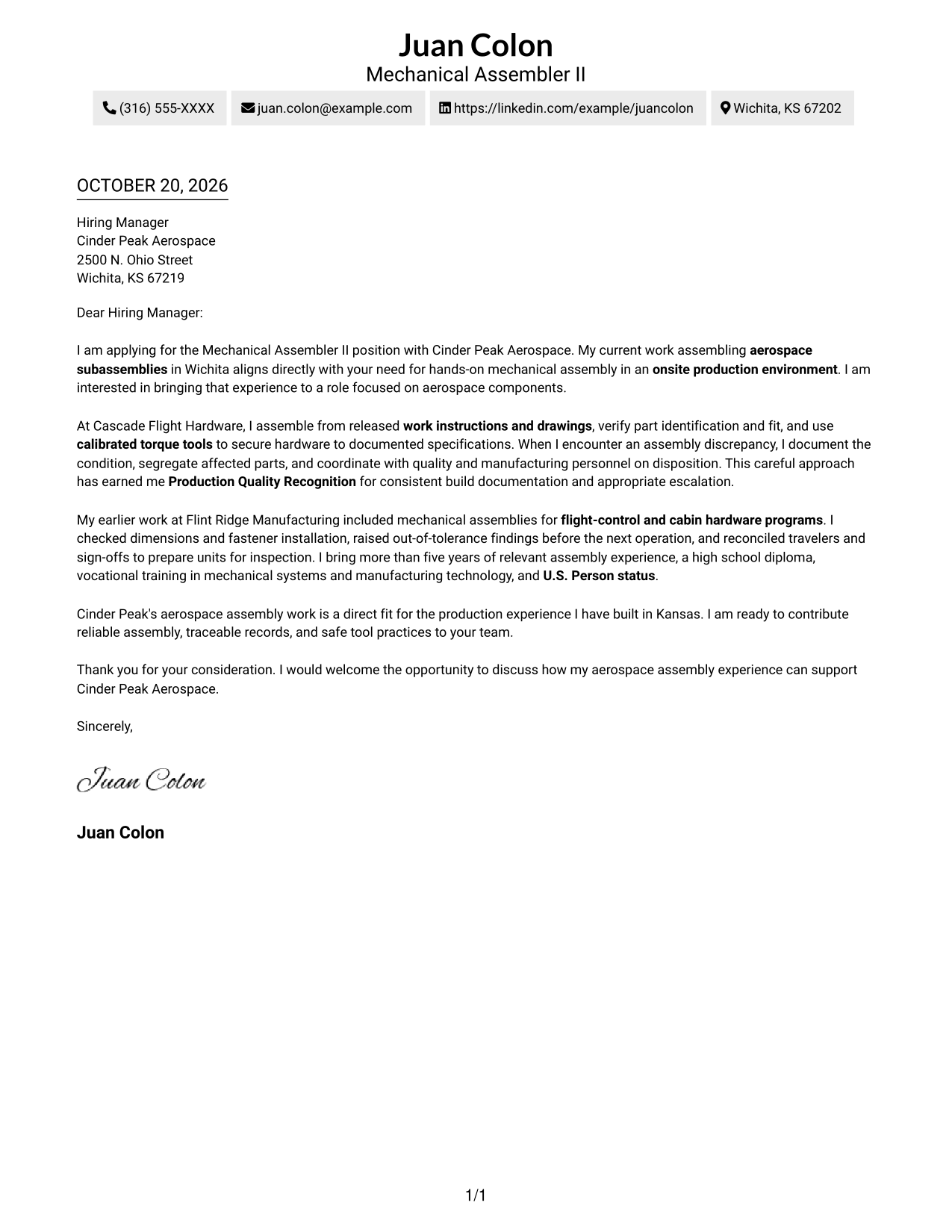
#2 Two Column Format Cover Letter Example
A contact sidebar sits beside the continuous letter body, keeping correspondence details separate from the message.
Why This Format Works
- The contact sidebar gives sender details a dedicated place beside the letter.
- The argument stays in one body column, so its paragraphs read in sequence.
- Separate contact and message areas make it clear where the correspondence begins.
Best For
- Contact details beside letter text
- One-column letter-body preference
- Continuous-paragraph correspondence
- Clear separation of sender and message
- Photo-free layout preference
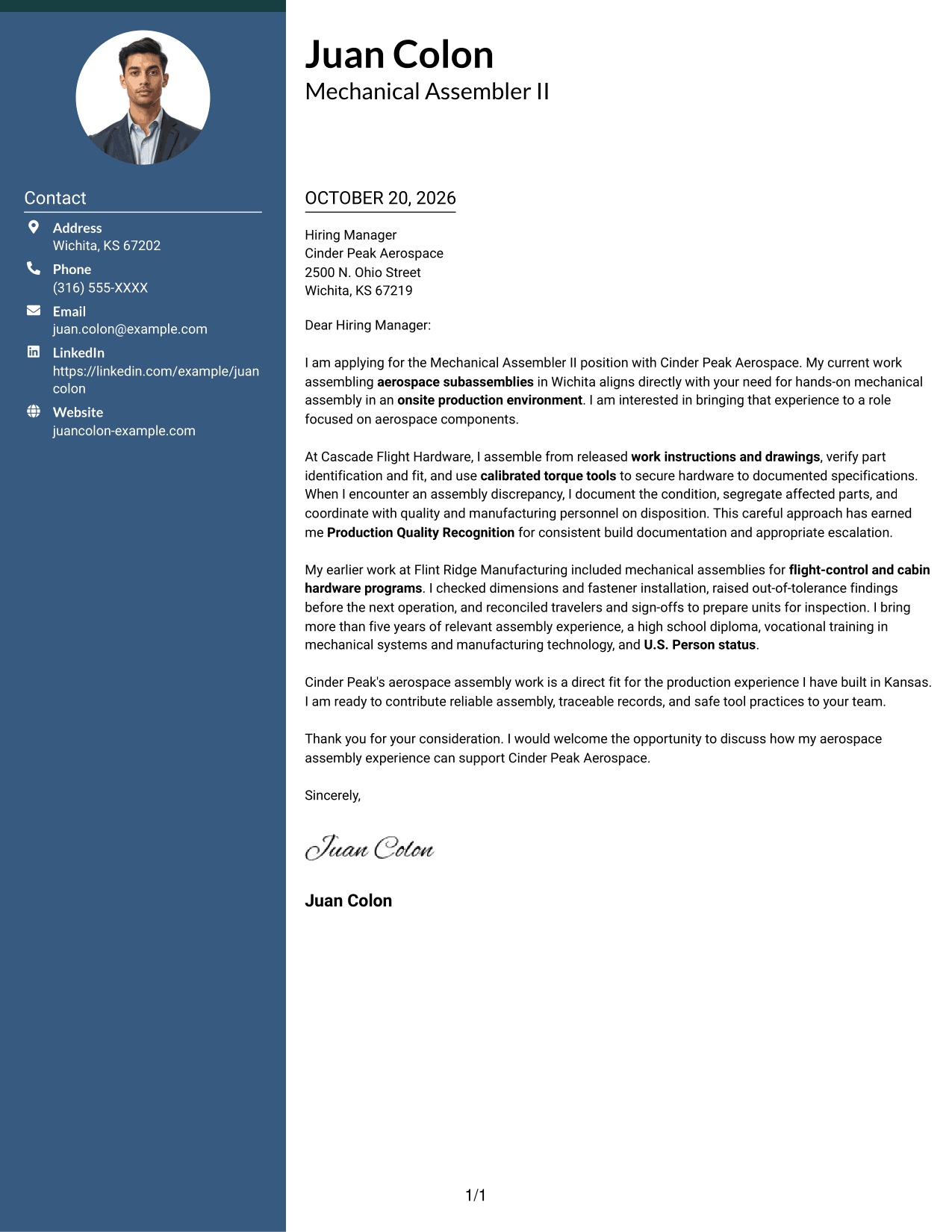
#3 Photo Header Two Column Format Cover Letter Example
A portrait in the photo header accompanies a contact sidebar, while the letter's paragraphs remain together in one body column.
Why This Format Works
- The photo header gives the sender presentation a visible portrait.
- A separate contact area keeps correspondence details apart from the letter's message.
- The continuous body lets the reviewer follow the letter without switching columns.
Best For
- Portrait-forward sender presentation
- Contact sidebar beside letter text
- Single-column argument flow
- Letters with a continuous body
- Photo-inclusive correspondence
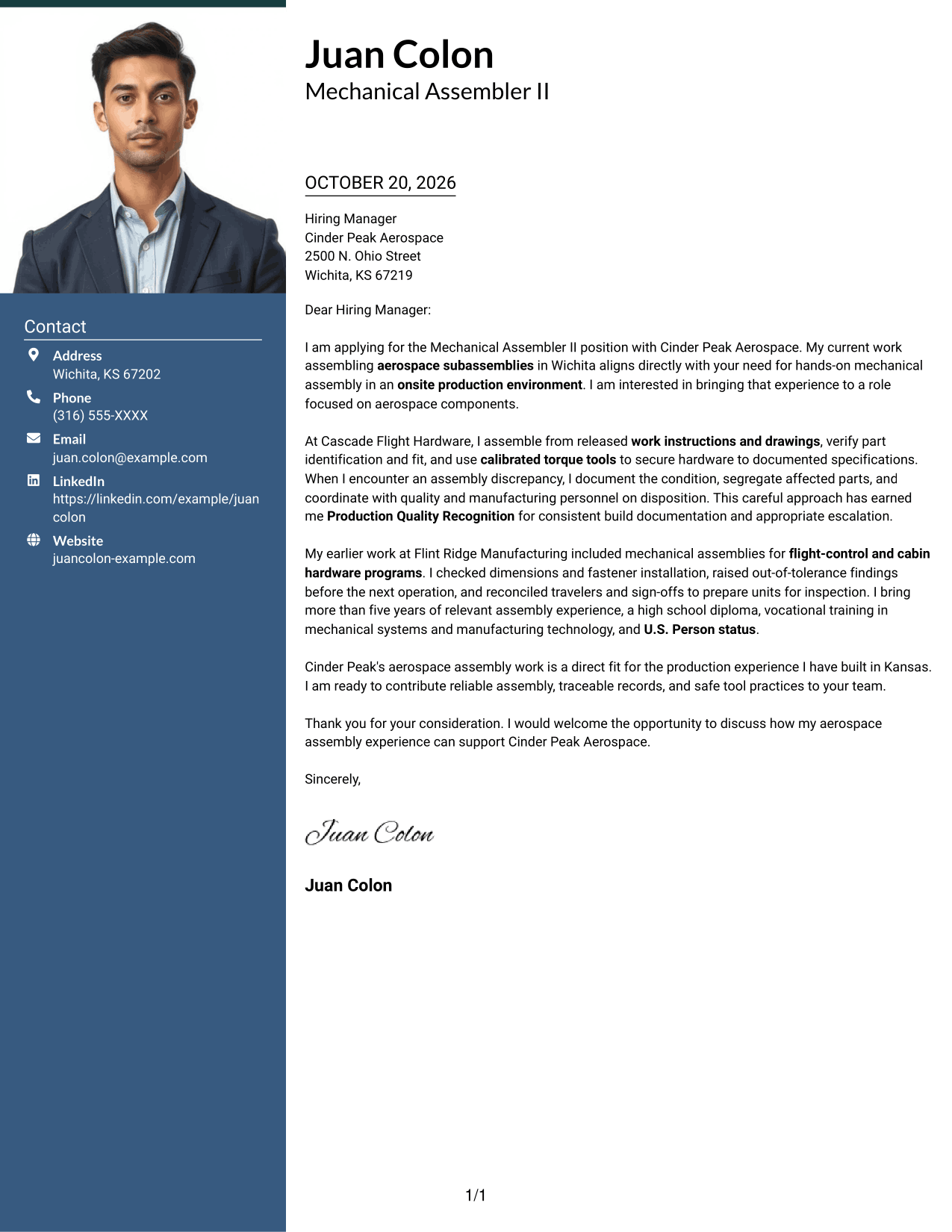
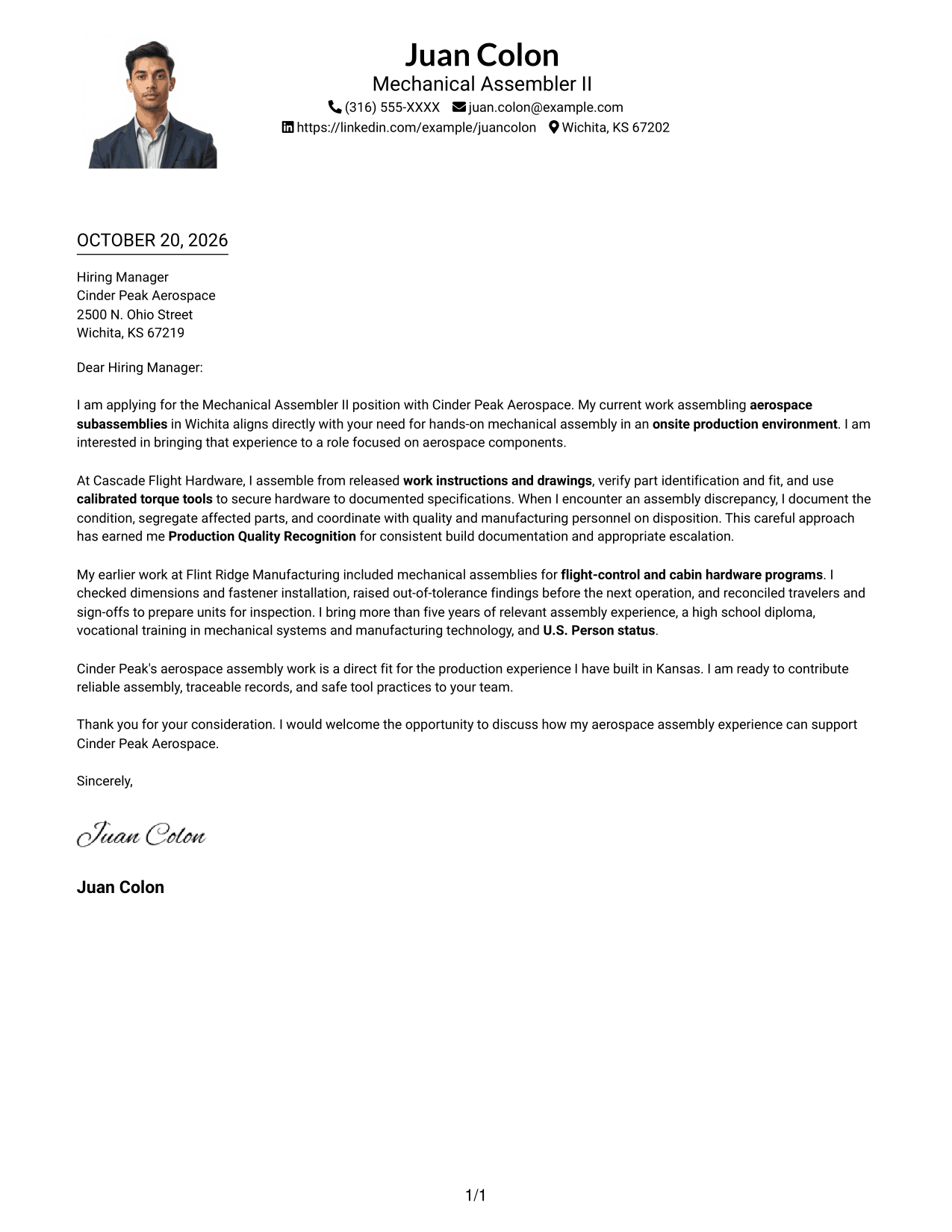
#4 One Column Format with Photo Cover Letter Example
The one-column letter includes a photo, combining a personal visual element with a single, continuous body.
Why This Format Works
- The portrait adds a visible personal element without dividing the letter body.
- Sender details remain in the header, apart from the message paragraphs.
- A single column keeps the letter's opening, evidence, and closing in reading order.
Best For
- Photo-inclusive letter presentation
- Single-column reading preference
- Continuous body paragraphs
- Header-based sender details
- Personal visual introduction
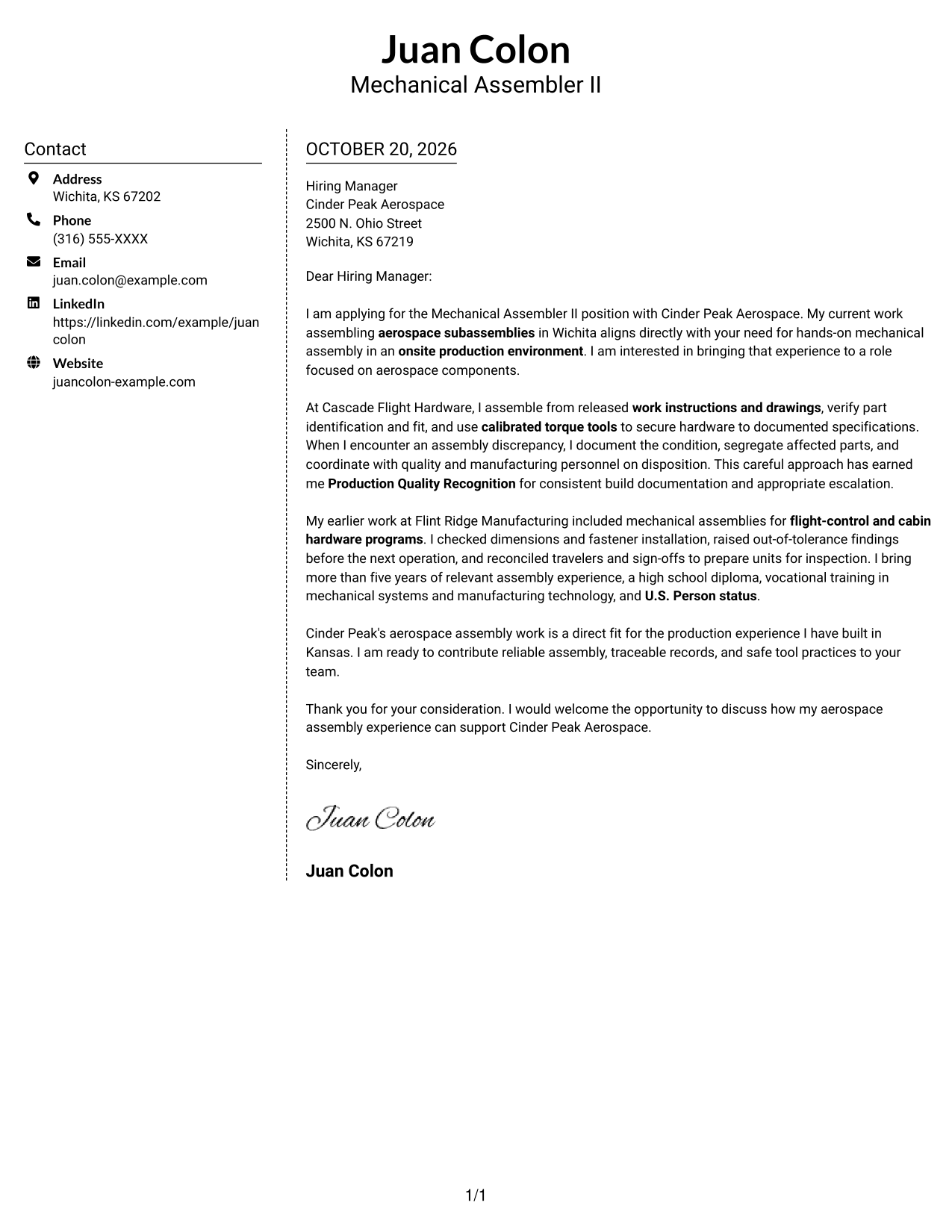
#5 Simple Two Column Format Cover Letter Example
The simple two-column layout places a contact sidebar beside one uninterrupted letter body, keeping personal details outside the message.
Why This Format Works
- The sidebar separates sender information from the letter's persuasive content.
- One body column keeps the paragraphs together rather than splitting the message.
- Contact details remain easy to distinguish from the correspondence.
Best For
- Side-by-side contact and message areas
- Single-column letter-body preference
- Uninterrupted paragraph flow
- Clearly separated sender information
- Photo-free correspondence
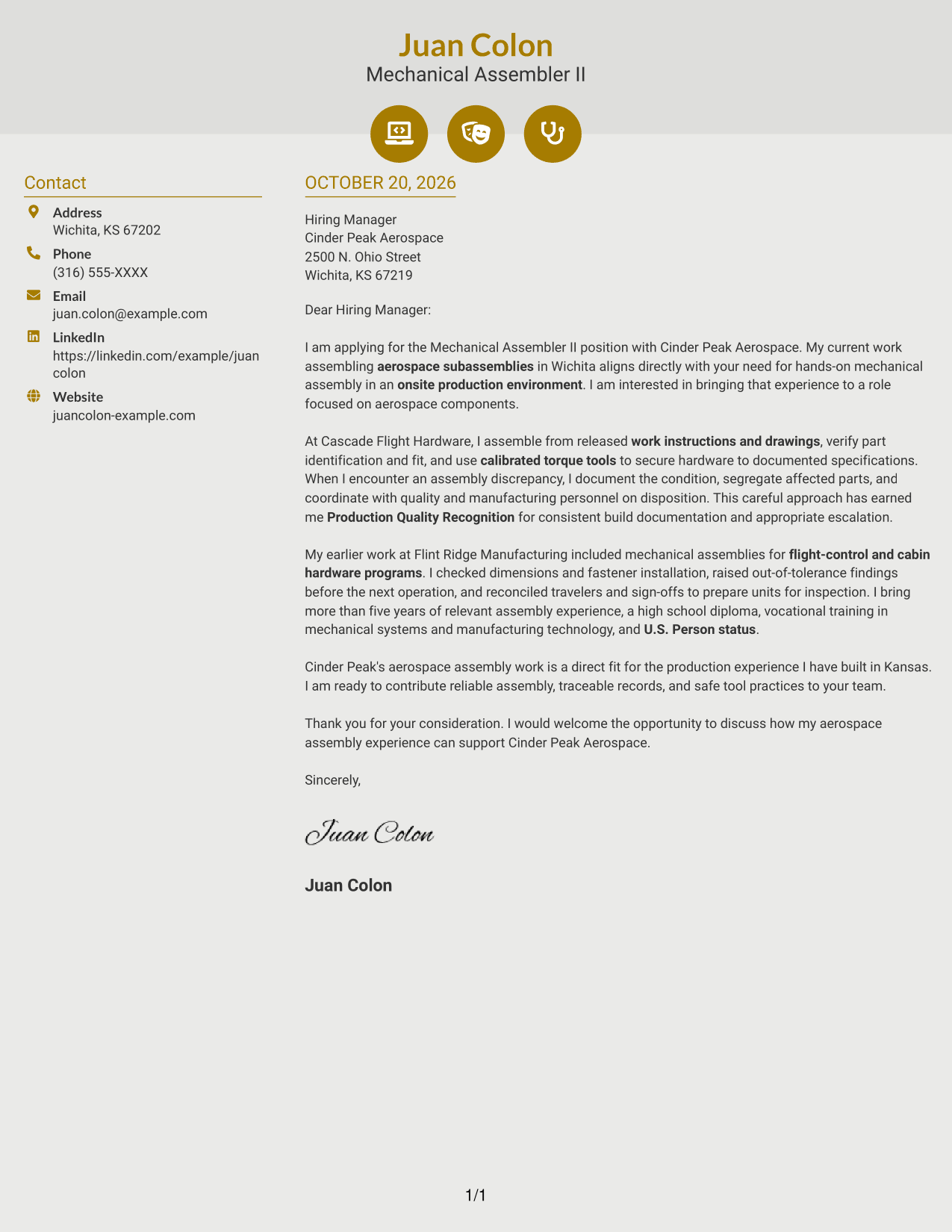
#6 Modern Icon Format Cover Letter Example
The two-column layout pairs a contact sidebar with a continuous letter body, while icons serve as cues for contact details or header accents.
Why This Format Works
- The contact sidebar keeps sender information apart from the main letter text.
- Icons cue contact details or add decoration to the header, not the argument.
- A single letter-body column preserves the sequence of the paragraphs.
Best For
- Icon-cued contact details
- Contact sidebar beside the letter
- Continuous-paragraph correspondence
- Single-column body preference
- Decorative header accents
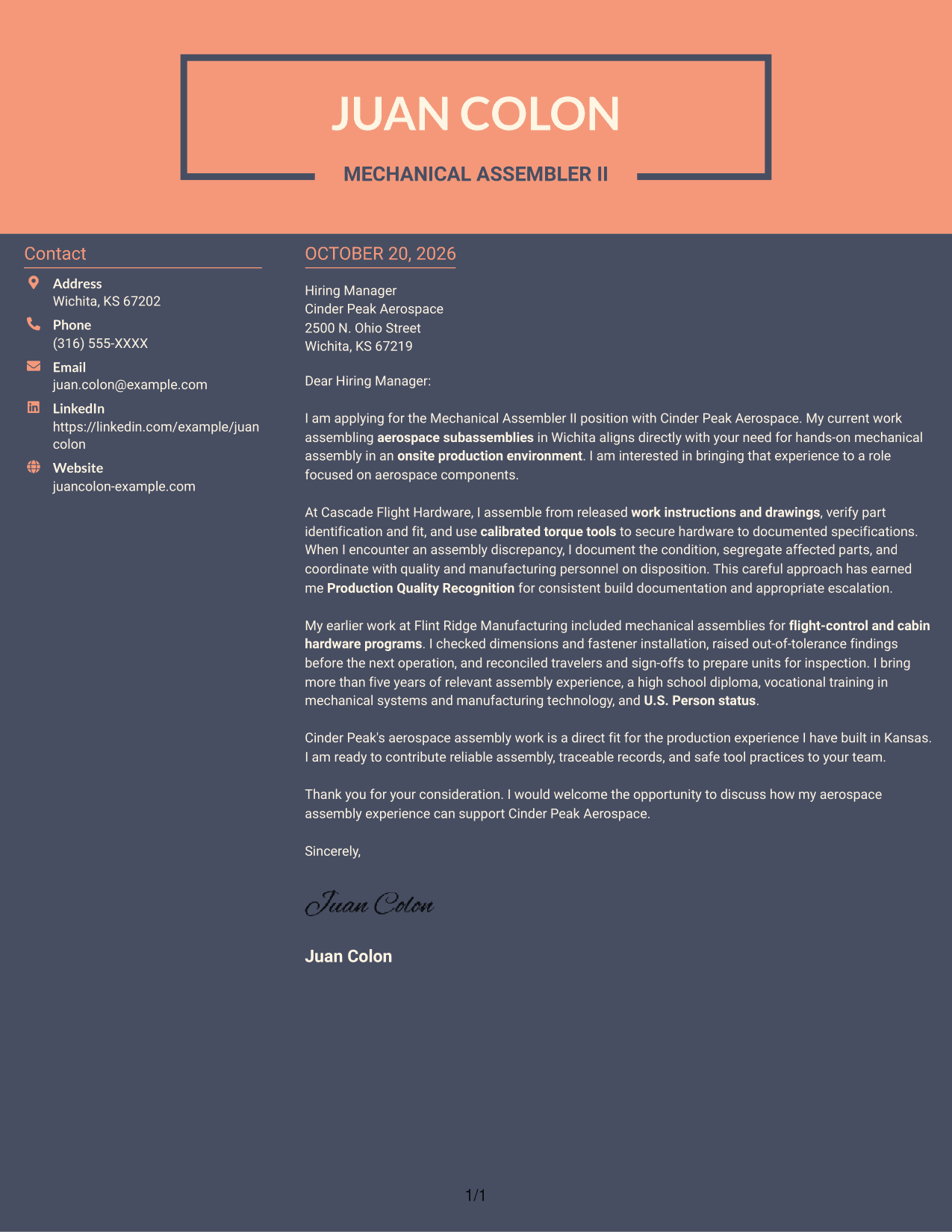
#7 Creative Two Tone Format Cover Letter Example
The two-column arrangement places contact details beside the letter, leaving its opening, supporting paragraphs, and closing together in one body.
Why This Format Works
- A separate contact area keeps sender details distinct from the letter's message.
- The body remains in one column, preserving a clear sequence through the paragraphs.
- Keeping correspondence details beside the message makes both parts easy to locate.
Best For
- Contact details beside the letter
- Continuous letter-body preference
- Single-column message reading
- Separate sender and message areas
- Photo-free correspondence
Explore Mechanical Assembler II - Aerospace Assembly Cover Letter Examples
Review the PNG previews to compare how each example presents its message. Open an example in the editor to adapt the letter’s wording and presentation for your application.
- PNG cover letter previews
- Examples available in the editor
- Role-focused letter guidance
- Clear opening and closing ideas
- Ways to present assembly evidence
- Employer-focused communication
For a Mechanical Assembler II - Aerospace Assembly application, make the connection between production work and the employer’s needs clear. Describe relevant assembly methods, careful records, and how you handle quality concerns.
See Also
- 7 Mechanical Assembler II - Aerospace Assembly Resume Templates with Example
- 33 Mechanical Engineer II - Communications Resume Templates with Example 2026 (ATS-Optimized)
- 33 Mechanical Engineer II Resume Templates with Example 2026 (ATS-Optimized)
- 33 Associate Mechanical Design Engineer - Aerospace Mechanical Design Resume Templates with Example 2026 (ATS-Optimized)
- 33 Junior Mechanical Engineer - Aerospace Design Resume Templates with Example 2026 (ATS-Optimized)
- 33 Mechanical Engineer - Aerospace CNC Manufacturing Resume Templates with Example 2026 (ATS-Optimized)
- 33 Senior Mechanical Design Engineer Aerospace and Autonomous Systems Resume Templates with Example 2026 (ATS-Optimized)
- 7 Assembler III Resume Templates with Example
- 30+ Mechanical Engineer II - Communications Cover Letter Templates with Example 2026
- 30+ Mechanical Engineer II Cover Letter Templates with Example 2026
Frequently Asked Questions
What should a Mechanical Assembler II - Aerospace Assembly cover letter include?
Use a direct opening, then connect your assembly experience to the role. Give clear examples of following drawings and work instructions, using tools safely, keeping records, and responding to assembly issues.
How can I show my fit for aerospace assembly work?
Describe relevant tasks and how you carry them out. For example, explain how you check part identification and fit, use calibrated torque tools, document work, or coordinate a discrepancy with quality staff.
How should I personalize the letter for an aerospace employer?
Name the role and connect your interest to the employer’s work when you have a genuine reason. Keep the focus on the work you can support, such as accurate assembly, traceable records, and safe tool practices.
Which cover letter presentation should I choose?
Choose a clear, easy-to-read style that fits the employer and the way you will communicate. Compare the PNG previews, then open an example in the editor to adapt its presentation.
Should I mention U.S. Person status in my cover letter?
If the role requires this status, state it clearly when it applies to you. Do not include the claim unless it is accurate.




