
33 Mechanical Engineer - Aerospace CNC Manufacturing Resume Templates with Example 2026 (ATS-Optimized)
This practical guide shows you how to create a Mechanical Engineer - Aerospace CNC Manufacturing resume that is clear, focused, and easy for recruiters to scan. You will see how to organize strong engineering evidence and compare professional resume formats without losing the technical detail this role requires.
A strong resume for this position should connect hands-on CNC manufacturing work with engineering judgment. Useful evidence can include CNC turning, CNC milling, Swiss lathe machining, GD&T, blueprint reading, CMM inspection, AS9100 practices, PPAP documentation, troubleshooting, setup optimization, and continuous improvement.
Below, you will find one complete Mechanical Engineer - Aerospace CNC Manufacturing resume example presented in 33 ATS-optimized layouts, with free PDF downloads and format notes to help you choose a clear, credible presentation.
What Makes a Great Mechanical Engineer - Aerospace CNC Manufacturing Resume in 2026
The strongest resumes are easy to scan and show how engineering decisions improve precision, manufacturability, quality, and production reliability.
Use evidence tied to CNC turning, CNC milling, GD&T, blueprint reading, CMM inspection, AS9100, PPAP, tooling, workholding, root cause troubleshooting, and first article inspection.
The examples shown below are intentionally detailed to demonstrate a range of experiences, skills, accomplishments and relevant keywords. We prefer detailed resumes as they provide more context to the hiring managers and also help the ATS systems identify relevant qualifications and score your resume better for a match. But the length of a resume is an individual choice. If you want a one page resume, just keep the most relevant experience and information for the job. Note: Resume examples are created for educational purposes; references to real organizations do not imply affiliation or endorsement.
#1 Plain Two Column Format Resume Example
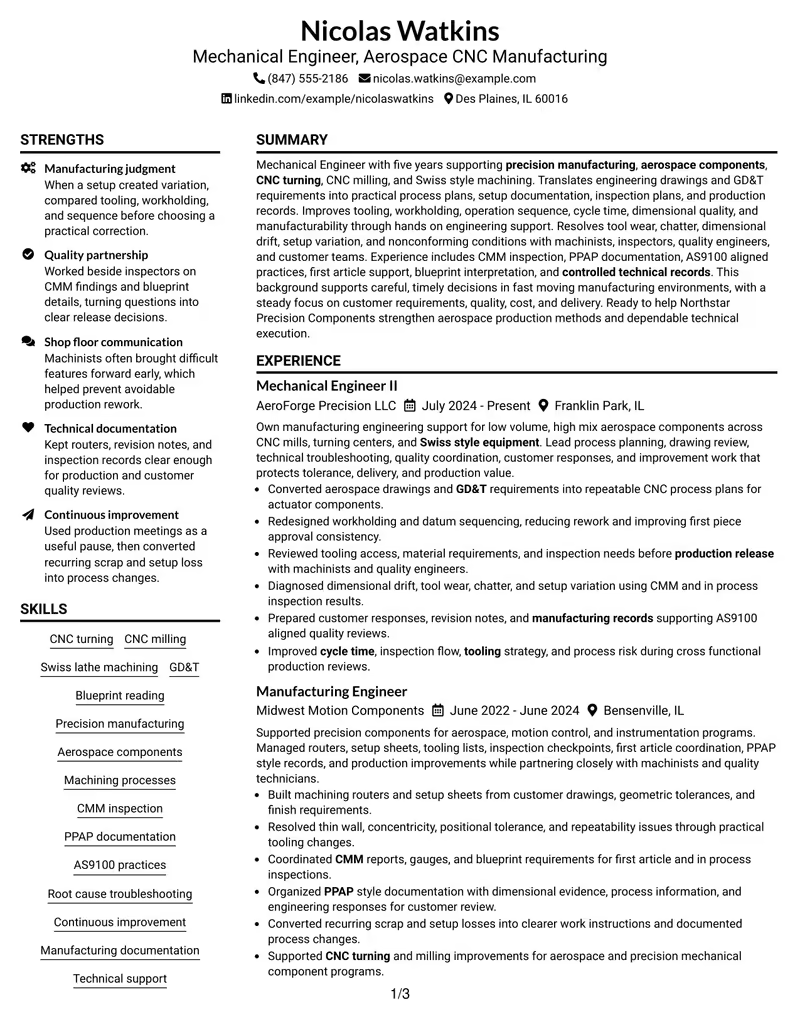
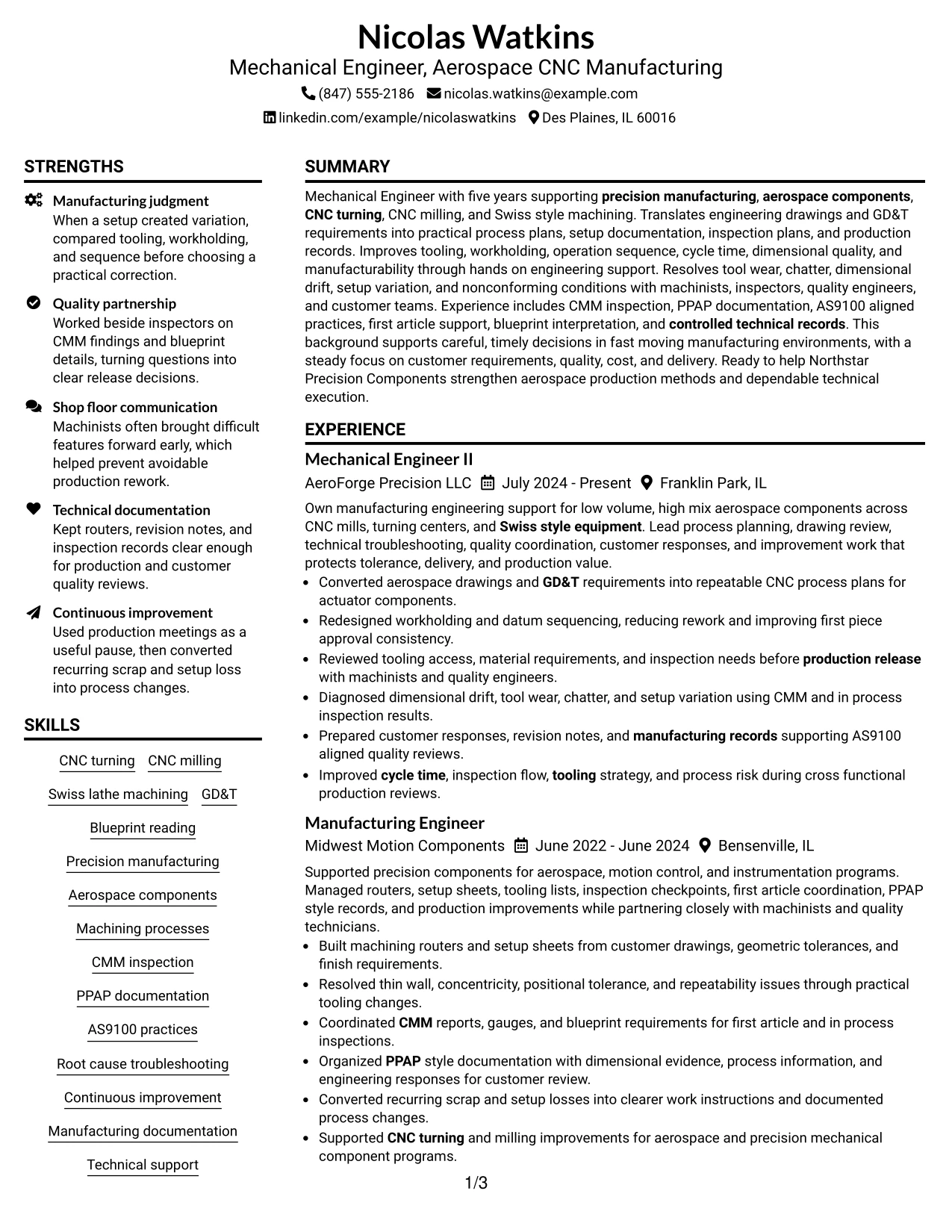
The Plain Two Column Format separates core experience from supporting qualifications, so a recruiter can review both quickly without losing the technical story. Nicolas Watkins can use the main column for aerospace manufacturing experience and the second column for skills, education, certifications, and inspection knowledge.
For this Mechanical Engineer - Aerospace CNC Manufacturing resume, the format gives clear space to CNC turning, CNC milling, GD&T, CMM inspection, AS9100 practices, PPAP documentation, and process improvement evidence. It keeps detailed engineering content organized while still making the resume easy to scan.
Resume Snapshot
- Five years of progressive mechanical engineering and precision manufacturing experience
- Experience with CNC turning, CNC milling, and Swiss lathe machining
- GD&T, blueprint reading, CMM inspection, PPAP documentation, and AS9100 practices
- Bachelor's Degree in Mechanical Engineering from Northern Illinois University
Why the Plain Two Column Format Works for a Resume
- Places work history and accomplishment bullets in a strong primary reading path.
- Uses the second column for compact skills, education, certifications, and technical methods.
- Helps recruiters find CNC machining, GD&T, CMM, and quality keywords quickly.
- Supports clear separation between production engineering work and supporting credentials.
- Makes detailed aerospace manufacturing experience easier to scan without shortening useful evidence.
- Works well for ATS-focused content when headings and text remain simple and clearly labeled.
Resume Keywords
- Mechanical Engineer
- Aerospace CNC Manufacturing
- CNC turning
- CNC milling
- Swiss lathe machining
- GD&T
- Blueprint reading
- Precision manufacturing
- Aerospace components
- Machining processes
- workholding
- CMM
- PPAP
- AS9100
- Root cause troubleshooting
#2 Simple One Column Format Resume Example
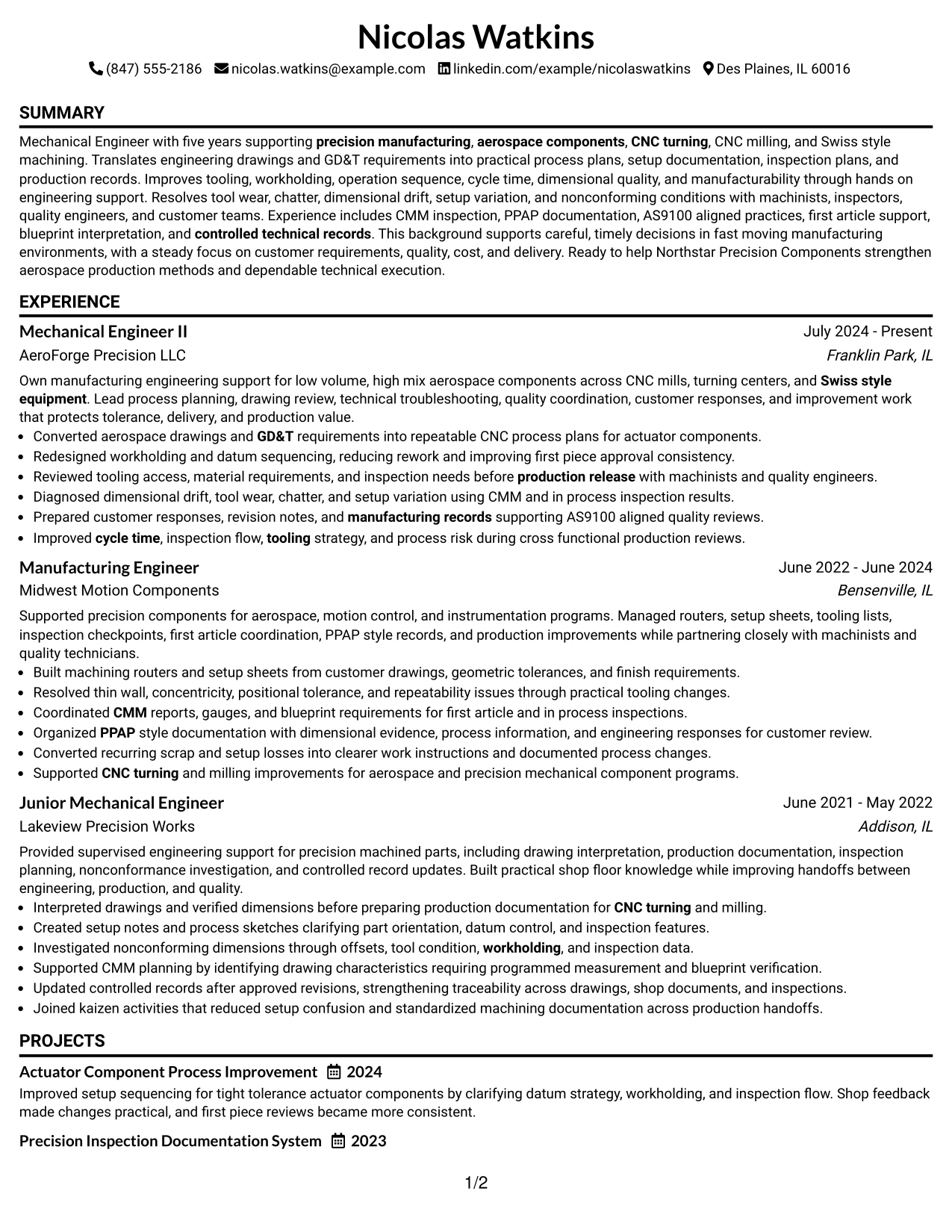
A recruiter can move from summary to experience, education, certifications, and skills in one continuous reading path. The Simple One Column Format keeps every section in a familiar sequence, which helps technical achievements stay easy to follow.
This structure gives enough room for detailed bullets about process planning, workholding, tooling, inspection, troubleshooting, and manufacturing records. It is especially useful when the resume needs to show several years of connected engineering growth without compressing the content.
Why the Simple One Column Format Works for a Resume
- Creates a direct top-to-bottom reading order for recruiters and ATS systems.
- Leaves generous width for detailed accomplishment bullets and technical explanations.
- Keeps career progression from Junior Mechanical Engineer to Mechanical Engineer II easy to follow.
- Provides clear space for projects, certifications, education, and technical skills after experience.
- Reduces visual distraction when the resume contains many manufacturing and quality keywords.
- Supports straightforward tailoring for aerospace CNC manufacturing applications.
Best For
- Resumes with detailed work history that needs full-width accomplishment bullets
- Applications where simple ATS parsing and familiar section order are priorities
- Candidates who want career progression to read clearly from role to role
- Documents with several technical skills, certifications, and project details
- Engineering resumes that need room for process, inspection, and troubleshooting evidence
- Readers who prefer a clean top-to-bottom review without sidebars
#3 Clean Two Column Sidebar Format Resume Example
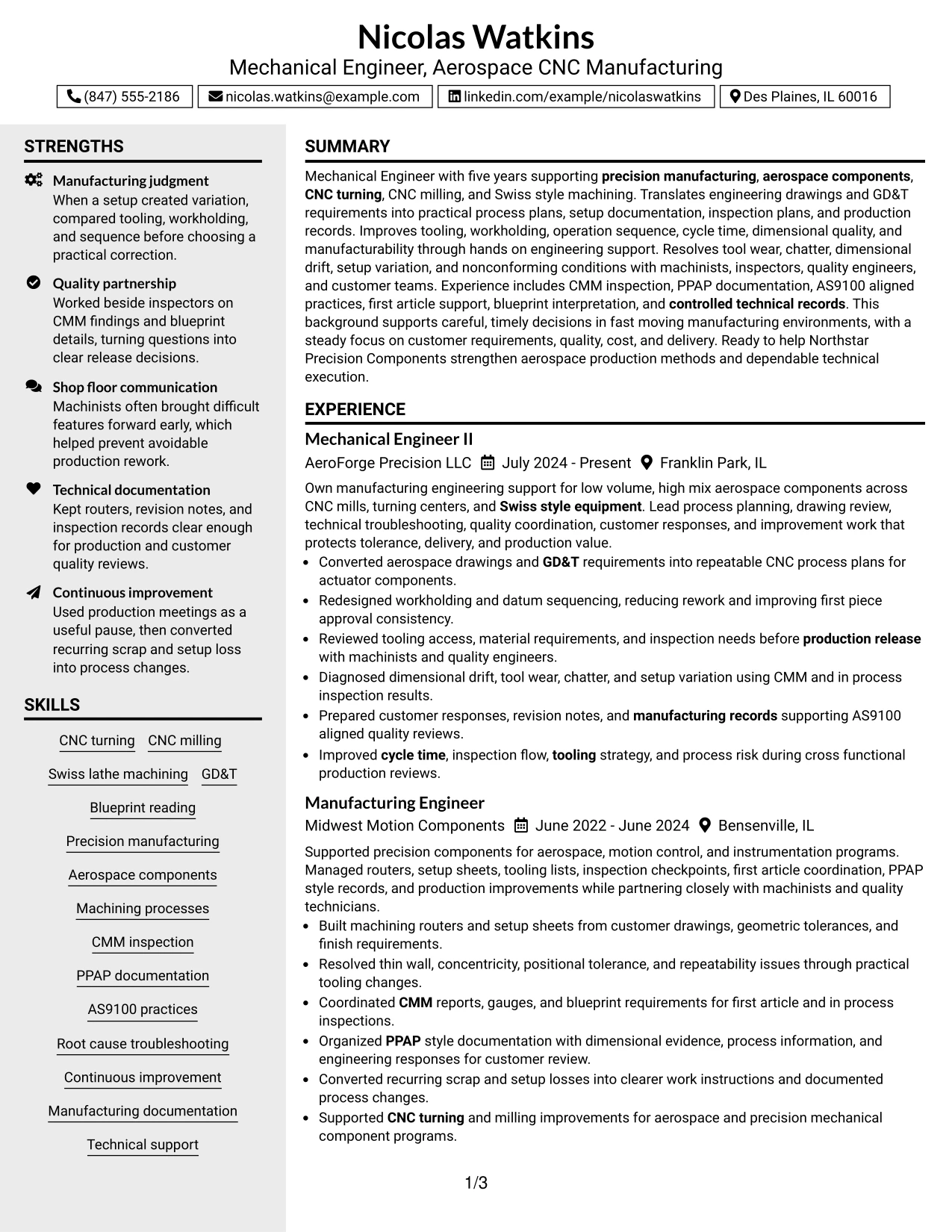
Hands-on engineering evidence receives priority in this design, with experience and project outcomes given the widest reading area. The Clean Two Column Sidebar Format then keeps education, certifications, and technical skills visible in a compact supporting column.
For an aerospace CNC manufacturing resume, this makes it easier to connect shop-floor work with quality systems. Accomplishments involving datum strategy, tooling changes, CMM inspection, PPAP records, AS9100-aligned reviews, and process troubleshooting can stay prominent without crowding supporting details.
Why the Clean Two Column Sidebar Format Works for a Resume
- Prioritizes accomplishment bullets and engineering scope in the main column.
- Uses a sidebar to keep qualifications visible without interrupting experience flow.
- Separates technical skills from detailed examples of how those skills were applied.
- Supports fast scanning of GD&T, CNC machining, CMM, PPAP, and AS9100 terms.
- Provides room for project evidence such as actuator process improvement and inspection documentation.
- Helps balance technical depth with a clear, organized page structure.
Best For
- Resumes that need a strong main column for detailed engineering evidence
- Candidates with a compact set of certifications, education, and skills suited to a sidebar
- Applications where project and accomplishment bullets should carry more visual weight
- Documents that combine manufacturing, inspection, and quality information
- Aerospace CNC manufacturing experience that benefits from clear evidence grouping
- Readers who want quick access to qualifications while reviewing detailed work history
#4 Two Column Format Resume Example
Content is balanced between a broad experience area and a compact supporting column, giving technical depth and quick-reference information equal space. The Two Column Format works well when the resume needs to show both manufacturing accomplishments and a substantial set of skills, education, and certifications.
The structure can present process planning, CNC troubleshooting, drawing interpretation, inspection coordination, and customer technical support without making the page feel crowded. It also gives recruiters a fast route to tools and standards such as GD&T, CMM, PPAP, and AS9100.
Why the Two Column Format Works for a Resume
- Balances detailed experience with supporting technical qualifications.
- Keeps skills and certifications easy to find during a quick recruiter scan.
- Provides enough space for accomplishment bullets that explain engineering decisions and results.
- Separates manufacturing process evidence from education and credential details.
- Supports clear grouping of CNC machining, inspection, and quality methods.
- Works well for applications that require both hands-on manufacturing and engineering judgment.
- Maintains a professional structure without reducing the depth of relevant experience.
Best For
- Applications where experience and technical qualifications need equal visibility
- Resumes with several skill groups that would overcrowd a single narrow section
- Candidates who want projects and certifications easy to find without leading the page
- Precision manufacturing roles that combine shop-floor support with engineering analysis
- Documents with strong experience bullets plus compact education and standards knowledge
- Recruiter review that benefits from clear visual separation between primary and supporting evidence
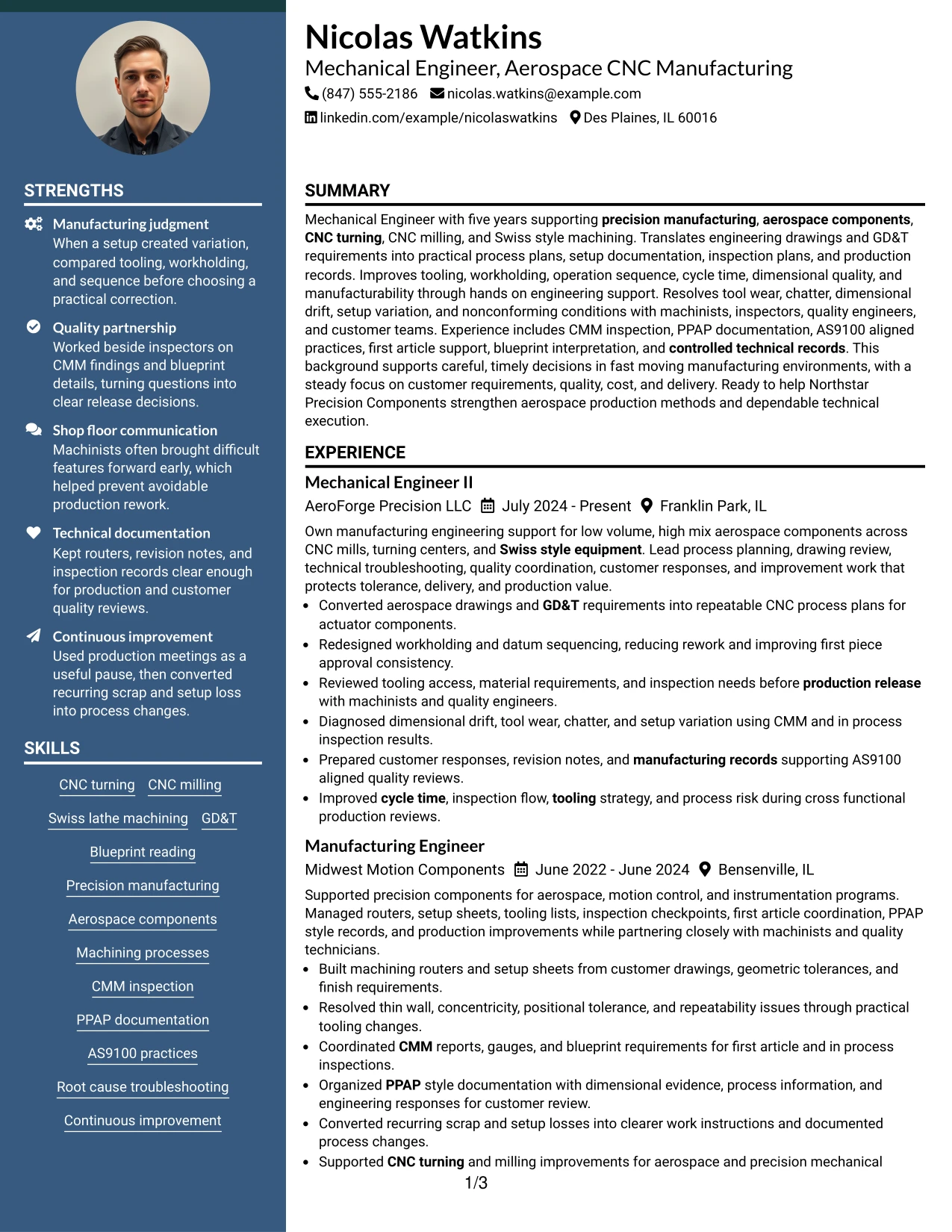
#5 Photo Header Two Column Format Resume Example
For applications where a photo is appropriate and expected, the Photo Header Two Column Format adds a strong identity area while keeping experience and qualifications organized below it. The main content still needs to lead with measurable engineering value, not visual styling.
The two-column structure can separate CNC manufacturing experience from skills, education, certifications, and quality methods. If a photo is used, the technical evidence should remain dominant, including GD&T, CMM inspection, PPAP documentation, AS9100 practices, troubleshooting, and process improvement.
Why the Photo Header Two Column Format Works for a Resume
- Creates a clear header area for identity details when a photo is suitable for the application market.
- Preserves a strong main column for detailed engineering experience.
- Uses the second column for skills, education, certifications, and supporting qualifications.
- Keeps CNC machining and inspection keywords easy to locate.
- Allows detailed process improvement and troubleshooting evidence to remain readable.
- Can support international or regional resume conventions where a photo is commonly used.
- Maintains professional hierarchy when the visual header is kept restrained.
Best For
- Applications in regions or contexts where including a professional photo is customary
- Candidates who want a strong identity header without reducing experience detail
- Two-column resumes that need a clear split between accomplishments and qualifications
- Documents with enough technical evidence to remain the main focus despite a visual header
- Readers who prefer a more personal presentation while keeping resume sections structured
- Mechanical engineering applications where regional resume conventions support photo use
#6 Colored Two Column Format Resume Example
A restrained color treatment adds section separation without changing the professional focus of the document. The Colored Two Column Format can make experience, skills, certifications, projects, and education easier to distinguish at a glance.
For this target role, the format works best when color supports hierarchy while the content carries the weight. CNC turning, CNC milling, Swiss lathe machining, GD&T, CMM inspection, root cause troubleshooting, and manufacturing documentation should remain clear, readable, and easy to scan.
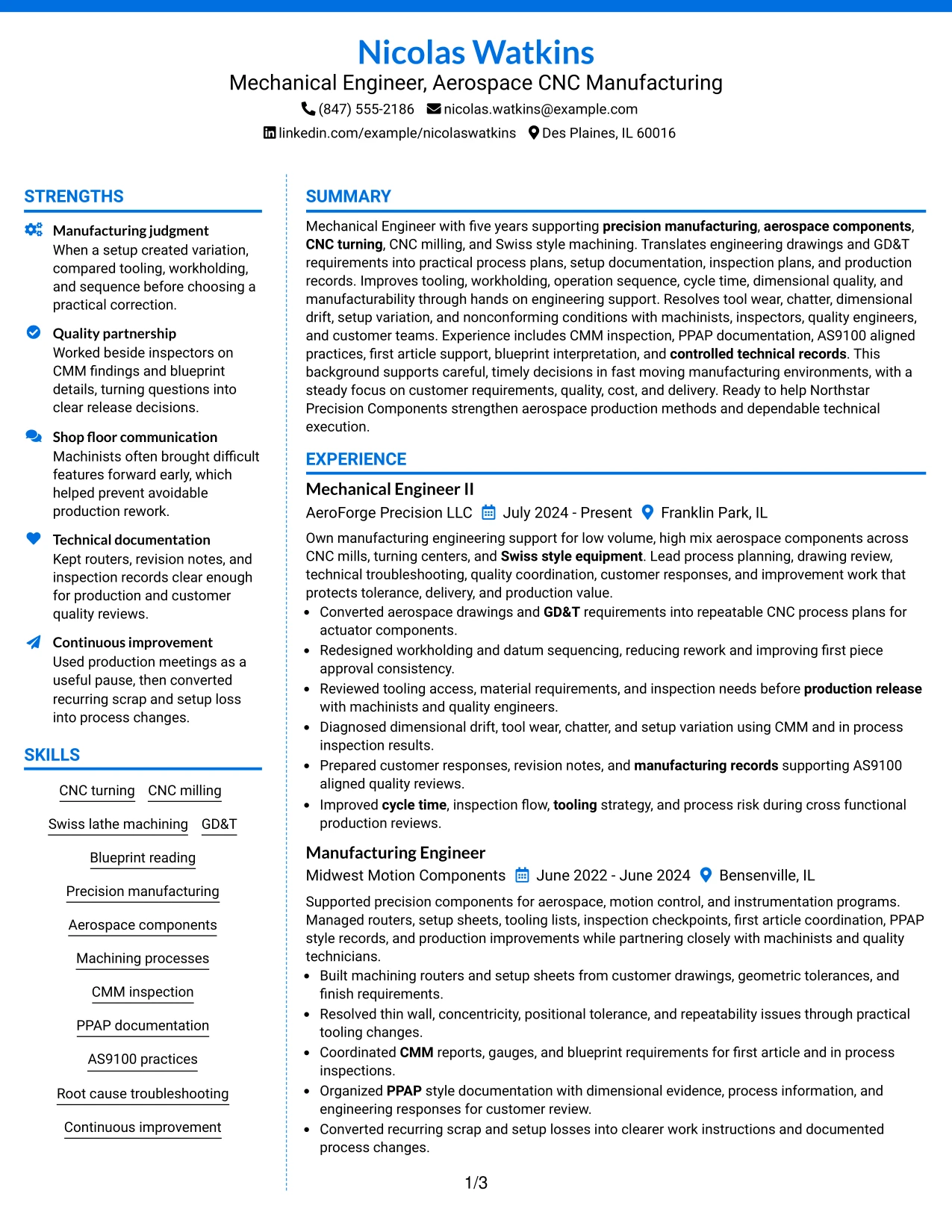
Why the Colored Two Column Format Works for a Resume
- Uses restrained color to make section boundaries easier to recognize.
- Separates detailed experience from compact skills and credential information.
- Helps technical keywords stand out through organization rather than decoration.
- Supports a broad range of manufacturing, inspection, and quality evidence.
- Provides room for projects and certifications without weakening the experience section.
- Keeps the resume professional when color is limited to hierarchy and navigation.
Best For
- Resumes that need stronger section separation without using a complex design
- Applicants who want technical information grouped clearly across two columns
- Documents with several skills, certifications, and project details to organize
- Recruiters who benefit from fast visual navigation between experience and qualifications
- Mechanical Engineer - Aerospace CNC Manufacturing applications that still need a conservative professional tone
- Candidates who want a modern look while keeping ATS-friendly text structure
#7 Stylish Two Column Designer Format Resume Example
The Stylish Two Column Designer Format organizes dense resume content into clearly separated zones, making technical qualifications easy to locate without pushing experience into the background. Strong hierarchy is important because the engineering evidence still needs to lead the review.
For this resume, one area can carry accomplishment-driven work history while the other presents skills, certifications, education, projects, and quality methods. The design is most effective when GD&T, CNC machining, CMM inspection, AS9100, PPAP, and process improvement remain readable and plainly labeled.
Why the Stylish Two Column Designer Format Works for a Resume
- Creates clear information zones for experience and supporting qualifications.
- Handles a large amount of technical content without forcing long text blocks together.
- Provides room for projects and certifications alongside work history.
- Supports quick scanning of CNC, inspection, and quality terminology.
- Allows accomplishment bullets to remain detailed and easy to compare across roles.
- Adds visual distinction while preserving professional resume hierarchy.
- Works best when headings, dates, and job titles remain simple and consistent.
Best For
- Candidates who want a visually distinctive resume without sacrificing technical depth
- Applications where fast scanning across two information zones is useful
- Documents with projects, certifications, skills, and detailed work history
- Resumes that need strong hierarchy for several types of engineering evidence
- Readers who prefer a clear split between accomplishments and supporting credentials
- Professional portfolios where layout style matters but content must remain easy to review
#8 Modern Icon Format Resume Example
A recruiter can move through the Modern Icon Format by following clear section cues from summary to experience, projects, education, certifications, and skills. The single-column flow keeps the content sequence familiar while icons can support navigation in a restrained way.
The format has enough width for detailed examples of CNC process planning, workholding changes, inspection coordination, troubleshooting, and technical documentation. It also lets the resume include project evidence and standards knowledge without compressing accomplishment bullets.
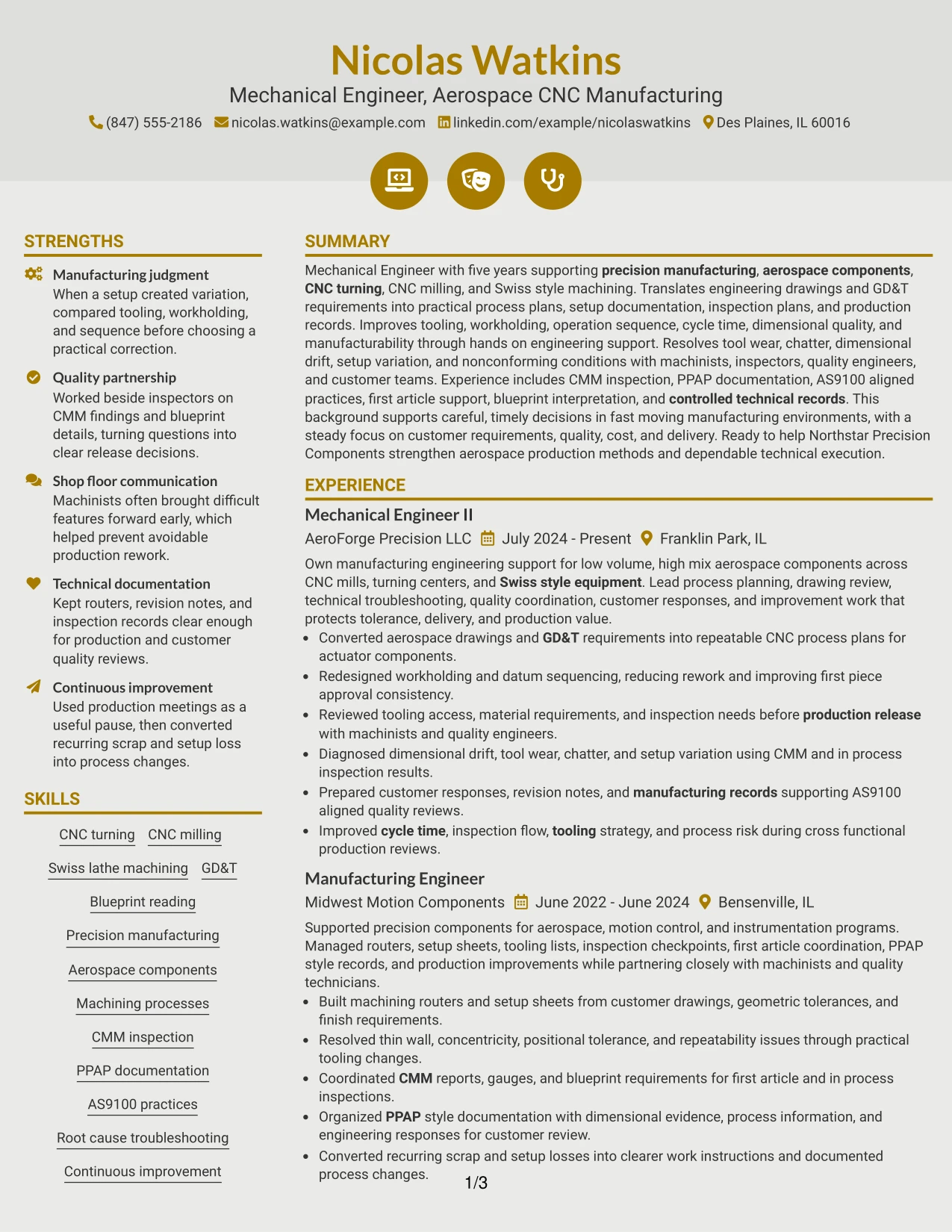
Why the Modern Icon Format Works for a Resume
- Maintains a clear single-column reading path from top to bottom.
- Uses visual section cues to improve navigation without replacing text headings.
- Leaves full width for detailed engineering accomplishment bullets.
- Supports projects, certifications, education, and technical skills in a consistent sequence.
- Provides enough room for manufacturing and quality details such as CMM, PPAP, and AS9100.
- Helps long technical phrases remain readable instead of squeezing them into a narrow sidebar.
- Works well when visual elements stay secondary to ATS-readable text.
Best For
- Resumes with detailed accomplishment bullets that benefit from full page width
- Candidates who want modern section cues while keeping a simple reading order
- Documents with several projects, certifications, and technical skill groups
- Applications where ATS readability and visual organization both matter
- Engineering experience that includes long process, inspection, and quality descriptions
- Readers who prefer one continuous content path with light visual guidance
#9 Modern Full Background Two Column Format Resume Example
Detailed engineering evidence stays central in this format, while a full-background treatment gives the page a stronger visual frame. The Modern Full Background Two Column Format is useful only when contrast remains high and every resume section is still easy to read.
The content can place CNC machining accomplishments, troubleshooting examples, and process improvement results in the main column, with education, certifications, skills, and standards knowledge in the second. Clear labels help recruiters find GD&T, CMM, PPAP, AS9100, blueprint reading, and manufacturing documentation quickly.
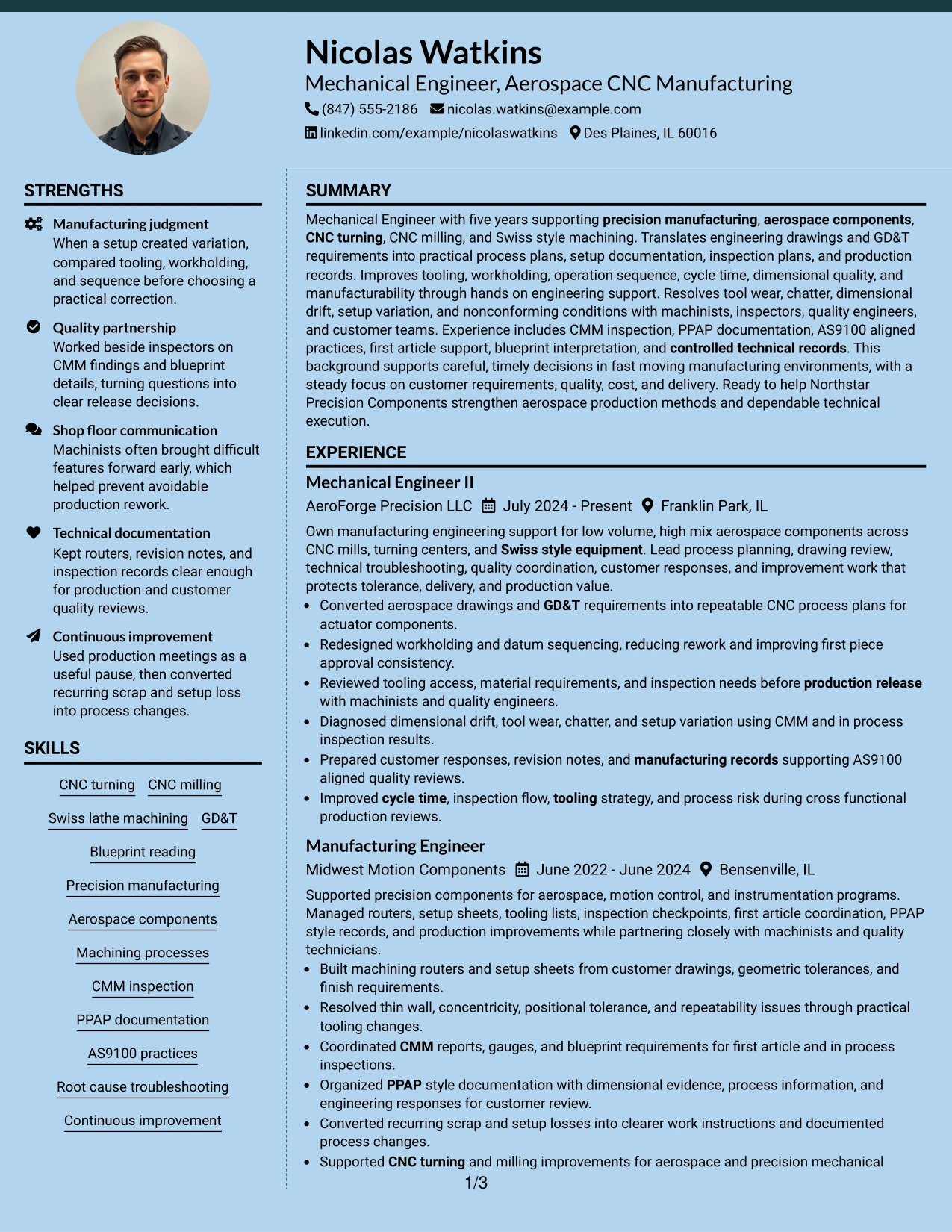
Why the Modern Full Background Two Column Format Works for a Resume
- Uses two columns to separate primary experience from supporting qualifications.
- Can create strong visual hierarchy when contrast and spacing remain restrained.
- Provides room for detailed accomplishment evidence in the main reading area.
- Groups education, certifications, and technical skills into a compact supporting area.
- Supports quick scanning of manufacturing, inspection, and quality keywords.
- Keeps projects and process improvement evidence visible without crowding work history.
- Works best when the background treatment never reduces text clarity.
Best For
- Candidates who want stronger visual presence while preserving a two-column information structure
- Resumes with enough technical evidence to justify clear primary and secondary content areas
- Applications where presentation quality matters but readability must remain high
- Documents that combine detailed experience with compact certifications and skills
- Engineering resumes with project and process evidence that benefit from strong hierarchy
- Readers who prefer a visually framed document with clearly separated content zones
#10 Dark Mode Two Column Format Resume Example
Space is divided between a strong experience column and a compact qualifications area, so Nicolas Watkins can show detailed manufacturing evidence without hiding key technical terms. The Dark Mode Two Column Format adds a bold visual treatment, but readability must remain the first priority.
The resume can keep process planning, tooling, workholding, CMM inspection, quality reviews, and customer technical documentation prominent while using the second column for skills, education, certifications, and project details. High contrast and simple headings help the engineering content stay easy to scan.
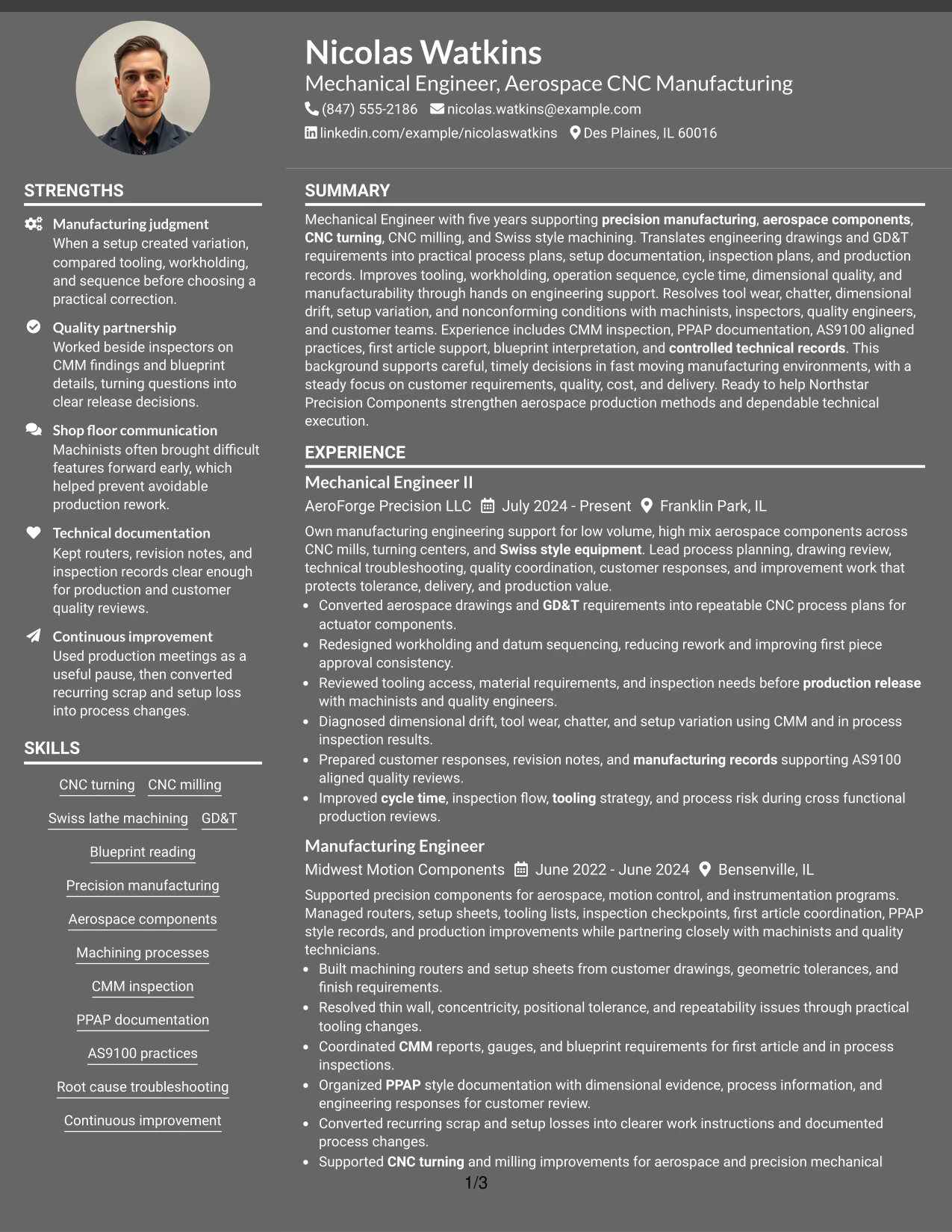
Why the Dark Mode Two Column Format Works for a Resume
- Balances detailed work history with compact supporting qualifications.
- Creates strong section contrast when text remains highly readable.
- Provides room for accomplishment bullets that explain engineering decisions and outcomes.
- Keeps technical skills and certifications visible during a quick scan.
- Supports clear grouping of CNC machining, inspection, and quality evidence.
- Allows projects and education to sit beside experience without interrupting chronology.
- Works best for direct sharing or presentation when the final output preserves legibility.
Best For
- Applications where a bold visual format is acceptable and readability remains strong
- Candidates who need two columns for dense technical and qualification content
- Documents reviewed on screen where clear contrast can improve section separation
- Resumes with strong accomplishment bullets plus compact supporting credentials
- Precision manufacturing experience that benefits from distinct content zones
- Readers who want a modern presentation without losing clear chronological structure
#11 Dark Mode Box Header Format Resume Example
For a screen-based review where a dark visual style is appropriate, the Dark Mode Box Header Format gives the resume a defined opening area and then moves into a simple one-column content flow. The boxed header should support navigation, not compete with the engineering evidence.
Below the header, full-width sections can present career progression, aerospace manufacturing experience, CNC skills, projects, education, certifications, and quality methods in a straightforward sequence. This gives detailed bullets enough room to explain GD&T decisions, CMM findings, troubleshooting, process changes, and technical records.
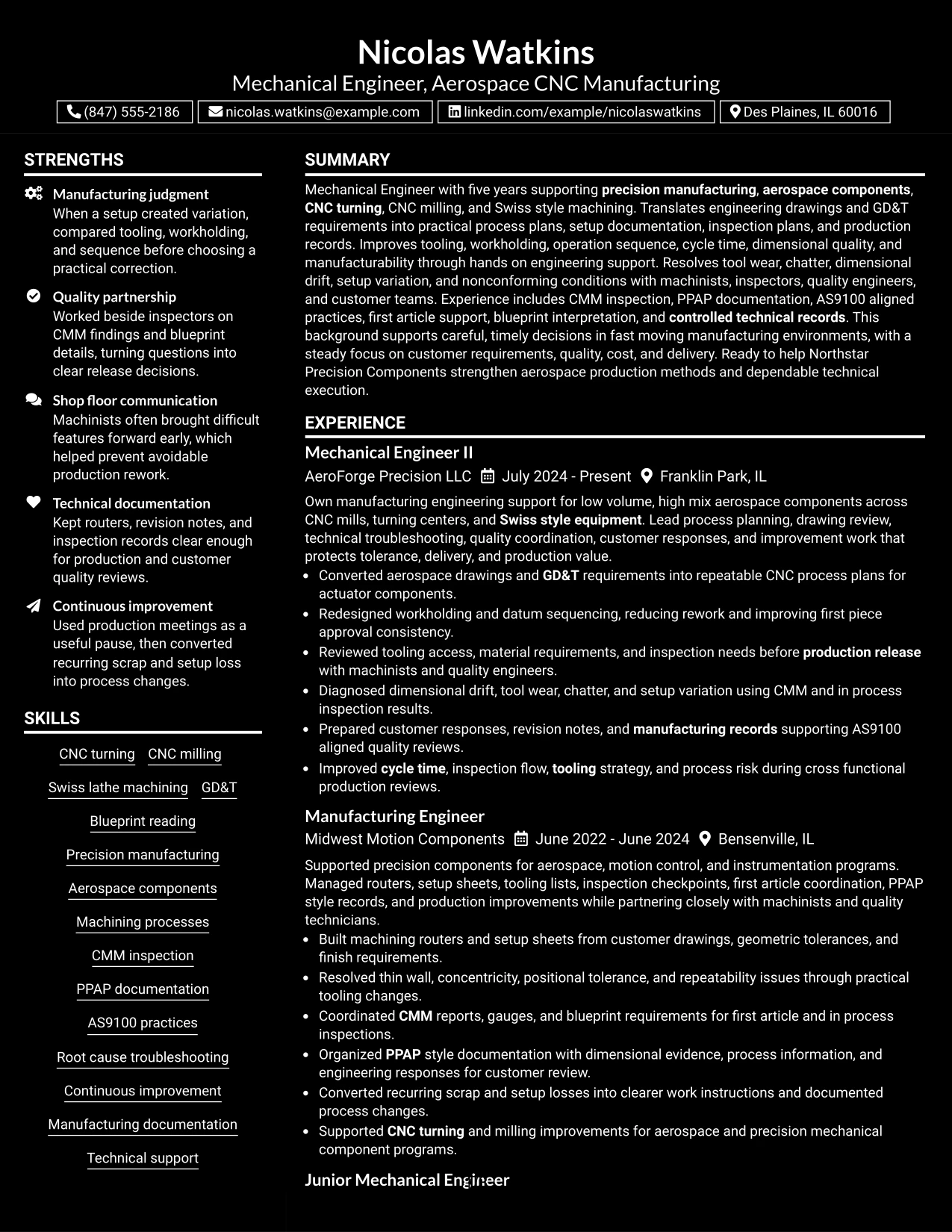
Why the Dark Mode Box Header Format Works for a Resume
- Creates a clear starting point with a defined header area.
- Uses a single-column body for direct chronological reading.
- Leaves full width for detailed experience and project descriptions.
- Supports easy placement of skills, certifications, and education after work history.
- Provides room for technical evidence involving CNC, GD&T, CMM, PPAP, and AS9100.
- Can make sections easy to distinguish when contrast and spacing are carefully controlled.
- Works best when the dark styling stays secondary to readable resume content.
Best For
- Screen-first resume sharing where a dark visual presentation is acceptable
- Candidates who want a strong header followed by a simple one-column body
- Documents with long technical bullets that need full-width space
- Applications where career progression should remain easy to follow
- Resumes with projects, certifications, and quality methods that fit a linear section order
- Readers who prefer a defined opening block and straightforward content flow
#12 Elegant Full Background Two Column Format Resume Example
A refined full-background treatment gives this format a polished visual frame while two columns keep the information practical. The Elegant Full Background Two Column Format works best when the design stays quiet enough for engineering evidence to lead.
Experience can carry CNC process planning, troubleshooting, workholding, tooling, and inspection results, while the supporting column organizes education, certifications, skills, and standards knowledge. For this role, readability should make GD&T, CMM, PPAP, AS9100, and precision manufacturing easy to find.
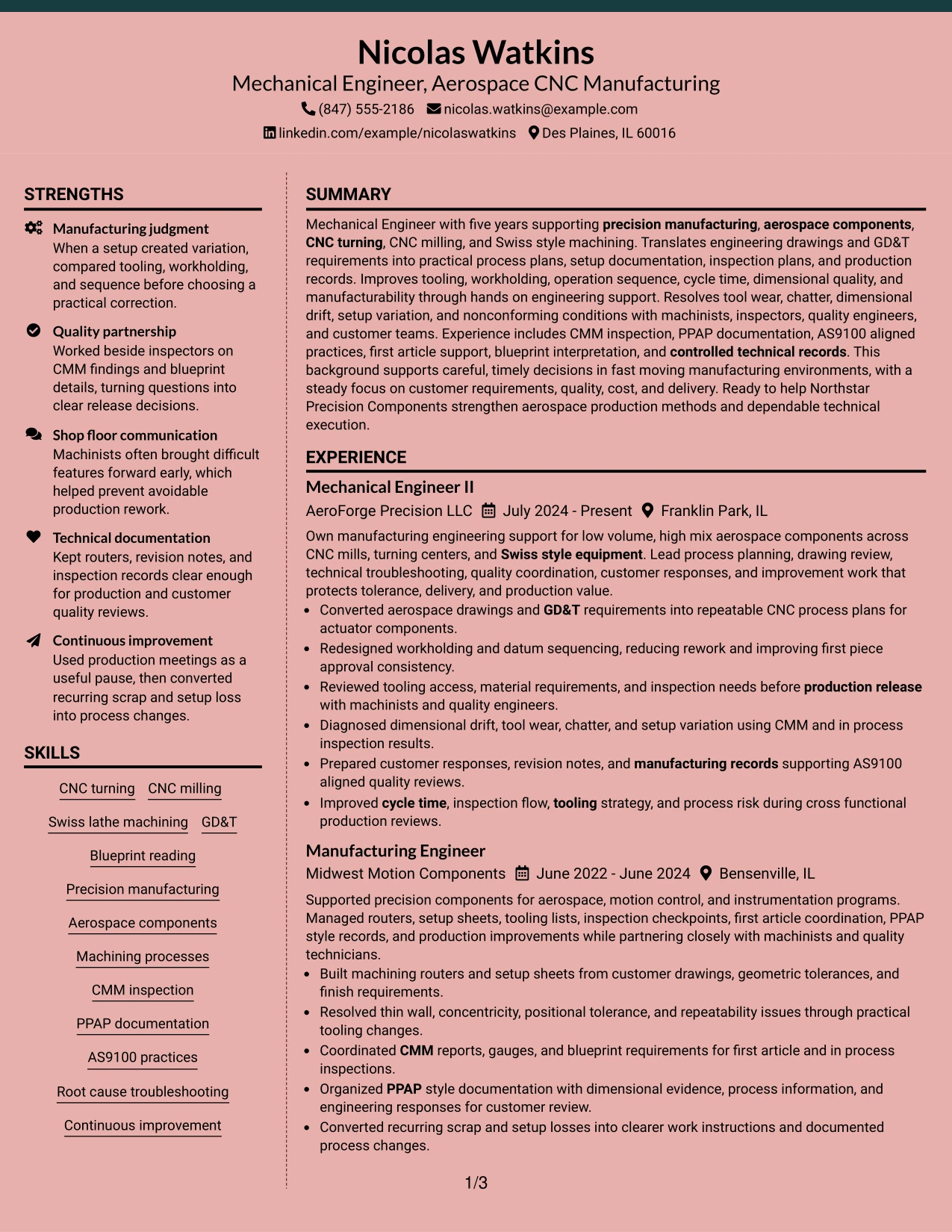
Why the Elegant Full Background Two Column Format Works for a Resume
- Creates a polished visual structure without changing the importance of the resume content.
- Uses two columns to separate detailed experience from supporting qualifications.
- Provides room for accomplishment bullets tied to CNC machining and production improvement.
- Keeps certifications, education, and technical skills easy to locate.
- Supports fast review of GD&T, CMM, PPAP, and AS9100 evidence.
- Helps projects and process improvements stay visible without crowding work history.
- Works well when the background treatment preserves strong contrast and clear section labels.
Best For
- Applicants who want a refined two-column presentation with clear section hierarchy
- Resumes that need to balance detailed experience with compact supporting qualifications
- Documents with several technical skill groups, certifications, and project entries
- Readers who benefit from visible separation between work history and credentials
- Precision manufacturing experience that needs both technical depth and clean presentation
- Applications where a polished design is useful but readability must remain the priority
#13 Creative Two Tone Format Resume Example
The Creative Two Tone Format uses a simple color contrast to separate major resume sections while keeping a single-column reading path. The structure can feel distinctive without making technical content harder to scan.
Full-width experience bullets give room to explain CNC turning, CNC milling, Swiss lathe machining, CMM inspection, PPAP documentation, and root cause troubleshooting. The format can then move naturally into projects, education, certifications, and skills.
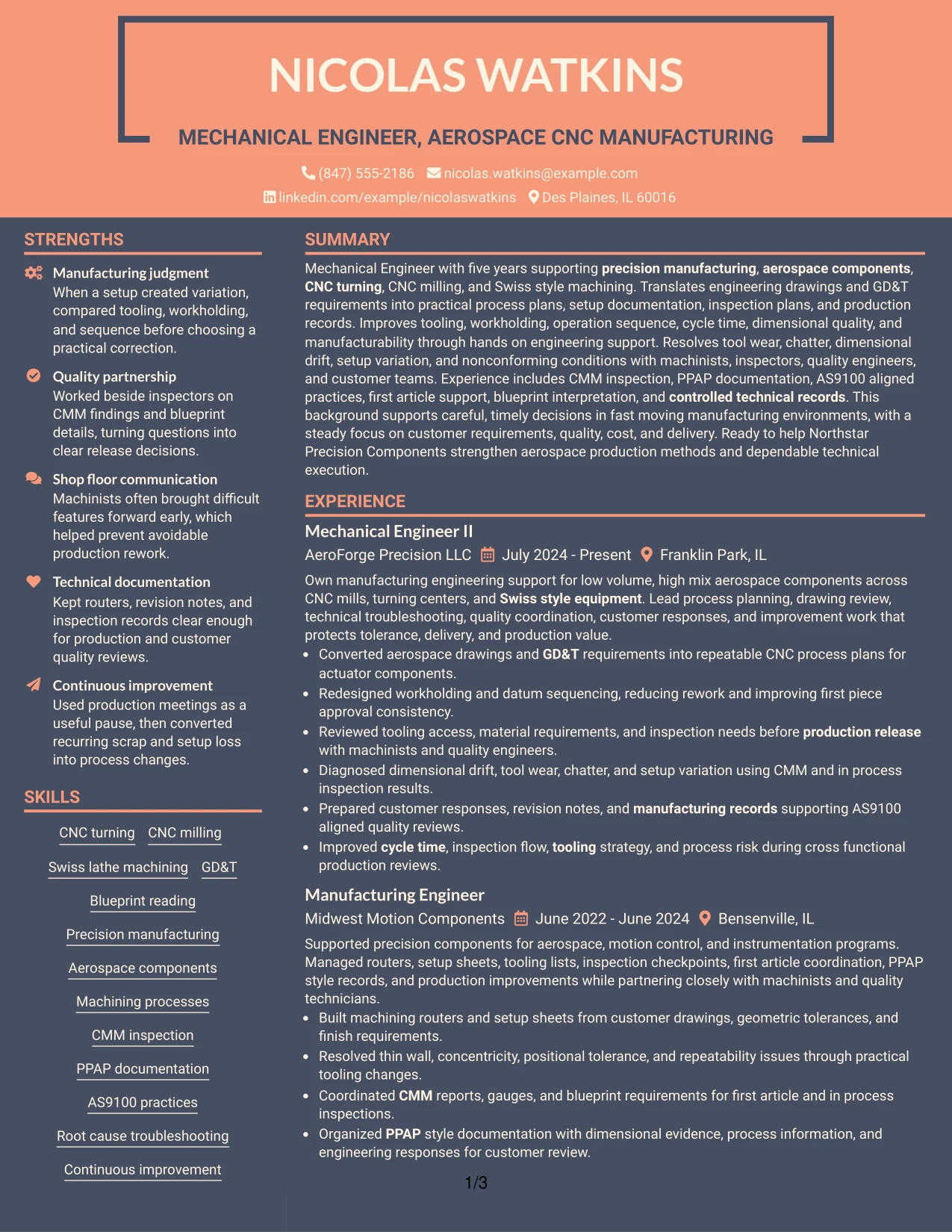
Why the Creative Two Tone Format Works for a Resume
- Uses color contrast to make section boundaries easier to recognize.
- Maintains a simple top-to-bottom content flow for recruiter review.
- Leaves full width for detailed engineering accomplishment bullets.
- Supports clear placement of projects, education, certifications, and skills.
- Helps CNC machining and quality keywords remain easy to find.
- Can add visual distinction without changing the resume's technical focus.
- Works best when the two-tone treatment supports hierarchy rather than decoration.
Best For
- Candidates who want a simple reading path with more visual separation between sections
- Resumes with detailed bullets that need the full page width
- Documents that combine experience, projects, certifications, and technical skills
- Applications where a restrained visual accent can improve navigation
- Engineering resumes that contain several machining and inspection details
- Readers who prefer clear sequence with light design variation
#14 Minimal Header Format Resume Example
A recruiter can start with the summary and move directly into experience because the Minimal Header Format keeps the top of the page compact. That leaves more space for career evidence instead of decorative elements.
The one-column body works well for detailed manufacturing bullets, including drawing review, setup documentation, inspection planning, troubleshooting, and continuous improvement. It also gives certifications and projects enough room to stay readable.
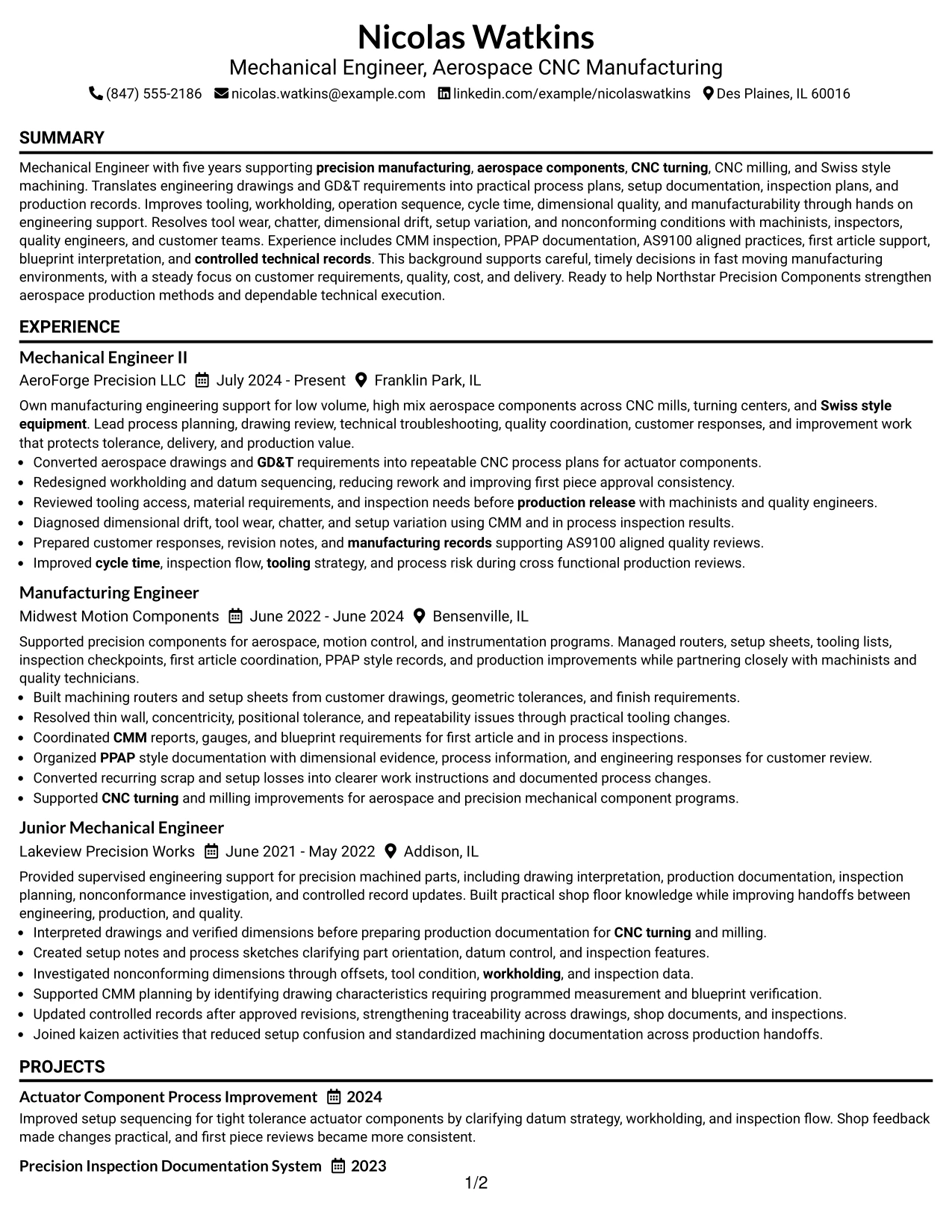
Why the Minimal Header Format Works for a Resume
- Moves recruiters quickly from contact details into the candidate's professional evidence.
- Preserves more vertical space for experience and accomplishments.
- Supports full-width bullets for complex engineering work.
- Keeps chronology easy to follow across multiple mechanical engineering roles.
- Provides room for projects, certifications, education, and technical skills.
- Works well for ATS review because the section order remains simple.
- Reduces visual distraction when the resume contains dense technical content.
Best For
- Resumes where work history should receive most of the available page space
- Applications that benefit from a compact top section and familiar content order
- Candidates with detailed accomplishment bullets that need full-width presentation
- Documents with enough technical evidence to make simplicity an advantage
- Recruiter review that favors fast movement from summary to experience
- Engineering resumes that need room for projects and certifications after work history
#15 Plain One Column with Shaded Labels Resume Example
Technical evidence receives the main attention in this one-column format, while shaded labels make major resume sections easy to identify. That helps the reader find experience, projects, skills, education, and certifications without interrupting the content flow.
For this role, the format gives useful space to explain machining routers, setup sheets, tooling changes, CMM findings, PPAP records, and AS9100-aligned quality work. The labels support scanning while the full-width body preserves detail.
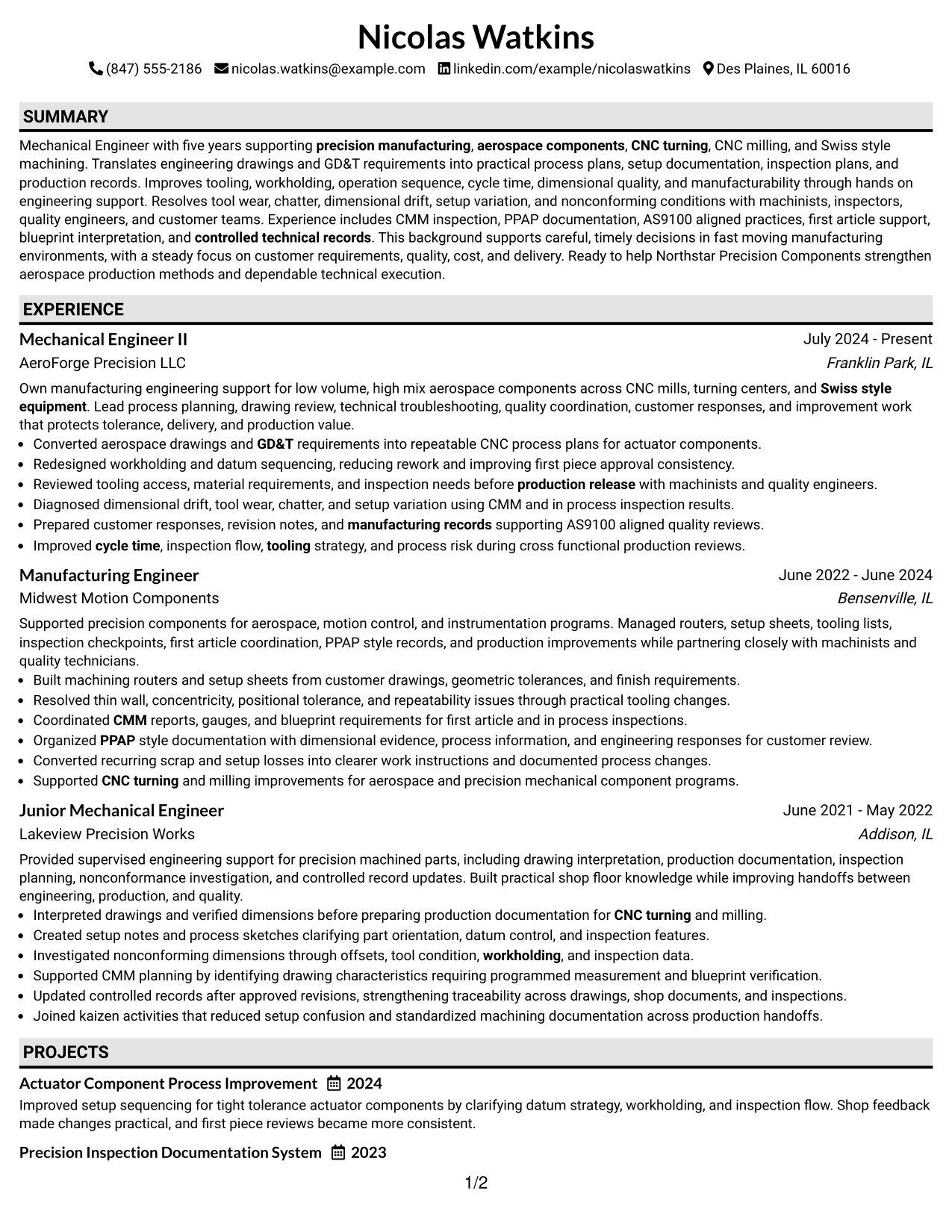
Why the Plain One Column with Shaded Labels Works for a Resume
- Emphasizes work evidence by giving accomplishment bullets the full page width.
- Uses shaded labels to make major sections easy to locate.
- Supports a clear chronological story from junior to more advanced engineering work.
- Provides room for detailed CNC and inspection examples.
- Separates project, certification, and education content without adding extra columns.
- Helps ATS keywords remain visible in plain text sections.
- Works well when detailed technical evidence matters more than decorative design.
Best For
- Candidates with strong experience evidence that deserves full-width space
- Resumes where section labels need to stand out during a quick scan
- Documents with several technical examples that should not be compressed
- Applications that favor straightforward chronology and simple ATS structure
- Precision manufacturing backgrounds with detailed process and inspection content
- Readers who prefer clear section markers in an otherwise plain layout
#16 Text/Fang Style Resume Example
Content is given generous full-width space so long technical bullets can stay readable without being squeezed into narrow columns. The Text/Fang Style is most useful when clear wording and evidence matter more than visual complexity.
The resume can present process plans, engineering drawings, tooling decisions, inspection results, and corrective actions in a direct sequence. Supporting sections for projects, certifications, and skills can follow naturally without breaking the reader's path.
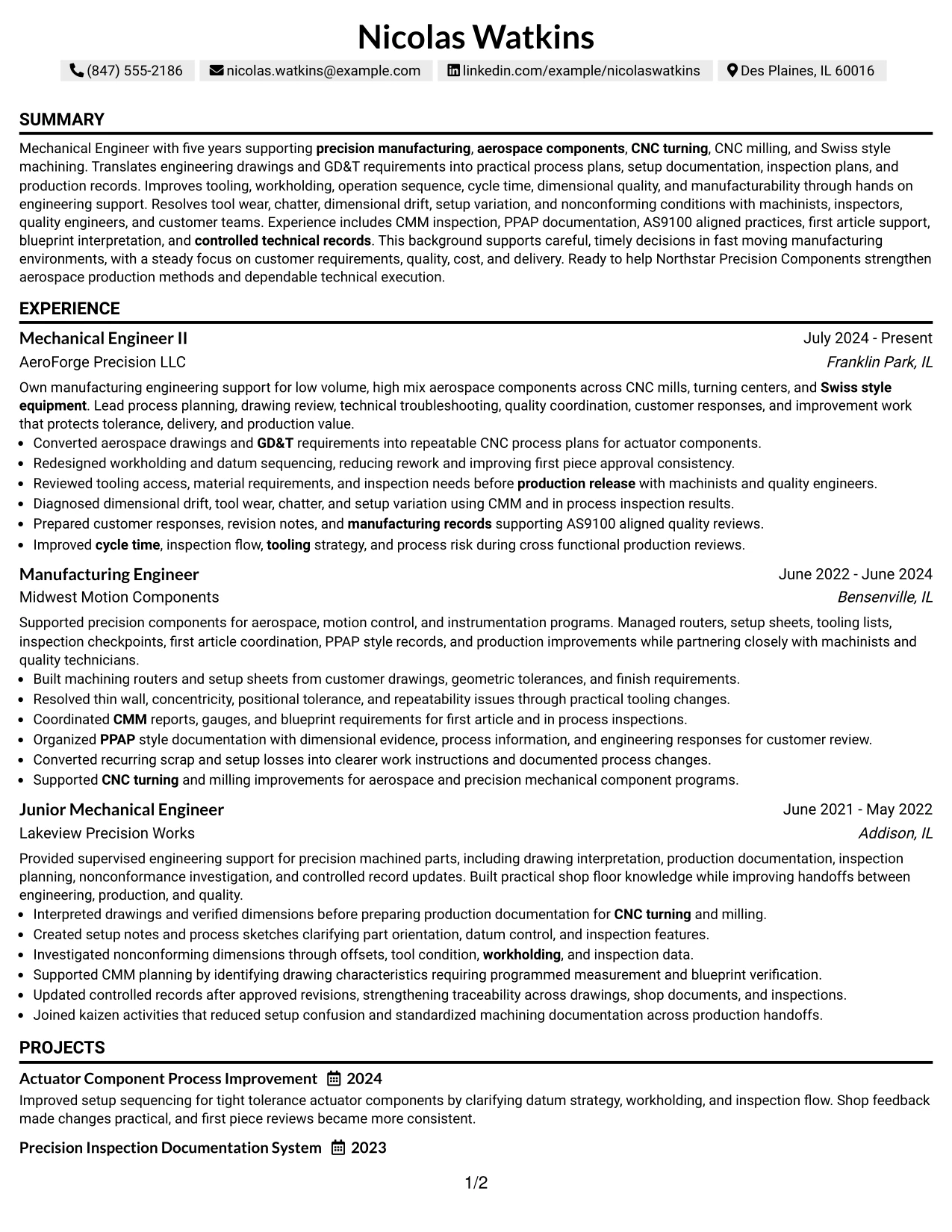
Why the Text/Fang Style Works for a Resume
- Provides full-width space for detailed technical content.
- Keeps the reading order simple from summary through experience and qualifications.
- Supports long accomplishment bullets without creating visual crowding.
- Works well for explaining troubleshooting, process planning, and inspection work.
- Allows projects and certifications to remain easy to read after work history.
- Preserves a straightforward ATS-friendly structure.
- Helps the document feel focused when the evidence itself is the main strength.
Best For
- Applications where technical detail matters more than decorative presentation
- Resumes with long accomplishment bullets and several process explanations
- Candidates who want one continuous narrative from experience to qualifications
- Documents reviewed by readers who prefer simple text hierarchy
- Mechanical engineering experience that includes troubleshooting and process decisions
- Situations where ATS-friendly structure and plain readability are important
#17 Bold Color Header Professional Format Resume Example
For applications that allow a stronger visual header, the Bold Color Header Professional Format can create a clear starting point without changing the resume's professional focus. The body should remain simple so technical evidence stays easy to review.
Below the header, one-column sections can show aerospace manufacturing experience, CNC machining, GD&T, CMM inspection, AS9100 practices, PPAP documentation, projects, and certifications in a steady sequence. The color should guide the eye, not compete with the content.
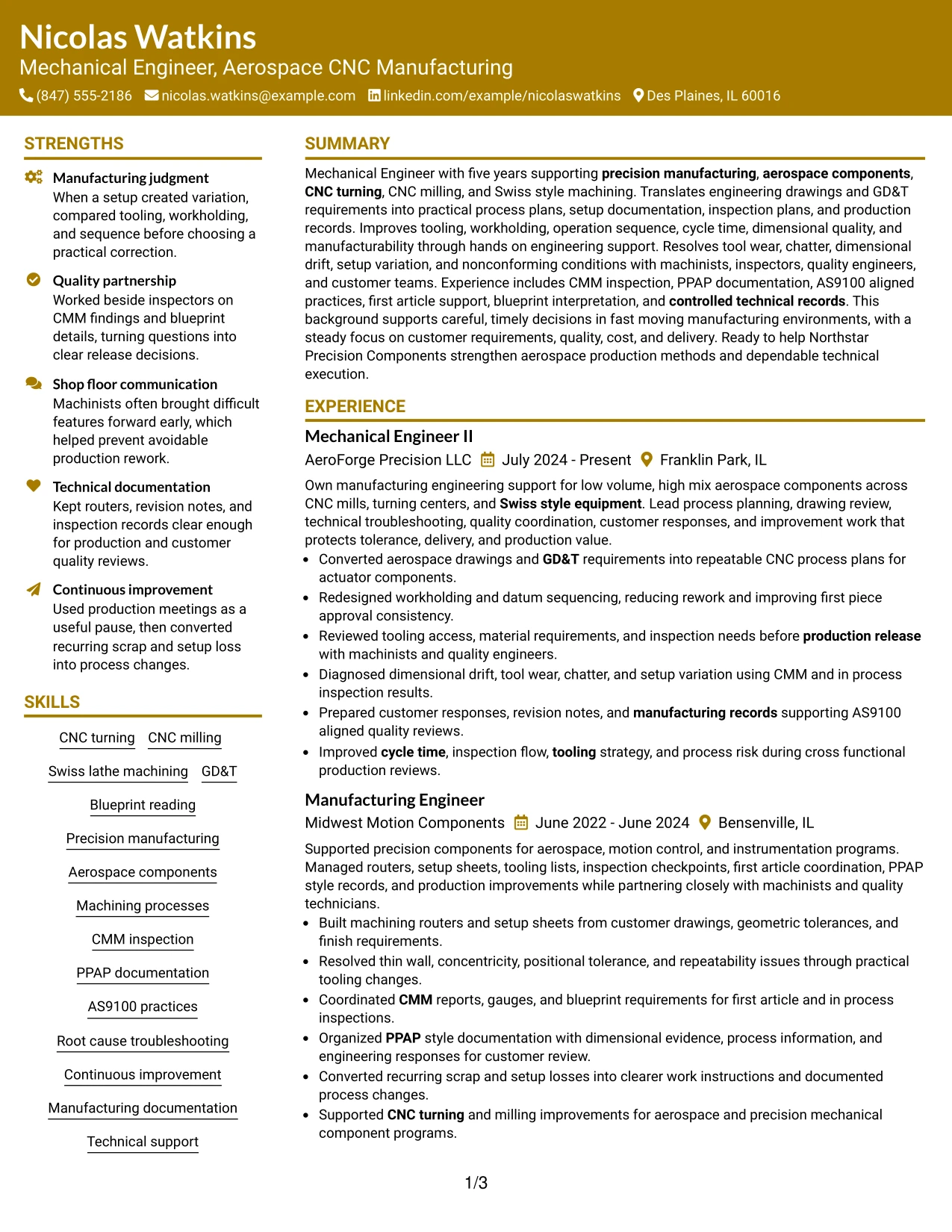
Why the Bold Color Header Professional Format Works for a Resume
- Creates a clear opening area that makes contact details easy to find.
- Keeps the main resume body simple and readable.
- Provides full-width room for accomplishment bullets and project descriptions.
- Supports clear section order for experience, skills, education, and certifications.
- Helps technical evidence remain the center of the page.
- Can make the document easier to recognize without changing ATS-readable text.
- Works best when the color header is restrained and the body stays conventional.
Best For
- Candidates who want a stronger top section while keeping the body traditional
- Applications where a modest visual accent is acceptable
- Resumes with detailed experience that still needs full-width space
- Documents that benefit from a clear distinction between header and body
- Readers who want quick access to contact information before reviewing experience
- Engineering resumes where technical evidence should stay visually dominant
#18 Photo Header Color Sidebar Format Resume Example
A visible identity area and color-accented organization give this format a more personal presentation. The Photo Header Color Sidebar Format should still keep work history, technical skills, and manufacturing evidence easier to notice than the photo itself.
The layout can place core experience in the main reading area while a supporting sidebar holds skills, education, certifications, and quality methods. It works best where a professional photo is appropriate, with CNC machining, GD&T, CMM, PPAP, AS9100, and project evidence remaining central.
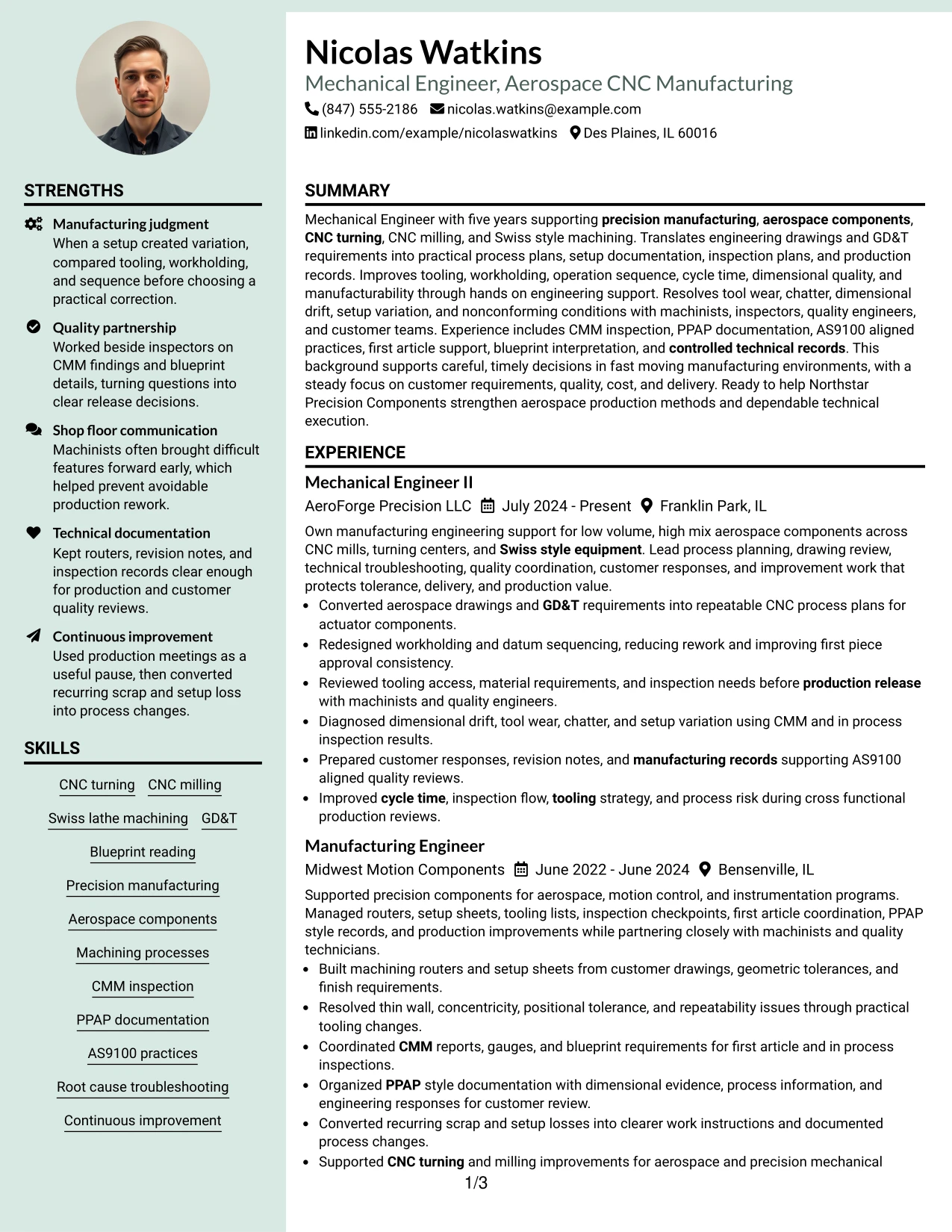
Why the Photo Header Color Sidebar Format Works for a Resume
- Provides a clear identity area when a professional photo is appropriate for the application context.
- Uses a sidebar to organize skills, education, certifications, and supporting qualifications.
- Keeps detailed engineering experience in the main reading area.
- Supports fast scanning of CNC machining, inspection, and quality terms.
- Allows project and certification evidence to stay visible without interrupting chronology.
- Can suit regional resume conventions that commonly include a photo.
- Works best when color and photo elements remain secondary to readable technical content.
Best For
- Applications in regions or contexts where a professional photo is commonly expected
- Candidates who want a more personal header with structured supporting information
- Resumes that need a sidebar for compact qualifications and a main area for experience
- Documents with enough technical evidence to remain dominant over visual elements
- Mechanical Engineer - Aerospace CNC Manufacturing applications that allow regional format flexibility
- Readers who value quick access to skills and credentials beside detailed work history
#19 Top Left Header Color Accent Format Resume Example
The Top Left Header Color Accent Format keeps identity information anchored in one clear area, then follows with a straightforward one-column body. A modest accent can make the opening easier to recognize without changing the reading order.
Experience bullets can then explain CNC process plans, setup changes, tooling choices, nonconformance investigation, CMM inspection, and manufacturing records in full width. Projects, certifications, education, and skills can follow in simple sections.
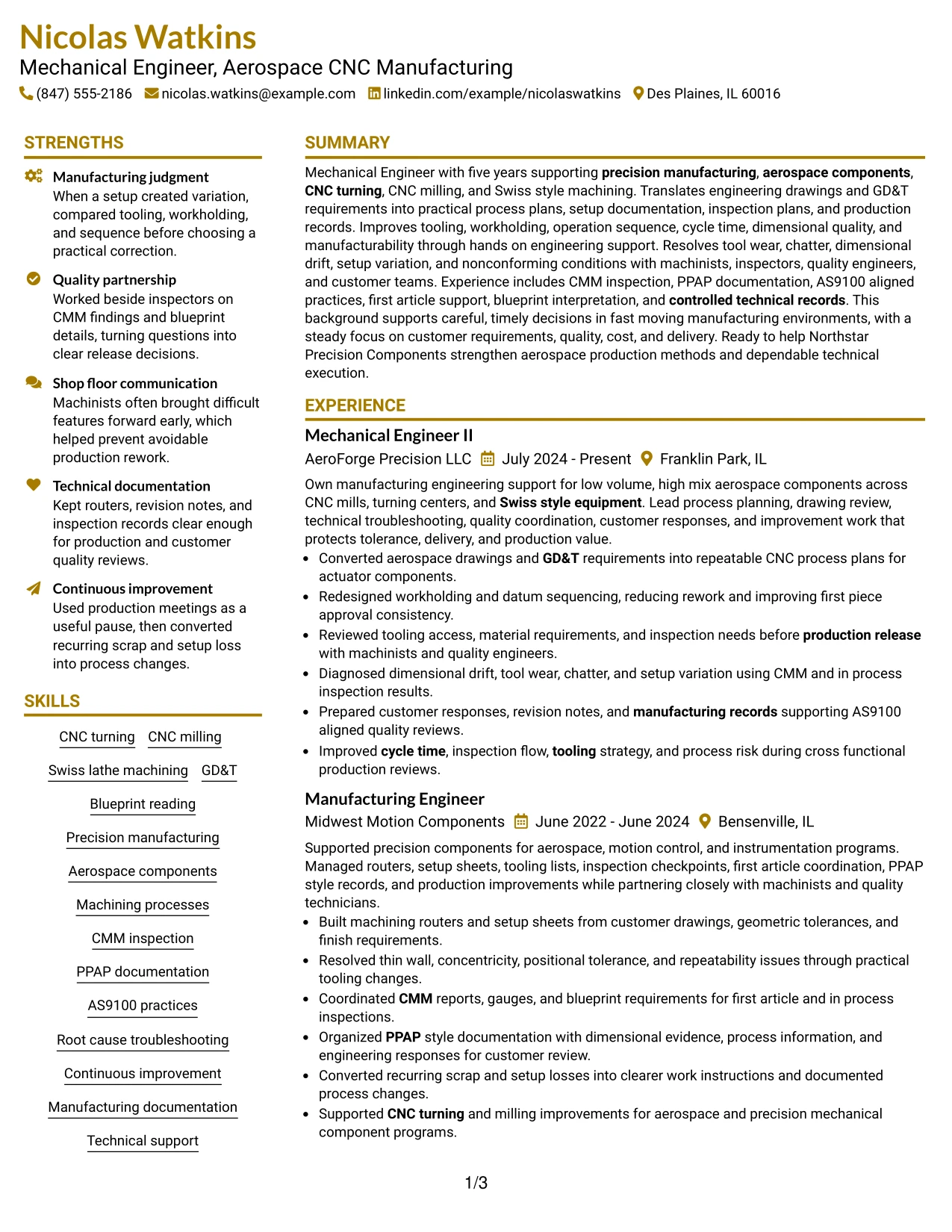
Why the Top Left Header Color Accent Format Works for a Resume
- Creates a clear starting point for contact and role information.
- Maintains a simple one-column path through the main resume content.
- Leaves enough width for detailed engineering accomplishment bullets.
- Supports quick scanning of projects, certifications, and skills after work history.
- Uses color only as a navigation aid rather than a content substitute.
- Works well for technical resumes with long process and inspection details.
- Preserves straightforward ATS-friendly section organization.
Best For
- Resumes that need a distinct header without using a complex page structure
- Candidates who prefer full-width experience bullets with a small visual accent
- Documents where contact details should be easy to identify immediately
- Applications that benefit from conventional chronology and simple section order
- Technical experience involving process, inspection, and quality evidence
- Readers who want clean navigation with minimal styling
#20 Centered Header Classic Two Column Format Resume Example
A recruiter first sees a centered identity block, then moves into two organized content areas that separate detailed experience from supporting qualifications. The Centered Header Classic Two Column Format gives Nicolas Watkins room to show career growth while keeping technical information easy to locate.
The main column can hold CNC manufacturing accomplishments and project evidence, while the second column supports skills, certifications, education, and standards knowledge. This is useful when the resume needs both depth and quick scanning.
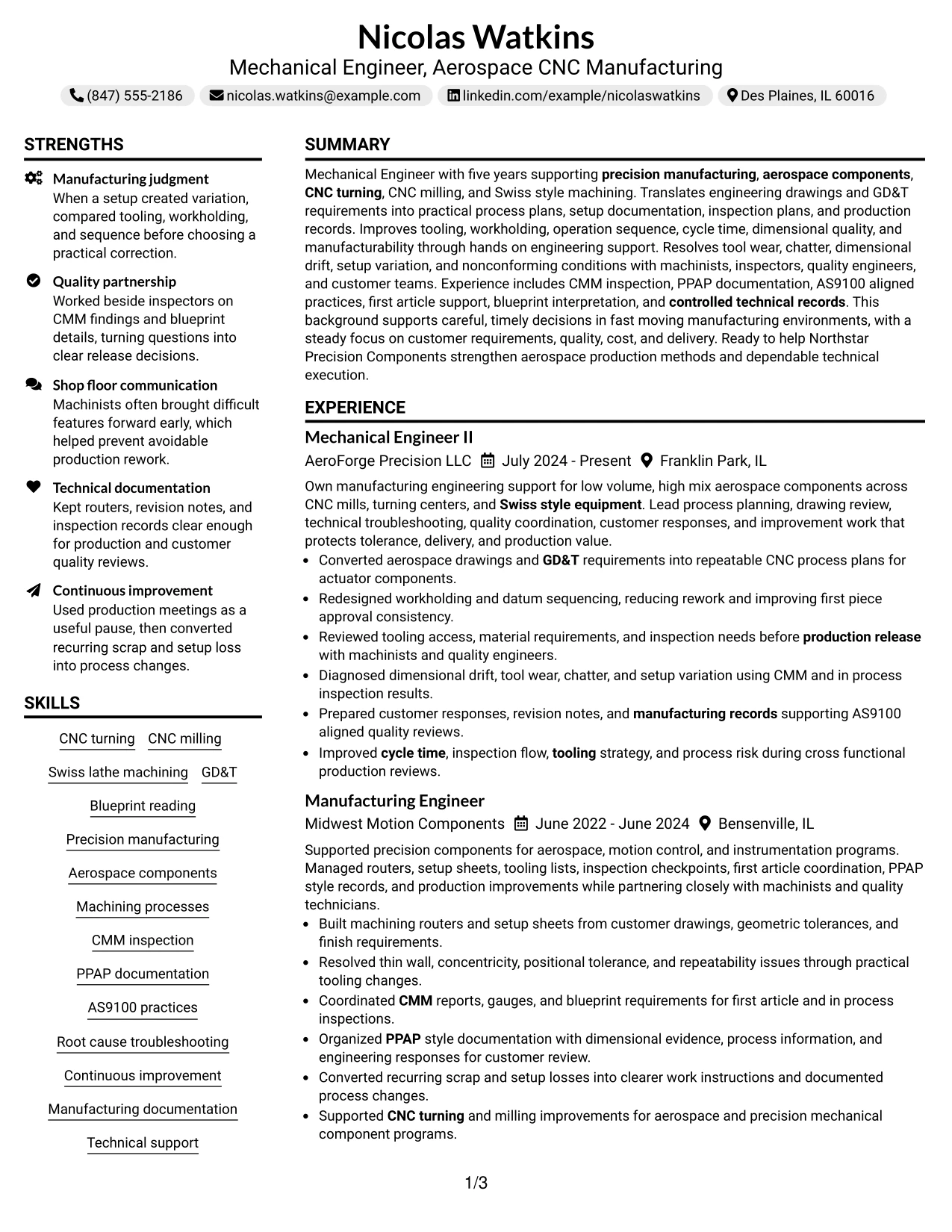
Why the Centered Header Classic Two Column Format Works for a Resume
- Creates a familiar visual starting point with a centered header.
- Uses two columns to separate experience from supporting qualifications.
- Provides enough room for detailed accomplishment bullets across multiple roles.
- Keeps skills, education, certifications, and standards knowledge visible.
- Supports project evidence without crowding the work history section.
- Helps recruiters scan CNC, GD&T, CMM, PPAP, and AS9100 content efficiently.
- Maintains a classic structure that balances readability and information density.
Best For
- Candidates with several years of experience and a broad set of supporting qualifications
- Resumes that need to organize dense information without losing chronological clarity
- Applications where recruiters may scan technical skills before reading every bullet
- Documents that combine work history, projects, certifications, and education
- Engineering resumes with substantial manufacturing and quality evidence
- Readers who prefer a classic centered header with balanced two-column organization
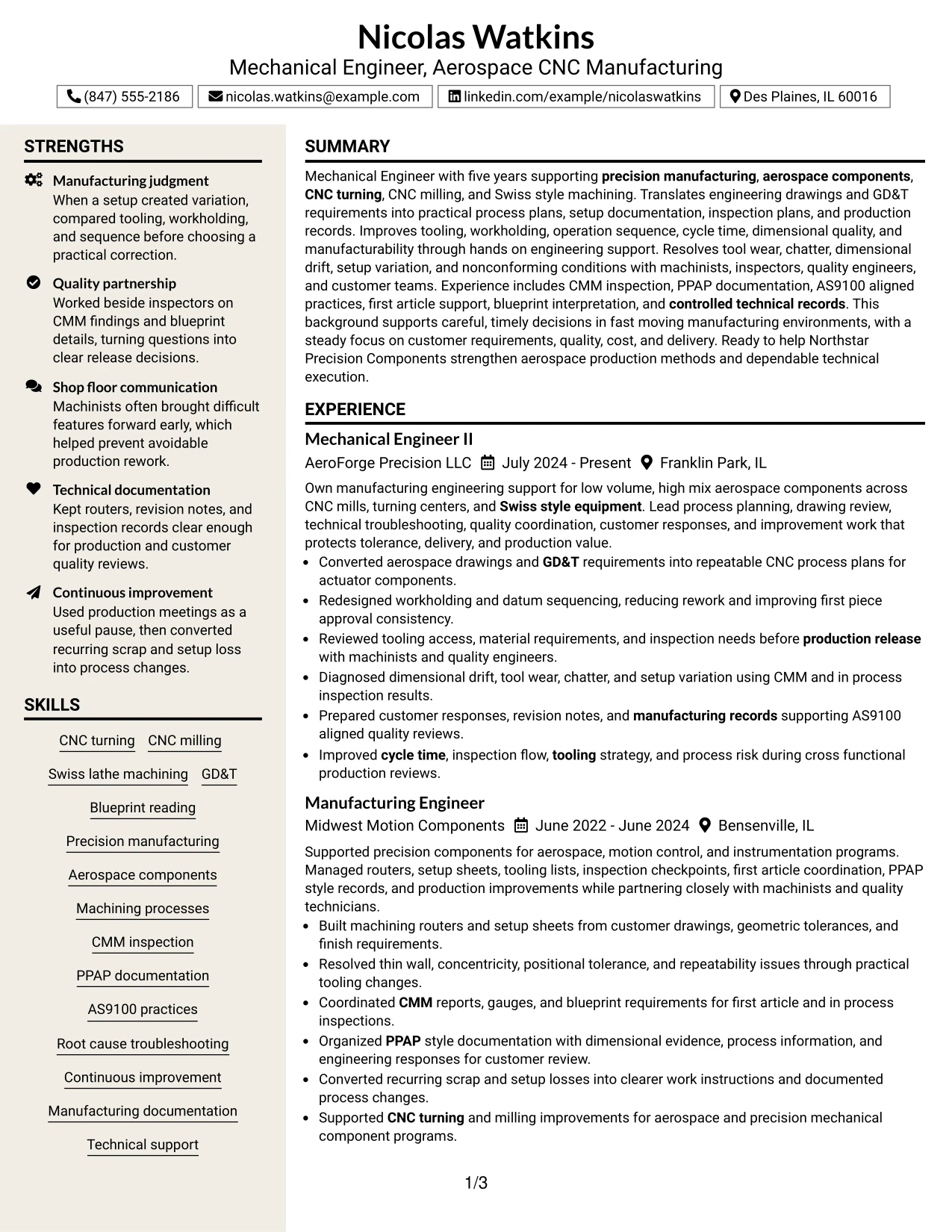
#21 Left Aligned Header Clean Two Column Format Resume Example
Engineering evidence takes priority here, with the left-aligned header leading directly into a clean two-column structure. The Left Aligned Header Clean Two Column Format makes it easy to place detailed experience beside a compact set of qualifications.
The main reading area can show setup optimization, machining process changes, dimensional troubleshooting, first article inspection, and technical documentation. The supporting area can organize GD&T, CNC skills, certifications, education, and quality methods.
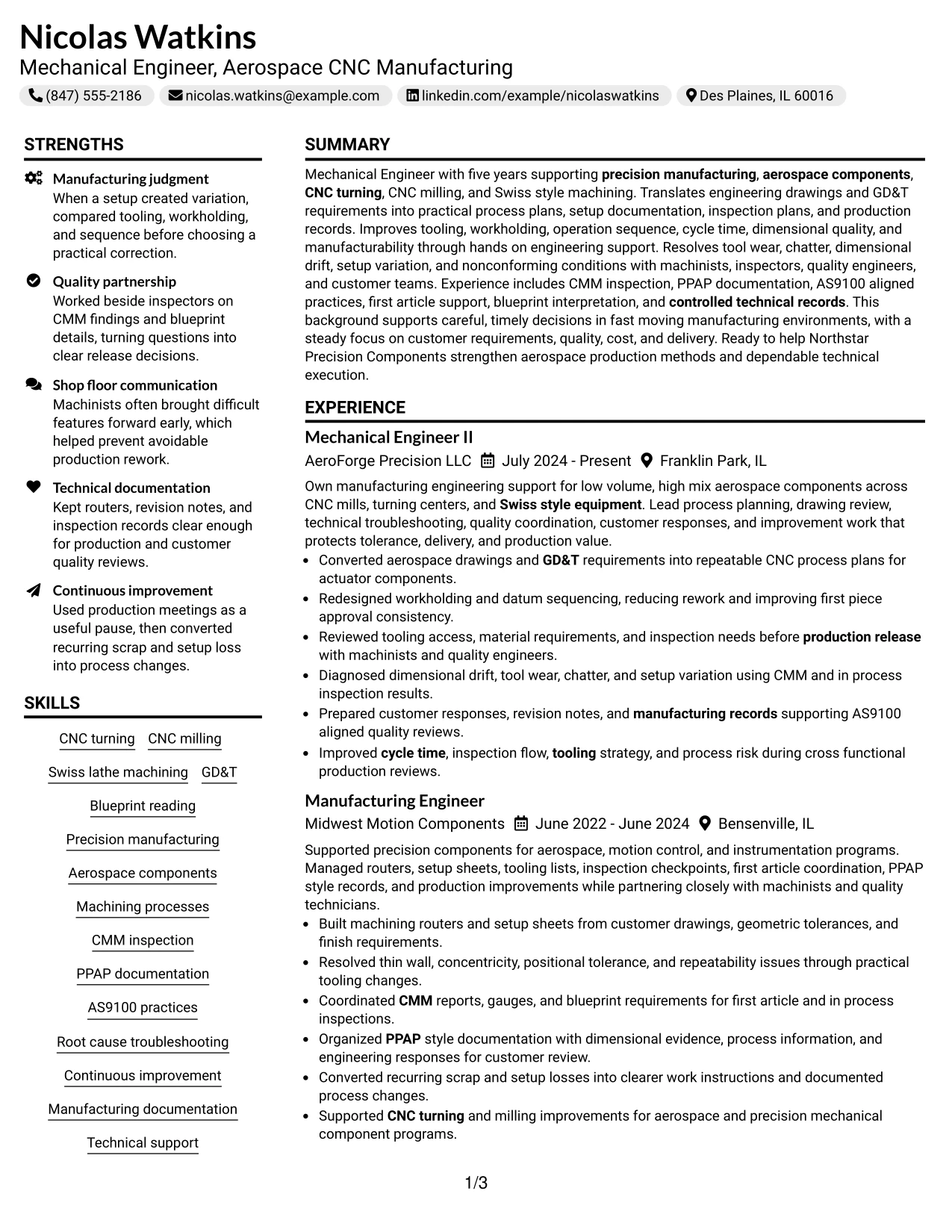
Why the Left Aligned Header Clean Two Column Format Works for a Resume
- Moves quickly from identity information into technical experience.
- Prioritizes detailed work evidence in the larger content area.
- Uses the second column for compact qualifications and credentials.
- Supports quick review of machining, inspection, and quality terminology.
- Provides room for project evidence and certifications without weakening chronology.
- Helps technical accomplishments remain easy to compare across roles.
- Maintains a clean professional structure for recruiter and ATS review.
Best For
- Candidates whose strongest evidence comes from detailed engineering accomplishments
- Resumes that need a compact qualification area beside substantial work history
- Applications where technical skills should be visible without leading the entire page
- Documents with clear projects, certifications, and education that fit a supporting column
- Precision manufacturing experience with multiple inspection and process examples
- Readers who prefer a direct left-aligned entry into structured two-column content
#22 Simple Two Column Format Resume Example
Information is divided into two practical areas so detailed experience can sit beside concise qualifications without making either side feel crowded. The Simple Two Column Format gives a balanced view of work history, skills, education, certifications, and project evidence.
For an aerospace CNC manufacturing application, the main column can explain process planning, troubleshooting, tooling, workholding, inspection, and continuous improvement. The second column can keep CNC skills, GD&T, CMM, PPAP, AS9100, and education easy to find.
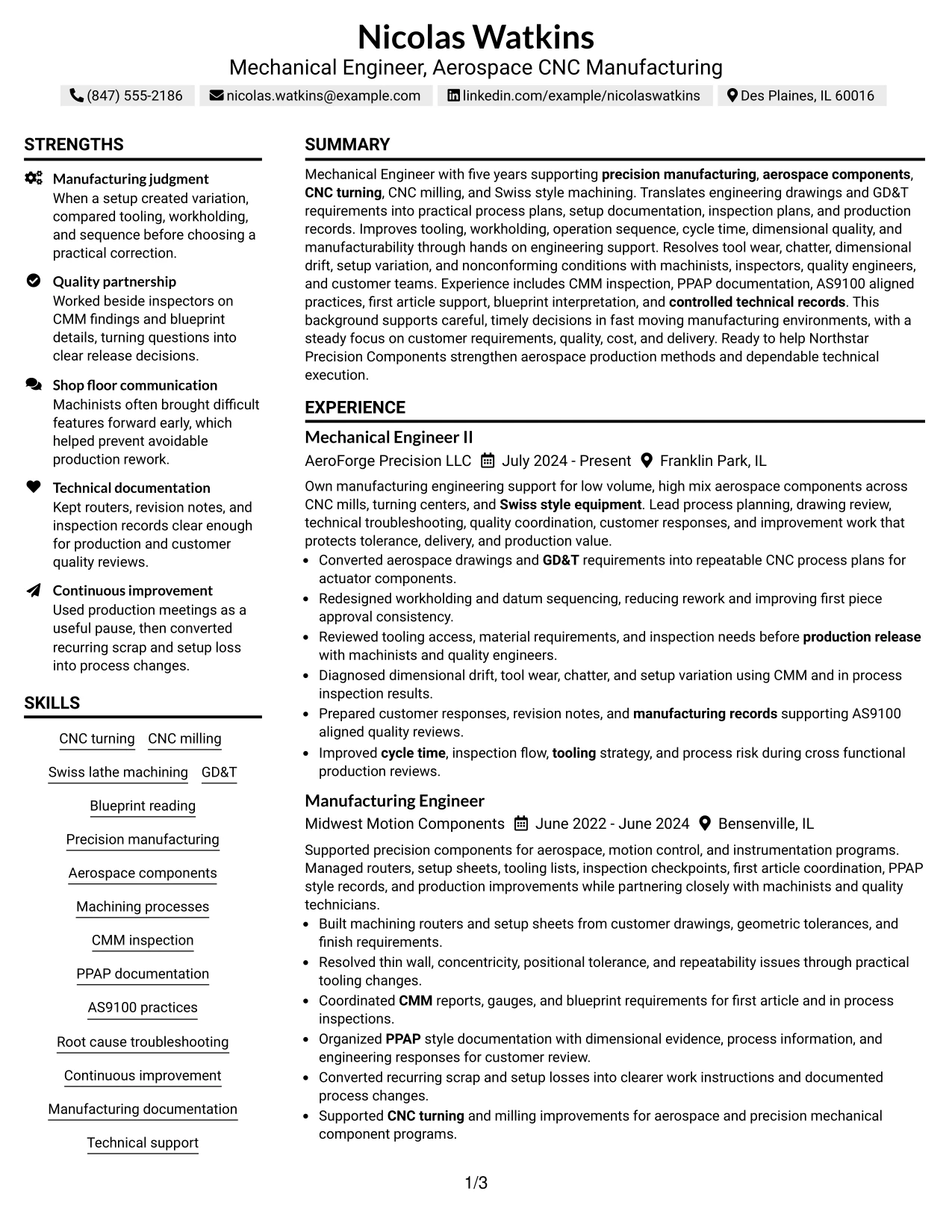
Why the Simple Two Column Format Works for a Resume
- Balances detailed work history with concise supporting information.
- Creates clear visual separation between experience and qualifications.
- Supports quick scanning of technical skills and certifications.
- Provides enough room for accomplishment bullets with practical engineering context.
- Allows projects and education to remain visible without interrupting chronology.
- Works well for roles that combine shop-floor manufacturing and engineering analysis.
- Maintains a straightforward structure that is easy to review.
Best For
- Applications where both experience depth and quick qualification scanning matter
- Resumes that need a simple split between detailed evidence and compact credentials
- Candidates with projects and certifications that should stay visible beside work history
- Documents that need structure without a heavily designed appearance
- Engineering roles combining manufacturing support, inspection, and process improvement
- Recruiters who want to review both accomplishments and core qualifications quickly
#23 Accent Divider Modern Two Column Format Resume Example
For applications that need a modern but practical structure, the Accent Divider Modern Two Column Format uses clear separation to guide the reader between experience and supporting qualifications. The design should help recruiters move quickly without distracting from the engineering evidence.
The larger content area can explain CNC process planning, troubleshooting, tooling, workholding, inspection, and continuous improvement. The second area can organize GD&T, CMM, PPAP, AS9100, education, certifications, and project details.
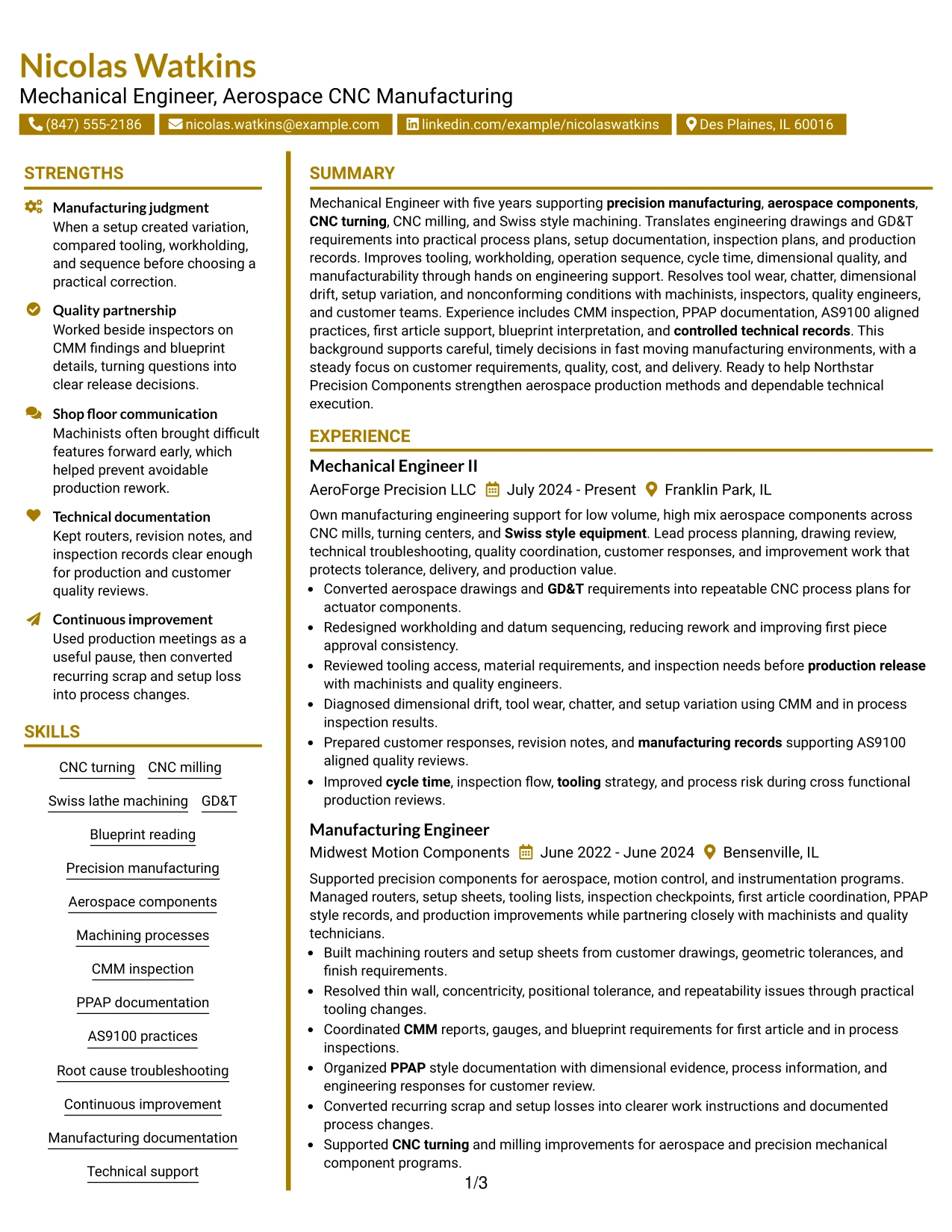
Why the Accent Divider Modern Two Column Format Works for a Resume
- Uses visible dividers to make section boundaries easy to follow.
- Balances detailed work history with compact supporting qualifications.
- Provides space for technical accomplishment bullets with practical manufacturing context.
- Supports quick scanning of CNC, inspection, and quality keywords.
- Keeps education, certifications, and projects organized beside experience.
- Works well when the resume contains both shop-floor and engineering evidence.
- Maintains a modern appearance while preserving a clear reading path.
Best For
- Resumes that need strong section separation without heavy visual styling
- Applications where recruiters may scan qualifications before reading every bullet
- Documents that combine detailed experience with a compact technical summary area
- Candidates who want two-column organization with easy visual navigation
- Engineering resumes containing both process and quality evidence
- Readers who value clear divisions between primary and supporting content
#24 Shaded Labels Clean Two Column Format Resume Example
Soft shaded labels create a calm visual hierarchy while the two-column structure keeps the resume organized. The Shaded Labels Clean Two Column Format is most useful when the design makes technical evidence easier to find rather than more decorative.
Experience can remain prominent with bullets on tooling changes, inspection planning, CMM findings, PPAP records, and root cause troubleshooting. Supporting sections can hold skills, education, certifications, projects, and AS9100 knowledge in a compact form.
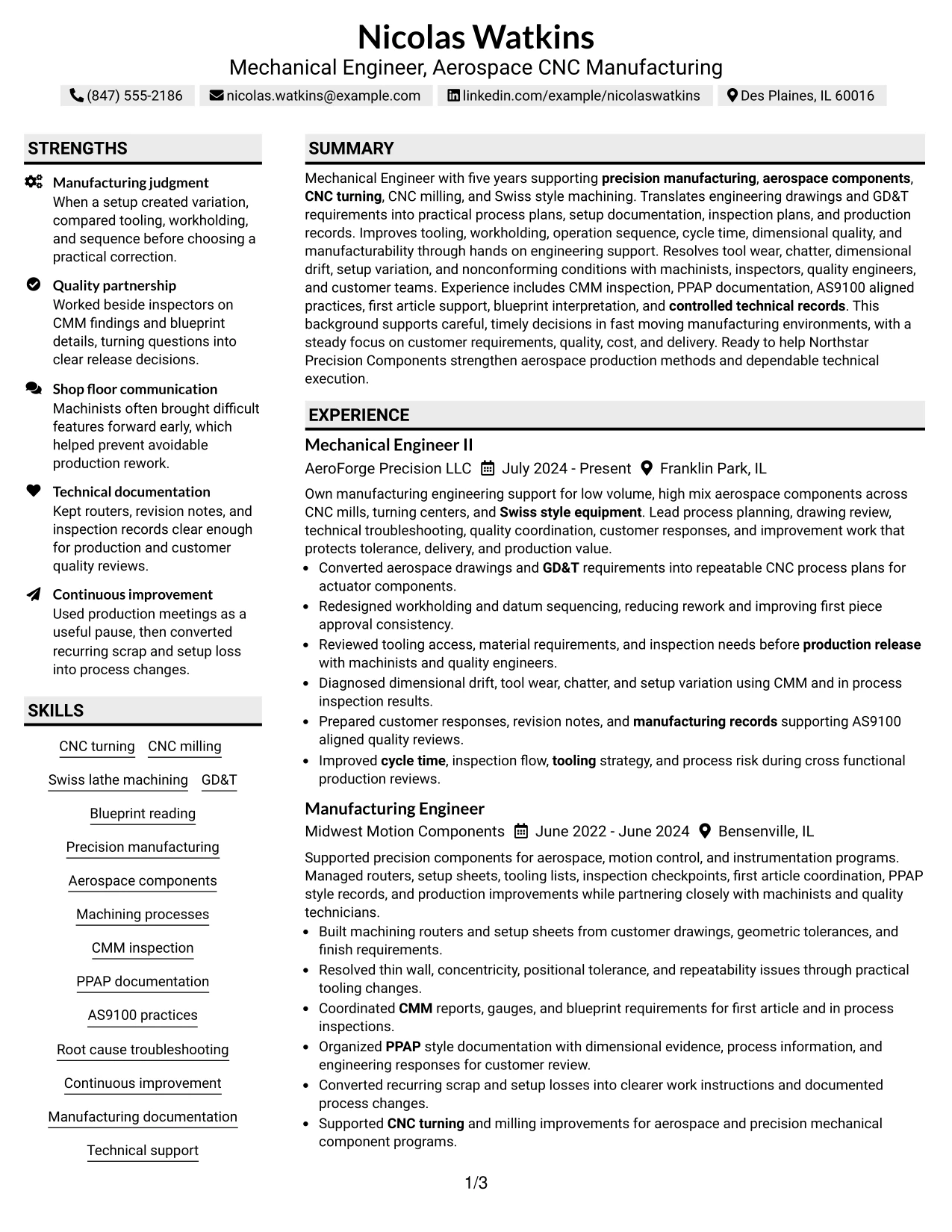
Why the Shaded Labels Clean Two Column Format Works for a Resume
- Uses shaded section labels to improve navigation during a quick review.
- Separates accomplishment-driven experience from supporting qualifications.
- Provides a strong area for detailed manufacturing and quality evidence.
- Helps technical terms stand out through structure instead of extra wording.
- Keeps projects, education, and certifications easy to locate.
- Supports balanced presentation of CNC work and inspection knowledge.
- Works well when the visual labels stay simple and text remains highly readable.
Best For
- Resumes where readers need clear section markers across two content areas
- Candidates with substantial experience plus several supporting credentials
- Documents that include manufacturing, inspection, and quality evidence
- Applications where technical detail should remain easy to find at a glance
- Mechanical Engineer - Aerospace CNC Manufacturing resumes that benefit from structured qualification grouping
- Readers who prefer soft visual guidance rather than a plain page
#25 Photo Header Color Accent International Format Resume Example
The Photo Header Color Accent International Format combines a clear photo area with a simple one-column flow and restrained color accents. The resume should still make work history, qualifications, and technical evidence more important than the visual treatment.
Full-width sections can show CNC turning, CNC milling, Swiss lathe machining, GD&T, CMM inspection, PPAP documentation, AS9100 practices, projects, education, and certifications in a direct sequence. A professional photo can be included where regional resume conventions support it.
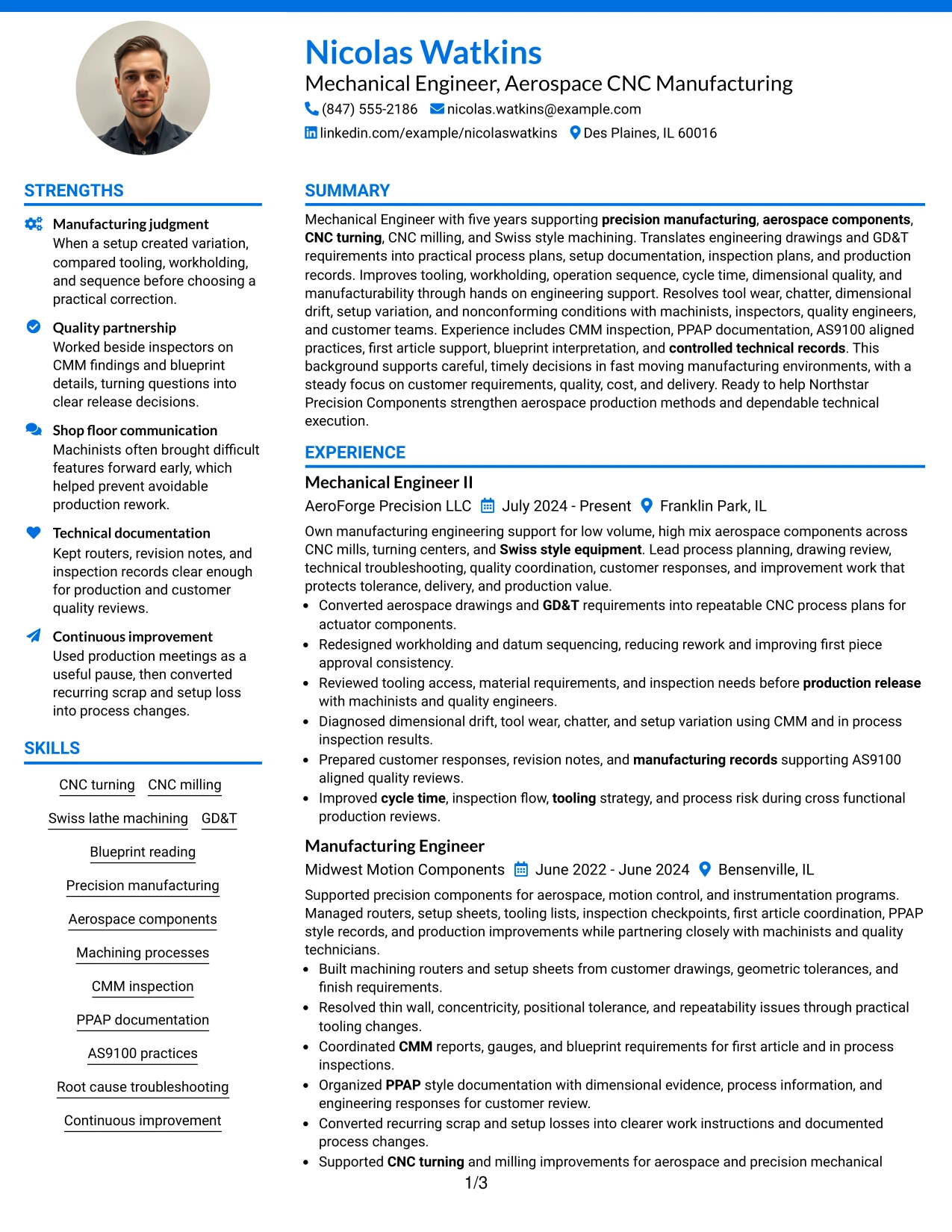
Why the Photo Header Color Accent International Format Works for a Resume
- Creates a clear identity area when a professional photo is appropriate.
- Maintains a simple one-column reading path for detailed work history.
- Uses light color accents to separate major resume sections.
- Provides full-width space for technical accomplishment bullets.
- Supports projects, certifications, education, and skills in an easy sequence.
- Can suit international application contexts where a photo is commonly used.
- Works best when technical content remains more prominent than the visual elements.
Best For
- International applications where a professional photo is accepted or expected
- Candidates who want one-column readability with a more personal header
- Resumes with detailed experience that benefits from full-width presentation
- Documents that need light color accents for section navigation
- Applications where regional conventions allow a visual identity area
- Readers who want clear chronology with a modestly styled top section
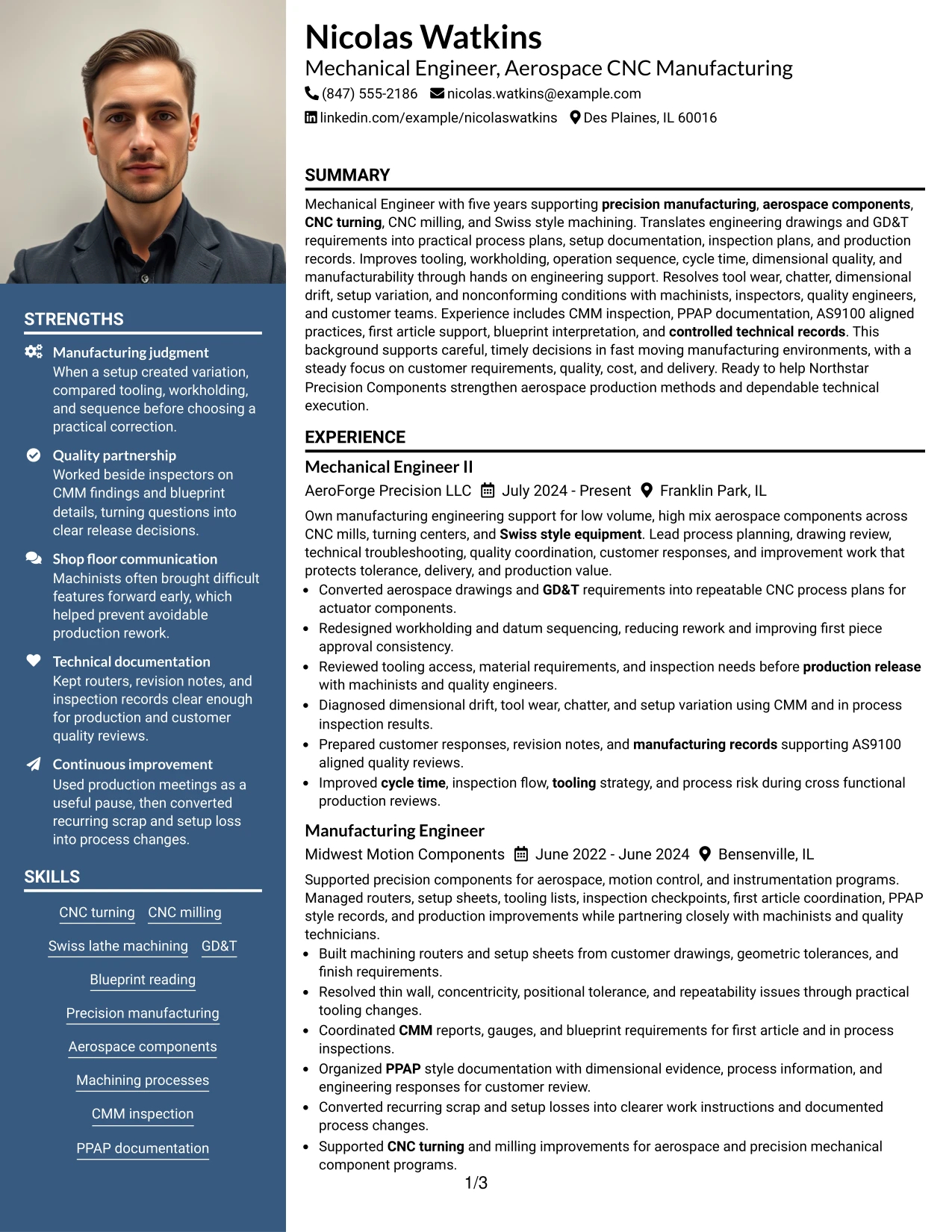
#26 Large Profile Photo International Two Column Format Resume Example
A recruiter can move from the large profile photo and identity area into two structured content zones for experience and qualifications. The Large Profile Photo International Two Column Format gives strong visual presence, so the technical content must remain clear and substantial.
The main column can carry detailed aerospace manufacturing accomplishments, while the supporting column organizes CNC skills, GD&T, CMM, PPAP, AS9100, education, certifications, and projects. This format is most appropriate where a prominent photo matches local resume practice.
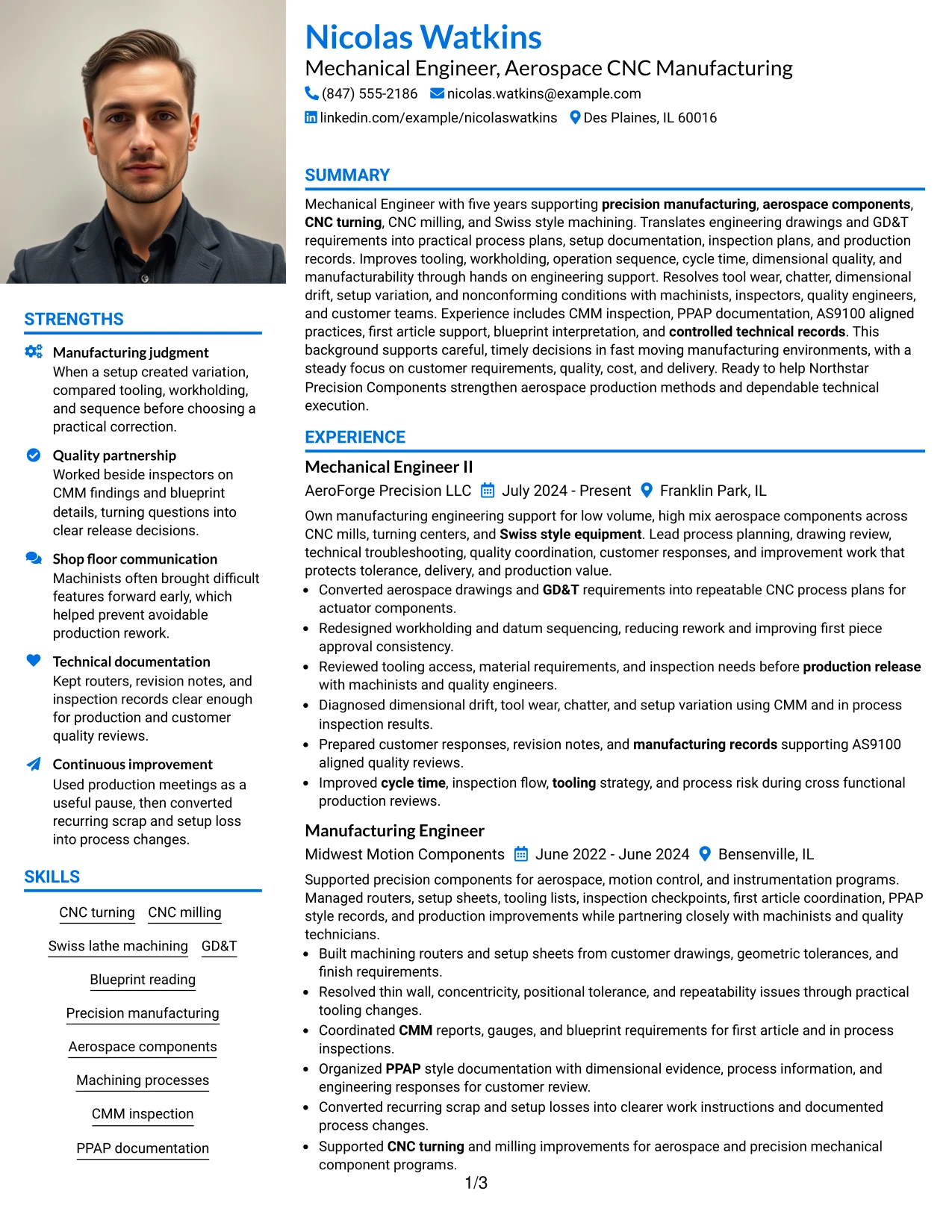
Why the Large Profile Photo International Two Column Format Works for a Resume
- Provides a prominent identity area for application markets where a large photo is customary.
- Uses two columns to manage detailed work history and supporting qualifications.
- Supports substantial technical content without forcing all information into one narrow path.
- Keeps skills, certifications, and education visible beside experience.
- Allows detailed CNC and inspection accomplishments to remain readable.
- Can suit international resume conventions with stronger visual identity elements.
- Works best when the photo and styling do not reduce space for technical evidence.
Best For
- International applications where a large professional photo is a normal resume convention
- Candidates with enough experience to fill a main column with detailed accomplishment bullets
- Documents that need a second column for skills, education, and certifications
- Resumes with significant technical evidence that can support a visually prominent header area
- Applications where two-column organization helps manage information volume
- Readers who expect a strong identity section plus clearly separated qualifications
#27 One Column Format with Photo Resume Example
Work evidence receives full-width space in this format, with the photo contained in the header so it does not break the main reading path. The One Column Format with Photo works best when experience and accomplishments still carry the strongest visual weight.
The single-column body can explain process plans, drawing interpretation, workholding, tooling changes, CMM inspection, PPAP documentation, AS9100 practices, and troubleshooting in detail. A professional photo may be used when the application context supports it.
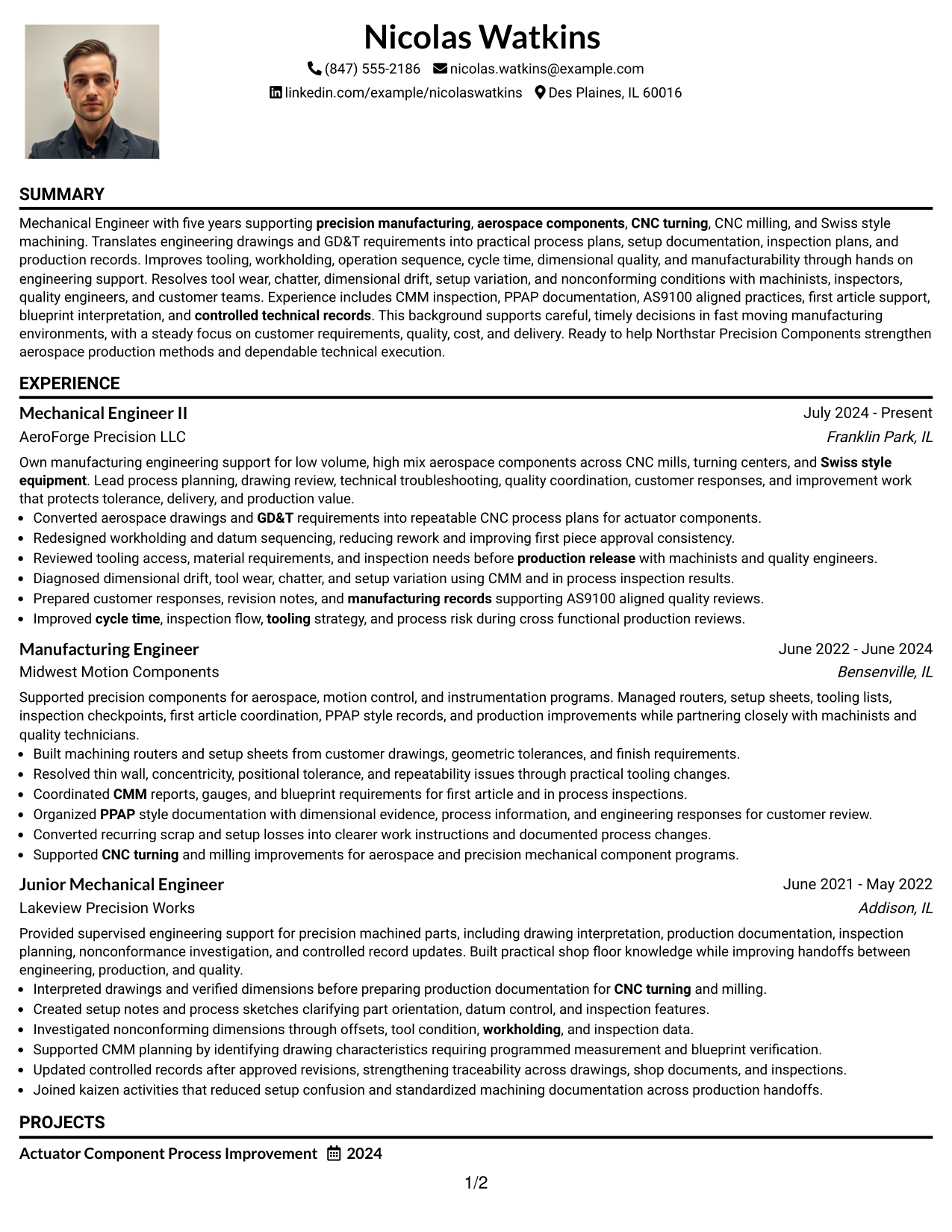
Why the One Column Format with Photo Works for a Resume
- Preserves a clear top-to-bottom reading order.
- Provides full-width space for detailed engineering bullets.
- Places the photo in a defined area without splitting the main content.
- Supports straightforward presentation of projects, certifications, and education.
- Keeps technical terms easy to find through familiar section headings.
- Allows accomplishment evidence to remain more important than the visual identity element.
- Works well where a photo is acceptable and a simple content flow is preferred.
Best For
- Applications where a professional photo is appropriate but content should remain full width
- Candidates with detailed experience bullets that need maximum horizontal space
- Documents that benefit from a simple chronological flow
- Resumes with several technical accomplishments and project details
- Engineering applications where a photo can be included without changing section order
- Readers who prefer one-column clarity with a defined identity area
#28 One Column Format with Photo Right Resume Example
Content and identity are balanced across the top, with the photo placed to the right while the main resume body remains one column. The One Column Format with Photo Right can keep the opening compact and leave the rest of the page for detailed engineering evidence.
Experience, projects, certifications, and skills can follow in full-width sections that explain CNC machining, GD&T, blueprint reading, CMM inspection, root cause troubleshooting, and manufacturing documentation. The photo should remain secondary to the technical content.
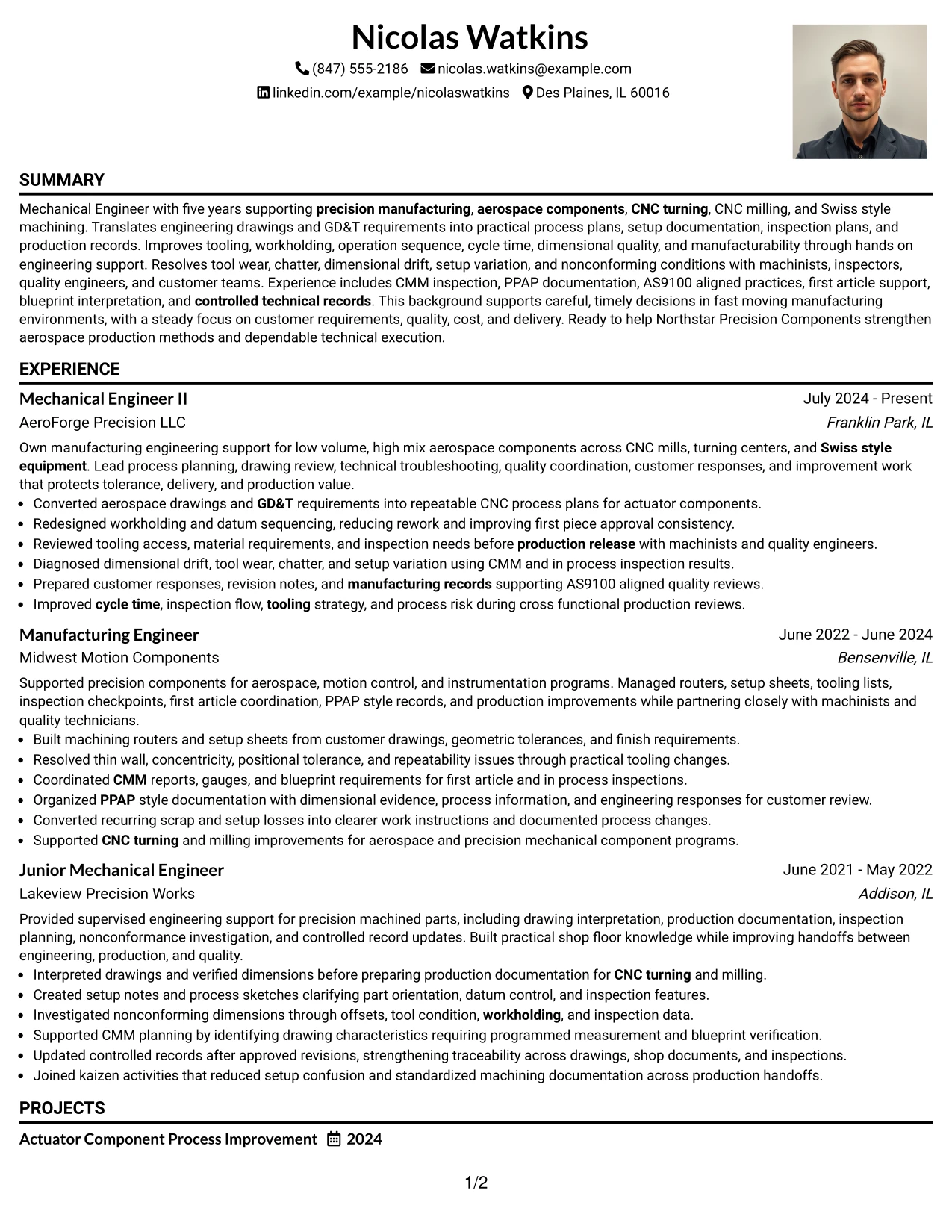
Why the One Column Format with Photo Right Works for a Resume
- Balances contact information and a photo within a compact top section.
- Keeps the main content in a simple one-column reading path.
- Provides full-width room for technical accomplishment bullets.
- Supports clear chronology across multiple engineering roles.
- Allows projects, certifications, and education to follow naturally.
- Works for application contexts where a professional photo is appropriate.
- Maintains strong readability when the photo area is kept restrained.
Best For
- Candidates who want a right-aligned professional photo without losing full-width body content
- Applications where the top section needs visual balance and quick identity scanning
- Resumes with long technical bullets that should not be split into columns
- Documents that need clear chronological flow below the header
- Engineering resumes with substantial process and inspection evidence
- Readers who prefer a compact visual header with conventional body structure
#29 One Column Boxed Contact Header Format Resume Example
For applications that benefit from a clearly defined contact area, the One Column Boxed Contact Header Format creates a strong starting point and then moves into a simple full-width resume body. The box should organize information without becoming the main visual feature.
Below it, the resume can show CNC process planning, setup optimization, inspection coordination, technical documentation, projects, certifications, and education in a direct sequence. The one-column structure keeps detailed accomplishment bullets easy to read.
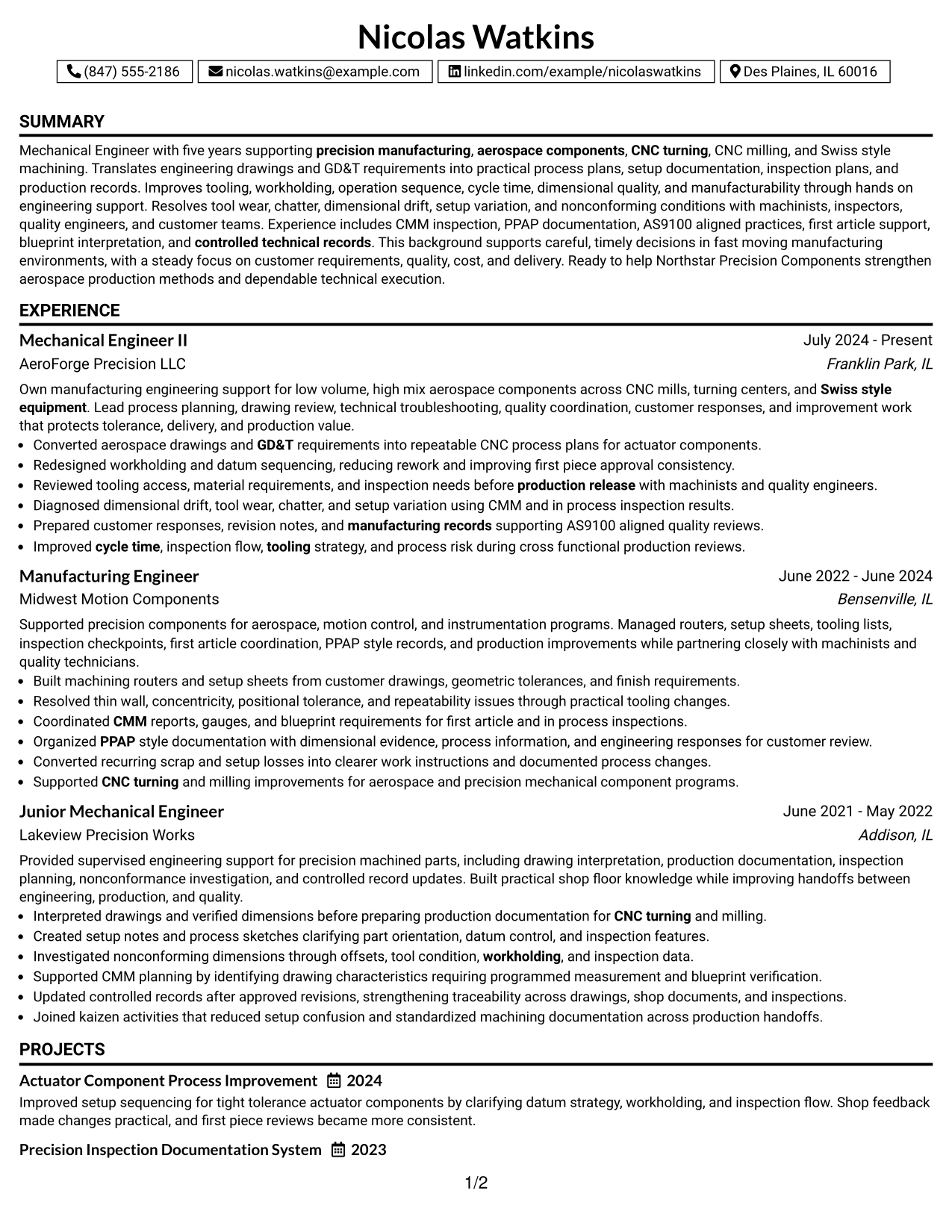
Why the One Column Boxed Contact Header Format Works for a Resume
- Creates a clear and contained area for contact details.
- Moves quickly into full-width experience and accomplishment content.
- Supports simple chronology across multiple engineering roles.
- Provides enough space for technical detail without narrow columns.
- Keeps projects, certifications, skills, and education in a familiar order.
- Works well for ATS review when labels and body text remain plain.
- Adds visual structure without reducing the importance of work evidence.
Best For
- Resumes where contact details should be clearly separated from the main content
- Applications that favor a conventional one-column body
- Candidates with detailed accomplishment bullets that need full-width space
- Documents with several technical sections but simple navigation needs
- Manufacturing engineering experience that includes process and inspection detail
- Readers who want a distinct opening block followed by straightforward chronology
#30 One Column Shaded Contact Header Format Resume Example
A shaded contact area gives the top of the page gentle visual separation while the body remains direct and easy to scan. The One Column Shaded Contact Header Format lets Nicolas Watkins keep attention on experience, technical skills, projects, certifications, and education.
The full-width body is useful for explaining aerospace CNC manufacturing work in plain detail, including GD&T, tooling, workholding, CMM inspection, PPAP documentation, AS9100 practices, and continuous improvement. The format stays strongest when the shaded area is simple and restrained.
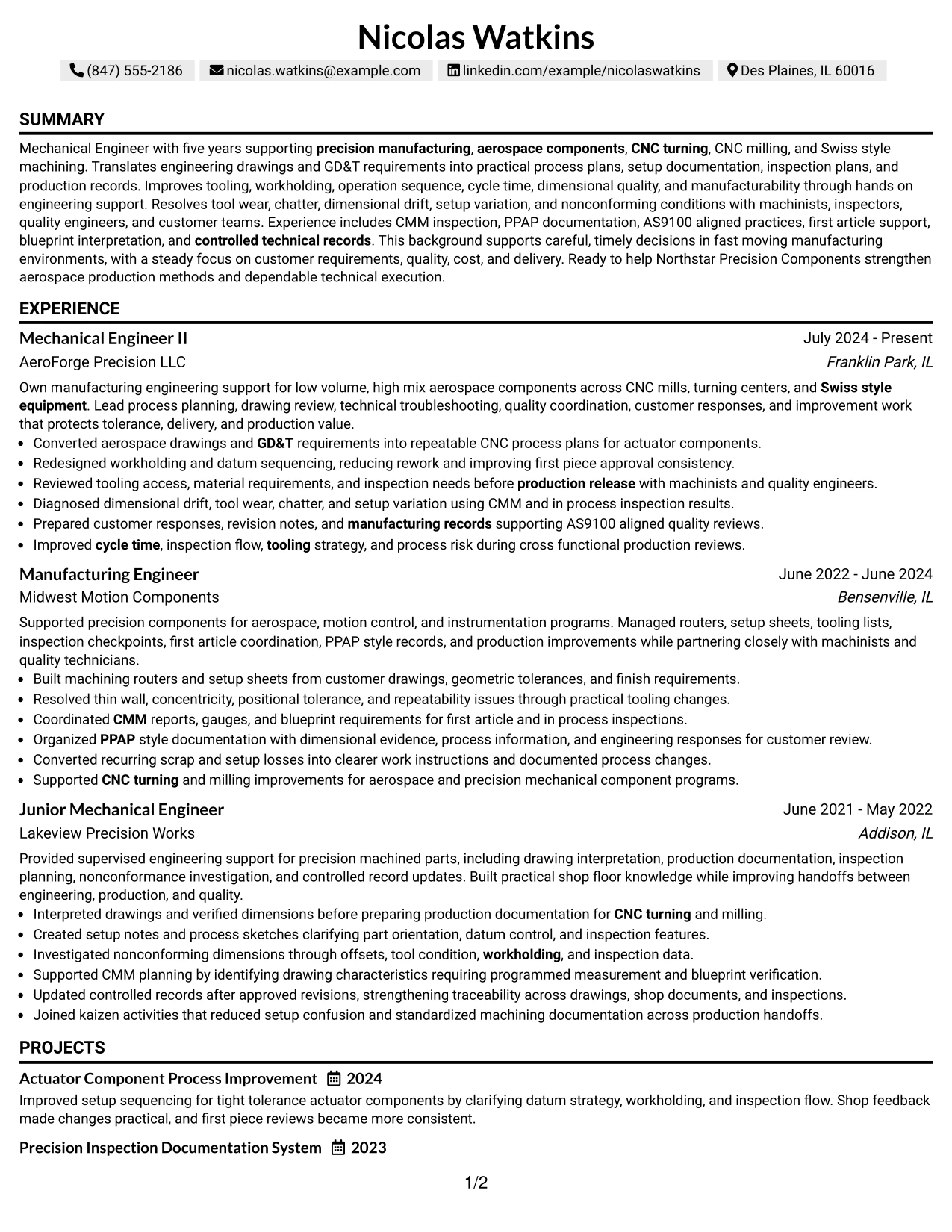
Why the One Column Shaded Contact Header Format Works for a Resume
- Uses a shaded top section to separate identity information from resume content.
- Keeps the main reading path simple and chronological.
- Provides full-width room for detailed technical accomplishment bullets.
- Supports clear placement of projects, certifications, education, and skills.
- Helps technical evidence remain easy to scan beneath the header.
- Works well for resumes with substantial manufacturing and quality content.
- Maintains a professional look without adding a second content column.
Best For
- Candidates who want a small visual distinction at the top of a traditional one-column resume
- Applications where simple chronology and technical depth are both important
- Documents with long accomplishment bullets and multiple supporting sections
- Readers who benefit from a clear divide between contact details and work evidence
- Mechanical Engineer - Aerospace CNC Manufacturing resumes with substantial shop-floor evidence
- Resumes that need a conservative structure with a modest visual accent
#31 Boxed Contact Header with Job Title Format Resume Example
The Boxed Contact Header with Job Title Format places identity and target role information in a defined opening area, then keeps the remaining content in a simple one-column flow. This makes the job direction clear before the recruiter reaches the experience section.
Below the header, detailed bullets can show CNC turning, CNC milling, Swiss lathe machining, GD&T, CMM inspection, PPAP documentation, process improvement, and technical support. Projects, certifications, education, and skills can follow without changing the reading path.
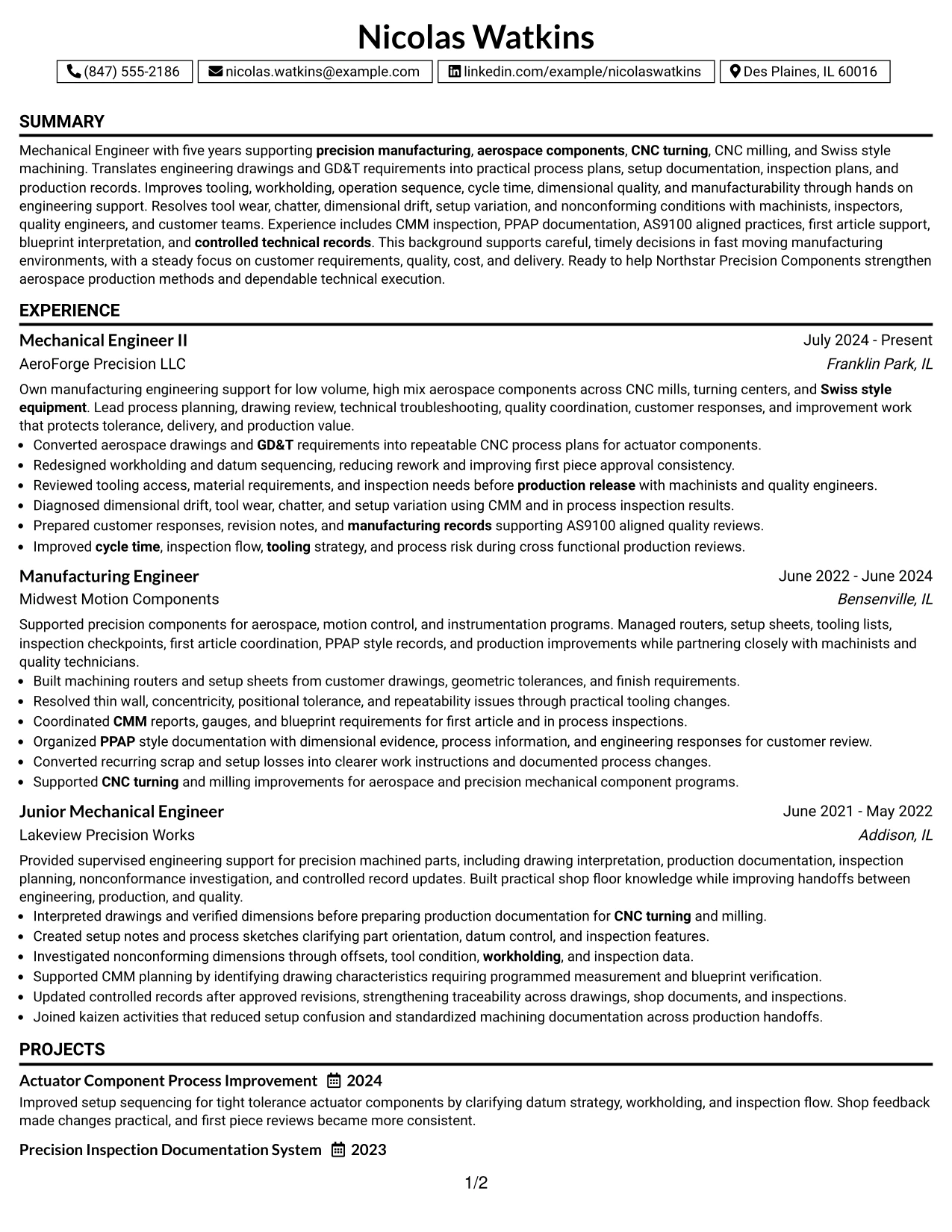
Why the Boxed Contact Header with Job Title Format Works for a Resume
- Shows the target role clearly near the top of the document.
- Separates contact details from the main resume body.
- Keeps experience in a straightforward chronological sequence.
- Provides full-width space for technical and accomplishment-driven bullets.
- Supports visible projects, certifications, education, and skills sections.
- Helps ATS and recruiters connect the resume quickly with the target occupation.
- Adds structure without making the page visually complex.
Best For
- Applications where the target role should be immediately visible near the header
- Resumes that need a clear distinction between identity information and work history
- Candidates with detailed technical experience suited to a full-width body
- Documents that benefit from simple chronology and strong role alignment
- Engineering resumes with several supporting sections after experience
- Readers who want fast confirmation of the intended job before reviewing details
#32 Plain Professional Layout with Job Title & Shaded Labels Resume Example
A recruiter can confirm the target role near the top, then use shaded labels to move through experience, projects, education, certifications, and skills in a clear sequence. The Plain Professional Layout with Job Title & Shaded Labels keeps the page practical while improving section navigation.
Full-width content gives enough space for engineering examples involving setup sheets, tooling strategy, datum control, CMM inspection, PPAP records, AS9100 practices, and corrective action. The shaded labels help readers find evidence without shortening useful detail.
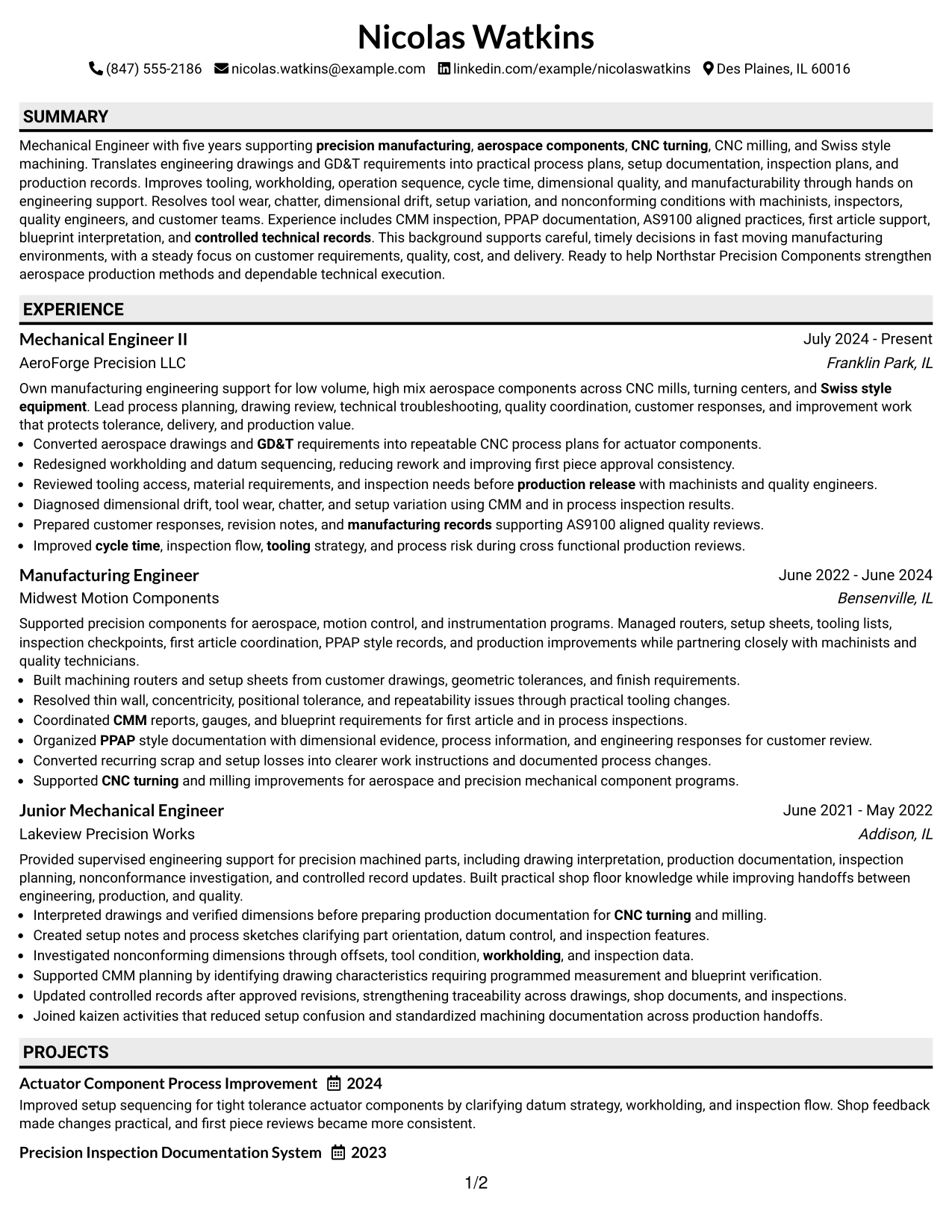
Why the Plain Professional Layout with Job Title & Shaded Labels Works for a Resume
- Shows the job direction clearly before the main experience section.
- Uses shaded labels to make long resumes easier to navigate.
- Maintains a simple one-column reading path.
- Provides full-width space for detailed technical evidence.
- Supports clear placement of projects, certifications, education, and skills.
- Helps recruiters return quickly to specific sections during review.
- Works well for technical resumes that need structure more than decoration.
Best For
- Resumes with many sections that need visible labels for fast navigation
- Candidates who want the target role stated clearly near the top
- Documents with detailed engineering bullets that need full-width space
- Applications where a plain professional look is preferred over a design-heavy format
- Technical work histories that include projects, certifications, and quality methods
- Readers who may revisit specific sections during a detailed resume review
#33 Classic One Column Resume Format Resume Example
Experience and accomplishments receive the clearest possible priority in a classic one-column structure. The Classic One Column Resume Format keeps every section in a familiar order, which helps recruiters focus on what the candidate has done and how that work matches the role.
For this resume, the full-width format can show process planning, CNC machining, drawing interpretation, inspection work, troubleshooting, customer technical responses, projects, certifications, and education without visual compression. It is a strong choice when clarity and evidence matter most.
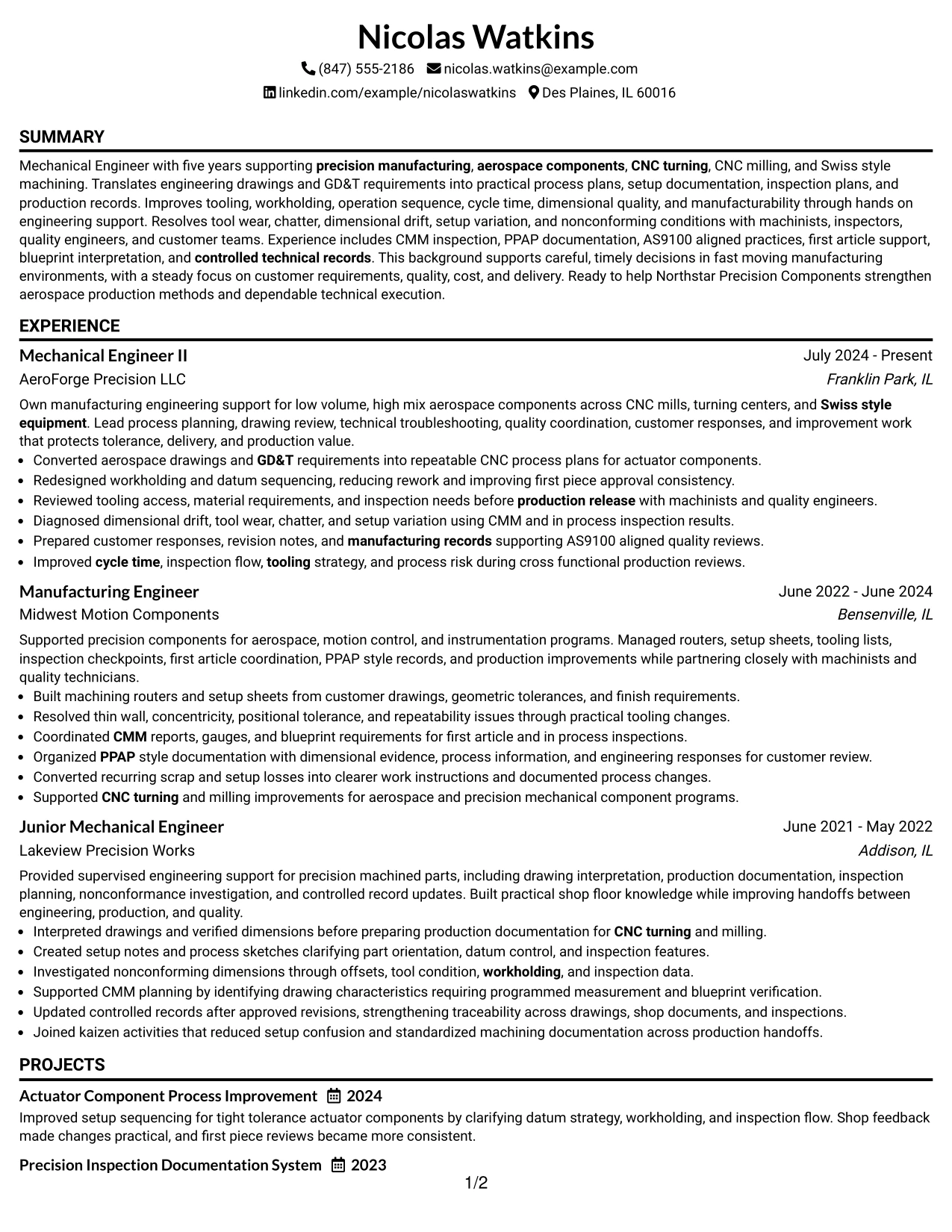
Why the Classic One Column Resume Format Works for a Resume
- Places work history and accomplishments at the center of the review.
- Uses a familiar top-to-bottom structure that is easy to scan.
- Provides full-width room for detailed engineering bullets.
- Supports clear chronology across multiple roles.
- Keeps projects, certifications, education, and skills in a predictable order.
- Works well with ATS systems because the structure remains simple.
- Allows technical evidence to carry the resume without relying on visual styling.
Best For
- Candidates whose strongest advantage is detailed work experience and accomplishments
- Applications where ATS simplicity and conventional structure are important
- Resumes with technical bullets that need full-width readability
- Documents that should emphasize chronology and career progression
- Mechanical engineering experience with substantial process and inspection evidence
- Readers who prefer a familiar professional format with minimal visual distraction
Why Build Your Mechanical Engineer - Aerospace CNC Manufacturing Resume with ResumeInMinutes
ResumeInMinutes helps mechanical engineers turn precision manufacturing experience, shop-floor problem solving, technical records, quality work, and process improvements into a resume that is simple to read and easy to tailor.
- Diverse resume formats
- ATS-compliant section structure
- Keyword-optimized resume content
- Organized project and skills presentation
- Free PDF resume previews
- Resume customization support
For this role, you can shape the resume around practical evidence such as CNC process planning, drawing interpretation, setup documentation, inspection coordination, CMM findings, corrective action, manufacturing records, and customer technical support.
See Also
- 33 Associate Mechanical Design Engineer - Aerospace Mechanical Design Resume Templates with Example 2026 (ATS-Optimized)
- 33 Junior Mechanical Engineer - Aerospace Design Resume Templates with Example 2026 (ATS-Optimized)
- 33 Senior Mechanical Design Engineer Aerospace and Autonomous Systems Resume Templates with Example 2026 (ATS-Optimized)
- 7 Manufacturing Mechanical Engineer - UPE NA Facilities Resume Templates with Example
- 7 Senior Manufacturing Mechanical Engineer Resume Templates with Example
- 7 Senior Mechanical Manufacturing Engineer - Surgical Robotics Resume Templates with Example
- 7 Assistant Vice President, Mechanical Engineer - Mechanical/Thermal Resume Templates with Example
- 33 Associate Facilities Mechanical Engineer Resume Templates with Example 2026 (ATS-Optimized)
- 30+ Associate Facilities Mechanical Engineer Cover Letter Templates with Example 2026
- 30+ Automation Mechanical Engineer Cover Letter Templates with Example 2026
Frequently Asked Questions
Are these Mechanical Engineer - Aerospace CNC Manufacturing resume templates ATS-friendly?
Yes. The templates use clear sections and readable headings, and they support role-specific keywords such as CNC turning, CNC milling, GD&T, CMM, AS9100, PPAP, and precision manufacturing.
Are these various resumes?
No. This guide presents one Mechanical Engineer - Aerospace CNC Manufacturing resume example in different design styles so you can compare layout choices without changing the underlying experience.
What should a Mechanical Engineer - Aerospace CNC Manufacturing resume include?
Include a focused summary, mechanical engineering education, relevant experience, CNC machining skills, GD&T and blueprint reading, inspection knowledge, quality methods, technical documentation, certifications, and project evidence when applicable.
Can I download the resume templates as PDFs?
Yes. Each resume design includes a free PDF download so you can review the format and choose a layout that presents your engineering background clearly.
Which resume style is best for a Mechanical Engineer - Aerospace CNC Manufacturing position?
A clean one-column or simple two-column layout is usually a strong choice. It should make CNC experience, GD&T, CMM inspection, quality practices, engineering projects, and measurable production contributions easy to find.
How can I show CNC manufacturing experience without making the resume too technical?
Connect technical details to the production problem and result. For example, describe how tooling, workholding, datum strategy, inspection data, or process sequence improved dimensional consistency, first-piece approval, or shop-floor execution.
Should I include a photo on my resume?
Include a photo only if it is customary or expected in your region, industry, or role. For U.S. applications, a no-photo resume template is usually a safer option.
Can I customize these resume templates?
Yes. ResumeInMinutes lets you adjust the resume text, format, design style, and PDF layout so the document reflects your Mechanical Engineer - Aerospace CNC Manufacturing experience and target requirements.




