
7 Medical Assistant II - Specialty Clinic Support Cover Letter Templates with Example
This guide helps you create a Medical Assistant II - Specialty Clinic Support cover letter and compare seven layouts for presenting your fit clearly.
What Makes a Great Medical Assistant II - Specialty Clinic Support Cover Letter in 2026
A strong letter shows why specialty clinic support interests you and connects your skills to patient preparation, vital signs, injections, and steady clinic flow.
Choose clear examples of teamwork, patient communication, and follow-up coordination. Link them to the employer’s need for dependable support and respectful care.
The featured example moves from interest in specialty care to relevant duties and credentials, then closes with a clear expression of interest. Adapt this focused progression while choosing a presentation that suits the employer and the way you communicate with patients and care teams.
#1 Simple One Column Format Cover Letter Example
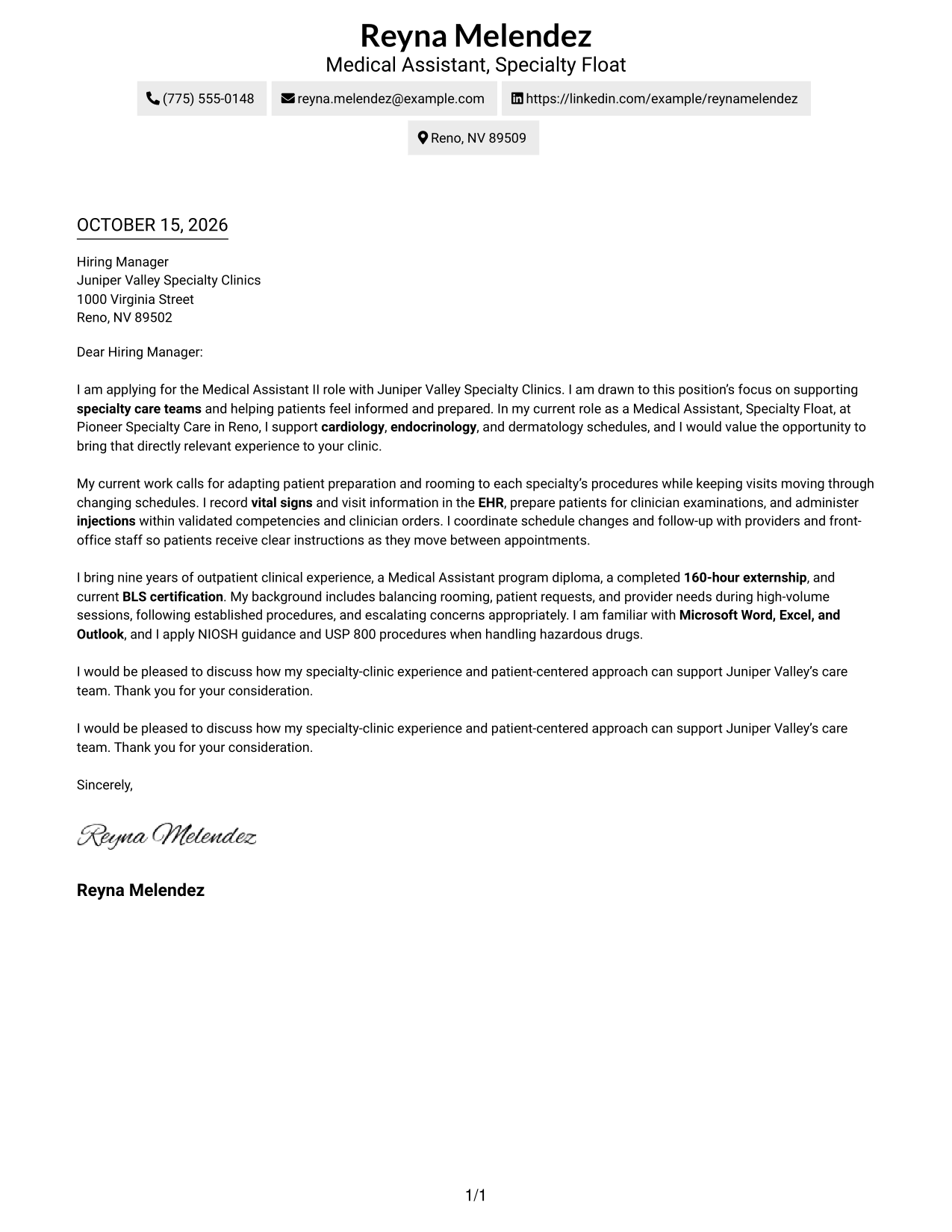
The one-column page keeps sender details in the header and the letter body on one direct reading path.
Why This Format Works
- The opening, evidence, and closing stay together in one uninterrupted letter sequence.
- Sender details in the header remain easy to locate apart from the message.
- Without a sidebar, the page keeps attention on the letter's written message.
Best For
- Single-column letter pages
- Direct paragraph-by-paragraph reading
- Header-based contact details
- Letters with several body paragraphs
- No-sidebar page preference
#2 Two Column Format Cover Letter Example
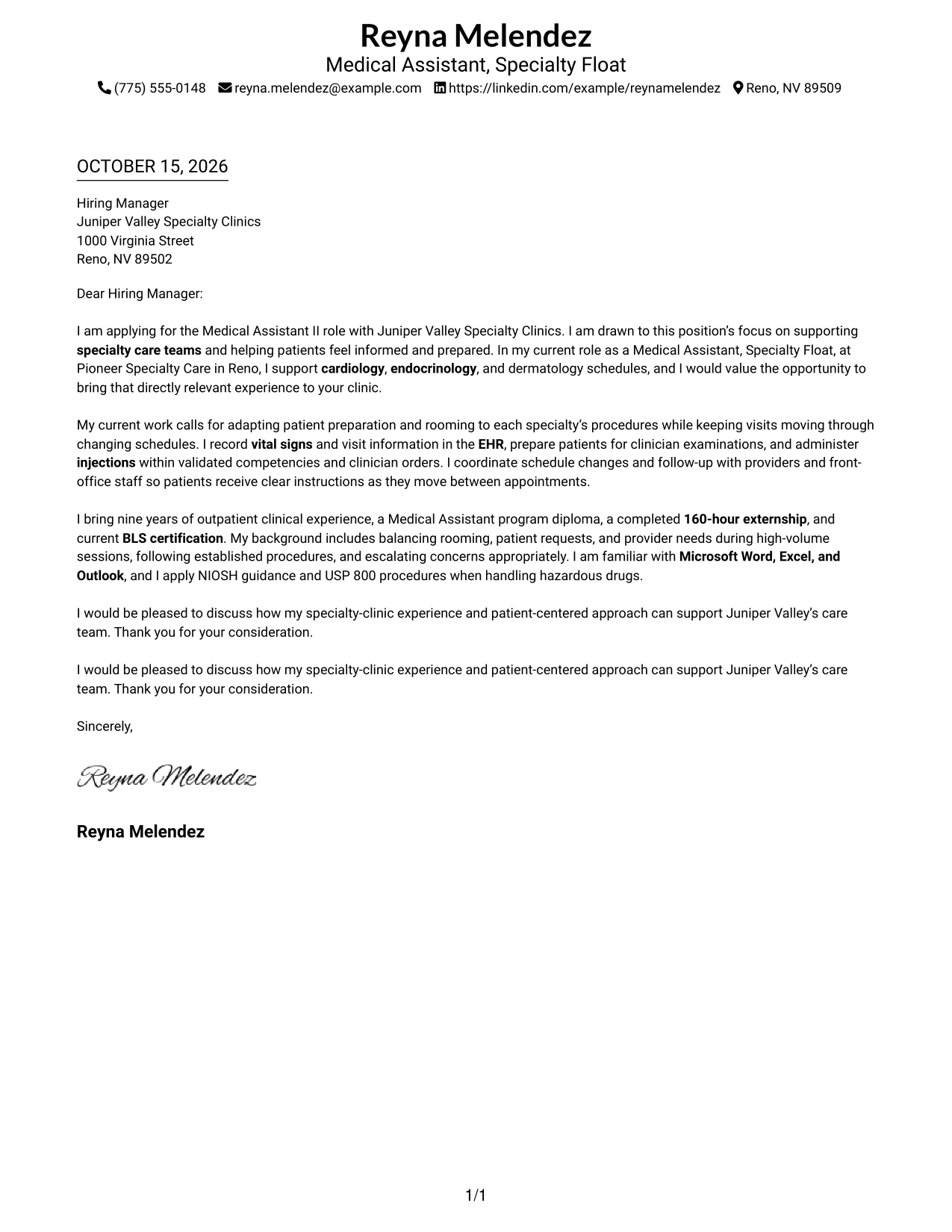
A contact sidebar sits beside the continuous letter body, keeping details apart while the message stays in one reading path.
Why This Format Works
- The sidebar keeps sender details available without placing them inside the letter body.
- Opening, evidence, and closing remain in one sequence instead of parallel columns.
- The photo-free presentation keeps the page focused on written correspondence.
Best For
- Sidebar contact reference
- Single-body-column letters
- Easy-to-find sender details
- Letters with multiple paragraphs
- Photo-free page preference
#3 Photo Header Two Column Format Cover Letter Example
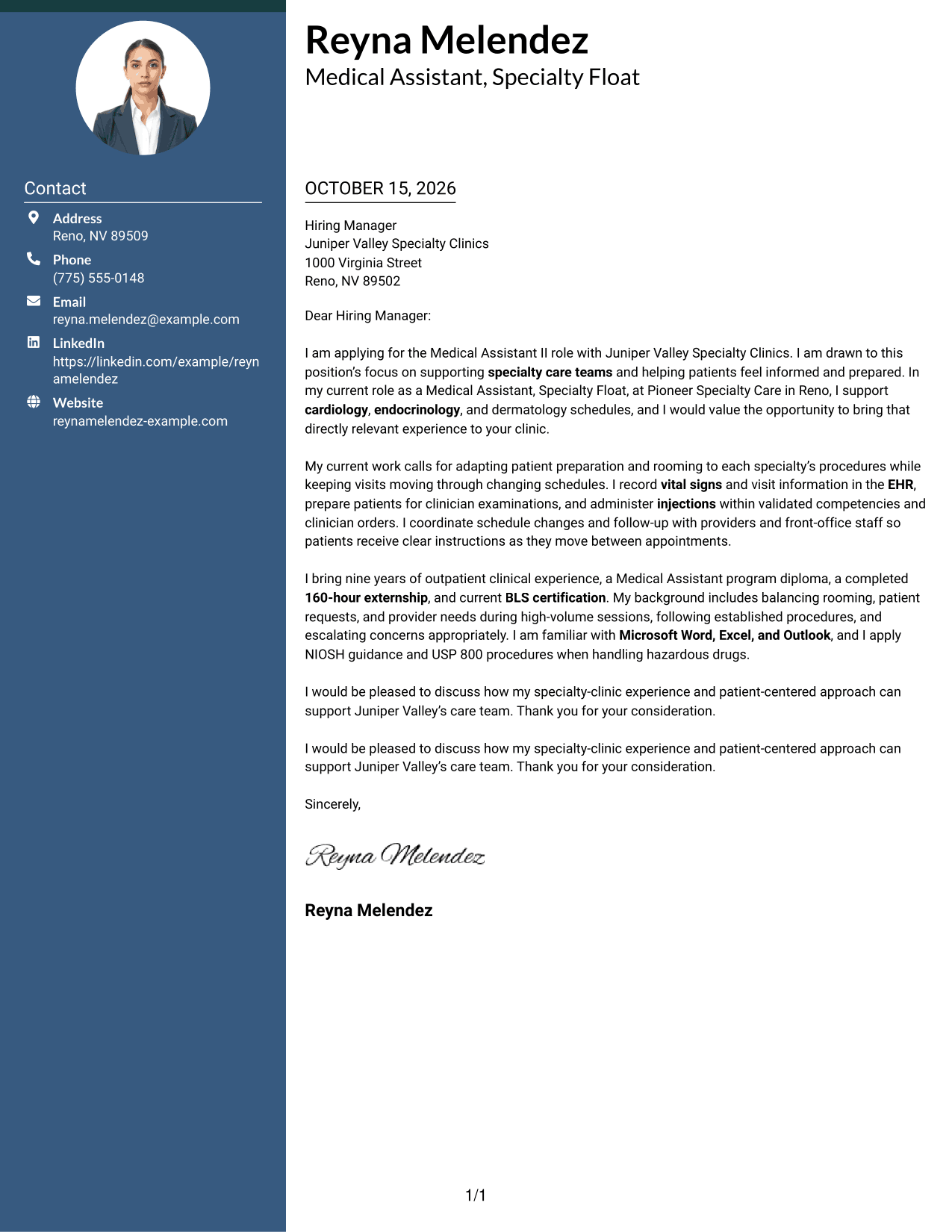
A portrait adds a personal visual element to this two-column layout, while the letter body remains continuous.
Why This Format Works
- Contact details stay grouped in the sidebar, apart from the letter's message.
- The body carries the opening, supporting evidence, and closing in reading order.
- A portrait gives the header a visible point of personal identification.
Best For
- Portrait-led letter headers
- Sidebar contact details
- Continuous letter-body reading
- Letters with several evidence paragraphs
- Photo-forward page preferences
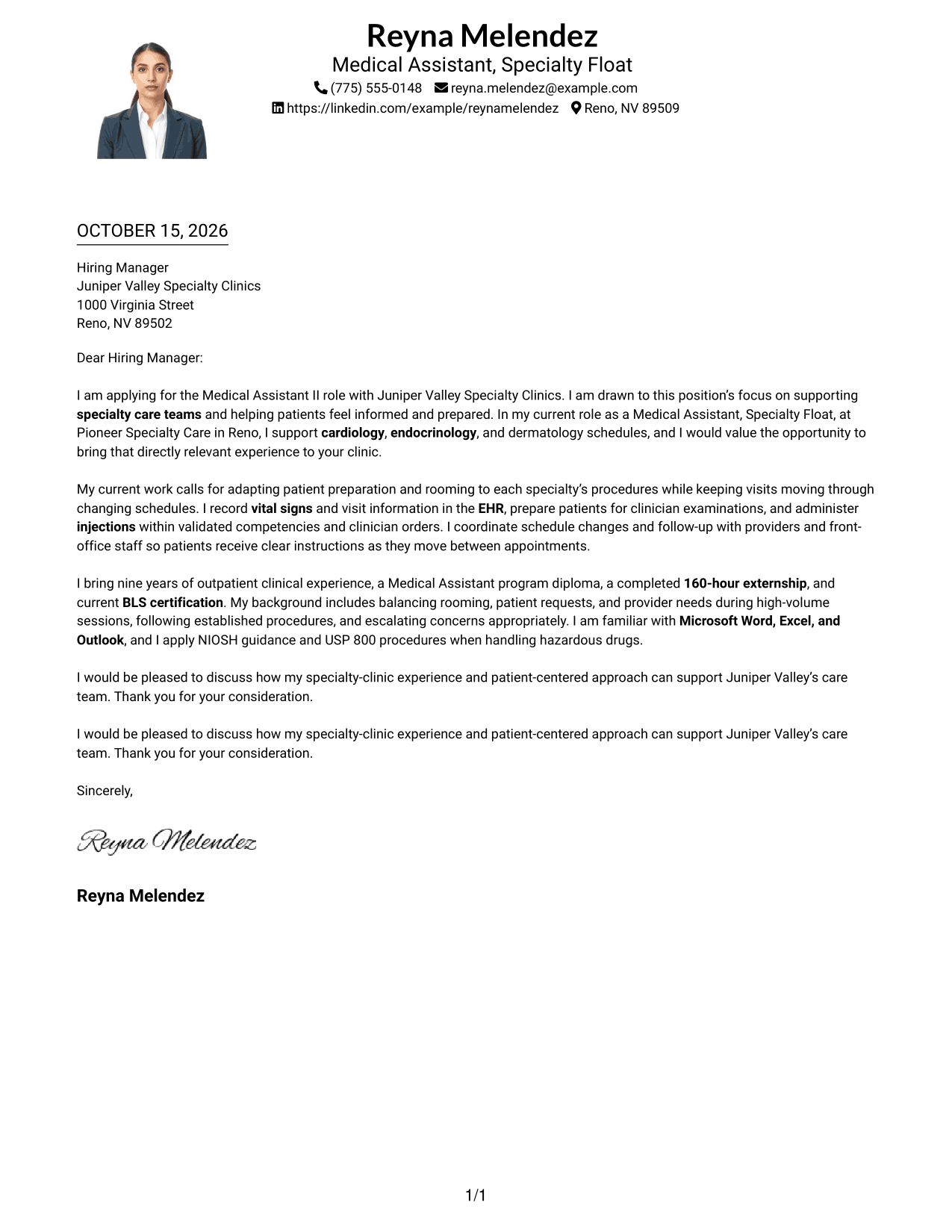
#4 One Column Format with Photo Cover Letter Example
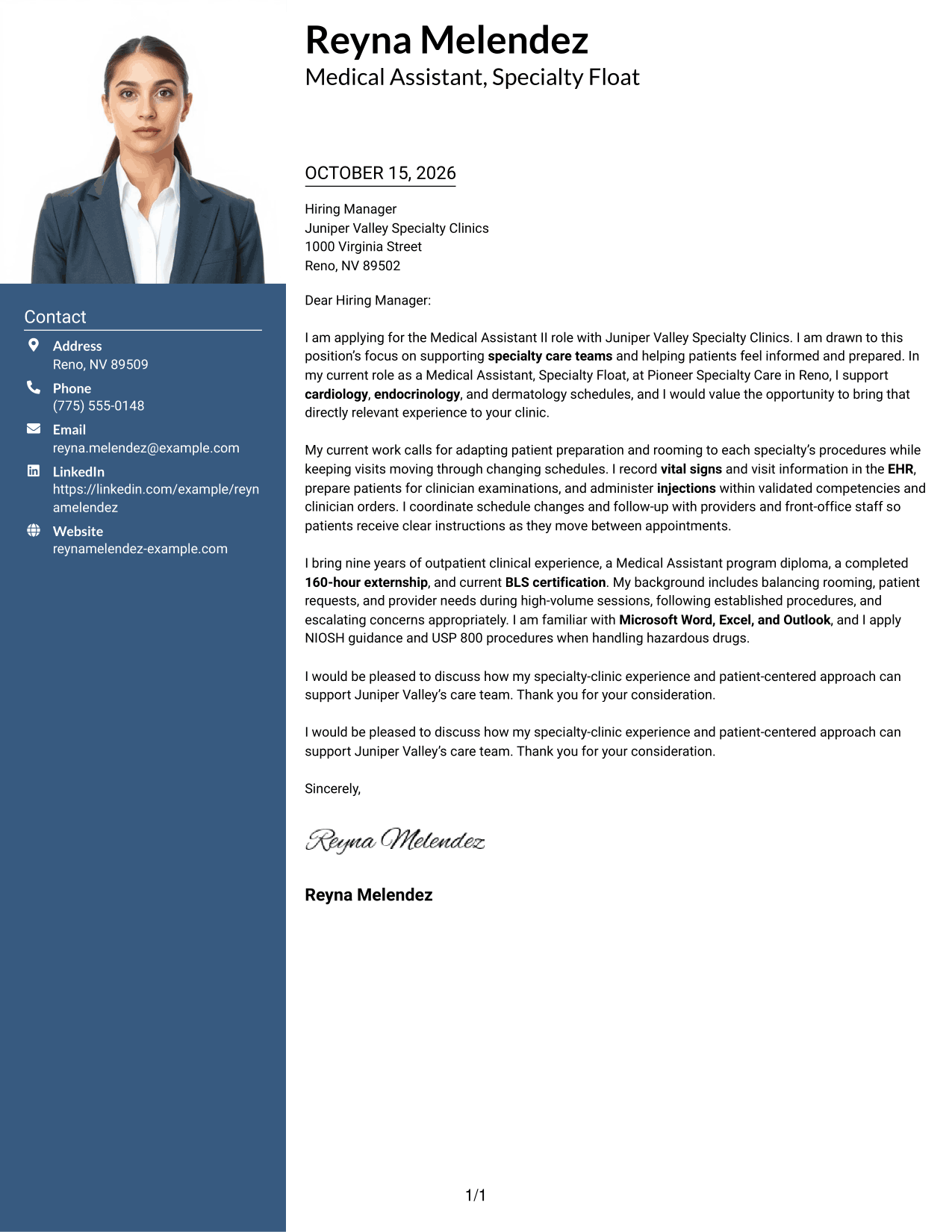
A photo adds a personal visual detail, while the one-column body keeps the letter on a direct reading path.
Why This Format Works
- The letter's opening, evidence, and closing remain together in one reading sequence.
- Header-based contact details stay distinct from the paragraphs that make the case.
- The photo provides a visual option without dividing the letter into columns.
Best For
- One-column letter pages
- Photo-inclusive correspondence
- Direct paragraph reading
- Header contact information
- Letters with a continuous argument
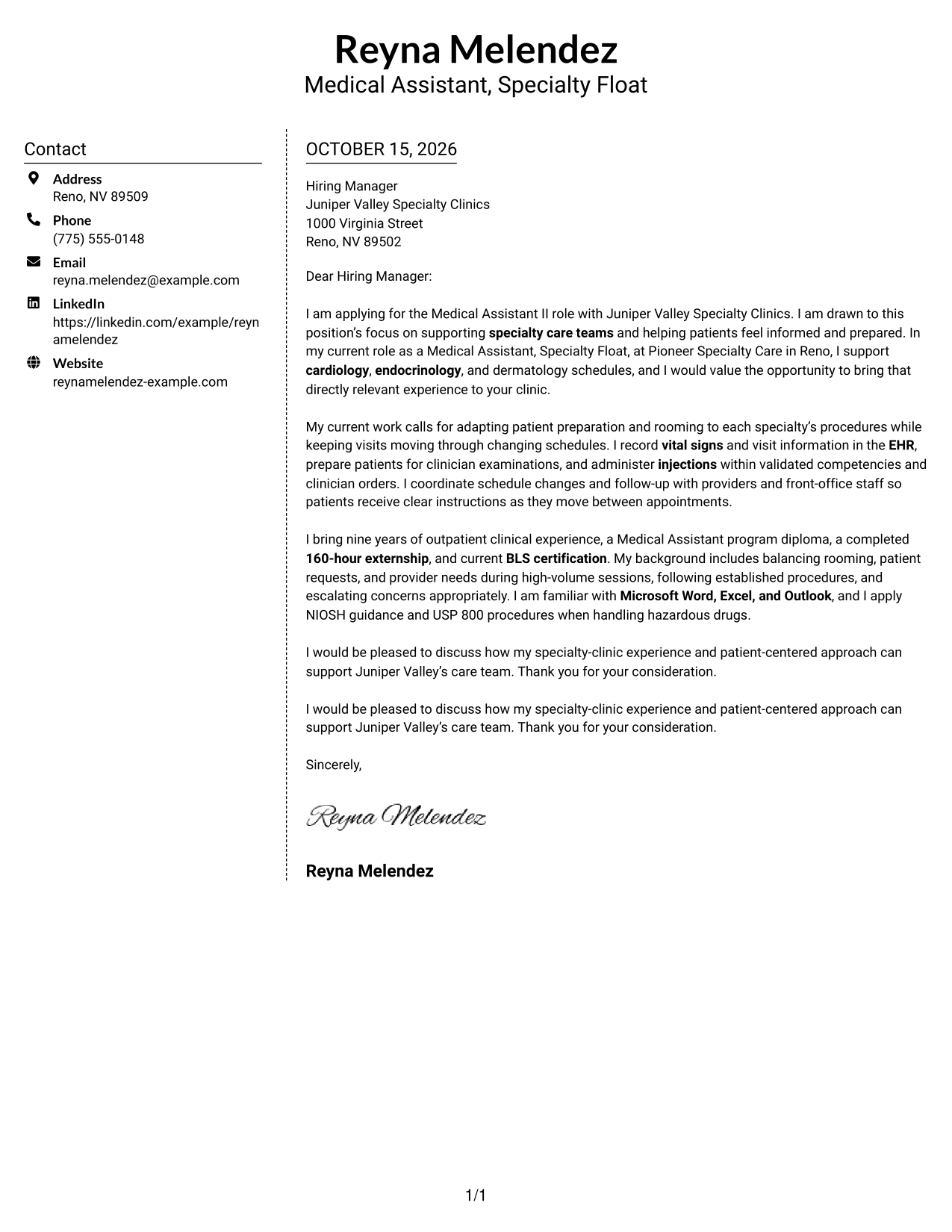
#5 Simple Two Column Format Cover Letter Example
The contact sidebar and single letter body give correspondence details their own space without splitting the message.
Why This Format Works
- Sender details have a clear place beside, rather than within, the letter body.
- The full message stays in one column from its opening through its closing.
- The photo-free design keeps attention on the written content.
Best For
- Separate contact and message areas
- One-column letter arguments
- Letters with supporting paragraphs
- Photo-free correspondence
- Two-column page layouts
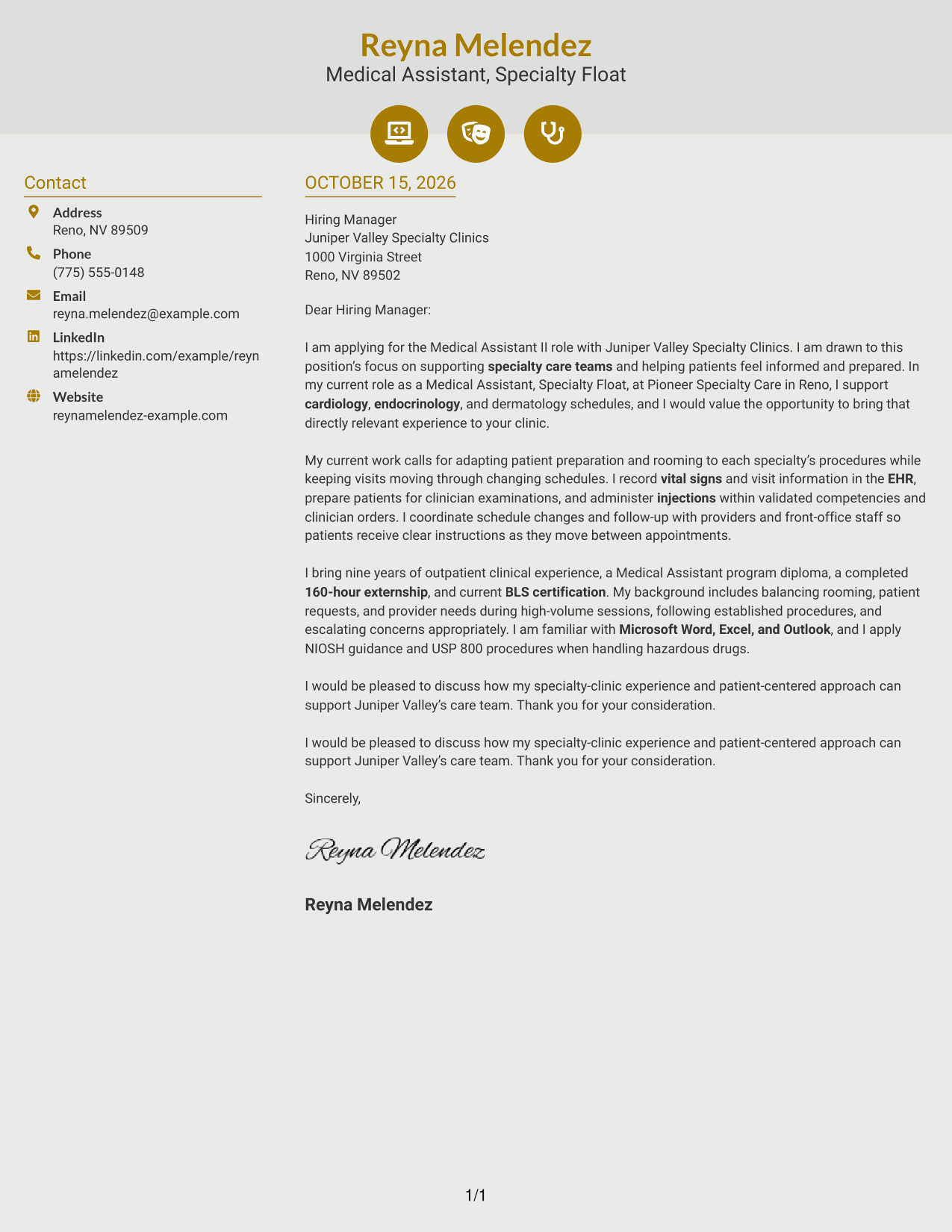
#6 Modern Icon Format Cover Letter Example
Contact icons cue sender details in the sidebar, while the letter itself remains a continuous body.
Why This Format Works
- Icons act as cues for contact details, not as labels for letter content.
- The sidebar keeps contact information apart from the message paragraphs.
- A single body column preserves the letter's opening-to-close sequence.
Best For
- Icon-marked contact details
- Sidebar contact organization
- Continuous letter-body reading
- Letters with several paragraphs
- Two-column page preference
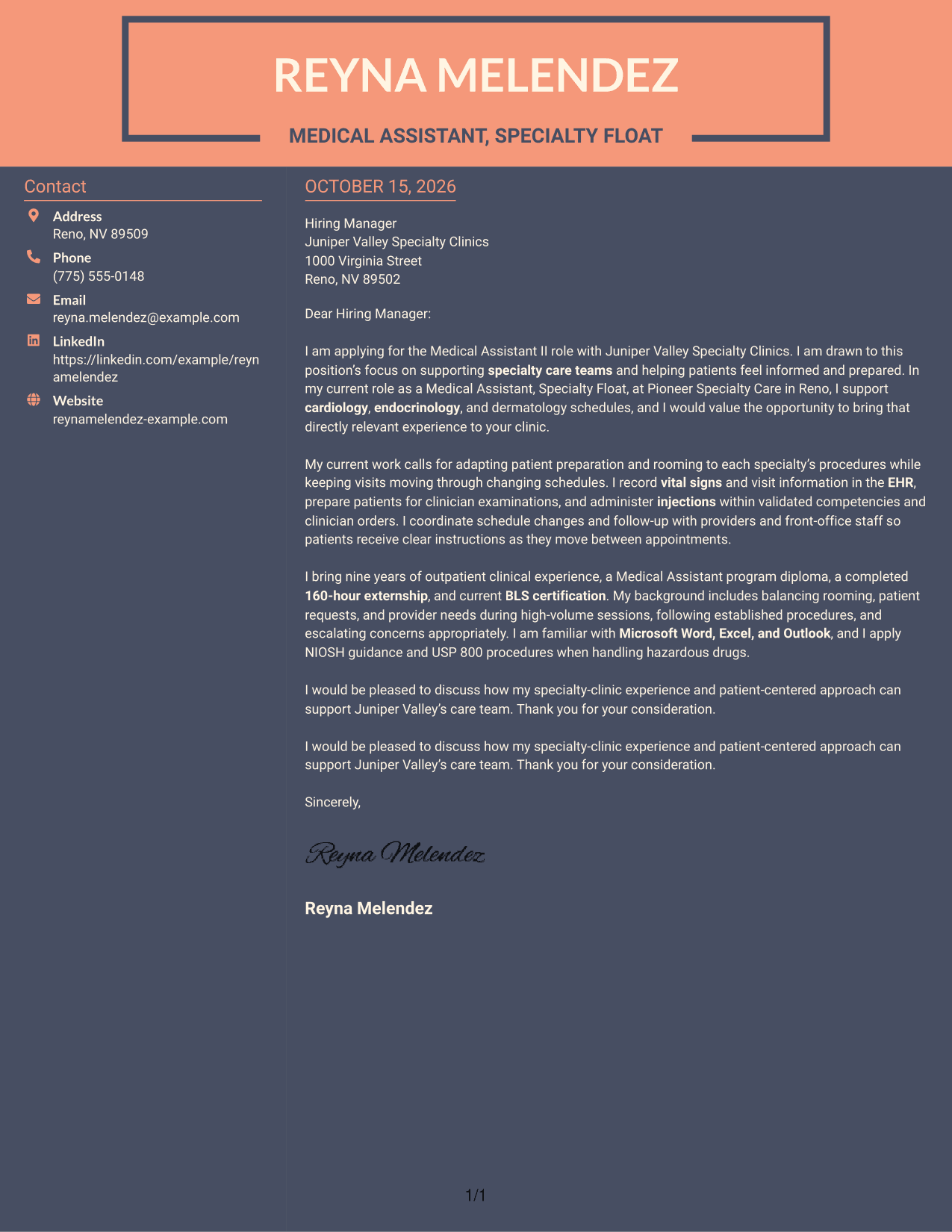
#7 Creative Two Tone Format Cover Letter Example
The two-column arrangement places contact details beside a single flowing letter body, keeping correspondence information distinct.
Why This Format Works
- The contact sidebar gives sender details a separate place beside the message.
- The letter's paragraphs stay together rather than dividing across columns.
- A clear boundary helps distinguish contact information from the written case.
Best For
- Sidebar-based contact details
- Single-column letter message
- Letters with several supporting points
- Distinct contact and message areas
- Two-column reading preference
Why Use ResumeInMinutes for a Medical Assistant II - Specialty Clinic Support Cover Letter
Compare cover letter image previews, then open an example in the editor to shape a clear message for specialty clinic support.
- Professional letter layouts
- Clear, readable formatting
- Role-focused wording
- Focused opening and closing
- Patient-centered communication
- Examples for specialty clinic support
Use the letter to connect patient preparation, vital-sign documentation, injection duties, and team coordination with the needs of the position.
See Also
- 7 Medical Assistant II - Specialty Clinic Support Resume Templates with Example
- 33 Medical Assistant/Patient Support Assistant Resume Templates with Example 2026 (ATS-Optimized)
- 7 Administrative Assistant II - Math, Science, and Health Services Resume Templates with Example
- 7 Administrative Assistant II Resume Templates with Example
- 33 Certified Nursing Assistant II Resume Templates with Example 2026 (ATS-Optimized)
- 7 Instructional Assistant II - Special Ed Resume Templates with Example
- 7 Nursing Assistant I/II - Surgical Trauma Intensive Care Unit Resume Templates with Example
- 33 Assistant Professor of Nursing - Medical Surgical Resume Templates with Example 2026 (ATS-Optimized)
- 30+ Medical Assistant/Patient Support Assistant Cover Letter Templates with Example 2026
- 30+ Certified Nursing Assistant II Cover Letter Templates with Example 2026
Frequently Asked Questions
What should a Medical Assistant II - Specialty Clinic Support cover letter include?
Explain your interest in specialty clinic work, then give relevant examples of patient preparation, vital signs, injections, EHR documentation, and communication with care teams. Close by connecting your strengths to the clinic’s needs.
Does this guide show one example or several letters?
It presents one cover letter example in several visual layouts. Compare the image previews to see which presentation best fits your message.
Which cover letter style works well for this specialty clinic role?
A simple, readable layout helps keep attention on your interest, relevant care duties, and communication style. Choose a design that feels professional and suits the employer’s setting.
How can I show relevant experience in my cover letter?
Use a brief example of how you prepared patients, recorded vital signs, coordinated a schedule change, or gave clear instructions. Explain how your actions helped support an orderly visit or a clear patient handoff.
Should I include a photo on my cover letter?
For U.S. applications, a photo is usually not needed. A text-focused letter keeps attention on your role fit and the examples you share.




