
7 Meetings, Events, and Trade Shows Planner III Cover Letter Templates with Example
This practical guide helps you write a focused Meetings, Events, and Trade Shows Planner III cover letter and compare seven layouts.
What Makes a Great Meetings, Events, and Trade Shows Planner III Cover Letter in 2026
A strong letter links your event planning approach to business priorities and attendee needs. Use a clear opening, focused body, and confident closing to show your fit for the role.
Support your points with relevant examples, such as coordinating national events, guiding Cvent use, or managing vendor and budget decisions. Connect that evidence to the employer’s needs and explain why the work interests you.
The featured example moves from role motivation to event leadership, process improvements, trade show experience, and a direct closing. Use this focused progression as a guide, then choose a presentation that suits the employer and the communication context.
#1 Simple One Column Format Cover Letter Example
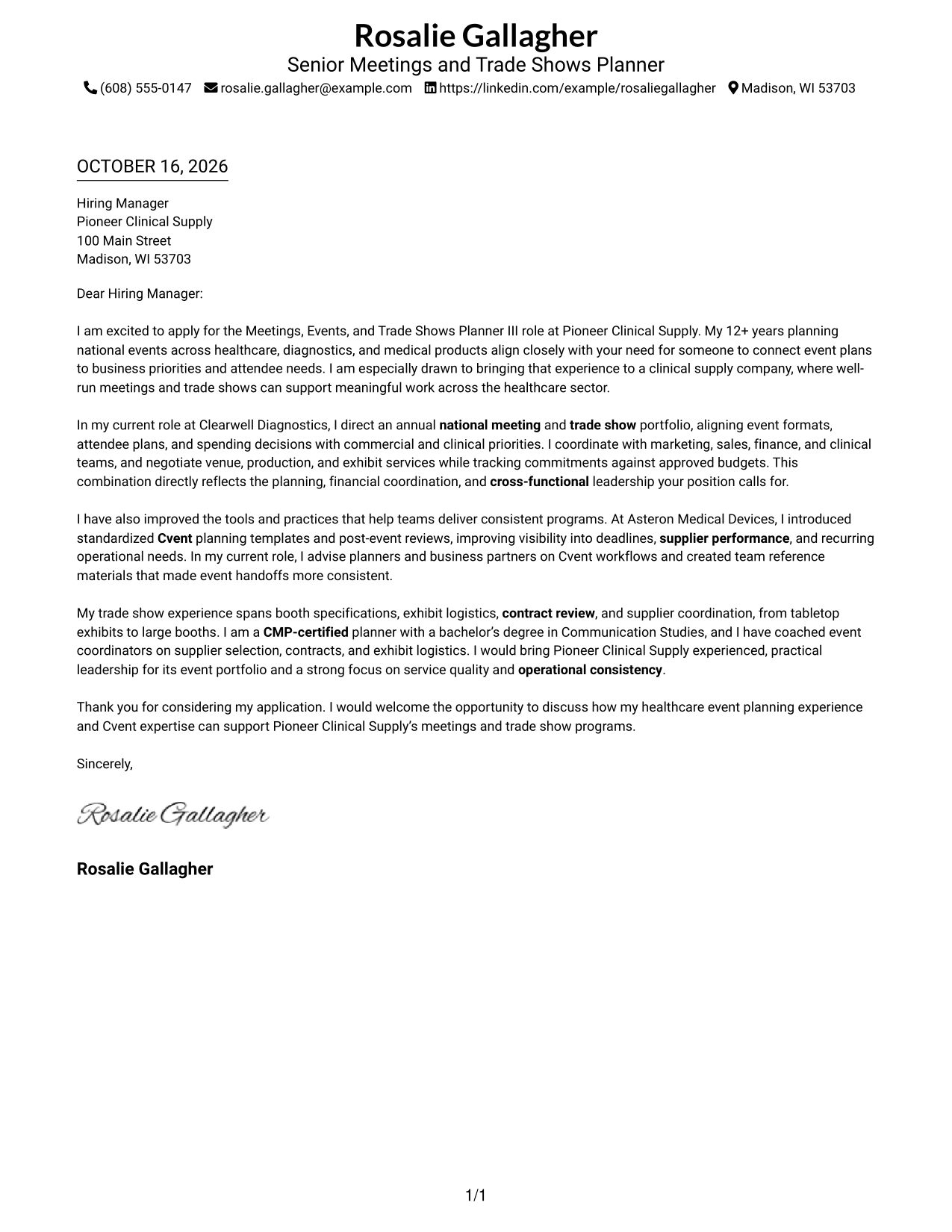
The single-column layout places sender details in the header above a continuous letter body, giving the message a direct reading path.
Why This Format Works
- Sender details in the header give readers a clear place to find contact information.
- One continuous body carries motivation, supporting evidence, and the closing in order.
- Without a photo, the presentation keeps visual attention on the letter's written message.
Best For
- Direct letter reading
- Header-based sender details
- Text-first applications
- Photo-free letter preference
- Letters with several body paragraphs
#2 Two Column Format Cover Letter Example
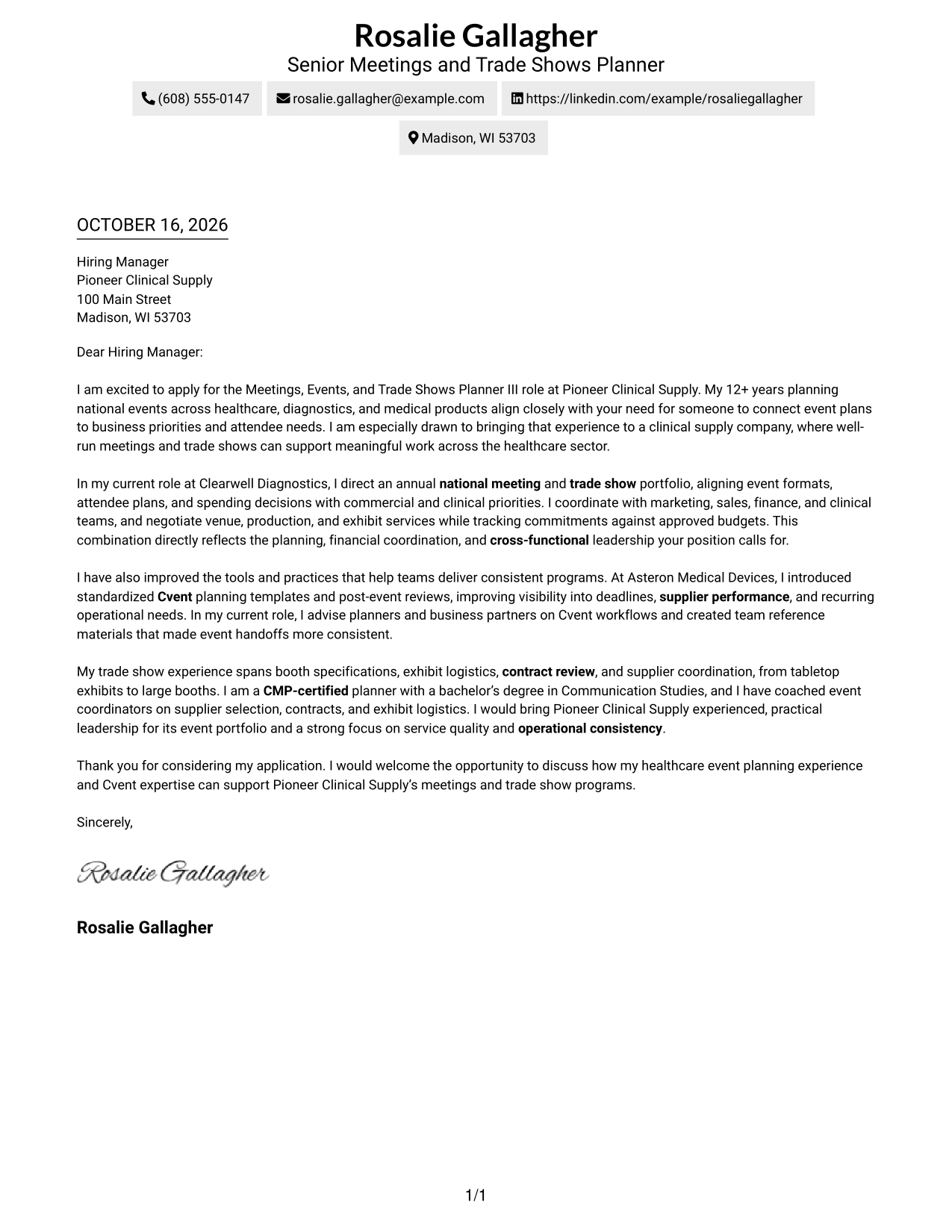
A contact sidebar sits beside one continuous letter body, giving sender information and the message separate places on the page.
Why This Format Works
- The contact sidebar separates sender information from the message for quick reference.
- All persuasive paragraphs stay together, so the letter reads as one connected argument.
- Photo-free styling suits readers who want contact details and letter text to remain the visual focus.
Best For
- Quick access to sender details
- Multi-paragraph persuasive letters
- Photo-free correspondence
- Distinct contact and message areas
- Side-by-side reading preference
#3 Photo Header Two Column Format Cover Letter Example
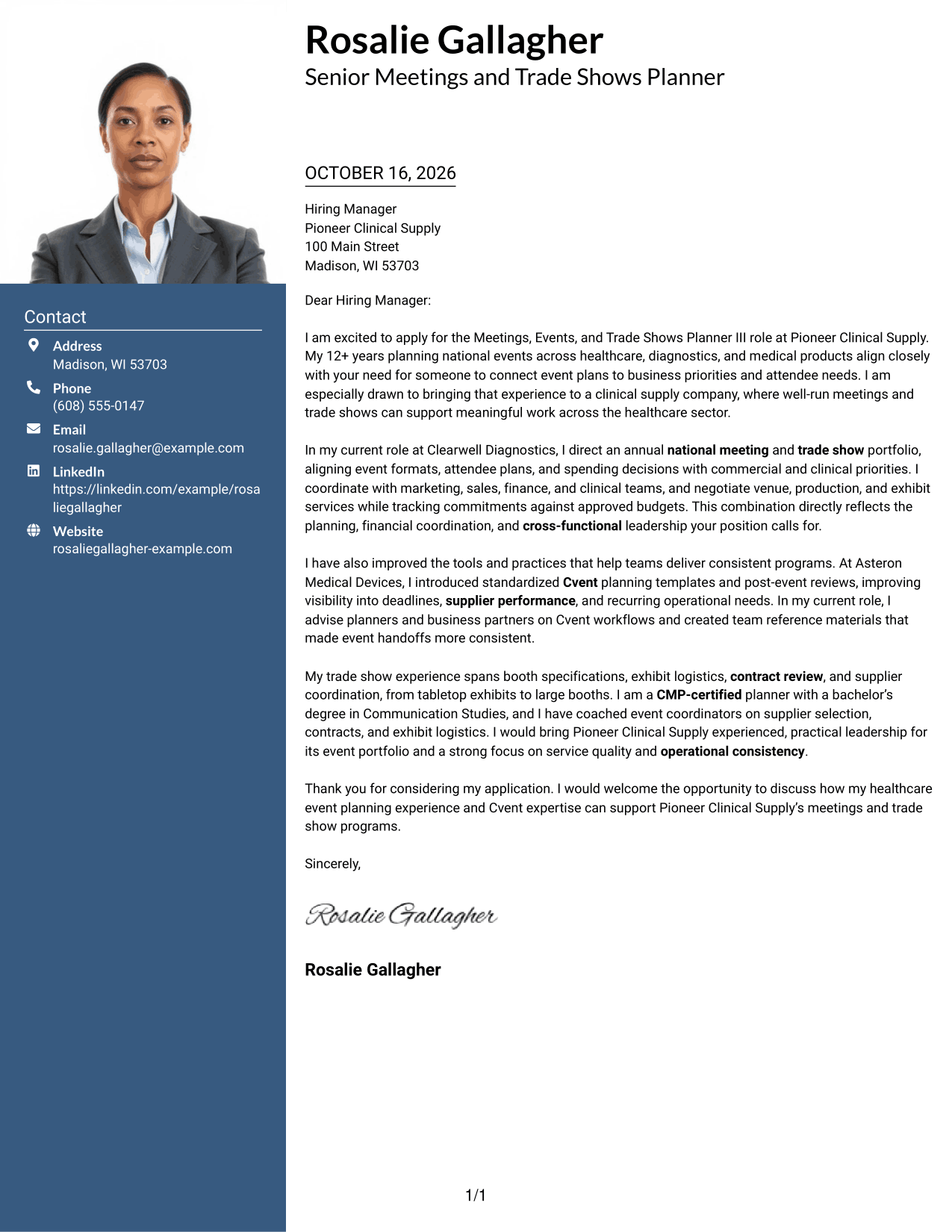
This two-column layout includes a photo, a contact sidebar, and one continuous letter body, offering a portrait option without splitting the message.
Why This Format Works
- Contact details have a separate sidebar, while the letter remains one connected message.
- Opening, motivation, evidence, and closing stay together in a clear paragraph sequence.
- An included portrait offers a visual choice for photo-friendly letter presentation.
Best For
- Portrait-inclusive correspondence
- Separate contact information
- Continuous letter arguments
- Photo-friendly presentation
- Letters with several supporting paragraphs
#4 One Column Format with Photo Cover Letter Example
A single-column letter body provides a direct reading path, while the included photo adds a personal visual element to the presentation.
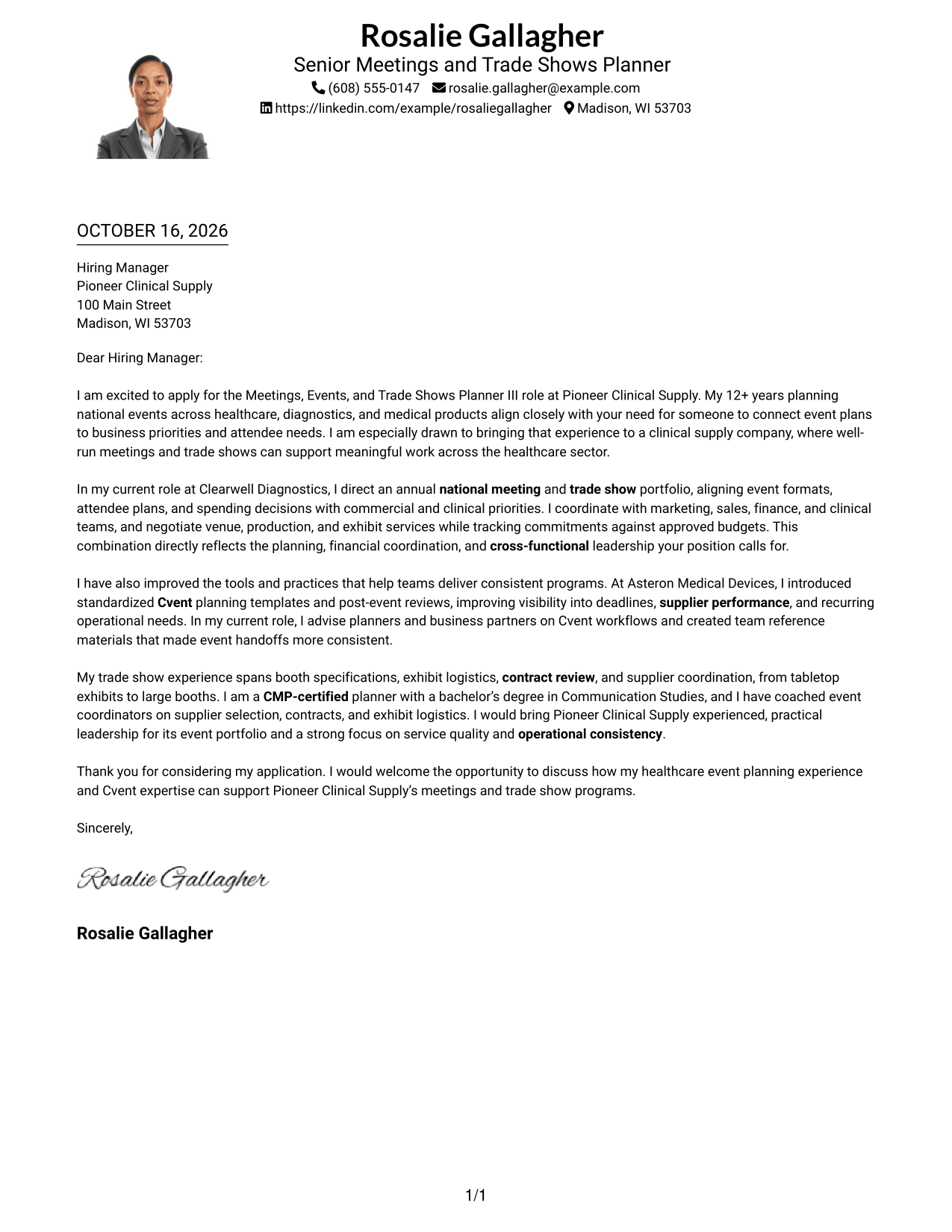
Why This Format Works
- Sender details in the header are easy to locate before readers begin the letter.
- A single body keeps motivation, supporting points, and the closing in paragraph order.
- The photo adds a visual option without dividing the letter into parallel columns.
Best For
- One-direction letter reading
- Photo-inclusive correspondence
- Header-based contact details
- Several connected body paragraphs
- A personal visual element
#5 Simple Two Column Format Cover Letter Example
The contact sidebar and continuous letter body form two clear areas, helping readers locate sender information while keeping the message together.
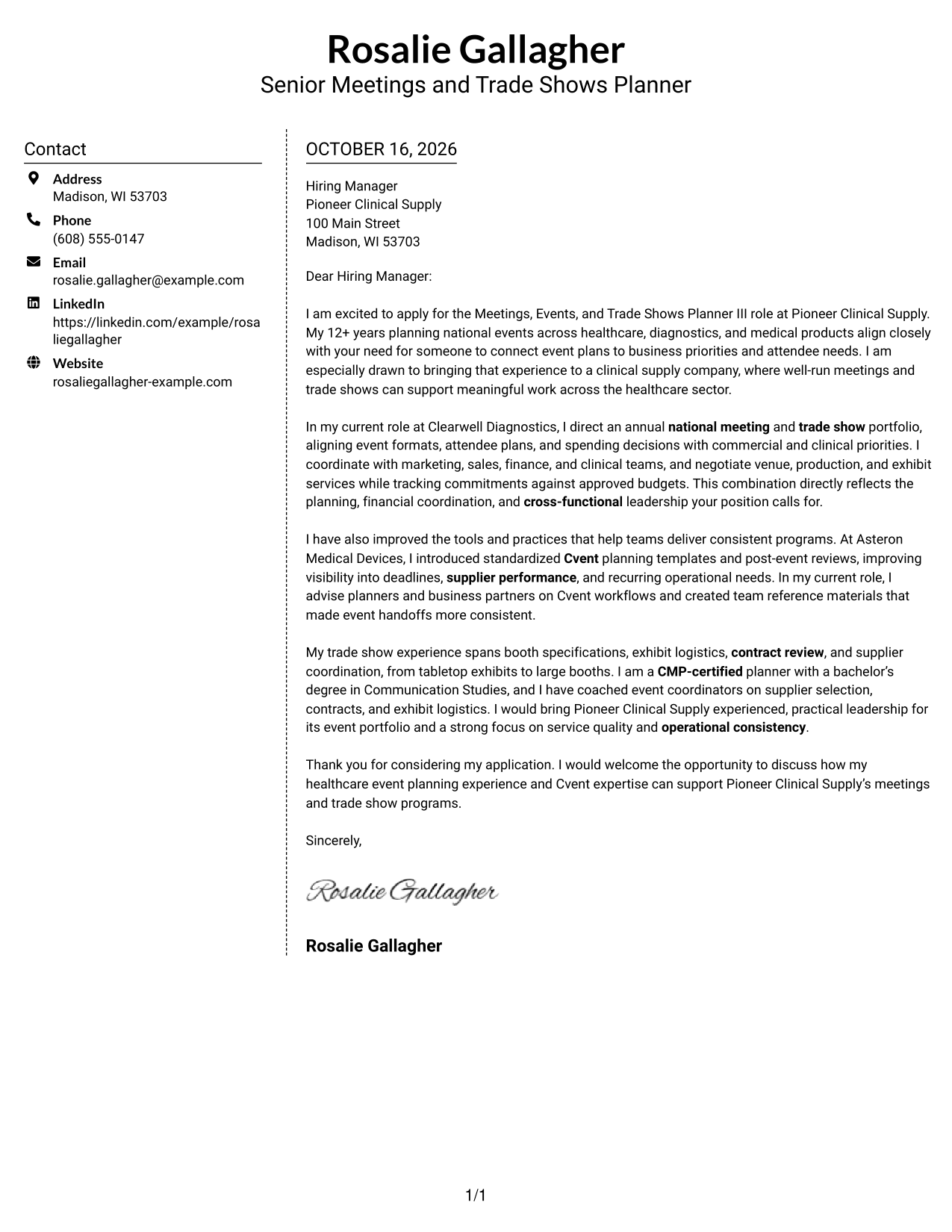
Why This Format Works
- A dedicated contact area keeps sender details apart from the letter's persuasive content.
- The message stays in one paragraph sequence rather than splitting across columns.
- Without a photo, the two-column layout keeps the focus on text and contact information.
Best For
- Separate contact and message areas
- Continuous persuasive paragraphs
- Text-centered correspondence
- Photo-free document preference
- Easy sender detail lookup
#6 Modern Icon Format Cover Letter Example
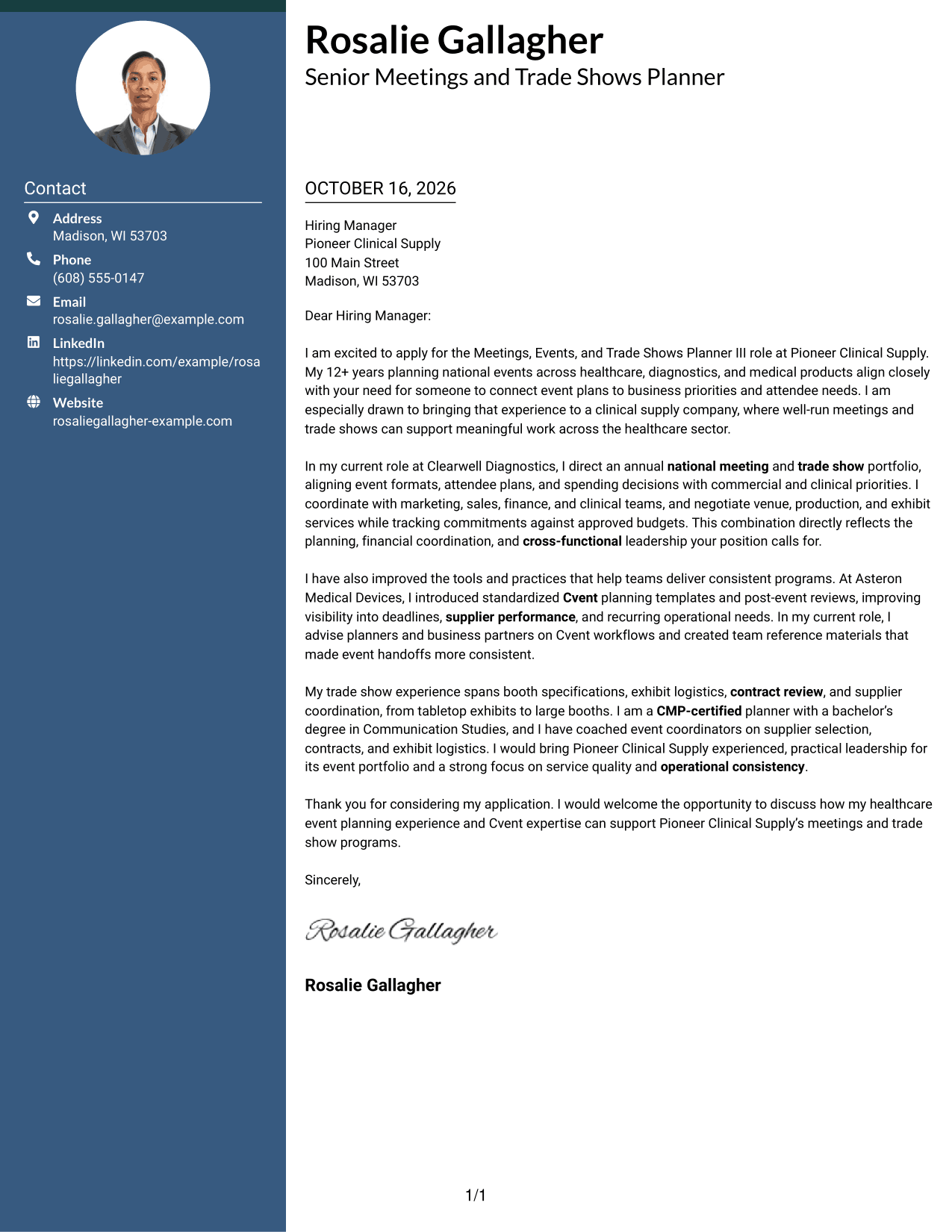
Contact icons and header accents distinguish sender details in the sidebar, while the letter itself stays in one continuous column.
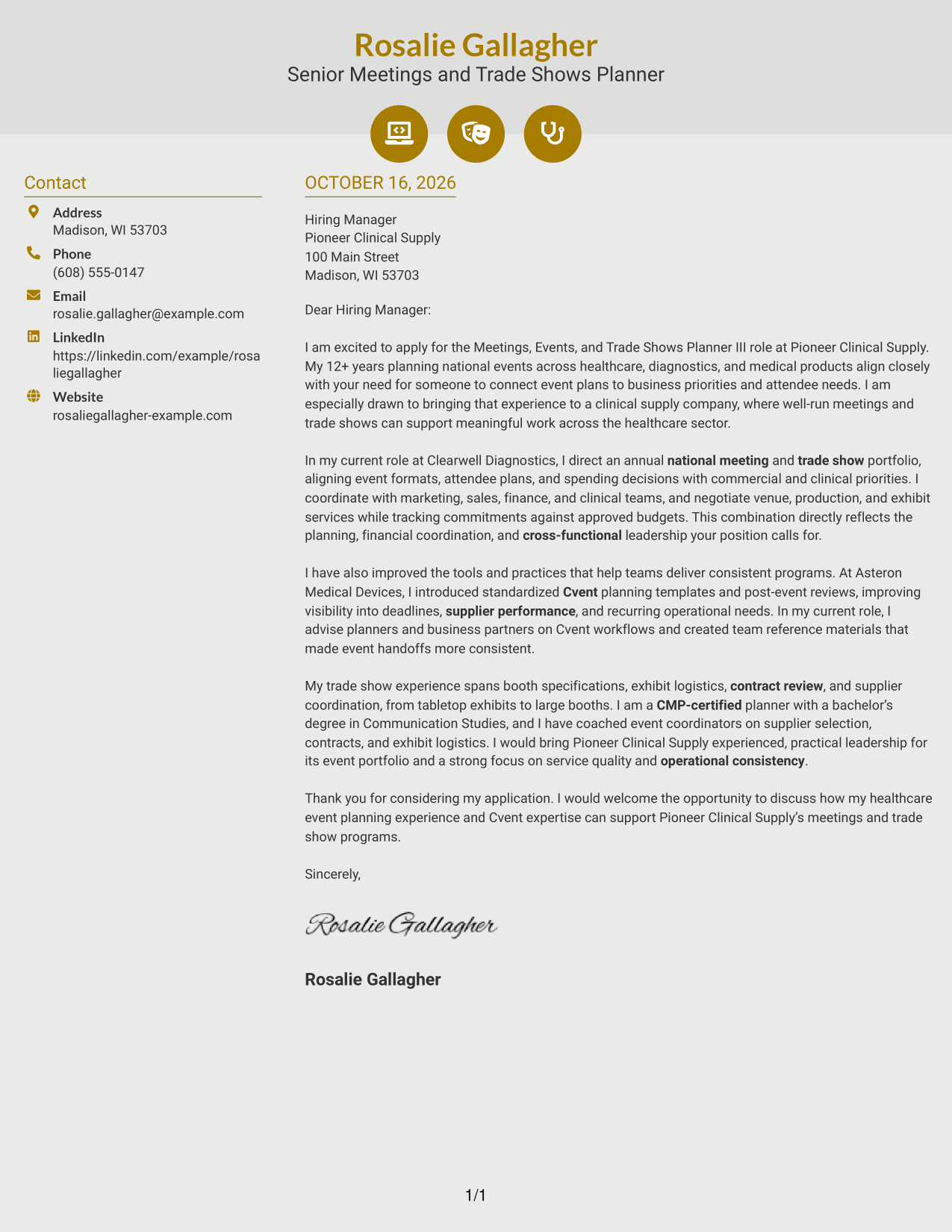
Why This Format Works
- Contact icons help readers identify sender details without labeling parts of the letter.
- The sidebar keeps contact information separate from the continuous message.
- A single body preserves the order of the letter's opening, evidence, and closing.
Best For
- Icon-cued contact details
- Continuous letter messages
- Distinct sender information
- Photo-free correspondence
- Readers who prefer visual contact cues
#7 Creative Two Tone Format Cover Letter Example
The two-column arrangement gives contact details a sidebar beside the continuous letter body, keeping sender information distinct from the message.
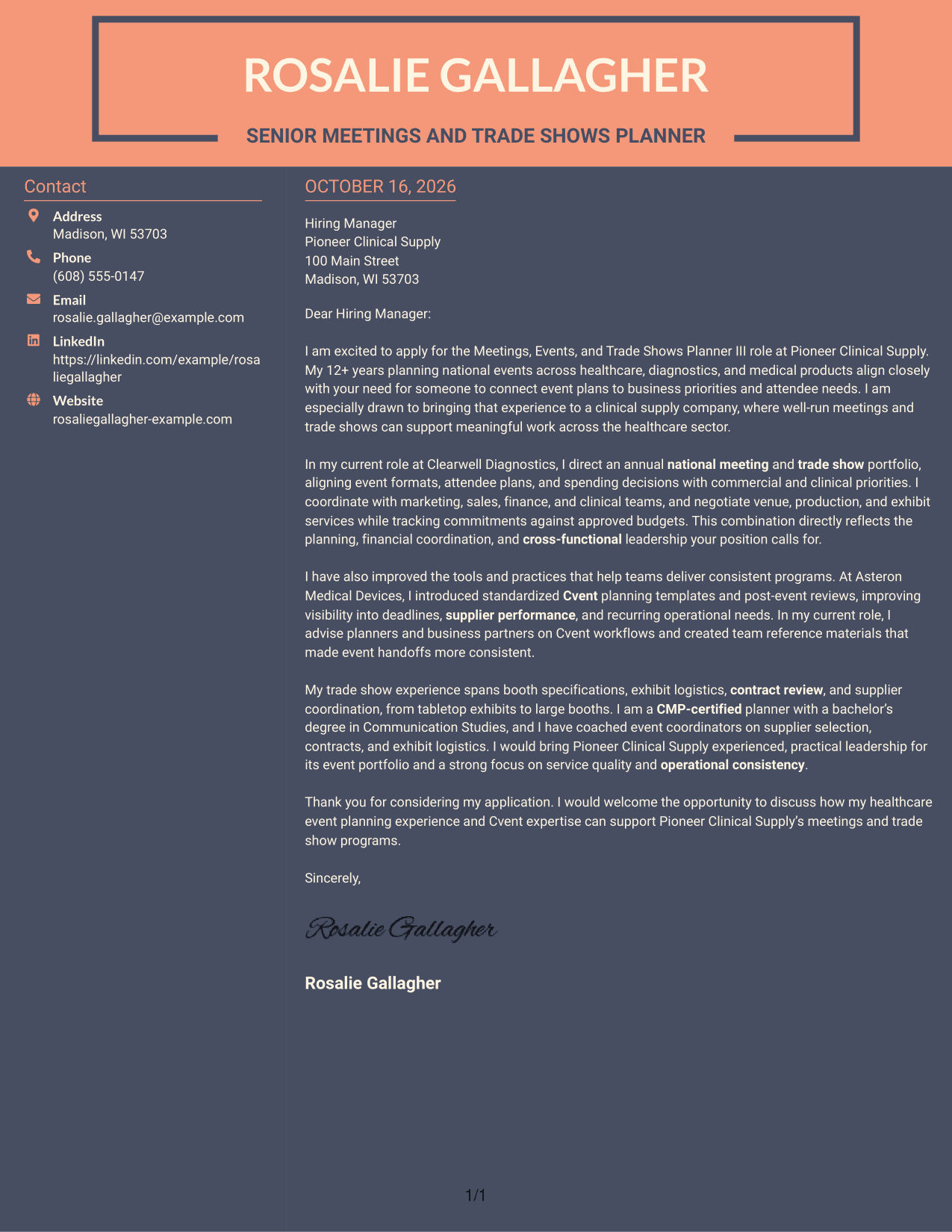
Why This Format Works
- The sidebar makes sender contact information easy to distinguish from the letter.
- Motivation, evidence, and closing remain part of one uninterrupted message.
- The photo-free design suits readers who prefer a text-led visual presentation.
Best For
- Side-by-side contact and message
- One uninterrupted letter body
- Text-led correspondence
- Photo-free presentation
- Letters with clear supporting paragraphs
Why Use ResumeInMinutes for a Meetings, Events, and Trade Shows Planner III Cover Letter
Compare PNG previews to see how each cover letter layout presents your message, then open an example in the editor to review and adapt it.
- Clear cover letter layouts
- Readable, professional formatting
- Space for role-specific motivation
- Opening, body, and closing guidance
- Examples for event planning roles
- Editor access to review an example
Shape your letter around the work that matters for this role, including national meetings, Cvent support, supplier coordination, budgets, and trade show planning.
See Also
- 7 Meetings, Events, and Trade Shows Planner III Resume Templates with Example
- 33 Global Trade and Supply Chain Finance Manager Resume Templates with Example 2026 (ATS-Optimized)
- 33 Investment Trade Support Specialist - Portfolio Data Operations Resume Templates with Example 2026 (ATS-Optimized)
- 7 Senior Trades Worker - Facility Management Resume Templates with Example
- 7 Trades Shop Supervisor - Plumbing Resume Templates with Example
- 7 Academic and Recruiting Events Manager Resume Templates with Example
- 33 Associate Director of Event Operations and Marketing Resume Templates with Example
- 7 Building Maintenance Officer - Events Set Up Resume Templates with Example
- 30+ Global Trade and Supply Chain Finance Manager Cover Letter Templates with Example 2026
- 7 Assistant Planner - GIS Cover Letter Templates with Example
Frequently Asked Questions
How can I show that my experience fits a Meetings, Events, and Trade Shows Planner III role?
Use a specific example that shows how you planned an event, worked with business partners, or handled budgets and suppliers. Explain how your actions supported business goals and attendee needs.
Does the featured example show one letter in different layouts?
Yes. The guide presents one cover letter example in several visual styles, so you can compare the presentation while keeping the message focused on the role.
What should the opening paragraph say?
Name the Meetings, Events, and Trade Shows Planner III position, state your interest, and make a brief link between your event planning background and the role’s focus.
How can I discuss Cvent and event operations in my letter?
Give a clear example of how you used Cvent or improved an event process. Explain what you did and how it helped with planning, team handoffs, or consistent delivery.
Should I use a photo on my cover letter?
Use a photo only if it is common or expected in your country, region, or industry. For U.S. applications, a no-photo layout is usually the safer choice.




