
7 MEP Manager - Commercial Construction Cover Letter Templates with Example
This practical guide to an MEP Manager - Commercial Construction cover letter shows how to present role fit across 7 layouts.
What Makes a Great MEP Manager - Commercial Construction Cover Letter in 2026
A strong letter opens with clear interest, then connects MEP coordination, field planning, procurement, documentation, safety, and quality to the role.
Use specific evidence, such as resolving BIM clashes or closing design gaps before equipment release, and link it to the employer’s stated needs.
The featured example moves from clear interest, to role-specific evidence, to a direct close. Adapt that focused progression while choosing a presentation suited to the employer and communication context.
#1 Simple One Column Format Cover Letter Example
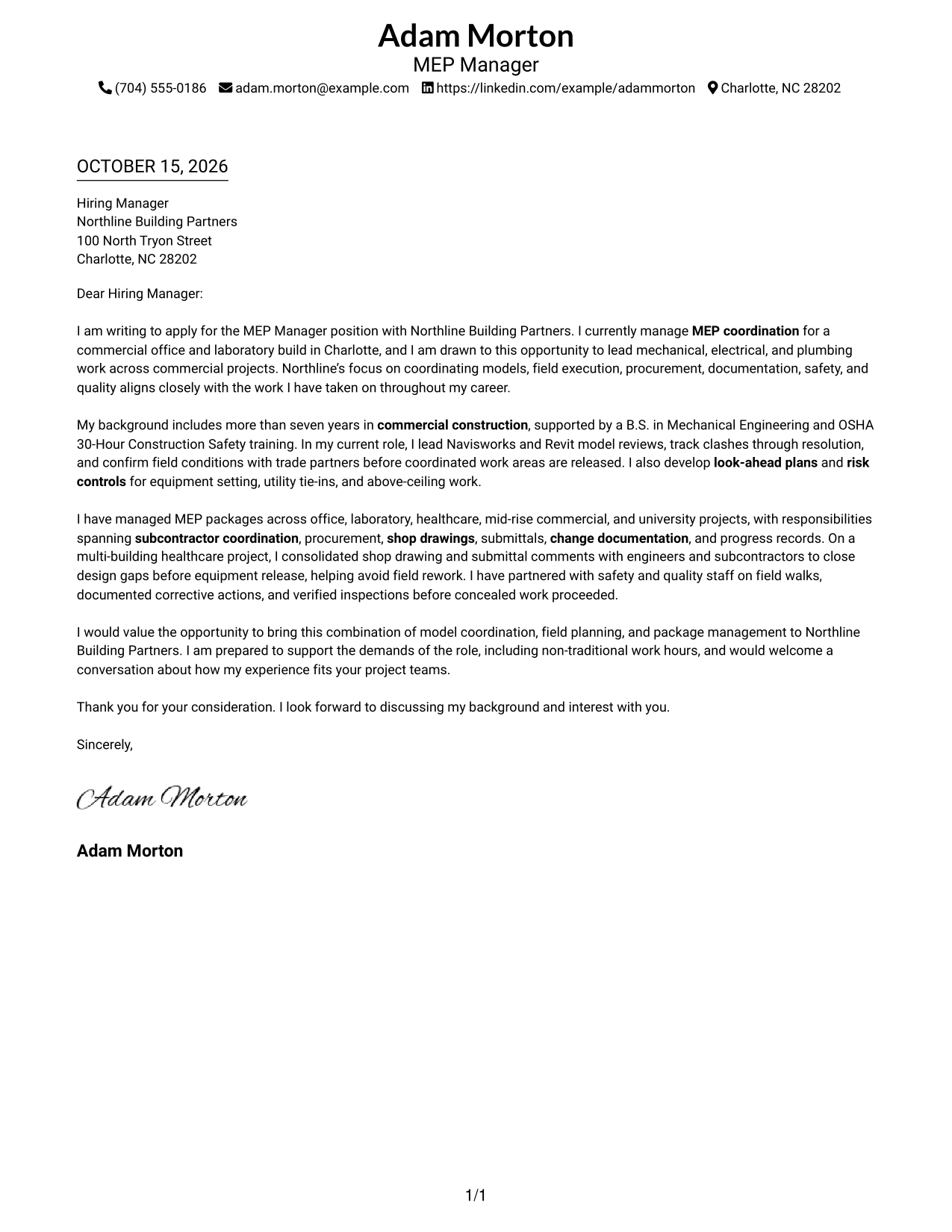
The single-column layout keeps the letter body in a direct reading path for readers who prefer a simple page.
Why This Format Works
- Opening, supporting points, and closing stay together in a clear sequence.
- Sender details remain in the header, making contact information easy to locate.
- The photo-free design suits readers who want the written message to lead.
Best For
- Single-column reading preference
- Header-based contact details
- Continuous letter-body flow
- Photo-free page preference
- Letters with several supporting points
#2 Two Column Format Cover Letter Example
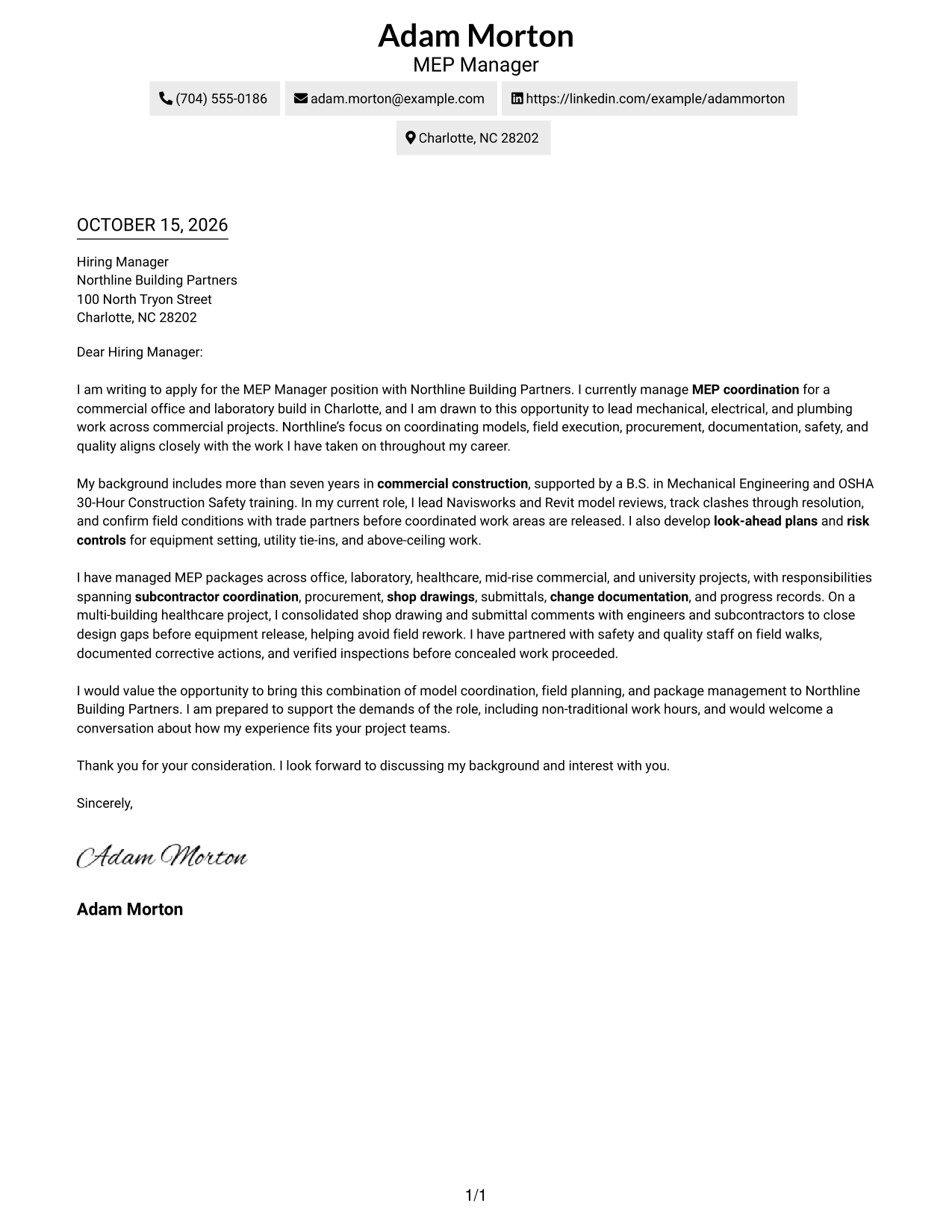
A contact sidebar sits beside the continuous letter body, keeping sender details separate from the message.
Why This Format Works
- The contact sidebar helps reviewers find sender details without breaking the letter's flow.
- The full message remains in one body, so its points build in order.
- With no argument headings, paragraphs read as one connected message.
Best For
- Contact-sidebar organization
- One-body letter reading
- Photo-free visual preference
- Letters with several supporting points
- Applications with connected paragraphs
#3 Photo Header Two Column Format Cover Letter Example
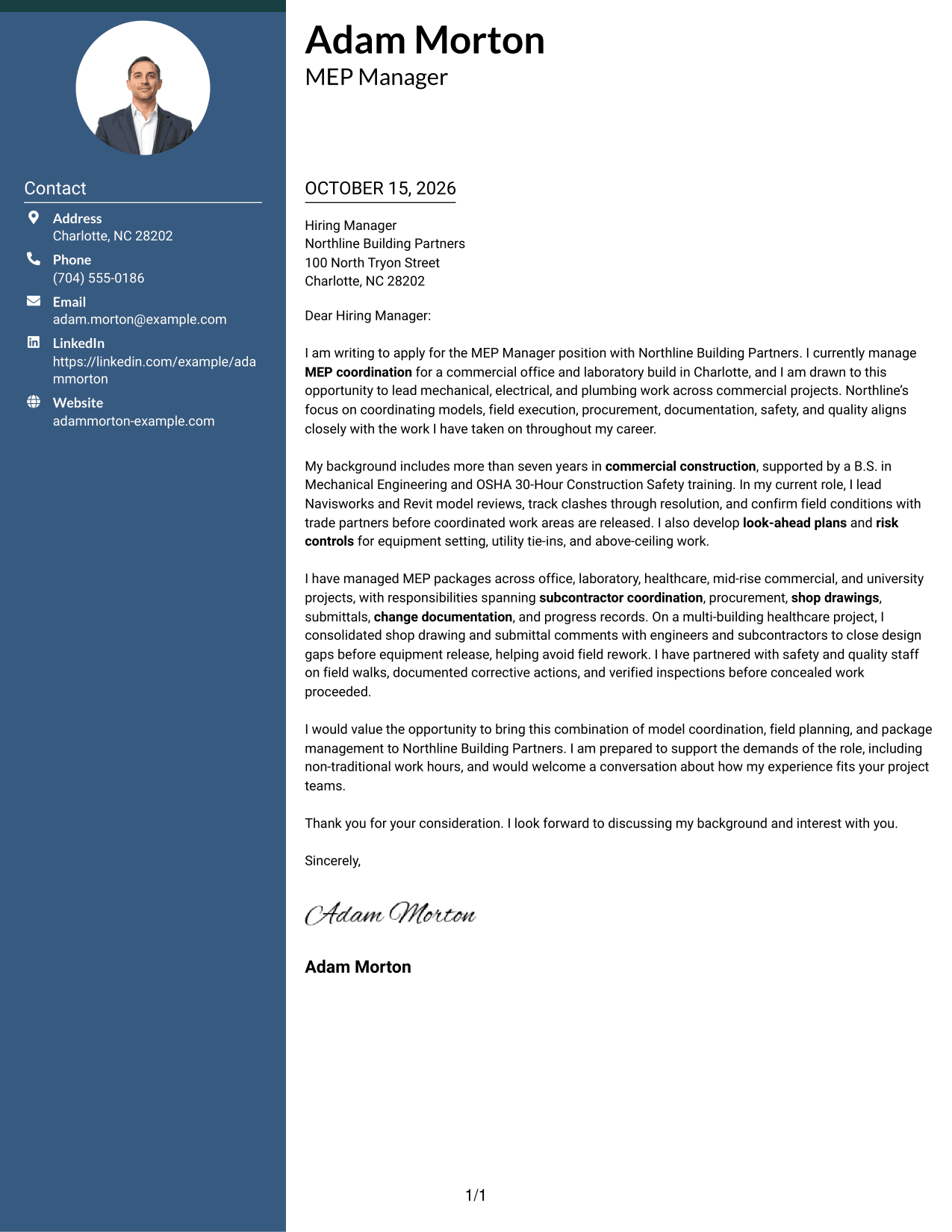
A photo header pairs with a contact sidebar, giving the page a visible portrait and a separate message area.
Why This Format Works
- The portrait offers a visual choice without being treated as evidence of ability.
- Contact details remain apart from the message, so reviewers can locate them quickly.
- One continuous body lets the letter connect interest, evidence, and closing naturally.
Best For
- Photo-inclusive header preference
- Contact details beside the letter
- Continuous letter paragraphs
- Letters with several supporting points
- Applications linking role fit with company interest
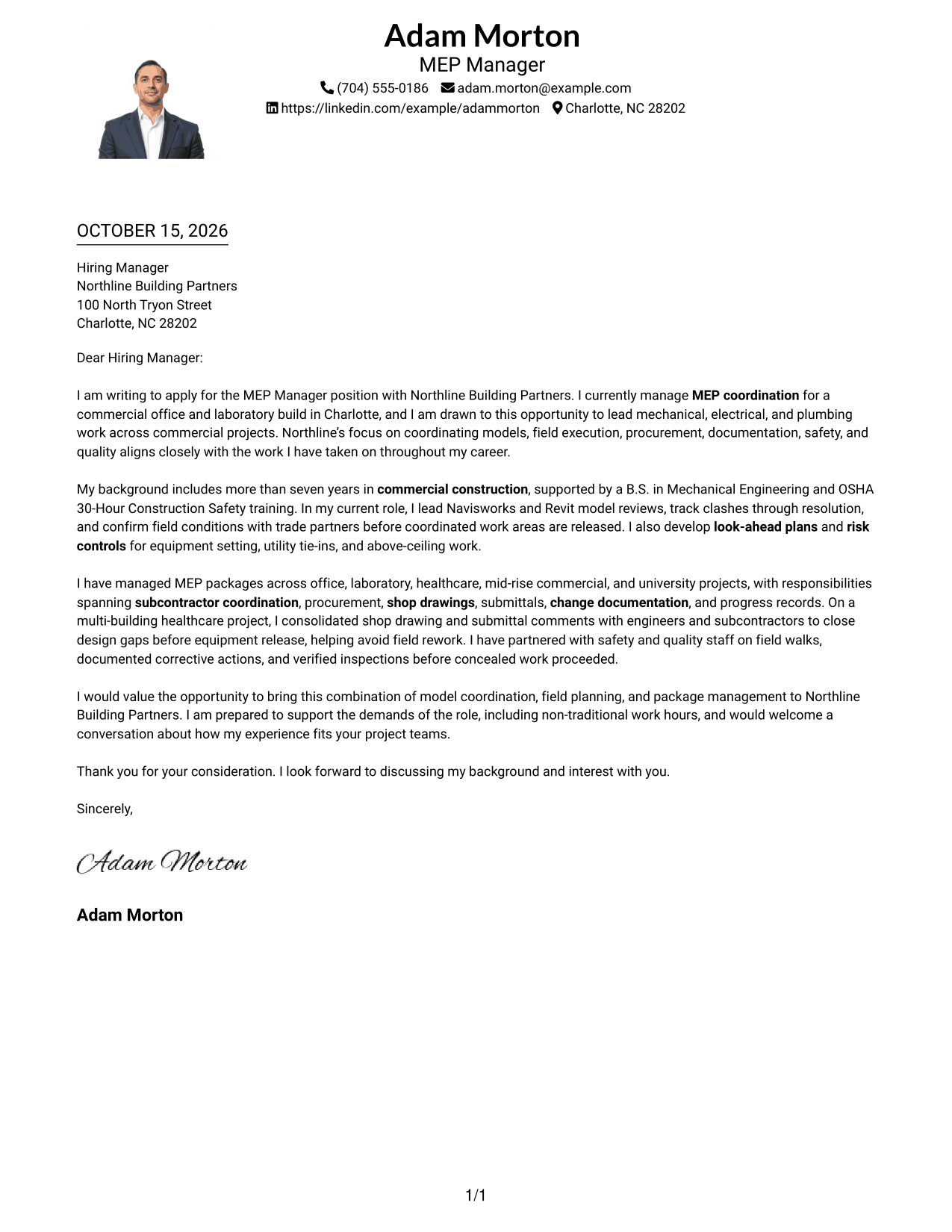
#4 One Column Format with Photo Cover Letter Example
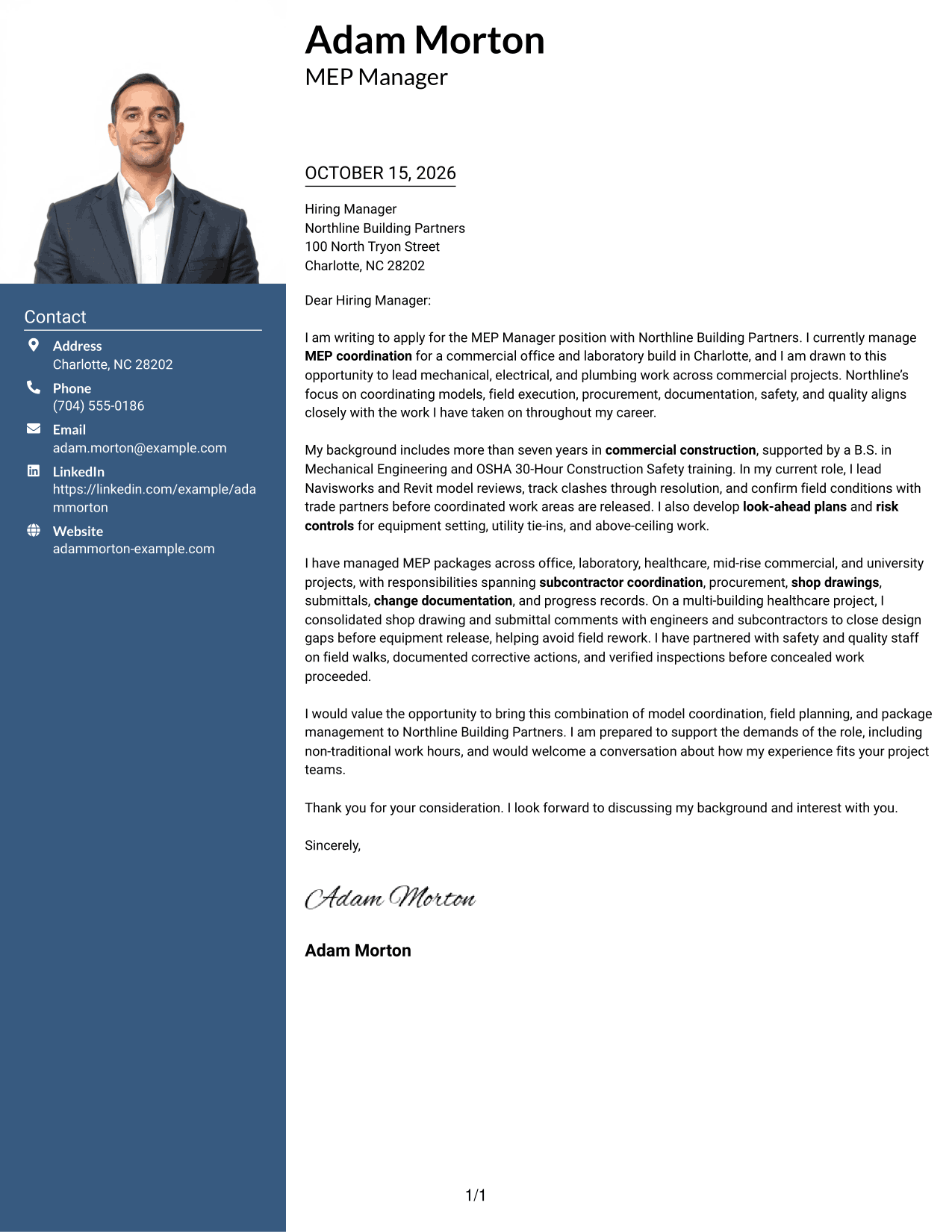
A one-column letter body is paired with a photo, keeping the reading path direct while showing a portrait.
Why This Format Works
- Letter paragraphs follow one path, helping reviewers keep the full argument in view.
- Sender details stay in the header, separate from the continuous message.
- The photo adds a visual element without replacing the letter's written case.
Best For
- Single-column letter reading
- Photo-inclusive header preference
- Header-based contact details
- Letters with several connected paragraphs
- Photo-led visual style
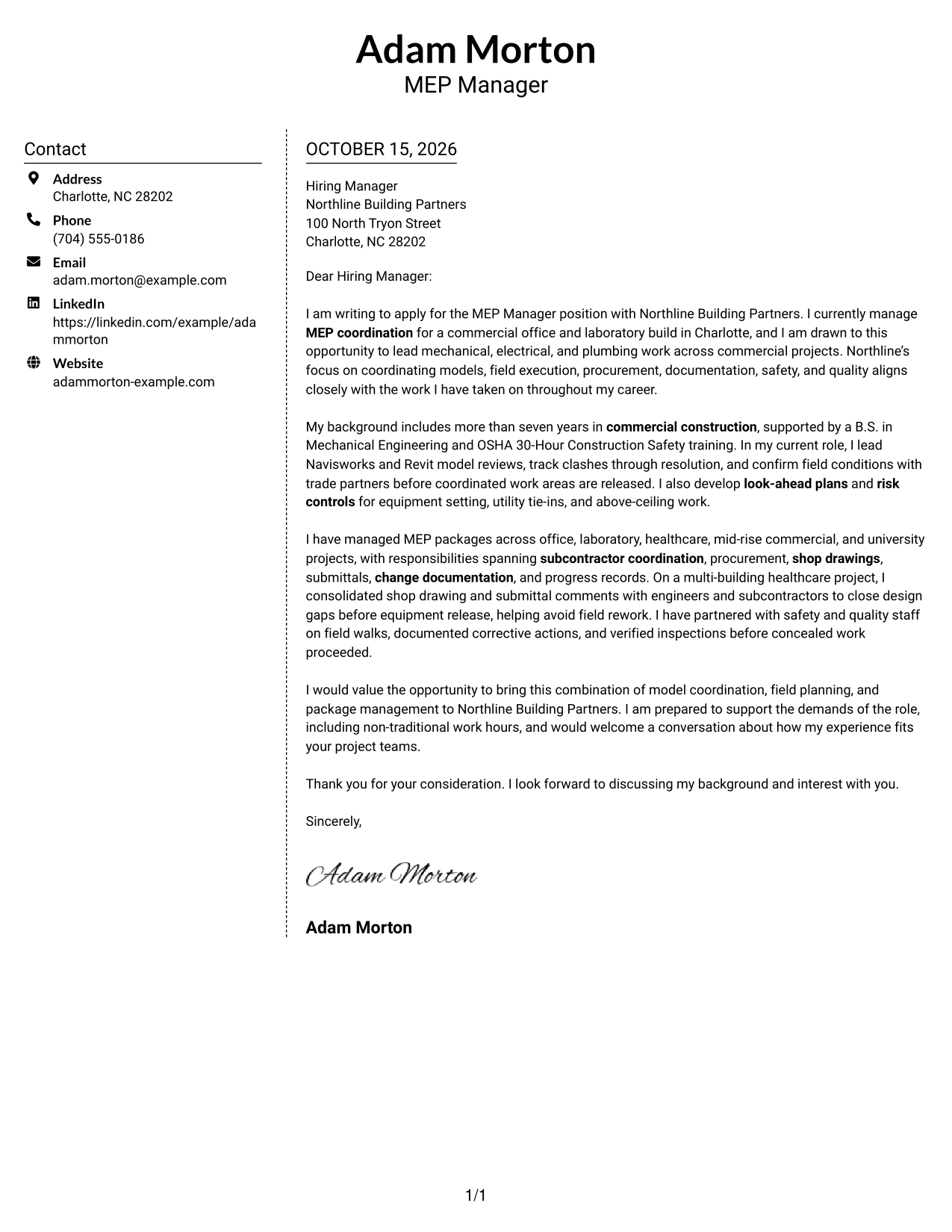
#5 Simple Two Column Format Cover Letter Example
A contact sidebar sits beside the single letter body, giving sender details their own place without dividing the message.
Why This Format Works
- Sender details sit in a sidebar, giving contact information a clear, separate place.
- The letter body remains continuous, so each point can build on the last.
- With no photo, the page keeps its visual focus on written communication.
Best For
- Sidebar contact organization
- Continuous letter-body reading
- Photo-free page preference
- Letters with several supporting points
- Two-column reading preference
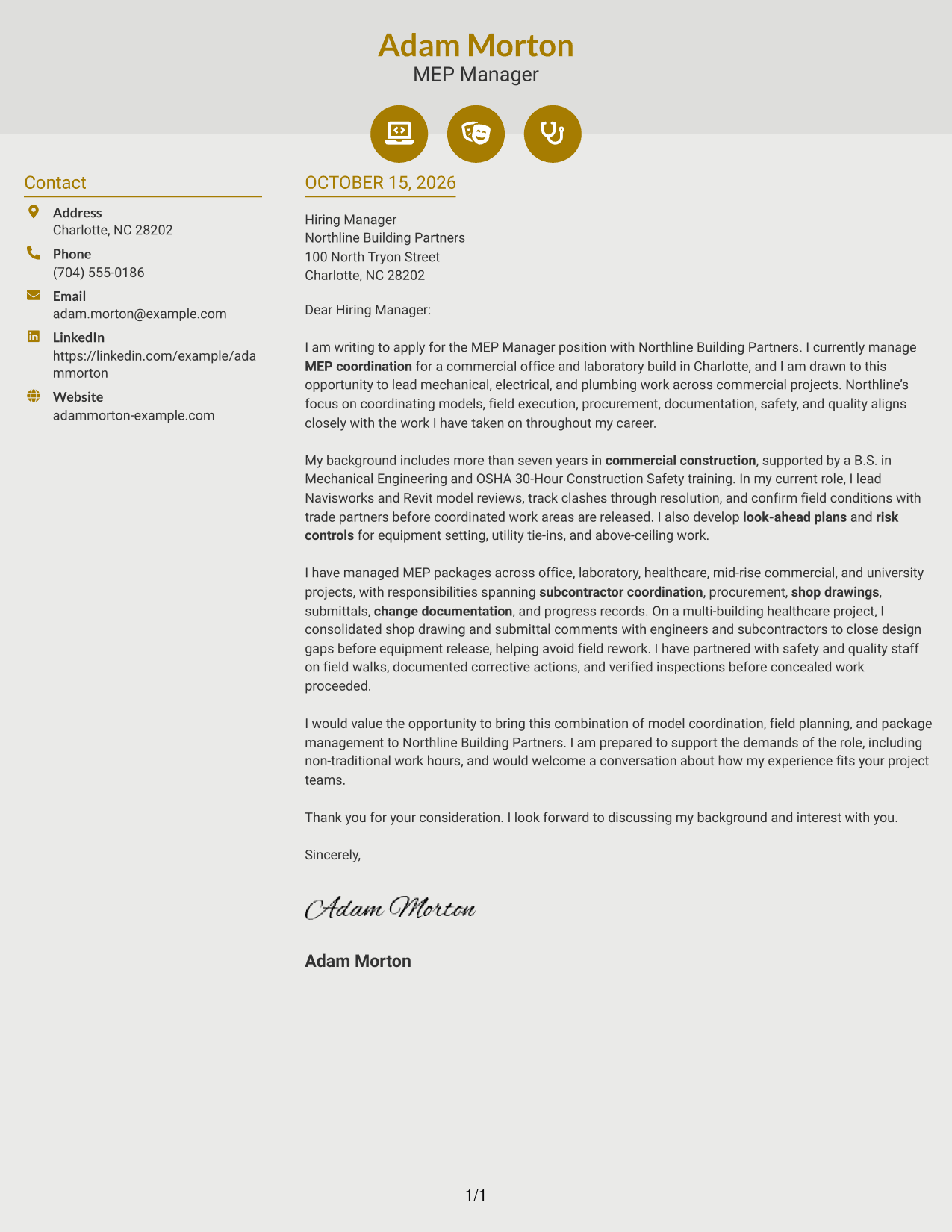
#6 Modern Icon Format Cover Letter Example
Contact icons appear with the sidebar beside one continuous letter body, helping distinguish sender details from the message.
Why This Format Works
- Small icons mark contact details, helping reviewers identify sender information quickly.
- The sidebar keeps contact details apart while the letter remains one continuous body.
- Opening, evidence, and closing read as paragraphs rather than labeled argument sections.
Best For
- Icon-marked contact details
- Sidebar-based contact organization
- One continuous letter body
- Letters with several supporting points
- Readers who prefer visual contact cues
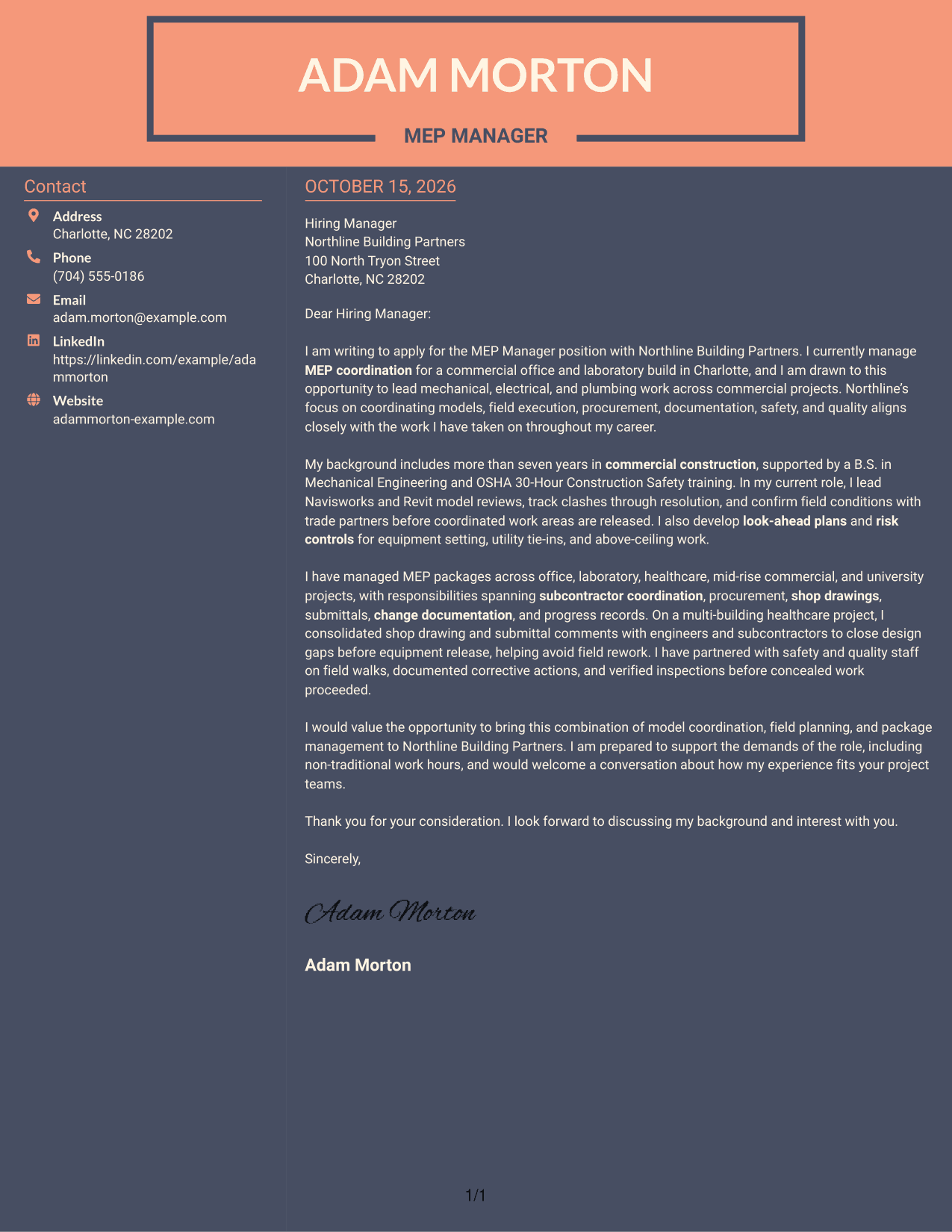
#7 Creative Two Tone Format Cover Letter Example
A contact sidebar and a separate letter body create a two-column page while keeping the message together.
Why This Format Works
- Sender details stay easy to locate in the sidebar.
- One connected body carries the message from interest through the closing.
- The two-column presentation suits readers who prefer a clear division between contact details and the letter.
Best For
- Contact details beside the message
- Connected letter paragraphs
- Two-column page preference
- Letters with several supporting points
- Photo-free visual preference
See Also
- 7 MEP Manager - Commercial Construction Resume Templates with Example
- 7 MEP Engineer Resume Templates with Example
- 33 Senior Mechanical Design Engineer (MEP) Resume Templates with Example 2026 (ATS-Optimized)
- 7 Press Assistant / Press Secretary - Financial Policy Communications Resume Templates with Example
- 7 Steward - Patient Food Service Resume Templates with Example
- 7 Registered Nurse - Long-Term Care Resume Templates with Example
- 7 Talent Acquisition Analyst - Full-Cycle Recruiting Resume Templates with Example
- 7 Plant Manager - Wastewater Resume Templates with Example
- 7 Therapy Assistant I - Therapeutic Recreation Resume Templates with Example
- 30+ Senior Mechanical Design Engineer (MEP) Cover Letter Templates with Example 2026
Frequently Asked Questions
What should the opening paragraph say in an MEP Manager - Commercial Construction cover letter?
State your interest in the role and make a clear link between your MEP coordination background and the work described by the employer. Keep the opening focused, then use the body to support that fit with specific evidence.
What experience should I highlight for this role?
Choose examples that show how you coordinate models and trade partners, plan field work, manage project records, or support safety and quality. The featured letter points to Navisworks and Revit model reviews and to closing design gaps before equipment release.
How can I show that my experience fits the employer?
Connect each example to a stated responsibility. For example, explain how clash resolution supports installation planning, or how clear submittal and change records help project teams make timely decisions.
What should the closing paragraph include?
Restate your interest, briefly connect your strengths to the role, and invite a conversation. If the position requires non-traditional hours and you can meet that need, you may address it directly, as the featured letter does.
Should I name the employer in my cover letter?
Yes. Naming Northline Building Partners helps make the letter specific. Link your interest to responsibilities in the job description, and avoid claims about the company that you cannot support.




