
7 Mid-Level Pricing Actuarial Analyst - Commercial Lines BOP Resume Templates with Example
This guide shows you how to create a clear, focused Mid-Level Pricing Actuarial Analyst - Commercial Lines BOP resume. You will learn how to present relevant evidence and choose a format that makes your experience easy to review.
For this role, connect your premium, loss, and exposure analysis to rate indications, state rate revisions, and filing support. Show how you use tools such as R, SAS, SQL, Excel, Power Pivot, and Power BI, and include the three passed Casualty Actuarial Society exams where relevant.
The resume example is presented in 7 layouts. Compare the PNG image previews, then open an example in the editor to view or customize its layout.
What Makes a Great Mid-Level Pricing Actuarial Analyst - Commercial Lines BOP Resume in 2026
A strong resume makes pricing analysis, rate recommendations, and state filing work easy to find. Clear sections and focused achievement bullets help readers understand your contribution quickly.
Use relevant terms such as business owners policy (BOP), rate adequacy, rate indications, and state rate revisions. Name the tools you have used, and support claims with specific results when you can.
Note: Resume examples are for educational purposes only. Use only information that accurately reflects your experience and qualifications. References to real organizations do not imply affiliation or endorsement.
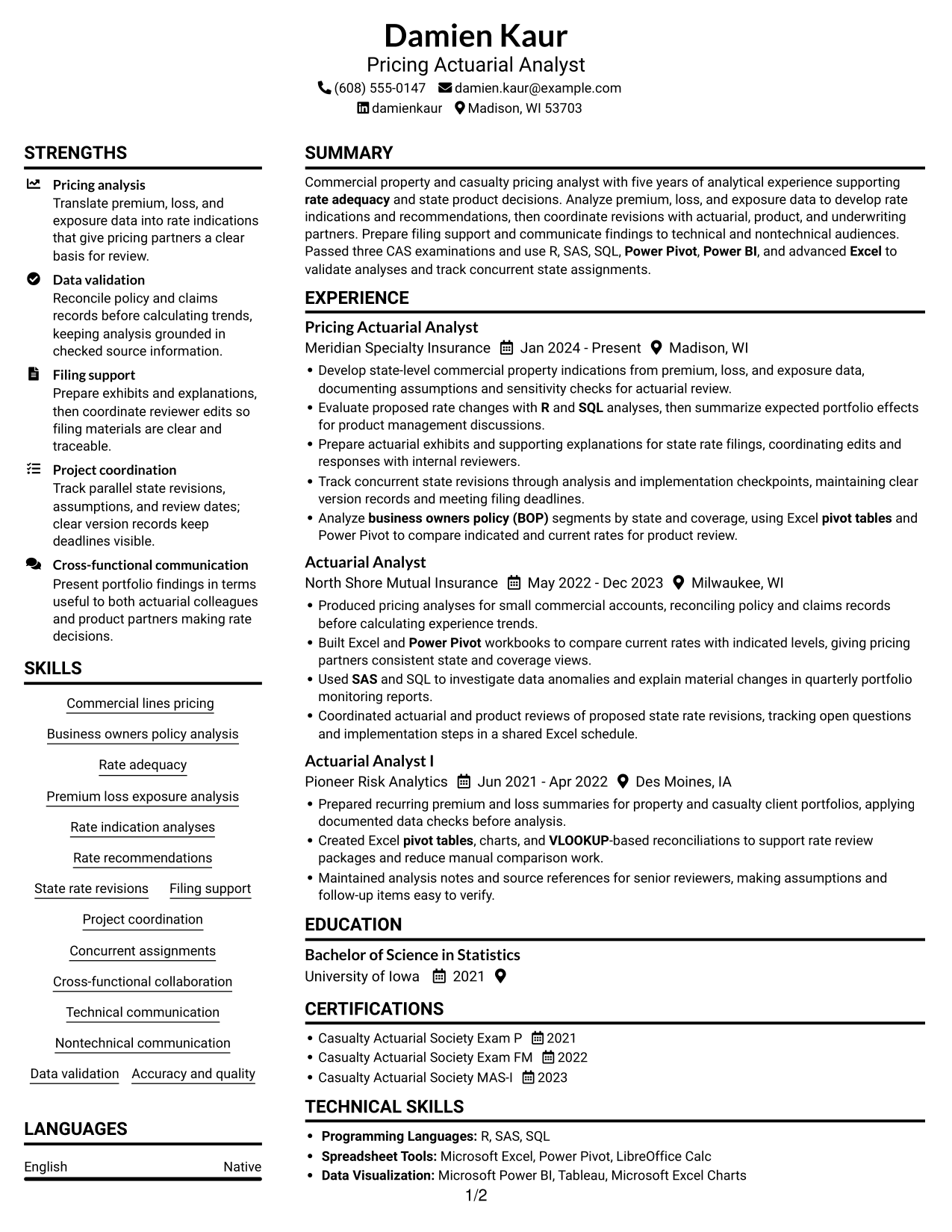
#1 Plain Two Column Format Resume Example
The Plain Two Column Format uses two body columns without a photo, giving resume sections room to sit side by side.

Resume Snapshot
- Five years of analytical experience in commercial property and casualty pricing
- Three Casualty Actuarial Society examinations passed
- Bachelor of Science in Statistics
- Tools include R, SAS, SQL, Power Pivot, Power BI, and Excel
Why This Format Works
- Separate columns distinguish career history from supporting sections for easier navigation.
- Reviewers can follow career progression while keeping education and credentials in view.
- Grouped skills and tools stay easy to locate during a focused review.
Best For
- Grouped resume sections
- Career histories with several roles
- Resumes balancing experience and credentials
- Quick section-based reviews
- Compact skills and education summaries
Resume Keywords
- Commercial lines pricing
- Business owners policy
- Rate adequacy
- Rate indication analyses
- Rate recommendations
- Excel
- VLOOKUP
- pivot tables
- Power Pivot
- R
- SAS
- SQL
- Power BI
- Project coordination
- Cross-functional collaboration
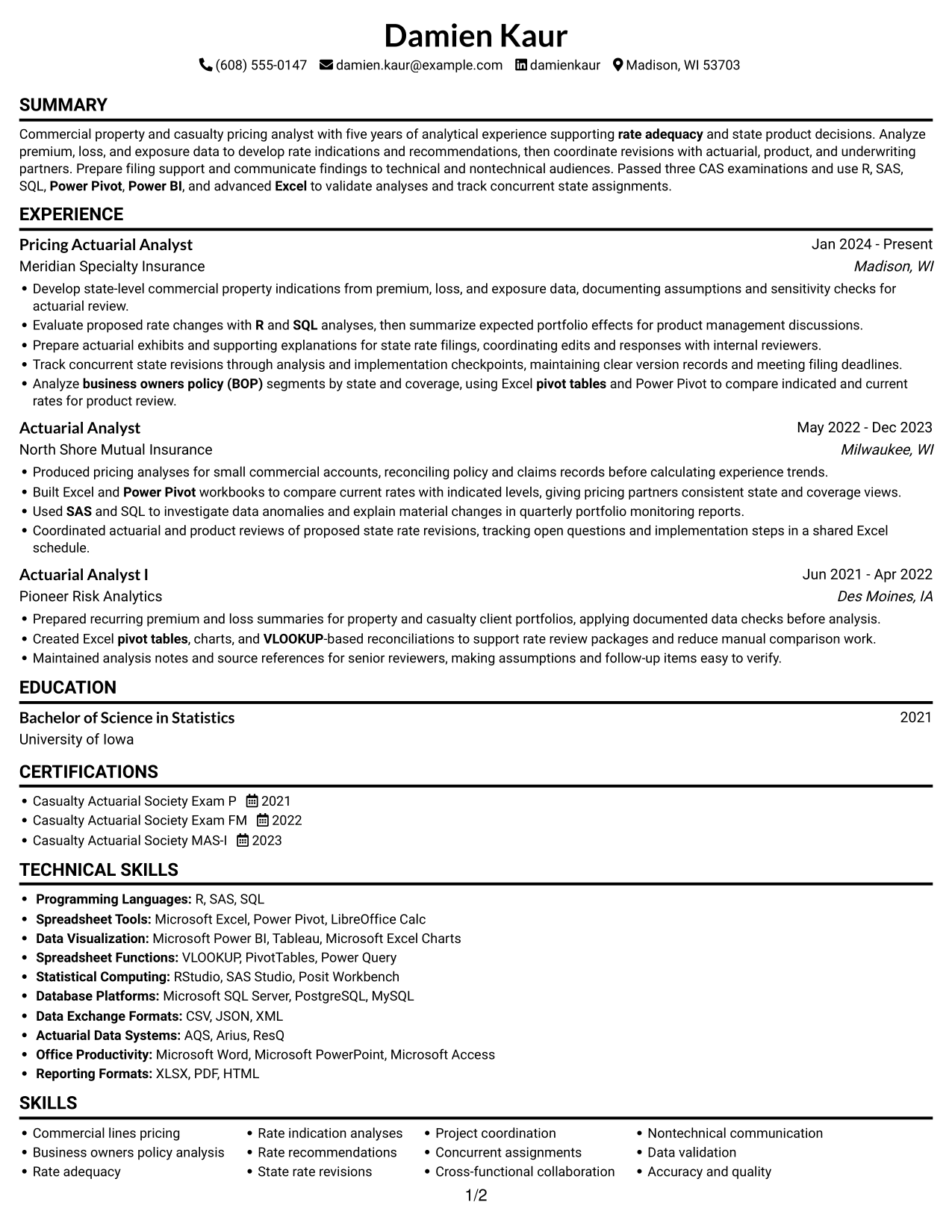
#2 Simple One Column Format Resume Example
The Simple One Column Format keeps the resume in one vertical reading path, making it easy to follow sections in sequence.

Why This Format Works
- One vertical path lets reviewers follow experience without shifting between columns.
- A consistent reading flow keeps education and credentials easy to locate.
- Skills and tools remain part of the same continuous resume sequence.
Best For
- Sequential section reading
- Text-first resume layouts
- Career timelines with several roles
- Traditional resume review
- Single-column document preferences
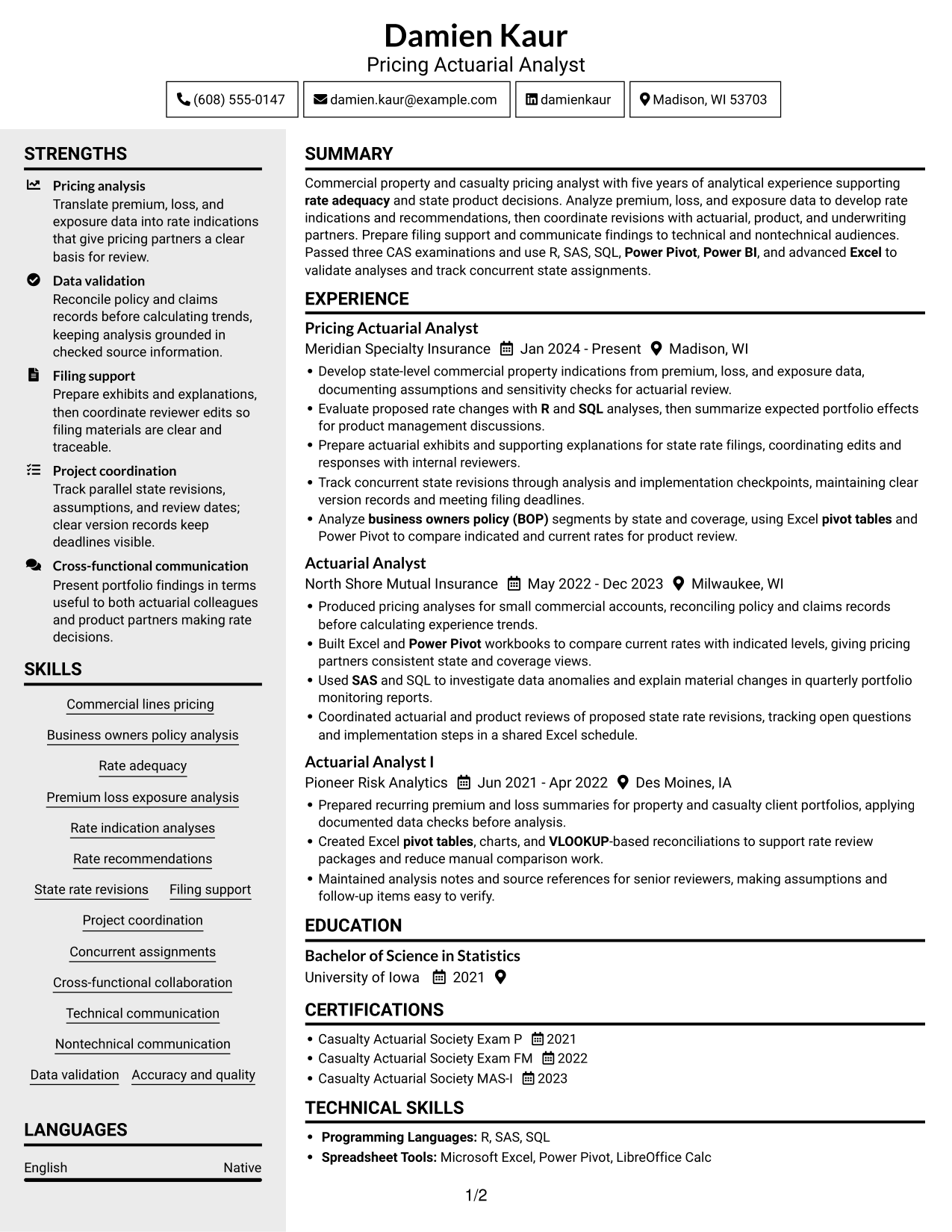
#3 Clean Two Column Sidebar Format Resume Example
The Clean Two Column Sidebar Format places resume content in two columns without a photo, helping readers move between grouped sections.

Why This Format Works
- Two distinct areas help reviewers locate experience and supporting sections efficiently.
- The reading order keeps career progression clear across successive roles.
- Education and credentials remain easy to find during a resume review.
Best For
- Grouped information areas
- Resumes with varied section types
- Readers comparing experience and qualifications
- Clear career-history navigation
- Concise supporting details
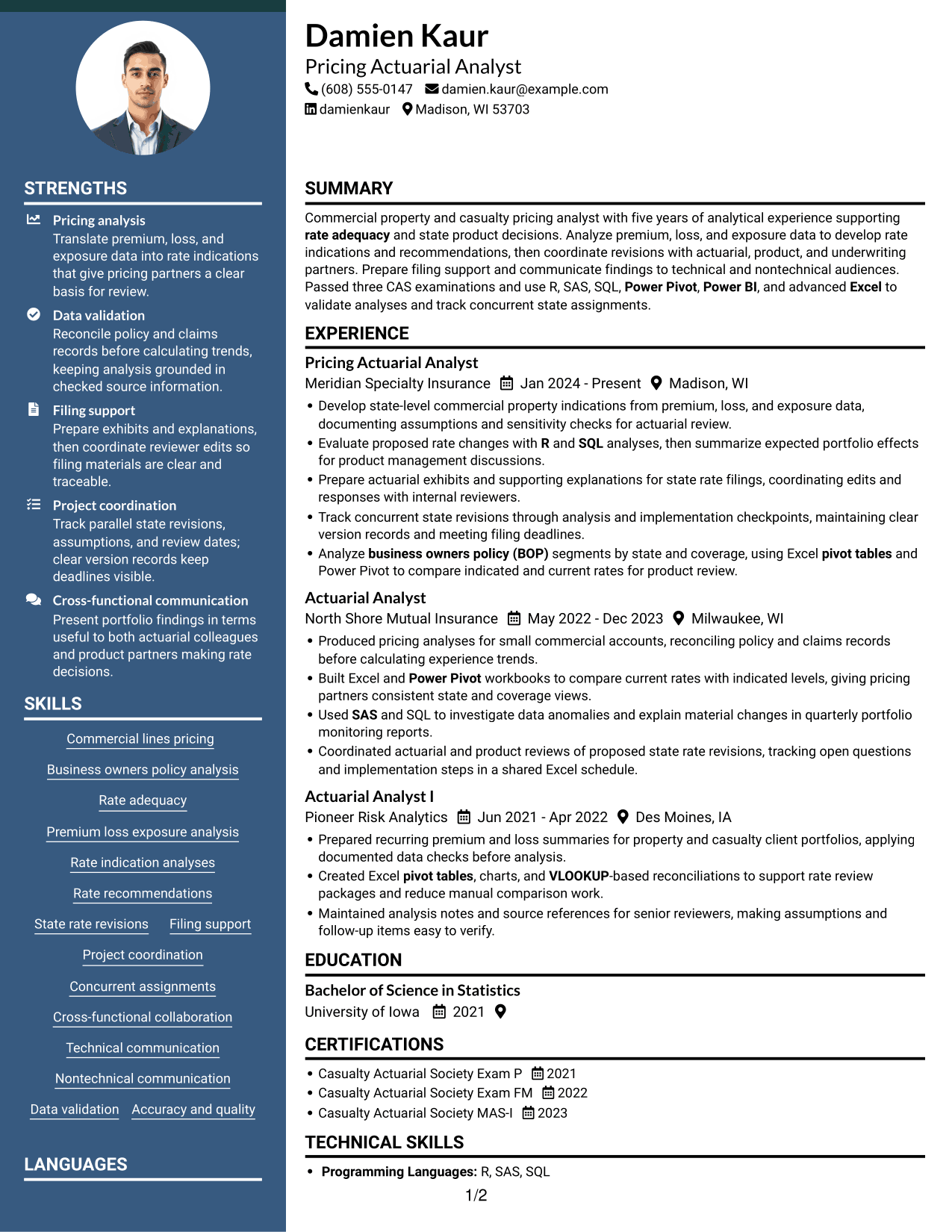
#4 Two Column Format Resume Example
The Two Column Format uses a two-column body without a photo, offering a side-by-side way to organize resume sections.

Why This Format Works
- Separate body columns give career history and supporting details distinct visual areas.
- A clear reading order helps reviewers trace career progression between roles.
- Grouped skills and education are easier to locate at a glance.
Best For
- Side-by-side section organization
- Resumes with several content areas
- Career histories paired with qualifications
- Fast section-level review
- Compact skills and education details
#5 Photo Header Two Column Format Resume Example
The Photo Header Two Column Format combines a portrait with a two-column resume body for readers who prefer a photo-inclusive layout.
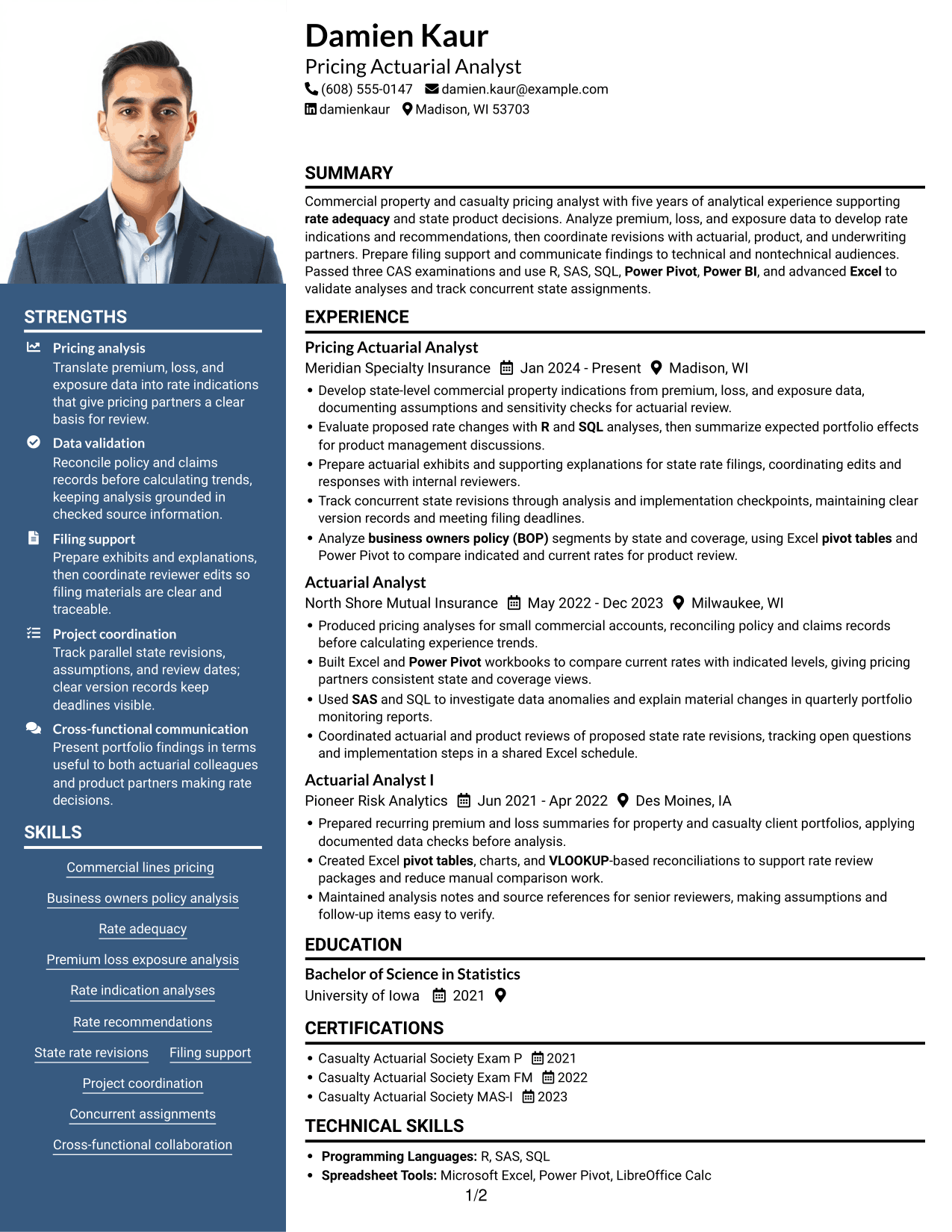

Why This Format Works
- Two body columns distinguish career history from supporting sections during review.
- The reading order helps reviewers follow career progression across roles.
- Grouped education and credentials remain easy to locate.
Best For
- Photo-inclusive resume presentation
- Two-column section organization
- Resumes with several distinct sections
- Career histories with supporting credentials
- Readers who prefer visual section separation
#6 Colored Two Column Format Resume Example
The Colored Two Column Format uses two body columns without a photo, combining grouped resume content with a color-based visual style.
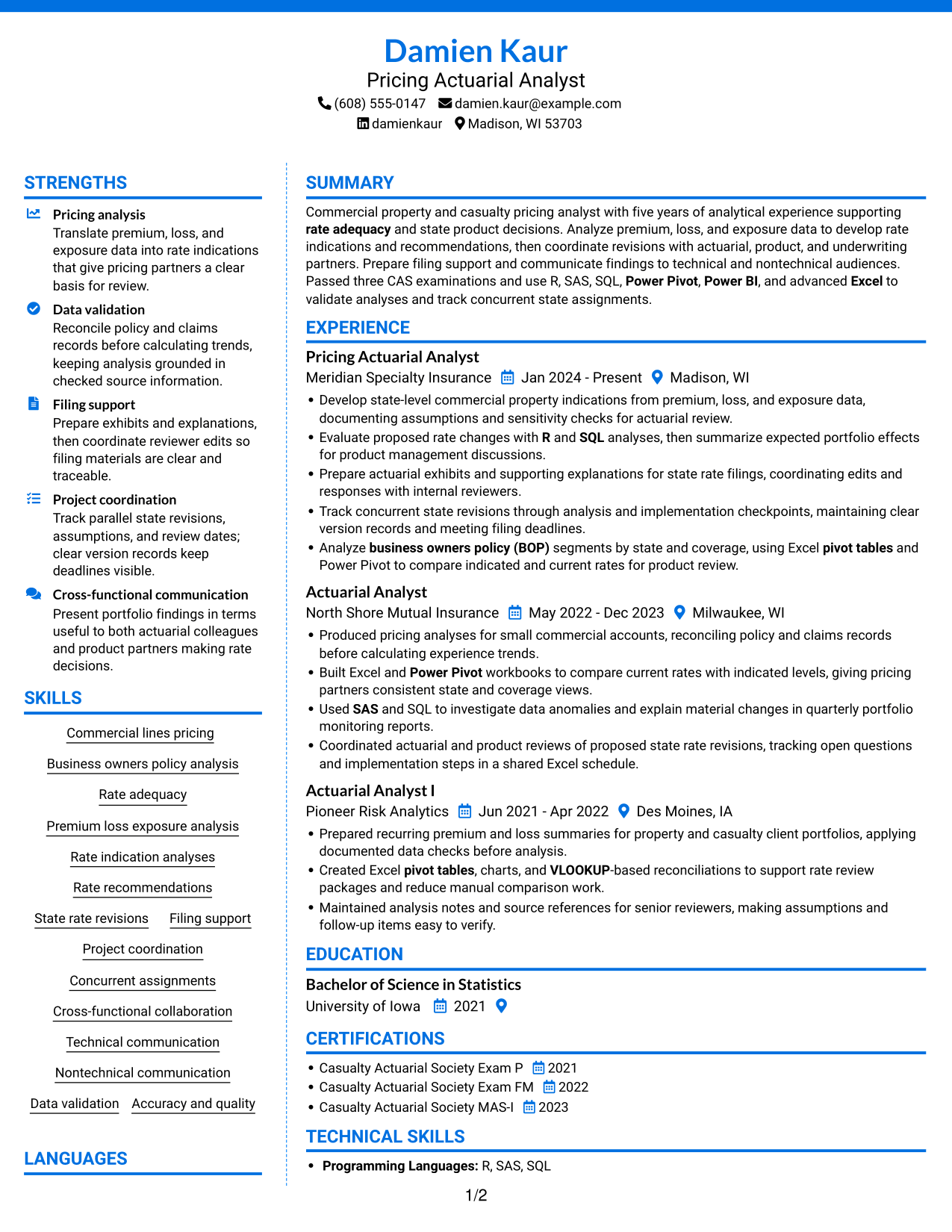

Why This Format Works
- The two-column structure separates experience from supporting sections for easier navigation.
- Reviewers can trace career progression while keeping other resume sections in view.
- Distinct content groups make skills and education easier to locate.
Best For
- Color-accented resume layouts
- Grouped experience and supporting details
- Resumes with varied section types
- Quick navigation between sections
- Two-column document preferences
#7 Stylish Two Column Designer Format Resume Example
The Stylish Two Column Designer Format uses two columns without a photo, offering a side-by-side layout for readers who prefer a designed resume.
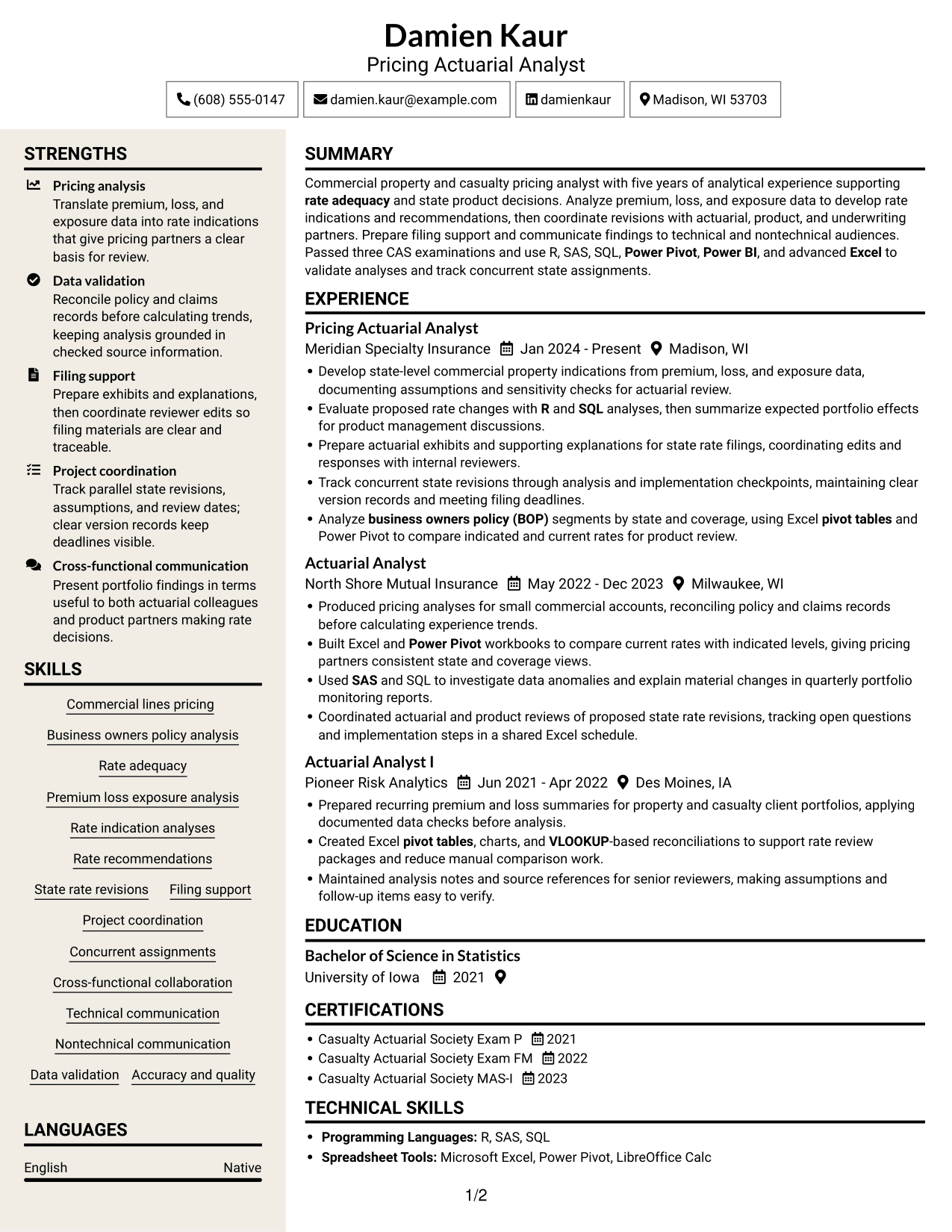

Why This Format Works
- Separate columns make it easier to distinguish career history from other sections.
- A clear reading path helps reviewers follow experience across successive roles.
- Grouped education and skills are easier to find during a focused review.
Best For
- Designed two-column resumes
- Clear separation between resume sections
- Career histories with supporting information
- Readers who prefer side-by-side content
- Concise skills and education sections
Why Build Your Mid-Level Pricing Actuarial Analyst - Commercial Lines BOP Resume with ResumeInMinutes
ResumeInMinutes gives you a clear way to present pricing analysis, technical skills, actuarial exams, and work history in a resume that readers can scan easily.
- Resume layouts to compare
- Clear, ATS-readable sections
- Role-specific keyword guidance
- Organized skills and experience
- PNG image previews
- Options to view or customize in the editor
Use the examples to present rate analysis, filing support, and cross-functional work in a way that is easy to follow. Keep each section accurate and focused on evidence that relates to the target role.
See Also
- 33 Associate Actuarial Data Analyst, Reserving Resume Templates with Example 2026 (ATS-Optimized)
- 7 Indirect Channel Pricing & Contracts Analyst Resume Templates with Example
- 7 Pricing Analyst Resume Templates with Example
- 7 Senior Analyst - Pricing Optimization Resume Templates with Example
- 33 Senior Pricing Analyst Resume Templates with Example 2026 (ATS-Optimized)
- 33 Data Analyst (Entry / Mid-Level) Resume Templates with Example 2026 (ATS-Optimized)
- 7 Mid-Level Manufacturing Operations Analyst - Inventory and Tool Control Resume Templates with Example
- 33 Commercial Analyst Resume Templates with Example 2026 (ATS-Optimized)
- 7 Mid-Level Pricing Actuarial Analyst - Commercial Lines BOP Cover Letter Templates with Example
- 30+ Associate Actuarial Data Analyst, Reserving Cover Letter Templates with Example 2026
Frequently Asked Questions
Are these Mid-Level Pricing Actuarial Analyst - Commercial Lines BOP resume templates ATS-friendly?
The examples use clear sections and readable headings. Add relevant terms such as BOP, rate adequacy, rate indications, and your actual tools to help connect your experience to the role.
Does this guide show one resume in different layouts?
Yes. It presents one resume example in different layouts, so you can compare how the same information can be organized.
What should this resume include?
Include a focused summary, relevant experience, education, passed actuarial exams, and skills. Use bullets to explain pricing work, state rate revisions, data checks, and filing support.
Which resume layout works well for this role?
A simple layout with clear section headings is often a practical choice. It helps readers scan your experience and supports reliable ATS reading.
Which skills and tools should I highlight?
Include skills you can support with experience, such as commercial lines pricing, BOP analysis, rate adequacy, premium and loss analysis, and state rate revisions. List tools you have used, such as Excel, R, SAS, SQL, Power Pivot, or Power BI.
Can I review the examples before opening them in the editor?
Yes. Use the PNG image previews to compare the resume layouts, then follow an editor link to view or customize an example.




