
7 ML Engineering Intern - AI Platform Cover Letter Templates with Example
This practical guide helps you write an ML Engineering Intern - AI Platform cover letter and compare seven layouts to see how a focused letter can present your fit for the role.
What Makes a Great ML Engineering Intern - AI Platform Cover Letter in 2026
A strong letter connects your interest in AI platforms for research teams with clear evidence from relevant ML platform work. Give the opening, body, and closing distinct purposes, and explain why this internship fits your goals.
Use specific examples, such as building Python data pipelines or testing model-serving components, to show how you work. Then link that evidence to the employer’s platform needs and its focus on accuracy, confidentiality, and responsible AI use.
The featured example moves from role-specific motivation to platform project evidence, collaborative practices, and a clear closing. Adapt that focused progression to your own experience, and choose a presentation that suits the employer and communication context.
#1 Simple One Column Format Cover Letter Example
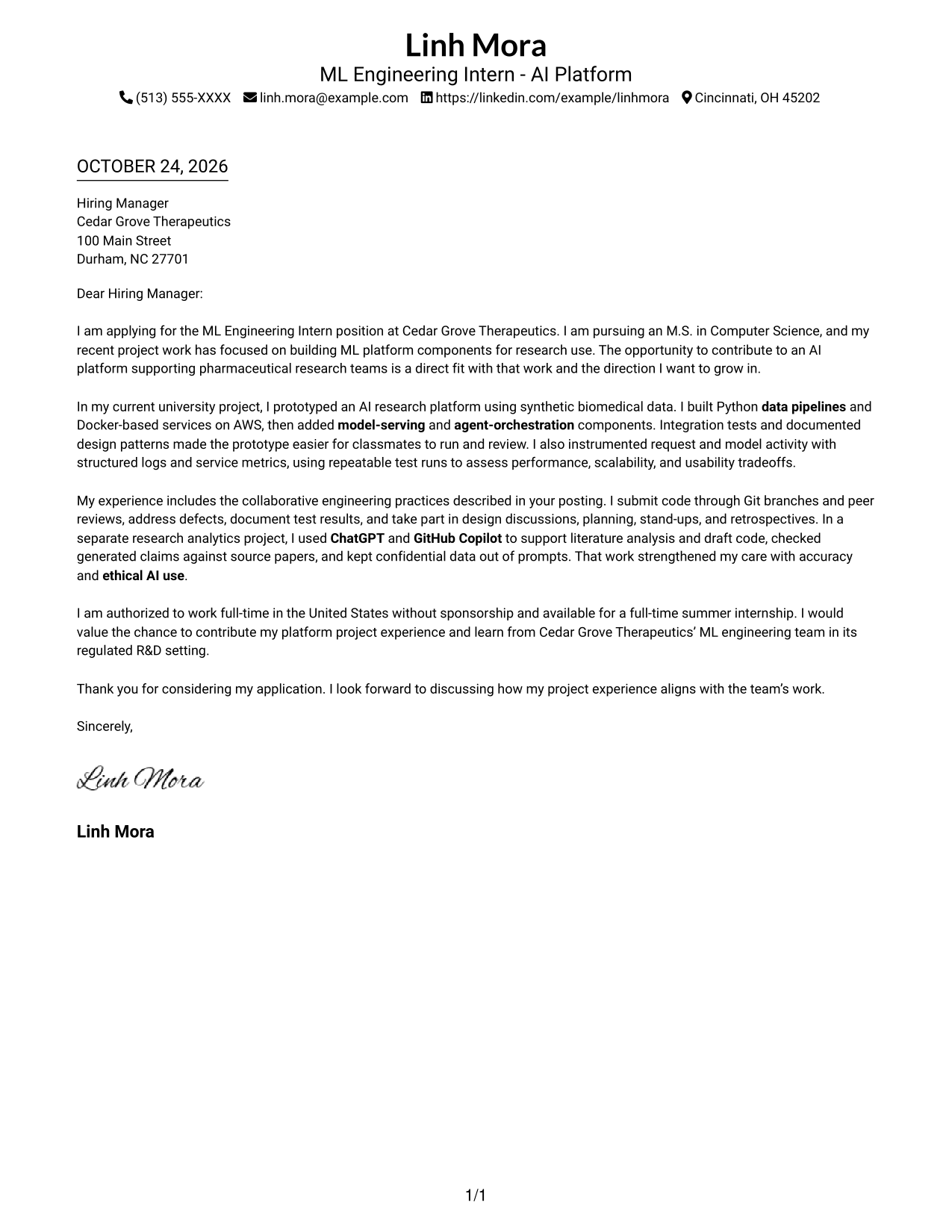
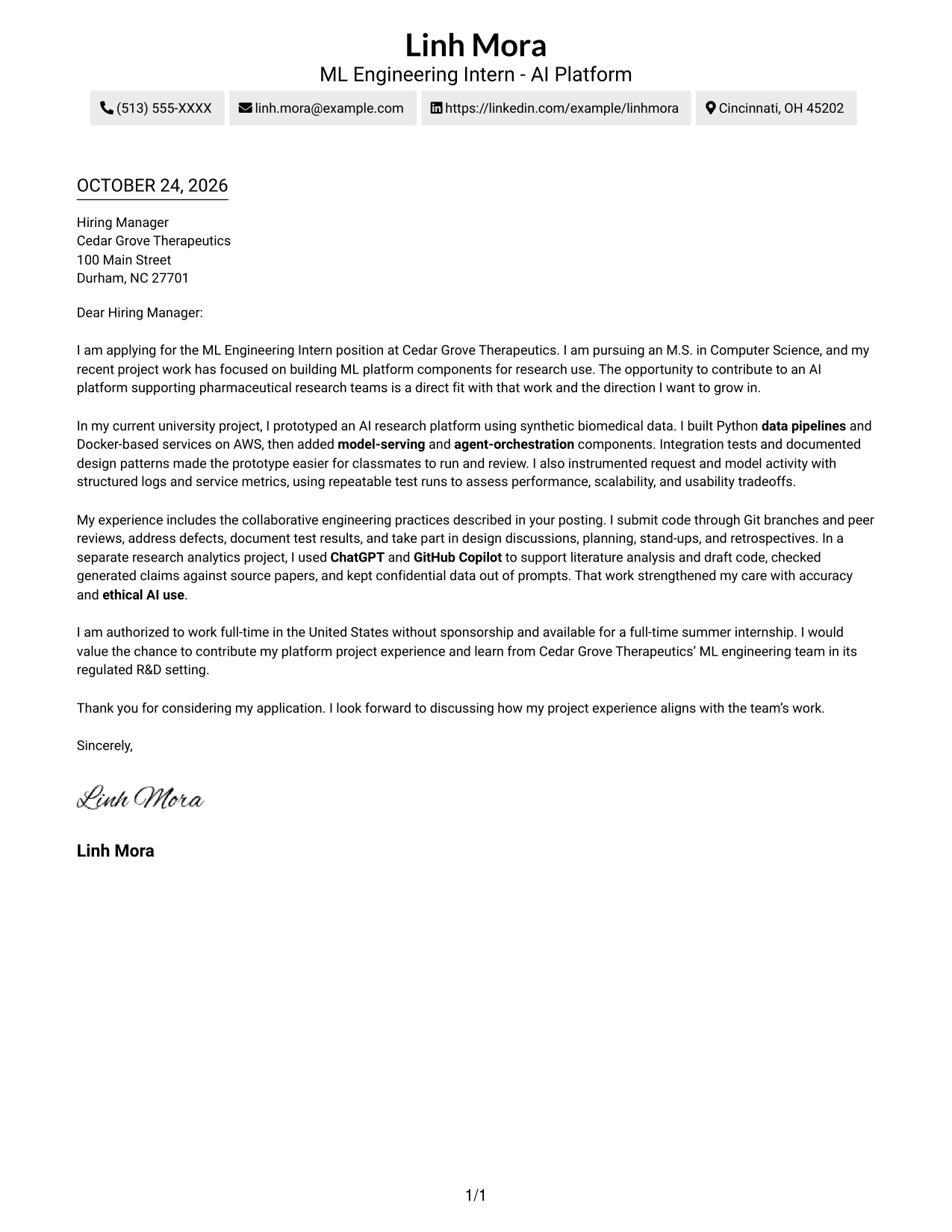
The Simple One Column Format keeps sender details in the header and the letter in one reading column, a practical choice for a direct, uninterrupted message.
Why This Format Works
- Header-based sender details give reviewers a clear place to find contact information.
- One uninterrupted letter body carries the opening, project evidence, and closing in sequence.
- With no photo, the page gives its visual space to the written message.
Best For
- Single-column letter reading
- Header-based contact details
- Direct application messages
- Project evidence in prose
- Photo-free correspondence
#2 Two Column Format Cover Letter Example
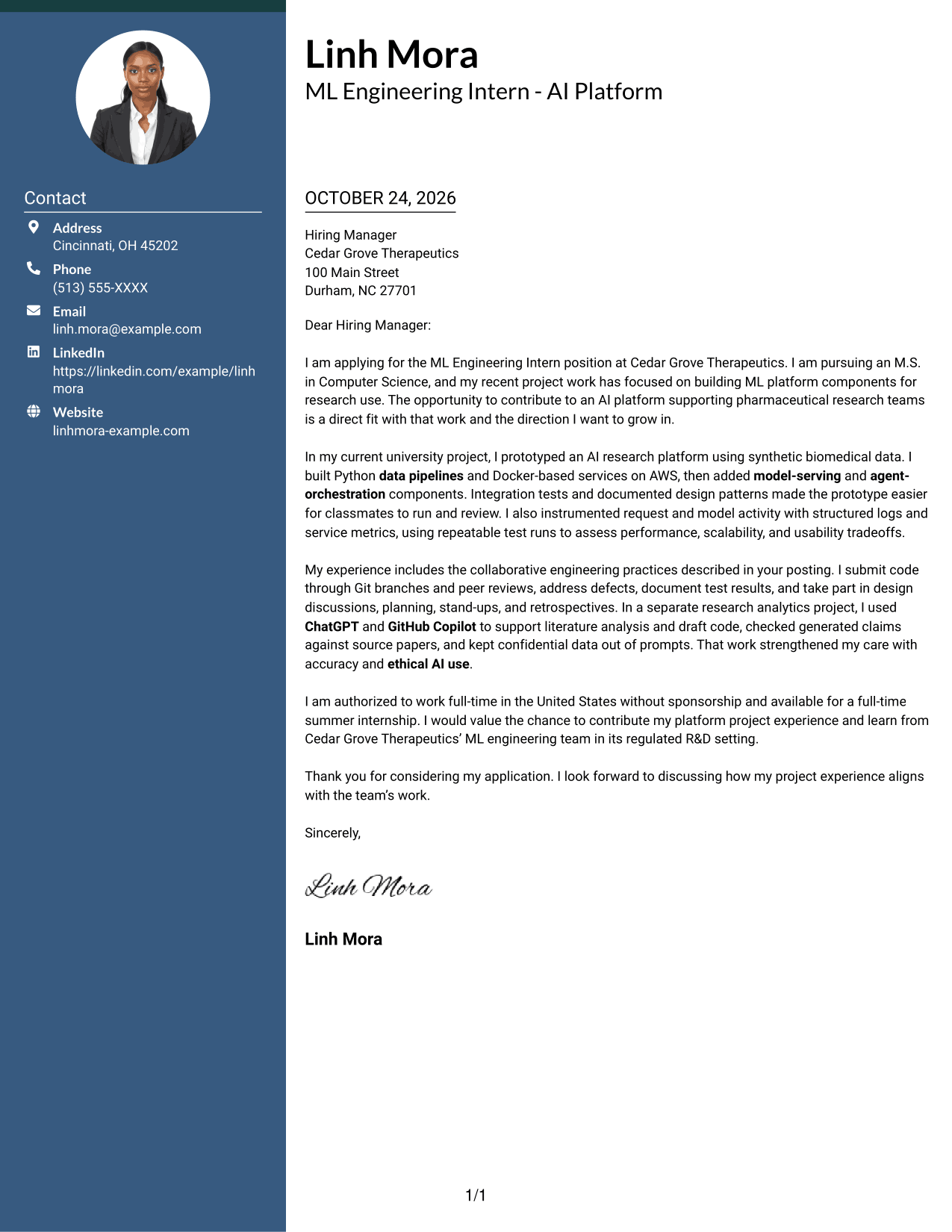
The Two Column Format places contact details in a sidebar beside one continuous letter body, making sender information easy to find without dividing the message.
Why This Format Works
- Contact details stay apart from the letter, so reviewers can locate them quickly.
- Opening, project evidence, and closing remain together in one continuous body.
- Leaving out a portrait keeps the presentation focused on written communication.
Best For
- Sidebar contact access
- Continuous letter arguments
- Several linked evidence paragraphs
- Applications with a focused written case
- Readers who check sender details first
#3 Photo Header Two Column Format Cover Letter Example
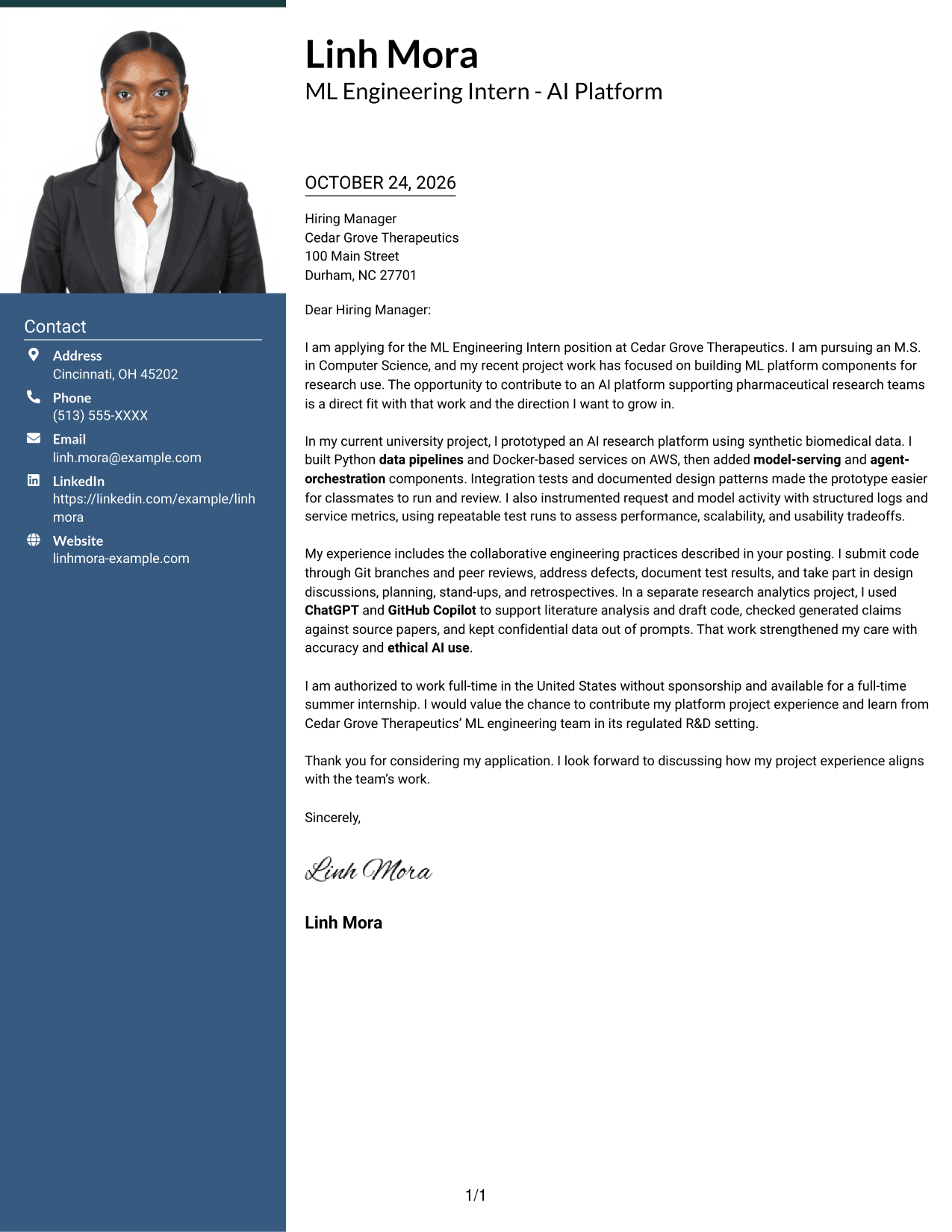
The Photo Header Two Column Format places a portrait in the header and contact details beside one continuous letter body, adding a personal visual element without dividing the message.
Why This Format Works
- The header portrait adds a personal visual cue without breaking up the written message.
- Contact details sit in a sidebar, apart from the message itself.
- One continuous body preserves the sequence from motivation through supporting evidence and close.
Best For
- Portrait in the letter header
- Sidebar contact access
- Research internship applications
- Several supporting body paragraphs
- Continuous written arguments
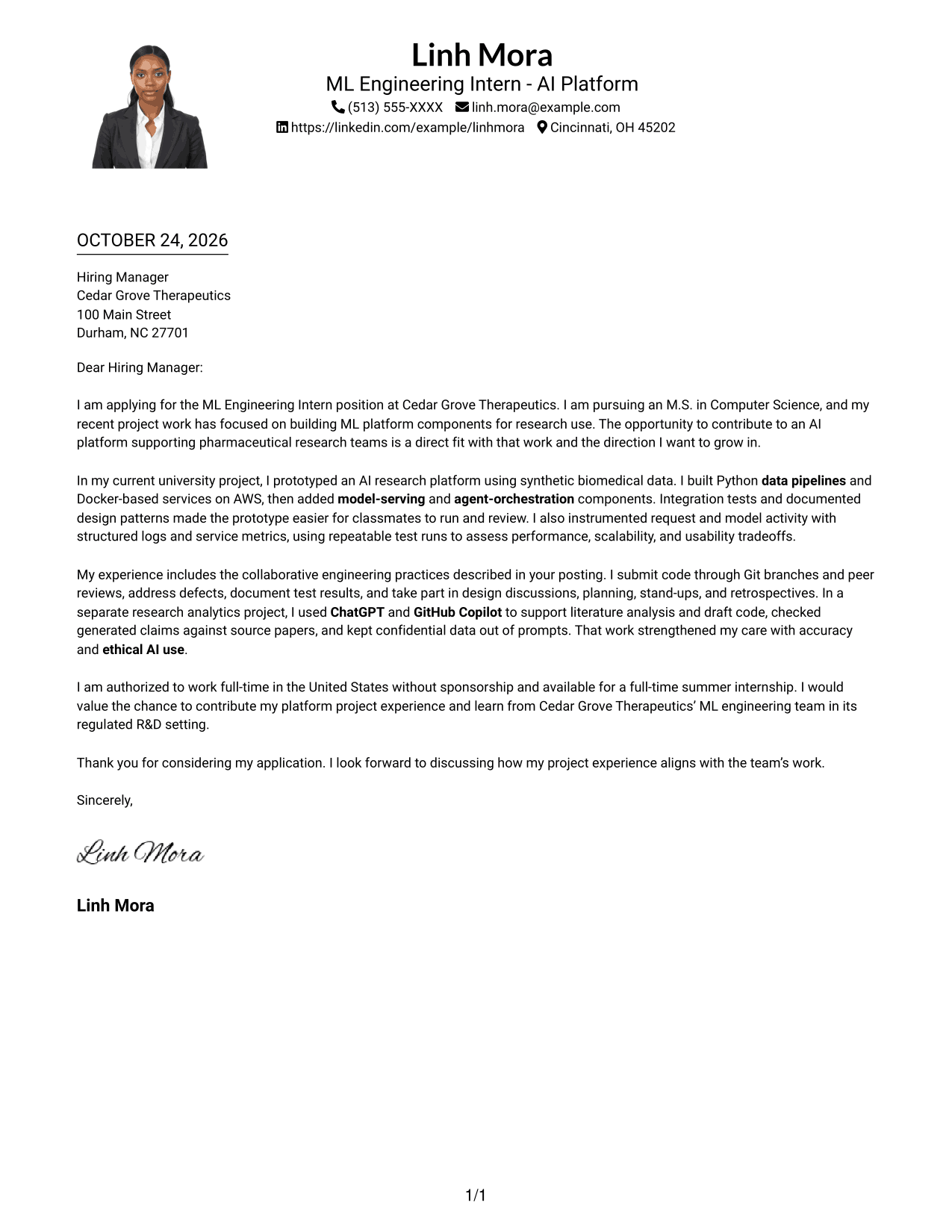
#4 One Column Format with Photo Cover Letter Example
The One Column Format with Photo keeps the sender details and letter in one reading column alongside a photo, suited to readers who want a personal image with a direct message.
Why This Format Works
- Sender details stay in the header, separate from the letter paragraphs.
- Single-column reading carries motivation, evidence, and closing in a familiar sequence.
- The photo offers a personal visual touch while the letter remains the focus.
Best For
- Single-column correspondence
- Letters with a personal photo
- Header-based contact details
- Several connected body paragraphs
- Direct written applications
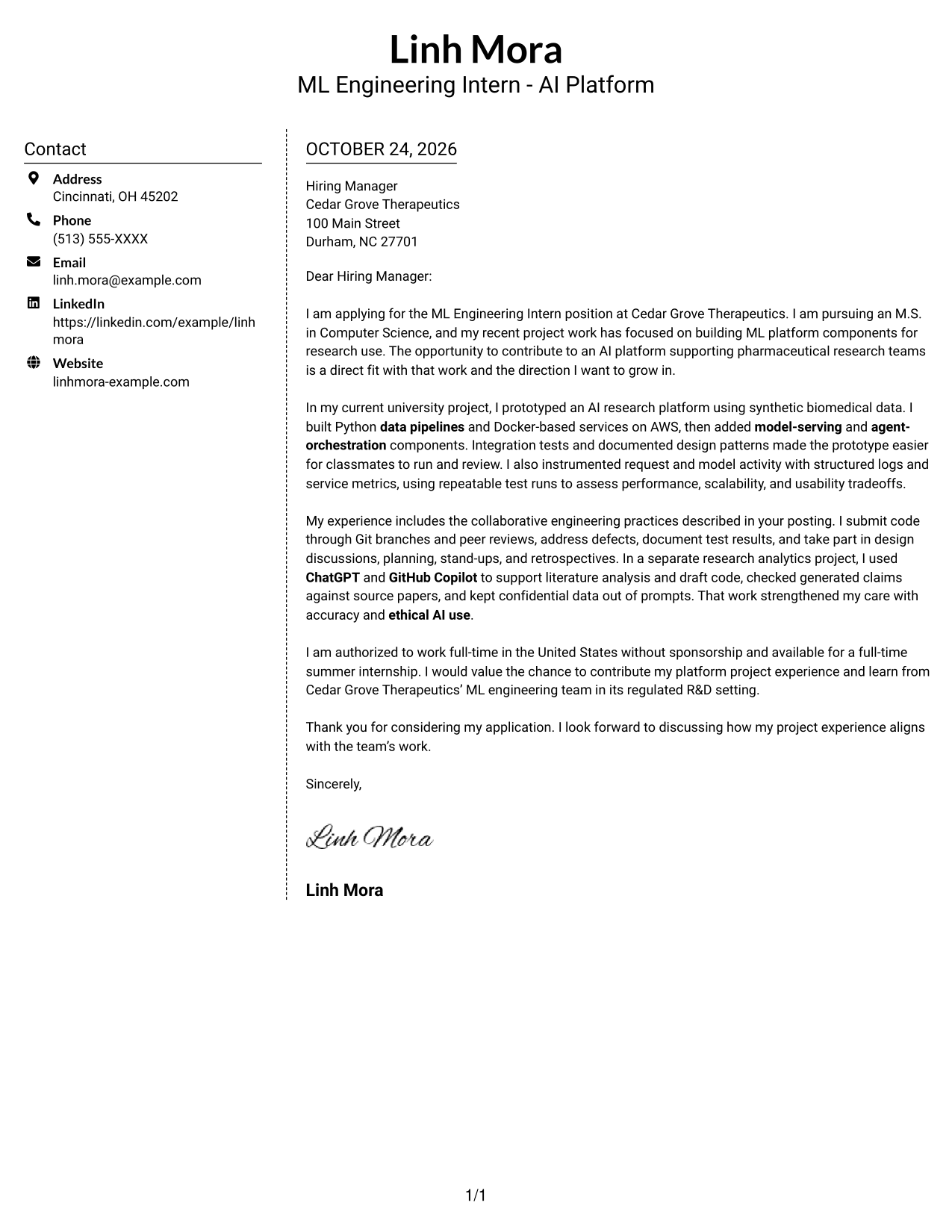
#5 Simple Two Column Format Cover Letter Example
The Simple Two Column Format places contact details in a sidebar beside one continuous letter body, keeping sender information distinct from the message.
Why This Format Works
- Sidebar contact details are easy to locate without interrupting the letter.
- A continuous body lets the reader follow the argument from opening to close.
- Without a portrait, the page keeps attention on the written application.
Best For
- Contact details outside the message
- One continuous letter body
- Applications with paragraph-based evidence
- Readers who prefer a clear reading order
- Photo-free correspondence
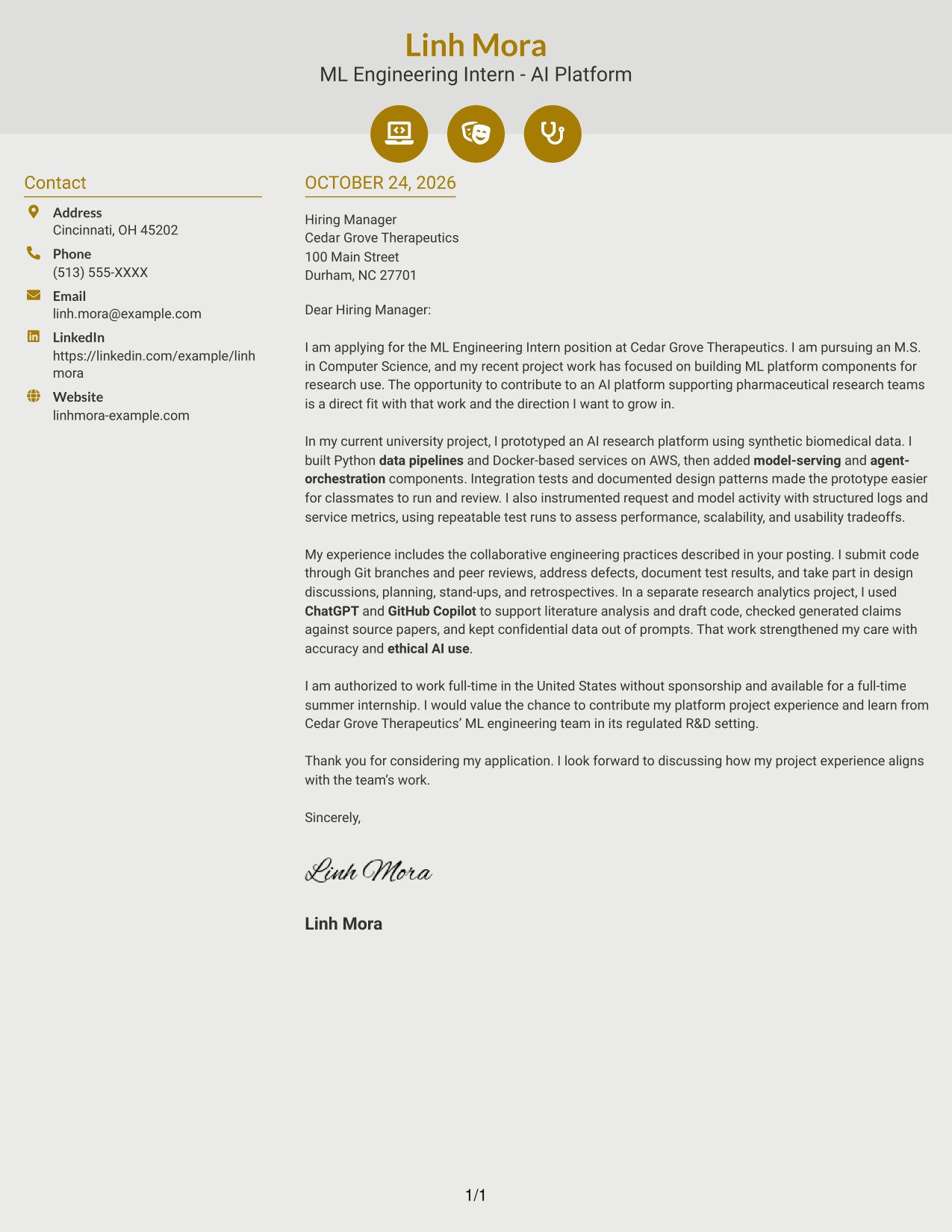
#6 Modern Icon Format Cover Letter Example
The Modern Icon Format uses visual cues for contact details in a two-column layout, while the letter itself remains one continuous body.
Why This Format Works
- Icons mark contact details, giving those entries a clear visual cue.
- Sidebar placement keeps sender information outside the continuous message.
- Uninterrupted paragraphs connect the opening, project evidence, and closing.
Best For
- Icon-marked contact information
- Sidebar contact navigation
- Letters with connected paragraphs
- Readers who value visual contact cues
- Photo-free applications
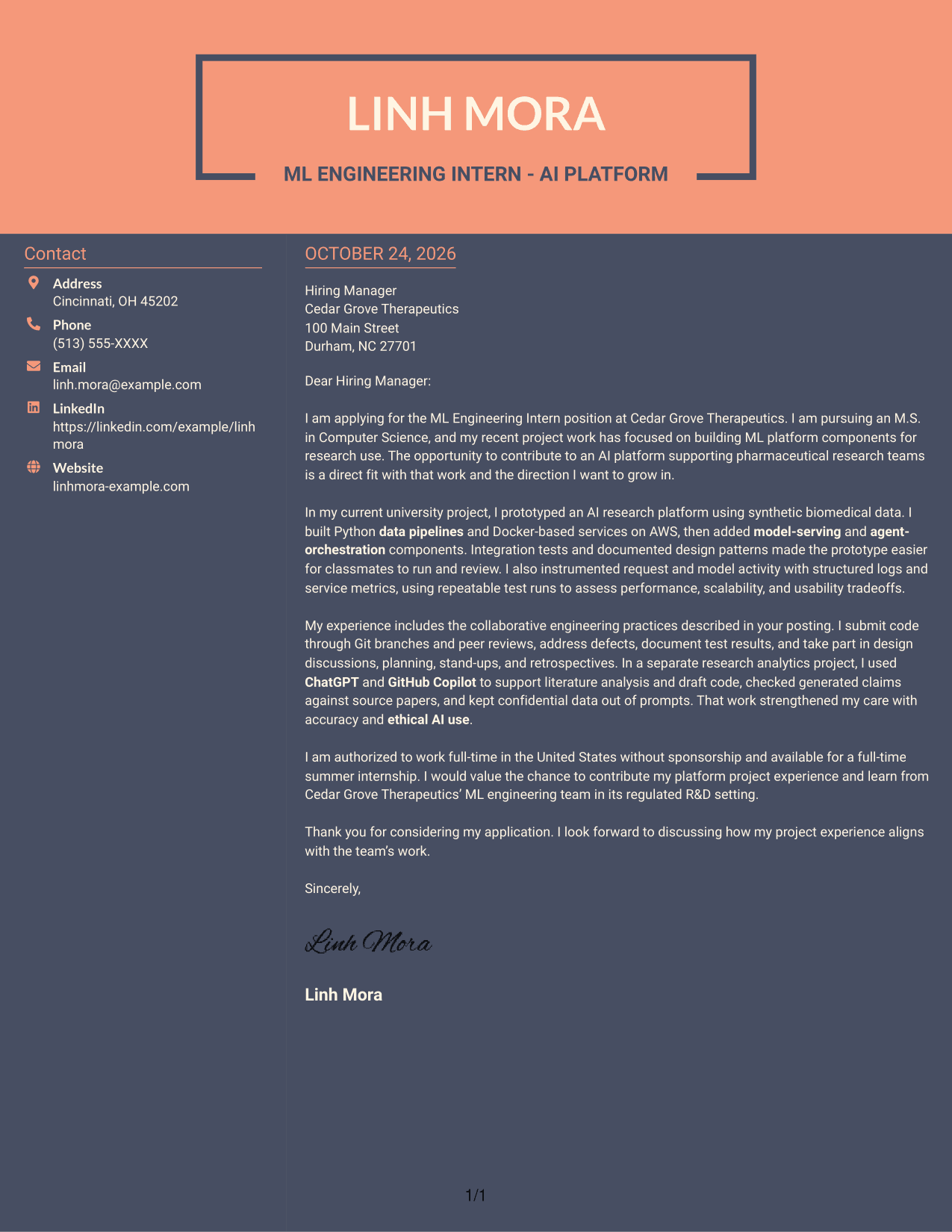
#7 Creative Two Tone Format Cover Letter Example
The Creative Two Tone Format places sender details in a contact sidebar beside one uninterrupted letter body, creating a clear division between contact information and the message.
Why This Format Works
- The sidebar gives contact information a separate place beside the letter.
- The continuous body keeps motivation, supporting evidence, and closing in reading order.
- The photo-free presentation leaves the written case as the page's visual focus.
Best For
- Sidebar-based contact details
- Letters with an uninterrupted argument
- Applications with several evidence paragraphs
- Readers who prefer contact details apart
- Photo-free correspondence
See Also
- 7 Full Stack Data Scientist - AI/ML Platform Engineering Resume Templates with Example
- 7 ML Engineering Intern - AI Platform Resume Templates with Example
- 33 Director of AI & ML Engineering Resume Templates with Example 2026 (ATS-Optimized)
- 33 Director of Applied AI & ML Engineering Resume Templates with Example 2026 (ATS-Optimized)
- 7 Manager, Product Management - AI/ML & Data Platforms Resume Templates with Example
- 33 Product Manager, Data Science Platform (AI/ML) Resume Templates with Example 2026
- 33 Software Engineer, ML Platform Internship Resume Templates with Example 2026 (ATS-Optimized)
- 7 Engineering Manager - AI Developer Platforms Resume Templates with Example
- 7 Full Stack Data Scientist - AI/ML Platform Engineering Cover Letter Templates with Example
- 30+ Director of AI & ML Engineering Cover Letter Templates with Example 2026
Frequently Asked Questions
What should an ML Engineering Intern - AI Platform cover letter include?
Explain your interest in the role, then support your fit with relevant examples. You might discuss platform components, testing, documentation, teamwork, or careful use of AI tools when those details match your experience.
Does this guide show separate cover letters?
It presents one ML Engineering Intern - AI Platform cover letter example in different visual layouts. Use the preview images to compare the presentations, then open an example in the editor to customize it.
How can I show relevant AI platform experience in my letter?
Choose a specific example and describe your contribution in plain terms. For instance, explain how you used Python, Docker, or AWS in a data pipeline or model-serving prototype, if those tools are part of your experience.
How can I explain responsible use of AI tools?
Describe how you checked generated information against reliable sources, protected confidential data, and considered accuracy and ethical use. Include only practices you have followed yourself.
Which cover letter layout should I choose?
Choose a clear layout that makes your opening, supporting examples, and closing easy to follow. Consider the employer and the communication context, then use the image previews to compare options.




