
7 Mobile Equipment Operator - Rail Yard Material Handling Cover Letter Templates with Example
This practical guide to a Mobile Equipment Operator - Rail Yard Material Handling cover letter presents seven layouts to help you explain your fit with clear, role-focused communication.
What Makes a Great Mobile Equipment Operator - Rail Yard Material Handling Cover Letter in 2026
A strong letter connects your interest in the role with safe rail-yard work, equipment operation, and reliable material handling. Open with a clear statement of fit, then use the body to show how you communicate and work around active equipment.
Use specific examples, such as railcar positioning, hand signals and radio calls, load checks, or Trackmobile support, when they reflect your experience. Link that evidence to the employer’s needs and explain your interest in its ground-crew work and equipment training opportunities.
The featured example moves from interest in the role to current and earlier work, then closes with a clear connection to the employer. Adapt this focused progression and choose a presentation that suits the employer and the communication context.
#1 Simple One Column Format Cover Letter Example
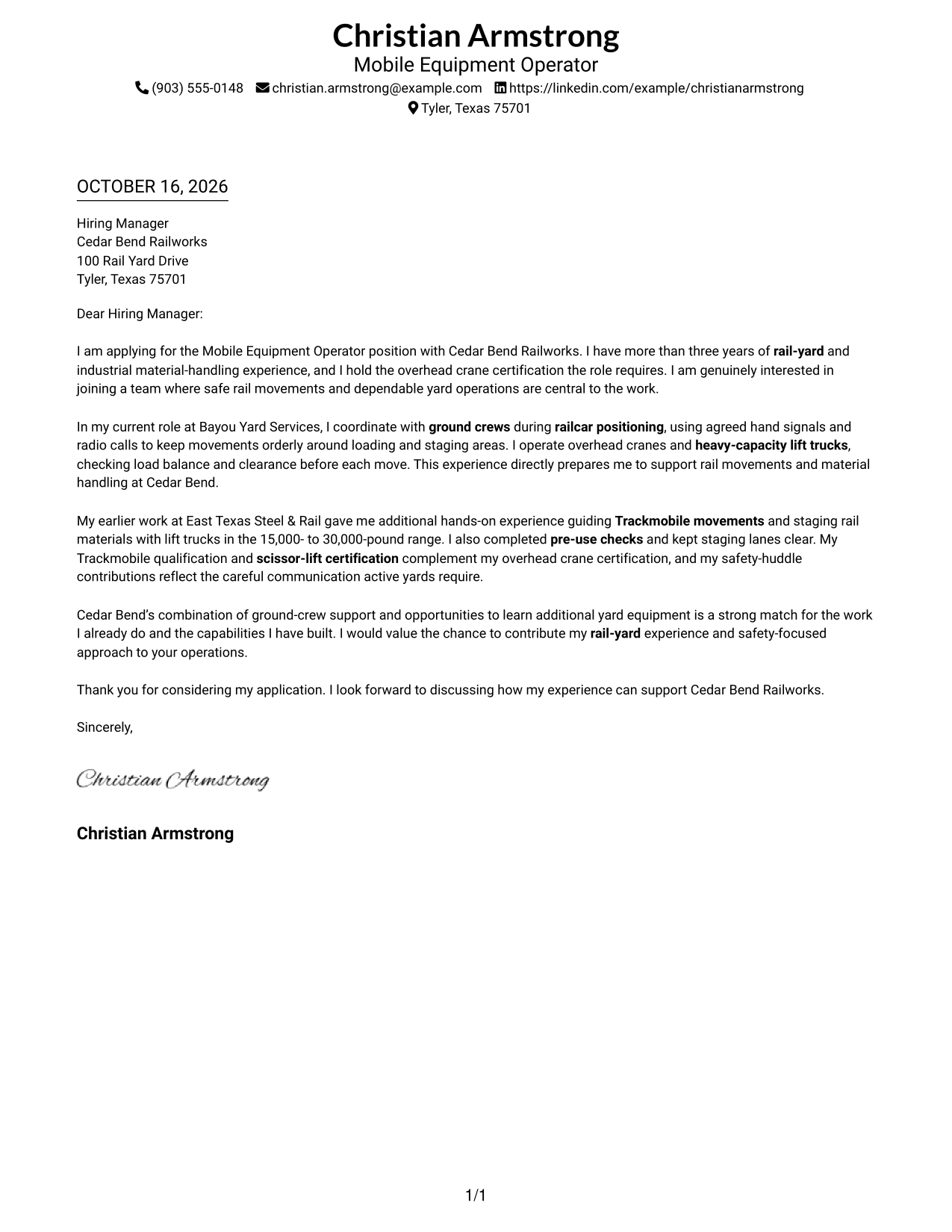
A single-column layout keeps sender details and the letter body in one reading path, a practical choice for a straightforward, text-first presentation.
Why This Format Works
- Sender details and the letter share one column, keeping contact information close at hand.
- Opening, evidence, and closing remain in a single reading path for reviewers.
- With no photo, attention stays on the written message.
Best For
- Single-column reading preference
- Text-first letter presentation
- Contact details in the header
- One continuous persuasive message
- Letters without a portrait
#2 Two Column Format Cover Letter Example
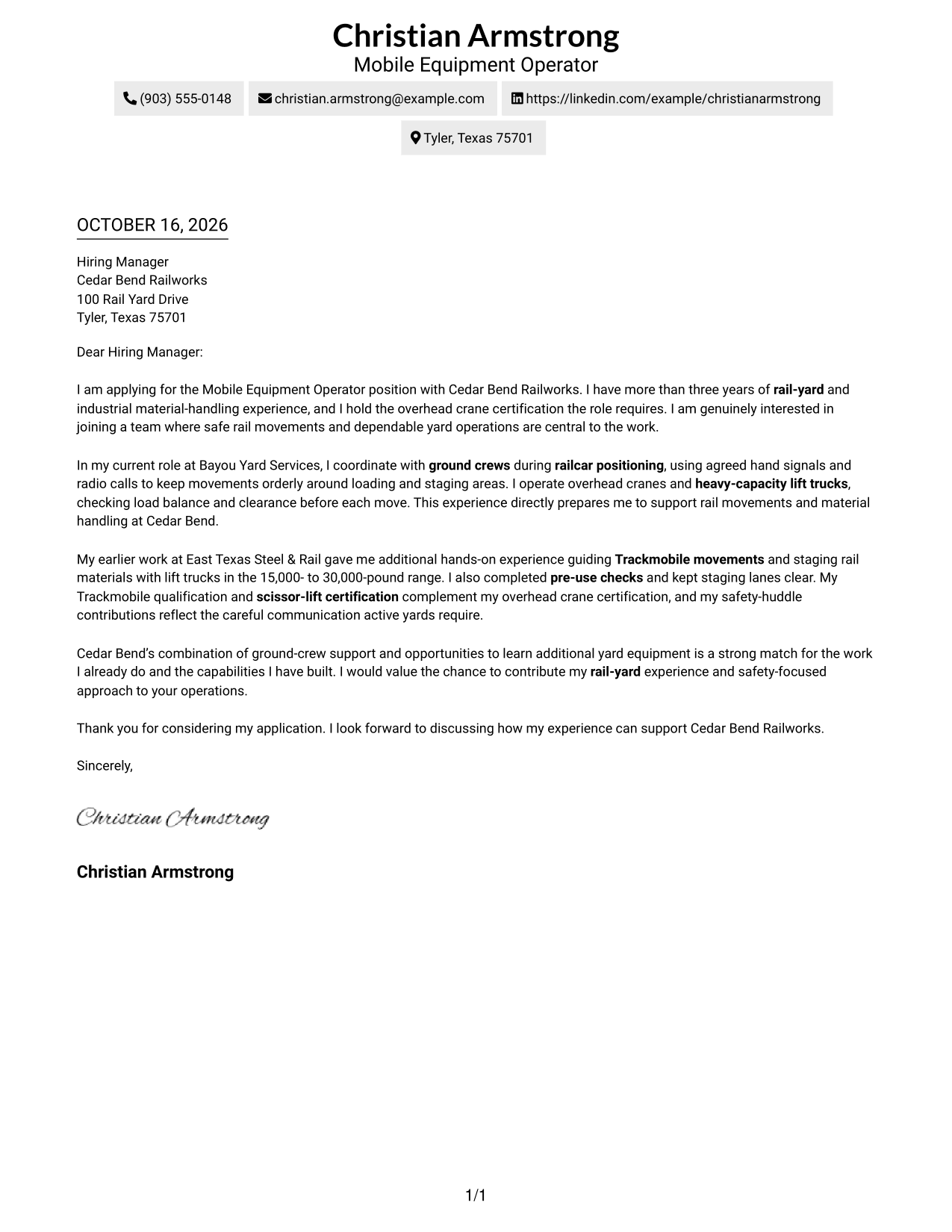
A contact sidebar sits beside one continuous letter body, a practical arrangement for keeping contact details distinct from the message.
Why This Format Works
- The sidebar makes sender details easy to find without interrupting the letter.
- One-column paragraphs preserve the sequence from motivation and evidence through the close.
- Separate placement keeps contact information apart from the persuasive message.
Best For
- Contact sidebar preference
- Continuous letter paragraphs
- Quick access to sender details
- Letters with several evidence paragraphs
- No-photo presentation
#3 Photo Header Two Column Format Cover Letter Example
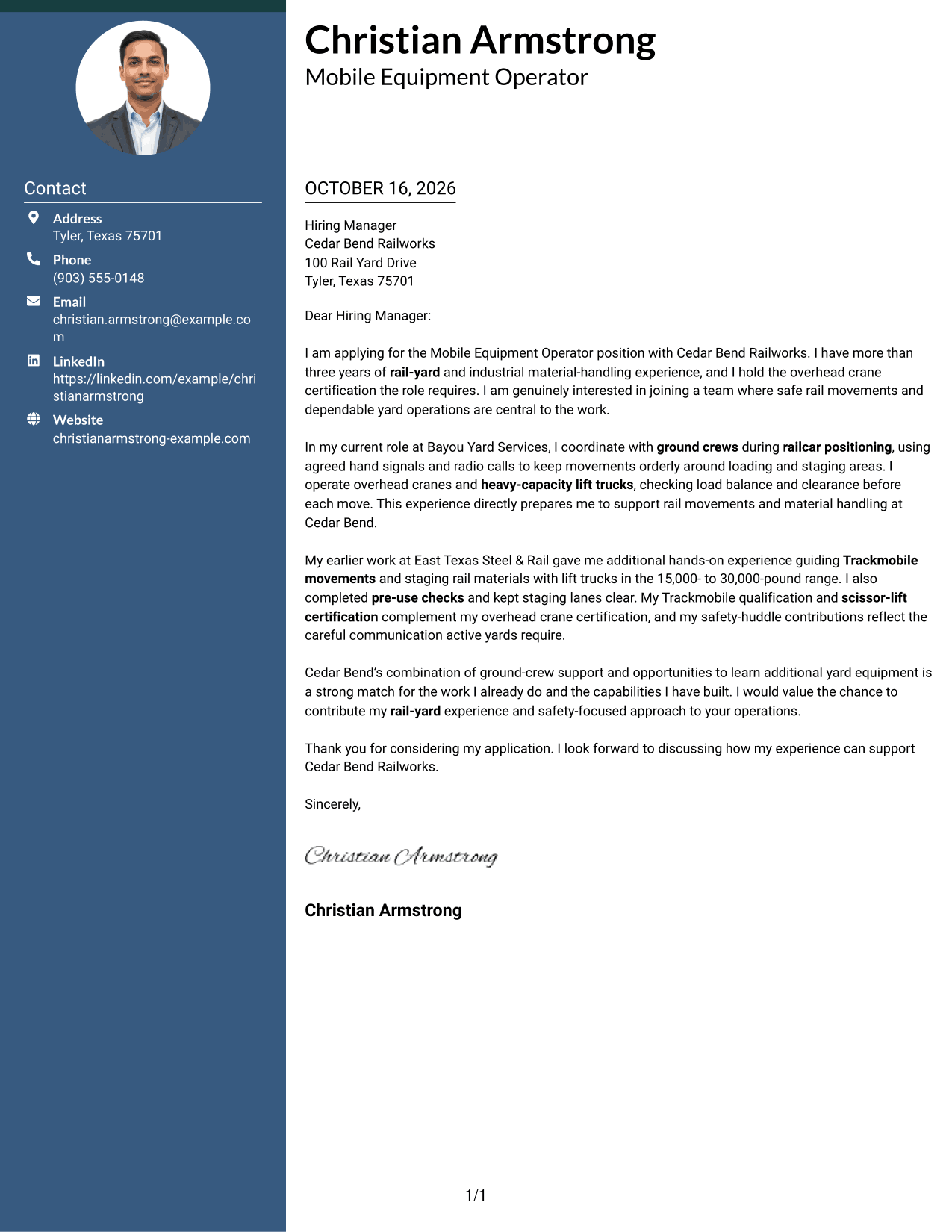
A photo header adds a portrait to the two-column layout, a useful choice when a photo is part of the preferred presentation.
Why This Format Works
- The contact sidebar keeps sender details apart from the letter’s main message.
- The letter stays in one column, preserving its opening-to-close sequence.
- A portrait offers a clear visual choice without dividing the letter body.
Best For
- Portrait in the header
- Contact sidebar preference
- Continuous letter body
- Photo-inclusive correspondence
- Clear separation of contact details
#4 One Column Format with Photo Cover Letter Example
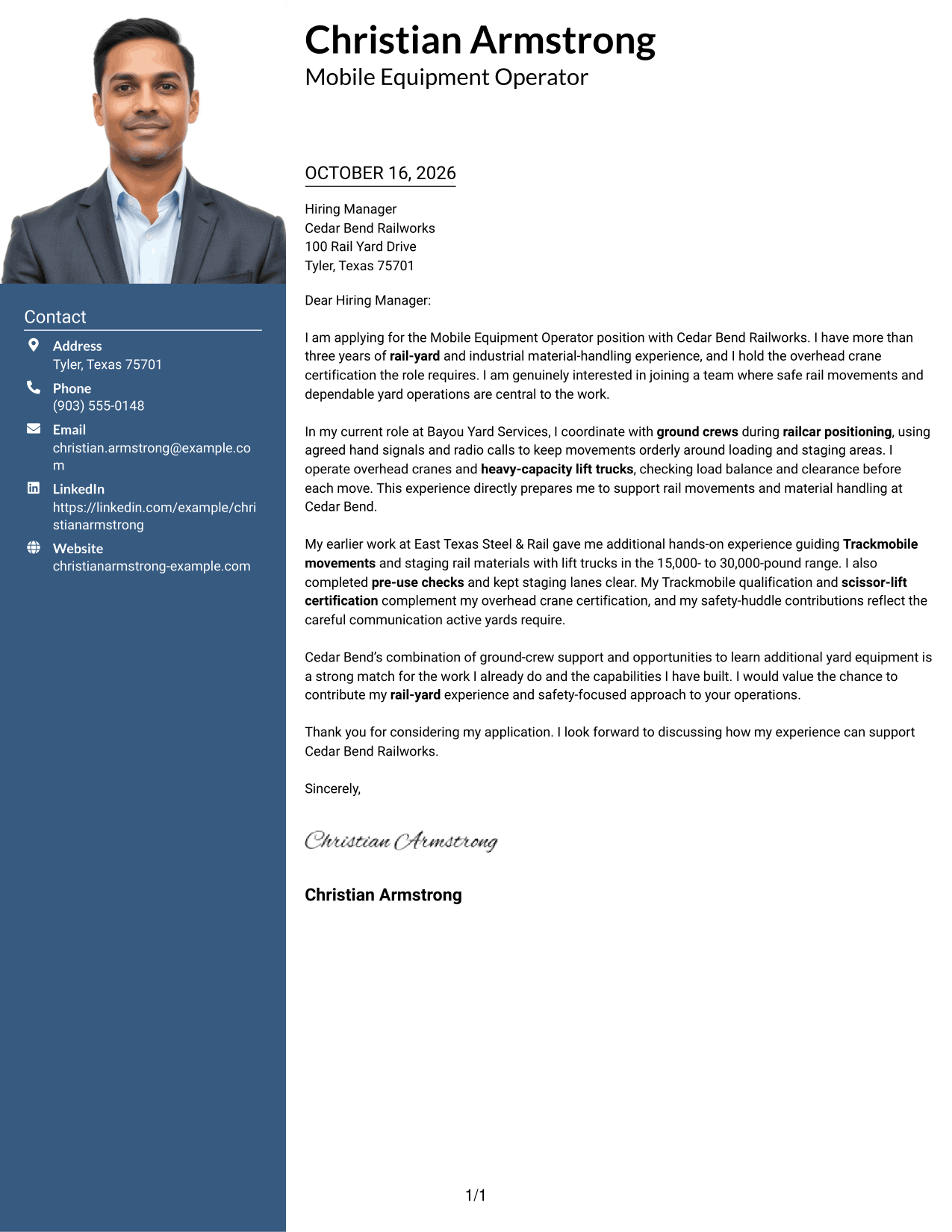
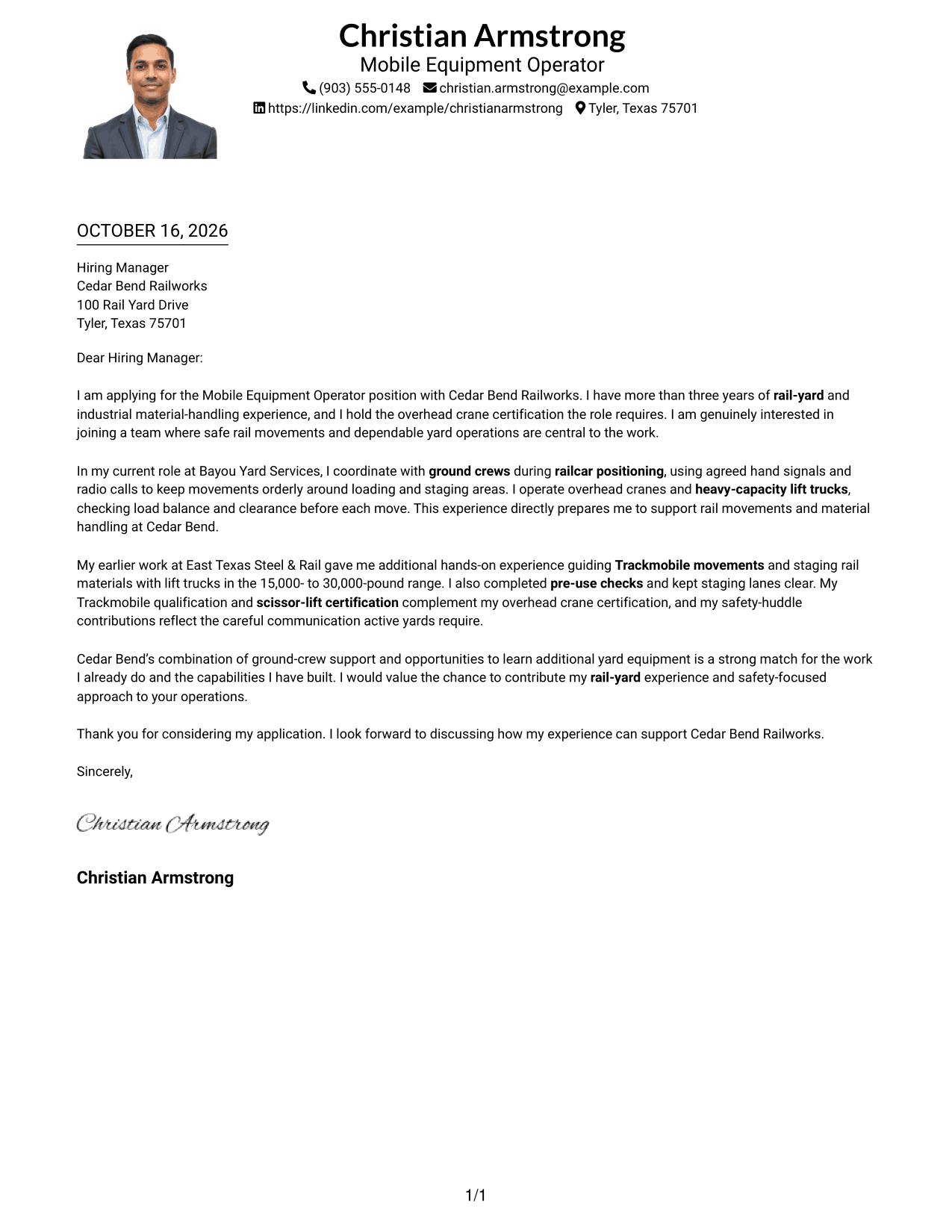
A photo accompanies the single-column letter, a practical option for readers who want a portrait without a contact sidebar.
Why This Format Works
- The single-column body keeps the letter’s paragraphs in their intended order.
- Sender details remain with the letter rather than in a separate sidebar.
- The portrait adds a visual element while the written message stays continuous.
Best For
- Portrait with one-column text
- No-sidebar preference
- Continuous letter paragraphs
- Photo-inclusive correspondence
- Simple reading order
#5 Simple Two Column Format Cover Letter Example
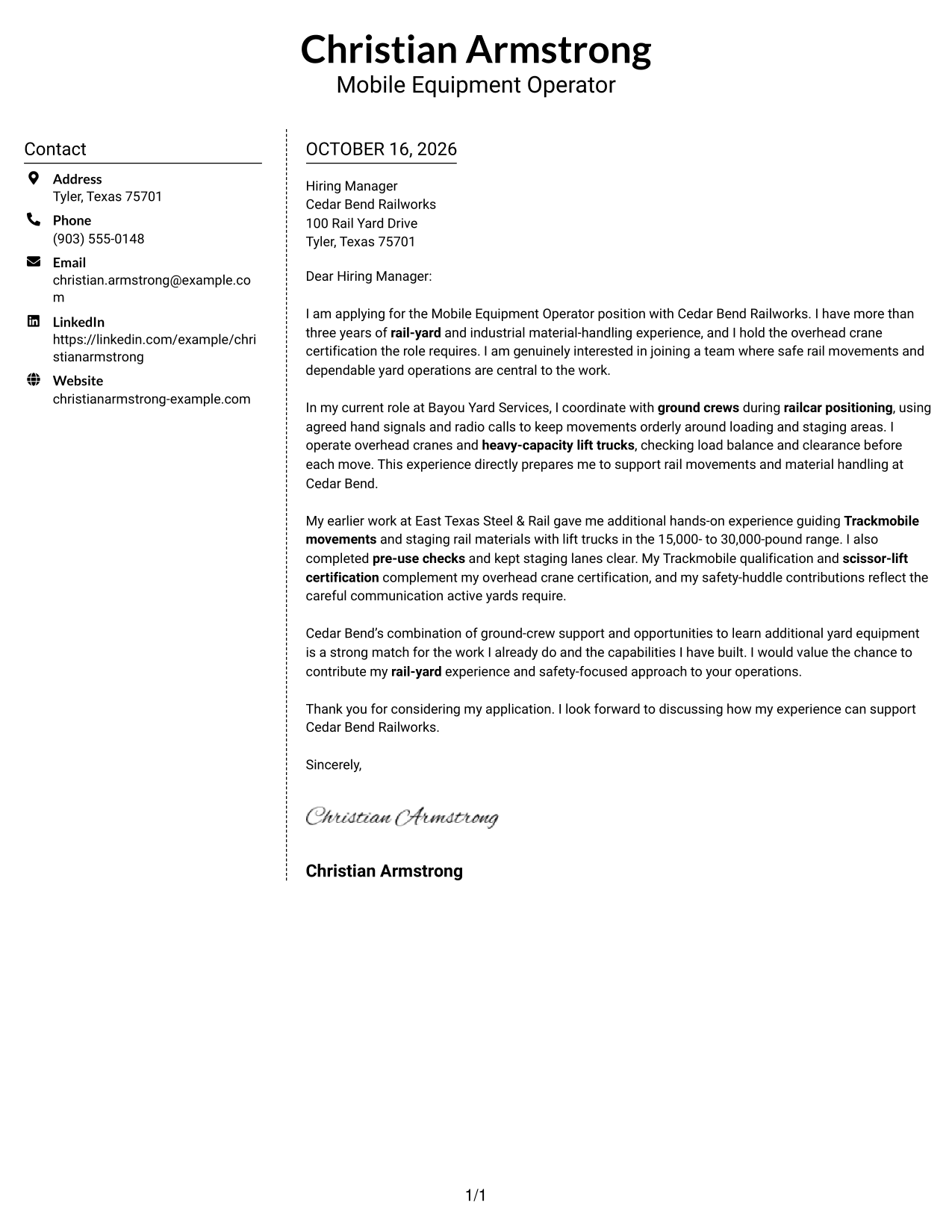
A sidebar places contact details beside the continuous letter text, making this layout useful when readers prefer clear separation between the two.
Why This Format Works
- The contact area stays distinct, so the letter can focus on its message.
- The letter body remains one column, keeping its paragraphs in sequence.
- Reviewers can locate sender information without searching through the correspondence.
Best For
- Separate contact area
- One-column letter body
- Easy-to-follow paragraph order
- Letters with detailed role alignment
- No-photo preference
#6 Modern Icon Format Cover Letter Example
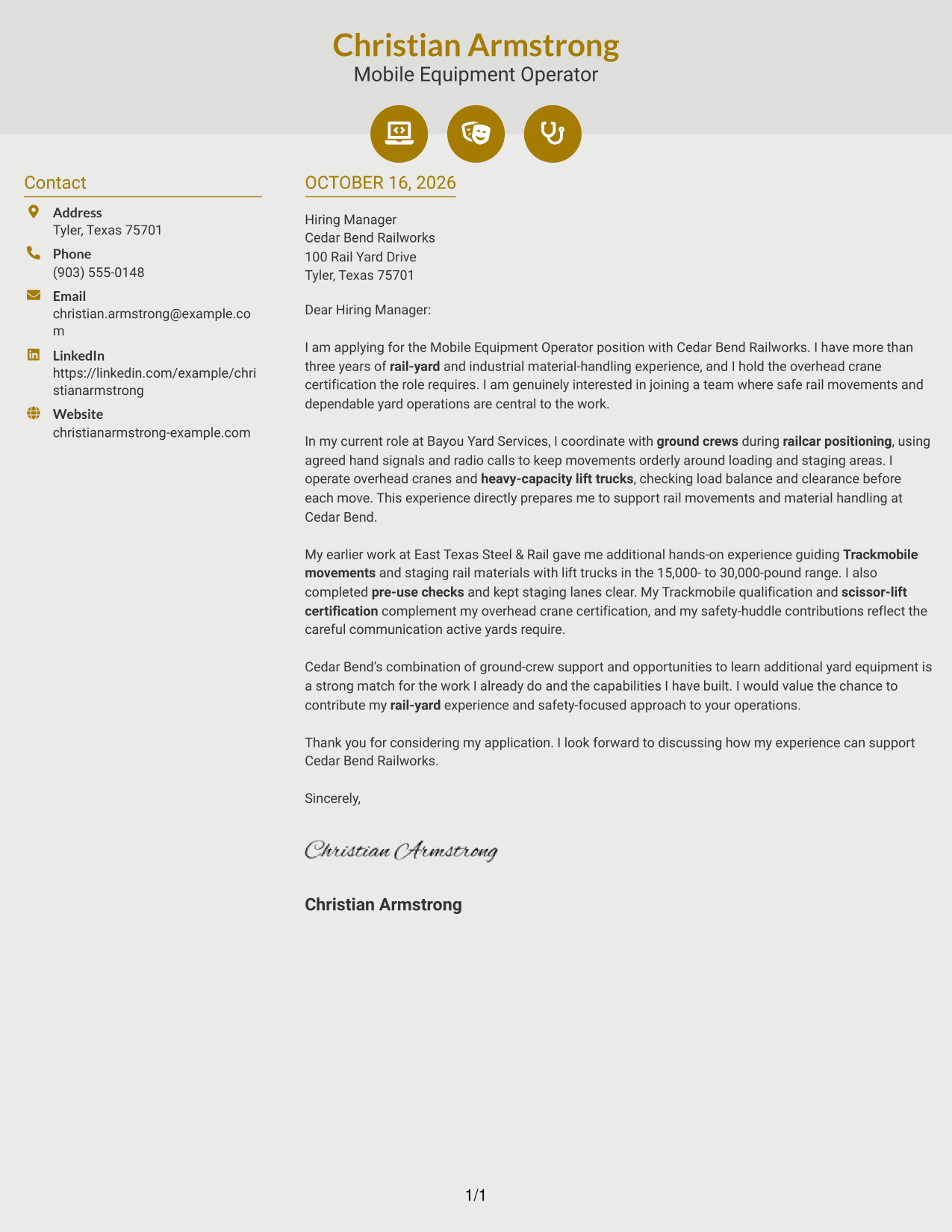
Contact icons and decorative header accents give this two-column layout a visual cue for sender details while the letter remains continuous.
Why This Format Works
- Contact icons help distinguish sender details from the letter’s main text.
- The body remains one continuous column, preserving the argument’s natural sequence.
- Decorative header accents add visual interest without labeling letter paragraphs.
Best For
- Icon cues for contact details
- Continuous letter argument
- Visual header accents
- Distinct contact and message areas
- No-photo presentation
#7 Creative Two Tone Format Cover Letter Example
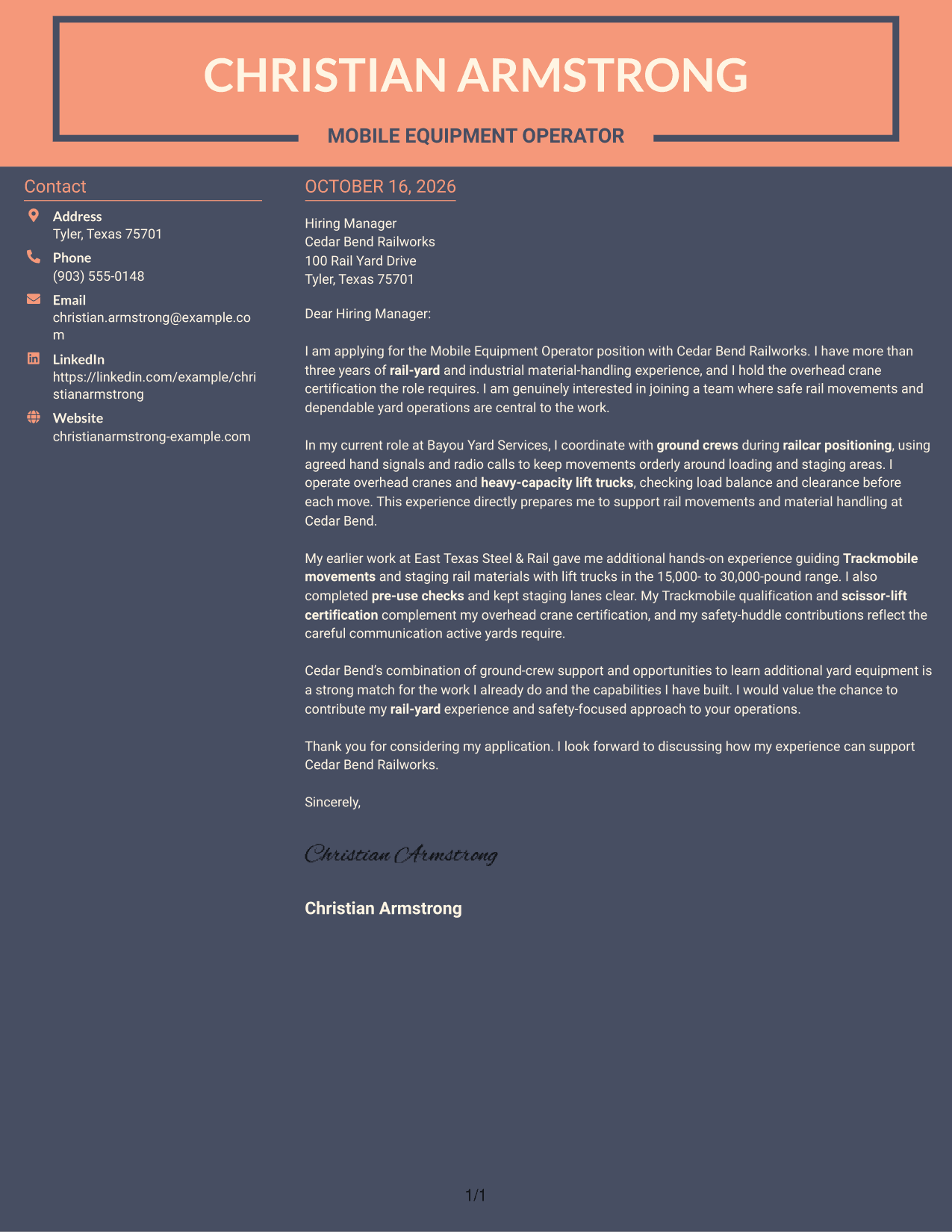
The two-column layout places a contact sidebar beside one continuous letter body, a practical choice for separating correspondence details from the message.
Why This Format Works
- The sidebar gives contact details a separate place beside the letter.
- One continuous body keeps the opening, supporting evidence, and closing in order.
- The contact area stays distinct without dividing the letter into argument sections.
Best For
- Contact sidebar layout
- Uninterrupted letter paragraphs
- Separate sender information
- Motivation followed by supporting evidence
- No-photo preference
Why Use ResumeInMinutes for a Mobile Equipment Operator - Rail Yard Material Handling Cover Letter
Compare PNG image previews to review the letter’s appearance, then open an example in the editor. Use the example to shape a clear message about your rail-yard experience, safety approach, and interest in the work.
- Clear letter layouts
- Role-focused examples
- PNG image previews
- Editor links for examples
- Opening, body, and closing guidance
- Support for tailored wording
Keep the letter focused on the work: safe rail movements, equipment handling, clear communication, and the reasons you want to join the yard team.
See Also
- 7 Mobile Equipment Operator - Rail Yard Material Handling Resume Templates with Example
- 7 Mobile Equipment Operator Resume Templates with Example
- 7 Maintenance II - Material Handling Equipment Resume Templates with Example
- 7 Driver/Equipment Operator II Resume Templates with Example
- 33 Equipment Operator 1 - Stormwater Infrastructure Resume Templates with Example 2026 (ATS-Optimized)
- 7 Equipment Operator I - Pavement Operations Resume Templates with Example
- 7 Equipment Operator I - Streets Resume Templates with Example
- 33 Equipment Operator Resume Templates with Example
- 30+ Mobile Application Developer Intern Cover Letter Templates with Example 2026
- 30+ Mobile Associate Retail Sales Cover Letter Templates with Example 2026
Frequently Asked Questions
What should I highlight in a Mobile Equipment Operator - Rail Yard Material Handling cover letter?
Describe relevant work with rail movements, ground crews, cranes, lift trucks, or material staging. Give a specific example of how you followed safety procedures and communicated with the crew.
How should I open a cover letter for this role?
Name the position and state why your background fits. You can also mention your interest in safe rail-yard operations and dependable material handling.
What equipment experience can I include?
Include equipment you have operated or are qualified to use, such as overhead cranes, lift trucks, or Trackmobiles. Be clear about your level of experience, and do not present equipment listed in a job posting as your own qualification.
How can I show interest in Cedar Bend Railworks?
Connect your interest to details in the role description, such as ground-crew support and the chance to learn additional yard equipment. Add only company details you have verified.
How should I close this cover letter?
Thank the hiring manager for considering your application, restate your interest briefly, and invite a conversation about how your relevant experience could support safe yard operations.




