
7 National Provider Relations Advocate - Network Management Cover Letter Templates with Example
This practical guide helps you create a National Provider Relations Advocate - Network Management cover letter and compare seven layouts.
What Makes a Great National Provider Relations Advocate - Network Management Cover Letter in 2026
A strong letter connects provider onboarding, education, and issue resolution to the needs of the role. It should show clear interest and explain how your approach supports productive provider relationships.
Use relevant evidence, such as guiding clinics through portal workflows, creating FAQs, or researching claims concerns. Link those examples to the employer’s focus on provider support, accurate data, and timely solutions.
The featured example moves from interest in the role to provider education, issue research, and a clear close. Adapt this focused progression, then choose a presentation that suits the employer and the way you will communicate with them.
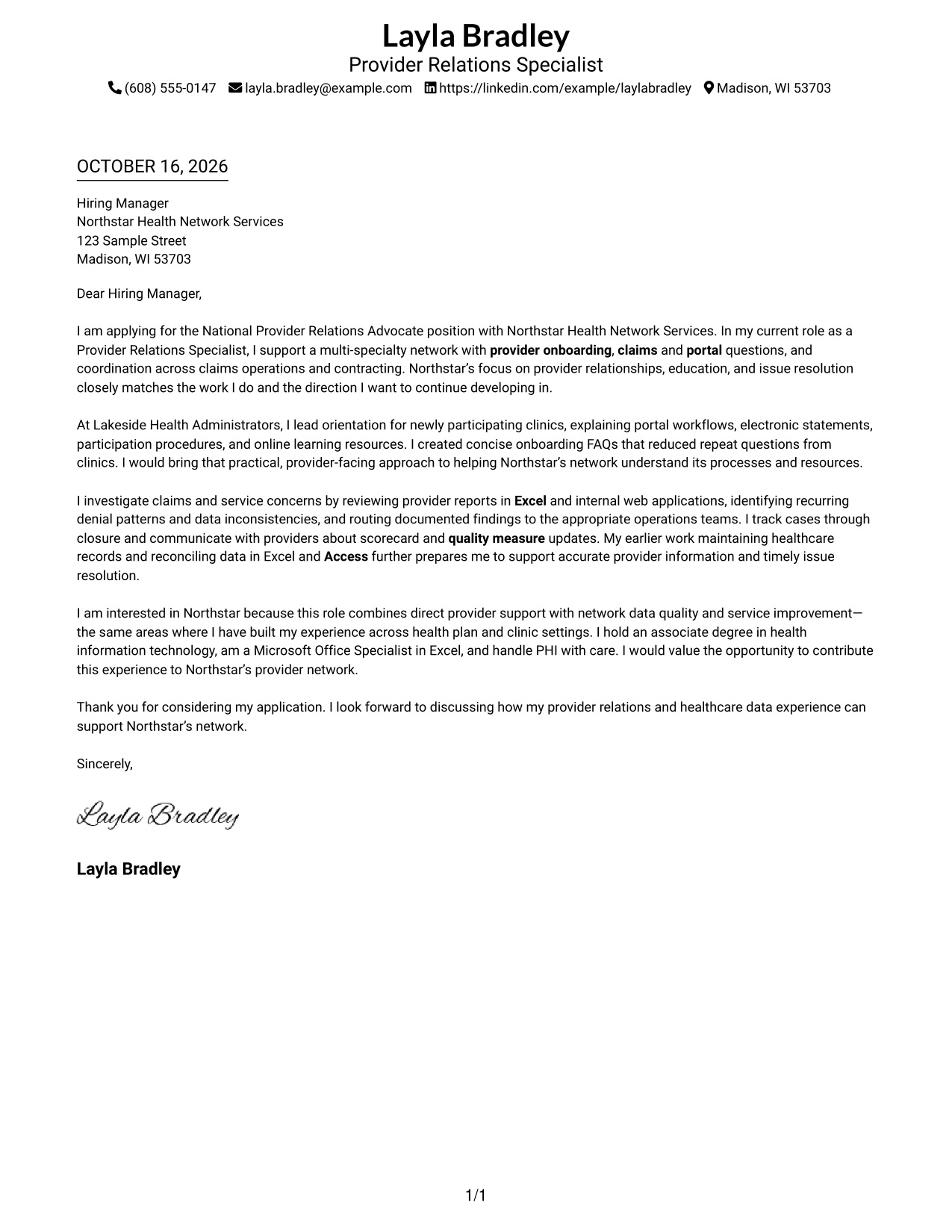
#1 Simple One Column Format Cover Letter Example
The Simple One Column Format places sender details in the header and keeps the letter in one continuous column, giving the opening, supporting case, and close a direct reading path.
Why This Format Works
- Sender details sit apart from the letter, keeping contact information easy to locate.
- The continuous body lets reviewers follow role interest, evidence, and closing in sequence.
- Paragraph breaks separate ideas without adding labels to the letter's argument.
Best For
- Single-column letter reading
- Header-based contact details
- Paragraph-led case for fit
- Photo-free correspondence
- Letters with concise contact details
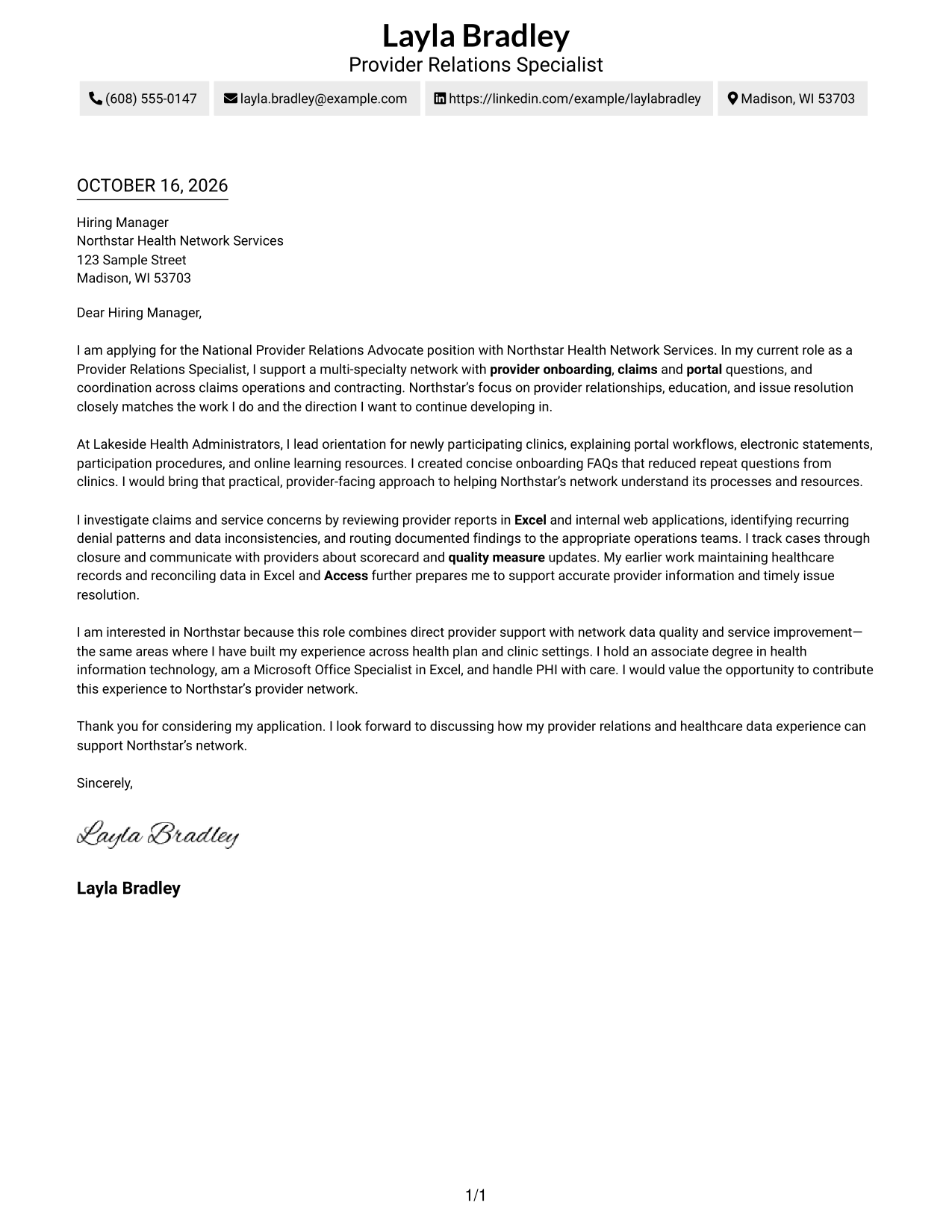
#2 Two Column Format Cover Letter Example
The Two Column Format places a contact sidebar beside one continuous letter body, making it a useful choice when sender information should stay distinct from the written case for fit.
Why This Format Works
- Contact details occupy a sidebar, while the letter itself remains one continuous body.
- The letter's opening and close stay connected through the paragraph sequence.
- Separate columns do not split the letter's motivation from its supporting evidence.
Best For
- Sidebar-based contact lookup
- Continuous letter-body reading
- Several contact channels
- Photo-free correspondence
- Letters with a distinct opening and close
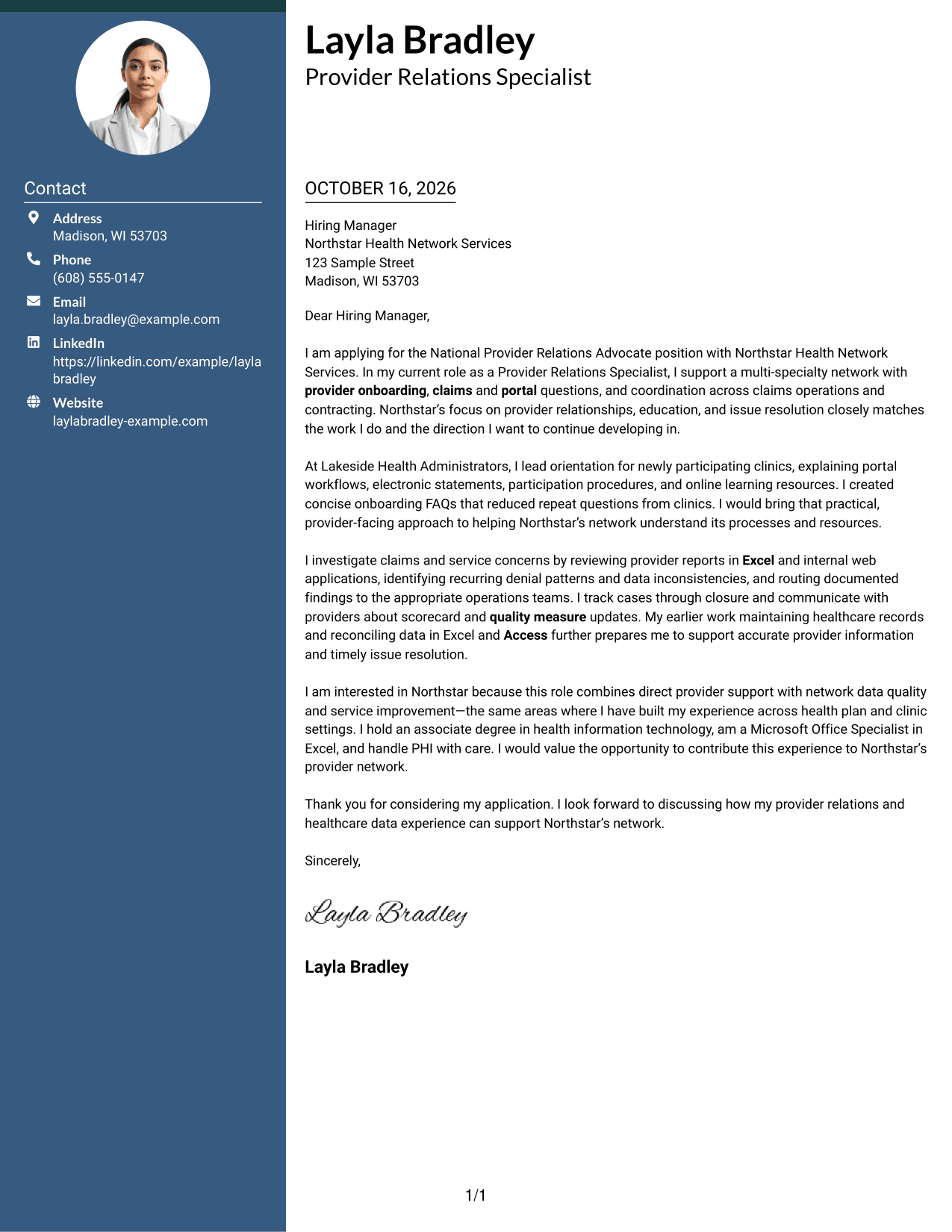
#3 Photo Header Two Column Format Cover Letter Example
The Photo Header Two Column Format pairs a portrait-bearing header and contact sidebar with one continuous letter body, a useful choice when a portrait should accompany a clearly separate message.
Why This Format Works
- The portrait gives the header a personal visual element without changing the letter's argument.
- Contact details sit in their own sidebar, separate from the continuous message.
- The letter paragraphs retain a single sequence from opening through closing.
Best For
- Portrait-inclusive correspondence
- Contact details in a sidebar
- Single-body letter reading
- Provider relations applications
- Letters balancing personal and formal presentation
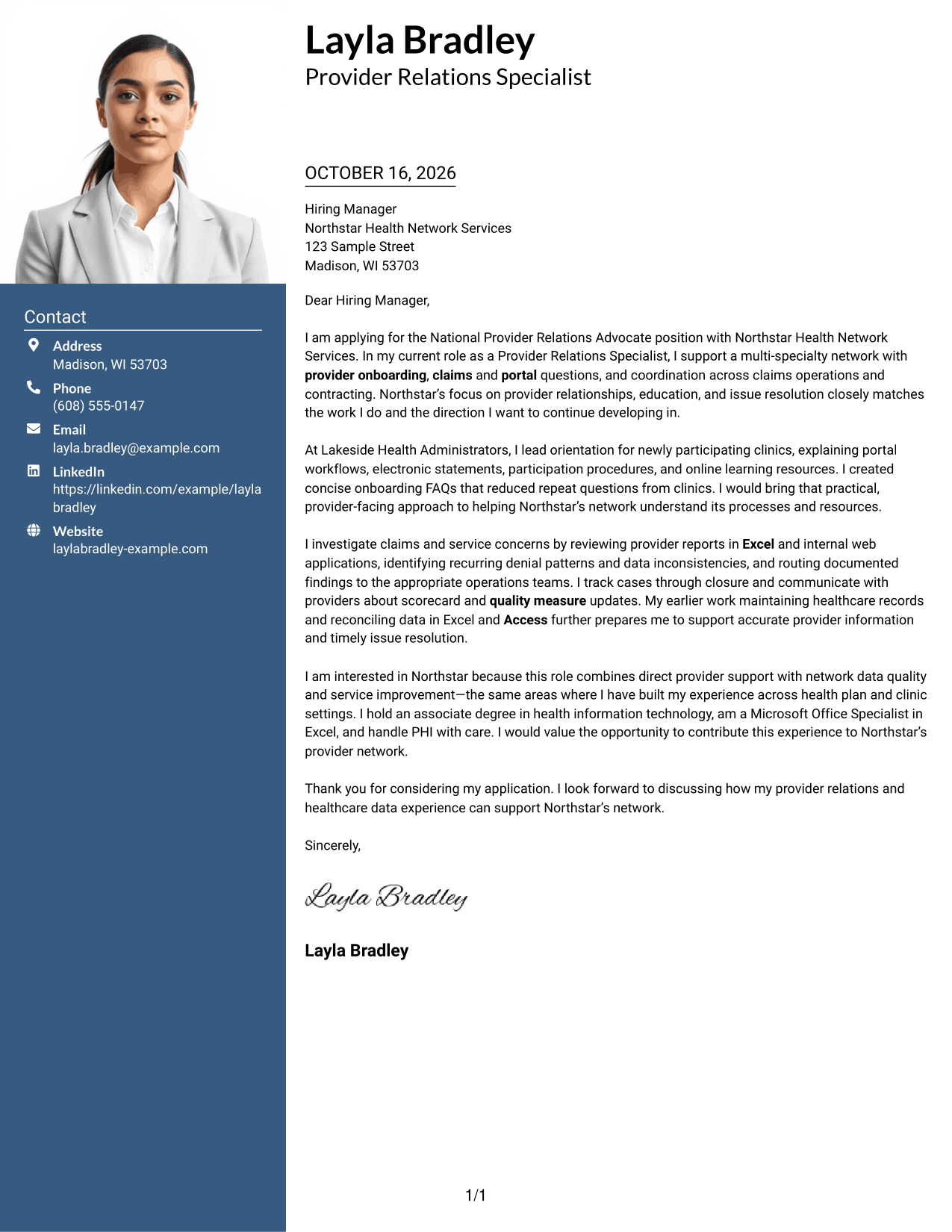
#4 One Column Format with Photo Cover Letter Example
The One Column Format with Photo keeps sender details in the header and the letter in one continuous column, while adding a portrait for a more personal visual presentation.
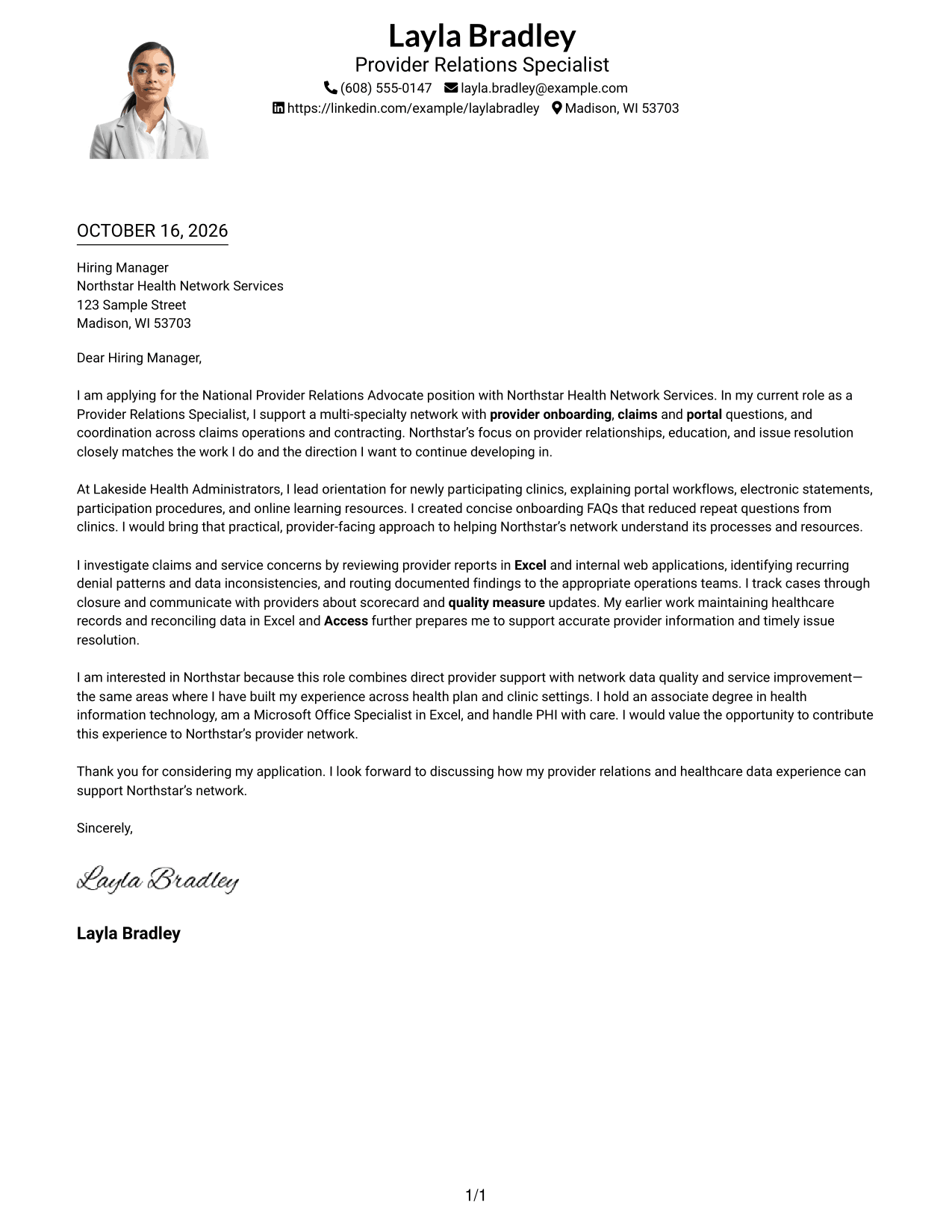
Why This Format Works
- The photo adds a visible personal element while the letter keeps one reading path.
- Sender details remain in the header, apart from the letter's main message.
- A continuous body lets the opening, supporting points, and close read in order.
Best For
- One-column letter reading
- Portrait-inclusive correspondence
- Header-based sender details
- Letters without a contact sidebar
- Paragraph-led case for fit
#5 Simple Two Column Format Cover Letter Example
The Simple Two Column Format sets contact details in a sidebar next to one continuous letter body, keeping practical sender information separate from the persuasive message.
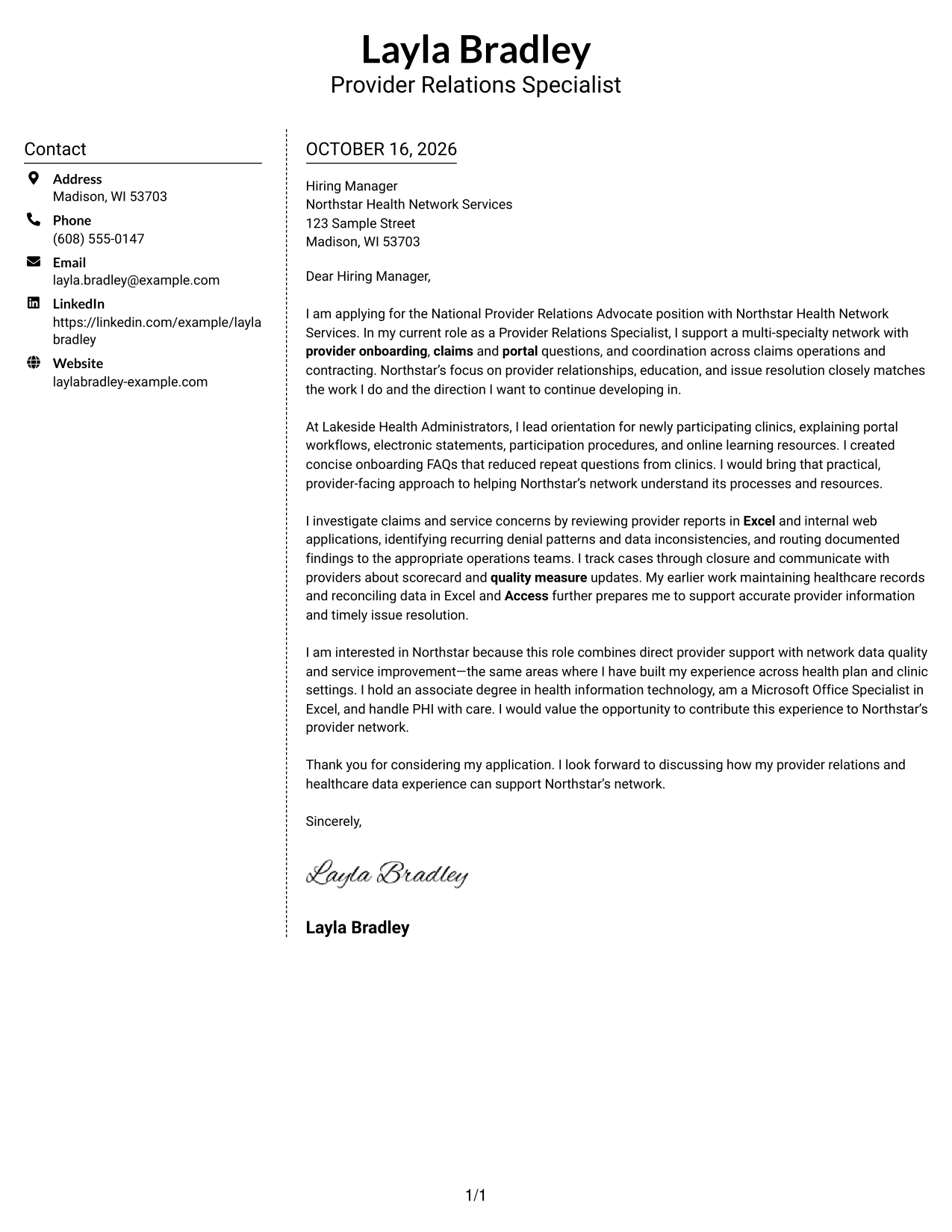
Why This Format Works
- A contact sidebar gives sender details a defined place beside the letter.
- One continuous body keeps the written case together rather than split across columns.
- The natural paragraph order carries the reader from interest to supporting evidence.
Best For
- A separate contact sidebar
- One continuous letter body
- Clear paragraph order
- Photo-free correspondence
- Letters with several contact channels
#6 Modern Icon Format Cover Letter Example
The Modern Icon Format uses two columns, with icons cueing contact details rather than letter sections, while the letter stays continuous; choose it when visual contact cues should not interrupt the argument.
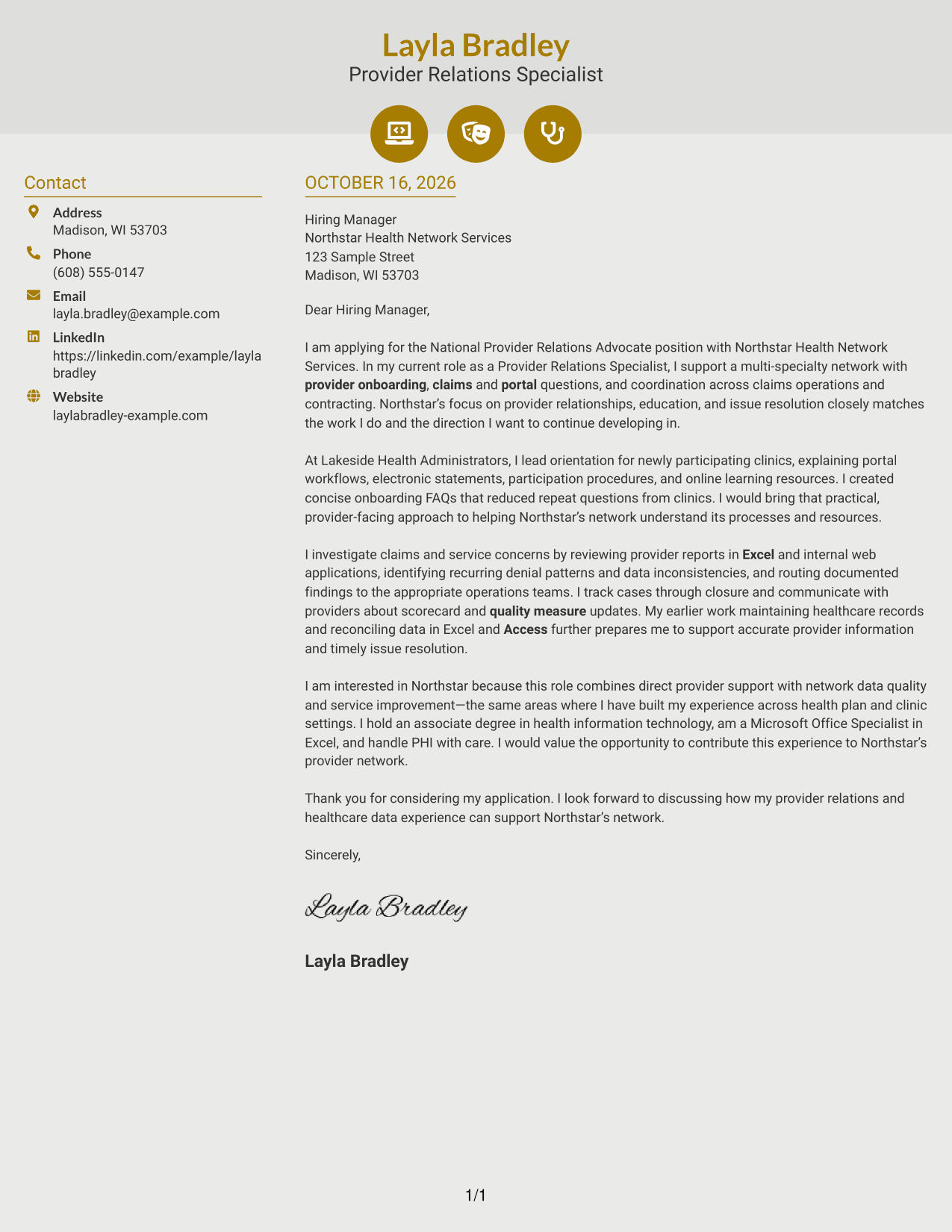
Why This Format Works
- Contact icons cue contact details, not stages in the letter's argument.
- The sidebar keeps sender information apart from the continuous persuasive message.
- Reviewers can follow the letter's paragraphs without icon-labeled argument sections.
Best For
- Icon-cued contact lookup
- Continuous letter-body reading
- Photo-free correspondence
- Paragraph-led persuasion
- Letters with a distinct opening and close
#7 Creative Two Tone Format Cover Letter Example
The Creative Two Tone Format places contact details in a sidebar beside one continuous letter body, giving the written case its own space while keeping sender information close at hand.
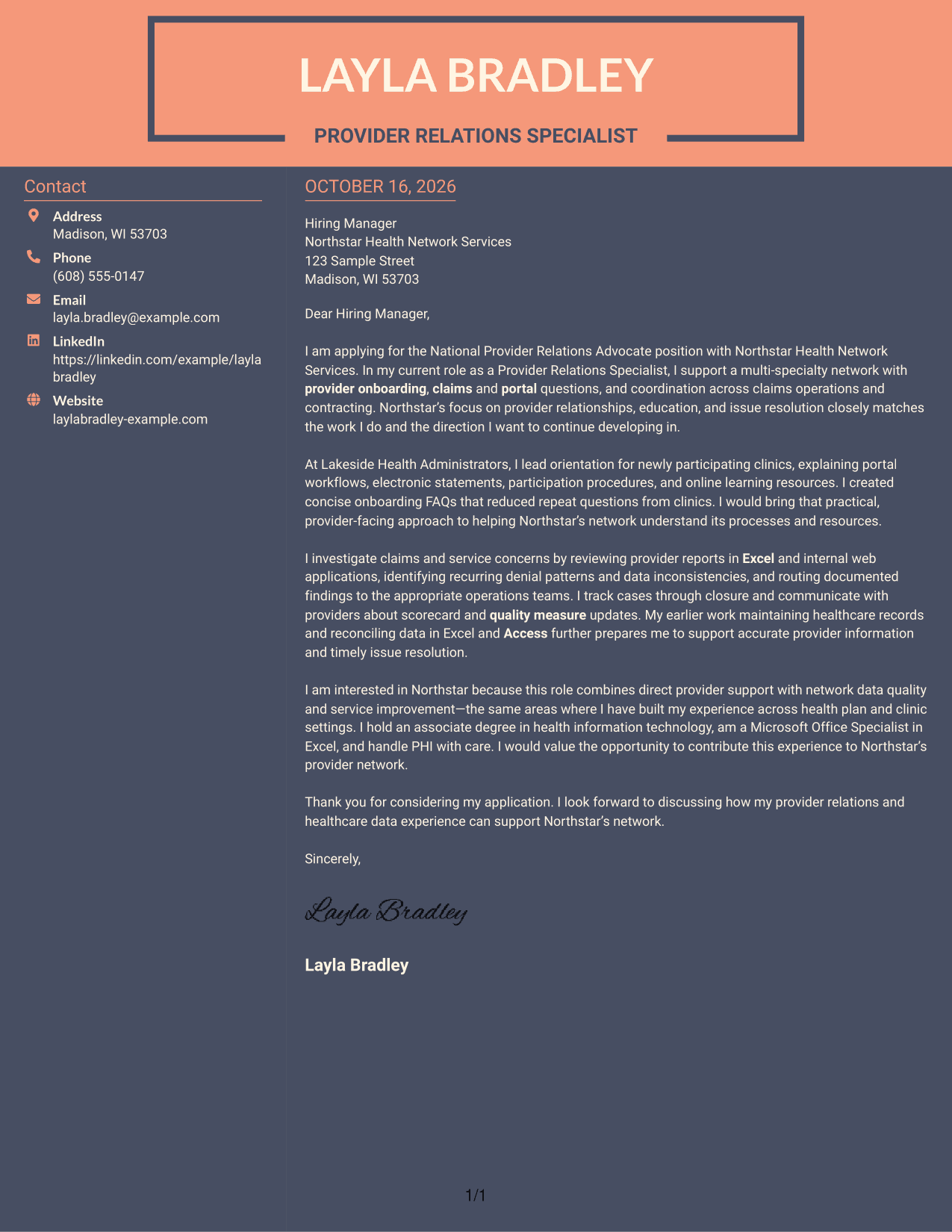
Why This Format Works
- Contact details stay in a sidebar, leaving the message in one letter body.
- The continuous paragraphs let the case for fit unfold without parallel argument columns.
- Reviewers can distinguish practical sender information from the written application message.
Best For
- Two-column contact organization
- Continuous argument flow
- Photo-free correspondence
- Contact-heavy applications
- Letters with paragraph-led persuasion
Why Use ResumeInMinutes for a National Provider Relations Advocate - Network Management Cover Letter
Review the image previews to compare how a provider relations message can look in different presentations. Open an example in the editor to customize its wording for your target role and the employer’s needs.
- Provider-focused opening guidance
- Clear body paragraph examples
- Direct, professional closing guidance
- Provider onboarding and education examples
- Claims inquiry and issue resolution focus
- Image previews with editor links
For this role, use specific examples to show how you educate providers, investigate concerns, and work with internal teams toward a documented resolution.
See Also
- 7 National Provider Relations Advocate - Network Management Resume Templates with Example
- 7 Healthcare Advocate - Risk Adjustment and Quality Resume Templates with Example
- 7 Patient Financial Advocate I - Single Billing Office Resume Templates with Example
- 7 Advanced Practice Provider - Interventional Radiology Resume Templates with Example
- 7 Consultant - Energy Providers Resume Templates with Example
- 33 Nurse Practitioner, Advanced Practice Provider Resume Templates with Example 2026 (ATS-Optimized)
- 33 Temporary Provider Data Analyst Resume Templates with Example 2026 (ATS-Optimized)
- 33 Customer Relations Representative Resume Templates with Example 2026 (ATS-Optimized)
- 7 Advanced Practice Provider - Interventional Radiology Cover Letter Templates with Example
- 7 Consultant - Energy Providers Cover Letter Templates with Example
Frequently Asked Questions
Are these National Provider Relations Advocate - Network Management cover letter layouts easy to read?
The examples are designed to present the letter clearly. Keep your own wording direct, use short paragraphs, and make your evidence easy to follow.
Do the previews show different cover letters?
The previews show the featured cover letter in different visual layouts. You can compare the images and open an example in the editor to adapt the presentation and wording.
What should the opening paragraph say for this role?
Name the National Provider Relations Advocate - Network Management role, show your interest, and connect your provider relations background to work such as onboarding, education, or issue resolution.
What evidence can strengthen this cover letter?
Choose specific examples that match your background, such as leading clinic orientation, creating onboarding FAQs, reviewing claims reports in Excel, or maintaining provider records. Explain how your actions helped providers or supported accurate service.
How can I show interest in the employer?
Refer to a real part of the employer’s work that matters to you, such as its focus on provider education or service improvement. Then explain how that focus connects to your own experience and motivation.




