
7 Neonatal Intensive Care Unit Registered Nurse Cover Letter Templates with Example
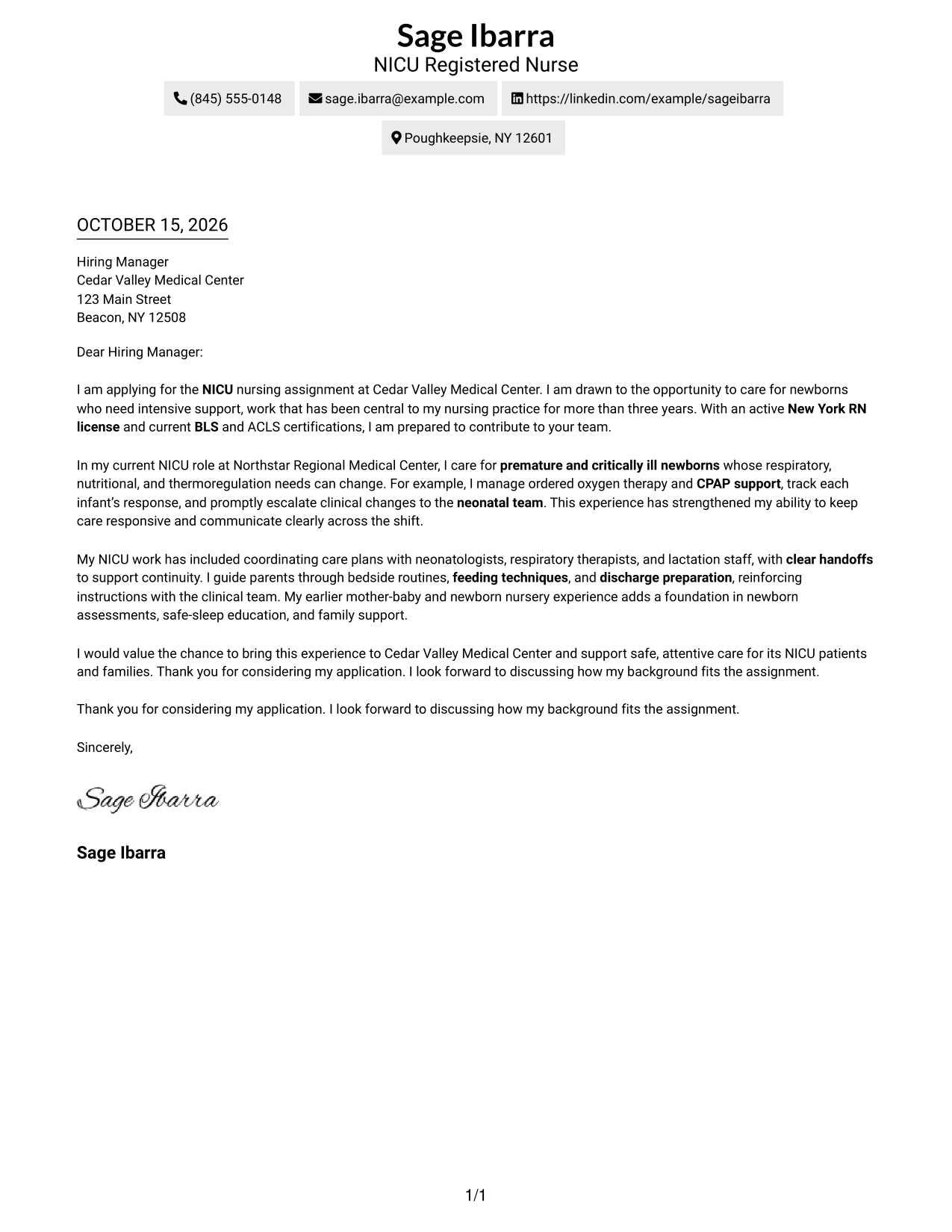
This guide helps you write a focused Neonatal Intensive Care Unit Registered Nurse cover letter and compare seven layouts for presenting your fit.
What Makes a Great Neonatal Intensive Care Unit Registered Nurse Cover Letter in 2026
A strong letter opens with clear interest in neonatal intensive care and connects your nursing strengths to the needs of newborns requiring close support. Keep the message focused on your fit for the exact role.
Use specific evidence, such as respiratory support, careful monitoring, family guidance, or team communication, when it reflects your experience. Show how your approach can support the employer’s care needs without making claims you cannot verify.
The featured example moves from role interest and relevant qualifications to a specific NICU care example, then to teamwork, family support, and a clear close. Adapt this focused progression while choosing a presentation that suits the employer and the communication context.
#1 Simple One Column Format Cover Letter Example
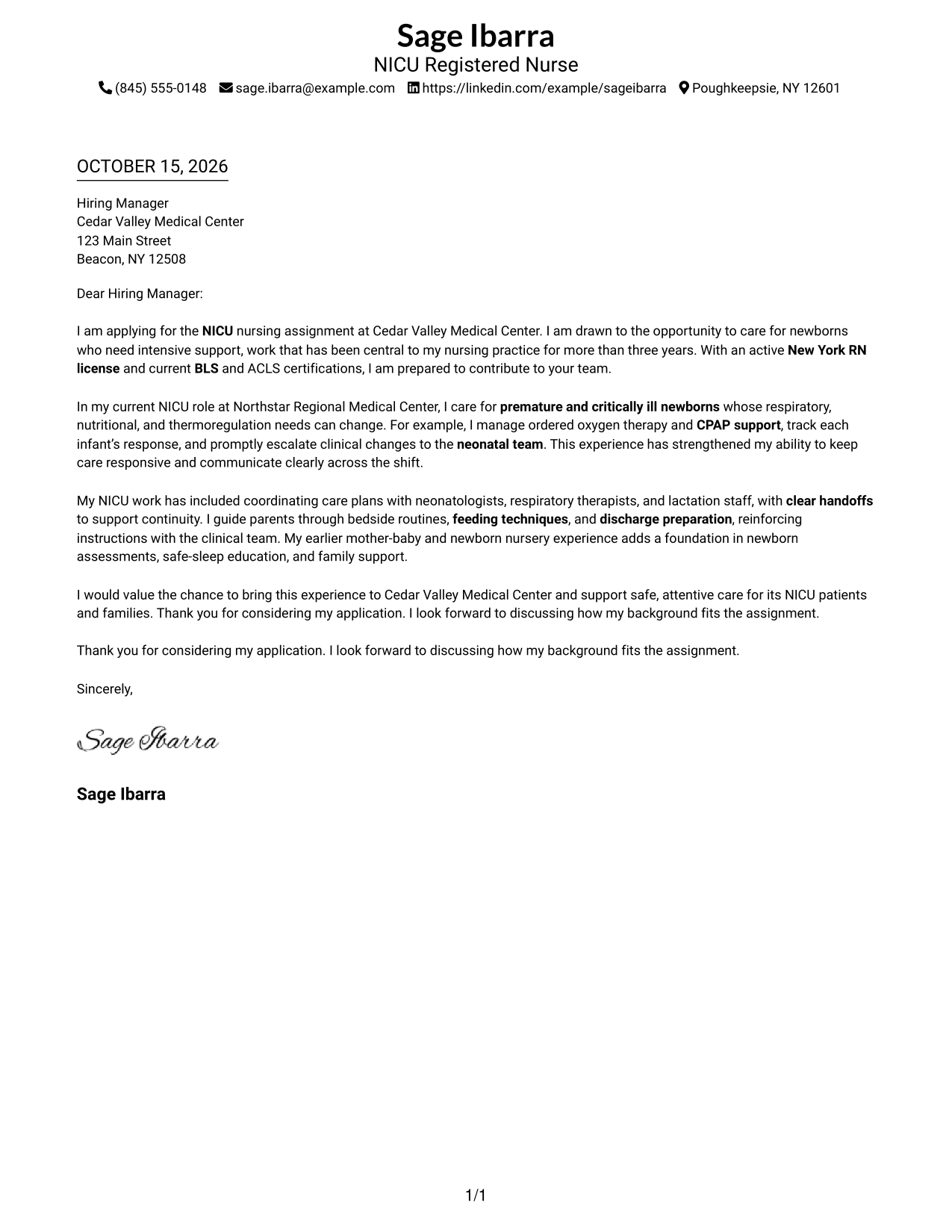
The Simple One Column Format places sender details in the header above one continuous letter body, giving readers a direct path through the message.
Why This Format Works
- Contact details sit in the header, where readers can find them before reading.
- The single text column keeps the opening, supporting points, and closing in order.
- Without a contact sidebar, the letter body has the full column for its paragraphs.
Best For
- Single-column reading preference
- Continuous letter arguments
- Header-based contact details
- Text-led application materials
- No-photo letter styling
#2 Two Column Format Cover Letter Example
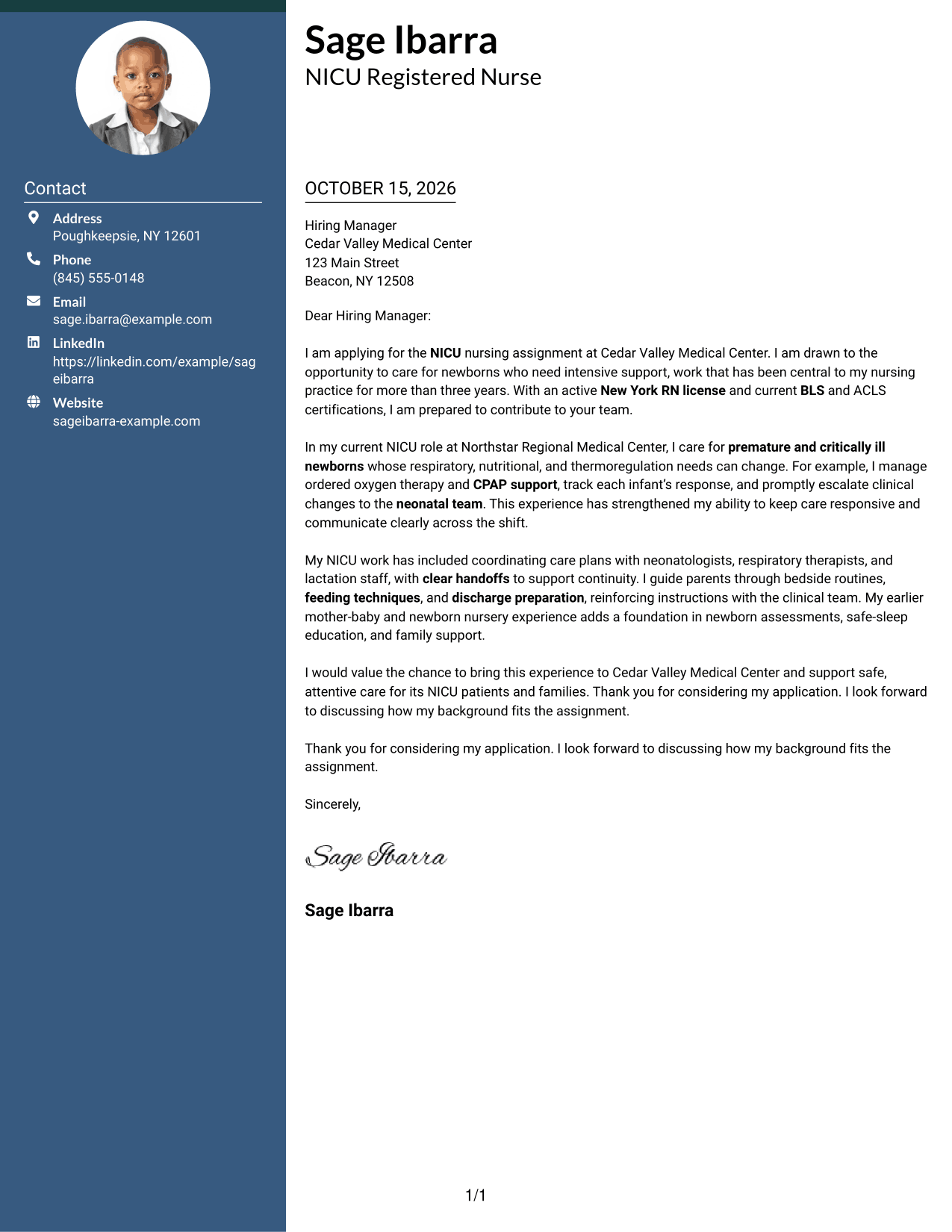
The Two Column Format places a contact sidebar beside one continuous letter body, keeping contact information distinct from the message.
Why This Format Works
- A contact sidebar gives sender details a separate place beside the letter.
- The letter remains one continuous column from opening through closing.
- The side-by-side arrangement makes contact details and letter text easy to distinguish.
Best For
- Contact details beside the letter
- Single-column message text
- Continuous opening-to-close arguments
- Side-by-side contact and message areas
- Letters without a photo
#3 Photo Header Two Column Format Cover Letter Example
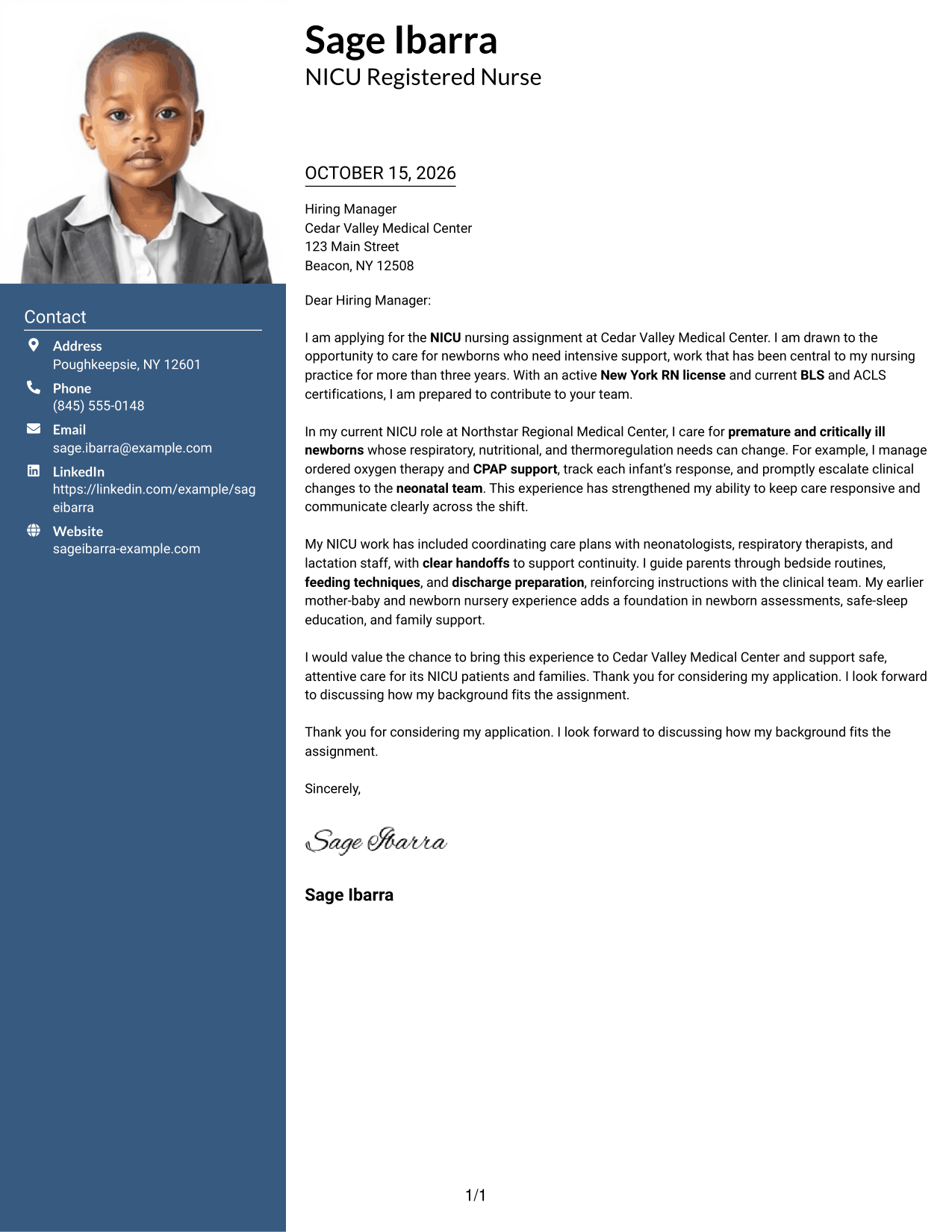
The Photo Header Two Column Format combines a photo and contact sidebar with one continuous letter body, for readers who prefer a portrait alongside the message.
Why This Format Works
- The included photo supports a portrait-based visual presentation of the letter.
- Contact details have their own sidebar, apart from the letter’s message.
- The main text stays in one column, preserving the letter’s paragraph order.
Best For
- Photo-inclusive application materials
- Contact-sidebar organization
- Single-column letter text
- Continuous paragraph flow
- Portrait-based document preference
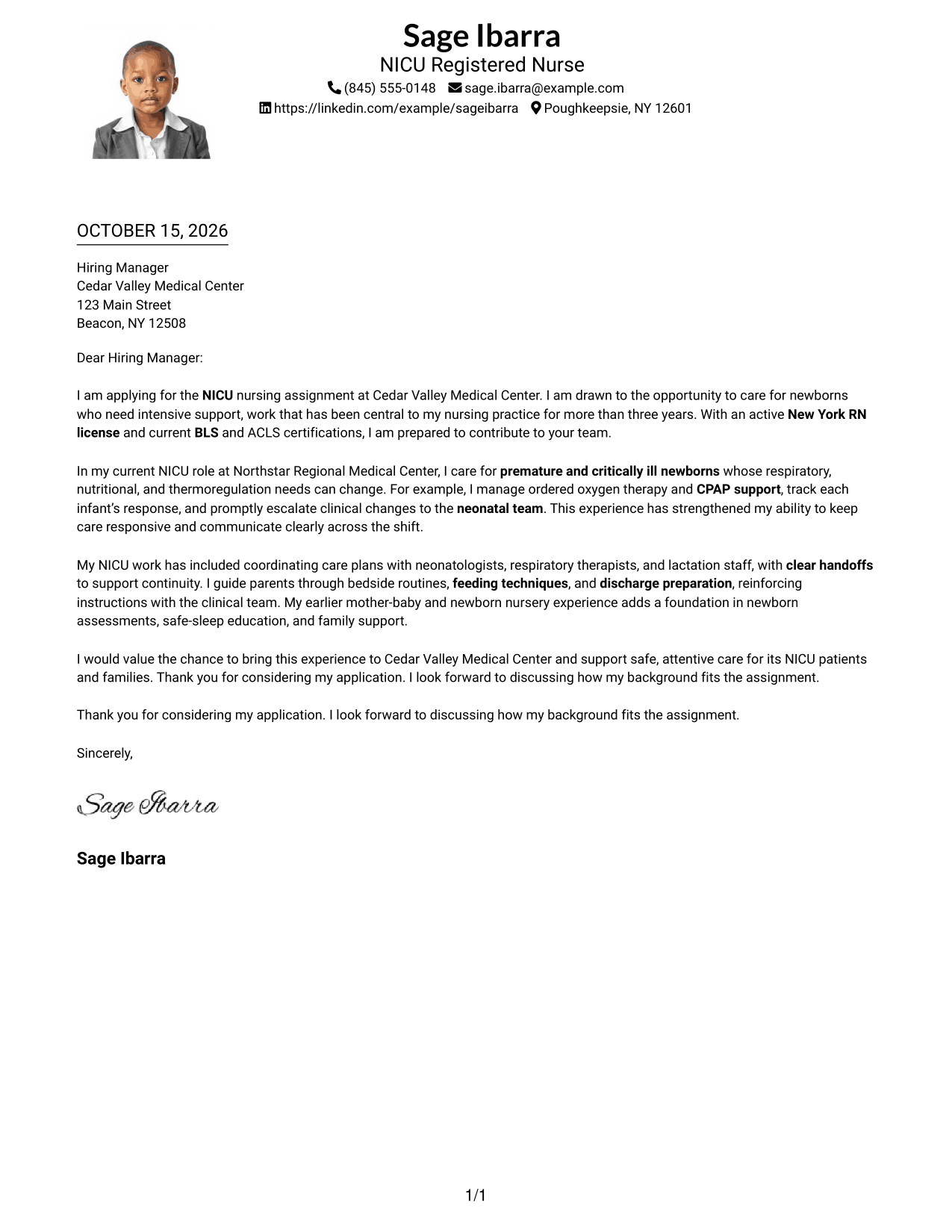
#4 One Column Format with Photo Cover Letter Example
The One Column Format with Photo brings a portrait and a continuous letter body into a single-column design, for a unified page view.
Why This Format Works
- The photo adds a portrait to the document’s visual presentation.
- Sender details remain in the header above the letter body.
- One text column keeps each paragraph in a familiar reading order.
Best For
- Portrait-inclusive letters
- Single-column page preference
- Header-based contact details
- Continuous letter paragraphs
- Text with a personal photo
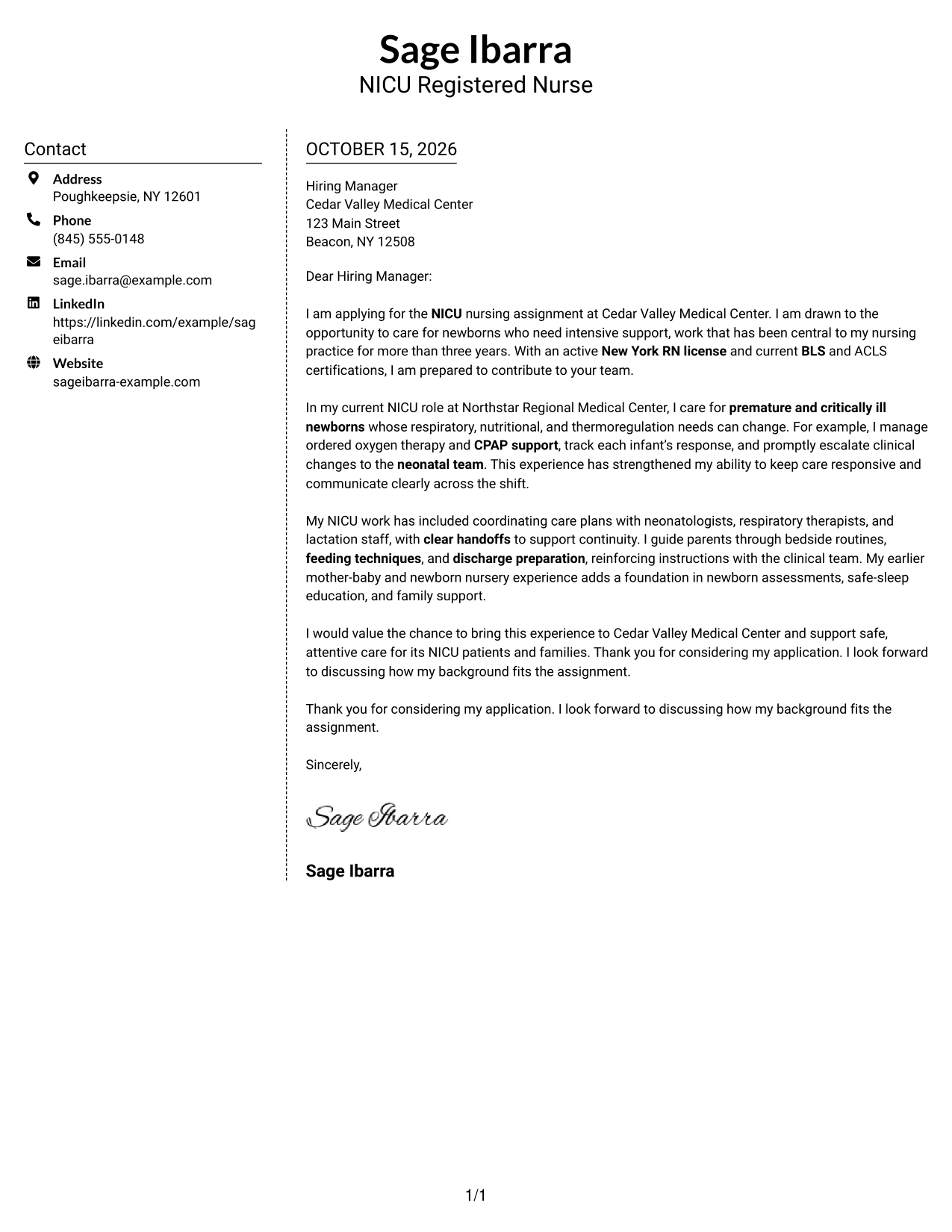
#5 Simple Two Column Format Cover Letter Example
The Simple Two Column Format places contact details in a sidebar beside one continuous letter body, separating the sender information from the message.
Why This Format Works
- The sidebar gives contact details a distinct place next to the message.
- A single body column keeps the letter’s paragraphs in their original sequence.
- The layout presents sender information and letter text as separate areas.
Best For
- Side-by-side contact and message
- One-column letter body
- Letters without a photo
- Separate sender information
- Continuous paragraph sequence
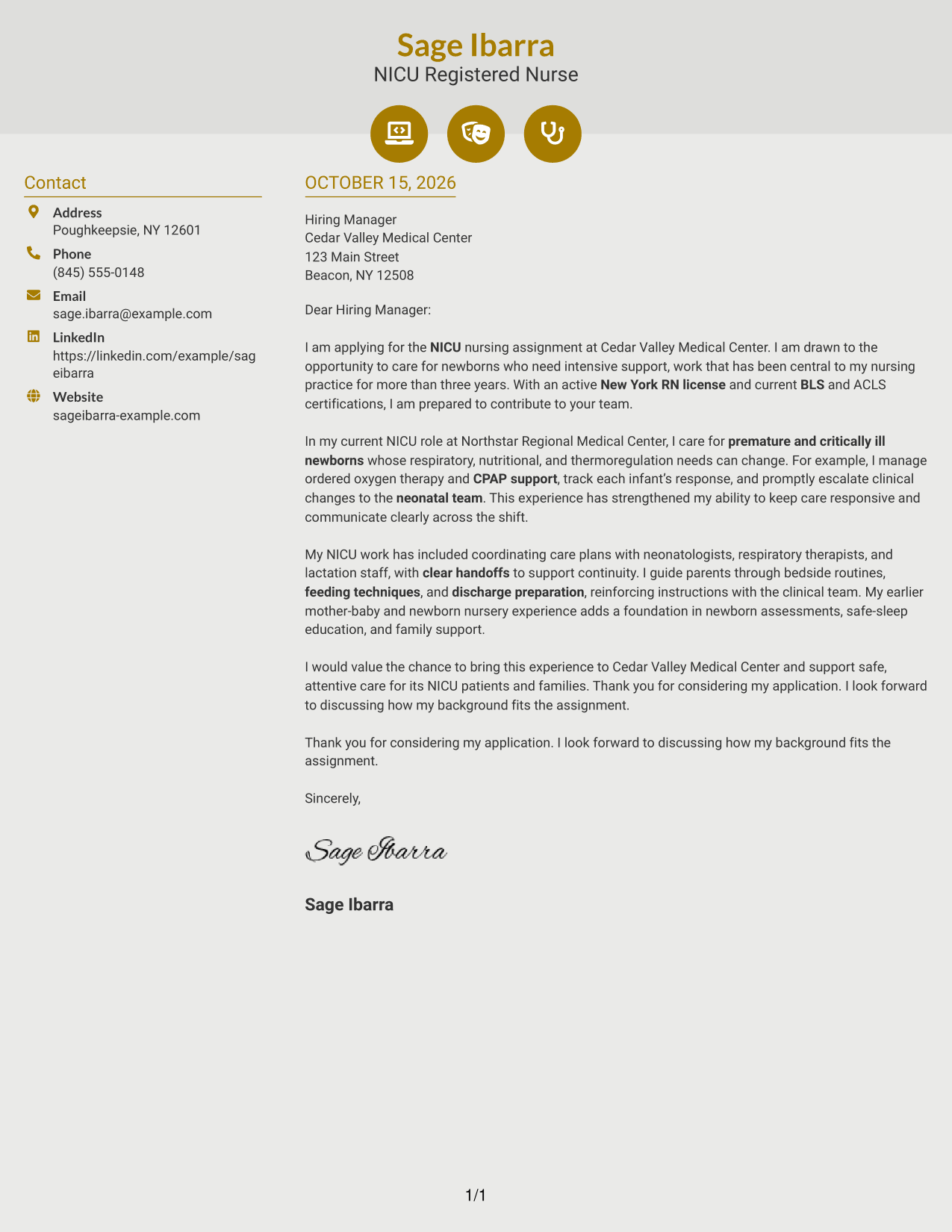
#6 Modern Icon Format Cover Letter Example
The Modern Icon Format pairs contact cues in the sidebar with one continuous letter body, helping readers identify the contact area without dividing the message.
Why This Format Works
- Contact icons help readers identify contact details in the sidebar.
- The letter body remains a single column beside the contact area.
- Opening, supporting points, and closing stay together in one paragraph sequence.
Best For
- Icon-cued contact details
- Sidebar contact organization
- Single-column letter body
- Continuous message paragraphs
- No-photo document style
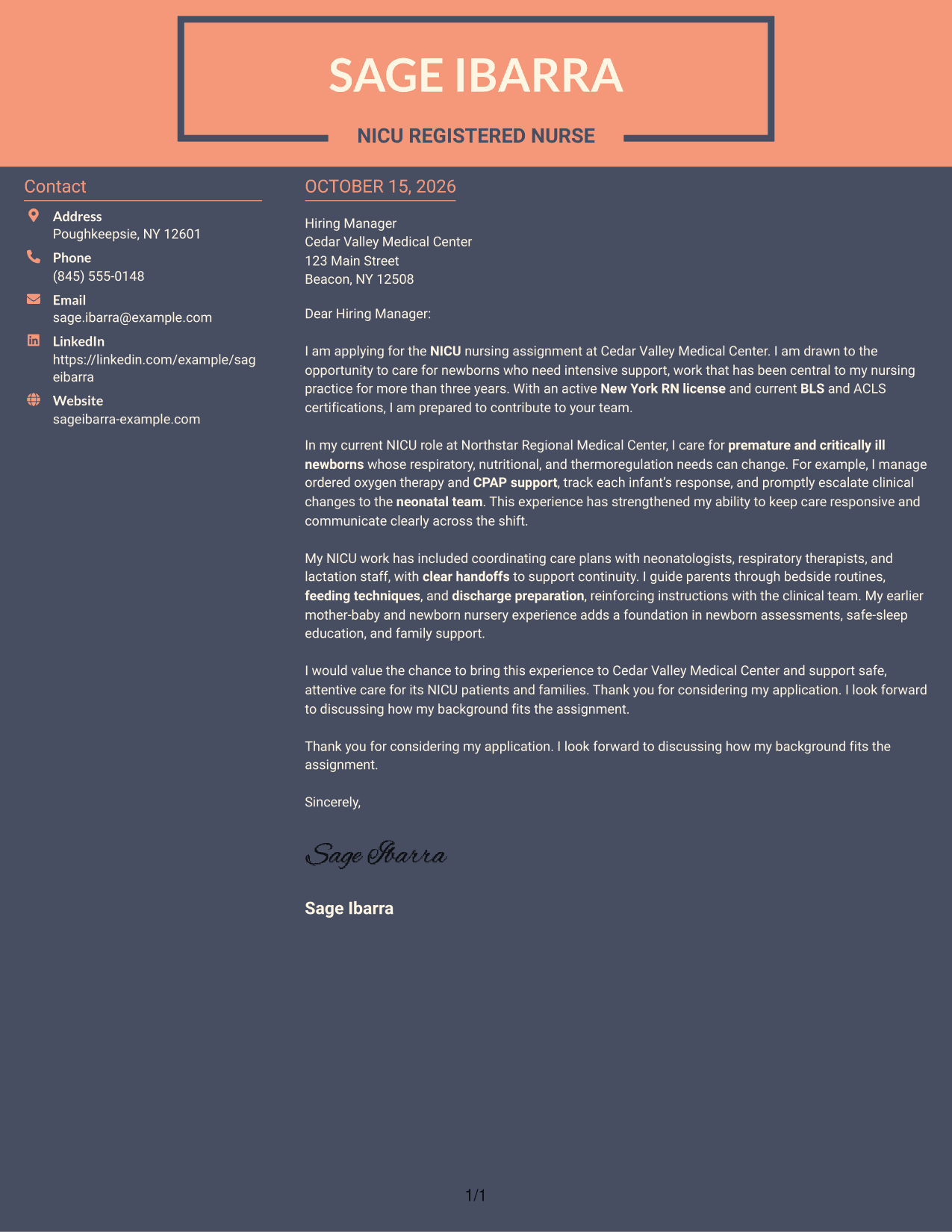
#7 Creative Two Tone Format Cover Letter Example
The Creative Two Tone Format places a contact sidebar beside one continuous letter body, offering a two-column arrangement for distinct contact and message areas.
Why This Format Works
- The sidebar places sender details beside, rather than within, the message.
- A continuous body lets readers follow the letter from opening to close.
- Two columns distinguish the contact area from the main text.
Best For
- Separate contact and message areas
- Continuous letter body
- Two-column page preference
- Contact details beside the message
- Letters without a photo
Explore Neonatal Intensive Care Unit Registered Nurse Cover Letter Examples
Review the PNG image previews to compare how each cover letter presents its message. Open an example in the editor to view or customize its presentation for your application.
- Clear, focused letter layouts
- Examples for role-specific communication
- Simple ways to compare presentations
- Cover letter examples in the editor
- Space for relevant clinical evidence
- Options for presenting your message
Choose a layout that makes your opening, clinical example, and closing easy to follow. Keep the letter personal, accurate, and focused on the Neonatal Intensive Care Unit Registered Nurse position.
See Also
- 7 Neonatal Intensive Care Unit Registered Nurse Resume Templates with Example
- 33 Neonatal Intensive Care Unit Nurse (NICU RN) Resume Templates with Example 2026
- 33 Pediatric Intensive Care Unit (PICU) Registered Nurse Resume Templates with Example 2026 (ATS-Optimized)
- 33 Registered Nurse - Full Time - Intensive Care Unit (ICU) Resume Templates with Example 2026
- 33 Registered Nurse - Intensive Care Unit Resume Templates with Example 2026 (ATS-Optimized)
- 33 Registered Nurse - Pediatric Intensive Care Unit Resume Templates with Example 2026 (ATS-Optimized)
- 33 Travel Nurse RN - ICU - Intensive Care Unit Resume Templates with Example 2026 (ATS-Optimized)
- 33 Registered Nurse - Post Anesthesia Care Unit Resume Templates with Example 2026 (ATS-Optimized)
- 30+ Neonatal Intensive Care Unit Nurse (NICU RN) Cover Letter Templates with Example 2026
- 30+ Pediatric Intensive Care Unit (PICU) Registered Nurse Cover Letter Templates with Example 2026
Frequently Asked Questions
What should the opening of a Neonatal Intensive Care Unit Registered Nurse cover letter include?
State the role you are applying for and give a clear reason for your interest in neonatal intensive care. Briefly connect that interest to relevant nursing experience or strengths.
What experience can I discuss in a NICU cover letter?
Choose a short, accurate example that shows how you support newborns who need intensive care. This may include monitoring, ordered respiratory support, feeding plans, or prompt communication about clinical changes, if these reflect your experience.
How can I show that I work well with the neonatal care team?
Describe how you coordinate care, share important updates, and provide clear handoffs. You can also mention communication with families when it is relevant to your work.
Should I mention my New York RN license and nursing certifications?
Yes, when they apply to the position. The example letter notes an active New York RN license and current BLS and ACLS certifications, which are relevant to the stated job requirements.
How should I personalize a cover letter for Cedar Valley Medical Center?
Use only details you can confirm about the center or assignment. Connect a specific, accurate point to your interest in the role, and avoid guessing about the employer’s care approach or values.
How can I compare the cover letter examples?
Review the PNG previews to see how the letters present their content, then use the editor link to view or customize an example. Choose a presentation that keeps your message clear and suits the application.




