
7 New Graduate Nurse - Emergency Department Cover Letter Templates with Example
This guide helps you write a New Graduate Nurse - Emergency Department cover letter, with seven layouts to compare and practical guidance on presenting your fit.
What Makes a Great New Graduate Nurse - Emergency Department Cover Letter in 2026
A strong letter connects your interest in emergency trauma care with clear evidence of your preparation to care for adult and pediatric patients. It should explain why the role and its hands-on fellowship appeal to you.
Use a specific example, such as gathering patient histories and vital signs, sharing changes with preceptor RNs, or coordinating ancillary services. Then connect your clinical preparation and current credentials to the employer’s care standards and team needs.
The featured New Graduate Nurse - Emergency Department example follows a focused progression from role-specific interest to clinical evidence, preparation, and a clear close; adapt that flow while choosing a presentation that suits the employer and communication context.
#1 Simple One Column Format Cover Letter Example
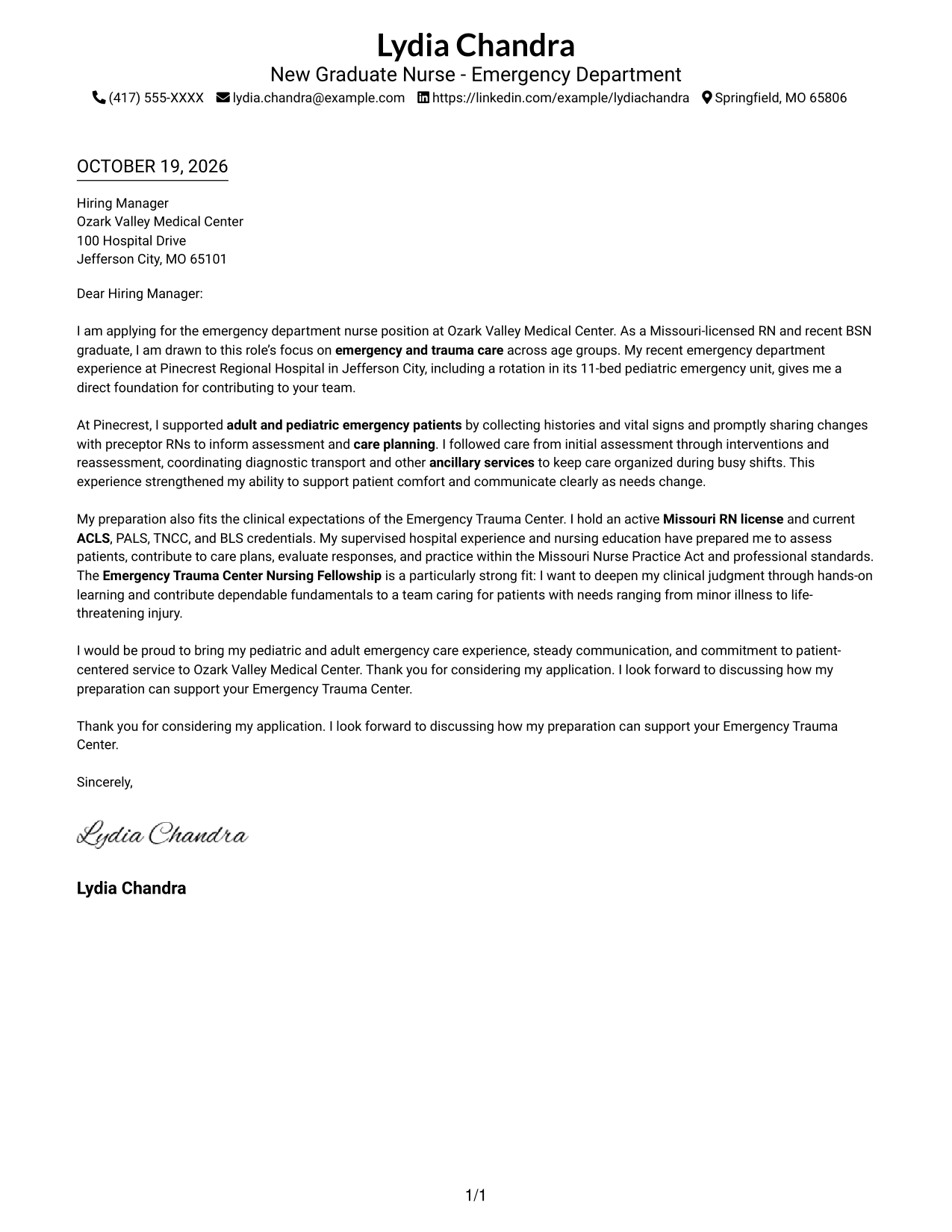
A single-column page keeps sender details in the header and the letter in one direct reading path.
Why This Format Works
- Sender details remain easy to find in the header before the message begins.
- Opening, supporting paragraphs, and closing stay together in one reading path.
- One body column avoids dividing motivation and supporting evidence across parallel areas.
Best For
- Single-column reading preference
- Header-based contact details
- Continuous paragraph flow
- Letters with several supporting paragraphs
- New graduate nursing applications
#2 Two Column Format Cover Letter Example
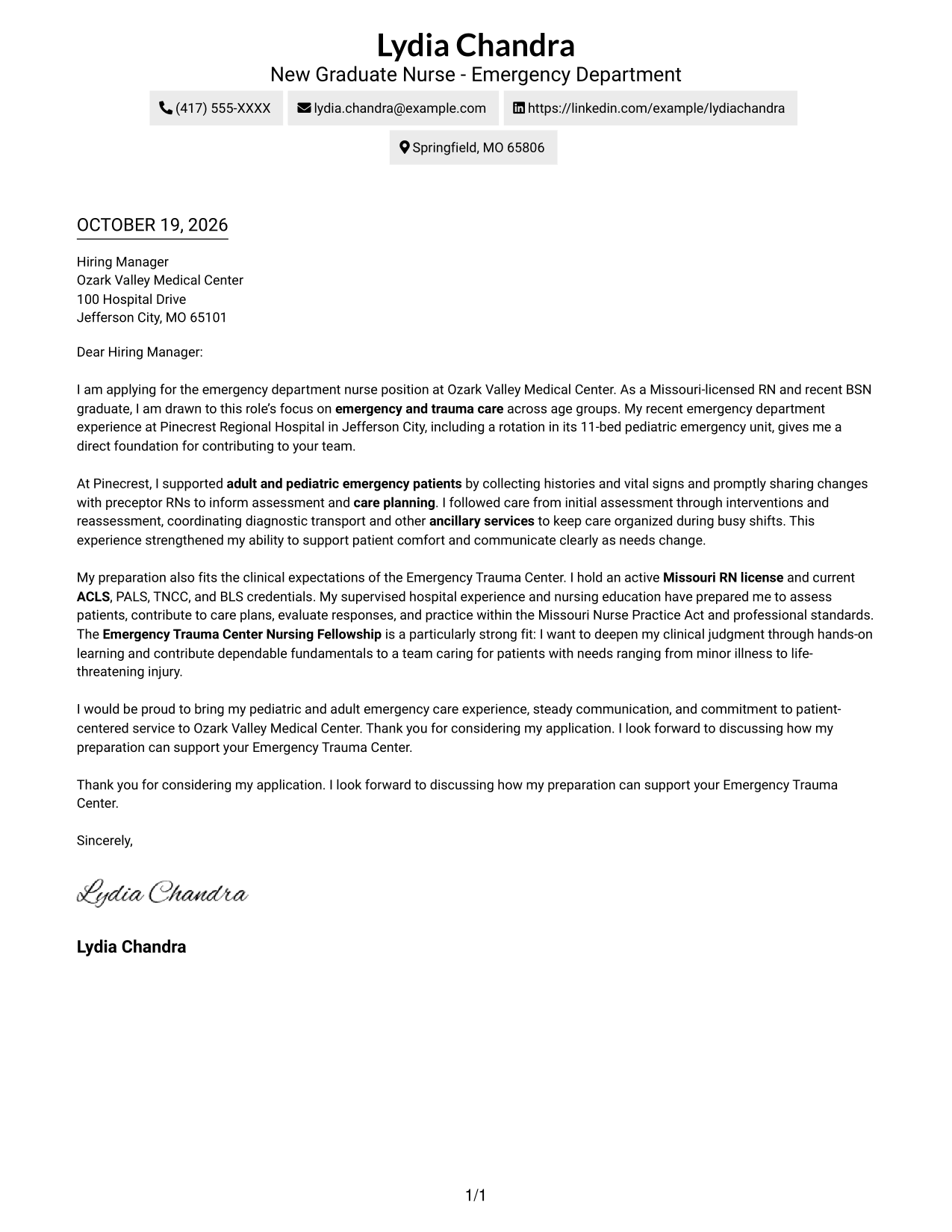
A contact sidebar sits beside the continuous letter body, placing sender details apart from the application message.
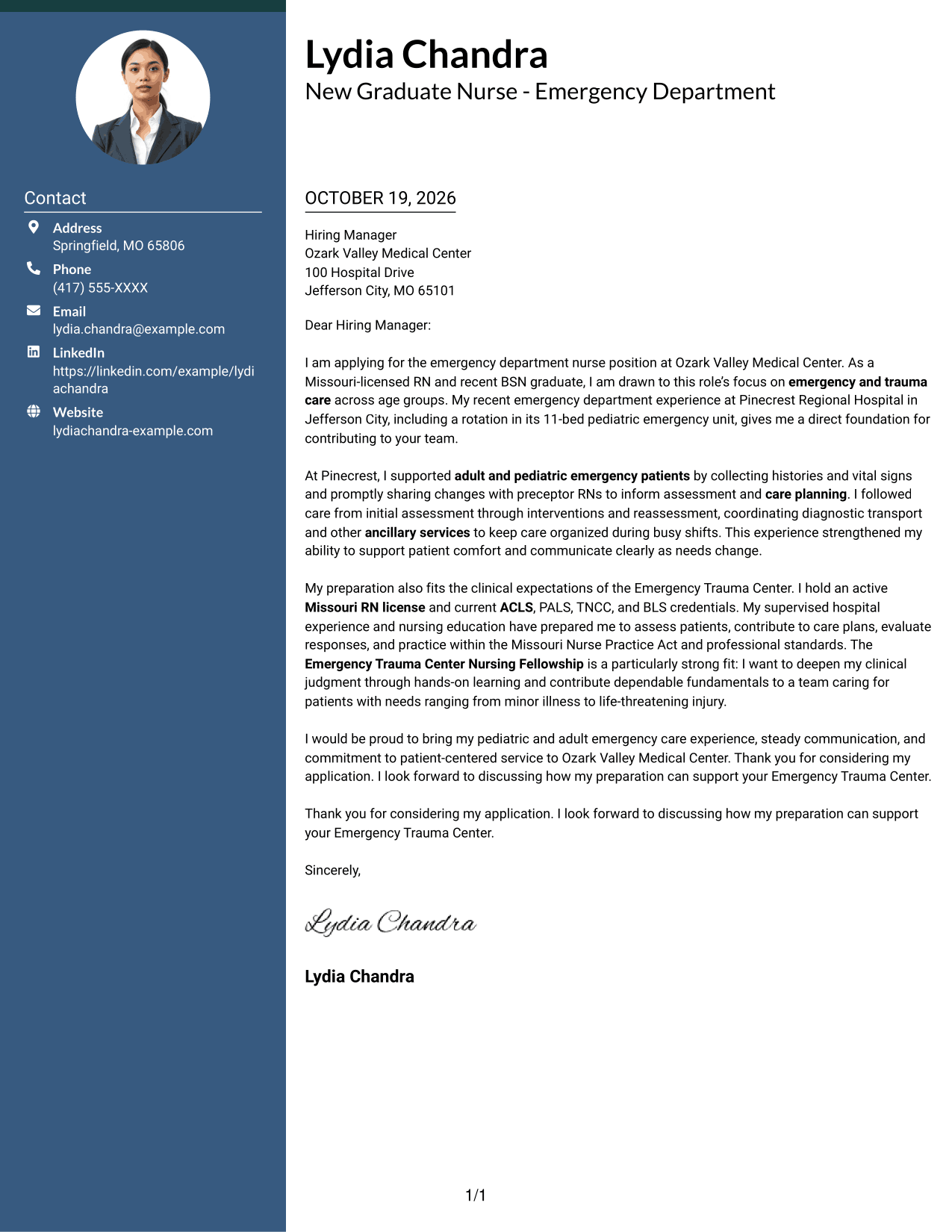
Why This Format Works
- Contact details stay apart from the prose, giving the reviewer a clear reference point.
- Motivation, supporting evidence, and closing remain in one continuous body.
- The sidebar and letter body have distinct roles without splitting the argument.
Best For
- Sidebar-based contact details
- One-body-column letters
- Uninterrupted paragraph prose
- Multi-paragraph application letters
- Emergency department nursing applications
#3 Photo Header Two Column Format Cover Letter Example
The photo header adds a personal visual feature, while the contact sidebar stays separate from the continuous letter body.
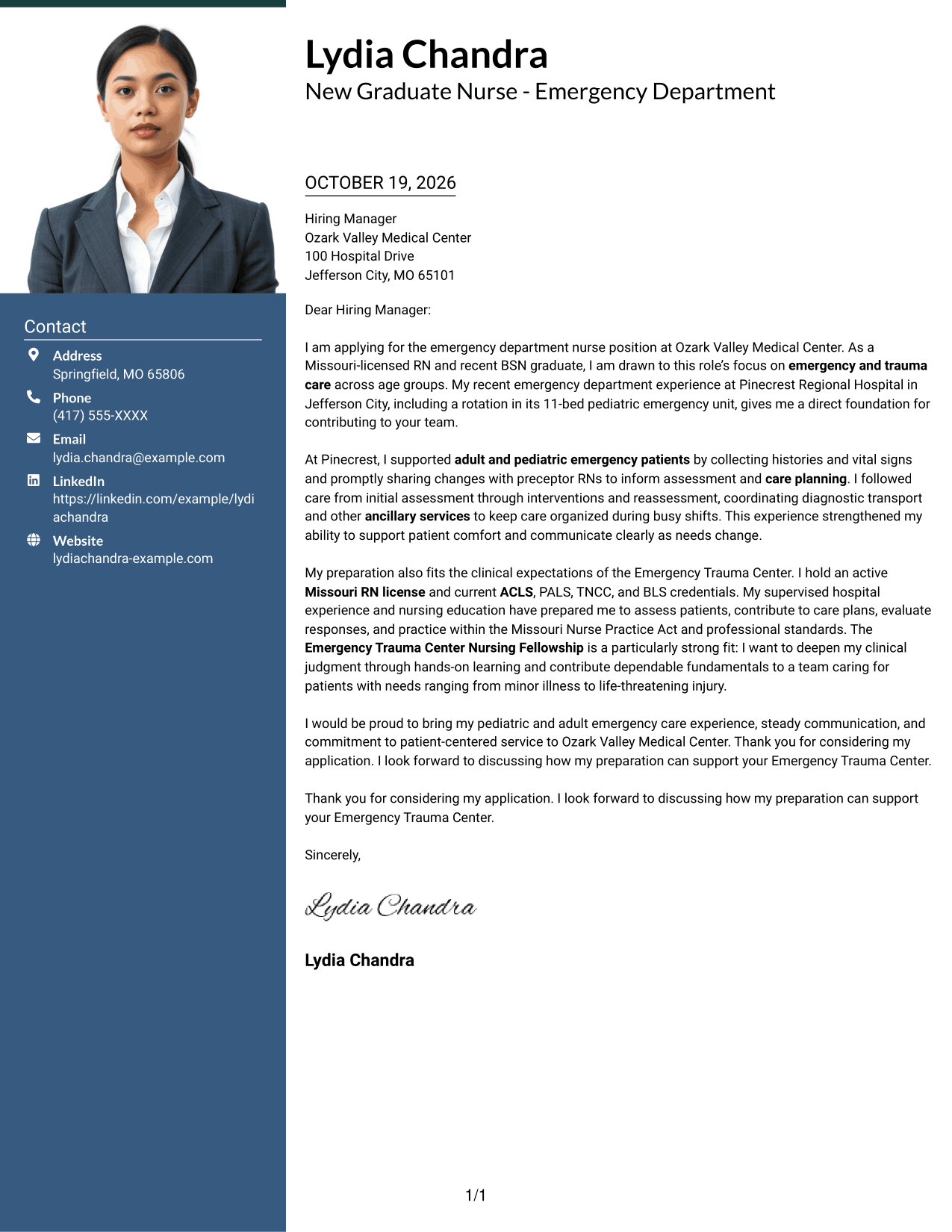
Why This Format Works
- The photo header adds a personal visual feature without changing paragraph order.
- Contact information remains apart from the full letter message.
- One body column keeps motivation and supporting points in sequence.
Best For
- Portrait-led contact presentation
- Sidebar contact details
- Continuous letter paragraphs
- Side-by-side page organization
- Applications with several supporting points
#4 One Column Format with Photo Cover Letter Example
A portrait accompanies the one-column layout, adding a personal visual element while keeping the letter on one reading path.
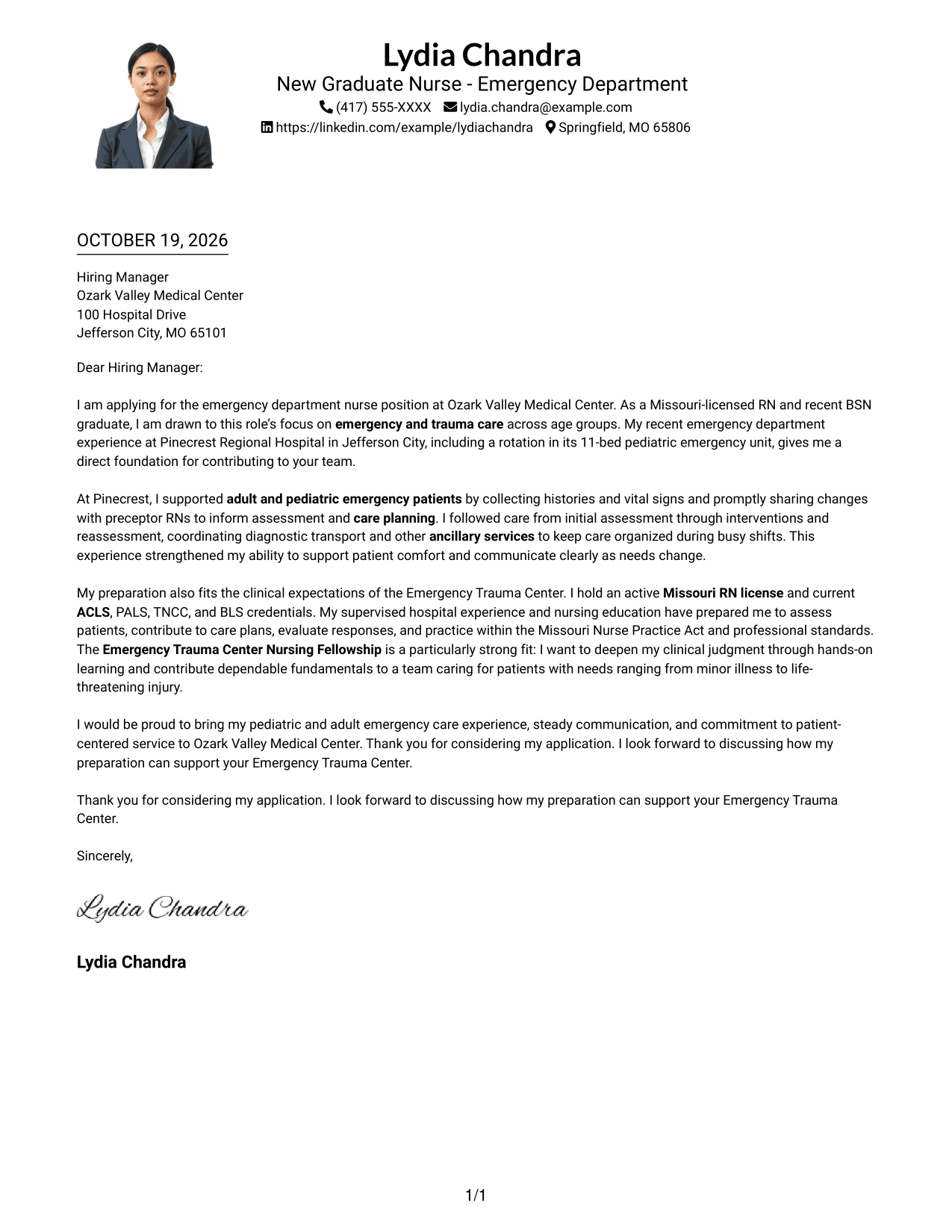
Why This Format Works
- Sender details and paragraphs follow a single vertical reading path.
- Continuous prose lets the opening, supporting points, and closing read in order.
- The portrait adds a personal visual element without becoming a letter section.
Best For
- Portrait-inclusive applications
- Single-column letter reading
- Header-based sender details
- Continuous multi-paragraph letters
- Emergency nursing applications
#5 Simple Two Column Format Cover Letter Example
A contact sidebar and continuous letter body make sender details distinct without dividing the message.
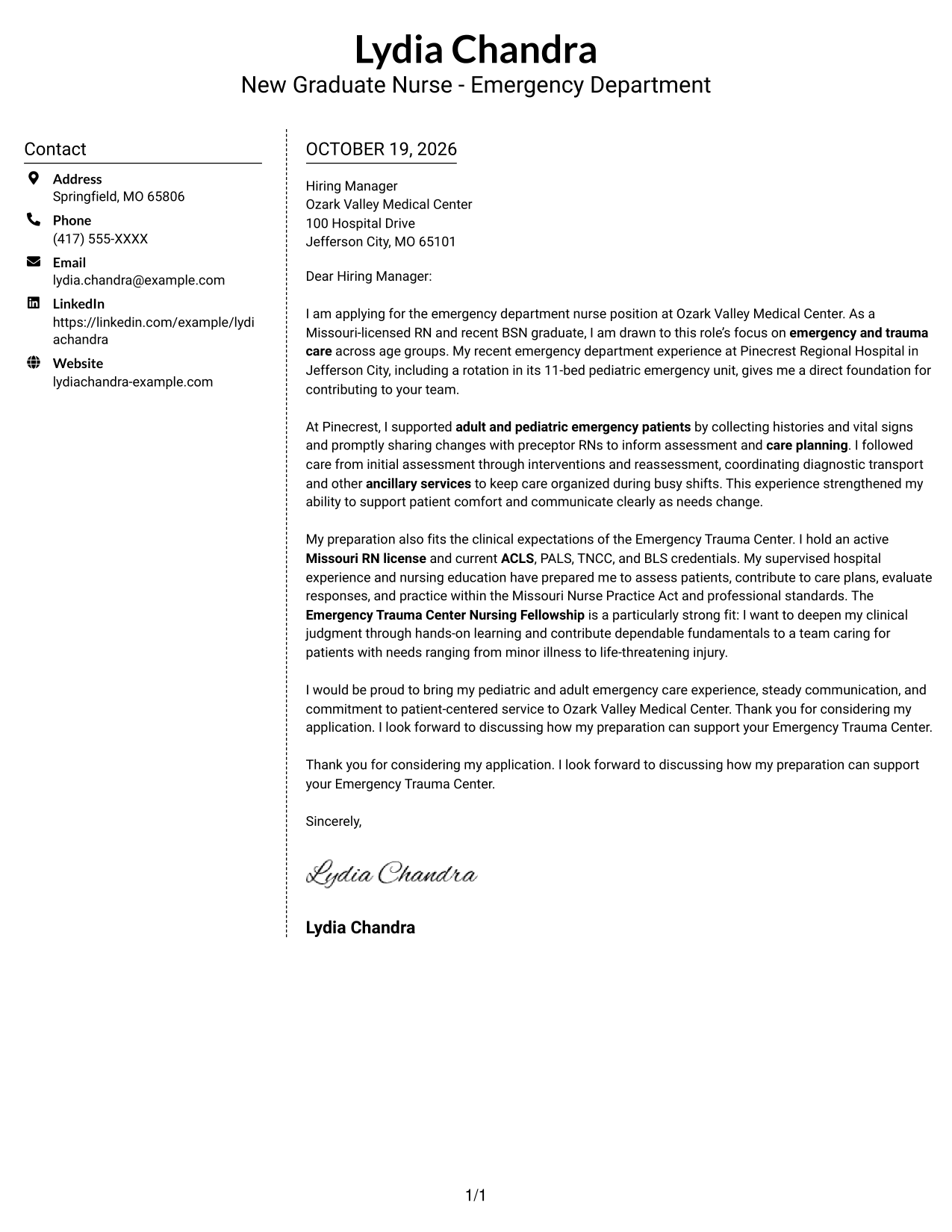
Why This Format Works
- Sidebar placement keeps sender details separate from the application message.
- One continuous body preserves the full argument in paragraph order.
- Two-column organization gives contact information and letter prose distinct spaces.
Best For
- Contact details beside the message
- Continuous letter prose
- Two-column page organization
- Applications with several supporting paragraphs
- Nursing role applications
#6 Modern Icon Format Cover Letter Example
Contact icons give sender details visual cues, while the two-column layout keeps them beside a continuous letter body.
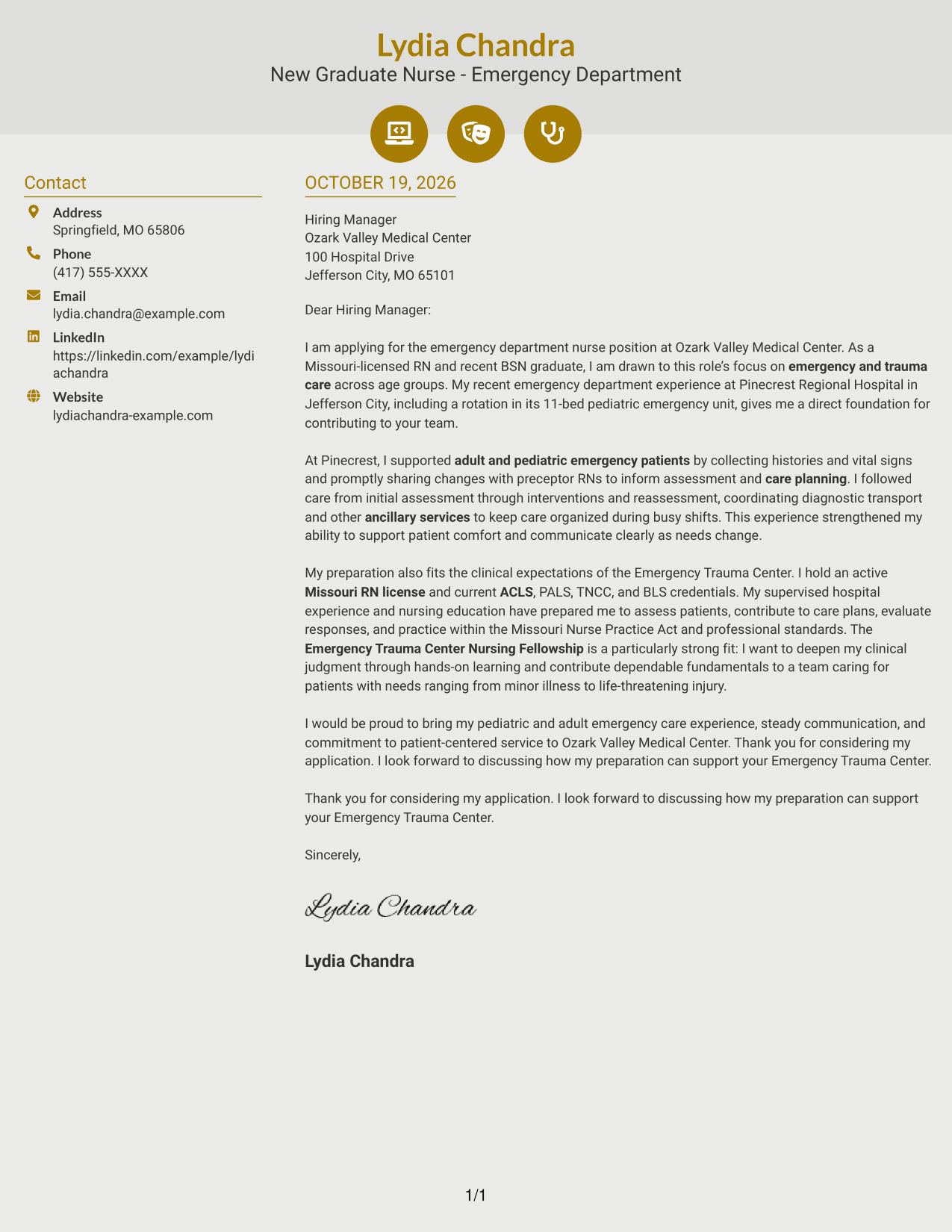
Why This Format Works
- Contact icons make sender details visually distinct from the letter.
- Separate columns keep contact information beside, not inside, the message.
- Continuous paragraphs preserve the letter's natural opening-to-close sequence.
Best For
- Icon-marked contact details
- Two-column page layouts
- Uninterrupted letter paragraphs
- Applications with several supporting points
- Readers who prefer visual contact cues
#7 Creative Two Tone Format Cover Letter Example
The two-column arrangement places contact details alongside, not within, the uninterrupted letter body.
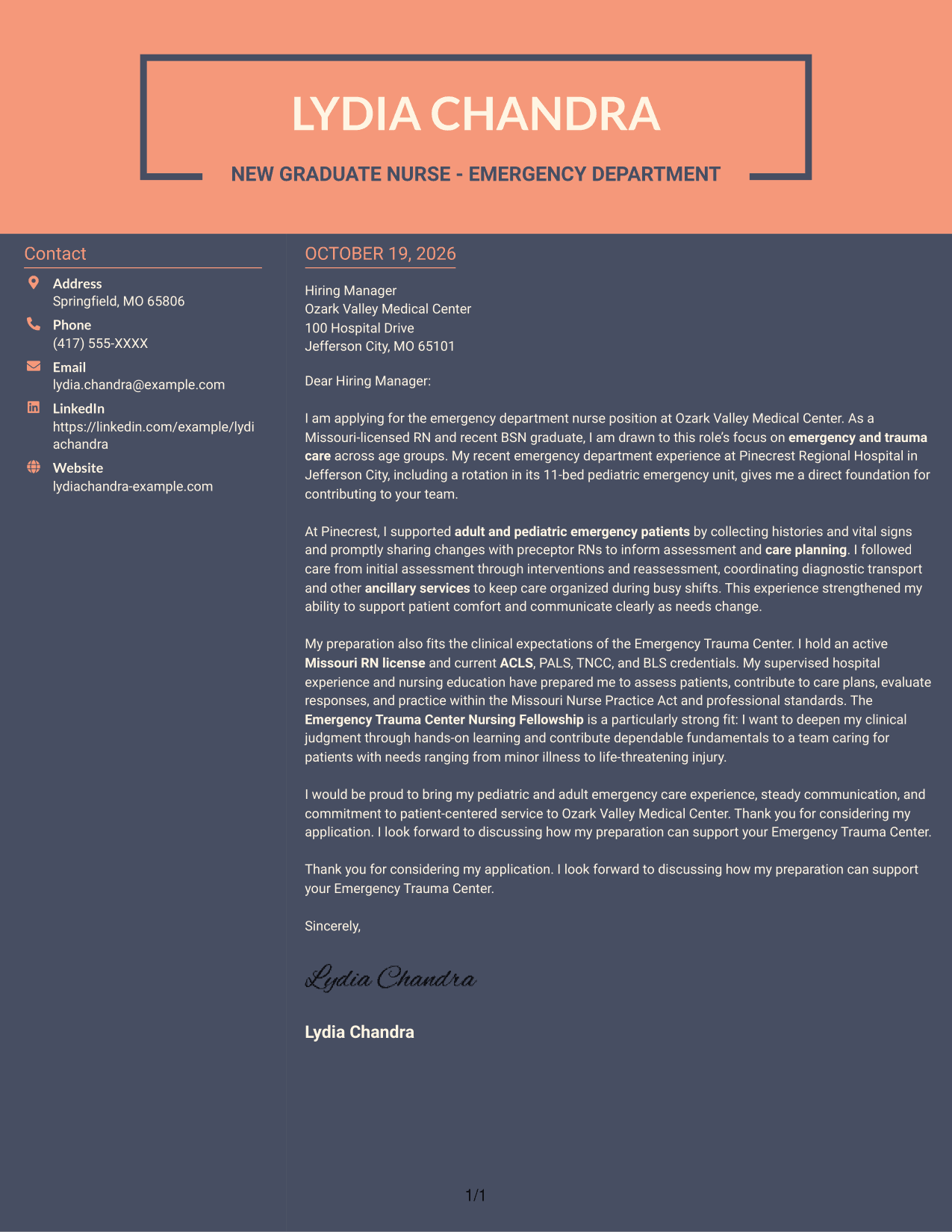
Why This Format Works
- Contact details occupy a sidebar, leaving the letter body in its own column.
- Opening, supporting points, and closing remain part of one continuous message.
- Separate body and contact areas give readers a clear page structure.
Best For
- Contact details in a sidebar
- Continuous message flow
- Two-area page organization
- Letters with multiple supporting points
- Applications favoring separate sender information
See Also
- 7 New Graduate Emergency Department Registered Nurse (RN) Resume Templates with Example
- 7 New Graduate Nurse - Emergency Department Resume Templates with Example
- 7 New Graduate Critical Care Nurse (RN) Resume Templates with Example
- 7 New Graduate Licensed Practical Nurse - Pediatric Home Health Resume Templates with Example
- 7 New Graduate Registered Nurse - Pediatric Behavioral Health Resume Templates with Example
- 33 New Grad Registered Nurse Resume Templates with Example 2026 (ATS-Optimized)
- 7 Graduate Nurse - MedSurg Resume Templates with Example
- 7 Graduate Nurse - Neurology Stepdown Resume Templates with Example
- 30+ New Grad Registered Nurse Cover Letter Templates with Example 2026
- 7 Graduate Nurse - MedSurg Cover Letter Templates with Example
Frequently Asked Questions
What should a New Graduate Nurse - Emergency Department cover letter include?
Explain your interest in emergency and trauma care, then give a clear example of relevant supervised patient care. You can also connect your preparation, current credentials, communication, and interest in the Emergency Trauma Center Nursing Fellowship to the role.
How can I show clinical experience in my cover letter?
Describe a specific situation and your part in it. For example, explain how you gathered histories and vital signs, shared changes with preceptor RNs, or helped coordinate diagnostic transport and reassessment.
How should I explain my interest in the Emergency Trauma Center Nursing Fellowship?
Say what you hope to learn through hands-on training and how you would contribute dependable fundamentals while developing clinical judgment. Keep the reason specific to emergency trauma care and the role.
Which cover letter layout should I choose?
Choose a clear layout that makes your opening, clinical example, role fit, and closing easy to follow. Compare the image previews, then open an example in the editor to view or customize its presentation.
How can a new graduate make an emergency nursing cover letter persuasive?
Use direct language and evidence from supervised clinical experience. Show how you communicate changes, support patient comfort, work with the care team, and want to keep building sound clinical judgment.




